Custom CSS & JS – Free code editor in the PrestaShop panel
- 1.7.5 + | 8.x | 9.x
- PL, EN
- 1.0.0
- 2026-07-01
PP Custom CSS & JS is a free and highly practical module for every PrestaShop administrator. It allows you to instantly add your own CSS styles and JavaScript scripts directly from the shop management panel – without logging into an FTP server and without the risk of editing theme files.
Thanks to the built-in mini-editor with syntax highlighting, managing your website's appearance and integrating external tools (such as Google Analytics, advertising pixels, or live chats) becomes simple, fast, and secure.

Information Parameters:
- 1.0.0
-
Store Version PHP Version1.7.5 + 7.1 – 7.48.x 8.1 – 8.39.x 8.1 – 8.5
- 2026-07-01
- PL, EN
- ✅
- ✅
- ✅
- ✅
- ❌
Key benefits for your store
- 100% Free – a professional, premium-class tool that you receive entirely free of charge.
- Quick fixes without a developer – change the appearance of elements or add scripts in seconds, saving time and tech support budget.
- Work directly in the Back Office – forget about searching for FTP passwords. Configure everything in one convenient place within the administrator panel.
- Safe for the shop engine – the module does not overwrite the PrestaShop core. Your modifications are secure and will not disappear during engine or theme updates.
- All custom codes in one place – end the chaos of searching through `.tpl` files to find where a specific tracking script was pasted.
Main applications
This module is indispensable for everyday store management. It is ideal for quickly pasting analytical and marketing codes (Google Analytics, Meta Pixel, Hotjar), implementing seasonal visual tweaks (e.g., changing button colours for Black Friday), or hiding broken layout elements using simple CSS rules.
Features – Administrator Panel (Back Office)
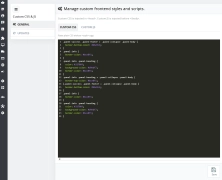
1. Convenient mini code editor
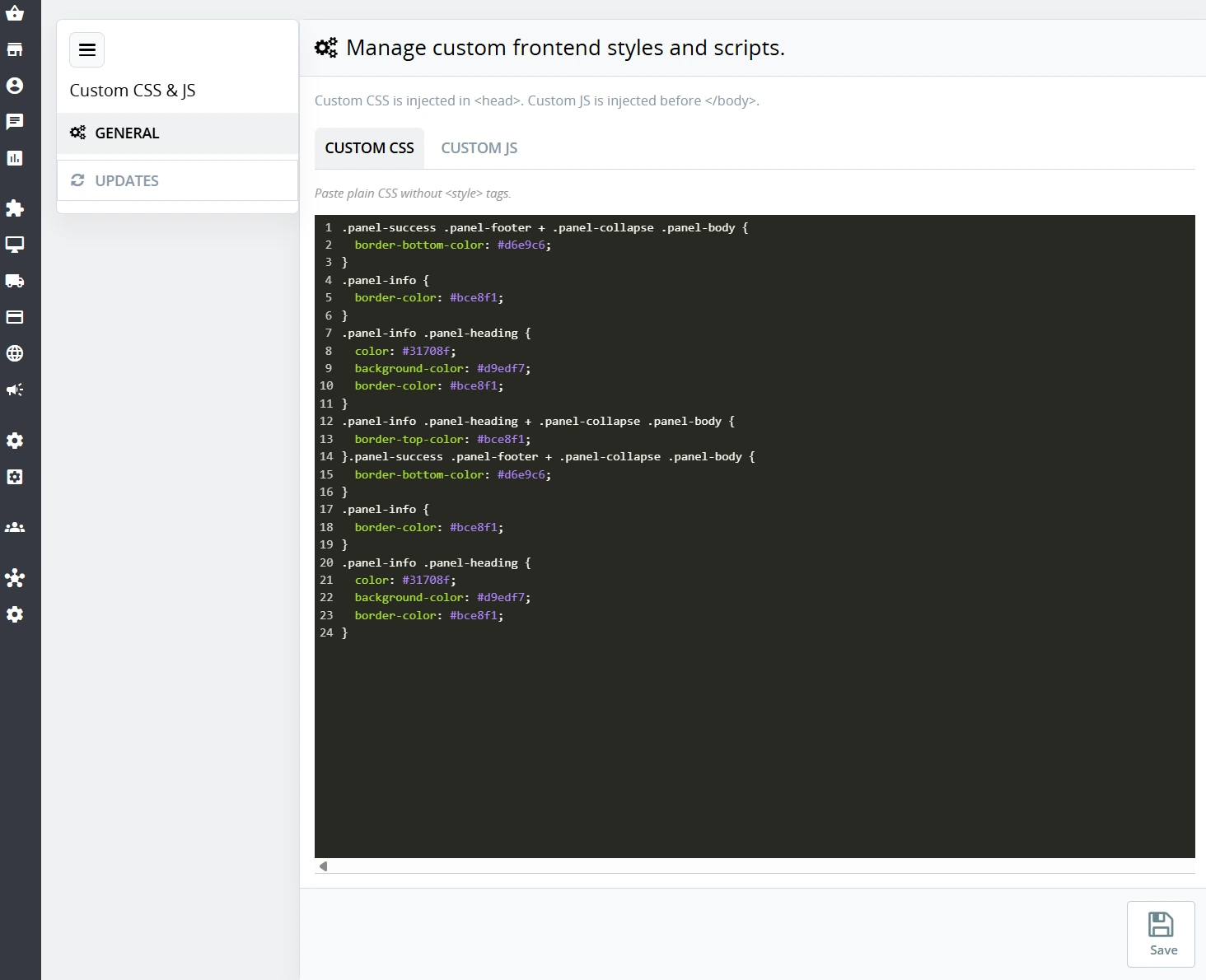
Work on dedicated Custom CSS and Custom JS fields with the comfort of a proper programming editor.
- Automatic syntax highlighting for effortless code reading.
- Line numbering and helpful bracket auto-closing to prevent syntax errors.
- Clean and clear text field layout.
2. Stable and secure saving
The system ensures that the code you enter is saved exactly as it was pasted, protecting it from data corruption.
- Protection against the system stripping out essential special characters (such as curly brackets in CSS).
- Clear, colour-coded messages informing you of a successful save or an error.
3. Updates Tab
A built-in section that ensures you always know you are using the latest, most secure version of the tool.
- Quick preview of the module's current status.
- Information about new features and improvements available at a glance.
Operation on the store front (Front Office)
1. Proper CSS style loading
The entered CSS code goes automatically into the <head> section. This ensures new styles load instantly when the page opens, eliminating the ugly "blinking" effect of an unstyled template.
2. Optimal JS script embedding
JavaScript scripts are securely injected at the very bottom of the page (before the </body> tag). This is a web performance best practice – ensuring scripts do not slow down the loading of your store's primary content.
3. Duplicate script protection
An intelligent internal mechanism ensures that a given script runs on the page exactly once, preventing code conflicts and reducing the load on the customer's browser.
Impact on SEO and store flexibility
The module allows you to react instantly to market demands. Need to urgently test a new review widget or fix an element alignment issue on smartphones? You can do it yourself, right away. Properly embedding JavaScript code at the bottom of the page supports optimal site loading speed, which is highly valued by Google robots for SEO rankings.
Important information
This module offers great flexibility, so please remember to only paste codes and scripts from verified, trusted sources. Before introducing major visual changes, it is always recommended to test the code in a secure staging environment or to perform a full backup.
## [1.0.2] - 2026-08-13

### Added

- Separate builds for PrestaShop 1.7.5+, 8.x and 9.x.
- Admin layout with General and Updates sections.
- Module update checker in Back Office.

### Changed

- Distribution docs: UNPACK FIRST package selection (ps17 / ps8 / ps9).

## [1.0.0] - 2026-02-17

### Added

- Initial release of the module.
You might also like




FAQs
-
Where can I enter custom CSS and JavaScript code?
The module provides separate Custom CSS and Custom JS fields in the back office. According to the product description, they include code-editing conveniences such as syntax highlighting, line numbering and bracket-closing assistance.
-
Are the modules compatible with my version of PrestaShop?
Each module in our store contains information about compatibility with specific PrestaShop versions. Please check this information carefully before purchasing. If you are not sure, contact us.
-
Where on the page is custom CSS loaded?
CSS code saved in the module is automatically placed in the page’s
<head>section. According to the product description, this lets styles load when the page opens and reduces the visible flash of temporarily unstyled interface layout. -
Where does the module insert custom JavaScript scripts?
JavaScript scripts are injected at the bottom of the page, before the closing
</body>tag. This arrangement is described as a way to avoid blocking the loading of the main page content while additional scripts are started. -
Does the module prevent the same script from running multiple times?
Yes. The product description indicates an intelligent mechanism designed to ensure that a given script runs only once on a page. This reduces the risk of conflicts caused by duplicate code and unnecessary load on the visitor’s browser.
-
Do custom modifications require editing theme files?
No. The module is designed for entering code from the Back Office without searching for template files via FTP. The product description also states that it does not override the PrestaShop core, so saved modifications remain separate from engine or theme updates.
16 other products in the same category:
- Discount
Price available only until: 11.10.2026
Megamenu Builder PrestaShop – Navigation Creator (Atomic Cache Technology)
Change the way customers navigate your store. PP Megamenu is an advanced navigation builder that combines Premium design with uncompromising performance. Thanks to our...

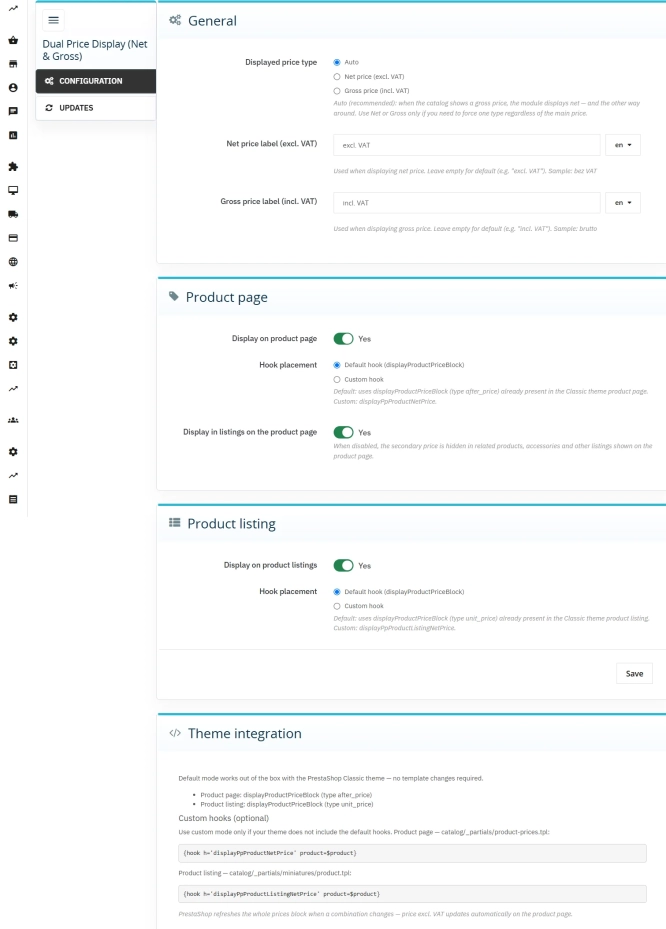
Dual Price Display (Net & Gross) — Alternative Price Displayed Automatically
Dual Price Display (Net & Gross) does the heavy lifting for you: it automatically checks which price is currently active in your shop and instantly displays the other...

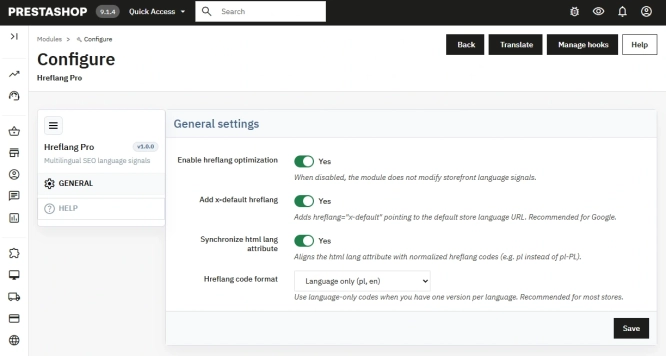
Hreflang and X-Default Normalisation for PrestaShop
Hreflang Pro solves the issue of directing shoppers to the wrong language version of your store (for instance, when a local customer lands on a foreign-language page from...
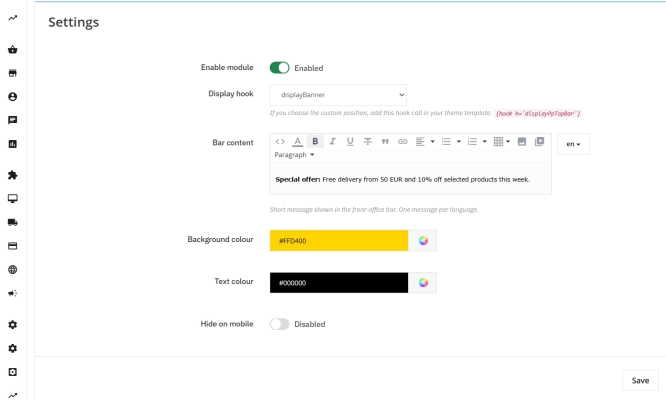
Information and Announcement Bar for PrestaShop (Free Edition)
PP Top Bar is a lightweight and intuitive module that lets you add an eye-catching information bar to the top of your shop in just a few seconds. Inform your customers...

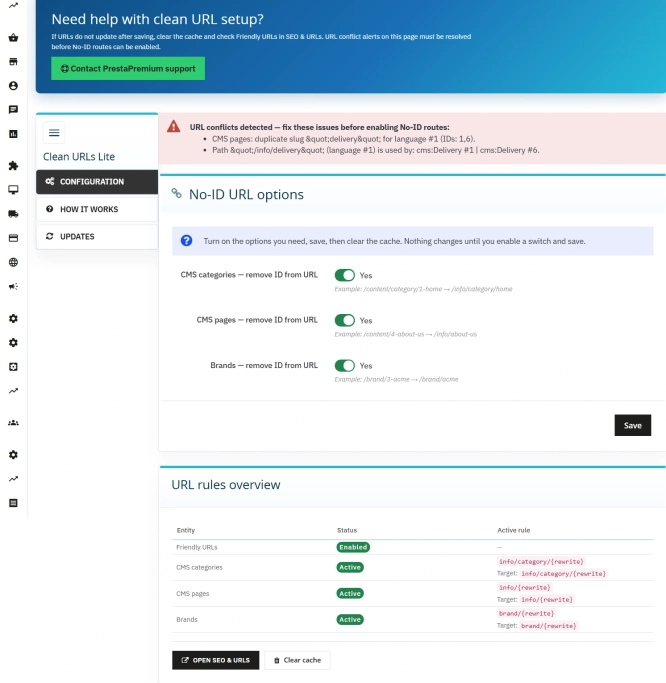
Remove ID from URLs (CMS, Brands) PrestaShop [Free]
The free Clean URLs Lite module modifies native PrestaShop routing by removing numeric identifiers (IDs) from CMS page, CMS category, and brand (manufacturer) URLs. It...
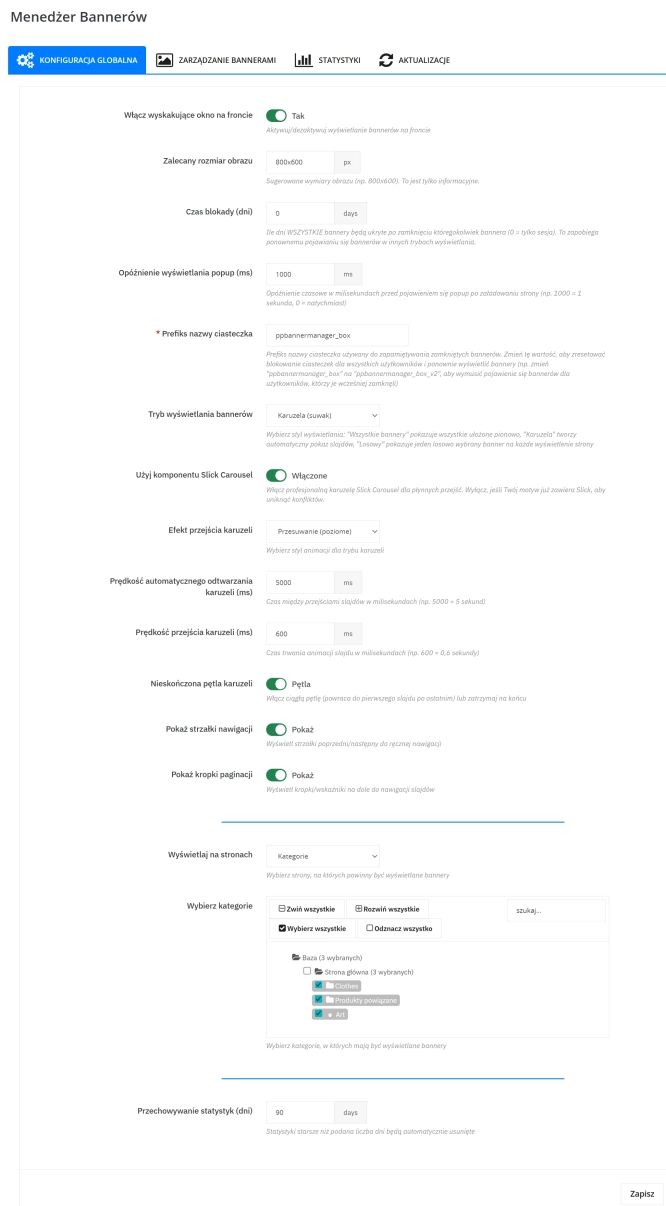
Banner Manager – Highlight promotions, new arrivals and important messages precisely when the customer is most engaged in shopping. Instead of hiding your message in page...
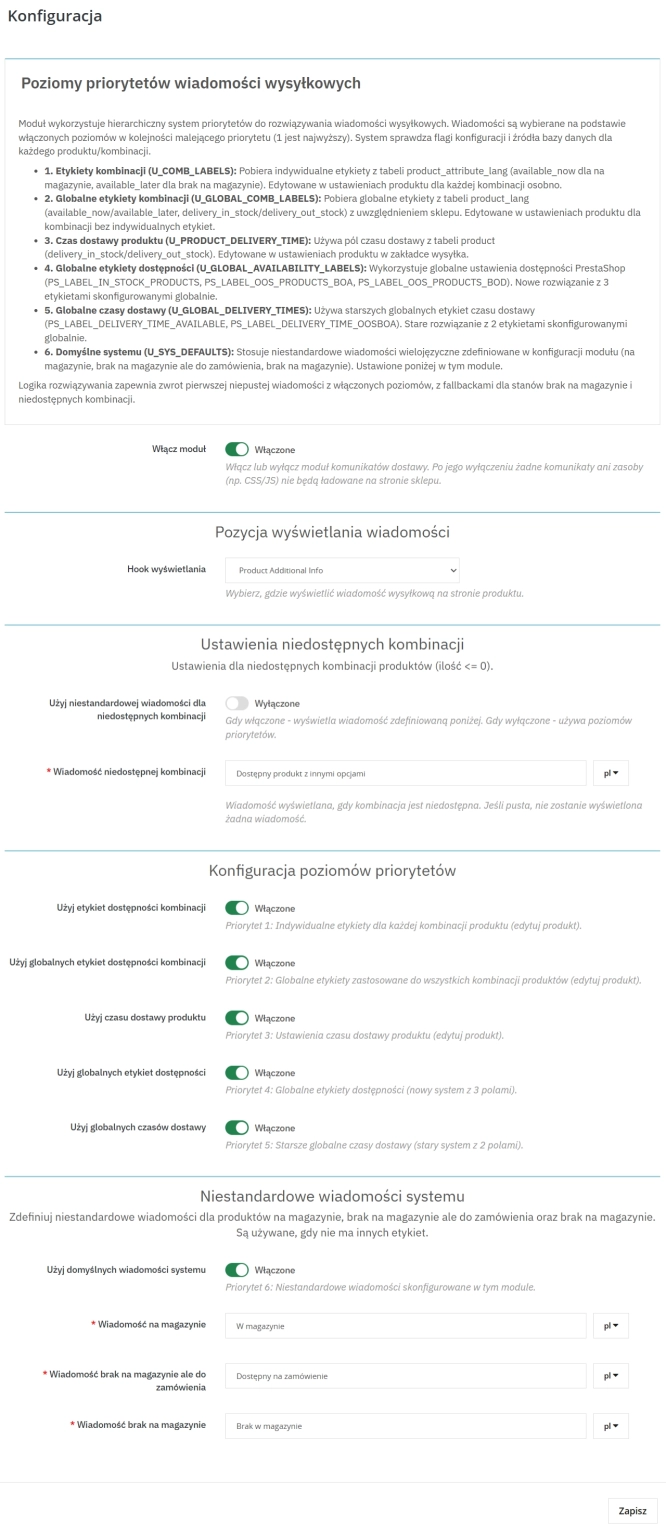
Product Availability Labels for Products and Combinations in PrestaShop
A PrestaShop module for advanced management of product and combination availability labels . It supports multiple rule levels (global, product, combination), allows message...
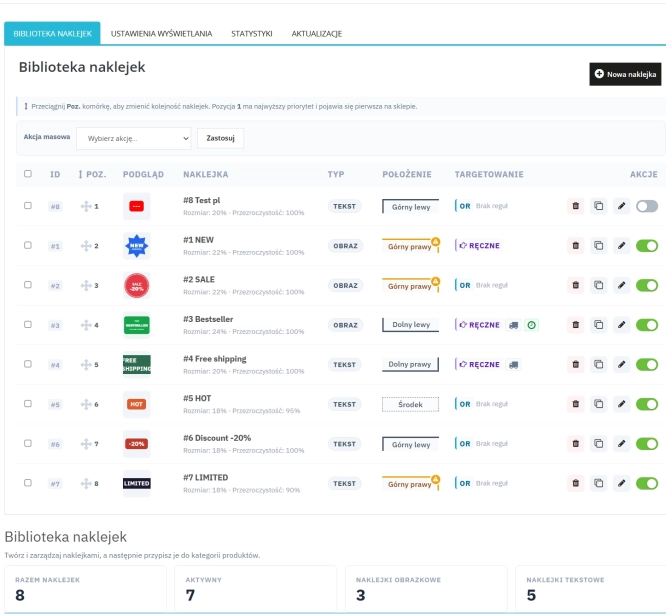
Dynamic Product Labels and Stickers for PrestaShop
The PP Product Stickers module is designed for automated product labelling in your store using graphic and text stickers. The tool allows you to implement clear sales...

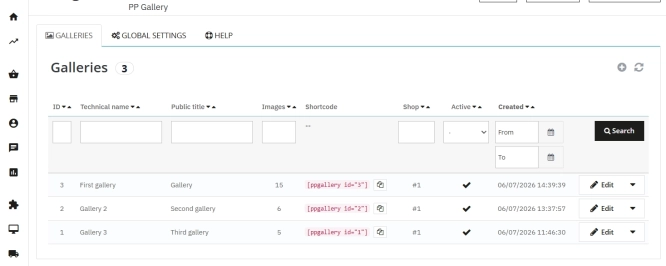
PrestaShop Gallery Management – Shortcode Module
Looking for a better way to showcase images in your store? Advanced Image Gallery for PrestaShop is a purpose-built module that lets merchants create, edit, and embed...
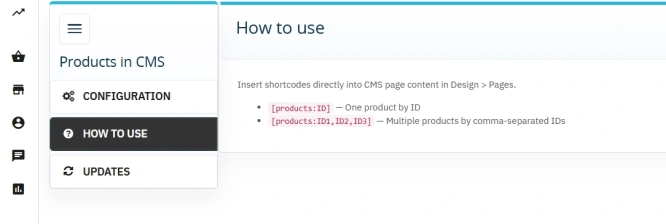
Products on CMS Pages for PrestaShop — Shortcode (Free)
PP CMS Products (Free) is a free PrestaShop module for displaying products on CMS pages. Insert a shortcode in your page content, e.g. [products:12] — the module...
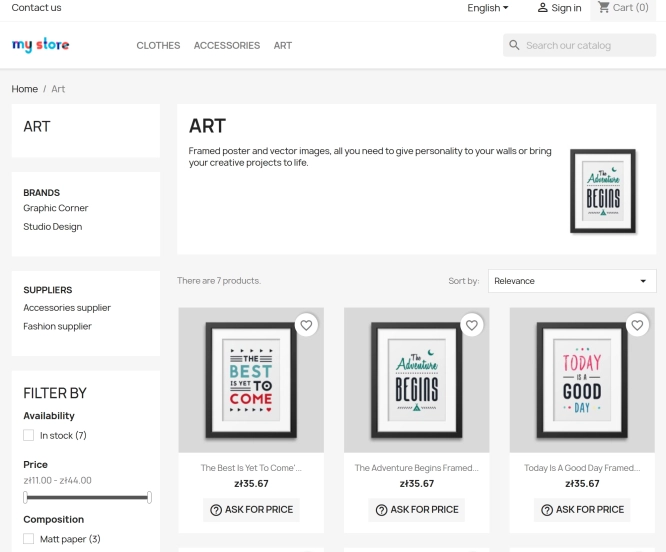
Ask about product / price (PRO)
Ask about product / price (PRO) is an advanced PrestaShop module that adds an enquiry form on the product page and directly on the product list (categories, homepage,...

- New
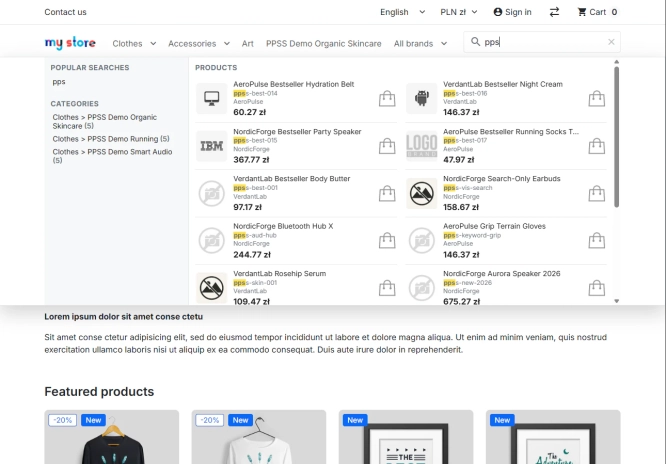
Smart Product & EAN Search Module for PrestaShop
Replace PrestaShop’s default text search bar with a live suggestions panel featuring product cards, categories, and brands. An advanced search engine uses its own index...
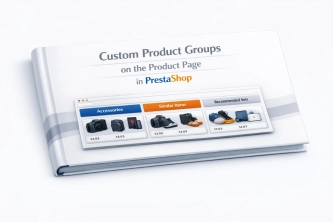
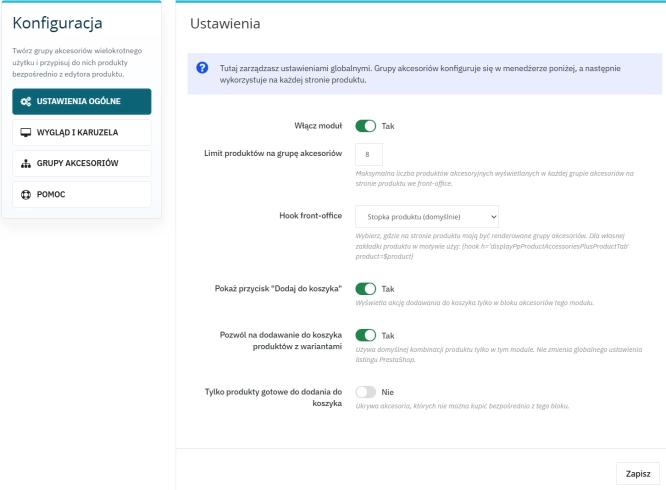
Custom Product Groups on the Product Page in PrestaShop
With Product Accessories Plus , you can create any product groups you need , set their order, and display them directly on the product page in your PrestaShop shop. You...

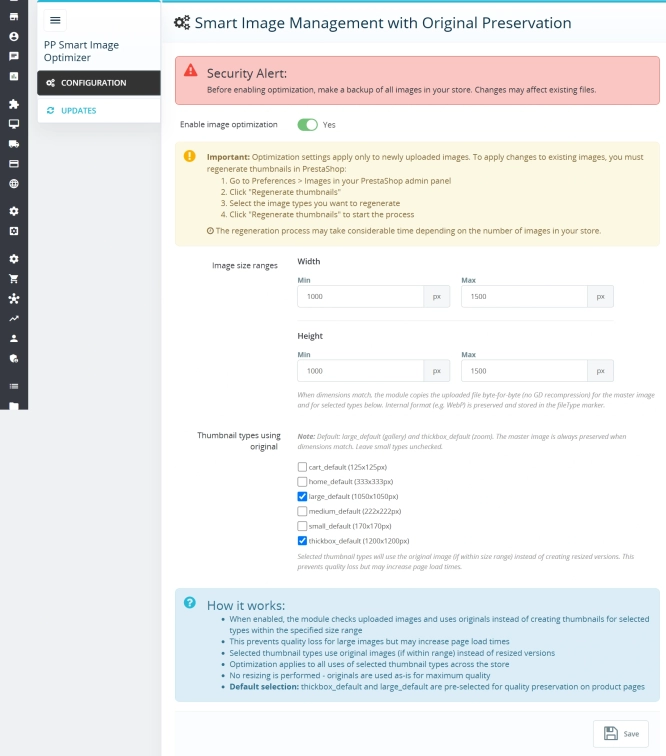
Smart Image Optimiser — Lossless Quality and Perfect PrestaShop Product Images
Smart Image Optimizer is an advanced tool that effectively eliminates the problem of automatic, lossy recompression of graphics files by PrestaShop's engines (GD/Imagick)....

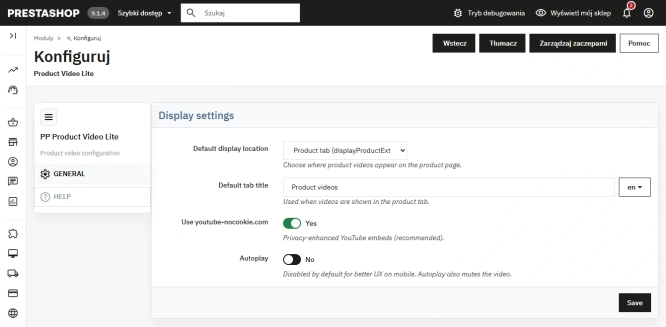
Free PrestaShop Video Module (YouTube & Vimeo)
Product Video Lite is a free and exceptionally lightweight module that allows you to assign an unlimited number of YouTube and Vimeo videos to your products. Instantly...

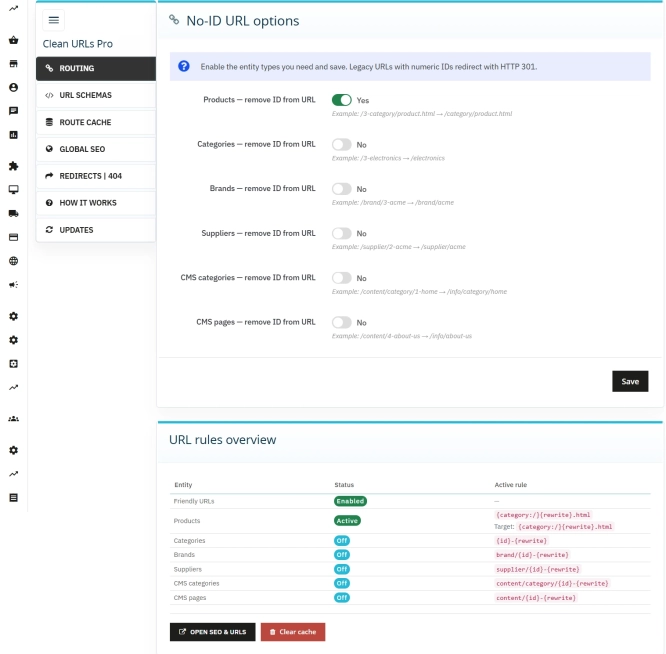
Clean URLs Pro – remove IDs from PrestaShop URLs
Clean URLs Pro removes numerical IDs from product, category, CMS category, CMS page, brand, and supplier URLs — without core modifications and with zero overrides. Simply...
Do you need additional features or custom solutions?
- Module customisation tailored to your specific requirements.
- Extending functionality to enhance your store's capabilities.
- Developing bespoke modules designed to meet your unique needs.
- Integrating external systems and additional tools.
- Optimisation and improvements for better performance and user experience.
Do you have ideas on how to improve this software? Share your suggestions for optimisation, new features, or bug reports – we’ll be happy to review them!