Smart Product & EAN Search Module for PrestaShop
PP-M074S
- 1.7.5 + | 8.x | 9.x
- EN, FR, IT, DE, PL, ES
- 1.0.7
- 2026-10-08
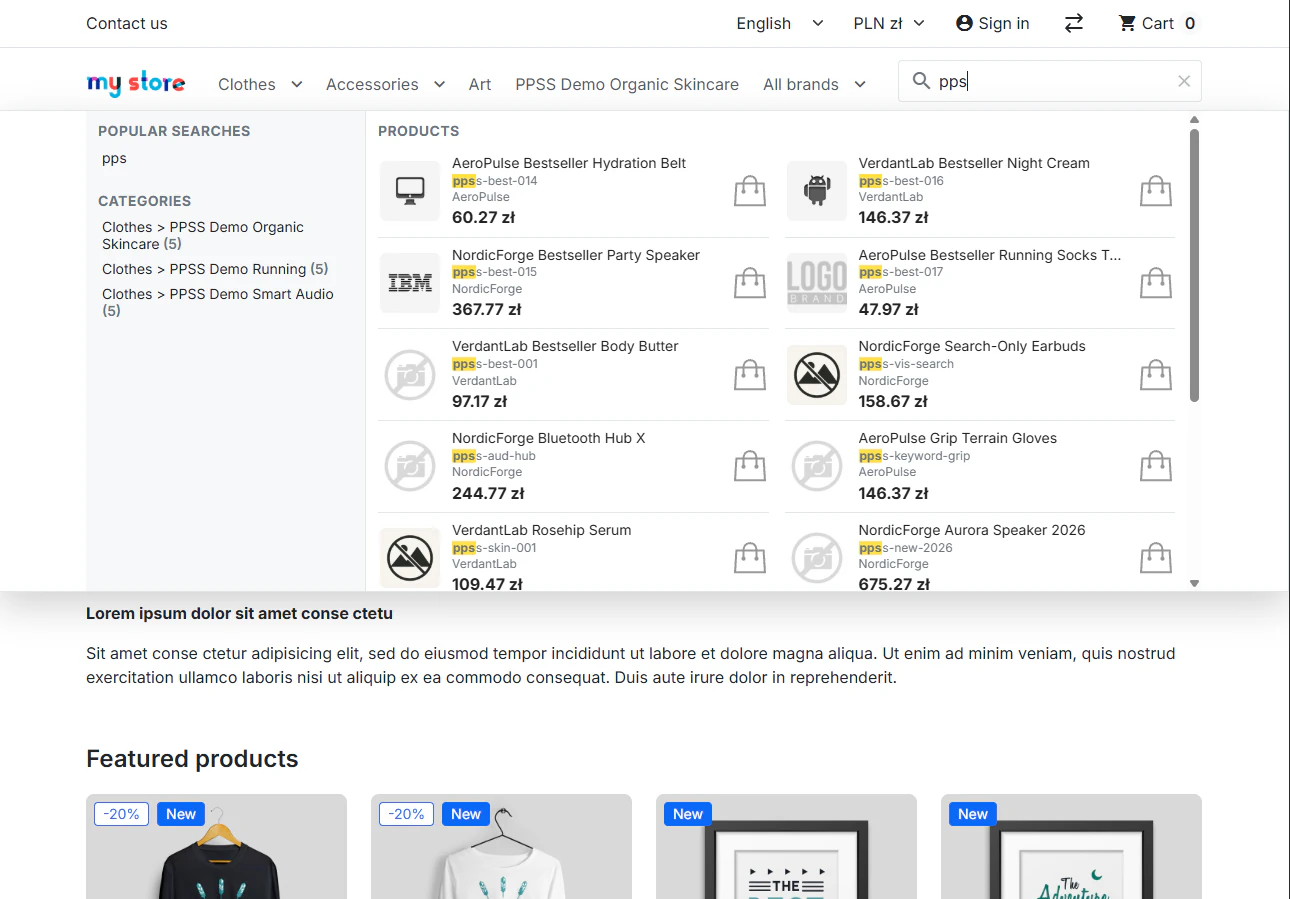
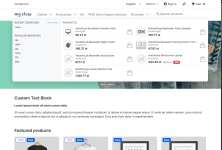
Replace PrestaShop’s default text search bar with a live suggestions panel featuring product cards, categories, and brands. An advanced search engine uses its own index and a dedicated matching engine to precisely select displayed products—prioritizing exact matches, EAN/Reference codes, popularity, and promotions.
It improves finding the right products in the catalog, works smoothly on mobile devices, and requires no theme file modifications.


- New

74.10 €
Tax excluded
Information Parameters:
- 1.0.7
-
Store Version PHP Version1.7.5 + 7.1 – 7.48.x 8.1 – 8.39.x 8.1 – 8.5
- 2026-10-08
- EN, FR, IT, DE, PL, ES
- ✅
- ✅
- ✅
- ✅
- ❌
- demo.admin.shop
- demo.front.shop
Why Replace the Native PrestaShop Search?
The standard ps_searchbar module offers basic word matching and a plain text dropdown list. This search module introduces a modern instant search panel, overcoming key limitations of native PrestaShop search:
- Visual Instant Search instead of plain text: Rather than basic text autocomplete, shoppers instantly see product thumbnails, prices, SKU/EAN codes, and direct links to product pages or Add to Cart buttons.
- Advanced Result Ranking & Relevance: Boost top sellers from the last 90 days, new arrivals, and discounted items. Out-of-stock products are automatically pushed to the bottom or hidden from search suggestions.
- Precise B2B Search (EAN / Reference): Entering an exact SKU or EAN code instantly places the matching product at the very top of the suggestions—ideal for wholesale and B2B customers.
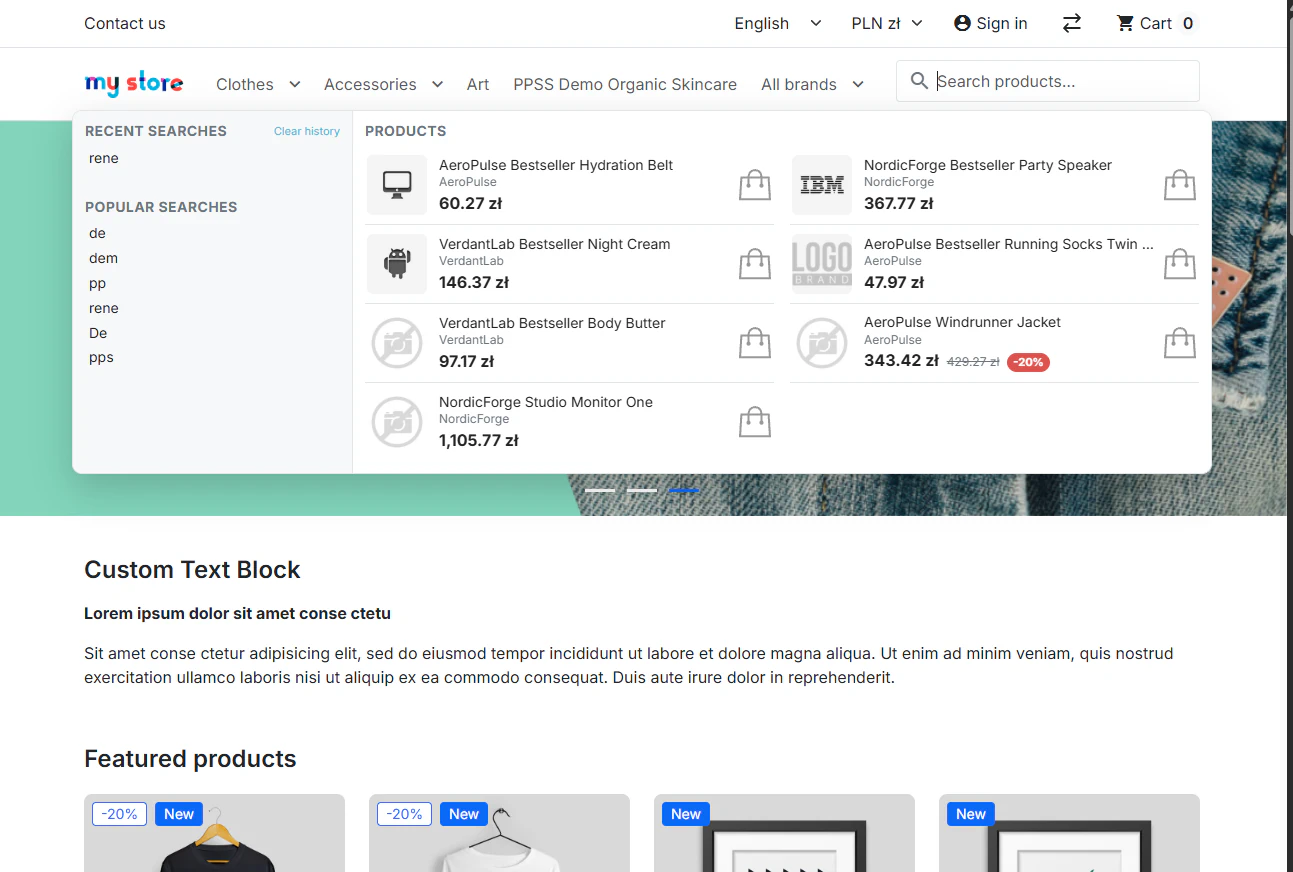
- Zero-State Search Suggestions: Clicking the search bar before typing immediately displays featured items (e.g., top sellers or new arrivals) alongside the customer's recent search history.
Performance & Architecture (For Administrators)
Engineered for high performance, zero Core file overrides, and full independence from native PrestaShop indexing.
- Compatibility: Dedicated, optimized packages for PrestaShop 1.7, 8.x, and 9.x environments.
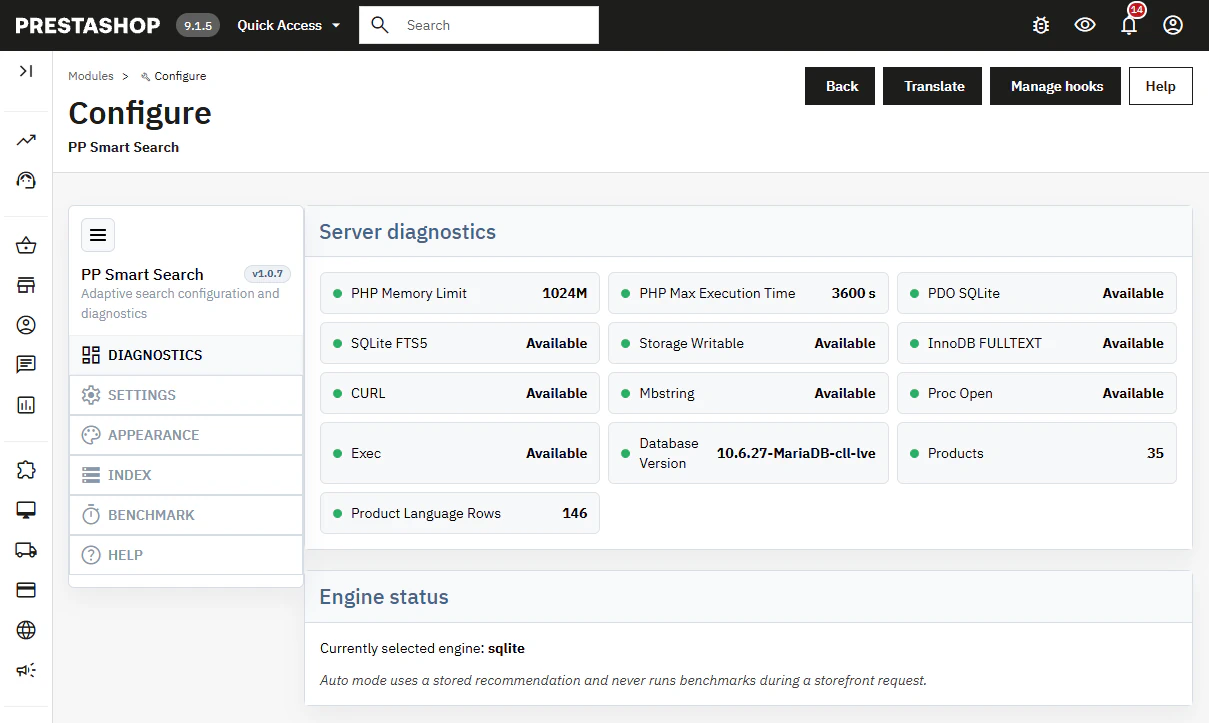
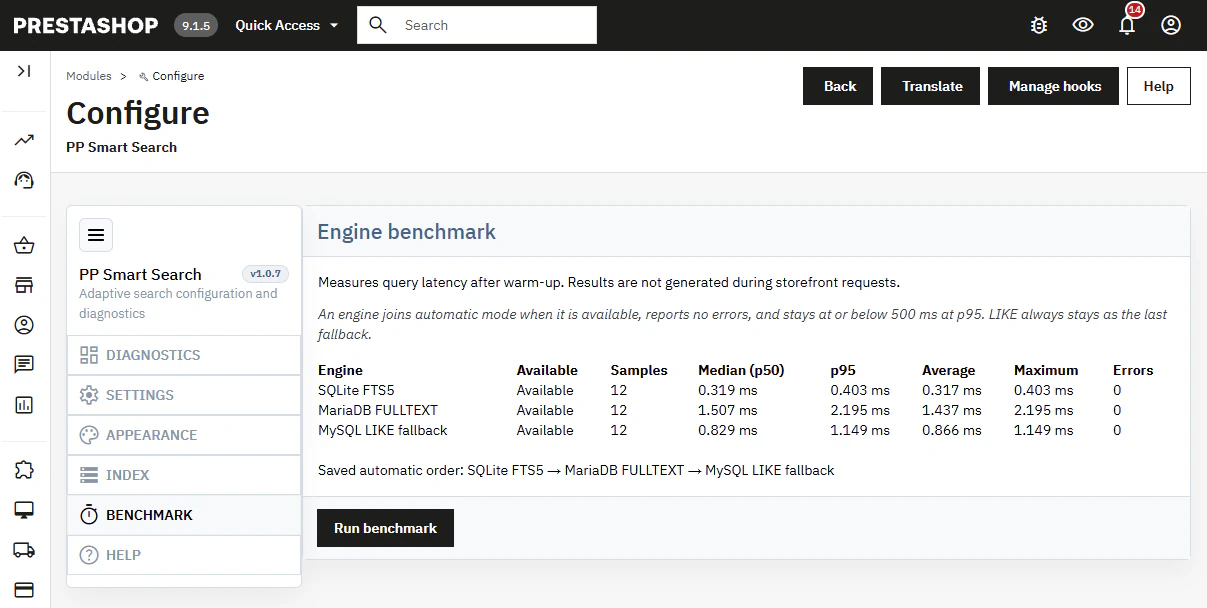
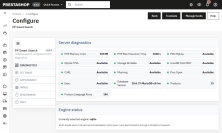
- Three Search Engines: Automatic mode selects the fastest available server engine (SQLite FTS5, MariaDB FULLTEXT) with a MySQL LIKE fallback. Server diagnostics and latency testing run exclusively in the Back Office without affecting storefront load times.
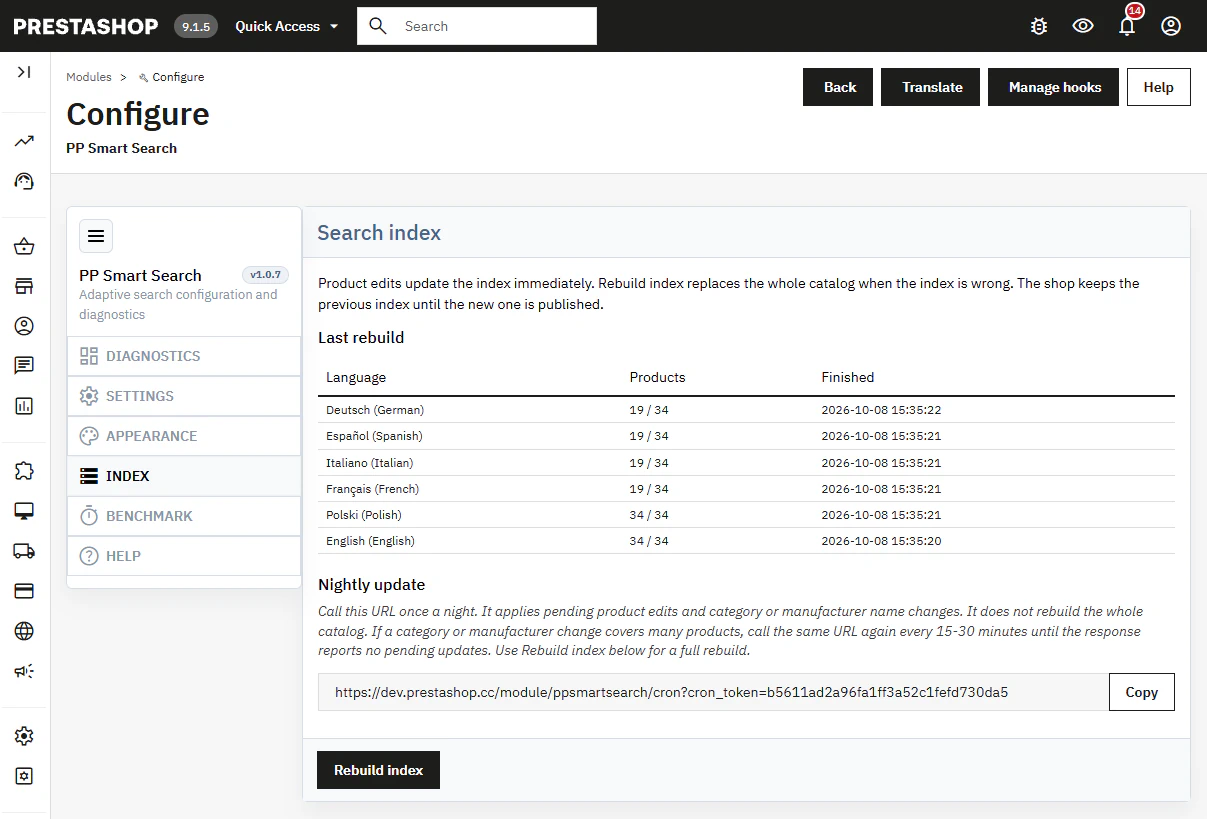
- Independent Indexing & Cron Support: Search indexing operates independently. A dedicated Cron URL allows automated (e.g. nightly) updates for modified products, categories, and brands without rebuilding the entire catalog.
- Consistent Search Results: The same search logic, synonyms, and stop words power both the instant dropdown suggestions and the main search results page ("View all results").
- Flexible Styling without Code Changes: Easily configure display hooks (
displayNav1,displayNav2,displayTop, or custom hooks), color schemes, panel width, and custom SVG icons directly from the module settings.
Text Matching, Synonyms & Multilingual Support
Smart Text Matching
Case-insensitive matching with full support for accented characters and prefix matching (e.g., searching "lamp" finds "lampshade"). Configurable matching modes (Hybrid, Strict, Broad) let you control how query terms are matched.
One-Way Synonyms & Aliases
Do customers search for terms different from your catalog titles? Map customer search queries to correct internal terms using one-way aliases—redirecting searches accurately without modifying product descriptions or re-indexing.
Multistore & Multilingual Ready
Generates separate search indexes, stop-word lists, and query rules for each language and currency. Synonyms can be configured globally across all shop languages or individually per language.
Mobile-Optimized UX
Designed for mobile viewports. On standard themes (such as Classic), the search bar collapses into a search icon placed in the mobile header row, triggering a clean overlay panel upon tap.
Back Office Features
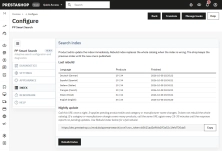
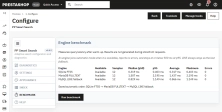
Diagnostics & Benchmark Tool
Server compatibility overview and latency benchmarks for available search engines.
- Automatic Mode — Uses benchmark results (p95 latency) without benchmarking on customer requests.
- LIKE Fallback — MySQL LIKE serves as a reliable fallback when FTS5 or FULLTEXT are unavailable.
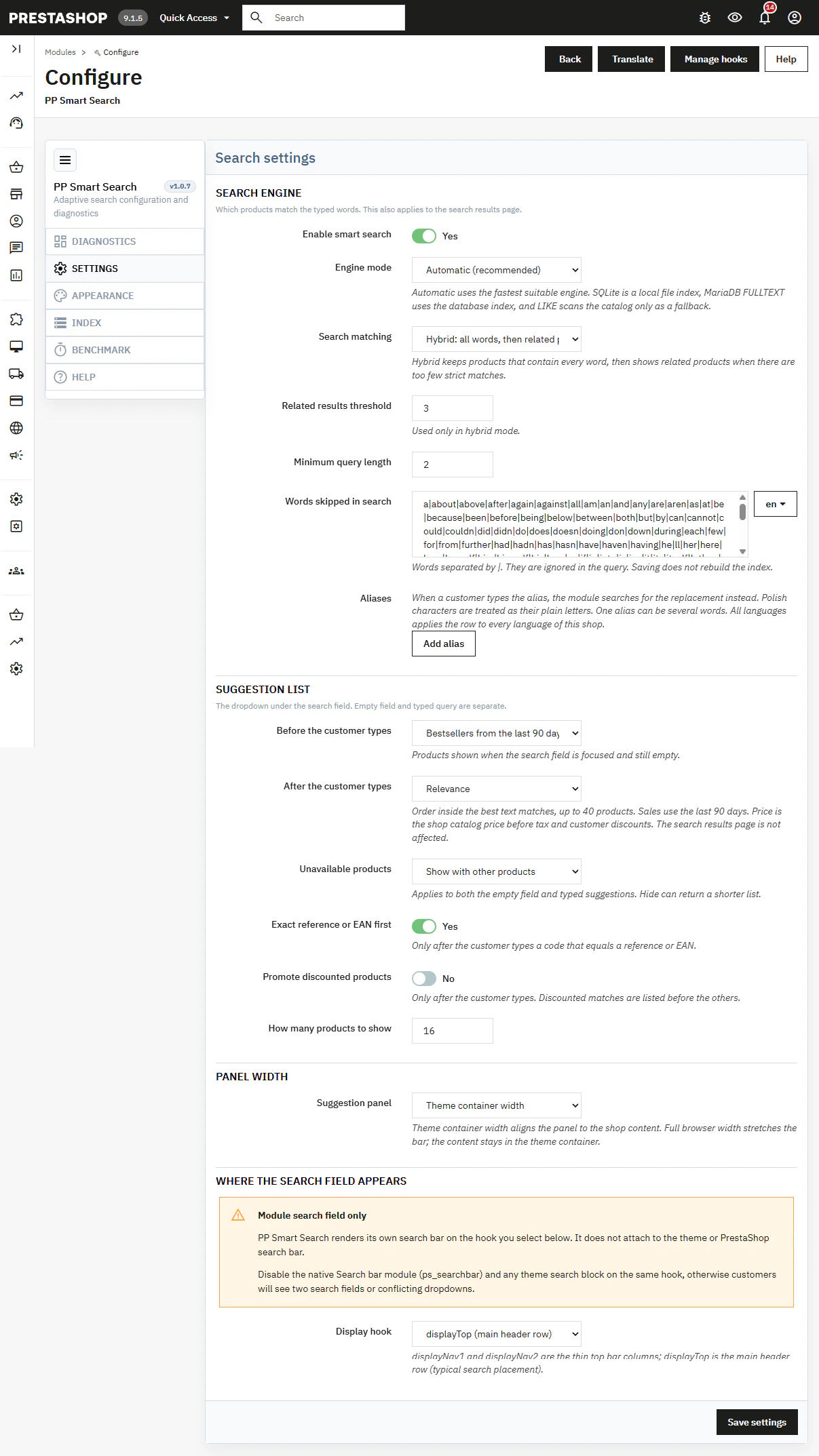
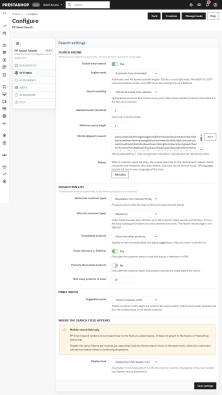
Search Engine Configuration
Enable/disable module, engine selection, matching rules, aliases, and stop words.
- Hybrid / Strict / Broad — Choose between requiring all search terms (with related product fallbacks) or matching any keyword.
- One-Way Aliases — Substitute search terms instantly without re-indexing; full diacritics support.
Suggestion Dropdown Rules
Independent control over empty search behavior and product suggestion ranking.
- Zero-State (On Focus) — Show 90-day bestsellers, new arrivals, or hide products until typing.
- On Typing — Custom ranking by relevance, 90-day sales, prices, discounts, pushing out-of-stock items down/hidden, and prioritizing exact SKU/EAN matches.
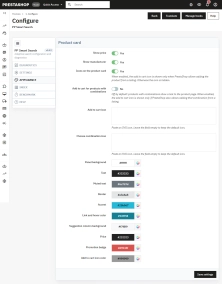
Positioning & Styling
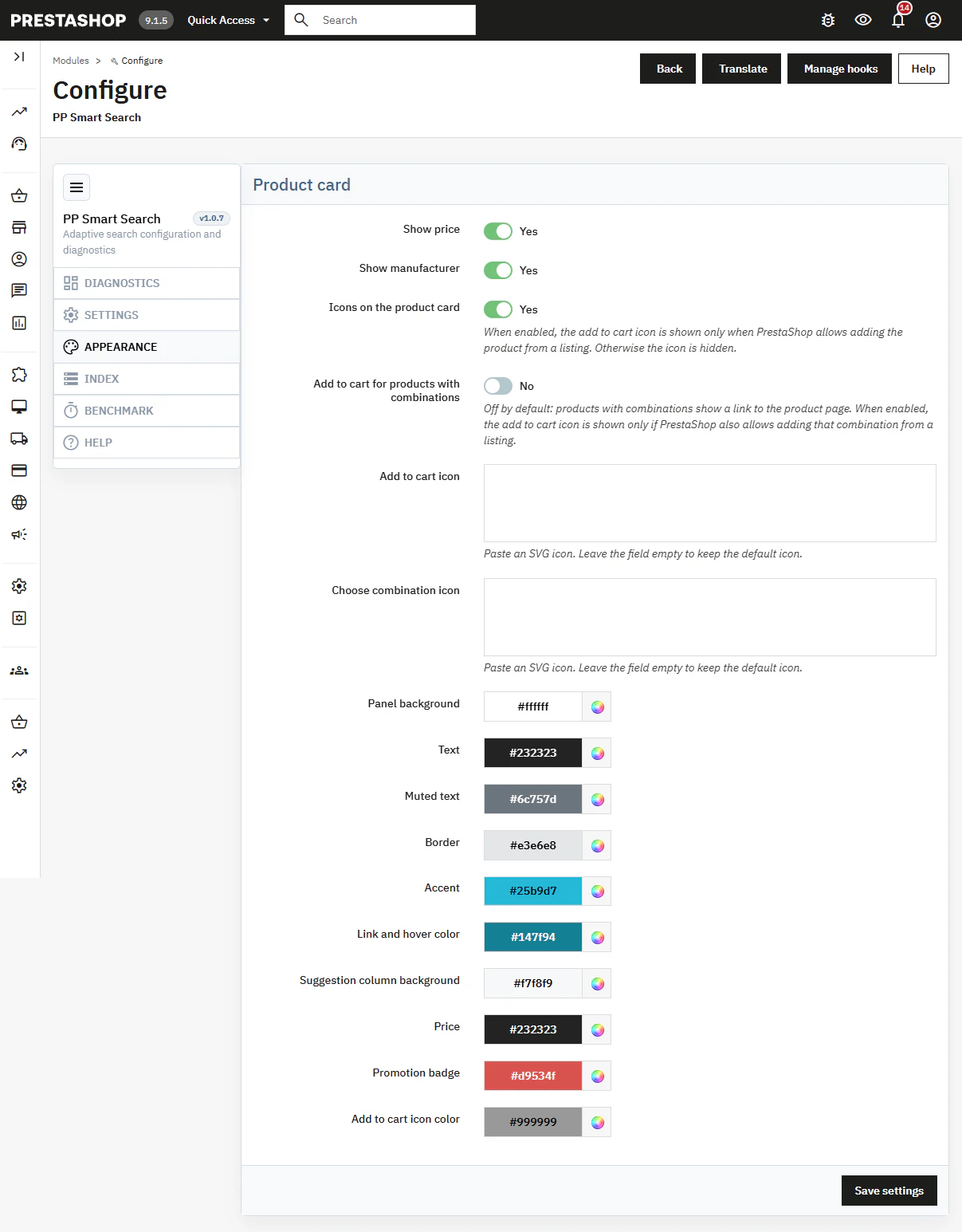
Select hook locations and customize product card appearance inside the search panel.
- Hooks — displayNav1, displayNav2, displayTop, or custom theme hook.
- Visual Customization — Toggle price, brand, Add to Cart icons, panel colors, custom SVGs, and panel width.
Search Indexing
Dedicated search index—completely separate from default PrestaShop index tables.
- Rebuild Index — Full catalog re-indexing; publishes new index only upon complete generation for all languages.
- Nightly Cron Update — Automated Cron URL to process pending product updates, category names, and brand changes.
Front Office Features
Interactive Instant Search Panel
Replaces default ps_searchbar completely, seamlessly integrated into your header.
- Panel Elements — Products, categories, brands, popular search queries, and "View all results" link.
- Product Card — Image, title, SKU, optional brand name, price, discount badge, Add to Cart icon, or product link.
Empty Input & Search History
Display catalog recommendations and recent customer queries as soon as the user focuses on the search bar.
- Bestsellers / New Arrivals — Configurable zero-state product display.
- Recent Searches — Saved locally in the customer's browser.
Full Search Results Page
The "View all results" link opens the search page powered by the exact same engine as the dropdown panel.
- Sorting Options — Relevance, Name A–Z, Name Z–A.
- Full Consistency — Identical matching logic, synonyms, and stop-words applied across all views.
Mobile Experience
Optimized for touchscreens without modifying theme template files.
- Header Search Icon — Tapping the icon opens the full search overlay; integrates into the Classic theme mobile header bar.
- Responsive Overlay — Clean, touch-friendly product list layout on smartphones.
Technical Specifications & Installation Notes
Requirements & Installation: Create a full backup of your store and database before installation. Unzip the main distribution package first and install the internal ZIP file corresponding to your PrestaShop version (1.7 / 8 / 9).
Post-Installation Steps: Disable the default ps_searchbar module (or native theme search block) attached to the same hook to avoid duplicate search bars. Navigate to the Index tab and click "Rebuild Index"—products will not appear in search results until the index is generated.
Important Notes: Search aliases function one-way. The module does not auto-correct spelling typos inside words. When using the MariaDB FULLTEXT engine, searching strictly by brand name alone may not yield products (use SQLite or MySQL LIKE for brand-only queries). Full search page sorting differs from dropdown suggestion ranking and relies on keyword relevance and alphabetical sorting.
## [1.0.7] - 2026-10-08
### Added
- New feature
You might also like
FAQs
-
Are the modules compatible with my version of PrestaShop?
Each module in our store contains information about compatibility with specific PrestaShop versions. Please check this information carefully before purchasing. If you are not sure, contact us.
16 other products in the same category:
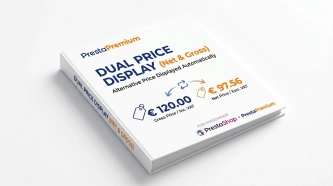
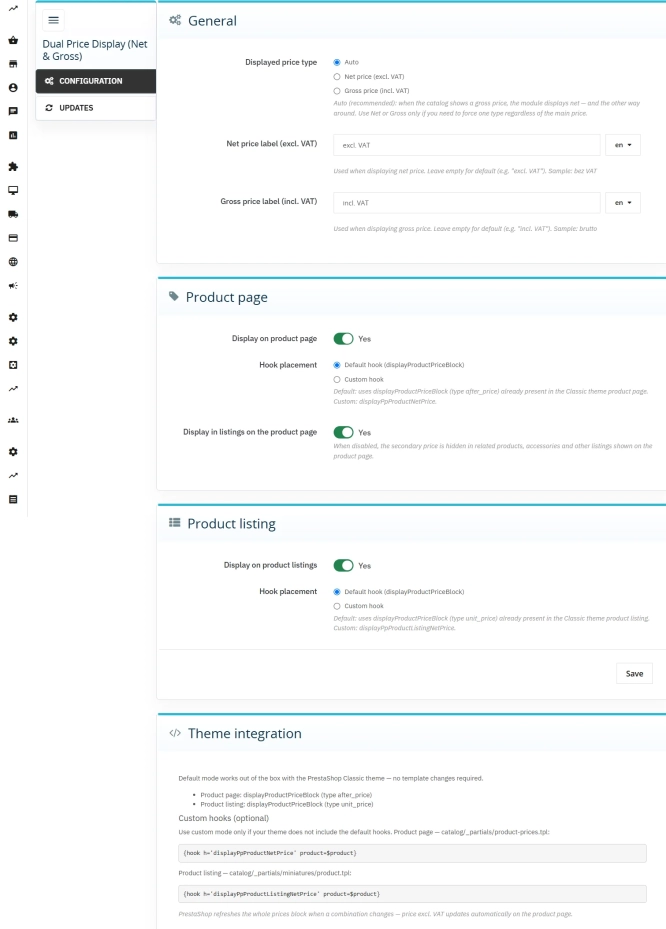
Dual Price Display (Net & Gross) — Alternative Price Displayed Automatically
Dual Price Display (Net & Gross) does the heavy lifting for you: it automatically checks which price is currently active in your shop and instantly displays the other...
39.90 €
PrestaShop Promotion Module: Free Gifts, Quantity Discounts, Buy X Get Y and Category Offers
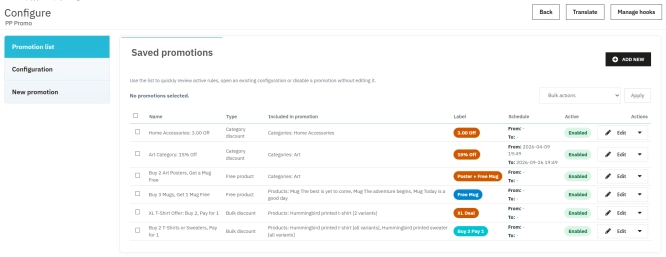
The PP Promo module for PrestaShop makes it easy to create and automate popular sales campaigns, from "Buy 2, Pay for 1" offers and free gifts to discounts on selected...
89.70 €

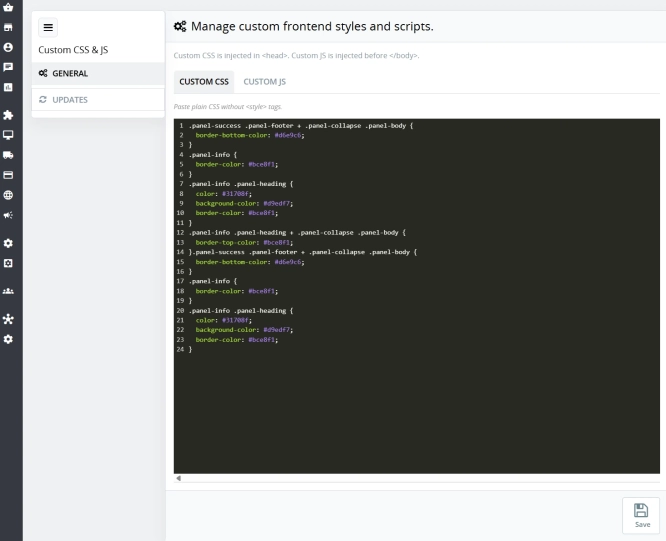
Custom CSS & JS – Free code editor in the PrestaShop panel
PP Custom CSS & JS is a free and highly practical module for every PrestaShop administrator. It allows you to instantly add your own CSS styles and JavaScript scripts...
0.00 €
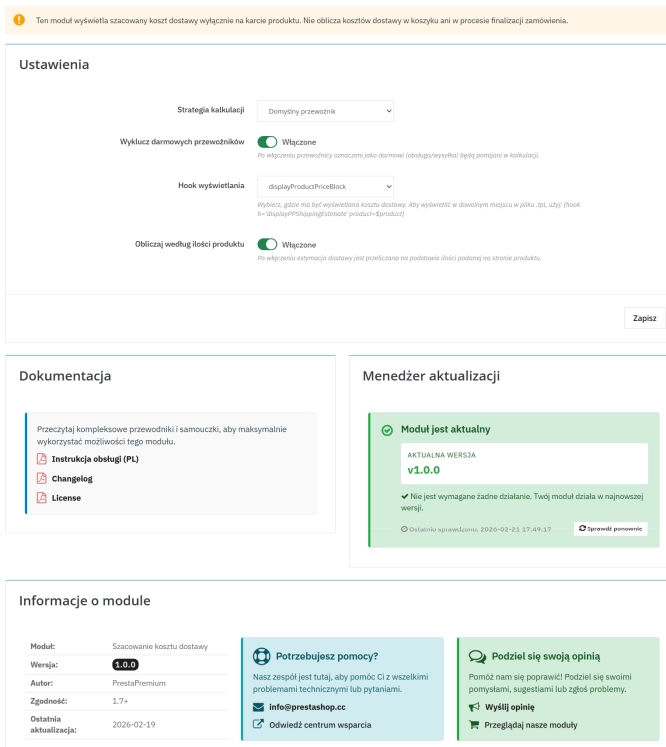
Automatic delivery cost on the product card
PP Shipping Estimate is an advanced module for PrestaShop that enables automatic calculation of delivery costs on the product page . The customer does not need to...
29.70 €
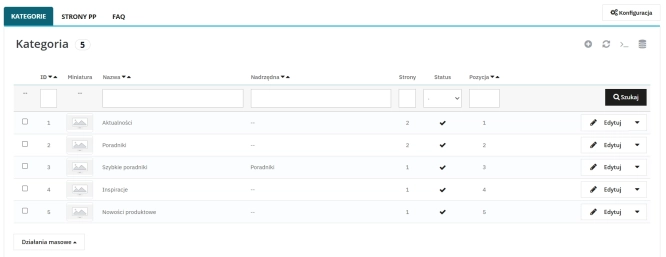
Content page system, an alternative to PrestaShop CMS Pages: categories, pages and FAQ with...
Frustrated by the limited capabilities of PrestaShop's native CMS? PP Page is a powerful alternative that transforms your shop into a fully-fledged publishing platform....
113.10 €
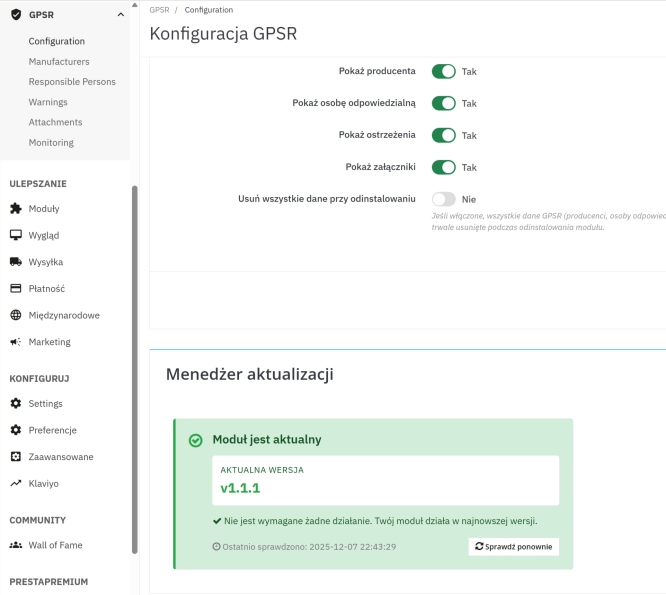
GPSR — Compliance Module for PrestaShop
GPSR Module for PrestaShop enables quick and compliant management of information required by the GPSR regulation. Automate obligations and increase your shop's security.
50.70 €

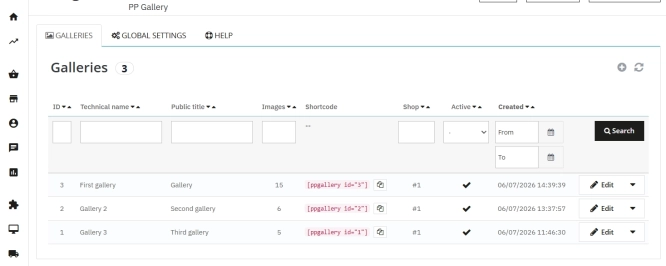
PrestaShop Gallery Management – Shortcode Module
Looking for a better way to showcase images in your store? Advanced Image Gallery for PrestaShop is a purpose-built module that lets merchants create, edit, and embed...
59.10 €
- Discount
Price available only until: 11.10.2026
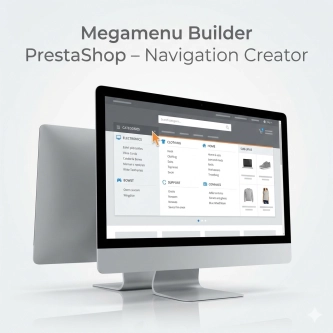
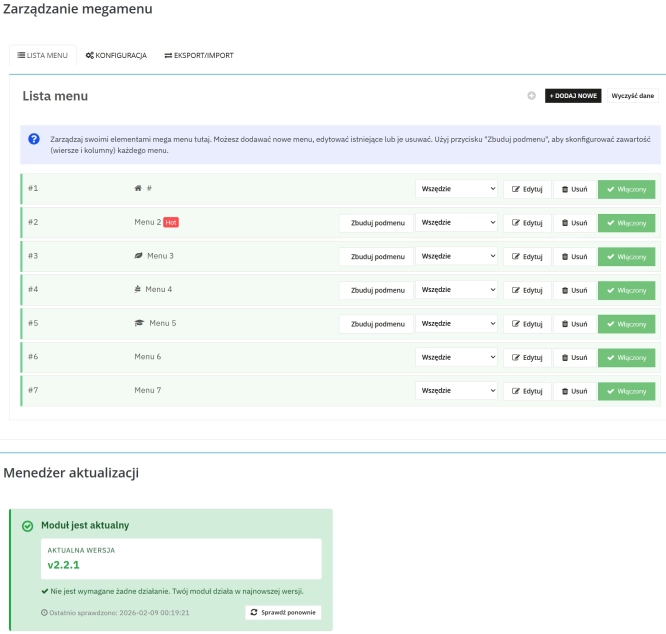
Megamenu Builder PrestaShop – Navigation Creator (Atomic Cache Technology)
Change the way customers navigate your store. PP Megamenu is an advanced navigation builder that combines Premium design with uncompromising performance. Thanks to our...
119.70 €
-23%
92.17 €
Lowest price within 30 days before promotion:
92.17 €
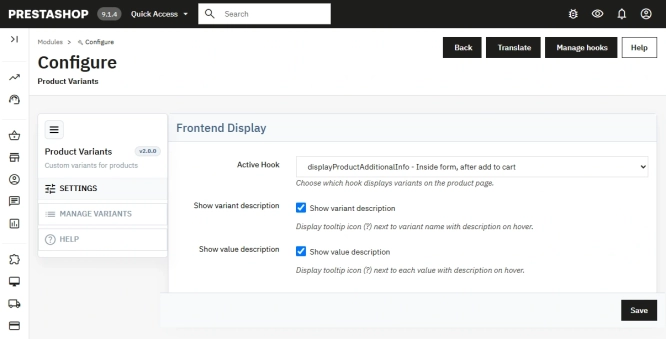
Additional Product Fields and Options – Attributes without Combinations (Custom Fields)
This module enables the creation of additional product options without using native PrestaShop combinations. Each option can have a price impact (positive or negative) but...
113.10 €
- New
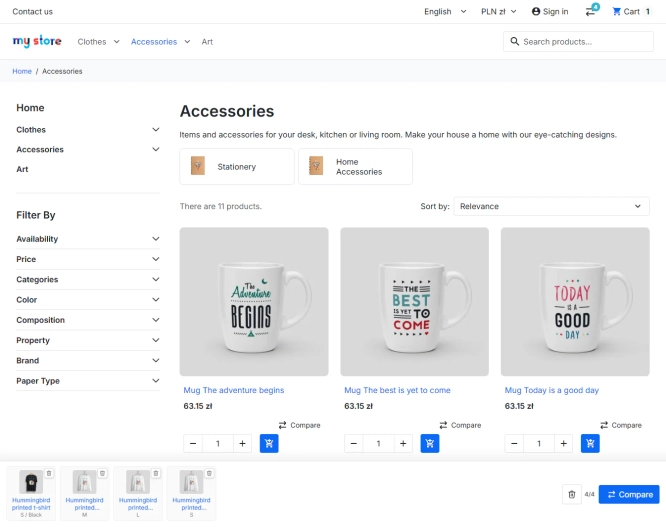
PrestaShop Product Comparison Module
Product Compare for PrestaShop lets customers compare products and their combinations in one clear table. It supports informed choices in catalogues where specifications,...
53.10 €
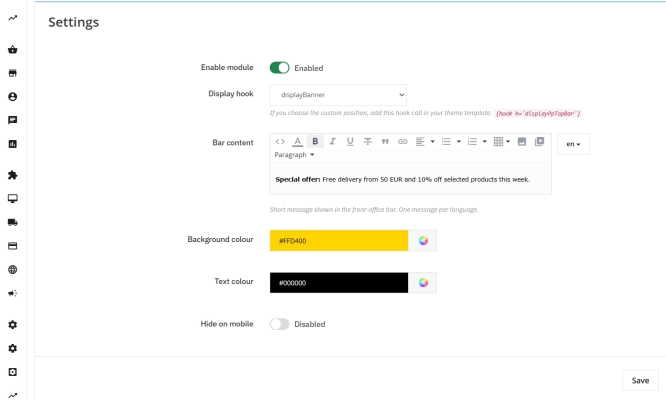
Information and Announcement Bar for PrestaShop (Free Edition)
PP Top Bar is a lightweight and intuitive module that lets you add an eye-catching information bar to the top of your shop in just a few seconds. Inform your customers...
0.00 €

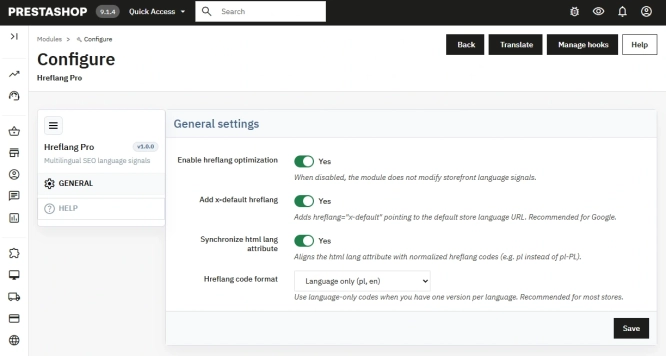
Hreflang and X-Default Normalisation for PrestaShop
Hreflang Pro solves the issue of directing shoppers to the wrong language version of your store (for instance, when a local customer lands on a foreign-language page from...
29.70 €

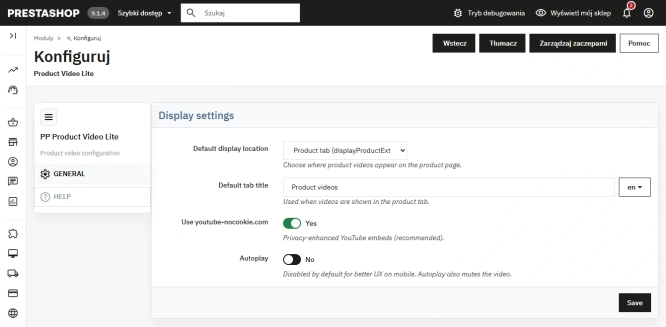
Free PrestaShop Video Module (YouTube & Vimeo)
Product Video Lite is a free and exceptionally lightweight module that allows you to assign an unlimited number of YouTube and Vimeo videos to your products. Instantly...
0.00 €
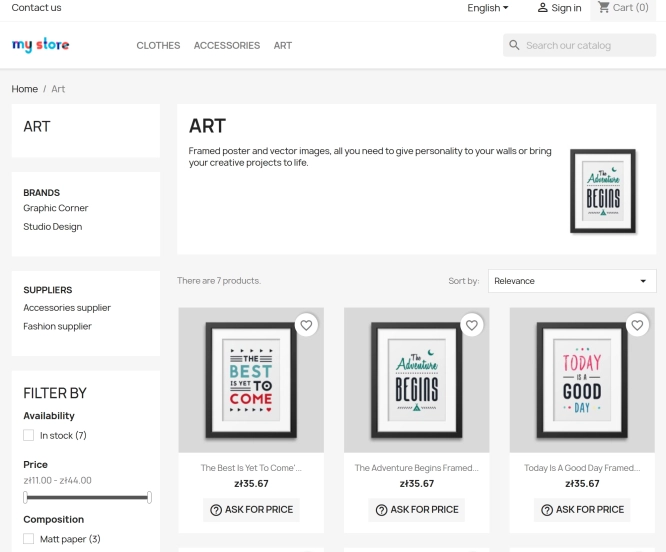
Ask about product / price (PRO)
Ask about product / price (PRO) is an advanced PrestaShop module that adds an enquiry form on the product page and directly on the product list (categories, homepage,...
74.70 €
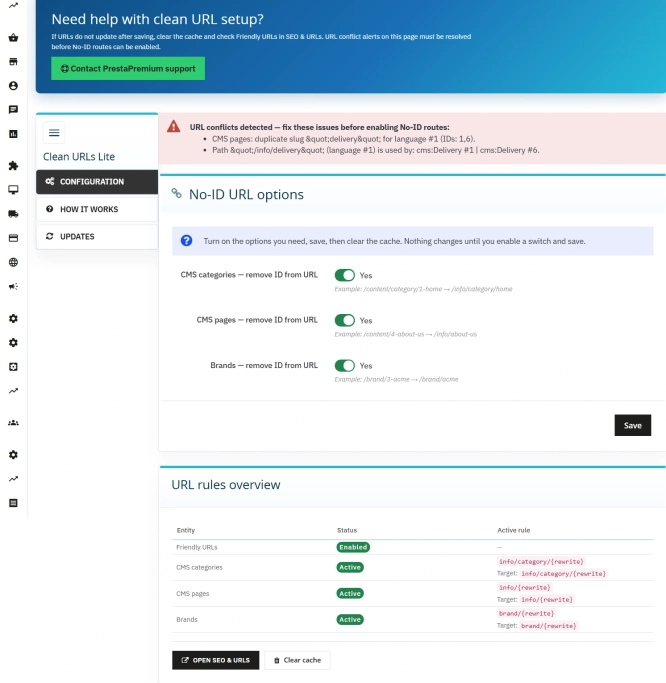
Remove ID from URLs (CMS, Brands) PrestaShop [Free]
The free Clean URLs Lite module modifies native PrestaShop routing by removing numeric identifiers (IDs) from CMS page, CMS category, and brand (manufacturer) URLs. It...
0.00 €
Do you need additional features or custom solutions?
- Module customisation tailored to your specific requirements.
- Extending functionality to enhance your store's capabilities.
- Developing bespoke modules designed to meet your unique needs.
- Integrating external systems and additional tools.
- Optimisation and improvements for better performance and user experience.
Do you have ideas on how to improve this software? Share your suggestions for optimisation, new features, or bug reports – we’ll be happy to review them!