Advanced Search for PrestaShop
PP-M004
- 1.7.7 + | 8.x
- EN, FR, IT, DE, PL
- 1.0.7
- 2025-12-20
Advanced product search for PrestaShop that helps customers find the right products faster and makes it easier to complete purchases in your PrestaShop store. The module provides live search, typo tolerance, control over search performance (Search Engine) and result matching logic (Search Mode), a dedicated results page, as well as tools for analysing customer search queries, allowing you to better adapt the search experience to real user needs.




89.10 €
Tax excluded
Information Parameters:
- 1.0.7
-
Store Version PHP Version1.7.7 + 7.1 – 7.48.x 8.1 – 8.3
- 2025-12-20
- EN, FR, IT, DE, PL
- ✅
- ✅
- ✅
- ❌
- demo.admin.shop
- demo.front.shop
In online shops the search engine is an important mechanism for discovering products, especially with extensive catalogues and multiple variants. Typical sources of lost results include typos, divergent terminology (synonyms), overly restrictive query interpretation and lack of field prioritisation. PP Advanced Search addresses these cases through configurable matching modes, relevance control and operational tools to maintain search data currency.
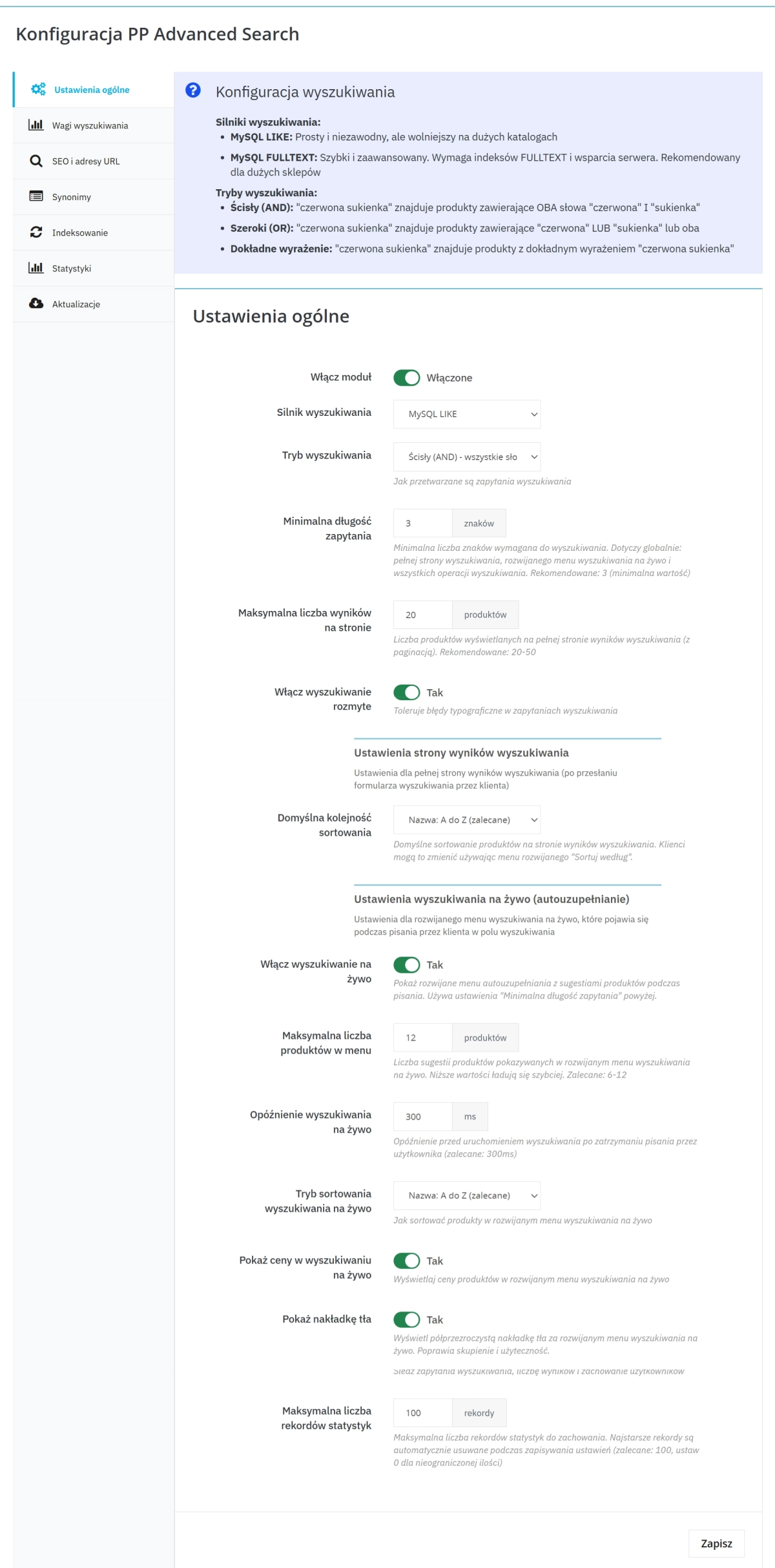
The module provides developers and implementation agencies as well as owners of shops based on the PrestaShop script with a set of settings that allow conscious control of the search engine's behaviour: query processing mode (strict / broad / exact phrase), minimum query length, results limit per page and relevance weights assigned to selected product data. For large-scale shops, a performance-oriented mode is available (requires appropriate server support, e.g. full-text indexes). After mass changes in the catalogue, full or incremental indexing can be run, and the operation's progress is reported in the administrative panel.
What You Gain (Business and Operational)
- Reduction of no-result queries thanks to typo tolerance and synonym handling.
- Shorter path to product thanks to live search (suggestions while typing) and clear results page.
- Relevance control through matching priorities for key product data.
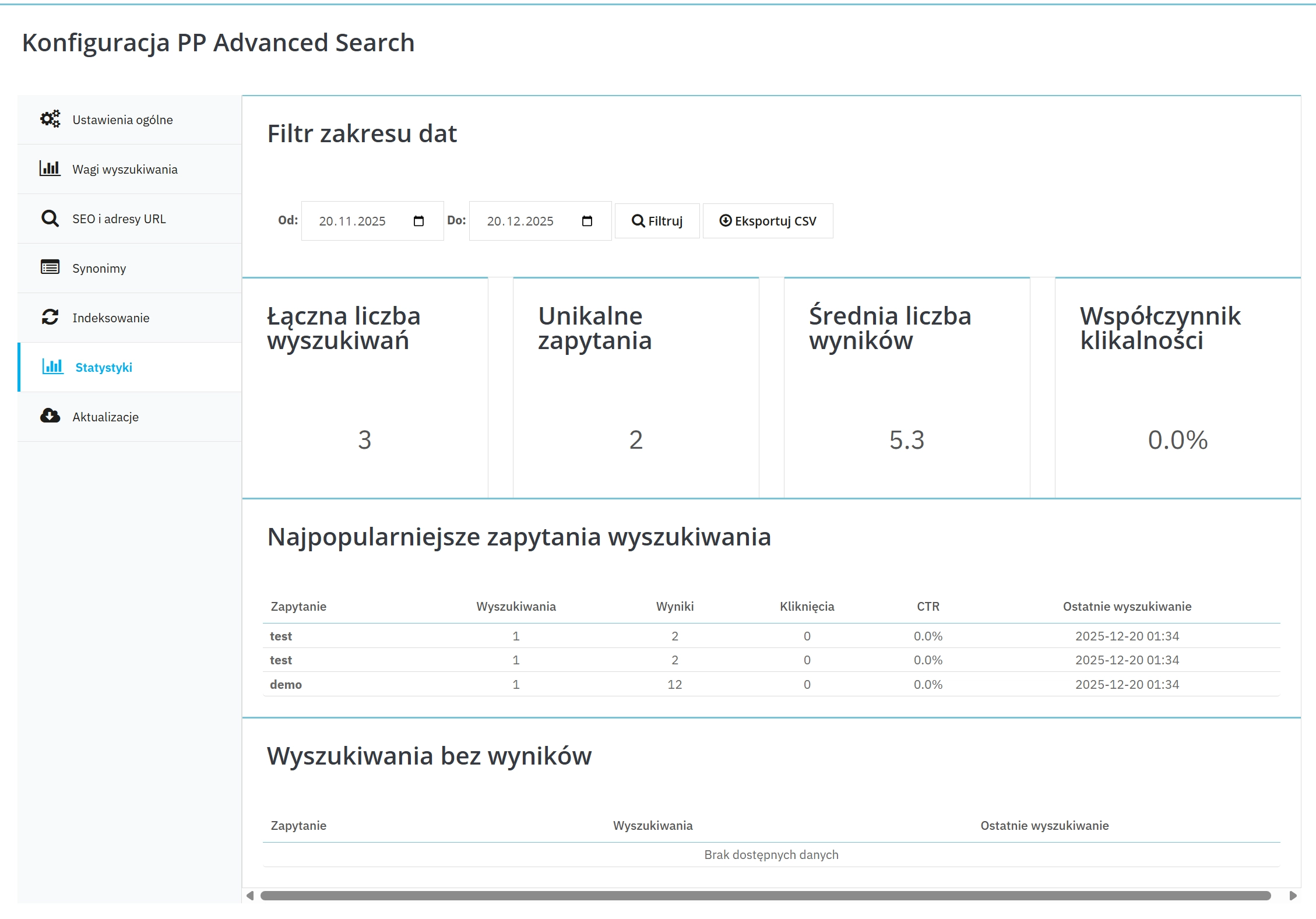
- Search quality monitoring thanks to statistics (popular queries, no-result queries, clickability/CTR) and export capability.
- Controlled data retention through statistics storage limit and automatic cleaning of oldest entries.
What the Customer Sees on the Front (Front Office)
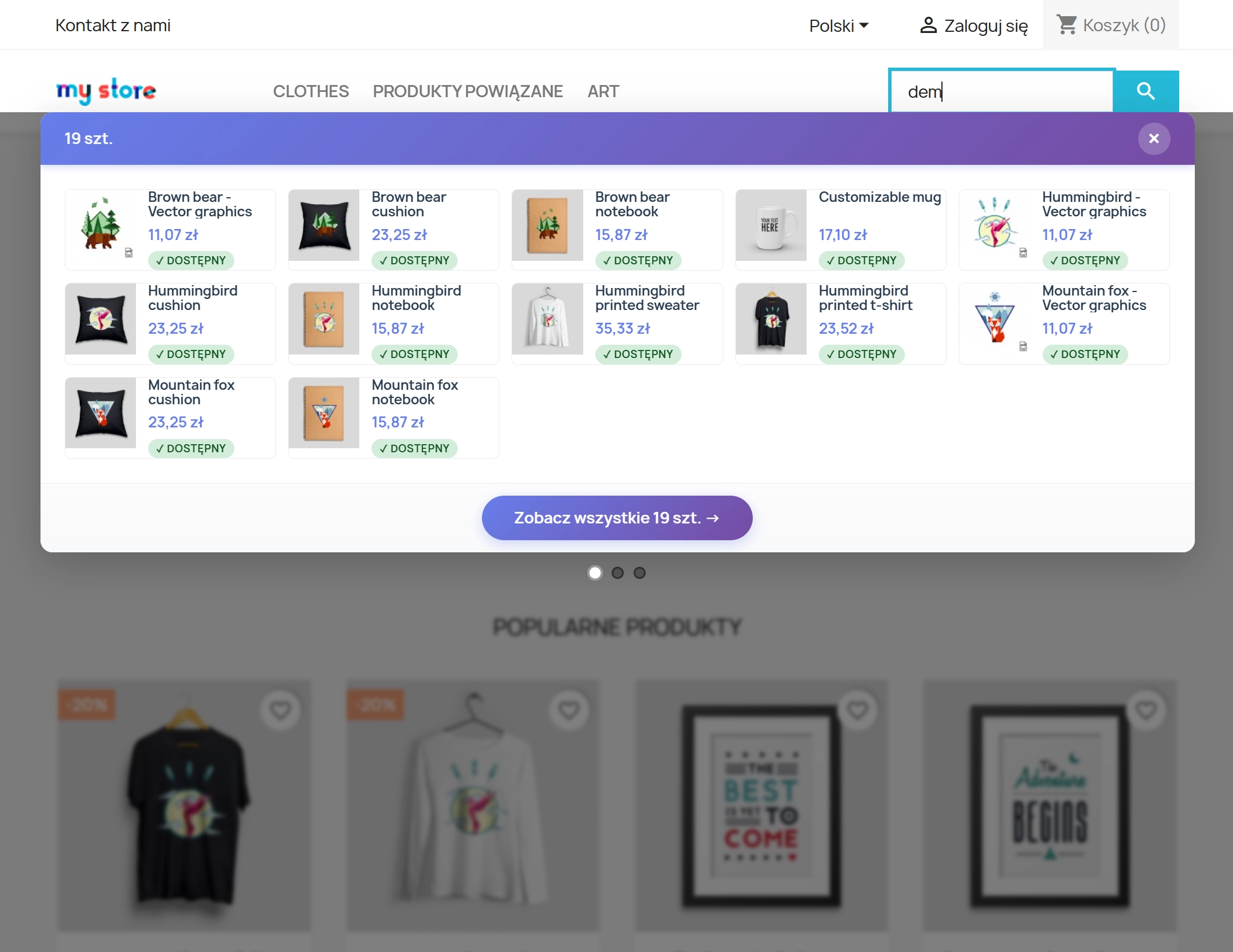
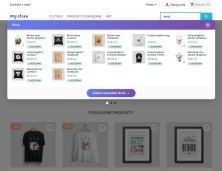
- Live search : product suggestions while typing.
- Suggestions can show price and availability (optionally), facilitating quick selection.
- Clear transition to full list: "See all results" from the dropdown list.
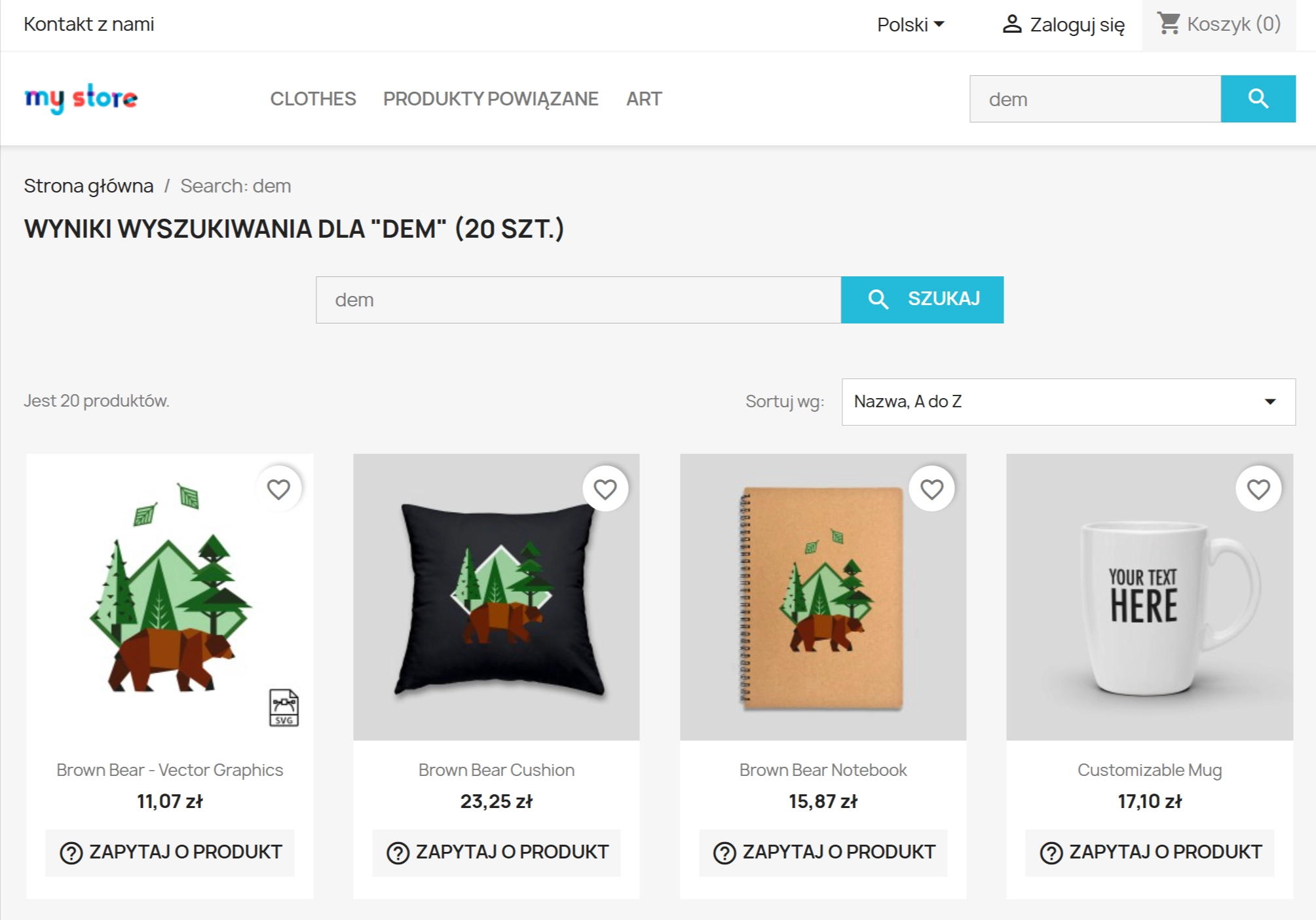
- Dedicated results page with result count, sorting and pagination.
- Customer messages for no results or too short query.
What You Can Set in the Panel (Back Office)
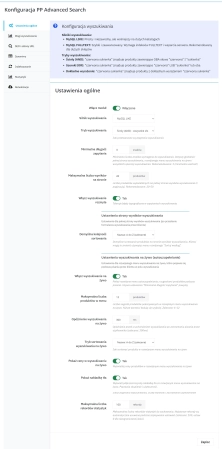
- Enable/disable the module and set minimum query length and results limit per page .
- Choose query processing method: strict (all words), broad (any word) or exact phrase .
- Enable typo tolerance and set operating parameters.
- Configure live search (suggestion limit, delay, sorting, prices, background overlay).
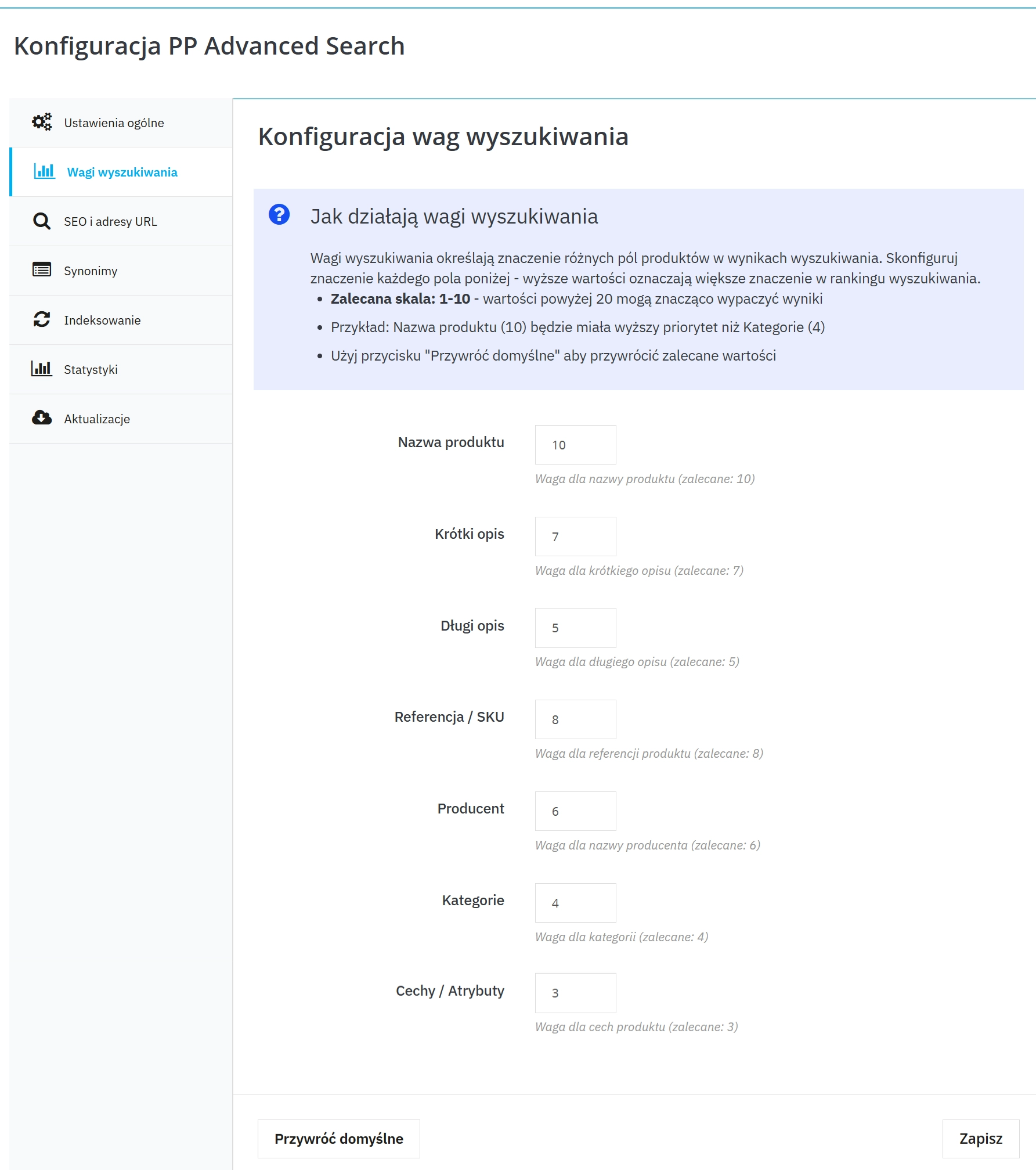
- Set result relevance through matching priorities (e.g. name, descriptions, product code/SKU, manufacturer, categories, features).
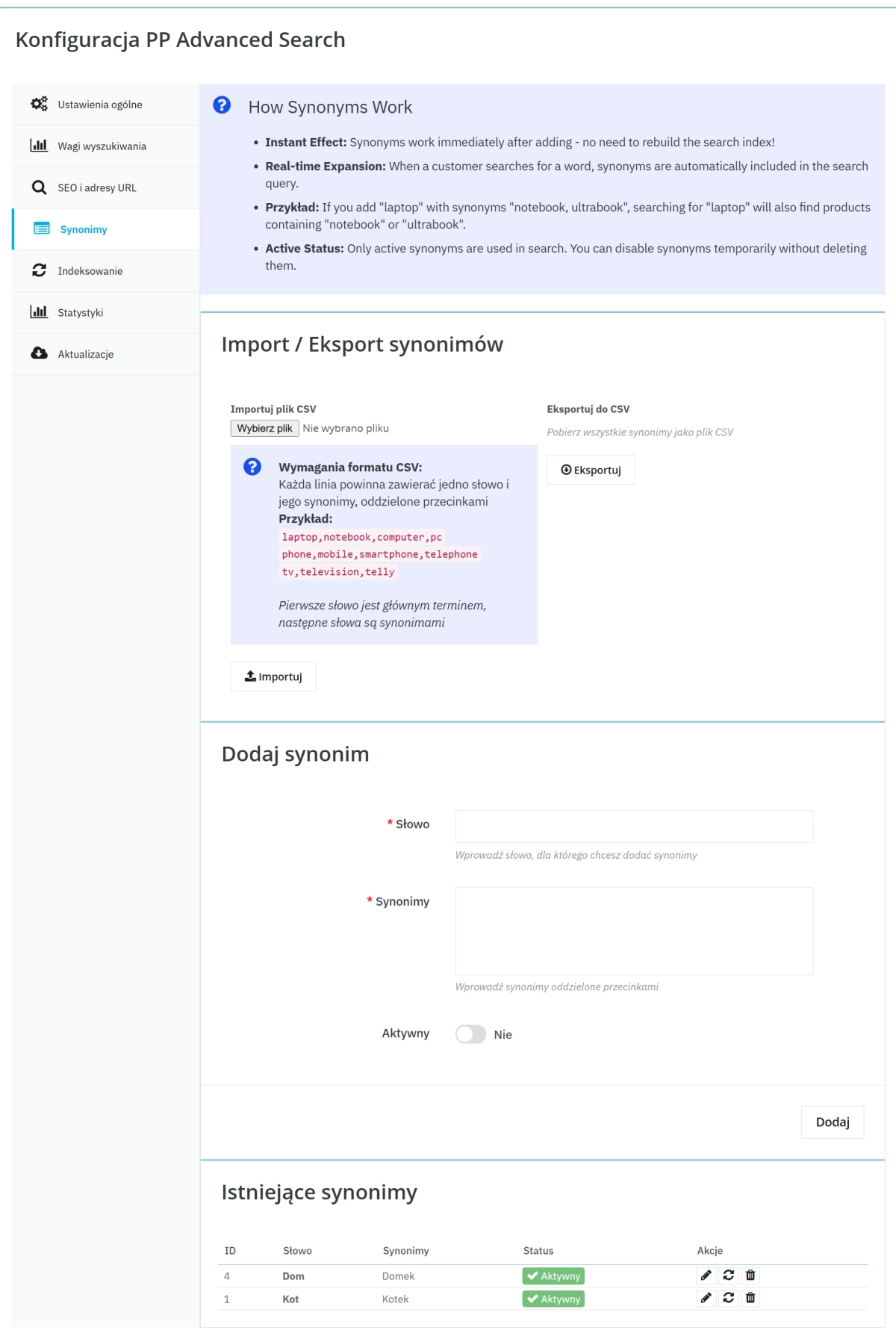
- Manage synonyms (adding, enabling/disabling, import and export).
- Run indexing (full rebuild or only missing products) and observe progress.
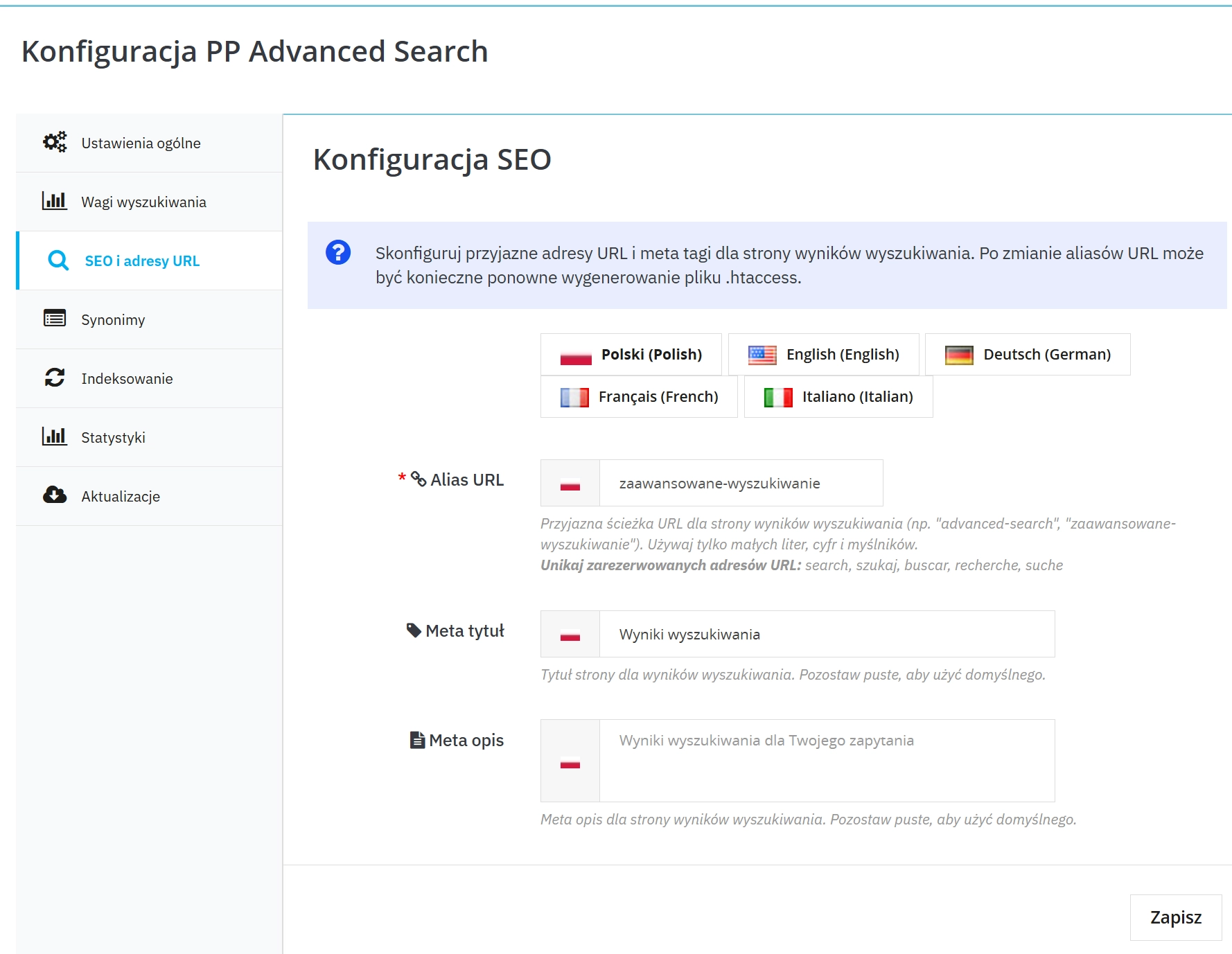
- Configure SEO for results page : friendly URL and metadata (multi-language).
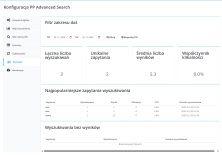
- Review search statistics with date filter and CSV export.
Key Features in Brief
1. Live search (suggestions)
Product suggestions while typing, without page reload.
- Configurable limit and delay for suggestions
- Optionally: prices and availability in suggestions
- Convenient exit: "See all results"
2. Better Query Matching Quality
Control over query interpretation methods and matching criteria.
- Modes: strict / broad / exact phrase
- Typo tolerance (reduces no-result queries)
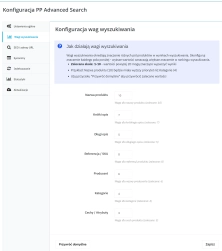
3. Result Relevance (Matching Priorities)
Ability to prioritise product fields, which orders the result sequence.
- Priorities for: name , descriptions , SKU , manufacturer , categories , features
- Quick return to default values
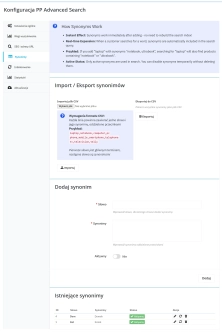
4. Synonyms (Import/Export)
Unification of customer terminology with catalogue naming.
- Mass deployment of synonyms via import
- Export for backup/analysis/transfer between shops
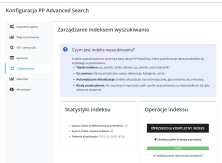
5. Indexing and Completeness Control
Maintaining search currency after imports and offer changes.
- Full rebuild or only missing products
- Visible progress and index status summary
6. Search Statistics + CTR
Analysis of queries and result quality based on clickability (CTR).
- Top queries , no-result queries , quality metrics
- CSV export and date range filter
- Data limit and automatic cleaning of oldest entries
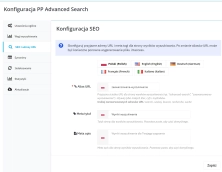
7. SEO for Search Results Page
Order in addresses and metadata of the results page (multi-language).
- Friendly URL for results page
- Meta title and meta description
8. Mode Selection for Shop Scale
Selection of operating mode to catalogue size and performance requirements.
- Compatible mode: simple and reliable
- Fast mode for large catalogues: requires server support (e.g. full-text indexes)
Compatibility (Requirements)
- PrestaShop: 1.7.4.0 – 8.x
- PHP: 7.1 – 8.1
Implementation Tip: before implementation, perform a full backup of the database and files and test the module on a test environment (sandbox).
## [1.0.7] - 2025-12-20

### Added

- **Enhanced Live Search**: Improved suggestion accuracy with better fuzzy matching.
- **Synonym Management**: Basic synonym import/export functionality for query unification.
- **Indexing Progress**: Added progress indicator for full index rebuilds.

### Changed

- **Query Processing**: Optimised strict/broad mode performance for larger catalogues.
- **Admin Interface**: Simplified configuration panel for relevance weights.

### Fixed

- **Typo Tolerance**: Resolved issues with excessive false positives in typo correction.
- **Search Statistics**: Fixed CTR calculation errors in export reports.
- **SEO URLs**: Corrected multi-language URL generation for results pages.
You might also like


FAQs
-
Are the modules compatible with my version of PrestaShop?
Each module in our store contains information about compatibility with specific PrestaShop versions. Please check this information carefully before purchasing. If you are not sure, contact us.
-
How does live search work?
Live search shows product suggestions while the visitor types, without reloading the page. From the drop-down list, the customer can continue to the full results page. The configuration includes settings such as the suggestion limit, display delay and sorting method.
-
Which query-matching modes are available?
The module offers three ways to interpret a search: strict, broad and exact phrase. Strict mode requires all words, broad mode can consider any word, and exact phrase mode focuses on the complete query. The mode is selected in the administration panel.
-
How do synonyms affect search results?
Synonyms connect the terminology used by customers with your catalogue naming. You can manage them in the back office, enable or disable individual entries, and use import and export. This helps prevent similar queries from failing to lead to the right products.
-
Can I influence the order of search results?
Yes. The module lets you set matching priorities for selected product data, such as name, description, product code, manufacturer, category and features. This gives you control over which information matters most when search results are ordered.
-
When should I run indexing?
Indexing is worth running after major changes to the product catalogue. The module offers a full index rebuild or an option to add only missing products. The panel shows progress and an index status summary, making it easier to keep search data current.
16 other products in the same category:

- New
PrestaShop Anti-Bot Cart – Fake Cart Protection
A lightweight, non-invasive solution for PrestaShop that eliminates the mass creation of fake carts by bots and HTTP scripts. The module neutralizes automated traffic...
29.70 €

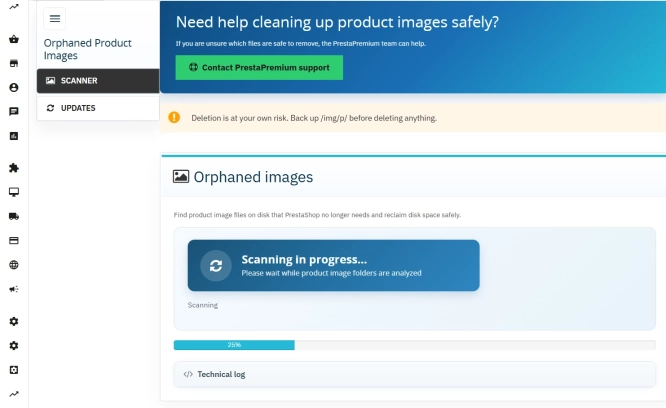
Unused Product Images — Free Server Cleanup for PrestaShop
Unused Product Images (Free) is a free PrestaShop module designed to optimize disk space and file limits (Inodes) on your hosting. The tool automatically locates and...
0.00 €
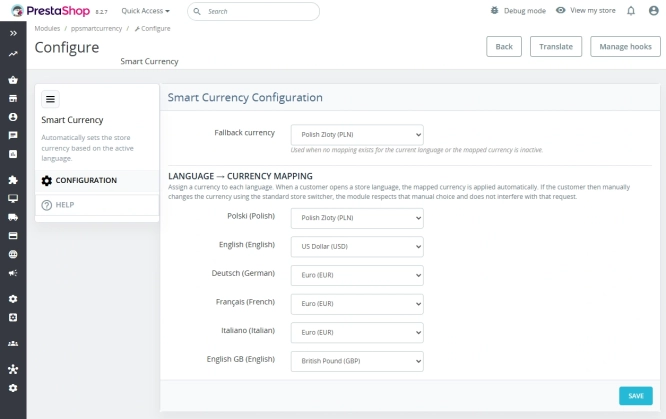
Automatic currency matching by shop language in PrestaShop
PP Smart Currency automatically matches the currency to the language a customer is using in your PrestaShop store. Visitors immediately see the right currency, while the...
29.10 €
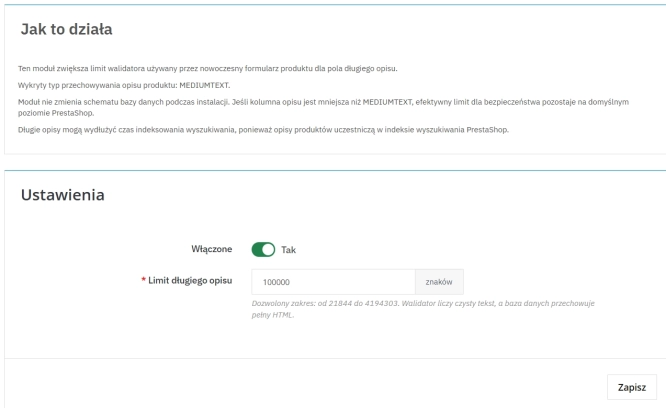
Increase the long product description and image ALT text limit in PrestaShop 8/9
PP Limit Manager removes the length restriction applied to the long product description and product image ALT text in the new PrestaShop 8 and 9 product form. The module...
26.70 €
- New
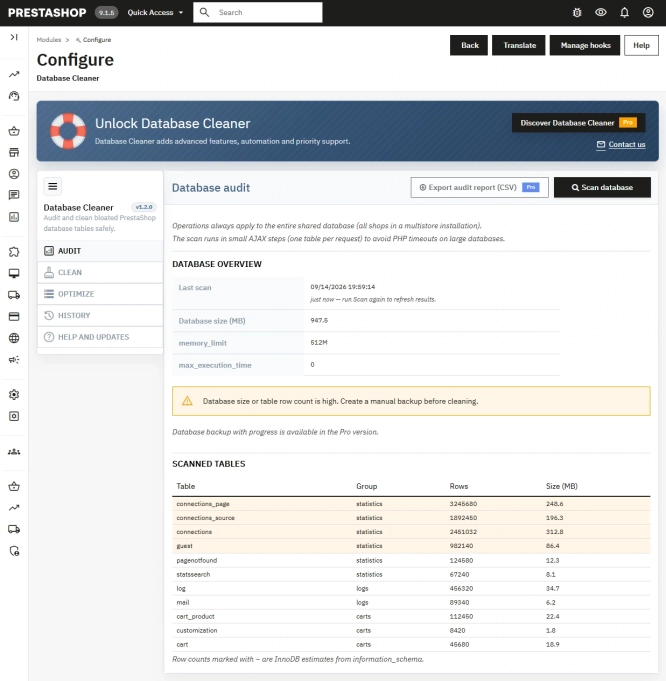
Free PrestaShop Database Audit & Controlled Cleanup
Database Cleaner Lite is a free PrestaShop module designed for auditing and safely deleting statistical data and system logs. It helps administrators quickly assess...
0.00 €

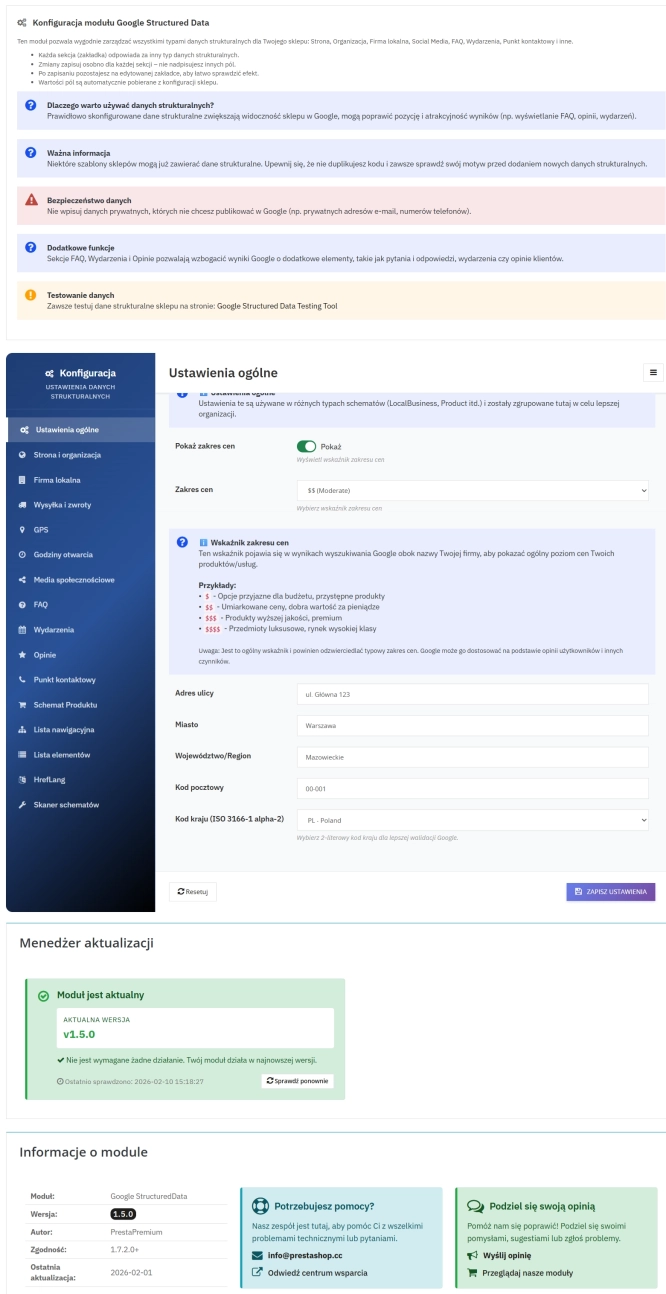
PrestaShop Schema Pro - Rich Snippets & SEO Booster
Rich Results + AI = dominate search results and increase sales in PrestaShop! Automatic JSON-LD generator with full support for more than 15 Schema.org types, including...
89.70 €

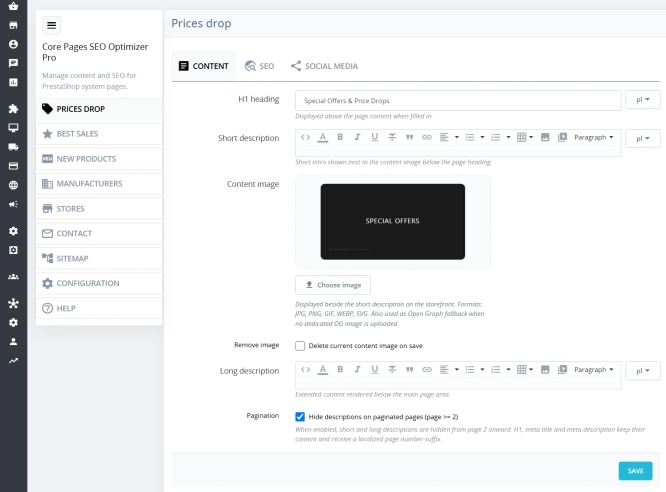
Custom HTML Descriptions and SEO Optimisation for PrestaShop Promo, Best Sellers and New...
The default PrestaShop configuration does not allow entering custom texts or graphics on key subpages that generate organic search traffic. The ppcorepagesseo module is a...
59.10 €

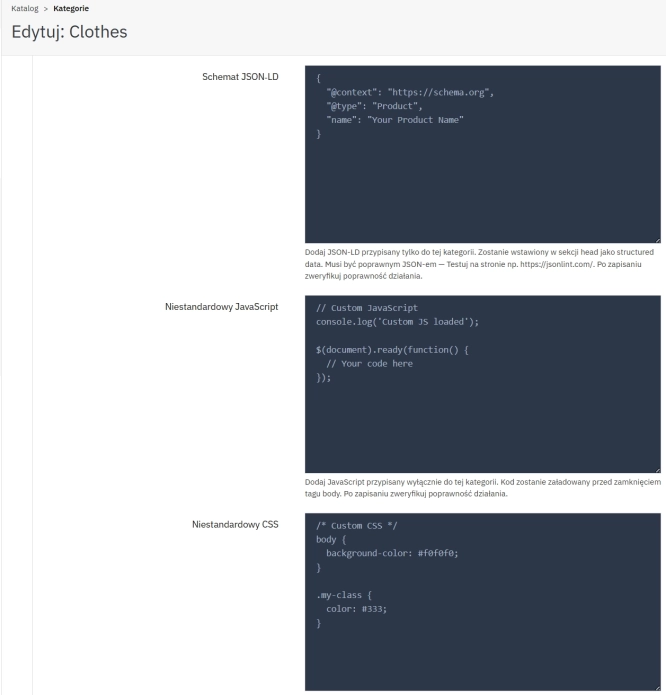
SEO Custom Code Manager for PrestaShop Products Categories and CMS
A module for PrestaShop that allows adding custom JSON-LD , JavaScript, and CSS resources individually to each product, category and CMS . Increase search engine...
57.00 €
- Discount
Price available only until: 11.10.2026
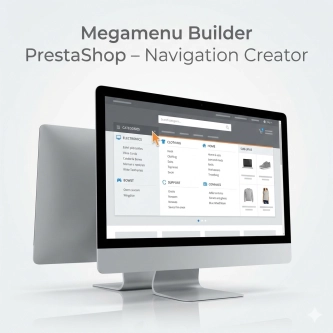
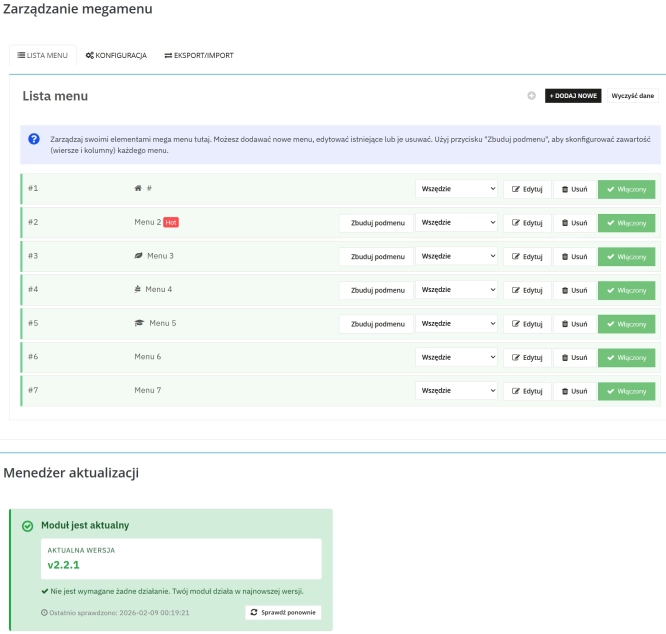
Megamenu Builder PrestaShop – Navigation Creator (Atomic Cache Technology)
Change the way customers navigate your store. PP Megamenu is an advanced navigation builder that combines Premium design with uncompromising performance. Thanks to our...
119.70 €
-23%
92.17 €
Lowest price within 30 days before promotion:
92.17 €

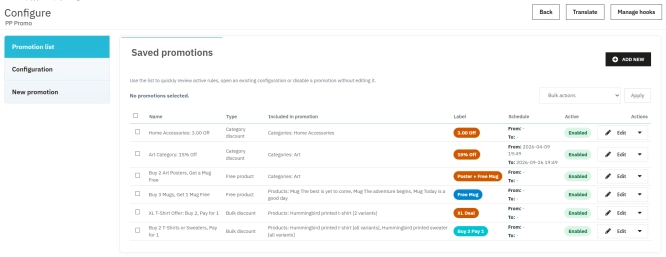
PrestaShop Promotion Module: Free Gifts, Quantity Discounts, Buy X Get Y and Category Offers
The PP Promo module for PrestaShop makes it easy to create and automate popular sales campaigns, from "Buy 2, Pay for 1" offers and free gifts to discounts on selected...
89.70 €
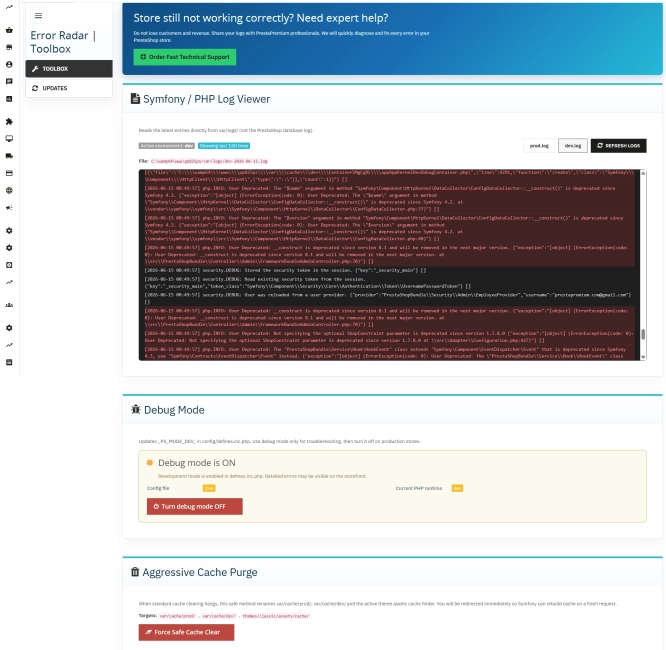
Error Radar & Toolbox — PrestaShop Error Diagnosis & Server Utilities
Error Radar & Toolbox is a powerful, free administrative module for PrestaShop that allows you to instantly diagnose technical store issues directly from your Back...
0.00 €

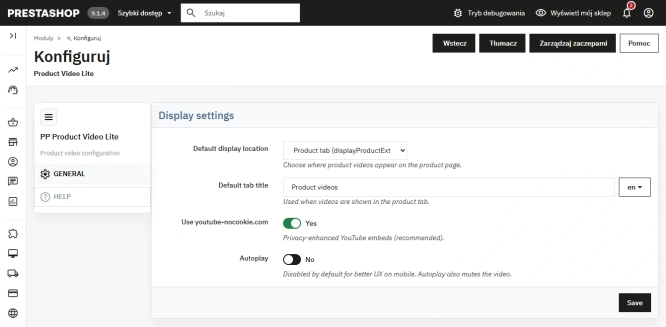
Free PrestaShop Video Module (YouTube & Vimeo)
Product Video Lite is a free and exceptionally lightweight module that allows you to assign an unlimited number of YouTube and Vimeo videos to your products. Instantly...
0.00 €

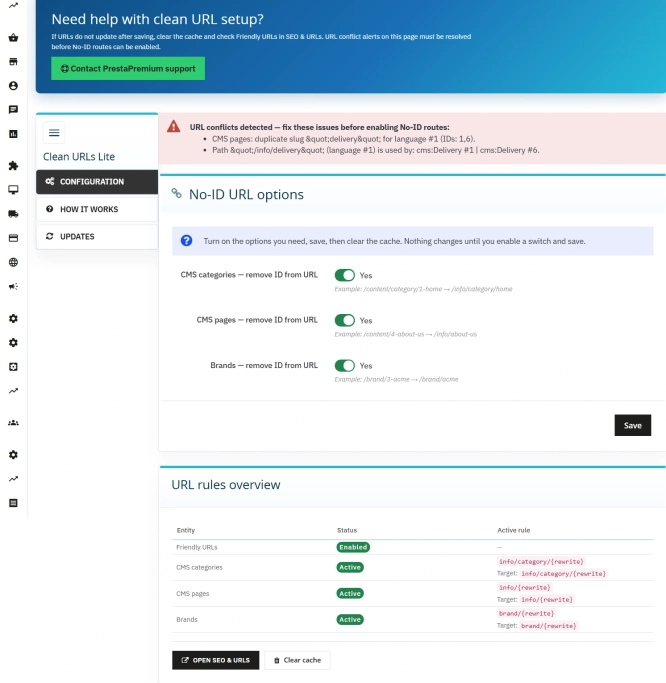
Remove ID from URLs (CMS, Brands) PrestaShop [Free]
The free Clean URLs Lite module modifies native PrestaShop routing by removing numeric identifiers (IDs) from CMS page, CMS category, and brand (manufacturer) URLs. It...
0.00 €

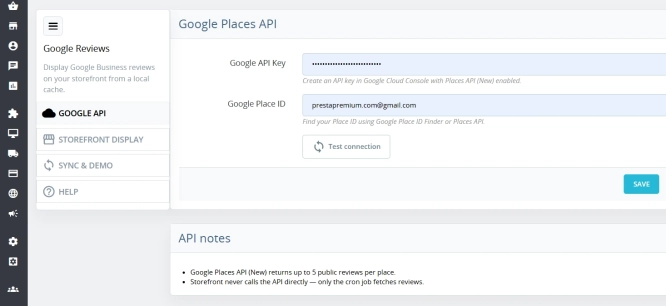
Google Maps Reviews Module for PrestaShop – Automatic Import and Display of Customer Ratings
This module serves to increase trust in your shop by displaying authentic reviews from Google Maps. Thanks to the automatic generation of JSON-LD structured data, star...
29.70 €

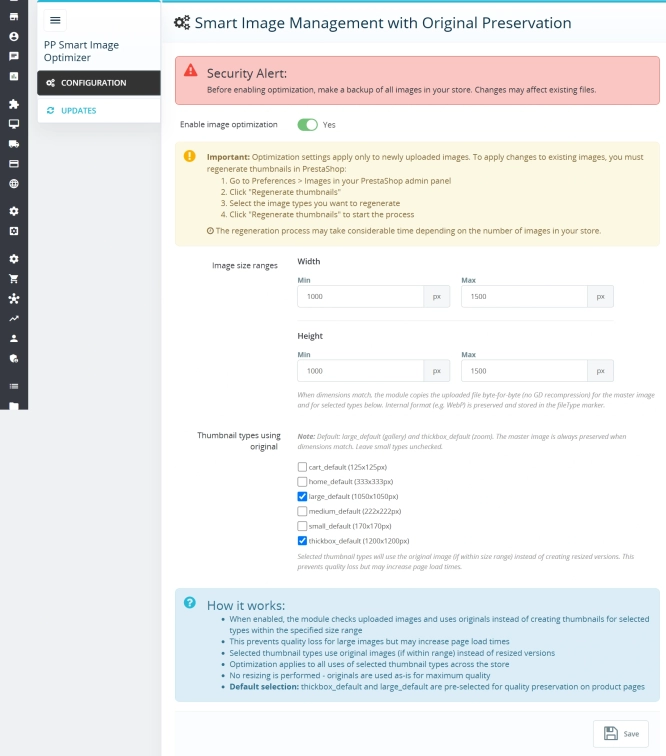
Smart Image Optimiser — Lossless Quality and Perfect PrestaShop Product Images
Smart Image Optimizer is an advanced tool that effectively eliminates the problem of automatic, lossy recompression of graphics files by PrestaShop's engines (GD/Imagick)....
83.10 €
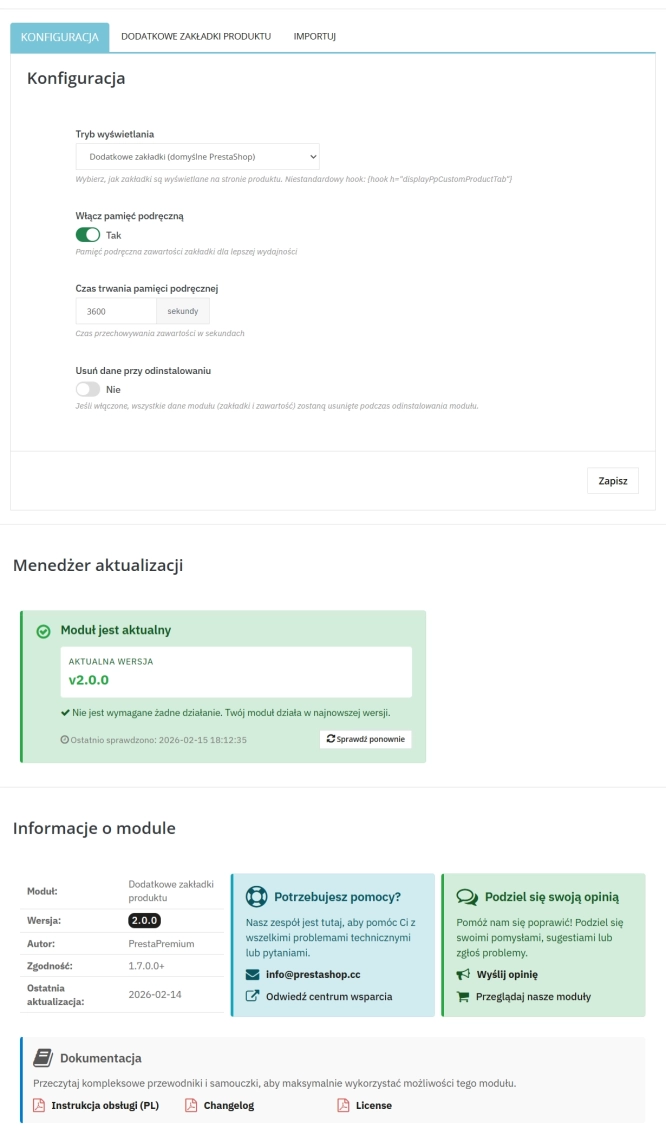
Extra Product Tabs – Tab Creator, CSV Import and SEO
Transform chaotic descriptions into a professional offer that sells! The Extra Product Tabs module allows you to instantly add unlimited tabs (e.g. Size Guide, Video,...
74.10 €
Lowest price within 30 days before promotion:
74.10 €
Do you need additional features or custom solutions?
- Module customisation tailored to your specific requirements.
- Extending functionality to enhance your store's capabilities.
- Developing bespoke modules designed to meet your unique needs.
- Integrating external systems and additional tools.
- Optimisation and improvements for better performance and user experience.
Do you have ideas on how to improve this software? Share your suggestions for optimisation, new features, or bug reports – we’ll be happy to review them!