PrestaShop Schema Pro - Schema.org Structured Data Module
The module automatically generates Schema.org structured data in JSON-LD format for PrestaShop stores, enabling Rich Snippets to appear in Google search results by adding the markup to the <head> section of pages.
Key module features
- More than 15 JSON-LD schemas in a single module, including extended Product Schema for e-commerce
- Ready for the AI era - structured data helps search engines and AI assistants understand your store offer more accurately
- Built-in Schema Scanner for detecting existing markup and limiting duplicate JSON-LD
- Compatible with PrestaShop 1.7 - 9.x with support for Multi-shop environments
- Automated deployment without manually building Schema.org markup for each page
AI-friendly: The module generates structured JSON-LD optimised for automated processing. This makes safe and consistent integration with AI-based tools easier, such as recommendation systems, personalisation engines, semantic search solutions, and AI assistants. As a result, your store offer has a better chance of being interpreted correctly and presented attractively in AI-generated answers as well.
How the module works - step by step
Important note: The module integrates automatically with the PrestaShop system, allowing configuration without deep technical knowledge.
Step 1: Installation and automatic registration
After installation, the module automatically registers itself in PrestaShop. All structured data are added to the <head> section of every store page as <script type="application/ld+json"> tags.
Step 2: Configuration through an intuitive panel
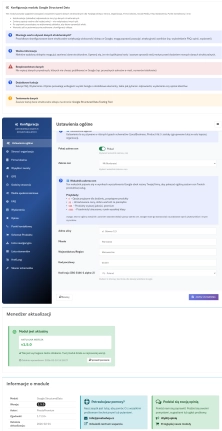
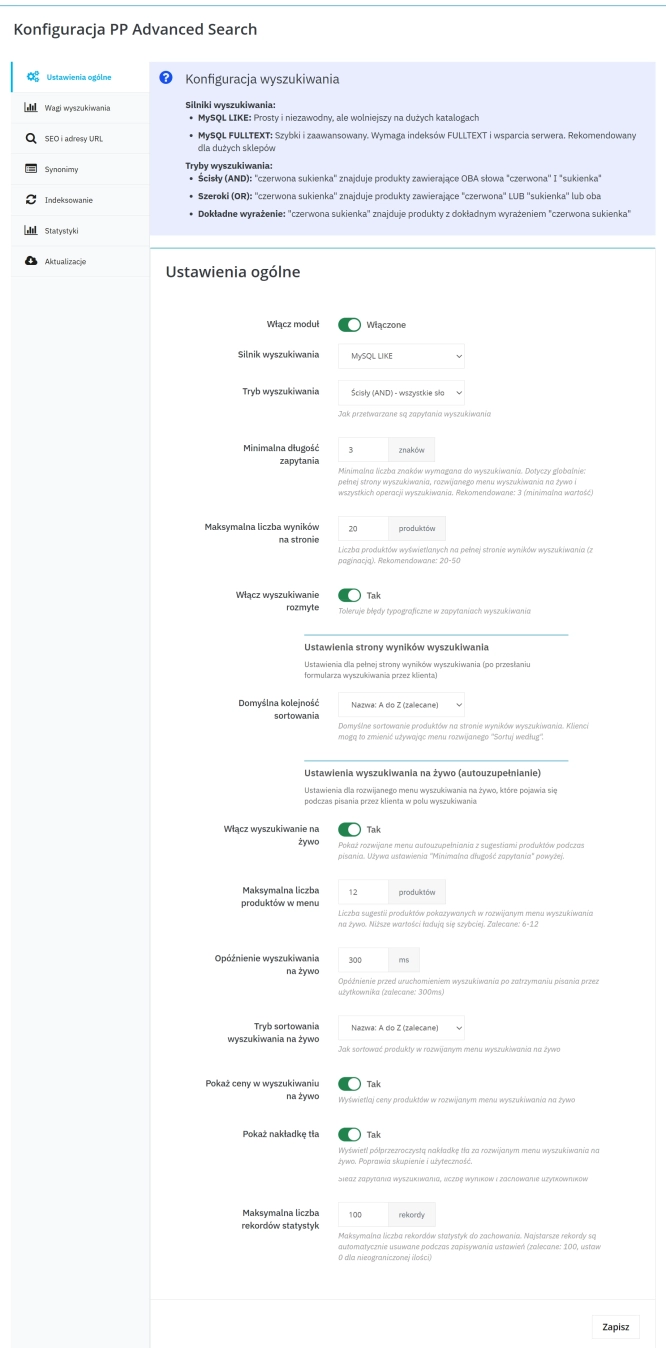
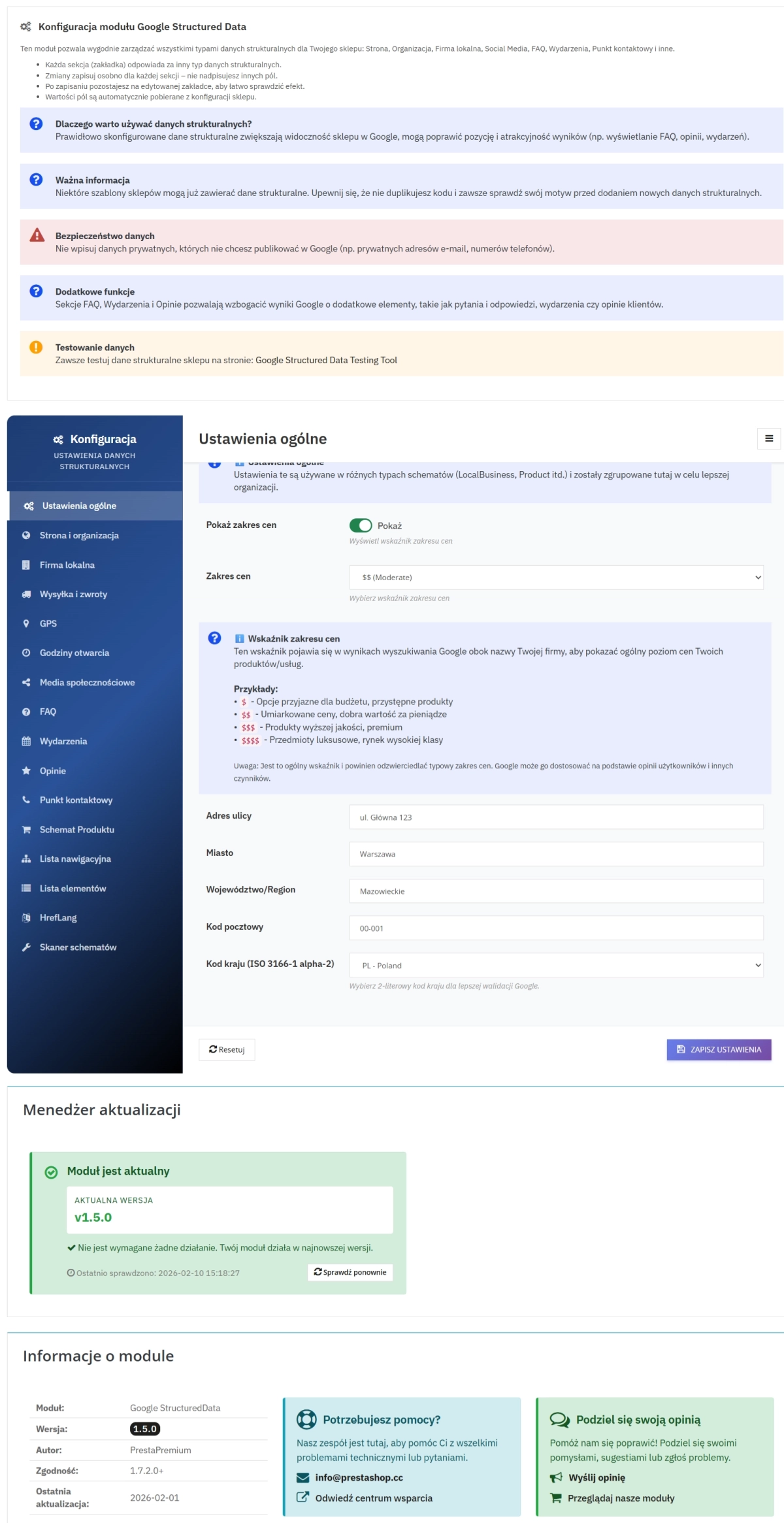
The module offers more than 15 configuration tabs grouped by topic. Each tab contains dedicated forms for entering schema-specific data.
Step 3: Automatic JSON-LD generation
The module processes the entered data and generates valid JSON objects compliant with Schema.org standards. Built-in validation ensures the correctness of all data structures.
Step 4: Display in search results
Google indexes the structured data and can display them as Rich Snippets - enhanced results with star ratings, prices, availability, and other elements.
Complete set of Schema.org schemas and extensions
The module provides full support for both core and advanced Schema.org schemas. Below you will find an overview of the available schemas, ordered from the most important for an e-commerce store to the blocks that support technical SEO and module management.
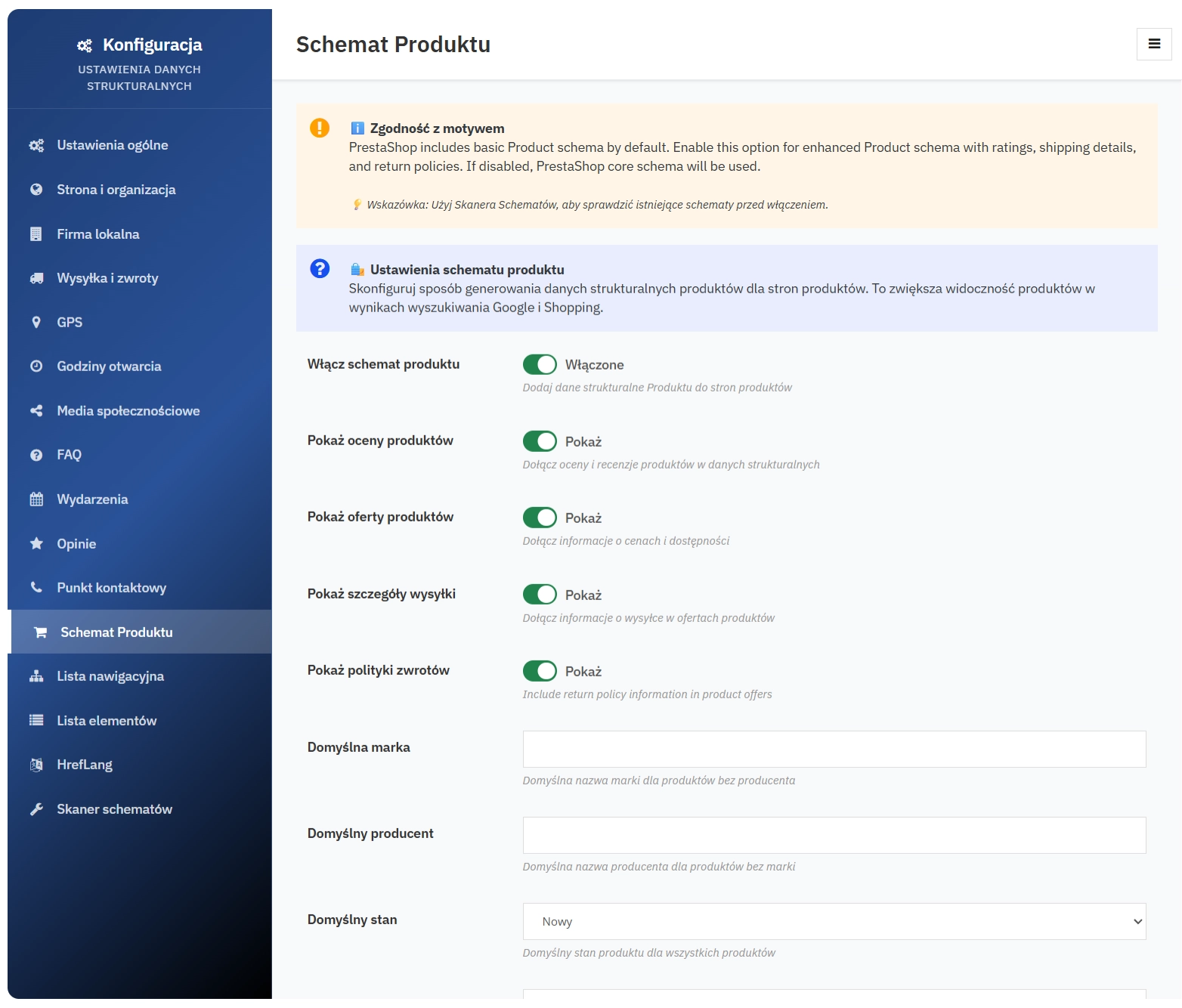
1. Product Schema (extended)
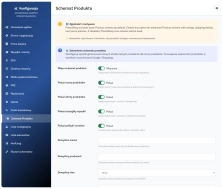
The most important schema for e-commerce. Full control over product data, useful for online stores:
- Basic product data (name, description, category, image, URL)
- Product identifiers (SKU, MPN) and product weight
- Ratings and reviews (average score, review count, review details) - integration with the native PrestaShop Product Comments module
- Offers (price, currency, price validity date, availability, seller)
- Shipping information including cost and handling/delivery time
- Returns policy linked to the product
- Brand and manufacturer as well as item condition (e.g. new, used)
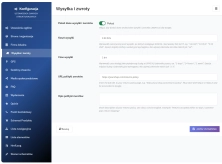
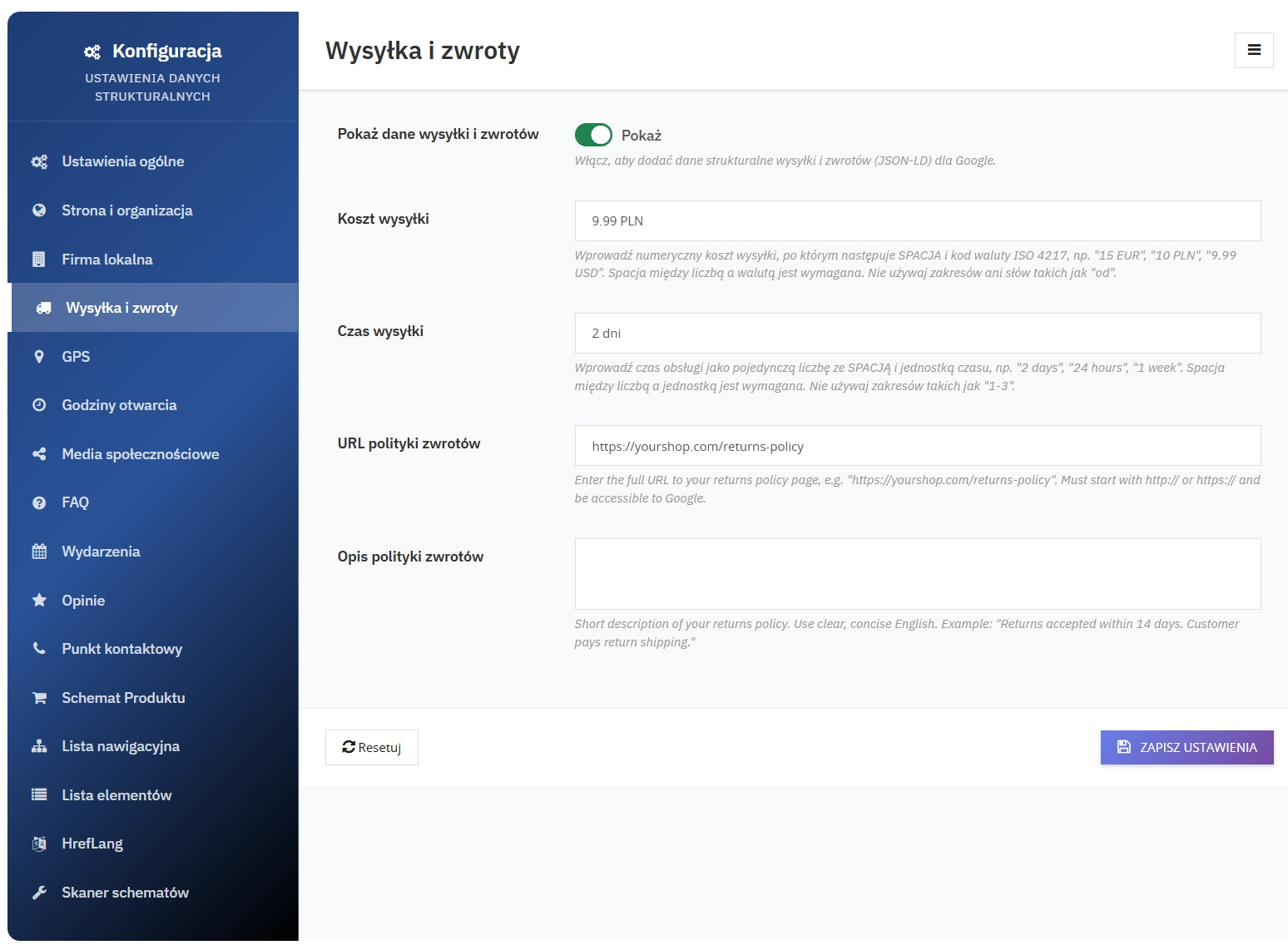
2. Shipping & Returns Schema
Delivery and returns information that is crucial for customer purchase decisions:
- Shipping cost with currency
- Delivery time (e.g. 1-3 days)
- Returns policy URL
- Description of return conditions
- Delivery country
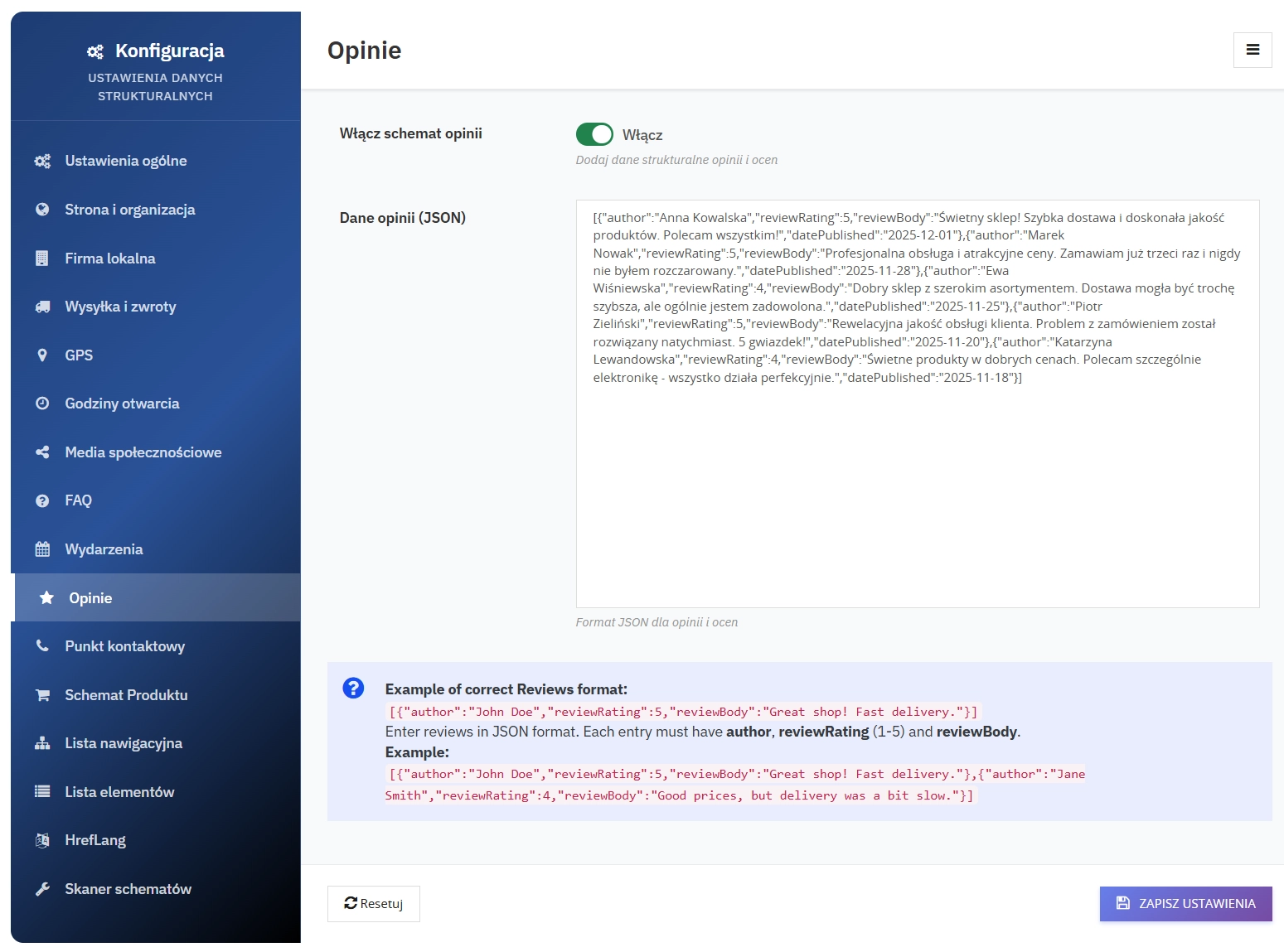
3. Reviews Schema
Reviews and ratings for products or services that build trust and support star-based Rich Snippets:
- Review author
- 1-5 star rating
- Review content
- Publication date
- Review language
- Rich Snippets with star ratings in search results
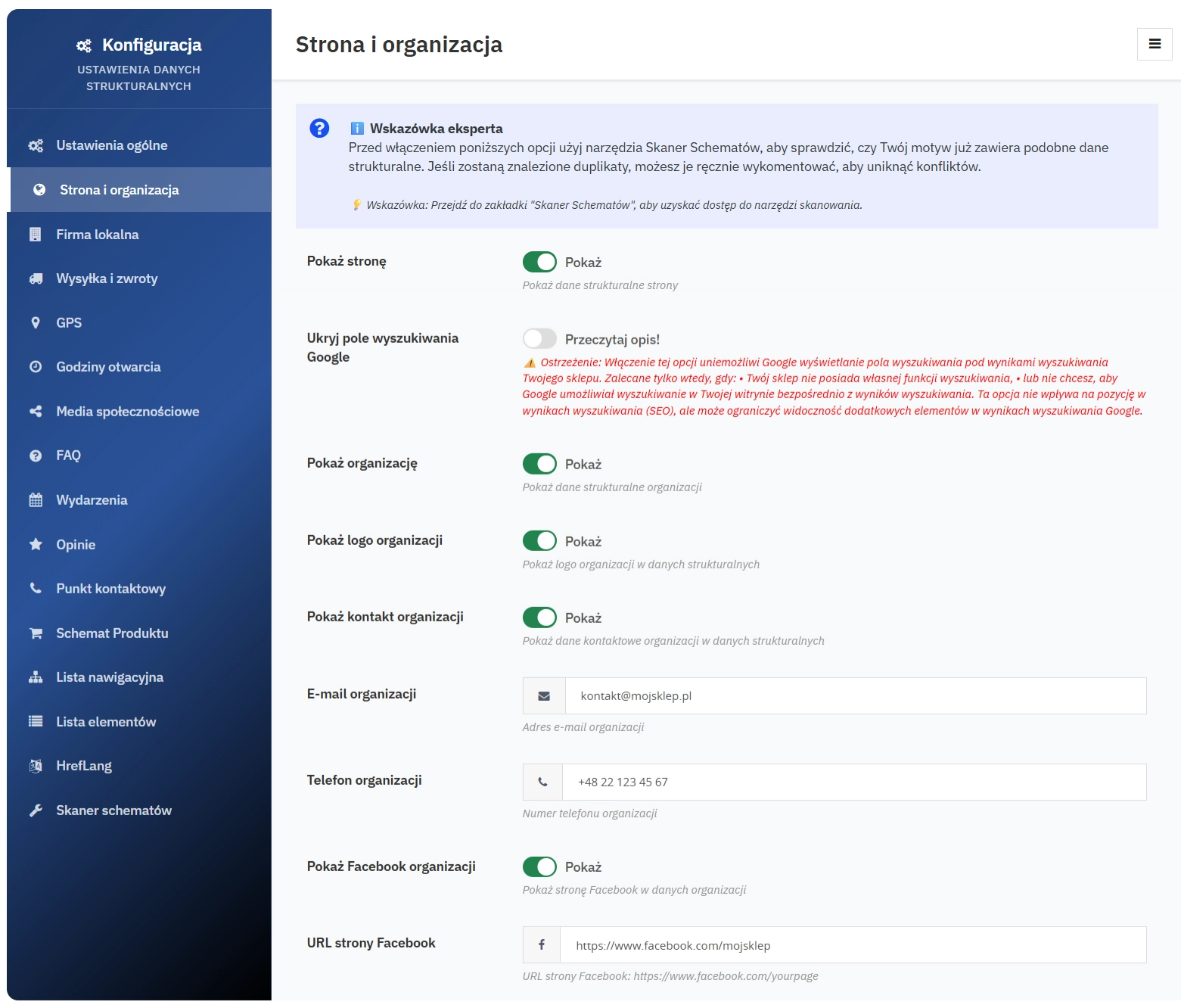
4. Website & Organization Schema
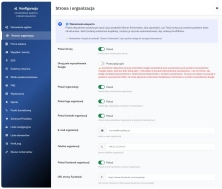
Defines the site as a website together with organisation information. Includes:
- Company name and description
- Organisation logo
- Contact details (phone, email)
- Social media profiles
- VAT ID and other identifiers
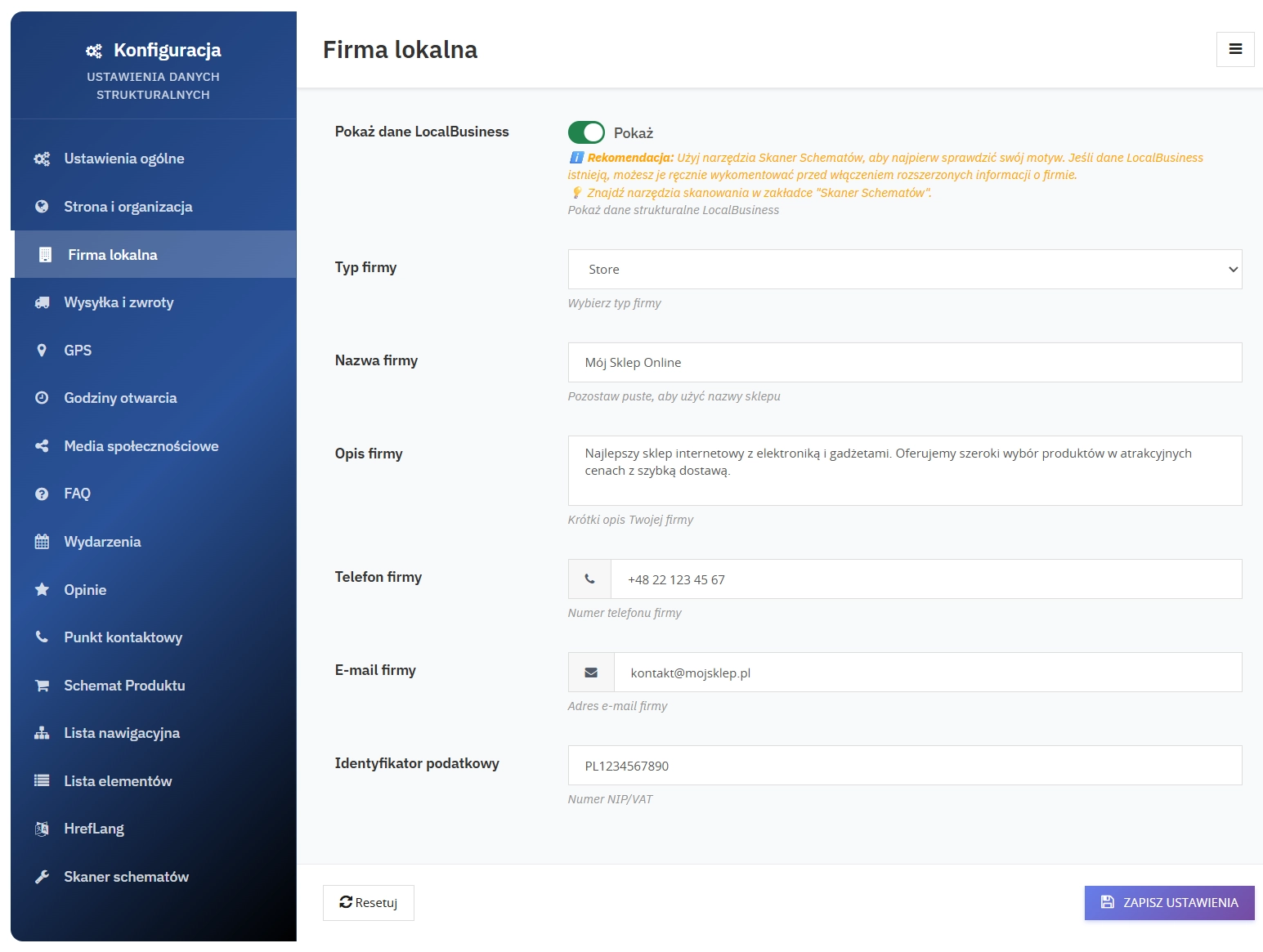
5. LocalBusiness Schema
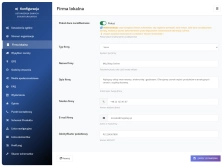
Complete local business data for physical shops and delivery businesses:
- Business type (Store, Restaurant, etc.)
- Full address with postcode and country
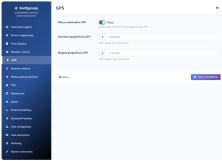
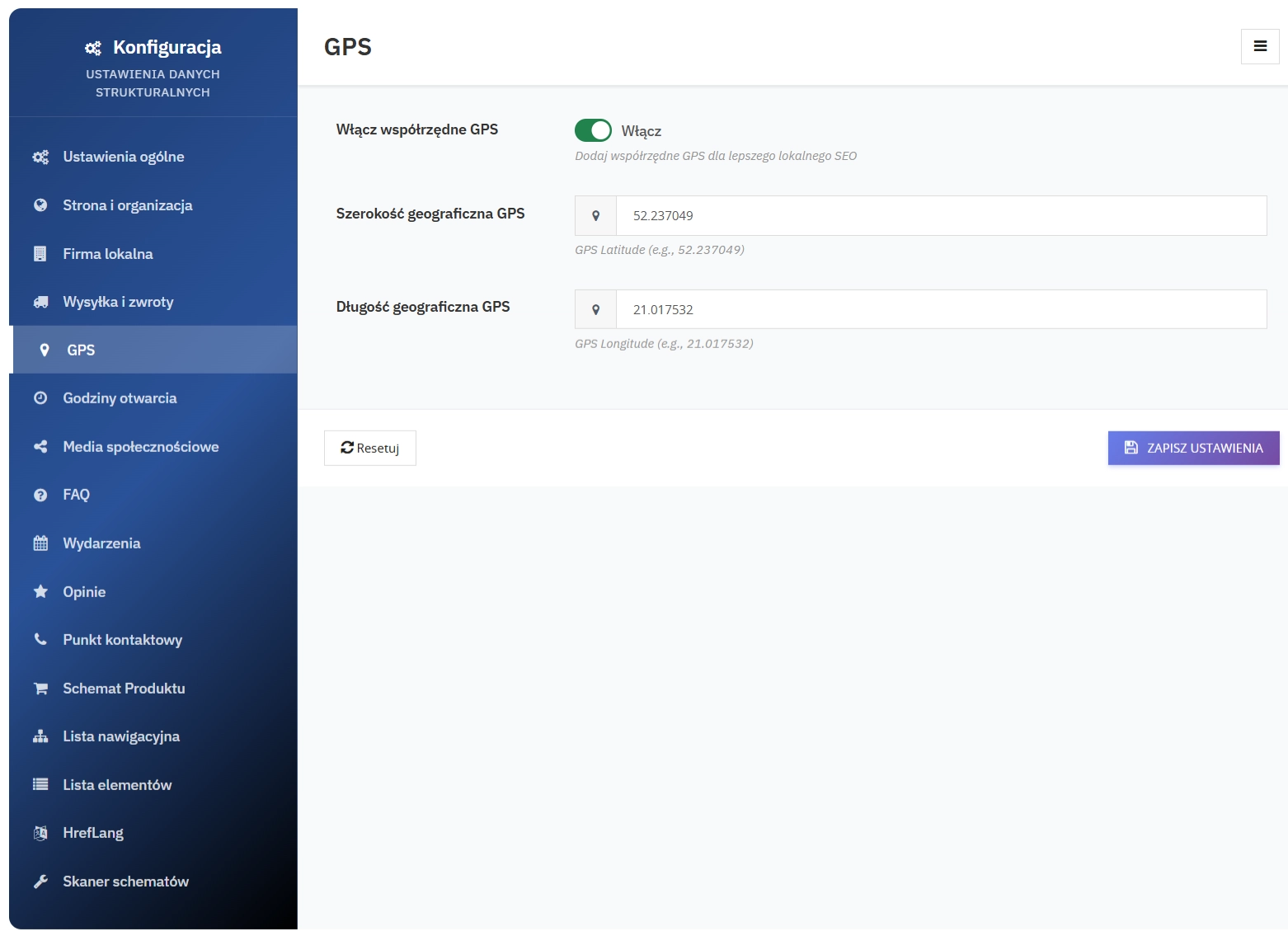
- GPS coordinates for Google Maps
- Price range ($, $$, $$$)
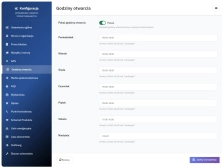
- Opening hours for each day of the week
- Accepted payment methods
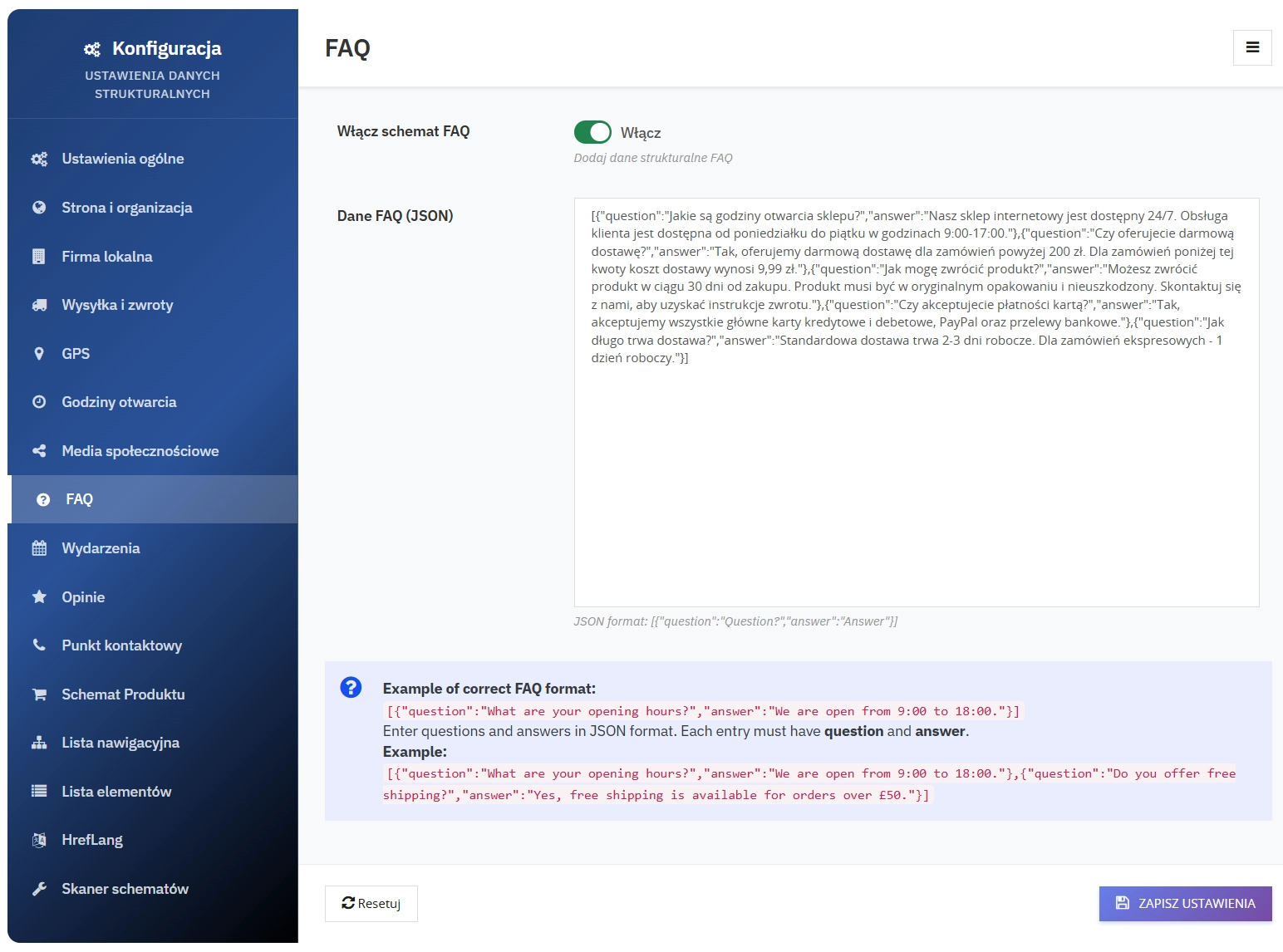
6. FAQ Schema
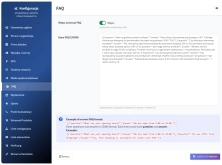
Questions and answers displayed in search results, increasing result coverage and the chance of a click:
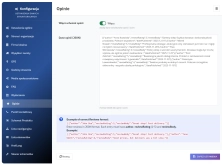
- JSON format for easy editing
- Structure validation - checks question-answer pairs
- Rich Results - expandable questions in Google
- SEO-friendly - answers to popular questions
7. How-To Schema
Add structured step-by-step instructions to increase the visibility of guides, tutorials, and educational content in search results:
- Instruction title and description
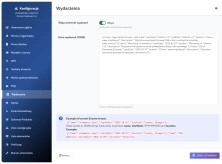
- Steps (sequence with description, timing, and optional illustrations)
- Completion time and safety guidance
- Editable JSON and automatic mapping to JSON-LD
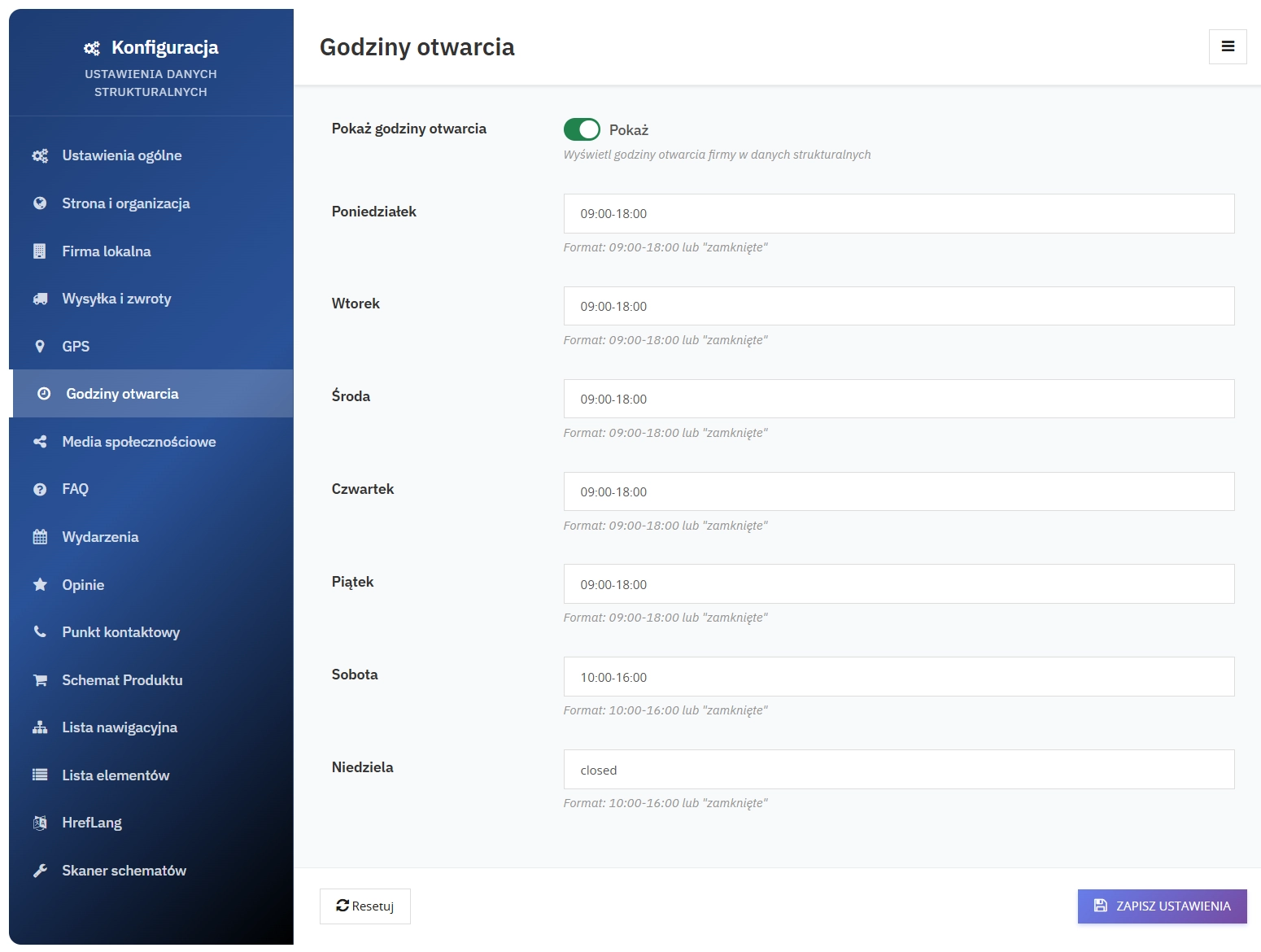
8. Opening Hours Schema
Detailed opening hours that support better indexing of local business data:
- Separate settings for each day of the week
- 24-hour format (09:00-18:00)
- Closed option for non-working days
- Automatic validation of time format
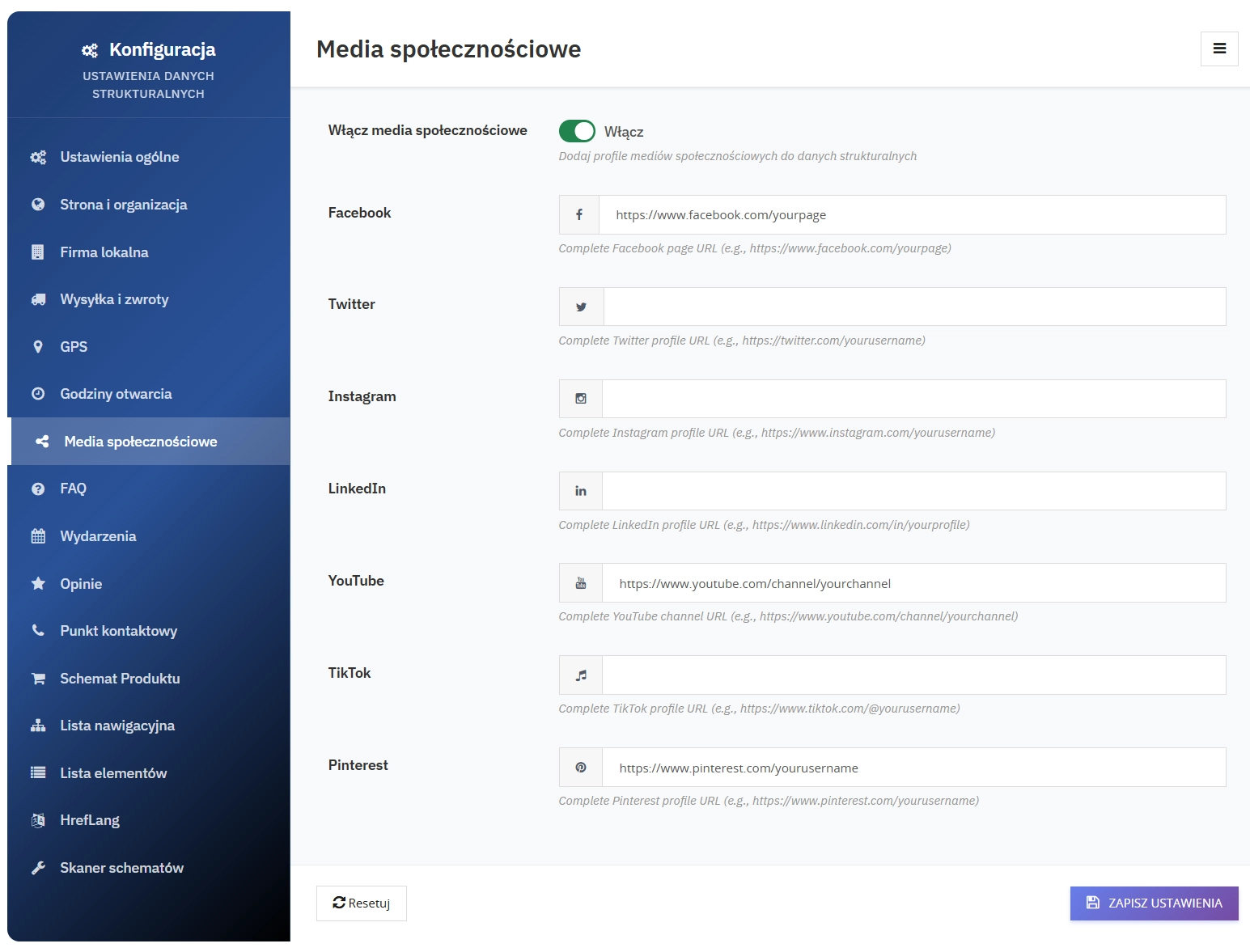
9. Social Media Schema
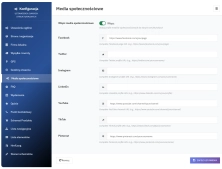
Complete social media profiles:
- Facebook - company page
- Twitter - company profile
- Instagram - business account
- LinkedIn - company page
- YouTube - video channel
- TikTok - company profile
- Pinterest - company profile
- Automatic linking in the Organization Schema
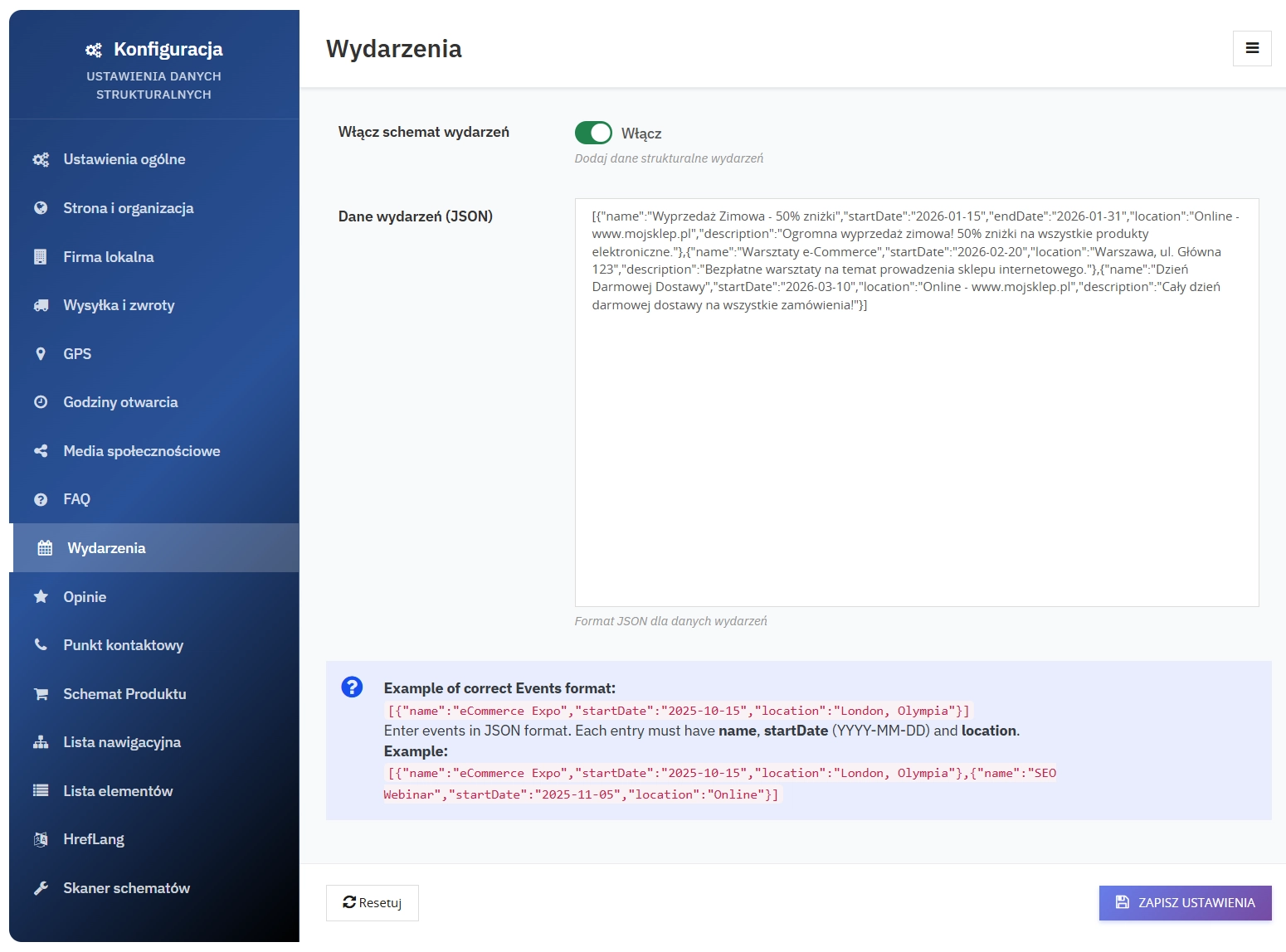
10. Events Schema
Company events with full details:
- Event name
- Start and end dates
- Location (address or online)
- Event description
- Organiser (automatically set to your company)
- Event status (scheduled, cancelled)
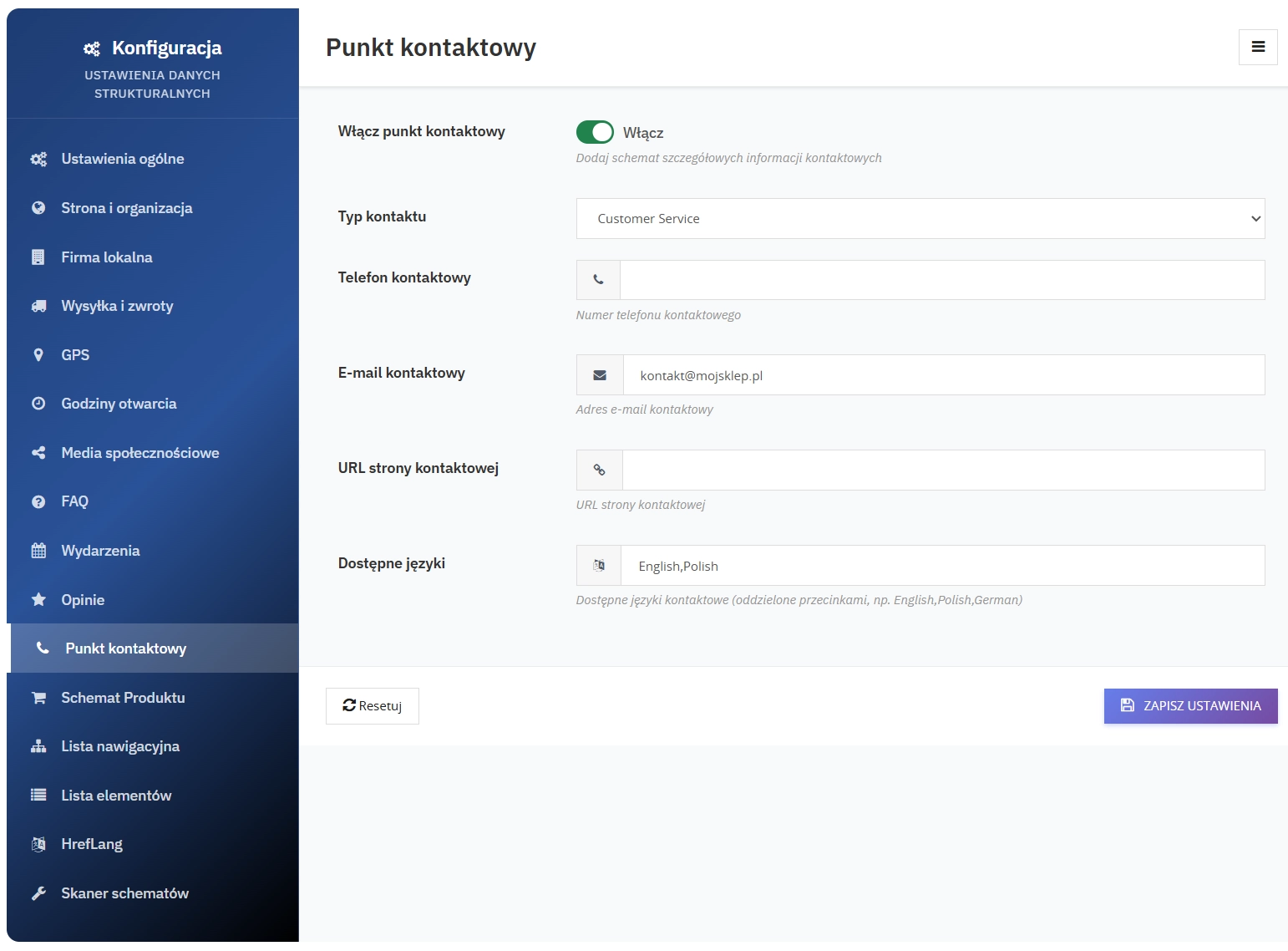
11. Contact Point Schema
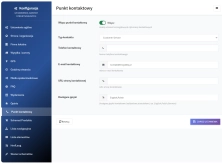
Detailed contact information:
- Contact type (customer service, sales, support)
- Phone number
- Email address
- Contact page URL
- Supported languages (configurable, e.g. Polish,English,German)
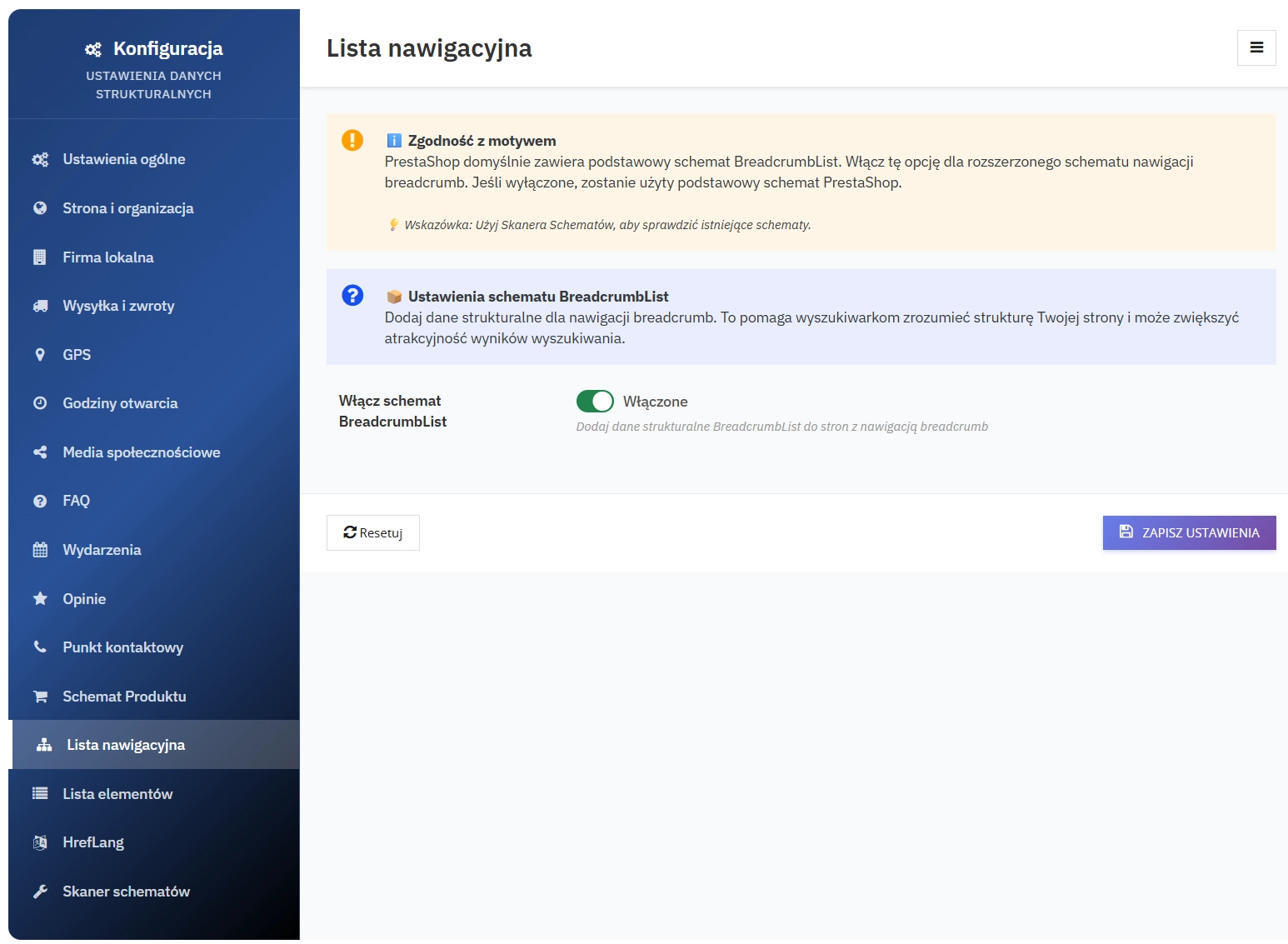
12. BreadcrumbList
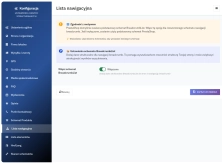
Generation of breadcrumbs in a Schema.org-compliant format for improved navigation and search visibility.
13. ItemList
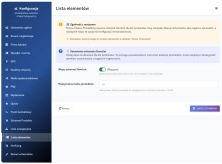
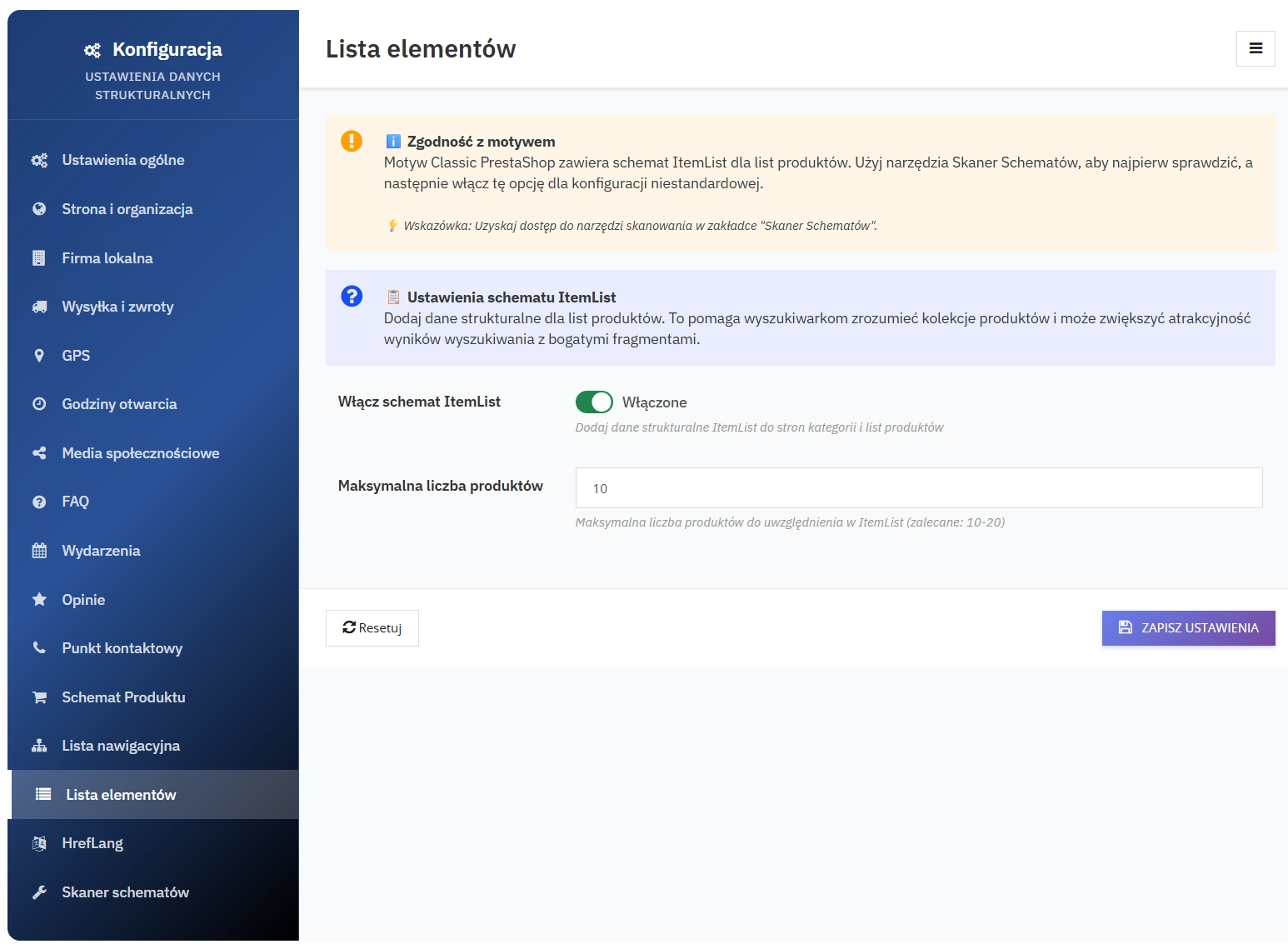
Product lists (e.g. bestsellers or recommendations) as an ItemList structure with a configurable item limit.
14. Hreflang Support
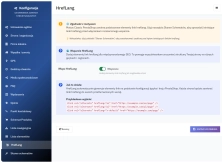
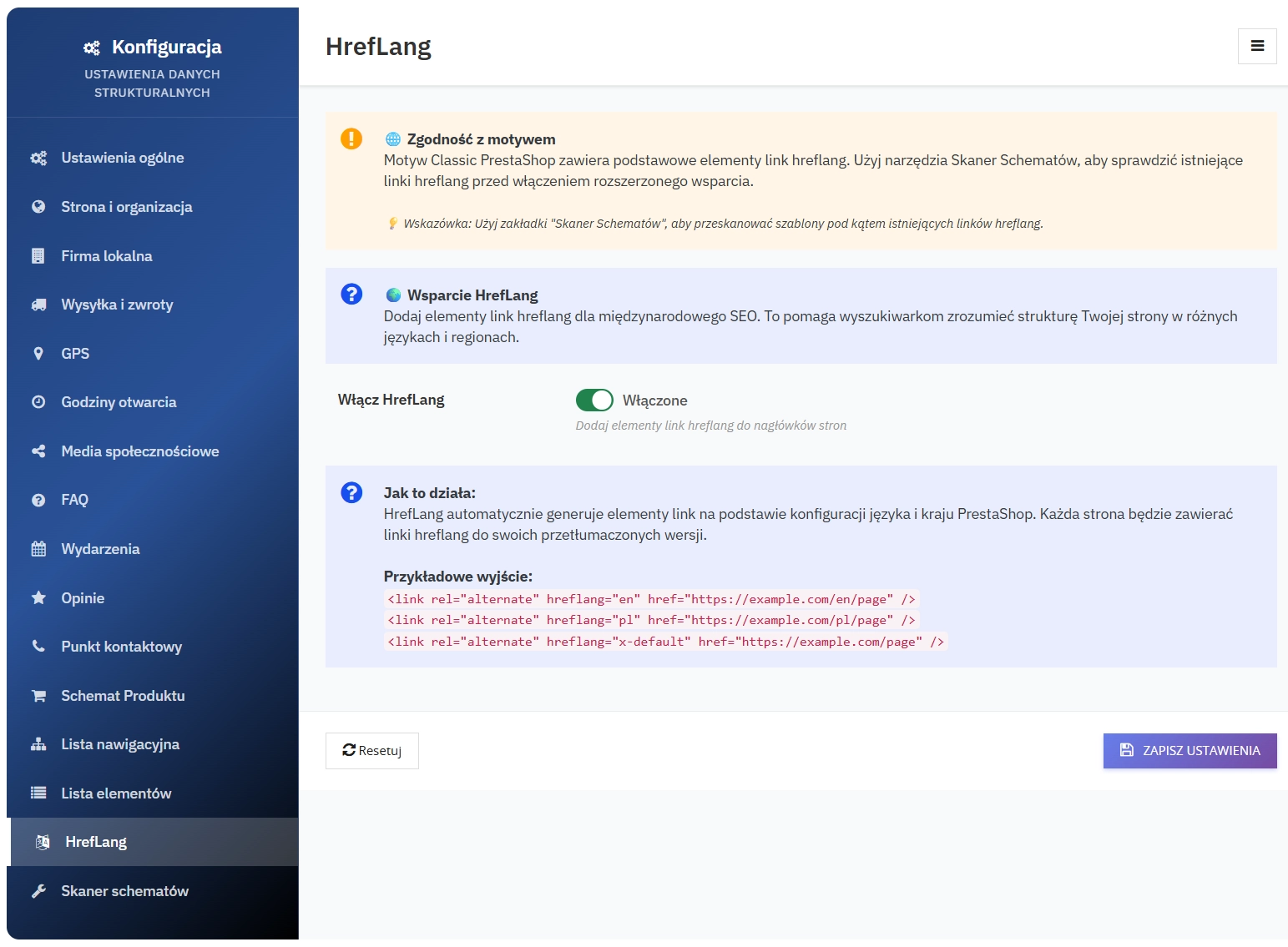
Support for multilingual versions of the site - automatic addition of rel="alternate" hreflang or appropriate signals in the structure to improve international indexing.
15. Schema Scanner (Schema Cleanup) and Updater
Tools for diagnosing and maintaining correct structured data:
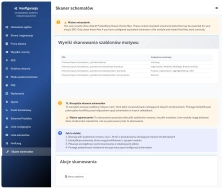
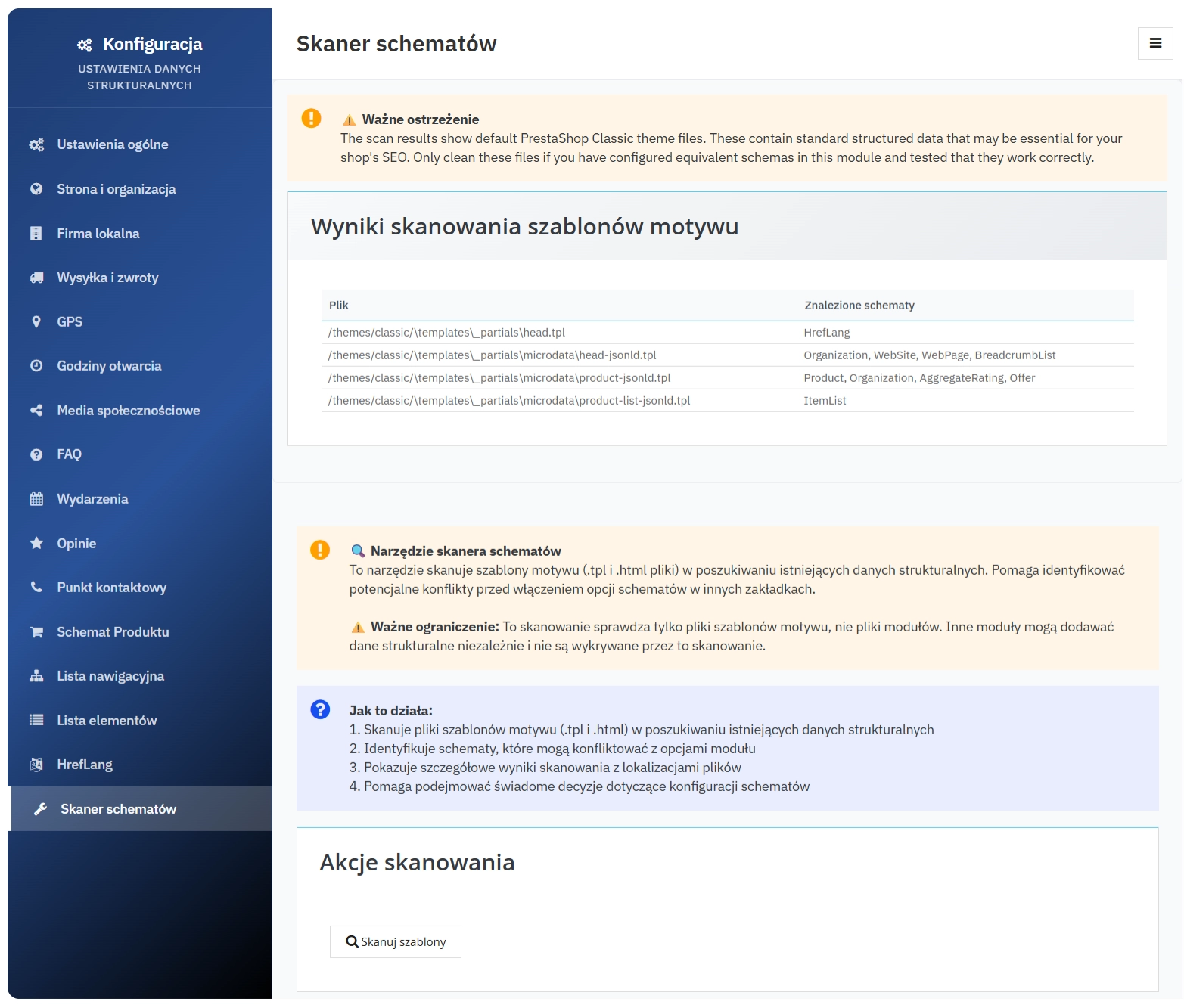
- Template scanner - scans theme files and reports detected JSON-LD, including files and schema types, which helps with cleaning up old or duplicated markup
- Note: the scanner checks theme files only; other modules may generate JSON-LD independently
- Updater - integration with the internal update-check mechanism and an option to clear the updater cache
16. Administrative panel and integration
Features that simplify management and deployment:
- Multi-tab Back Office panel - more than 15 thematic configuration tabs (Website, LocalBusiness, Shipping & Returns, GPS, Hours, Social, FAQ, Events, Reviews, Contact Point, Product Schema, Breadcrumb, ItemList, Hreflang, Schema Scanner, and more)
- Editable data as JSON for FAQ, Events, Reviews, and How-To, with basic server-side validation
- Multi-shop ready - automatic context detection and setup, compatible with PrestaShop multi-shop
- Front-office hooks - the module adds generated data to Smarty and injects it into the header and before the closing body tag (hooks: displayHeader, displayBeforeBodyClosingTag)
- Full configuration cleanup during uninstallation (removal of settings from
Configuration)
Technical rationale for structured data for SEO
Schema.org-compliant JSON-LD provides search engines and AI systems with unambiguous fields such as price, availability, and ratings. This makes it easier to map content correctly to Rich Results, improves content clarity for search engines, and supports automated processing by analytics tools and AI answer engines.
SEO benefits
- Greater chance of clicks and sales: better product presentation in search results (price, availability, ratings) can improve CTR
- Greater chance of Rich Results: FAQ, How-To, Reviews, Events
- Stronger international SEO: indexing of language versions thanks to Hreflang
- Stronger local visibility: LocalBusiness and Opening Hours
Technical details and compatibility
- Compatibility: PrestaShop 1.7.2.0+; PHP 7.1+
- Back Office panel: Bootstrap-based, responsive, multilingual
- Data output: JSON-LD injected into templates.
Module installation, configuration and testing
Important - make a backup: Before installing or updating the module, create a full backup of your database and store files. Test the installation and updates on a staging environment first.
Step 1: Install the module
Drag and drop the ZIP file into PrestaShop - Modules - Upload a module - Install.
Step 2: Basic configuration
Fill in your company details in the "Local Business" tab - address, phone, email, and opening hours.
Step 3: Activate schemas
Enable the selected schemas (Product, FAQ, Reviews, Events) and enter the required data.
Step 4: Testing
Use the Google Rich Results Test
Step 5: Monitor performance
Track traffic growth in Google Analytics and monitor visibility in Google Search Console.
Liability information: The information below is general in nature and is intended as a reminder of good practice related to the installation and use of the module. We recommend making a backup and testing the module on a staging environment before deploying it to production. Detailed provisions regarding liability and warranty can be found in the licence agreement: Licence terms
Information: On request, we can extend the module with additional features or extra Schema.org schemas. Such extensions may involve additional costs depending on the scope of work.