Megamenu Builder PrestaShop – Navigation Creator (Atomic Cache Technology)
PP-M015
- 8.x | 9.x
- EN, FR, IT, DE, PL
- 2.2.1
- 2026-02-08
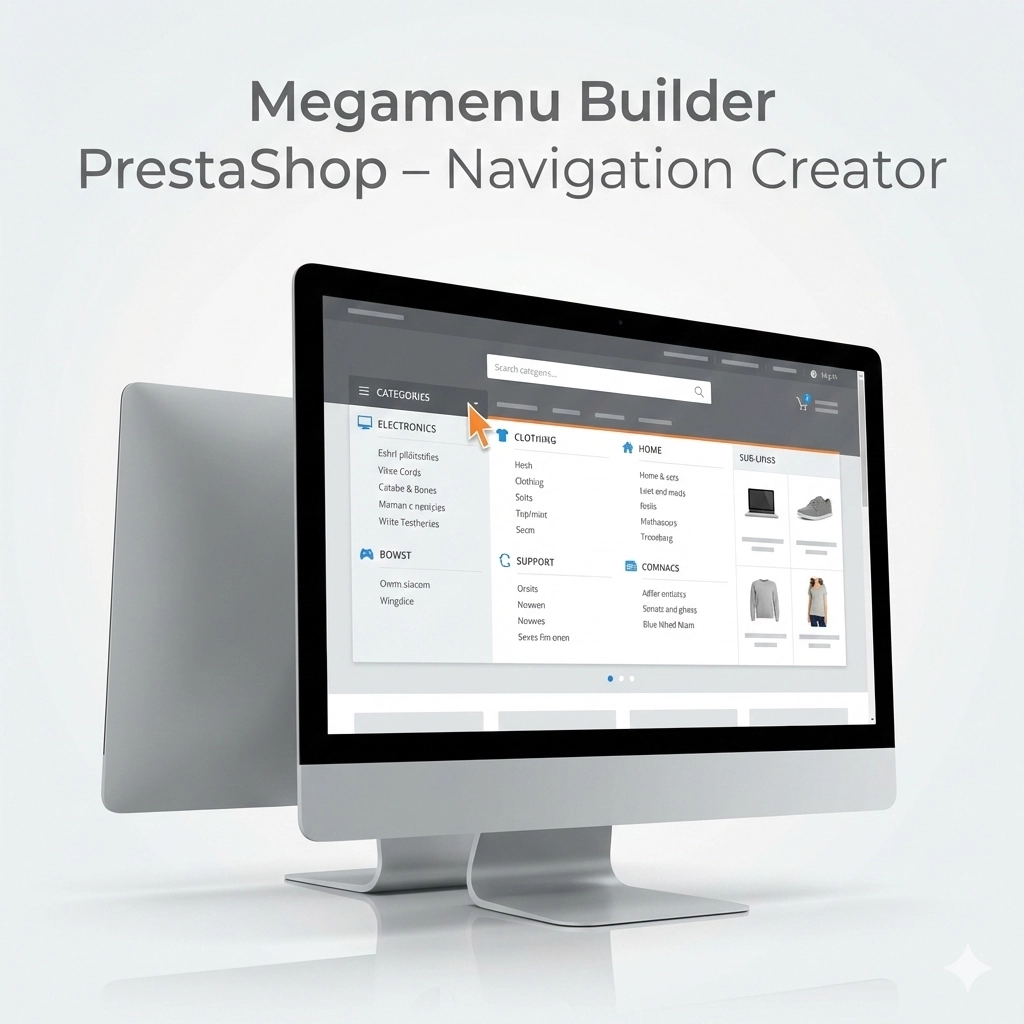
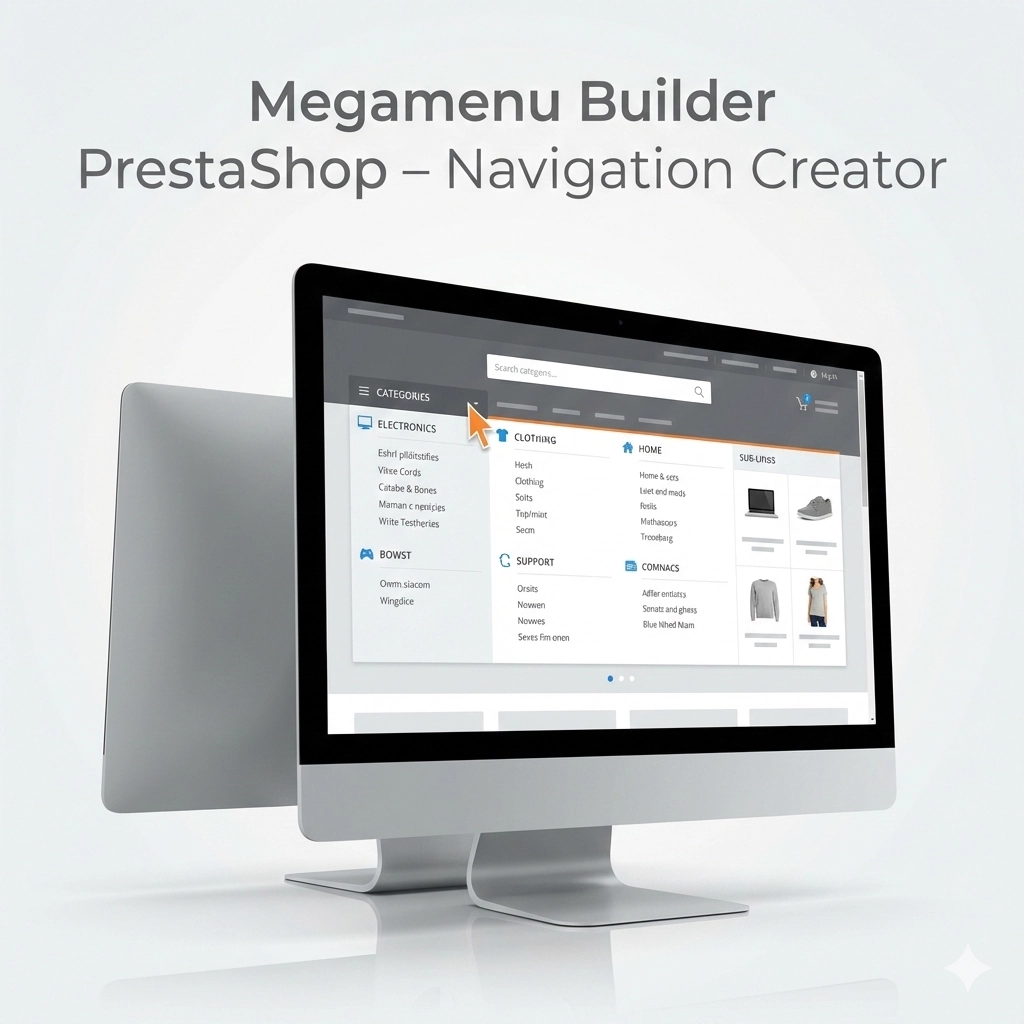
Change the way customers navigate your store. PP Megamenu is an advanced navigation builder that combines Premium design with uncompromising performance. Thanks to our proprietary Atomic JSON Cache technology, the menu loads instantly without burdening the database (Zero SQL) – even with thousands of categories.
It is an All-in-One tool: from an intuitive Drag & Drop builder to dedicated layouts for mobile devices (Mobile First). Increase conversion, improve SEO, and give customers the navigation they deserve. Compatible with PrestaShop 1.7, 8.x, and 9.x.

- Discount
Price available only until: 11.10.2026
92.17 €
Tax excluded
119.70 €
Save 23%
Lowest price within 30 days before promotion:
92.17 €
Information Parameters:
- 2.2.1
-
Store Version PHP Version8.x 8.1 – 8.39.x 8.1 – 8.5
- 2026-02-08
- EN, FR, IT, DE, PL
- ✅
- ✅
- ✅
- ✅
- ❌
- demo.admin.shop
- demo.front.shop
Why does your store need PP Megamenu?
- Speed that sells (Zero SQL) – A slow menu means abandoned carts. Our module serves the structure from static JSON files, drastically reducing server response time (TTFB) and improving scores in Google PageSpeed Insights.
- Full control without a developer (No-Code) – Build complex layouts in minutes. The Drag & Drop builder allows you to combine categories, products, banners, and custom links into one cohesive menu.
- Perfect UX on smartphones – 70% of traffic is mobile. PP Megamenu allows you to create separate row layouts for desktops and phones (Visibility Control), ensuring readability on every screen.
- Powerful tool for B2B – Thanks to intelligent caching, the module correctly handles Specific Prices for customer groups, always displaying current discounts without slowing down the store.
- Support for SEO and Marketing – Promote bestsellers directly in the menu and build a logical internal linking structure that Google robots love.
Who is this module for?
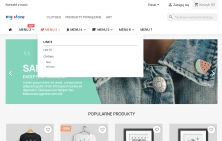
- E-commerce with a large assortment – You will handle category trees with thousands of items without slowing down the homepage thanks to Atomic Cache technology.
- B2B Sales Platforms – The module respects native PrestaShop category permissions, ensuring that customers see only the assortment they have access to.
- Agencies and Developers – You will save hours of work thanks to the Import/Export (JSON) system and developer mode with custom CSS classes.
- Anyone fighting for Core Web Vitals – Eliminating SQL queries from the menu is the simplest way to improve loading speed (LCP/FID).
Features – Administration Panel (Back Office)
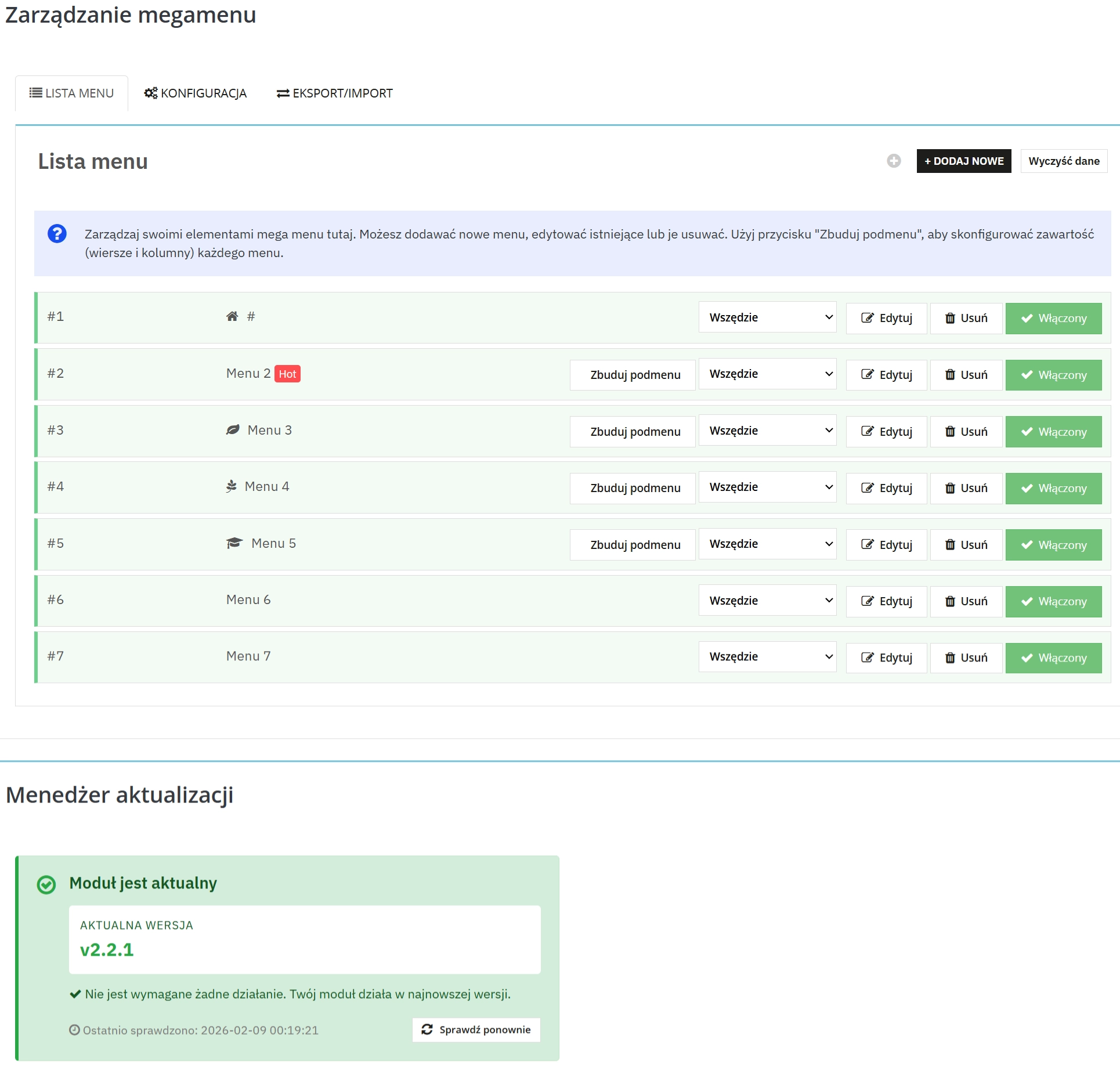
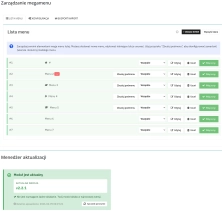
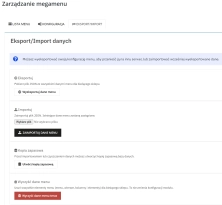
1. Grid System & Drag&Drop
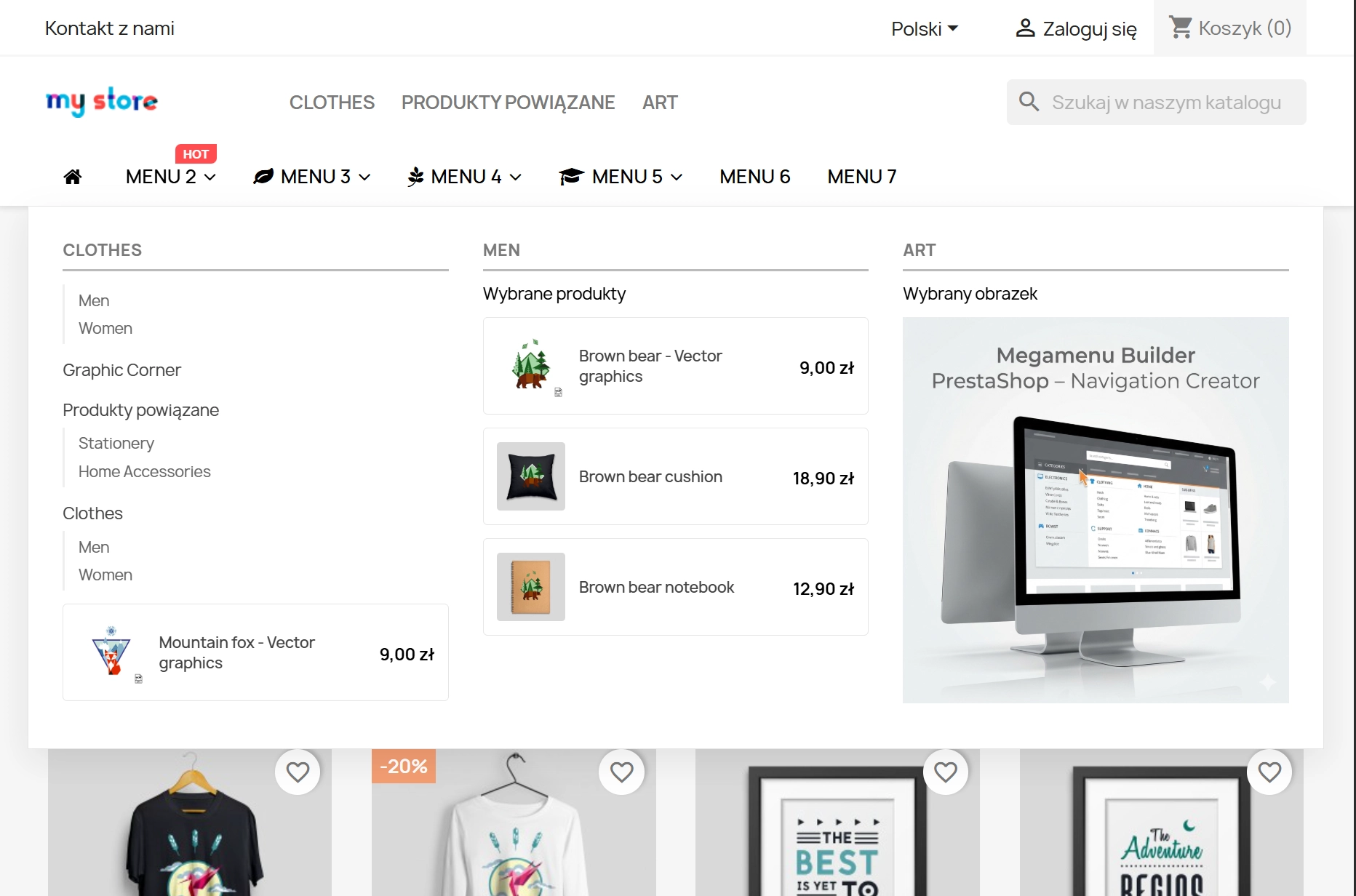
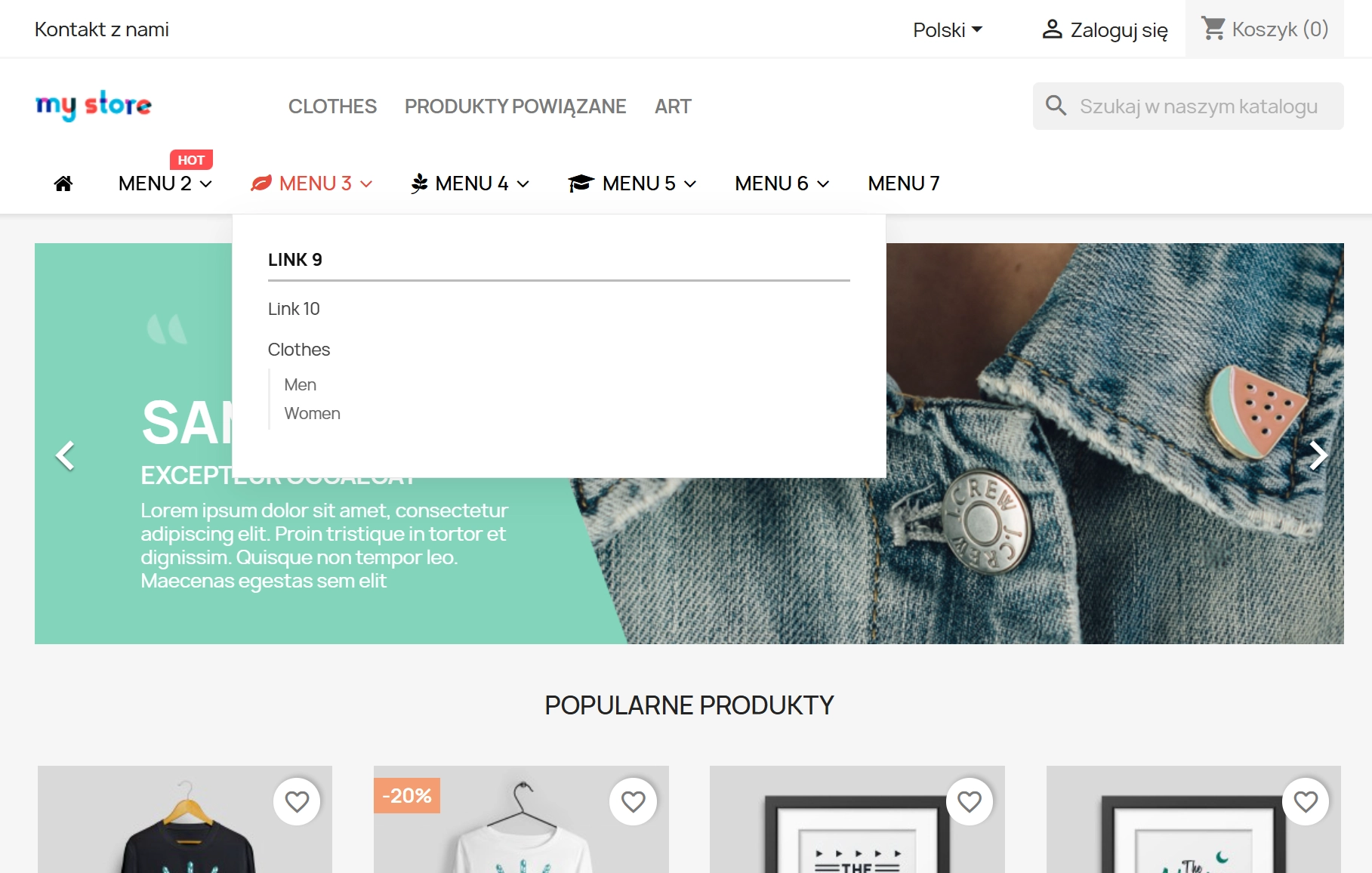
Design like a professional. Use the Bootstrap grid (12 columns) to create multi-level, responsive layouts. Drag and drop elements to change the navigation look in seconds.
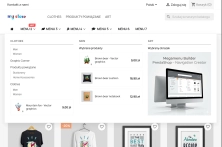
2. Sales Widgets
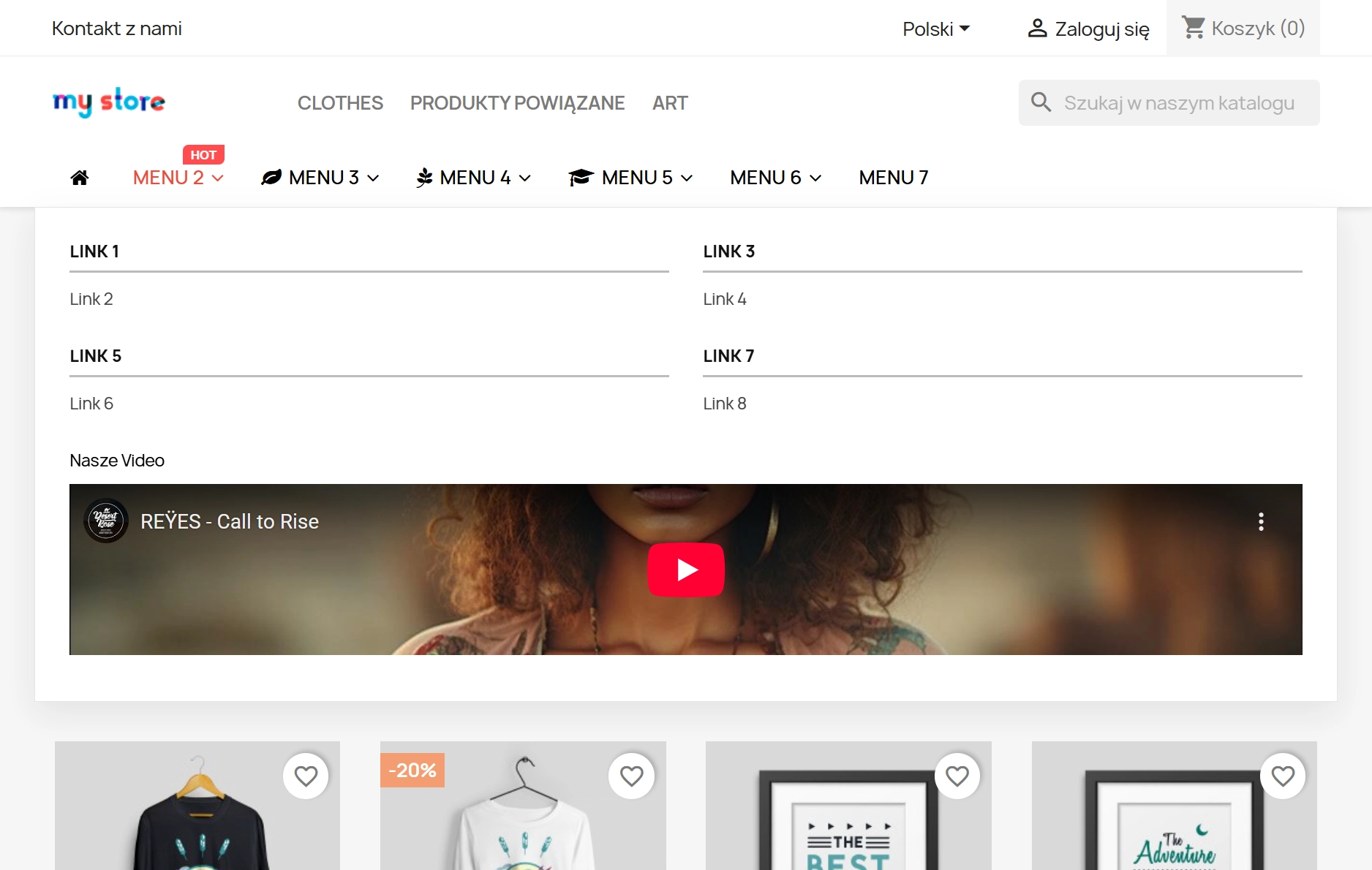
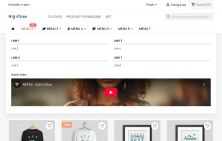
The menu is not just links – it is a place for promotion. Insert product boxes (search by EAN13/Name), HTML banners, YouTube videos, or CMS links to increase customer engagement.
3. Precise Visibility Control (RWD)
No more compromises. Each menu row has a setting: Everywhere, Desktop Only, Mobile Only. This allows you to create a lightweight menu for phones and a content-rich menu for computers.
4. Multi-Store & Icon Support
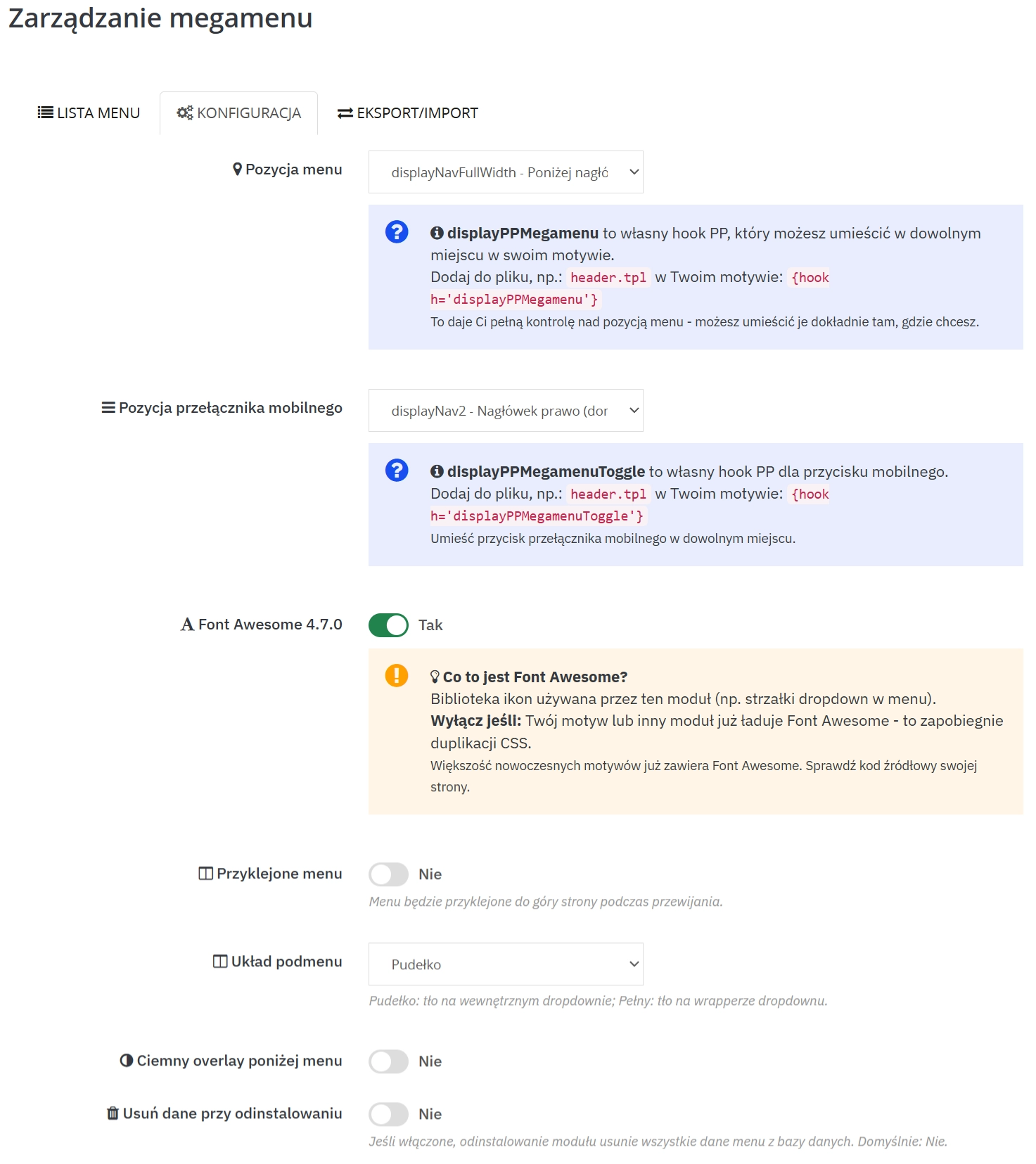
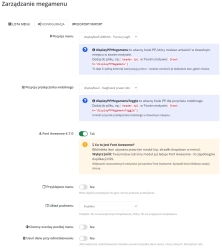
Full compatibility with Multi-Store (independent configuration for each shop). Automatic detection of the FontAwesome library in the template prevents resource duplication.
5. Cache Management & Security
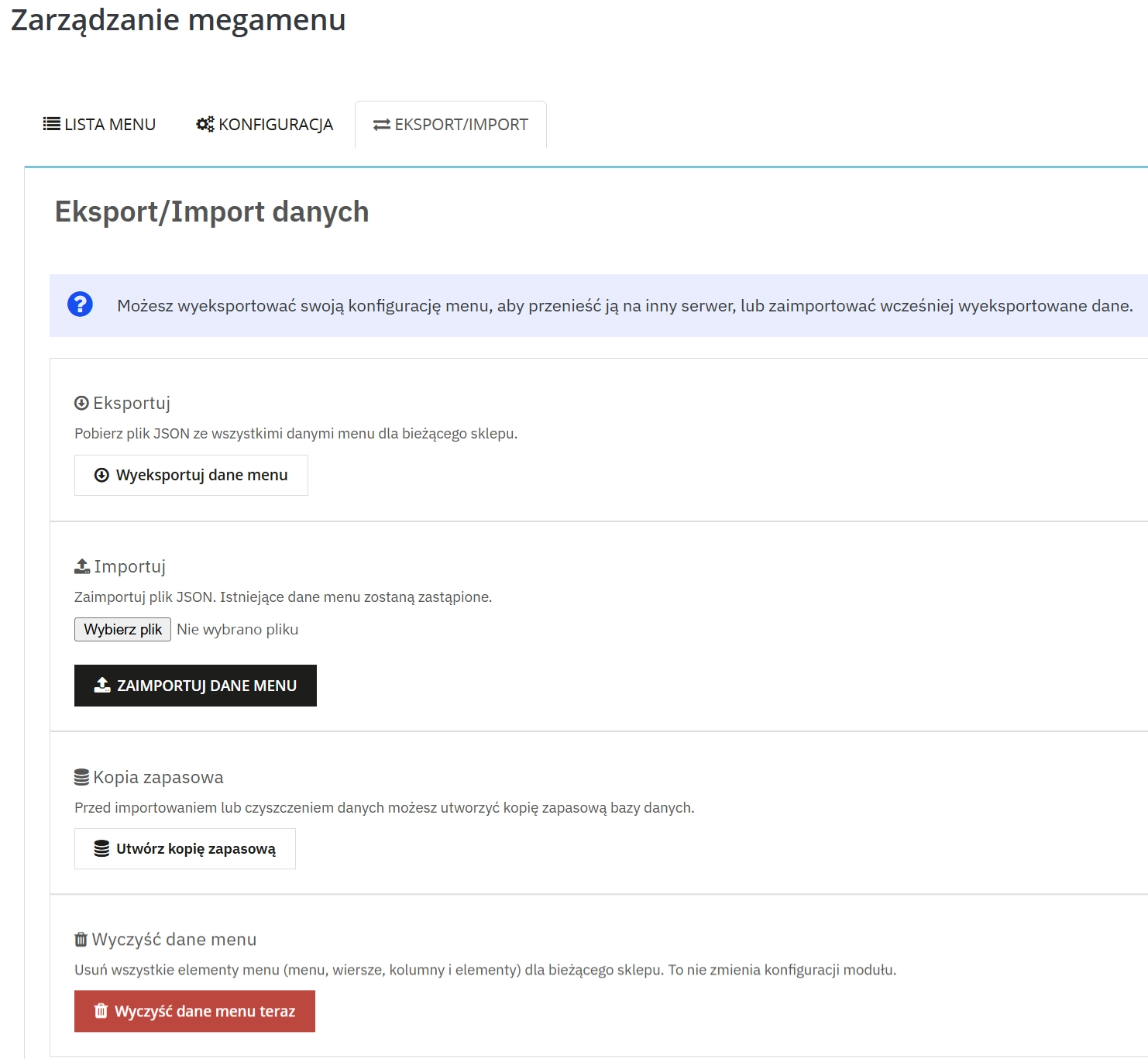
"Atomic Save" technology and file locking (flock) guarantee stability during saving. The Import/Export (JSON) mechanism allows you to safely migrate configurations between environments (Dev/Stage/Prod).
6. Product Search by EAN13
Crucial for large catalogues. Quickly add specific products to the promotional menu by typing their barcode or reference in the search widget.
User Experience (Front Office)
1. Sticky Menu & Dark Overlay
Increase usability with a "sticky" menu that follows scrolling. The optional background dimming effect (Dark Overlay) focuses the customer's eyes solely on your offer.
2. Speed and Responsiveness
The menu supports "Boxed" and "Full Width" layouts. On mobile, it acts as a lightweight, native interface that can be hooked into any element (Hook) in the store header.
Real Impact on Your Business
- Better Google rankings (SEO) – Loading speed and semantic HTML5 code are the foundations of modern positioning.
- Lower Bounce Rate – Intuitive navigation ensures customers find what they are looking for faster and leave the store less often.
- Server resource savings – Fewer database queries mean your hosting can withstand heavier traffic (e.g., during Black Friday) without paying for a higher package.
Tip for Administrators
Pro Tip: Before introducing major changes to the navigation structure, use the JSON Export function. This is your "backup" which you can restore with one click. Also, remember to refresh the cache after changing customer group permissions.
## [2.2.1] - 2026-02-09

### Fixed

- **Subcategories visibility**: Fixed an issue where the "Subcategories" toggle for PrestaShop-type links (Category links) was ignored in the frontend render. It now correctly recursively fetches and displays children categories when enabled.
- **New item positioning**: Fixed `Active Record` issue where newly added submenu items were placed randomly or in the middle of the list.

## [2.2.0] - 2026-01-15

### Added

- **Multi-product selector**: Added ability to select multiple products (comma separated EAN/IDs) for a single menu item block.
- **Link formatting service**: Introduced `PPLinkFormatterService` for unified URL generation across multi-store contexts.

### Changed

- **Admin UI**: Minor improvements to the Drag & Drop styling in Back Office.

## [2.1.0] - 2025-11-20

### Added

- **FontAwesome Auto-detection**: The module now detects if FontAwesome is already loaded by the theme to prevent double-loading assets.

## [2.0.0] - 2025-10-01

**MAJOR RELEASE: COMPLETE REWRITE (PROJECT "ATOMIC")**

This version marks a complete departure from the 1.x architecture. The module has been rebuilt from the ground up using modern PHP standards, strict typing, and a "Zero SQL" frontend philosophy.

### Added

- **Atomic JSON Cache**: The entire menu structure is now pre-compiled into static JSON files using atomic write operations. Frontend rendering requires **Zero SQL queries**, drastically reducing TTFB compared to v1.x.
- **Bootstrap Grid Builder**: New "No-Code" admin builder allowing `span-1` to `span-12` layouts with drag & drop support.
- **Dark Overlay Mode**: Native support for dimming the background when a submenu is open.
- **Mobile First Approach**: Dedicated visibility controls per row (Desktop only / Mobile only / All).

### Changed

- **Database Schema**: Optimized table structure for multi-store support (`*_shop`, `*_lang` separation).
- **Template Engine**: Switched to fully Smarty-based rendering with minimal logic in TPL files (all logic moved to ViewModels).

### Removed

- **Legacy hook support**: Removed deprecated PrestaShop 1.6 hooks. This version strictly requires PrestaShop 1.7.4+ or 8.x. 9.x
You might also like
FAQs
-
Are the modules compatible with my version of PrestaShop?
Each module in our store contains information about compatibility with specific PrestaShop versions. Please check this information carefully before purchasing. If you are not sure, contact us.
-
What is Atomic JSON Cache technology?
The menu structure is served from static JSON files instead of being built from database queries. According to the product description, this reduces database load and supports extensive category trees, including those with thousands of items.
-
Can menus be built without editing code?
Yes. The builder uses Bootstrap’s 12-column grid system and drag-and-drop controls. This lets you create multi-level responsive layouts and rearrange elements from the Back Office without directly editing template files.
-
What content can be included in the menu?
The menu can combine categories, products, HTML banners, YouTube videos, custom links and links to CMS pages. The module also provides product search by EAN13, name or reference, making it easier to add specific items to promotional blocks.
-
Can I prepare a separate menu layout for mobile devices?
Yes. For each menu row, you can set visibility to everywhere, desktop only or mobile only. This allows a lighter mobile layout and more extensive navigation for larger screens within one configuration.
-
How can menu configuration be moved between environments?
The module offers JSON import and export for transferring configuration between environments. Saving uses Atomic Save and flock file locking. Before making major changes to the menu structure, the product description recommends exporting the configuration.
16 other products in the same category:
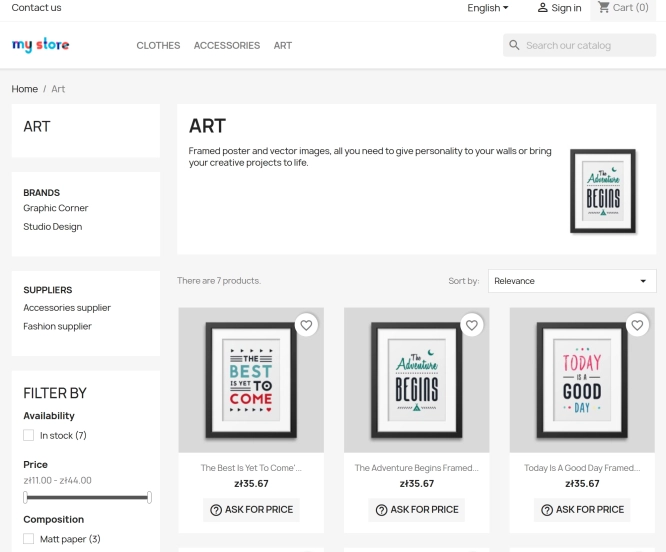
Ask about product / price (PRO)
Ask about product / price (PRO) is an advanced PrestaShop module that adds an enquiry form on the product page and directly on the product list (categories, homepage,...
74.70 €
- New
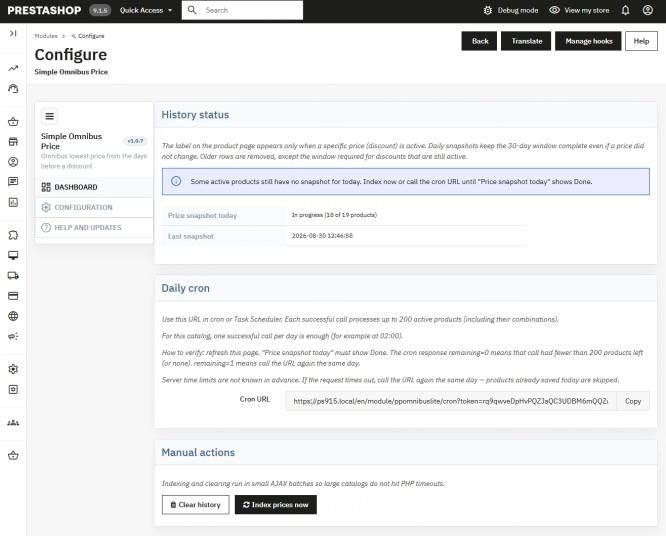
Free Simple Omnibus Price Module – Omnibus Directive for PrestaShop
Simple Omnibus Price is a completely free PrestaShop module that automates displaying the lowest price from the 30 days prior to a price reduction. Protect your store...
0.00 €

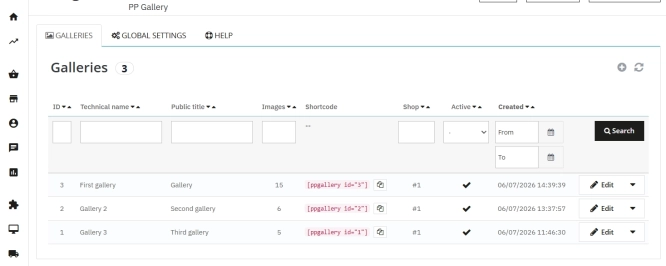
PrestaShop Gallery Management – Shortcode Module
Looking for a better way to showcase images in your store? Advanced Image Gallery for PrestaShop is a purpose-built module that lets merchants create, edit, and embed...
59.10 €
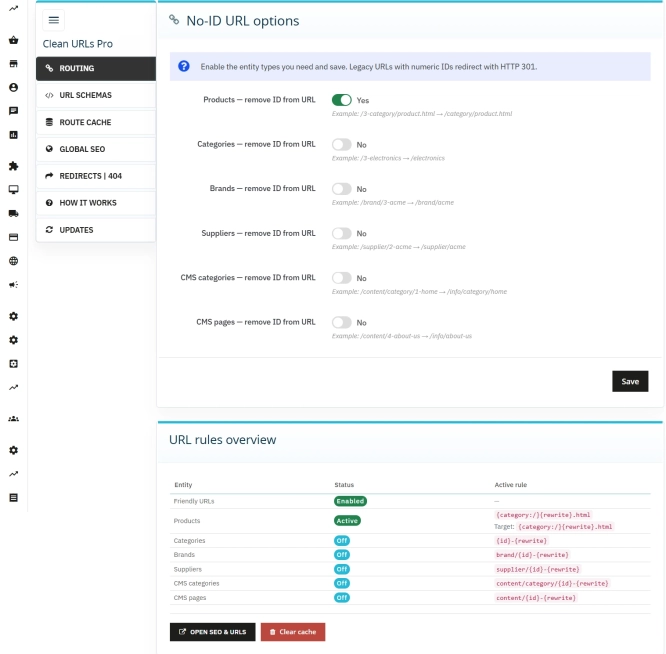
Clean URLs Pro – remove IDs from PrestaShop URLs
Clean URLs Pro removes numerical IDs from product, category, CMS category, CMS page, brand, and supplier URLs — without core modifications and with zero overrides. Simply...
89.70 €

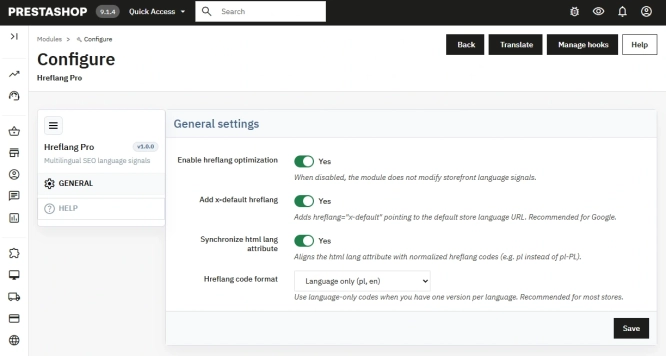
Hreflang and X-Default Normalisation for PrestaShop
Hreflang Pro solves the issue of directing shoppers to the wrong language version of your store (for instance, when a local customer lands on a foreign-language page from...
29.70 €
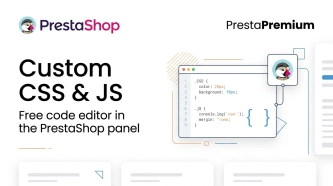
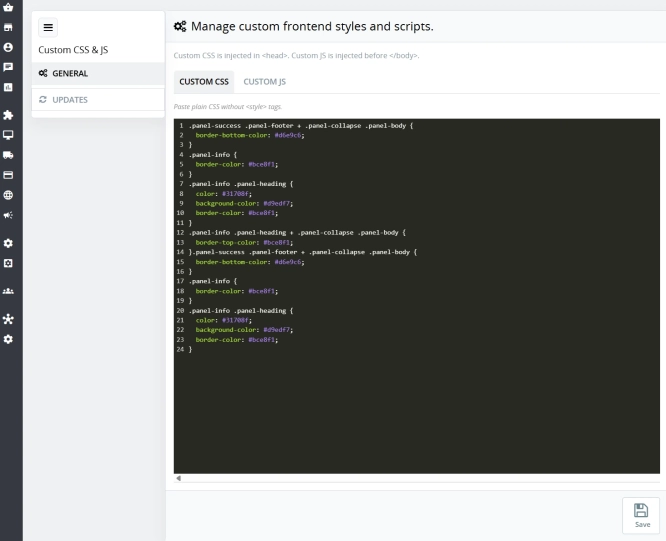
Custom CSS & JS – Free code editor in the PrestaShop panel
PP Custom CSS & JS is a free and highly practical module for every PrestaShop administrator. It allows you to instantly add your own CSS styles and JavaScript scripts...
0.00 €

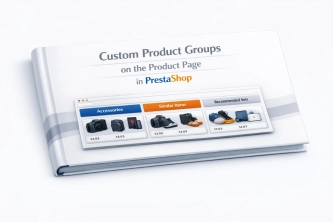
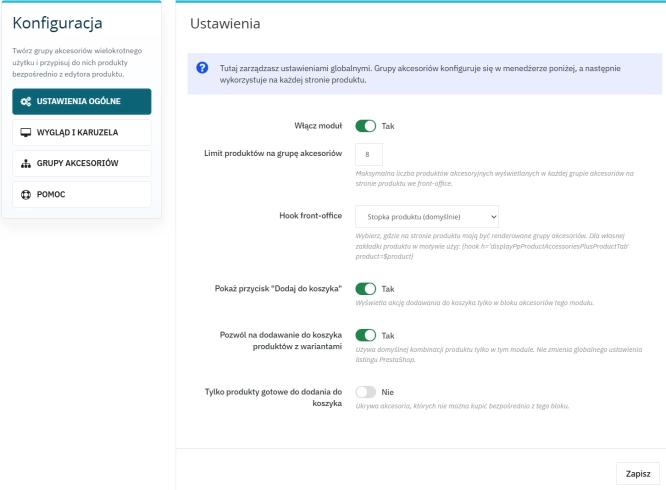
Custom Product Groups on the Product Page in PrestaShop
With Product Accessories Plus , you can create any product groups you need , set their order, and display them directly on the product page in your PrestaShop shop. You...
74.70 €
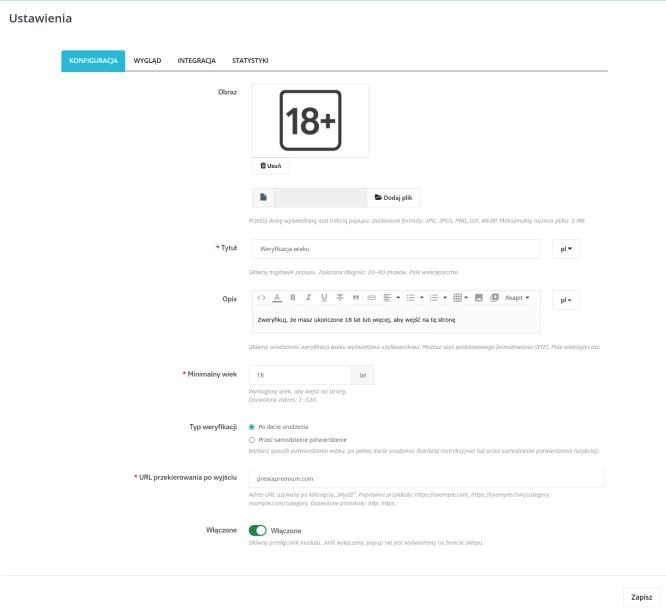
PrestaShop Age Verification Module (Age Gate 18+) – Standard Edition
Protect your shop quickly and effectively with the Standard edition of the Age Gate module for PrestaShop . This lightweight, easy-to-configure tool provides everything you...
26.40 €
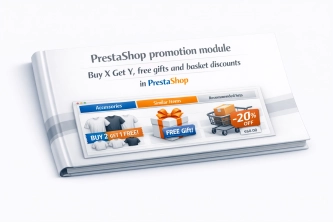
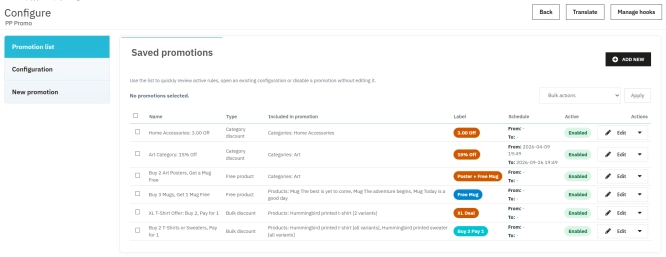
PrestaShop Promotion Module: Free Gifts, Quantity Discounts, Buy X Get Y and Category Offers
The PP Promo module for PrestaShop makes it easy to create and automate popular sales campaigns, from "Buy 2, Pay for 1" offers and free gifts to discounts on selected...
89.70 €

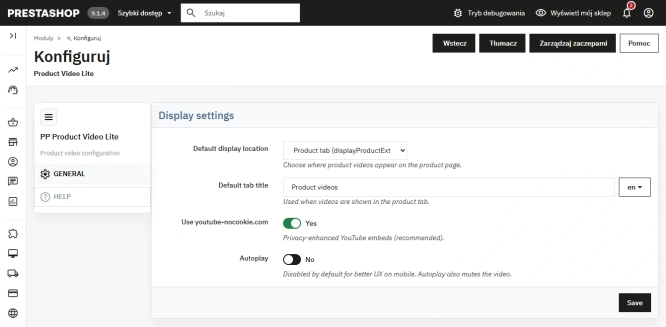
Free PrestaShop Video Module (YouTube & Vimeo)
Product Video Lite is a free and exceptionally lightweight module that allows you to assign an unlimited number of YouTube and Vimeo videos to your products. Instantly...
0.00 €
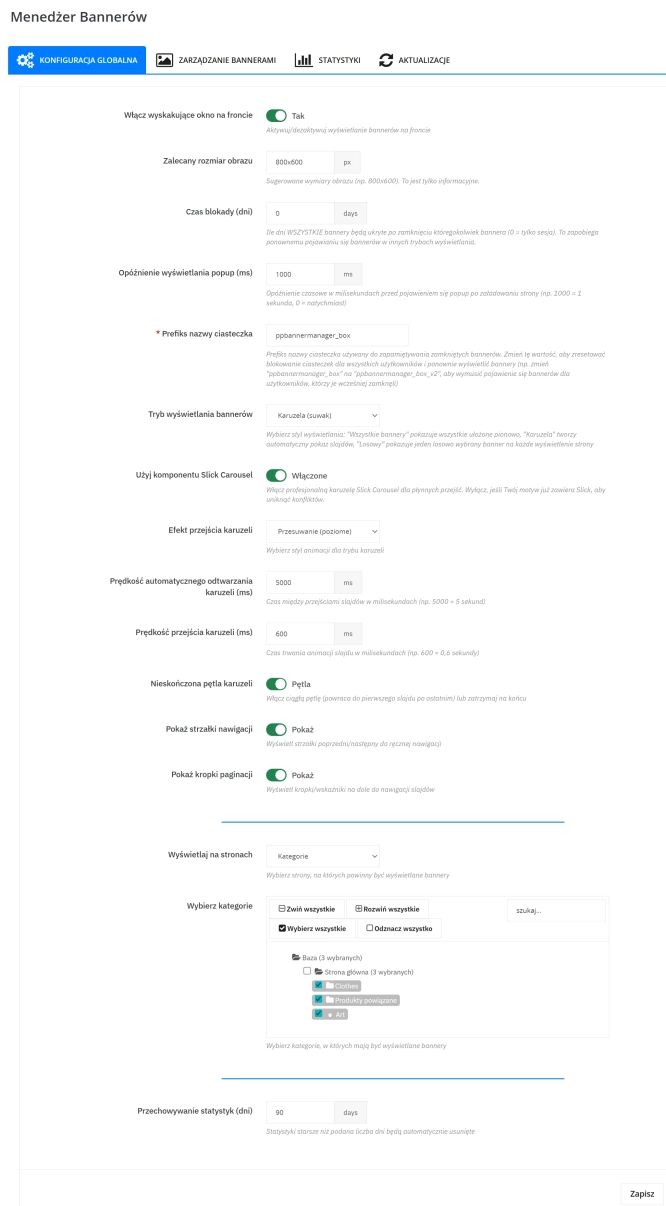
Banner Manager – Highlight promotions, new arrivals and important messages precisely when the customer is most engaged in shopping. Instead of hiding your message in page...
57.00 €
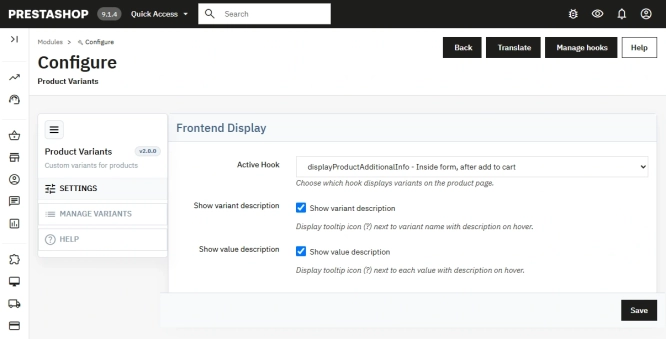
Additional Product Fields and Options – Attributes without Combinations (Custom Fields)
This module enables the creation of additional product options without using native PrestaShop combinations. Each option can have a price impact (positive or negative) but...
113.10 €

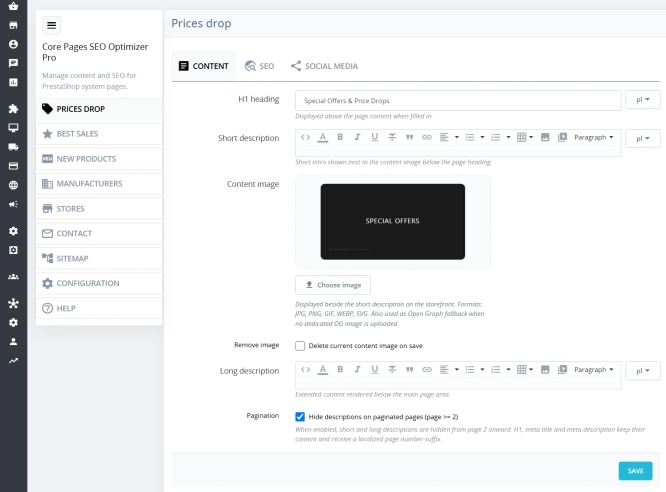
Custom HTML Descriptions and SEO Optimisation for PrestaShop Promo, Best Sellers and New...
The default PrestaShop configuration does not allow entering custom texts or graphics on key subpages that generate organic search traffic. The ppcorepagesseo module is a...
59.10 €
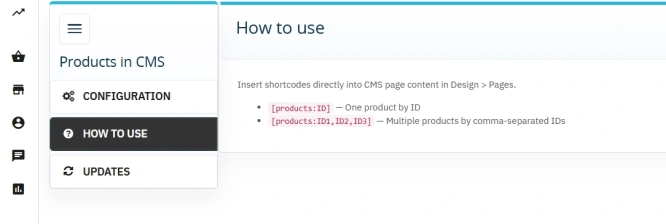
Products on CMS Pages for PrestaShop — Shortcode (Free)
PP CMS Products (Free) is a free PrestaShop module for displaying products on CMS pages. Insert a shortcode in your page content, e.g. [products:12] — the module...
0.00 €
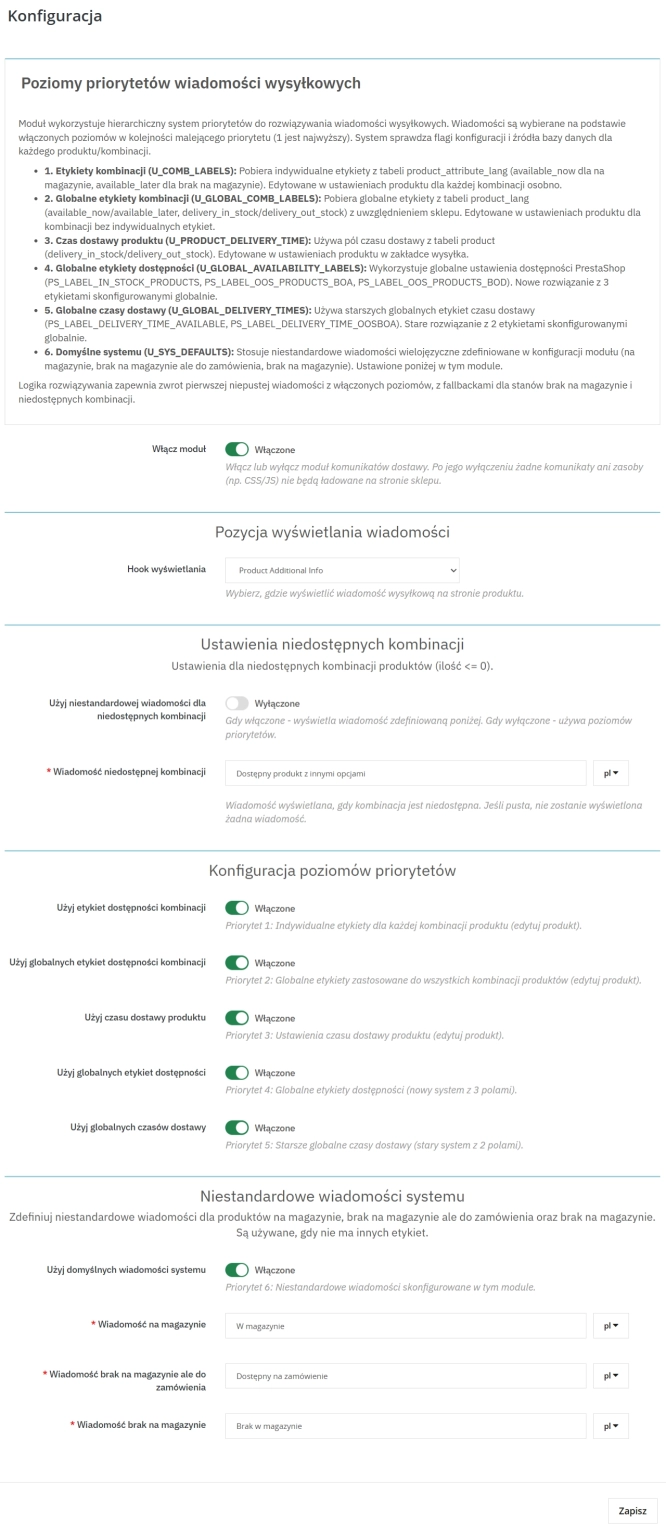
Product Availability Labels for Products and Combinations in PrestaShop
A PrestaShop module for advanced management of product and combination availability labels . It supports multiple rule levels (global, product, combination), allows message...
57.00 €
Do you need additional features or custom solutions?
- Module customisation tailored to your specific requirements.
- Extending functionality to enhance your store's capabilities.
- Developing bespoke modules designed to meet your unique needs.
- Integrating external systems and additional tools.
- Optimisation and improvements for better performance and user experience.
Do you have ideas on how to improve this software? Share your suggestions for optimisation, new features, or bug reports – we’ll be happy to review them!