In many online shops promotions get lost among categories and key messages (delivery, discounts, new arrivals) fail to reach the customer at the right moment. The result? Lower conversion, more abandoned visits and untapped campaign potential.
Banner Manager allows you to create attractive popup banners and present them according to your strategy: as a carousel, a list of messages or a single random creative. You decide where and when banners appear and how often customers see them.
The module is aimed at store owners who want to communicate promotions faster, drive traffic to selected products/categories and create an effective first contact with the customer — without complicating the team’s daily work.
In short: it’s a tool for sales-focused messages that are noticeable and controllable.
Problems the module solves
- Promotions have low visibility – instead of hoping for accidental clicks, you present the offer in the centre of attention.
- No control over frequency – the customer does not see the same message repeatedly after closing the popup.
- Hard to tailor messages to context – different banners on the homepage, product pages and informational pages.
- Campaigns are difficult to manage – instead of chaotic materials, you have a single place to manage creatives.
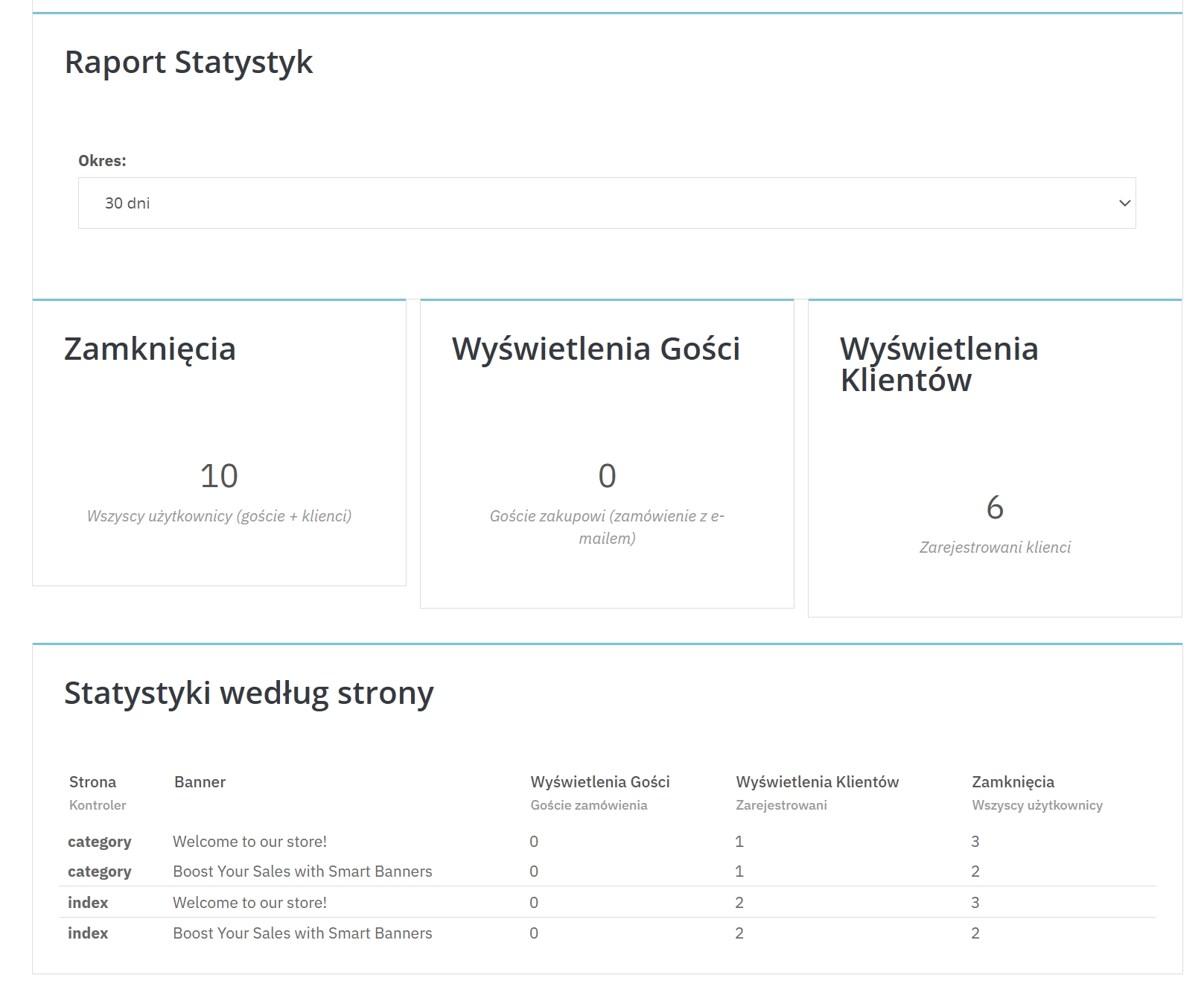
- You don’t know if a message works – you get insight into what was viewed and what was closed.
Why choose it?
- More sales-focused visits to offers – you direct customers straight to a promotion, product or category.
- Better control of the customer experience – set the display delay and limit repeat views after closing.
- Flexible communication scenarios – choose presentation format: carousel, multiple banners at once or a random message.
- Consistent multilingual communication – separate content and images per shop language, no compromises.
- Faster campaign management – enable/disable banners and set order quickly and conveniently.
- Data-driven decisions – see what customers view and close, then optimise your content.
- Support sales without being intrusive – the popup can appear after a delay rather than immediately, making it less aggressive.
Use cases
Promotions and sales
Communicate seasonal discounts, promo codes and time-limited campaigns at the moment the customer is browsing offers.
New arrivals and bestsellers
Direct traffic to key products and collections — especially on the homepage and product pages.
Informational messages
Display information about delivery, free shipping, opening hours changes or other important announcements.
Marketing message testing
Rotate messages randomly to test which creatives perform better.
Features – Back Office (BO)
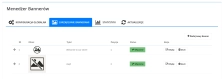
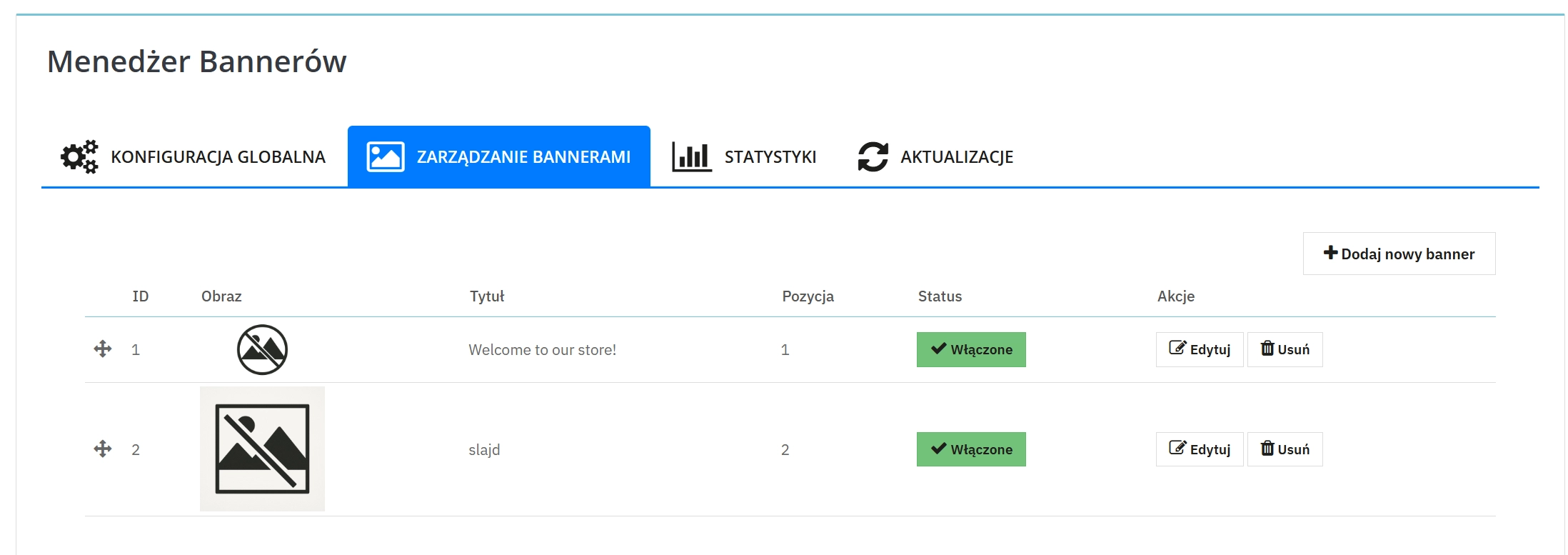
Unlimited number of banners
Add multiple creatives and build a campaign from several messages — no module-side limits.
Multilingual content and graphics
Set separate banner versions for shop languages so the message feels natural for every customer — multi-shop support.
Banner with link (CTA)
Send the customer exactly where you want: to a promotion, category, product or information page.
Convenient banner ordering
Set message priorities — decide what appears first.
Quick enable/disable
Activate and deactivate banners without deleting settings — ideal for recurring campaigns.
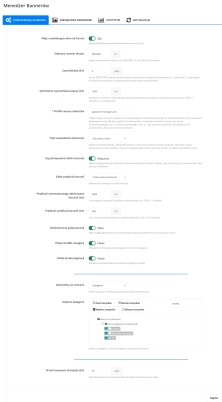
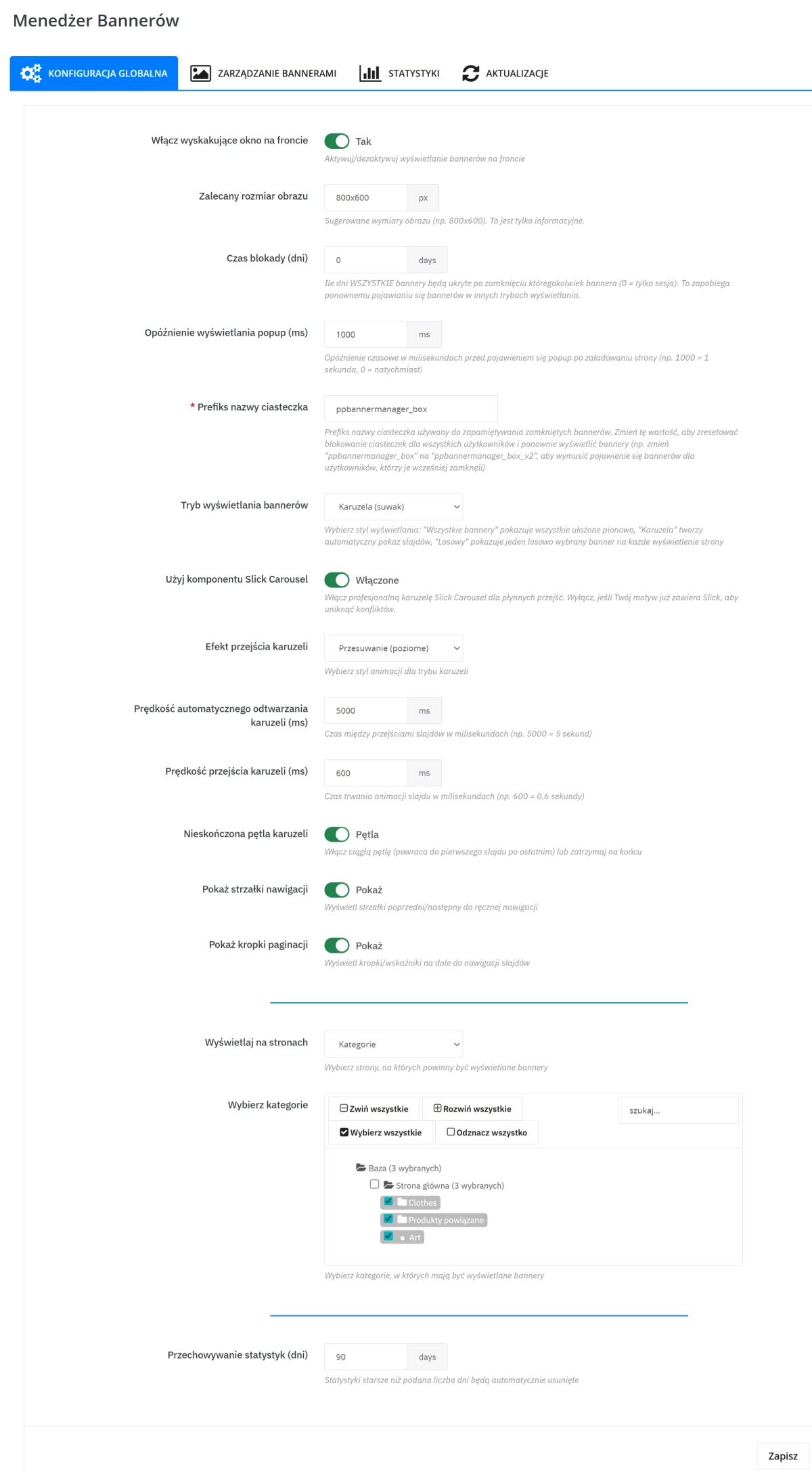
Presentation mode settings
Choose whether to show all messages, a carousel, or a single random banner.
Delayed start configuration
Set how long after entering the page the customer will see the message.
Frequency control after closing
Decide how long the message should "disappear" after the customer closes it.
Display on selected shop areas
You can limit display to specific types of pages.
Display in selected categories
Tailor the message to customer interests and assortment.
Quick launch of a new campaign
When you start an important action, you can make messages visible again (for example after they were previously closed).
Features – Front Office (FO)
Elegant popup window
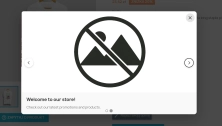
The customer sees a clear message on a dimmed background, which focuses attention on the offer.
Smooth entry and close animations
The message appears and disappears in a friendly way, improving perception and shopping comfort.
Responsive on phones and tablets
Banners adapt to the customer’s device so as not to hinder browsing.
Convenient close options
The customer can close the message intuitively (e.g. with a button, clicking the backdrop or pressing ESC).
Banner carousel (optional)
In carousel mode the customer can browse banners automatically or manually (arrows/dots — depending on settings).
"Learn more" button
If you add a link, the customer receives a clear call to action and reaches the relevant offer faster.
Impact on sales and marketing
Banner Manager helps shift customer attention to what matters most at the moment: a promotion, a new arrival, a bestseller or a key announcement. This shortens the path to the offer, strengthens campaign communication and makes better use of site traffic.
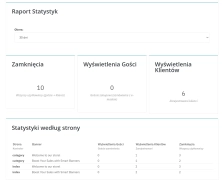
Additionally, the module provides insight into customer reactions (views and closes), which makes it easier to improve content, graphics and presentation strategy.
Ease of use and deployment
- Intuitive configuration – set the mode, display locations and frequency without unnecessary complications.
- Ready-made scenarios – quickly launch communication as a carousel, a list of banners or a random message.
- Convenient content management – adding and updating banners is simple and fast.
Compatibility and security
The module is designed to work with PrestaShop and supports multilingual and multi-shop setups. It focuses on message presentation and analysing customer reactions, supporting marketing without interfering with the checkout process.
Who is this module for?
- For sales-oriented shops – that want to better promote offers and drive customers to key products.
- For stores with frequent campaigns – seasonal sales, discount codes, new arrivals, limited-time offers.
- For multilingual brands – that require consistent messaging in different languages.
- For multi-shop setups – that want to control messages separately for different shops.
Summary
If you want your promotions to be visible and in-store communication to work for sales at the right place and time, Banner Manager will be a practical daily support.
Enable popup banners, schedule their display and start guiding customers straight to your offers.
SEO information
The Banner Manager module is a solution for PrestaShop stores looking for an effective popup banners and promotional communication tool in an online shop. It works both as a single pop-up message and as a banner carousel for presenting multiple offers. With frequency control and the ability to choose display locations, you can better tailor your message to the customer and increase marketing effectiveness.