Login as Customer – Log into user accounts from PrestaShop Back Office
- 1.7.7 + | 8.x | 9.x
- PL, EN
- 1.1.0
- 2026-07-02
This module enables instant access to any customer account directly from the PrestaShop administration panel. It allows quick verification of issues reported by buyers without needing to reset or ask for their login passwords.
Developed for efficient support and order management teams, this solution ensures GDPR compliance through automated administrative log tracking.

Information Parameters:
- 1.1.0
-
Store Version PHP Version1.7.7 + 7.1 – 7.48.x 8.1 – 8.39.x 8.1 – 8.5
- 2026-07-02
- PL, EN
- ✅
- ✅
- ✅
- ✅
- ❌
Key Benefits
- Faster issue resolution (TTR) – Logging in with a single click from the customer list allows support staff to immediately diagnose shopping cart or checkout errors.
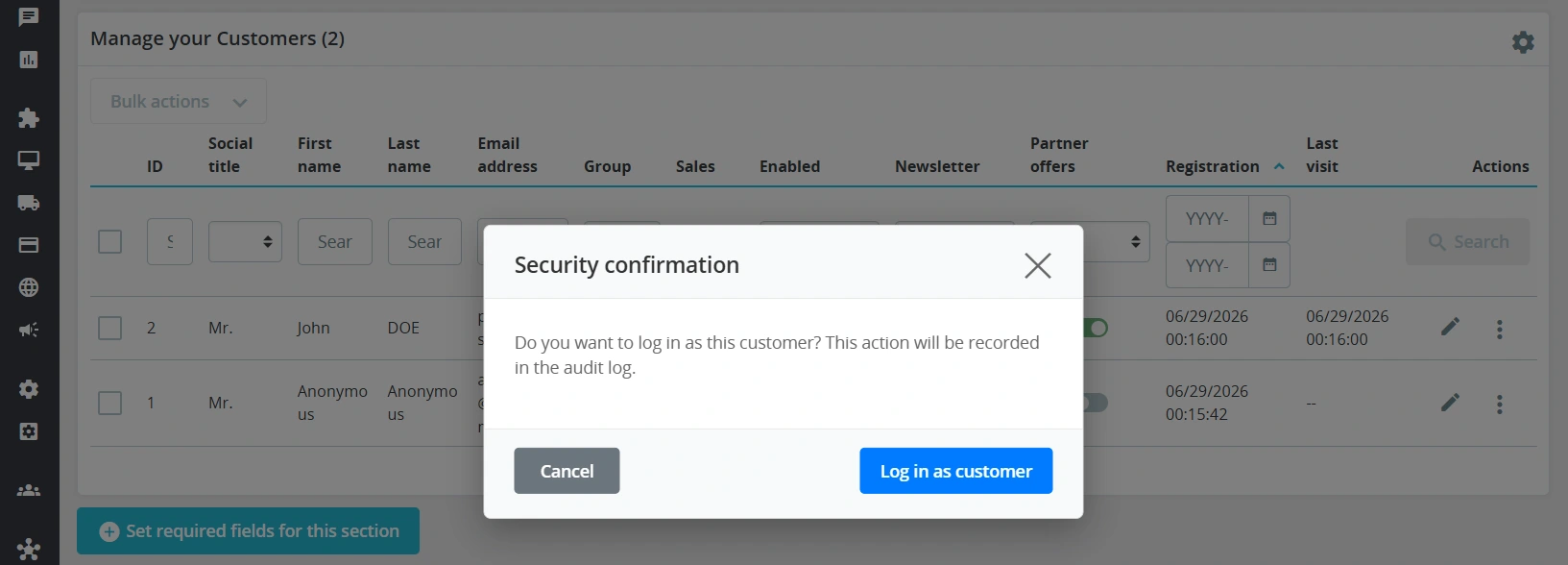
- Audit registry (GDPR) – Every staff session on a customer account is recorded in a dedicated database table along with the IP address and timestamps.
- Zero overrides – The module relies exclusively on native Symfony routing and standard platform hooks, ensuring stability during PrestaShop core updates.
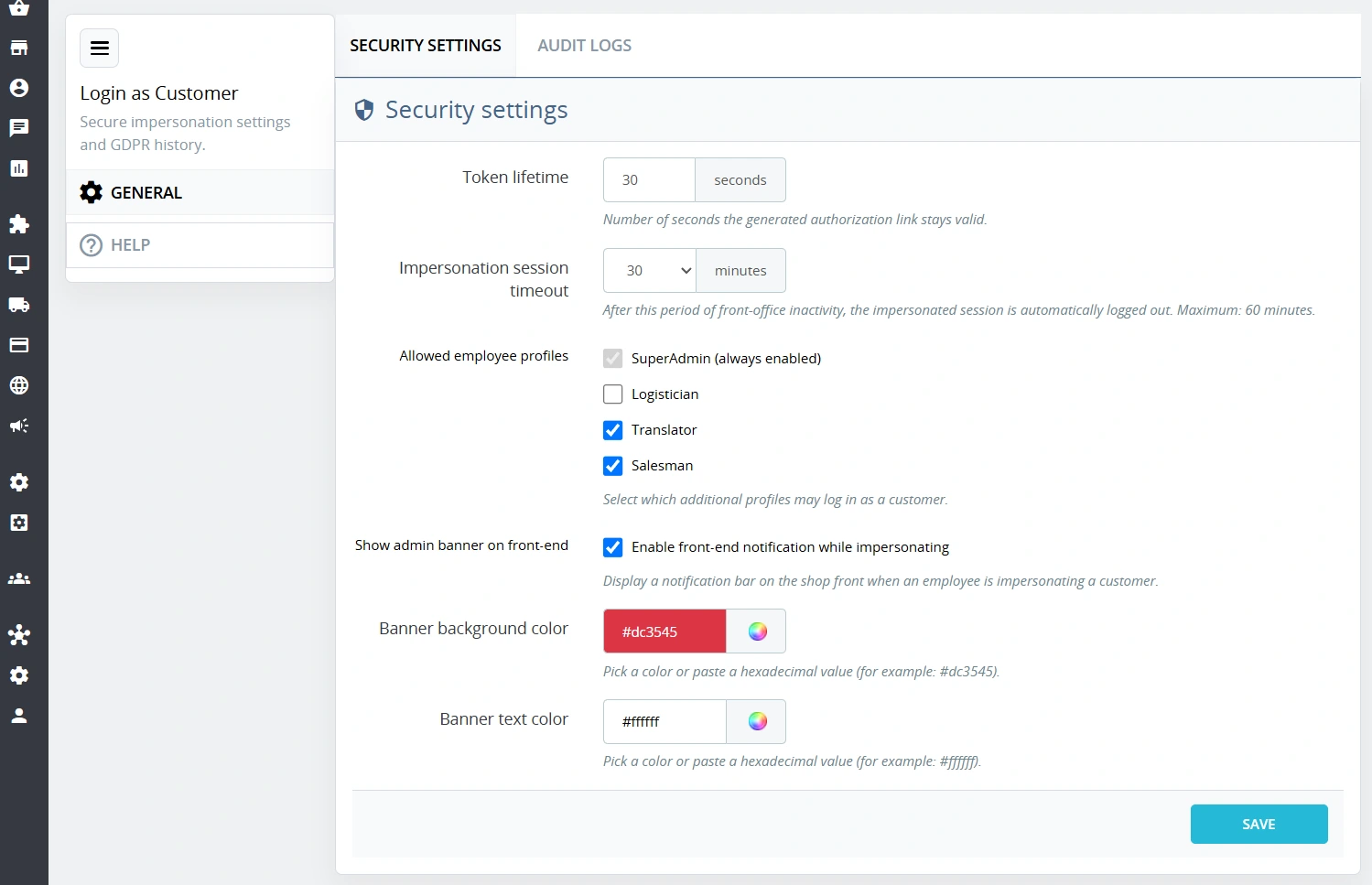
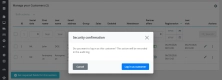
- Session security – Authentication is driven by single-use tokens with a short time-to-live (TTL), which expire immediately after use.
- Multistore support – Flawless operation and complete isolation of administrator and customer sessions across multi-store environments.
Module Applications
The module is ideal for day-to-day operations in B2C stores and B2B platforms where customers frequently report issues regarding discounts, cart setups, or account configurations. Instead of trying to replicate the issue conditions manually, staff can log in as the user to see the exact store view the customer is experiencing. It is also an essential tool for developpers testing specific customer groups and their assigned pricing rules.
Features – Administration Panel (Back Office)
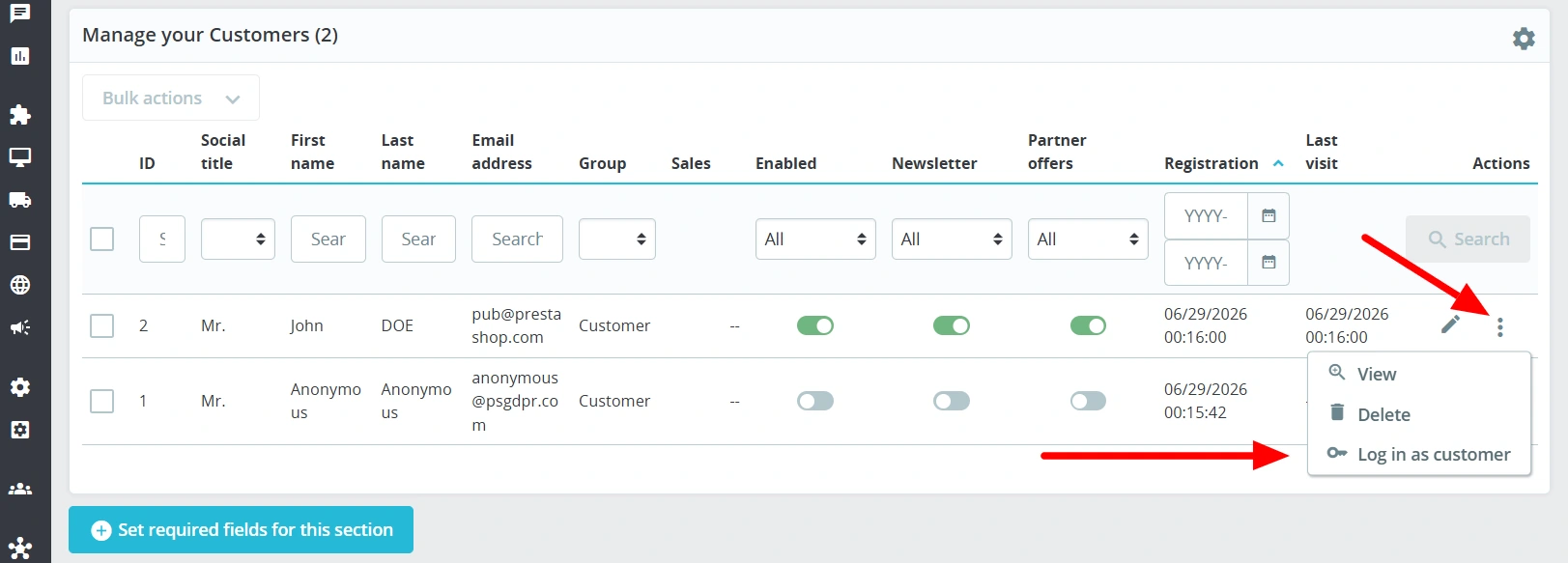
Native customer list integration
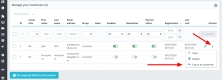
Adds a direct login action to the default customer grid view in the panel.
- CustomerModifier – hooks the button via the native Symfony grid mechanism without modifying the core.
Staff permissions control
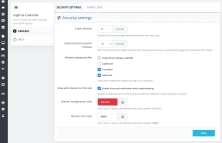
Precise management over which administrators are authorised to log into user accounts.
- Profile verification – option to restrict access to this feature to selected shop personnel groups.
Security log overview
A dedicated view within the module configuration displaying the history of support operations.
- Audit data – a clear overview of who, when, and into which account logged from the Back Office.
Features – Front Office (UX)
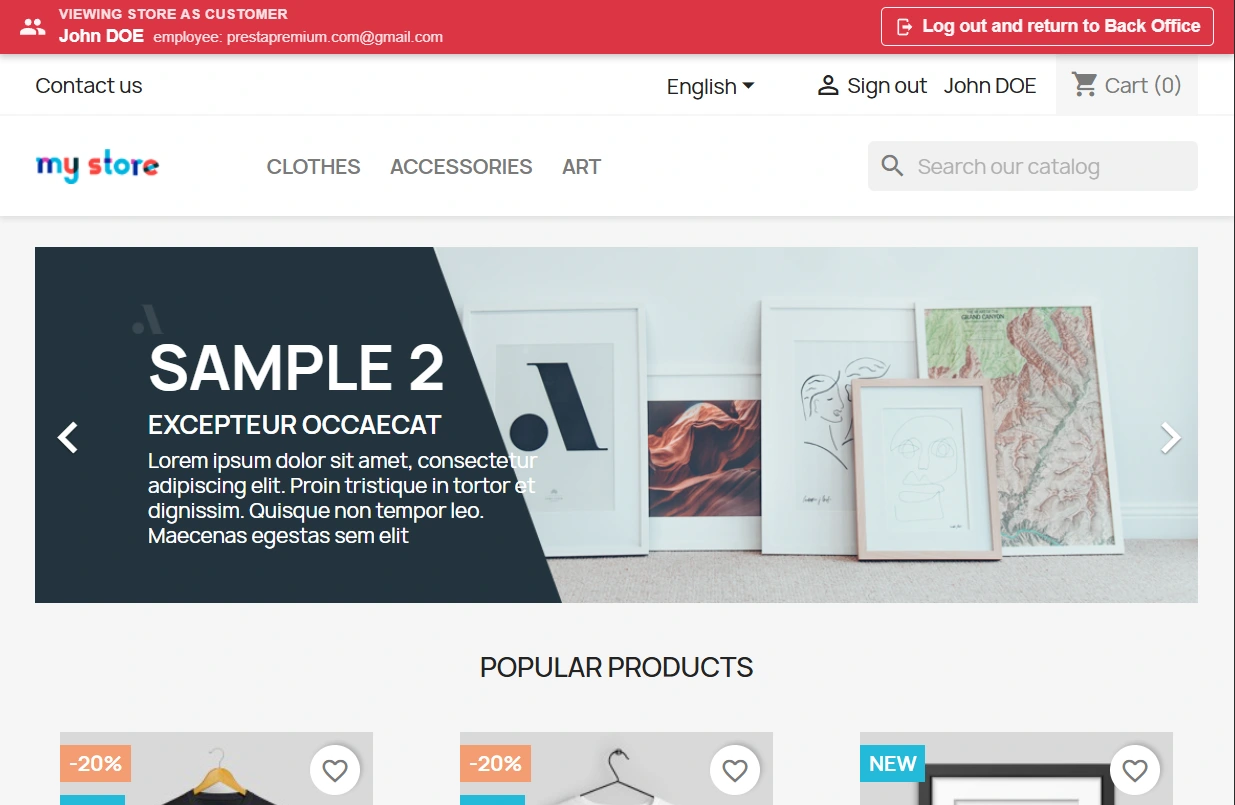
Session information bar
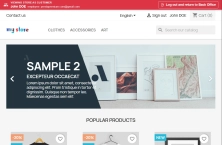
A discreet banner displayed at the top of the shop front, informing about the active support mode.
- Quick return CTA – exit the customer account and return instantly to the admin panel with a single click.
Automatic token expiration
Protection against unauthorised use of the generated login link.
- Single-use access – triggering the link destroys the authentication token, preventing its re-use in browser history.
Sales and SEO Impact
The module helps recover abandoned carts by allowing staff to complete the cart or go through the checkout process directly on behalf of the customer during a phone call or email exchange. The solution is entirely neutral for store performance and search engine rankings. The code does not load any external JS scripts or CSS files for regular users or crawlers (Googlebot). Additional Front Office logic triggers only when a session is initiated by a logged-in administrator, ensuring zero impact on Core Web Vitals metrics.
Warning!
Before installing the module in a production environment, it is highly recommended to perform a full backup of the database and shop files. Test the functionality on a development version first.
## [1.1.0] - 2026-07-02
### Added
- New feature
You might also like
FAQs
-
How does an administrator log in to a customer account?
The module adds a direct login action to the standard customer list in the back office. The integration uses the CustomerModifier mechanism for the Symfony grid, making the feature available from PrestaShop’s customer-management view.
-
Are the modules compatible with my version of PrestaShop?
Each module in our store contains information about compatibility with specific PrestaShop versions. Please check this information carefully before purchasing. If you are not sure, contact us.
-
How does the module secure the customer-account login link?
Authorisation is based on single-use tokens with a short lifetime. Once the link is used, the token is destroyed, so it cannot be reused from browser history. The product description states that this mechanism limits unauthorised use of the generated access.
-
Can login as a customer be restricted to selected employees?
Yes. The configuration provides staff permission control, so access to the feature can be restricted to selected administrator groups. This makes it possible to define which Back Office users may open sessions on customer accounts.
-
What information is recorded in the login history?
Each employee session on a customer account is saved in a dedicated database table together with the IP address and timestamp. The module configuration provides an operation-history view showing who logged in, when, and to which account.
-
What does a support session look like after logging in as a customer?
A discreet information bar appears on the shop front, indicating that support mode is active. It includes a button for quickly leaving the customer account and returning to the administrator panel. Additional logic runs only for a session started by an administrator.
16 other products in the same category:
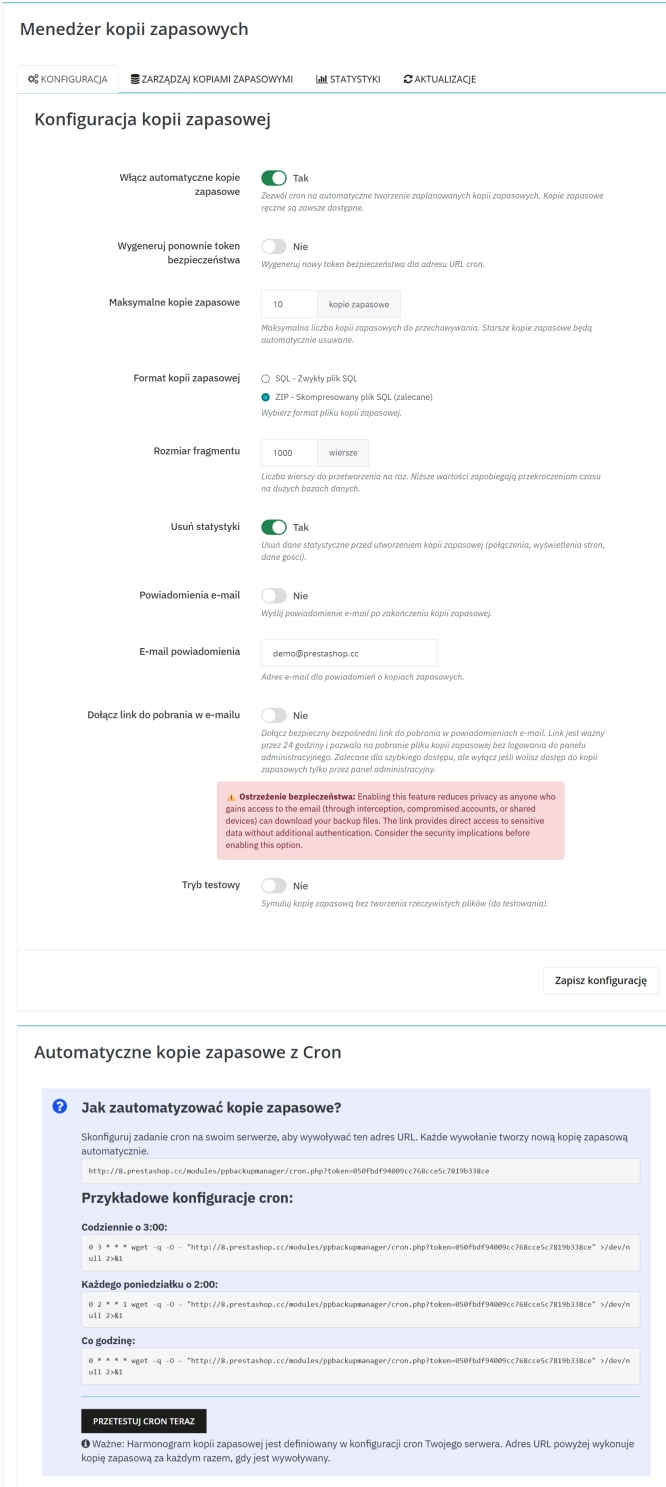
Backup Manager – Security and Automatic Database Backups
PP Backup Manager is a module for PrestaShop , which organises the process of performing database backups : manually in the administration or automatically when called...
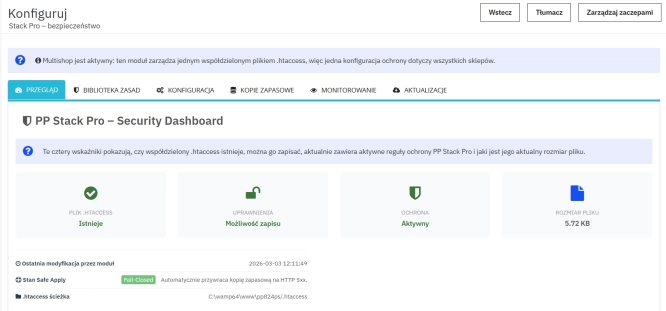
Advanced PrestaShop traffic and performance optimization generator (htaccess)
Stack Pro is a protective module for PrestaShop that restricts artificial and automated traffic at the server level through controlled modification of the .htaccess file....
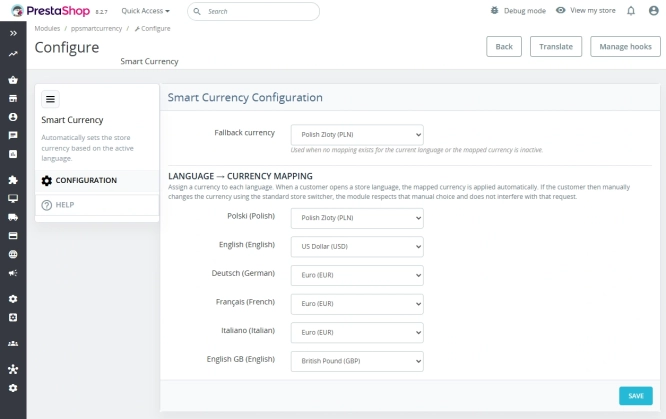
Automatic currency matching by shop language in PrestaShop
PP Smart Currency automatically matches the currency to the language a customer is using in your PrestaShop store. Visitors immediately see the right currency, while the...
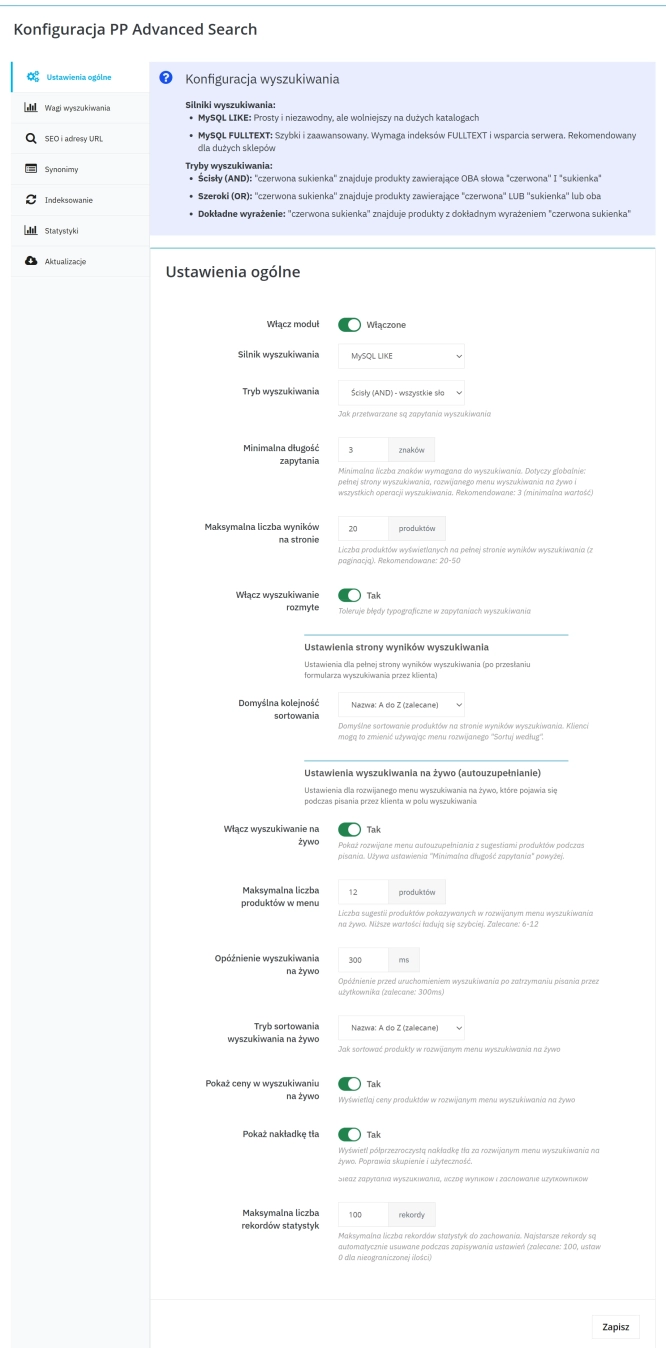
Advanced Search for PrestaShop
Advanced product search for PrestaShop that helps customers find the right products faster and makes it easier to complete purchases in your PrestaShop store . The module...
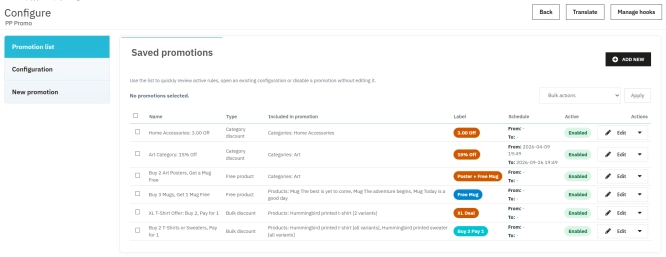
PrestaShop Promotion Module: Free Gifts, Quantity Discounts, Buy X Get Y and Category Offers
The PP Promo module for PrestaShop makes it easy to create and automate popular sales campaigns, from "Buy 2, Pay for 1" offers and free gifts to discounts on selected...
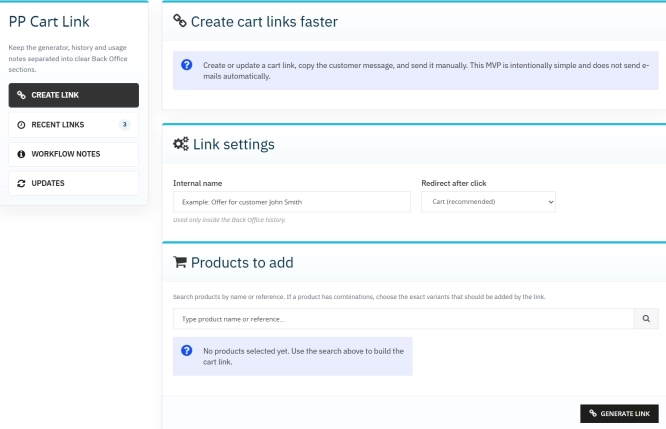
Ready-made cart link for PrestaShop (free version)
How does it work? The administrator creates a ready-made cart link -> sends it to the customer -> the customer opens it and lands in a prepared cart. PP Cart...
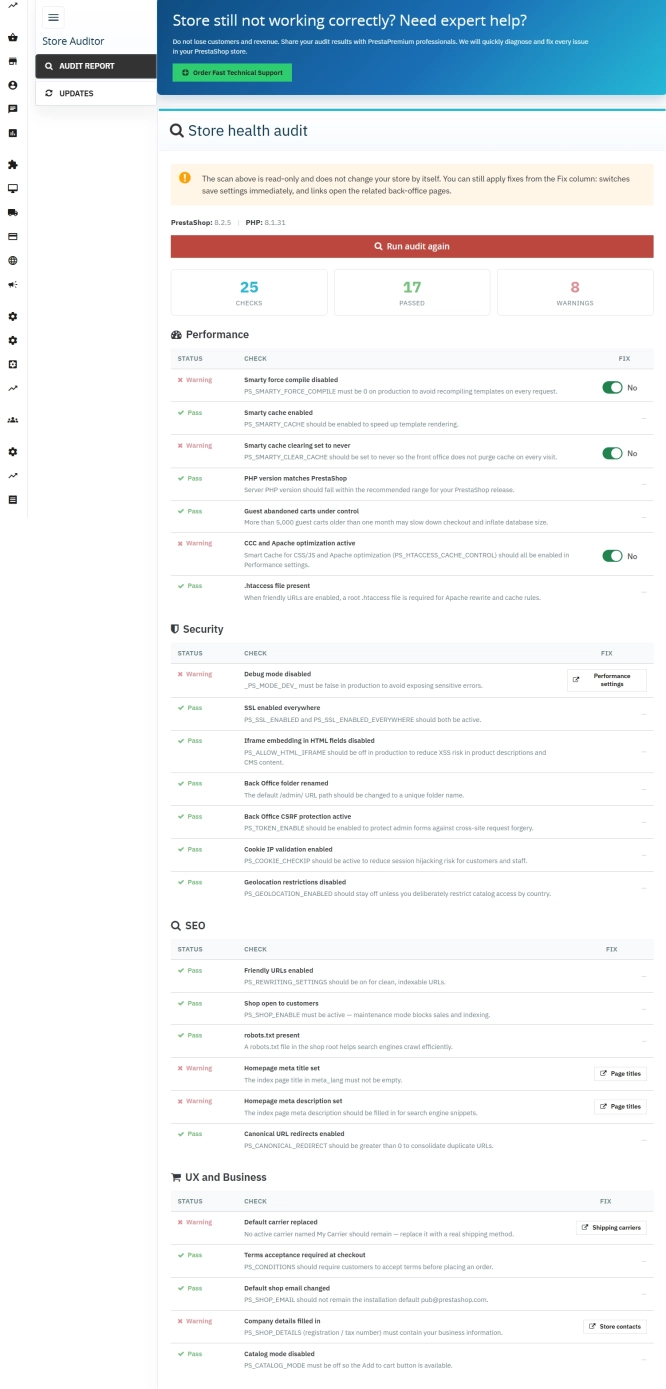
Store Auditor — 25 Configuration Checks for Your PrestaShop Back Office
Store Auditor is a completely free PrestaShop module that checks 25 core settings of your store with a single click. It instantly lets you know if your website is...
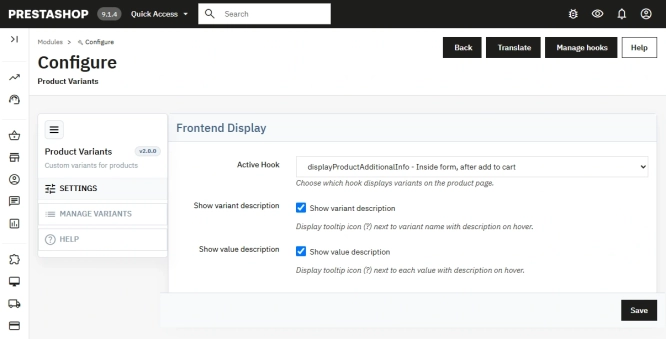
Additional Product Fields and Options – Attributes without Combinations (Custom Fields)
This module enables the creation of additional product options without using native PrestaShop combinations. Each option can have a price impact (positive or negative) but...
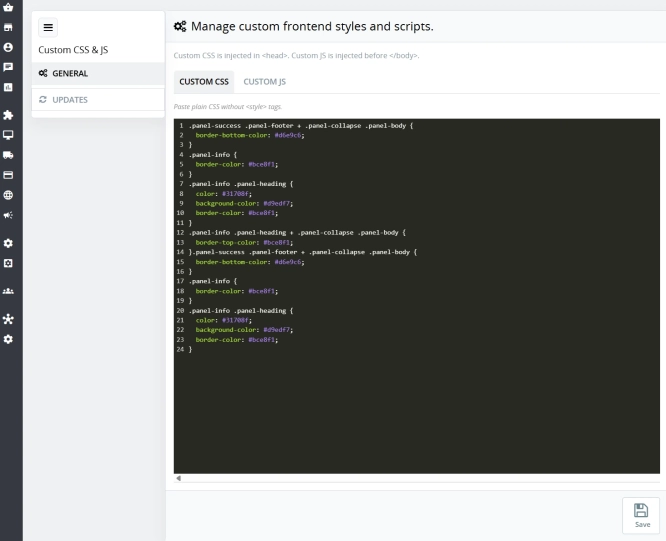
Custom CSS & JS – Free code editor in the PrestaShop panel
PP Custom CSS & JS is a free and highly practical module for every PrestaShop administrator. It allows you to instantly add your own CSS styles and JavaScript scripts...
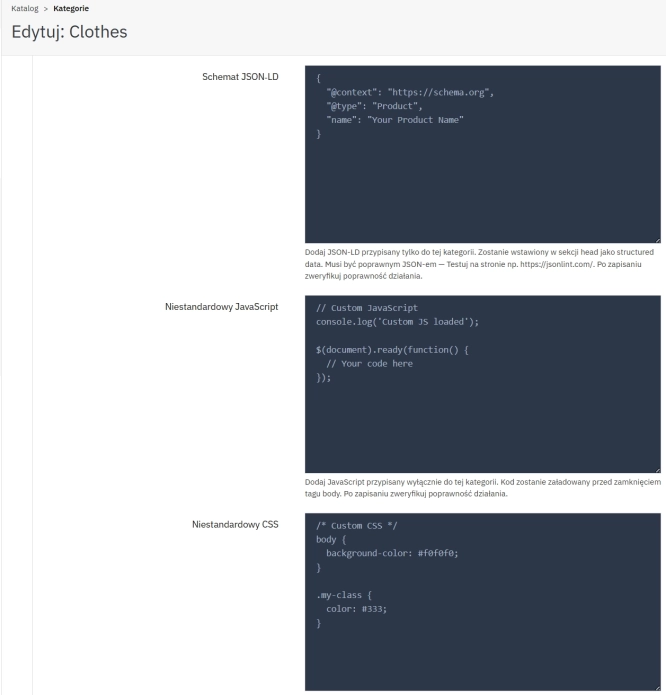
SEO Custom Code Manager for PrestaShop Products Categories and CMS
A module for PrestaShop that allows adding custom JSON-LD , JavaScript, and CSS resources individually to each product, category and CMS . Increase search engine...
- New
Free Simple Omnibus Price Module – Omnibus Directive for PrestaShop
Simple Omnibus Price is a completely free PrestaShop module that automates displaying the lowest price from the 30 days prior to a price reduction. Protect your store...
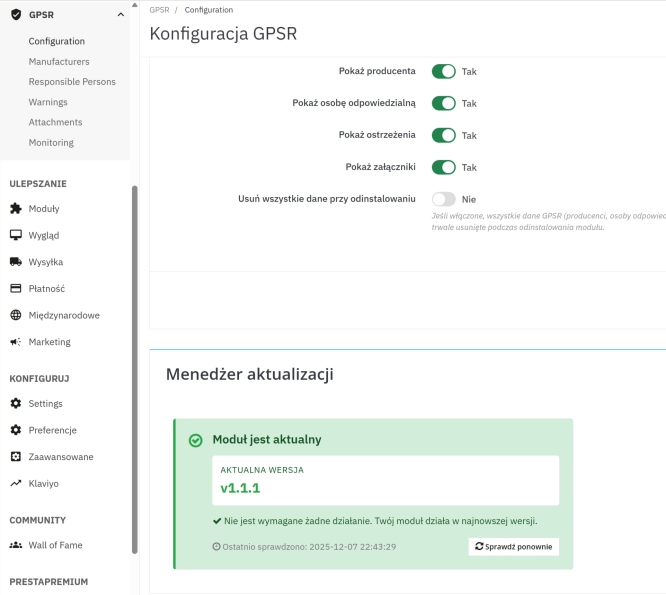
GPSR — Compliance Module for PrestaShop
GPSR Module for PrestaShop enables quick and compliant management of information required by the GPSR regulation. Automate obligations and increase your shop's security.

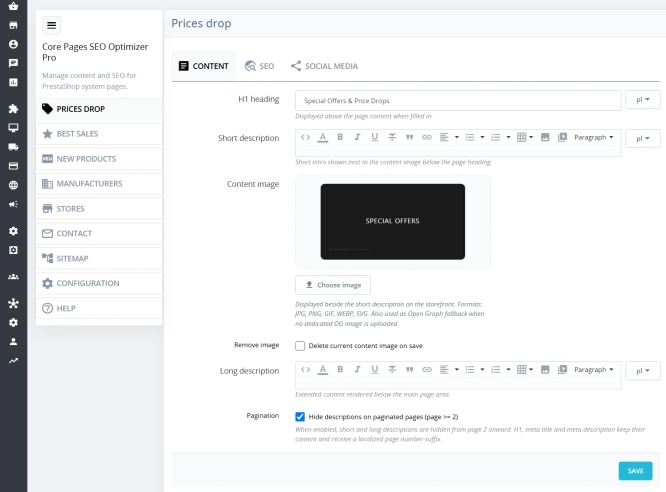
Custom HTML Descriptions and SEO Optimisation for PrestaShop Promo, Best Sellers and New...
The default PrestaShop configuration does not allow entering custom texts or graphics on key subpages that generate organic search traffic. The ppcorepagesseo module is a...

- New
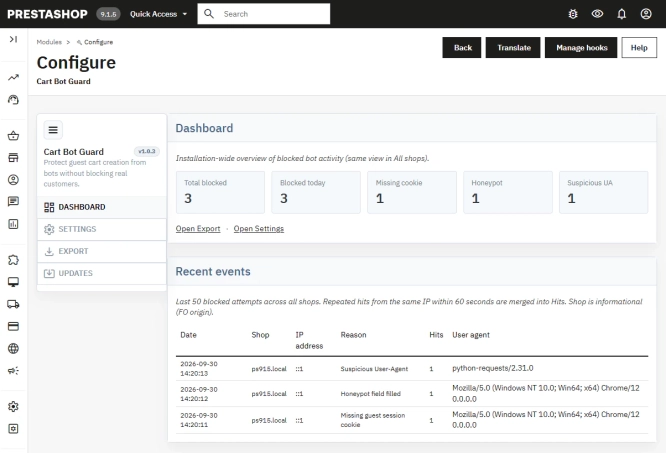
PrestaShop Anti-Bot Cart – Fake Cart Protection
A lightweight, non-invasive solution for PrestaShop that eliminates the mass creation of fake carts by bots and HTTP scripts. The module neutralizes automated traffic...
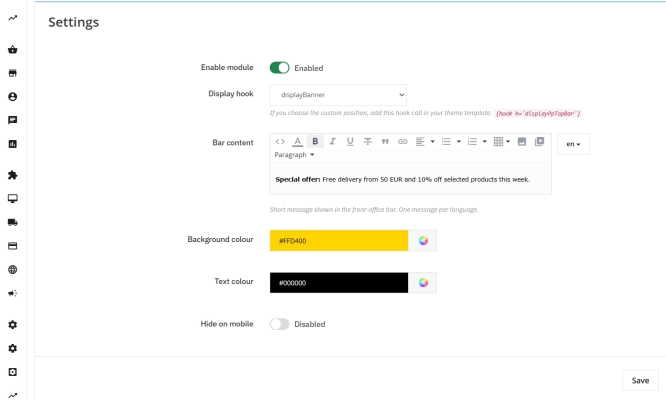
Information and Announcement Bar for PrestaShop (Free Edition)
PP Top Bar is a lightweight and intuitive module that lets you add an eye-catching information bar to the top of your shop in just a few seconds. Inform your customers...
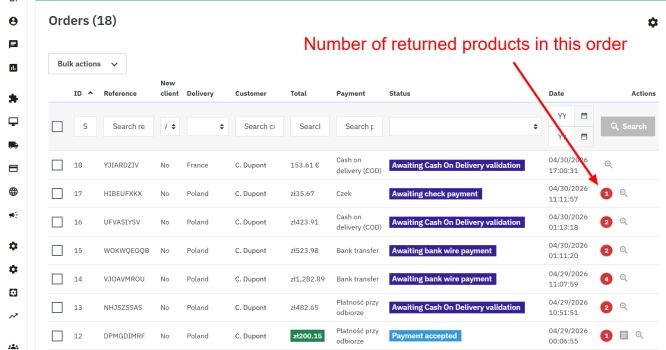
PrestaShop withdrawal module for whole orders and selected products
Bring order to the withdrawal process in your PrestaShop store. The module moves scattered email exchanges into a clear customer-side panel (Front Office) and a structured...
Do you need additional features or custom solutions?
- Module customisation tailored to your specific requirements.
- Extending functionality to enhance your store's capabilities.
- Developing bespoke modules designed to meet your unique needs.
- Integrating external systems and additional tools.
- Optimisation and improvements for better performance and user experience.
Do you have ideas on how to improve this software? Share your suggestions for optimisation, new features, or bug reports – we’ll be happy to review them!