Remove ID from URLs (CMS, Brands) PrestaShop [Free]
- 1.7.5 + | 8.x | 9.x
- PL, EN
- 1.0.0
- 2026-06-25
The free Clean URLs Lite module modifies native PrestaShop routing by removing numeric identifiers (IDs) from CMS page, CMS category, and brand (manufacturer) URLs. It enables independent activation of URL cleaning for each of these data types. The module automatically handles SEO-safe 301 redirects from old structures and includes an integrated routing conflict validation mechanism.


Information Parameters:
- 1.0.0
-
Store Version PHP Version1.7.5 + 7.1 – 7.48.x 8.1 – 8.39.x 8.1 – 8.5
- 2026-06-25
- PL, EN
- ✅
- ✅
- ✅
- ✅
Technical Specifications & Key Features
- **URL Structure Optimisation** – Elimination of IDs from addresses (e.g. converting `/content/4-about-us` to `/info/about-us`), simplifying link structures for search engine crawlers.
- **Automatic 301 Redirects** – Traffic from legacy URLs containing IDs is permanently redirected to the new addresses, preventing 404 errors and preserving SEO authority.
- **Routing Conflict Verification (Slug Validation)** – Scans the database for duplicate aliases upon saving configuration or accessing the module. Detecting a conflict disables the No-ID functionality until the duplicate is resolved.
- **No Core Overrides** – Utilises standard PrestaShop 8.x/9.x hooks. It does not overwrite controller class files, ensuring system stability and clean uninstallation.
- **Modular Configuration** – Separate toggles for CMS pages, CMS categories, and brands allow for selective deployment.
Use Cases
- **Technical SEO Optimisation** – Shortening and structuring information and brand URLs to improve indexing efficiency.
- **Link Structure Migration** – Safe deployment of new URLs without losing search engine results page (SERP) rankings for already indexed subpages.
- **Internal Linking Management** – Eliminating numeric variables from URLs facilitates a consistent internal linking architecture.
Features – Back Office (Admin Panel)
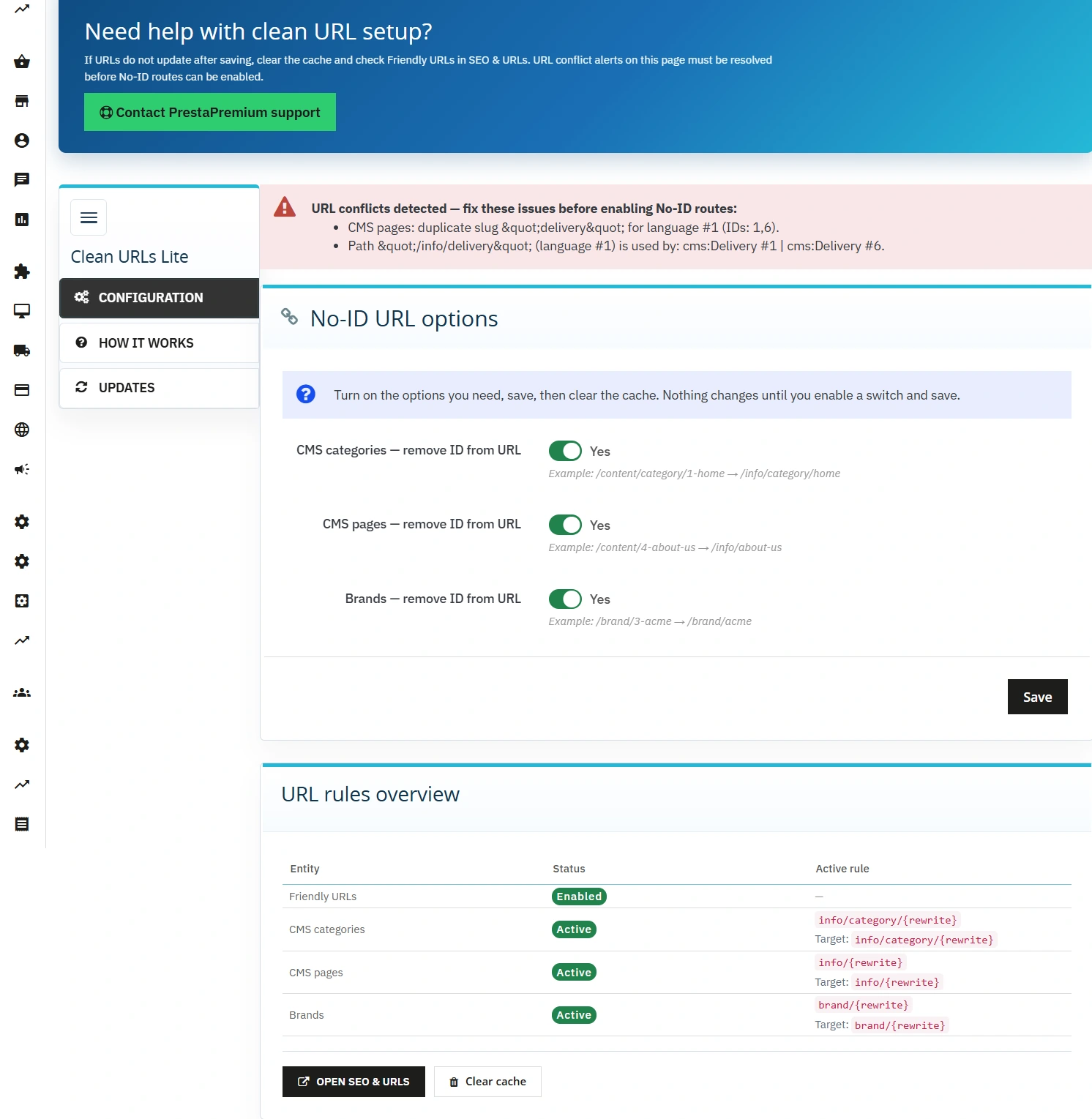
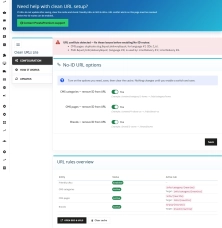
No-ID Configuration Panel
Manage routing and cache from a single interface.
- Independent activation toggles for CMS pages, CMS categories, and brands.
- Dedicated clear cache button directly within the configuration panel.
- Live preview of Friendly URLs status and target path patterns.
Conflict Detection System
Mechanism to prevent redirect loops and incorrect route mapping.
- Automatic database scan on configuration save or module access.
- Slug duplicate verification within the same entity (blocks saving).
- System route collision detection against paths defined in the SEO & URLs section.
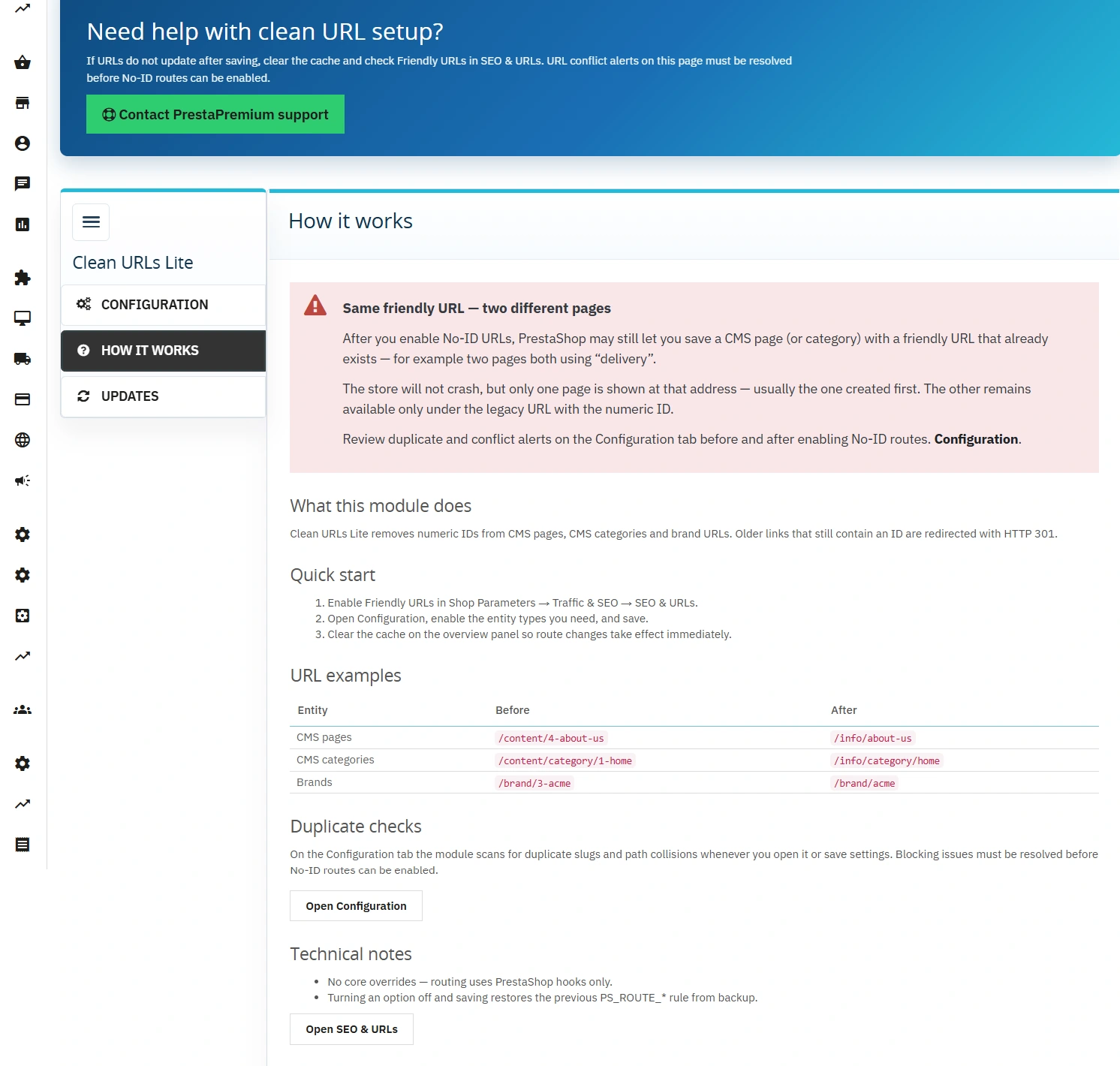
Diagnostic Tools
Verify correct deployment of URL changes.
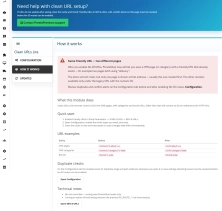
- Before/after URL mapping table presenting the structural changes.
- Integrated PP Updater for module version tracking.
Features – Front Office
Target URL Structure
Generates clean links without numeric IDs for users and search engine crawlers:
- **CMS Pages:**
/info/{slug} - **CMS Categories:**
/info/category/{slug} - **Brands/Manufacturers:**
/brand/{slug}
HTTP Request Handling
Captures legacy URL requests (e.g. /content/4-terms) and automatically issues an HTTP 301 redirect to the new URL destination.
SEO Impact
- **Improved URL Readability** – Shorter URLs provide a stronger semantic signal to search engines and improve click-through rates (CTR) in SERPs.
- **Indexing Continuity** – Built-in 301 redirects eliminate the risk of losing established page authority (PageRank).
- **No Duplicate Content** – The module only modifies the URL mask of existing objects, without generating new canonical addresses for the same content.
Requirements & Technical Note
**PrestaShop Engine Behaviour:** After removing IDs, the native PrestaShop controller in the Design section still allows saving two different CMS pages with an identical friendly URL (e.g. two subpages with the alias "contact"). The module does not block database insertion but will display an error and alert in the **Configuration** tab. Only one page will render under the duplicate URL (the first matched routing rule). Monitoring module alerts after adding new pages is required.
System requirements: PrestaShop 8.0–9.x, PHP 8.1–8.5, Friendly URLs enabled. Back up the shop and test on staging before production. The module adjusts URL routing only; it does not replace meta title/description optimisation. Free module.
## [1.0.0] - 2026-06-25
### Added
You might also like


FAQs
-
How does the module simplify CMS page and brand URLs?
The module removes the ID from the URL structure. For example, a CMS page URL can change from
/content/4-about-usto/info/about-us. The feature covers CMS pages, CMS categories and brands, depending on the enabled switches. -
Are the modules compatible with my version of PrestaShop?
Each module in our store contains information about compatibility with specific PrestaShop versions. Please check this information carefully before purchasing. If you are not sure, contact us.
-
What happens to the old URL that contains an ID?
Traffic from the old URL containing the ID is permanently redirected to the new path with HTTP status 301. According to the product description, this helps limit 404 errors after a link-structure change and preserves continuity for visitors and crawlers reaching existing pages.
-
How does the module check for friendly URL conflicts?
When the module is opened and when its configuration is saved, the database is scanned for duplicate aliases. A detected conflict disables the No-ID feature until the duplicate is removed. The mechanism also checks for collisions with system routes defined in SEO & URL.
-
Does the module modify PrestaShop core files?
No. According to the product description, the solution uses standard PrestaShop 8.x and 9.x hooks without overriding controller class files. This enables safe uninstallation and limits interference with the platform’s standard structure.
-
What diagnostic information does the module provide?
The panel provides an overview of Friendly URLs status and target-path patterns, as well as a table mapping URL structures before and after modification. The module also includes a button to clear the cache directly after routing rules are changed.
16 other products in the same category:
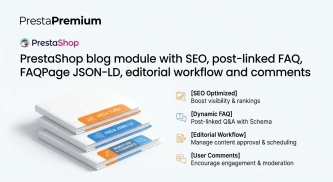
PrestaShop blog module with SEO, post-linked FAQ, FAQPage JSON-LD, editorial workflow and comments
A blog for PrestaShop built for real organic visibility, content commerce and better coverage of question-style search queries. The module gives full control over SEO...
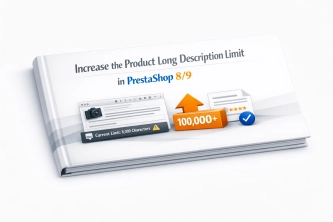
Increase the long product description and image ALT text limit in PrestaShop 8/9
PP Limit Manager removes the length restriction applied to the long product description and product image ALT text in the new PrestaShop 8 and 9 product form. The module...
- Discount
Price available only until: 30.09.2026
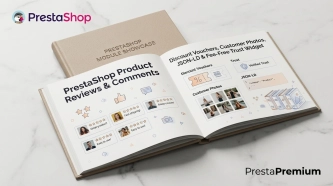
PrestaShop Product Reviews & Comments – Discount Vouchers, Customer Photos, JSON-LD & Fee-Free...
This module serves as a complete alternative to paid SaaS review platforms (such as Trustpilot, Opineo, or Trusted Shops) and allows you to bypass complex Google...
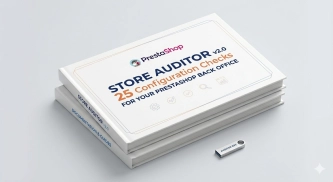
Store Auditor — 25 Configuration Checks for Your PrestaShop Back Office
Store Auditor is a completely free PrestaShop module that checks 25 core settings of your store with a single click. It instantly lets you know if your website is...

Google Maps Reviews Module for PrestaShop – Automatic Import and Display of Customer Ratings
This module serves to increase trust in your shop by displaying authentic reviews from Google Maps. Thanks to the automatic generation of JSON-LD structured data, star...

PrestaShop Promotion Module: Free Gifts, Quantity Discounts, Buy X Get Y and Category Offers
The PP Promo module for PrestaShop makes it easy to create and automate popular sales campaigns, from "Buy 2, Pay for 1" offers and free gifts to discounts on selected...

Unused Product Images — Free Server Cleanup for PrestaShop
Unused Product Images (Free) is a free PrestaShop module designed to optimize disk space and file limits (Inodes) on your hosting. The tool automatically locates and...

Free PrestaShop Video Module (YouTube & Vimeo)
Product Video Lite is a free and exceptionally lightweight module that allows you to assign an unlimited number of YouTube and Vimeo videos to your products. Instantly...
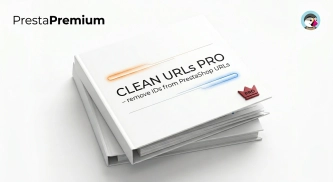
Clean URLs Pro – remove IDs from PrestaShop URLs
Clean URLs Pro removes numerical IDs from product, category, CMS category, CMS page, brand, and supplier URLs — without core modifications and with zero overrides. Simply...
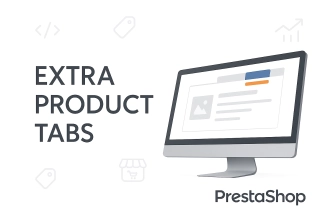
Extra Product Tabs – Tab Creator, CSV Import and SEO
Transform chaotic descriptions into a professional offer that sells! The Extra Product Tabs module allows you to instantly add unlimited tabs (e.g. Size Guide, Video,...
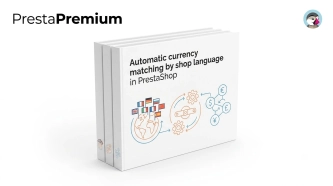
Automatic currency matching by shop language in PrestaShop
PP Smart Currency automatically matches the currency to the language a customer is using in your PrestaShop store. Visitors immediately see the right currency, while the...
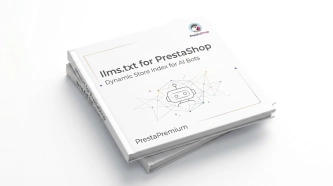
llms.txt for PrestaShop — Dynamic Store Index for AI Bots
AiLlmTxt publishes llms.txt and llms-full.txt files on the fly, without physical file generation on the disk — PrestaShop generates them dynamically under public URLs....
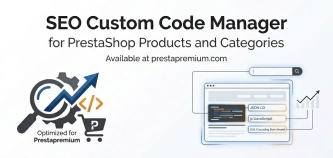
SEO Custom Code Manager for PrestaShop Products Categories and CMS
A module for PrestaShop that allows adding custom JSON-LD , JavaScript, and CSS resources individually to each product, category and CMS . Increase search engine...
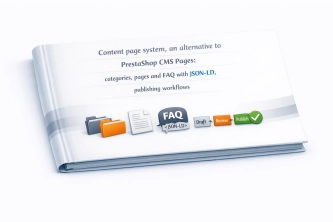
Content page system, an alternative to PrestaShop CMS Pages: categories, pages and FAQ with...
Frustrated by the limited capabilities of PrestaShop's native CMS? PP Page is a powerful alternative that transforms your shop into a fully-fledged publishing platform....
Advanced PrestaShop traffic and performance optimization generator (htaccess)
Stack Pro is a protective module for PrestaShop that restricts artificial and automated traffic at the server level through controlled modification of the .htaccess file....

- New
Free Simple Omnibus Price Module – Omnibus Directive for PrestaShop
Simple Omnibus Price is a completely free PrestaShop module that automates displaying the lowest price from the 30 days prior to a price reduction. Protect your store...
Do you need additional features or custom solutions?
- Module customisation tailored to your specific requirements.
- Extending functionality to enhance your store's capabilities.
- Developing bespoke modules designed to meet your unique needs.
- Integrating external systems and additional tools.
- Optimisation and improvements for better performance and user experience.
Do you have ideas on how to improve this software? Share your suggestions for optimisation, new features, or bug reports – we’ll be happy to review them!