PrestaShop FAQ module that boosts conversion | JSON-LD
- 1.7.5 + | 8.x | 9.x
- EN, FR, IT, DE, PL
- 2.0.0
- 2026-08-24
ppfaq is a module that organises store communication: it publishes FAQ in a single, easy-to-read place and helps customers find answers faster without contacting support.
In practice it shortens the purchasing decision time, reduces the number of repetitive enquiries and improves the shopping experience in PrestaShop , especially in stores with extensive ranges or products that require clarification.
The module is aimed at store owners, marketing teams and content managers who want to develop SEO while giving customers access to answers directly on the product page – without the need to rebuild the shop.

Information Parameters:
- 2.0.0
-
Store Version PHP Version1.7.5 + 7.1 – 7.48.x 8.1 – 8.39.x 8.1 – 8.5
- 2026-08-24
- EN, FR, IT, DE, PL
- ✅
- ✅
- ✅
- ❌
- demo.admin.shop
- demo.front.shop
Problems the module solves
Customers often abandon their cart when they cannot find answers to basic questions: shipping, returns, compatibility, product variants or warranty terms. As a result, the shop receives repetitive messages and sales lose momentum.
Before: questions go to email or chat, answers are scattered and the customer has to wait. After: answers are organised on an FAQ page and are also available in the context of the product, which shortens the path to purchase.
Key benefits
- Fewer support enquiries – repetitive questions are visible to the customer immediately, allowing the team to focus on issues that require attention.
- Higher conversion – customers receive answers at the moment of doubt, which reduces the number of interrupted purchase decisions.
- Improved SEO – question-and-answer content builds long-tail visibility, while the module also automatically generates FAQPage structured data in JSON-LD format, helping search engines interpret the content more accurately.
- Consistent information presentation – the FAQ is divided into groups and stays organised even as the knowledge base grows.
- More trust in the shop – transparent policies and clear answers reduce uncertainty, particularly in technical and B2B sectors.
- Convenient multilingual support – content can be maintained in multiple languages, which helps selling on foreign markets.
Use cases
- Electronics and parts stores – questions about compatibility, specifications and fit for particular models.
- Fashion and footwear – questions about sizing, materials, care and returns/exchanges.
- Cosmetics and supplements – questions about ingredients, usage, contraindications and delivery times.
- B2B and wholesale – questions about invoicing, discount thresholds, availability and lead times.
- Multilingual shops – a single FAQ structure, consistent communication in each language.
Features – Back Office
FAQ groups (question categories)
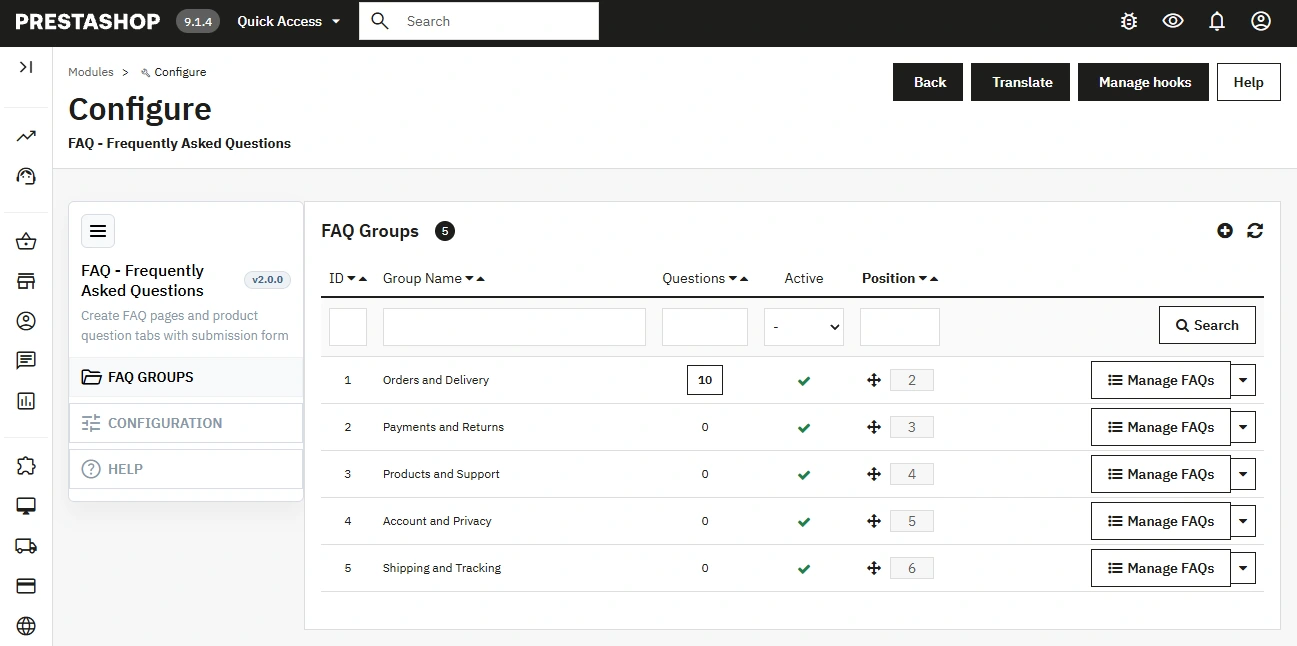
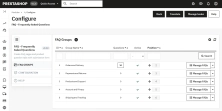
Creating and organising groups keeps the FAQ readable even with a large number of entries; activity statuses and display order are available.
Questions and answers with a content editor
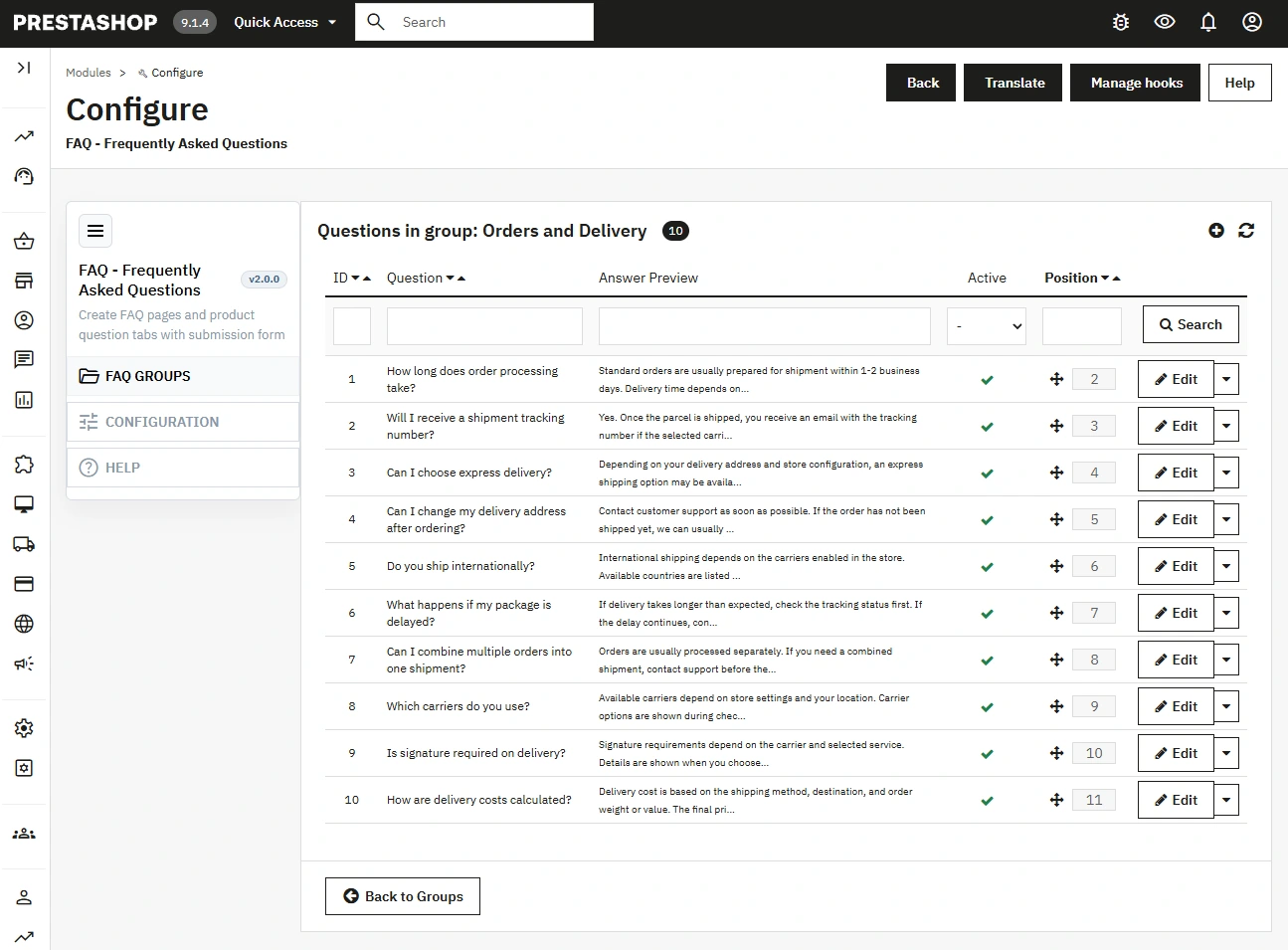
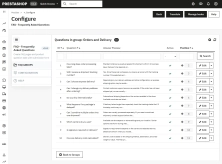
Add questions and answers in multiple languages with HTML formatting support (WYSIWYG), enabling clear instructions and links.
Linking questions to products
You decide whether a question applies to the whole shop or to specific products – the search makes selection and maintenance of the database easier.
Answer presentation modes
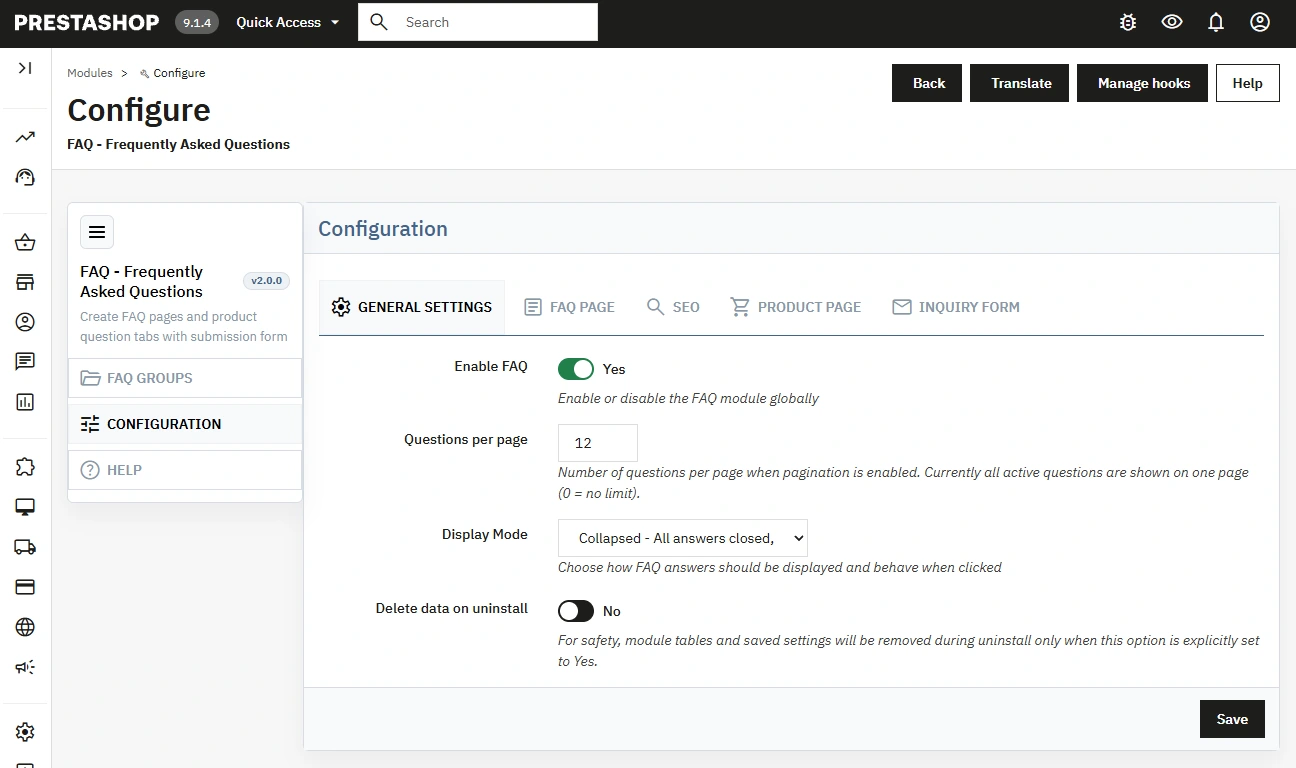
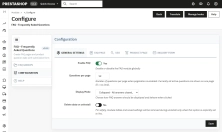
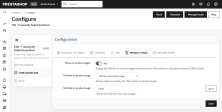
Choose the display mode ( collapsed , expanded , accordion ) to suit the shop's UX and the amount of content.
FAQ page settings
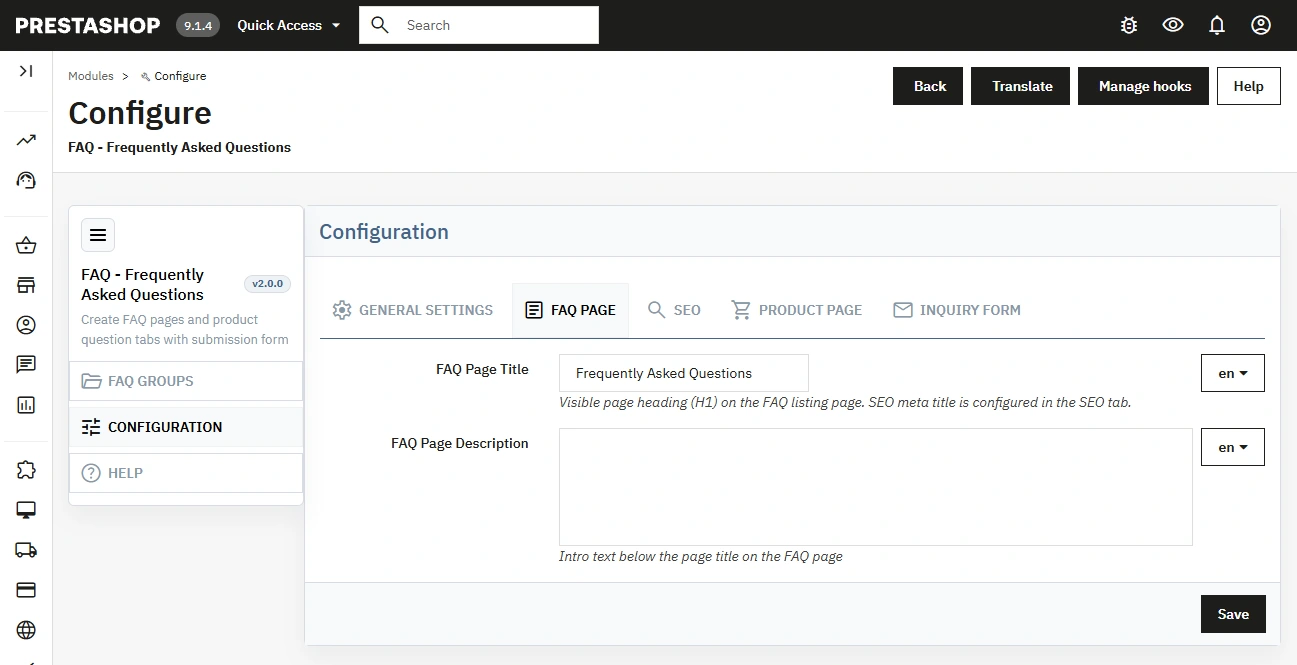
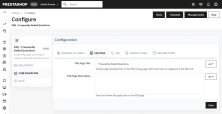
Configure the title and description visible to customers, as well as pagination – this helps keep the page clear and control length.
SEO, friendly URL and structured data
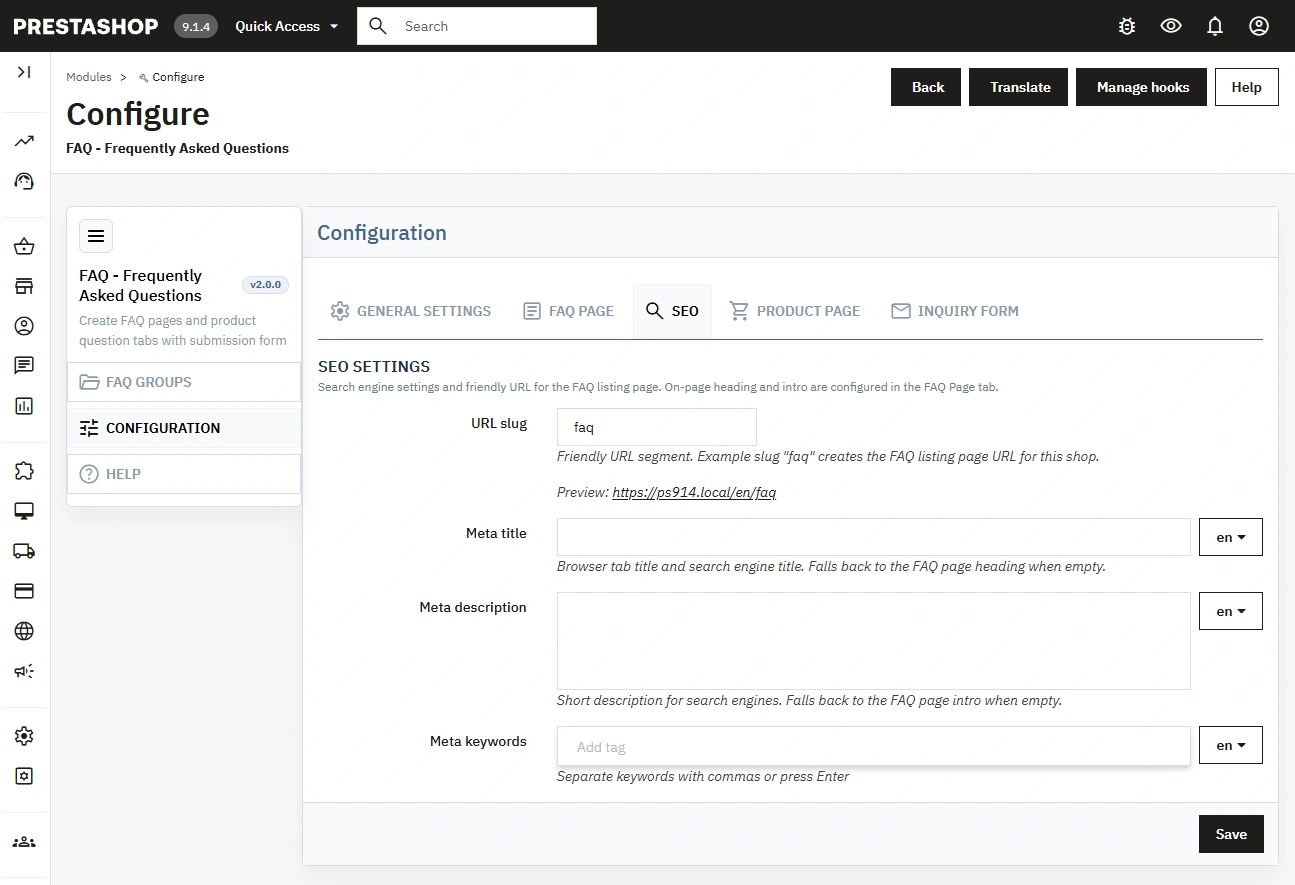
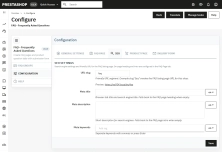
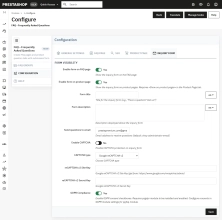
Set the meta title, meta description, meta keywords and rewrite URL for the FAQ page, supporting positioning and readable links. In addition, the module automatically generates FAQPage (JSON-LD) structured data for the FAQ page and for product pages with an active question-and-answer section.
Display on the product page (hooks)
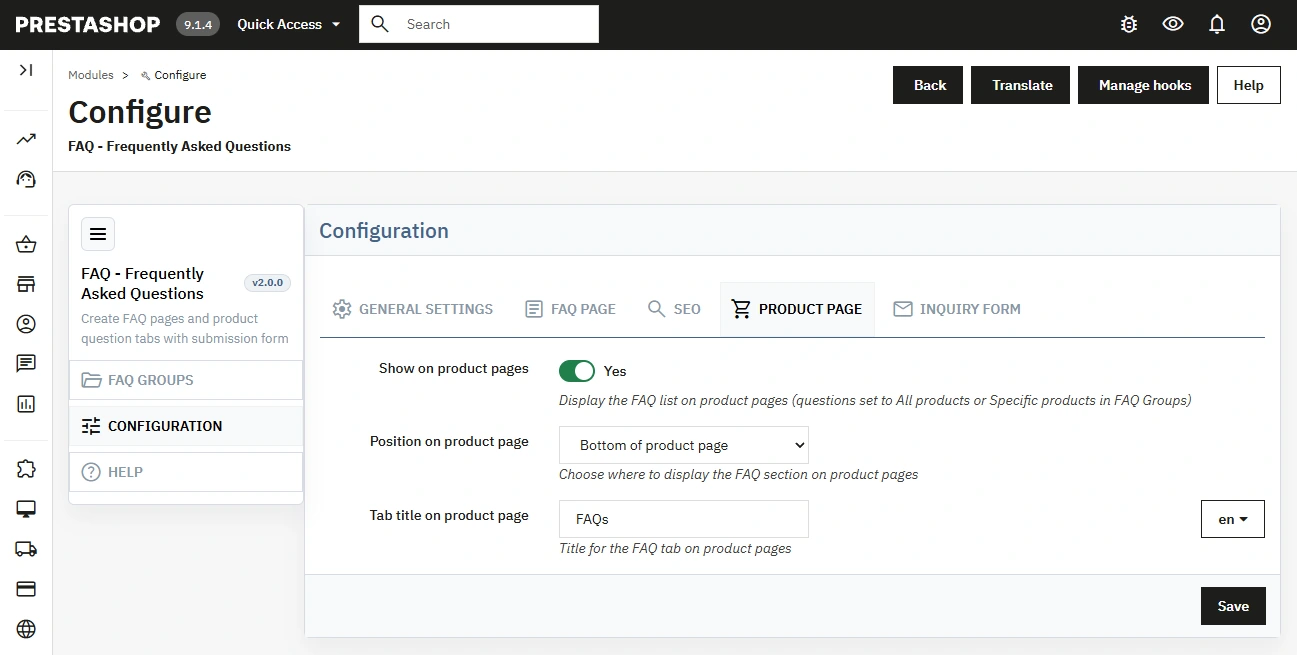
Enable FAQ on products and choose the display position (e.g. footer, columns or a custom position) to adapt the module to your theme.
"Ask a question" form with protection
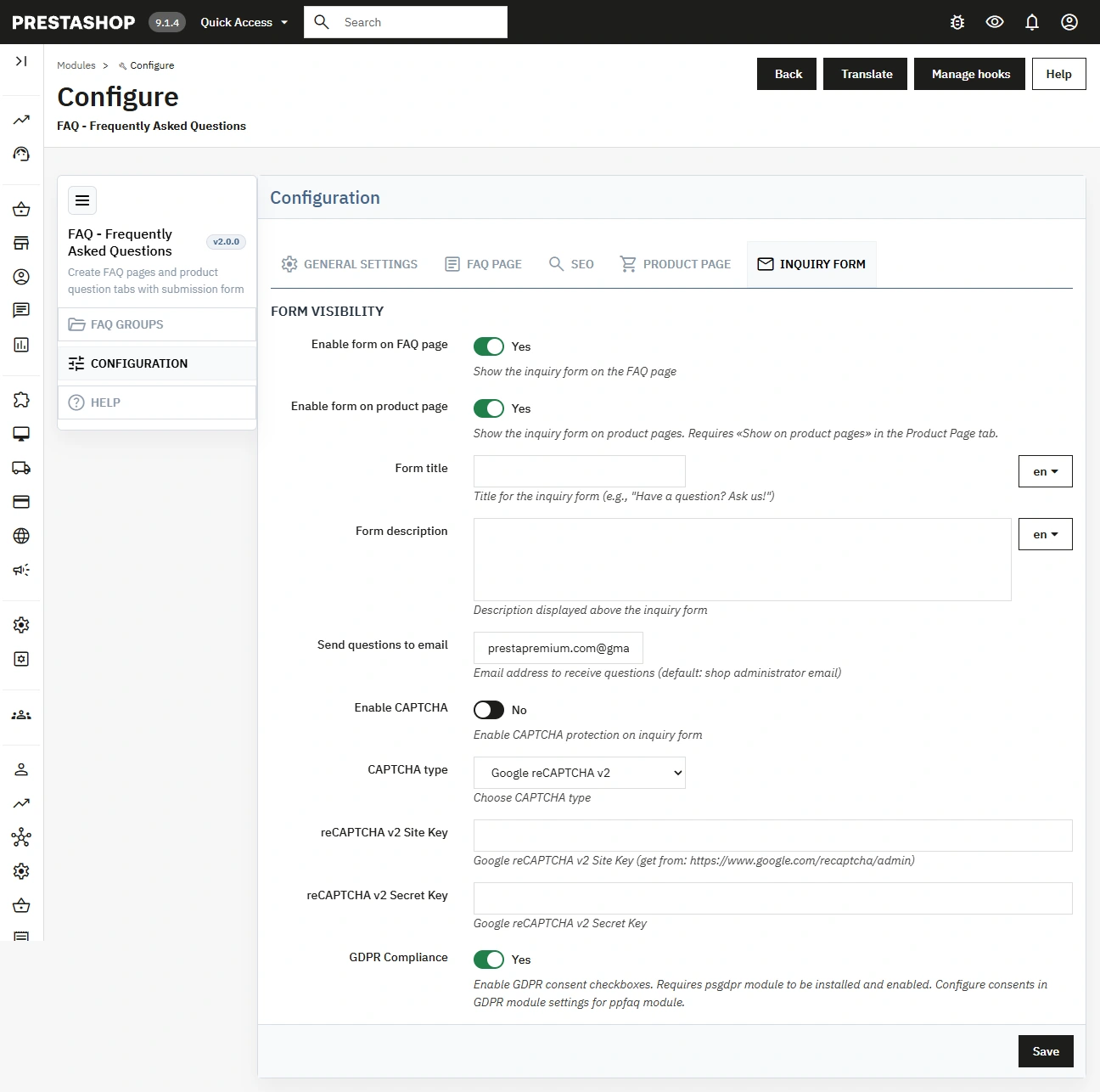
Configure the form on the FAQ page and/or product pages, the recipient address and security options: reCAPTCHA v2 , reCAPTCHA v3 , skip captcha for logged-in users and integration with GDPR via psgdpr.
Update notifications
The panel can show the availability of new versions, which helps keep the module up to date.
Features – Front Office
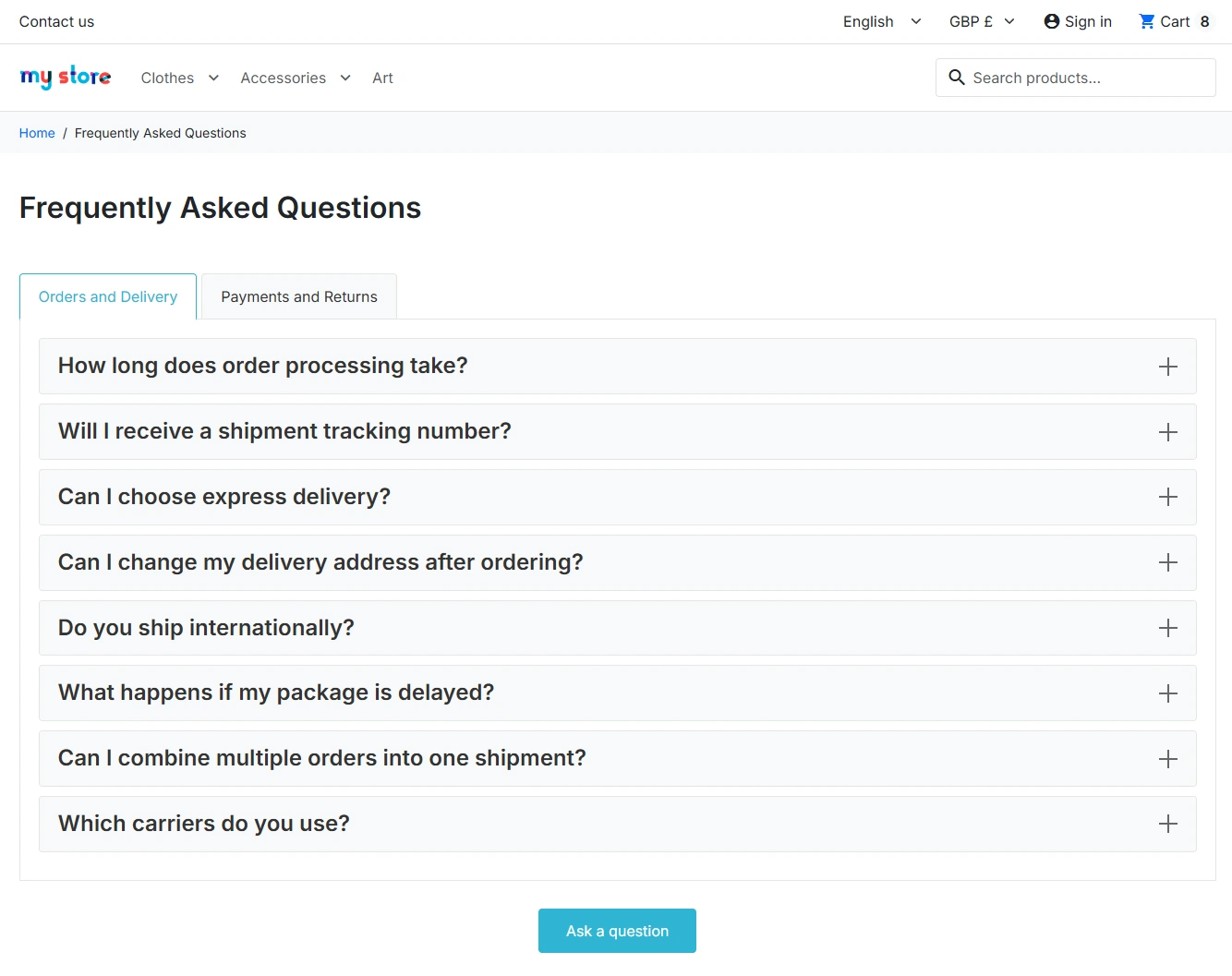
Dedicated FAQ page
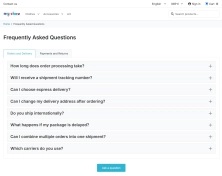
The customer sees organised question groups (tabs) and a clear list of answers, which supports self-service and reduces doubts.
Interactive answer expansion
The display mode (collapsed/expanded/accordion) improves readability and allows you to adapt behaviour to the amount of content, affecting the UX.
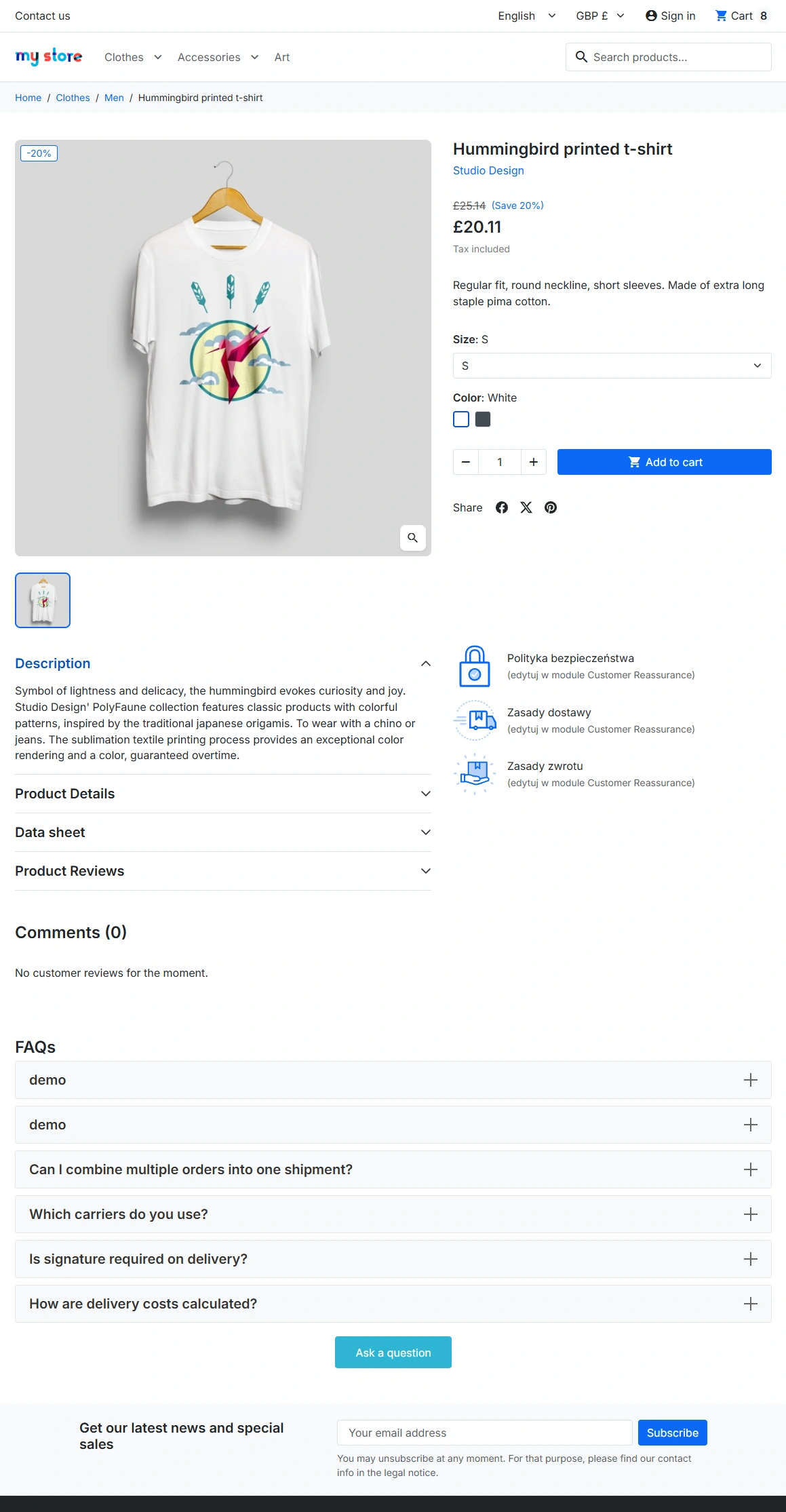
FAQ on the product page
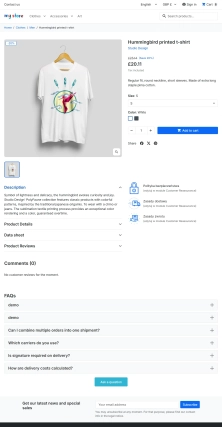
FAQ can be visible in the context of the product, so the customer receives answers exactly where they need them – right alongside the offer.
FAQPage structured data (JSON-LD)
The module automatically embeds schema.org structured data in JSON-LD format both on the FAQ page and on product pages with an active FAQ section. This strengthens technical SEO and helps search engines correctly understand the relationship between each question and its answer.
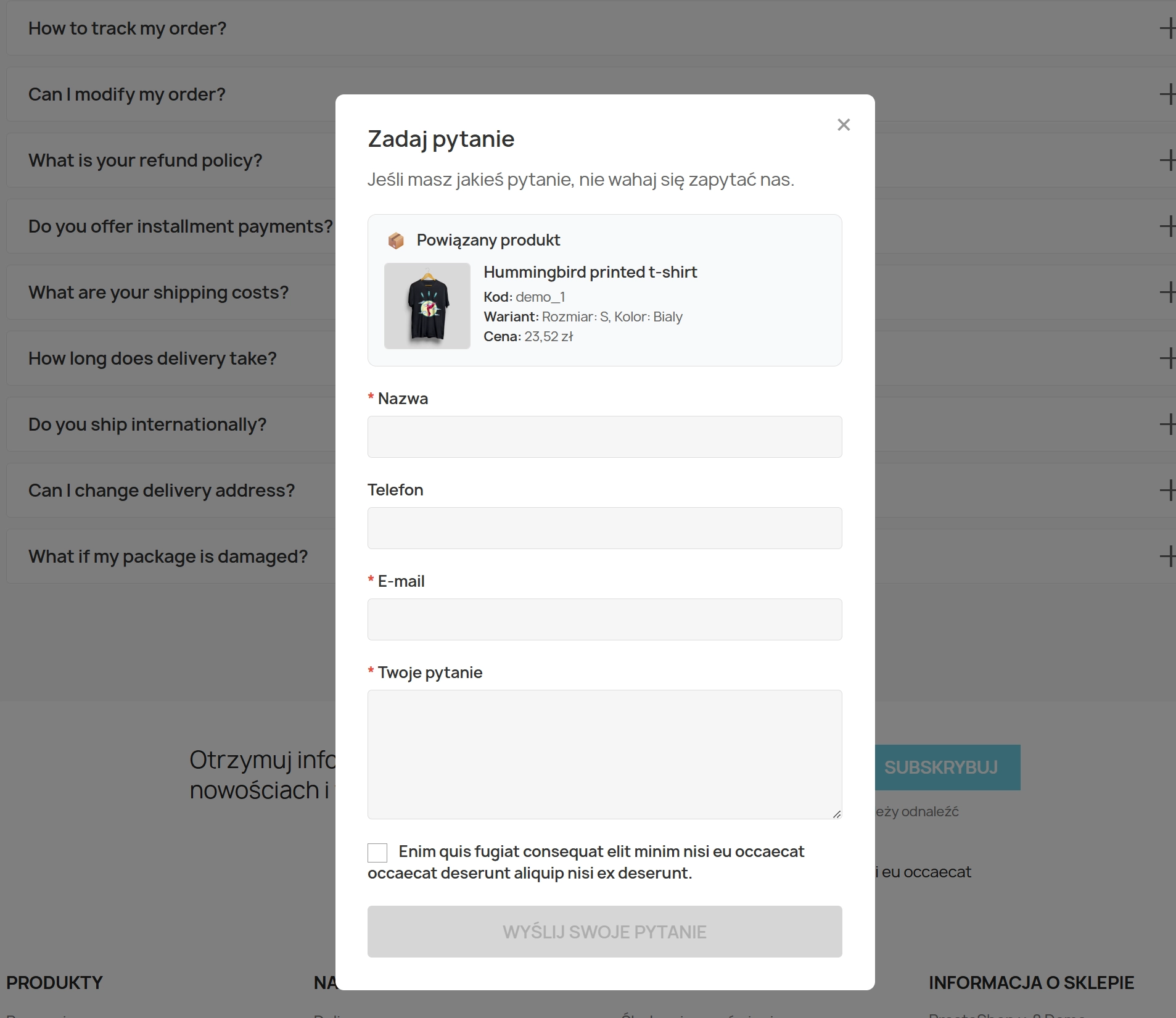
Contextual "Ask a question" form
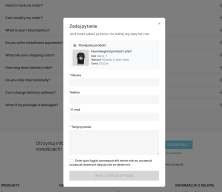
The customer can send a question from the FAQ or product page; the form can include contact details and the question content, and the shop receives a clear submission.
Security and compliance
Support for captcha and GDPR consents helps limit spam and maintain data processing standards without degrading customer convenience.
Automation and logic
The module operates autonomously based on settings: it automatically displays the FAQ where you enable it (FAQ page and/or product page ) and shows relevant questions depending on product assignments.
Protection mechanisms are also conditional: captcha can be skipped for logged-in customers, and GDPR consent appears only when enabled and when the shop uses psgdpr.
Impact on sales and marketing
Well-prepared FAQ reduces purchasing barriers and improves the credibility of the offer. At the same time it expands content for SEO (long-tail queries), which can increase search traffic and lower customer acquisition cost.
On the product page, "right-now" answers shorten the decision path, which translates into real support for conversion – especially for products that require explanation.
Ease of use and deployment
Content management is performed in the administration panel: groups, questions and answers are editable in an intuitive way, and the key settings (SEO, product visibility, form) are available in the module configuration.
You don't need programming knowledge to maintain the question base, update content and adapt the presentation to the shop's style.
Who is this module for?
For shops that want to organise customer questions, reduce support load and simultaneously strengthen SEO . It works well for small shops expanding their range as well as for larger catalogues where FAQ becomes a standard part of service.
It's also a good solution for content owners (marketing, e-commerce managers) and PrestaShop implementers who need a predictable module with configuration adaptable to different product page layouts.
Summary and Call To Action
If you want customers to find answers faster, reduce repetitive enquiries and improve the shop's search visibility, implementing ppfaq is a practical step.
Add the module to your basket and build a clear FAQ that genuinely supports sales.
Before deployment, back up your shop (files and database) and test the module on a staging environment. If you use reCAPTCHA , make sure your Google keys are configured correctly. GDPR features require an active psgdpr module in the shop.
## [2.0.0] - 2026-08-24

### Added

- PrestaShop 9.x support and shared compatibility updates for PS 1.7 / 8 / 9 module lines.
- Configuration reorganized into five tabs, including a dedicated SEO section (URL slug, meta fields, preview link).
- FAQPage JSON-LD structured data on the FAQ listing and product pages.
- Refined FAQ visibility rules for product pages and the main FAQ listing.
- Updated user guides (EN/PL) and English demo sample data for testing.

## [1.0.7] - 2025-12-23

### Changed

- **Form Validation**: Enhanced client-side validation for phone numbers and email formats.

## [1.0.6] - 2025-12-15

### Added

- **Bulk Actions**: Added bulk delete and status toggle for FAQ questions in admin panel.
- **Export Functionality**: Basic CSV export for FAQ data (groups and questions).
- **Mobile Responsiveness**: Improved mobile layout for FAQ tabs and forms.

### Changed

- **Position Sorting**: Enhanced drag-and-drop sorting for FAQ groups and questions.

## [1.0.5] - 2025-12-08

### Added

- **FAQ Statistics**: Basic admin dashboard with FAQ view counts and inquiry statistics.
- **Custom Hook Support**: Added support for custom display hooks beyond standard product positions.
- **Inquiry History**: Admin panel to view submitted inquiries with filtering.

### Changed

- **Email Configuration**: Simplified email recipient configuration with validation.
- **Display Modes**: Improved accordion mode animation and accessibility.

## [1.0.4] - 2025-12-01

### Changed

- **Captcha Types**: Streamlined captcha type selection in configuration.
- **Database Structure**: Optimized table structure for better query performance.

### Fixed

- **Multishop Support**: Resolved configuration issues in multishop environments.
- **Form Reset**: Fixed form reset after successful submission.
- **Position Updates**: Corrected position saving in drag-and-drop operations.

## [1.0.3] - 2025-11-24

### Added

- **Product Tab Integration**: Enhanced product page integration with configurable tab titles.
- **Inquiry Email Templates**: Basic HTML templates for customer inquiries.
- **Admin Permissions**: Role-based access control for FAQ management.

### Changed

- **UI Improvements**: Updated admin interface with modern styling.
- **Validation Rules**: Enhanced input validation for FAQ content.

## [1.0.2] - 2025-11-17

### Added

- **reCAPTCHA v3 Support**: Added invisible captcha option for better UX.
- **Inquiry Form Fields**: Added optional phone field to inquiry forms.
- **Admin Notifications**: Email notifications for new inquiries.

### Changed

- **Form Layout**: Improved responsive design for inquiry forms.
- **Configuration Tabs**: Organized settings into logical tabs.

## [1.0.1] - 2025-11-10

### Added

- **Basic Inquiry Form**: Simple contact form on FAQ page.
- **Captcha Integration**: Google reCAPTCHA v2/v3 integration for spam prevention (replaced legacy image captcha).
- **Admin Dashboard**: Basic module configuration interface.

## [1.0.0] - 2025-11-01

### Added

- **Core FAQ Functionality**: Basic FAQ management with groups and questions.
- **Product Integration**: FAQ display on pro
You might also like

FAQs
-
How can I organise a larger FAQ database?
The module lets you create FAQ groups that work like question categories. Groups have activity statuses and display order, making it easier to maintain a clear structure as the knowledge base grows. Questions and answers can be maintained in multiple languages using an HTML content editor.
-
Are the modules compatible with my version of PrestaShop?
Each module in our store contains information about compatibility with specific PrestaShop versions. Please check this information carefully before purchasing. If you are not sure, contact us.
-
Where can questions assigned to a product be displayed?
FAQs can be displayed on a dedicated FAQ page and in the context of a specific product page. The configuration lets you select a display location, such as the footer, a column or a custom position. The module shows the relevant questions according to their product assignments.
-
Which answer display modes are available?
Answers can be displayed collapsed, expanded or as an accordion. This setting lets you adapt how content is browsed to the store layout and number of questions. On the FAQ page, customers see organised groups and an answer list in the format selected by the administrator.
-
Does the module generate structured data for FAQs?
Yes. The module automatically generates Schema.org-compliant FAQPage structured data in JSON-LD format. The data is embedded on the FAQ page and on product pages where the question-and-answer section is enabled. This helps search engines understand the relationship between questions and answers.
-
How does the “Ask a question” form work?
The form can be available on the FAQ page, the product page or both. The administrator sets the recipient address and anti-spam options, including reCAPTCHA v2 or v3. CAPTCHA can also be skipped for logged-in customers, and GDPR consent can be integrated with the psgdpr module.
16 other products in the same category:
- New
Free PrestaShop Database Audit & Controlled Cleanup
Database Cleaner Lite is a free PrestaShop module designed for auditing and safely deleting statistical data and system logs. It helps administrators quickly assess...
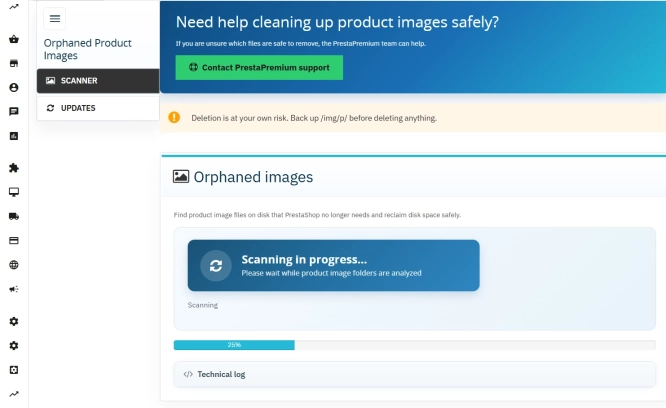
Unused Product Images — Free Server Cleanup for PrestaShop
Unused Product Images (Free) is a free PrestaShop module designed to optimize disk space and file limits (Inodes) on your hosting. The tool automatically locates and...
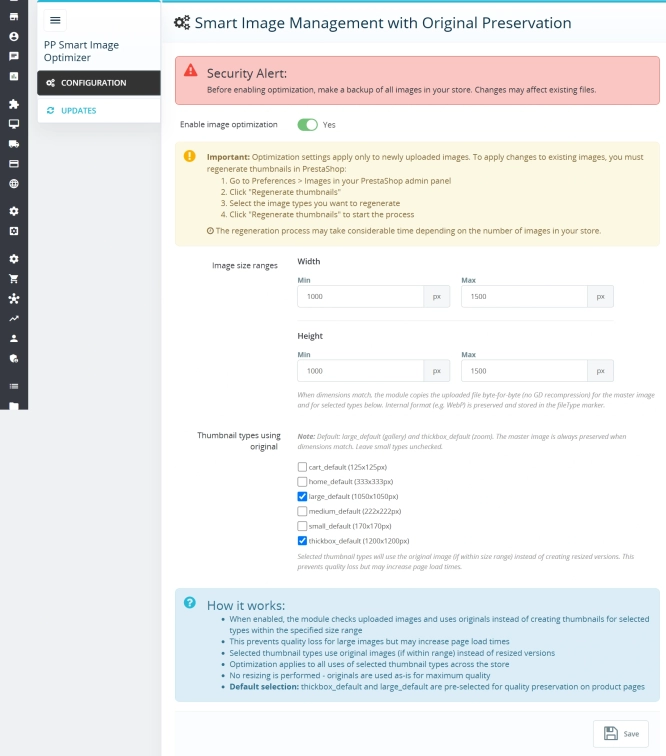
Smart Image Optimiser — Lossless Quality and Perfect PrestaShop Product Images
Smart Image Optimizer is an advanced tool that effectively eliminates the problem of automatic, lossy recompression of graphics files by PrestaShop's engines (GD/Imagick)....

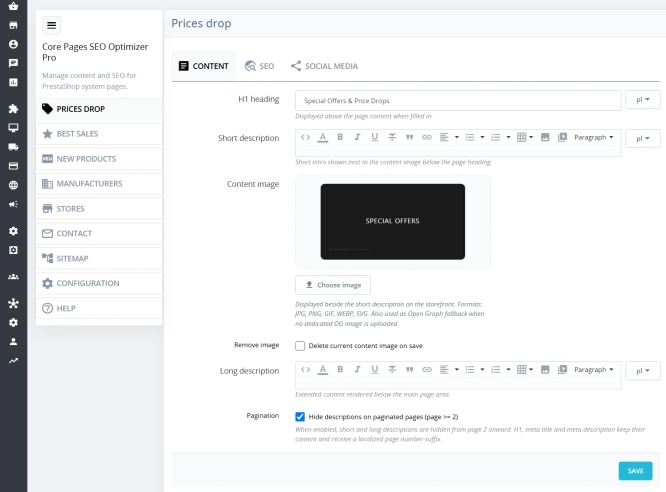
Custom HTML Descriptions and SEO Optimisation for PrestaShop Promo, Best Sellers and New...
The default PrestaShop configuration does not allow entering custom texts or graphics on key subpages that generate organic search traffic. The ppcorepagesseo module is a...

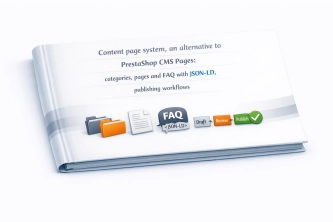
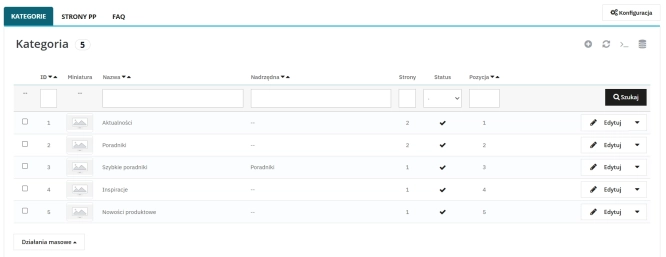
Content page system, an alternative to PrestaShop CMS Pages: categories, pages and FAQ with...
Frustrated by the limited capabilities of PrestaShop's native CMS? PP Page is a powerful alternative that transforms your shop into a fully-fledged publishing platform....
- Discount
Price available only until: 11.10.2026
Product recommendation module for PrestaShop
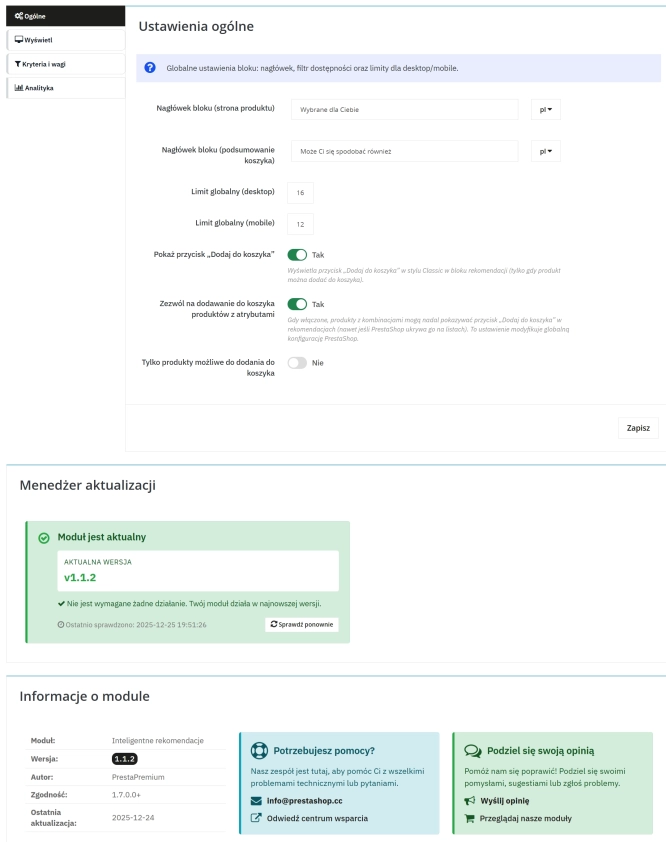
A recommendations module for PrestaShop that displays tailored product suggestions in two key points of the buying journey: the product page and the cart. It reduces...
SEO Custom Code Manager for PrestaShop Products Categories and CMS
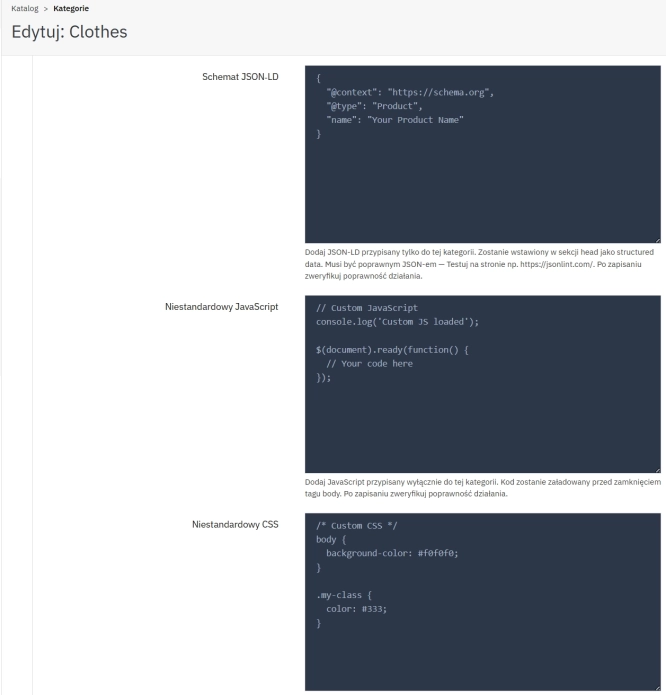
A module for PrestaShop that allows adding custom JSON-LD , JavaScript, and CSS resources individually to each product, category and CMS . Increase search engine...
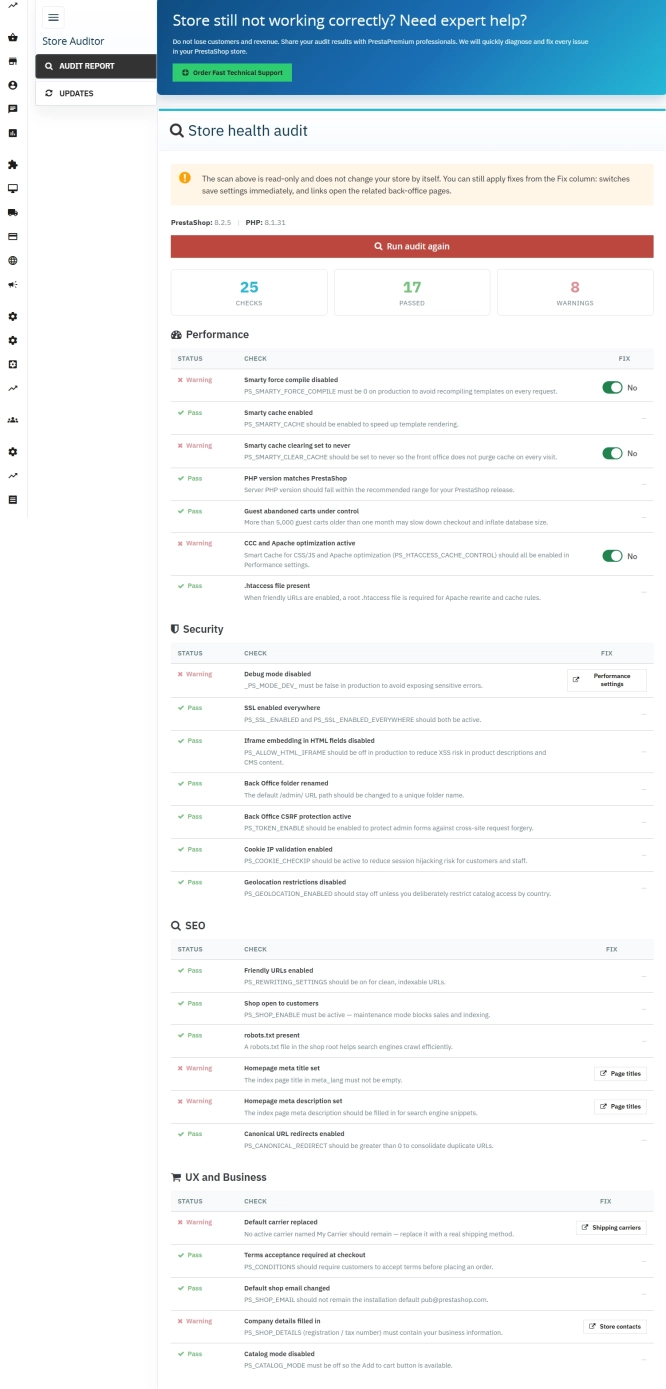
Store Auditor — 25 Configuration Checks for Your PrestaShop Back Office
Store Auditor is a completely free PrestaShop module that checks 25 core settings of your store with a single click. It instantly lets you know if your website is...
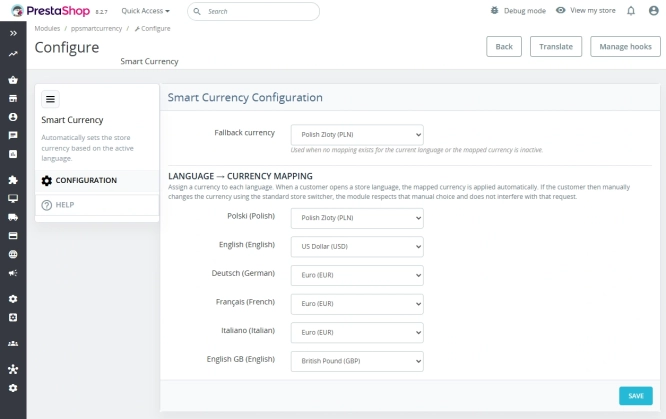
Automatic currency matching by shop language in PrestaShop
PP Smart Currency automatically matches the currency to the language a customer is using in your PrestaShop store. Visitors immediately see the right currency, while the...
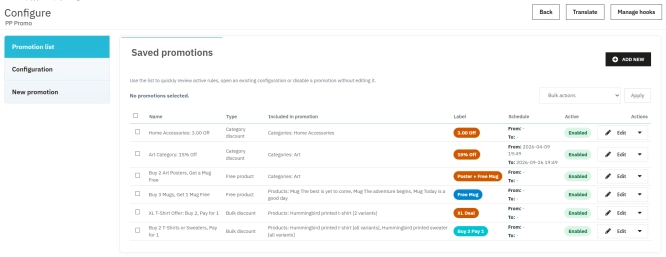
PrestaShop Promotion Module: Free Gifts, Quantity Discounts, Buy X Get Y and Category Offers
The PP Promo module for PrestaShop makes it easy to create and automate popular sales campaigns, from "Buy 2, Pay for 1" offers and free gifts to discounts on selected...

- New
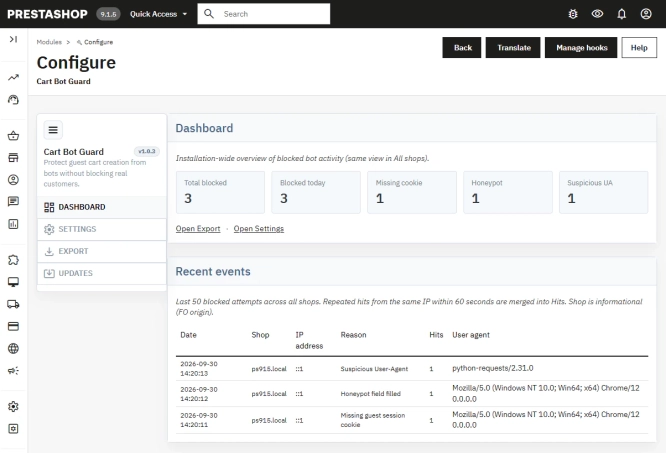
PrestaShop Anti-Bot Cart – Fake Cart Protection
A lightweight, non-invasive solution for PrestaShop that eliminates the mass creation of fake carts by bots and HTTP scripts. The module neutralizes automated traffic...
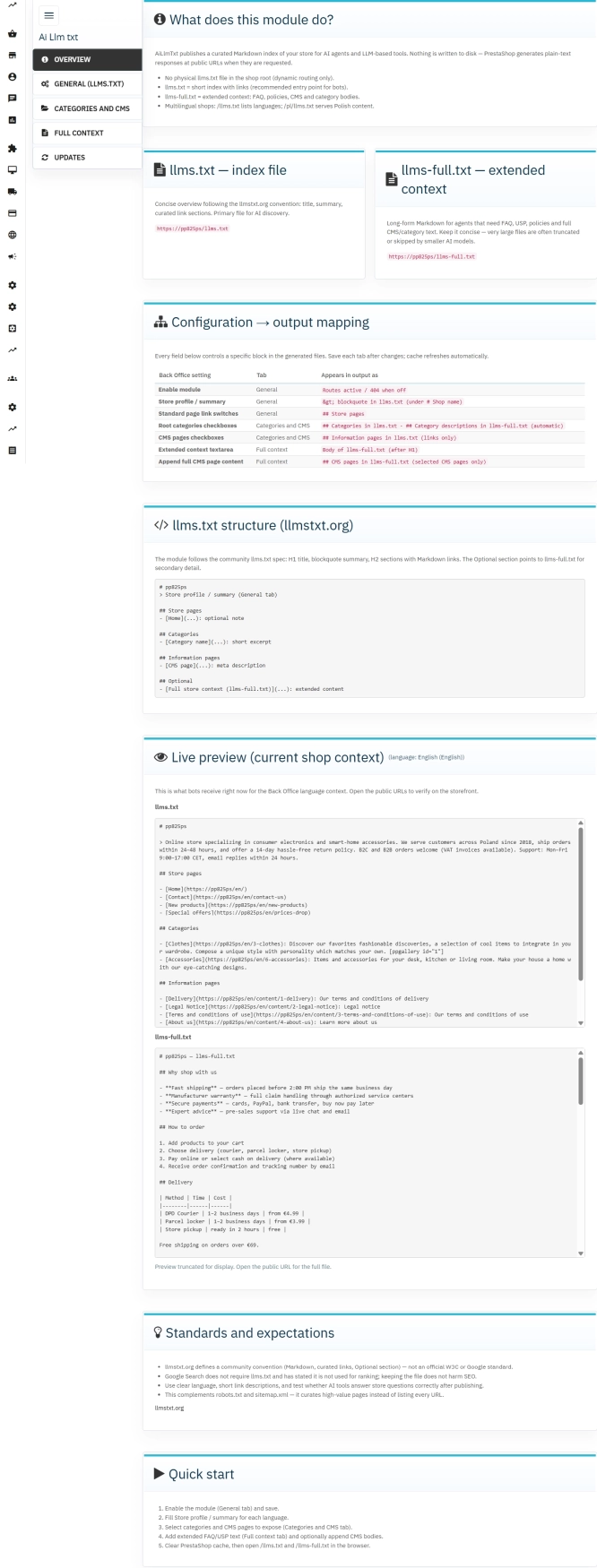
llms.txt for PrestaShop — Dynamic Store Index for AI Bots
AiLlmTxt publishes llms.txt and llms-full.txt files on the fly, without physical file generation on the disk — PrestaShop generates them dynamically under public URLs....

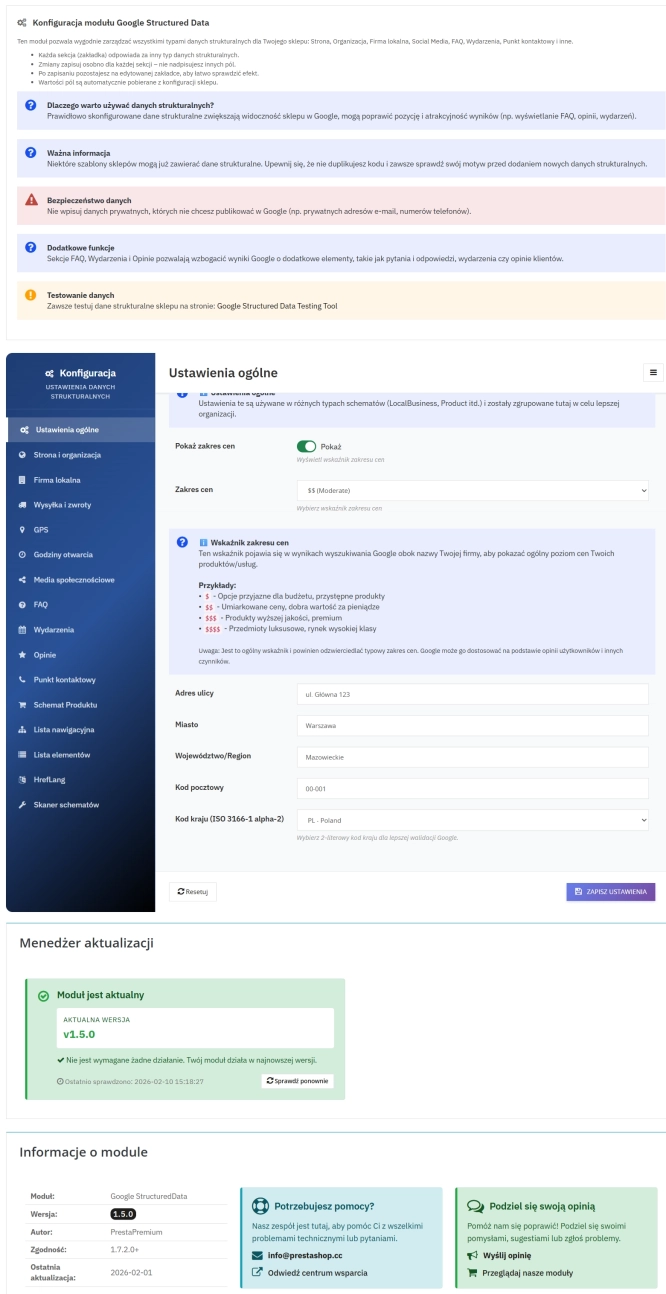
PrestaShop Schema Pro - Rich Snippets & SEO Booster
Rich Results + AI = dominate search results and increase sales in PrestaShop! Automatic JSON-LD generator with full support for more than 15 Schema.org types, including...
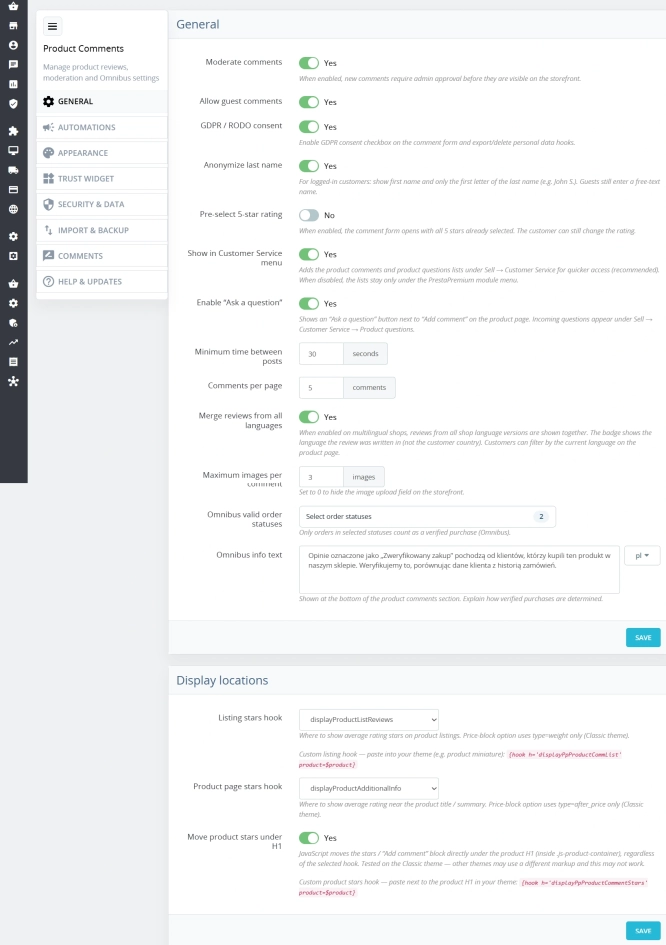
PrestaShop Product Reviews & Comments – Discount Vouchers, Customer Photos, JSON-LD & Fee-Free...
This module serves as a complete alternative to paid SaaS review platforms (such as Trustpilot, Opineo, or Trusted Shops) and allows you to bypass complex Google...
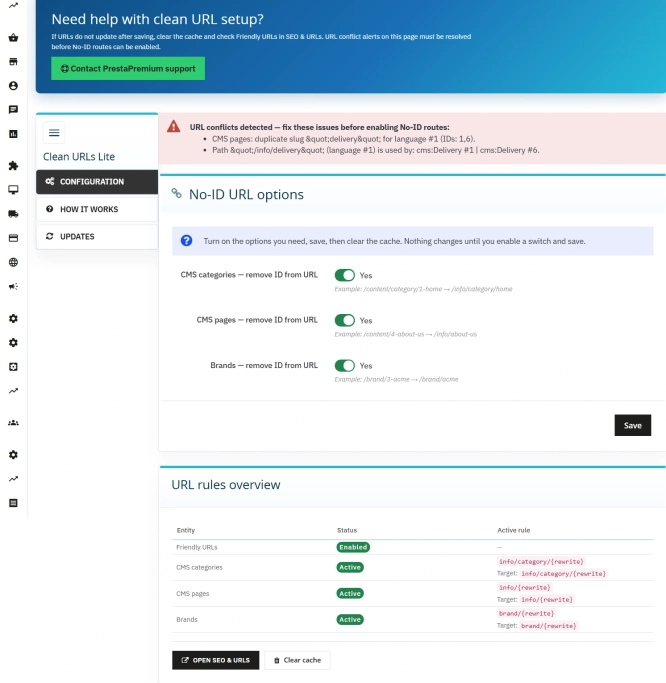
Remove ID from URLs (CMS, Brands) PrestaShop [Free]
The free Clean URLs Lite module modifies native PrestaShop routing by removing numeric identifiers (IDs) from CMS page, CMS category, and brand (manufacturer) URLs. It...
Do you need additional features or custom solutions?
- Module customisation tailored to your specific requirements.
- Extending functionality to enhance your store's capabilities.
- Developing bespoke modules designed to meet your unique needs.
- Integrating external systems and additional tools.
- Optimisation and improvements for better performance and user experience.
Do you have ideas on how to improve this software? Share your suggestions for optimisation, new features, or bug reports – we’ll be happy to review them!