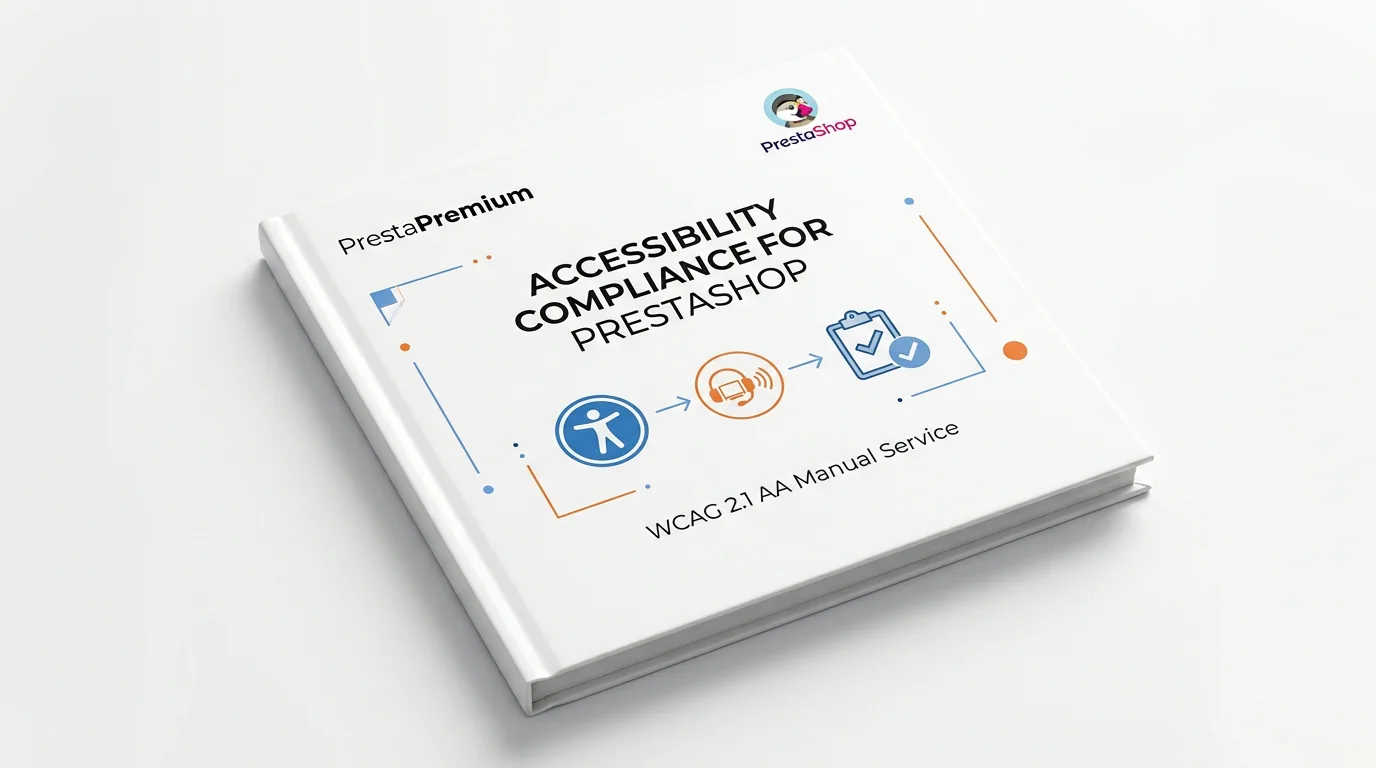
Accessibility Compliance for PrestaShop – WCAG 2.1 AA Manual Service

PP-U007
  • 1.3 | 1.4 | 1.5 | 1.6 | 1.7 | 8.x | 9.x
  • PL, EN

Make your PrestaShop store compliant with the WCAG 2.1 AA standard and meet the legal requirements of digital accessibility.

We provide a comprehensive service that includes a full audit and analysis of your store, implementation of required technical and visual changes, and final compliance testing.

The service supports all PrestaShop versions from 1.3 upwards and is tailored to both new and existing stores. You’ll ensure legal compliance, improve your e-commerce usability, and minimise the risk of sanctions.

447.00 € Tax excluded

Information Parameters:

  • Store Version PHP Version
    1.3 | 1.4 | 1.5 | 1.6 | 1.7 | 8.x | 9.x 5.2 - 8.5
  • PL, EN
  • 07.05.2025
  • 2.1

verified PrestaShop store compliance with WCAG 2.1 AA – tailored accessibility improvement service

Online stores – whether newly launched or operating for years – must meet digital accessibility requirements in line with WCAG 2.1 AA. This service is designed for PrestaShop store owners who wish to operate legally and ensure comfort and inclusivity for all users, including those with disabilities.

Unlike automated modules that apply generic fixes without understanding context, our service is delivered manually and individually. Every store is reviewed and adjusted by a specialist – without reliance on algorithms or prebuilt templates.

build What does the service include?

  • Accessibility audit: review of HTML, colour contrast, forms, keyboard navigation, screen reader compatibility, and other accessibility-related elements.
  • Compliance report: a document summarising issues and assessing compliance with individual WCAG 2.1 AA criteria.
  • Implementation plan: detailed recommendations prioritised by importance, time investment, and user impact.
  • Template and visual layer adjustments: improving contrast (min. 4.5:1), visible focus indicators, alternative text for images, 200% text scalability, and adaptive branding visuals.
  • Forms and validation: proper field labels, error messages, clear instructions, logical tab order, and compatibility with assistive technologies.
  • Semantic structure and ARIA roles: headings, landmarks, ARIA attributes, and a logical content structure.
  • Interactive elements and scripts: ensuring accessibility of modals, dropdowns, sliders, and dynamic feedback without flickering or distracting effects.
  • Mobile optimisation: ensuring interface elements are accessible and legible across mobile devices.
  • Final testing: manual tests with screen readers (NVDA, VoiceOver), and automated validation using tools like Axe, WAVE, Lighthouse.
  • Team guidelines: best practices for maintaining compliance after updates or content changes.

group Who is this for?

  • Owners of PrestaShop stores running versions from 1.3 to 8.x
  • Businesses subject to digital accessibility laws (e.g. public procurement)
  • Anyone seeking to make their store more user-friendly and inclusive

check_circle Final result

  • Store fully compliant with WCAG 2.1 AA
  • Preparedness for legal obligations and audits
  • Enhanced user experience (UX) for all visitors
  • Better SEO performance and barrier-free navigation
  • Improved brand trust and reduced legal risk

payments Pricing and delivery terms

This service is offered as a product with a fixed base price visible on the website. The base price applies to standard implementations using default or moderately customised PrestaShop themes.

For heavily modified stores, custom themes, or complex integrations, the final price may differ. In such cases, we reserve the right to conduct a technical consultation before starting the service.

After placing your order, we will contact you to verify your store version, theme, and available materials. If a more detailed review is required, we will inform you about any price adjustments and propose the next steps before beginning the implementation.

FAQs

  • What does a store accessibility audit involve?

    The audit analyses HTML, contrast, forms, keyboard navigation, screen readers and other elements that affect accessibility. It results in a compliance report listing detected issues and assessing fulfilment of the individual WCAG 2.1 AA criteria.

  • Are the modules compatible with my version of PrestaShop?

    Each module in our store contains information about compatibility with specific PrestaShop versions. Please check this information carefully before purchasing. If you are not sure, contact us.

  • Is the implementation performed automatically?

    No. The service is delivered manually and individually for the specific store. A specialist analyses the store and makes the necessary technical and visual changes without using algorithms or ready-made templates. This makes it possible to account for the real context of the theme and interface elements in use.

  • Which interface elements can be adapted?

    The scope includes contrast, focus visibility, image alt text, text scaling to 200%, heading and landmark semantics, and ARIA roles. Forms, error messages, tab order, modals, drop-down lists and dynamic elements are also reviewed.

  • How is accessibility checked after implementation?

    Final testing is performed after the work is complete. It includes testing the store with screen readers, including NVDA and VoiceOver, and validation with automated tools such as Axe, WAVE and Lighthouse. These tests confirm the effect of the implemented improvements.

  • Which PrestaShop stores is the service intended for?

    The service covers PrestaShop stores from version 1.3 onwards, both new projects and existing stores. It is intended for owners who want to improve accessibility for different users, including people with disabilities, and prepare their store for WCAG 2.1 AA requirements.

Do you need additional features or custom solutions?

  • Module customisation tailored to your specific requirements.
  • Extending functionality to enhance your store's capabilities.
  • Developing bespoke modules designed to meet your unique needs.
  • Integrating external systems and additional tools.
  • Optimisation and improvements for better performance and user experience.

Do you have ideas on how to improve this software? Share your suggestions for optimisation, new features, or bug reports – we’ll be happy to review them!