Backup Manager – Security and Automatic Database Backups
PP-M003
- 1.7.7 + | 8.2 +
- EN, FR, IT, DE, PL
- 1.1.1
- 2026-04-14
PP Backup Manager is a module for PrestaShop , which organises the process of performing database backups : manually in the administration or automatically when called by cron.
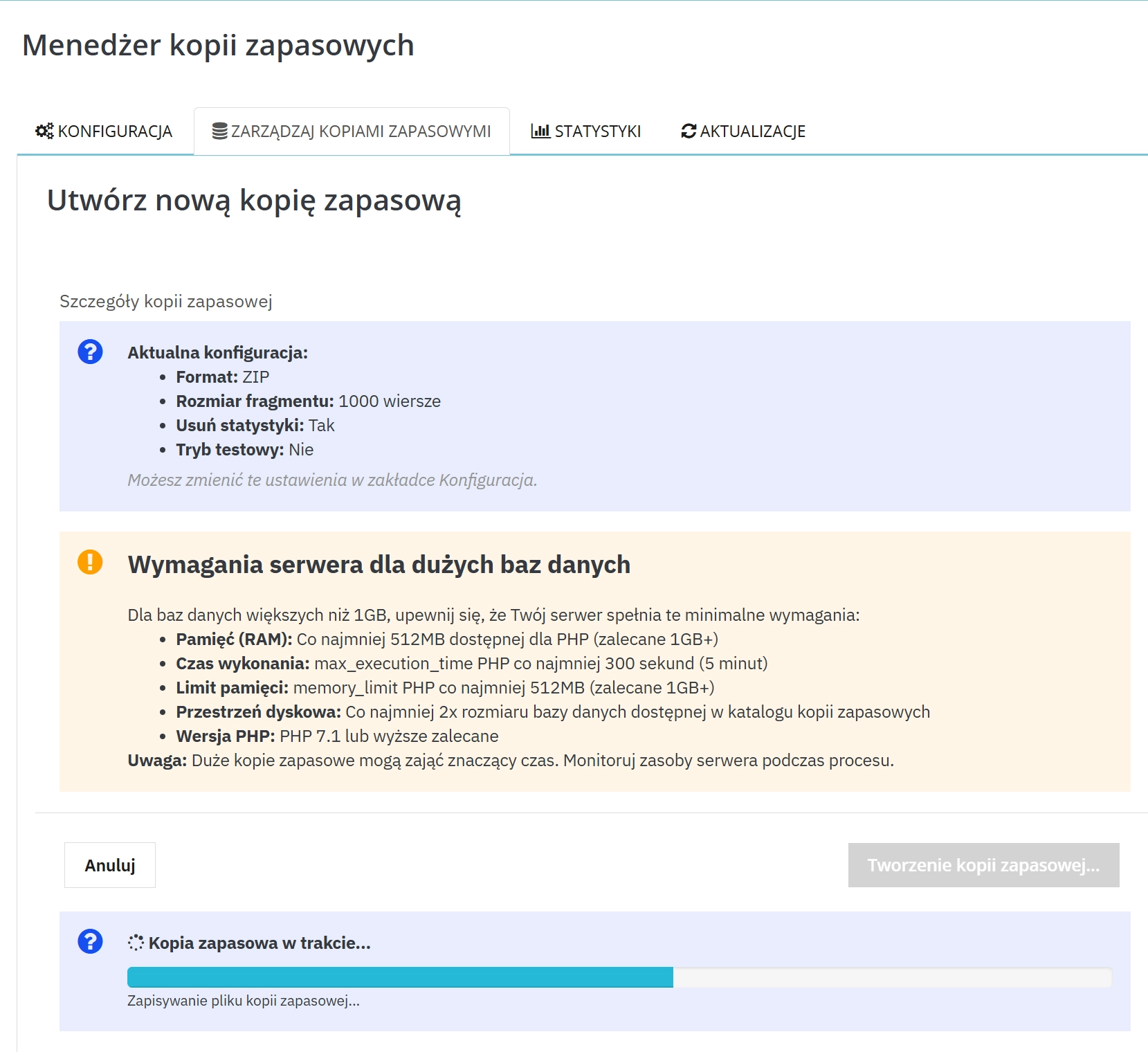
The module has been prepared with installations in mind where standard backup can cause problems with larger amounts of data. The batch processing mechanism (configurable chunk size ) helps reduce the risk of timeouts and interruptions.
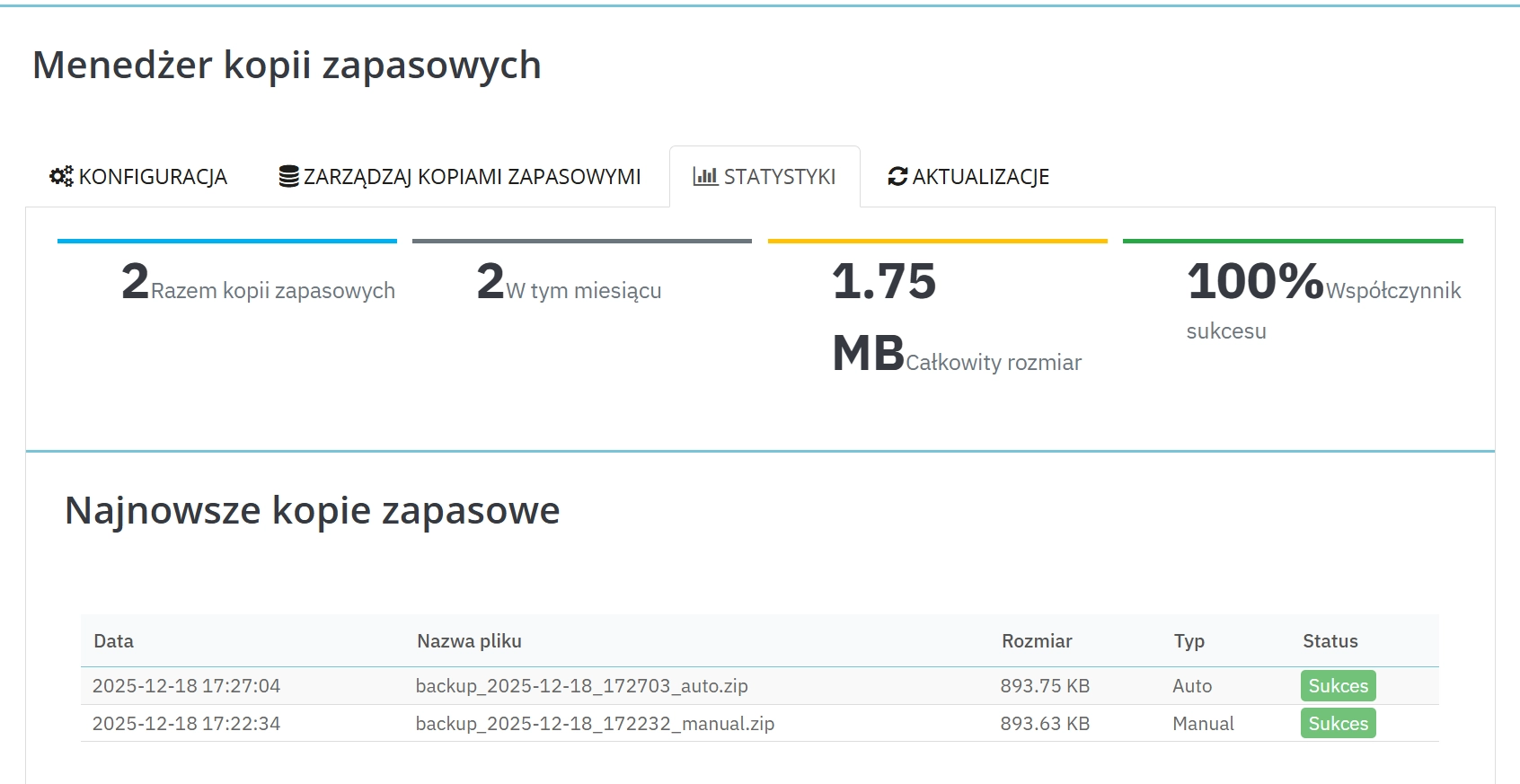
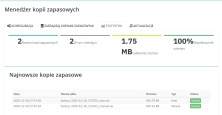
In practice, you get a consistent standard: backup archive with limit, e-mail after backup execution (optional) and history of actions in logs and statistics.

35.70 €
Tax excluded
Information Parameters:
- 1.1.1
-
Store Version PHP Version1.7.7 + 7.1 – 7.48.2 + 8.1 – 8.3
- 2026-04-14
- EN, FR, IT, DE, PL
- ✅
- ✅
- ✅
- ✅
- ❌
- demo.admin.shop
What does PP Backup Manager solve?
- Backup "on the spot" before update — copy with one click, without guessing "if it was made".
- Problems in larger databases — batch work allows better adaptation of backup to server capabilities.
- Growing archive — limit on storing copies and automatic deletion of older files.
- Lack of result information — e-mail notification after success or error (optional).
- Lack of action history — logs and statistics facilitate control and service support.
Main benefits
- Less pressure during deployments — database copy before changes is a simple "backup plan".
- Automation on your terms — backup runs cron exactly when you set it on the server.
- Order without manual cleaning — backup limit keeps the archive in check.
- Quick reaction — e-mail with result instead of manual checking of backup directory.
- More privacy — possibility of skipping selected statistical data and disabling download link.
Features — Back Office
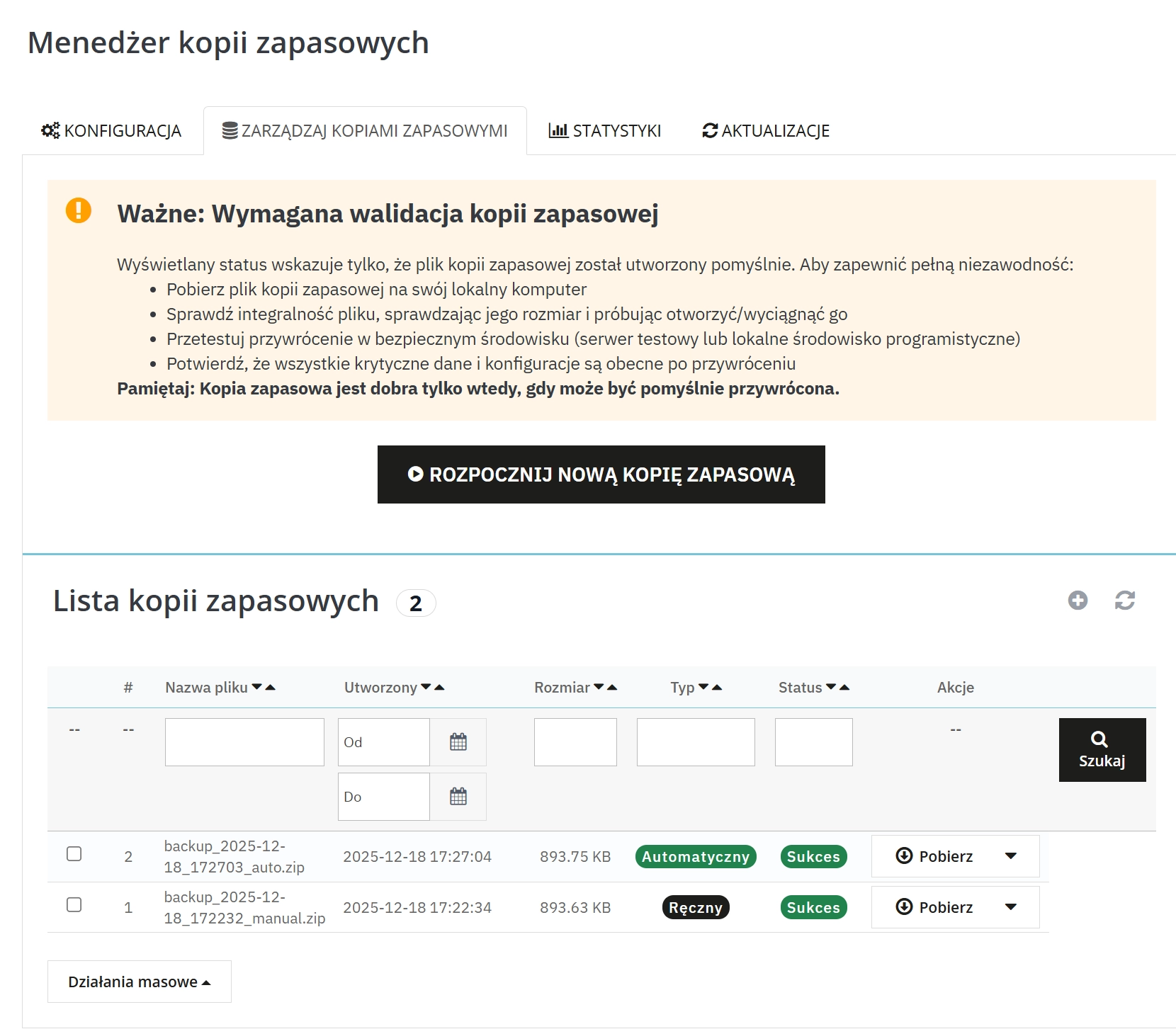
Manual copy in the panel
You create a database copy from the administration level when you need it (e.g. before update).
Automation via cron (token URL)
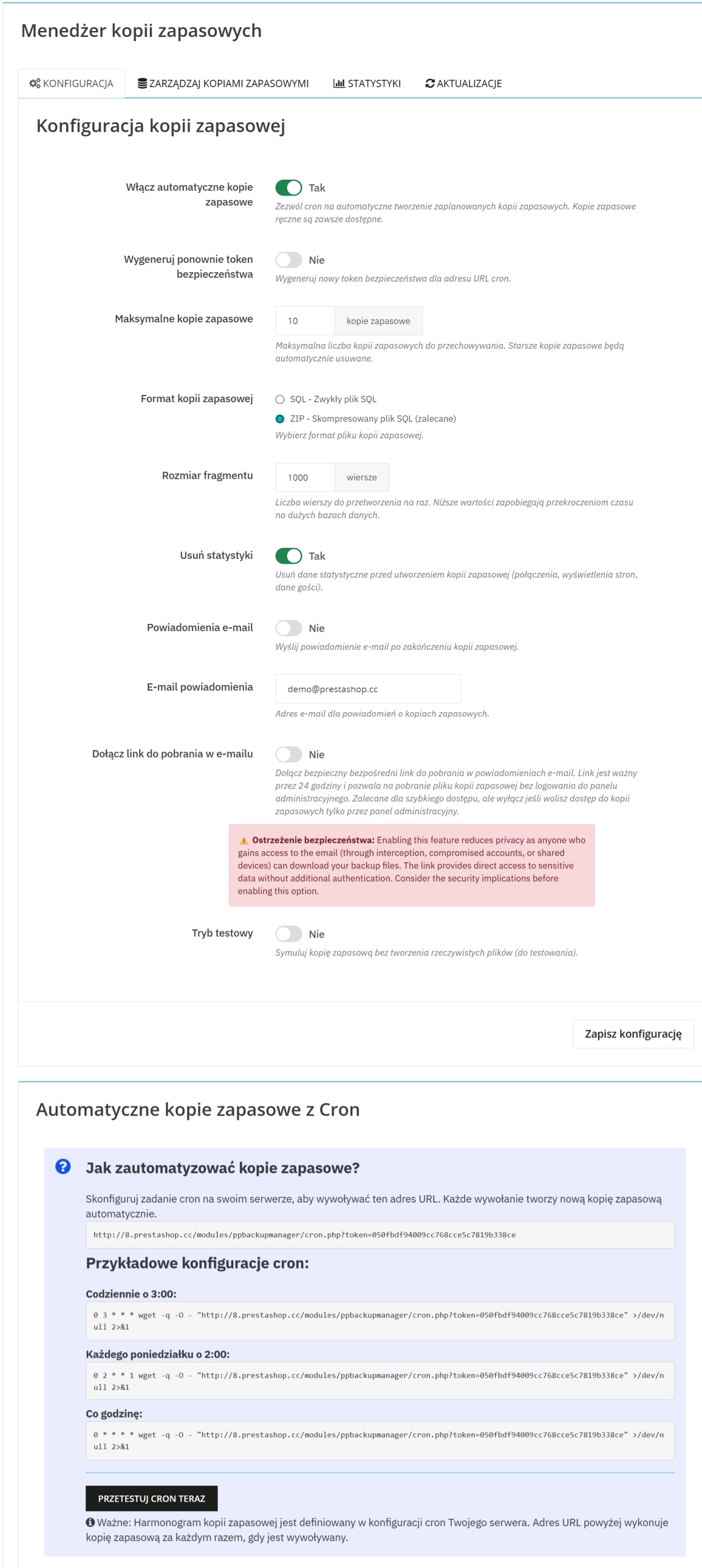
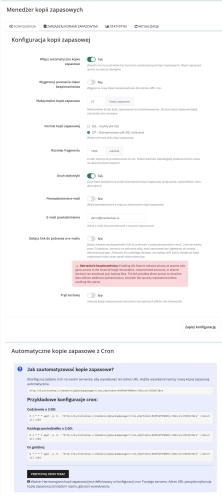
The module provides a URL for cron with security token. Each URL call creates a new copy.
SQL or ZIP format
You choose SQL file or ZIP (compressed SQL) — depending on requirements and disk space.
Batch work (chunk size)
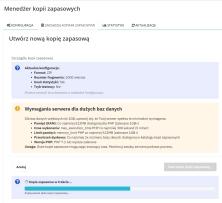
You set the number of rows processed at once, which helps avoid problems on larger databases.
Backup limit and automatic cleaning
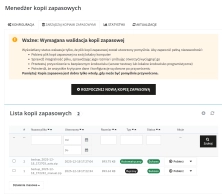
Older copies are deleted automatically after exceeding the set limit.
E-mail notifications
Optional e-mail after backup: information about success or error with request for reaction.
Optional download link (24 hours)
You can attach a direct download link to the e-mail (valid for 24 hours). The function can be disabled.
Statistics and logs
Backup statistics and event logs facilitate monitoring and diagnosis, also in service work.
Additional settings that make a difference
- Token regeneration — quick exchange of token for cron URL when you want to increase security.
- Test mode — possibility of simulating copy creation (useful for configuration verification).
- Skipping statistical data — option to remove selected data (e.g. connections, views, guest data) before backup.
Features — Front Office
No changes for customers
The module works in administration. It does not add elements in the shop and does not change the purchase path.
Indirect effect: faster restoration of operation
Backup + action history facilitate database restoration after failure or deployment error.
Automation (cron) — how does it work?
- You install the module and enable automatic copies in the configuration.
- In the module you receive cron URL with token (you can also regenerate the token).
- On the server you set cron (e.g. daily at 03:00), which will call this URL.
- Each URL call creates a copy and cleans the archive according to the limit.
Privacy and security
- Copy files are stored in the module directory and additionally secured against accidental access.
- Download link in e-mail is optional — convenient, but reduces privacy. In sensitive environments, it is recommended to disable this function.
- Skipping statistical data can reduce the amount of data in the copy and limit the transfer of information about traffic/visits.
Who is PP Backup Manager for?
- for shop owners , who want a simple and repeatable database backup process,
- for shops with larger amounts of data , where standard solutions can be problematic,
- for agencies and caretakers of multiple shops , who need a standard and action history,
- for teams , who want to monitor backups (statistics + logs) and react faster to errors.
FAQ
- Does the module make a copy of the entire shop (files, photos)?
- No. The module performs a database copy. File copies (e.g. images) should be carried out separately on the server side.
- How does automatic backup work?
- Automation is carried out by cron on the server. Cron calls the specified URL with token, and the module creates a copy with each call.
- In what format will I receive the copy?
- You can choose SQL file or ZIP (compressed SQL).
- Can I disable the download link in the e-mail?
- Yes. The download link is optional and can be disabled at any time in the configuration.
- How long does the download link work?
- The link in the e-mail is valid for 24 hours from generation.
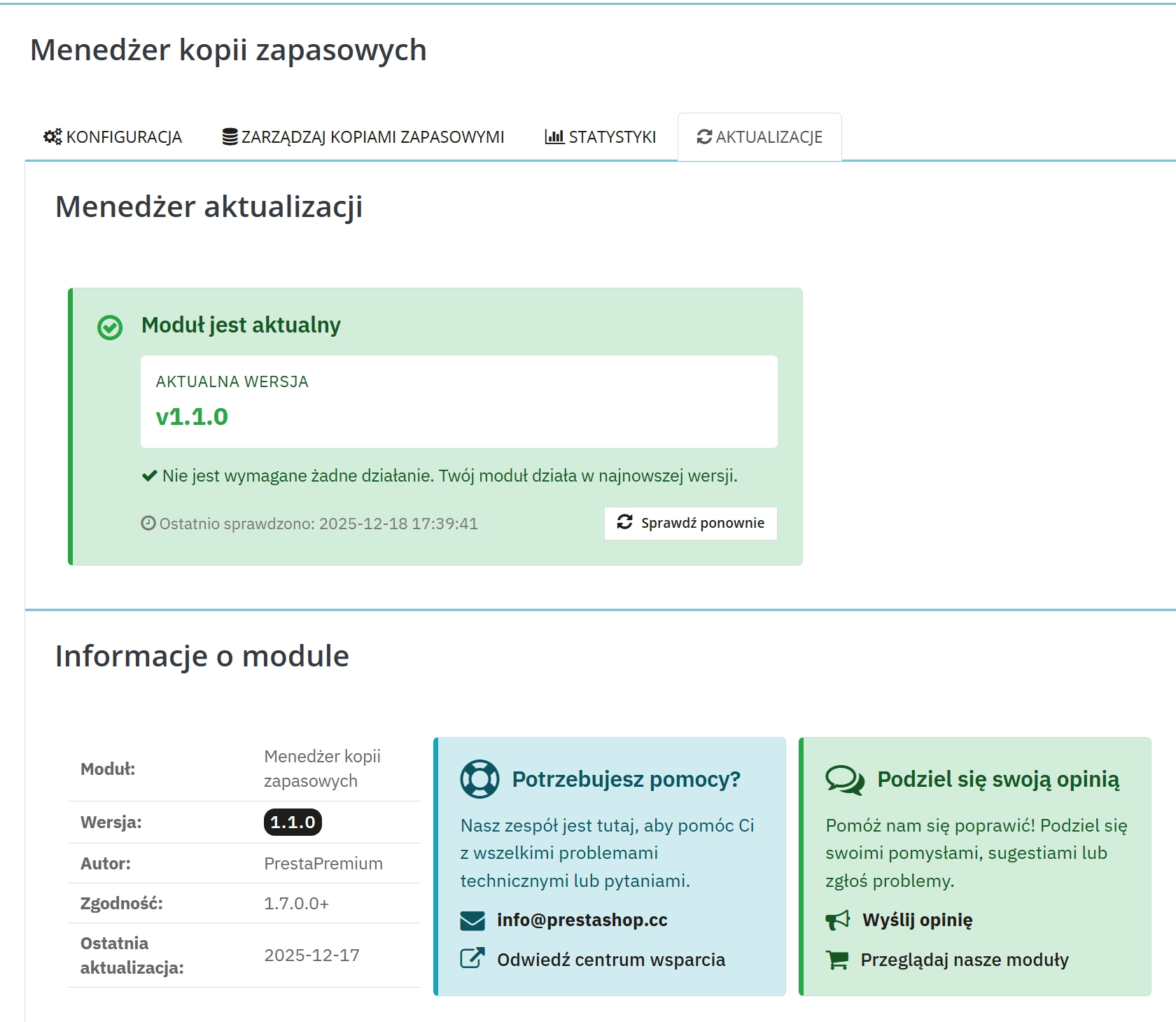
Operational note: Periodically verify backups (e.g. restoration test in a test environment or file integrity check). This is a practice that increases certainty that the backup will be useful in an emergency situation.
## [1.1.1] - 2026-02-09

### Added

- Optimized backup chunk processing for improved memory efficiency


## [1.1.0] - 2025-12-18

### Added

- **Email Download Links**: Added secure download links in backup notification emails with token-based authentication and 24-hour expiration.
- **Email Link Configuration**: Added configuration option to enable/disable download links in email notifications for enhanced privacy control.
- **English Email Templates**: Added complete English email templates (`mails/en/`) for international support.
- **Professional Warning Alert**: Added configurable professional warning alert in admin configuration about backup verification best practices.
- **Chunked Backup Process**: Implemented chunked backup processing for large databases to prevent timeouts and improve reliability.
- **Enhanced Statistics**: Added comprehensive backup statistics including success rates, file sizes, and performance metrics.
- **Advanced Logging**: Implemented detailed logging system with error tracking and security event monitoring.
- **Backup Archive Management**: Added automatic cleanup of old backups with configurable retention limits.
- **Cron Job Security**: Enhanced cron job security with token validation and access logging.

### Changed

- **Email Notification System**: Unified email sending for both manual and automatic backups with consistent templates.
- **Backup Process Optimization**: Improved backup creation process with better memory management and error handling.
- **Admin Interface**: Enhanced admin panel with better user experience and responsive design.
- **Configuration Structure**: Restructured configuration options for better organization and user experience.

### Fixed

- **Manual Backup Emails**: Fixed missing email notifications for manually triggered backups.
- **Template Selection Logic**: Fixed email template selection based on download link configuration.
- **Security Improvements**: Enhanced file path validation and access control for backup downloads.
- **Error Handling**: Improved error handling throughout the backup process with better user feedback.

### Security

- **Download Token System**: Implemented secure token-based download system with expiration.
- **File Access Validation**: Added comprehensive validation for backup file access and downloads.
- **Directory Protection**: Enhanced .htaccess protection for backup directories.

## [1.0.0] - 2025-11-15

### Added

- **Core Backup Functionality**: Basic database backup creation for PrestaShop stores.
- **Manual Backup Mode**: On-demand backup creation from admin panel.
- **Automatic Backup Scheduling**: Cron-based automatic backups with daily/weekly/monthly options.
- **Backup Format Support**: SQL and ZIP compression formats.
- **Backup Management**: List, download, and delete backup files with bulk operations.
- **Email Notifications**: Basic email notifications for backup completion and errors.
- **Admin Configuration Panel**: Complete admin interface for module settings.
- **Statistics Dashboard**: Basic backup statistics and history tracking.
- **Security Features**: Token-based cron access and directory protection.
- **PrestaShop Integration**: Full integration with PrestaShop 1.7+ and 8.x admin panel.
- **Multi-language Support**: Polish language support with extensible translation system.

### Changed

- Initial module architecture and file structure.

### Fixed

- Core module installation and configuration setup.
- Basic backup creation and file management.
- Admin panel integration and user interface.
You might also like
FAQs
-
Are the modules compatible with my version of PrestaShop?
Each module in our store contains information about compatibility with specific PrestaShop versions. Please check this information carefully before purchasing. If you are not sure, contact us.
-
Does PP Backup Manager back up the entire PrestaShop store?
No. PP Backup Manager creates a backup of the store database. Your installation files, theme, modules and product images must be secured separately on the server. This lets you quickly back up your data before an update or configuration change, but a complete recovery plan should also include the files.
-
How does the automated cron backup work in PP Backup Manager?
The module configuration provides a token-protected cron URL. Once this address is added to your server schedule, each call creates a new database backup. You can set the frequency yourself, for example daily outside your store’s peak traffic hours.
-
Which format does PP Backup Manager use for database backups?
You can choose an SQL file or a ZIP archive containing a compressed SQL file. The best option depends on how you store backups and the disk space available. The module does not back up store files or product images.
-
Is PP Backup Manager suitable for larger databases?
Yes. The module supports batch processing. In the settings, you define how many rows are processed at once so the backup can be matched to your server capacity and the risk of a timeout can be reduced. The right batch size depends on your hosting resources and database size.
-
How does PP Backup Manager help keep backup archives organised?
Set a retention limit and the module automatically removes older files once it is exceeded. Optional email notifications report backup success or failure, while statistics and logs let you review the activity history without manually browsing the backup directory.
16 other products in the same category:
Content page system, an alternative to PrestaShop CMS Pages: categories, pages and FAQ with...
Frustrated by the limited capabilities of PrestaShop's native CMS? PP Page is a powerful alternative that transforms your shop into a fully-fledged publishing platform....
113.10 €
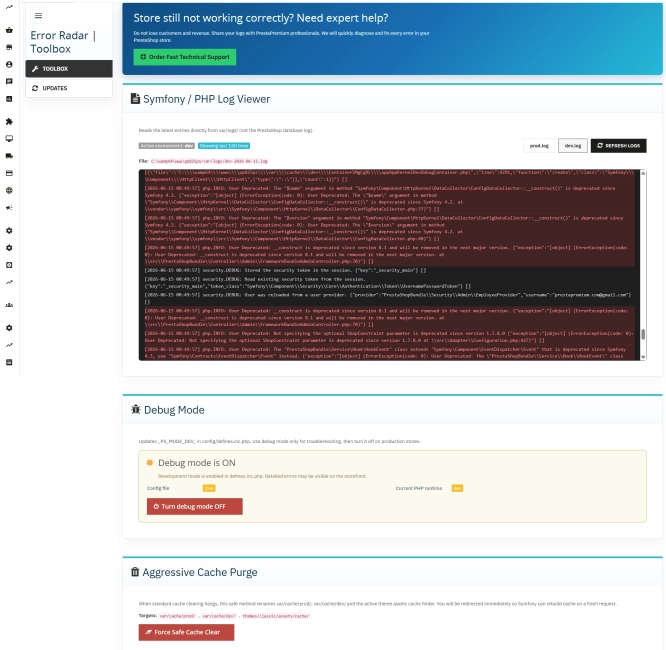
Error Radar & Toolbox — PrestaShop Error Diagnosis & Server Utilities
Error Radar & Toolbox is a powerful, free administrative module for PrestaShop that allows you to instantly diagnose technical store issues directly from your Back...
0.00 €
- New
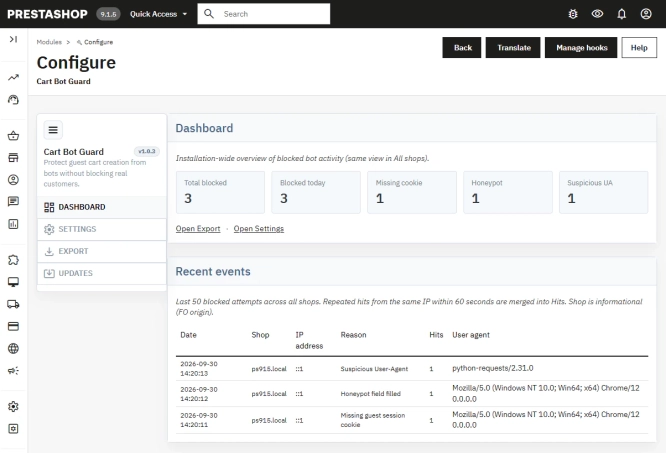
PrestaShop Anti-Bot Cart – Fake Cart Protection
A lightweight, non-invasive solution for PrestaShop that eliminates the mass creation of fake carts by bots and HTTP scripts. The module neutralizes automated traffic...
29.70 €
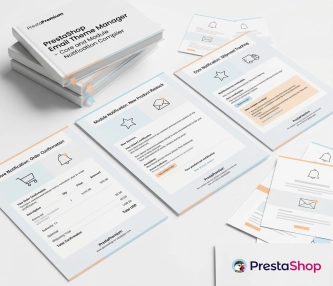
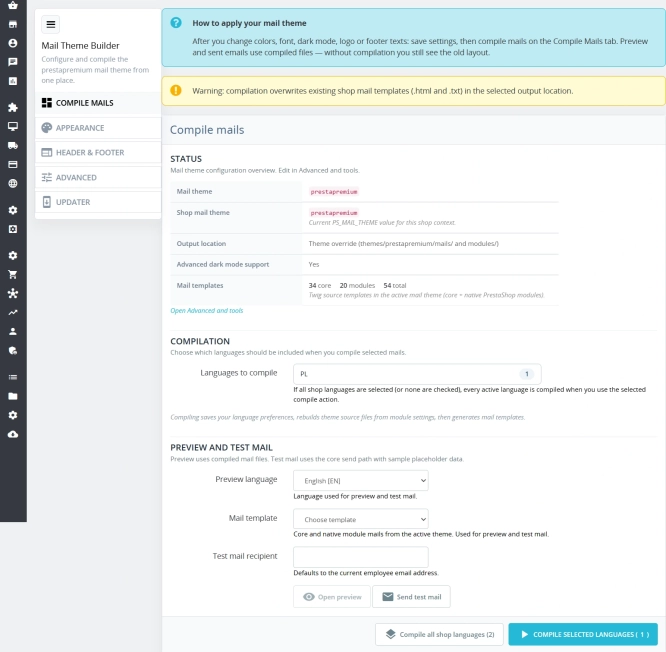
New email templates for PrestaShop with appearance configuration
The module allows you to refresh default PrestaShop emails and give them a new look . You receive ready-made email templates with a choice of different visual variants,...
67.20 €

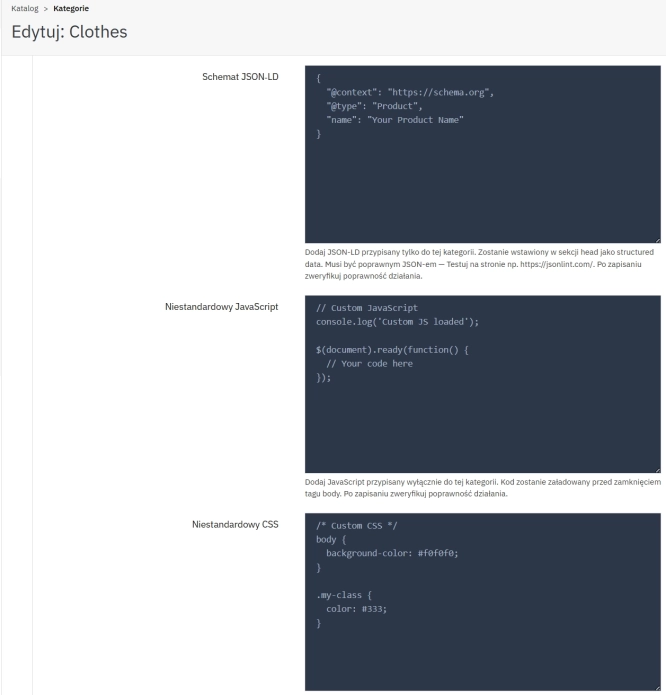
SEO Custom Code Manager for PrestaShop Products Categories and CMS
A module for PrestaShop that allows adding custom JSON-LD , JavaScript, and CSS resources individually to each product, category and CMS . Increase search engine...
57.00 €
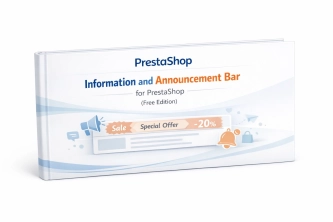
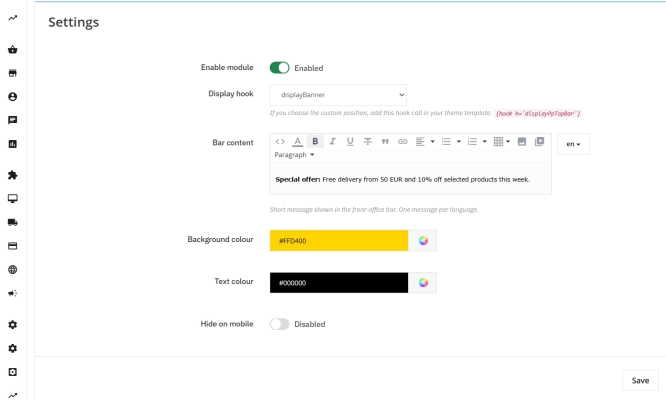
Information and Announcement Bar for PrestaShop (Free Edition)
PP Top Bar is a lightweight and intuitive module that lets you add an eye-catching information bar to the top of your shop in just a few seconds. Inform your customers...
0.00 €
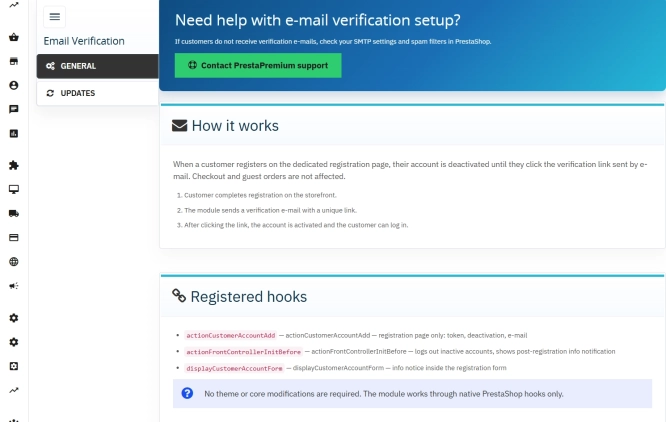
Customer Email Verification after Registration in PrestaShop
Tired of fake accounts and typos in customer email addresses? Meet Email Verification – a simple and completely free PrestaShop module designed to keep your database...
0.00 €
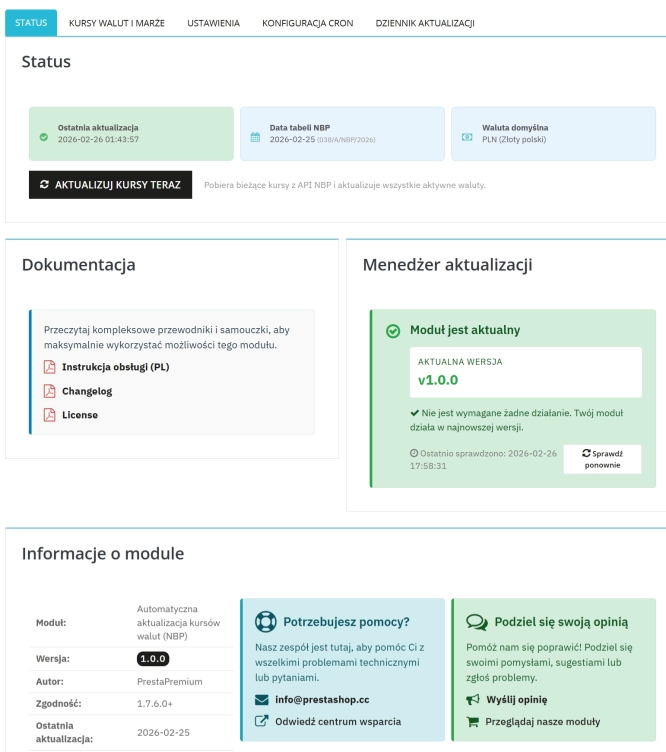
Automatic update of NBP exchange rates with margin
Automatic currency rate updates is a PrestaShop module that automates a critical area of e-commerce: updating exchange rates based on the NBP API and your own margin rules....
52.20 €
- New
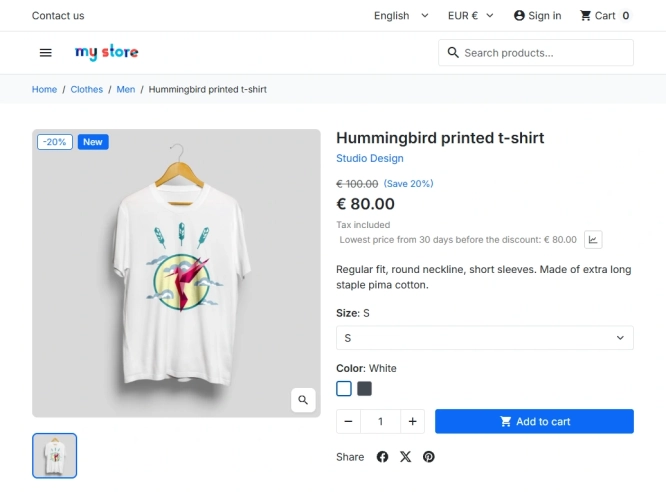
PrestaShop Omnibus Price Pro Module – Lowest Price in 30 Days (EU Omnibus Directive)
Omnibus Price Pro is an advanced PrestaShop module designed to automate the display of the lowest price prior to a discount (default 30 days). Ensure full compliance...
44.10 €
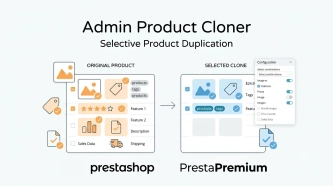
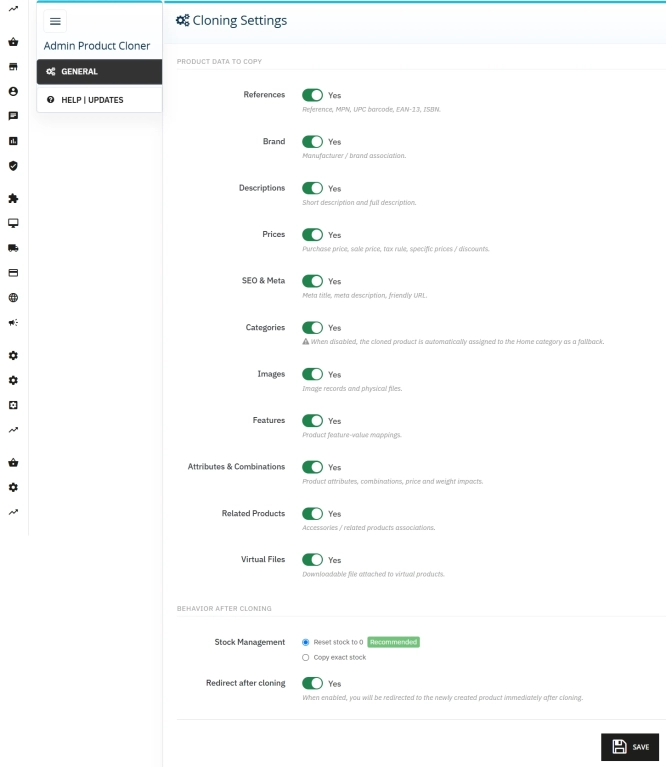
Admin Product Cloner – Selective Product Duplication
Admin Product Cloner is a simple, handy tool for PrestaShop administrators, designed to streamline daily catalogue management. The module replaces the standard, full...
26.70 €
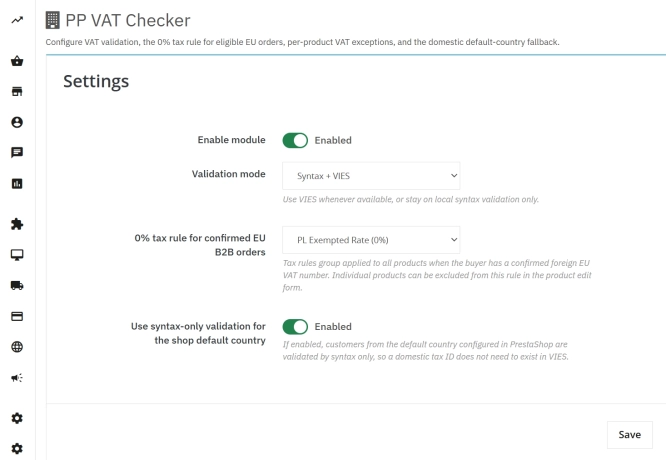
VAT and VIES Validation for B2B in PrestaShop
PP VAT Checker is a reliable PrestaShop module that automates VAT number verification for your business customers. With direct integration with the VIES database, it...
26.70 €
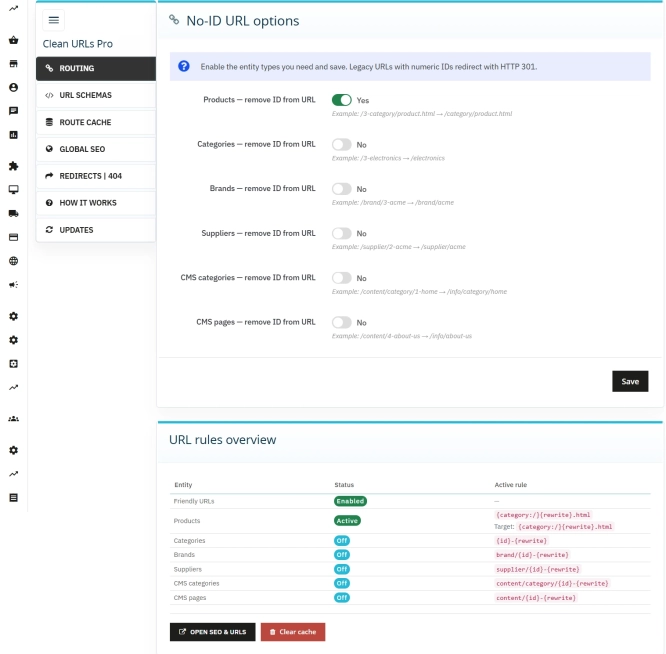
Clean URLs Pro – remove IDs from PrestaShop URLs
Clean URLs Pro removes numerical IDs from product, category, CMS category, CMS page, brand, and supplier URLs — without core modifications and with zero overrides. Simply...
89.70 €
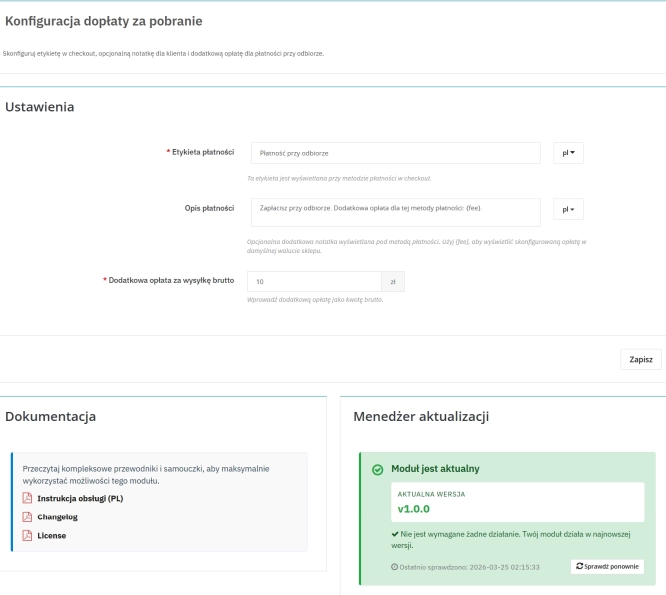
Cash on Delivery (COD) with an Additional Fee for PrestaShop
A cash on delivery module for PrestaShop with the option to apply an additional fee . The fee is added to the order automatically and displayed as a separate line in the...
29.70 €
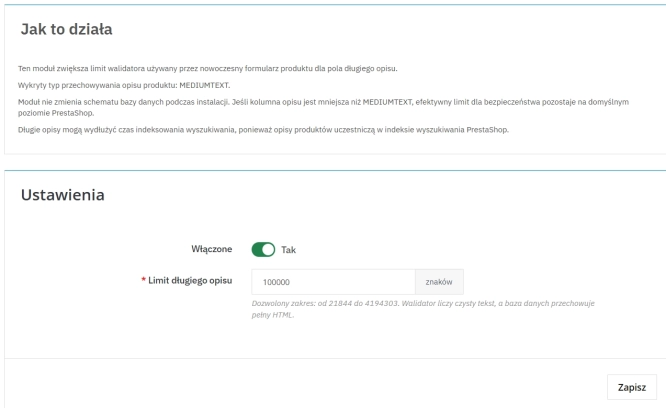
Increase the long product description and image ALT text limit in PrestaShop 8/9
PP Limit Manager removes the length restriction applied to the long product description and product image ALT text in the new PrestaShop 8 and 9 product form. The module...
26.70 €
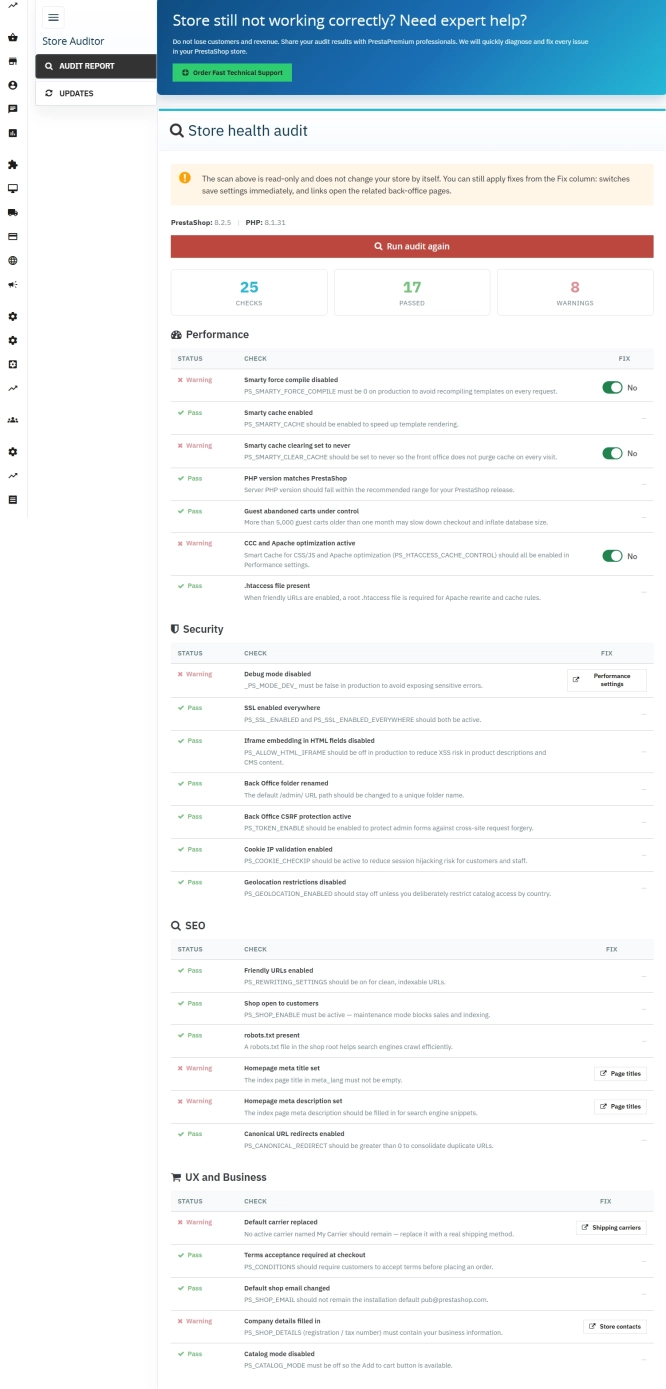
Store Auditor — 25 Configuration Checks for Your PrestaShop Back Office
Store Auditor is a completely free PrestaShop module that checks 25 core settings of your store with a single click. It instantly lets you know if your website is...
0.00 €
PrestaShop withdrawal module for whole orders and selected products
Bring order to the withdrawal process in your PrestaShop store. The module moves scattered email exchanges into a clear customer-side panel (Front Office) and a structured...
89.70 €
Lowest price within 30 days before promotion:
69.07 €
Do you need additional features or custom solutions?
- Module customisation tailored to your specific requirements.
- Extending functionality to enhance your store's capabilities.
- Developing bespoke modules designed to meet your unique needs.
- Integrating external systems and additional tools.
- Optimisation and improvements for better performance and user experience.
Do you have ideas on how to improve this software? Share your suggestions for optimisation, new features, or bug reports – we’ll be happy to review them!