Admin Product Cloner – Selective Product Duplication
- 8.x | 9.x
- PL, EN
- 1.0.0
- 2026-06-27
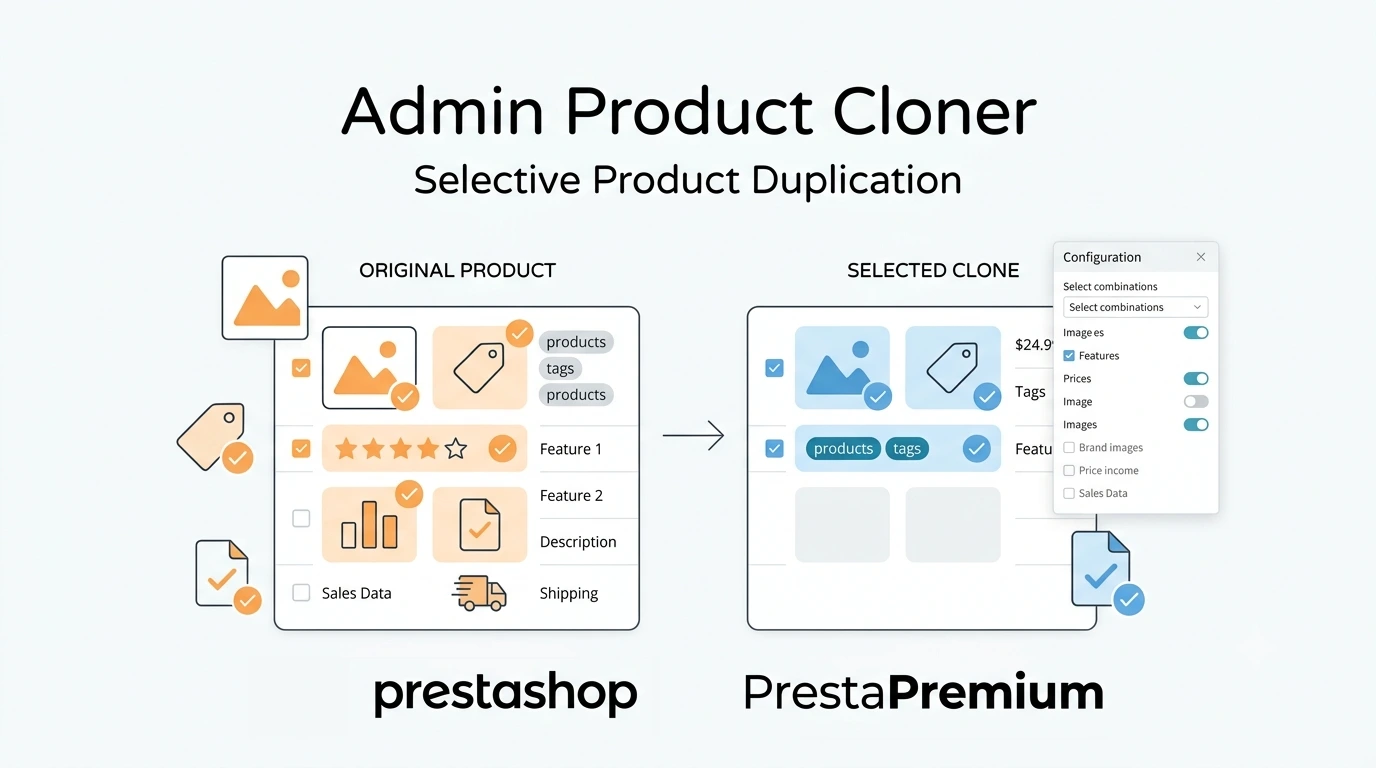
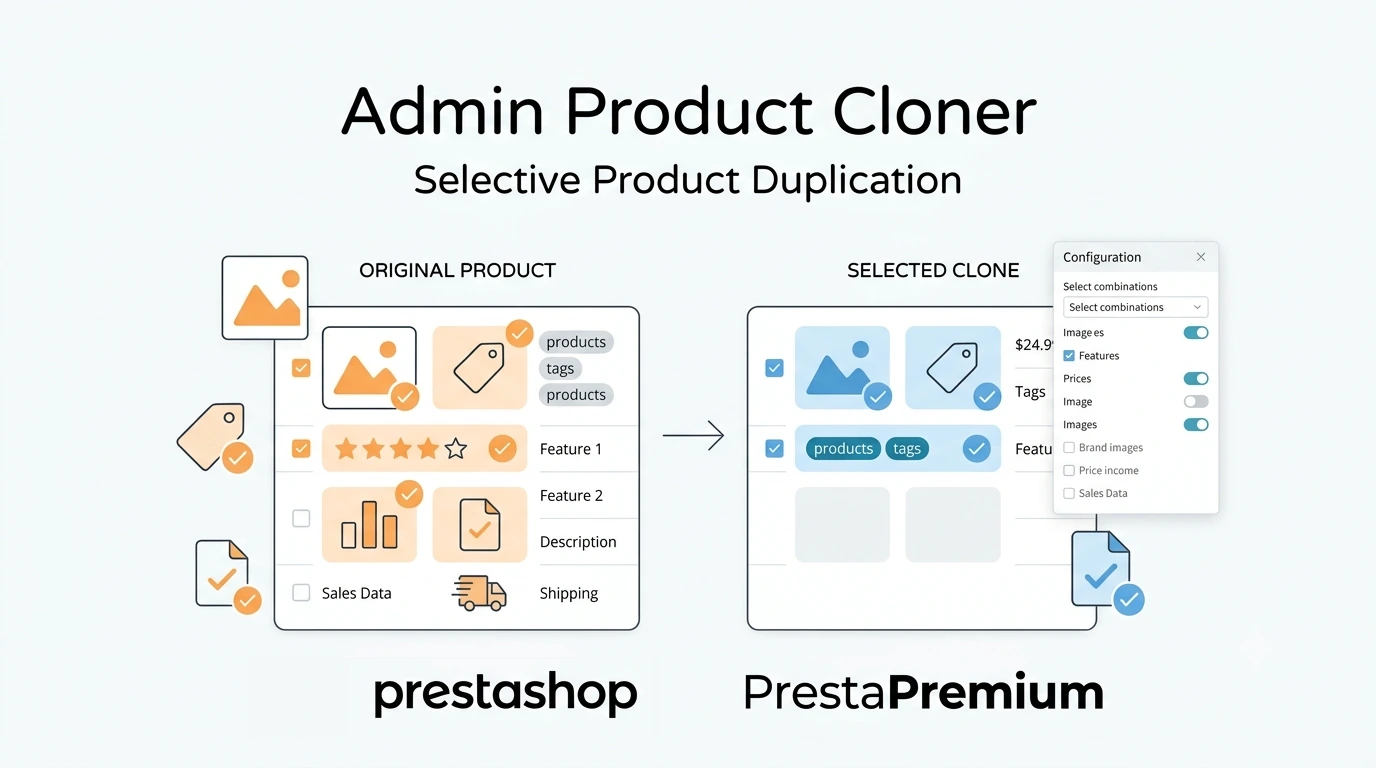
Admin Product Cloner is a simple, handy tool for PrestaShop administrators, designed to streamline daily catalogue management. The module replaces the standard, full product duplication by allowing you to select specific data to copy (e.g., only combinations, prices, or images). This prevents database clutter and eliminates the need to manually clean the new product of unwanted information, such as old EAN codes or stock levels.

Information Parameters:
- 1.0.0
-
Store Version PHP Version8.x 8.1 – 8.39.x 8.1 – 8.5
- 2026-06-27
- PL, EN
- ✅
- ✅
- ✅
- ✅
Main Features
- Copy only selected data – the administrator decides which product elements are transferred, reducing editing time for the new product page.
- Clear unique identifiers – the function automatically resets EAN, UPC, and MPN codes on the newly created product.
- Database transaction safety (SQL Transactions) – the cloning process runs within a single database transaction. If a server error occurs (e.g., timeout due to a high number of combinations), changes are rolled back, preventing corrupted entries.
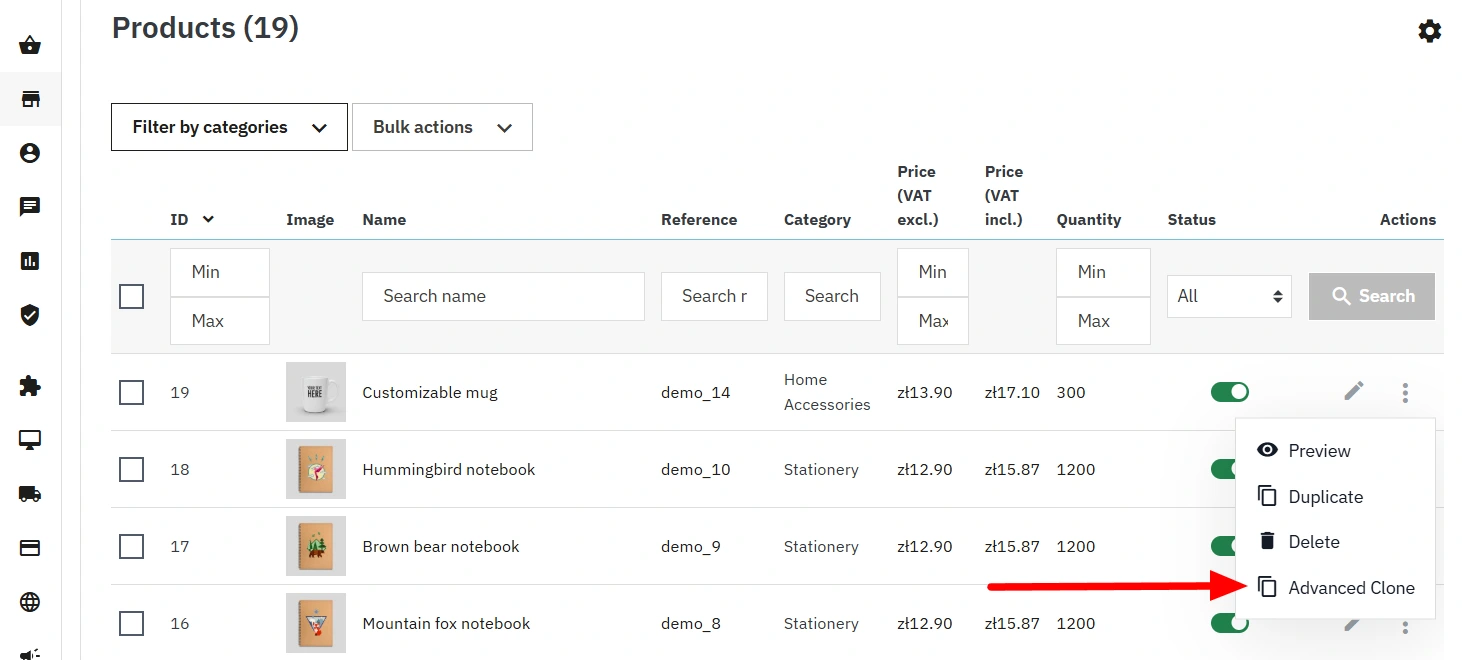
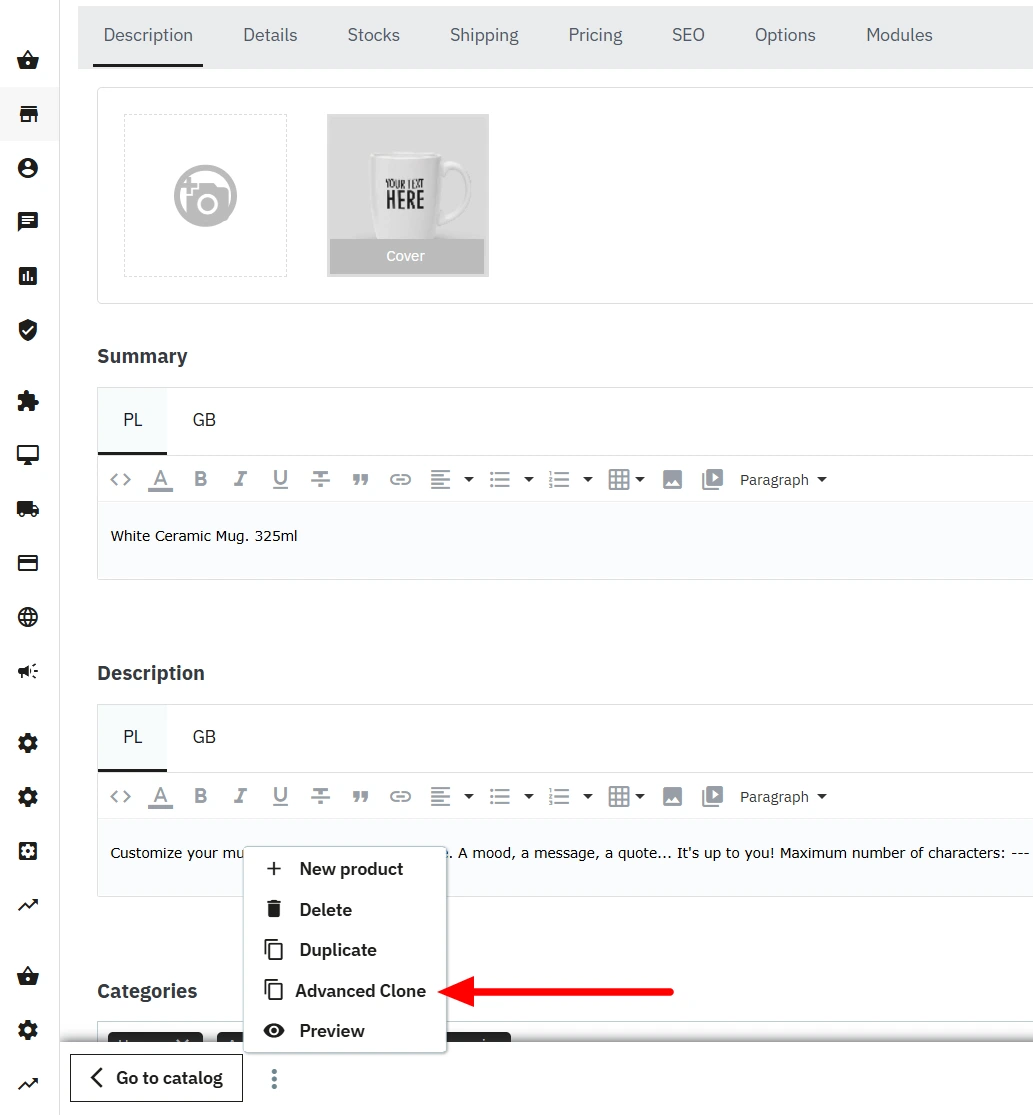
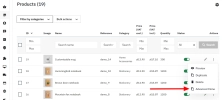
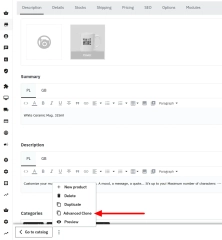
- Two access points – the function is available directly from the product list (Product Grid) and from within the product edit page.
- PrestaShop 1.7 and 8.x compatibility – the module supports standard controllers (Legacy and Symfony) and works properly in a Multistore environment. The code follows PSR-12 standards using strict typing (strict_types).
Daily Use Cases
- Similar models (e.g., clothing, footwear) – duplicating products that differ only by colour. The module copies the entire size grid (combinations) and prices, but skips old barcodes and descriptions.
- Related products and B2B packages – quickly generate new items that retain the same category structure, accessories, and specific price rules.
- Digital products – copy virtual products along with attached files (e.g., PDF manuals) without needing to re-upload them to the server.
Configuration Options
1. Selectable Sections
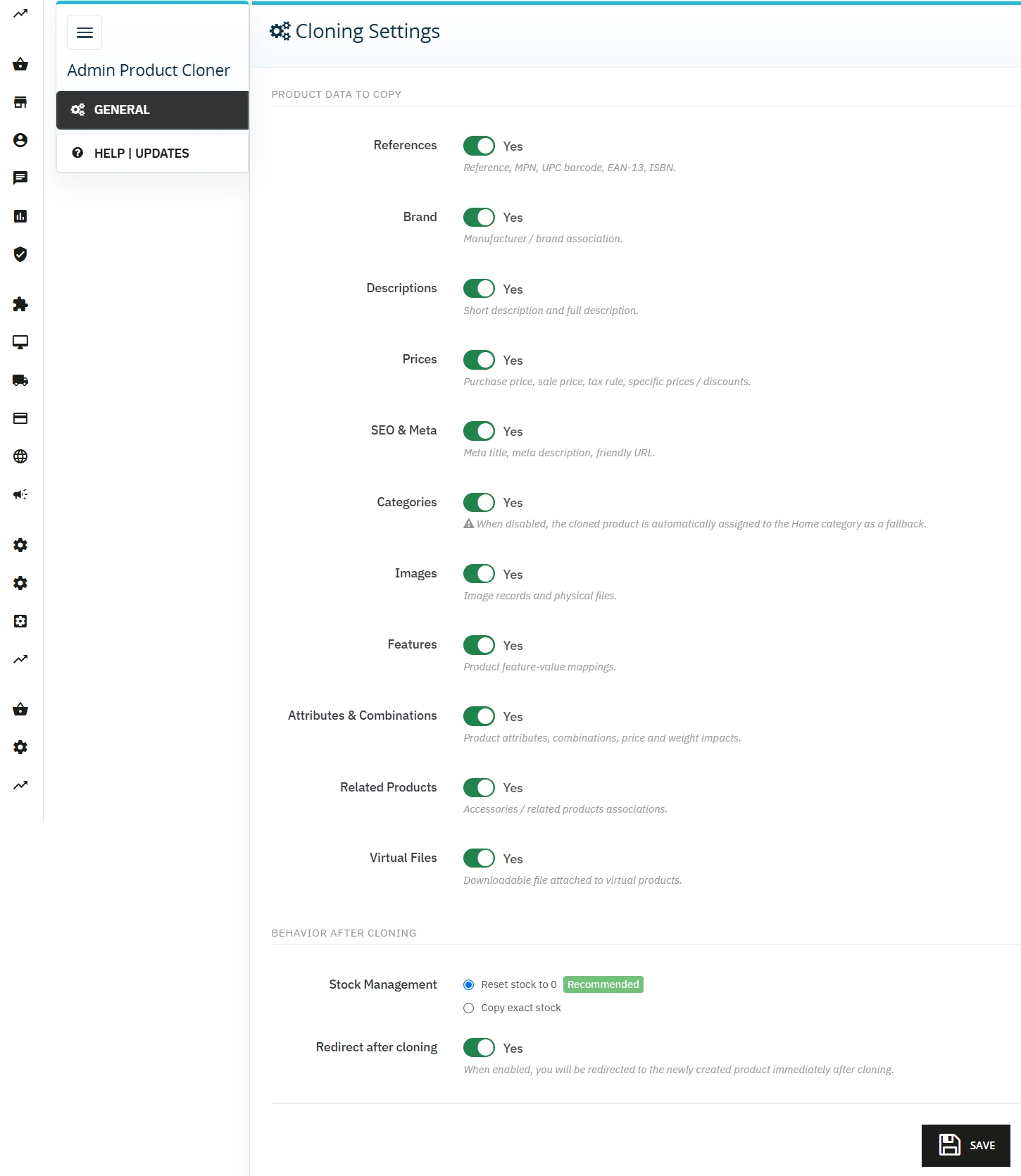
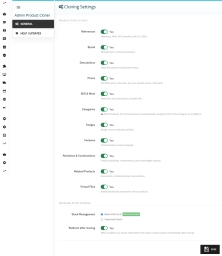
In the configuration panel, you can choose which data is transferred to the new object:
- Texts: Short and long descriptions, meta tags (SEO).
- Finance: Wholesale prices, retail prices, associated tax rules, and specific prices (discounts).
- Structure: Attributes and combinations, images, features, virtual files, and category associations.
2. Stock Management
The module allows you to select the behaviour for stock levels:
- Reset to 0 (Recommended): The new product receives a stock level of 0, preventing accidental sales before physical delivery.
- Exact copy: Transfers identical quantities (including reserved stock) and maps them to the newly generated combinations.
3. Default Safety Category
If category copying is disabled in the configuration, the module automatically assigns the new product to the main category (Home / Root), ensuring it remains within the database tree.
4. Background Operations (AJAX)
Requests are processed using AJAX. The administrator triggers the function from the product list or edit page, and the module can automatically redirect to the new copy's editing page once complete.
SEO Structure Preservation
When creating a copy, the module automatically modifies the friendly URL (link_rewrite), eliminating the risk of duplicate pages. Additionally, each new product is disabled by default. This ensures draft versions remain hidden from both shop customers and search engine crawlers.
Important Technical Note
The module operates directly on native PrestaShop tables (including stock_available and product_attribute). If the shop uses external ERP systems that modify the database or stock levels bypassing standard PrestaShop hooks, it is recommended to test the module in a staging environment before production deployment.
# Changelog

## [1.0.0] - 2026-06-27

### Added
You might also like
FAQs
-
Which data can be selected when copying a product?
The administrator decides which sections are transferred to the new product. The configuration includes text and metadata, financial data, and structures related to categories, images, features, virtual files and associations. The scope can be tailored to the specific use case.
-
Are the modules compatible with my version of PrestaShop?
Each module in our store contains information about compatibility with specific PrestaShop versions. Please check this information carefully before purchasing. If you are not sure, contact us.
-
How does the module handle EAN, UPC and MPN codes in a copy?
The feature can automatically clear EAN, UPC and MPN codes on the newly created product. This means the copy does not retain the identifiers of the source item. The option is intended for selective data copying while clearing unique codes.
-
What happens if copying is interrupted by an error?
The copying process runs within a single SQL transaction. The product description states that, in the event of a server error, for example with a larger amount of product data, changes are rolled back. This is intended to prevent incomplete or corrupted database entries.
-
How can I set the stock quantity for a new copy?
In the module, you choose between resetting stock and transferring the same quantities. The reset option creates a new product with a quantity of 0, while an exact copy also includes reserved stock and assigns it to new combinations as described for the product.
-
Where is the cloning feature available?
The feature can be launched both from the product list and from the edit form for a specific product. Requests are processed via AJAX and, once the operation is complete, the module can automatically redirect the administrator to edit the newly created copy.
16 other products in the same category:
Automatic update of NBP exchange rates with margin
Automatic currency rate updates is a PrestaShop module that automates a critical area of e-commerce: updating exchange rates based on the NBP API and your own margin rules....
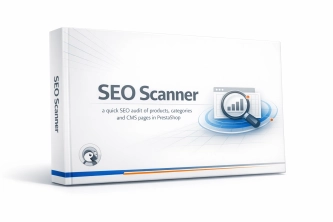
SEO Scanner - fast SEO auditing for products, categories and CMS pages in PrestaShop
PP SEO Scanner is an efficient diagnostic tool for PrestaShop, designed to automate on-site SEO auditing. The module analyses products, categories and CMS pages for...
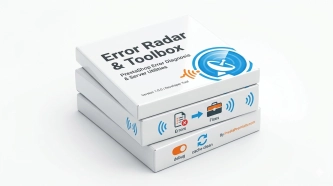
Error Radar & Toolbox — PrestaShop Error Diagnosis & Server Utilities
Error Radar & Toolbox is a powerful, free administrative module for PrestaShop that allows you to instantly diagnose technical store issues directly from your Back...
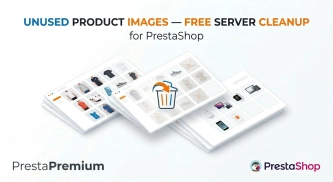
Unused Product Images — Free Server Cleanup for PrestaShop
Unused Product Images (Free) is a free PrestaShop module designed to optimize disk space and file limits (Inodes) on your hosting. The tool automatically locates and...

- Discount
Google reCAPTCHA (v2 + v3) – Stop Bots, Yes to Customers
Tired of deleting spam from your inbox and fake accounts from your store panel? This module is your digital guardian that lets only real people into your store. Install...
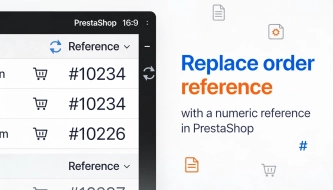
Replace order reference with a numeric reference in PrestaShop
The module organises order identification by replacing the default reference with a numeric one (random or based on the order ID ). It makes customer communication easier,...

PrestaShop Integration with Google Merchant Centre (Version Pro)
Product Feed PRO streamlines catalogue publishing between your store and advertising platforms. It is practical for e-commerce teams that need faster time-to-market for new...
Login as Customer – Log into user accounts from PrestaShop Back Office
This module enables instant access to any customer account directly from the PrestaShop administration panel. It allows quick verification of issues reported by buyers...
Customer Email Verification after Registration in PrestaShop
Tired of fake accounts and typos in customer email addresses? Meet Email Verification – a simple and completely free PrestaShop module designed to keep your database...
Custom Product Groups on the Product Page in PrestaShop
With Product Accessories Plus , you can create any product groups you need , set their order, and display them directly on the product page in your PrestaShop shop. You...
PrestaShop Integration with Google Merchant Centre (Free Version)
PrestaShop integration with Google Merchant Centre via a standards-compliant XML feed. A lightweight, secure and production-ready free edition, optimised for performance and...
Extra Product Tabs – Tab Creator, CSV Import and SEO
Transform chaotic descriptions into a professional offer that sells! The Extra Product Tabs module allows you to instantly add unlimited tabs (e.g. Size Guide, Video,...
Custom CSS & JS – Free code editor in the PrestaShop panel
PP Custom CSS & JS is a free and highly practical module for every PrestaShop administrator. It allows you to instantly add your own CSS styles and JavaScript scripts...
Content page system, an alternative to PrestaShop CMS Pages: categories, pages and FAQ with...
Frustrated by the limited capabilities of PrestaShop's native CMS? PP Page is a powerful alternative that transforms your shop into a fully-fledged publishing platform....
- New
Free Simple Omnibus Price Module – Omnibus Directive for PrestaShop
Simple Omnibus Price is a completely free PrestaShop module that automates displaying the lowest price from the 30 days prior to a price reduction. Protect your store...
Cash on Delivery (COD) with an Additional Fee for PrestaShop
A cash on delivery module for PrestaShop with the option to apply an additional fee . The fee is added to the order automatically and displayed as a separate line in the...
Do you need additional features or custom solutions?
- Module customisation tailored to your specific requirements.
- Extending functionality to enhance your store's capabilities.
- Developing bespoke modules designed to meet your unique needs.
- Integrating external systems and additional tools.
- Optimisation and improvements for better performance and user experience.
Do you have ideas on how to improve this software? Share your suggestions for optimisation, new features, or bug reports – we’ll be happy to review them!