What the service is
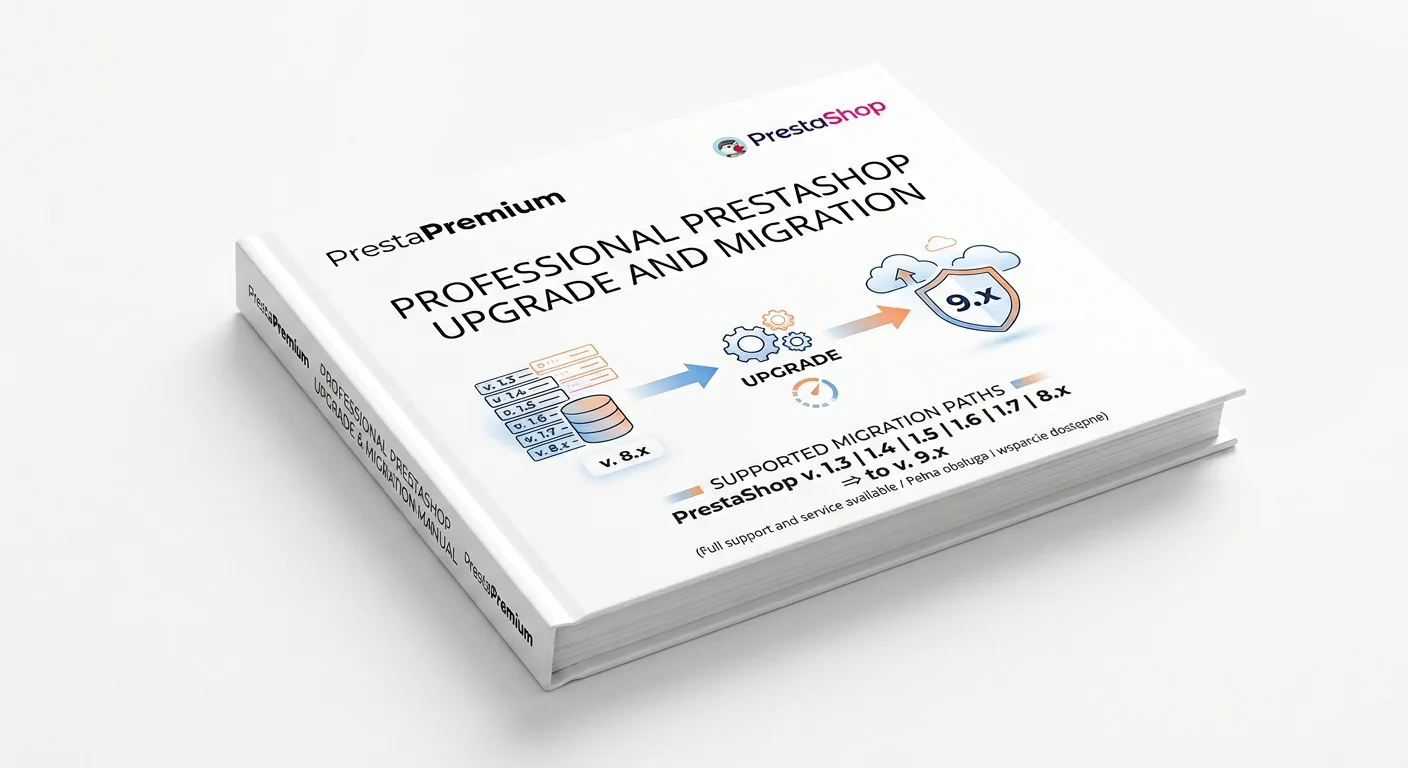
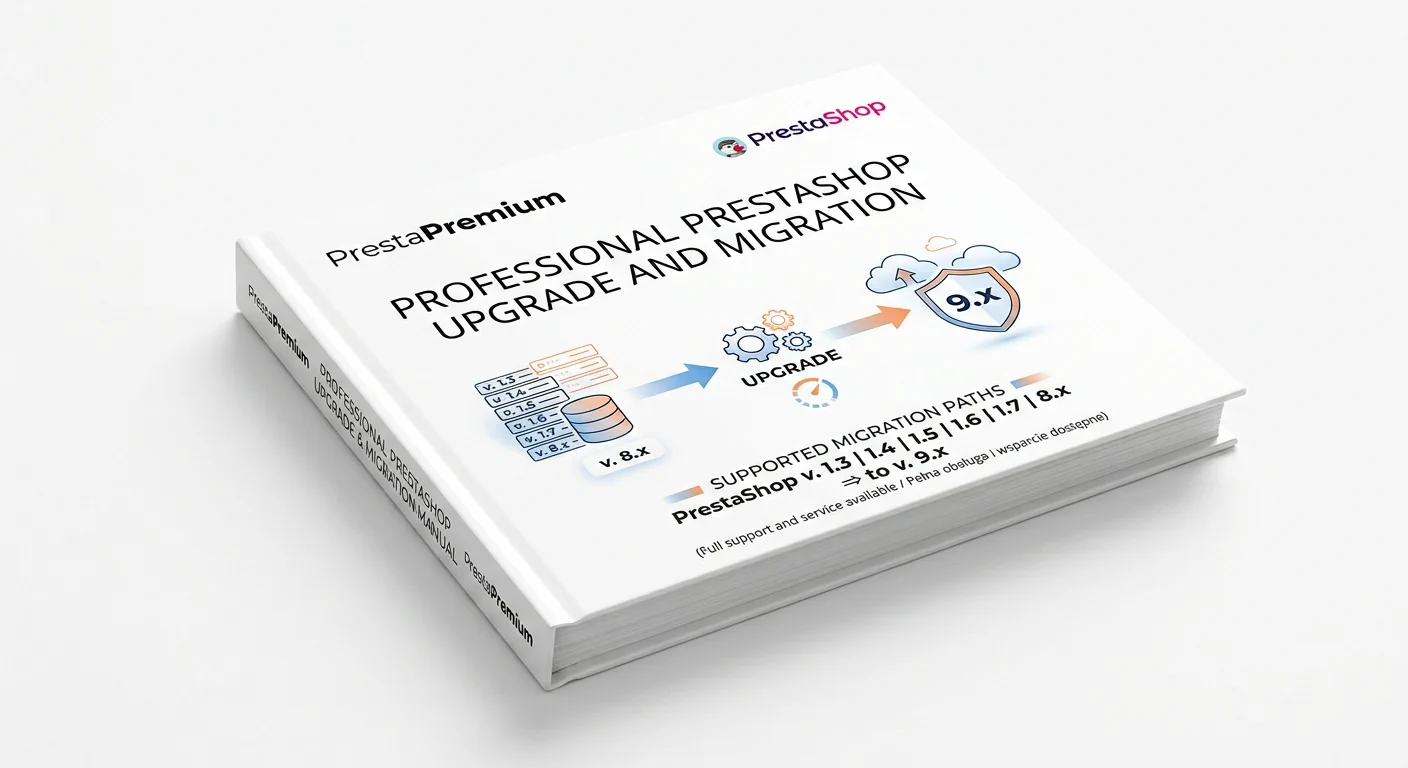
This is a data migration to a new PrestaShop 9.x installation, not an in-place upgrade of the live shop. We first prepare a separate test environment, import the agreed data, and provide it for review. We schedule the production switch only after your approval.
What the base price includes
Products and categories
We transfer products, combinations, features, manufacturers, prices, specific prices, stock levels, images, categories, and product-to-category assignments.
Customers and orders
We transfer customer accounts, addresses, groups, and order history with line items, statuses, and amounts.
Shared data
We transfer languages, currencies, taxes, standard CMS pages, and metadata stored on products and categories.
Post-import check
We compare record counts and check a sample of products, prices, combinations, images, and translations. This is not a manual review of every product page.
Login and URLs
For migrations from PrestaShop 1.7 or 8.x, we retain the mechanism that allows customers to log in using their existing passwords. For versions 1.3–1.6, this requires a separate assessment.
Where the source shop structure allows it, we retain product and category IDs and their standard SEO-friendly URLs. This does not include URLs generated by modules, filters, search, or pagination. If the URL structure needs to change, a 301 redirect map requires a separate SEO audit. We do not guarantee Google rankings or traffic.
Options and prices
All surcharges are separate and are added to the base price. All prices shown are excl. VAT.
| Service item |
Option |
Surcharge excl. VAT |
| Source version |
PrestaShop 1.7 or 8.x |
0 € — base price |
| Source version |
PrestaShop 1.3, 1.4, 1.5 or 1.6 |
+297 € |
| Scope |
Implementation of a supplied theme compatible with PrestaShop 9.x, plus payment and shipping configuration |
+1 197 € |
| Shop structure |
Multistore — up to 3 shops in one installation |
+381 € |
Lead time
Lead times start from receiving complete access credentials and confirmation of the data volume and scope. The time stated for the source-version option and the theme option is the total time for that option; it is not added to the base 5–7 days. Multistore extends the selected option by 3–5 business days. Waiting for client materials and the production switch date are agreed separately.
| Option |
Approximate time |
| Migration from PrestaShop 1.7 or 8.x |
5–7 business days |
| Migration from an older 1.3–1.6 version |
8–12 business days |
| Theme implementation and configuration option |
10–15 business days |
| Multistore |
+3–5 business days |
Base-price limits
Limits apply to the entire installation and are checked after we receive access credentials. If any threshold is exceeded, we will provide an individual quote before work begins.
| Resource |
Limit in the base price |
| Products |
up to 15,000 |
| Combinations |
up to 20,000 |
| Orders |
up to 15,000 |
| Customers |
up to 15,000 |
| Original product images |
up to 15,000 |
| Languages |
up to 3 |
| Shops |
1, or the Multistore variant: up to 3 |
Technical data is excluded from both the limits and the migration scope: sessions, cache, logs, PrestaShop statistics tables, and analytics data. In some shops, this data accounts for most of the database, but it is not needed for ongoing sales or order management. A fourth language and volumes above the limits are quoted separately.
How the work proceeds
- Assessment: we check the source version, data volume, server requirements, and critical modules.
- Test environment: we launch a new PrestaShop 9.x installation without changing the PHP version of the live shop. If the hosting environment cannot run both environments in parallel, we will let you know before work begins.
- Migration: we import the agreed data, copy original images, and generate thumbnails.
- Test acceptance: we compare the data and check a sample of products, combinations, images, prices, and translations. We test login, the cart, and checkout. Payments, shipping, and transactional emails are tested only if they are included in the selected option.
- Switch-over: before the DNS change, we agree on a technical window and a rollback procedure in case a critical test fails. During this window, we perform one differential synchronisation of new orders, customers, stock levels, and products created since the backup was made.
Out of scope
- designing, buying, and reworking the theme;
- payments and carriers — available only with the theme implementation and configuration option, using compatible modules;
- premium modules, custom modules, external integrations, and their updates;
- reviews, blog content, attachments, product configurator fields, and other data stored by modules — these require a separate assessment of how the data is stored and a separate quote;
- stored payment methods and payment-provider tokens;
- a 301 redirect map, an SEO audit, and URLs generated by modules;
- invoice PDFs and other documents stored outside the shop database;
- abandoned carts, sessions, cache, logs, statistics tables, and analytics data.
Guarantee
We provide a 12-month warranty for the completed work within the agreed scope. The warranty covers the technical correctness of the migration. It does not cover subsequent changes made by the client or third parties, incompatible modules, or DNS and hosting configuration managed by the client.
Before you order
Do you know the scope of your shop? If your shop falls within the service limits, select the options and proceed to order configuration.
Select service options
Not sure about the scope? If you do not know the number of products, combinations, or images, or if you use custom modules, additional languages, or integrations, describe your shop. We will confirm the scope before you place an order.
Ask before you order