New email templates for PrestaShop with appearance configuration
- 8.x | 9.x
- PL, EN
- 1.1.0
- 2026-07-06
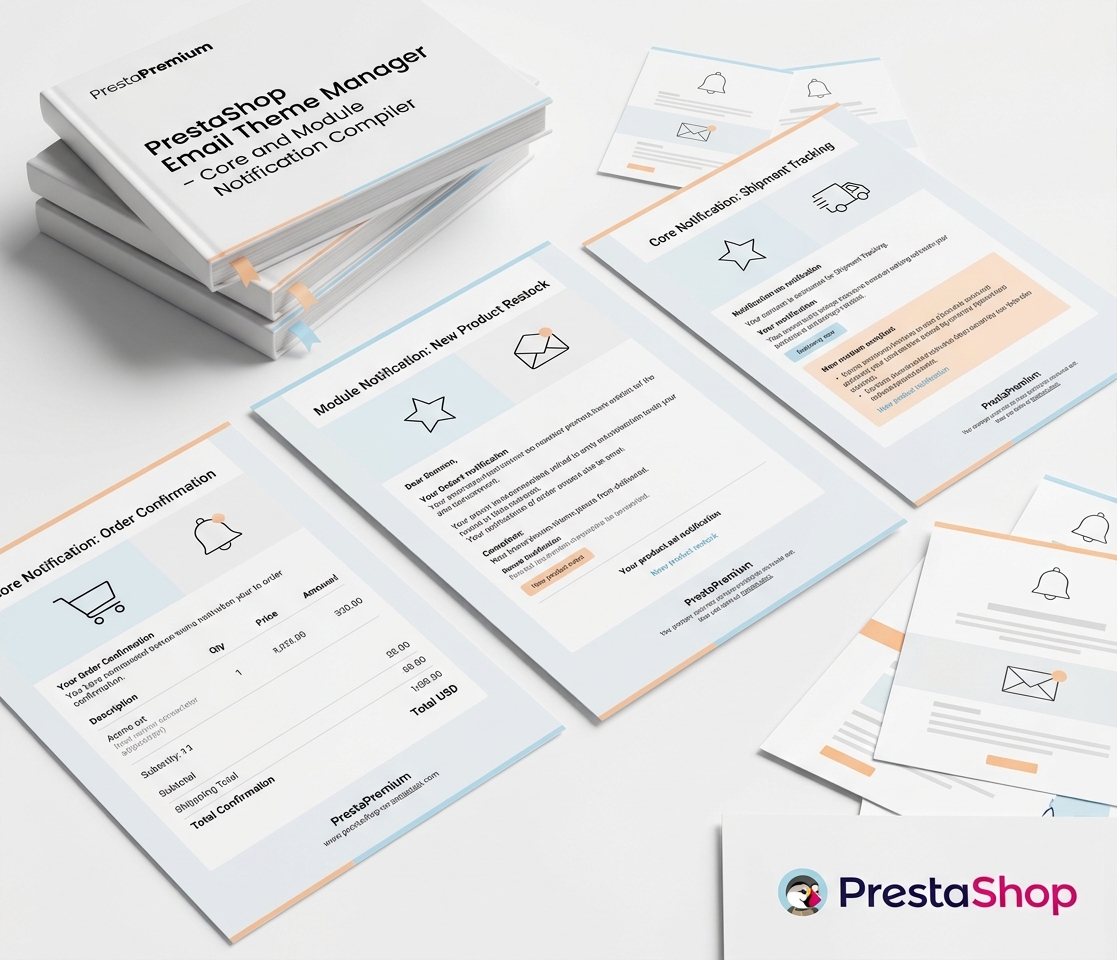
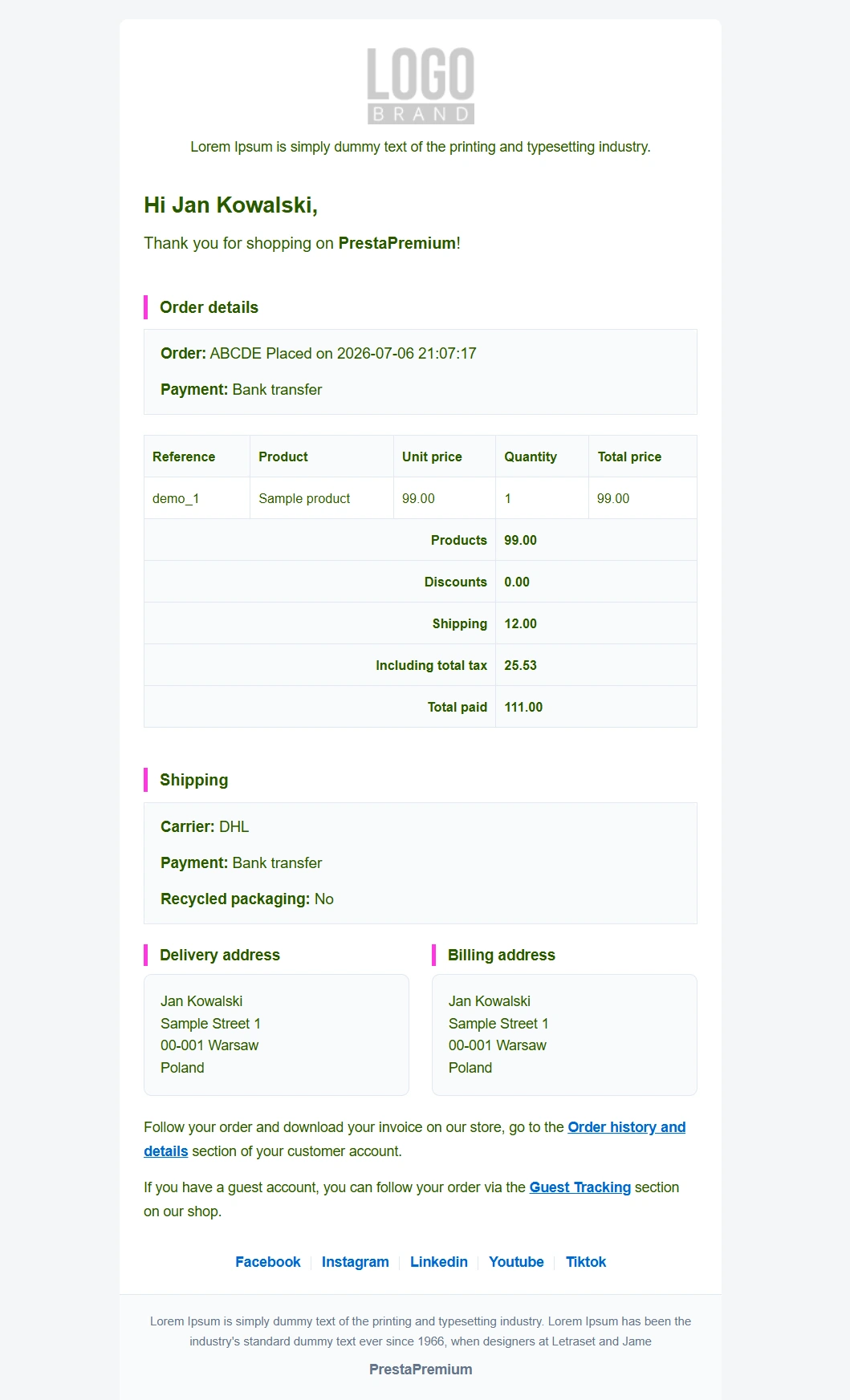
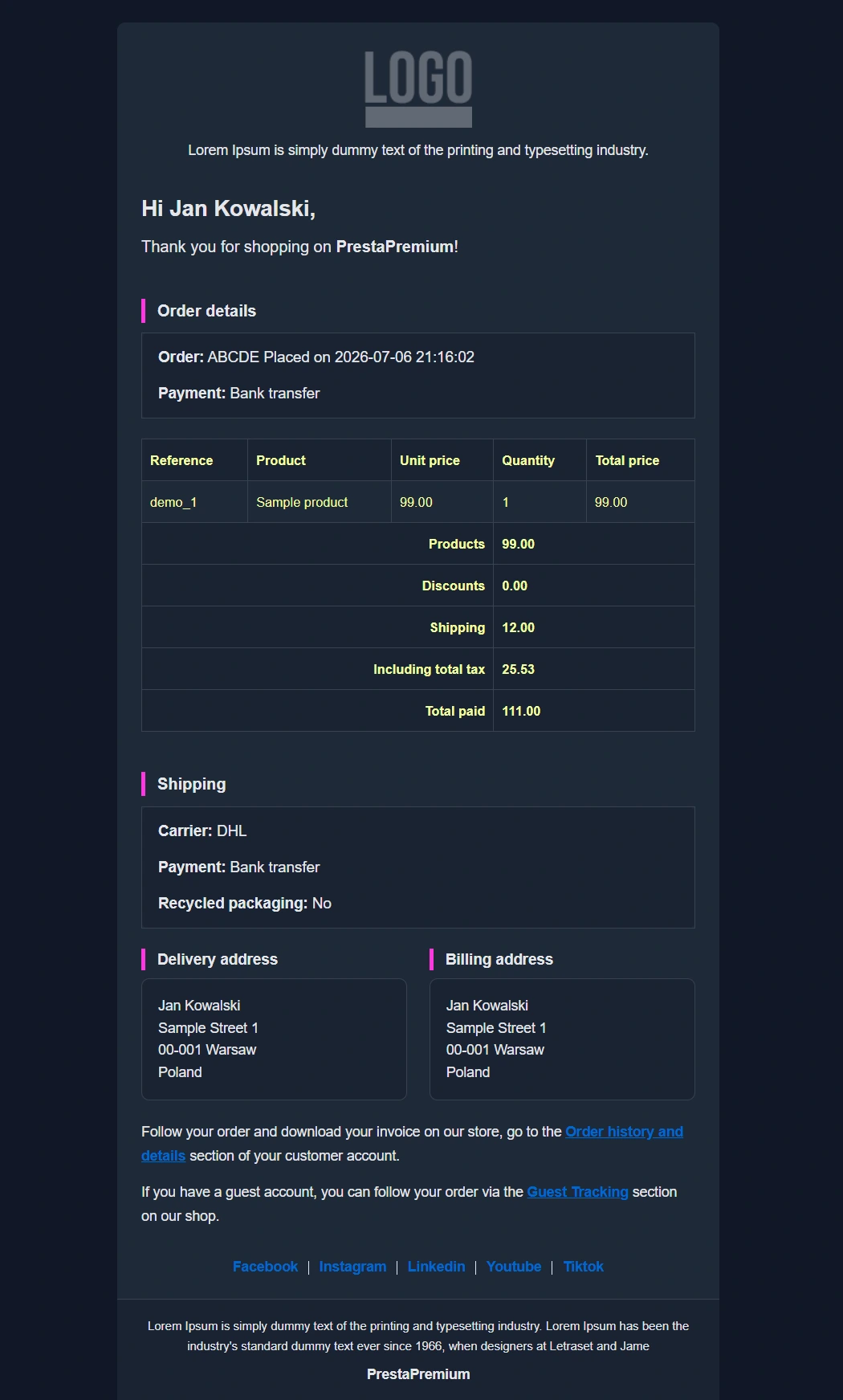
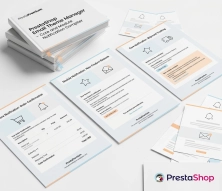
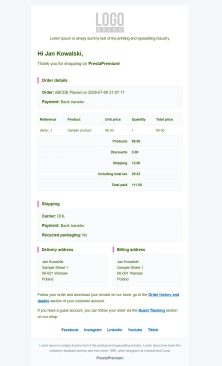
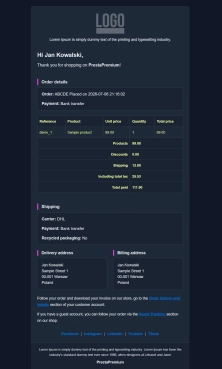
The module allows you to refresh default PrestaShop emails and give them a new look. You receive ready-made email templates with a choice of different visual variants, including light and dark (Dark Mode) versions. The database of available themes will be successively expanded with new layouts.
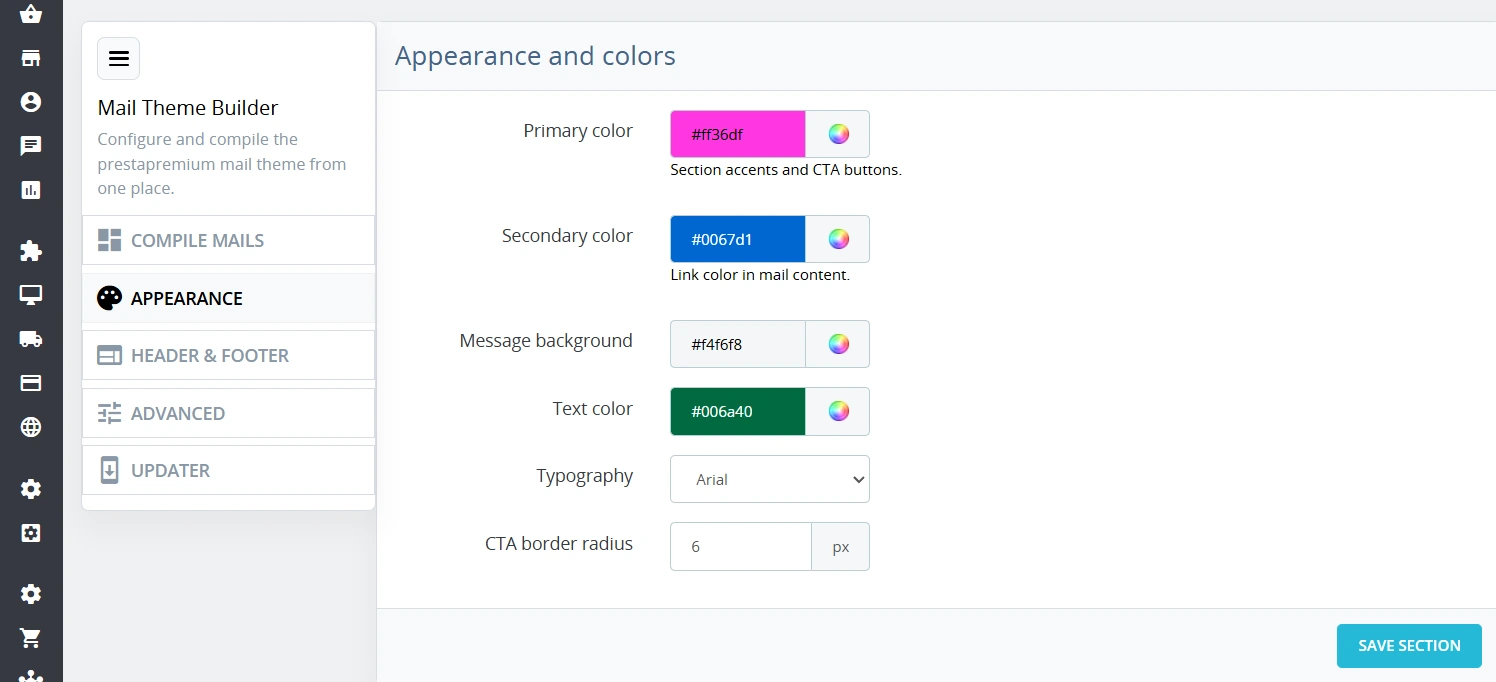
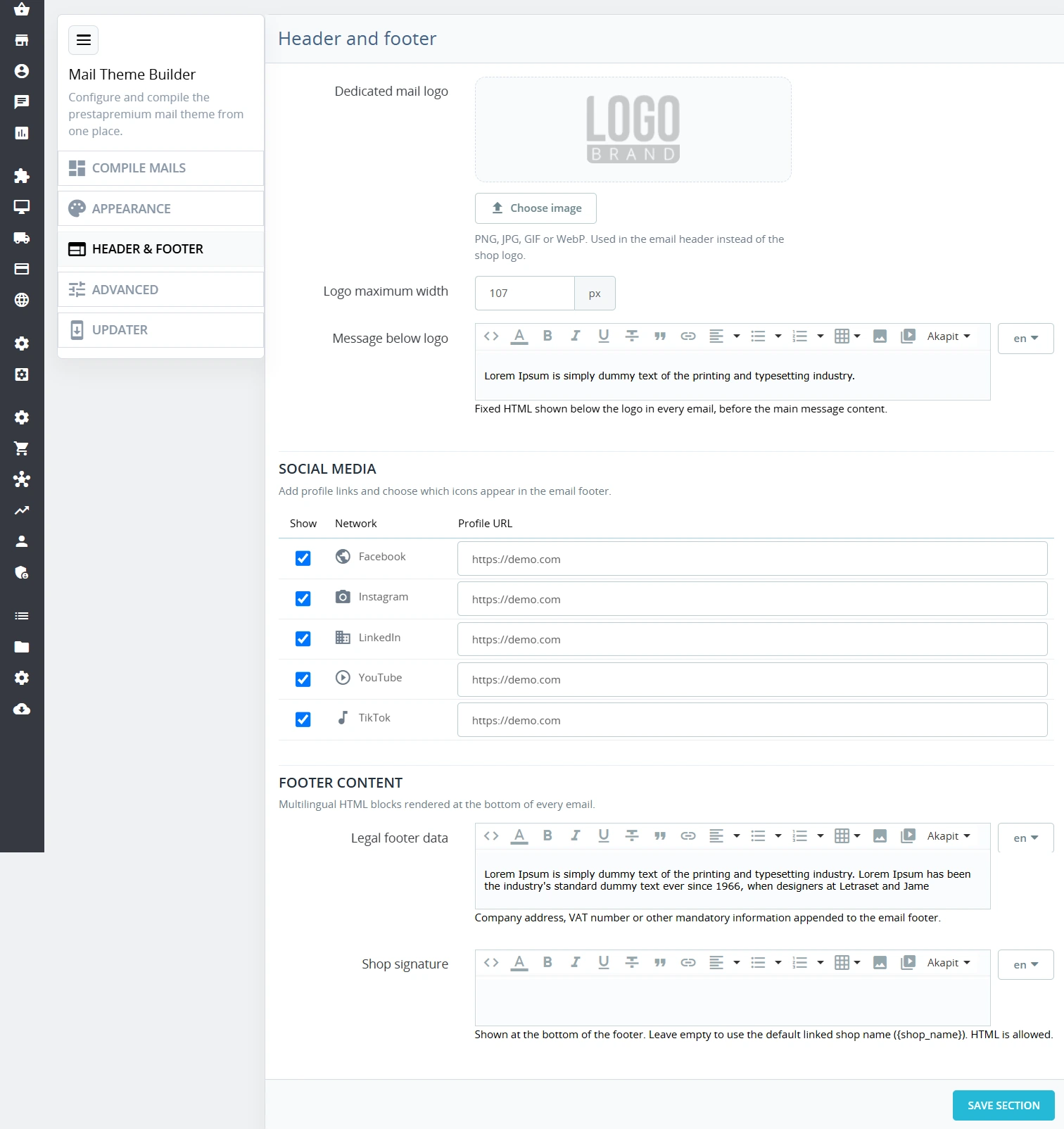
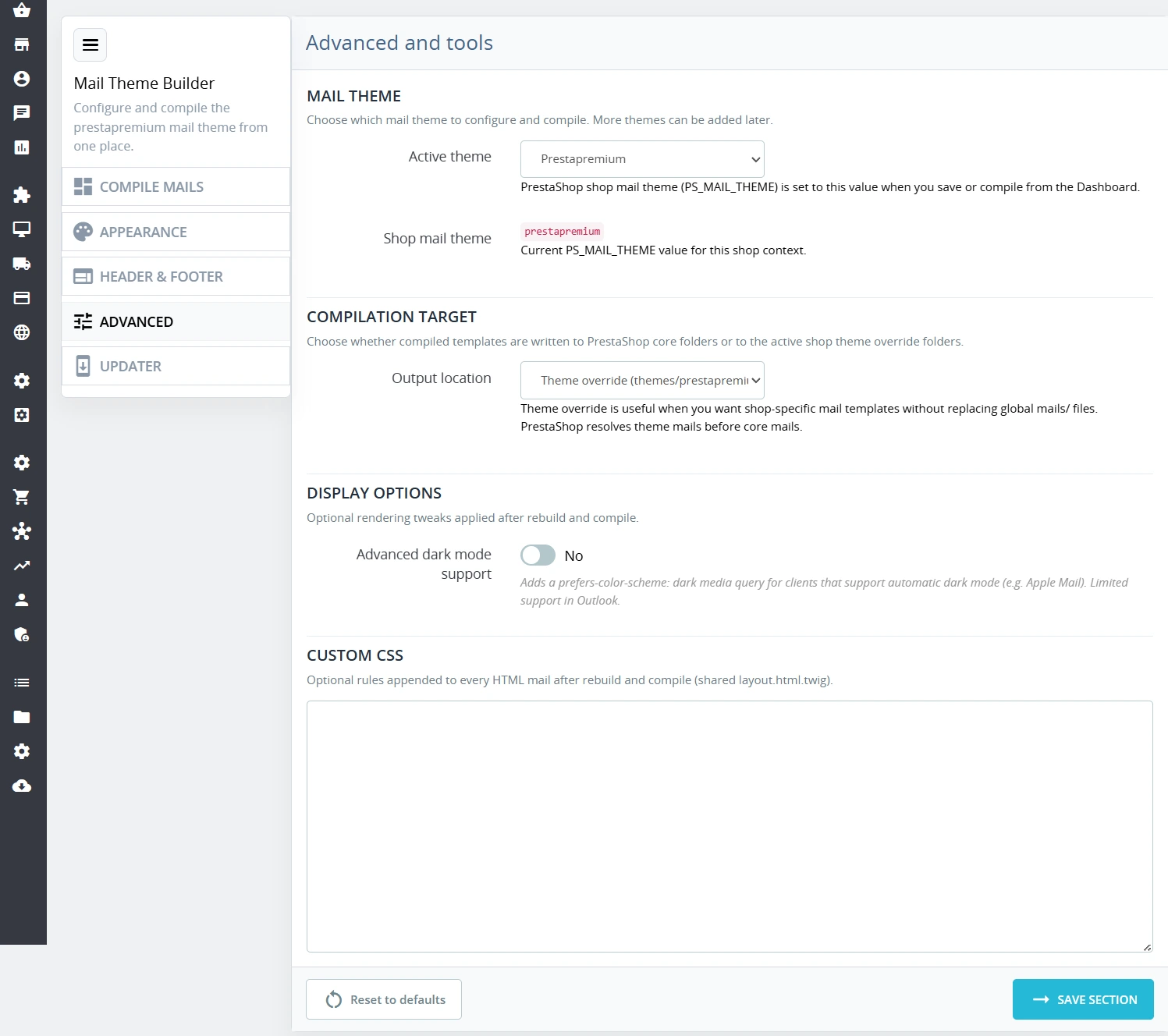
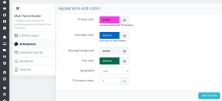
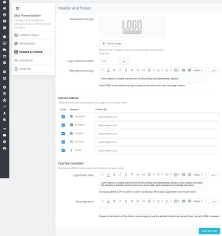
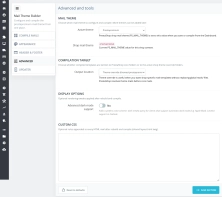
You can customize the email appearance directly from the module configuration. Available options include changing basic colors, adding links to social media profiles, and setting your own content displayed under the logo and in the message footer.
The templates have been designed with compatibility in mind, including support for Outlook 2016.

Information Parameters:
- 1.1.0
-
Store Version PHP Version8.x 8.1 – 8.39.x 8.1 – 8.5
- 2026-07-06
- PL, EN
- ✅
- ✅
- ✅
- ✅
- ❌
Key Benefits
- Data Isolation in Multistore – configuration and branding (colors, custom logos, legal footers) operate strictly within a single store context without the risk of overwriting global files.
- Stable and Repeatable Automation – the native compilation mechanism eliminates any discrepancies between the source Twig structure and the resulting HTML/TXT output files.
- Operational Security – administrators manage the email architecture entirely from the Back Office, eliminating human errors associated with manual template overwrites on the server.
- Native Module Support – a single global theme automatically standardizes the look of system emails as well as notifications from key add-on modules.
- Rapid Validation (QA) – live preview and instant test email delivery drastically reduce the time required to validate templates across multiple languages.
Module Application
The module is designed for e-commerce stores requiring absolute visual consistency in post-transactional B2C/B2B communication, eliminating the need to maintain independent overrides for each locale. The tool automates the rebuild of theme files (assets/email.css, structural components like header/footer/layout) and synchronizes data directly to the target directories of the active store template.
Scope of modified email templates (both HTML and TXT variants are automatically generated for each template):
- Core PrestaShop (34 templates) – account, backoffice_order, bankwire, cheque, contact, contact_form, credit_slip, download_product, employee_password, forward_msg, guest_to_customer, import, in_transit, log_alert, newsletter, order_canceled, order_changed, order_conf, order_customer_comment, order_merchant_comment, order_return_state, outofstock, password, password_query, payment, payment_error, preparation, productoutofstock, refund, reply_msg, shipped, test, voucher, voucher_new.
- ps_emailalerts – customer_qty, new_order, order_changed, productcoverage, productoutofstock, return_slip.
- ps_emailsubscription – newsletter_conf, newsletter_verif, newsletter_voucher.
- ps_reminder & followup – followup_1, followup_2, followup_3, followup_4.
- referralprogram – referralprogram-congratulations, referralprogram-invitation, referralprogram-voucher.
- Structural Partials – automatic synchronization of core elements like product lists and cart rules (_partials/order_conf_product_list and _partials/order_conf_cart_rules) directly to localization directories.
Features – Back Office (Administration Panel)
Email Theme Structure Management
Save and validate global visual variables such as colors, typography, dynamic footer data, and social media links.
- Per-Store Configuration – complete separation of settings for Multistore instances with multi-language field support for company registration details.
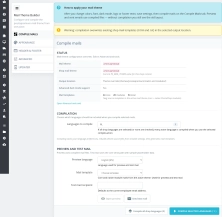
Compilation Target Control
Allows administrators to define whether compiled files should be deployed to the PrestaShop core directory or to the overrides of the active theme.
- Path Management – safe switching of target destinations between mails/ and themes/{theme}/mails/ paths.
Automatic Source Rebuilding
The module generates CSS style files and structural components on the fly based on input data entered in the configuration form.
- Twig/CSS Architecture – automatic rebuilding of the assets/email.css file and layout blocks without touching core code.
Bulk Language Compilation
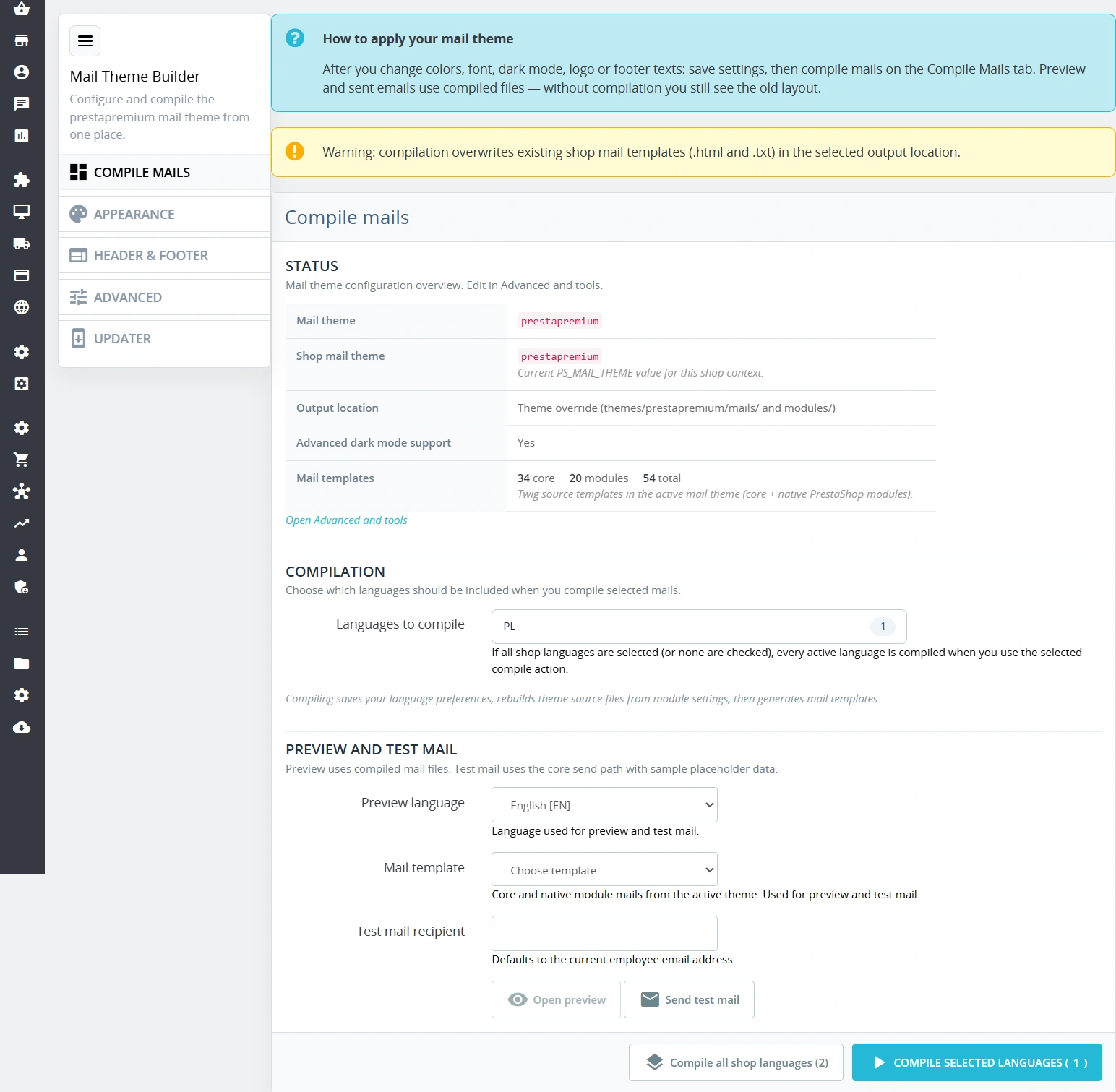
Triggering system processes to generate templates for selected or all active store locales simultaneously.
- CLI Integration – executing the native prestashop:mail:generate console command in a secure batch process.
Live Preview and Test Emails
Diagnostic interface allowing verification of the rendered template on-screen or sending a real email with test data.
- QA Workflow – single-step selection of language and template, automatic placeholder mapping, and recipient address validation.
Hook Registration and Layout Transformations
The module fully integrates with the email system, registering its own theme and injecting modifications via dedicated hook positions.
- Hook Architecture Integration – full support for actionListMailThemes, actionGetMailLayoutTransformations, and sendMailAlterTemplateVars.
Features – Front Office (UX)
Unified Visual Standard
End-users receive highly consistent messages at every stage of the purchase funnel (registration, order confirmation, payment statuses).
- Shared Layout Layer – unified layout.html.twig base file for native messages and third-party modules.
Accurate Multi-Language Rendering
Automatic alignment and display of translated template structures based on the language selected by the customer.
- Deterministic Output – serving flawlessly generated static HTML/TXT files via the native PrestaShop email engine.
Consistent Corporate Branding
Messages feature correctly scaled logos, legible footers with registry data, and up-to-date social media links.
- Identity Elements – rendering dedicated email graphics and legal notices directly from the configuration database.
Sales and SEO Impact
The module does not modify the Front Office code of store pages or generate additional HTTP requests (JS/CSS) for the end-user, ensuring its impact on Core Web Vitals metrics, including TBT and LCP, is 100% neutral. Tangible business value is realized in retention conversion and operational efficiency: professional, cohesive branding increases brand trust, while flawless rendering in applications like Outlook 2016 drastically reduces the number of customer support tickets related to unreadable transactional messages.
Please Note
Before installing the module in a production environment, it is highly recommended to perform a full backup of the database and store files. Test functionality first in a development environment.
## [1.1.0] - 2026-07-06
### Added
You might also like
FAQs
-
How does the module handle email configuration in Multistore?
The module operates in the context of an individual Multistore shop. Visual settings, logos and legal sections are kept separate between shops, so the configuration of one instance does not overwrite global files or the data of other shops.
-
Are the modules compatible with my version of PrestaShop?
Each module in our store contains information about compatibility with specific PrestaShop versions. Please check this information carefully before purchasing. If you are not sure, contact us.
-
Which email files does the module generate?
The module automates the rebuild of email theme sources and generates HTML and TXT versions for supported templates. It also synchronizes CSS files and structural elements such as the header, footer and message layout.
-
Can the message design be managed from the Back Office?
The administration panel lets you save and validate global design variables, including colours, typography, footer details and social links. Settings can be maintained separately for each shop and language.
-
How does the module help test a template before use?
The module provides a preview of the rendered template and lets you send a test email using sample data. The administrator selects the language and template, while the system maps placeholders and validates the recipient address before running the test.
-
Does the module cover system emails and selected modules?
One global theme standardises the appearance of PrestaShop system messages and emails from selected additional modules, including email alerts, newsletter subscriptions, reminders and the referral programme.
16 other products in the same category:
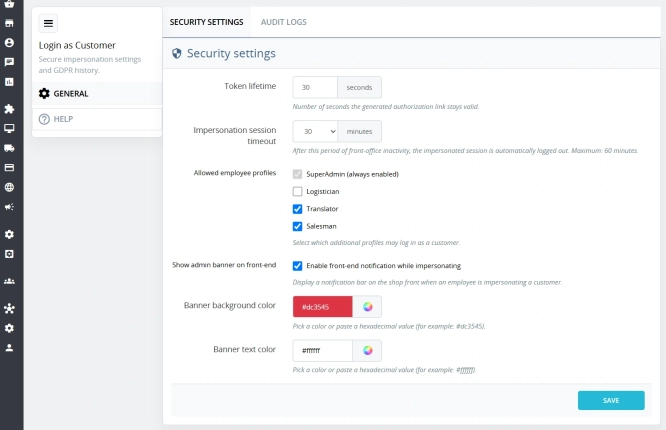
Login as Customer – Log into user accounts from PrestaShop Back Office
This module enables instant access to any customer account directly from the PrestaShop administration panel. It allows quick verification of issues reported by buyers...
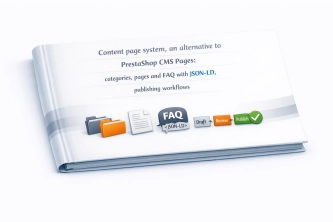
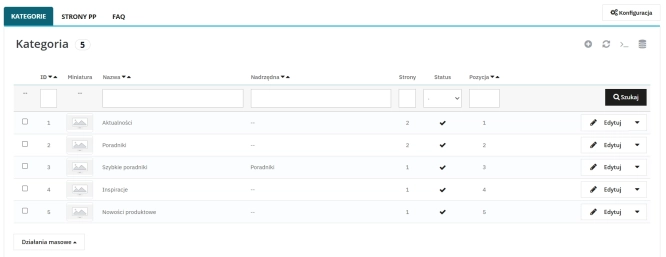
Content page system, an alternative to PrestaShop CMS Pages: categories, pages and FAQ with...
Frustrated by the limited capabilities of PrestaShop's native CMS? PP Page is a powerful alternative that transforms your shop into a fully-fledged publishing platform....
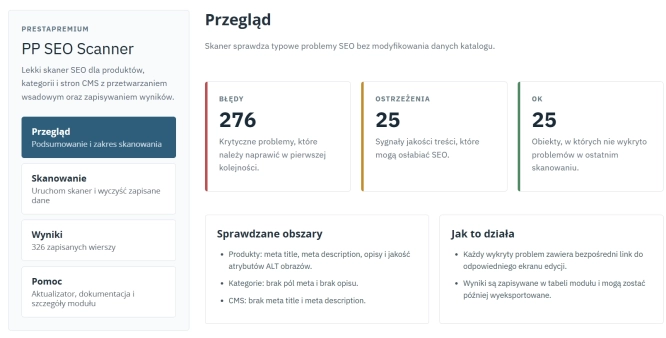
SEO Scanner - fast SEO auditing for products, categories and CMS pages in PrestaShop
PP SEO Scanner is an efficient diagnostic tool for PrestaShop, designed to automate on-site SEO auditing. The module analyses products, categories and CMS pages for...

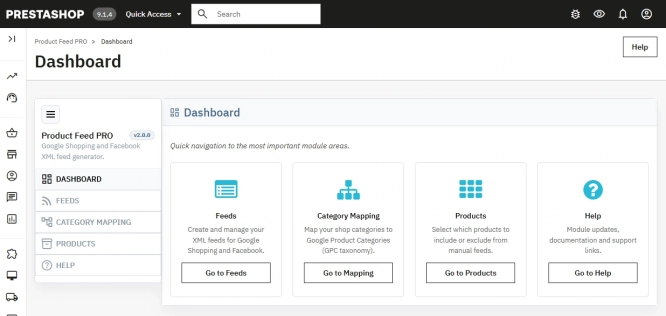
PrestaShop Integration with Google Merchant Centre (Version Pro)
Product Feed PRO streamlines catalogue publishing between your store and advertising platforms. It is practical for e-commerce teams that need faster time-to-market for new...

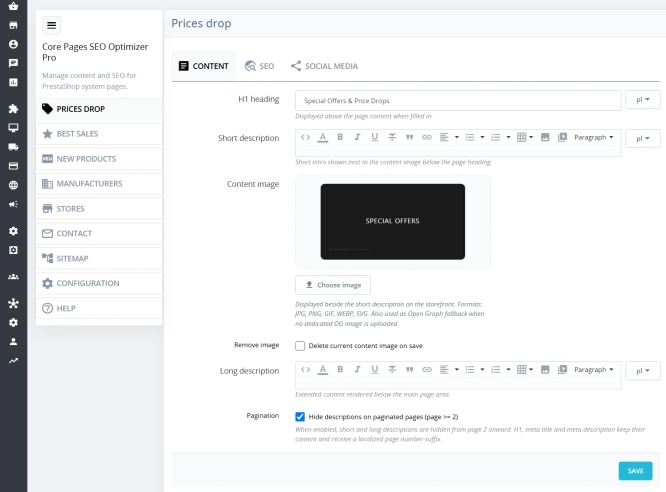
Custom HTML Descriptions and SEO Optimisation for PrestaShop Promo, Best Sellers and New...
The default PrestaShop configuration does not allow entering custom texts or graphics on key subpages that generate organic search traffic. The ppcorepagesseo module is a...
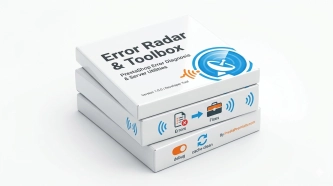
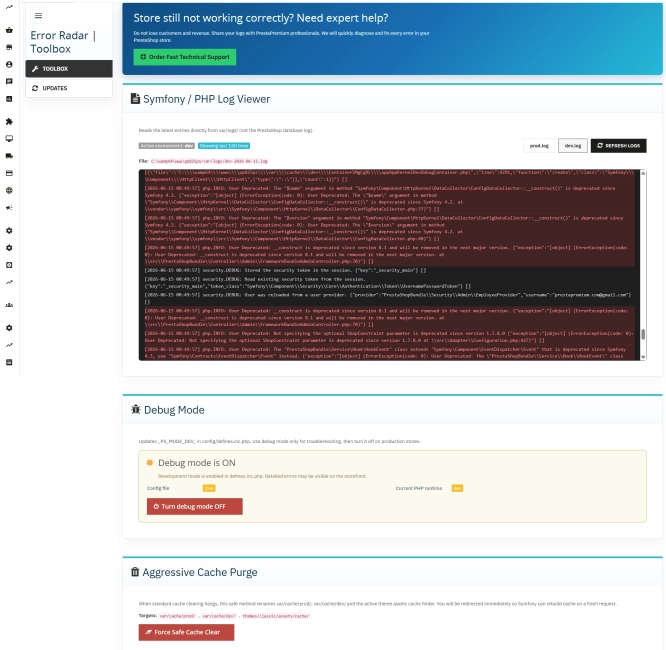
Error Radar & Toolbox — PrestaShop Error Diagnosis & Server Utilities
Error Radar & Toolbox is a powerful, free administrative module for PrestaShop that allows you to instantly diagnose technical store issues directly from your Back...
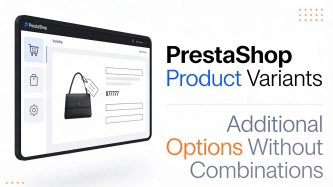
Additional Product Fields and Options – Attributes without Combinations (Custom Fields)
This module enables the creation of additional product options without using native PrestaShop combinations. Each option can have a price impact (positive or negative) but...
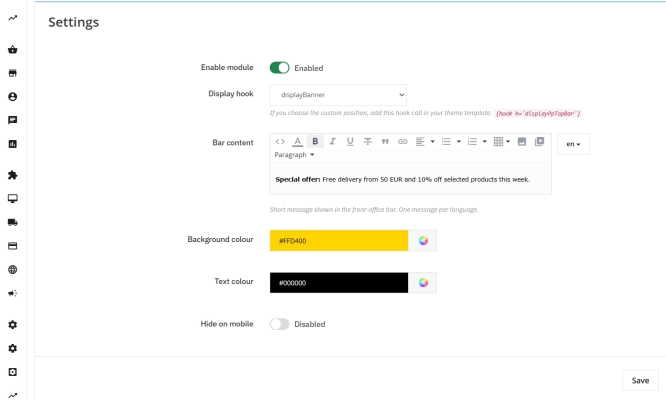
Information and Announcement Bar for PrestaShop (Free Edition)
PP Top Bar is a lightweight and intuitive module that lets you add an eye-catching information bar to the top of your shop in just a few seconds. Inform your customers...
- New
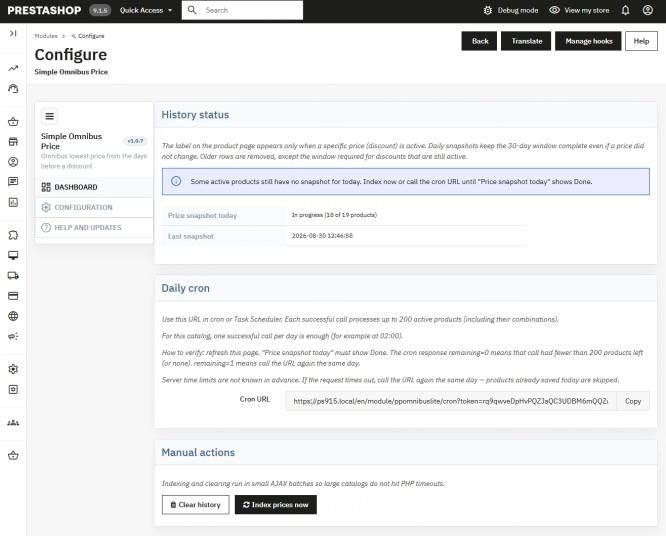
Free Simple Omnibus Price Module – Omnibus Directive for PrestaShop
Simple Omnibus Price is a completely free PrestaShop module that automates displaying the lowest price from the 30 days prior to a price reduction. Protect your store...
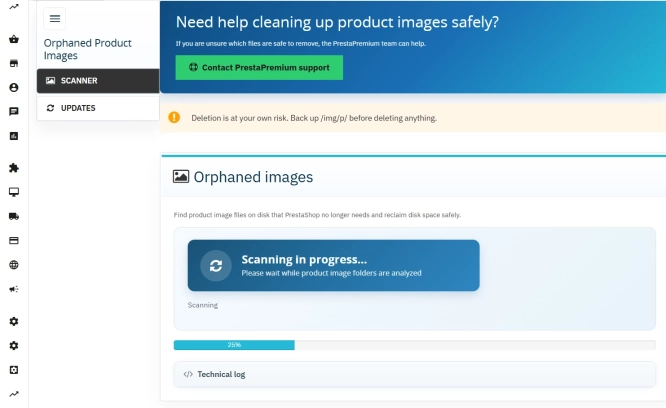
Unused Product Images — Free Server Cleanup for PrestaShop
Unused Product Images (Free) is a free PrestaShop module designed to optimize disk space and file limits (Inodes) on your hosting. The tool automatically locates and...
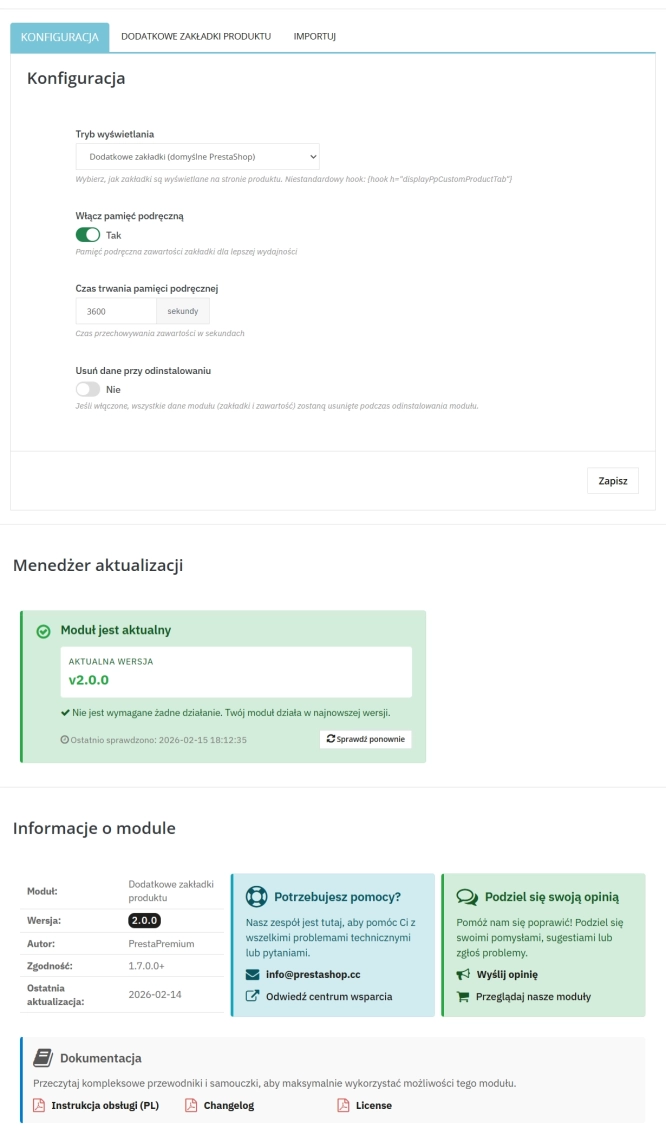
Extra Product Tabs – Tab Creator, CSV Import and SEO
Transform chaotic descriptions into a professional offer that sells! The Extra Product Tabs module allows you to instantly add unlimited tabs (e.g. Size Guide, Video,...
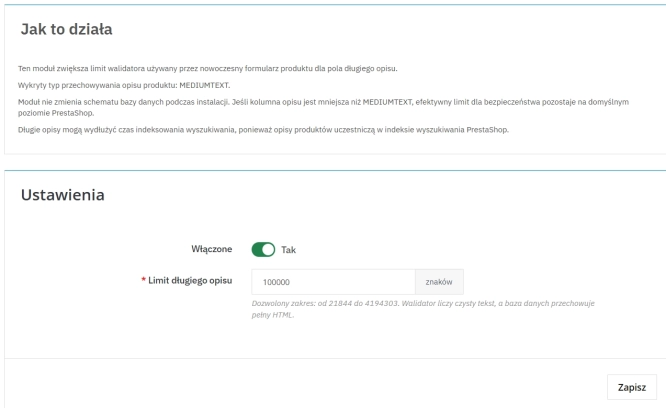
Increase the long product description and image ALT text limit in PrestaShop 8/9
PP Limit Manager removes the length restriction applied to the long product description and product image ALT text in the new PrestaShop 8 and 9 product form. The module...
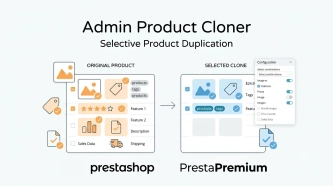
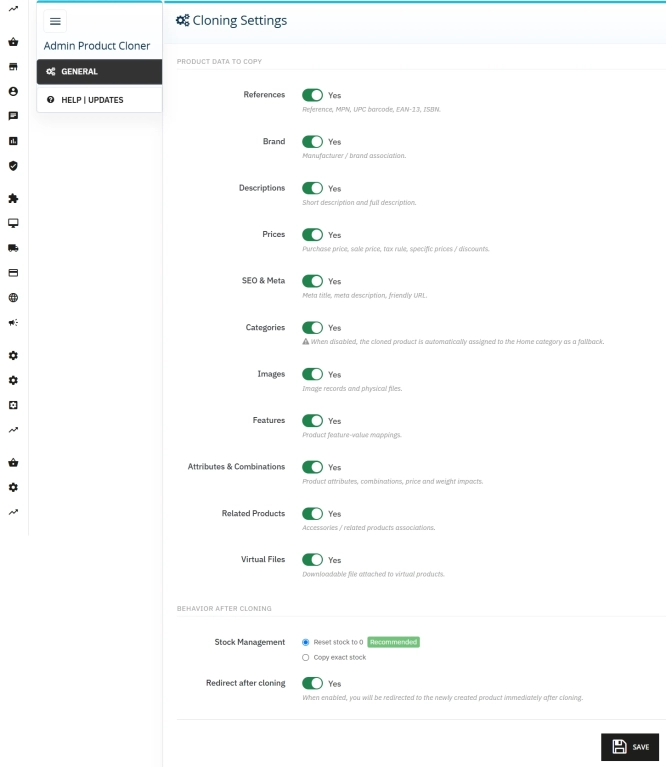
Admin Product Cloner – Selective Product Duplication
Admin Product Cloner is a simple, handy tool for PrestaShop administrators, designed to streamline daily catalogue management. The module replaces the standard, full...
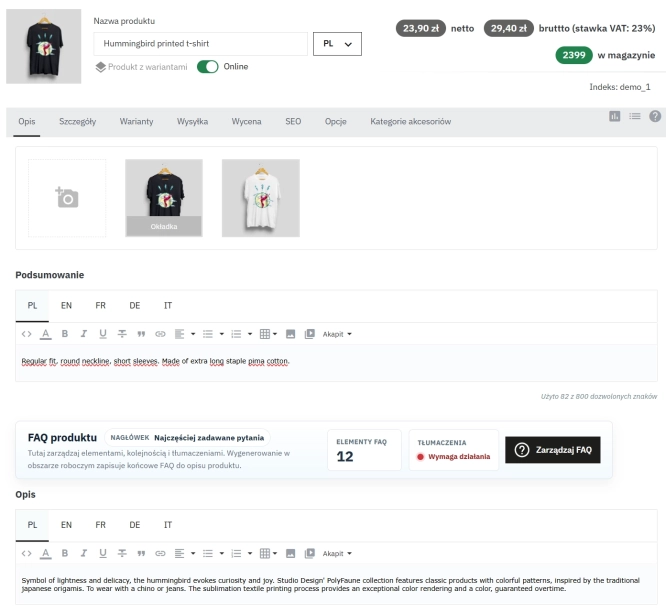
Take SEO and conversion further: a PrestaShop FAQ module with a built-in editor and FAQPage JSON-LD
The FAQ Builder module makes it easy to add question and answer (FAQ) sections directly to your PrestaShop product descriptions. The management interface sits just above the...
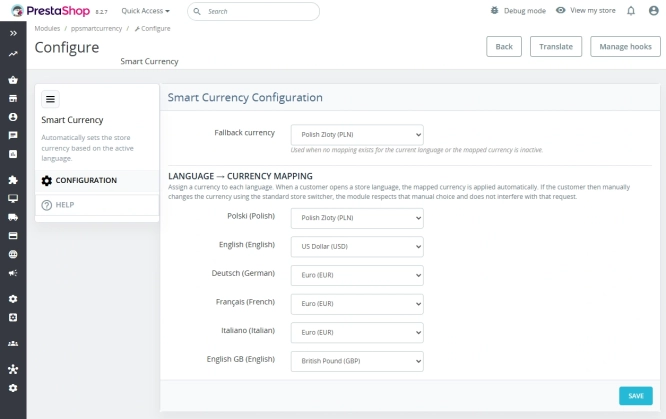
Automatic currency matching by shop language in PrestaShop
PP Smart Currency automatically matches the currency to the language a customer is using in your PrestaShop store. Visitors immediately see the right currency, while the...

- New
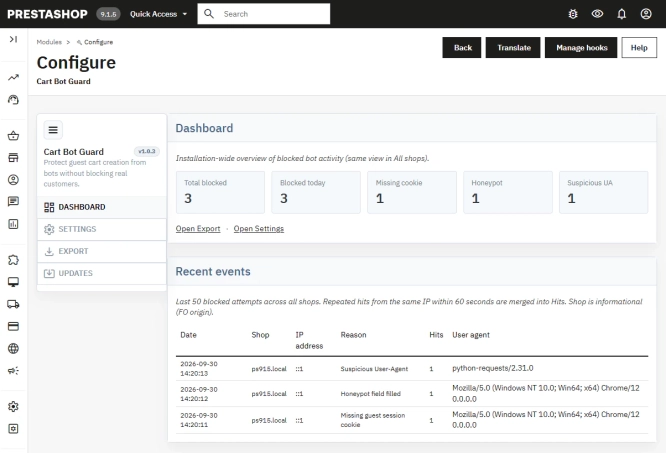
PrestaShop Anti-Bot Cart – Fake Cart Protection
A lightweight, non-invasive solution for PrestaShop that eliminates the mass creation of fake carts by bots and HTTP scripts. The module neutralizes automated traffic...
Do you need additional features or custom solutions?
- Module customisation tailored to your specific requirements.
- Extending functionality to enhance your store's capabilities.
- Developing bespoke modules designed to meet your unique needs.
- Integrating external systems and additional tools.
- Optimisation and improvements for better performance and user experience.
Do you have ideas on how to improve this software? Share your suggestions for optimisation, new features, or bug reports – we’ll be happy to review them!