Custom HTML Descriptions and SEO Optimisation for PrestaShop Promo, Best Sellers and New Products Pages
- 8.x | 9.x
- PL, EN
- 1.2.0
- 2026-07-08



Information Parameters:
- 1.2.0
-
Store Version PHP Version8.x 8.1 – 8.39.x 8.1 – 8.5
- 2026-07-08
- PL, EN
- ✅
- ✅
- ✅
- ✅
- ❌
Why does your store need this module?
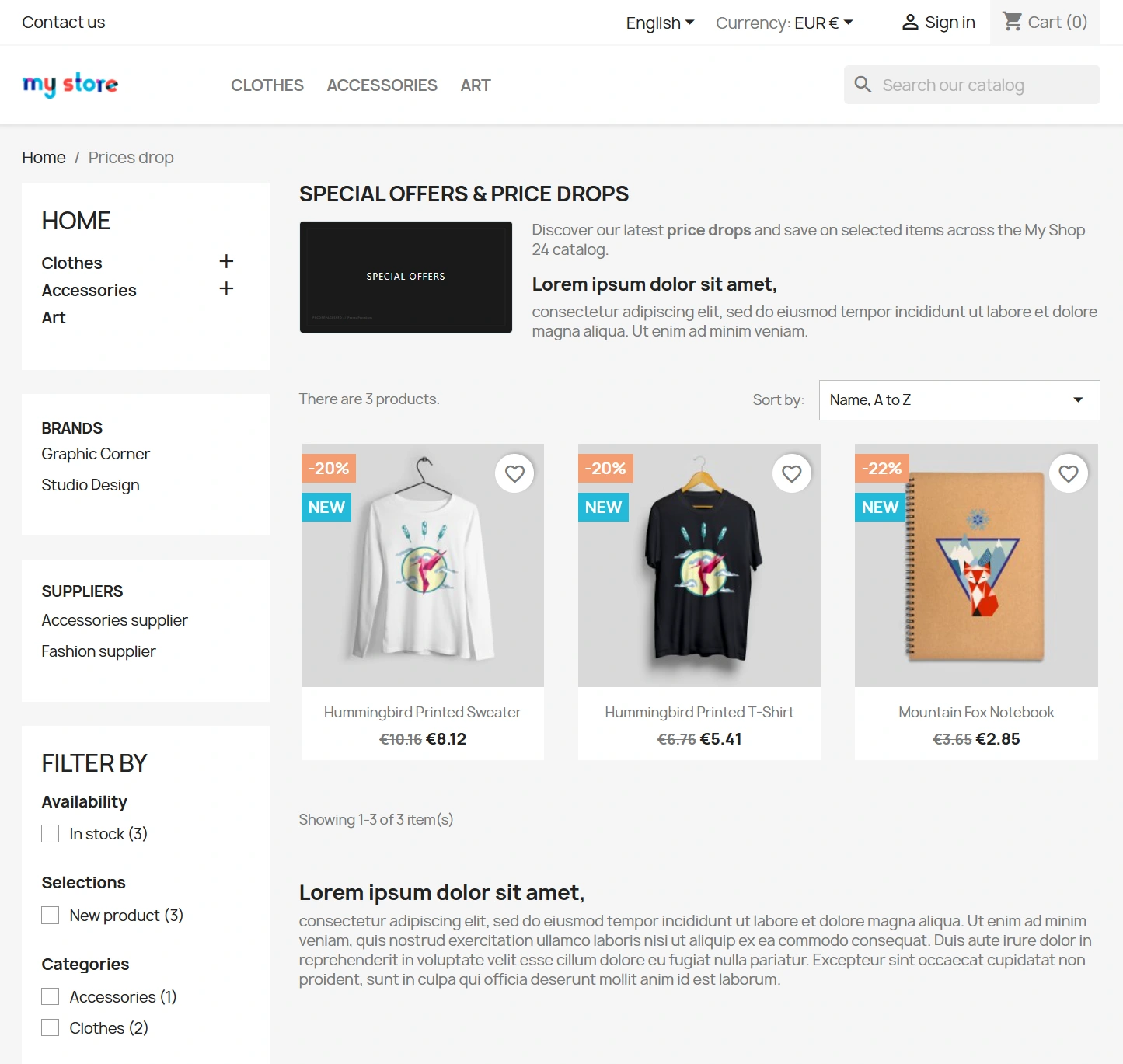
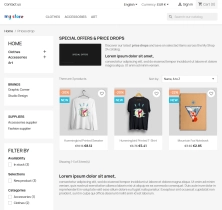
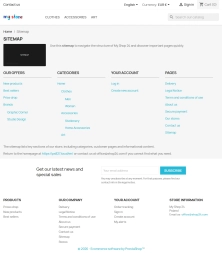
By default, the PrestaShop platform makes it impossible to add any texts, descriptions, or graphics to key pages such as price drops, new products, or best sellers. For Google, these subpages appear "empty"—they lack content, which prevents them from ranking effectively. The ppcorepagesseo module eliminates this limitation, turning previously dead subpages into powerful tools for attracting free organic search traffic.
Key Business and SEO Benefits
- Safe during updates (100% compliance) – the module relies entirely on native PrestaShop solutions. With no core overrides or modifications to core files, future store updates are guaranteed not to break anything, and the module won't conflict with other tools.
- Protection from Google penalties (Duplicate Content) – the system automatically hides HTML descriptions on subsequent paginated pages (e.g., from ?page=2 onwards). This ensures that Google bots index only unique content, protecting your store from ranking drops caused by duplicated content.
- Faster loading speeds and better UX – native support for modern, lightweight image formats (WEBP and SVG) allows you to add eye-catching banners without slowing down your store. This directly translates into better scores in Google PageSpeed Insights.
- Greater visibility in search results – the automated deployment of advanced microdata helps search engines better understand your page structure, which directly boosts click-through rates (CTR) and attracts more customers.
Back Office Features (Manage without a developer)
Full Control Over Meta Tags
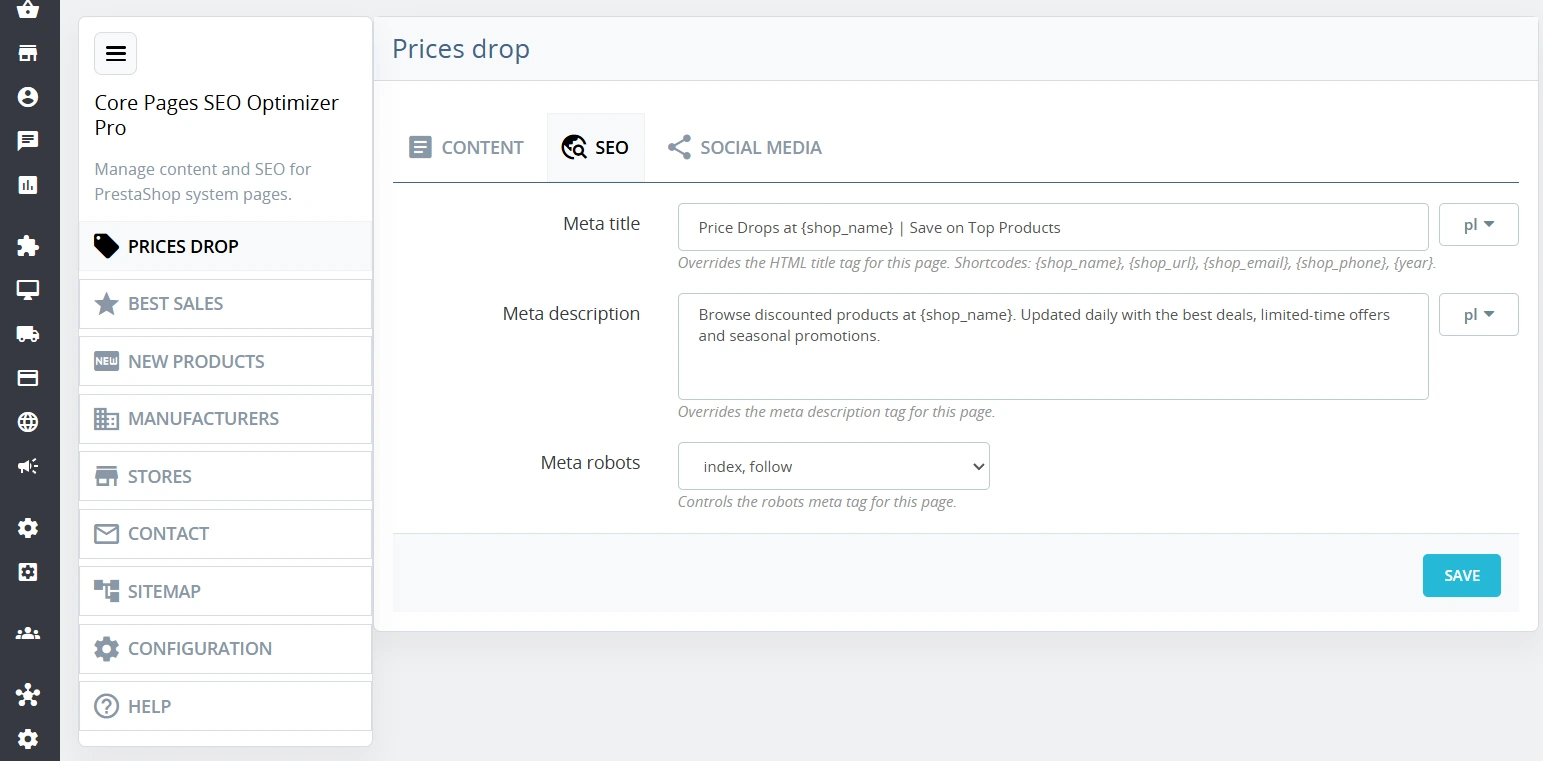
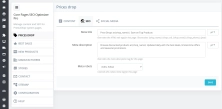
Easily define meta title and meta description fields independently for each of the 7 key system pages.
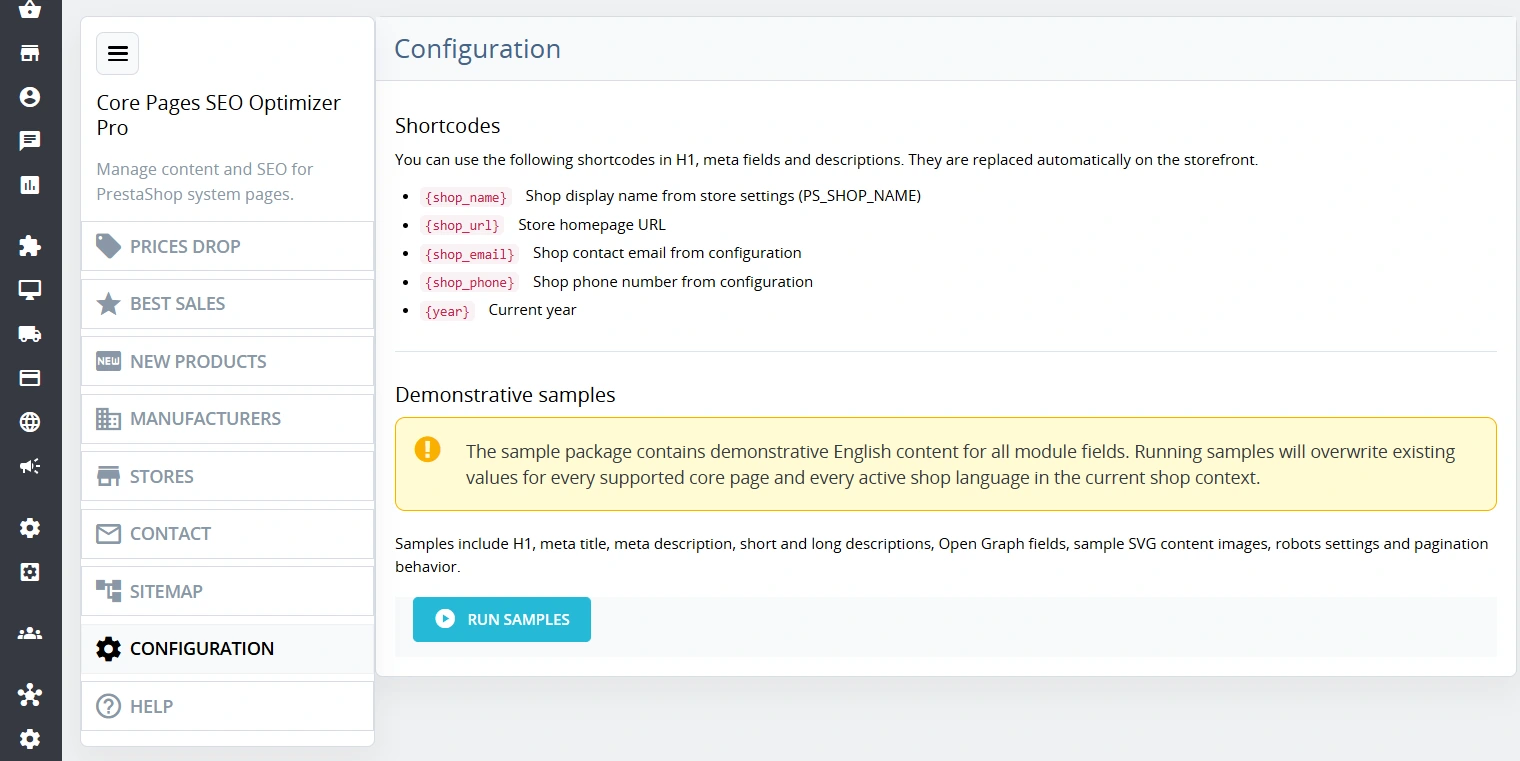
- Time-saving automation – support for smart shortcodes that automatically swap placeholders like the current year or shop name into the text dynamically.
Google Indexation Control
Conveniently control instructions for search engine crawlers independently for each system URL.
- Simple setup – choose between index/noindex and follow/nofollow options with a single click from the administration panel.
User-Friendly Content Editor (RTE)
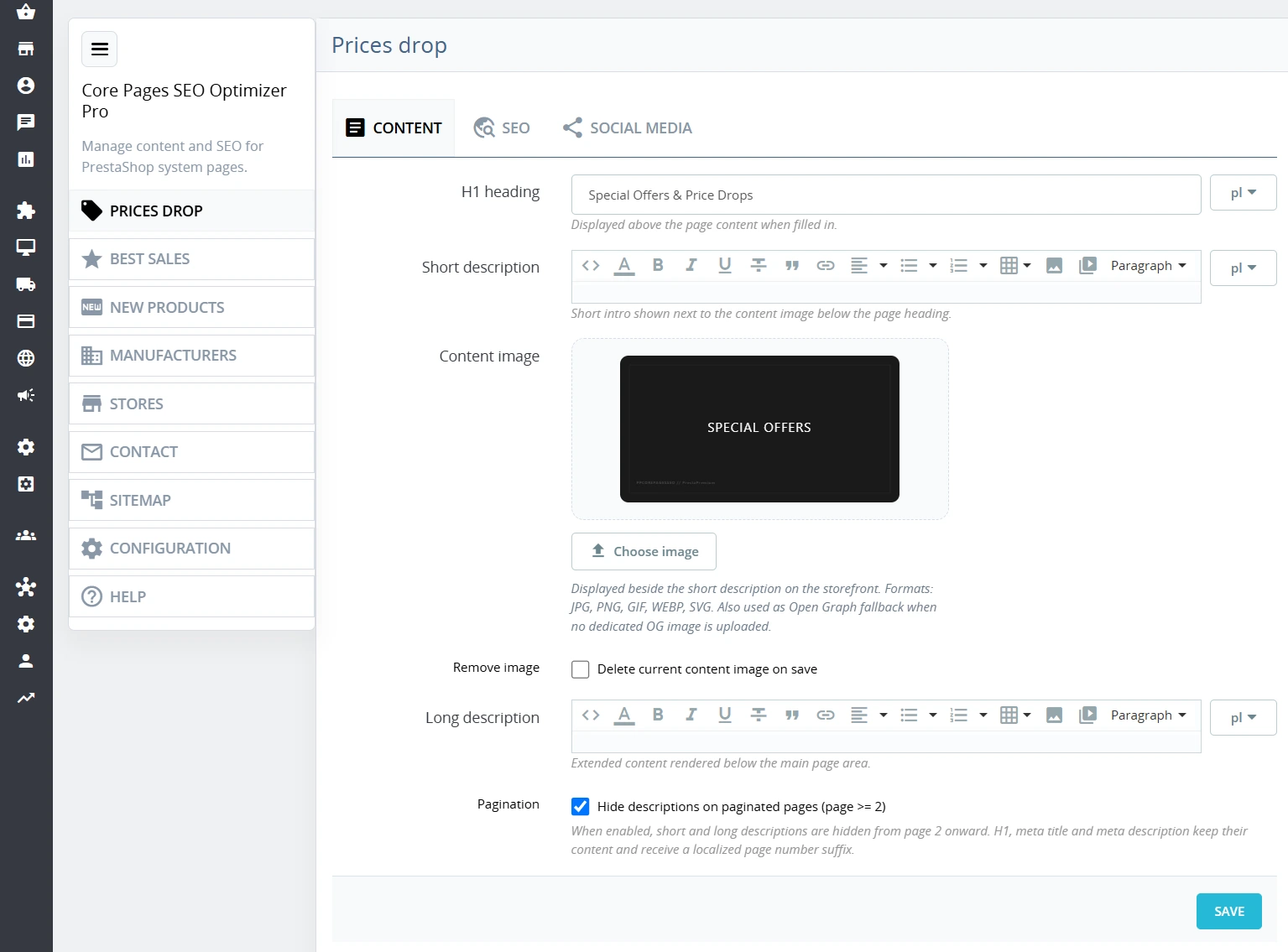
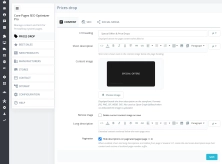
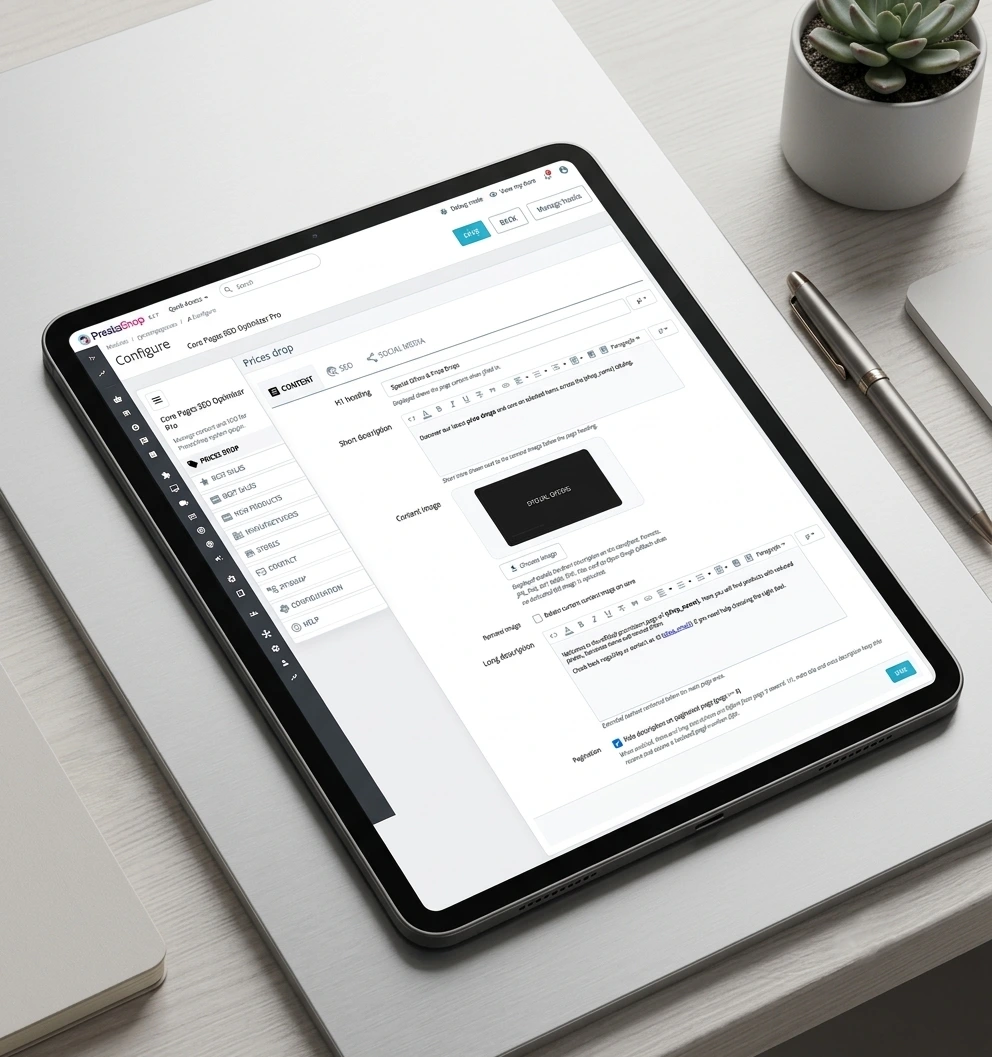
Input short and long HTML-formatted descriptions alongside dedicated graphics and banners.
- Full multilingual support – configure texts and images for every active language in your store completely independently.
Full Multistore Integration
If you manage multiple stores within a single PrestaShop installation, the module allows for completely separate content and SEO configuration for each domain.
- Data isolation – configuring one shop does not affect the others, ensuring complete brand independence.
Quick Start (Demo Data)
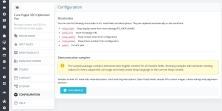
The demo data import feature lets you fill the module with sample entries across all languages with a single click.
- Instant preview – save time on initial setup and immediately see how the module looks on the store front.
Automated Front-End Features (Invisible to the eye, crucial for SEO)
Dynamic Data Updates
Any automated placeholders (e.g., year, contact details) are instantly swapped in the content when the page loads.
- Always up-to-date content – no static hardcoding means description details change automatically whenever you update your general store configuration.
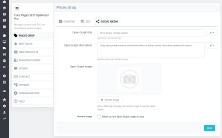
Smart Social Media Tags (Open Graph)
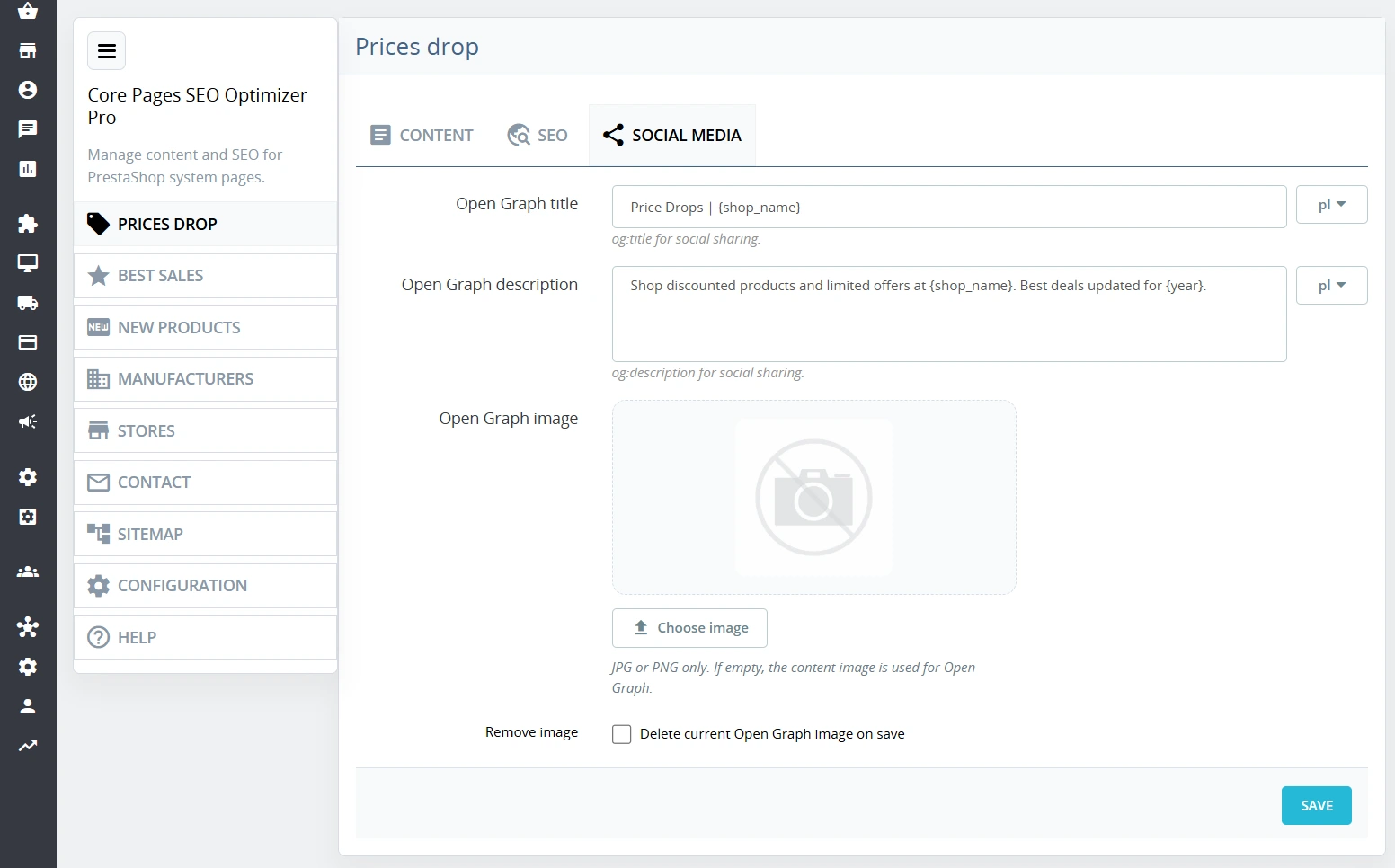
The module ensures a professional appearance for links to your promotions, new arrivals, or clearance sales when shared on Facebook or LinkedIn.
- Automated fallback – if no dedicated image is uploaded, the system automatically generates a preview using the store's general SEO data.
Pagination Page Optimisation
Automatically appends the page number (e.g., "Page 2") to meta titles on subsequent product listing pages.
- Clean indexation – prevents duplicate title errors from cluttering your Google Search Console reports.
Turnkey JSON-LD Microdata (Rich Snippets)
The module automatically generates and injects structural schemas into the page code, tailored to the specific subpage type.
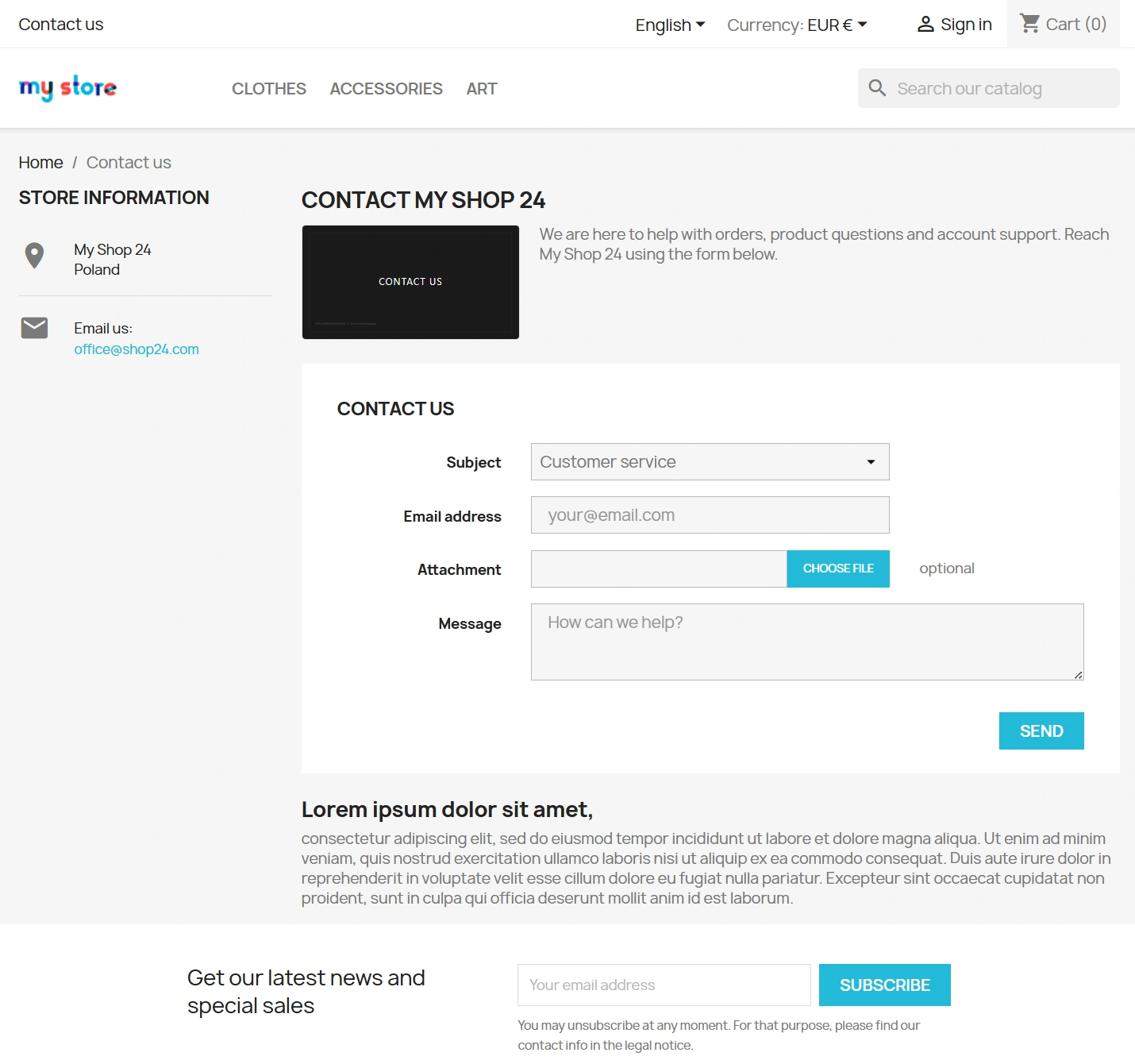
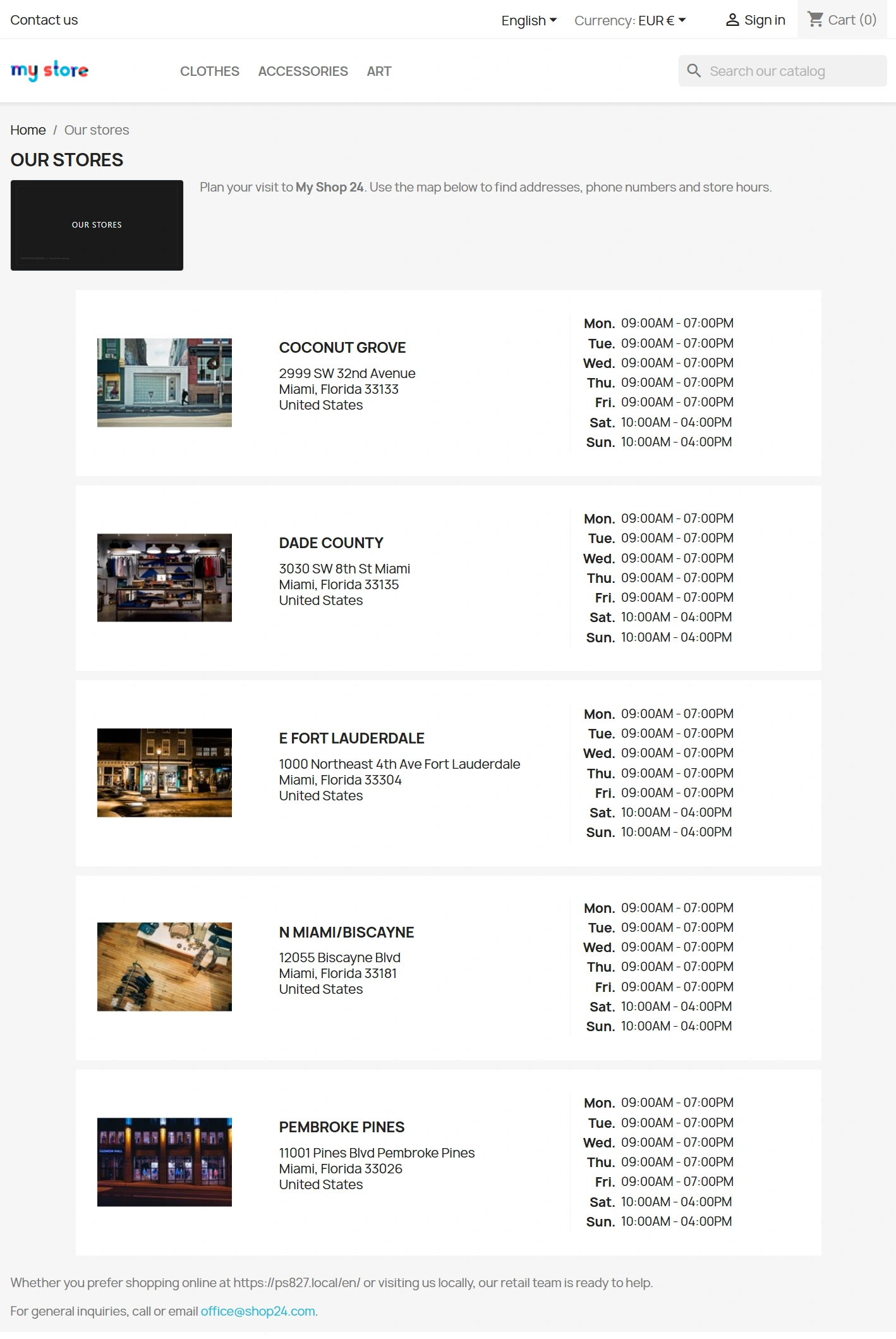
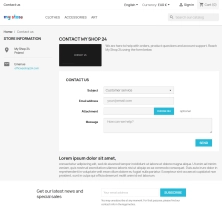
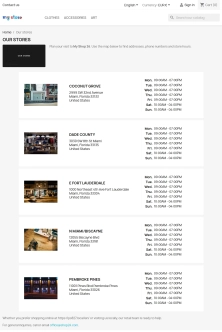
- Google standards compliance – automated generation of CollectionPage, Store, or ContactPage structures, enhancing link attractiveness in search engine result pages (SERPs).
Summary: What do you gain by investing in this module?
Deploying this module transforms empty system pages—which are otherwise useless for SEO—into high-value landing pages that capture long-tail search traffic (e.g., "[industry name] promotions and sales"). Instead of hiring a developer for expensive, bespoke theme code modifications for your promo or new product pages, you get a turnkey, secure tool that you can manage entirely on your own, directly from the PrestaShop back office.
Important Notice Before Installation
Following developer best practices, it is highly recommended to perform a full backup of both your database and store files before installing any module in a production environment. We advise verifying functionality first on a staging or development (dev) environment.
# Changelog

All notable changes to **Core Pages SEO Optimizer Pro** are documented in this file.

## [1.2.0] - 2026-07-08

### Added

- Content image upload per page (JPG, PNG, GIF, WEBP, SVG) with storefront preview beside the short description.
- Pagination-aware behavior: optional hiding of descriptions from page 2 onward, with localized page suffix in H1 and meta fields.
- `displayHeaderCategory` and `filterProductSearch` hooks for category listings and paginated product pages.
- CSRF token validation on all back-office form submissions (page save and sample data loader).
- PHP 7.1–8.5 compatibility check during module installation.
- Polish back-office translation pack (`translations/pl.php`).
- Demonstrative sample data loader with SVG content images and Open Graph placeholders.

### Changed

- Back-office UI rebuilt with the shared `ppadminps` layout component (sidebar navigation, horizontal content tabs).
- Legacy PrestaShop translation workflow (`module->l()` + `pl.php`) for reliable BO string editing.
- Open Graph image falls back to the content image when no dedicated OG file is uploaded.

### Security

- Admin forms now require a valid `AdminModules` security token before processing POST requests.

### Fixed

- Unified translation source filenames (`configurationpresenter`) across all admin labels.
- `IMAGETYPE_WEBP` validation guarded for older PHP builds.

---

## [1.1.0] - 2026-03-01

### Added

- Per-shop settings table (`ppcorepagesseo_shop`) for multistore support.
- Open Graph fields: `og_title`, `og_description`, `og_image`.
- Per-page `robots` meta directive and `hide_on_pagination` toggle.
- `displayHeader` hook for meta tags and Open Graph output on the storefront.
- JSON-LD structured data for stores, contact and product collection pages.

---

## [1.0.1] - 2026-02-20

### Added

- Additional front-office hooks: `actionFrontControllerSetMedia`, `actionFrontControllerSetVariables`, `displayWrapperTop`, `displayContentWrapperBottom`.
- Admin media assets loader (`actionAdminControllerSetMedia`).
- Dedicated back-office admin tab via `ppadmintabinstaller`.

---

## [1.0.0] - 2026-02-17

### Added

- Initial release of the module.
You might also like


FAQs
-
Which PrestaShop pages can receive HTML content?
The module lets you add descriptions, text and graphics to key system pages such as sale, bestseller and new-product listings. It can enrich pages without their own content with material prepared in the HTML editor.
-
Are the modules compatible with my version of PrestaShop?
Each module in our store contains information about compatibility with specific PrestaShop versions. Please check this information carefully before purchasing. If you are not sure, contact us.
-
How does the module prevent duplicate descriptions on paginated pages?
The system automatically hides HTML descriptions on subsequent result pages, for example from the page=2 parameter onward. This keeps unique content on the main listing page without repeating it across later pagination pages.
-
Can I set a meta title and meta description?
The module lets you define a meta title and meta description for seven key system pages. It also supports smart tags that can dynamically insert values such as the current year or shop name.
-
How are multilingual and multistore content handled?
Content, graphics and SEO settings can be configured independently for every active language. In a Multistore installation, each shop configuration remains separate, so one domain's settings do not affect other brands.
-
Which structured data can the module generate?
The module can automatically inject structured schemas matched to the page type into the page code. These include CollectionPage, Store and ContactPage, with additional support for Open Graph tags.
16 other products in the same category:
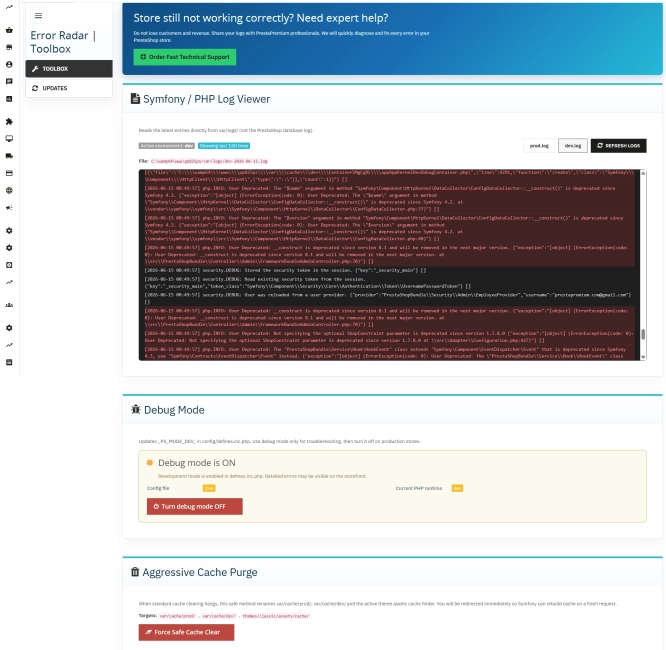
Error Radar & Toolbox — PrestaShop Error Diagnosis & Server Utilities
Error Radar & Toolbox is a powerful, free administrative module for PrestaShop that allows you to instantly diagnose technical store issues directly from your Back...
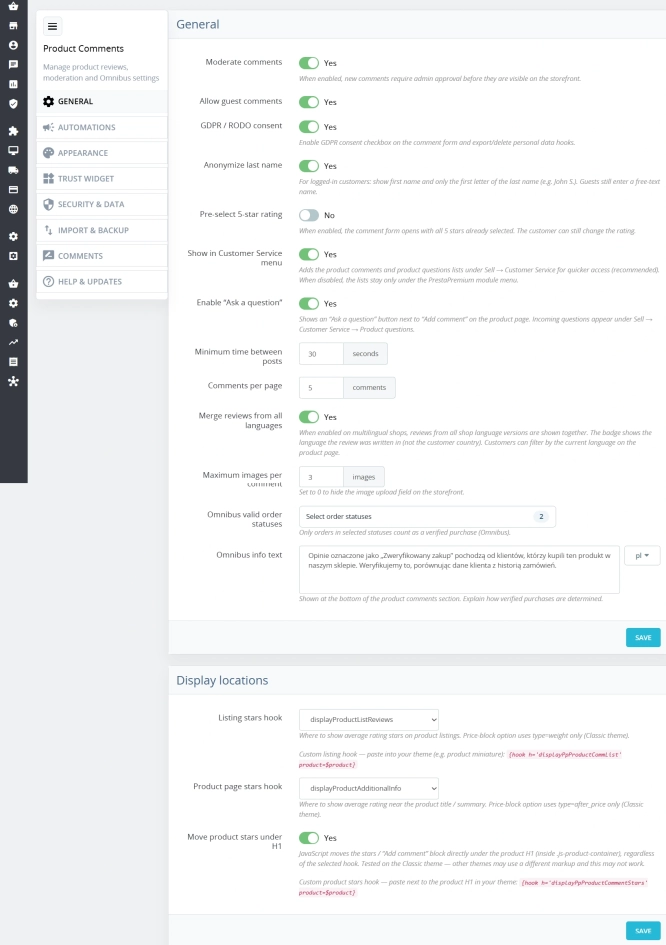
PrestaShop Product Reviews & Comments – Discount Vouchers, Customer Photos, JSON-LD & Fee-Free...
This module serves as a complete alternative to paid SaaS review platforms (such as Trustpilot, Opineo, or Trusted Shops) and allows you to bypass complex Google...

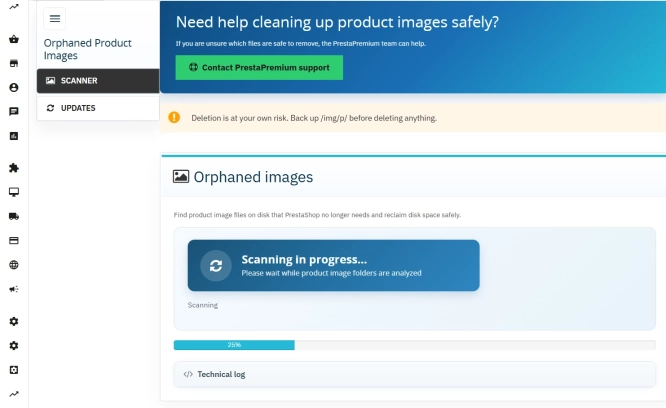
Unused Product Images — Free Server Cleanup for PrestaShop
Unused Product Images (Free) is a free PrestaShop module designed to optimize disk space and file limits (Inodes) on your hosting. The tool automatically locates and...
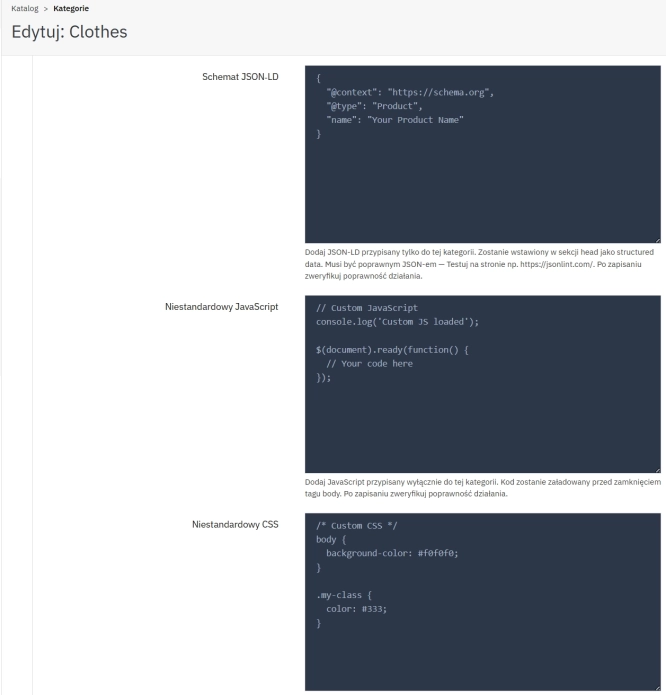
SEO Custom Code Manager for PrestaShop Products Categories and CMS
A module for PrestaShop that allows adding custom JSON-LD , JavaScript, and CSS resources individually to each product, category and CMS . Increase search engine...

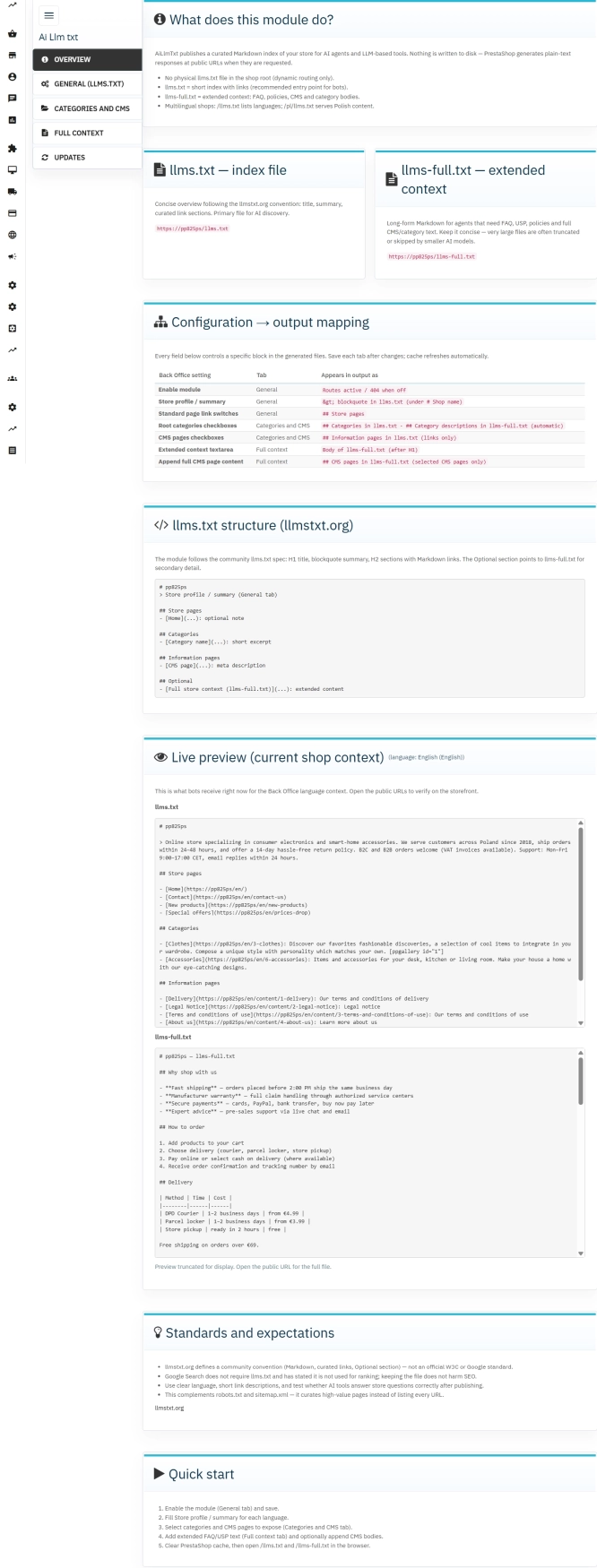
llms.txt for PrestaShop — Dynamic Store Index for AI Bots
AiLlmTxt publishes llms.txt and llms-full.txt files on the fly, without physical file generation on the disk — PrestaShop generates them dynamically under public URLs....

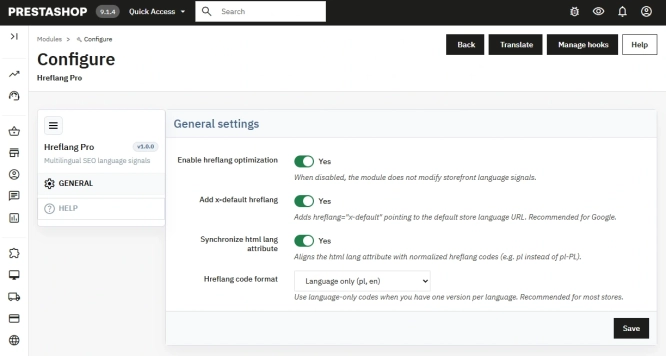
Hreflang and X-Default Normalisation for PrestaShop
Hreflang Pro solves the issue of directing shoppers to the wrong language version of your store (for instance, when a local customer lands on a foreign-language page from...

- New
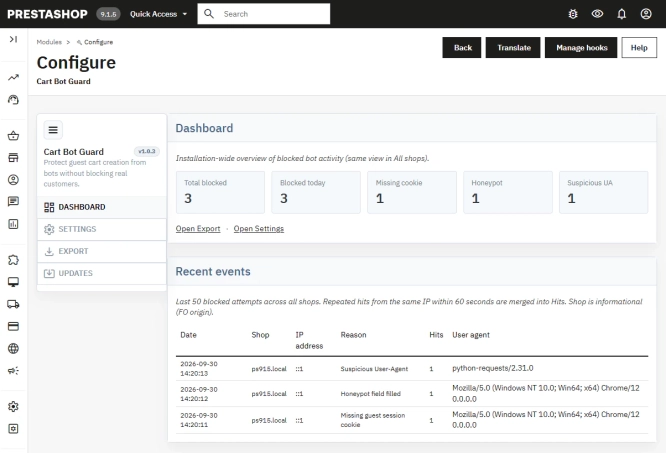
PrestaShop Anti-Bot Cart – Fake Cart Protection
A lightweight, non-invasive solution for PrestaShop that eliminates the mass creation of fake carts by bots and HTTP scripts. The module neutralizes automated traffic...
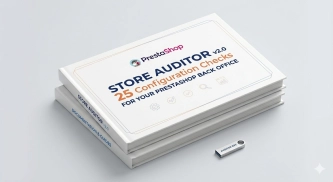
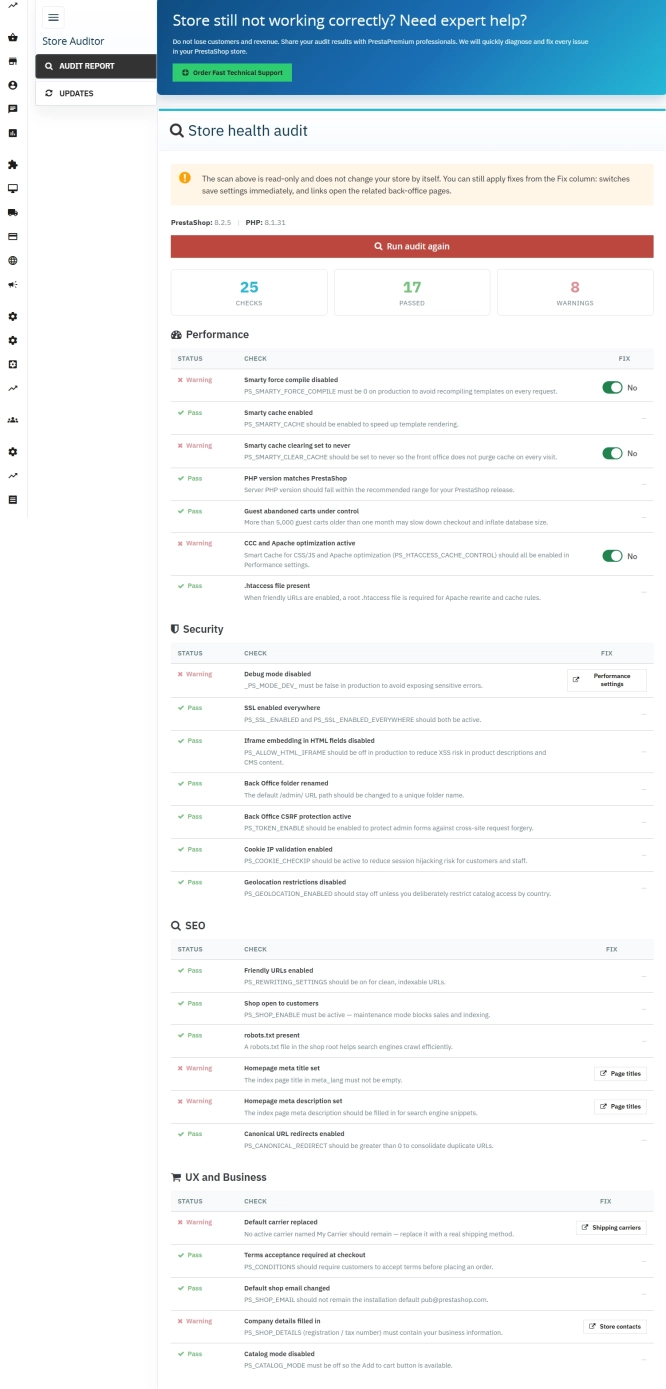
Store Auditor — 25 Configuration Checks for Your PrestaShop Back Office
Store Auditor is a completely free PrestaShop module that checks 25 core settings of your store with a single click. It instantly lets you know if your website is...
- Discount
Price available only until: 11.10.2026
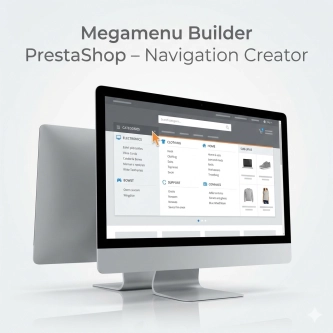
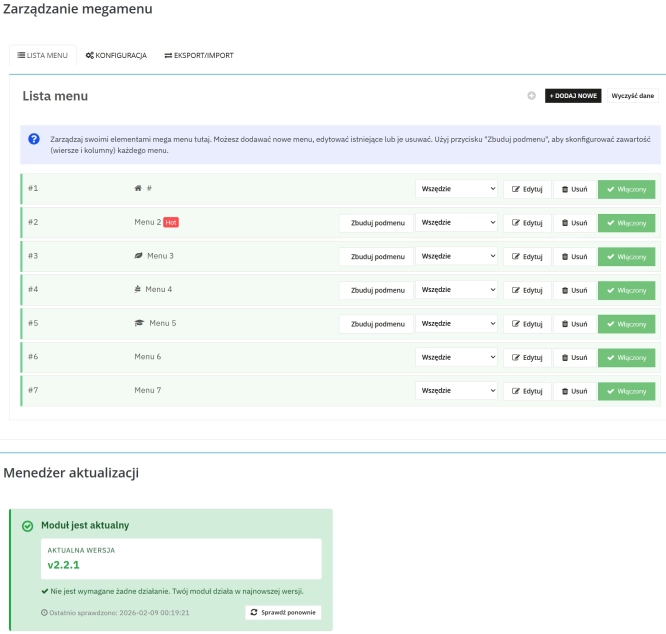
Megamenu Builder PrestaShop – Navigation Creator (Atomic Cache Technology)
Change the way customers navigate your store. PP Megamenu is an advanced navigation builder that combines Premium design with uncompromising performance. Thanks to our...

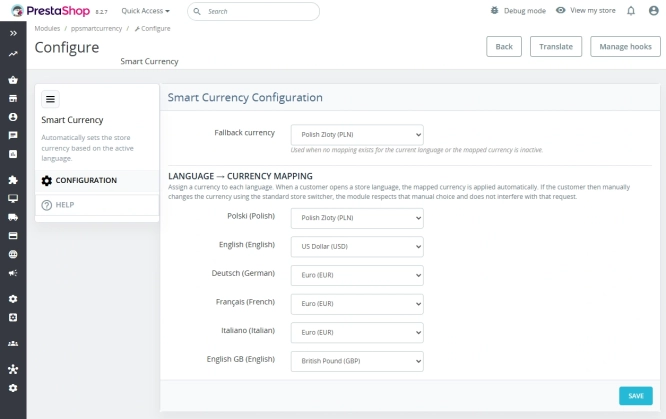
Automatic currency matching by shop language in PrestaShop
PP Smart Currency automatically matches the currency to the language a customer is using in your PrestaShop store. Visitors immediately see the right currency, while the...

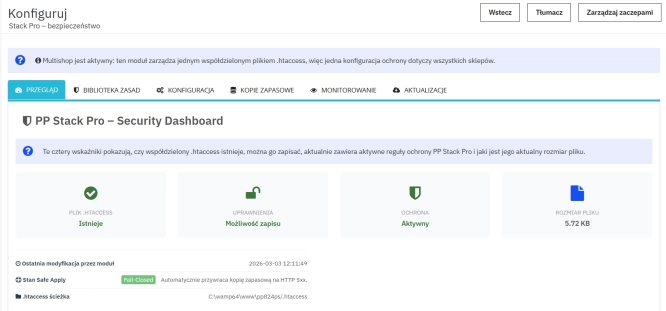
Advanced PrestaShop traffic and performance optimization generator (htaccess)
Stack Pro is a protective module for PrestaShop that restricts artificial and automated traffic at the server level through controlled modification of the .htaccess file....

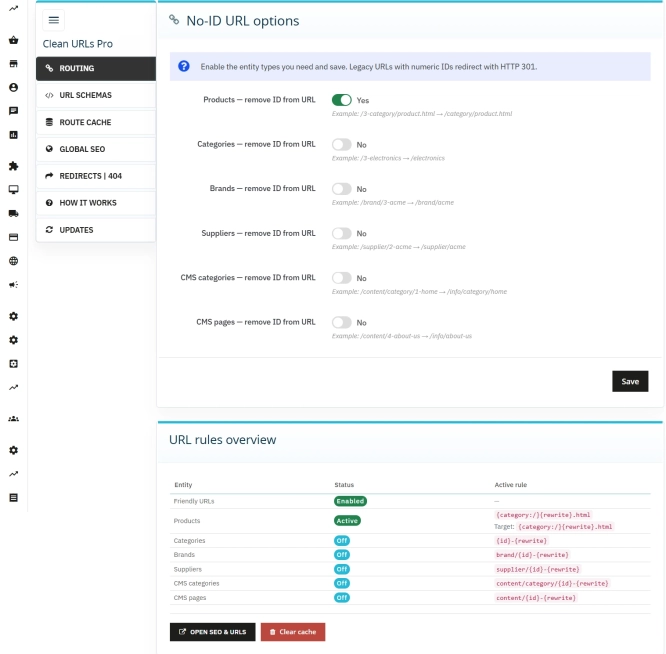
Clean URLs Pro – remove IDs from PrestaShop URLs
Clean URLs Pro removes numerical IDs from product, category, CMS category, CMS page, brand, and supplier URLs — without core modifications and with zero overrides. Simply...

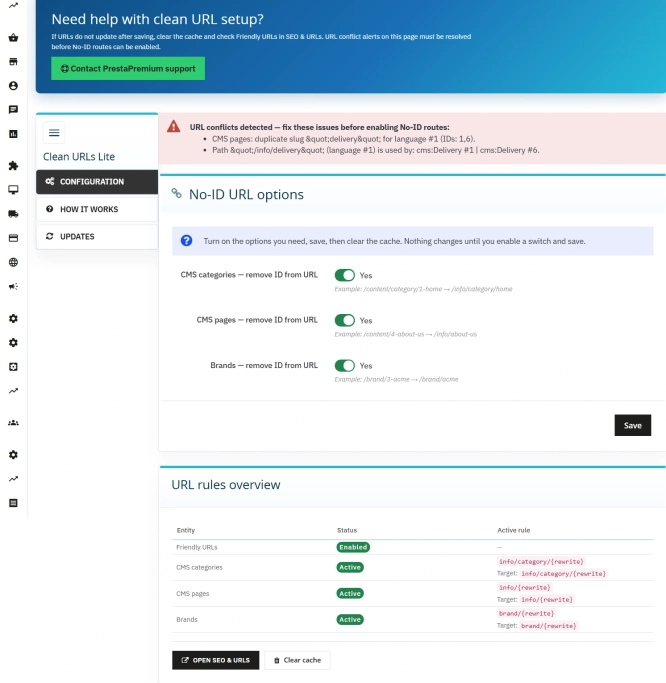
Remove ID from URLs (CMS, Brands) PrestaShop [Free]
The free Clean URLs Lite module modifies native PrestaShop routing by removing numeric identifiers (IDs) from CMS page, CMS category, and brand (manufacturer) URLs. It...
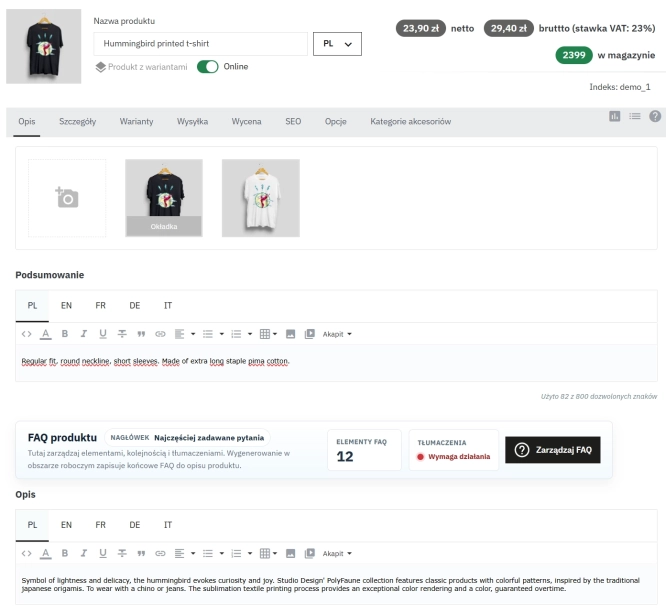
Take SEO and conversion further: a PrestaShop FAQ module with a built-in editor and FAQPage JSON-LD
The FAQ Builder module makes it easy to add question and answer (FAQ) sections directly to your PrestaShop product descriptions. The management interface sits just above the...
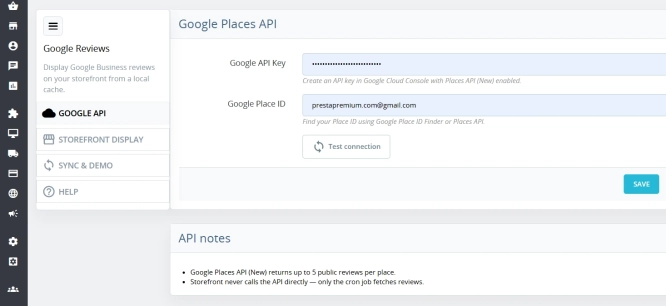
Google Maps Reviews Module for PrestaShop – Automatic Import and Display of Customer Ratings
This module serves to increase trust in your shop by displaying authentic reviews from Google Maps. Thanks to the automatic generation of JSON-LD structured data, star...
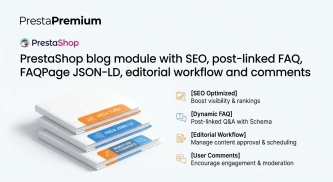
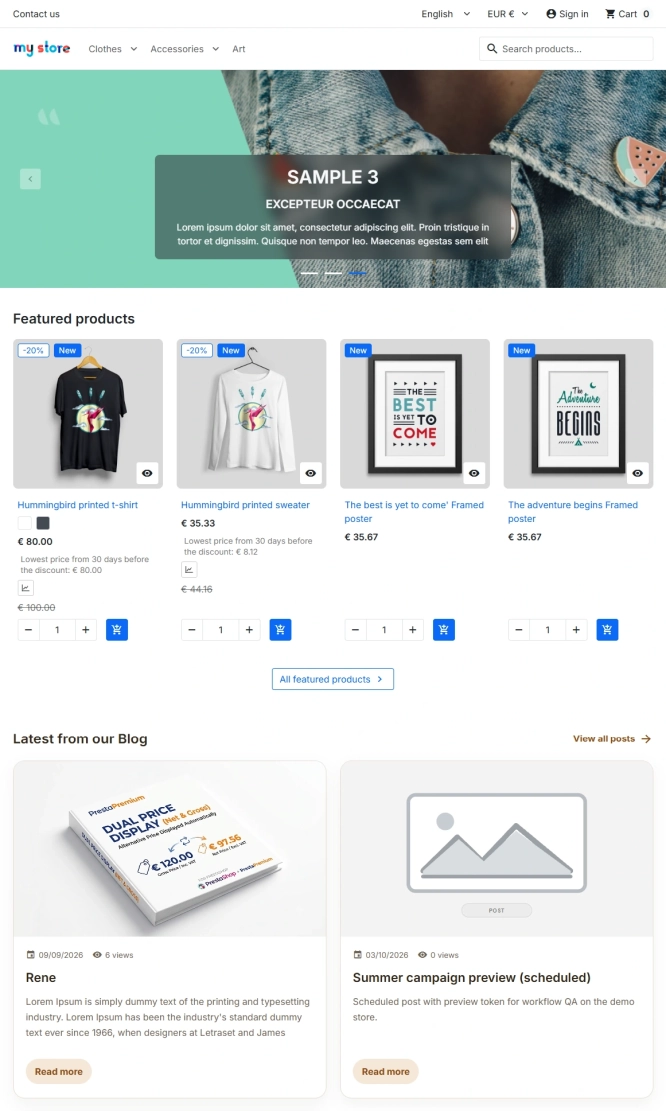
PrestaShop blog module with SEO, post-linked FAQ, FAQPage JSON-LD, editorial workflow and comments
A blog for PrestaShop built for real organic visibility, content commerce and better coverage of question-style search queries. The module gives full control over SEO...
Do you need additional features or custom solutions?
- Module customisation tailored to your specific requirements.
- Extending functionality to enhance your store's capabilities.
- Developing bespoke modules designed to meet your unique needs.
- Integrating external systems and additional tools.
- Optimisation and improvements for better performance and user experience.
Do you have ideas on how to improve this software? Share your suggestions for optimisation, new features, or bug reports – we’ll be happy to review them!