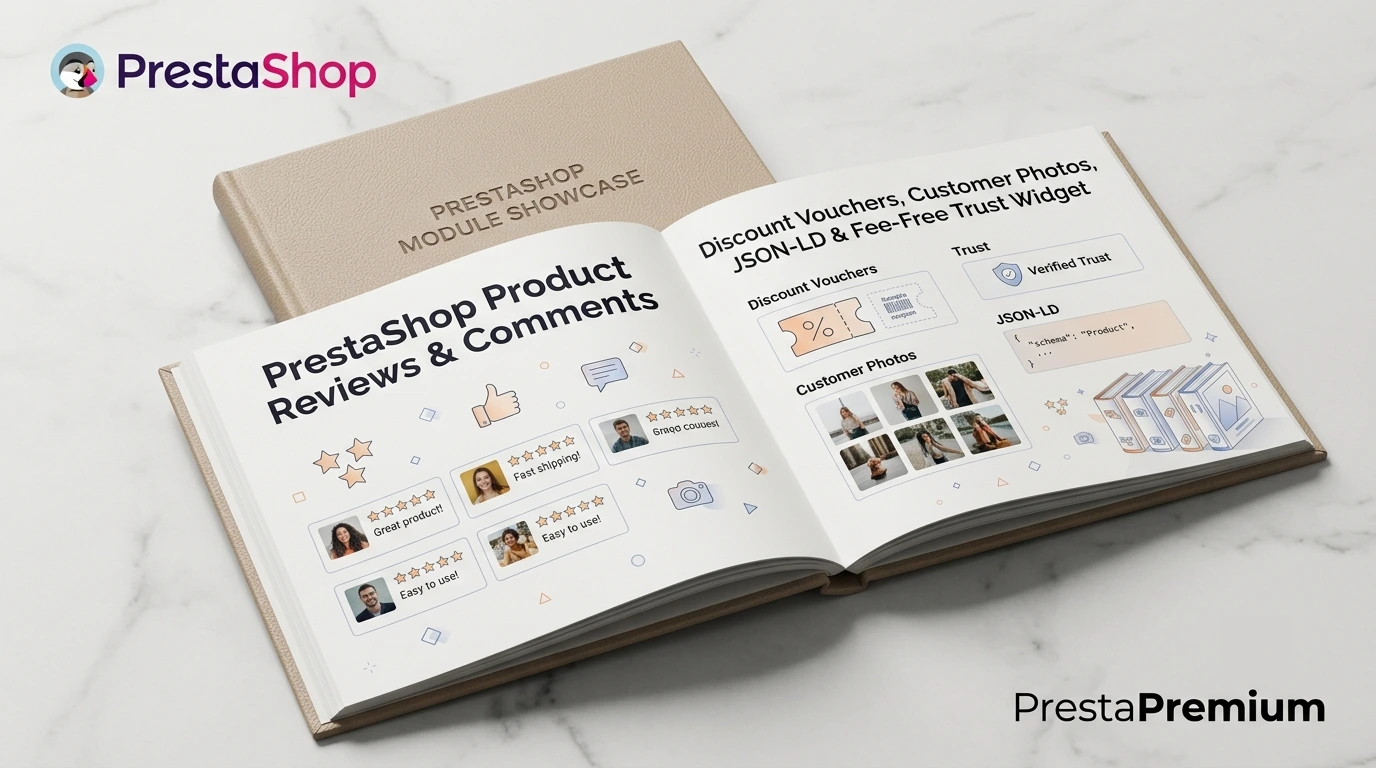
PrestaShop Product Reviews & Comments – Discount Vouchers, Customer Photos, JSON-LD & Fee-Free Trust Widget
This module serves as a complete alternative to paid SaaS review platforms (such as Trustpilot, Opineo, or Trusted Shops) and allows you to bypass complex Google integrations (GMC / Google Maps) by replacing the default PrestaShop review system. It implements full review authenticity verification based on confirmed orders in compliance with the EU Omnibus Directive. It automatically dispatches post-purchase email reminders and generates discount vouchers for leaving feedback, offering an extra incentive for attaching a product photo.
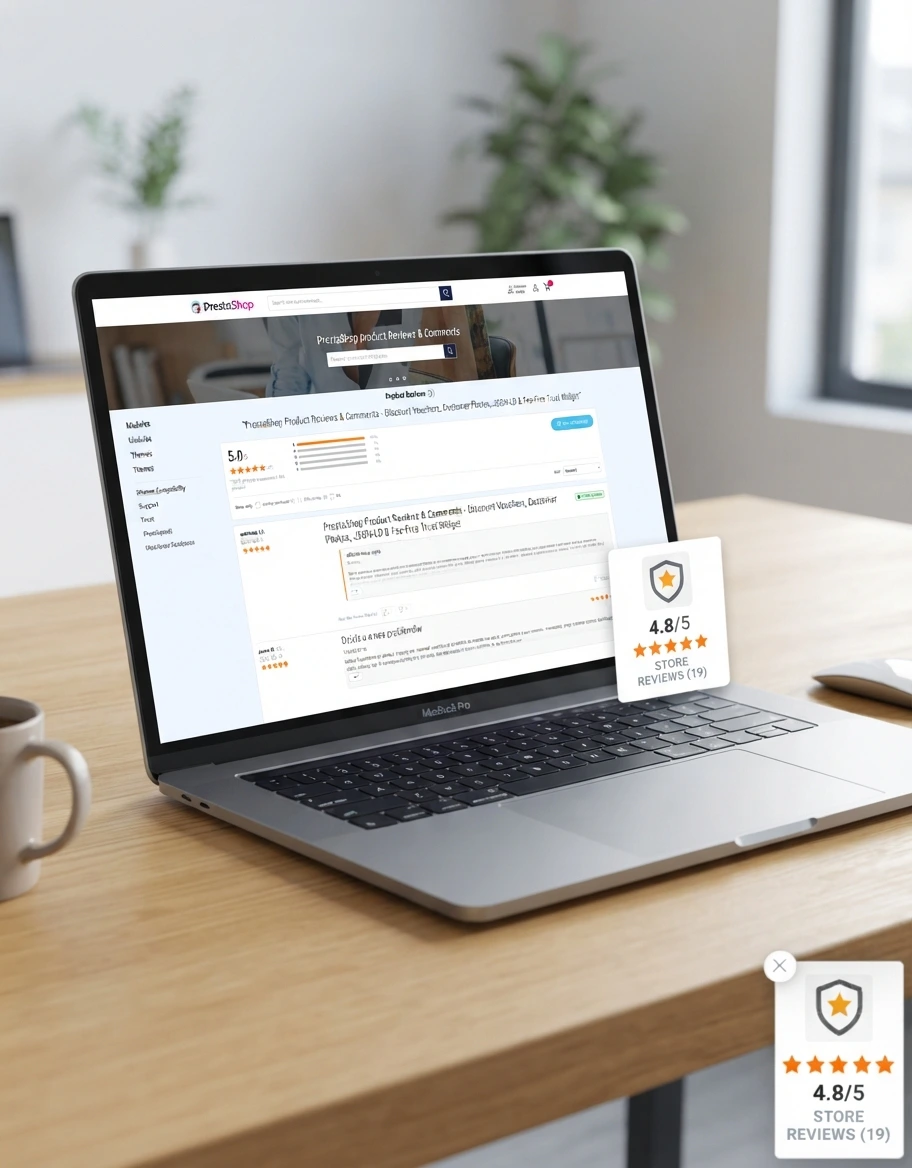
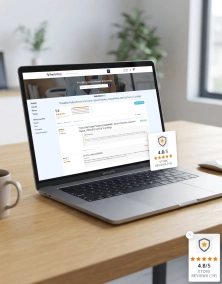
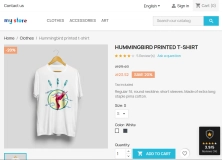
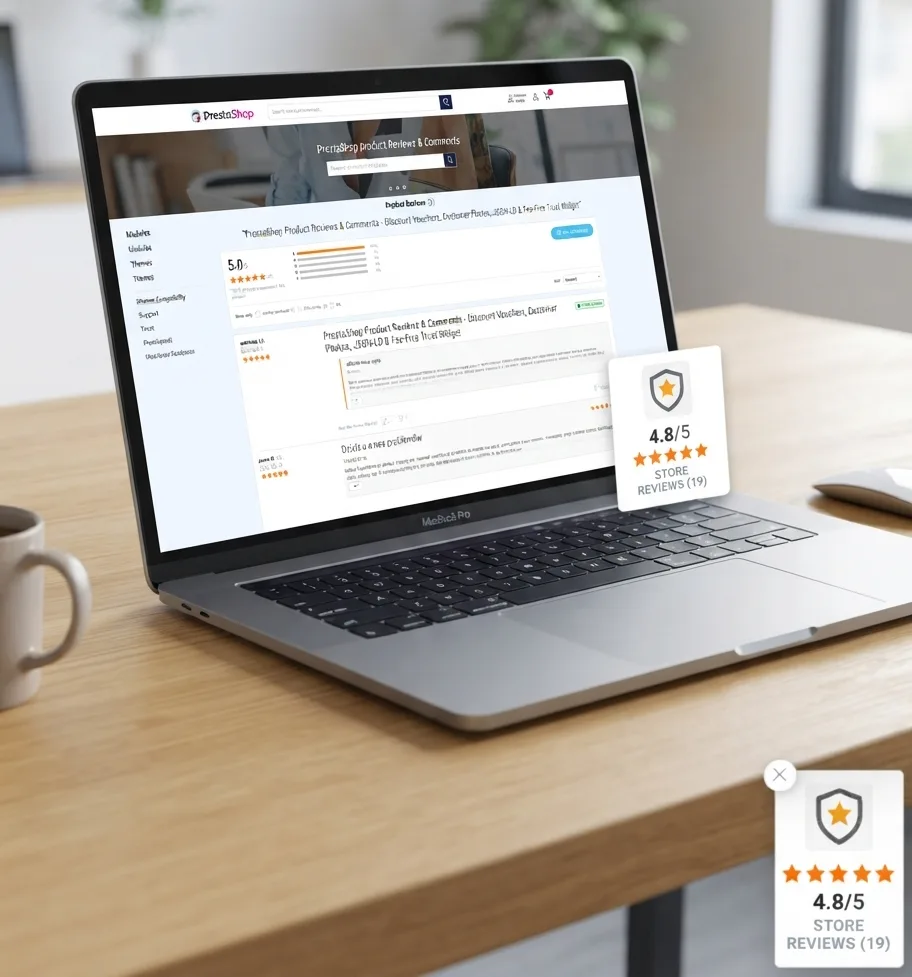
The module includes a floating trust widget with zero recurring subscription fees. Its clean architecture provides SEO JSON-LD structured data support to display star ratings and review badges directly in Google search results (Rich Snippets). The system comes fully equipped with essential deployment tools: seamless comment migration from the native PrestaShop module, a built-in backup system, and a sample data generator. Features complete Multistore support.

- Discount



Price available only until: 31.10.2026
Information Parameters:
- 1.2.7
-
Store Version PHP Version1.7.5 + 7.1 – 7.48.x 8.1 – 8.39.x 8.1 – 8.5
- 2026-10-19
- FR, ES, PL, IT, DE, EN
- ✅
- ✅
- ✅
- ✅
- ❌
- demo.admin.shop
- demo.front.shop
Key Benefits
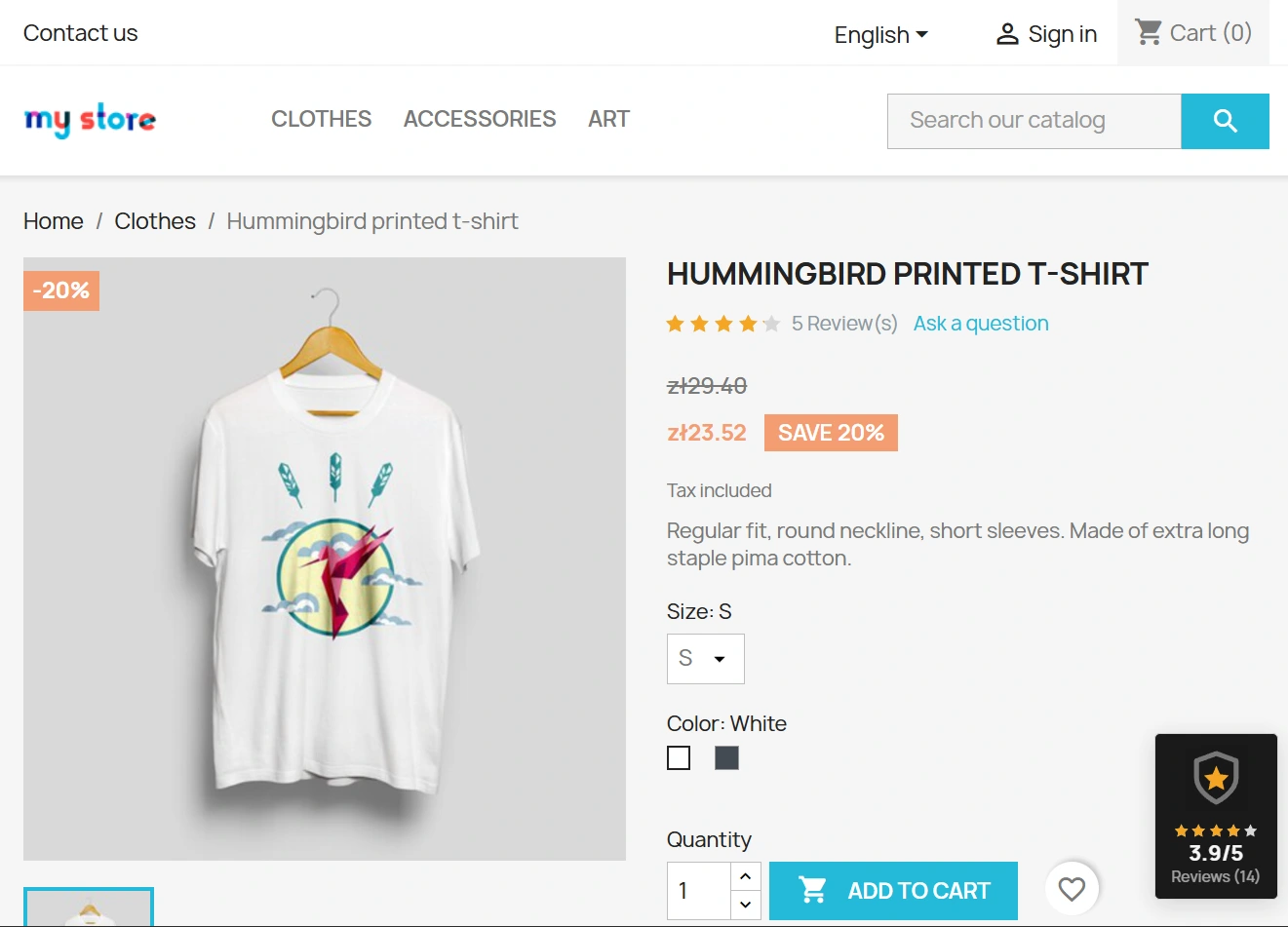
- Subscription-Free Trust Widget – a floating badge displaying your average rating and customer photos across all shop pages.
- Automated Review Requests – automatically dispatches email invitation workflows triggered by chosen order statuses and scheduled via CRON tasks.
- Discount Voucher System – generates unique discount codes automatically upon review submission, with an option for a higher incentive if a photo is attached.
- Regulatory Compliance (Omnibus, GDPR) – verified purchase badges, dedicated explanatory notices, and seamless integration with PrestaShop's official GDPR module (anonymises personal data without deleting review content).
- SEO JSON-LD Structure – built-in microdata schema (Product, Review, AggregateRating) to display star ratings directly in Google search results.
Use Cases
Designed to cater to various e-commerce business models:
- Visual Niches (Fashion, Home & Garden, Beauty): Collect authentic customer photos (UGC) to boost trust and conversion rates on product pages.
- Technical & High-Involvement Products (Electronics, B2B, Tools): Features a standalone Q&A section to resolve technical inquiries prior to purchase.
- Agencies & Developers: One-off licence fee with zero subscriptions (no SaaS fees), complete control over the SQL database, and rapid deployment tools for client builds.
Features – Back Office (Admin Panel)
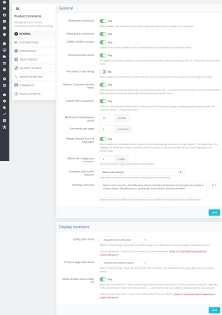
General Settings & Moderation
Management and configuration of module functionality from the admin panel.
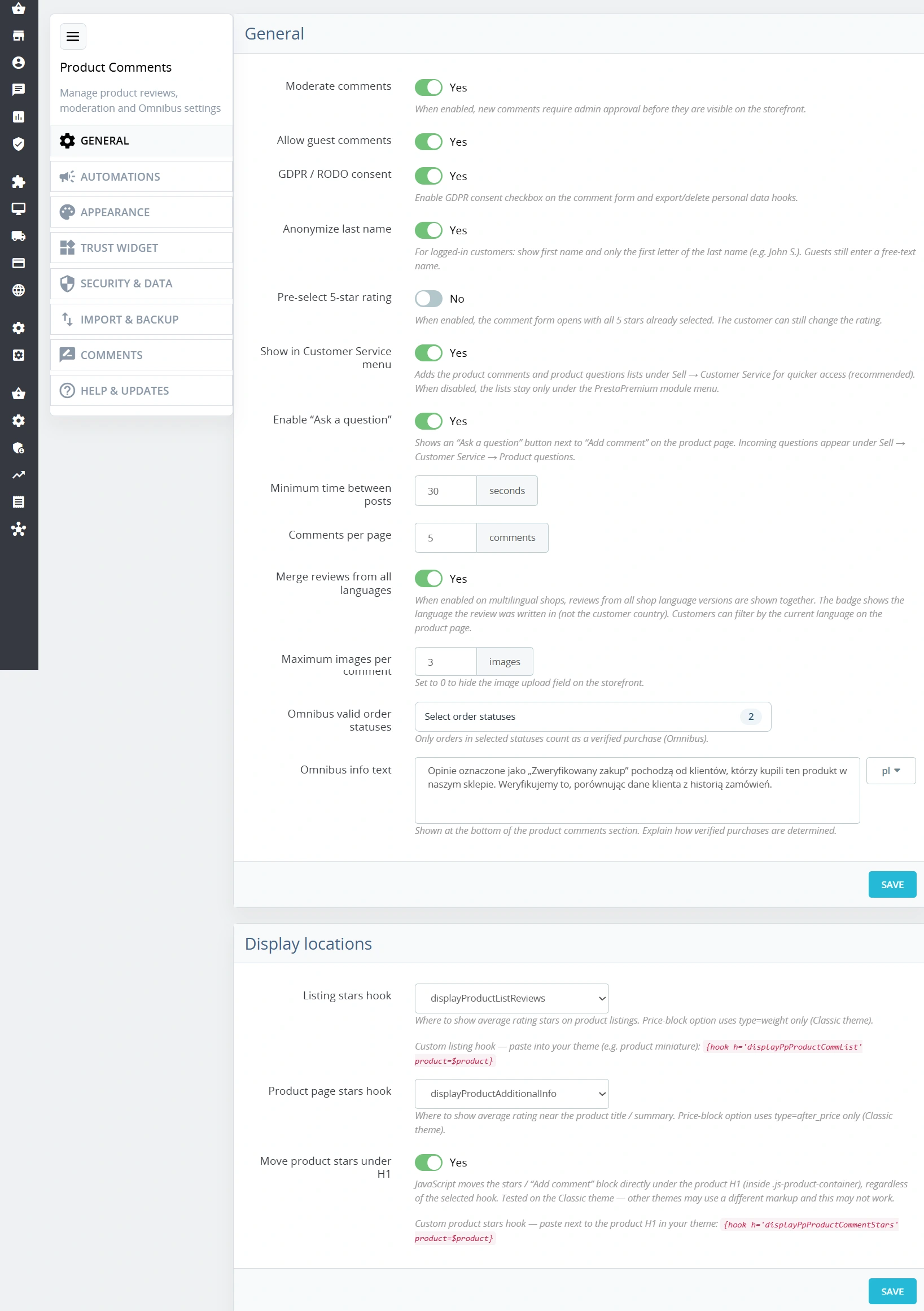
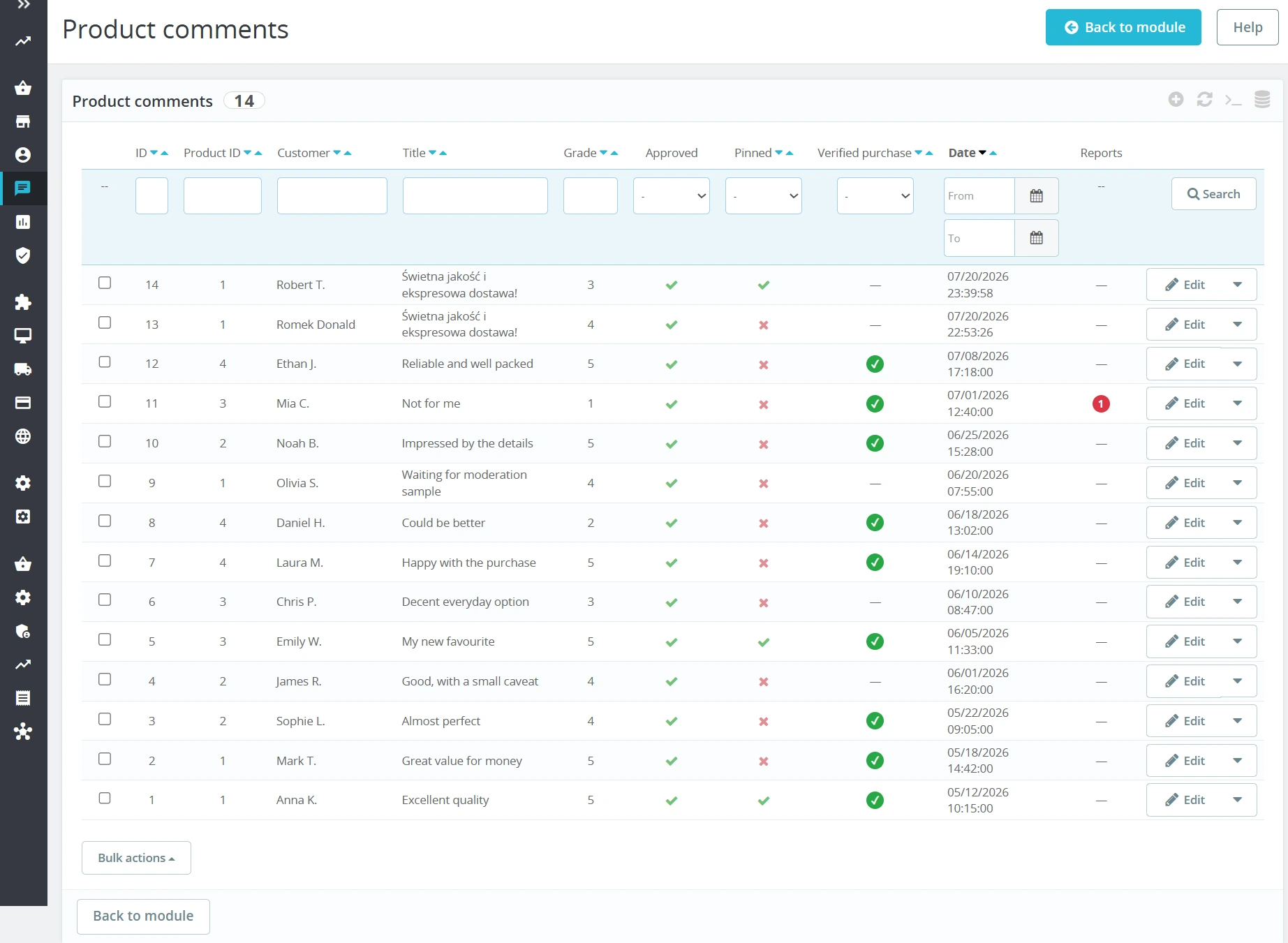
- Submission Control: Optional pre-publication moderation, guest review toggle, and Q&A section toggle.
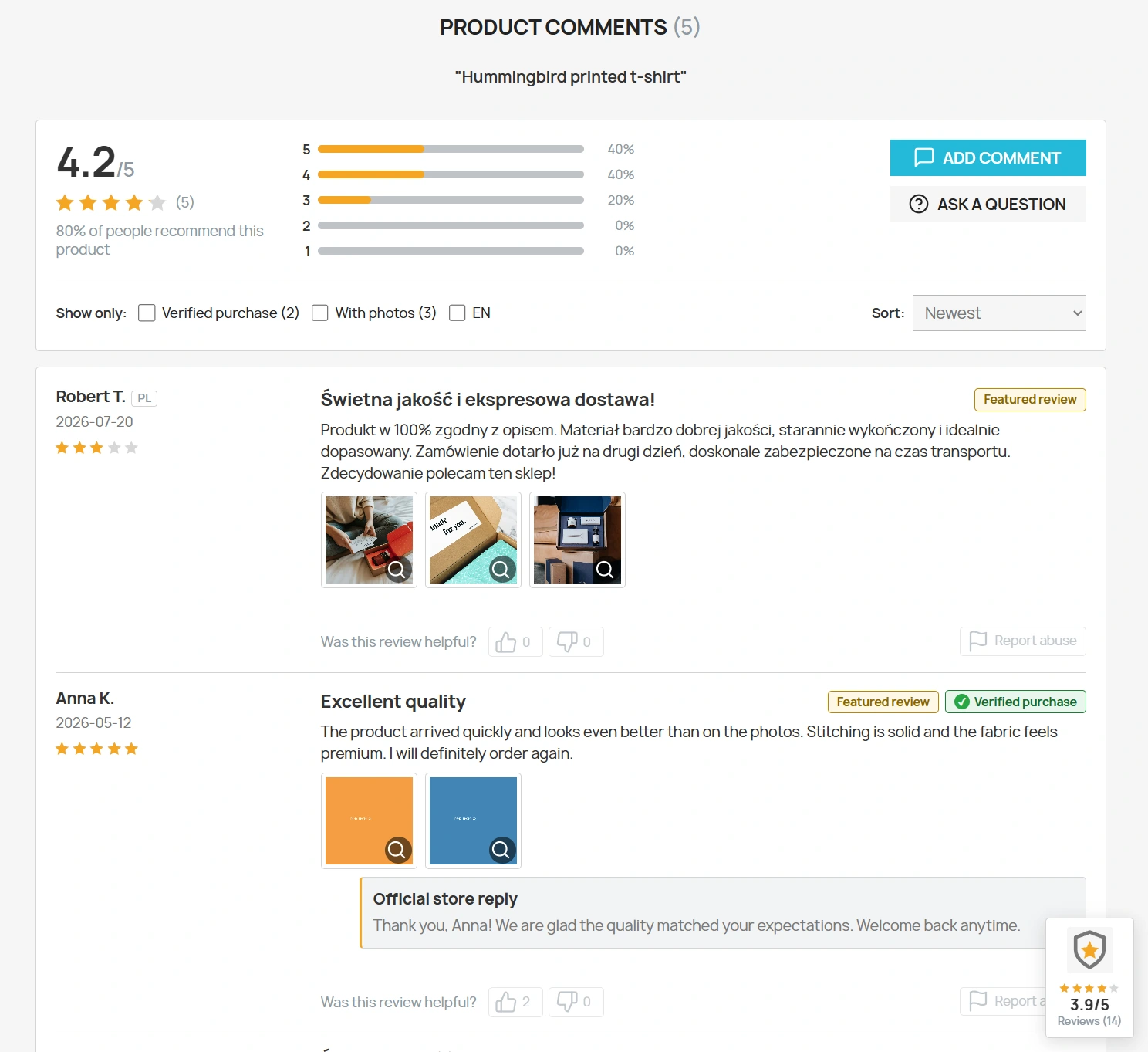
- Multilingual Reviews: Combine reviews across all store languages, display ISO flag badges next to authors (when review language differs from interface language), and provide a "Show only:" filter on product pages.
- Placement & Hooks: Complete control over element positioning. Product lists:
displayProductListReviews,displayProductPriceBlock, and customdisplayPpProductCommList. Product pages:displayProductAdditionalInfo(default),displayProductActions,displayProductPriceBlock, and customdisplayPpProductCommentStars. Full review section & Q&A tab indisplayFooterProduct. Built-in script enables moving rating stars directly below the main H1 title. - Form Configuration: Option to automatically truncate surnames to the first letter, enforce a default 5/5 rating, set photo limits, and define minimum time intervals between submissions.
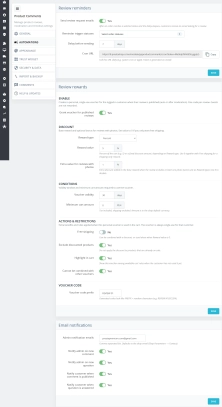
Automation & Incentives
Configuration of automated message workflows and discount voucher generation.
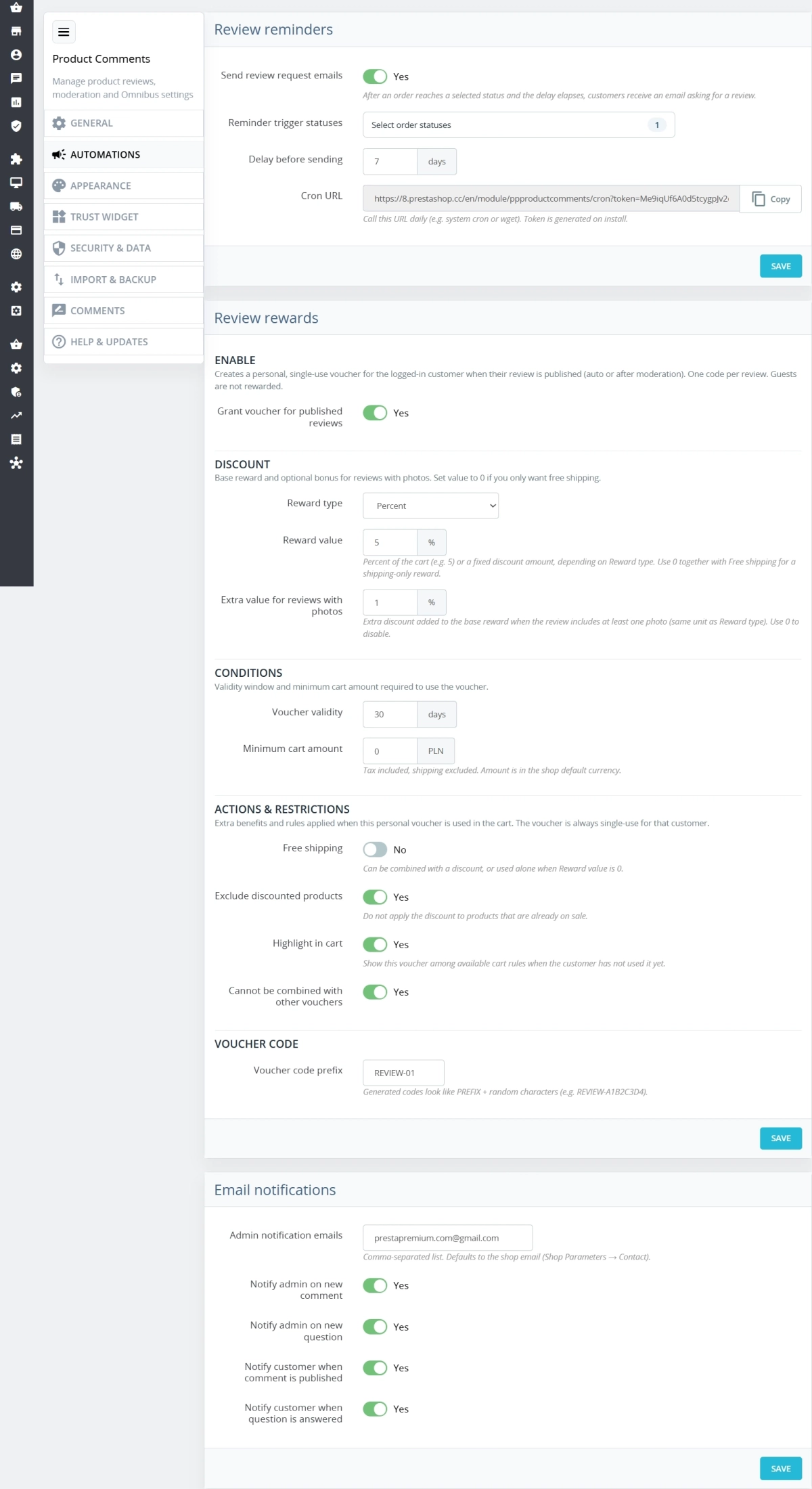
- Reminders (Cron & Manual): Set delay period (days) and target order statuses triggering email requests; supports automated dispatch via CRON or manual queue management.
- Queue & Delivery Logs: Single or bulk email processing, delivery status logging, error retries, and a cap of up to 7 successful reminder emails per order.
- Analytics & Statistics: Total request and review counts, conversion rates, issued vs. redeemed vouchers, paid orders using vouchers, and attributed revenue.
- Vouchers: Automatic generation of personal discount vouchers (fixed amount or percentage) for reviews submitted via signed email invitations. Configurable expiry dates, minimum order values, free shipping options, exclusion of discounted items, voucher stacking, and extra bonuses for photo attachments.
- Notifications: Email alerts for store administrators upon new submissions, and customer notifications when an official answer to their Q&A question is published.
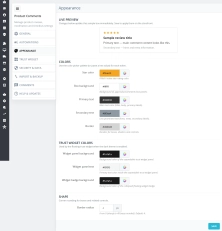
Styling & Customisation
Visual adjustment of the interface directly from the back office panel.
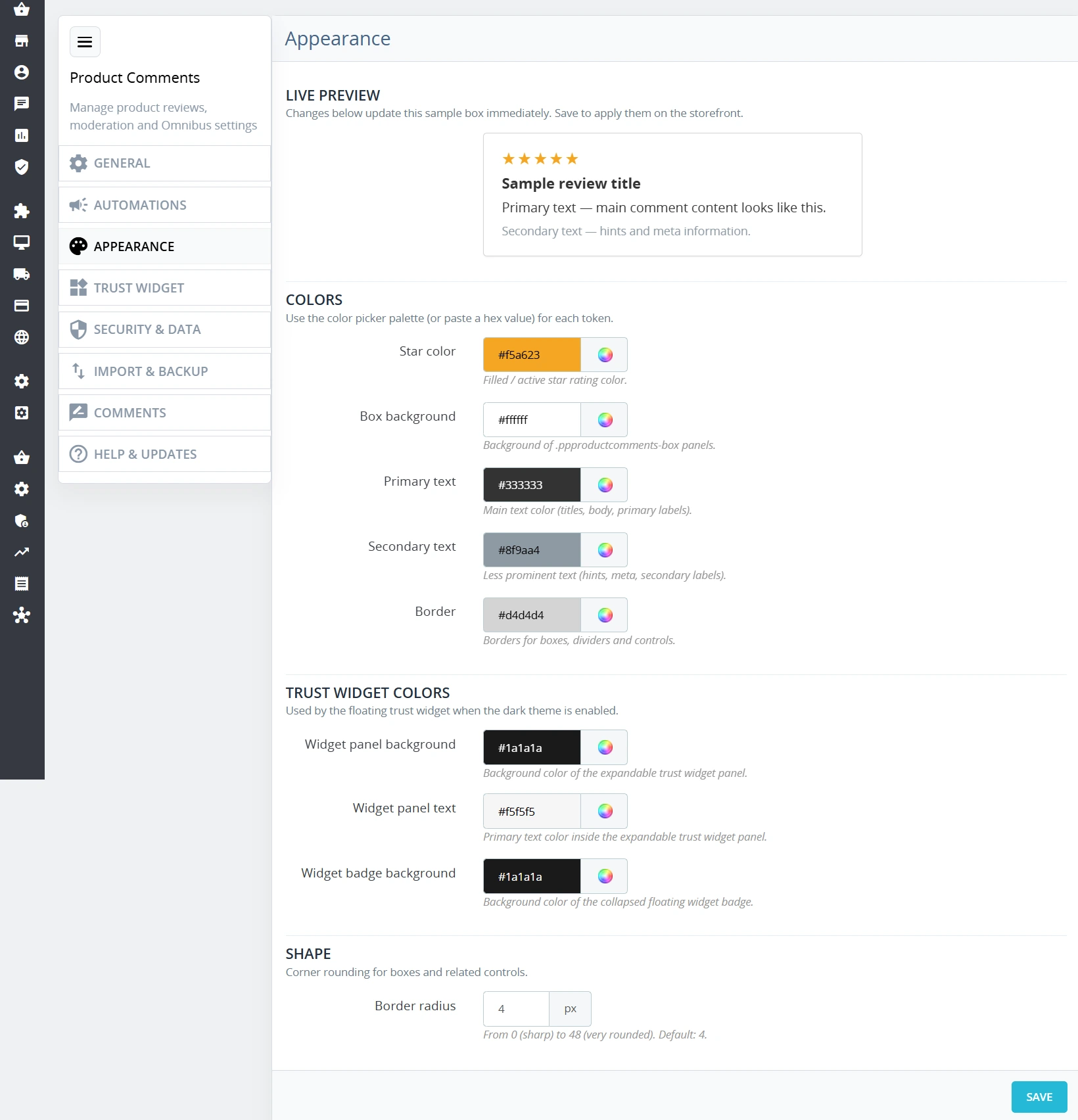
- Colour Palette: Customisable colors for stars, primary and secondary text, panel backgrounds, borders, trust widget elements, and border-radius corners.
- Live Preview: Preview colour and corner rounding adjustments in real-time before saving settings.
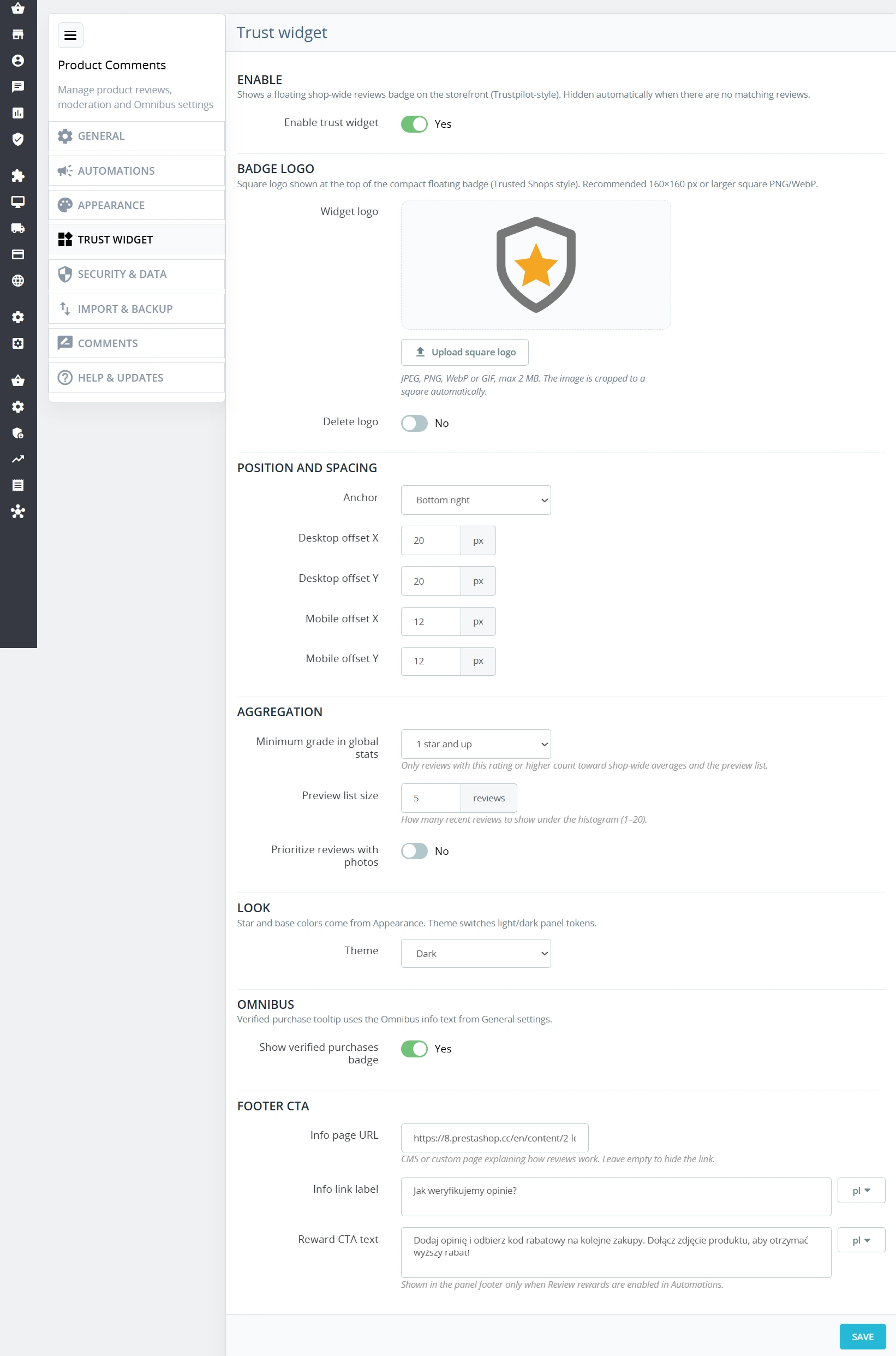
- Dark/Light Mode: Independent light and dark theme configurations for the global trust widget.
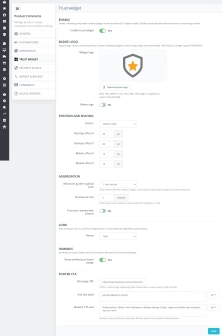
Trust Widget Configuration
Fine-tune parameters for the floating rating panel.
- Conditional Display: Define the minimum review rating threshold for widget stats, set the number of previewed reviews, and prioritise reviews containing photos.
- Positioning: Select screen alignment edges with independent margin offsets for Desktop and Mobile viewports.
- Branding Assets: Upload custom store logos in JPEG, PNG, WebP, or GIF formats (up to 2 MB); images automatically adjust to fit a square container.
- Multilingual Content: Configurable label text for info links and incentive call-to-action prompts.
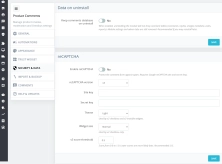
Security & Legal Compliance
Adapt your store to European legal frameworks and protect against spam.
- Omnibus Verification: Assign order statuses that define verified purchases, and edit explanatory texts describing your verification methodology.
- GDPR Compliance: Consent checkboxes in guest review and Q&A forms, fully integrated with PrestaShop's official GDPR data export and erasure hooks.
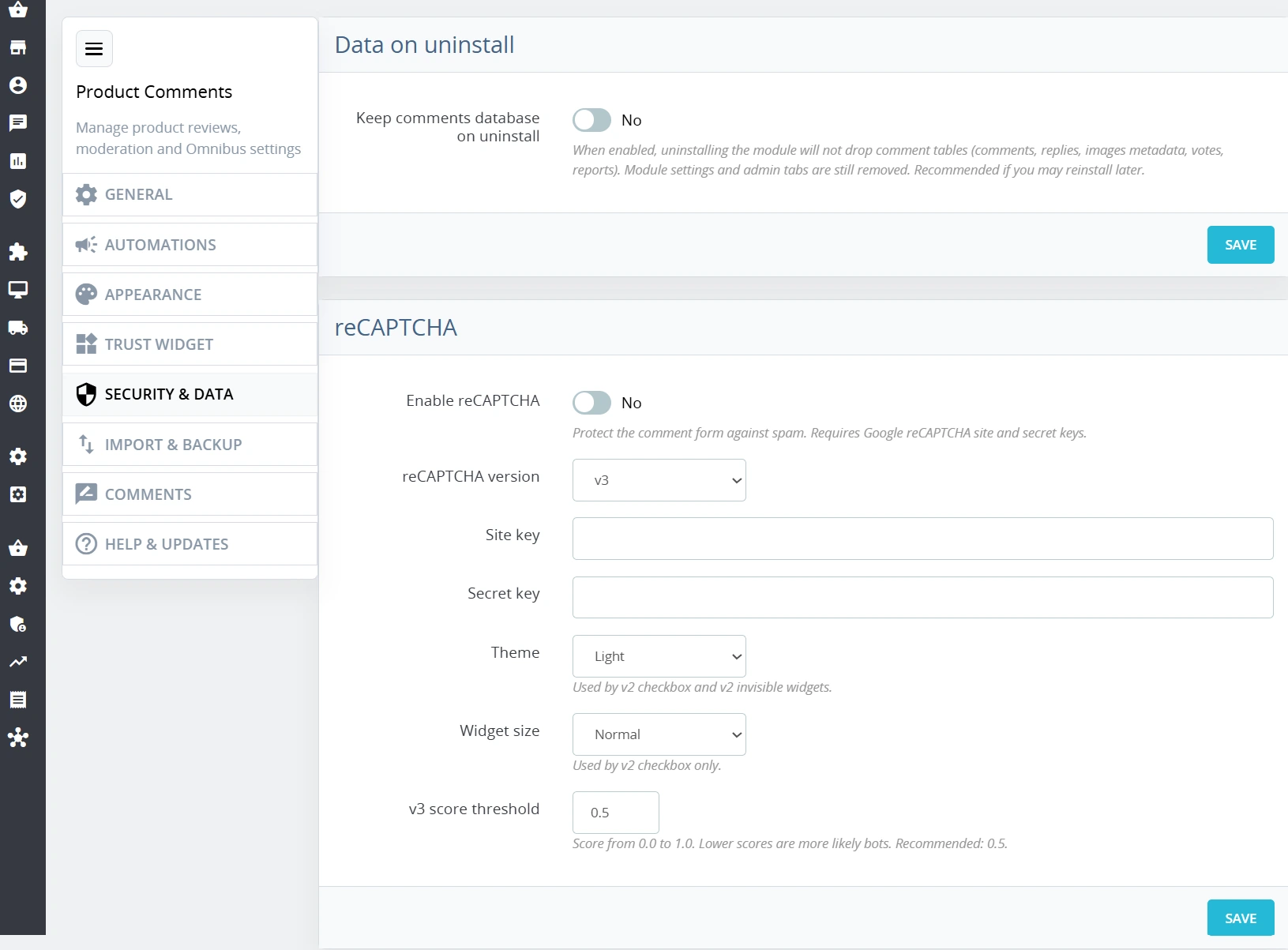
- Google reCAPTCHA: Built-in protection supporting reCAPTCHA v2 Checkbox, v2 Invisible, and v3 models.
- Data Retention on Uninstall: Optional preservation of reviews, replies, photos, votes, reports, questions, and module logs upon uninstallation.
Developer & Migration Tools
Features designed for smooth deployment and data transfers.
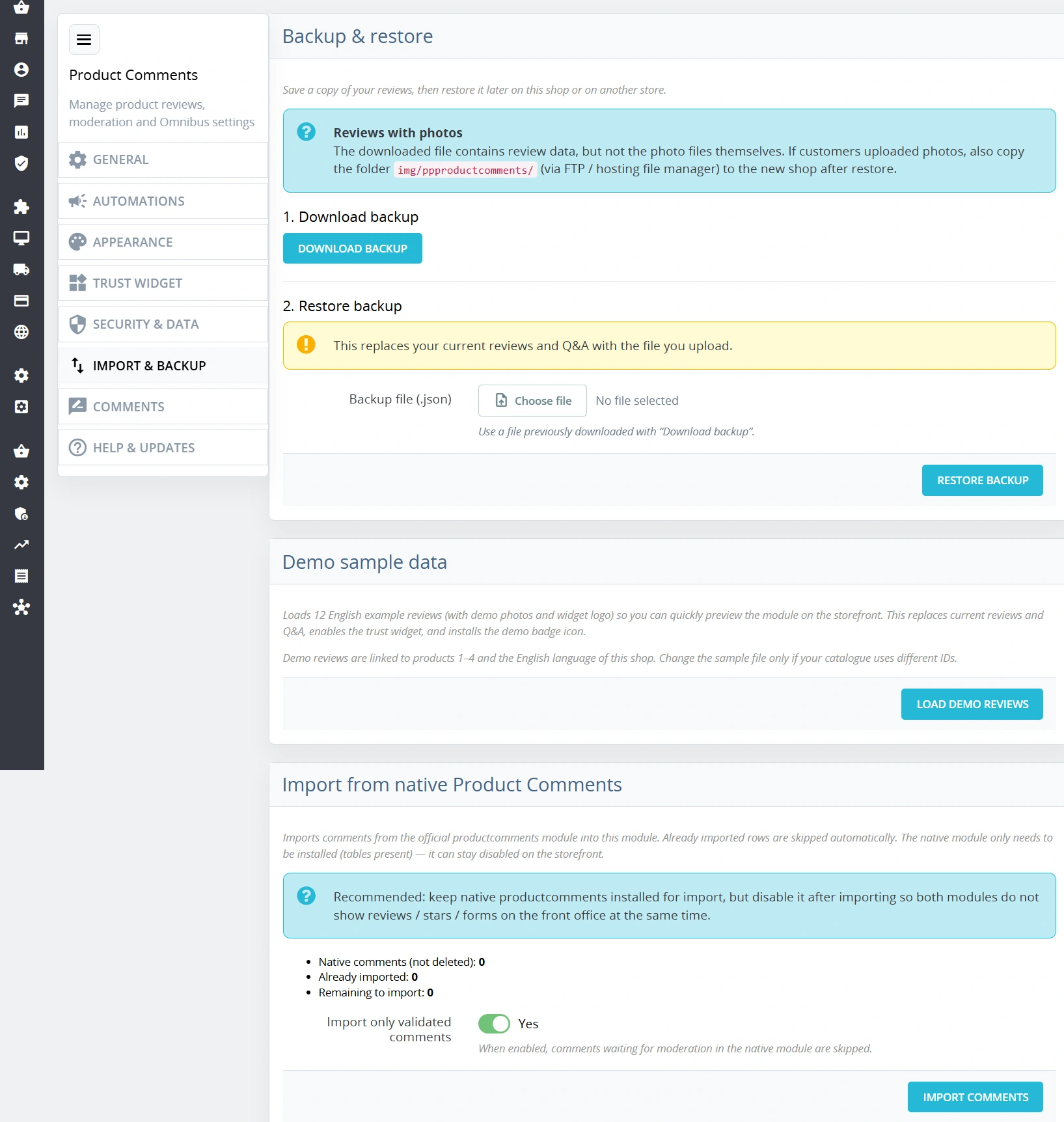
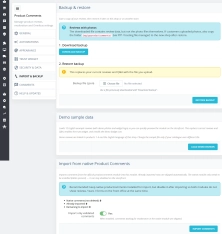
- Migration from "Product Comments": Fast data import from the native PrestaShop product comments module without data loss or duplicate entries.
- Backup System: Export and import reviews, questions, answers, and meta tables to a structured JSON file. (Excludes images; the
img/ppproductcomments/directory must be copied manually). - Data Restoration: Restoring a backup overwrites current reviews and Q&A entries.
- Sample Data Generator: Includes 12 sample English reviews with photos and widget logos pre-mapped to Product IDs 1–4.
Features – Front Office (Storefront)
Photo Reviews
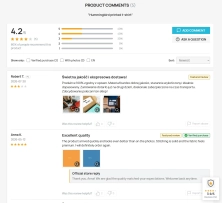
Customers can upload image files alongside their feedback up to administrator-defined limits. Store visitors can filter reviews using "With photos only" and language filters ("Show only:") on multilingual stores.
Pinned Reviews
Highlight select top-tier reviews by pinning them to the top of the product page review list with a special featured badge.
Helpfulness Ratings & Reporting
Logged-in customers can vote reviews as helpful or unhelpful, or report inappropriate entries for administrator moderation.
Verified Purchase Badge & Merchant Replies
Reviews receive automated verified purchase badges. Store administrators can publish official merchant responses directly below individual reviews.
Product Q&A Tab
A dedicated tab alongside traditional comments allowing shoppers to ask questions on product pages and store personnel to publish official answers.
Interactive Trust Widget
A floating badge showing average ratings that expands into a drawer panel (mobile- and desktop-friendly) displaying Omnibus verification compliance details and recent reviews.
SEO & Structured Data Impact
The module outputs JSON-LD Schema.org structured data for AggregateRating and Review. This data may enable star ratings in Google organic search results (rich results); their eligibility and display are determined by Google's policies and systems.
Important Note
This module does not alter PrestaShop Core files.
Deployment Checklist:
- Cache: Clear your shop cache in the Back Office after changing hook configurations or enabling star relocation under the
<h1>heading. - Review Migration: Import existing data from native PrestaShop comments before uninstalling the native module.
- Conflict Prevention: Disable or uninstall the legacy module after migration to prevent duplicate elements on product pages.
- Data Backups: Always export module data and create a backup copy of the
img/ppproductcomments/folder prior to updates, imports, or data restores. - Paid Google Ads Results: The module's JSON-LD does not add star ratings to paid Google Search ads. Ratings in product ads require separate setup through Google Product Ratings / Merchant Center.
## [1.2.7] - 2026-10-19

### Fixed
- Installation Issues: Resolved errors during installation and uninstallation on newer versions of PrestaShop (8.1+), ensuring a smooth setup process.

## [1.2.6] - 2026-10-12

### Added
- Floating trust widget: visitors can hide the badge (minimize) and restore it later; preference is stored in `localStorage`.
- Minimize control uses an SVG icon for consistent rendering across fonts and themes.

### Changed
- Module version bump (PS 8 / 9 / 1.7 variants).
- Polish translations for “Hide store reviews” / “Show store reviews”.

## [1.2.5] - 2026-09-10

### Changed
- Updated and corrected translations (PL, FR, DE, IT, ES).

## [1.2.4] - 2026-08-06

### Fixed
- Isolated comment services to avoid class conflicts with the blog module.

## [1.2.2] - 2026-07-20

### Changed
- Synchronized the user manual and product description (system requirements, hooks, multilingual reviews).
- Improved the Polish translation of the "Ask a question" label on the front end.


## [1.0.0] - 2026-02-17

### Added

- Initial release of the module.
You might also like
FAQs
-
Can customers add photos to reviews?
The module lets customers attach image files to reviews within the limit configured by the administrator. The product page includes a filter for reviews containing a photo, making customer-submitted material easier to browse.
-
Are the modules compatible with my version of PrestaShop?
Each module in our store contains information about compatibility with specific PrestaShop versions. Please check this information carefully before purchasing. If you are not sure, contact us.
-
How does the verified purchase label work?
A review can receive a verified-purchase label. The administrator assigns the transaction statuses used in the verification procedure and edits the explanatory text. This information is part of the module's Omnibus compliance features.
-
Does the module support product questions and answers?
The module provides a product-page questions-and-answers section that is separate from comments. Customers can ask questions directly on the product page, and the shop team can publish official answers for future visitors to see.
-
How can reviews be moderated and highlighted?
The administrator can enable optional moderation before a review is published and pin selected reviews at the top of the list. Highlighted entries receive a special badge, while logged-in customers can rate a review's helpfulness or report inappropriate content.
-
Which structured data does the reviews module support?
The module provides Schema.org JSON-LD structured data related to ratings and reviews. It supports AggregateRating, Review and Product structures; how search engines use and present this data depends on their policies.
16 other products in the same category:
- Discount
Price available only until: 18.11.2026
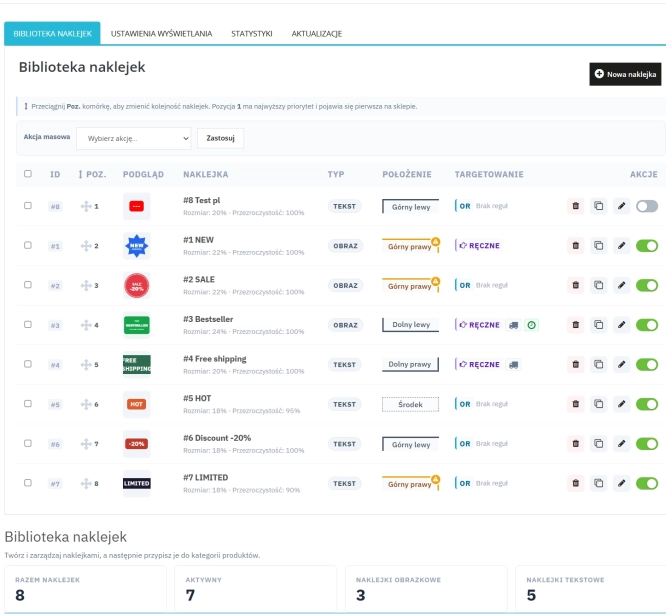
Dynamic Product Labels and Stickers for PrestaShop
The PP Product Stickers module is designed for automated product labelling in your store using graphic and text stickers. The tool allows you to implement clear sales...

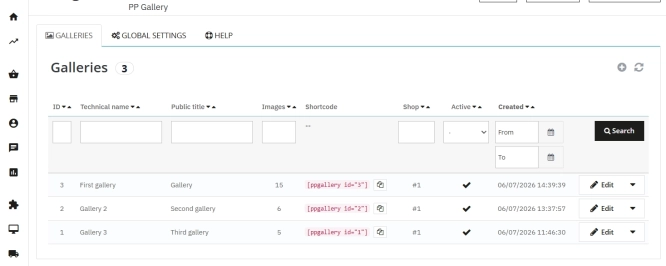
PrestaShop Gallery Management – Shortcode Module
Looking for a better way to showcase images in your store? Advanced Image Gallery for PrestaShop is a purpose-built module that lets merchants create, edit, and embed...

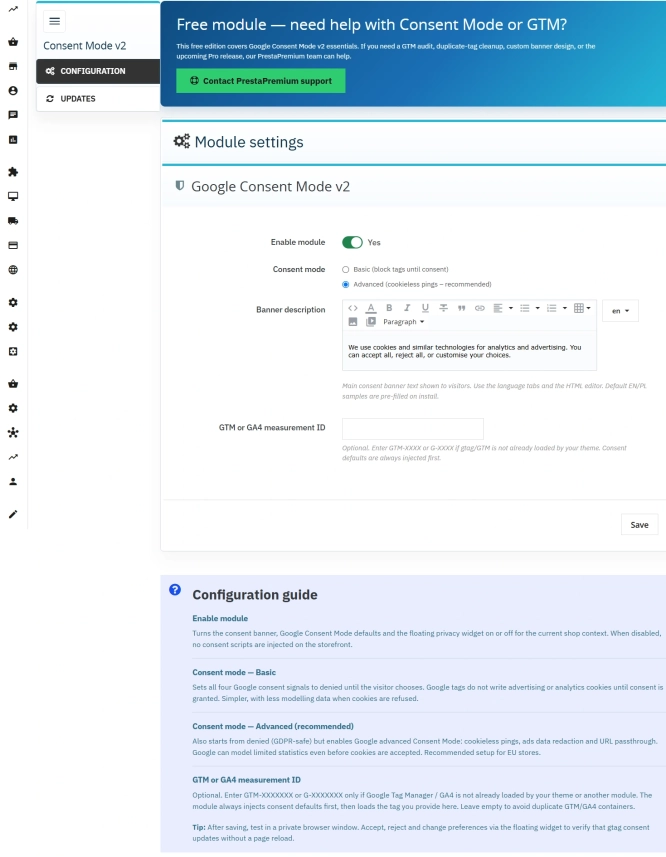
Cookie Banner and Google Consent Mode v2 for PrestaShop (Free)
PrestaPremium Consent Mode v2 (Free) is a reliable, free PrestaShop module that implements a fully GDPR-compliant cookie banner and handles Google Consent Mode v2 for...
- Discount
Price available only until: 31.10.2026
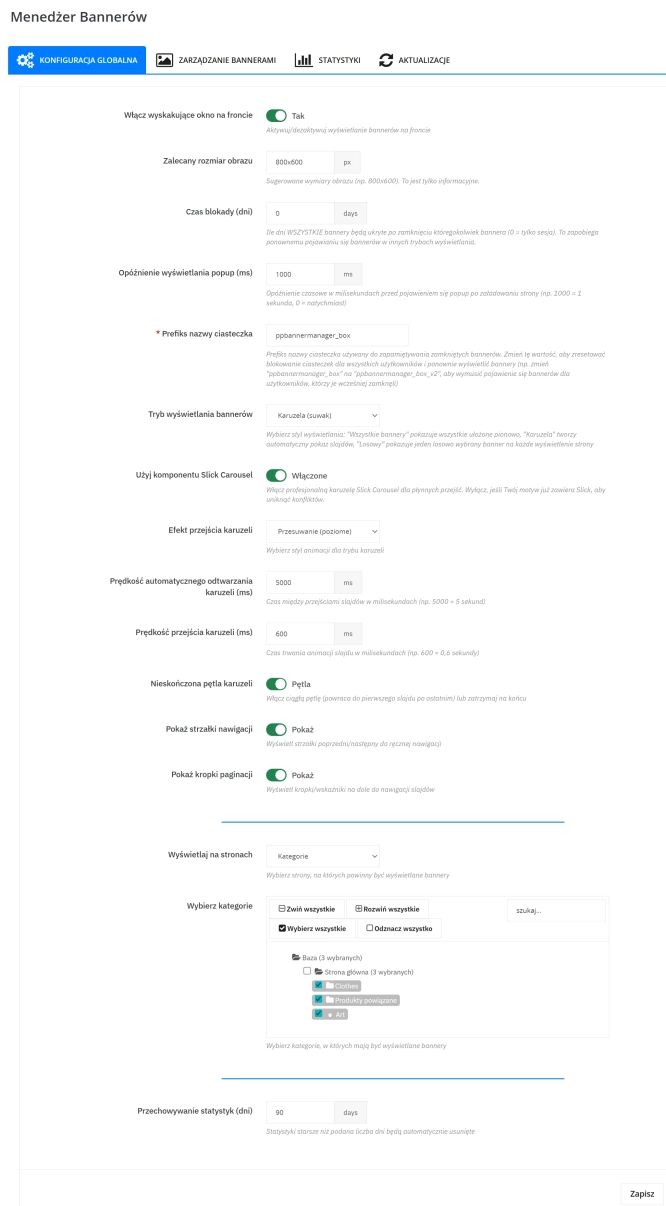
Banner Manager – Highlight promotions, new arrivals and important messages precisely when the customer is most engaged in shopping. Instead of hiding your message in page...
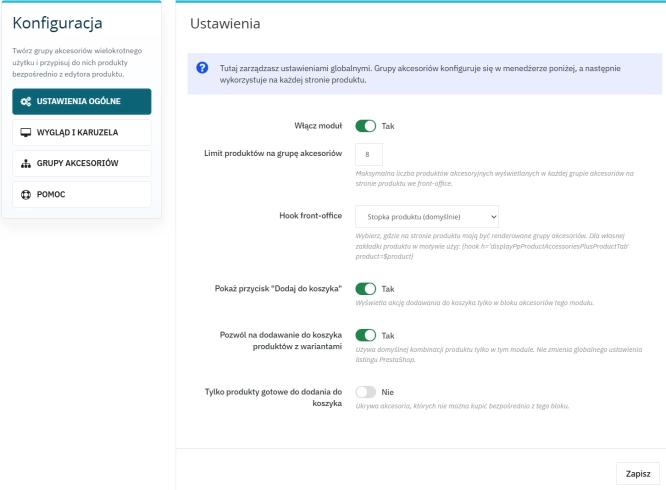
Custom Product Groups on the Product Page in PrestaShop
With Product Accessories Plus , you can create any product groups you need , set their order, and display them directly on the product page in your PrestaShop shop. You...
- Discount
Price available only until: 31.10.2026
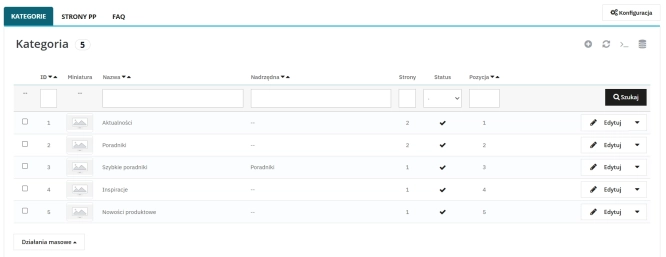
Content page system, an alternative to PrestaShop CMS Pages: categories, pages and FAQ with...
Frustrated by the limited capabilities of PrestaShop's native CMS? PP Page is a powerful alternative that transforms your shop into a fully-fledged publishing platform....
- New
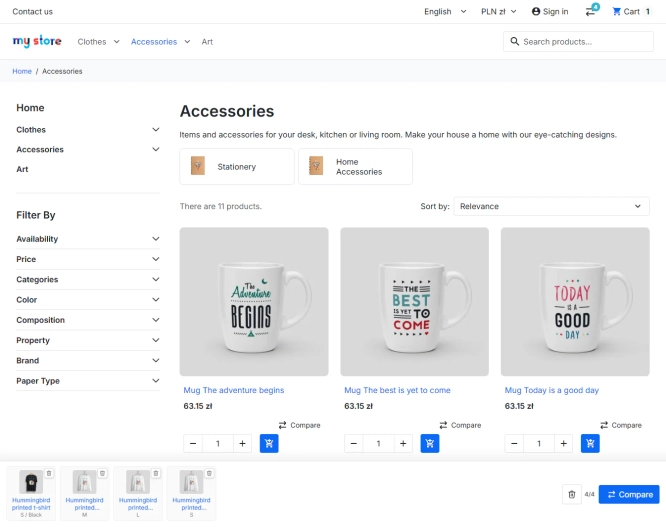
PrestaShop Product Comparison Module
Product Compare for PrestaShop lets customers compare products and their combinations in one clear table. It supports informed choices in catalogues where specifications,...
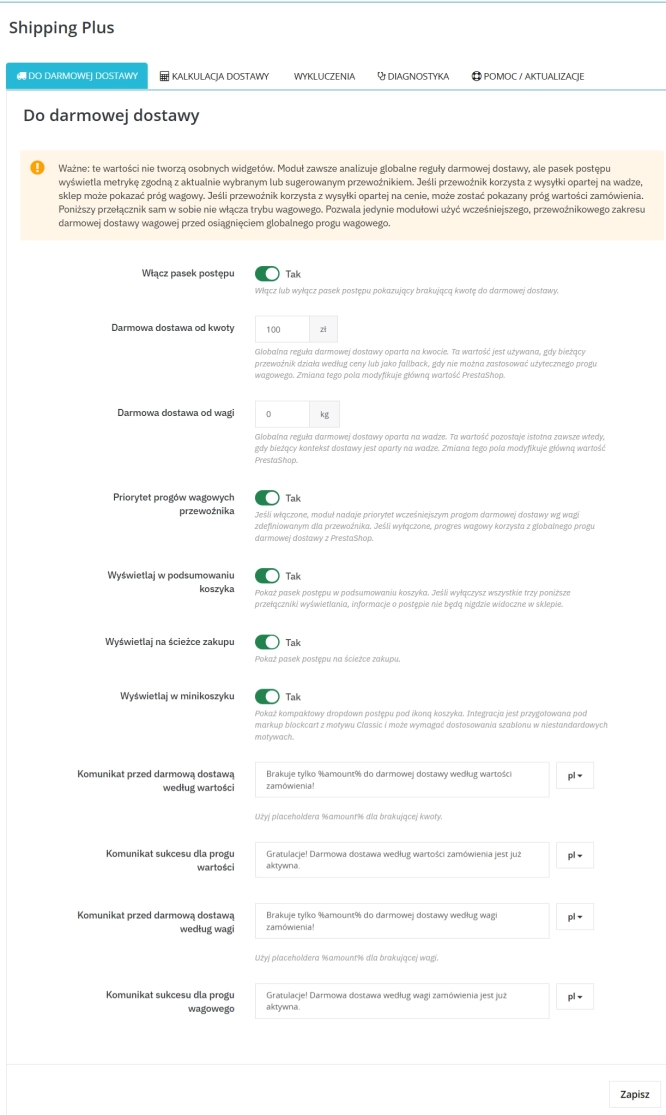
Free Shipping Progress Bar & Delivery Cost Estimate for PrestaShop
Encourage customers to spend more by showing them exactly how much is left until free shipping . The module also displays an estimated delivery cost on the product page ,...
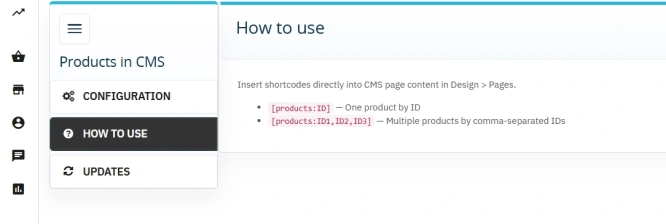
Products on CMS Pages for PrestaShop — Shortcode (Free)
PP CMS Products (Free) is a free PrestaShop module for displaying products on CMS pages. Insert a shortcode in your page content, e.g. [products:12] — the module...
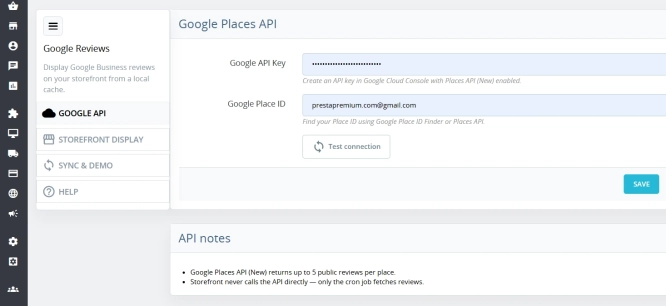
Google Maps Reviews Module for PrestaShop – Automatic Import and Display of Customer Ratings
This module serves to increase trust in your shop by displaying authentic reviews from Google Maps. Thanks to the automatic generation of JSON-LD structured data, star...
- Discount
Price available only until: 30.10.2026
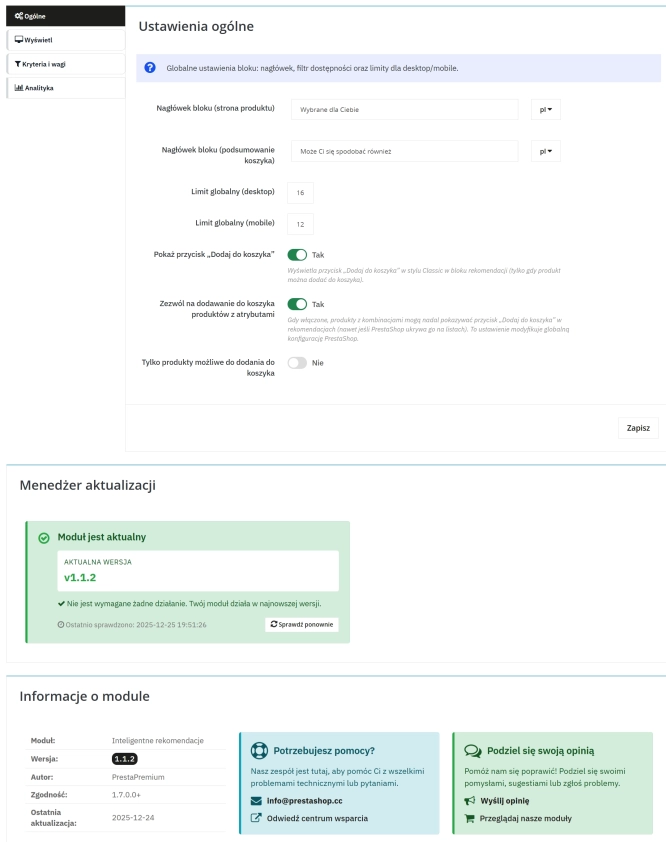
Product recommendation module for PrestaShop
A recommendations module for PrestaShop that displays tailored product suggestions in two key points of the buying journey: the product page and the cart. It reduces...
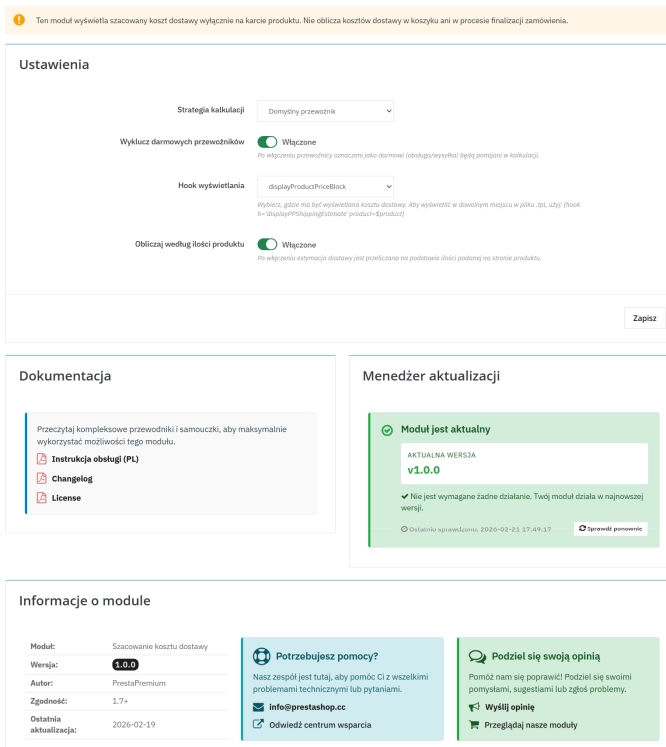
Automatic delivery cost on the product card
PP Shipping Estimate is an advanced module for PrestaShop that enables automatic calculation of delivery costs on the product page . The customer does not need to...
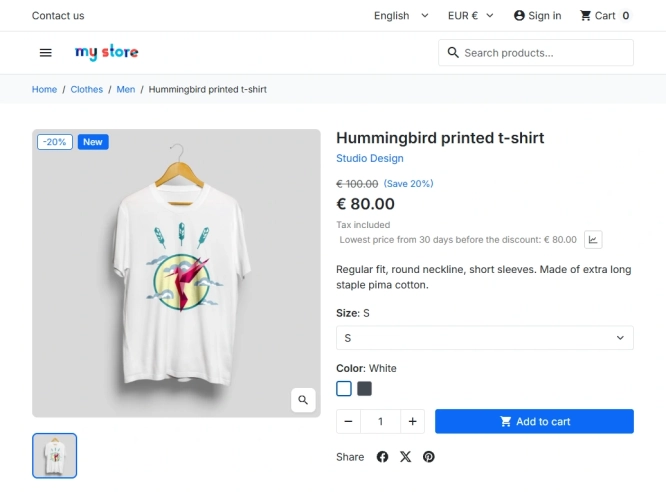
PrestaShop Omnibus Price Pro Module – Lowest Price in 30 Days (EU Omnibus Directive)
Omnibus Price Pro is an advanced PrestaShop module designed to automate the display of the lowest price prior to a discount (default 30 days). Ensure full compliance...

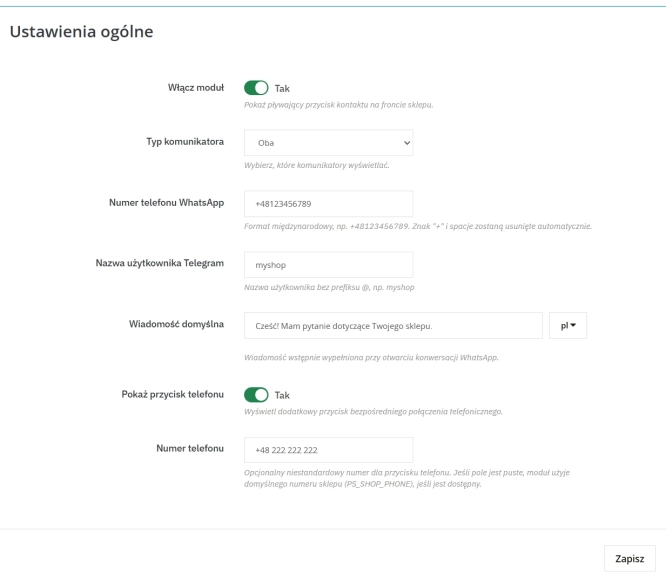
WhatsApp, Telegram and Phone in one - Increase conversions with Quick Contact
A customer has a question? Don't let them wait for an email. The PP Quick Contact module is your sales hotline. Add an elegant, floating button to your store that, with one...
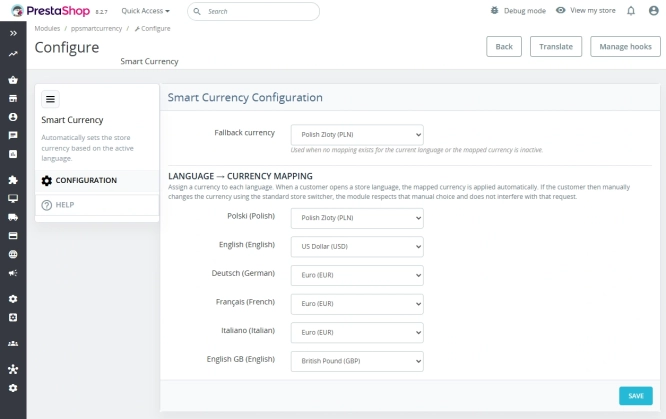
Automatic currency matching by shop language in PrestaShop
PP Smart Currency automatically matches the currency to the language a customer is using in your PrestaShop store. Visitors immediately see the right currency, while the...

GTM Lite – Free Google Tag Manager & GA4 e-Commerce Module for PrestaShop
100% FREE (LITE Version) GA4 e-Commerce Standard GTM Lite is a lightweight, free module connecting your PrestaShop store with Google Tag Manager. It automatically...
Do you need additional features or custom solutions?
- Module customisation tailored to your specific requirements.
- Extending functionality to enhance your store's capabilities.
- Developing bespoke modules designed to meet your unique needs.
- Integrating external systems and additional tools.
- Optimisation and improvements for better performance and user experience.
Do you have ideas on how to improve this software? Share your suggestions for optimisation, new features, or bug reports – we’ll be happy to review them!