Cookie Banner and Google Consent Mode v2 for PrestaShop (Free)
- 1.7.5 + | 8.x | 9.x
- EN, FR, IT, DE, PL, ES
- 1.0.4
- 2026-06-21
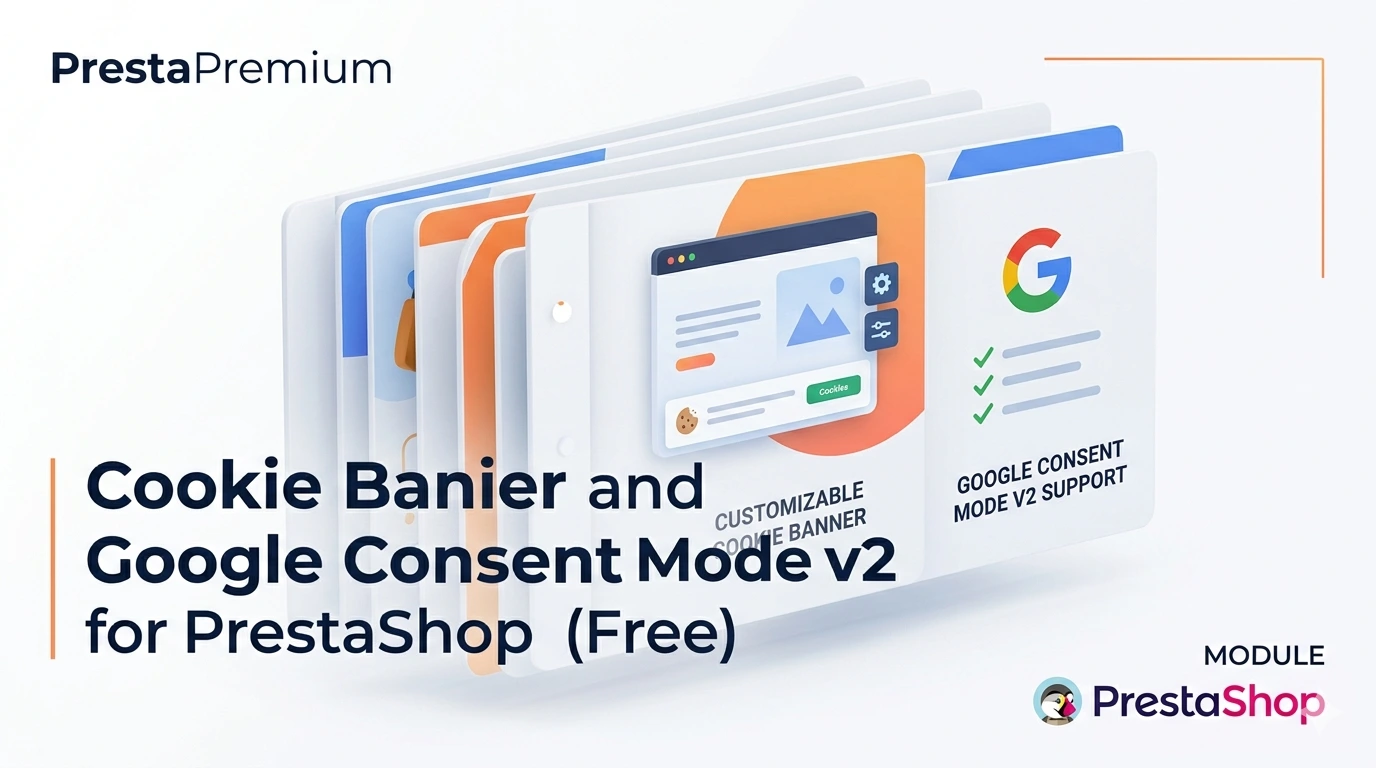
PrestaPremium Consent Mode v2 (Free) is a reliable, free PrestaShop module that implements a fully GDPR-compliant cookie banner and handles Google Consent Mode v2 for Google Analytics and Ads. Built to a strict zero-core-override standard — requiring no theme edits or core file overwrites.
An ideal solution for stores utilising GTM or GA4, requiring just a few clicks for complete configuration. The front-end driven architecture (JavaScript) ensures the banner operates flawlessly even with aggressive caching (LiteSpeed, Smarty Cache) — banner visibility and customer choice storage occur directly in the browser, not on the server.



Information Parameters:
- 1.0.4
-
Store Version PHP Version1.7.5 + 7.1 – 7.48.x 8.1 – 8.39.x 8.1 – 8.5
- 2026-06-21
- EN, FR, IT, DE, PL, ES
- ✅
- ✅
- ✅
- ✅
- demo.admin.shop
Key Benefits and Technical Standards
- Full Google Consent Mode v2 Support — four native consent signals (analytics, ads, user data, personalisation) rigorously initialised before any Google tags load.
- Uncompromised GDPR Compliance — visually equal 'Accept all' and 'Reject all' buttons, supported by a clear, granular settings panel with toggles.
- Absolute Cache Resistance — banner display logic is entirely moved to JavaScript. The HTML can be cached on the server, but the browser decides whether to render it based on cookie presence.
- Zero-Reload Operation — upon acceptance, the module seamlessly triggers
gtag('consent', 'update')in the background, protecting the analytical session and preventing purchase path interruption. - Plug & Play — easily switch between Basic/Advanced modes, with an optional field for GTM/GA4 container IDs and a built-in multilingual banner text editor (EN/PL by default).
Module Use Cases
- Securely deploy cookie consents without needing a developer to modify the theme or template.
- Protect and optimise Google Ads campaigns thanks to accurate transmission of consent signals before advertising cookies are stored.
- Stable performance on high-performance hosting with advanced caching mechanisms (LiteSpeed, Varnish, CDN).
- Full support for Multistore environments and multilingual shops (independent configuration of parameters and texts per shop/language).
Features – Back Office
Consent Mode Operational Modes
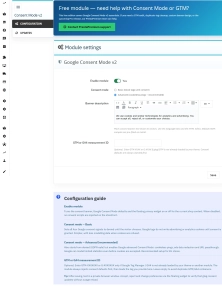
Manage your analytical strategy from a minimalist, user-friendly form.
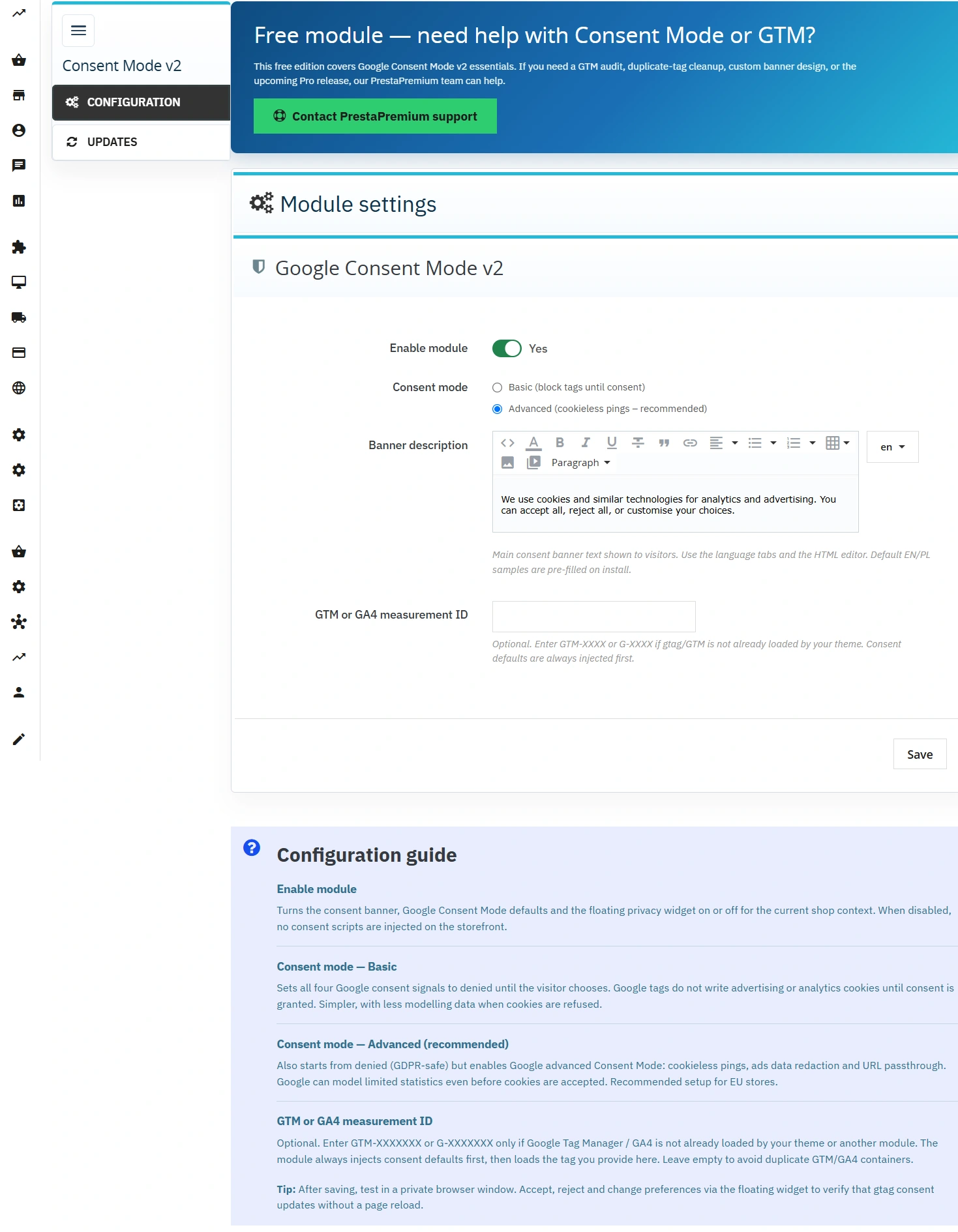
- Enable module — toggles the banner and consent scripts on or off for the current store.
- Basic Mode — hard blocking of Google cookies until explicit consent is given by the user.
- Advanced Mode (Recommended) — transmission of cookieless pings, allowing for effective conversion modelling in GA4 even upon refusal (following Google guidelines for the EU).
Multilingual Text Editor
Full control over your legal notice thanks to the integrated TinyMCE editor with language tabs.
- Secure HTML — embed links to privacy policies with automatic code sanitisation (
purifyHTML). - Pre-configuration — ready-to-use messages in English and Polish immediately after installation.
Auto-initialisation of GTM / GA4
Optional field to enter a GTM-XXXXXXX or G-XXXXXXX identifier if tags are not yet in your theme.
- Consent Priority — the module natively sets the
deniedstate before asynchronously loading the container. - Smart Integration — leave the field blank if Google scripts are already implemented in your theme to prevent code duplication errors.
Help Panel and Updates
A convenient administrative interface built on the modern ppadminps layout.
- Configuration guide — contextual explanations below the form for lightning-fast deployment.
- PP Updater — built-in notification system informing you about new versions of the tool.
Features – Front Office
Modern Consent Banner
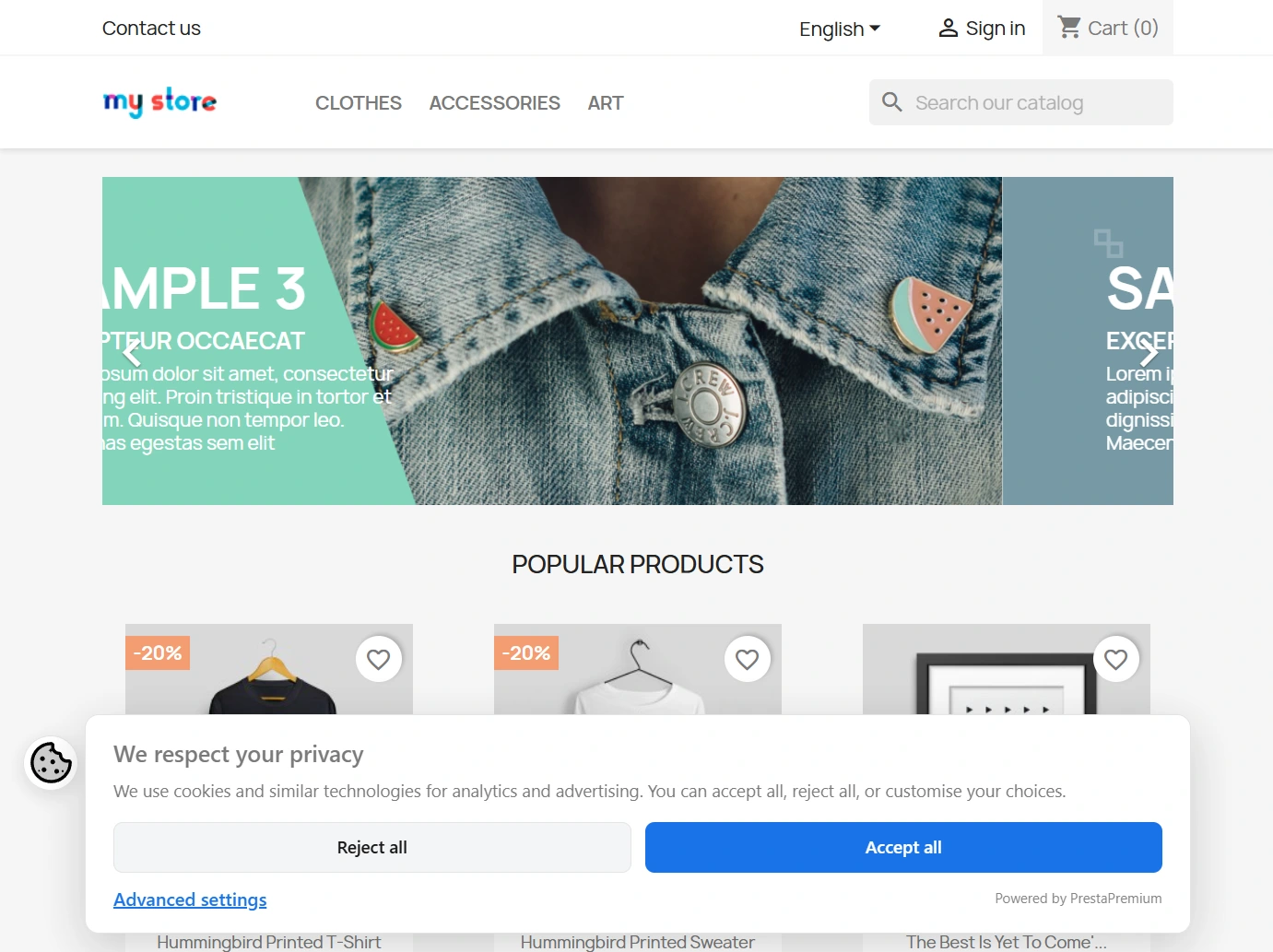
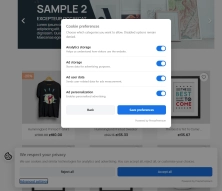
A minimalist interface at the bottom of the screen, designed with high UX and conversion rates in mind.
- No Dark Patterns — honest design with no visual pressure (buttons of equal size and weight).
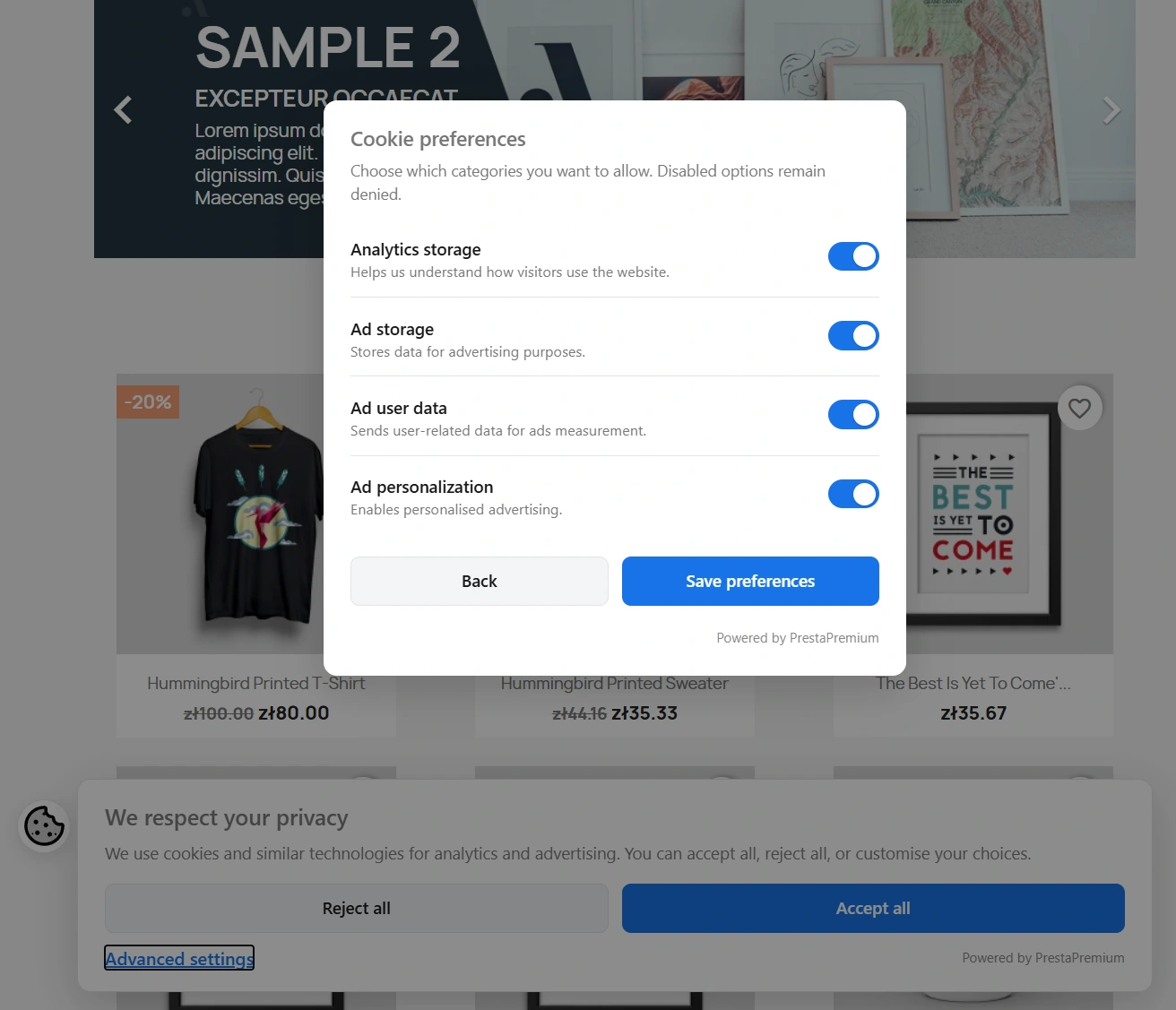
- Granularity — access to advanced settings with four independent switches (disabled by default).
Discreet Privacy Widget
An elegant icon in the corner of the screen ensuring customers can review and withdraw their consents at any time, fully satisfying EU legal requirements.
Optimised Code in <head>
Utilising the displayHeader hook at the highest position guarantees that the consent state definition always precedes the loading of any external trackers.
Business and SEO Impact
- Legal Protection — minimising the risk of legal issues related to remarketing and analytics in the EU.
- Data Loss Resilience — implementing Advanced mode allows Google's AI algorithms to recover a portion of statistics that would be lost forever in older solutions.
- Zero Performance Compromises — on-the-fly consent updates protect against checkout process interruption and abandoned carts.
- Clean SEO — asynchronous scripts do not modify the URL structure or slow down the indexing of key content by Googlebot.
Important Deployment Information and Legal Notice
Scope of Operation and Compatibility: This module specialises exclusively in handling the Google ecosystem (GTM, GA4, Ads, Consent Mode v2). It does not replace a terms and conditions document, a privacy policy, or native blocks for other external trackers (e.g., Meta Pixel, Hotjar). If you have already implemented tags directly in the theme code, leave the ID field in the module blank to prevent double-loading of containers. Compatibility: PrestaShop 1.7.7 – 9.x.
Terms of Use and Liability: The module is provided entirely free of charge on an "as is" basis. Due to the unique technical specification and configuration of each online store, the User is solely responsible for independently testing and verifying the correct operation of the banner (we strongly recommend a thorough test in an incognito window prior to production launch). PrestaPremium makes every effort to ensure the software meets the highest market standards and guidelines; however, it accepts no liability for any potential claims, financial losses, or legal consequences arising from its use.
## [1.0.4] - 2026-06-20

### Added

- Support banner at the top of the configuration tab (free module CTA).
- Bottom `alert-info` panel explaining Consent mode and GTM/GA4 settings.

## [1.0.3] - 2026-06-20

### Changed

- Advanced consent preferences use accessible toggle switches instead of checkboxes.
- Switch state syncs from saved cookie when reopening settings.

## [1.0.2] - 2026-06-17

### Changed

- Banner description uses the native PrestaShop TinyMCE editor in back-office.

## [1.0.1] - 2026-06-12

### Added

- Multilingual banner description textarea in back-office (language tabs, EN/PL default samples).
- Multistore-aware configuration save/load for all settings.

## [1.0.0] - 2026-06-10

### Added

- Initial free release: Google Consent Mode v2 with cache-safe client-side consent banner.
- GDPR-compliant accept/reject buttons, advanced settings panel and floating widget.
- Back-office configuration (Basic/Advanced mode, optional GTM/GA4 ID).
- Integration with ppadminps, ppadmintabinstaller and ppupdater components.
You might also like




FAQs
-
Are the modules compatible with my version of PrestaShop?
Each module in our store contains information about compatibility with specific PrestaShop versions. Please check this information carefully before purchasing. If you are not sure, contact us.
-
Which consents does Google Consent Mode v2 set?
The module supports the four Google Consent Mode v2 consent signals: analytics, advertising, user data, and personalisation. According to the description, their state is initialised before Google tags load. The administrator can choose the module operating mode and optionally provide a GTM container or GA4 ID when autoinitialisation is required.
-
What is the difference between Basic and Advanced mode?
In Basic mode, the module blocks Google cookies until the user gives explicit consent. Advanced mode sends cookie-free consent signals, described as cookieless pings. The mode is selected in the module configuration. Both settings apply to the Google ecosystem, including GTM, GA4, Ads, and Consent Mode v2.
-
What choices can a banner user make?
The banner provides visually equal “Accept all” and “Reject all” buttons. From the settings panel, the user can access four independent consent toggles, which are disabled by default. A privacy widget lets them later reopen the settings and change or withdraw their saved choices.
-
Why does the banner work with page caching?
The decision to display the banner is made in JavaScript based on the presence of cookies in the browser. This allows the page to use server-side caching while consent logic remains dependent on the user’s current state. After consent is accepted, the module updates it in the background without reloading the page or interrupting the session.
-
When should I leave the Google ID field empty?
If Google scripts are already implemented directly in the store theme, the module description recommends leaving the GTM or GA4 ID field empty. This prevents containers from loading twice. The field is optional and is used to autoinitialise GTM or GA4. The module does not replace a privacy policy or block other external trackers.
14 other products in the same category:

- Discount
Google reCAPTCHA (v2 + v3) – Stop Bots, Yes to Customers
Tired of deleting spam from your inbox and fake accounts from your store panel? This module is your digital guardian that lets only real people into your store. Install...

- New
Free Simple Omnibus Price Module – Omnibus Directive for PrestaShop
Simple Omnibus Price is a completely free PrestaShop module that automates displaying the lowest price from the 30 days prior to a price reduction. Protect your store...
- New
PrestaShop Omnibus Price Pro Module – Lowest Price in 30 Days (EU Omnibus Directive)
Omnibus Price Pro is an advanced PrestaShop module designed to automate the display of the lowest price prior to a discount (default 30 days). Ensure full compliance...

Dual Price Display (Net & Gross) — Alternative Price Displayed Automatically
Dual Price Display (Net & Gross) does the heavy lifting for you: it automatically checks which price is currently active in your shop and instantly displays the other...
VAT and VIES Validation for B2B in PrestaShop
PP VAT Checker is a reliable PrestaShop module that automates VAT number verification for your business customers. With direct integration with the VIES database, it...

Google Maps Reviews Module for PrestaShop – Automatic Import and Display of Customer Ratings
This module serves to increase trust in your shop by displaying authentic reviews from Google Maps. Thanks to the automatic generation of JSON-LD structured data, star...

Backup Manager – Security and Automatic Database Backups
PP Backup Manager is a module for PrestaShop , which organises the process of performing database backups : manually in the administration or automatically when called...
GPSR — Compliance Module for PrestaShop
GPSR Module for PrestaShop enables quick and compliant management of information required by the GPSR regulation. Automate obligations and increase your shop's security.

Store Auditor — 25 Configuration Checks for Your PrestaShop Back Office
Store Auditor is a completely free PrestaShop module that checks 25 core settings of your store with a single click. It instantly lets you know if your website is...

Customer Email Verification after Registration in PrestaShop
Tired of fake accounts and typos in customer email addresses? Meet Email Verification – a simple and completely free PrestaShop module designed to keep your database...
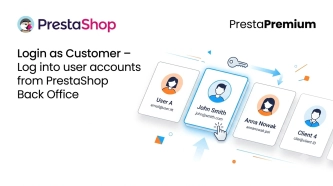
Login as Customer – Log into user accounts from PrestaShop Back Office
This module enables instant access to any customer account directly from the PrestaShop administration panel. It allows quick verification of issues reported by buyers...

- Discount
Price available only until: 30.09.2026
PrestaShop Product Reviews & Comments – Discount Vouchers, Customer Photos, JSON-LD & Fee-Free...
This module serves as a complete alternative to paid SaaS review platforms (such as Trustpilot, Opineo, or Trusted Shops) and allows you to bypass complex Google...

PrestaShop Age Verification Module (Age Gate 18+) – Standard Edition
Protect your shop quickly and effectively with the Standard edition of the Age Gate module for PrestaShop . This lightweight, easy-to-configure tool provides everything you...
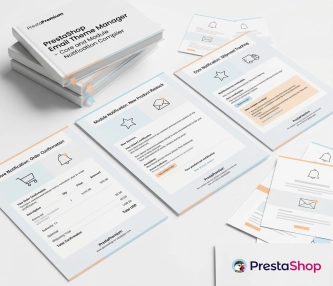
New email templates for PrestaShop with appearance configuration
The module allows you to refresh default PrestaShop emails and give them a new look . You receive ready-made email templates with a choice of different visual variants,...
Do you need additional features or custom solutions?
- Module customisation tailored to your specific requirements.
- Extending functionality to enhance your store's capabilities.
- Developing bespoke modules designed to meet your unique needs.
- Integrating external systems and additional tools.
- Optimisation and improvements for better performance and user experience.
Do you have ideas on how to improve this software? Share your suggestions for optimisation, new features, or bug reports – we’ll be happy to review them!