What do you get?
This module for PrestaShop is designed for shop owners and administrators who need to ensure product compliance with safety requirements and efficiently manage product documentation. In practice, you get a tool for centralising manufacturer and responsible person data , creating and publishing warnings, and securely storing attachments related to the product.
Main benefits for merchants and administrators
- Faster operational processes — bulk assignment of data and an easy interface speed up offer preparation and assortment management.
- Reduction of formal risk — all necessary information and documents are available and organised, making audit preparation easier.
- Better customer communication — clear warnings and access to documents increase buyer trust.
- File security — validation of types and sizes, unique file names, and controlled download links.
Features — details that matter:
Manufacturer centralisation
Full manufacturer data (address, country, contact, logo) stored in a dedicated table and available for quick assignment to products.
List of responsible persons
Managing responsible entities with the ability to assign to single or multiple products.
Multilingual warnings
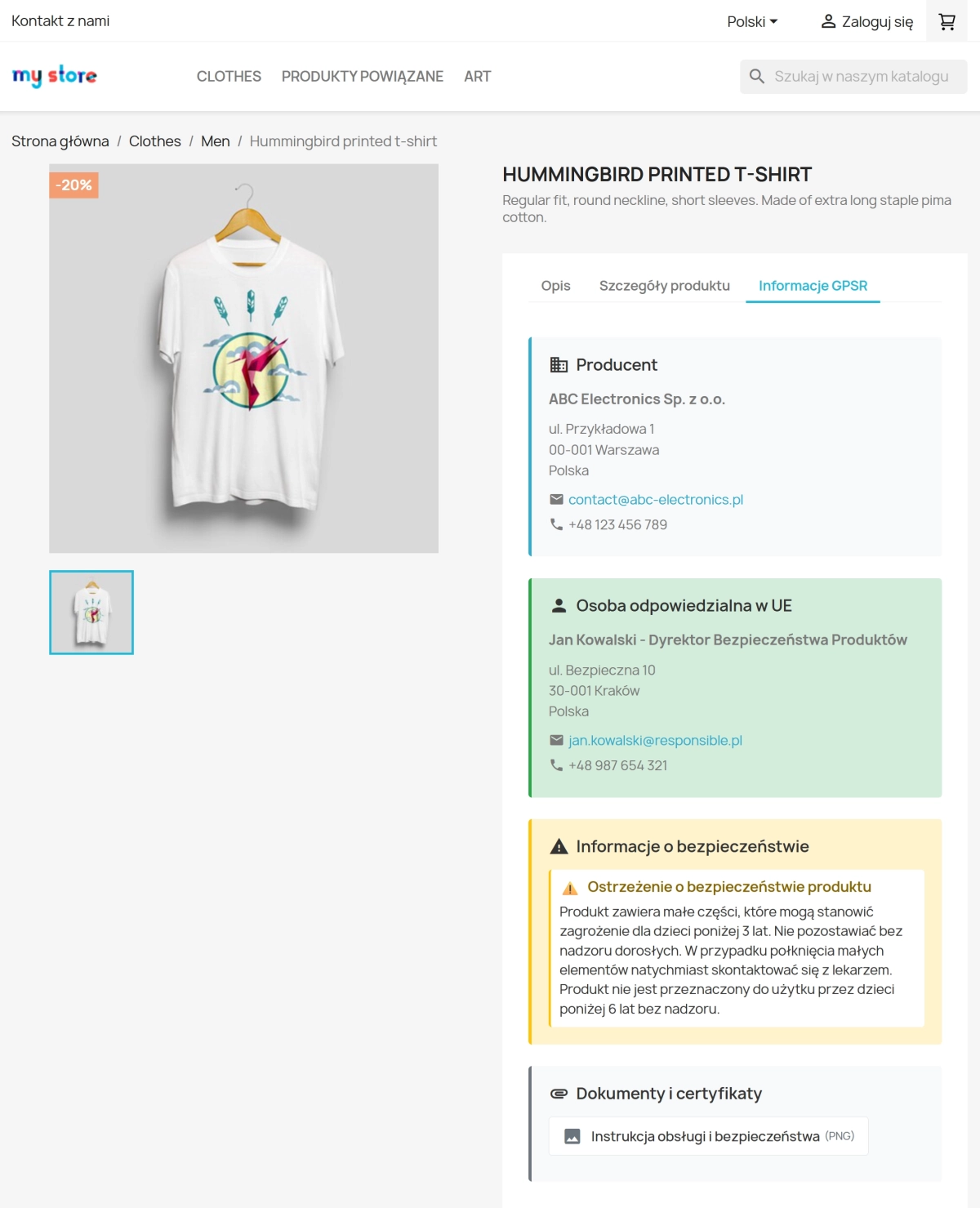
Creating warning content (title + content) in multiple languages, activation, and quick assignment to the product.
Attachments and file management
Support for PDF, JPG, and PNG files; MIME and size verification (default up to 5 MB), generating unique names, and secure storage in the module directory.
Integration with product card
The product editing panel contains an additional tab with selection of manufacturer, responsible person, warnings, and attachments — saving occurs during product update.
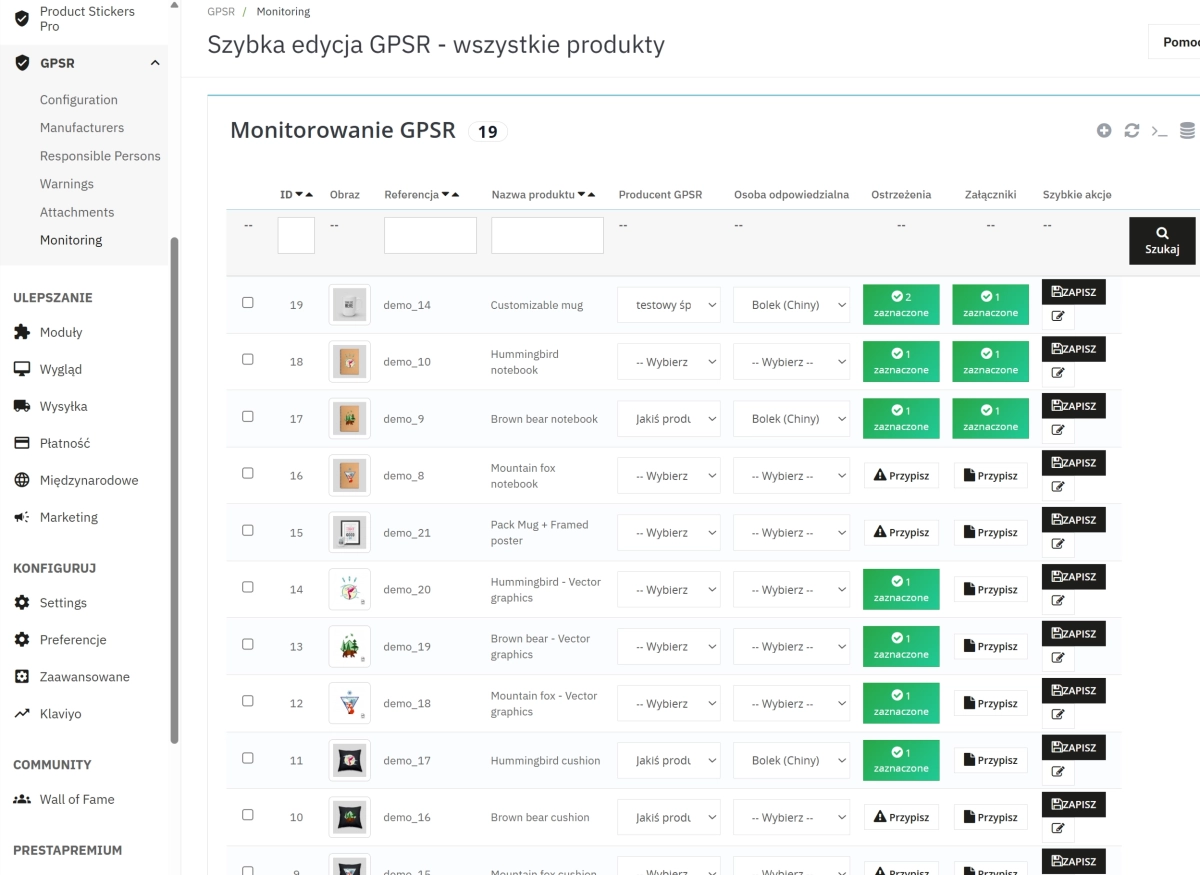
Bulk assign & monitoring
Bulk assignment of data to selected products and reports/lists of products without assignments, facilitating prioritisation of administrative work.
Updater
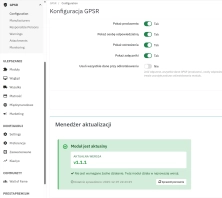
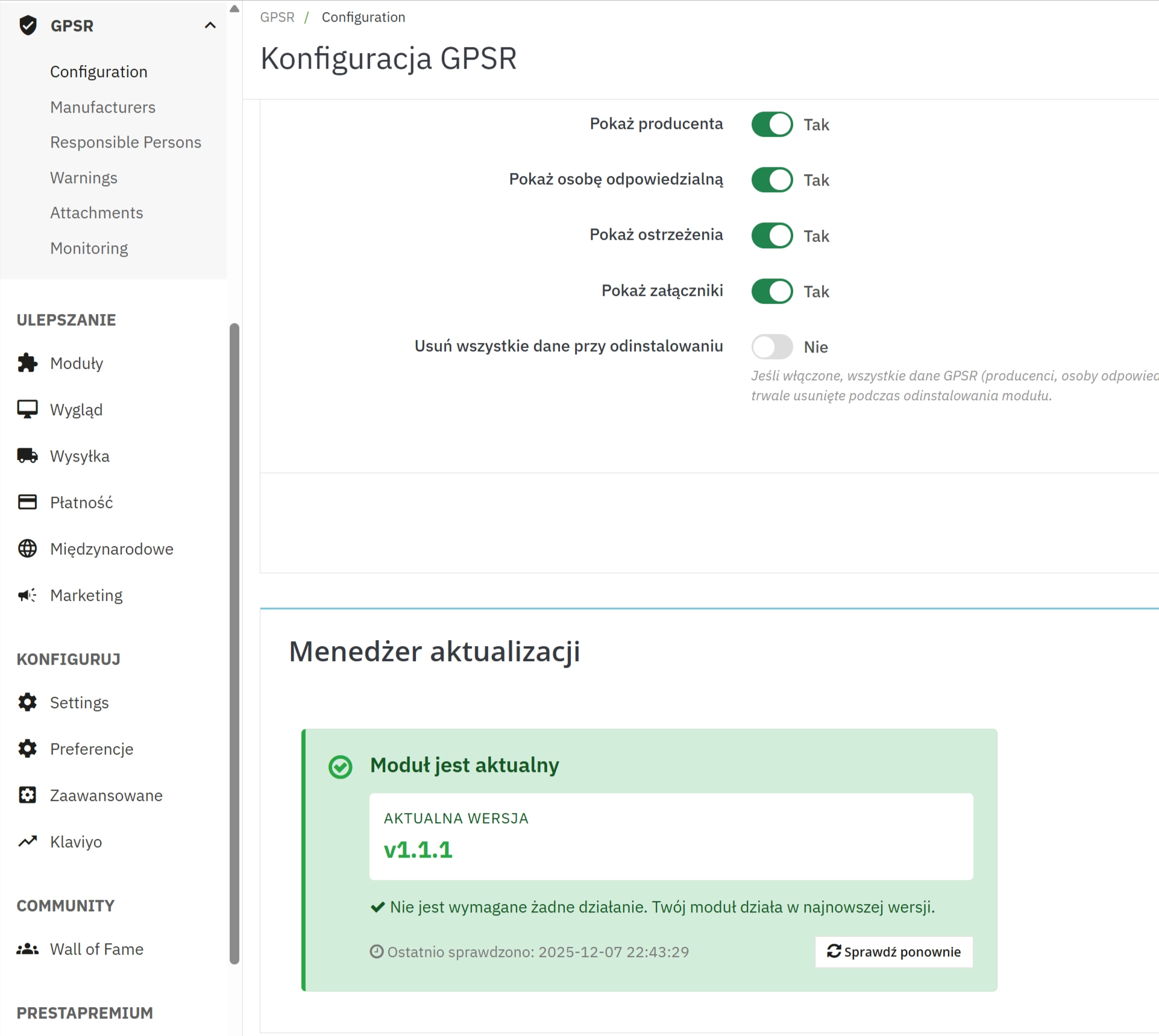
Built-in component checking for newer module versions and informing the administrator about updates — important for security and compliance.
Legal compliance and practical application
The module helps in fulfilling informational obligations regarding product safety. However, it is not a substitute for legal advice — the software's task is to facilitate the collection, storage, and presentation of documents (safety data sheets, instructions, declarations of conformity) and generating materials helpful during audits.
Official guidelines and requirements are published by the UOKiK. Implementation of the compliance process in the shop should be based on legal analysis; the module significantly speeds up the operational part of this process.
How it works — step by step
- In the module panel, you add manufacturers and responsible persons, and create necessary warnings and attachments.
- You assign elements to products directly in the product card or use bulk assignment functions.
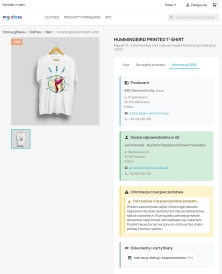
- The module saves relationships in dedicated tables and makes data available on the front-end if such an option is enabled.
- The administrator monitors products without assignments and performs corrective actions (bulk assign) in the management panel.
- The updater informs about available module updates; regular updates help maintain functionality and security.
Technical integration — key information
- Compatibility: PrestaShop 1.7 and newer.
- DB Tables: the module creates its own tables for manufacturers, responsible persons, warnings, and attachments, as well as product relationships.
- Hooks: integrates with main hooks (back office and front): incl.
displayAdminProductsExtra , actionProductUpdate , actionProductDelete , displayProductExtraContent .
- Upload: supports PDF/JPG/PNG, default limit 5 MB; files are validated and saved with unique names.
- Security: MIME validation, size control, possibility to configure data deletion upon module uninstallation.
Frequently Asked Questions (FAQ)
- Does the module ensure legal compliance?
- The module helps in managing and presenting data needed for compliance, but does not replace legal consultation. We recommend collaborating with a lawyer on matters requiring legal interpretation.
- What files can I attach?
- By default PDF, JPG, PNG; file size limited to 5 MB (changeable in code/server modules).
- Can I assign one manufacturer to multiple products?
- Yes — the module supports single and bulk assignments.
- What happens upon uninstallation?
- There is an option to delete module data upon uninstallation; it can be enabled or disabled in the configuration.
Attention!
Implementation tip: Before deployment, make a full backup of the database and files. It is strongly recommended to install and test the module in a staging (sandbox) environment first, and only then proceed with the installation on the production site.