Key Benefits
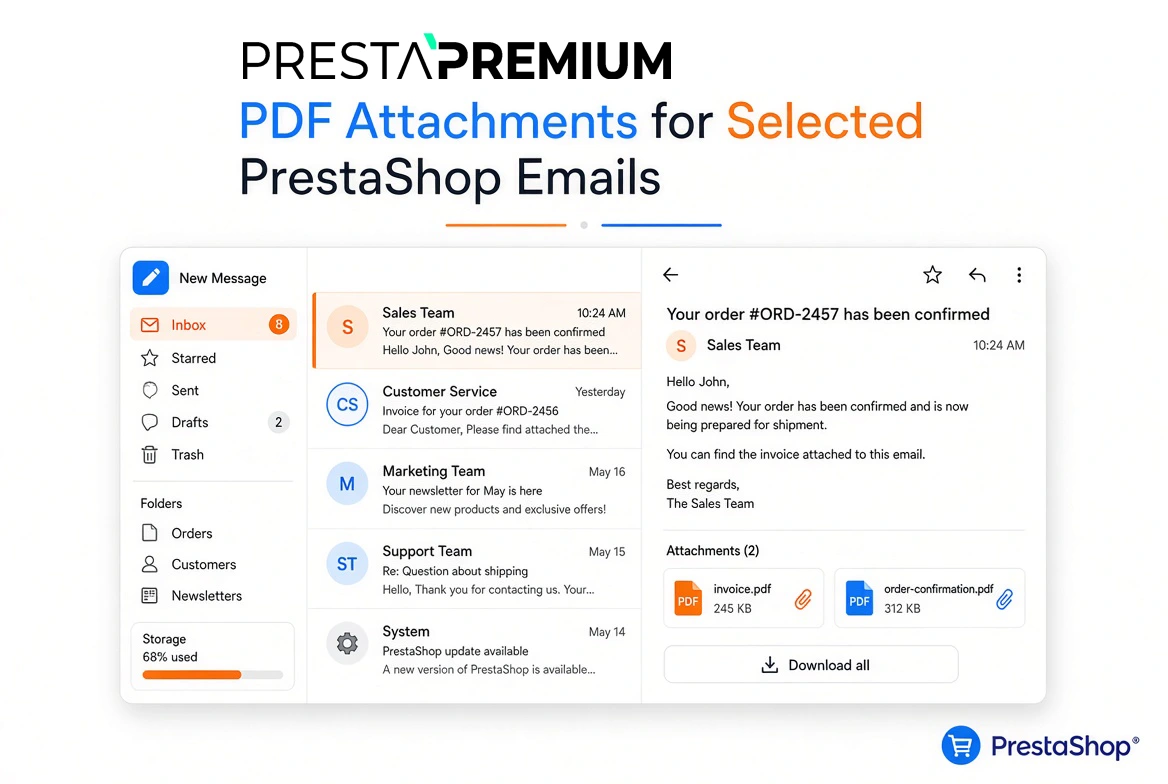
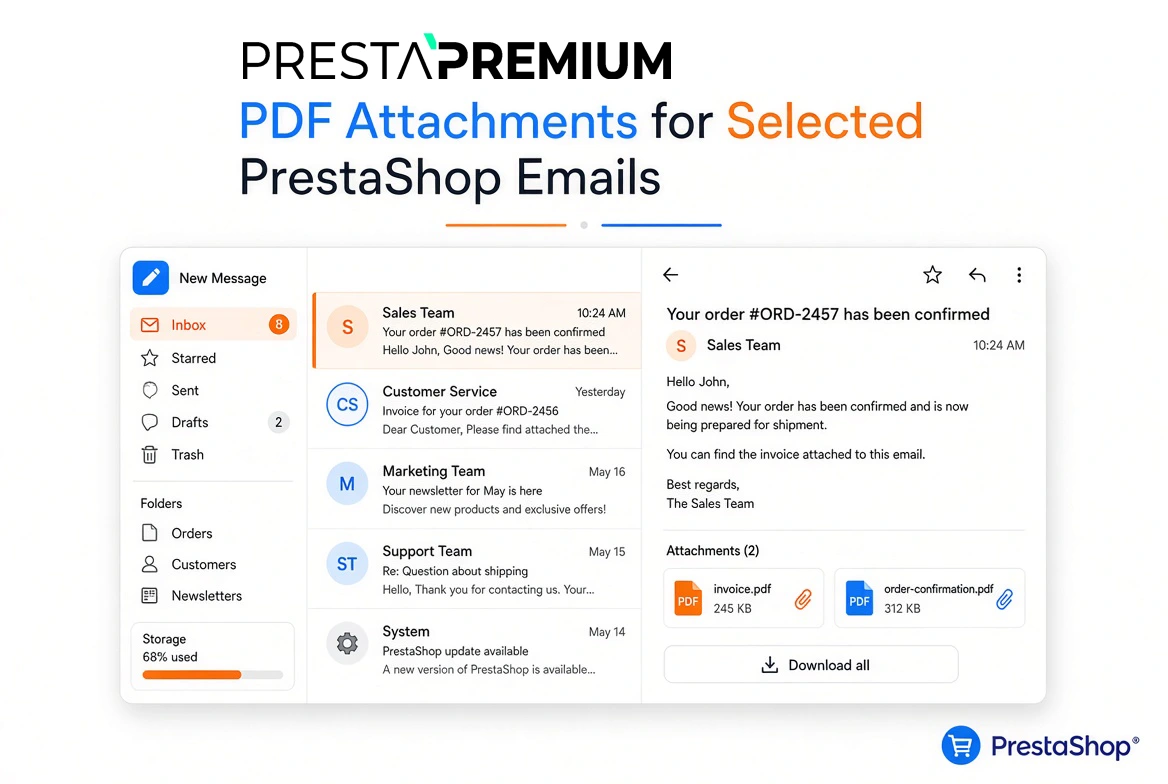
- PDF Attached to the Right Email – Each rule specifies the email template (e.g., order_conf), language, and currency. Other messages sent without matching rules remain untouched.
- Email Delivery Never Blocked – Missing a match will not halt email dispatch. The customer receives the message normally, just without the rule-specific PDF.
- Separate Files per Store – In Multistore setups, every rule and PDF file belongs strictly to an individual shop.
- Customer-Facing File Names – The attachment displays a clean, custom label in the email rather than a raw, technical disk filename.
- Disable Without Deleting – Rules can be easily toggled off and saved until the attachment is needed again.
Use Cases
Designed for stores that need to seamlessly include recurring documentation in standard customer communications: terms and conditions, user manuals, warranty cards, payment instructions, or return policies.
- Order Confirmation – Include a terms & conditions or user guide PDF with the order_conf template, targeted strictly to a chosen language.
- Bank Wire or Check Payments – Attach specific payment terms to bankwire and cheque templates, filtered by the order currency.
- Order Statuses – Send targeted documents upon shipping, local pickup, or returns, avoiding unnecessary attachments in account or newsletter emails.
- Multistore – Each store maintains its own rules and files. Global ("All Shops") and Group contexts cleanly restrict editing to individual store views.
Features – Back Office
Attachments Tab
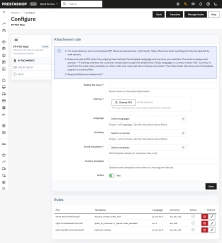
Create new rules and manage existing ones from a unified control panel.
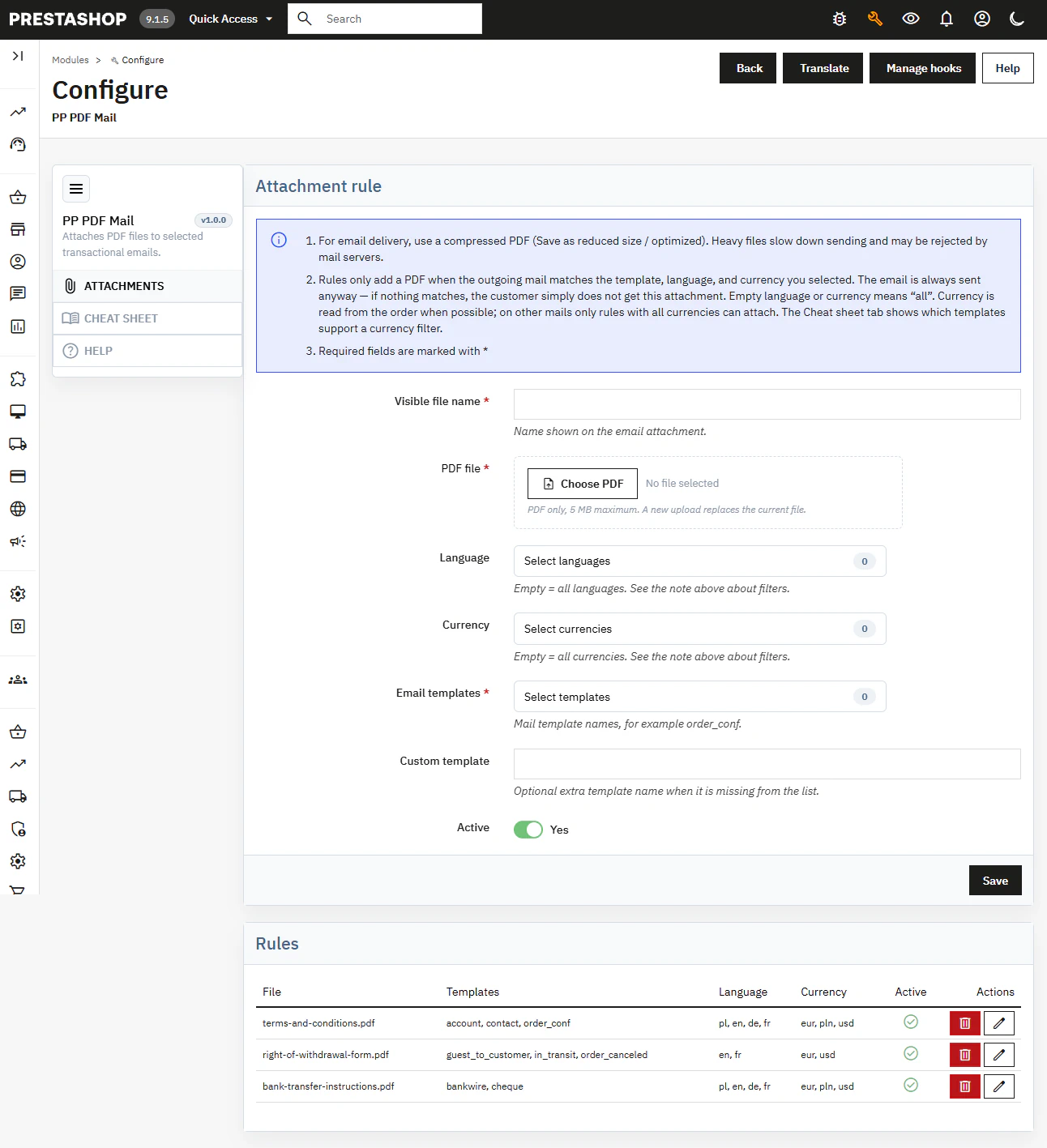
- Attachment Rule Setup – Custom display name, PDF upload up to 5 MB, email template selection, custom template overrides, language, currency, and Active toggle.
- Rule Management – Overview table displaying attached files, templates, language, currency, and quick actions: enable, disable, edit, delete.
Template, Language & Currency Filters
Files are attached only on exact matches. Leaving language or currency blank applies the rule universally to all languages or currencies.
- Order Currency Reading – For order-related emails, the module retrieves the currency directly from the order (or return record).
- Non-Order Emails – For account, contact, or newsletter mails, PDFs are attached exclusively when the currency filter is left blank.
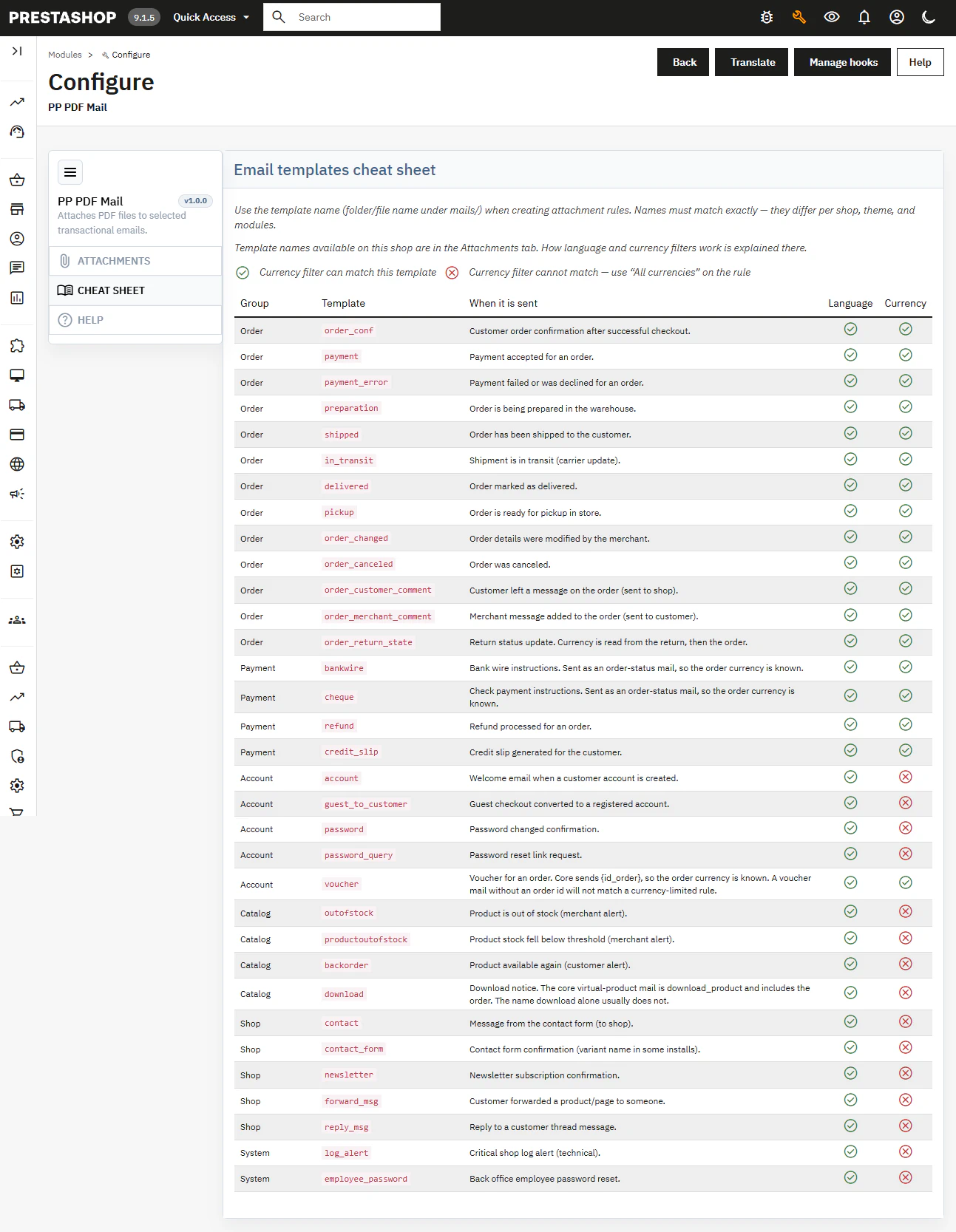
Cheat Sheet Tab
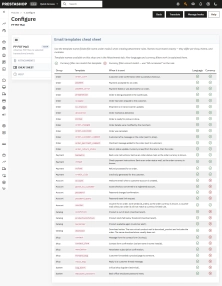
An in-app reference guide listing standard PrestaShop templates: group, name, trigger events, and language/currency filter compatibility.
- Exact Template Names – Match filenames directly as stored in mails/ (e.g., order_conf), without paths or extensions.
- Custom Templates – Full support for custom email templates originating from custom themes or third-party modules.
Help Tab
Quick access to release details and version check tools.
- Help & Updates – Everything managed in one clean interface without bloated sub-menus.
Sales & SEO Impact
This module operates strictly on background email triggers and does not alter store layout, URLs, or indexable content. It is designed for process automation, not search engine ranking.
- Fewer Post-Purchase Inquiries – Deliver essential terms, manuals, or payment conditions directly inside standard transactional emails.
- Market-Specific Documentation – Automatically deliver localized PDFs matching the client's language and currency.
- Zero Manual Work – Attached files are sent automatically on every matching trigger without requiring staff intervention.
Attention!
Please perform a full backup of your store and database prior to installation. Uninstalling the module permanently removes created rules and uploaded PDF files. Ensure attachments are compressed (max. 5 MB) to prevent email dispatch slowdowns or mail server rejections. Your PHP environment must have post_max_size and upload_max_filesize configured to support file uploads. In Multistore setups, configure each shop individually.