Maintenance Page & Coming Soon for PrestaShop
- 1.7.5 + | 8.x | 9.x
- FR, ES, PL, IT, DE, EN
- 1.0.7
- 2026-10-13
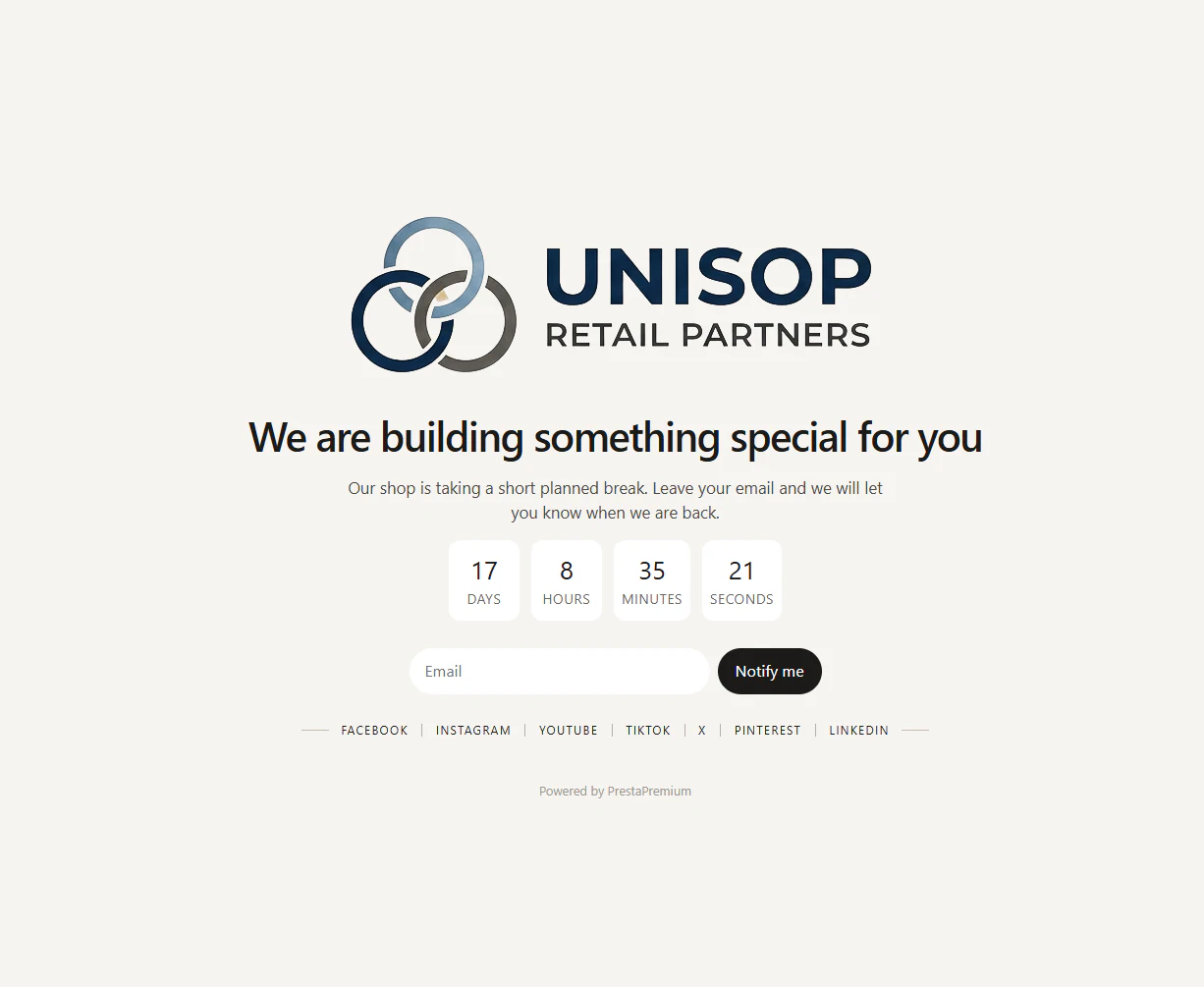
Showcase your store's maintenance mode in a professional and striking way. A free solution that replaces the raw PrestaShop unavailability screen with a modern Coming Soon landing page. It facilitates seamless communication, building an email database, and protecting your brand image during deployment or maintenance work.
Designed for administrators who want full control over the landing page content directly in the Back Office, without template editing or hidden costs. Despite being free, it offers full multi-language support, multistore context, a countdown timer, custom logo, social media links, and native newsletter integration.

- New

Information Parameters:
- 1.0.7
-
Store Version PHP Version1.7.5 + 7.1 – 7.48.x 8.1 – 8.39.x 8.1 – 8.5
- 2026-10-13
- FR, ES, PL, IT, DE, EN
- ✅
- ✅
- ✅
- ✅
- ❌
Key Benefits
- Controlled communication during maintenance – instead of the default PrestaShop message, the customer receives a page with your own header, description, and visual identity.
- Configuration without file editing – page settings are available in the Back Office, without Overrides, theme changes, or manual code editing.
- Multistore and multi-language readiness – content is multi-language, and settings can be saved separately for each shop context.
- Maintaining contact with the audience – the optional newsletter form utilizes the native PrestaShop Email Subscription module.
Module Use Cases
- Launching a new store – publishing a Coming Soon page before launching sales, with an opening date and the ability to collect email addresses.
- Scheduled maintenance work – providing customers with specific information about the store's temporary unavailability instead of a standard screen.
- Changing the offer or store redesign – maintaining a recognizable logo, message, and social media channels during migration or a new theme deployment.
- Multistore environments – independent messages and settings for brands or stores operating within a single PrestaShop installation.
Features – Back Office
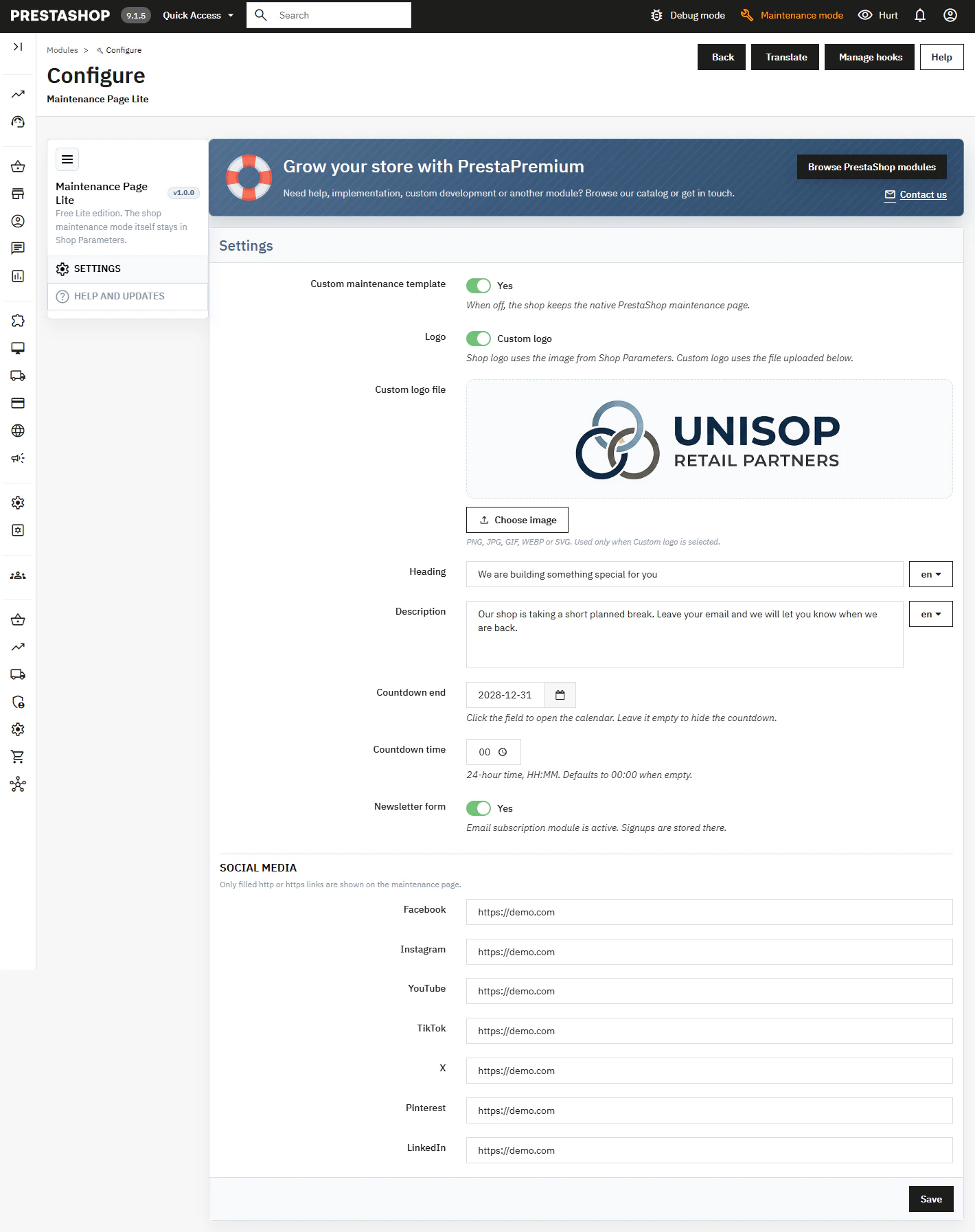
Custom Maintenance Template
A toggle switch activates the module's landing page when the store's maintenance mode is enabled in PrestaShop.
- No changes to PrestaShop mechanism – the administrator still controls store availability from Shop Parameters.
Logo and Visual Identity
You can use the store's current logo or upload a custom PNG, JPG, GIF, WEBP, or SVG file.
- File control – the module restricts file type and size and validates basic SVG content.
Multi-language Content
Header and Description fields are edited separately for active store languages.
- Consistent communication – the customer sees text tailored to the current Front Office language.
Countdown to Opening
The administrator sets the end date and time for the maintenance; leaving the date empty hides the counter.
- Precise schedule – the time uses the 24-hour HH:MM format, and missing time defaults to 00:00.
Newsletter and Social Media
Configuration includes the subscription form and links for Facebook, Instagram, YouTube, TikTok, X, Pinterest, and LinkedIn.
- Conditional display – the form works exclusively with an active Email Subscription module, and only completed valid HTTP or HTTPS addresses are visible.
Help and Updates
A separate tab explains the page operation conditions and provides module update checks.
- Administrative support – status can be refreshed without leaving the module configuration.

Features – Front Office
Coming Soon Landing
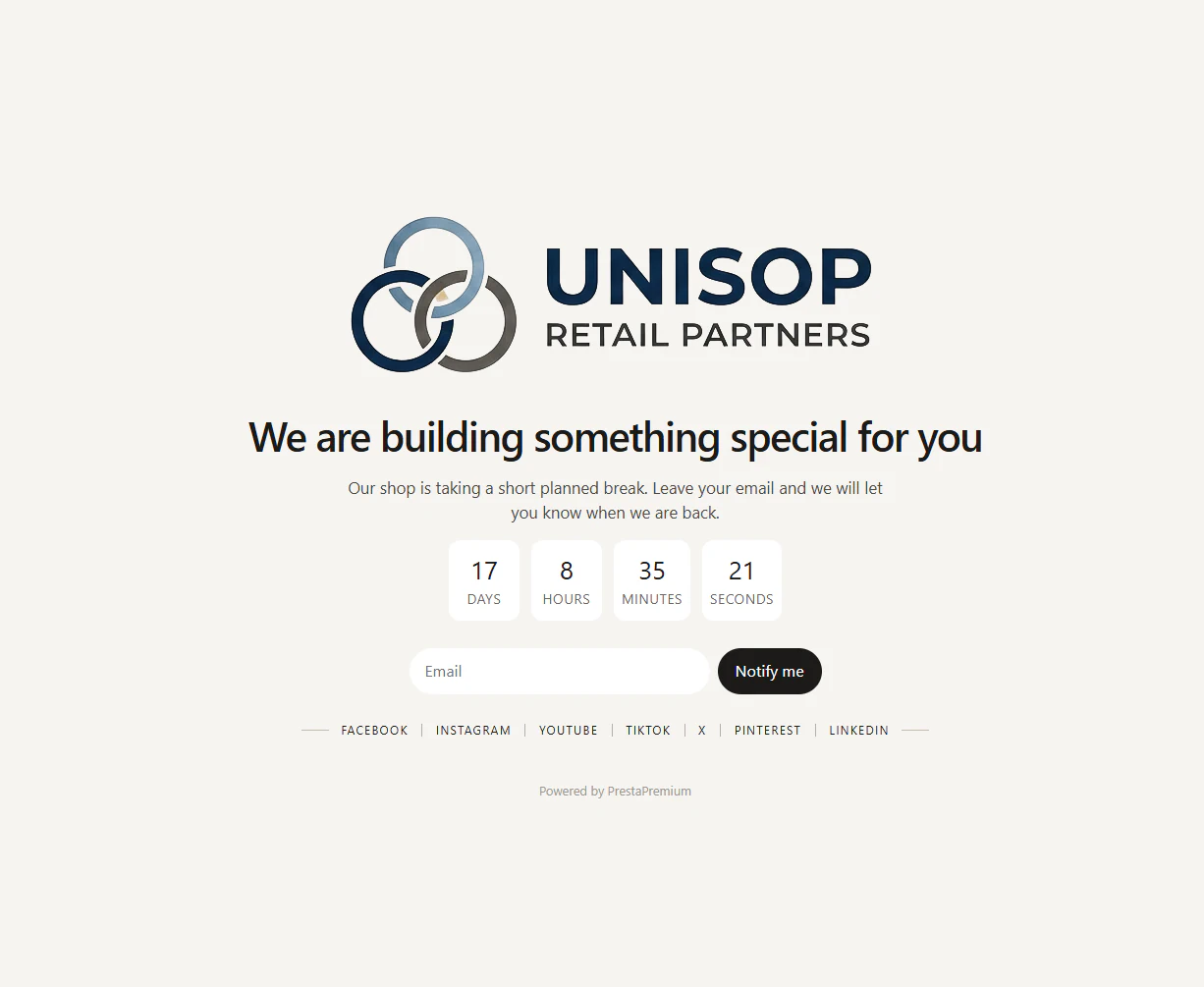
The page presents the logo, store name, header, and description instead of the standard unavailability page.
- Clear information – the customer immediately understands that the store is temporarily unavailable, not broken.
Time Counter
Optional countdown shows days, hours, minutes, and seconds until the specified deadline.
- Post-completion message – after the deadline expires, the counter displays "Now open!".
Newsletter Form
Visitors can provide an email address and subscribe via the native Email Subscription mechanism.
- Form validation – requires a valid email address and an active form token.
Social Media Links
The landing page can direct the user to the brand's active social media channels.
- No empty elements – only channels configured by the administrator are visible.
Impact on Sales and SEO
The module does not replace positioning or guarantee conversion growth. However, it limits the loss of customer contact during store unavailability: it explains the situation, indicates the opening date, maintains branding, and allows collecting newsletter signups. The page is easier to understand than the standard technical message, reducing the risk of brand abandonment during work.
Note!
Before installation, back up your files and database. The module only changes how the page is displayed during active maintenance mode; it does not enable or disable PrestaShop's maintenance mode itself. The newsletter form requires the Email Subscription module to be installed and active.
# Changelog

## [1.0.7] - 2026-10-13

### Added

- First public release of the coming-soon and maintenance landing (Lite).

### Changed

- Back Office layout and storefront polish for countdown, logo and newsletter.
You might also like


FAQs
-
Are the modules compatible with my version of PrestaShop?
Each module in our store contains information about compatibility with specific PrestaShop versions. Please check this information carefully before purchasing. If you are not sure, contact us.
16 other products in the same category:
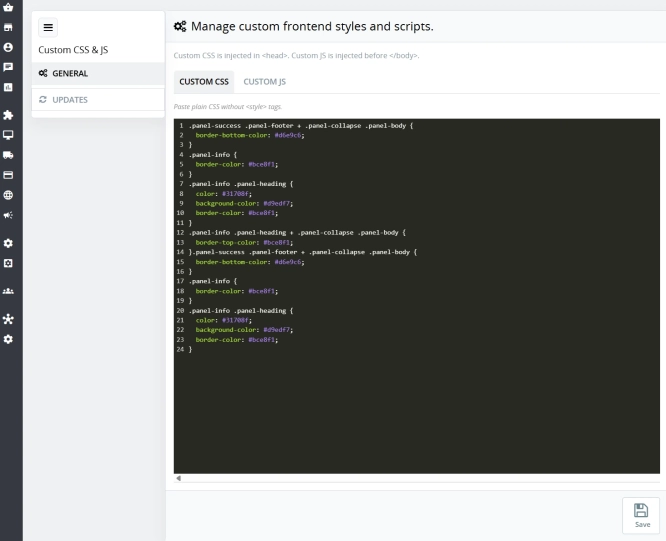
Custom CSS & JS – Free code editor in the PrestaShop panel
PP Custom CSS & JS is a free and highly practical module for every PrestaShop administrator. It allows you to instantly add your own CSS styles and JavaScript scripts...

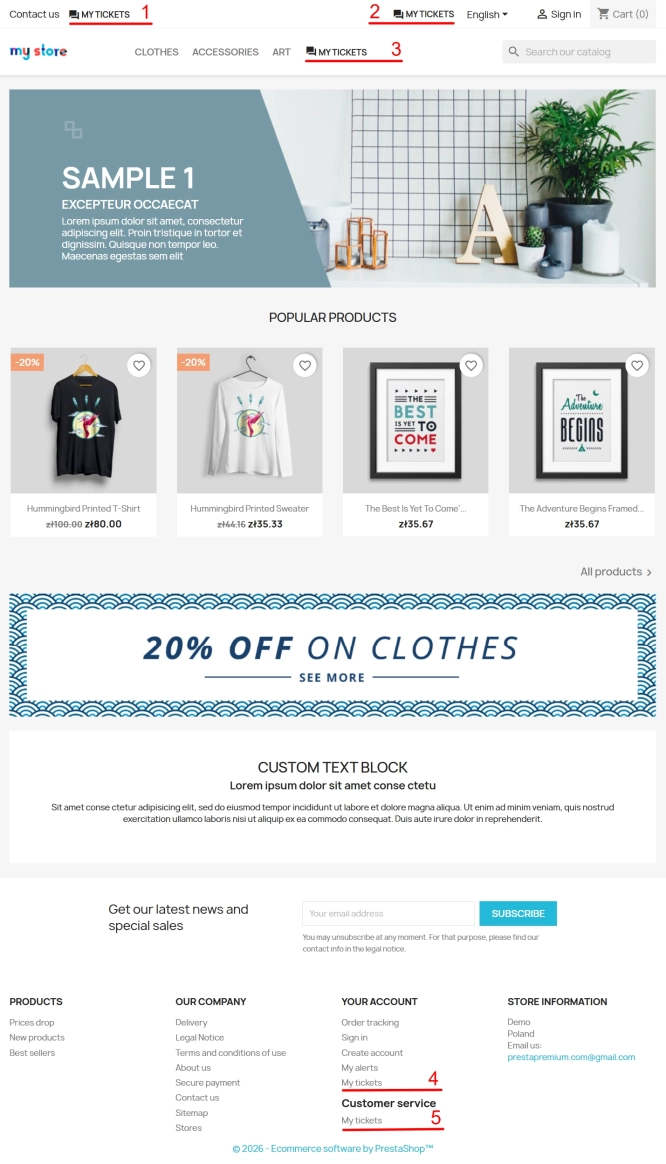
Helpdesk — professional ticketing and customer support system for PrestaShop
PP Helpdesk is a module that turns chaotic email exchanges into a clear, organised ticketing system directly within your PrestaShop store. Customers can comfortably create...
- New
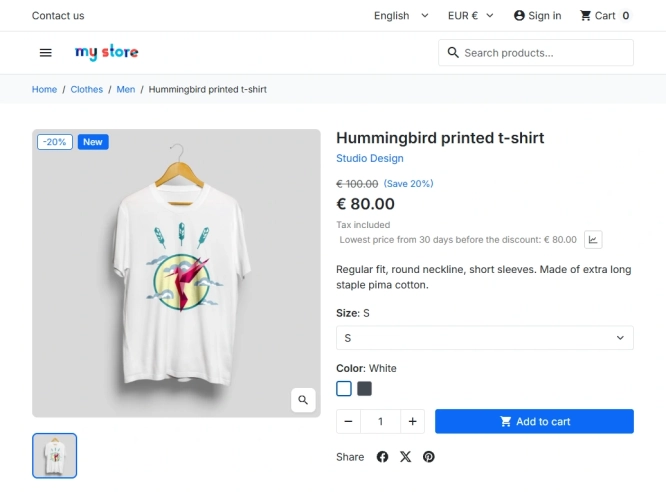
PrestaShop Omnibus Price Pro Module – Lowest Price in 30 Days (EU Omnibus Directive)
Omnibus Price Pro is an advanced PrestaShop module designed to automate the display of the lowest price prior to a discount (default 30 days). Ensure full compliance...

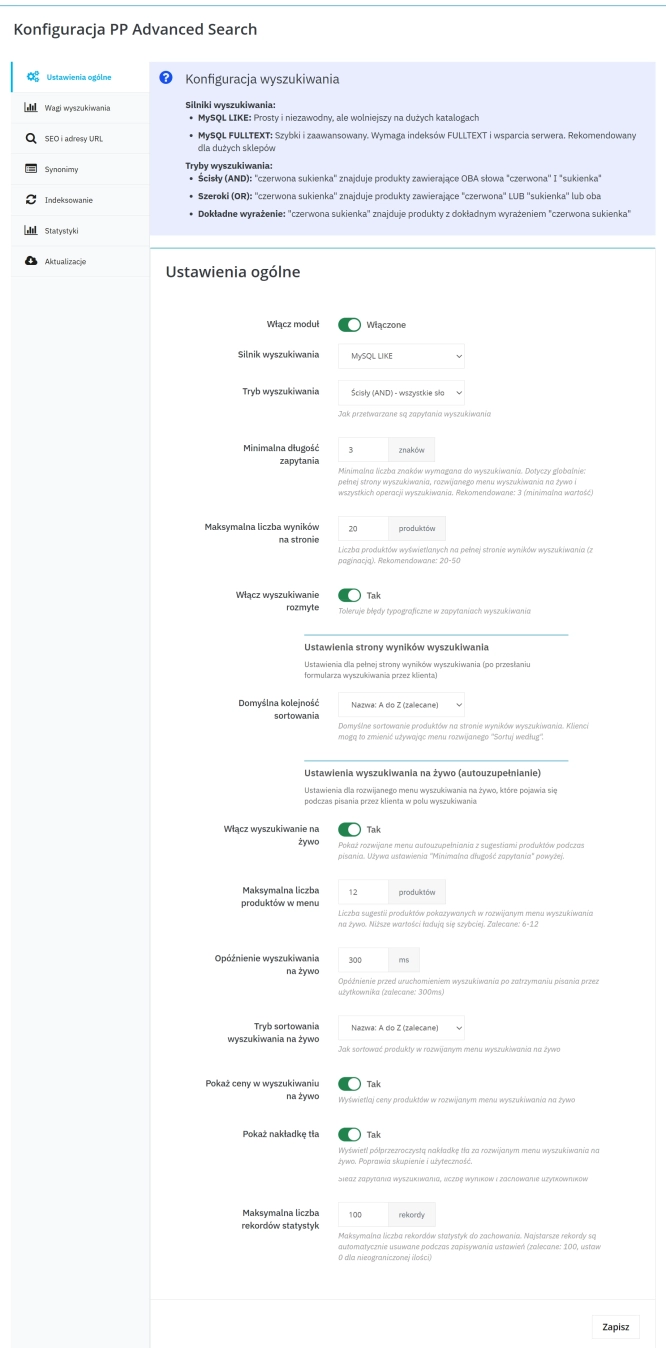
Advanced Search for PrestaShop
Advanced product search for PrestaShop that helps customers find the right products faster and makes it easier to complete purchases in your PrestaShop store . The module...

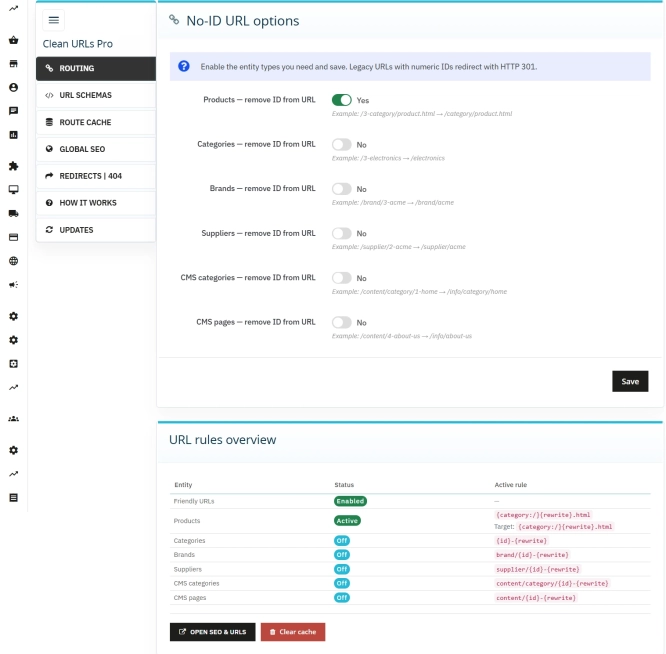
Clean URLs Pro – remove IDs from PrestaShop URLs
Clean URLs Pro removes numerical IDs from product, category, CMS category, CMS page, brand, and supplier URLs — without core modifications and with zero overrides. Simply...

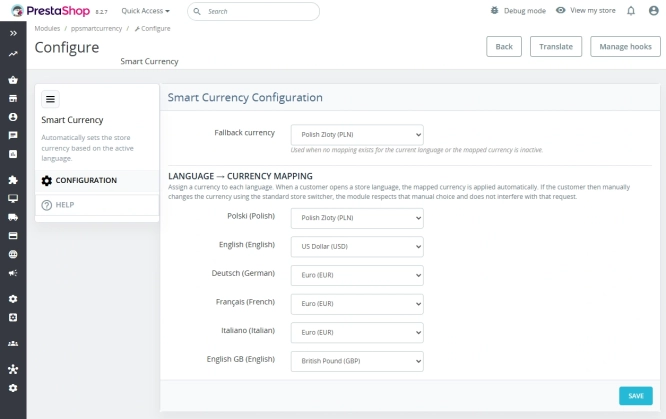
Automatic currency matching by shop language in PrestaShop
PP Smart Currency automatically matches the currency to the language a customer is using in your PrestaShop store. Visitors immediately see the right currency, while the...
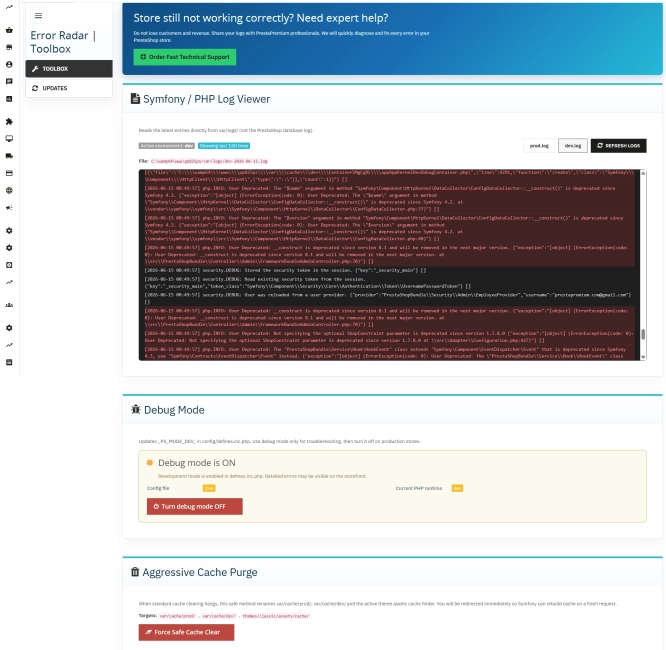
Error Radar & Toolbox — PrestaShop Error Diagnosis & Server Utilities
Error Radar & Toolbox is a powerful, free administrative module for PrestaShop that allows you to instantly diagnose technical store issues directly from your Back...

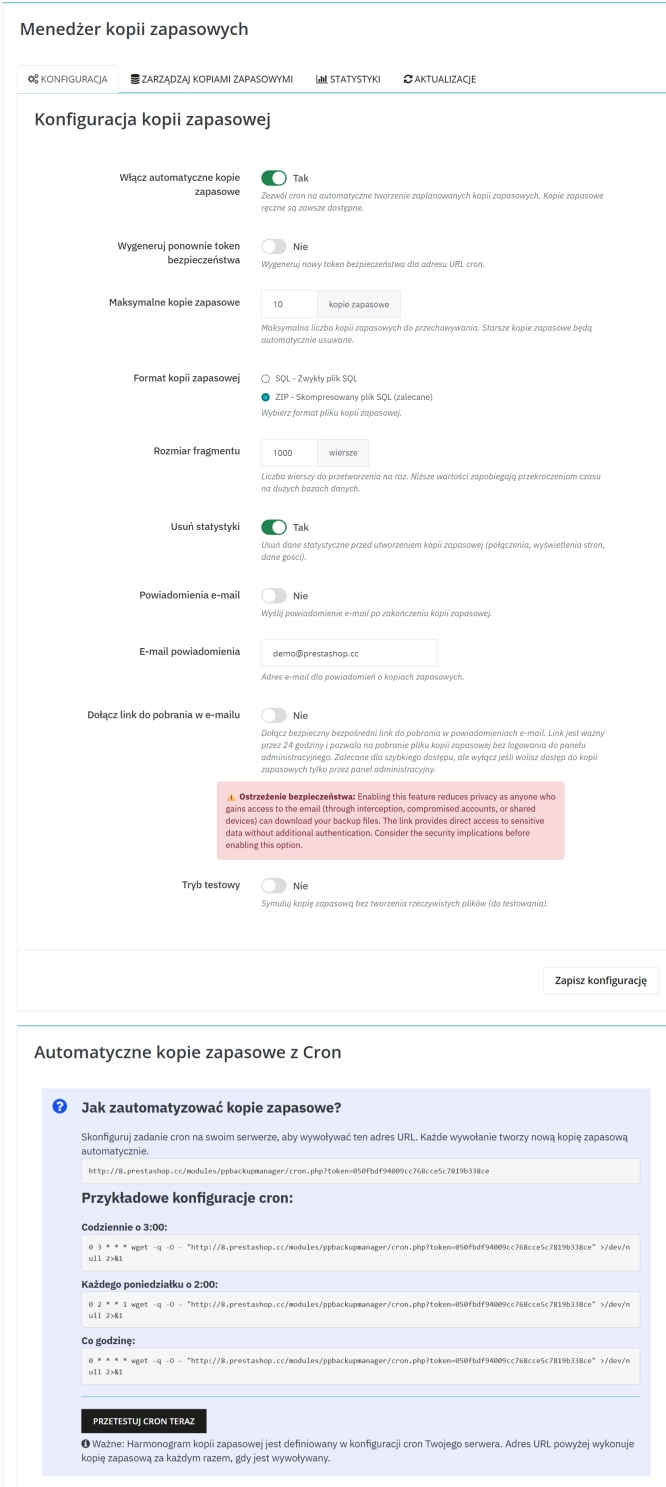
Backup Manager – Security and Automatic Database Backups
PP Backup Manager is a module for PrestaShop , which organises the process of performing database backups : manually in the administration or automatically when called...
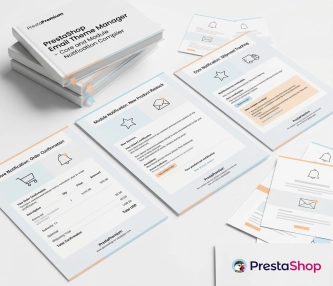
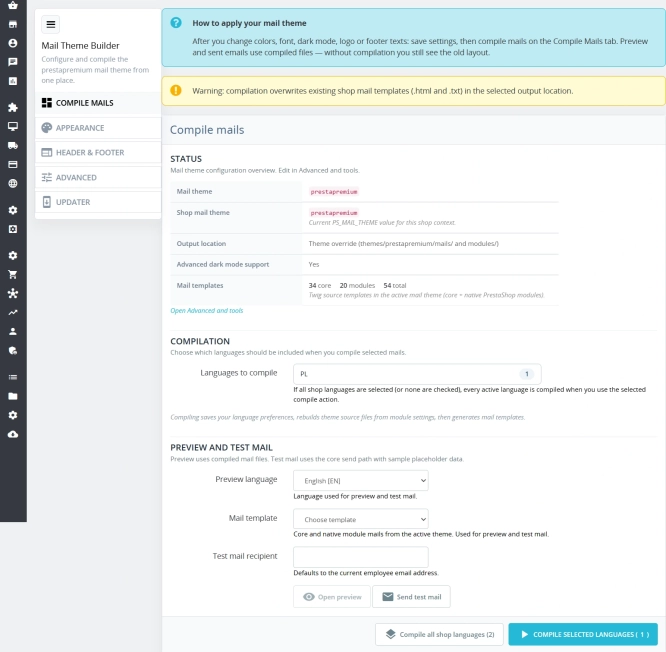
New email templates for PrestaShop with appearance configuration
The module allows you to refresh default PrestaShop emails and give them a new look . You receive ready-made email templates with a choice of different visual variants,...

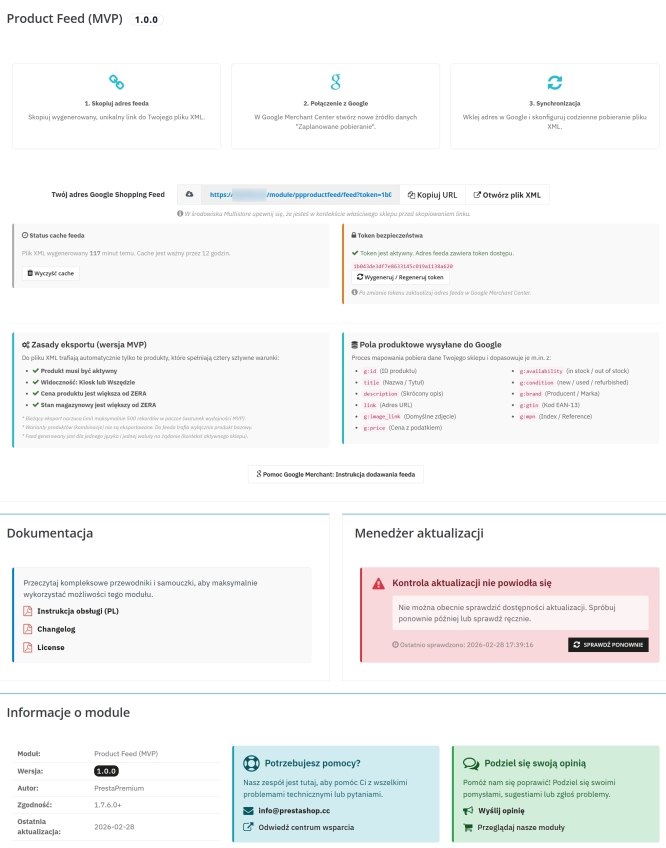
PrestaShop Integration with Google Merchant Centre (Free Version)
PrestaShop integration with Google Merchant Centre via a standards-compliant XML feed. A lightweight, secure and production-ready free edition, optimised for performance and...
- New
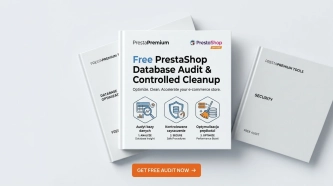
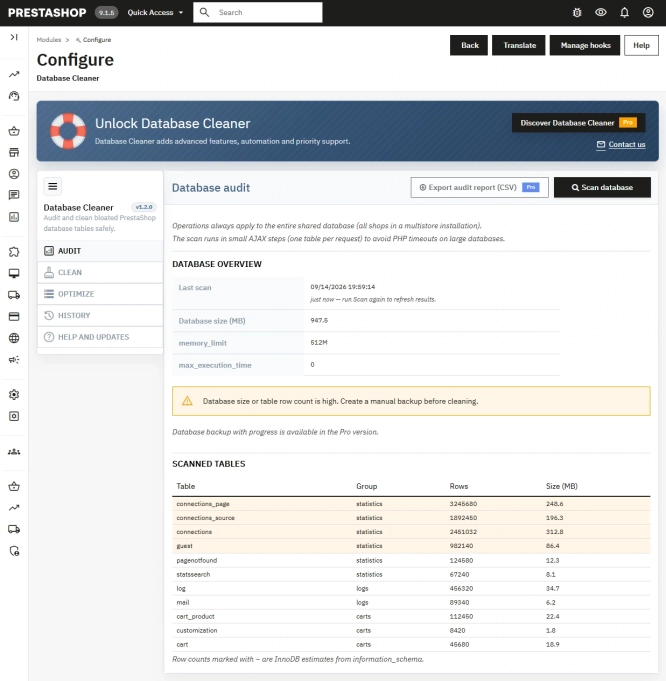
Free PrestaShop Database Audit & Controlled Cleanup
Database Cleaner Lite is a free PrestaShop module designed for auditing and safely deleting statistical data and system logs. It helps administrators quickly assess...
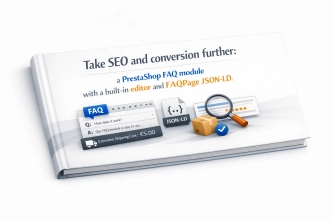
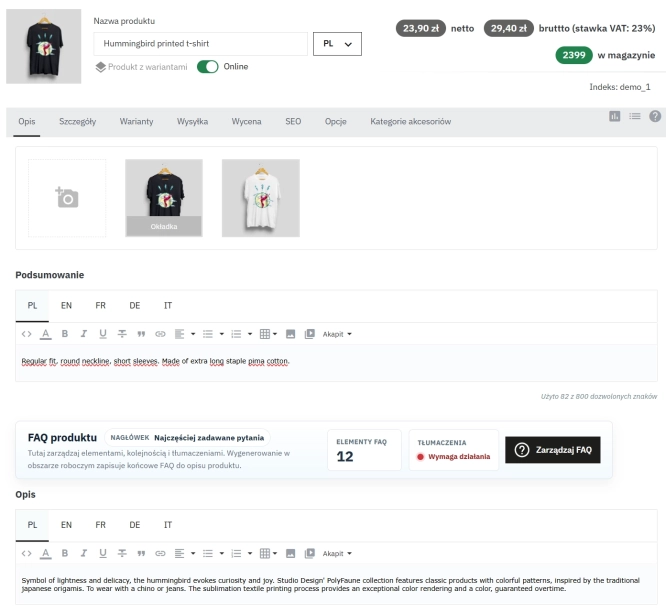
Take SEO and conversion further: a PrestaShop FAQ module with a built-in editor and FAQPage JSON-LD
The FAQ Builder module makes it easy to add question and answer (FAQ) sections directly to your PrestaShop product descriptions. The management interface sits just above the...
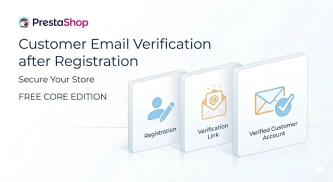
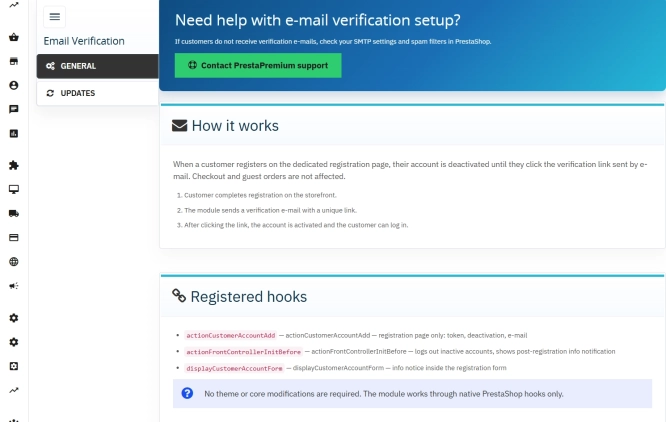
Customer Email Verification after Registration in PrestaShop
Tired of fake accounts and typos in customer email addresses? Meet Email Verification – a simple and completely free PrestaShop module designed to keep your database...
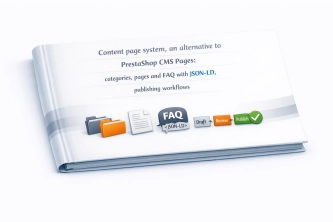
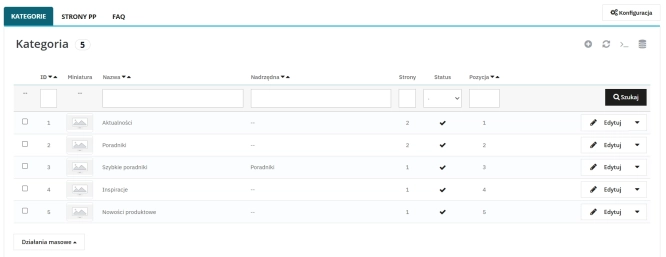
Content page system, an alternative to PrestaShop CMS Pages: categories, pages and FAQ with...
Frustrated by the limited capabilities of PrestaShop's native CMS? PP Page is a powerful alternative that transforms your shop into a fully-fledged publishing platform....
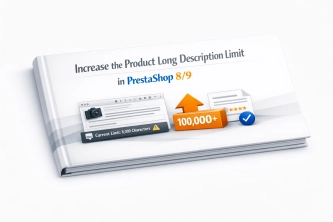
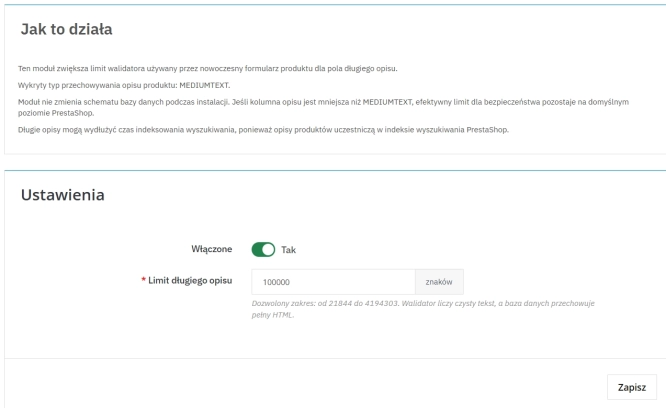
Increase the long product description and image ALT text limit in PrestaShop 8/9
PP Limit Manager removes the length restriction applied to the long product description and product image ALT text in the new PrestaShop 8 and 9 product form. The module...

- Discount
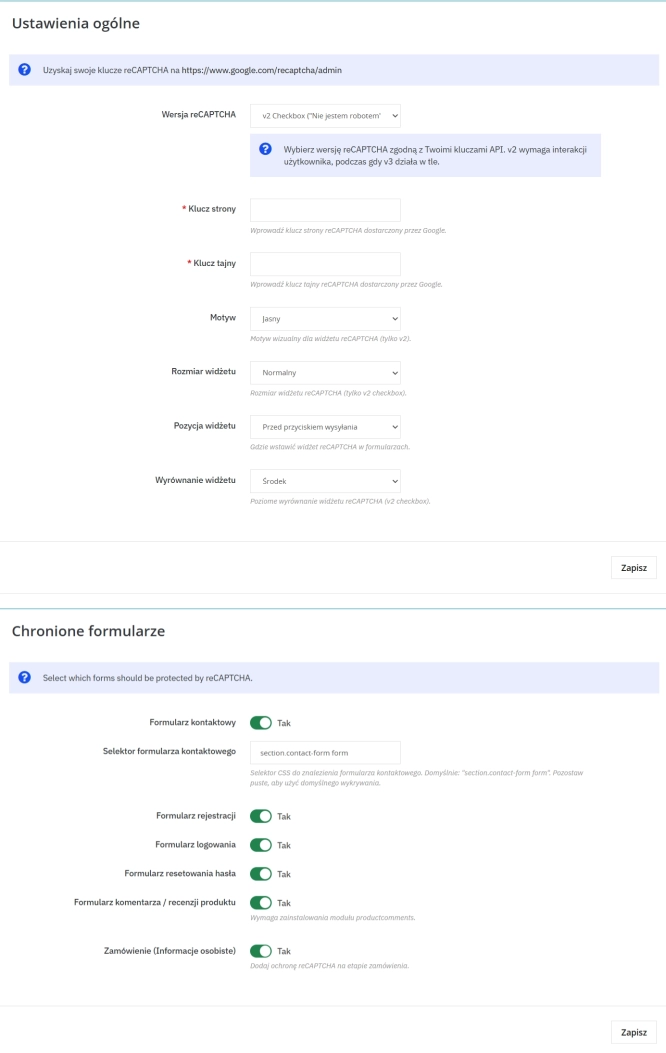
Google reCAPTCHA (v2 + v3) – Stop Bots, Yes to Customers
Tired of deleting spam from your inbox and fake accounts from your store panel? This module is your digital guardian that lets only real people into your store. Install...
Do you need additional features or custom solutions?
- Module customisation tailored to your specific requirements.
- Extending functionality to enhance your store's capabilities.
- Developing bespoke modules designed to meet your unique needs.
- Integrating external systems and additional tools.
- Optimisation and improvements for better performance and user experience.
Do you have ideas on how to improve this software? Share your suggestions for optimisation, new features, or bug reports – we’ll be happy to review them!