Take SEO and conversion further: a PrestaShop FAQ module with a built-in editor and FAQPage JSON-LD
- 1.7.5 + | 8.x | 9.x
- EN, FR, IT, DE, PL
- 2.0.1
- 2026-09-27
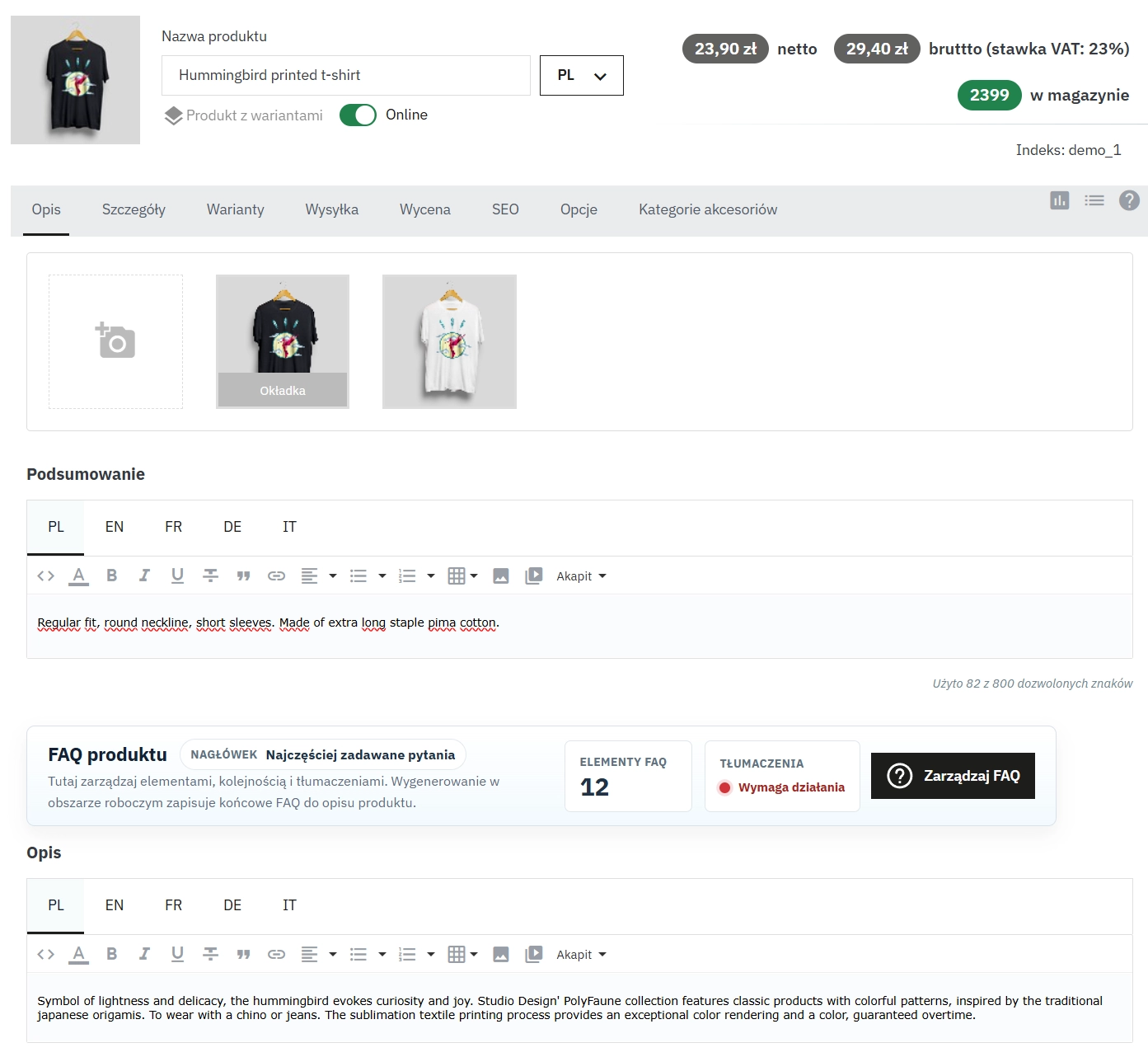
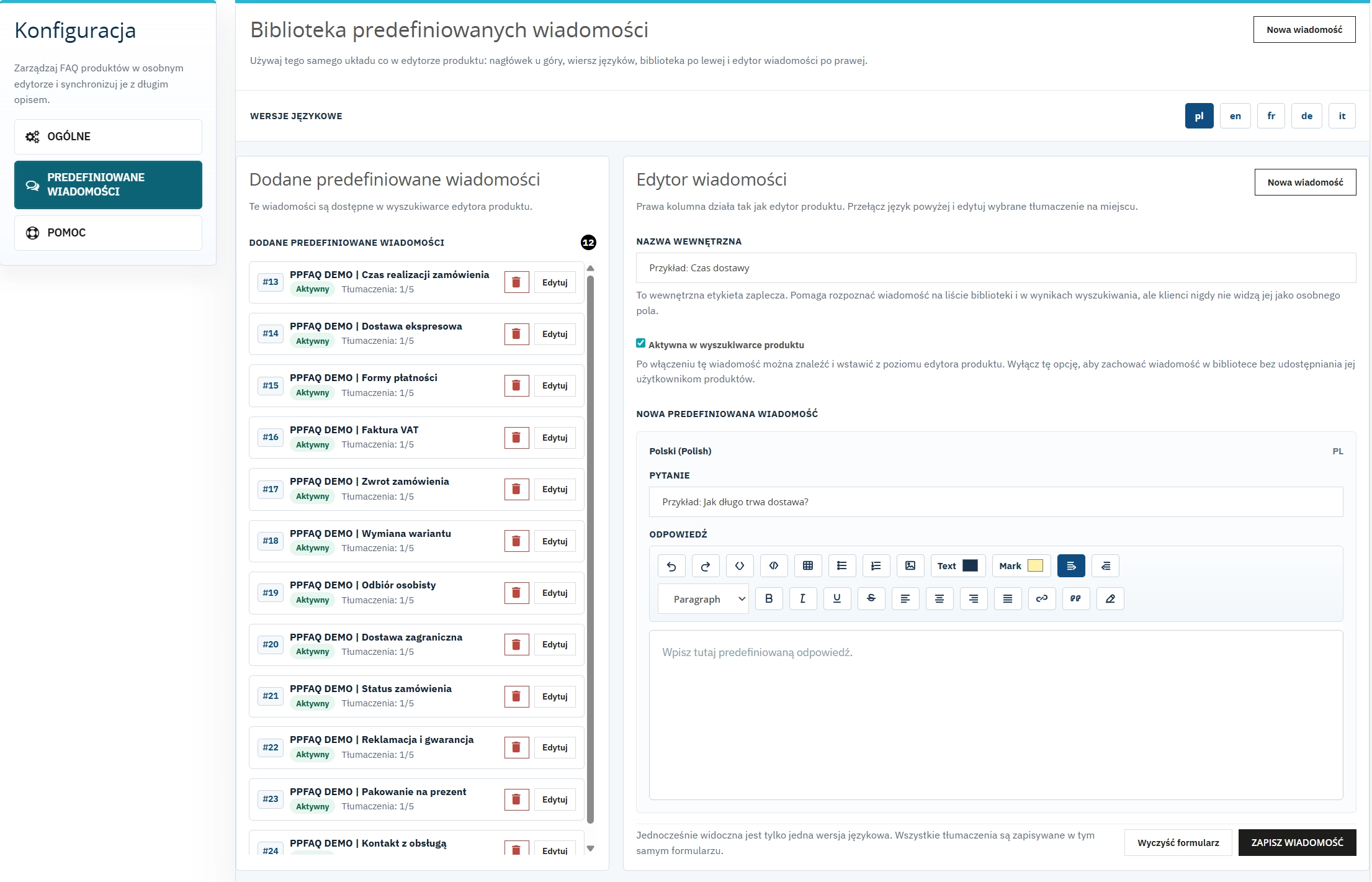
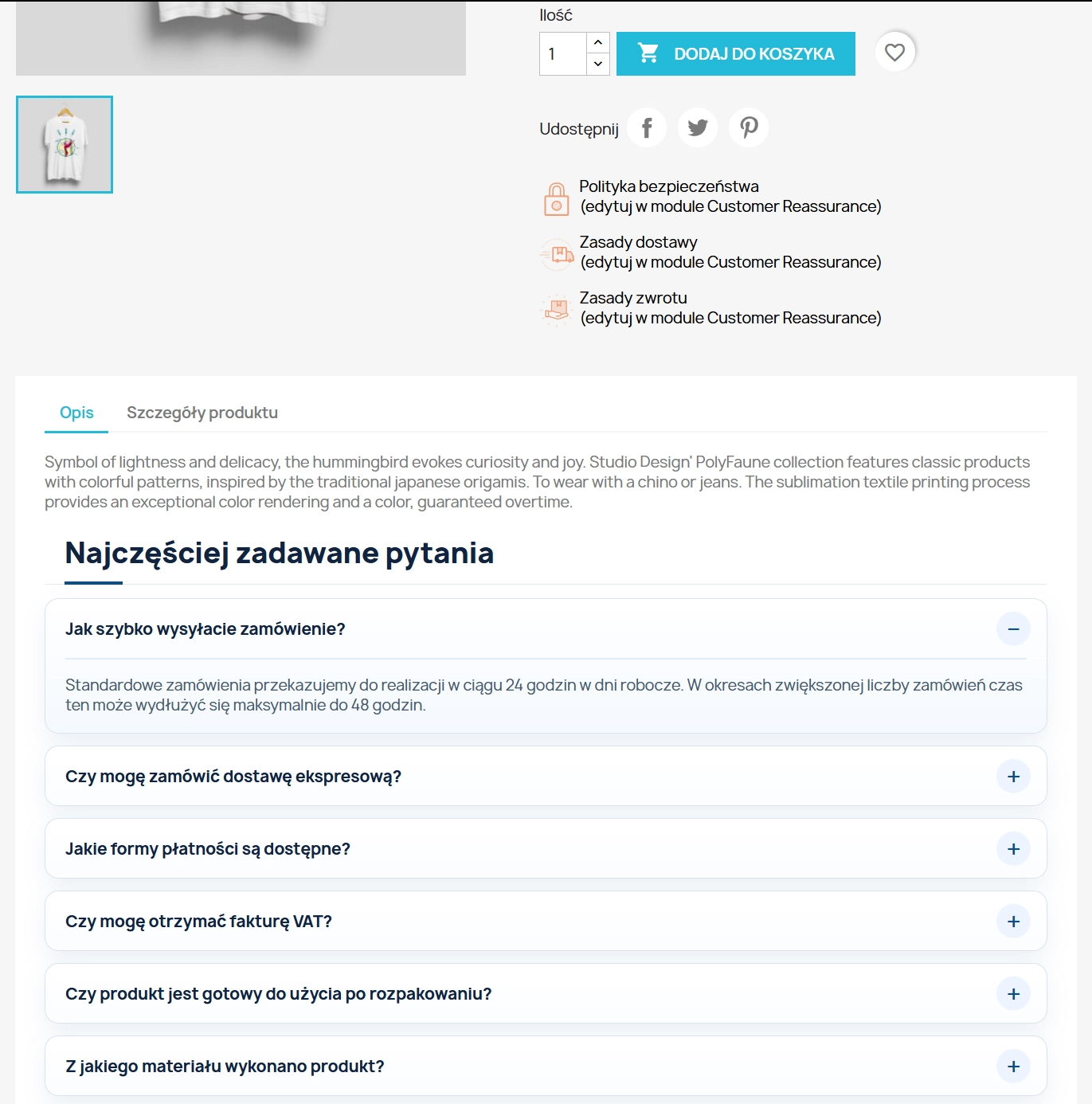
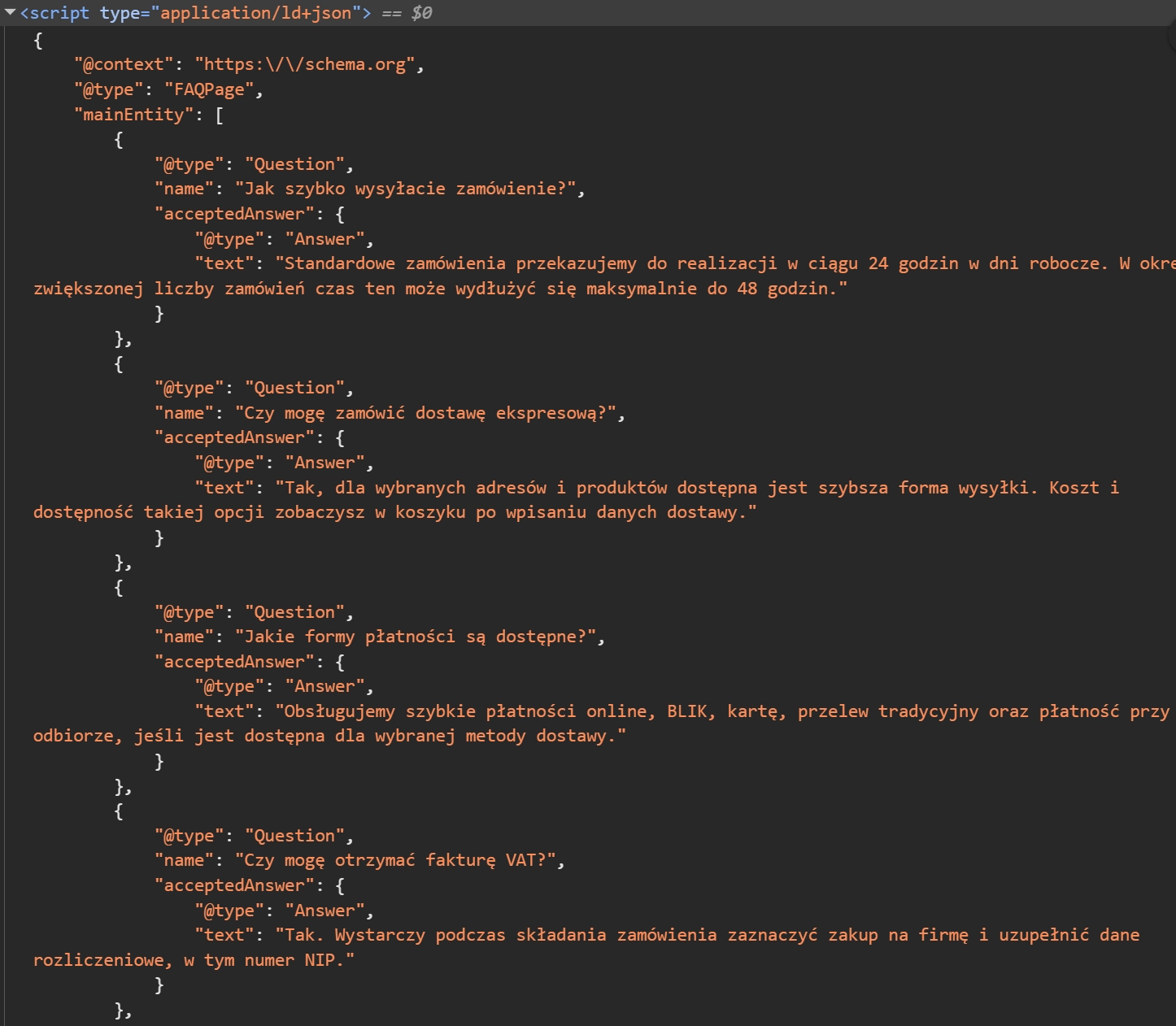
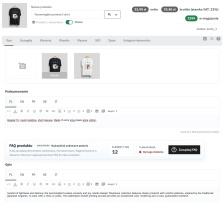
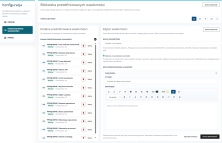
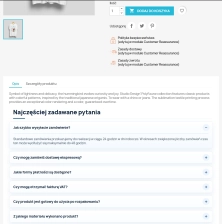
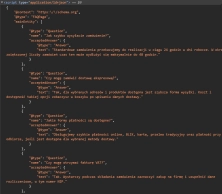
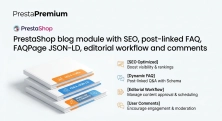
The FAQ Builder module makes it easy to add question and answer (FAQ) sections directly to your PrestaShop product descriptions. The management interface sits just above the text editor, eliminating the need to switch between tabs in the dashboard. The module allows you to use your own templates, predefined prompts, or create questions from scratch. Additionally, the tool automatically generates JSON-LD structured markup in the background, supporting long-tail SEO and helping you achieve richer results in Google.

Information Parameters:
- 2.0.1
-
Store Version PHP Version1.7.5 + 7.1 – 7.48.x 8.1 – 8.39.x 8.1 – 8.5
- 2026-09-27
- EN, FR, IT, DE, PL
- ✅
- ✅
- ✅
- ❌
- demo.admin.shop
- demo.front.shop
Why PP FAQ Builder is a must-have for your shop
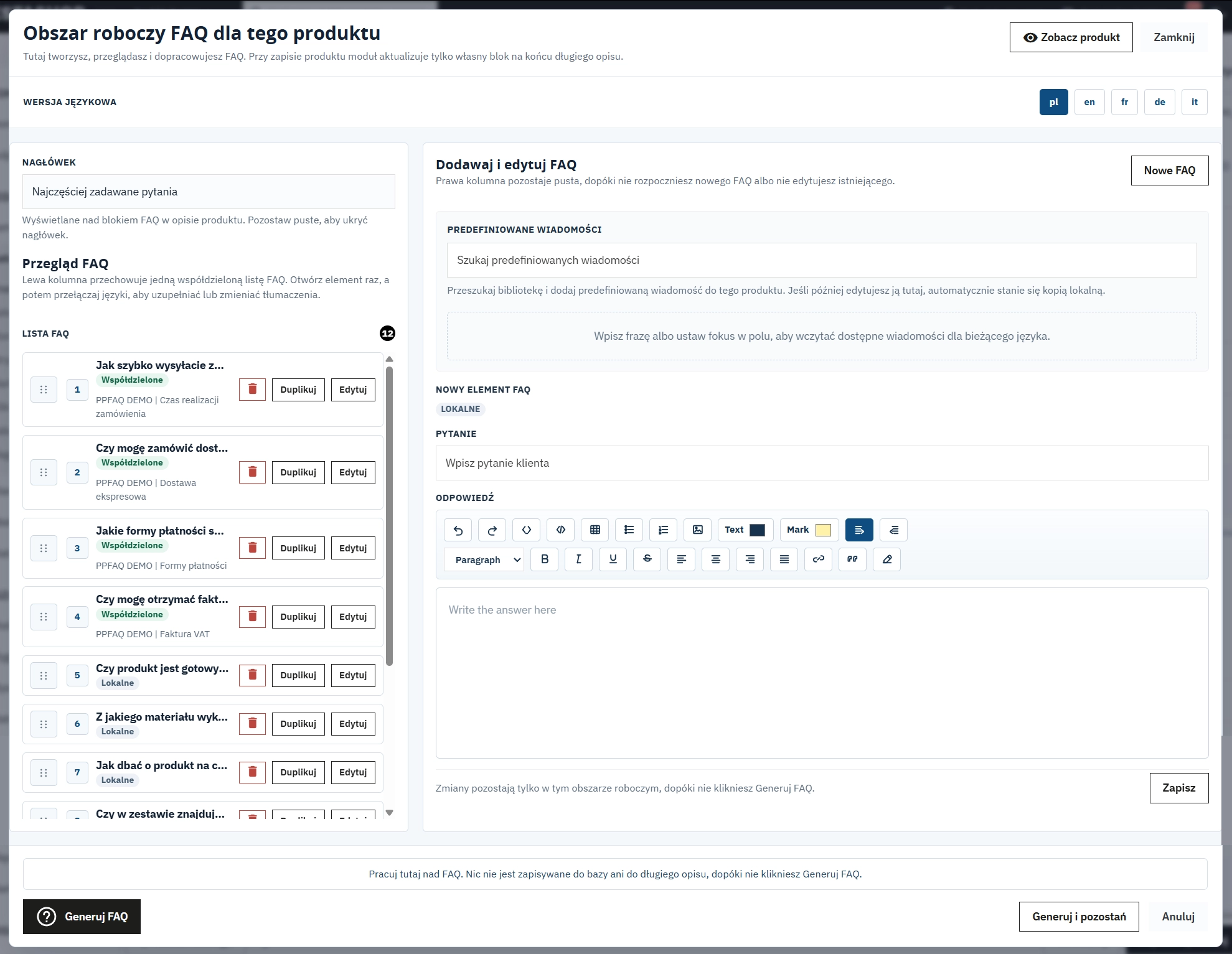
- Convenience at a different level – the FAQ panel is integrated directly with the product editor. You add, edit and review content exactly where you already work. That saves dozens of clicks on every product.
- Fast execution with templates – create your own library of common questions, such as delivery or warranty details, and apply them to hundreds of products in just a few clicks. No more repetitive copy-and-paste work.
- Automated SEO support with FAQPage – the module is not just a neat accordion on the storefront. It also delivers fully automated JSON-LD microdata that sends a clear signal to Google and improves your chances of occupying more space in search results.
- Complete safety for your product descriptions – the system inserts the FAQ block only between dedicated technical markers. Your existing long descriptions remain protected.
- Ready for international commerce – full native support for Multistore and Multilanguage makes it suitable for growing businesses and larger catalogues.
How this module pays for itself
PP FAQ Builder is an investment with a fast and measurable return:
- It improves conversion and protects baskets: by removing customer doubts at the key decision point, close to the Add to Basket button, you reduce hesitation and help buyers complete the purchase faster.
- It reduces support workload: fewer repetitive questions by email or phone means real time savings for your team, which can focus on sales instead of answering the same delivery or returns queries again and again.
- It attracts additional traffic from Google: customers search using highly specific questions. With FAQPage structured data, your product page becomes a stronger response to long-tail queries.
Key Back Office features – full control over content
1. A genuinely efficient workspace
Stop switching between views. Work smoothly within the product card screen.
- Always at hand: the FAQ panel placed just above the main editor saves time during day-to-day catalogue work.
- Live Preview: move from editing to the storefront view in one click to check the end result.
- Operational autonomy: separating FAQ logic from the standard editor keeps the product HTML intact.
2. Template library that scales
Build FAQ sections across products as if you were assembling modular content blocks.
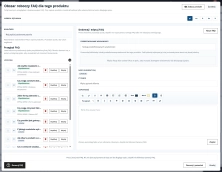
- Fast search: quickly locate and assign ready-made question sets from the preset library.
- Internal working names: organise the library with back-office labels invisible to customers, which makes teamwork cleaner and safer.
- Automatic language matching: each preset aligns with the selected language version of the product page.
3. Smart synchronisation: linked or copied
Manage answers globally or locally depending on the product context.
- Linked mode: a change in the preset library, for example an updated delivery lead time, can be reused across related product entries without rebuilding the content manually.
- Copied mode: adjust a ready-made question only for one specific product without changing the main preset base.
4. Safe Update protection layer
Your product content stays under control.
- Technical markers: the FAQ block is inserted precisely between protected markers inside the description.
- No full overwrite: saving updates only the PP FAQ Builder zone, while the rest of the formatting remains untouched.
Key Front Office features – better customer experience and better search signals
1. Lightweight and fast accordion
A cleaner user experience at the most important point in the purchase funnel.
- Built in Vanilla JS: no heavy libraries such as jQuery, which helps keep the front end lean and performance-focused.
- Mobile first behaviour: reliable and smooth operation across smartphones, tablets and large desktop screens.
2. Design aligned with your shop
Adapt the FAQ section without writing custom code from scratch.
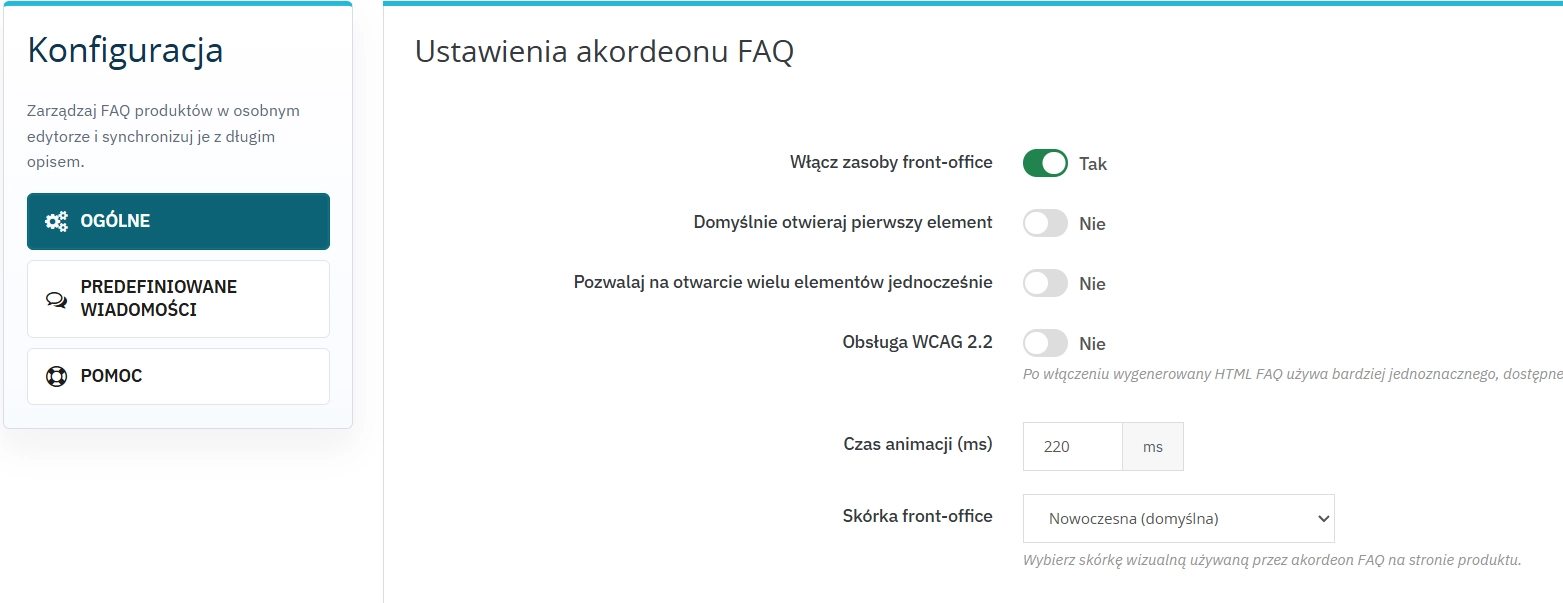
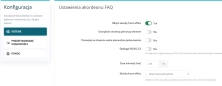
- Ready-made visual skins: choose from polished styles such as minimal, modern, rounded, retro or editorial.
- Full control over opening behaviour: decide whether the first question should open by default to direct attention immediately.
- Space-saving behaviour: choose whether opening a new question should close the previous one automatically.
3. SEO and accessibility at a high standard
Let the module handle the technical layer while you focus on product content and sales.
- JSON-LD ready: automatically generated code that search engines can interpret more clearly, increasing the opportunity for enhanced results.
- WCAG 2.2 support: properly implemented ARIA attributes improve accessibility and align the output with modern standards.
Important technical information
Before installing the module, we recommend creating a standard backup of the shop. Important: do not remove or edit content placed between the PPFAQ_START and PPFAQ_END markers in the product long description, as this is the module's autonomous synchronisation area.
The module generates fully valid FAQPage JSON-LD structured data. However, Google ultimately decides when, where and for which queries enhanced search results are displayed.
# Changelog

## [2.0.1] - 2026-09-27

### Fixed

- Multilingual Generate FAQ / product description sync.
- FAQ table rows no longer cleared when a language description has no FAQ block.

## [2.0.0] - 2026-09-16

This release delivers **PP FAQ Builder** as a production-ready module for PrestaShop **1.7.5+**, **8.x** and **9.x**, with separate install packages per platform version.

### Fixed

- Product description workflow, front-office skins, preset search language fallback, and Back Office AJAX security hardening.

## [1.0.0] - 2026-02-17

### Added

- Initial release of the module.
FAQs
-
Where can I edit FAQs assigned to a product?
The FAQ panel is integrated with the product editor, so you can add, edit, and preview questions in the same place as the product description.
-
Are the modules compatible with my version of PrestaShop?
Each module in our store contains information about compatibility with specific PrestaShop versions. Please check this information carefully before purchasing. If you are not sure, contact us.
-
Can I use the same questions on multiple products?
Yes. The template library lets you create ready-made sets of questions, search them, and assign them to multiple products.
-
What is the difference between Linked and Unlinked modes?
In Linked mode, a change in the library updates all linked products, while Unlinked mode creates a local copy for individual editing.
-
Does the module modify the existing product description?
No. The FAQ block is saved only between the PPFAQ_START and PPFAQ_END markers, so the remaining description content stays untouched.
-
Is the FAQ optimised for Google and accessibility?
Yes. The module automatically generates FAQPage JSON-LD, and the accordion includes ARIA attributes that follow accessibility guidelines.
16 other products in the same category:
Advanced PrestaShop traffic and performance optimization generator (htaccess)
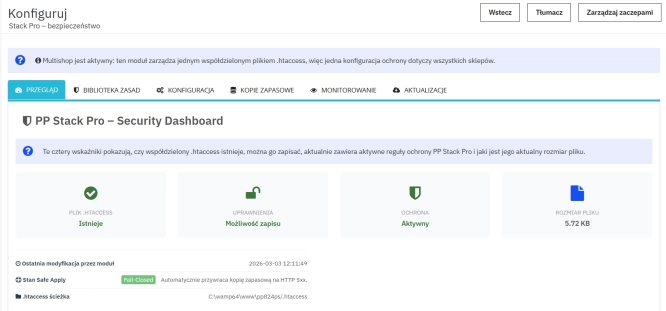
Stack Pro is a protective module for PrestaShop that restricts artificial and automated traffic at the server level through controlled modification of the .htaccess file....
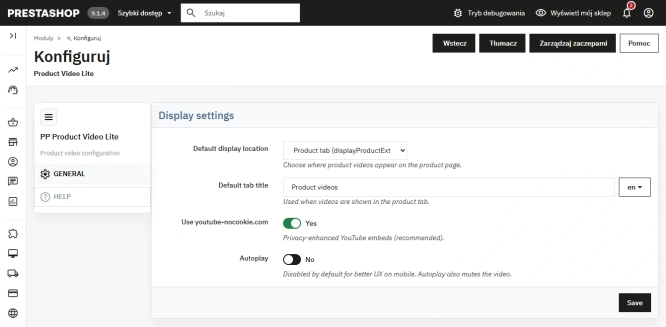
Free PrestaShop Video Module (YouTube & Vimeo)
Product Video Lite is a free and exceptionally lightweight module that allows you to assign an unlimited number of YouTube and Vimeo videos to your products. Instantly...
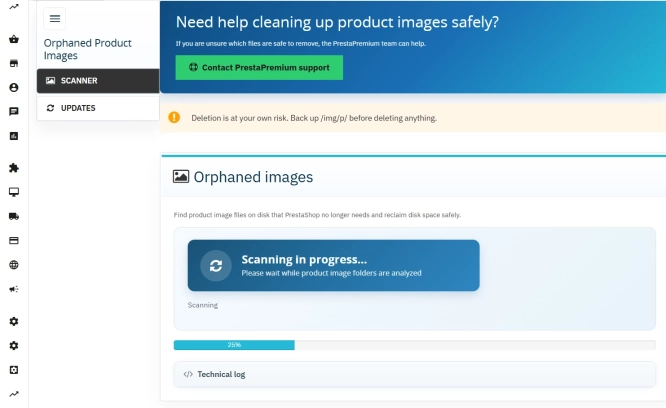
Unused Product Images — Free Server Cleanup for PrestaShop
Unused Product Images (Free) is a free PrestaShop module designed to optimize disk space and file limits (Inodes) on your hosting. The tool automatically locates and...
- Discount
Price available only until: 11.10.2026
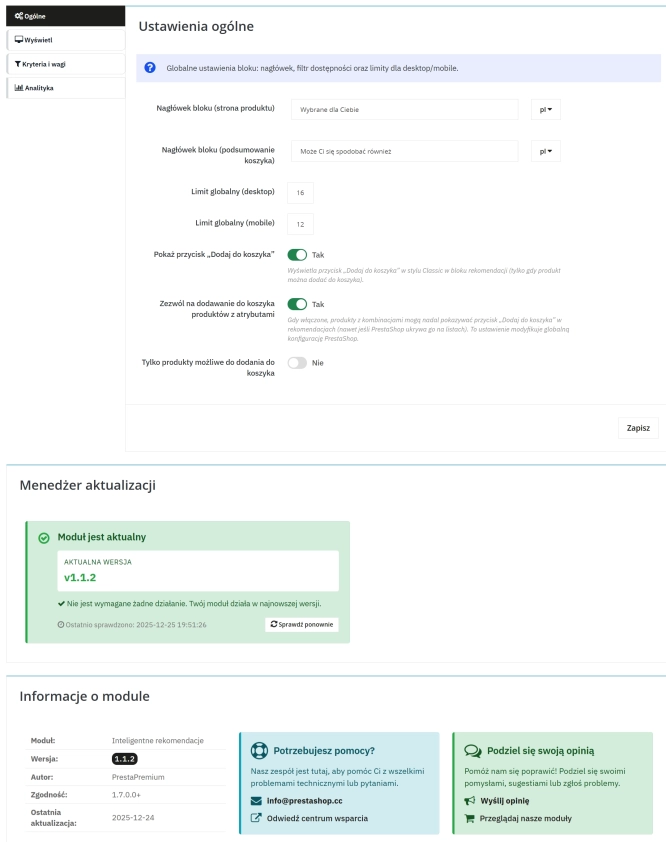
Product recommendation module for PrestaShop
A recommendations module for PrestaShop that displays tailored product suggestions in two key points of the buying journey: the product page and the cart. It reduces...
- New
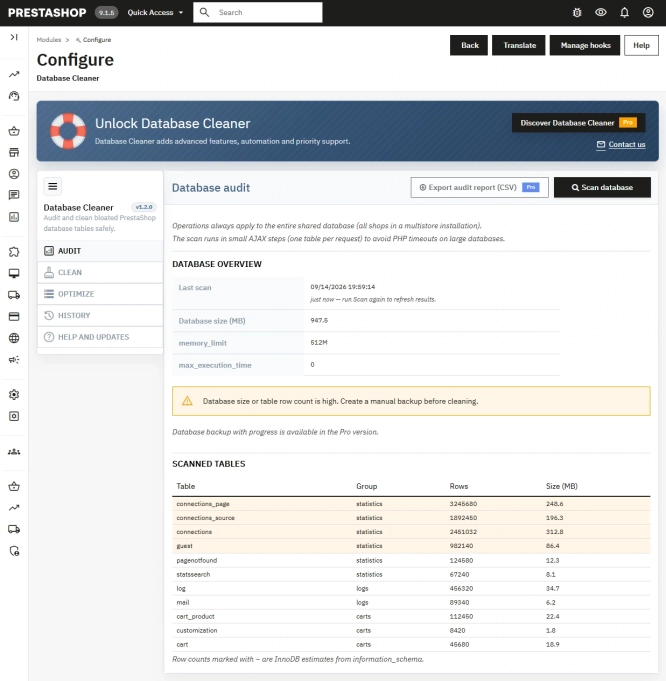
Free PrestaShop Database Audit & Controlled Cleanup
Database Cleaner Lite is a free PrestaShop module designed for auditing and safely deleting statistical data and system logs. It helps administrators quickly assess...

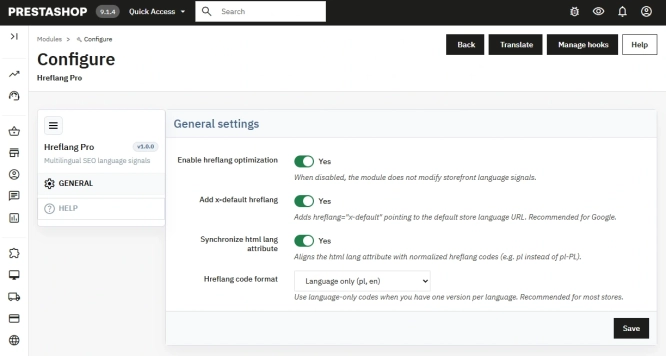
Hreflang and X-Default Normalisation for PrestaShop
Hreflang Pro solves the issue of directing shoppers to the wrong language version of your store (for instance, when a local customer lands on a foreign-language page from...

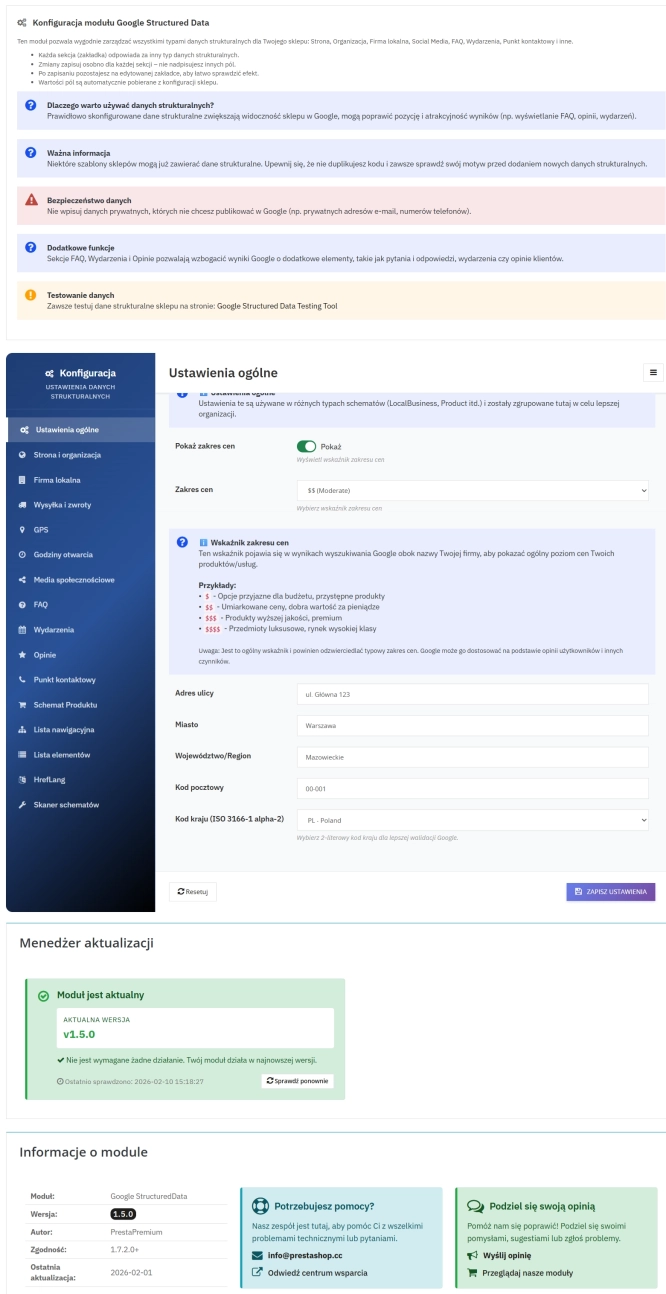
PrestaShop Schema Pro - Rich Snippets & SEO Booster
Rich Results + AI = dominate search results and increase sales in PrestaShop! Automatic JSON-LD generator with full support for more than 15 Schema.org types, including...
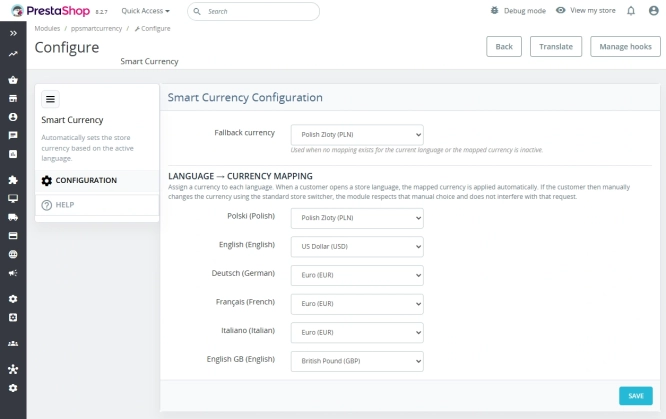
Automatic currency matching by shop language in PrestaShop
PP Smart Currency automatically matches the currency to the language a customer is using in your PrestaShop store. Visitors immediately see the right currency, while the...
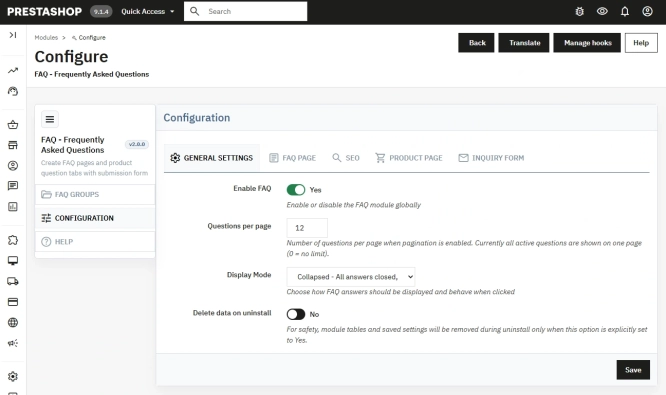
PrestaShop FAQ module that boosts conversion | JSON-LD
ppfaq is a module that organises store communication: it publishes FAQ in a single, easy-to-read place and helps customers find answers faster without contacting...

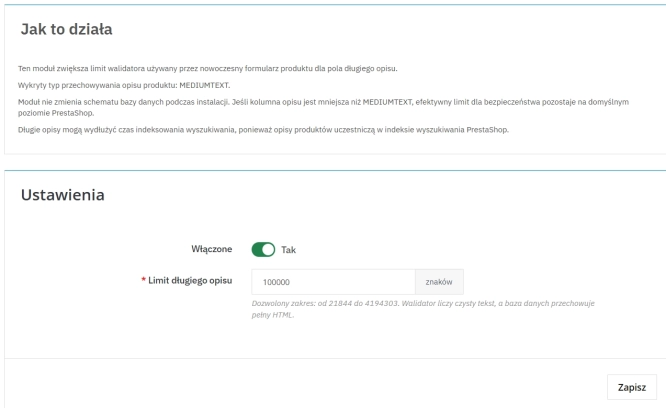
Increase the long product description and image ALT text limit in PrestaShop 8/9
PP Limit Manager removes the length restriction applied to the long product description and product image ALT text in the new PrestaShop 8 and 9 product form. The module...
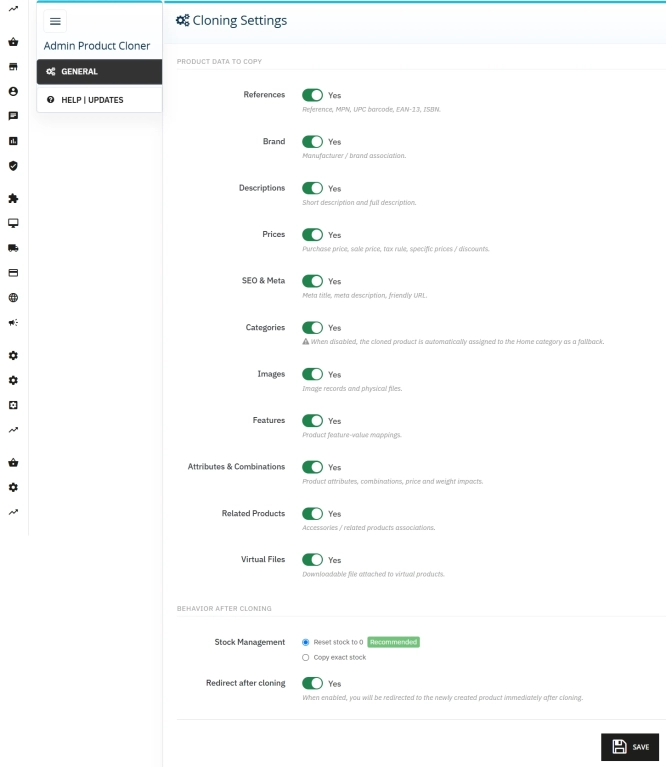
Admin Product Cloner – Selective Product Duplication
Admin Product Cloner is a simple, handy tool for PrestaShop administrators, designed to streamline daily catalogue management. The module replaces the standard, full...
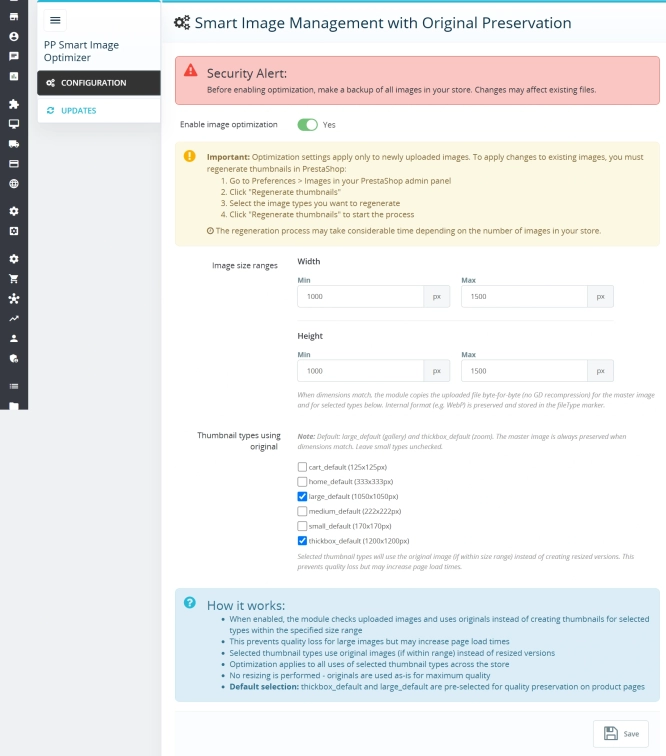
Smart Image Optimiser — Lossless Quality and Perfect PrestaShop Product Images
Smart Image Optimizer is an advanced tool that effectively eliminates the problem of automatic, lossy recompression of graphics files by PrestaShop's engines (GD/Imagick)....
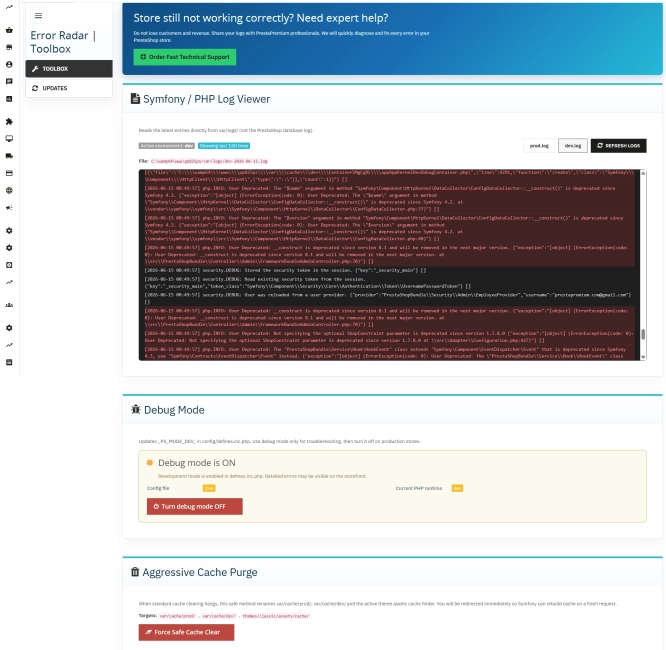
Error Radar & Toolbox — PrestaShop Error Diagnosis & Server Utilities
Error Radar & Toolbox is a powerful, free administrative module for PrestaShop that allows you to instantly diagnose technical store issues directly from your Back...
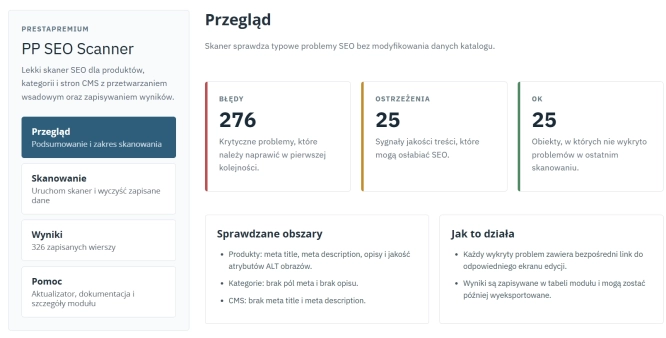
SEO Scanner - fast SEO auditing for products, categories and CMS pages in PrestaShop
PP SEO Scanner is an efficient diagnostic tool for PrestaShop, designed to automate on-site SEO auditing. The module analyses products, categories and CMS pages for...
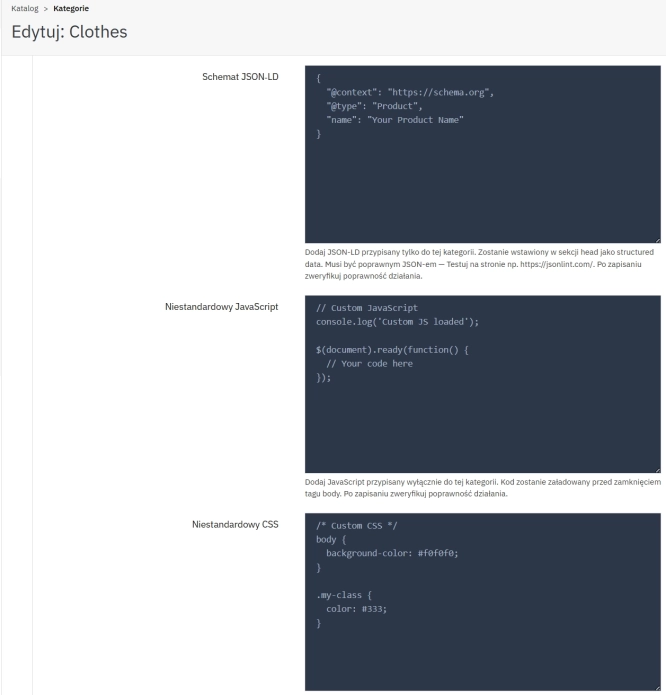
SEO Custom Code Manager for PrestaShop Products Categories and CMS
A module for PrestaShop that allows adding custom JSON-LD , JavaScript, and CSS resources individually to each product, category and CMS . Increase search engine...
Do you need additional features or custom solutions?
- Module customisation tailored to your specific requirements.
- Extending functionality to enhance your store's capabilities.
- Developing bespoke modules designed to meet your unique needs.
- Integrating external systems and additional tools.
- Optimisation and improvements for better performance and user experience.
Do you have ideas on how to improve this software? Share your suggestions for optimisation, new features, or bug reports – we’ll be happy to review them!