Key benefits
- Stronger organic visibility thanks to separate robots, canonical, hreflang, structured data and friendly URL settings for the main blog views.
- Better coverage of question-style queries thanks to post-linked FAQ, a multilingual section title, a global Q&A preset library, and automatic FAQPage schema for complete Q&A blocks.
- A consistent publishing process because the module supports an editorial workflow, scheduled posts, a preview link and a quality checklist before publish.
- Clearer admin control through one PrestaShop menu entry and an internal side menu: Dashboard, Posts, Categories, FAQ, Authors, Comments, Import / Export, Settings and Help — plus blog layout configuration and front-office skin selection.
- Safer content scaling thanks to slug validation, URL uniqueness checks and data migration options that help protect SEO integrity.
- Better UX and performance through image support with width, height, srcset, sizes, WebP fallback and logical asset loading.
Typical use cases
Content-driven stores
The module works well in shops that grow traffic from guides, evergreen content and articles that cover long-tail search terms. It is useful wherever the blog should act as an organic acquisition channel, not only as a news section.
E-commerce with a large catalogue
In stores with many categories and products, the blog helps organise expert content, link posts to products and grow internal linking without deploying a separate publishing engine. It is a practical option for merchants who want a blog without maintaining a second installation, such as WordPress, next to the PrestaShop store.
Expert brands and premium shops
If the store communicates industry knowledge, builds trust through authors and publishes content under its own brand, the module provides authors, biographies, workflow and comments in one environment.
Agency and implementation projects
For a software house, freelancer or agency, the module is convenient because it follows PrestaShop logic, has predictable routing and can be extended for a specific project.
Features – Back Office
In the PrestaShop menu, the module adds one entry that opens the PP Blog configuration (Dashboard by default). Posts, categories, FAQ, authors, comments, import / export and settings are available from the left side menu inside the module — not as separate tabs in the main shop menu.
1. Editorial Dashboard
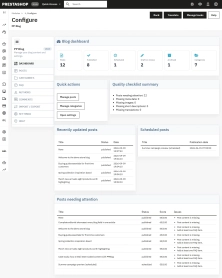
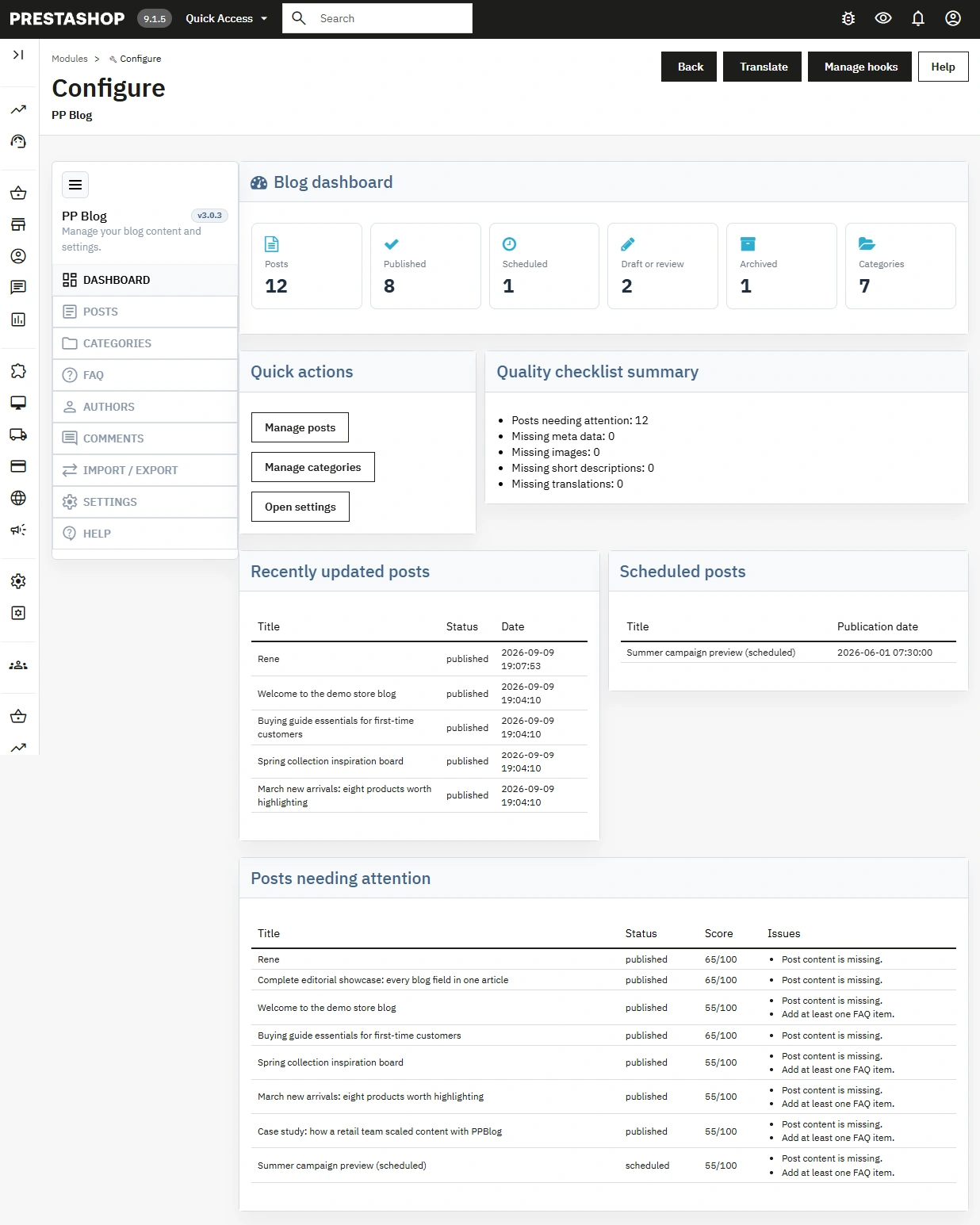
The module start page brings daily editorial information together without opening the full post list.
- Post counters cover all, published, scheduled, draft and archived posts.
- Latest and scheduled posts give a quick shortcut to current work.
- Content quality checklist and Posts needing attention highlight posts with gaps (SEO, images, descriptions, translations).
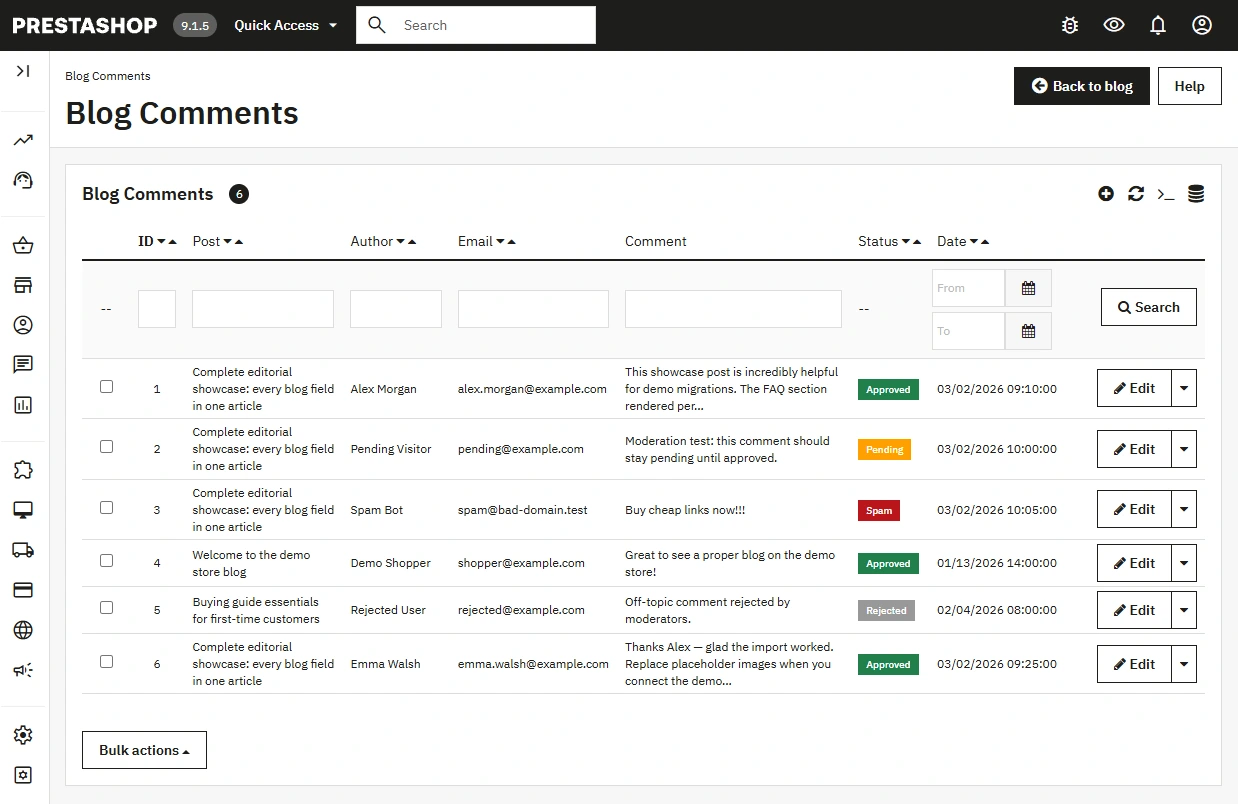
- Category and comment overview helps assess content volume and moderation load.
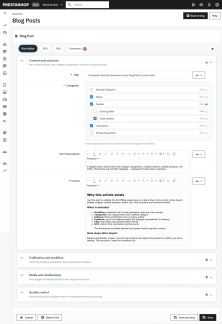
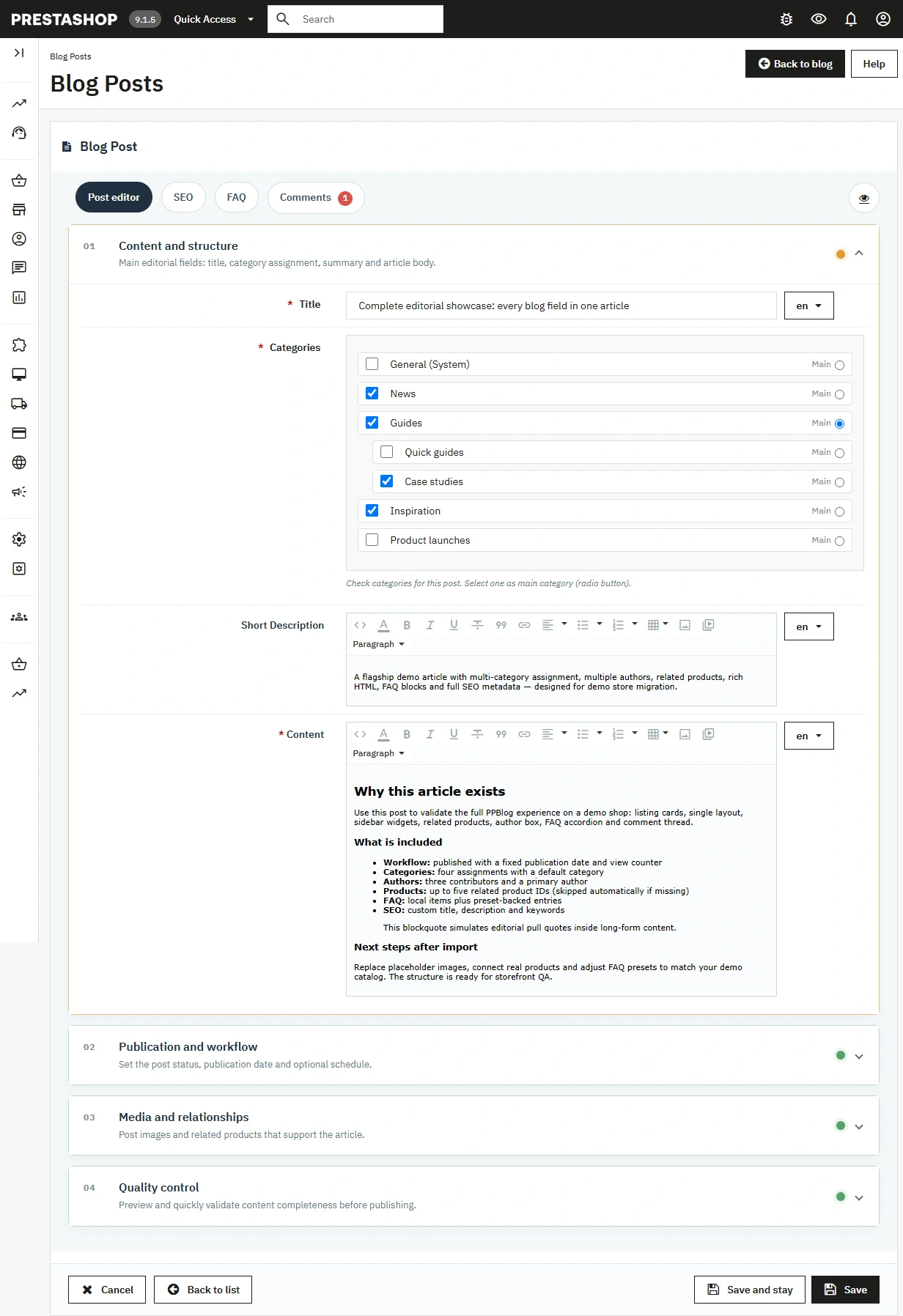
2. Post editor with workflow
The administrator works on a form split into logical sections instead of one long screen.
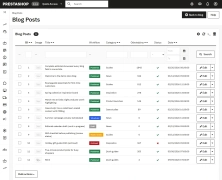
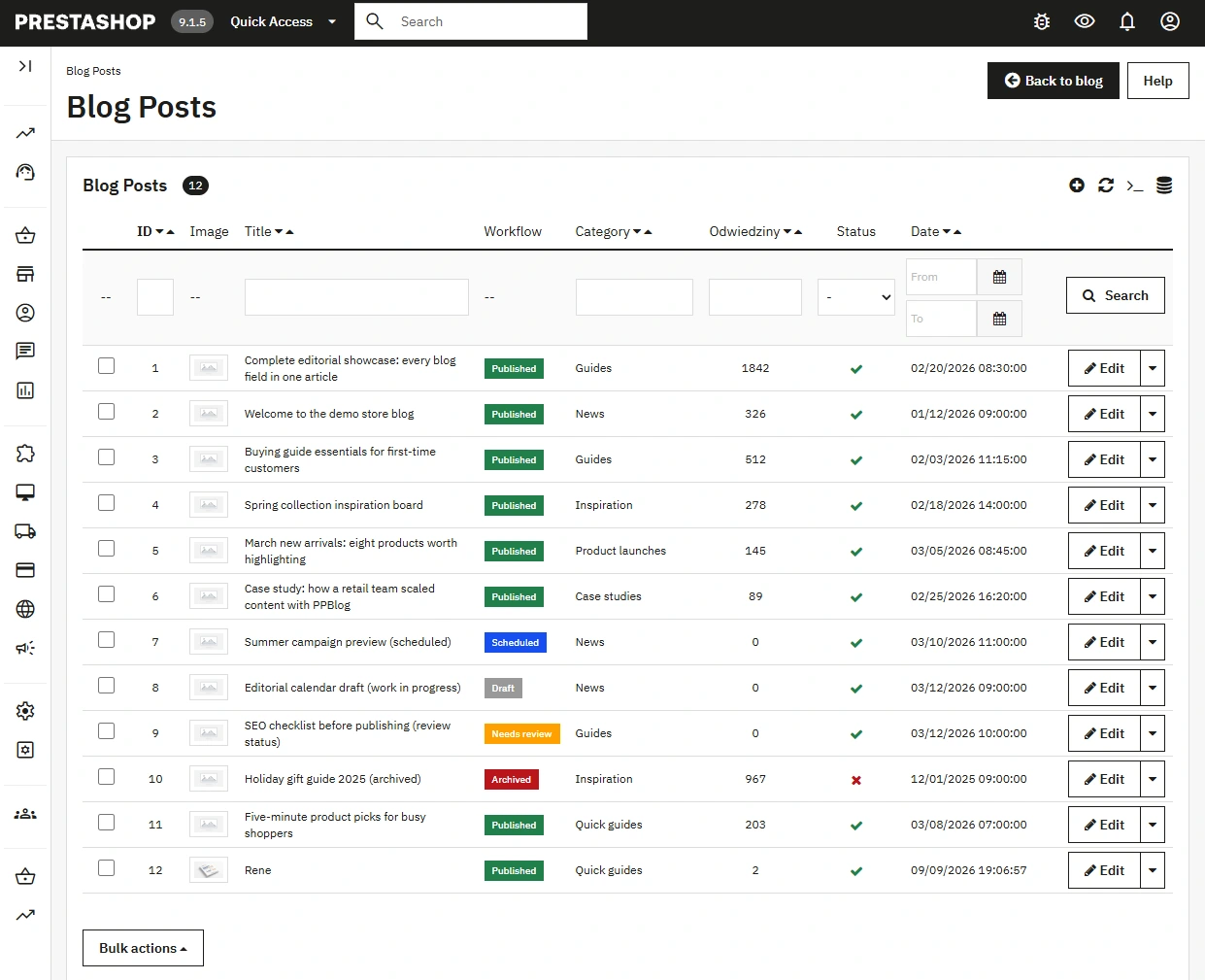
- Workflow statuses include Draft, Needs review, Scheduled, Published and Archived.
- Scheduled publishing lets you set a publication date without publishing manually at a specific hour.
- Active separates post visibility from the workflow and adds an extra control layer.
- Preview lets you check the post on the storefront before it is published.
- Short Description (HTML) is safely truncated on listings with properly closed formatting tags.
- H2/H3 headings in the content can feed an automatic table of contents on the post page.
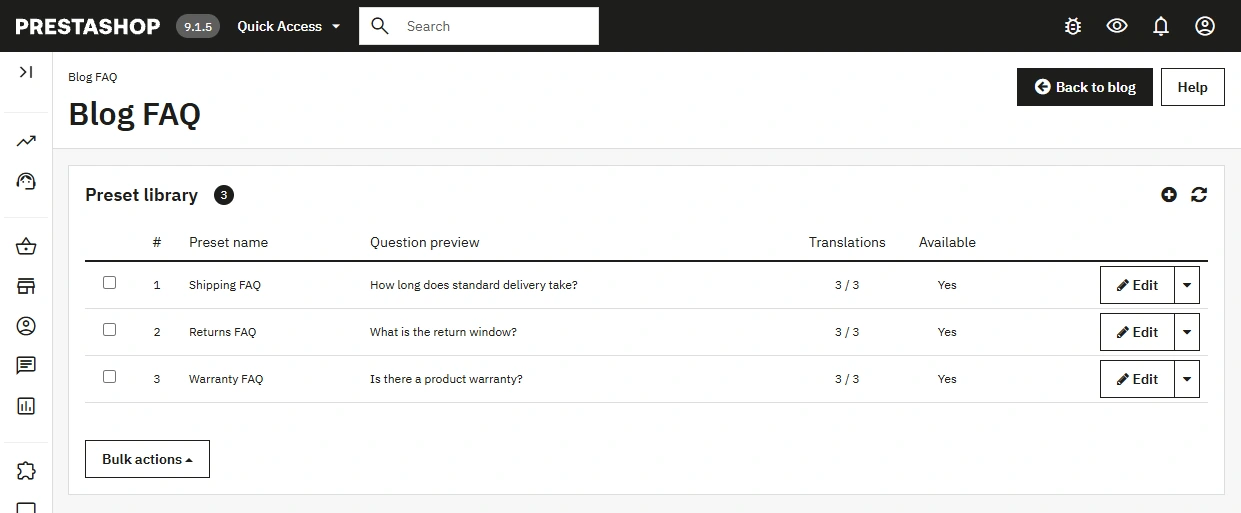
3. Post-linked FAQ and FAQ preset library
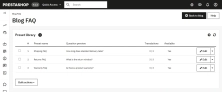
The administrator can build a Q&A section independently from the main post content, reuse ready presets, or create local FAQ items and promote them to the global library.
- Separate FAQ tab keeps questions and answers apart from the main post content.
- Multilingual section title and active FAQ items per post let you control the block independently from the article body.
- Global FAQ preset library (FAQ section in the module side menu) lets you reuse ready questions and answers across many posts; changing a global preset updates all linked posts unless the editor created a local copy.
- Saving local questions to the library and validating complete Q&A pairs helps keep content consistent and prepare data for FAQPage JSON-LD.
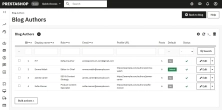
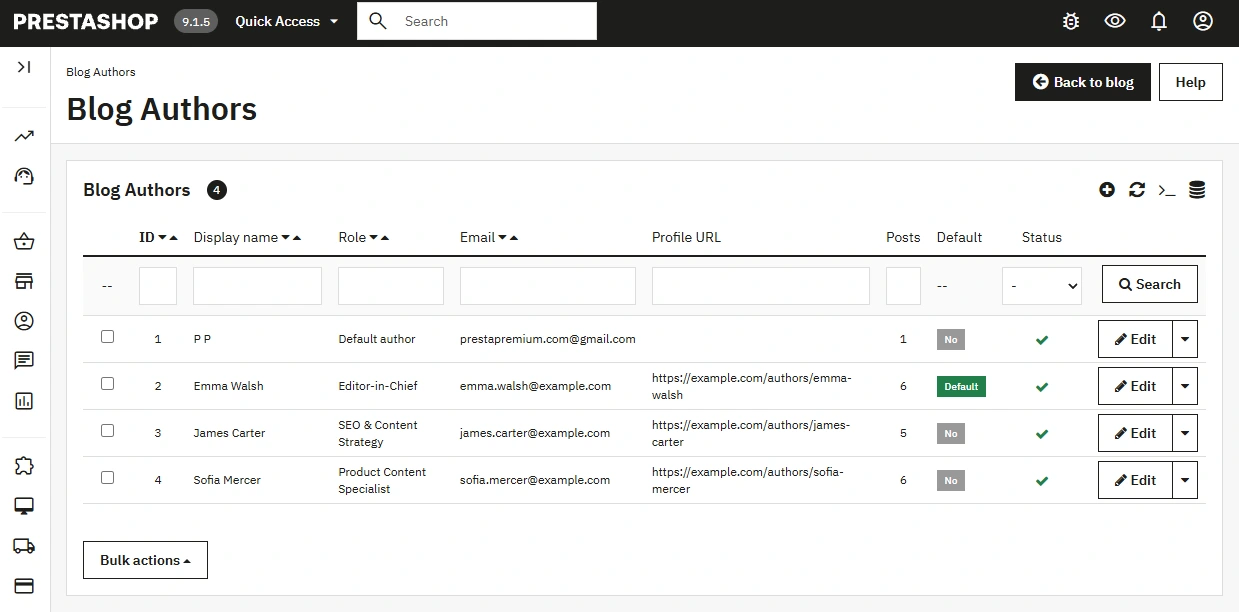
4. Multi-author support and author management
The module supports team work and stores that publish content under different authors.
- Multiple authors can be assigned to one post.
- Primary author controls author presentation and structured data.
- Default author protects the publishing process and system fallbacks.
- Profile URL and biography strengthen author credibility on the storefront and in structured data.
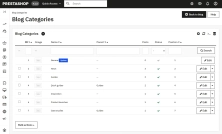
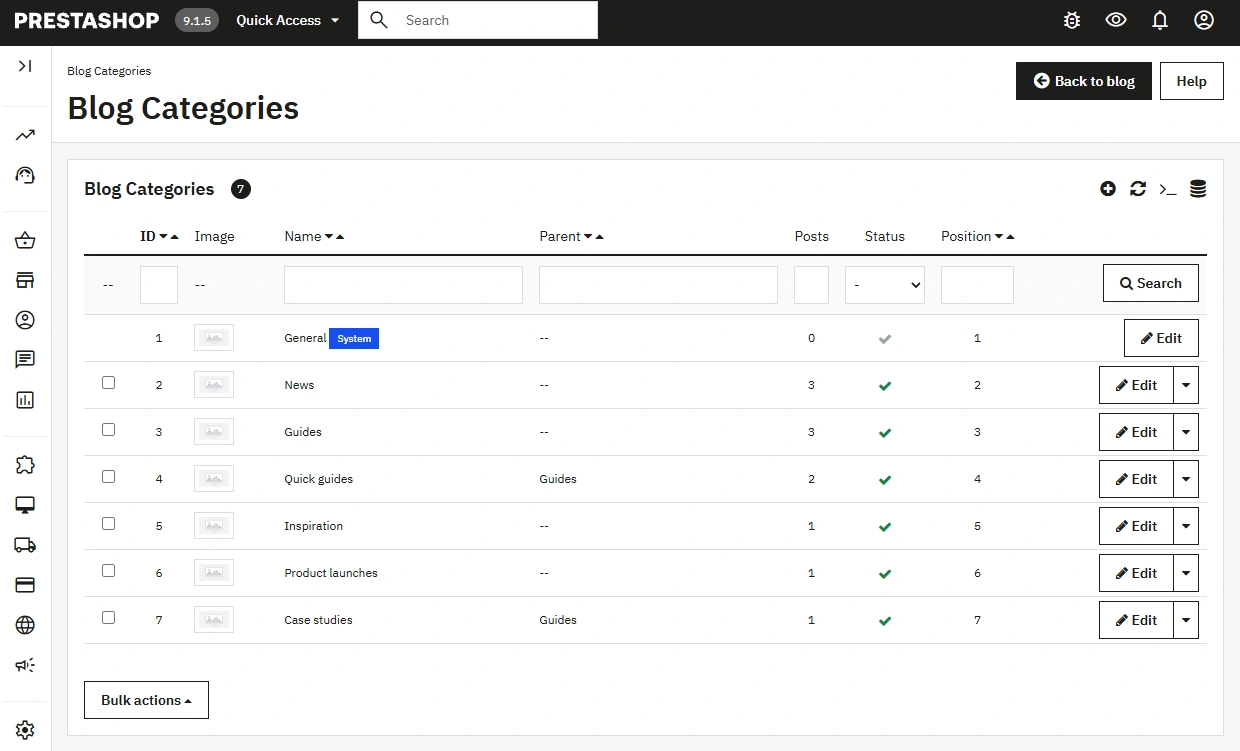
5. Categories and content hierarchy
Categories can be used both for navigation and for a logical content architecture.
- Parent categories organise the post structure.
- Main category controls the primary assignment of a post.
- System category acts as the technical root of the tree — it is hidden from the public listing and is not meant for regular editorial publishing.
- Separate category metadata supports SEO for listing pages.
- Unique slugs reduce URL conflicts at application and data level.
6. Administrator settings panel
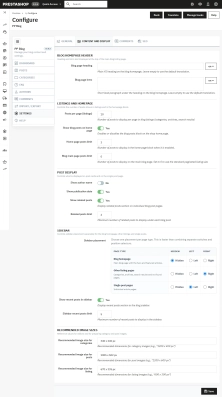
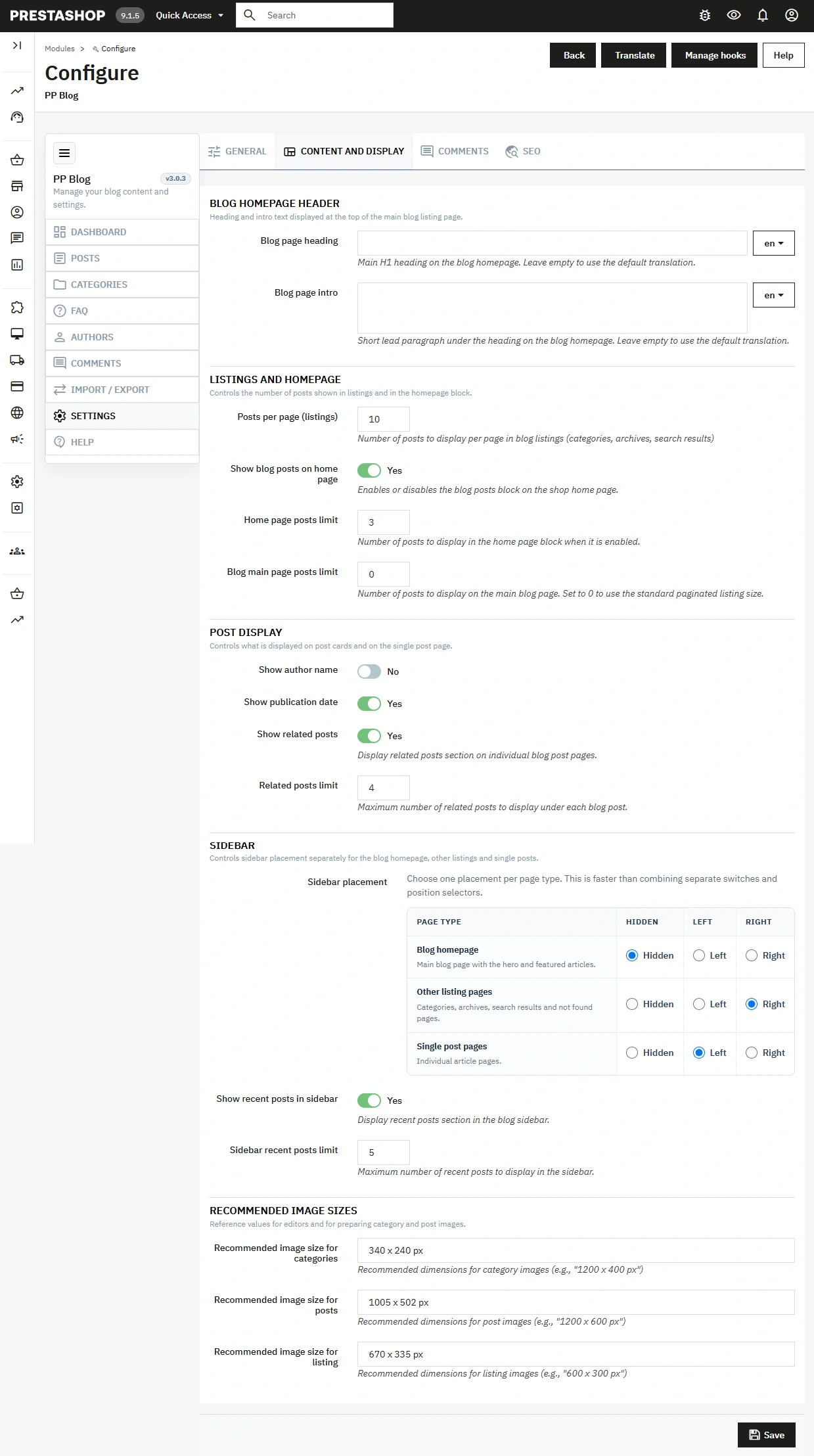
Configuration in the Settings section of the module side menu is split into four tabs.
- General — Default post image (placeholder), Blog template (Retro, Classic, Minimalist, Modern), and Delete all module data on uninstall.
- Content and display — multilingual Blog page heading (H1) and Blog page intro; post limits for listings, the shop homepage and the first blog page; author and date visibility; related posts; sidebar position separately for blog homepage, other listings and single post (Hidden / Left / Right), plus recent posts; recommended image sizes for editors.
- Comments — enable comments, moderation, guest comments, author notifications, pagination, and reCAPTCHA (v2 checkbox / v2 invisible / v3) with keys and parameters.
- SEO — Blog URL Alias, category / archive / pagination segments, Enable friendly URLs, Google Sitemap Integration, Blog Meta Title / Description / Keywords, and separate robots policies for blog, category, archive and search pages.
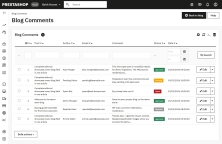
7. Comment moderation
The module includes its own comment system with quality and security controls.
- Pending, Approved, Rejected and Spam statuses support real moderation.
- Bulk actions speed up handling larger volumes of comments.
- Author notifications shorten reaction time to new activity under a post.
- reCAPTCHA reduces spam and automated submissions.
8. Quality control before publishing
Back Office does not stop at saving a post — it helps the editor finish content quality.
- Content quality checklist scores how complete the post is.
- Missing meta detection helps close basic on-page SEO gaps.
- Checks for images, translations and FAQ reduce incomplete publications.
- H1 warning in the content reduces semantic issues on the post page.
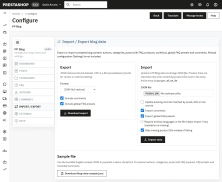
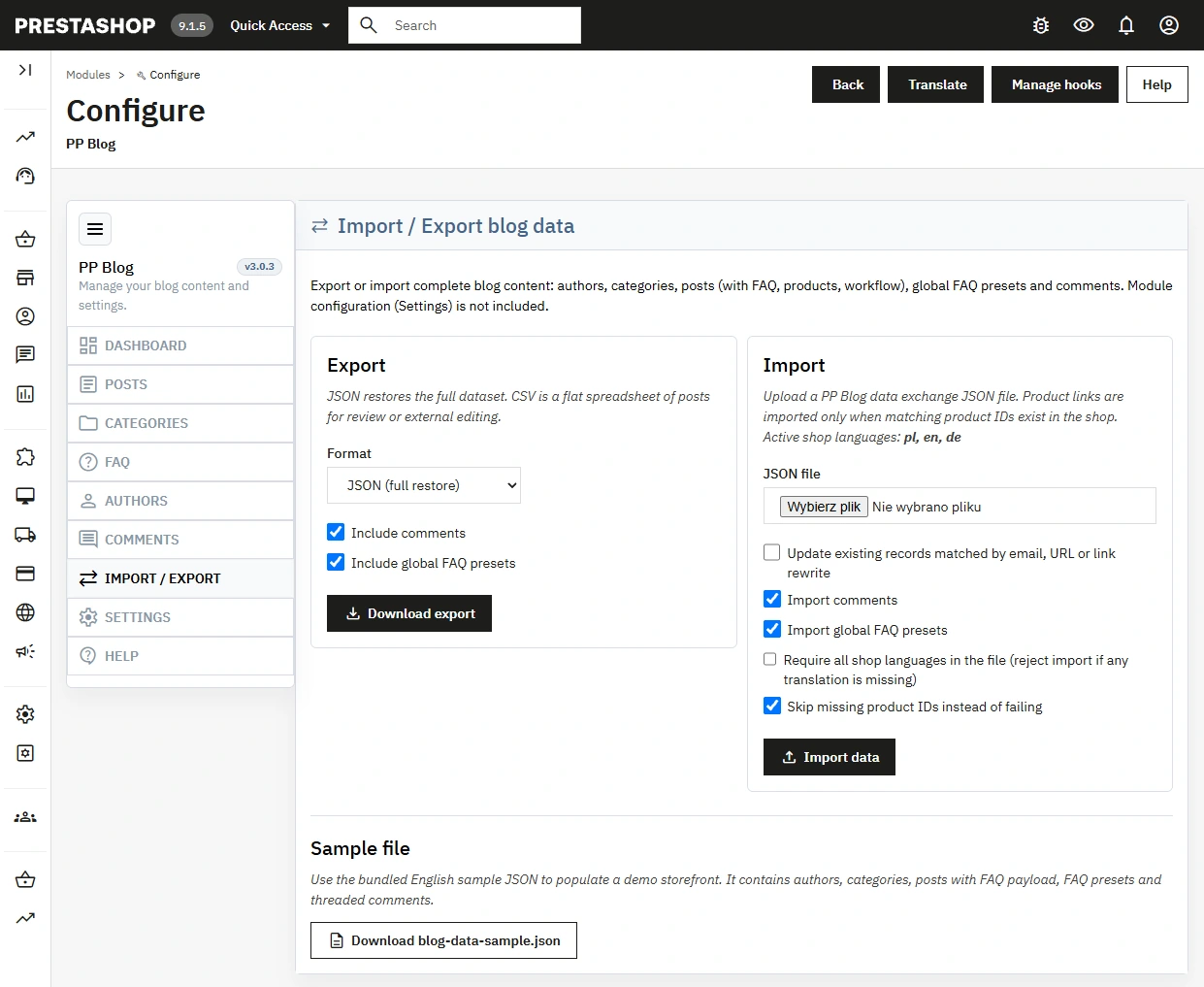
9. Content import and export
The Import / Export section in the module side menu lets you move content between shops and work with data outside PrestaShop.
- JSON export — full set: authors, categories, posts (FAQ, products, workflow), optionally comments and global FAQ.
- CSV export — flat post table for review or external editing.
- JSON import — update existing records, import comments and global FAQ, strict language mode, skip missing products, comment deduplication on re-import.
- Module settings are not exported — after migration they must be configured in the target shop.
10. Friendly URL logic
Administrators and developers get more control over URL architecture without rewriting routing by hand.
- Blog URL Alias is configured per language.
- Category, archive and pagination segments can be changed independently.
- Preferred and legacy routes make safer transitions between URL structures.
- Automatic slug normalisation keeps addresses consistent.
Features – Front Office
1. Full blog section in the shop
The front end is not limited to a post list — it builds a dedicated content area for the store.
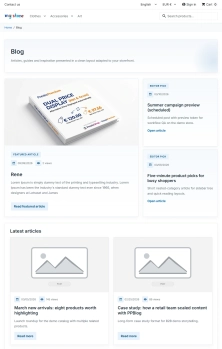
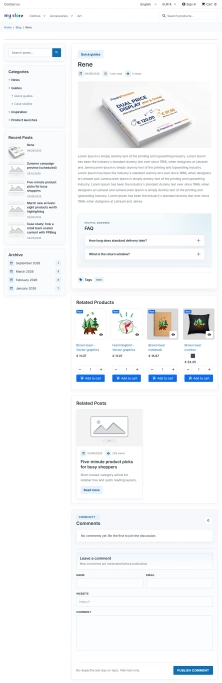
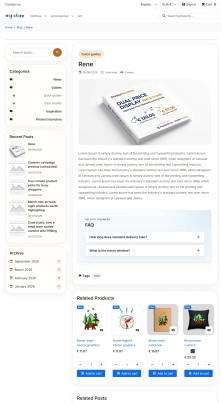
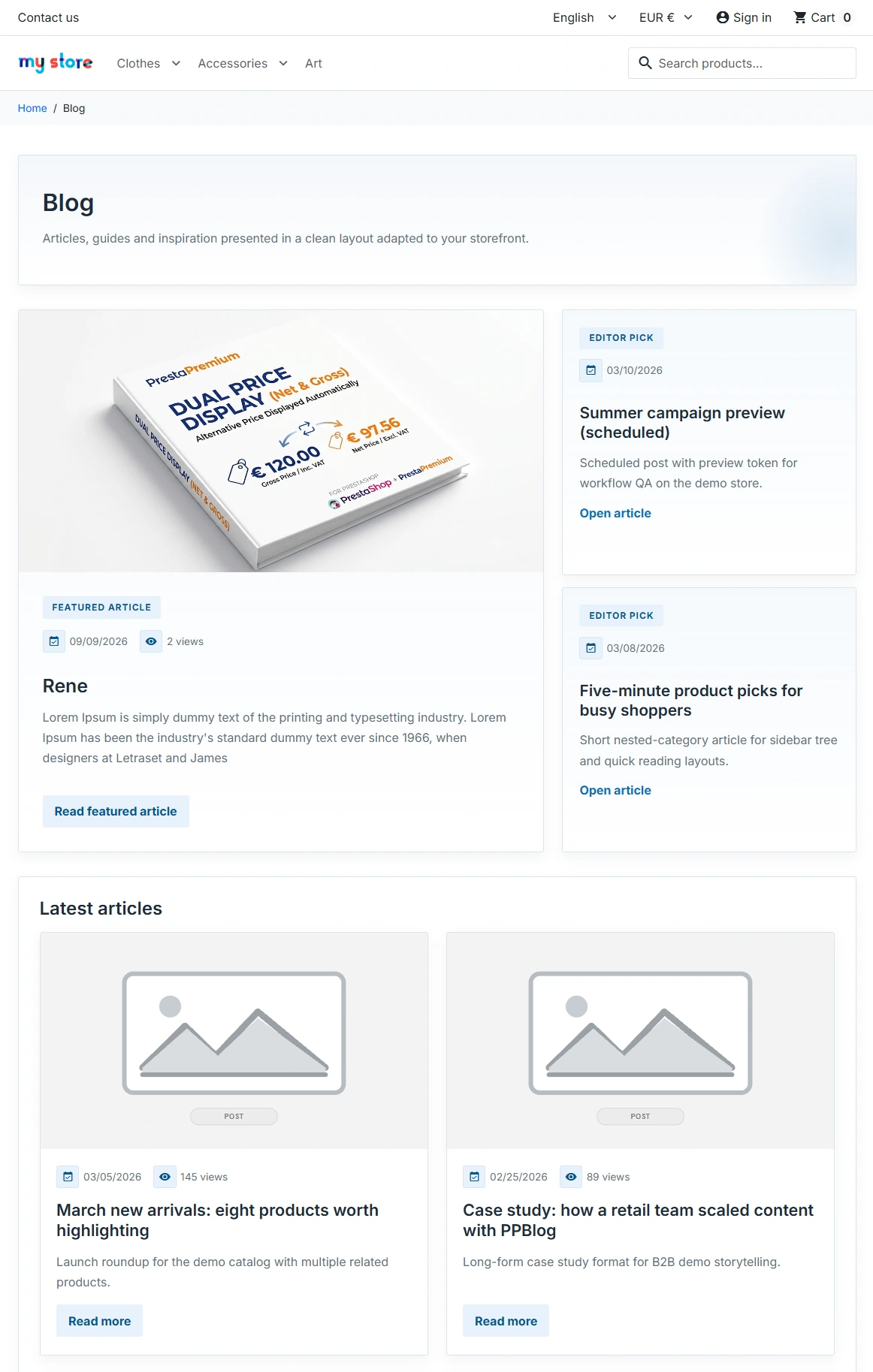
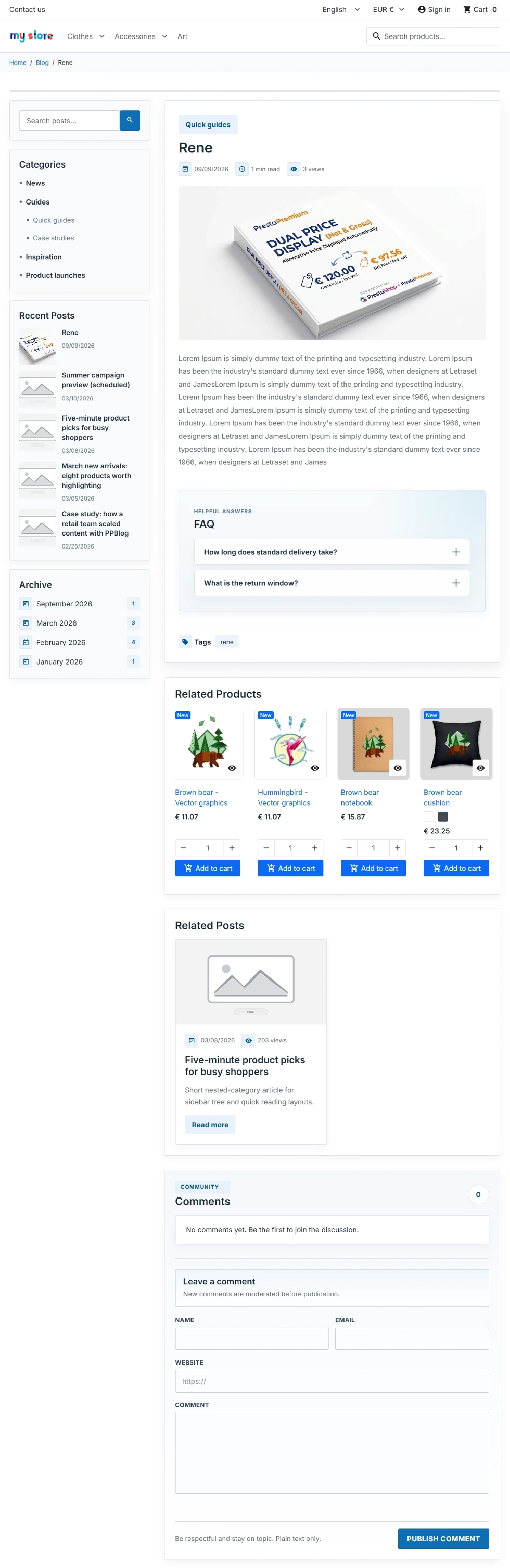
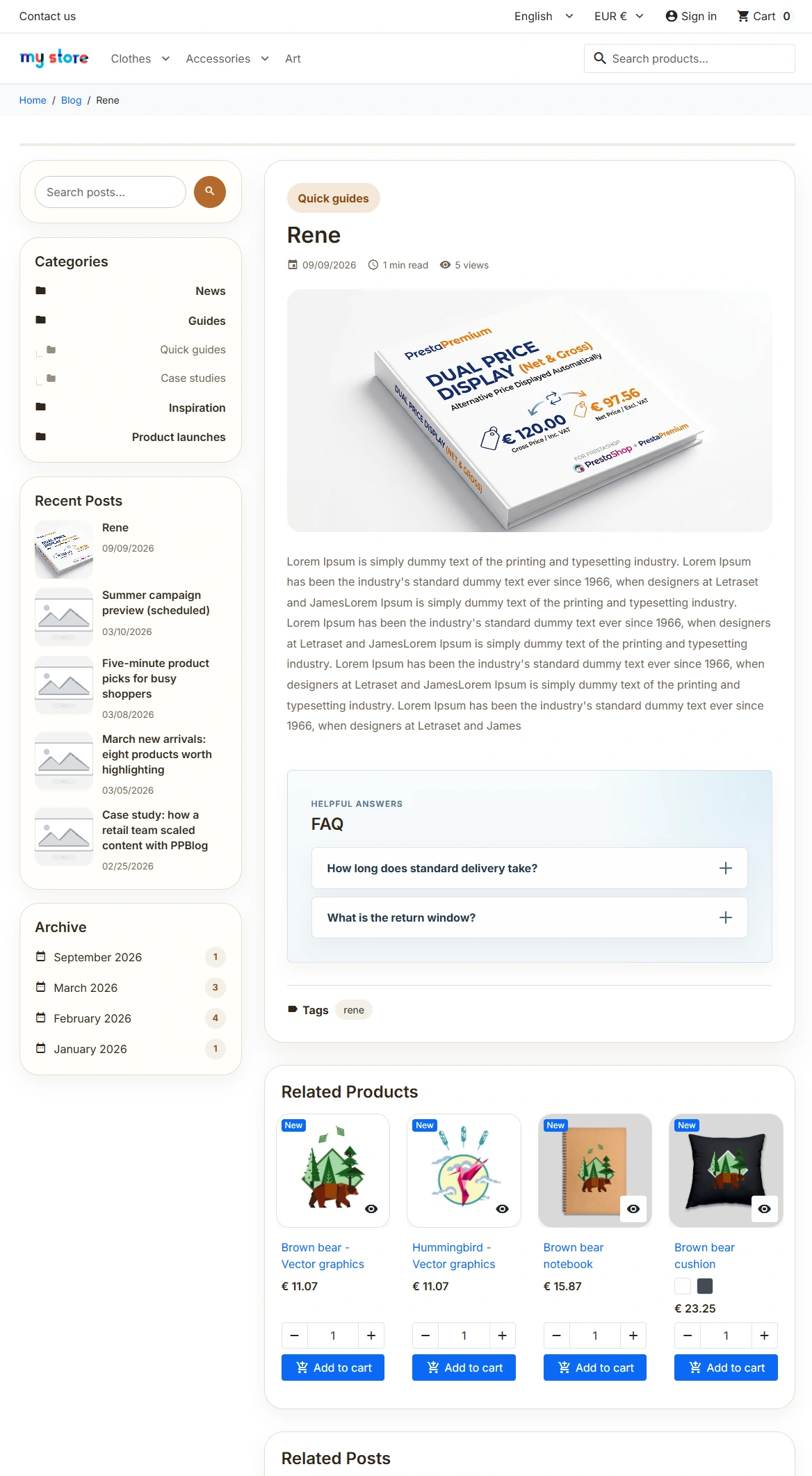
- Main blog page on the first page (without search) automatically arranges posts: the first as Featured article (hero), the second and third as Editor pick, and the rest in the Latest articles grid — order comes from the publication date, with no separate “featured” switch.
- Blog page heading and Blog page intro are editable in Content and display (multilingual).
- Category pages organise content by topic.
- Archive pages support browsing by publication month.
- Search results let visitors search blog content with a separate SEO policy.
2. Post page that supports content commerce
A single article can work for brand building and for sales support.
- Table of contents (TOC) is generated automatically from H2/H3 headings in the post content when more than one heading is present.
- Related products connect the content to the shop catalogue.
- Related posts extend the session and support internal linking.
- Author and date improve readability and publication credibility.
- Comments grow engagement and user-generated content.
3. FAQ under the post and FAQPage JSON-LD
The FAQ section renders as a separate content block under the article, instead of mixing questions and answers into the main post body.
- FAQ rendered under the post content stays linked to the specific post and shows only active, complete questions and answers.
- Separate FAQ title and multilingual questions help adapt the block to the language and post context.
- Preset library speeds up building repeatable FAQ sections across many articles.
- FAQPage JSON-LD is generated automatically only where the post actually contains valid FAQ items.
4. Sidebar controlled per page type
The blog layout can be adapted by view type without overriding the template.
- Separate settings work for blog homepage, other listings and single post.
- Left, Right or Hidden position gives more control over the layout.
- Recent posts and archive navigation support further browsing.
- Better UX comes from matching the sidebar to the specific view.
5. Ready blog skins
The module helps match the blog to the shop character without building a separate front end from scratch.
- Four visual variants cover Retro, Classic, Minimalist and Modern.
- Shared template layout reduces functional differences between skins.
- Separate stylesheets make further customisation under the shop theme easier.
- Faster visual launch helps go live with a look closer to the brand without maintaining a second CMS.
6. Responsive listings and safe short description
Post cards on listings are prepared for readability on desktop and mobile devices.
- Safe Short Description truncation keeps HTML tags closed (for example bold text) — without formatting “leaking” onto the post card.
- One column on mobile — the Latest articles grid and other listings switch to a single-column layout below about 768 px.
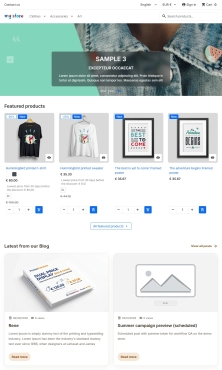
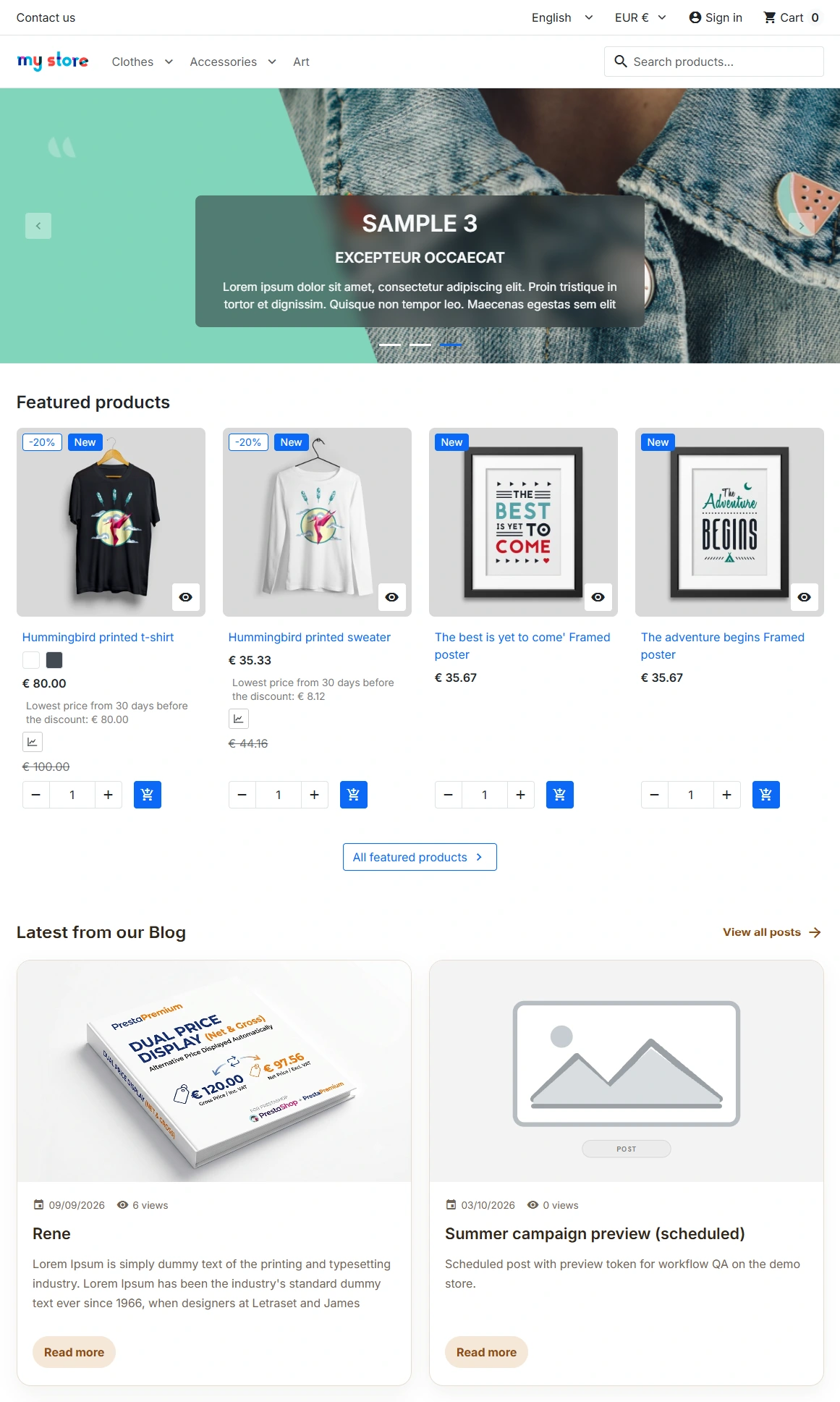
- Posts on the shop homepage — optional display of the latest blog articles in the homepage hook (with a limit in Settings).
7. Images prepared for UX and performance
The image layer is designed with CLS, mobile and listing aesthetics in mind.
- Width and height reduce layout shifts.
- Srcset and sizes improve image selection for the viewport.
- WebP fallback supports modern formats without breaking compatibility.
- Fetchpriority for hero images improves loading of the most important images.
8. Structured data and content semantics
The front end generates structured data without manual template edits.
- BlogPosting enriches individual posts with article, author and image data.
- Blog (homepage) — the schema description comes from the blog meta description, the homepage intro, or the module default translation.
- FAQPage supports posts with a Q&A block.
- CollectionPage supports category pages.
- inLanguage and author.url complete the semantics where data is available.
- Real image dimensions are passed to schema instead of fixed placeholder values.
Impact on sales and SEO
More landing pages for informational queries
The blog increases the number of indexable pages in the shop and helps build visibility for guide-style, comparison and problem-solution queries. That creates extra organic entry points beyond classic product and category pages.
Better organic search traffic quality
Blog content attracts visitors earlier in the purchase journey. By linking posts to products and using related posts, the module can improve both session depth and transitions into the catalogue.
Stronger visibility for question and answer queries
FAQ linked to a specific post lets you extend an article with a separate Q&A section without mixing it into the main content. In practice this helps cover long-tail queries, strengthens topic semantics and gives extra context to search engines and systems that interpret page content. Automatic FAQPage JSON-LD additionally structures this layer wherever the post really contains complete questions and answers.
Lower risk of technical SEO issues
Separate canonical, hreflang, robots policy, slug control and split indexing rules for search, archive and category pages reduce problems with duplication, thin pages and inconsistent URL architecture.
Better control over content operations
Workflow, preview, quality checklist and author management shorten publishing time and reduce editorial mistakes. That lowers the cost of running a blog in a shop that publishes regularly.
Stronger use of the blog as a sales tool
A post can lead to a product, a category or another piece of content, instead of ending at publication alone. This lets the blog work as content commerce, not only as an information section.
Installation
After downloading the module, unpack the main UNPACK FIRST archive on your computer — do not upload it directly to PrestaShop. Inside you will find a modules/ folder with separate installers for PrestaShop 1.7, 8 and 9 — choose the file that matches your shop version. After installation the module adds one entry in the PrestaShop menu; the rest of configuration and editorial work happens in the module side menu.
Important!
Before installation, update or any change to the URL structure, make a full backup of files and database. The module affects blog routing, SEO configuration, comments and post, category and author data. After URL setting changes or data migration (for example JSON import), clear the PrestaShop cache and verify canonical, hreflang and the sitemap.