Smart Image Optimiser — Lossless Quality and Perfect PrestaShop Product Images
- 8.x | 9.x
- PL, EN
- 1.1.0
- 2026-06-24
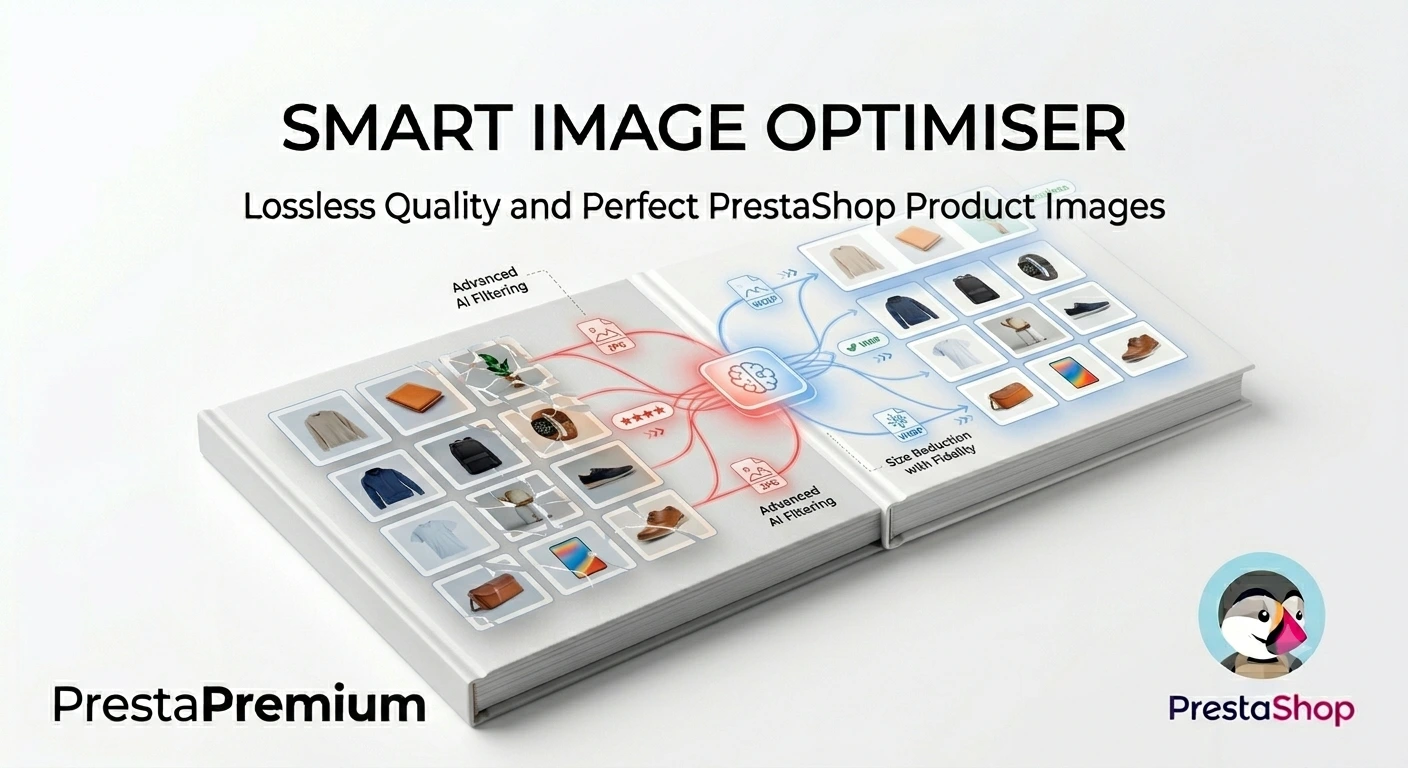
Smart Image Optimizer is an advanced tool that effectively eliminates the problem of automatic, lossy recompression of graphics files by PrestaShop's engines (GD/Imagick). Instead of allowing the system to blur your meticulously prepared images, the module intelligently safeguards their original sharpness and every fine detail.
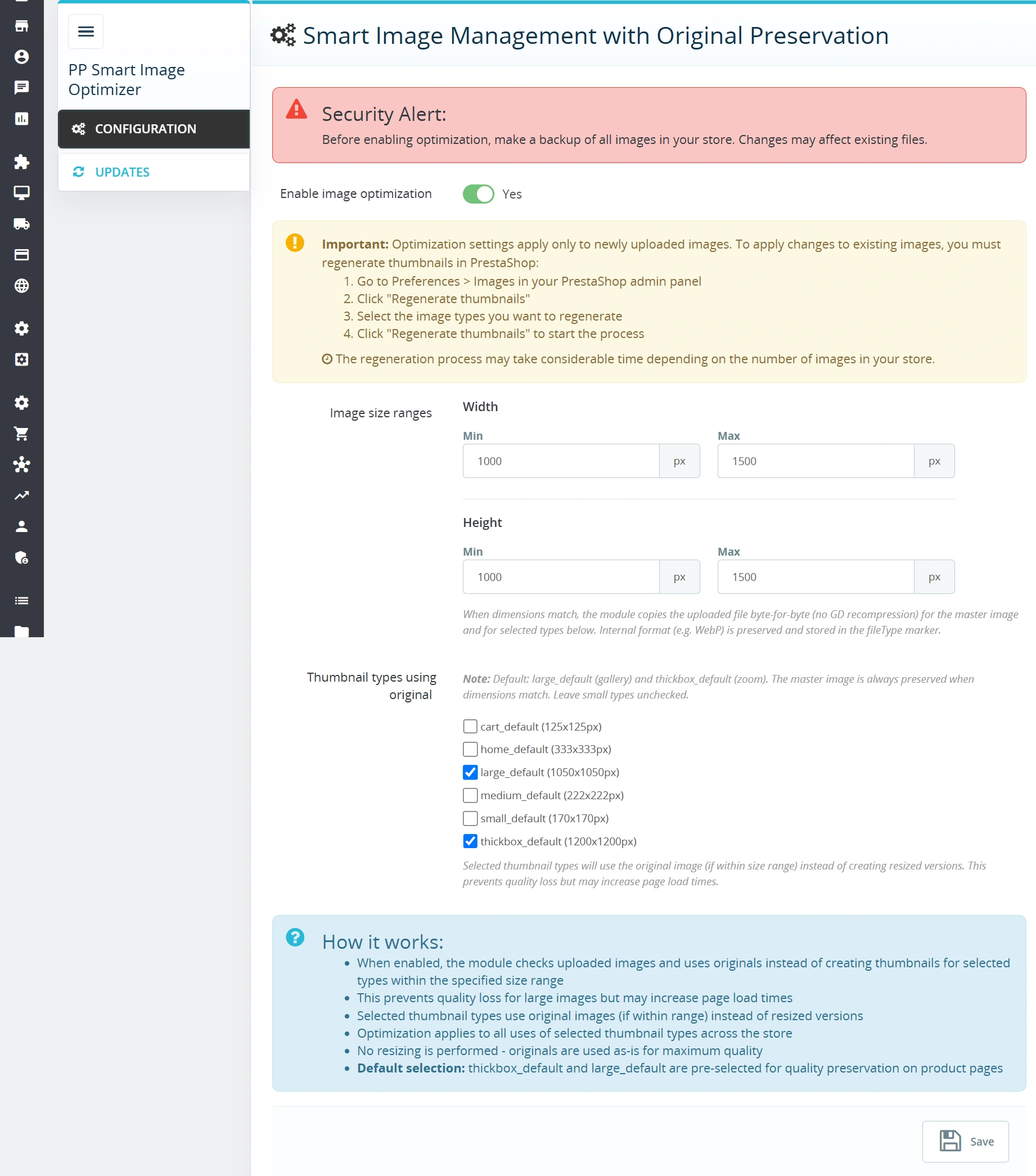
The core logic relies on an intelligent safeguard – in the configuration panel, you define the optimal dimensions for the image (width and height) that should remain untouched. When uploading an image in a modern format (such as WebP or AVIF) that falls within these limits, the module displays it as the original in the product gallery (e.g. large_default). However, if you upload a file that is too large or too heavy, the system automatically triggers PrestaShop's default cropping, protecting the store's layout and performance.
As a result, you combine very high image quality with optimal file weight.


Information Parameters:
- 1.1.0
-
Store Version PHP Version8.x 8.1 – 8.39.x 8.1 – 8.5
- 2026-06-24
- PL, EN
- ✅
- ✅
- ✅
Key Benefits
- No more blurry details — the original, well-optimised file goes directly to the main image and zoom formats, completely bypassing destructive GD/Imagick recompression.
- Intelligent automation — the module automatically identifies which images to protect based on your custom, predefined safe dimension range.
- 100% non-invasive — operates directly within the core PrestaShop image generation logic. It does not overwrite theme files or require TPL code editing.
- Full format compatibility — flawless support for modern extensions including JPG, PNG, WebP, and AVIF, while preserving the native PrestaShop
fileTypetag. - Full Multistore support — independently configure sensitivity, thresholds, and dimensions for every single shop within your multi-store network.
Module Applications
- Stores with professional photography — if you invest in unique high-quality photo shoots (e.g., 1000–1500 px), the module guarantees their original crispness remains untouched on the website.
- Premium & Visual-driven industries — jewellery, fashion, cosmetics, furniture, electronics – anywhere where material texture or fine detail drives the customer's decision to add to cart.
- Bulk imports and catalogue migrations — maintain visual consistency and a stunning product database without the time-consuming, manual regeneration of thumbnails after importing from ERPs or wholesalers.
Features – Back Office
Enable / Disable Optimisation
The main system switch grants you full control over the exact moment the module becomes active.
- Safe deployment — the module is disabled by default upon installation, allowing you to configure parameters calmly before going live.
- Quick rollback — turning the feature off instantly restores PrestaShop's default behaviour without having to uninstall the module.
Precise Dimension Ranges
You decide the exact dimensions (in pixels) from which the module treats a file as an optimised original.
- Width and height — independent configuration of minimum and maximum values for total flexibility.
- Built-in validation — the system verifies entered data, preventing you from saving conflicting or invalid ranges.
Target Thumbnail Selection
Select the specific image types defined in your shop that should retain lossless quality.
- Protect key formats — defaults to gallery and zoom formats (e.g.,
large_default,thickbox_default). - Lightweight listings — smaller thumbnails (e.g., on product lists) can still undergo standard compression to ensure maximum page loading speed.
PrestaPremium Ecosystem
The module is designed in accordance with the highest UX usability standards in SaaS architecture.
- Intuitive sidebar menu — quick access to configuration sections directly from PrestaPremium > Administration.
- Integrated PP Updater — automatic notifications regarding new versions, bug fixes, and available technical support.
Features – Front Office
Flawless Visual Presentation
Customers see the product exactly as it is in reality – without blurry edges, digital noise, or distorted colours.
- Product Page & Zoom — maximum sharpness right where customers scrutinise details before making a purchase.
- Zero UI impact — the module operates entirely in the background, adding no redundant scripts that could bloat the user's browser.
Full Theme Compatibility
The module delivers optimised graphics files directly into the native PrestaShop link structure.
- Support for Classic & Custom Themes — works seamlessly with any theme that relies on standard PrestaShop image types.
Sales & SEO Impact
- Higher Conversion Rate (CR) — professional, sharp images build brand trust, elevate the perceived value of your products, and streamline the buying process.
- Reduced Return Rates — thanks to excellent visibility of textures and details, customers receive products that match their expectations, minimising the risk of disappointment.
- Google SEO Compliance — the module does not alter URLs or image link structures; files remain fully indexable by Google bots, improving Core Web Vitals by eliminating image rendering artifacts.
- Smart Balance — by selectively choosing thumbnails, you protect your page weight on listing pages (fast loading) while delivering uncompromising quality where it truly matters.
Please Note!
We highly recommend backing up your img/p/ directory before activating the optimiser. New settings will apply automatically to newly uploaded images. To apply lossless quality to previously uploaded images, you must run the standard thumbnail regeneration tool under: Preferences > Images.
## [1.1.0] - 2026-06-24
### Added
You might also like



FAQs
-
How does the module preserve the quality of selected product images?
The module lets you deliver a carefully prepared file directly to the designated main-image and zoom formats. According to the product description, this avoids the additional GD or Imagick compression that can reduce detail sharpness and image quality.
-
Are the modules compatible with my version of PrestaShop?
Each module in our store contains information about compatibility with specific PrestaShop versions. Please check this information carefully before purchasing. If you are not sure, contact us.
-
How do I define which images should be protected?
In the configuration, set the minimum and maximum image width and height in pixels. The module treats files within this range as optimised originals. Built-in validation is intended to prevent invalid or inconsistent ranges from being saved.
-
Which file formats does Smart Image Optimizer support?
The product description states support for JPG, PNG, WebP and AVIF while retaining the native
fileTypeindicator. This lets you use modern image formats while the module works in PrestaShop’s image-generation process. -
Can I protect only selected thumbnail types?
Yes. You choose the specific image types defined in your shop that should retain lossless quality, such as gallery or zoom formats. Smaller thumbnails used in product listings can still use standard compression to keep them lightweight.
-
How do I apply the new settings to existing images?
New settings are applied automatically to newly uploaded images. To use lossless quality for images added earlier as well, the product description recommends running the standard thumbnail regeneration in the PrestaShop Preferences > Images section.
16 other products in the same category:
Advanced PrestaShop traffic and performance optimization generator (htaccess)
Stack Pro is a protective module for PrestaShop that restricts artificial and automated traffic at the server level through controlled modification of the .htaccess file....
- Discount
Price available only until: 30.09.2026
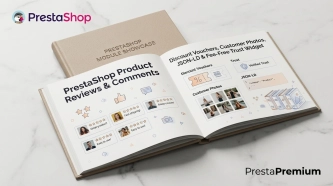
PrestaShop Product Reviews & Comments – Discount Vouchers, Customer Photos, JSON-LD & Fee-Free...
This module serves as a complete alternative to paid SaaS review platforms (such as Trustpilot, Opineo, or Trusted Shops) and allows you to bypass complex Google...
Increase the long product description and image ALT text limit in PrestaShop 8/9
PP Limit Manager removes the length restriction applied to the long product description and product image ALT text in the new PrestaShop 8 and 9 product form. The module...
PrestaShop FAQ module that boosts conversion | JSON-LD
ppfaq is a module that organises store communication: it publishes FAQ in a single, easy-to-read place and helps customers find answers faster without contacting...

SEO Custom Code Manager for PrestaShop Products Categories and CMS
A module for PrestaShop that allows adding custom JSON-LD , JavaScript, and CSS resources individually to each product, category and CMS . Increase search engine...

PrestaShop Promotion Module: Free Gifts, Quantity Discounts, Buy X Get Y and Category Offers
The PP Promo module for PrestaShop makes it easy to create and automate popular sales campaigns, from "Buy 2, Pay for 1" offers and free gifts to discounts on selected...

Google Maps Reviews Module for PrestaShop – Automatic Import and Display of Customer Ratings
This module serves to increase trust in your shop by displaying authentic reviews from Google Maps. Thanks to the automatic generation of JSON-LD structured data, star...

- New
Hreflang and X-Default Normalisation for PrestaShop
Hreflang Pro solves the issue of directing shoppers to the wrong language version of your store (for instance, when a local customer lands on a foreign-language page from...

- Discount
Price available only until: 11.10.2026
Product recommendation module for PrestaShop
A recommendations module for PrestaShop that displays tailored product suggestions in two key points of the buying journey: the product page and the cart. It reduces...
- Discount
Price available only until: 11.10.2026
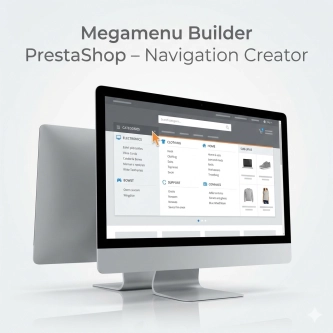
Megamenu Builder PrestaShop – Navigation Creator (Atomic Cache Technology)
Change the way customers navigate your store. PP Megamenu is an advanced navigation builder that combines Premium design with uncompromising performance. Thanks to our...

PrestaShop Schema Pro - Rich Snippets & SEO Booster
Rich Results + AI = dominate search results and increase sales in PrestaShop! Automatic JSON-LD generator with full support for more than 15 Schema.org types, including...
- Discount
Price available only until: 25.09.2026
Extra Product Tabs – Tab Creator, CSV Import and SEO
Transform chaotic descriptions into a professional offer that sells! The Extra Product Tabs module allows you to instantly add unlimited tabs (e.g. Size Guide, Video,...
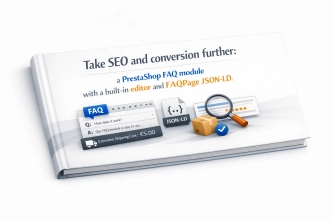
Take SEO and conversion further: a PrestaShop FAQ module with a built-in editor and FAQPage JSON-LD
The FAQ Builder module makes it easy to add question and answer (FAQ) sections directly to your PrestaShop product descriptions. The management interface sits just above the...

Advanced Search for PrestaShop
Advanced product search for PrestaShop that helps customers find the right products faster and makes it easier to complete purchases in your PrestaShop store . The module...
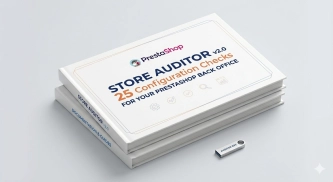
Store Auditor — 25 Configuration Checks for Your PrestaShop Back Office
Store Auditor is a completely free PrestaShop module that checks 25 core settings of your store with a single click. It instantly lets you know if your website is...
Do you need additional features or custom solutions?
- Module customisation tailored to your specific requirements.
- Extending functionality to enhance your store's capabilities.
- Developing bespoke modules designed to meet your unique needs.
- Integrating external systems and additional tools.
- Optimisation and improvements for better performance and user experience.
Do you have ideas on how to improve this software? Share your suggestions for optimisation, new features, or bug reports – we’ll be happy to review them!