Hreflang and X-Default Normalisation for PrestaShop
- 1.7.5 + | 8.x | 9.x
- PL, EN
- 1.0.0
- 2026-08-18
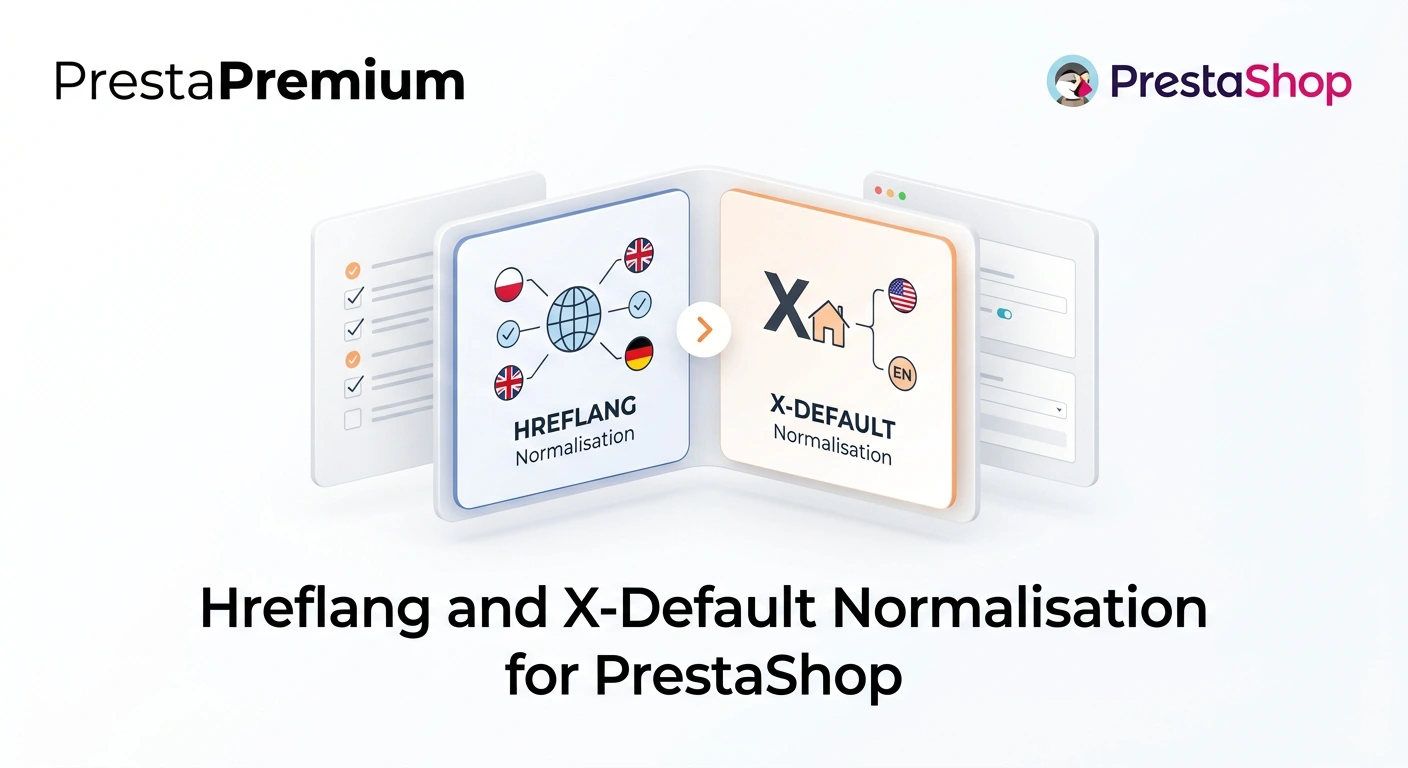
Hreflang Pro solves the issue of directing shoppers to the wrong language version of your store (for instance, when a local customer lands on a foreign-language page from Google search results). The module eliminates language tag chaos, preventing cart abandonment caused by an unfamiliar currency or foreign text.
The tool fully automates and verifies the implementation of hreflang, x-default, and the html lang attribute. It provides a clean technical SEO architecture for search engines, making it ideal for multilingual stores and Multistore environments.


Information Parameters:
- 1.0.0
-
Store Version PHP Version1.7.5 + 7.1 – 7.48.x 8.1 – 8.39.x 8.1 – 8.5
- 2026-08-18
- PL, EN
- ✅
- ✅
- ✅
- ✅
- ❌
Key Benefits
- Consistent hreflang tags – normalises language codes and builds a clean, structured set of alternate links.
- X-default support – points search engines to the default language version for international traffic.
- Correct html lang – optionally synchronises the HTML document attribute with your hreflang code format.
- Protection against language cannibalisation – prevents foreign-language pages from ranking for local search queries in Google.
- No theme or core modifications – works seamlessly via PrestaShop Hooks and post-processing of HTML output.
- Full Multistore compatibility – respects the current store context and active languages with separate configurations per shop.
Use Cases
Designed for stores operating in two or more languages, particularly those selling across international markets. Ideal following store migrations, theme updates, SEO module installations, or language expansion where inconsistent codes, missing x-default tags, or mismatches between hreflang and html lang appear in the source code.
Back Office Features
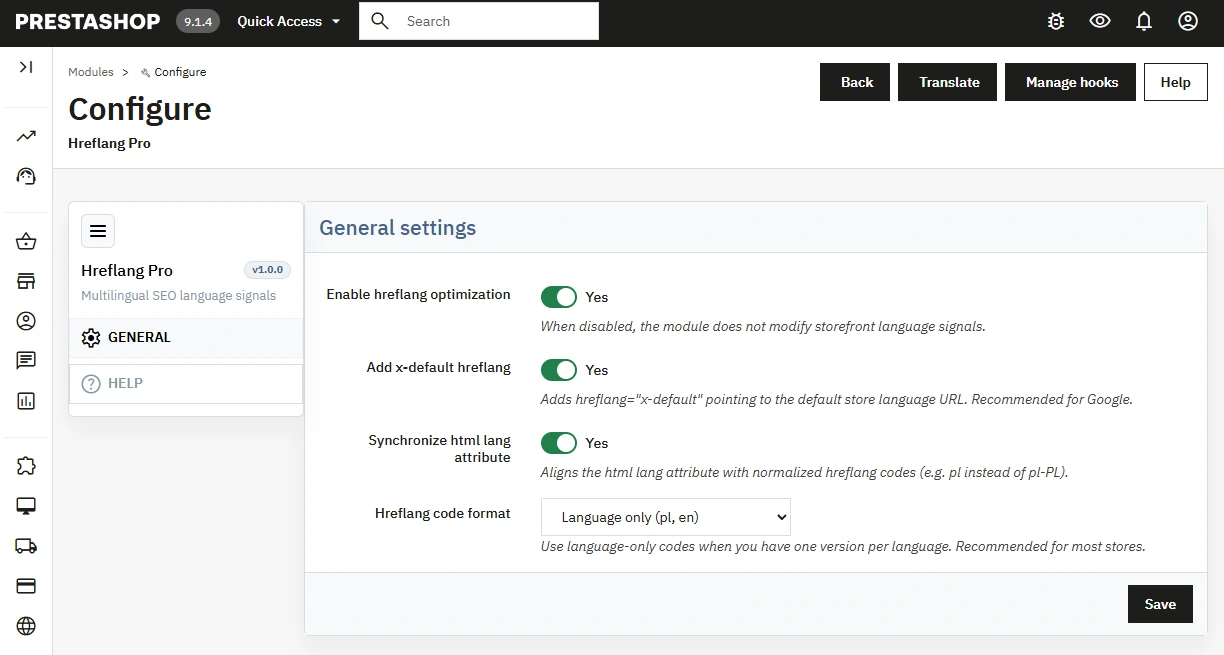
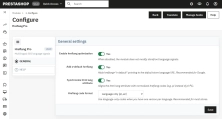
Toggle hreflang optimisation
The main switch allows activating or disabling language signal modifications without uninstalling the module.
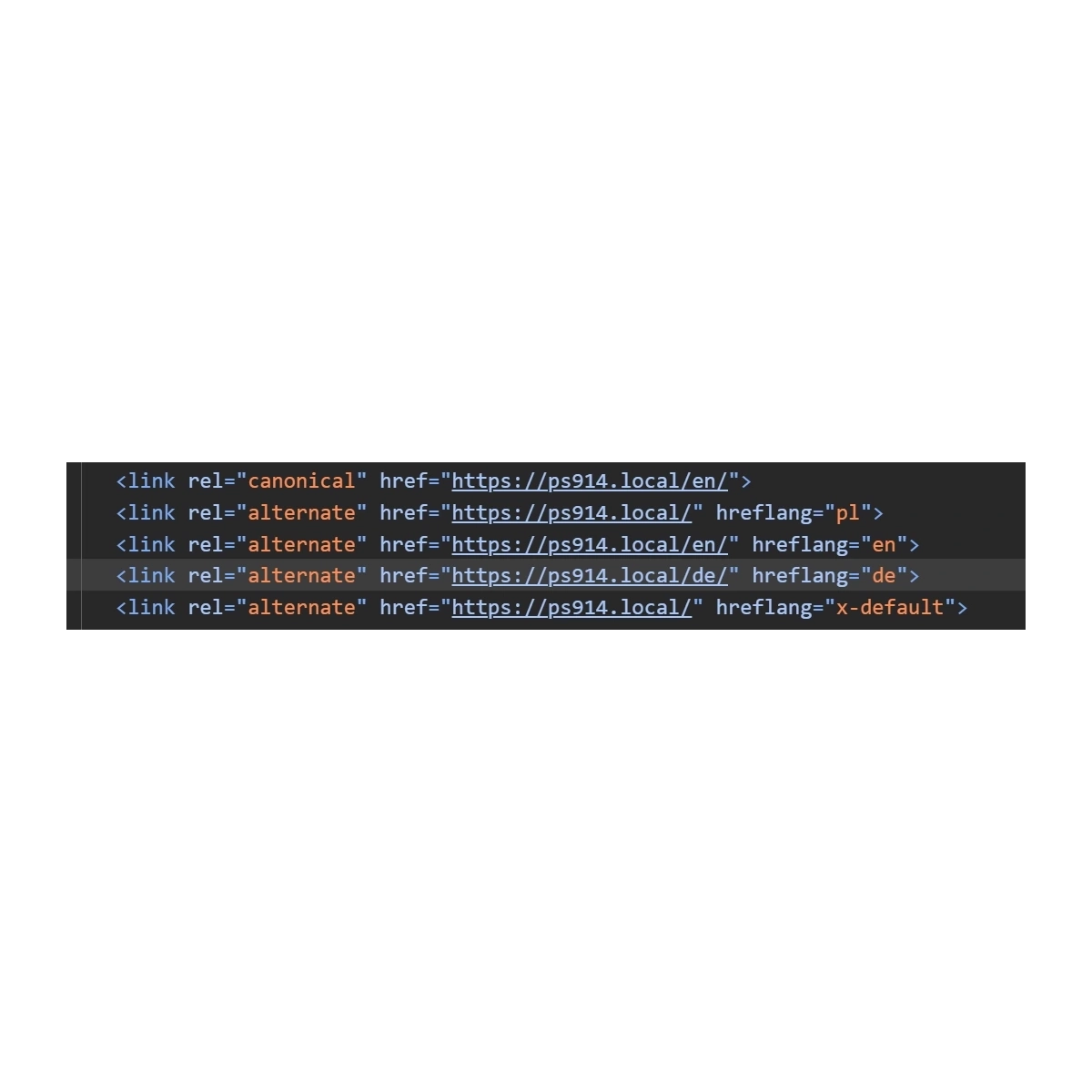
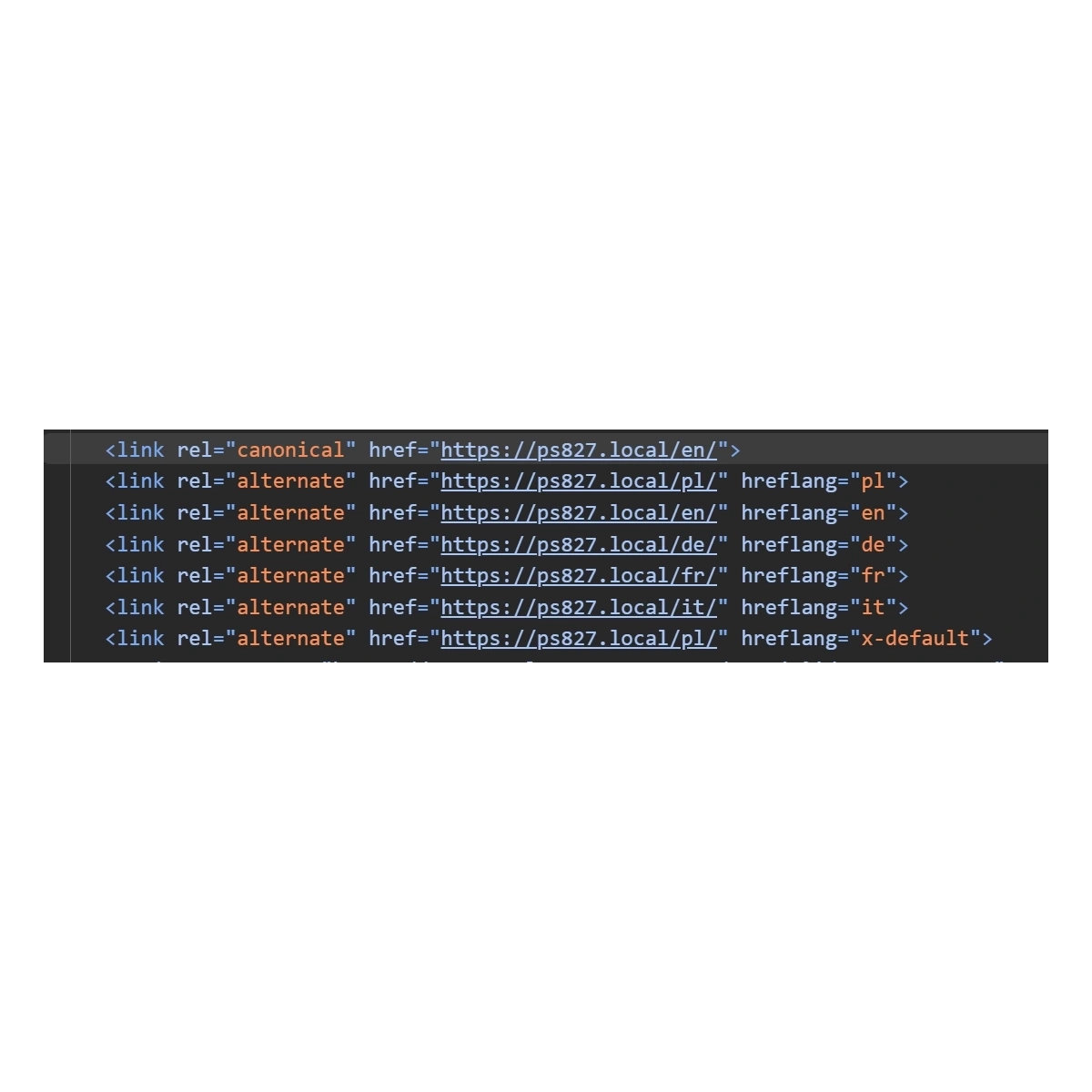
- Change control – safely compare source output before and after activation.
X-default configuration
Adds an x-default hreflang link pointing to the store's default language URL.
- Store compliance – URL is determined based on PrestaShop's default language settings.
Code format selection
Choose between language code, locale, or PrestaShop's configured language code.
- Market adaptation – tailor formats to your linguistic or regional targeting model.
HTML lang synchronisation
Sets a matching lang attribute value on the root HTML document element.
- Single convention – eliminates discrepancies between page declarations and hreflang tags.
Multistore configuration
Prompts the administrator to work within a single-store context for shop-specific settings.
- Independent values – each store maintains its own language configuration.
Front Office Features
Alternate links normalisation
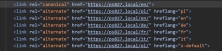
Reads available alternate URLs, strips existing hreflang tags, and injects a normalised set into the head section.
- One entry per language – output is generated based on the active languages of the current shop.
X-default insertion
Appends the default language version URL when the option is enabled.
- Predictable entry point – provides search engines with an explicit default fallback.
Core and module page coverage
Executes via template variables, displayHeader Hook, and final HTML buffer fallback.
- Broader coverage – includes pages generated by third-party Front Office modules.
Impact on Sales and SEO
Properly linking language versions eliminates the risk of directing visitors to an incorrect language page. A consistent setup of hreflang, x-default, and html lang protects conversion rates against currency or notification mismatches, simplifies technical SEO audits, and resolves code issues without modifying theme files.
Important Note
Always back up your files and database prior to installation or updates. Install only the package matching your PrestaShop branch and PHP version. The module requires at least two active languages and properly configured alternate URLs in PrestaShop.
## [1.0.0] - 2026-08-18
### Added
- New feature
You might also like






FAQs
-
What does hreflang tag normalisation involve?
The module reads the available alternate URLs, removes existing hreflang tags and inserts an ordered set of links into the head section. The result contains one entry for every active language of the current shop, using the selected code format.
-
Are the modules compatible with my version of PrestaShop?
Each module in our store contains information about compatibility with specific PrestaShop versions. Please check this information carefully before purchasing. If you are not sure, contact us.
-
How does x-default link support work?
When the relevant option is enabled, the module adds an hreflang x-default link leading to the default language version of the shop. The URL is determined from PrestaShop's default language, giving search engines a predictable entry point for international traffic.
-
Can the HTML lang attribute be aligned with hreflang?
The module offers an option to synchronise the lang attribute of the main HTML document element with the format selected for hreflang codes. This helps reduce discrepancies between the page language declaration and alternate links in the page code.
-
Which language-code formats can be selected?
The administrator can select the language code, locale or the code configured in PrestaShop. This lets the tag format match the shop's language or regional model while keeping a single convention for generated alternate links and the HTML document.
-
Does the module work on core and module pages?
The logic uses template variables, the displayHeader hook and final processing of generated HTML as a fallback mechanism. This also allows it to cover Front Office pages provided by other shop modules.
16 other products in the same category:

- New
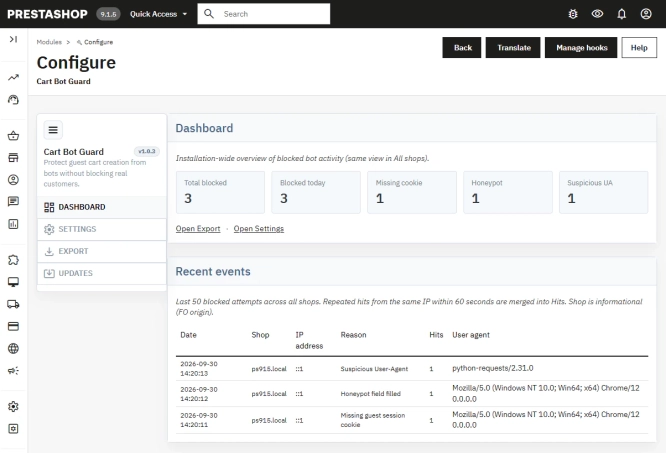
PrestaShop Anti-Bot Cart – Fake Cart Protection
A lightweight, non-invasive solution for PrestaShop that eliminates the mass creation of fake carts by bots and HTTP scripts. The module neutralizes automated traffic...
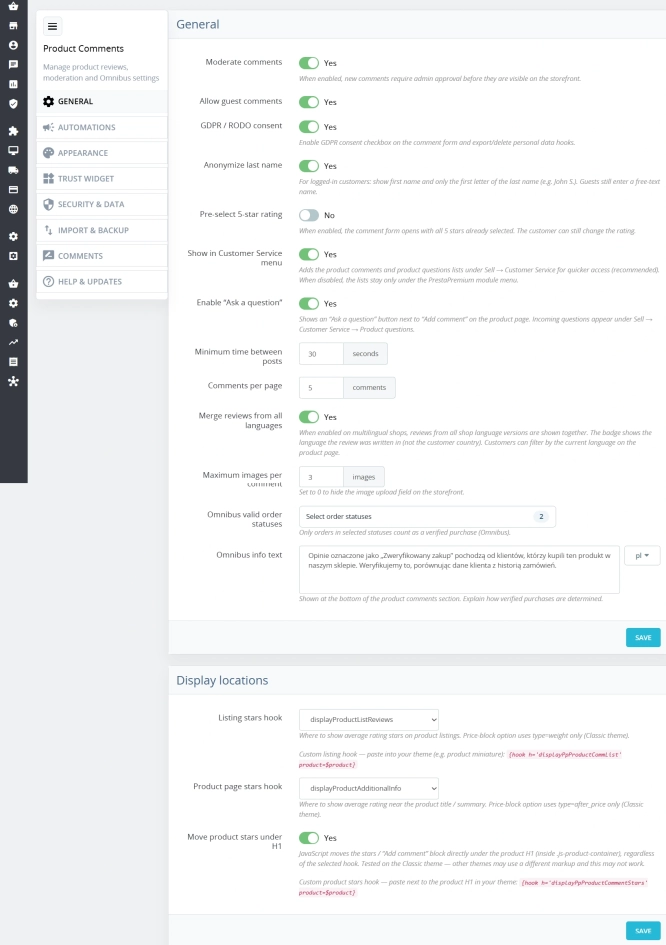
PrestaShop Product Reviews & Comments – Discount Vouchers, Customer Photos, JSON-LD & Fee-Free...
This module serves as a complete alternative to paid SaaS review platforms (such as Trustpilot, Opineo, or Trusted Shops) and allows you to bypass complex Google...

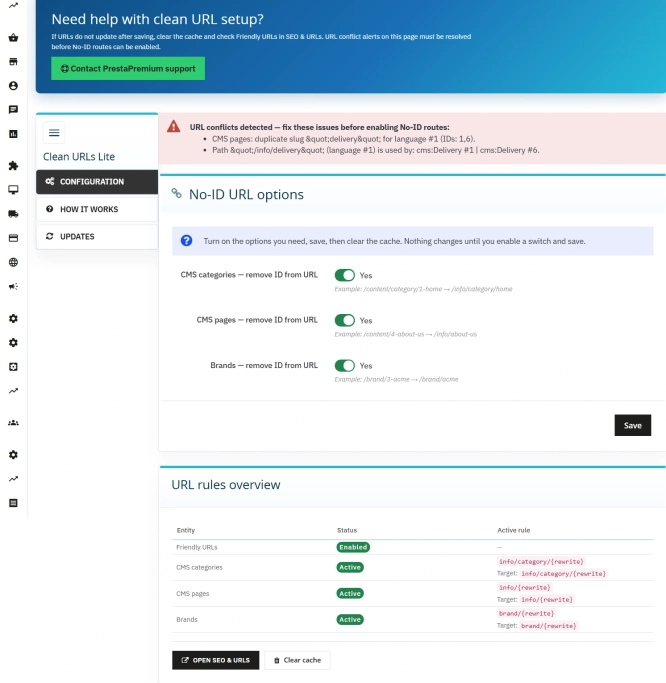
Remove ID from URLs (CMS, Brands) PrestaShop [Free]
The free Clean URLs Lite module modifies native PrestaShop routing by removing numeric identifiers (IDs) from CMS page, CMS category, and brand (manufacturer) URLs. It...
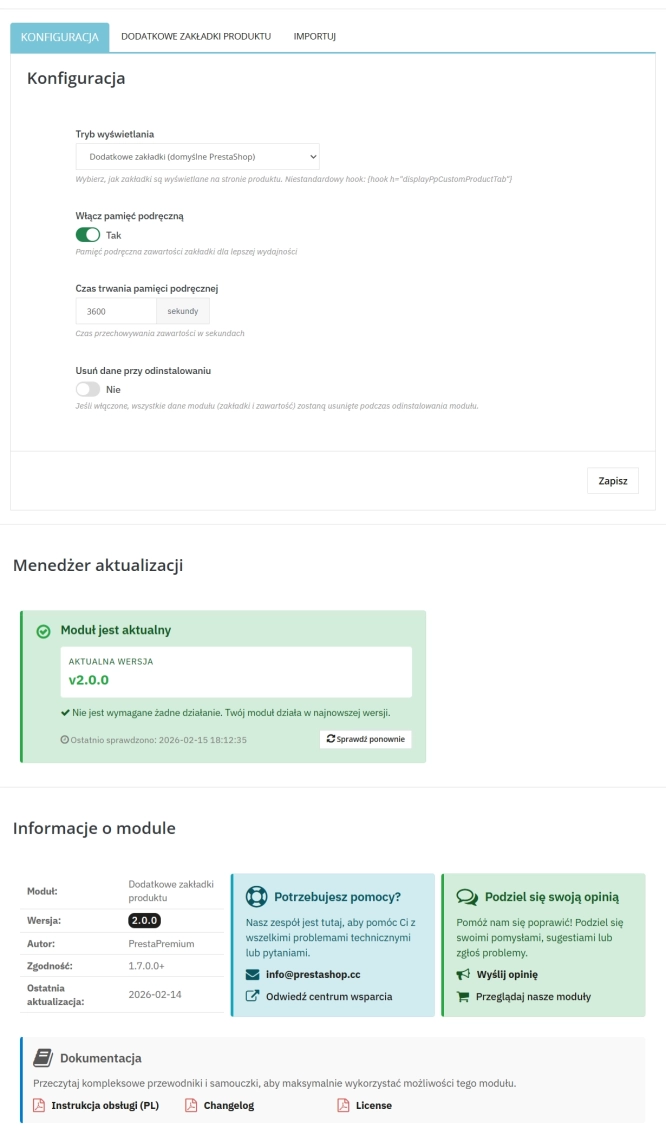
Extra Product Tabs – Tab Creator, CSV Import and SEO
Transform chaotic descriptions into a professional offer that sells! The Extra Product Tabs module allows you to instantly add unlimited tabs (e.g. Size Guide, Video,...

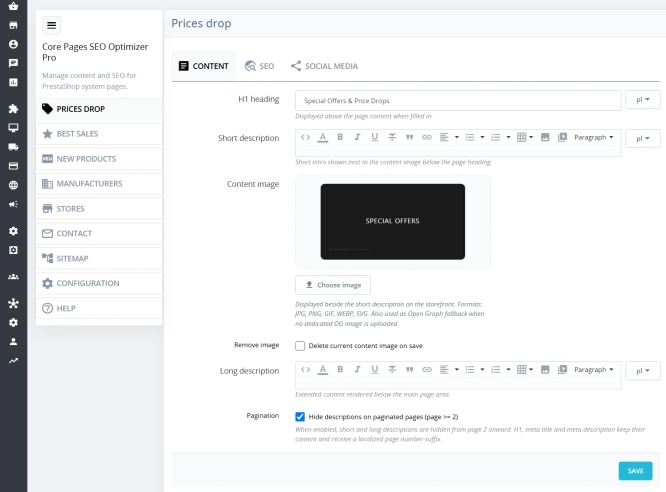
Custom HTML Descriptions and SEO Optimisation for PrestaShop Promo, Best Sellers and New...
The default PrestaShop configuration does not allow entering custom texts or graphics on key subpages that generate organic search traffic. The ppcorepagesseo module is a...

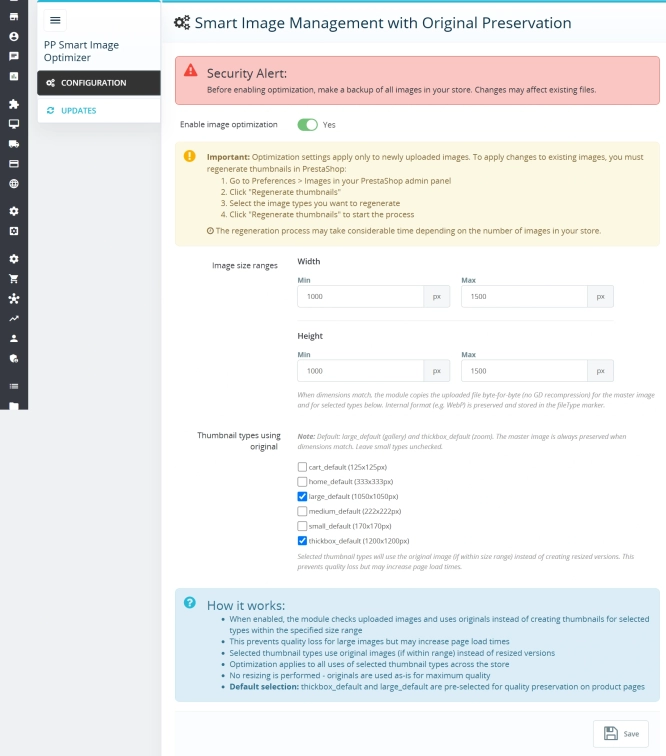
Smart Image Optimiser — Lossless Quality and Perfect PrestaShop Product Images
Smart Image Optimizer is an advanced tool that effectively eliminates the problem of automatic, lossy recompression of graphics files by PrestaShop's engines (GD/Imagick)....

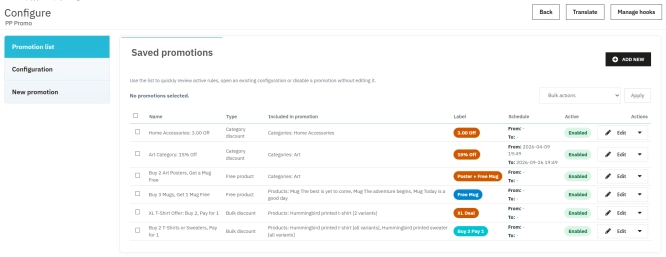
PrestaShop Promotion Module: Free Gifts, Quantity Discounts, Buy X Get Y and Category Offers
The PP Promo module for PrestaShop makes it easy to create and automate popular sales campaigns, from "Buy 2, Pay for 1" offers and free gifts to discounts on selected...
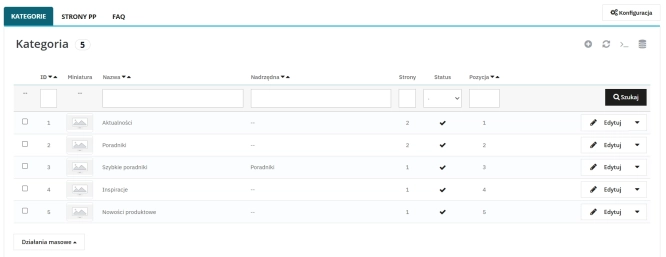
Content page system, an alternative to PrestaShop CMS Pages: categories, pages and FAQ with...
Frustrated by the limited capabilities of PrestaShop's native CMS? PP Page is a powerful alternative that transforms your shop into a fully-fledged publishing platform....
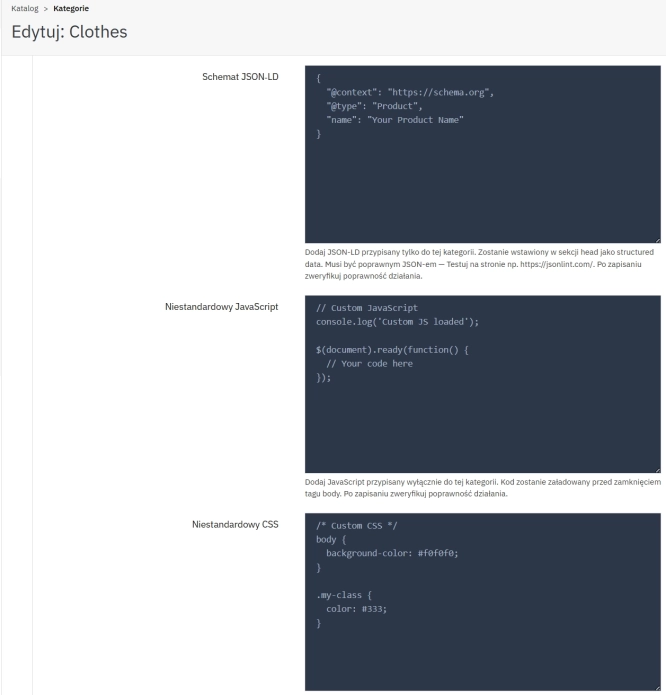
SEO Custom Code Manager for PrestaShop Products Categories and CMS
A module for PrestaShop that allows adding custom JSON-LD , JavaScript, and CSS resources individually to each product, category and CMS . Increase search engine...

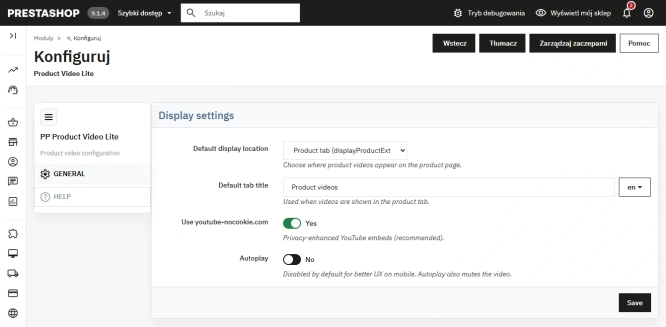
Free PrestaShop Video Module (YouTube & Vimeo)
Product Video Lite is a free and exceptionally lightweight module that allows you to assign an unlimited number of YouTube and Vimeo videos to your products. Instantly...
- Discount
Price available only until: 11.10.2026
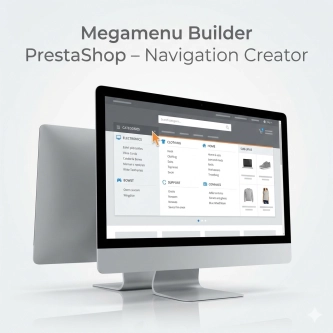
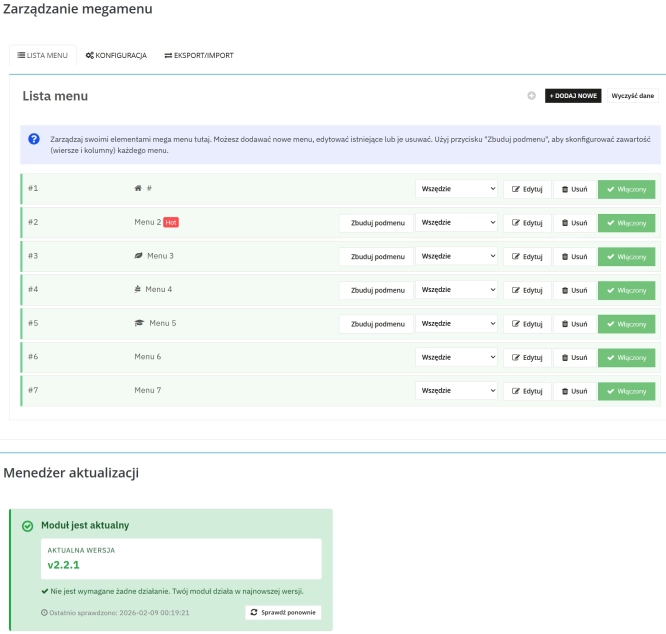
Megamenu Builder PrestaShop – Navigation Creator (Atomic Cache Technology)
Change the way customers navigate your store. PP Megamenu is an advanced navigation builder that combines Premium design with uncompromising performance. Thanks to our...

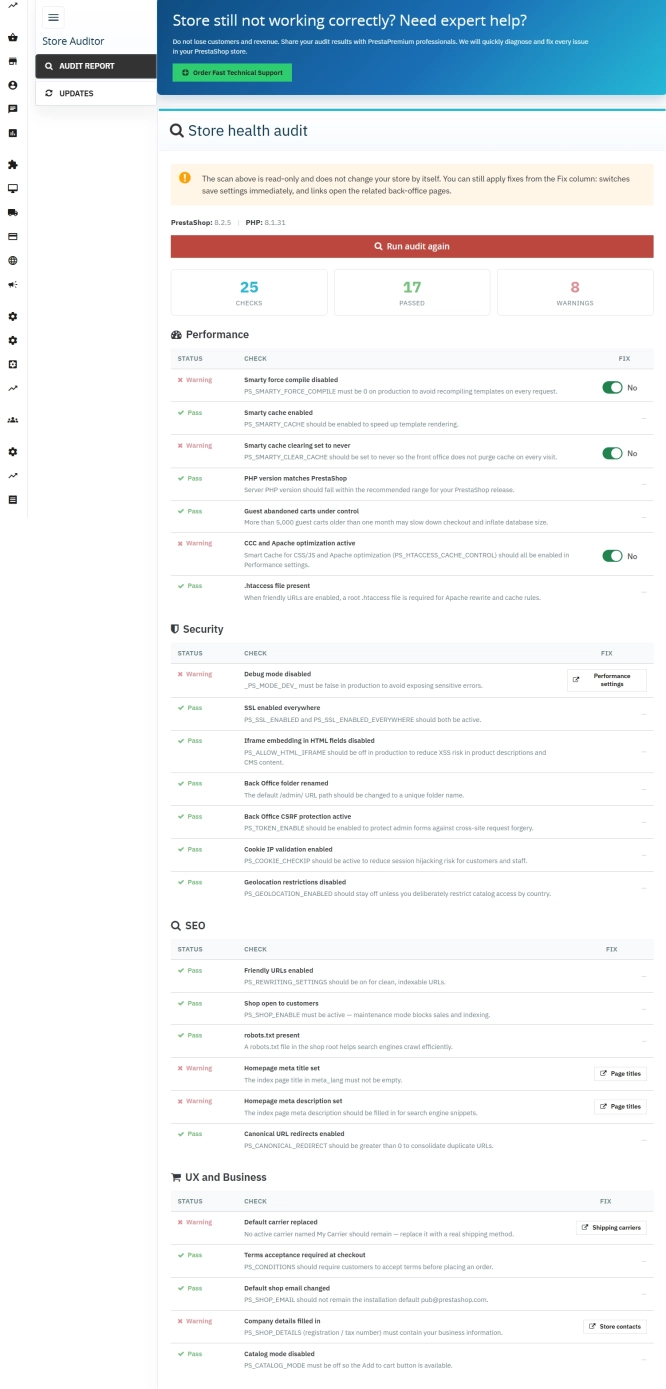
Store Auditor — 25 Configuration Checks for Your PrestaShop Back Office
Store Auditor is a completely free PrestaShop module that checks 25 core settings of your store with a single click. It instantly lets you know if your website is...
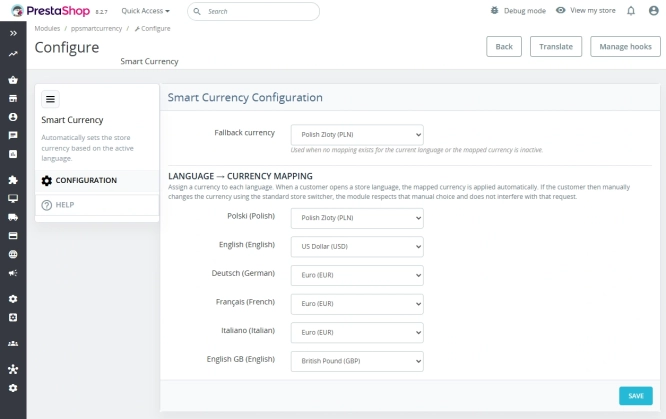
Automatic currency matching by shop language in PrestaShop
PP Smart Currency automatically matches the currency to the language a customer is using in your PrestaShop store. Visitors immediately see the right currency, while the...
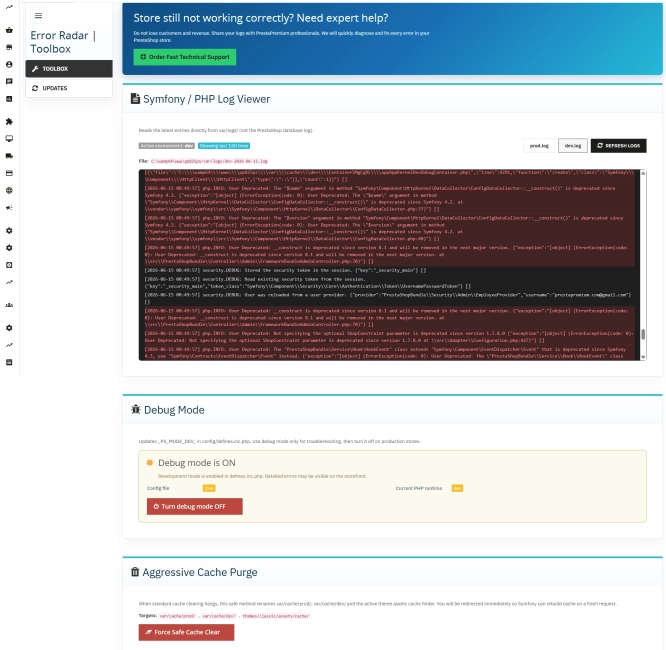
Error Radar & Toolbox — PrestaShop Error Diagnosis & Server Utilities
Error Radar & Toolbox is a powerful, free administrative module for PrestaShop that allows you to instantly diagnose technical store issues directly from your Back...

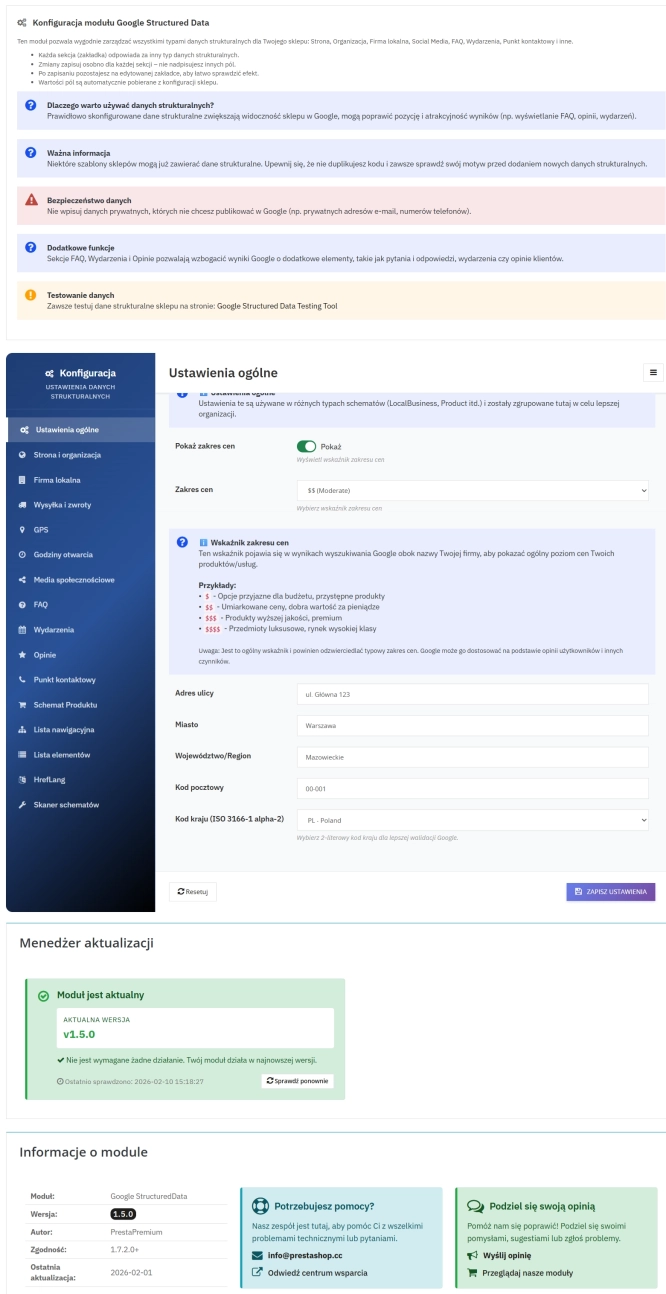
PrestaShop Schema Pro - Rich Snippets & SEO Booster
Rich Results + AI = dominate search results and increase sales in PrestaShop! Automatic JSON-LD generator with full support for more than 15 Schema.org types, including...
Do you need additional features or custom solutions?
- Module customisation tailored to your specific requirements.
- Extending functionality to enhance your store's capabilities.
- Developing bespoke modules designed to meet your unique needs.
- Integrating external systems and additional tools.
- Optimisation and improvements for better performance and user experience.
Do you have ideas on how to improve this software? Share your suggestions for optimisation, new features, or bug reports – we’ll be happy to review them!