Floating Add to Cart Bar for PrestaShop – Sticky Add to Cart Lite
- 1.7.5 + | 8.x | 9.x
- PL, EN
- 1.2.0
- 2026-08-14

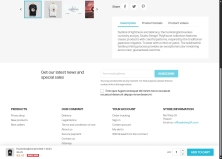
Information Parameters:
- 1.2.0
-
Store Version PHP Version1.7.5 + 7.1 – 7.48.x 8.1 – 8.39.x 8.1 – 8.5
- 2026-08-14
- PL, EN
- ✅
- ✅
- ✅
- ✅
- ❌
# Changelog

## [1.2.0] - 2026-08-14

### Added

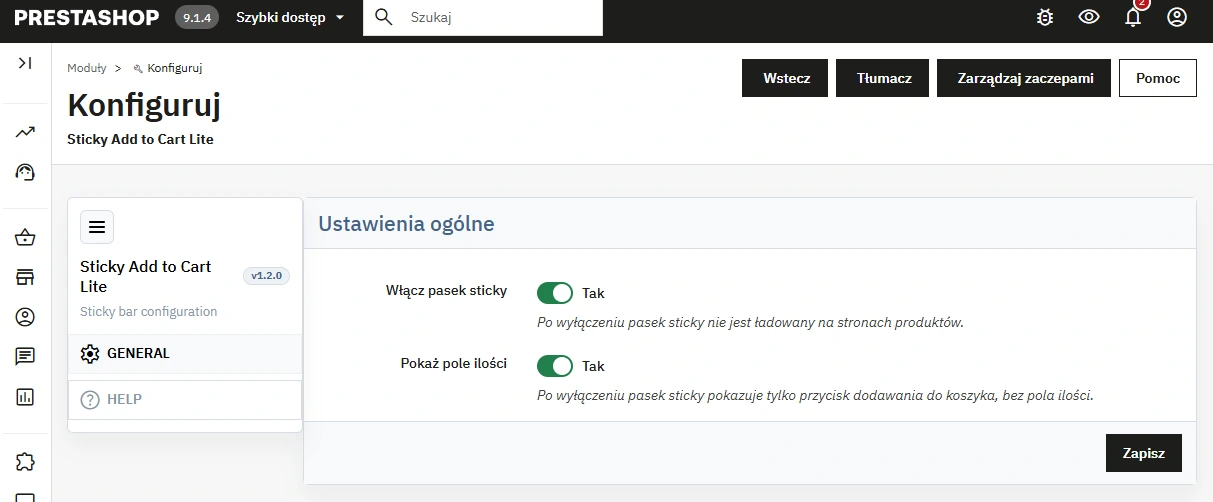
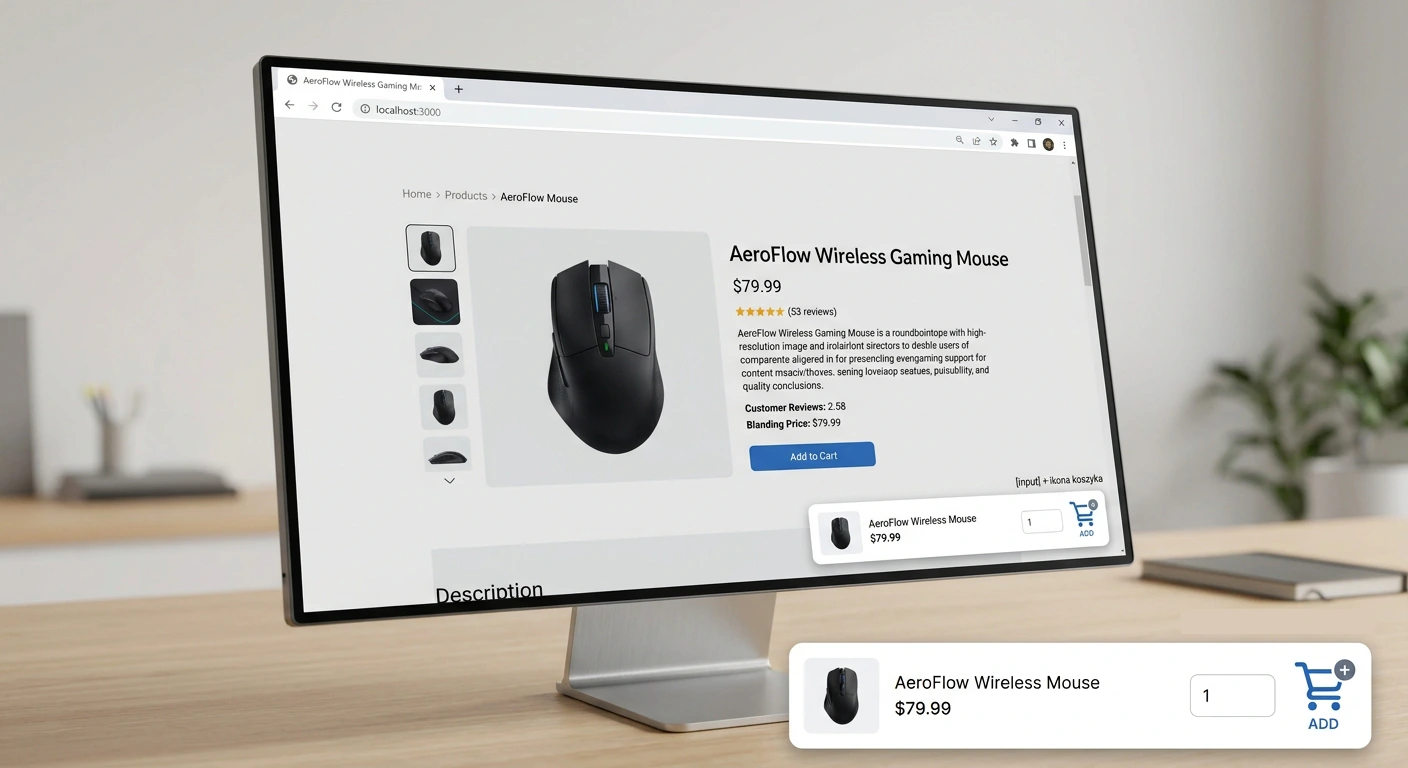
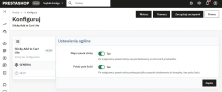
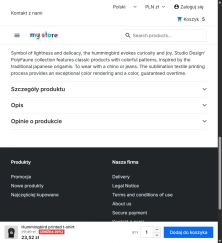
- Quantity input on the sticky bar, with a Back Office switch (enabled by default).
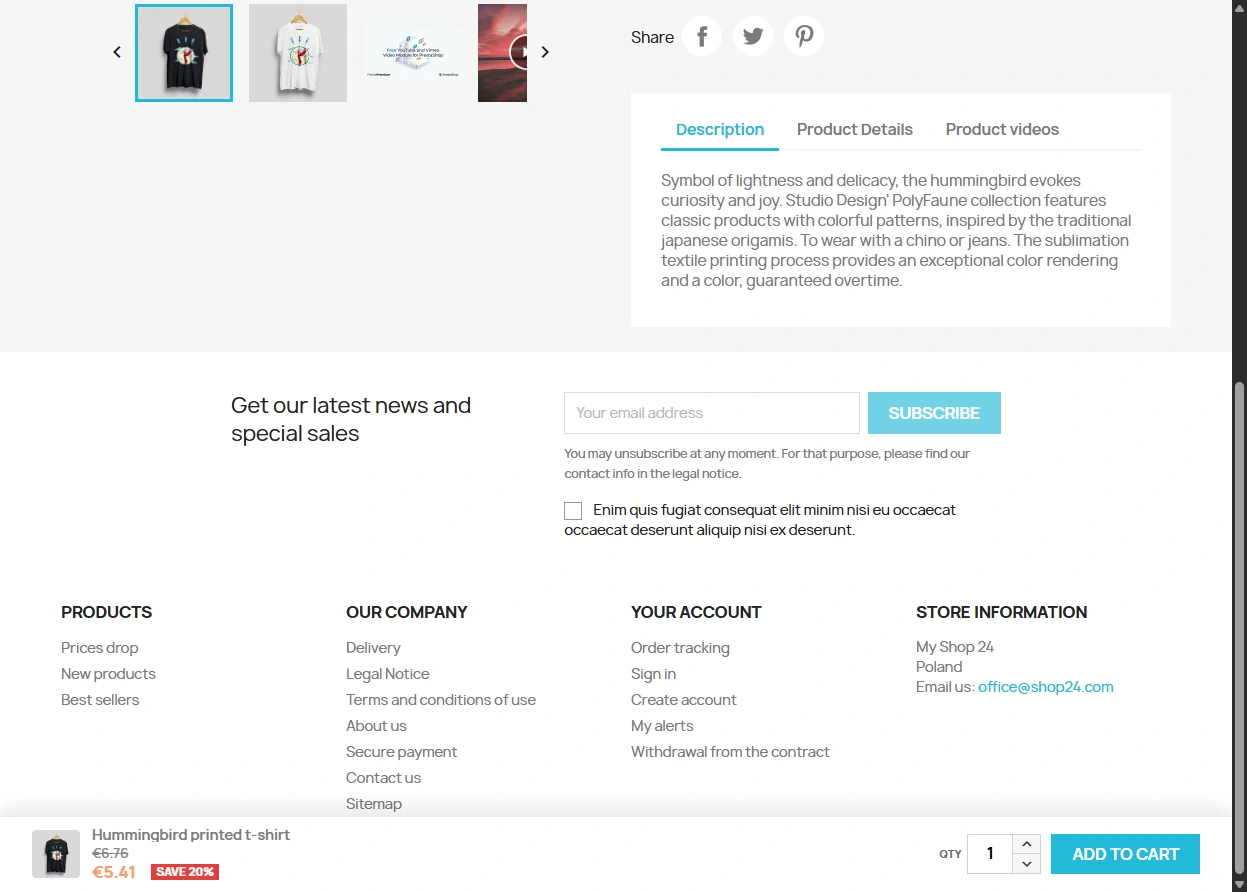
- Up and down arrows next to the quantity field, matching the Classic theme spinner.

### Changed

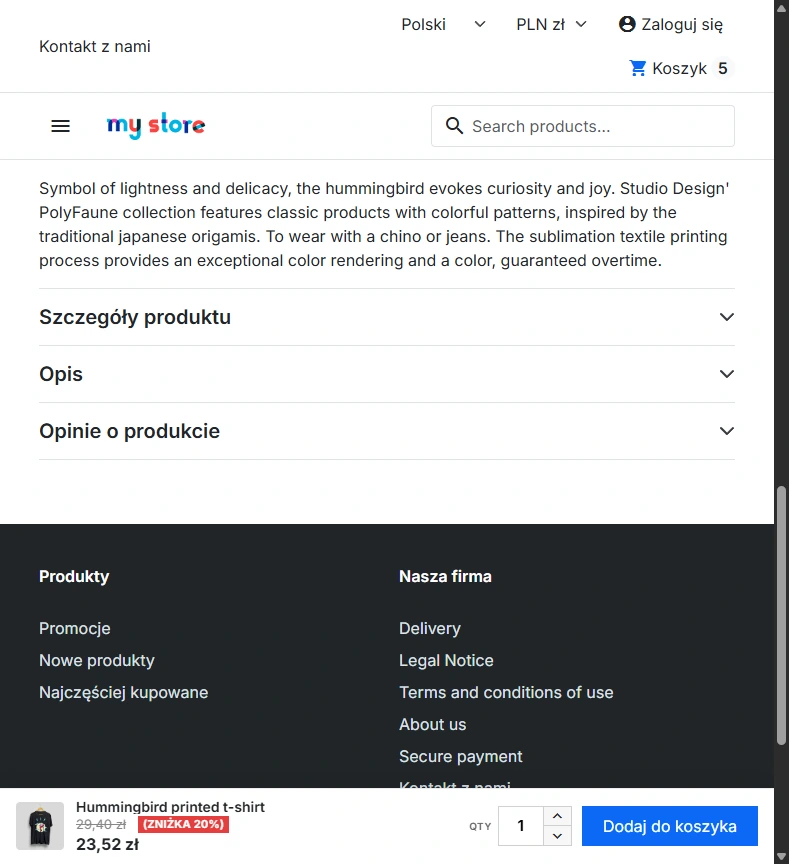
- Discount presentation on the sticky bar: square badge, struck-through regular price.
- Mobile layout below 768px: cart icon instead of the “Add to cart” label; quantity label hidden.
- PrestaShop 9.x package (same features as 8.x; BO CSRF via `UserTokenManager`).

## [1.0.0] - 2026-08-12

### Added

- Initial release of the module.
- Sticky add-to-cart bar on the product page, shown when the main button leaves the viewport.
- Vanilla JS (`IntersectionObserver`), no jQuery.
- Back Office configuration with enable switch, Help tab and PrestaPremium menu.
You might also like

FAQs
-
When does the sticky add-to-cart bar appear?
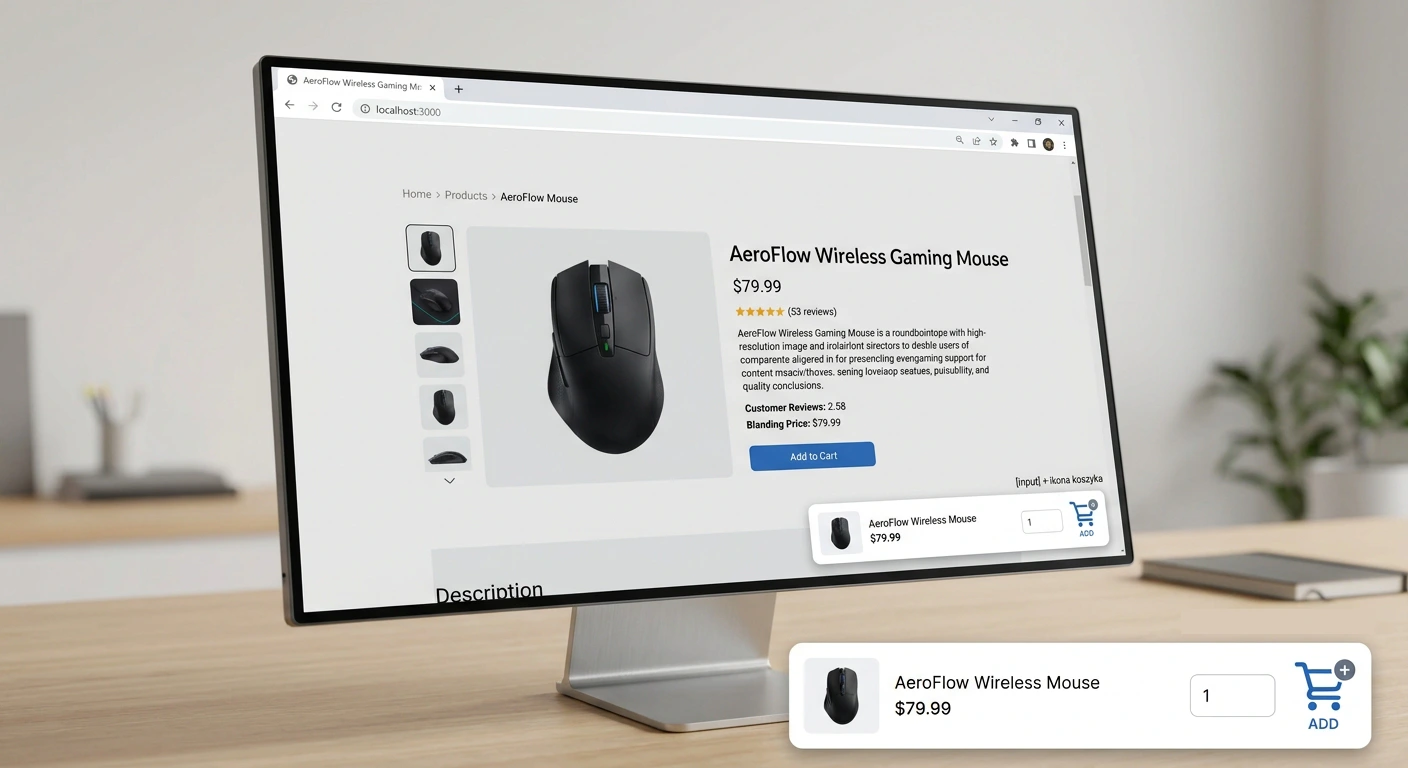
The bar is anchored at the bottom of the screen and appears only after the main add-to-cart button leaves the visible area of the page. The mechanism uses IntersectionObserver and responds to the current scroll position.
-
Are the modules compatible with my version of PrestaShop?
Each module in our store contains information about compatibility with specific PrestaShop versions. Please check this information carefully before purchasing. If you are not sure, contact us.
-
Does the module use external JavaScript libraries?
The product description specifies clean code with no dependency on jQuery or external scripts. The bar is connected directly to the theme's standard form, which is intended to reduce the risk of conflicts with other shop elements.
-
What happens when the bar is disabled in the configuration?
When the feature is disabled, the module does not inject its own JavaScript or CSS files into the shop. The administrator can enable or disable the bar on product pages without removing the module or loading its assets.
-
Do the bar settings support Multistore?
The module supports configuration in the context of an individual shop or a shop group. Settings are saved according to the context currently selected in the administration panel, allowing the bar's behaviour to vary between shops in a Multistore installation.
-
How does the bar adapt to mobile screens?
The bar is optimised for smartphones and tablets. Its elements adjust to the available screen width to maintain a compact interface. The product is intended, among other uses, for pages with long descriptions and mobile traffic.
16 other products in the same category:

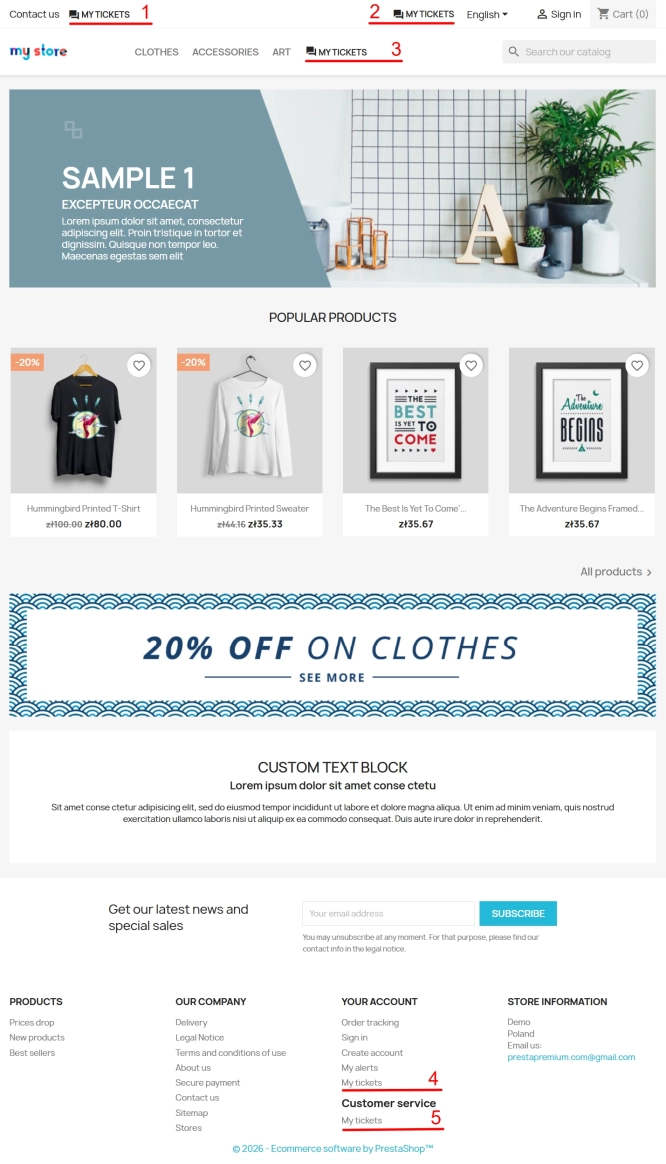
Helpdesk — professional ticketing and customer support system for PrestaShop
PP Helpdesk is a module that turns chaotic email exchanges into a clear, organised ticketing system directly within your PrestaShop store. Customers can comfortably create...
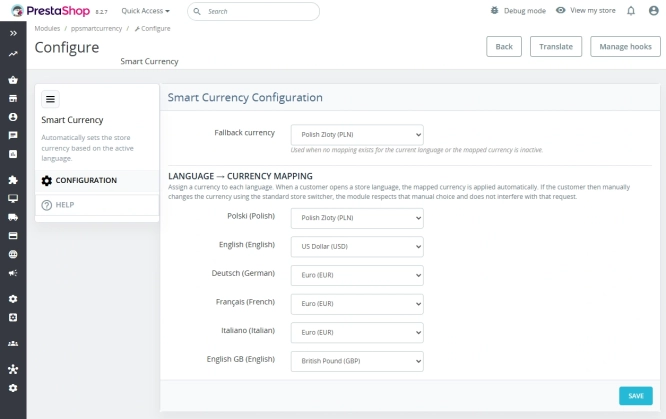
Automatic currency matching by shop language in PrestaShop
PP Smart Currency automatically matches the currency to the language a customer is using in your PrestaShop store. Visitors immediately see the right currency, while the...
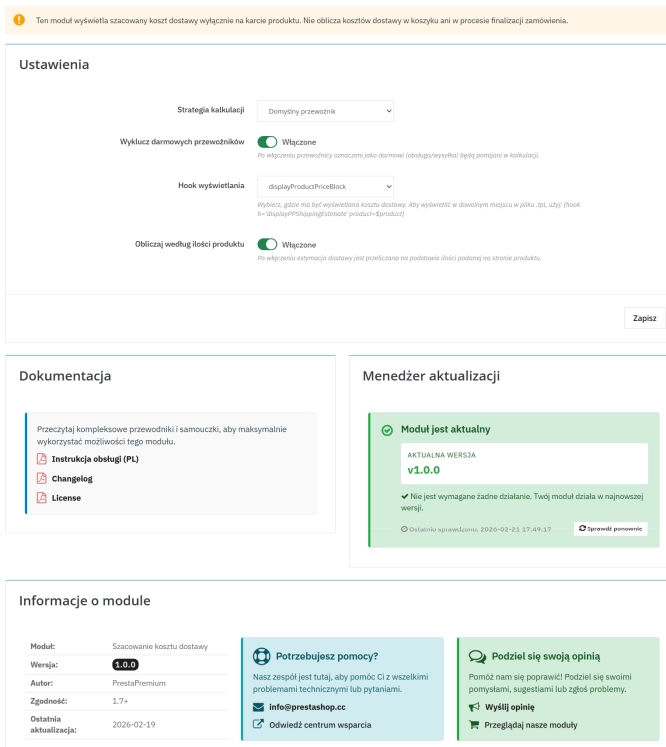
Automatic delivery cost on the product card
PP Shipping Estimate is an advanced module for PrestaShop that enables automatic calculation of delivery costs on the product page . The customer does not need to...
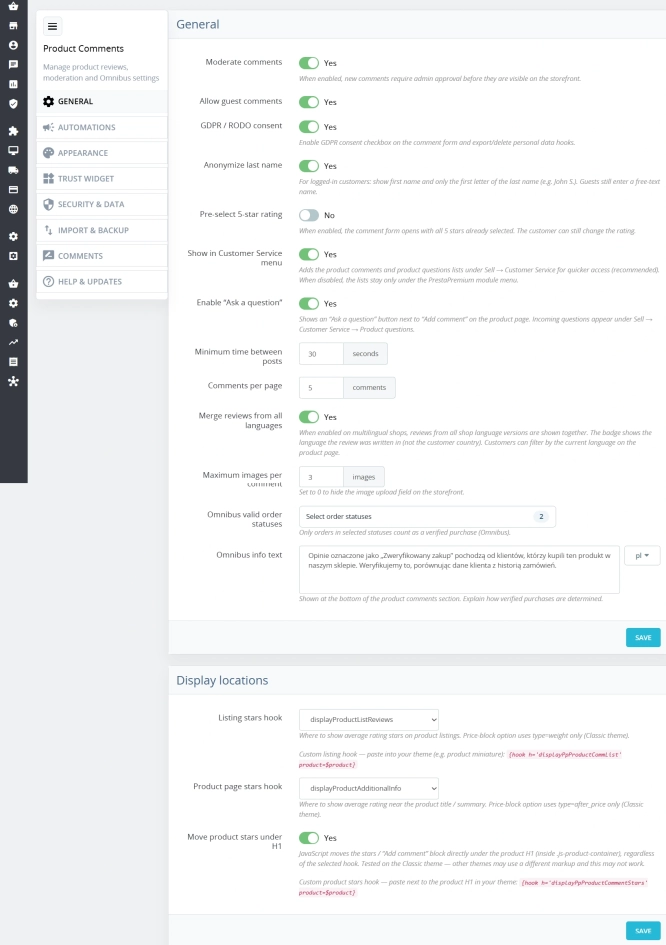
PrestaShop Product Reviews & Comments – Discount Vouchers, Customer Photos, JSON-LD & Fee-Free...
This module serves as a complete alternative to paid SaaS review platforms (such as Trustpilot, Opineo, or Trusted Shops) and allows you to bypass complex Google...
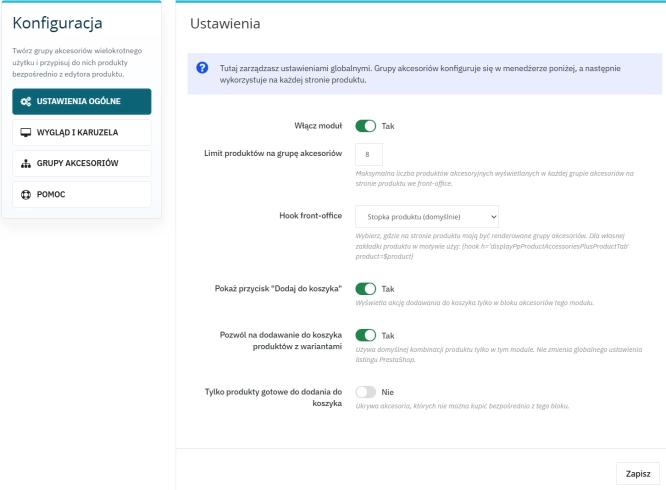
Custom Product Groups on the Product Page in PrestaShop
With Product Accessories Plus , you can create any product groups you need , set their order, and display them directly on the product page in your PrestaShop shop. You...
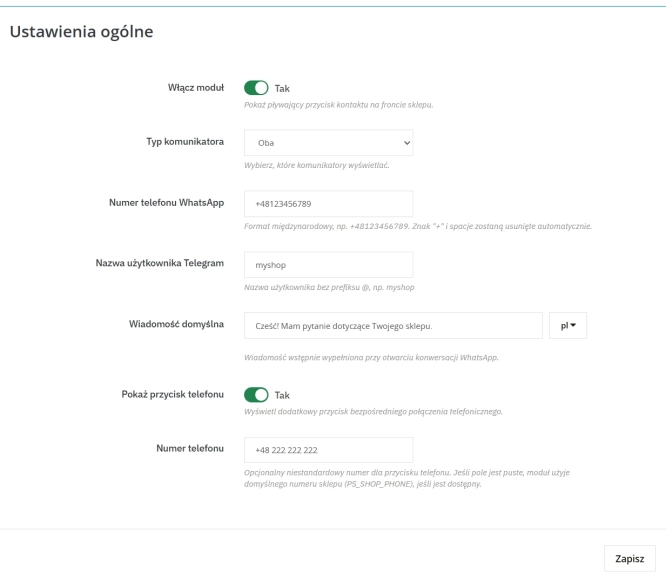
WhatsApp, Telegram and Phone in one - Increase conversions with Quick Contact
A customer has a question? Don't let them wait for an email. The PP Quick Contact module is your sales hotline. Add an elegant, floating button to your store that, with one...

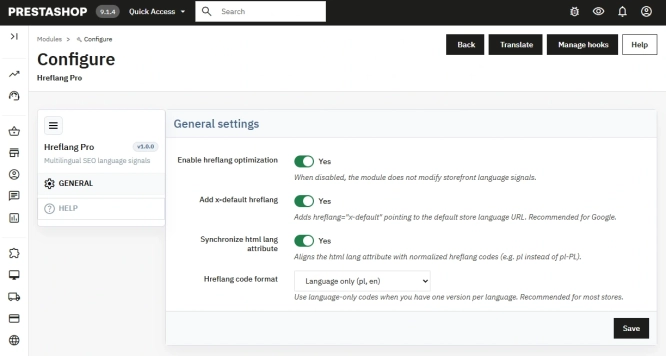
Hreflang and X-Default Normalisation for PrestaShop
Hreflang Pro solves the issue of directing shoppers to the wrong language version of your store (for instance, when a local customer lands on a foreign-language page from...
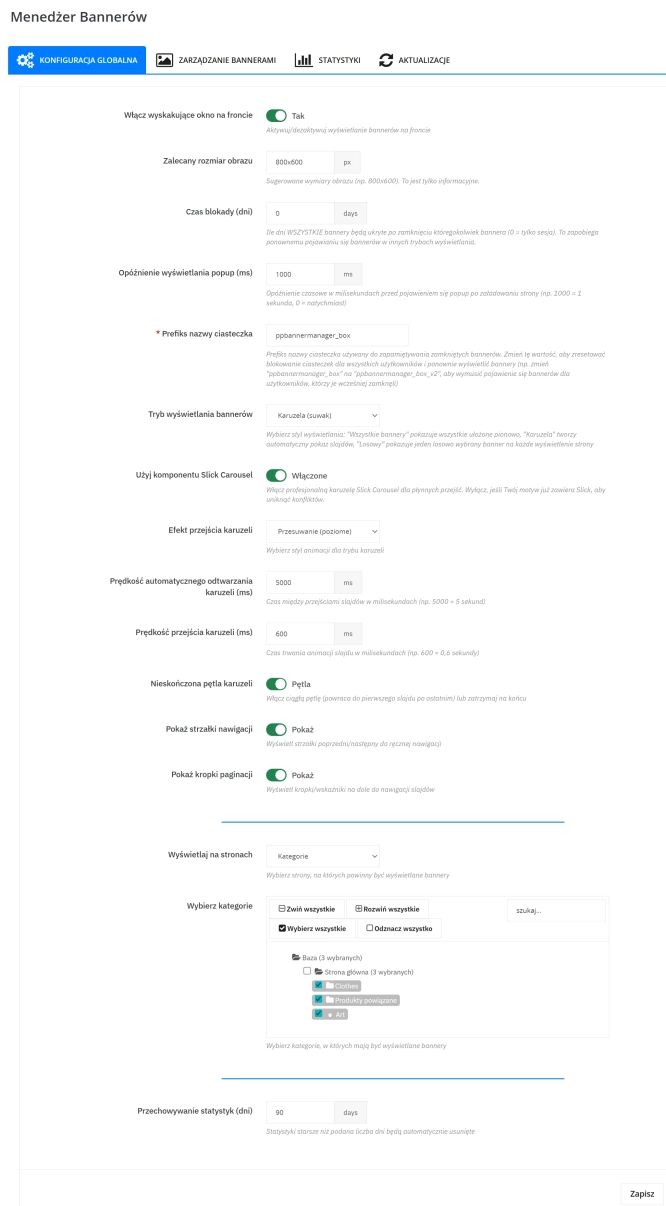
Banner Manager – Highlight promotions, new arrivals and important messages precisely when the customer is most engaged in shopping. Instead of hiding your message in page...
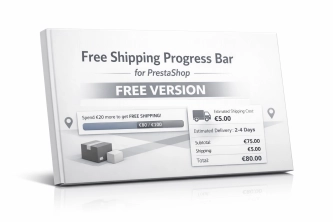
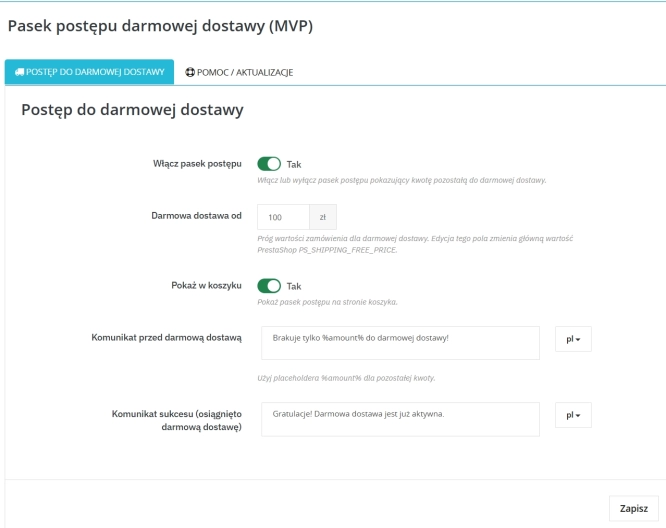
Free Shipping Progress Bar for PrestaShop (Free Version)
Encourage customers to spend more by clearly showing how much is left until they unlock free shipping . This is the free, simplified edition of the module, focused on one...
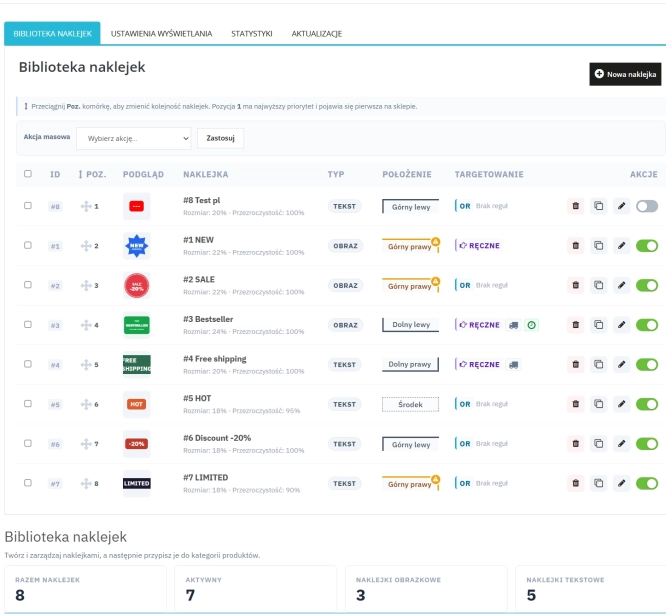
Dynamic Product Labels and Stickers for PrestaShop
The PP Product Stickers module is designed for automated product labelling in your store using graphic and text stickers. The tool allows you to implement clear sales...

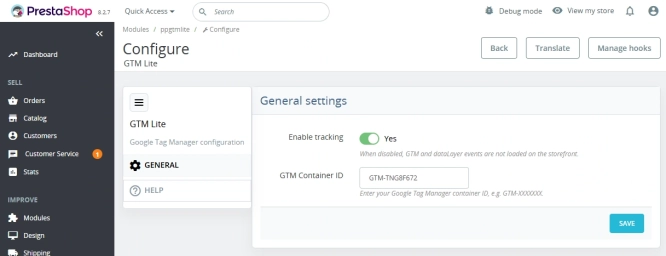
GTM Lite – Free Google Tag Manager & GA4 e-Commerce Module for PrestaShop
100% FREE (LITE Version) GA4 e-Commerce Standard GTM Lite is a lightweight, free module connecting your PrestaShop store with Google Tag Manager. It automatically...
- Discount
Price available only until: 11.10.2026
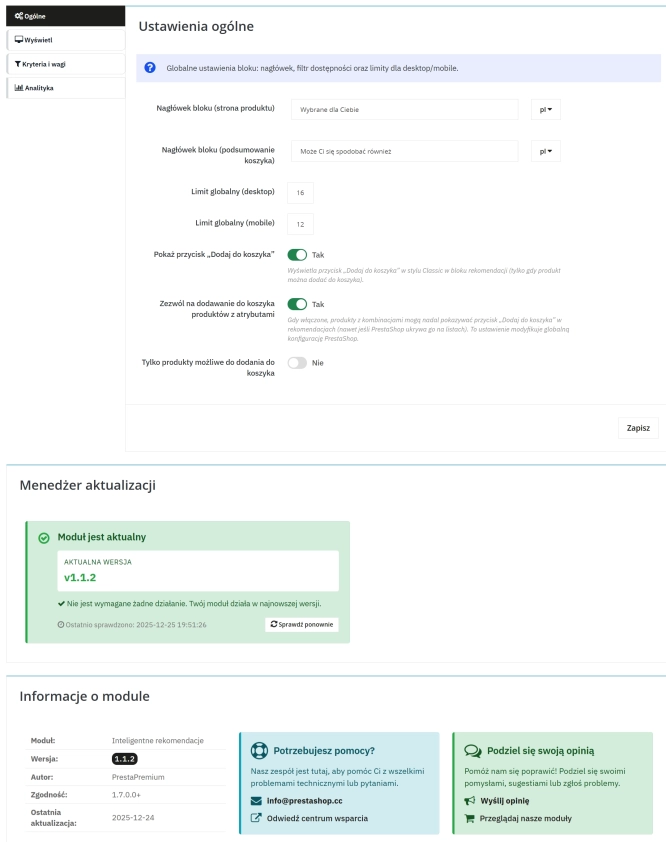
Product recommendation module for PrestaShop
A recommendations module for PrestaShop that displays tailored product suggestions in two key points of the buying journey: the product page and the cart. It reduces...

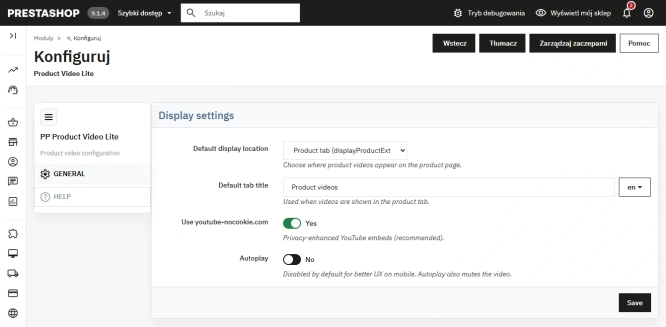
Free PrestaShop Video Module (YouTube & Vimeo)
Product Video Lite is a free and exceptionally lightweight module that allows you to assign an unlimited number of YouTube and Vimeo videos to your products. Instantly...
- New
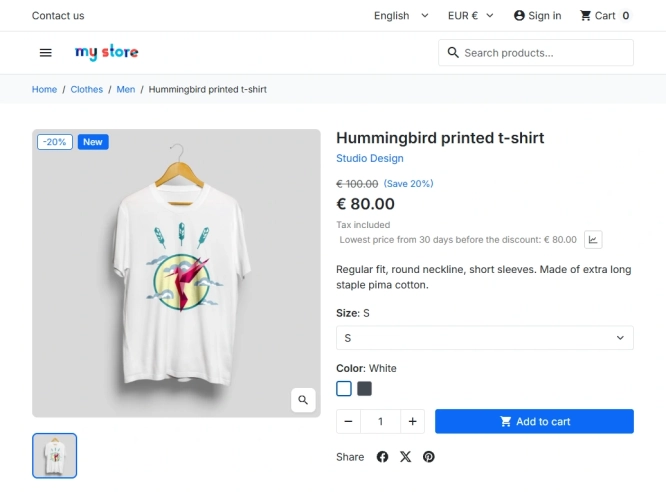
PrestaShop Omnibus Price Pro Module – Lowest Price in 30 Days (EU Omnibus Directive)
Omnibus Price Pro is an advanced PrestaShop module designed to automate the display of the lowest price prior to a discount (default 30 days). Ensure full compliance...
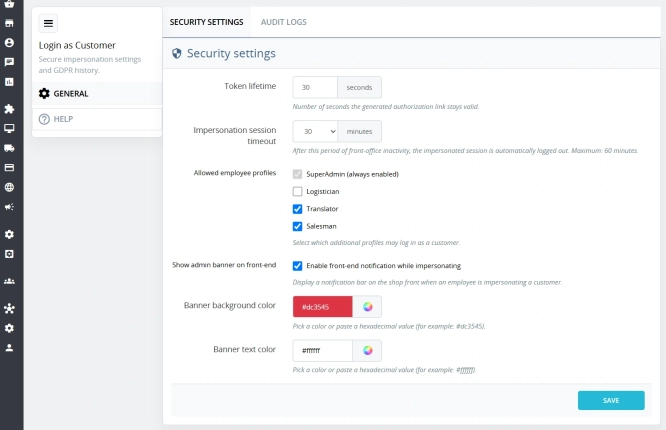
Login as Customer – Log into user accounts from PrestaShop Back Office
This module enables instant access to any customer account directly from the PrestaShop administration panel. It allows quick verification of issues reported by buyers...
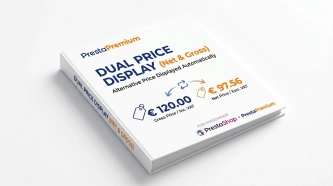
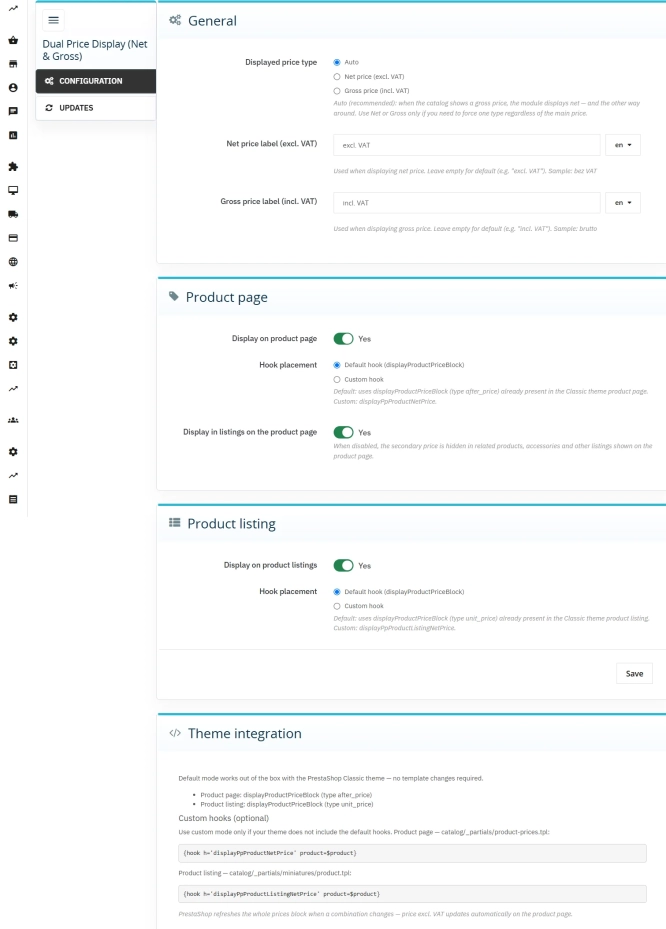
Dual Price Display (Net & Gross) — Alternative Price Displayed Automatically
Dual Price Display (Net & Gross) does the heavy lifting for you: it automatically checks which price is currently active in your shop and instantly displays the other...
Do you need additional features or custom solutions?
- Module customisation tailored to your specific requirements.
- Extending functionality to enhance your store's capabilities.
- Developing bespoke modules designed to meet your unique needs.
- Integrating external systems and additional tools.
- Optimisation and improvements for better performance and user experience.
Do you have ideas on how to improve this software? Share your suggestions for optimisation, new features, or bug reports – we’ll be happy to review them!