Start with the free version, upgrade when you need more
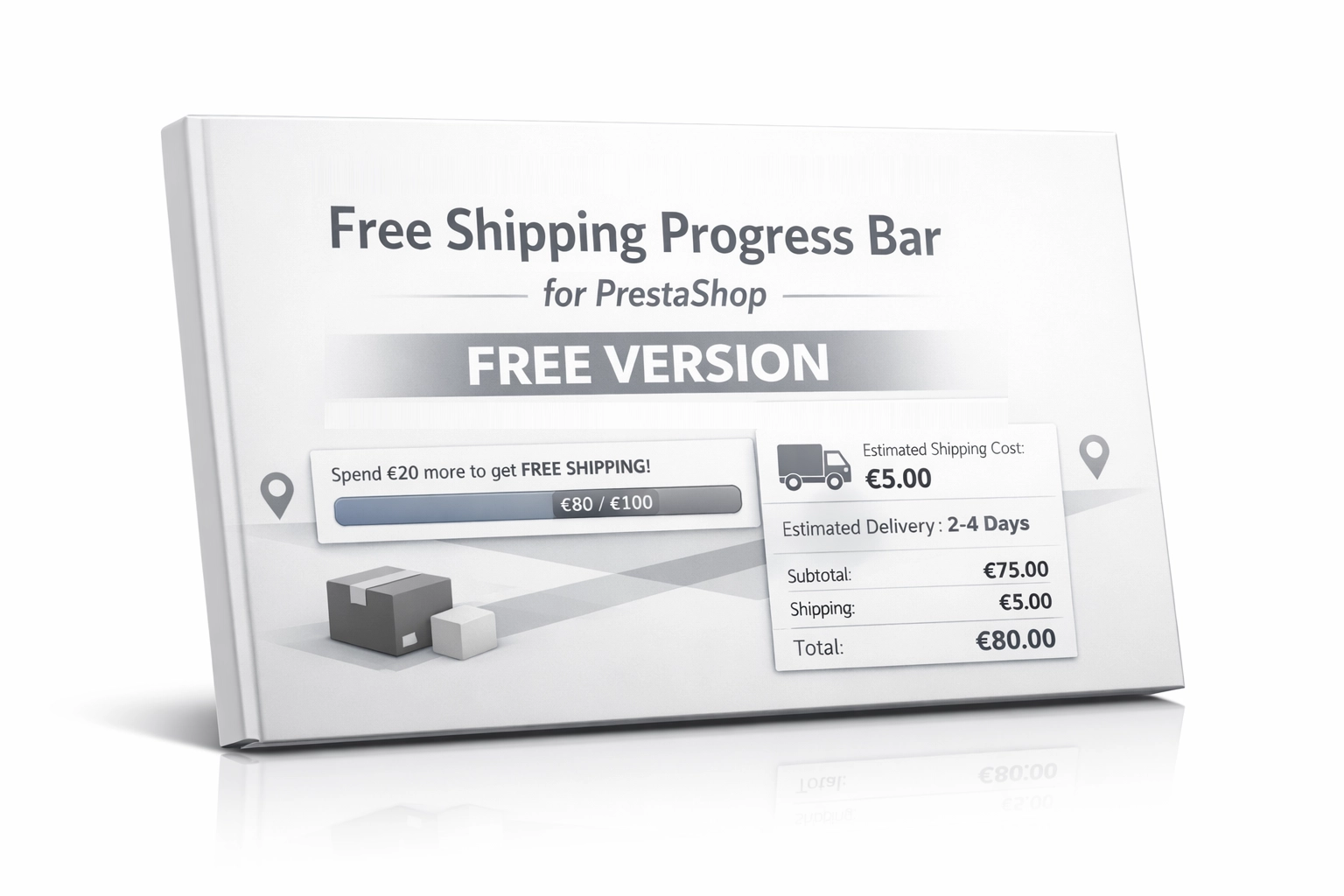
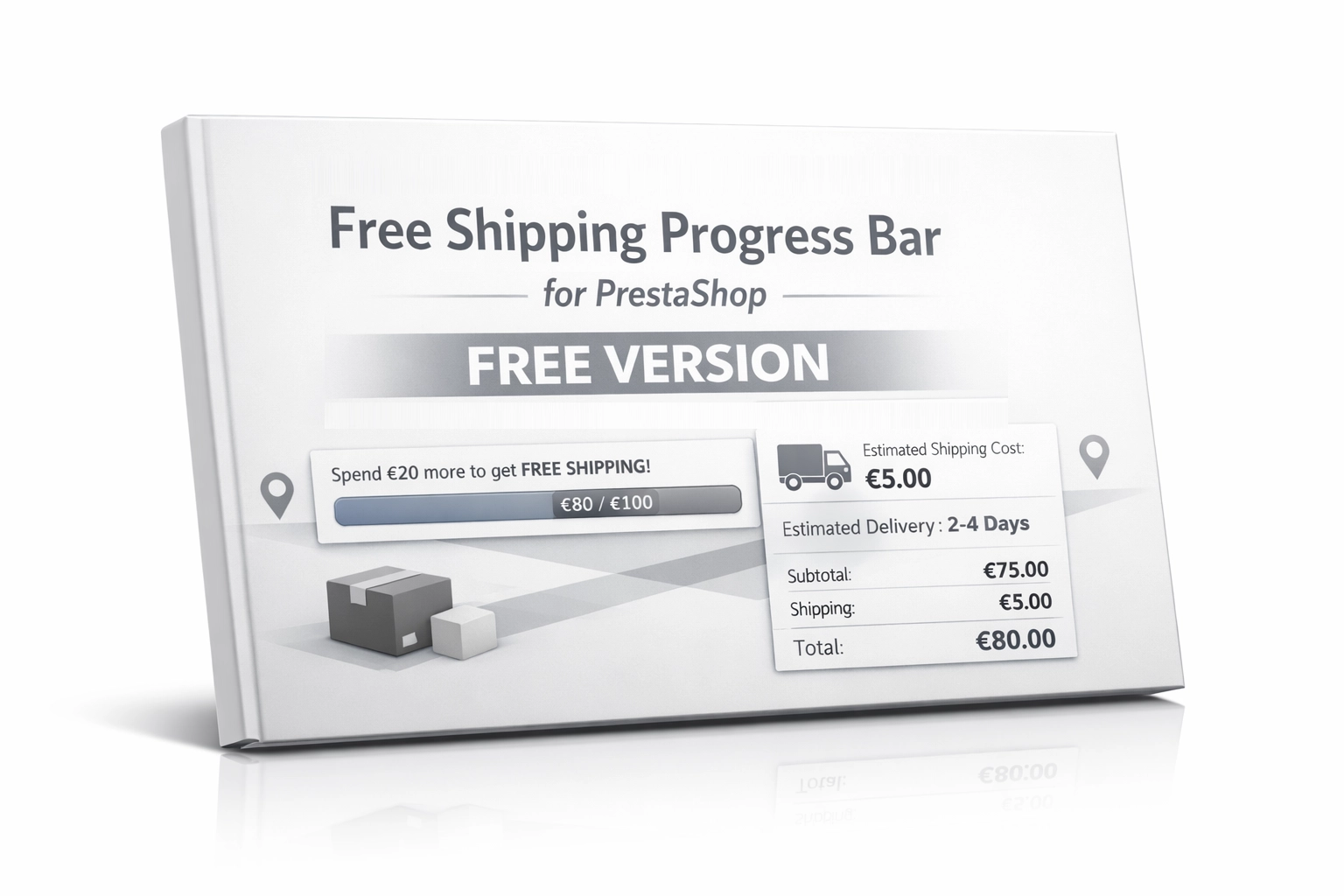
This edition of Free Shipping Progress Bar has been intentionally simplified to give you a fast implementation effect without unnecessary configuration. You get a lightweight module focused on increasing cart value by clearly communicating the free shipping threshold directly on the cart page. If your store requires more advanced logic and a broader impact on customer purchase decisions, you can move to the premium version: Free Shipping Bar & Cost Estimator for PrestaShop.
- The free version focuses on the free shipping progress bar and a simple sales-driven message.
- The full version is designed for stores that need more advanced features and broader control over how delivery costs and shipping logic are presented.
Key benefits
- Higher average order value (AOV) – customers are more willing to add extra products when they can see on an interactive bar how little is left to qualify for free shipping.
- Reduced cart abandonment – a clear financial goal already on the cart page turns hesitation into a stronger intent to complete the purchase.
- Lightweight and optimised – the module loads scripts only where they are needed, without slowing down the entire store.
- Better user experience (UX) – a clear progress bar and focused message in the cart help shoppers make faster decisions without unnecessary friction.
Where this module works best
This is a classic, proven “must-have” mechanism that fits the vast majority of e-commerce stores using free shipping thresholds based on order value.
- Stores struggling with low cart values and looking to support cross-selling with low-cost complementary products.
- Shoppers respond strongly to purpose and gamification – the bar creates a clear reward effect for adding just a little more to the cart.
- Stores using the Classic theme or layouts closely based on it. Other themes may require a small front-end adjustment.
Features – Back Office
Fast configuration
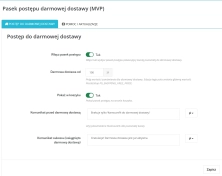
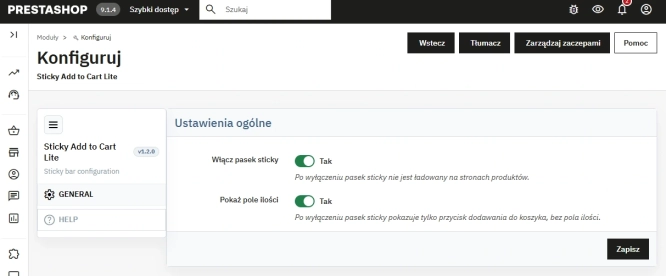
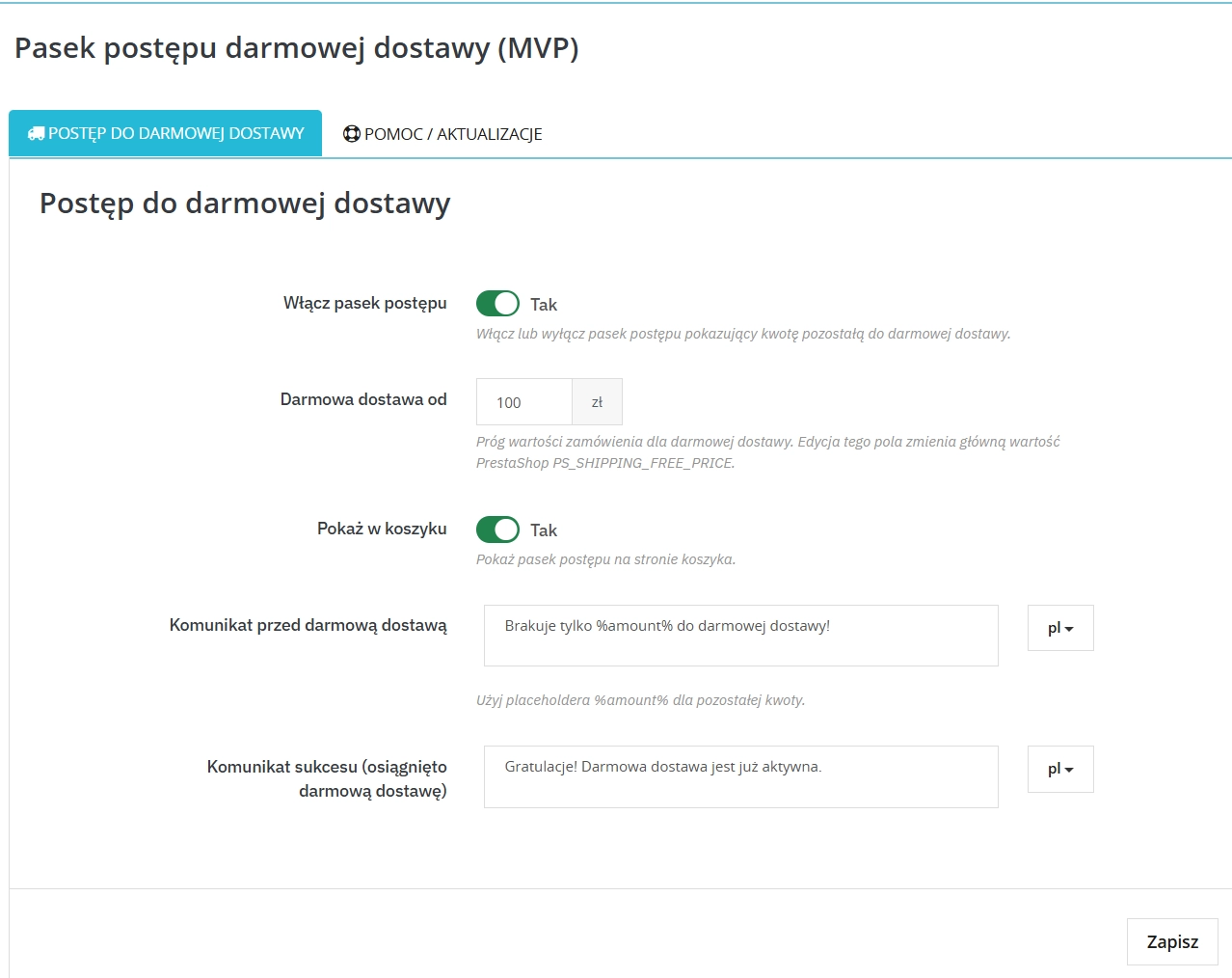
Management is centred around one simple visibility switch plus configuration of the free shipping threshold and the cart messages.
Native price threshold
The module is tightly integrated with the PrestaShop core — changing the free shipping threshold inside the module automatically updates the standard store variable without breaking internal logic.
Message editor
Create persuasive, personalised messages encouraging customers to cross the delivery threshold using smart placeholders such as %amount%.
Features – Front Office
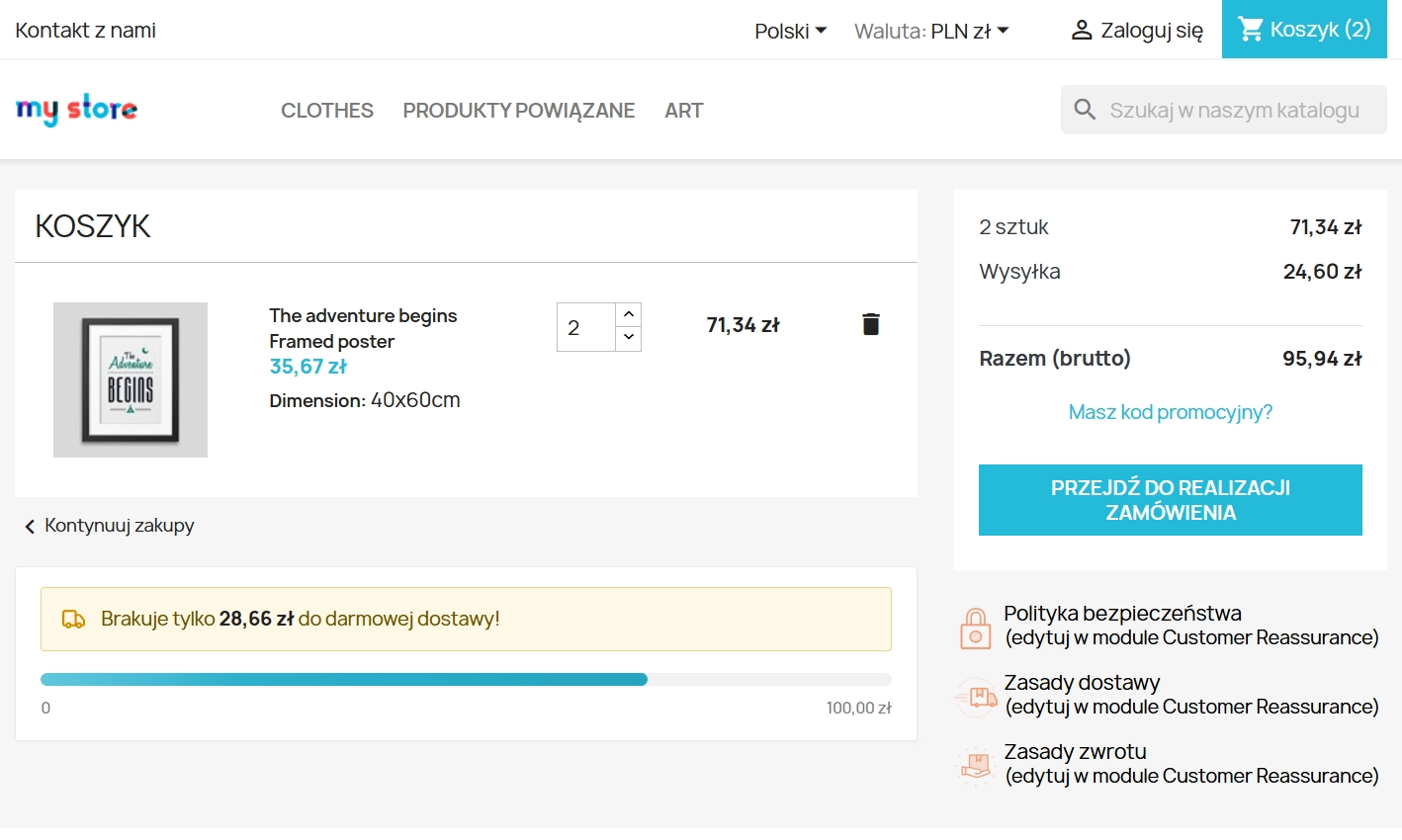
Progress bar and messages
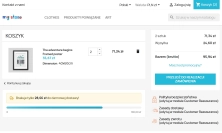
A visual bar rendered on the cart page. It quickly shows how little is left before the customer qualifies for free shipping.
AJAX communication
The front-end app is connected to native JavaScript events. When product quantities change or cart rows are removed, the cart bar refreshes its data in a fraction of a second without reloading the page.
Classic theme friendly
The default layout and hook placement were prepared for the Classic theme. If you use a custom or heavily modified theme, a small HTML or CSS adjustment may be required.
Impact on sales and SEO
Deploying Free Shipping Progress Bar supports a clear business goal: naturally encouraging both returning and new customers to add more products without relying on intrusive promotional tactics. Because it avoids heavy processing loops, your store and database stay responsive, helping preserve Core Web Vitals performance and protecting your organic visibility in Google.
If, after deploying the free version, you see that customers respond well to the free shipping message, the natural next step may be to extend this mechanism with more advanced features available in the premium edition. You can find the full module here: see the advanced version.
Important implementation notes
Before installing the module, it is recommended to create a full backup of your store database and files. Keep in mind that the plugin acts as a visual and computational layer for the native PrestaShop engine. For the progress bar calculations to remain accurate, your logistics configuration in the main store panel must be correctly set up — make sure your carriers, delivery zones, price ranges, and direct shipping costs are properly defined. Also note that this free edition is prepared for the standard cart structure of the Classic theme. If your store uses a custom theme, some front-end integration adjustments may be needed.