Key benefits
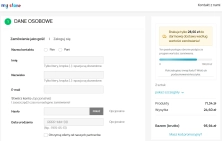
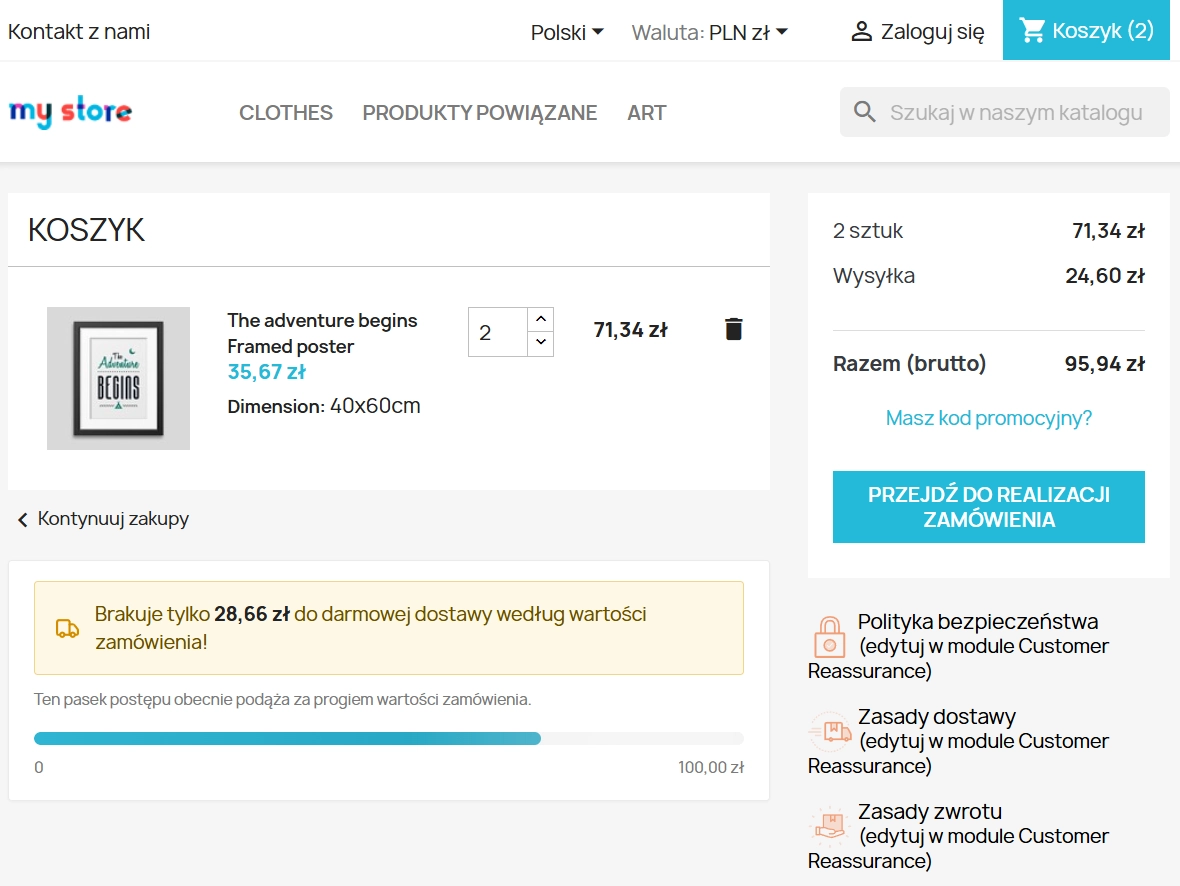
- Higher average order value (AOV) – customers are more likely to add extra items when they can see on the interactive progress bar how little is left to qualify for free shipping.
- Lower cart abandonment – a transparent presentation of estimated delivery costs directly on the product page removes friction and reduces negative surprises at checkout.
- Full control over profitability – you can precisely exclude heavy or bulky products from the calculation, helping to protect your margins.
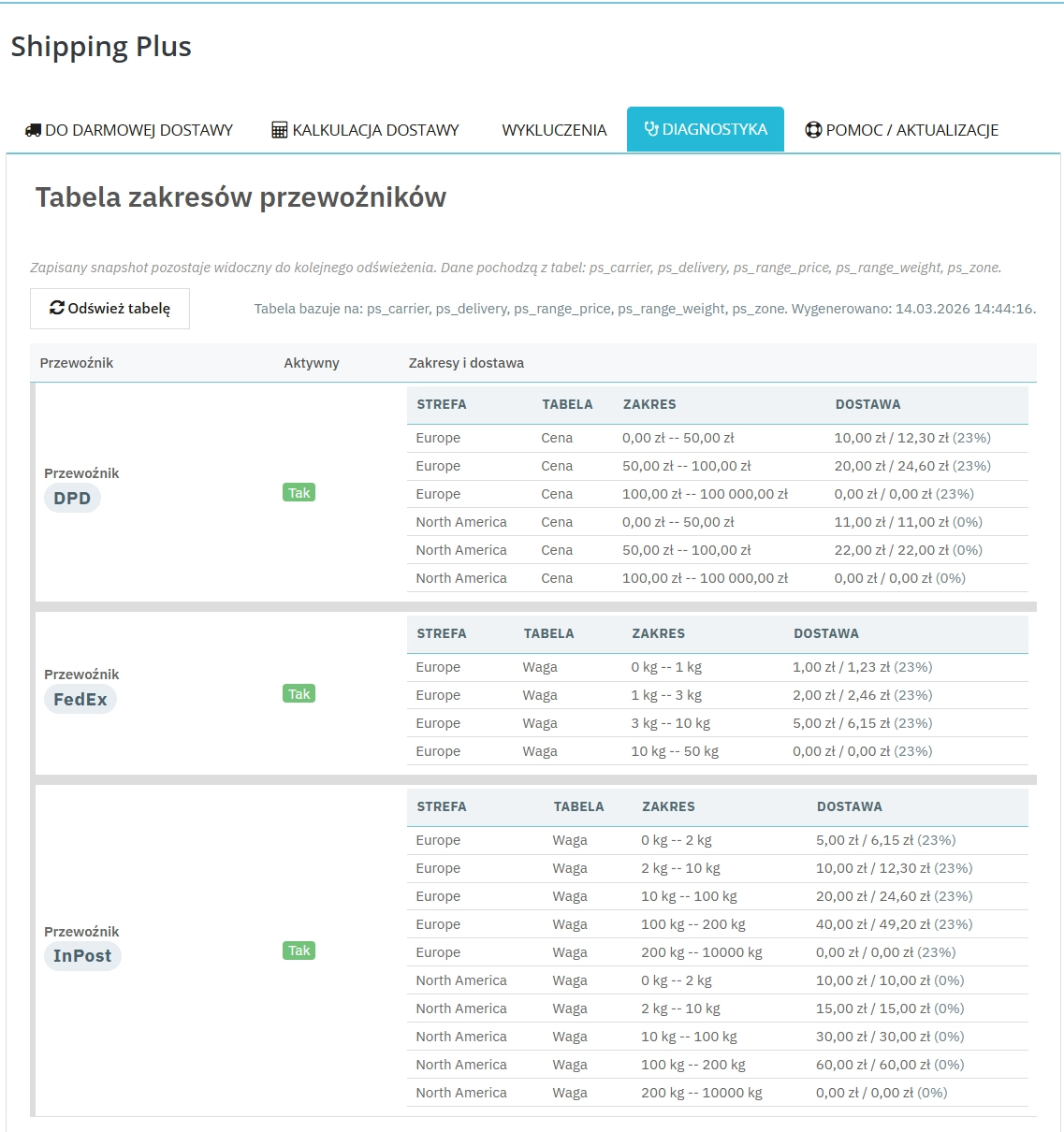
- Faster logistics verification – the built-in diagnostic panel lets your e-commerce team review all carrier thresholds and rates in seconds, without jumping through multiple tabs.
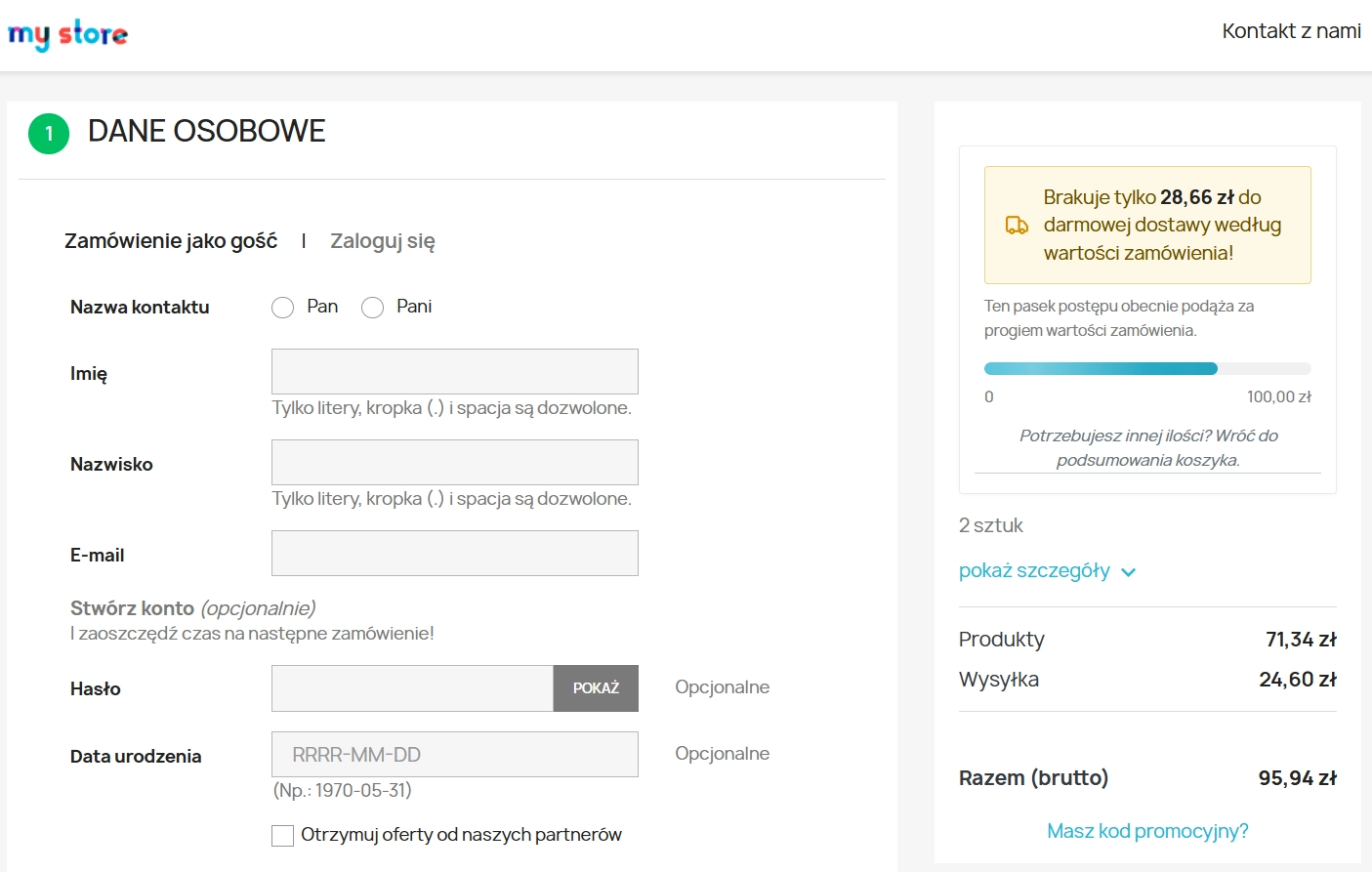
- Better user experience (UX) – clean notifications in the mini-cart, order summary and product page help shoppers make quicker buying decisions.
Where this module works best
This module is especially useful in shops with a varied catalogue, where shipping costs must remain transparent while still being tightly controlled from an operational perspective. It is particularly valuable for:
- E-commerce shops using different transport pricing strategies based on actual weight or basket value.
- Multi-category shops selling heavy goods such as appliances or furniture, where free shipping must be excluded for selected categories or manufacturers.
- Businesses driven mainly by mobile traffic, where quick access to delivery information inside the mini-cart window (off-canvas or dropdown) can directly influence checkout completion.
Features – Back Office
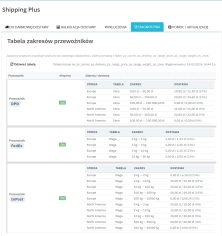
Built-in rate diagnostics
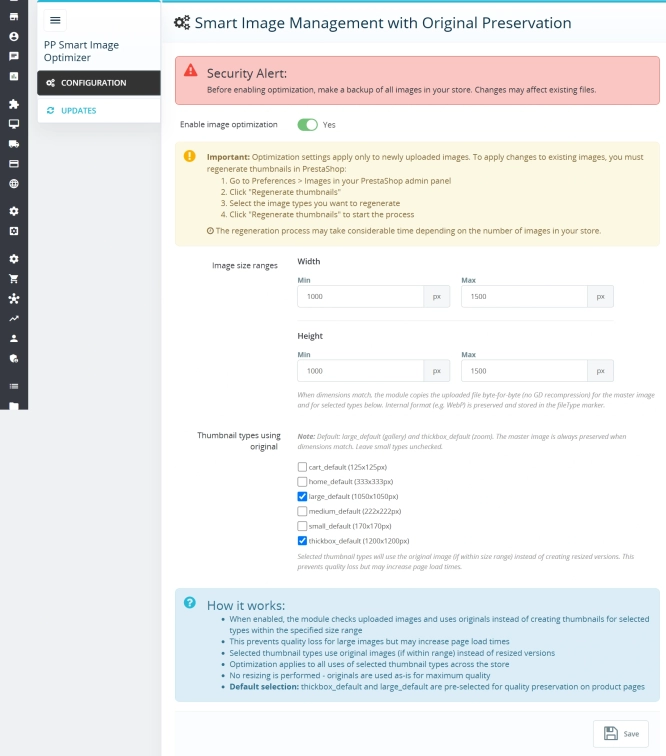
The tool generates an instant snapshot of current carrier charges, broken down by zones and taxes, making it easier for e-commerce teams to verify shipping tables.
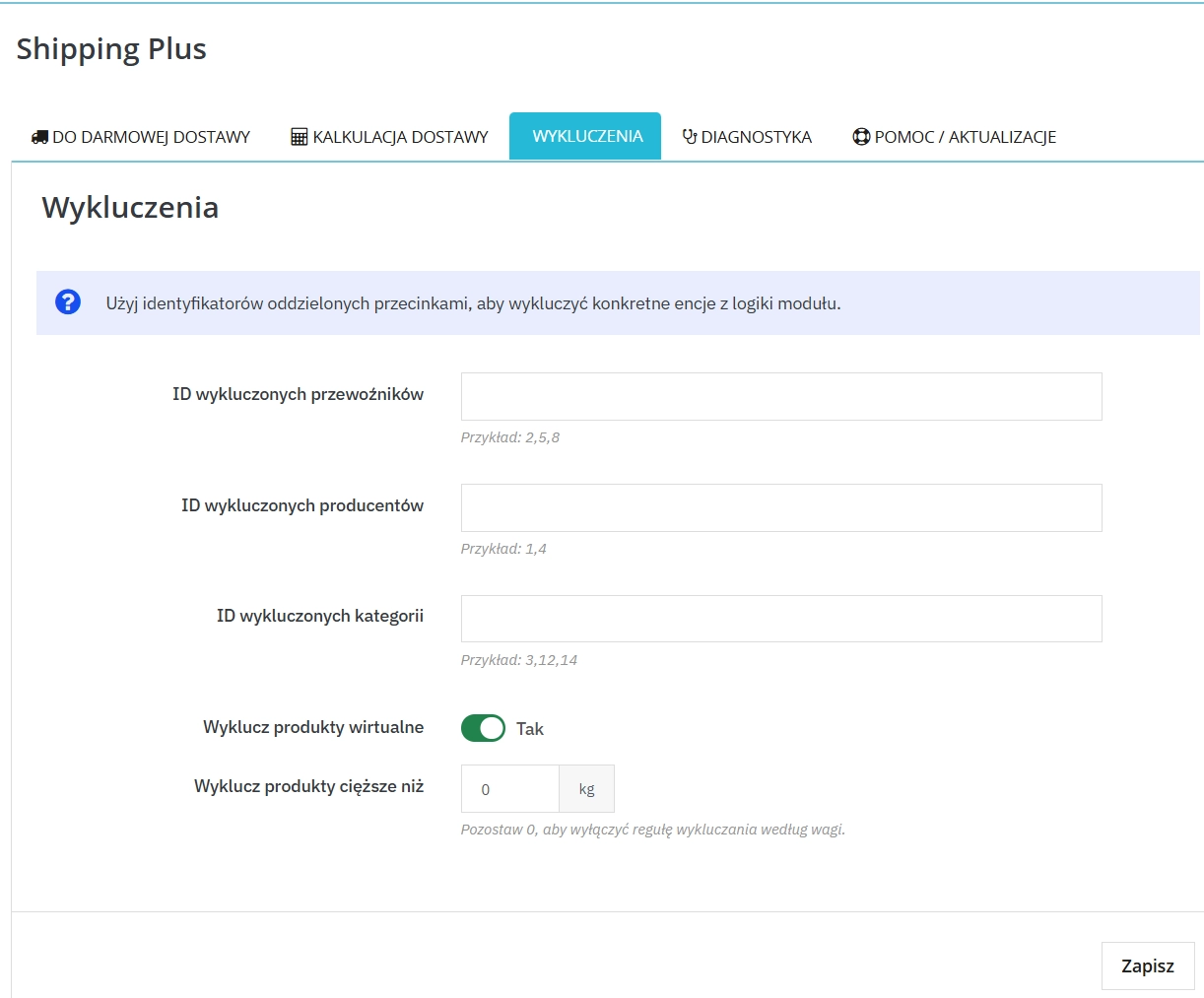
Advanced exclusion system
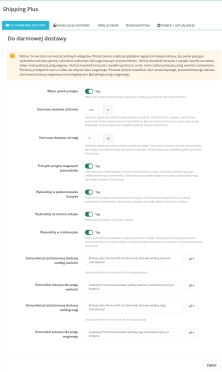
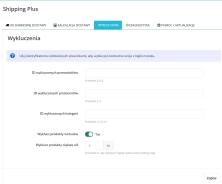
Restrict how the progress bar works with precise rules by excluding carrier IDs, manufacturers, selected categories or products exceeding a defined weight limit.
Support for weight and price priorities
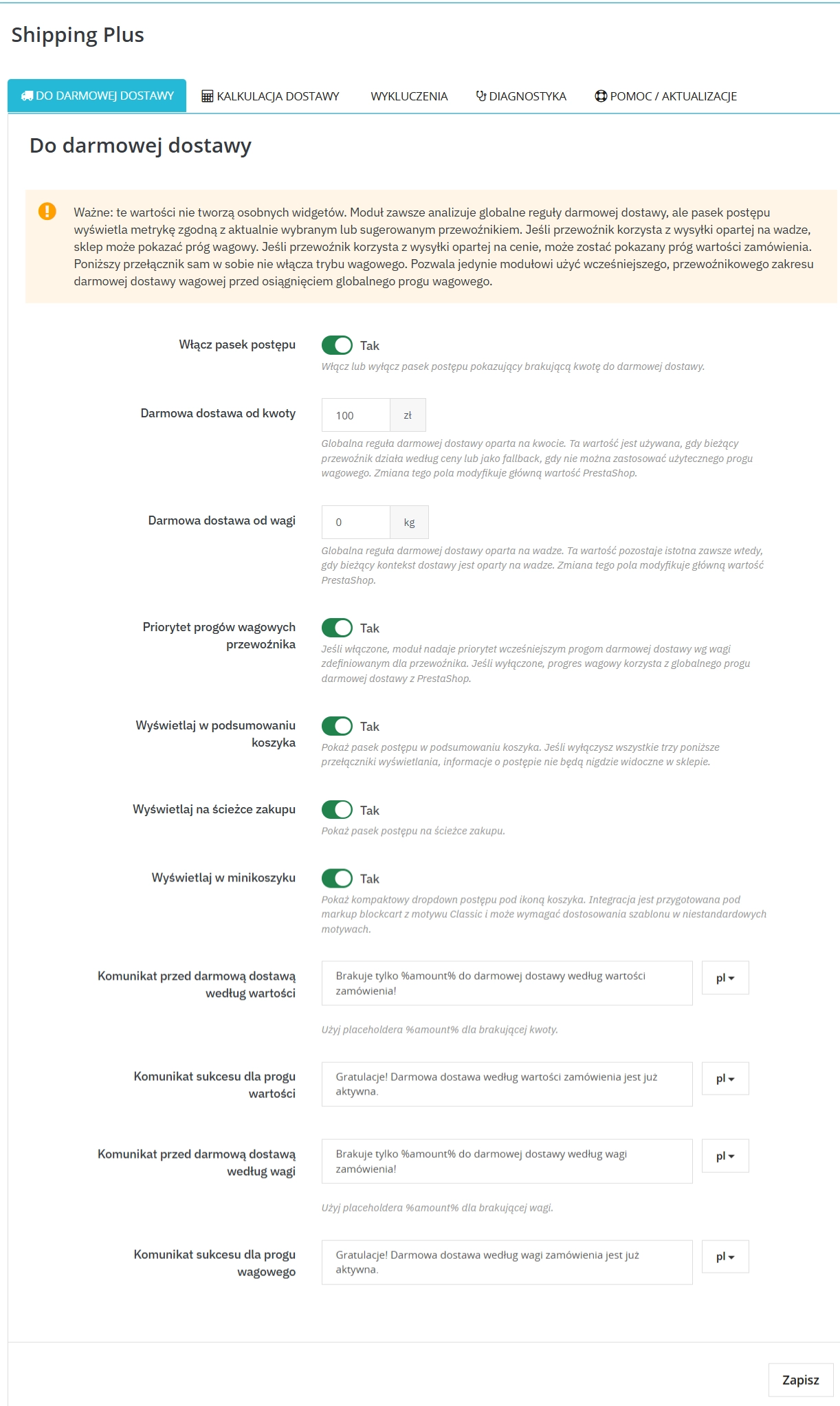
The module automatically reads native free shipping settings such as PS_SHIPPING_FREE_PRICE and also allows you to prioritise custom weight-based thresholds assigned to individual carriers.
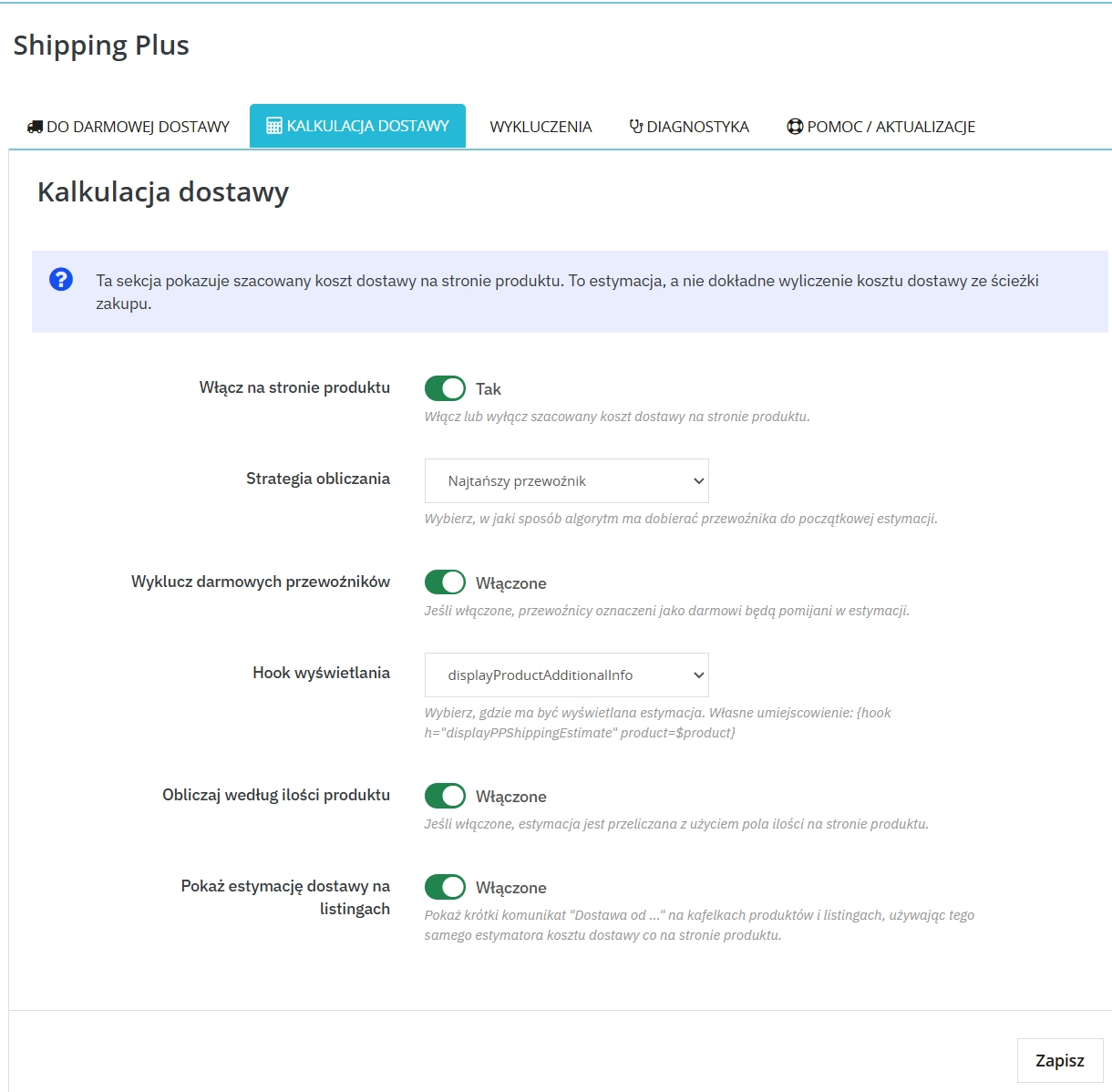
Advanced estimation strategies
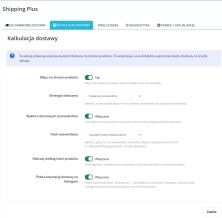
Choose how projected delivery costs are presented on the front office by deciding whether the preview should use the default, cheapest or most expensive carrier, with the option to hide free delivery methods.
Features – Front Office
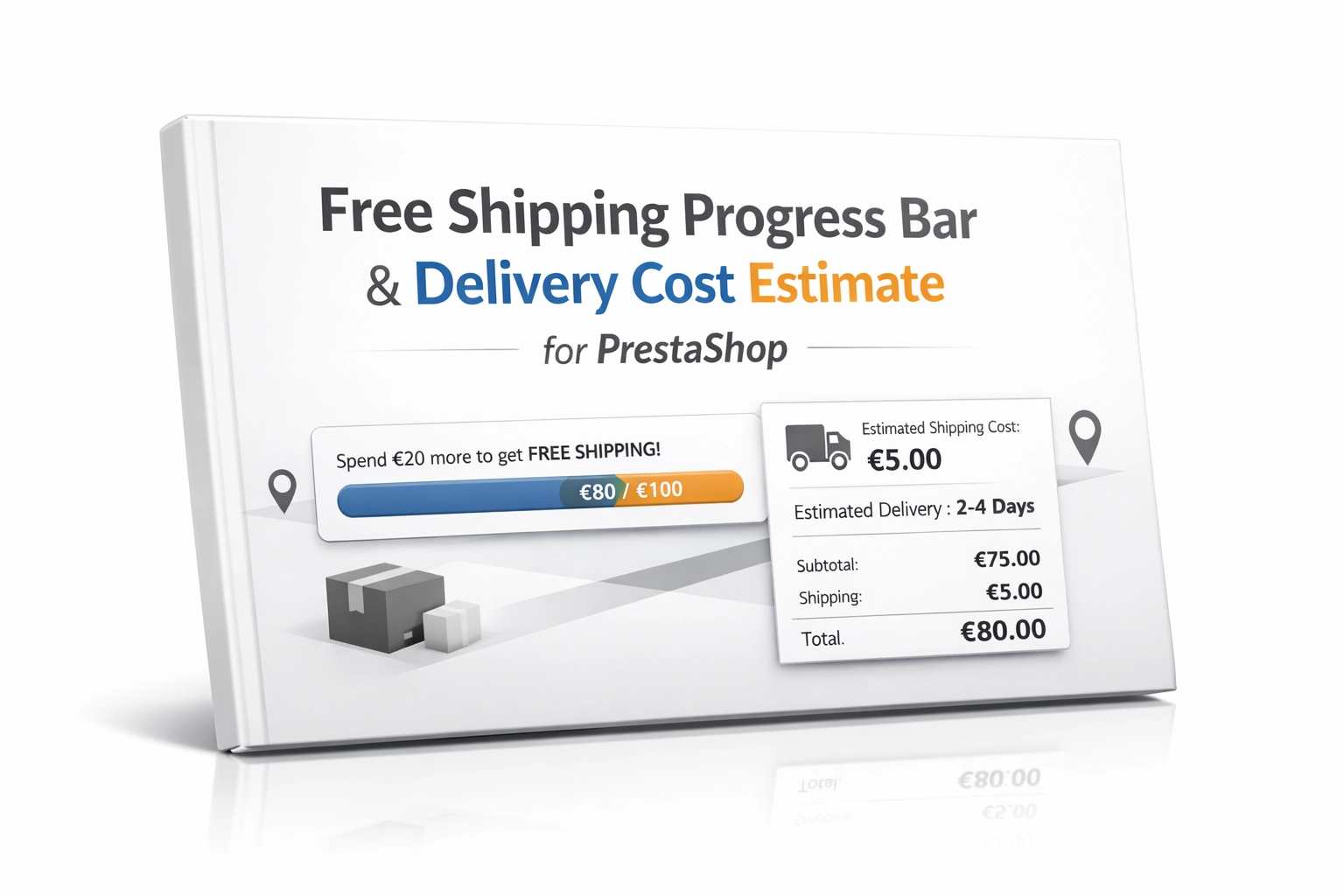
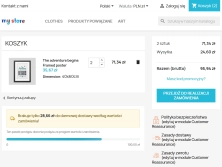
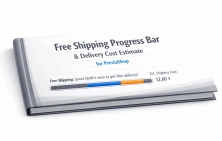
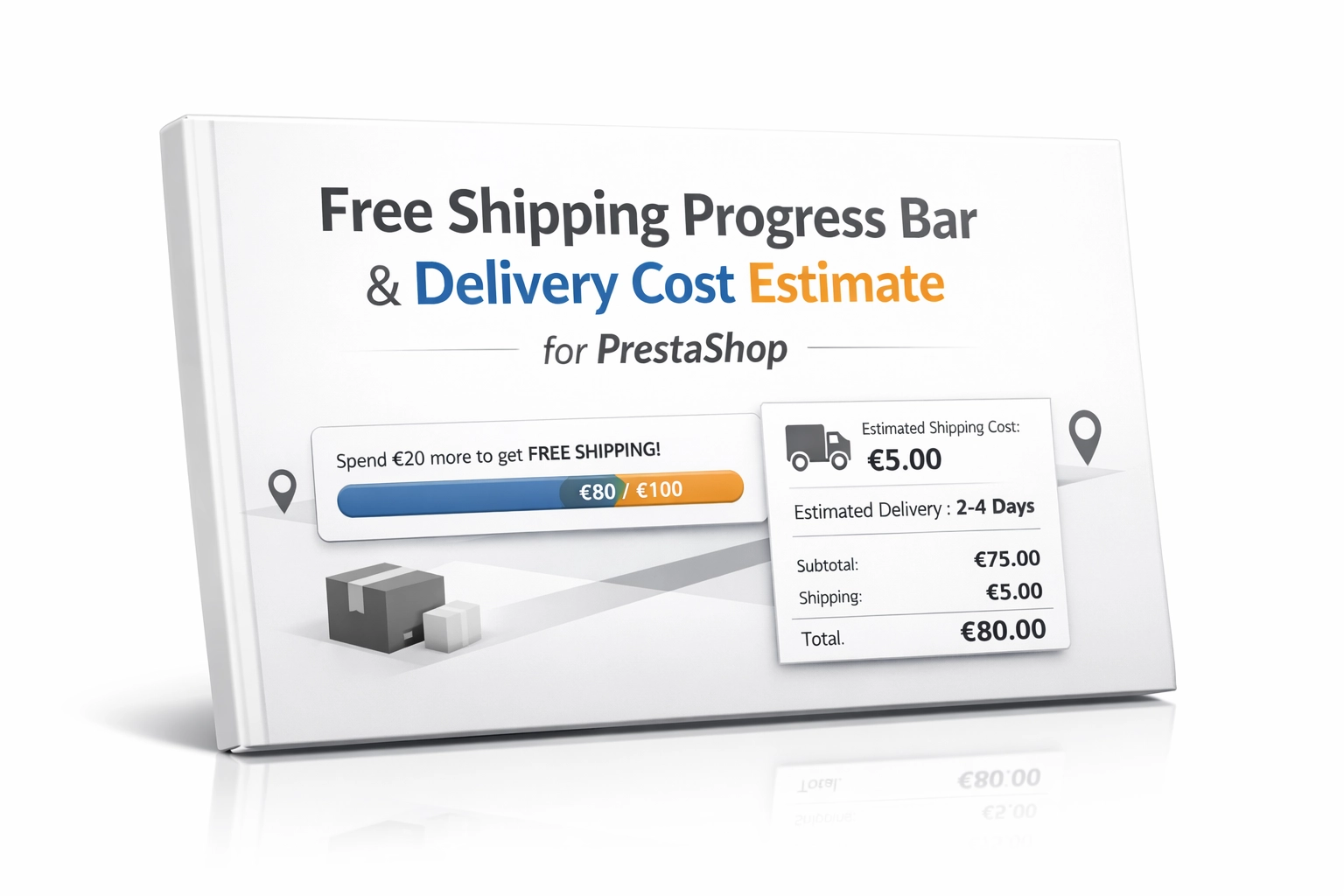
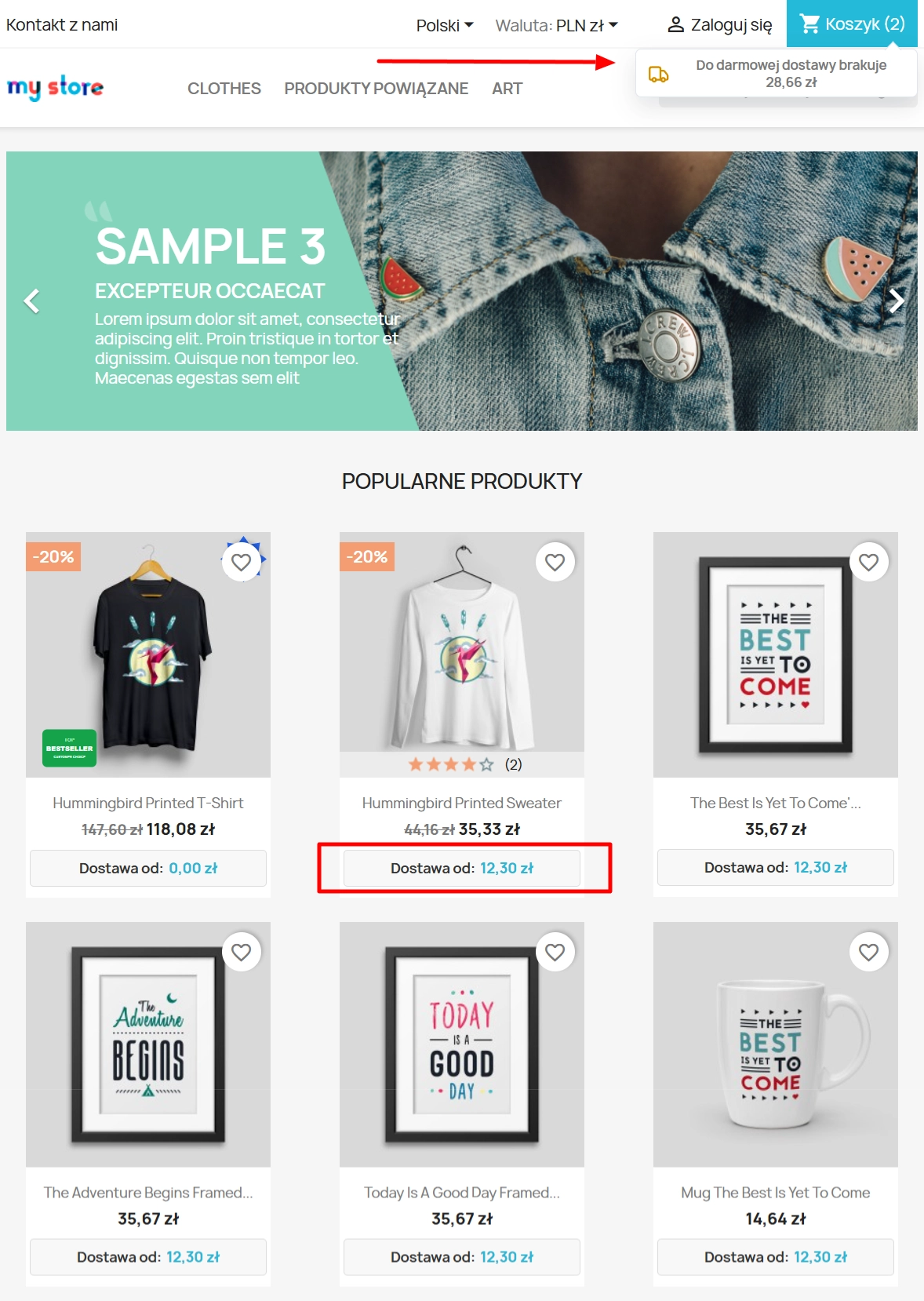
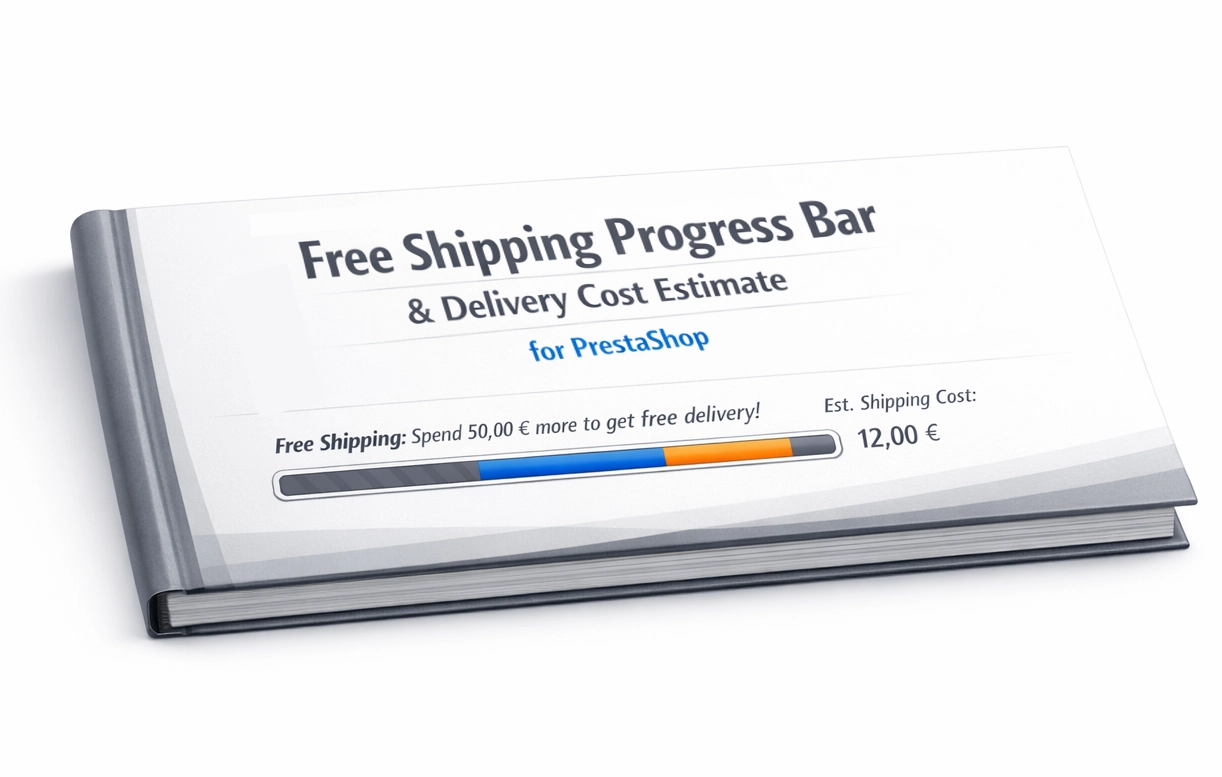
Free shipping progress bar
An interactive element rendered at the most important touchpoints of the purchasing journey (displayShoppingCartFooter, displayCheckoutSummaryTop, nav panel), encouraging shoppers to add more items to the basket.
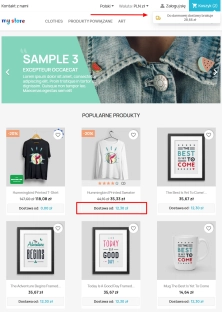
Operational estimate on the product page
Delivery cost guidance displayed just below the price (or near the variants), intelligently reacting to quantity changes so the estimate remains as accurate as possible.
Multilingual notifications and statuses
Full support for custom multilingual messages showing the remaining amount needed for free delivery (using the %amount% placeholder), followed by a smooth status update once the benefit has been unlocked.
Impact on sales and SEO
Implementing the module directly addresses one of the main causes of cart abandonment: uncertainty about the final order cost. Clear delivery information builds trust and makes the offer easier to assess from the first moments spent on the landing page. This transparency can measurably improve conversion rate (CR) and increase average order value (AOV) through the goal-oriented mechanics of the free shipping progress bar. Because the module does not inject heavy third-party scripts and instead relies on native PrestaShop mechanisms, it also helps preserve Core Web Vitals performance, particularly LCP, while keeping your organic visibility in Google safe.
Please note
Before changing native free shipping thresholds or carrying out large-scale view configuration, we recommend making a full backup first. You should also make sure that carrier charges, price ranges and weight tables have been set up correctly in the main PrestaShop configuration, as PP Shipping Plus visualises and processes those central values.