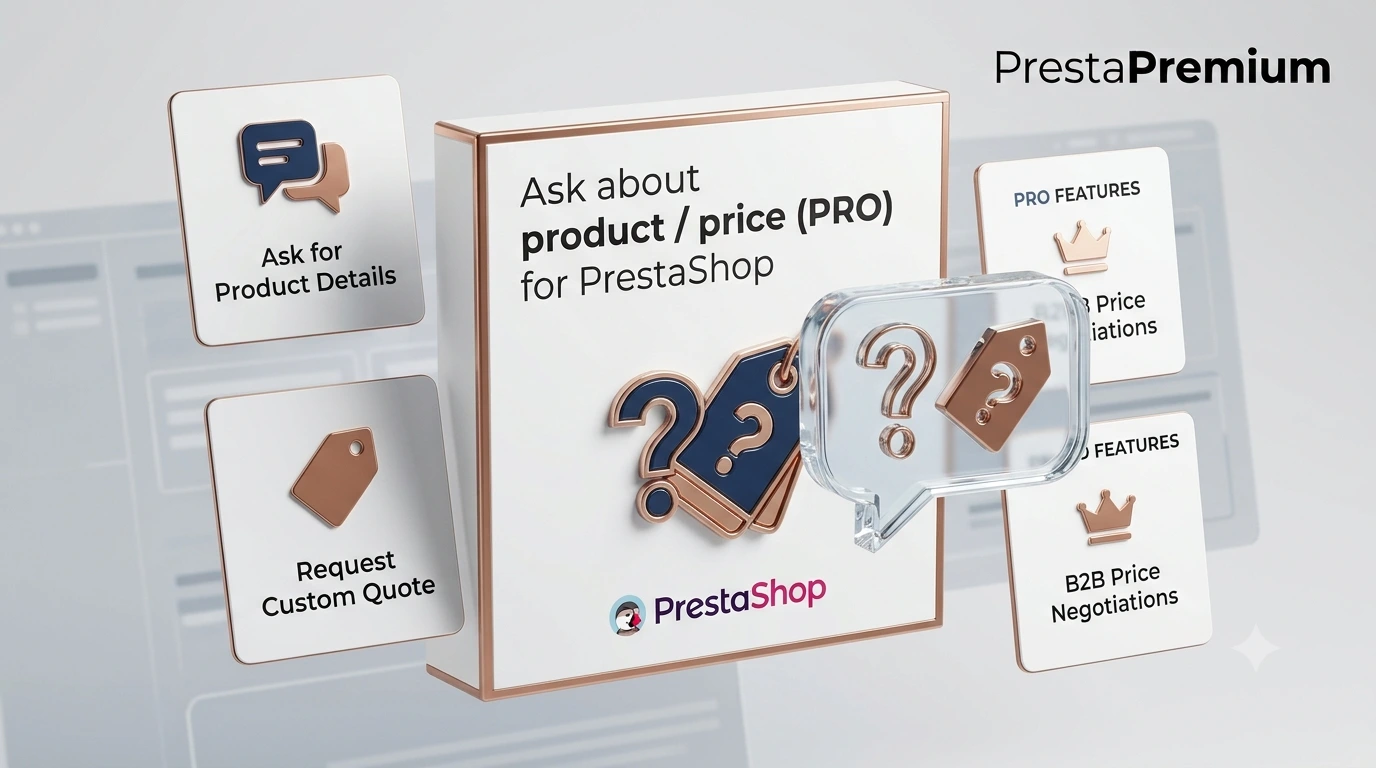
The customer has a question at the key decision moment: about the price , availability , delivery time , and often also about a specific variant . If they have to search for a general contact form, the risk increases that they will abandon the site. Ask about product / price (PRO) is a solution of the " ask about product / ask about price " type, which shortens the path to contact to one click — exactly where the customer is viewing the product.
If you sell products that require clarification (B2B, configurable products, more expensive assortment), this PrestaShop module helps collect quotation enquiries faster and in a more organised way.
What you gain (business-wise)
- More enquiries thanks to a shorter contact path.
- Better lead quality with reCAPTCHA enabled.
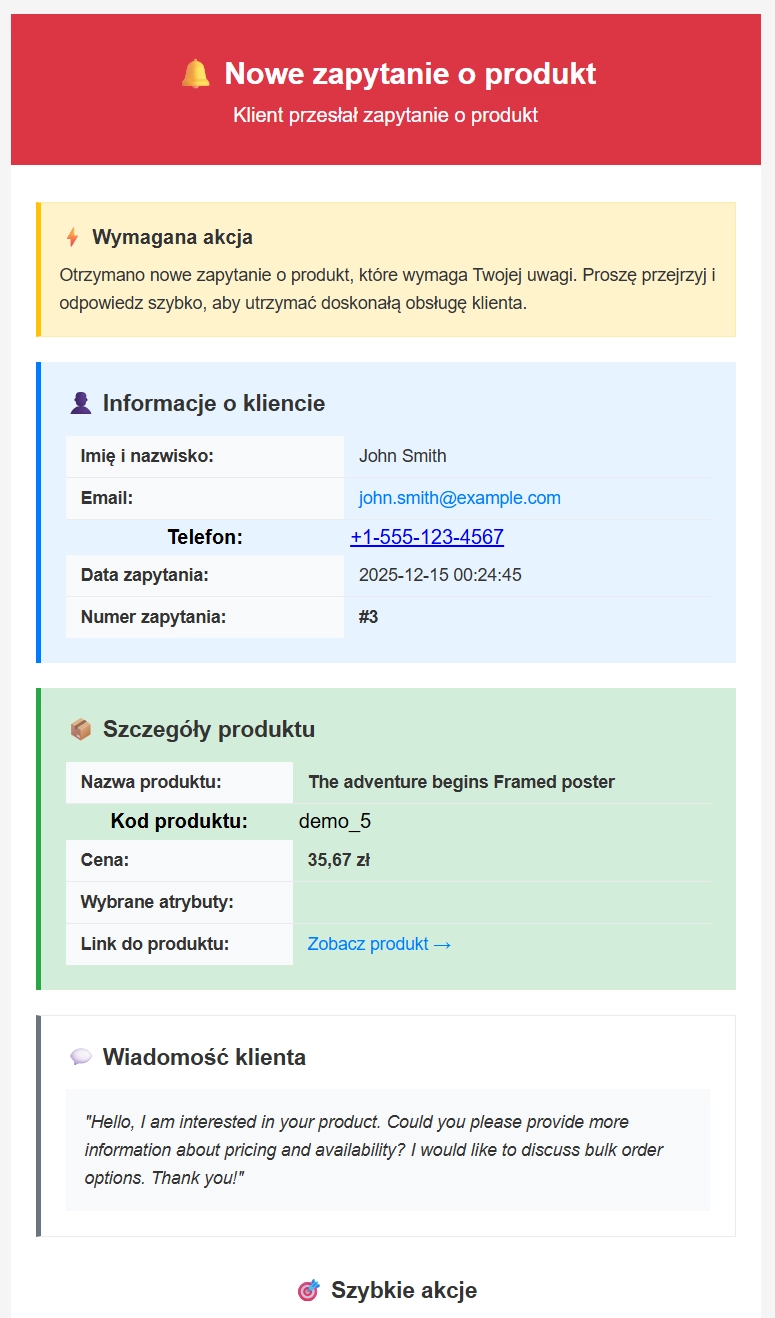
- Faster handling : ready email with product data.
- Insight into demand : statistics on which products generate the most questions.
What you can do on the front end (Front Office)
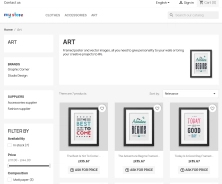
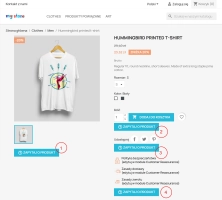
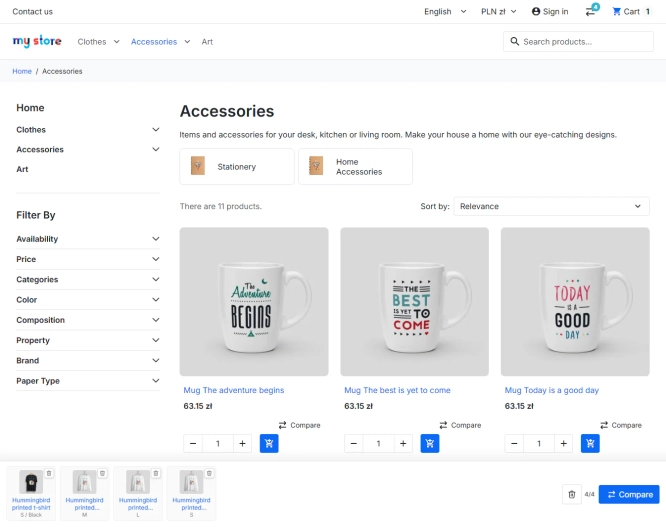
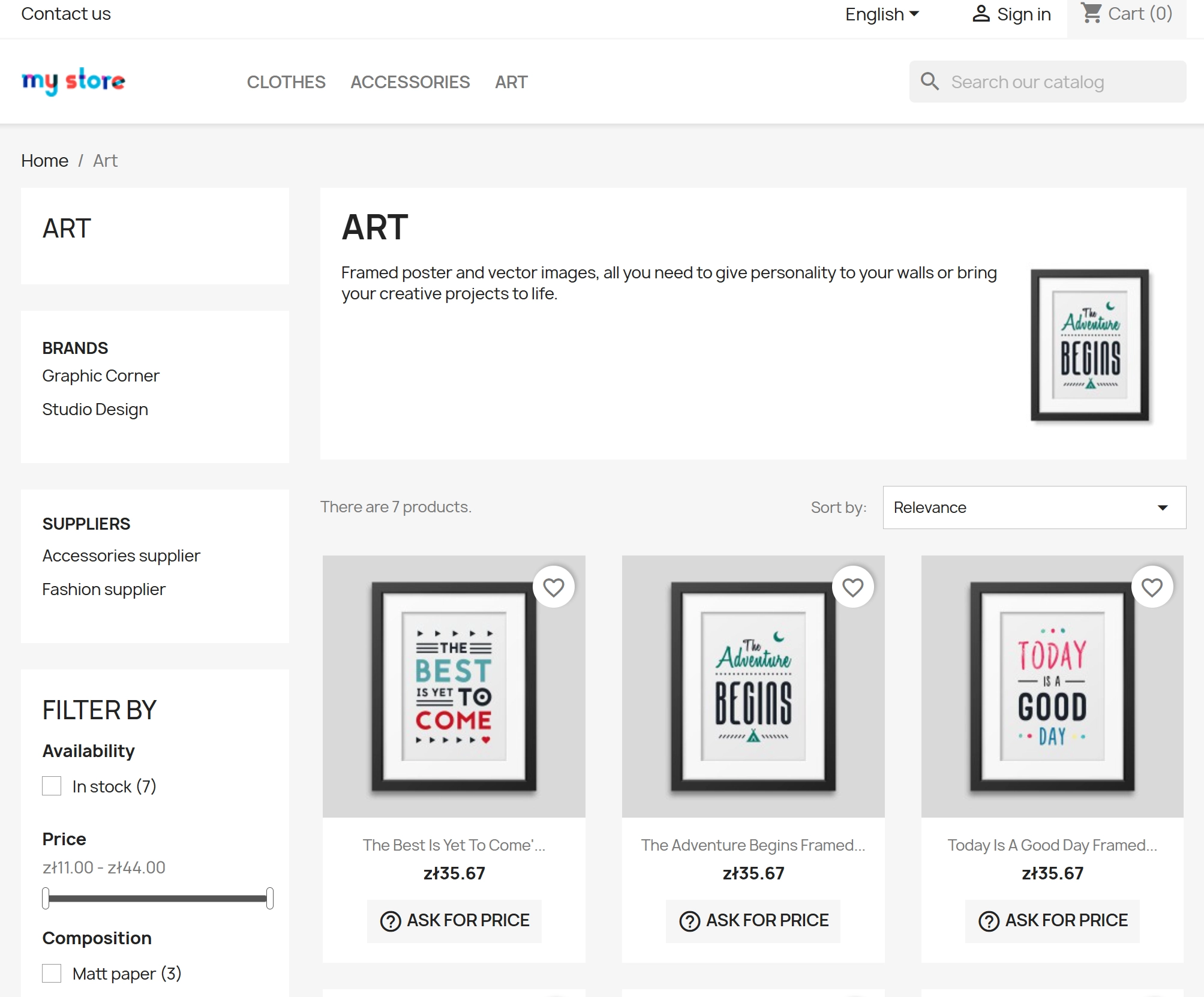
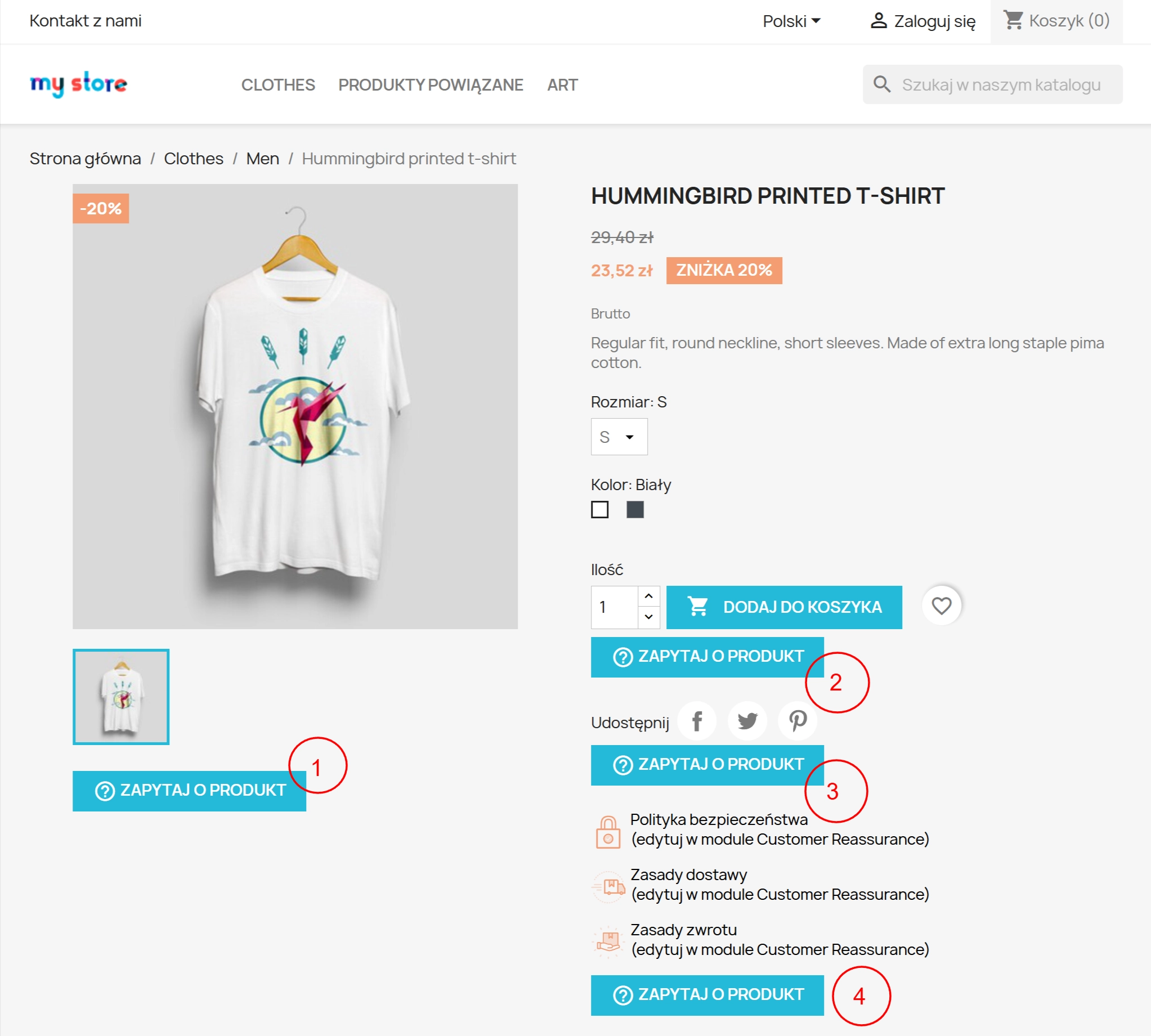
- Display the enquiry button on the product page and/or in the listing (categories, search etc. — depending on the shop and settings).
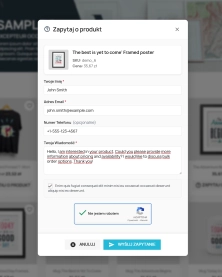
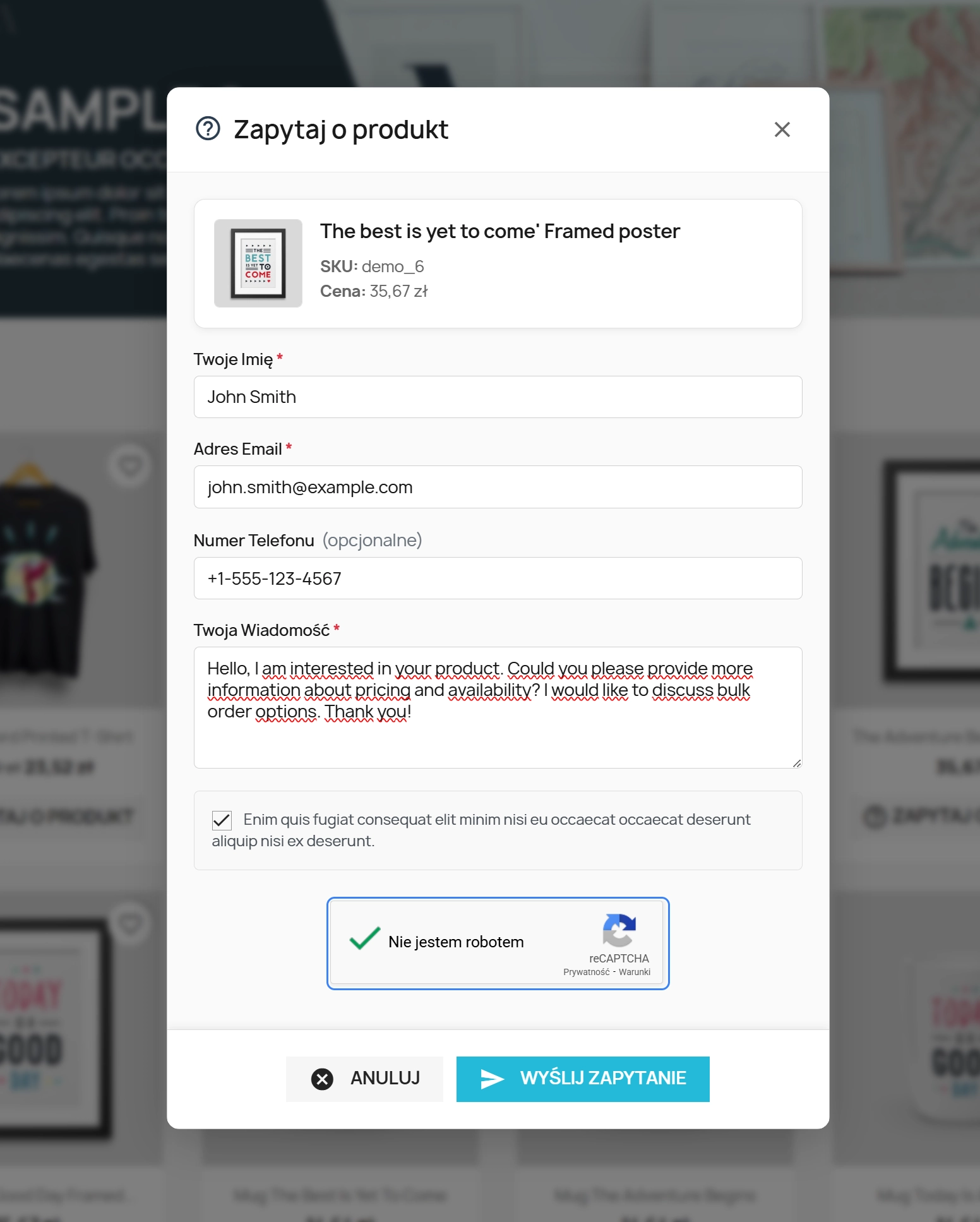
- After clicking, show a pop-up window with the form (name, email, phone optional/required, message content).
- If the product has attributes (variants), the enquiry can include the selected variant — the salesperson gets more precise information (e.g. size/colour).
- Send the enquiry without reloading the page (frictionless UX).
- Show success/error message after sending.
What you can do on the back end (Back Office)
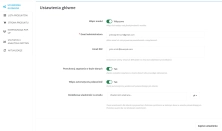
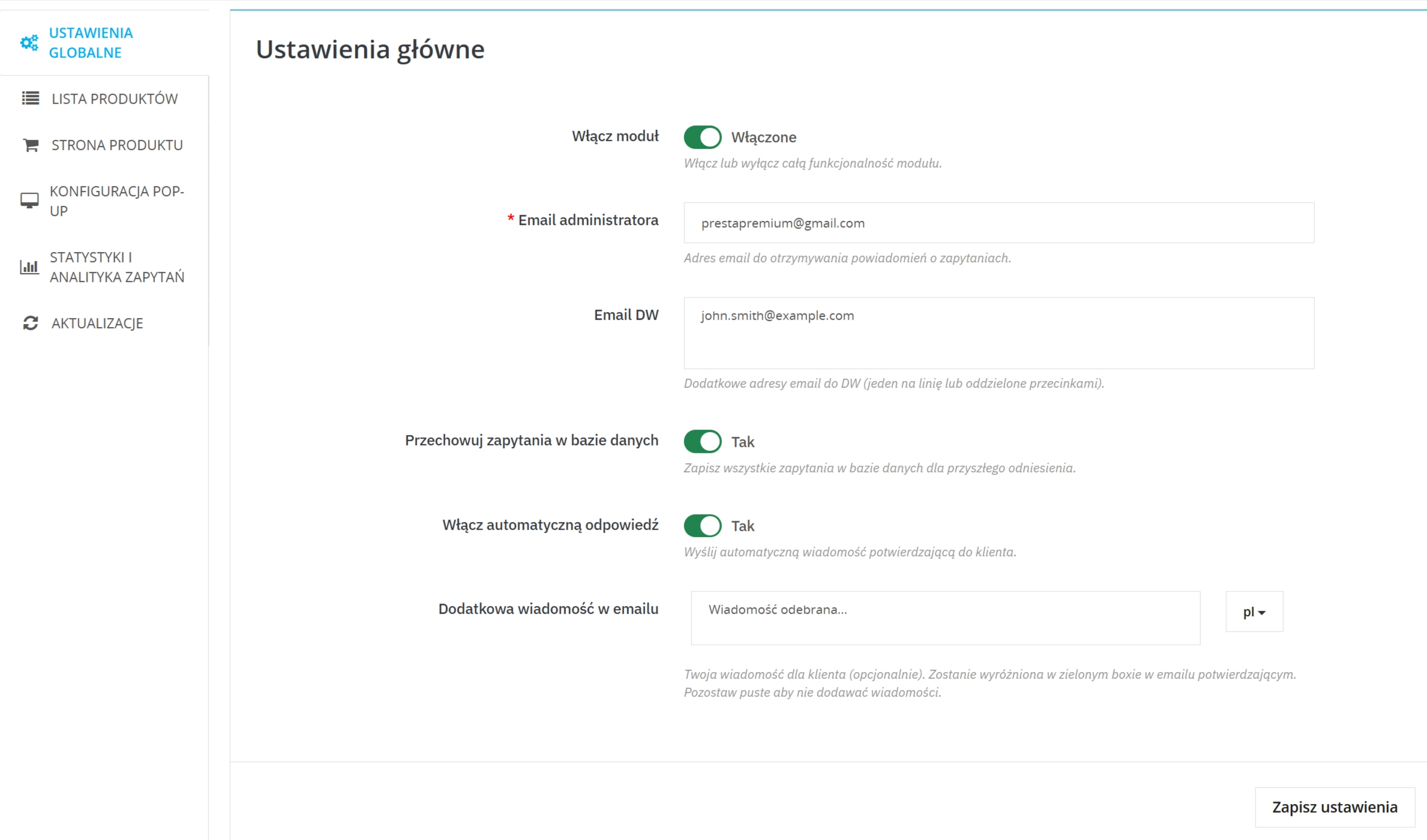
- Enable/disable the module and set notification addresses ( admin email , optionally CC).
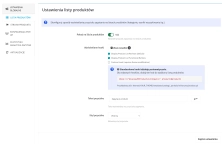
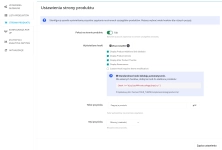
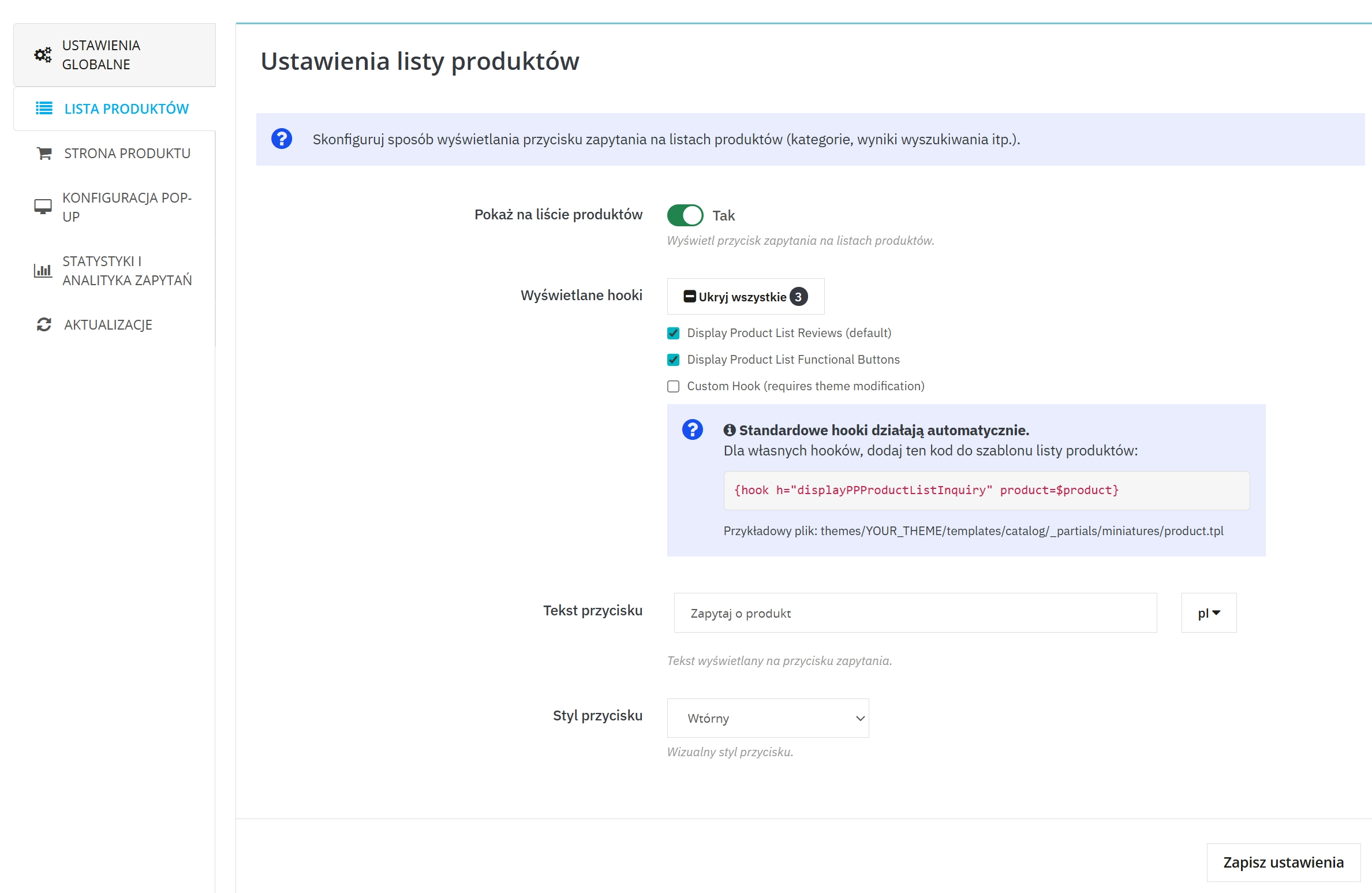
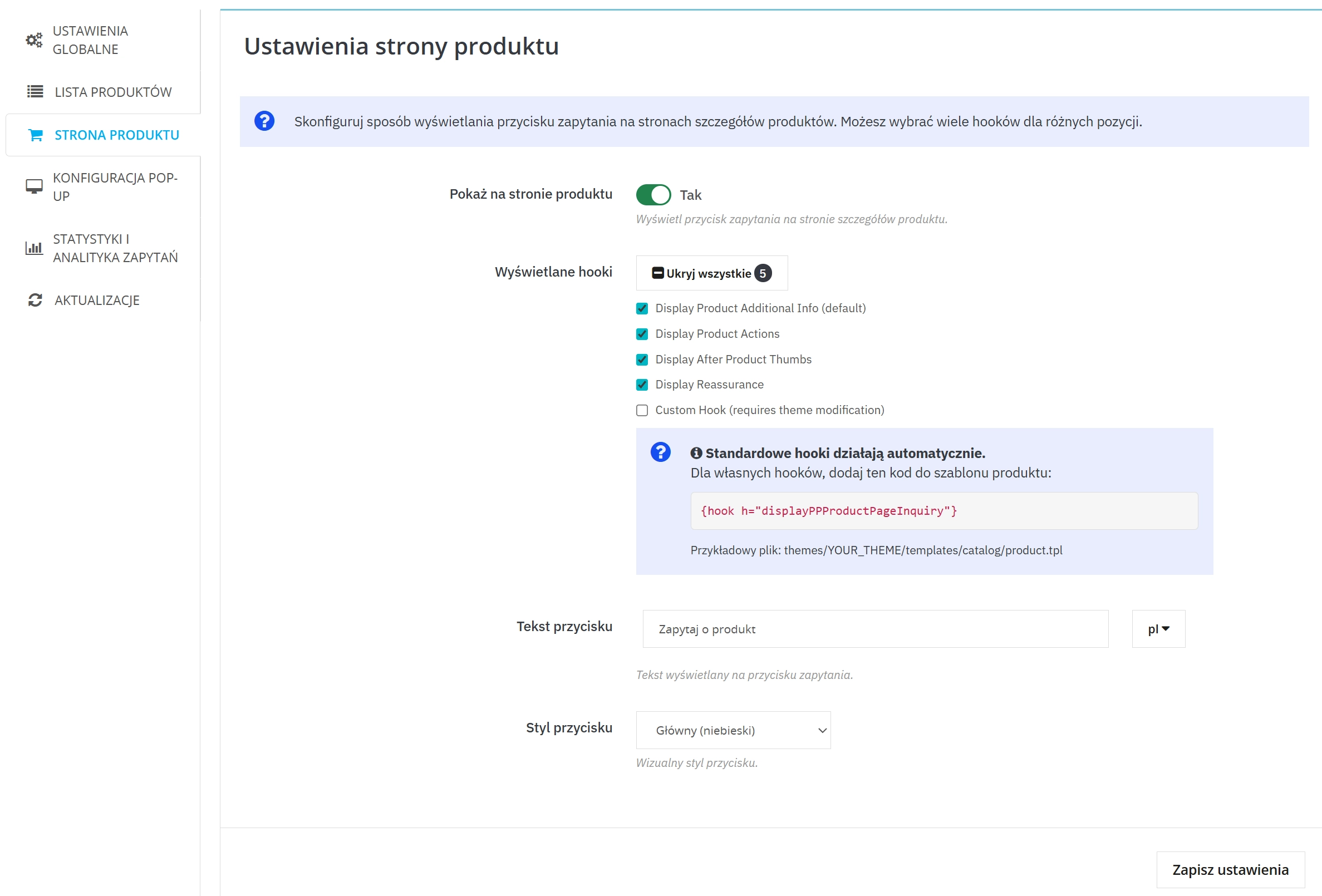
- Decide where the button should appear: product page and/or listing , and choose the display position (hooks).
- Choose hooks for the button: listing: 3 positions (including 1 custom) and product page: 5 positions (including 1 custom).
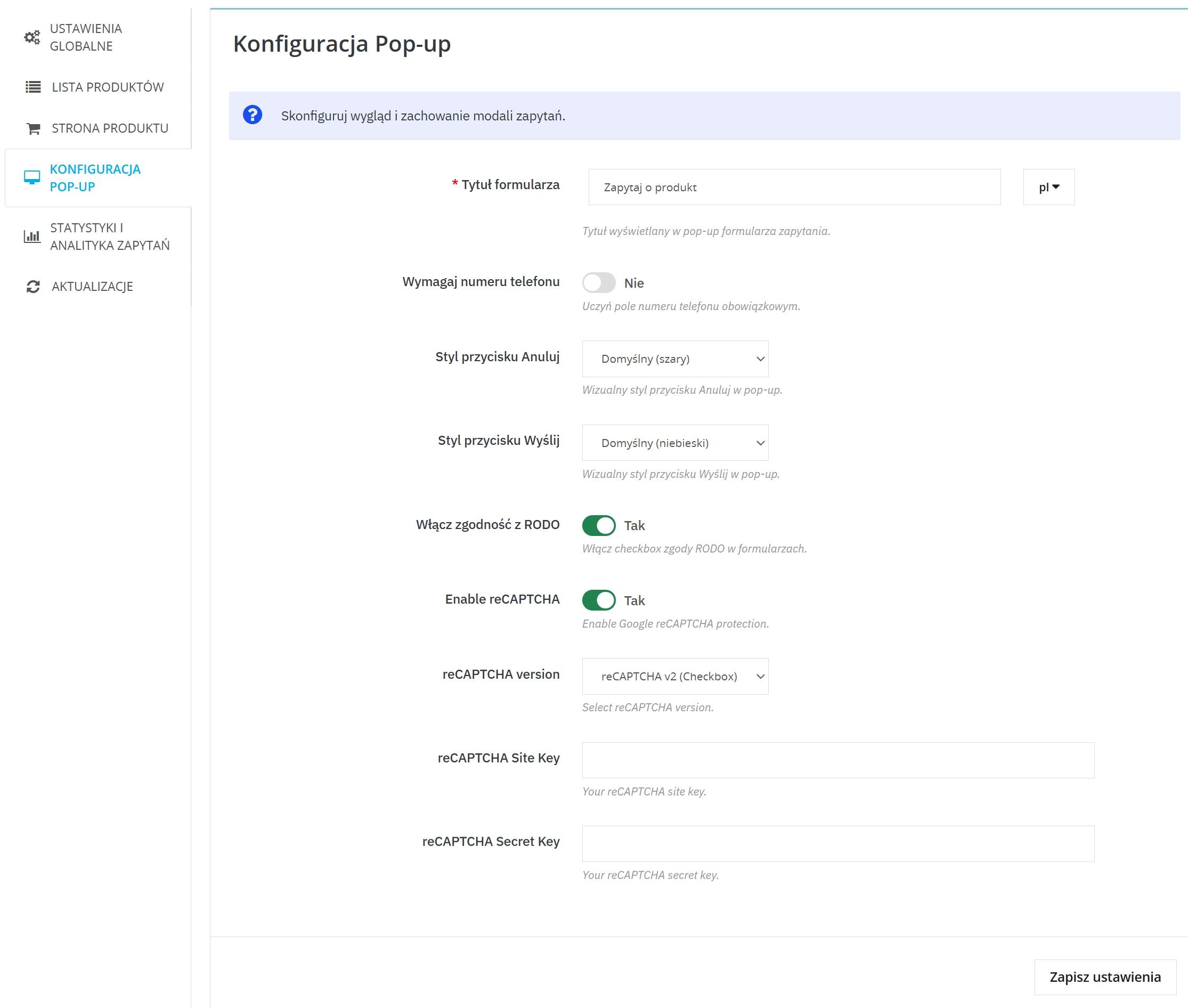
- Set button texts and form title (multi-language) and choose button styles (including a variant that automatically adapts to the base button colours in your template).
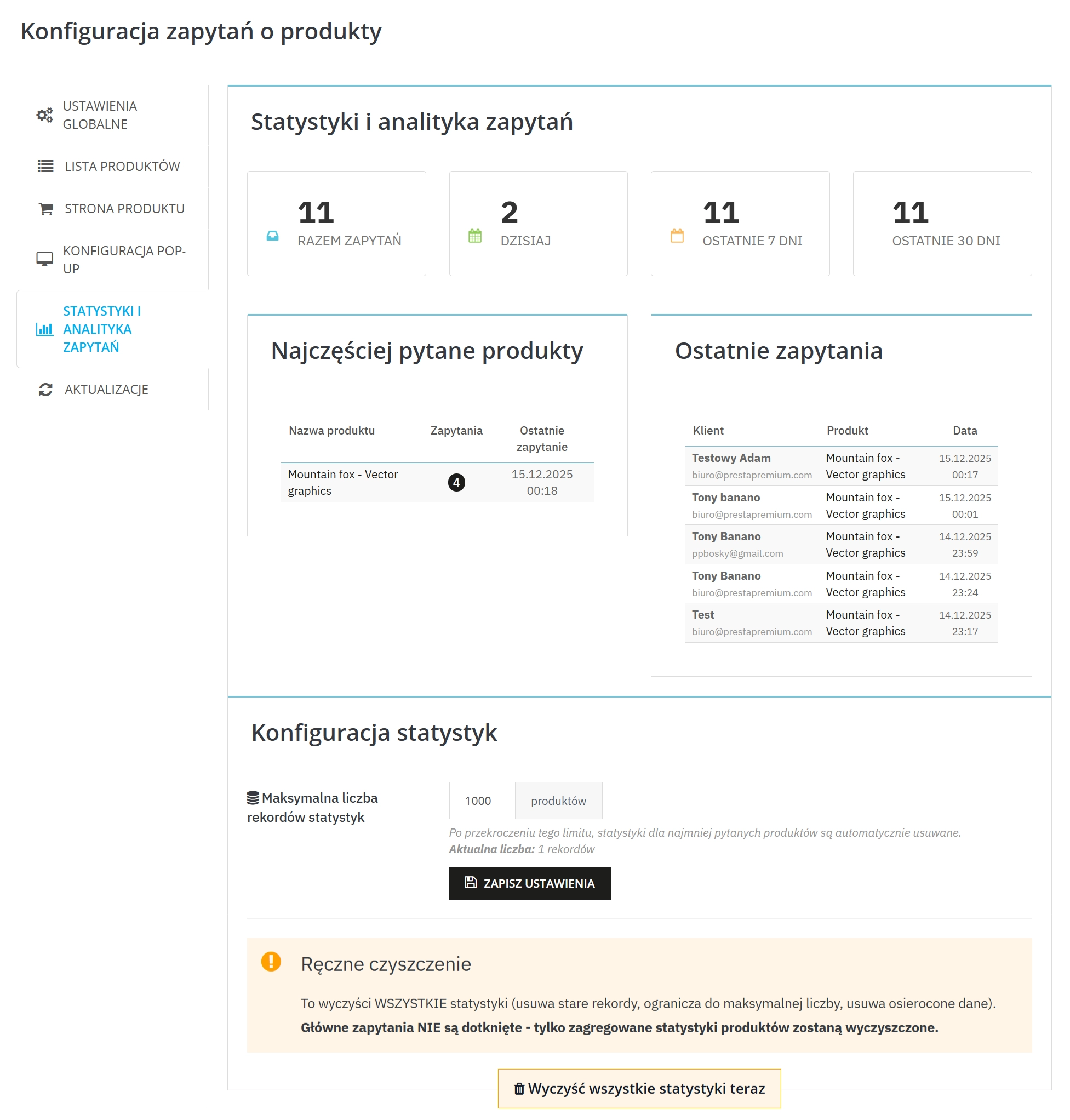
- Enable/disable enquiry archiving (saving in database) and view statistics of enquiries.
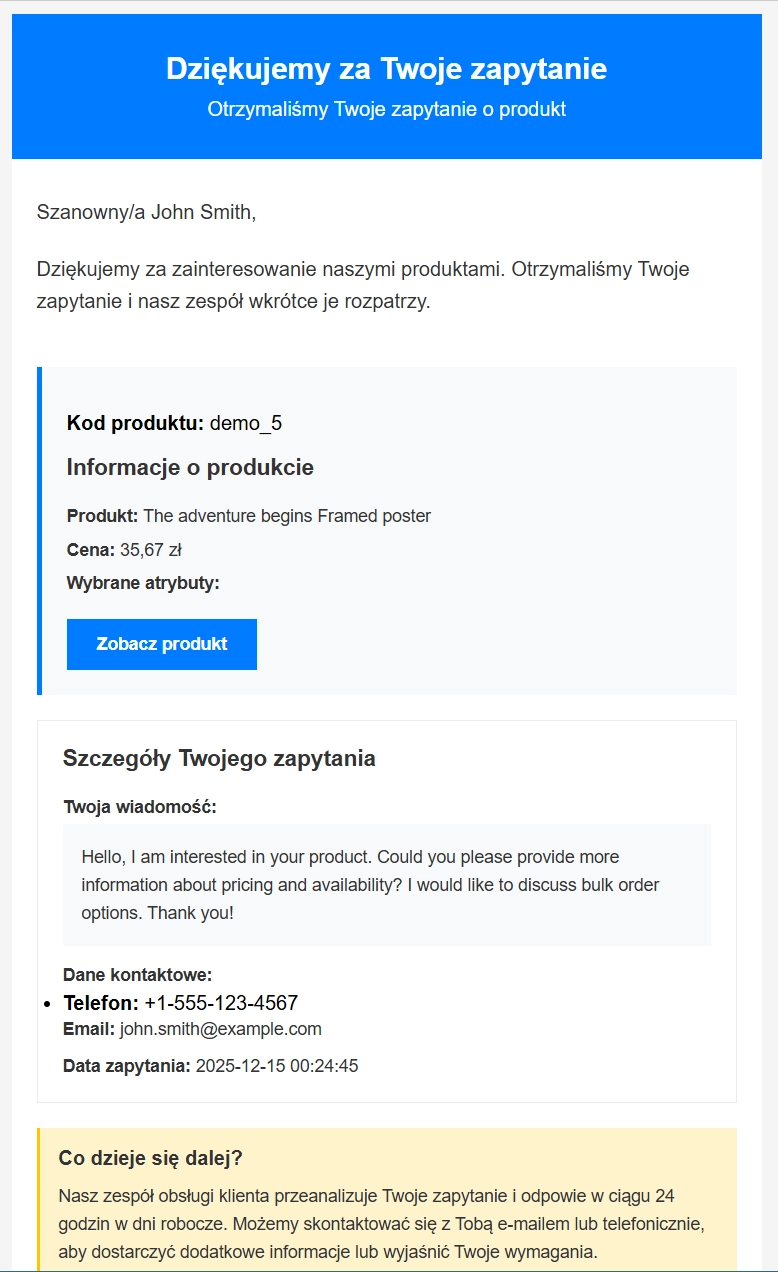
- Enable auto-reply to the customer (optionally), set the auto-reply message and edit its content.
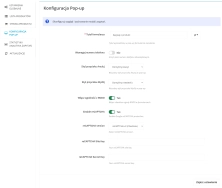
- Activate reCAPTCHA (v2/v3) and fill in the keys to limit spam.
- Enable GDPR/RODO support (consents + export/deletion of customer data via GDPR integrations).
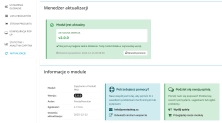
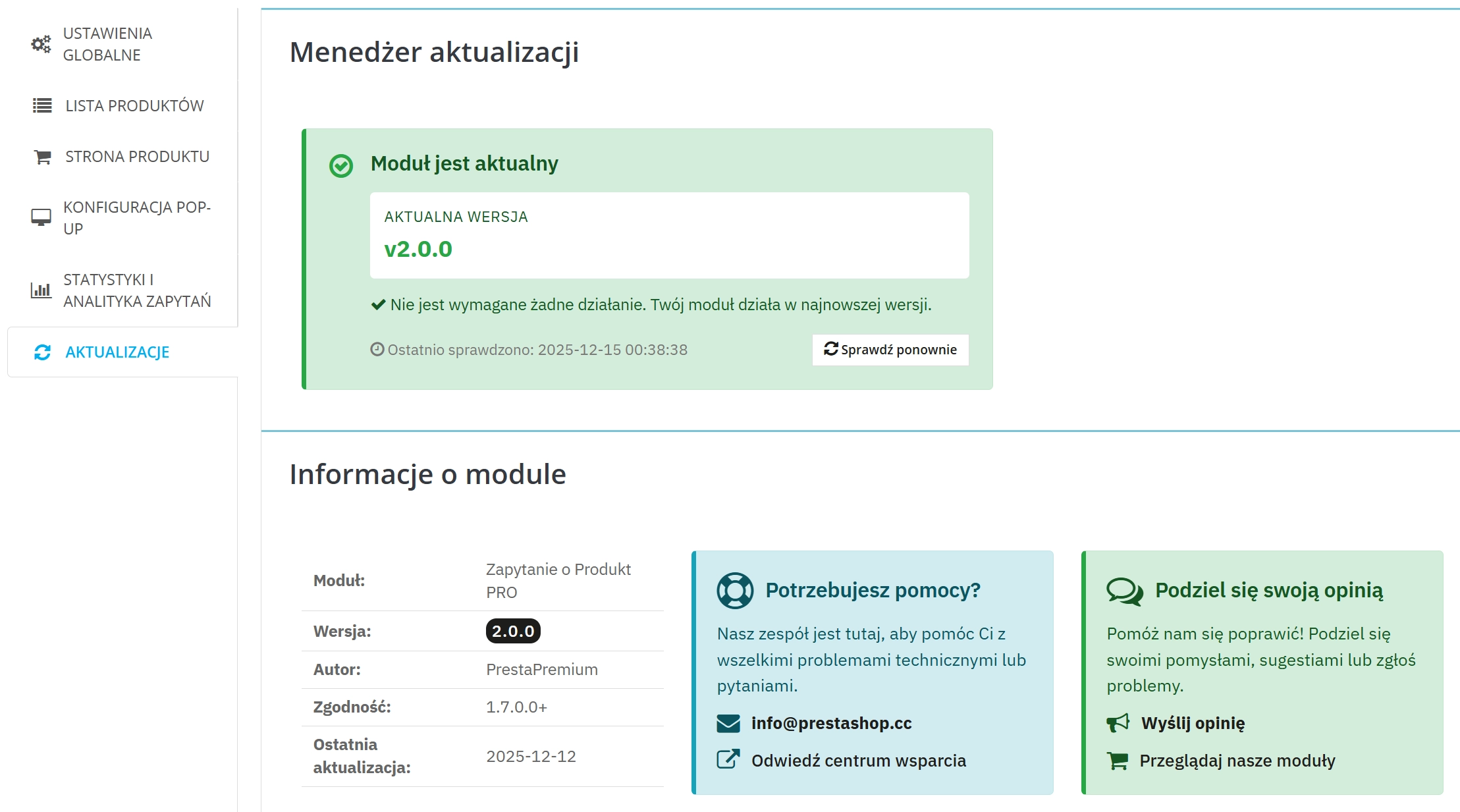
- Use the update control system ("Updates" tab) to conveniently check for newer versions.
Key features in brief
1. "Ask about product/price" button on the product page
The customer can send an enquiry exactly on the product page.
- 5 display positions (hooks)
- 1 custom hook for non-standard templates
- Consistent look with the template : possibility to set a style that uses the base button colours
- Variant/attributes : enquiry can indicate the selected variant
2. Button on the product listing
Contact already at the stage of browsing the offer — without entering the product page.
- 3 display positions (hooks)
- 1 custom hook for individual layouts
3. Pop-up window with form
Enquiry sent without reloading the page — faster and more convenient.
- Name and surname , email , message
- Phone optional or as a required field
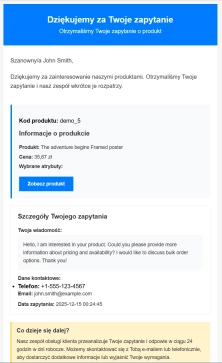
4. Email notifications (admin + customer)
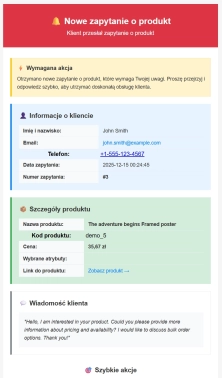
Messages go directly to sales handlers — in an aesthetic and functional form, ready for work.
- Email to administrator with enquiry and product data
- Confirmation to customer (optionally)
- Possibility to add additional text — administrator can add a short, tailored message to the confirmation email.
- Email templates in HTML and TXT versions, (possibility to expand templates with any language version)
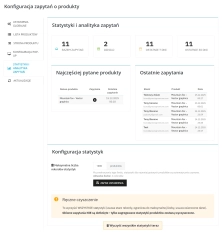
5. Statistics and enquiry analytics
You see the trend and products that need description/offer improvement.
- Summaries (e.g. last days/weeks)
- Most frequently asked products and latest enquiries
6. Anti-spam and compliance (reCAPTCHA + GDPR/RODO)
More control over submission quality and formal process compliance.
- Google reCAPTCHA (v2/v3) limits spam
- GDPR/RODO : consent and customer data handling
7. Texts and settings for languages/shops
Easy adaptation of communication to the market and shop.
- Multi-language button texts and titles
- Multistore (if you use multiple shops)
8. Process control and order in enquiry handling
You set the contact rules and the direction of enquiry handling.
- Notification addresses + CC
- Auto-reply to customer (optionally)
- Enquiry archiving in database (optionally) for review/analysis
Compatibility (requirements)
- PrestaShop: 1,7.6+ 8.x and 9.x
- PHP: 7.1 – 8.4
If you care about quick product enquiries exactly where the customer makes the decision — this module is a simple implementation and quick effect in leads.