PrestaShop Product Comparison Module
- 1.7.5 + | 8.x | 9.x
- EN, FR, IT, DE, PL, ES
- 1.0.5
- 2026-09-29
Product Compare for PrestaShop lets customers compare products and their combinations in one clear table. It supports informed choices in catalogues where specifications, price and availability directly influence purchase decisions.
The module is designed for stores with extensive catalogues and for administrators who need configurable product comparison, Hook-based display control and SEO support without rebuilding the theme.

- New
Information Parameters:
- 1.0.5
-
Store Version PHP Version1.7.5 + 7.1 – 7.48.x 8.1 – 8.39.x 8.1 – 8.5
- 2026-09-29
- EN, FR, IT, DE, PL, ES
- ✅
- ✅
- ✅
- ✅
- demo.admin.shop
- demo.front.shop
Key benefits
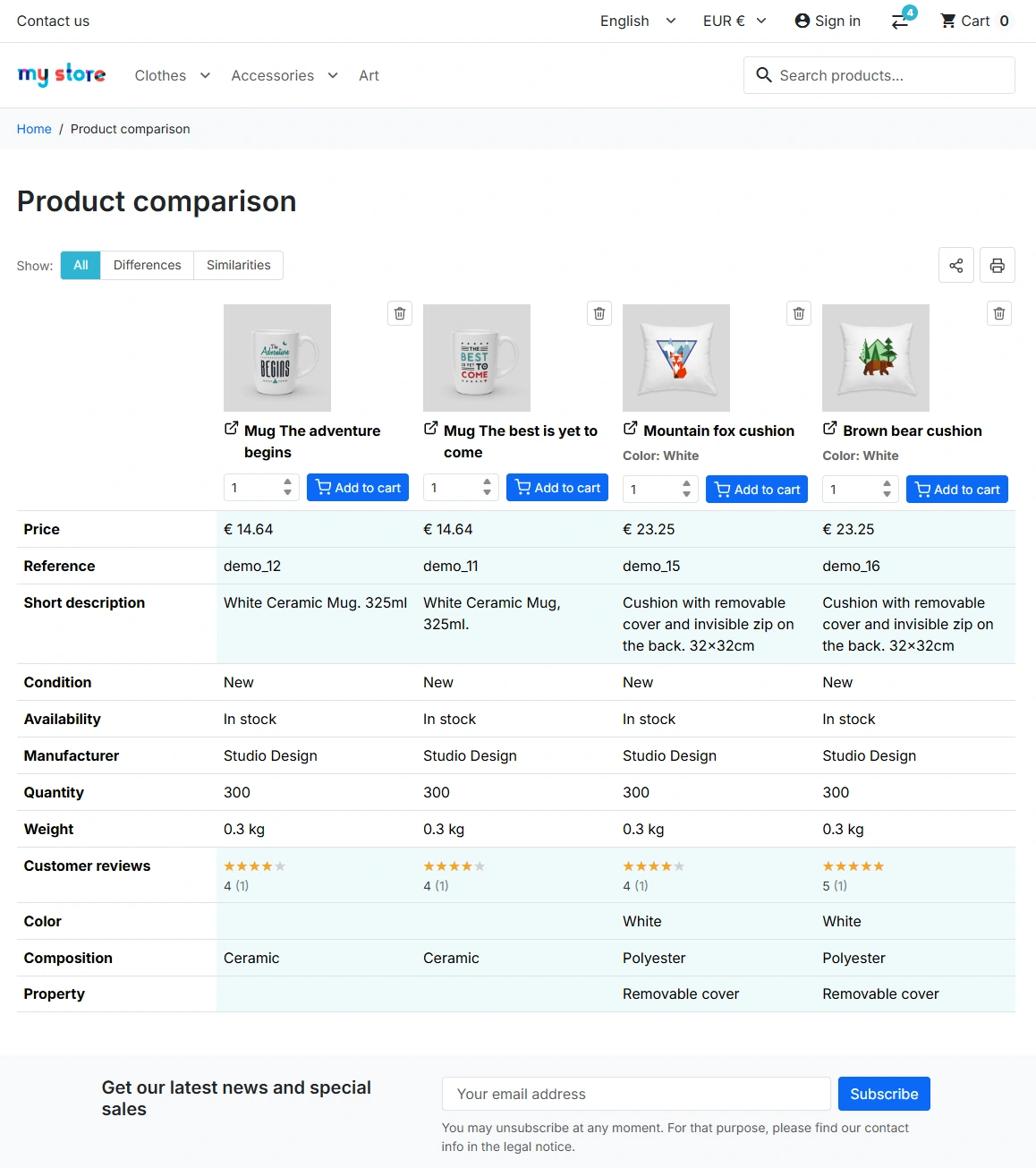
- Product and combination comparison – customers can compare product variants in a table and select an available combination for each column.
- Better purchase decisions – All, Differences and Similarities filters focus attention on the parameters that matter when choosing.
- Control over displayed data – the administrator selects the properties, attribute groups and features shown in the table.
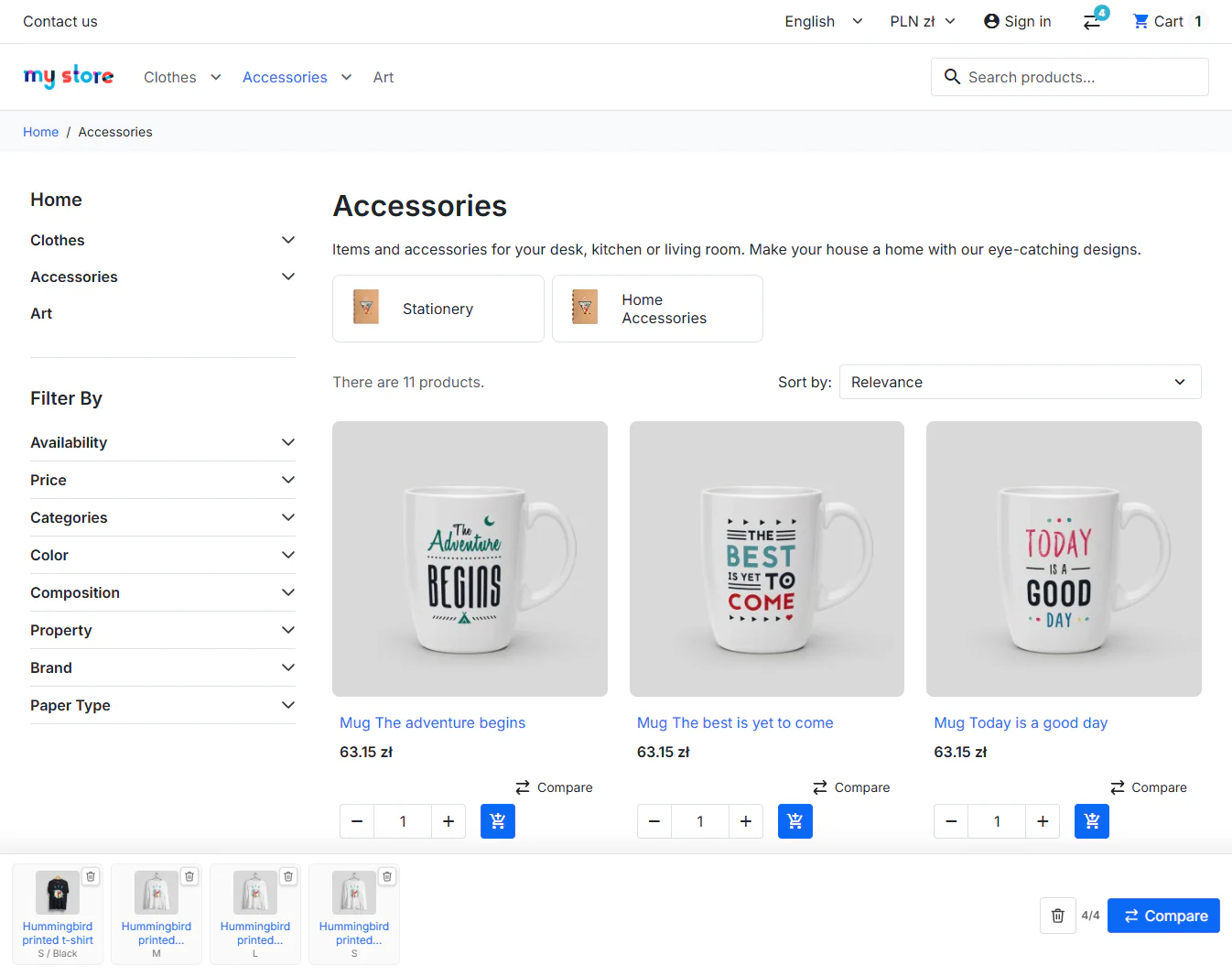
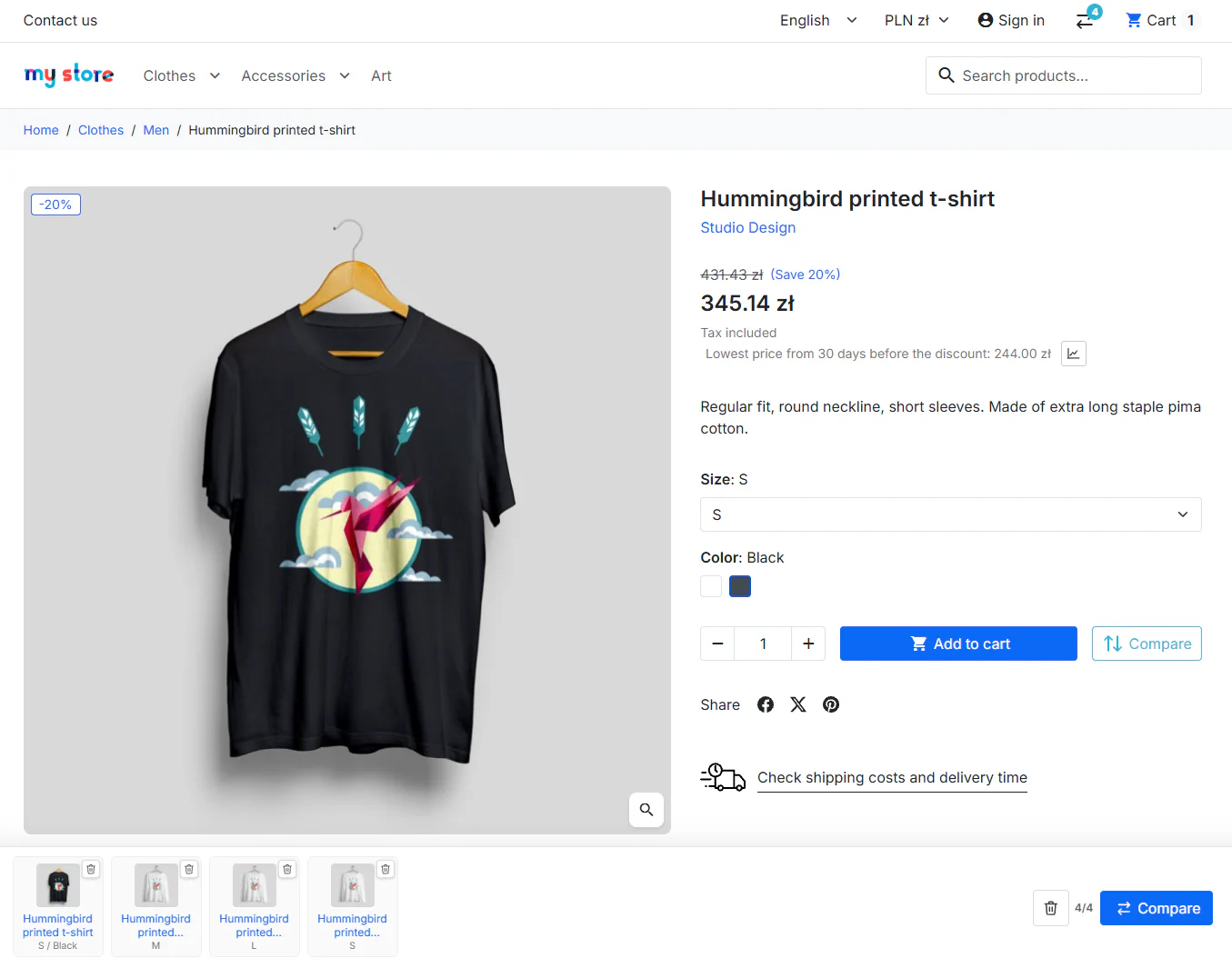
- Theme integration – the header icon and buttons on product pages and listings can use native or custom Hooks.
- Safe sharing – a link contains the current product set without replacing the visitor's own comparison list.
- SEO for comparison pages – the module supports multilingual slugs, H1, meta data, robots directives and Open Graph.
Module use cases
The module is suitable for stores selling electronics, parts and accessories, sports equipment, home furnishings, cosmetics with multiple variants, and B2B catalogues. It makes it easier to compare products with a similar purpose but different prices, availability, weight, dimensions, manufacturer or technical specifications.
It can support the sale of alternative products and catalogue variants: customers compare items without leaving the purchase journey, then add the selected combination to the cart.
Back Office functionality
General settings
Central settings for the comparison feature in the Front Office.
- Product limit from 2 to 10 – defines the maximum number of items in a comparison list.
- Comparison page actions – independent switches for sharing, printing and adding products to the cart.
- Difference visibility – optional highlighting for cells or rows with differing values.
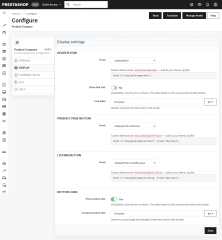
Display settings
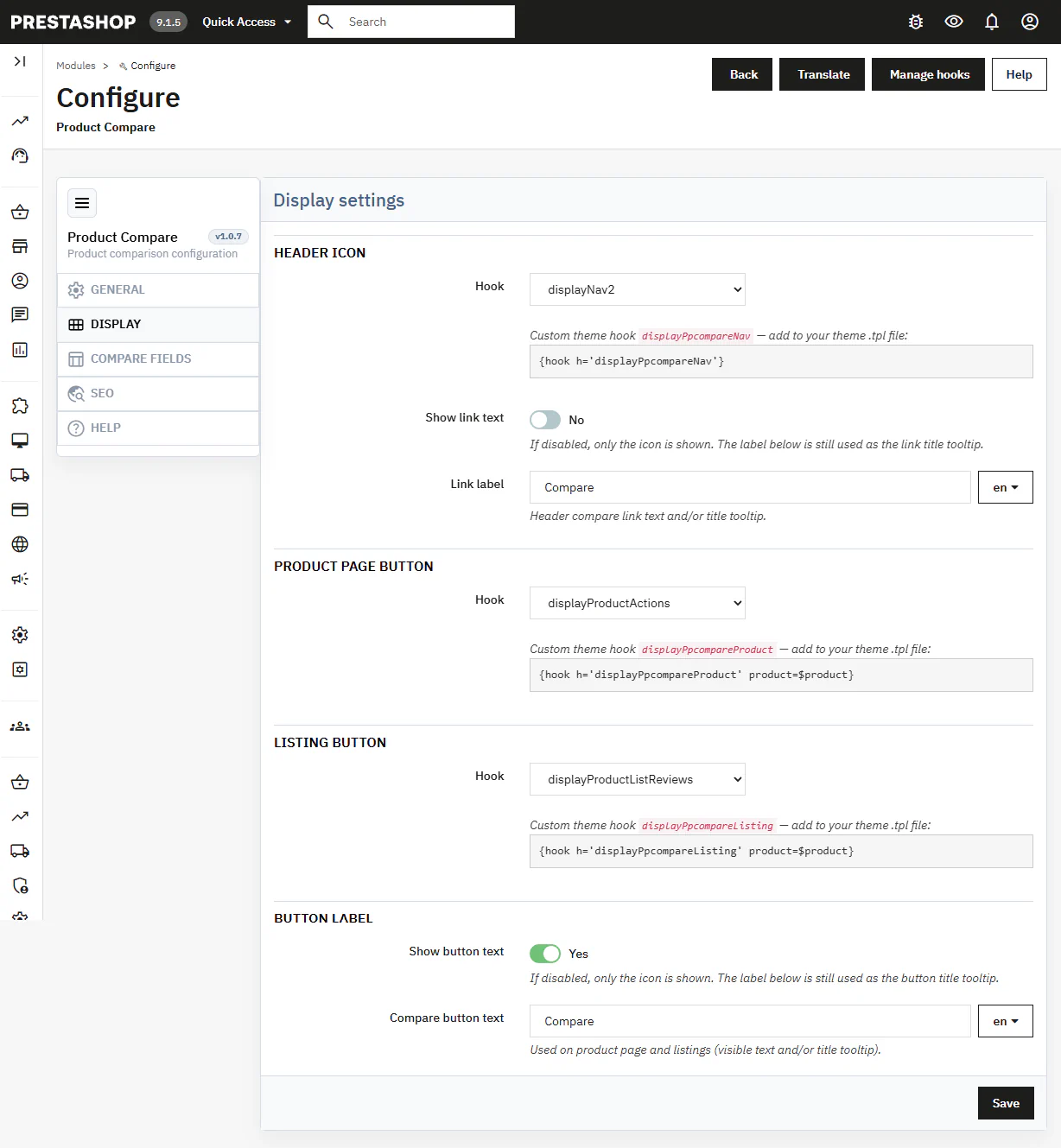
Configuration of the places where customers can start a comparison.
- Header icon – selection of the Hook, label and icon-only or icon-with-text mode.
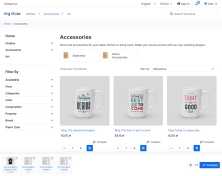
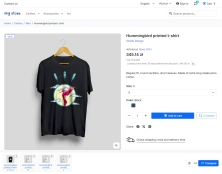
- PDP and listing buttons – independent placement of the button on product pages and product lists.
- Custom Hooks – ready-to-use Hook names and Smarty snippets for theme integration.
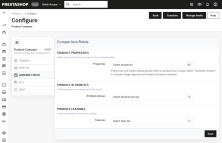
Comparison fields
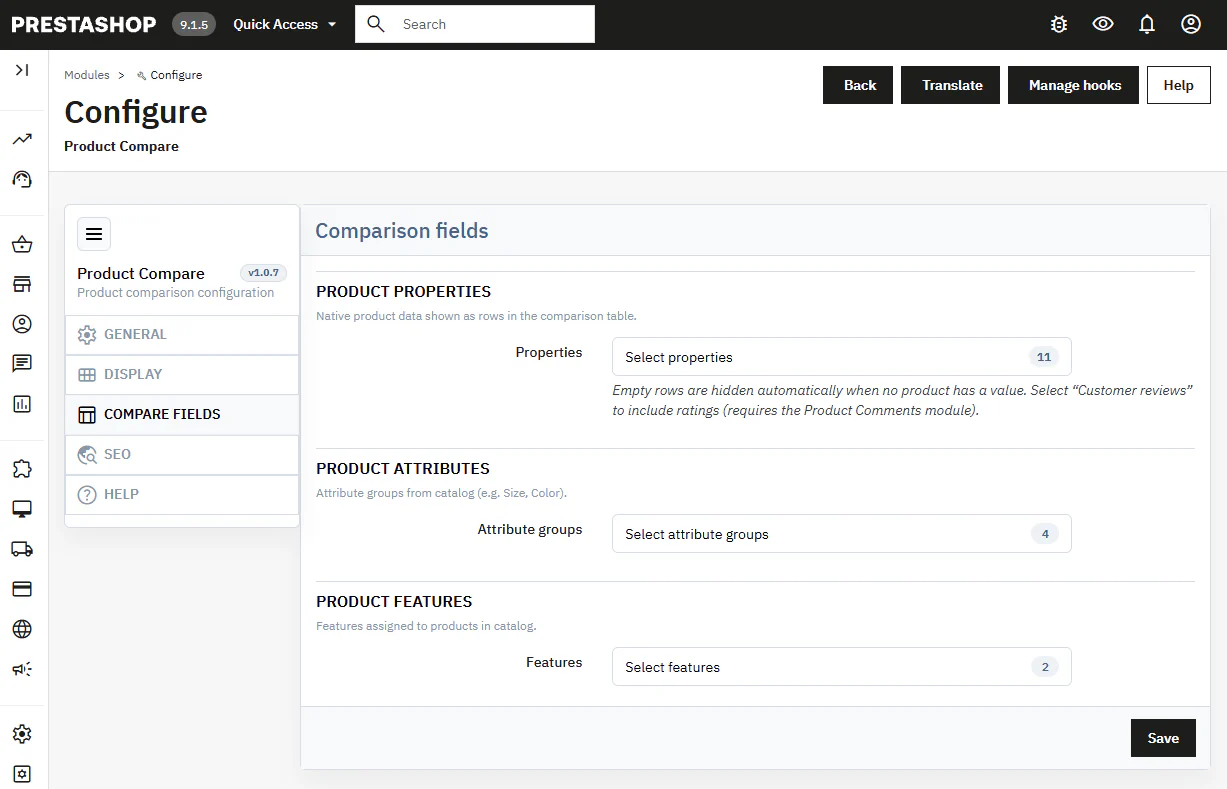
Selection of data rendered as rows in the comparison table.
- Product properties – including price, reference, availability, manufacturer, quantity, weight, dimensions and EAN-13.
- Attributes and features – selection of specific attribute groups and product features.
- Customer reviews – an optional rating row provided by the native Product Comments module.
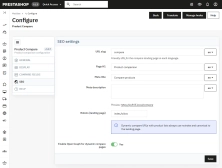
SEO
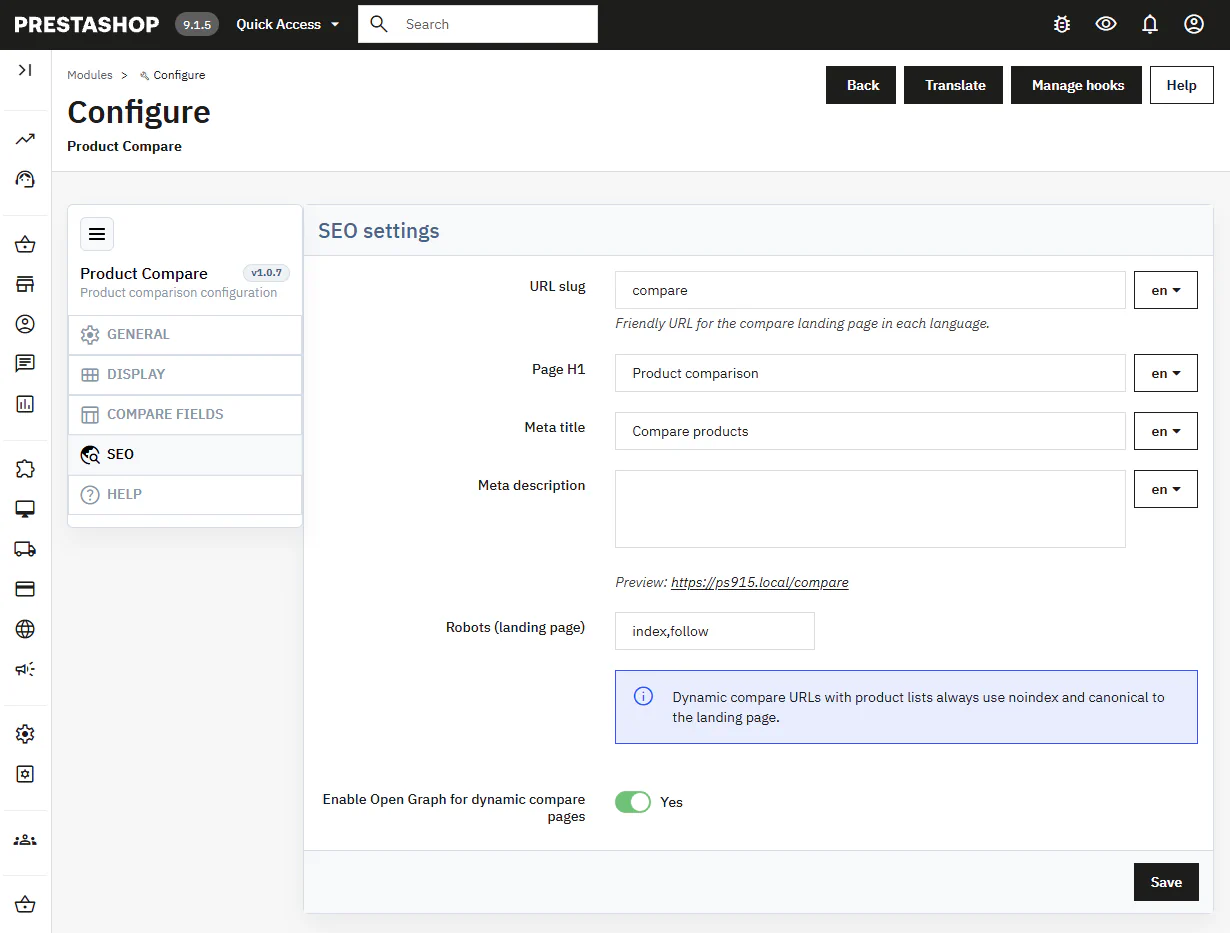
Settings for an indexable comparison landing page in every store language.
- Meta data per language – separate fields for the URL slug, H1, meta title and meta description.
- Indexing control – robots settings for the landing page; dynamic product links use noindex and a canonical link to the landing page.
Front Office functionality
Comparison list and ticker
Customers add products from the PDP or listing and can see the current list content.
- Comparison ticker – an optional floating bar gives quick access to the list, item removal and the comparison page.
Comparison table
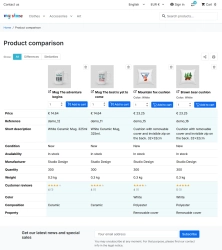
Products are presented in columns, with selected catalogue data in rows.
- Data filters – All, Differences and Similarities views reduce the number of rows to analyse.
- Automatic hiding of empty rows – the table does not show rows without values for all compared products.
Sharing and purchase actions
The comparison page can support the customer's next action.
- Share URL – passes the product and combination list without changing the recipient's saved list.
- Print and cart – optional printing of the comparison and adding a selected combination to the cart.
Impact on sales and SEO
Product Compare shortens the comparison process: customers analyse information in one table instead of opening multiple browser tabs or product pages. Configuration limits the table to data relevant to the specific catalogue, while the differences filter helps identify meaningful variations quickly. For SEO, the module provides multilingual H1 and meta fields; parameter-based share URLs use noindex and canonical tags, reducing the risk of duplicate-page indexing.
Important
Before installation, create a backup of your files and database. Upload only the module package that matches your PrestaShop line. Clear the PrestaShop cache after changing Hooks, the URL slug or the theme template. To display ratings in the comparison table, the Product Comments module must be installed and enabled.
## [1.0.5] - 2026-09-29

### Added

- New feature
You might also like
FAQs
-
Are the modules compatible with my version of PrestaShop?
Each module in our store contains information about compatibility with specific PrestaShop versions. Please check this information carefully before purchasing. If you are not sure, contact us.
16 other products in the same category:
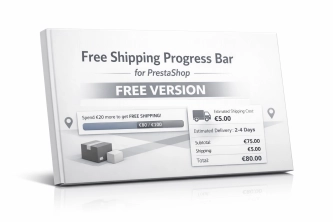
Free Shipping Progress Bar for PrestaShop (Free Version)
Encourage customers to spend more by clearly showing how much is left until they unlock free shipping . This is the free, simplified edition of the module, focused on one...
llms.txt for PrestaShop — Dynamic Store Index for AI Bots
AiLlmTxt publishes llms.txt and llms-full.txt files on the fly, without physical file generation on the disk — PrestaShop generates them dynamically under public URLs....
- New
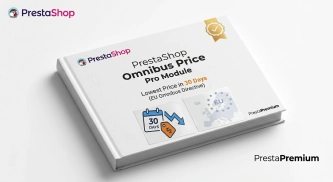
PrestaShop Omnibus Price Pro Module – Lowest Price in 30 Days (EU Omnibus Directive)
Omnibus Price Pro is an advanced PrestaShop module designed to automate the display of the lowest price prior to a discount (default 30 days). Ensure full compliance...
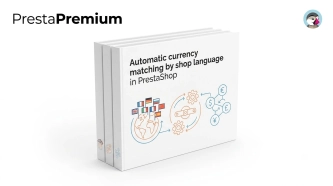
Automatic currency matching by shop language in PrestaShop
PP Smart Currency automatically matches the currency to the language a customer is using in your PrestaShop store. Visitors immediately see the right currency, while the...
Products on CMS Pages for PrestaShop — Shortcode (Free)
PP CMS Products (Free) is a free PrestaShop module for displaying products on CMS pages. Insert a shortcode in your page content, e.g. [products:12] — the module...

- New
Hreflang and X-Default Normalisation for PrestaShop
Hreflang Pro solves the issue of directing shoppers to the wrong language version of your store (for instance, when a local customer lands on a foreign-language page from...
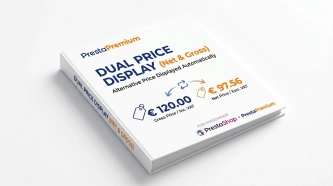
Dual Price Display (Net & Gross) — Alternative Price Displayed Automatically
Dual Price Display (Net & Gross) does the heavy lifting for you: it automatically checks which price is currently active in your shop and instantly displays the other...

PrestaShop Schema Pro - Rich Snippets & SEO Booster
Rich Results + AI = dominate search results and increase sales in PrestaShop! Automatic JSON-LD generator with full support for more than 15 Schema.org types, including...
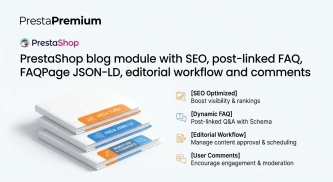
PrestaShop blog module with SEO, post-linked FAQ, FAQPage JSON-LD, editorial workflow and comments
A blog for PrestaShop built for real organic visibility, content commerce and better coverage of question-style search queries. The module gives full control over SEO...
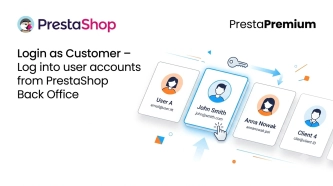
Login as Customer – Log into user accounts from PrestaShop Back Office
This module enables instant access to any customer account directly from the PrestaShop administration panel. It allows quick verification of issues reported by buyers...

Free PrestaShop Video Module (YouTube & Vimeo)
Product Video Lite is a free and exceptionally lightweight module that allows you to assign an unlimited number of YouTube and Vimeo videos to your products. Instantly...
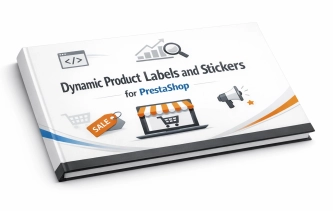
Dynamic Product Labels and Stickers for PrestaShop
The PP Product Stickers module is designed for automated product labelling in your store using graphic and text stickers. The tool allows you to implement clear sales...
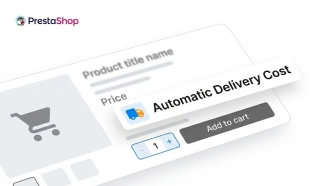
Automatic delivery cost on the product card
PP Shipping Estimate is an advanced module for PrestaShop that enables automatic calculation of delivery costs on the product page . The customer does not need to...
Ask about product / price (PRO)
Ask about product / price (PRO) is an advanced PrestaShop module that adds an enquiry form on the product page and directly on the product list (categories, homepage,...
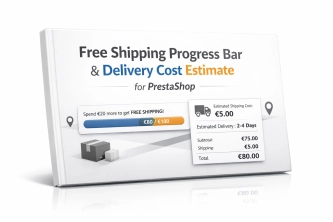
Free Shipping Progress Bar & Delivery Cost Estimate for PrestaShop
Encourage customers to spend more by showing them exactly how much is left until free shipping . The module also displays an estimated delivery cost on the product page ,...

Do you need additional features or custom solutions?
- Module customisation tailored to your specific requirements.
- Extending functionality to enhance your store's capabilities.
- Developing bespoke modules designed to meet your unique needs.
- Integrating external systems and additional tools.
- Optimisation and improvements for better performance and user experience.
Do you have ideas on how to improve this software? Share your suggestions for optimisation, new features, or bug reports – we’ll be happy to review them!