PrestaShop Slider
PP-M078S
- 1.7.5 + | 8.x | 9.x
- FR, ES, PL, IT, DE, EN
- 1.0.7
- 2026-10-30
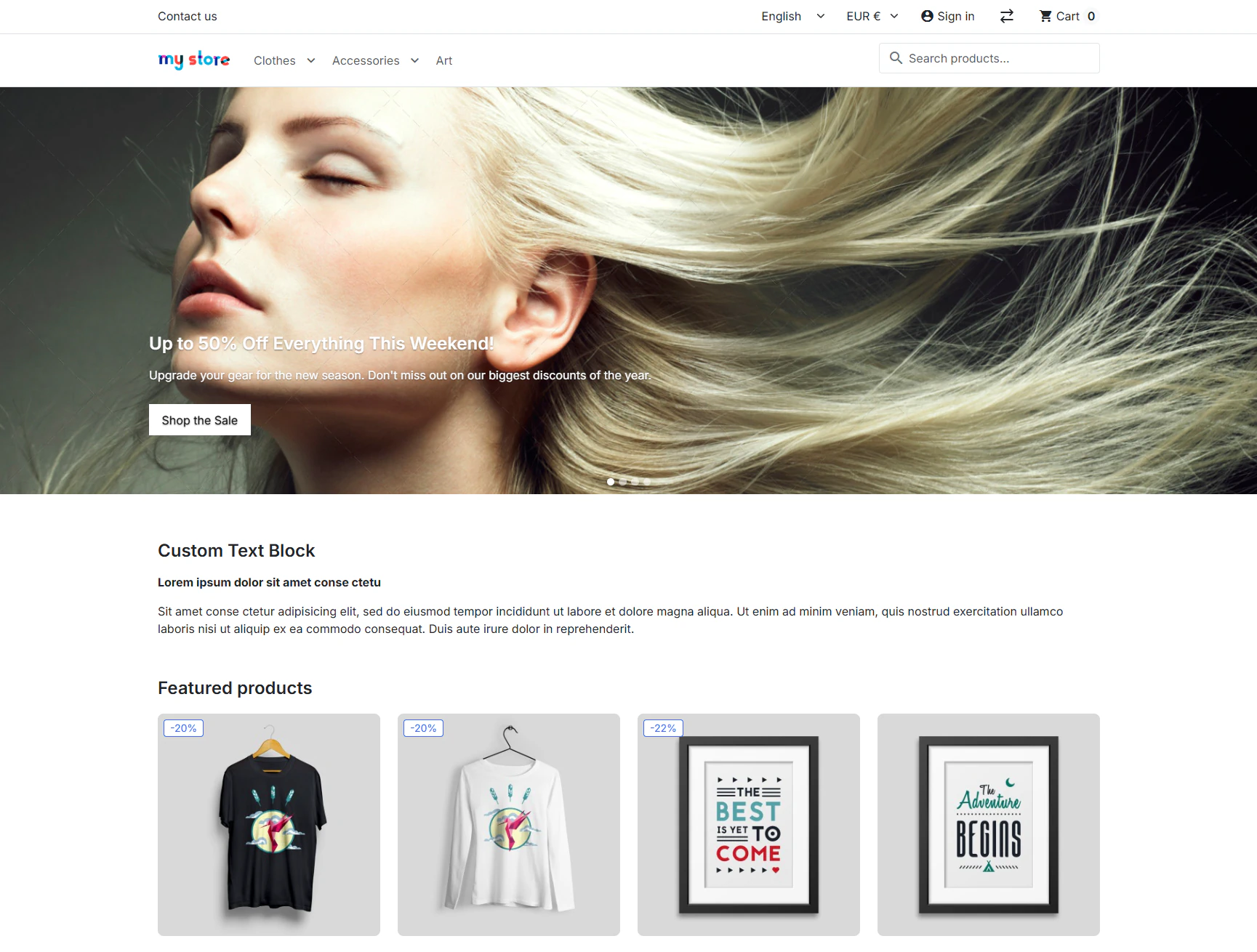
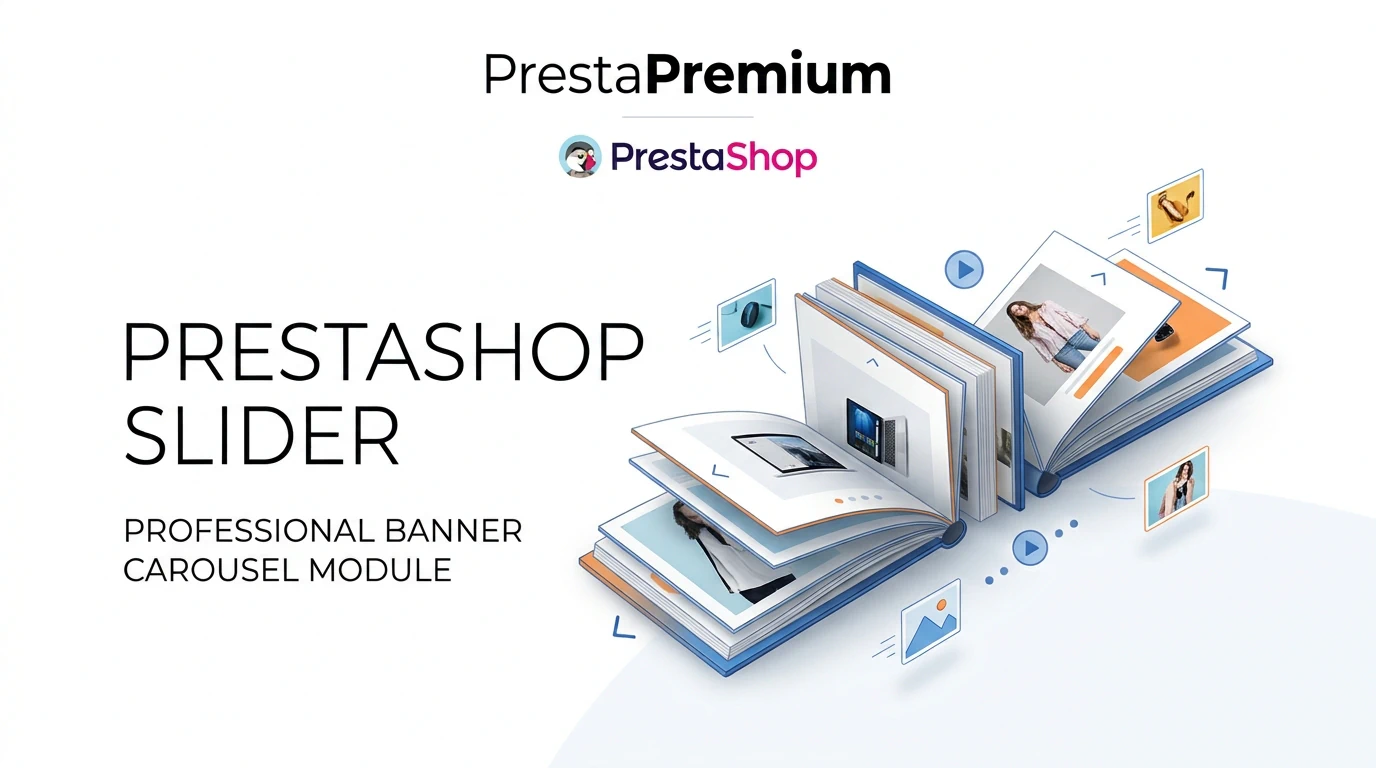
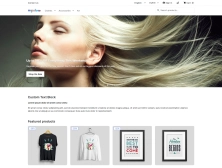
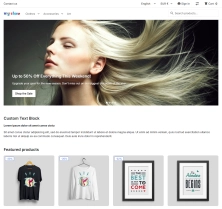
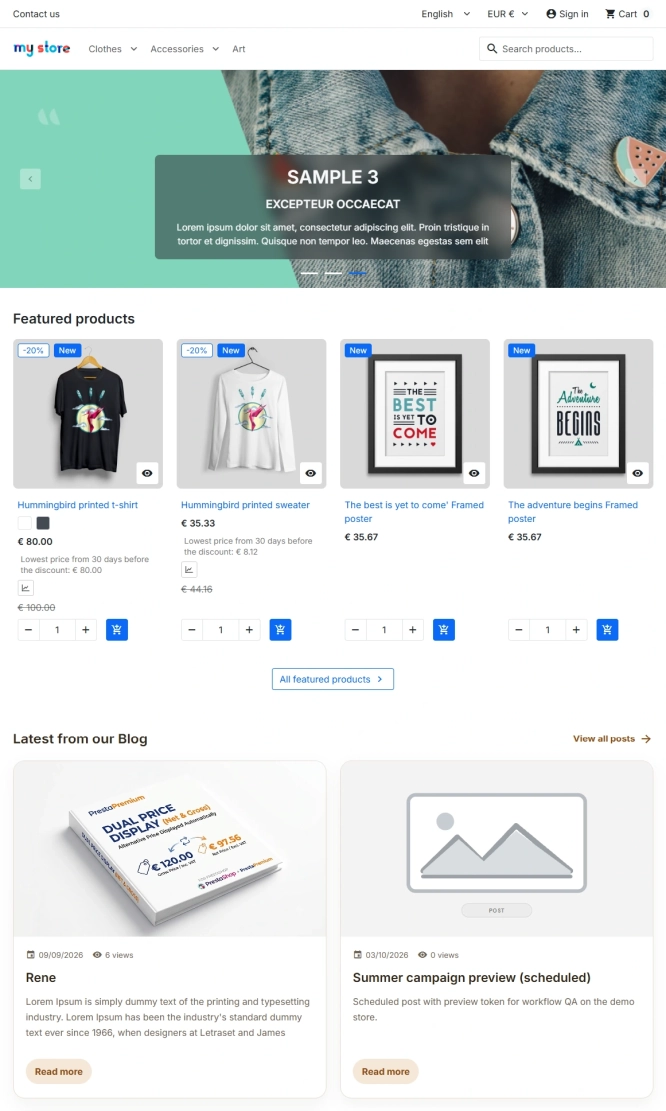
A lightweight, responsive PrestaShop slider module for promotional banners on the homepage or anywhere in the theme through its dedicated hook.
Supports SVG, animated GIF, WebP, JPG and PNG, with independent desktop and mobile creative assets. Runs entirely without jQuery or external libraries, and provides drag-and-drop management, full multistore support and Core Web Vitals-aware LCP optimisation.

- New

38.70 €
Tax excluded
Information Parameters:
- 1.0.7
-
Store Version PHP Version1.7.5 + 7.1 – 7.48.x 8.1 – 8.39.x 8.1 – 8.5
- 2026-10-30
- FR, ES, PL, IT, DE, EN
- ✅
- ✅
- ✅
- ✅
- ❌
What it is for
Use it for seasonal campaigns, sales, new collections and featured categories. A slide can link to a product, category, CMS page or any URL, in the same or a new tab.
In a multilingual store, texts and images are configured per language. In multistore, every shop has its own slides and playback settings.
Where you can place it
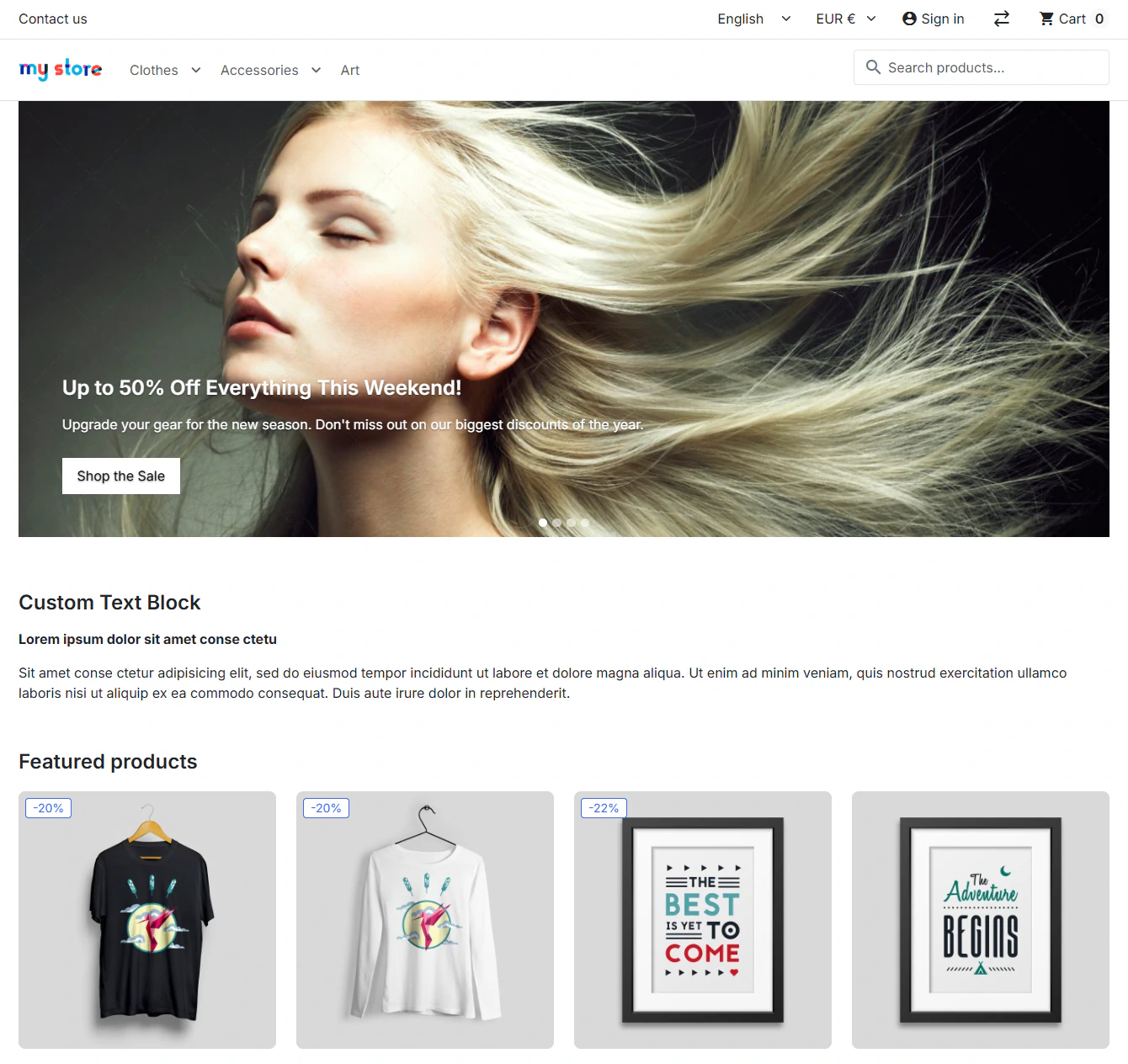
By default, on the homepage. The module hook places the same slider elsewhere in the theme: below the menu, above a product listing or on a landing page.
Back office
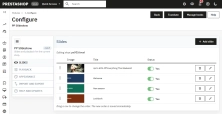
Slides
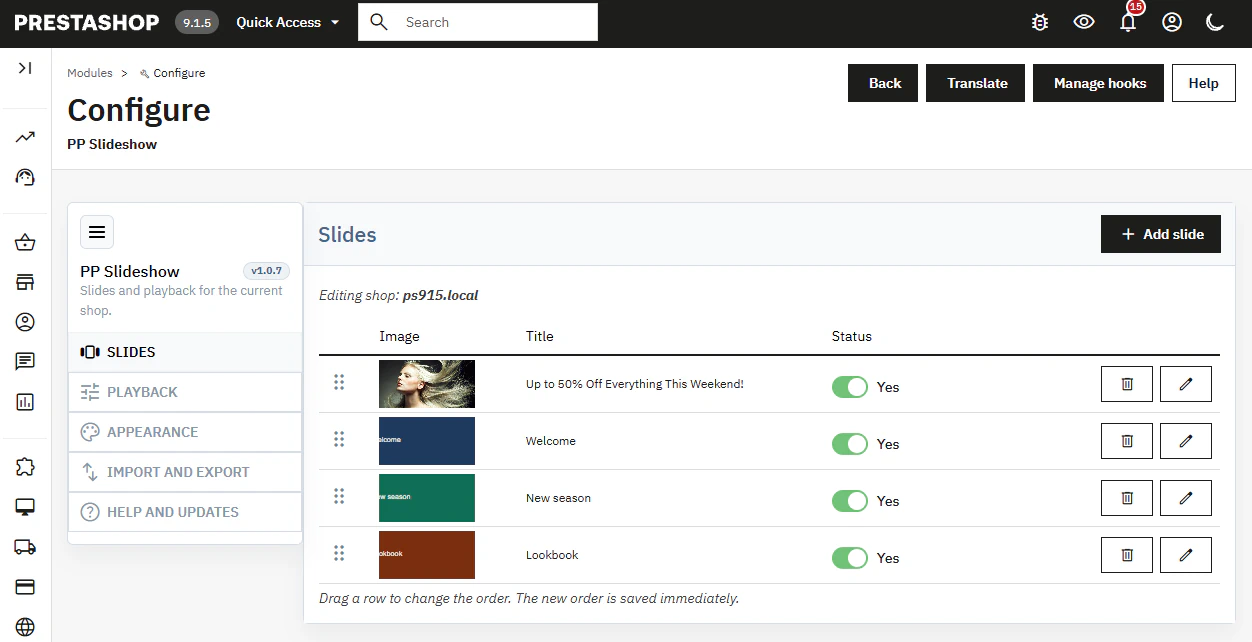
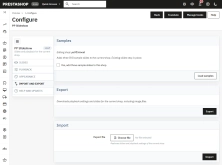
Add, edit, disable and delete banners from a single list.
- Reorder slides by dragging them. The order is saved immediately, with no manual position numbers.
Content and link
Heading, description, button label, destination URL and link target.
- Texts and files can be edited separately for every active language.
Playback
Transition effect, slide delay, autoplay, loop and display width.
- Arrows can always show, show on hover only or remain hidden. Pagination dots are enabled separately.
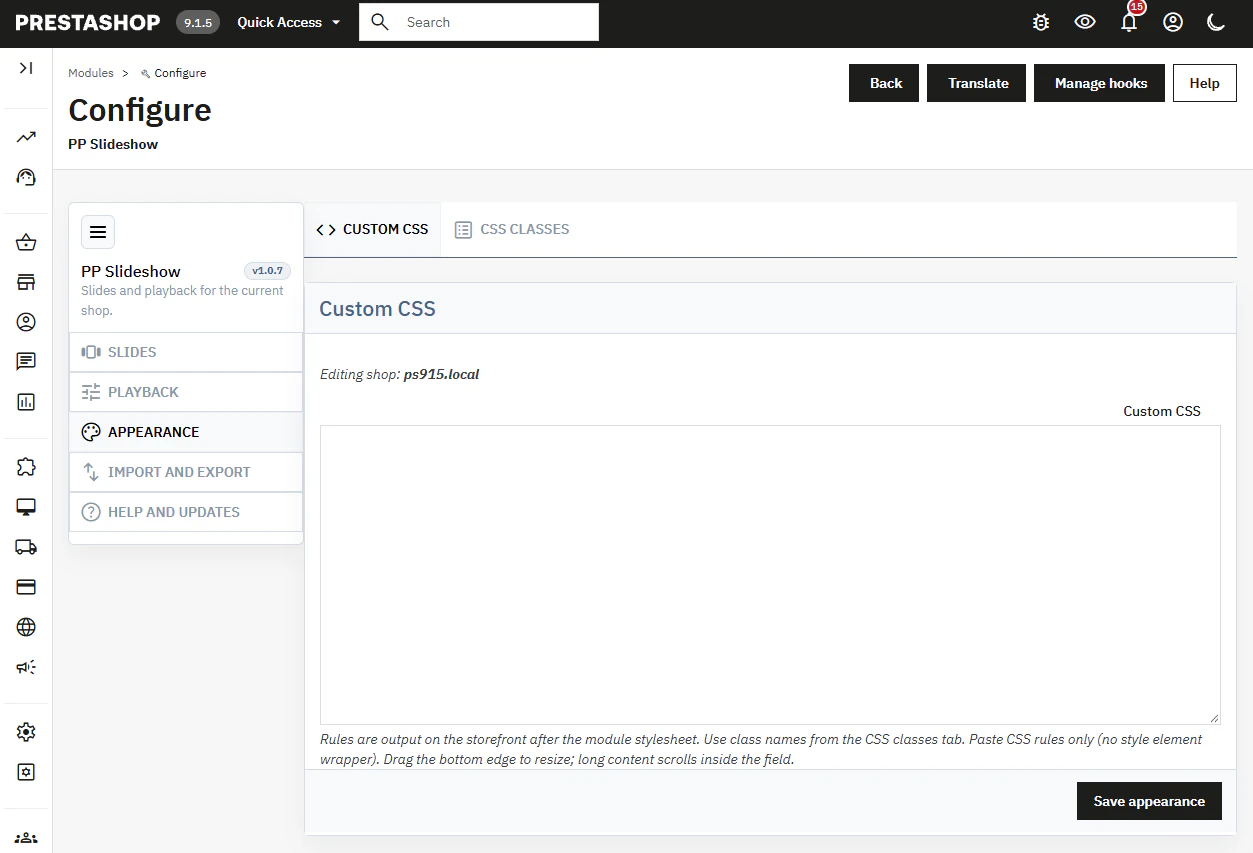
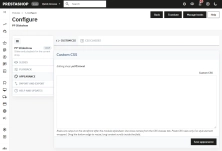
Custom CSS
Add rules in the module configuration. A selector reference is available in the back office.
- No core file editing. After a PrestaShop update, test the module as you would any other module.
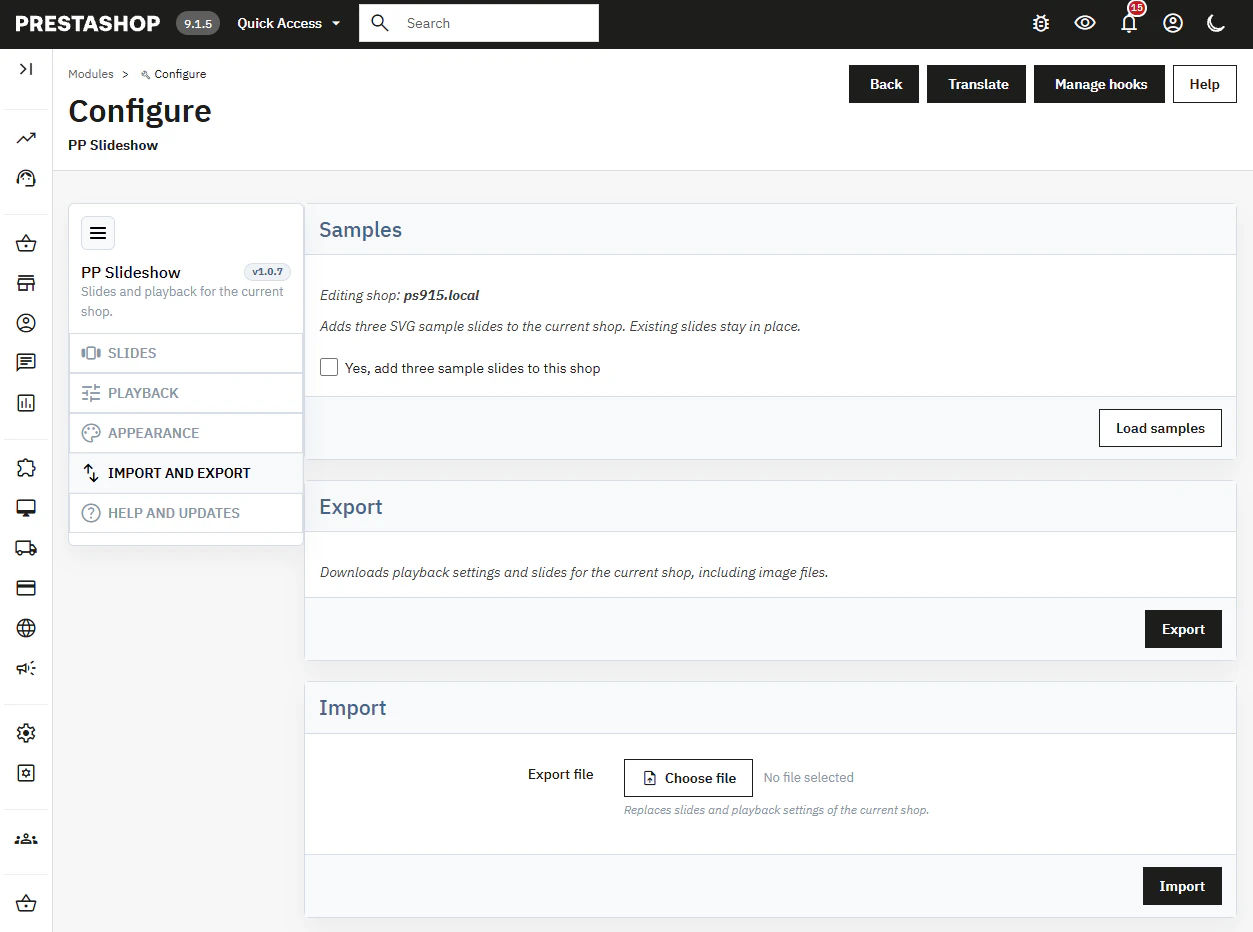
Export and import
Export includes the settings, slide structure and image files for the selected shop.
- Import replaces that data. The package includes sample SVG slides to check the layout; they are not required for normal operation.
Multistore
Slides and playback settings are separated between shops.
- Saving requires a single-shop context. Configuration cannot be saved in the “all shops” context.
Front office
Formats and screens
JPG, PNG, WebP, GIF, including animated GIF, and SVG. A separate mobile file is available for every language.
- For JPG, PNG and WebP, the module creates 640, 960, 1280 and 1920 px variants using
pictureandsrcset. GIF and SVG use the uploaded file without resizing.
First-slide loading
The first image loads immediately through preload and fetchpriority="high". Later images load afterwards.
- This can help LCP when the slider is at the top of the page. Lower on the page, fetching the image early does not make the content above it load faster.
Interaction
Mouse, touch and keyboard controls. Autoplay stops on hover and when the browser tab is in the background.
- Control buttons have labels for screen readers.
Module Performance vs. File Weight
The absence of jQuery libraries ensures the module does not bloat the store with code. It provides an optimal foundation for LCP, but the final load time depends on the weight of uploaded graphics – no script will speed up uncompressed banners.
Before installation
On a production store, back up the database before installation and before updating. Import replaces the slides and configuration of the current shop — export them first. Uninstalling removes module data and image files.
## [1.0.7] - 2026-10-30
### Added
- New feature
You might also like

FAQs
-
Are the modules compatible with my version of PrestaShop?
Each module in our store contains information about compatibility with specific PrestaShop versions. Please check this information carefully before purchasing. If you are not sure, contact us.
16 other products in the same category:
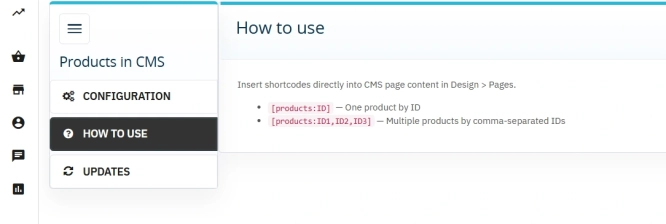
Products on CMS Pages for PrestaShop — Shortcode (Free)
PP CMS Products (Free) is a free PrestaShop module for displaying products on CMS pages. Insert a shortcode in your page content, e.g. [products:12] — the module...
0.00 €
- Discount
Price available only until: 30.11.2026
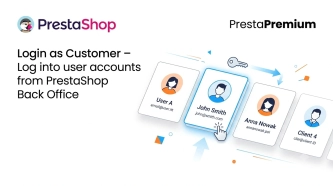
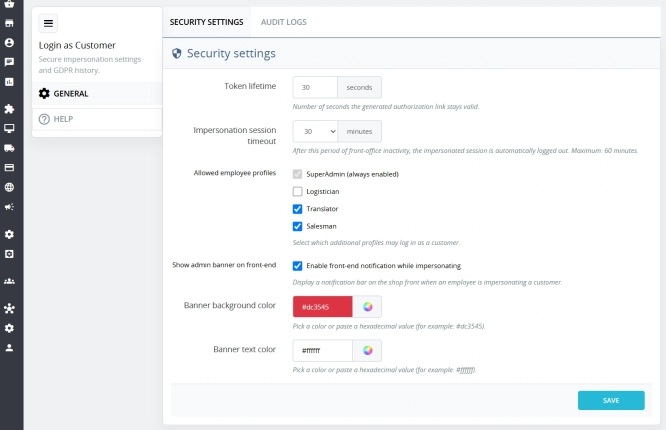
Login as Customer – Log into user accounts from PrestaShop Back Office
This module enables instant access to any customer account directly from the PrestaShop administration panel. It allows quick verification of issues reported by buyers...
32.70 €
-30%
22.89 €
Lowest price within 30 days before promotion:
33.30 €
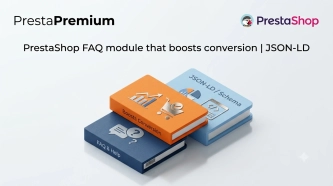
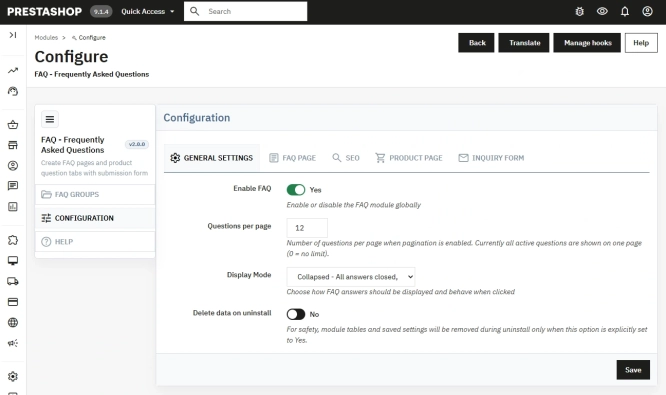
PrestaShop FAQ module that boosts conversion | JSON-LD
ppfaq is a module that organises store communication: it publishes FAQ in a single, easy-to-read place and helps customers find answers faster without contacting...
59.70 €
- Discount
Price available only until: 30.11.2026
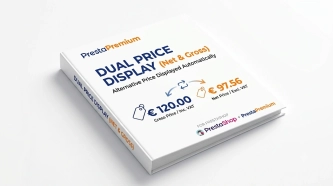
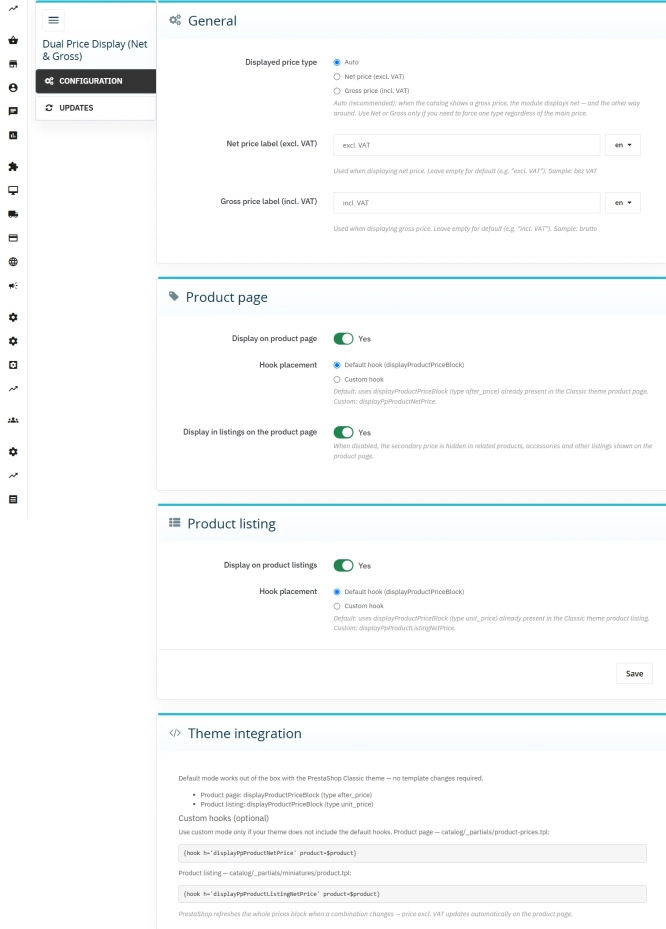
Dual Price Display (Net & Gross) — Alternative Price Displayed Automatically
Dual Price Display (Net & Gross) does the heavy lifting for you: it automatically checks which price is currently active in your shop and instantly displays the other...
33.00 €
-30%
23.10 €
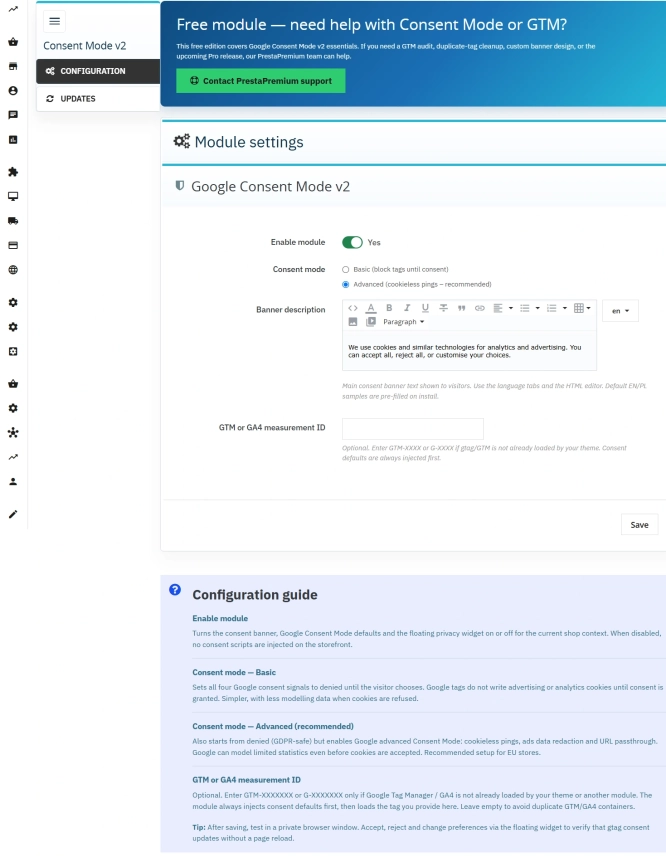
Cookie Banner and Google Consent Mode v2 for PrestaShop (Free)
PrestaPremium Consent Mode v2 (Free) is a reliable, free PrestaShop module that implements a fully GDPR-compliant cookie banner and handles Google Consent Mode v2 for...
0.00 €
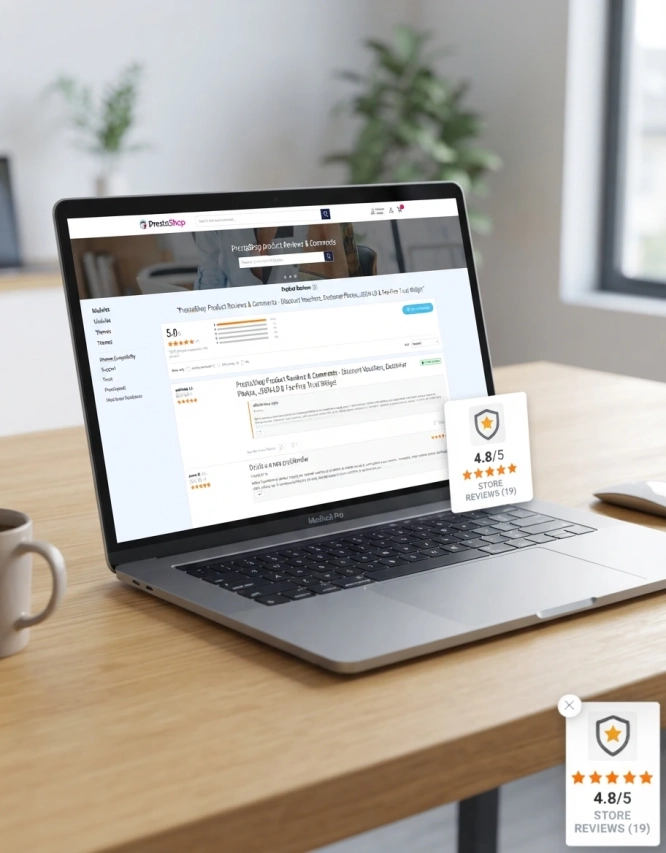
PrestaShop Product Reviews & Comments – Discount Vouchers, Customer Photos, JSON-LD & Fee-Free...
This module serves as a complete alternative to paid SaaS review platforms (such as Trustpilot, Opineo, or Trusted Shops) and allows you to bypass complex Google...
149.10 €
Lowest price within 30 days before promotion:
114.81 €
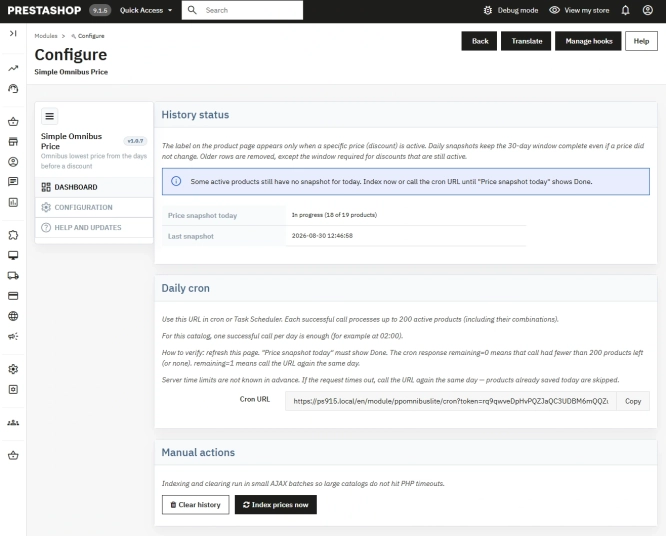
Free Simple Omnibus Price Module – Omnibus Directive for PrestaShop
Simple Omnibus Price is a completely free PrestaShop module that automates displaying the lowest price from the 30 days prior to a price reduction. Protect your store...
0.00 €
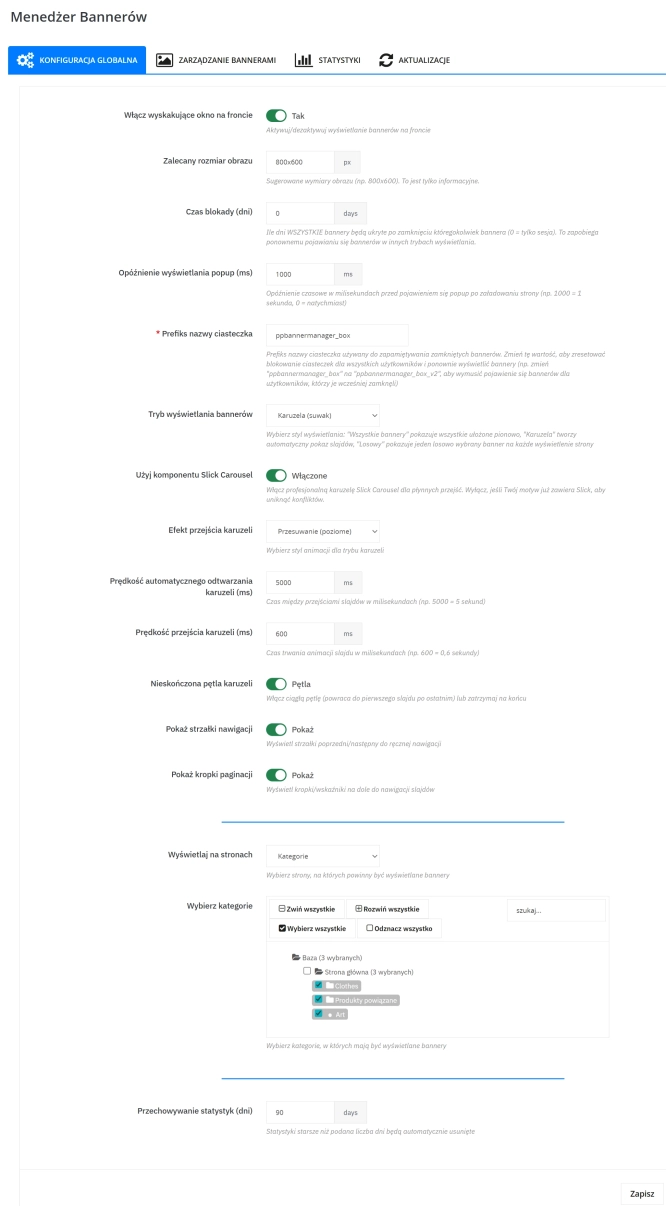
Banner Manager – Highlight promotions, new arrivals and important messages precisely when the customer is most engaged in shopping. Instead of hiding your message in page...
57.00 €
Lowest price within 30 days before promotion:
57.00 €
- Discount
Price available only until: 30.11.2026
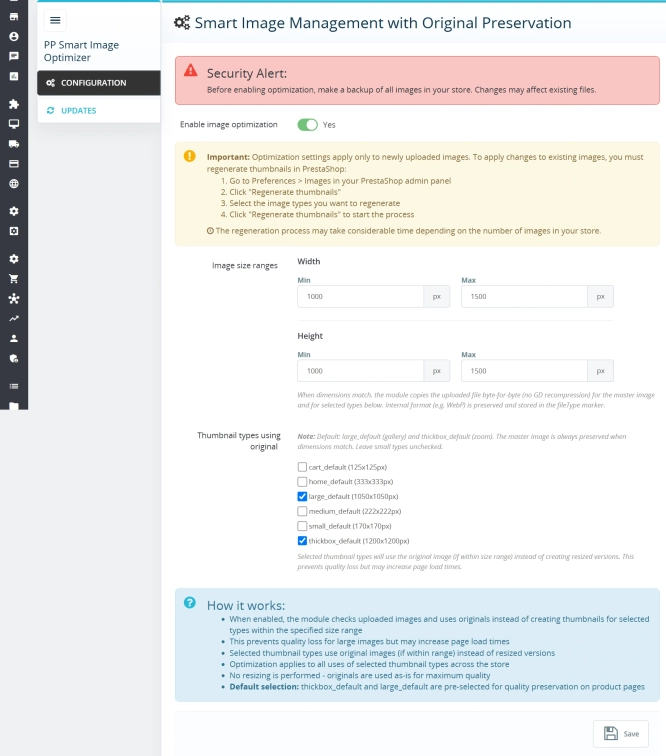
Smart Image Optimiser — Lossless Quality and Perfect PrestaShop Product Images
Smart Image Optimizer is an advanced tool that effectively eliminates the problem of automatic, lossy recompression of graphics files by PrestaShop's engines (GD/Imagick)....
65.40 €
-30%
45.78 €
PrestaShop blog module with SEO, post-linked FAQ, FAQPage JSON-LD, editorial workflow and comments
A blog for PrestaShop built for real organic visibility, content commerce and better coverage of question-style search queries. The module gives full control over SEO...
113.10 €

- Discount
Price available only until: 30.11.2026
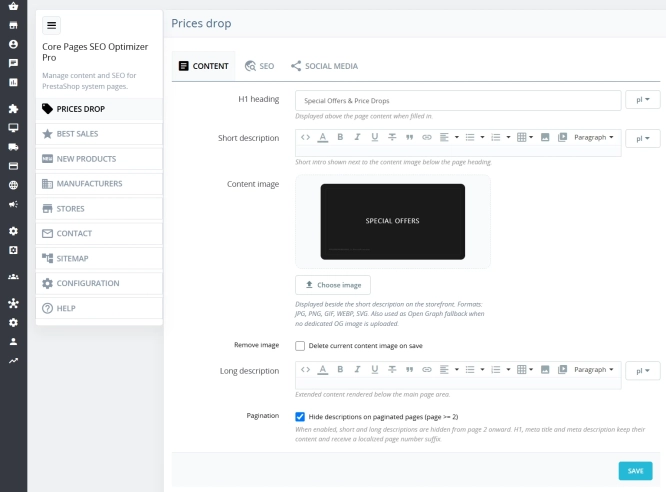
Custom HTML Descriptions and SEO Optimisation for PrestaShop Promo, Best Sellers and New...
The default PrestaShop configuration does not allow entering custom texts or graphics on key subpages that generate organic search traffic. The ppcorepagesseo module is a...
39.00 €
-30%
27.30 €
- Discount
Price available only until: 30.11.2026
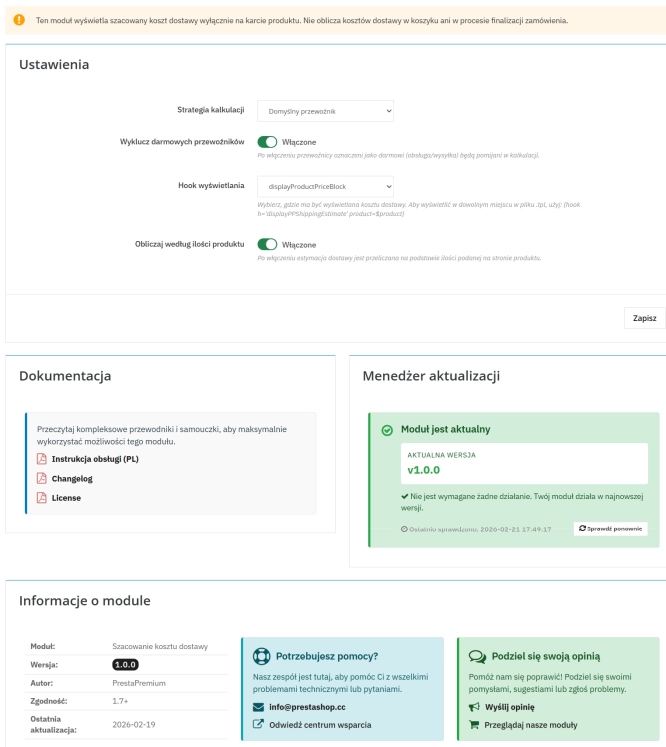
Automatic delivery cost on the product card
PP Shipping Estimate is an advanced module for PrestaShop that enables automatic calculation of delivery costs on the product page . The customer does not need to...
32.70 €
-30%
22.89 €
- Discount
Price available only until: 30.11.2026
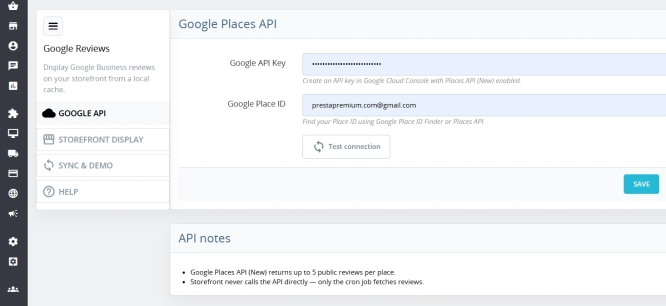
Google Maps Reviews Module for PrestaShop – Automatic Import and Display of Customer Ratings
This module serves to increase trust in your shop by displaying authentic reviews from Google Maps. Thanks to the automatic generation of JSON-LD structured data, star...
39.00 €
-30%
27.30 €
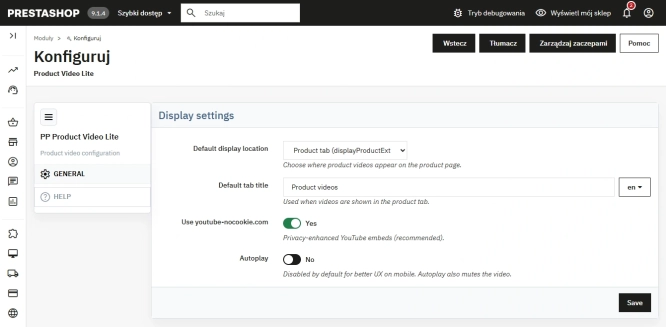
Free PrestaShop Video Module (YouTube & Vimeo)
Product Video Lite is a free and exceptionally lightweight module that allows you to assign an unlimited number of YouTube and Vimeo videos to your products. Instantly...
0.00 €
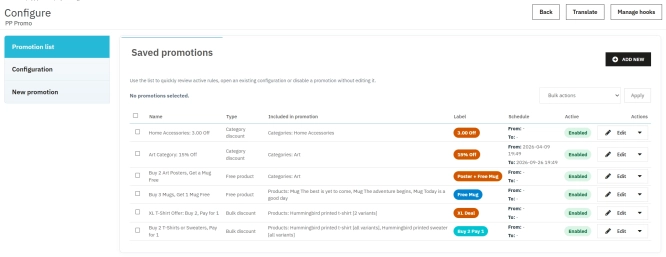
PrestaShop Promotion Module: Free Gifts, Quantity Discounts, Buy X Get Y and Category Offers
The PP Promo module for PrestaShop makes it easy to create and automate popular sales campaigns, from "Buy 2, Pay for 1" offers and free gifts to discounts on selected...
89.70 €

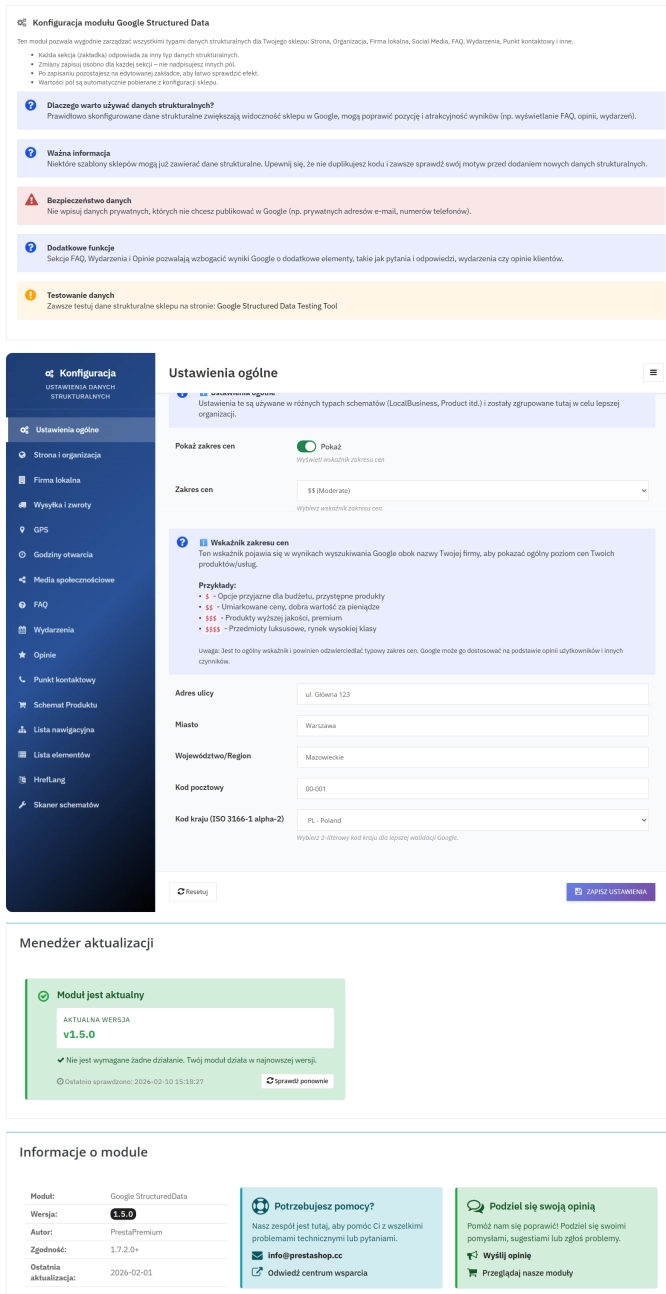
PrestaShop Schema Pro - Rich Snippets & SEO Booster
Rich Results + AI = dominate search results and increase sales in PrestaShop! Automatic JSON-LD generator with full support for more than 15 Schema.org types, including...
89.70 €
Do you need additional features or custom solutions?
- Module customisation tailored to your specific requirements.
- Extending functionality to enhance your store's capabilities.
- Developing bespoke modules designed to meet your unique needs.
- Integrating external systems and additional tools.
- Optimisation and improvements for better performance and user experience.
Do you have ideas on how to improve this software? Share your suggestions for optimisation, new features, or bug reports – we’ll be happy to review them!