Google Maps Reviews Module for PrestaShop – Automatic Import and Display of Customer Ratings
- 1.7.5 + | 8.x | 9.x
- PL, EN
- 1.7.0
- 2026-07-11
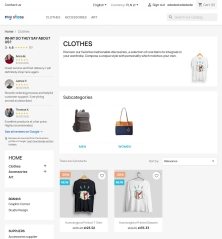
This module serves to increase trust in your shop by displaying authentic reviews from Google Maps. Thanks to the automatic generation of JSON-LD structured data, star ratings can be visible in Google search results for the entire shop, which effectively sets your offer apart from the competition.
The add-on securely fetches data via the official google API, but thanks to the use of intelligent caching, it loads reviews directly from your server. As a result, the solution does not overload or slow down the shop.

Information Parameters:
- 1.7.0
-
Store Version PHP Version1.7.5 + 7.1 – 7.48.x 8.1 – 8.39.x 8.1 – 8.5
- 2026-07-11
- PL, EN
- ✅
- ✅
- ✅
- ✅
- ❌
Key Benefits
- Increased consumer trust – displaying independent ratings directly from Google Maps makes it easier for new users to make a purchasing decision.
- Zero server load – thanks to intelligent caching, the shop does not send requests to the external API during customer visits.
- Omnibus Directive compliance – the built-in, clean text notice informs about the origin of reviews, protecting the shop from legal risks.
- SEO visibility optimisation – automatic generation of structured data helps search engine robots interpret and index company ratings.
- Instant layout testing – the integrated demonstration mode allows you to check the widget within your theme immediately after installation.
Module Applications
This add-on is designed for online shop owners who have built a good reputation on their Google Business Profile and want to transfer this authority to their e-commerce site in a subtle way. It serves as an ideal, subscription-free alternative to heavy, external script-based widgets. It works perfectly both on standard homepages and in shops utilising layouts with left or right sidebars.
Features – Back Office
Review Selection and Filtering
Full control over the quality of reviews presented to the end user.
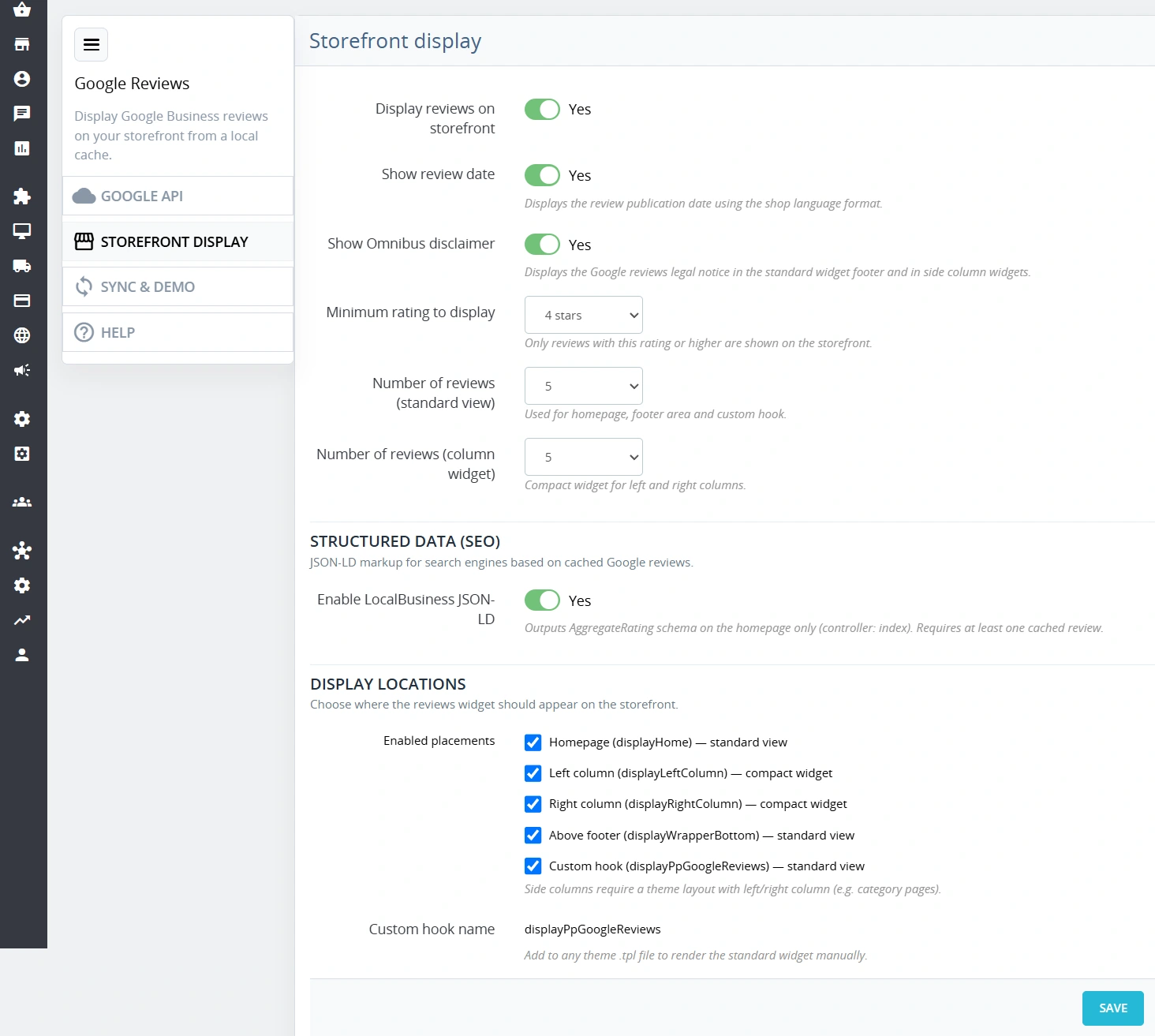
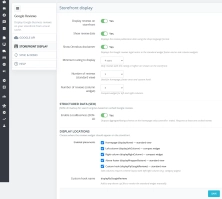
- Minimum threshold – option to display only the highest ratings (e.g. only 4 and 5 stars).
- Display limit – independent configuration of the maximum number of blocks for the main view and side columns.
Demonstration Mode Management (Demo Mode)
Instant verification of the module's aesthetics without configuring external connections.
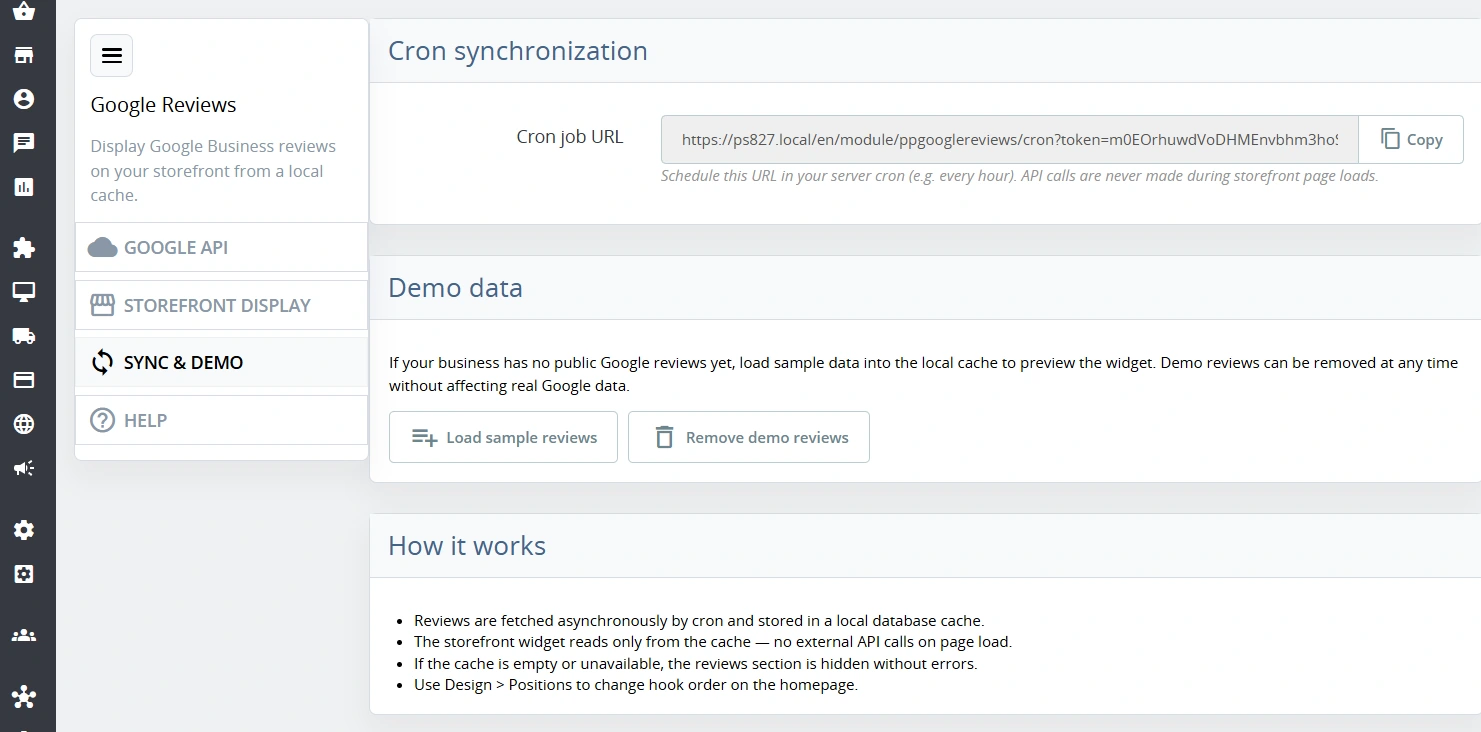
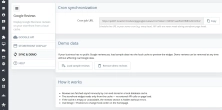
- Sample data – one-click loading of 5 universal reviews with ready-made profile avatars.
- Safe clearing – option to permanently remove test records from the cache at any time.
Placement Management (Hooks)
Flexible positioning of the element within the PrestaShop structure.
- Native placements – ready-made hooks for the homepage, above-footer section, and left/right columns.
- Developer hook – registration of a dedicated displayPpGoogleReviews tag for manual insertion into theme .tpl files.
Automation and Synchronisation Security
Ensuring continuity of operation without manual intervention from the administrator.
- Unique Cron token – securing the synchronisation URL with a dedicated random security key.
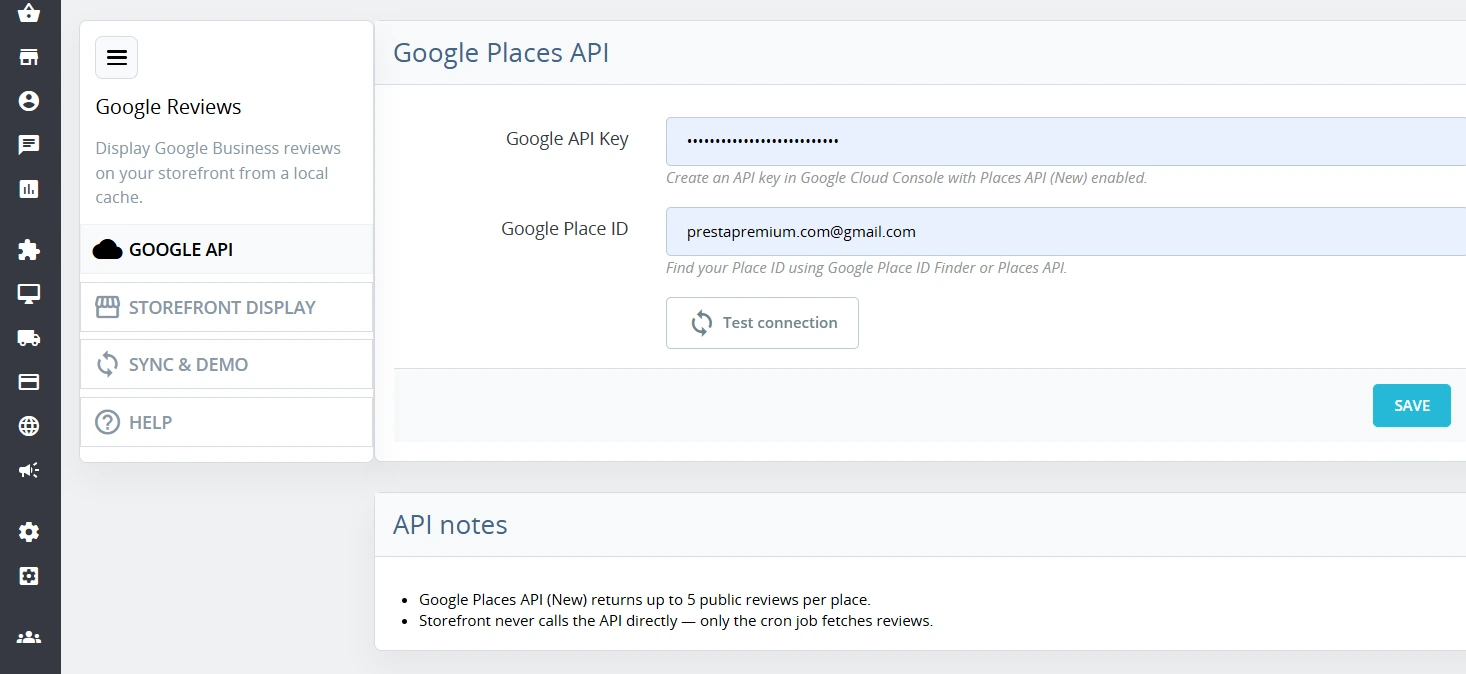
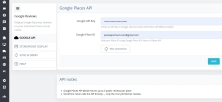
- Background fetching – querying the Google Places API occurs asynchronously (recommended once a day), completely separate from customer traffic.
Full Multistore Integration
Compatibility with advanced multi-shop configurations within a single PrestaShop installation.
- Data isolation – API keys, Place IDs, and imported reviews are strictly tied to a specific id_shop.
Features – Front Office
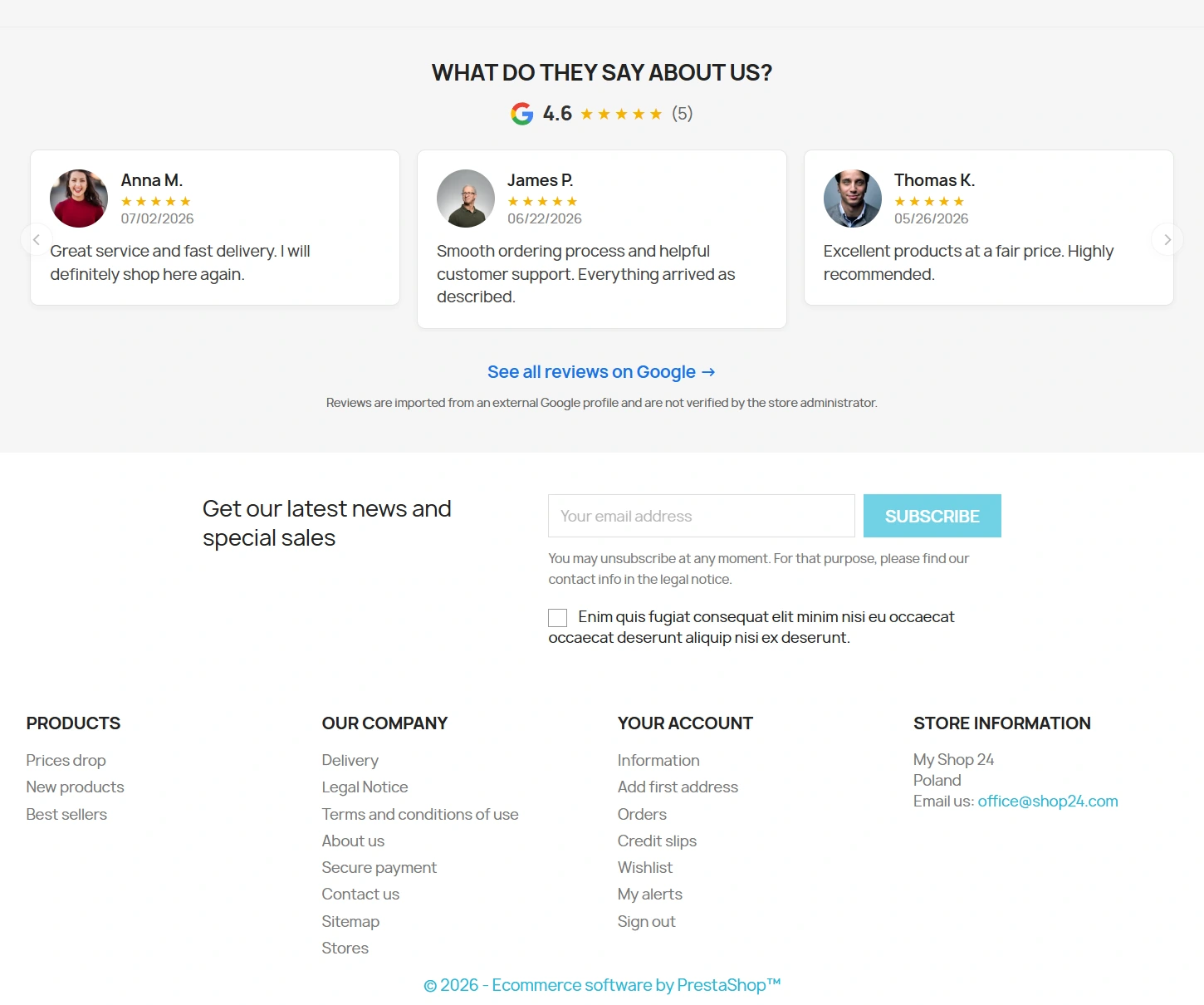
Lightweight Responsive Carousel (Slider)
A horizontal review layout optimised for user browsing comfort and clean aesthetics.
- Pure JavaScript – widget operation is based on a lightweight script, without heavy third-party libraries.
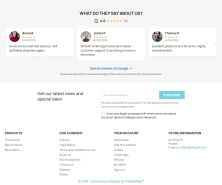
- Concise data format – blocks display an avatar, name, stars, date, and safely truncated comment text.
Vector Summary Bar
A compact header section providing immediate information about the overall rating.
- Dynamic calculations – automatic presentation of the arithmetic mean and the total number of reviews meeting the criteria.
- Official branding – an aesthetic Google logo clearly indicating an independent source of reviews.
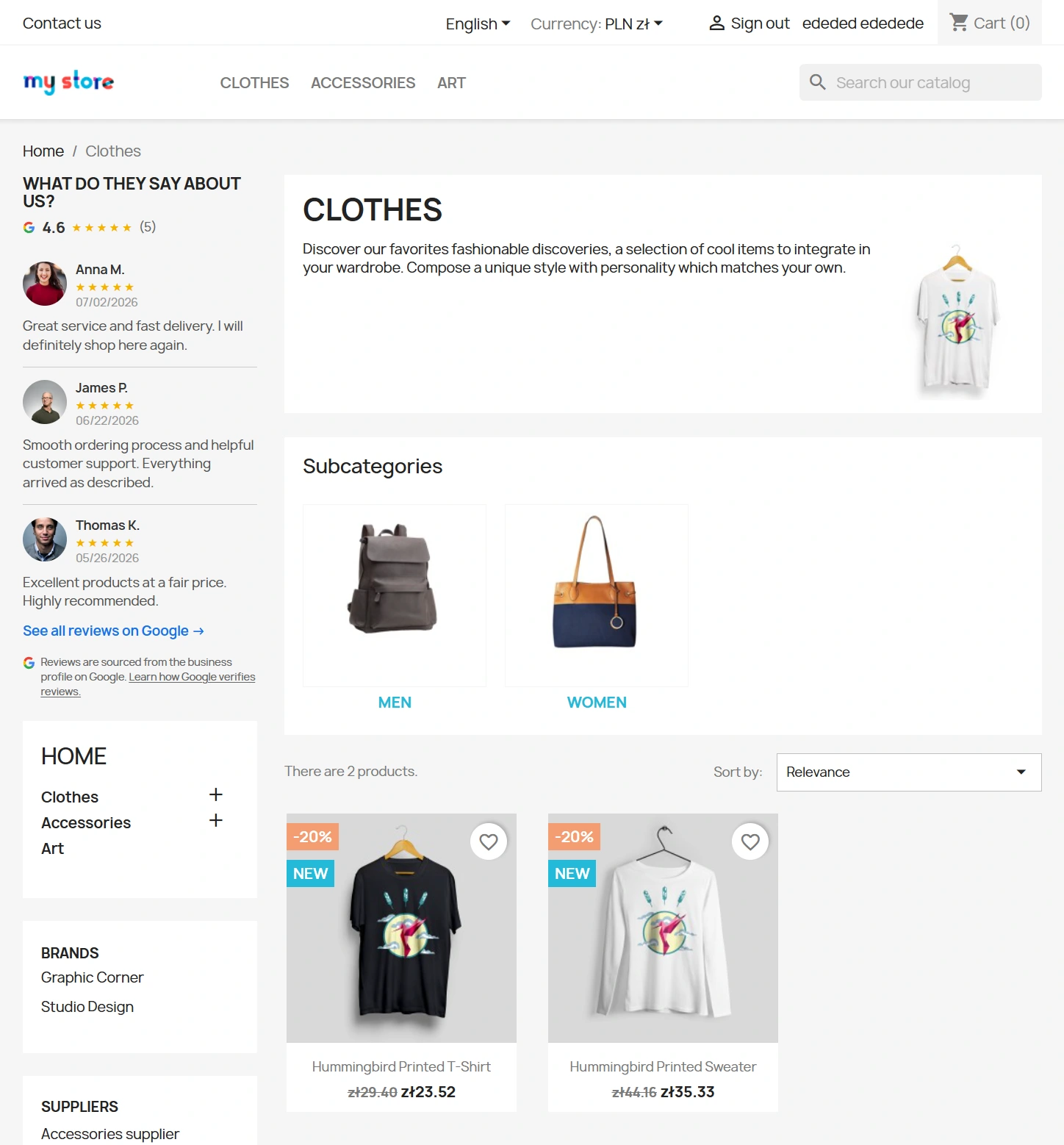
Vertical Sidebar Widget
A specific graphical layout tailored to the narrow side panels of the shop.
- Micro-UX layout – optimal placement of graphic and text elements to maintain full readability in narrower side blocks.
Integrated Omnibus Notice
A clean solution for legal requirements regarding the presentation of reviews in e-commerce.
- Clean text – a minimalist footer message informing the consumer that the shop administrator does not manually verify reviews.
- No external links – removes the risk of directing the customer away from the checkout process and avoids broken link issues.
Impact on Sales and SEO
Displaying authentic ratings acts as a natural trigger for purchasing decisions (social proof), reducing customers' hesitation before finalising an order. The module automatically injects JSON-LD structured data of the LocalBusiness type with a nested AggregateRating element exclusively on the homepage of the shop. This prevents the common error of structured code duplication across subpages, supporting correct indexing and the display of star ratings directly in Google search results (Rich Snippets).
Please note!
It is recommended to back up the database before installing or uninstalling the module. To fetch real reviews (outside of demonstration mode), an active billing Google Cloud account with the Places API (New) library enabled and a correct Google Place ID for your business are required. The new Google API interface returns a maximum of 5 of the most helpful reviews assigned to the profile at a time.
## [1.7.0] - 2026-07-11
### Added
You might also like


FAQs
-
Where do the reviews displayed in the shop come from?
The module displays ratings and comments from a Google Maps Business Profile. Data is retrieved through the Google Places API and then cached, so customer visits do not require an external API request.
-
Are the modules compatible with my version of PrestaShop?
Each module in our store contains information about compatibility with specific PrestaShop versions. Please check this information carefully before purchasing. If you are not sure, contact us.
-
Can I set criteria for displaying reviews?
In the panel, you can set the minimum rating shown to users, for example to display only the highest ratings. The module also lets you set separate maximum numbers of tiles for the homepage and side columns.
-
How does the module work without a configured Google connection?
Demo mode lets you check the widget's appearance immediately, without configuring an external connection. It can load five generic sample reviews with avatars, and the test data can later be permanently removed from the cache.
-
Where can the Google reviews widget be placed?
The module provides ready-made positions for the homepage, the section above the footer, and the shop's left and right columns. It also registers its own displayPpGoogleReviews hook, allowing the element to be placed manually in theme template files.
-
How is the ratings summary presented?
The widget includes a compact summary showing the average rating and the total number of reviews that meet the selected criteria. Tiles can display an avatar, surname, star count, date and a safely shortened comment.
16 other products in the same category:
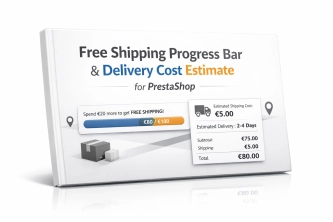
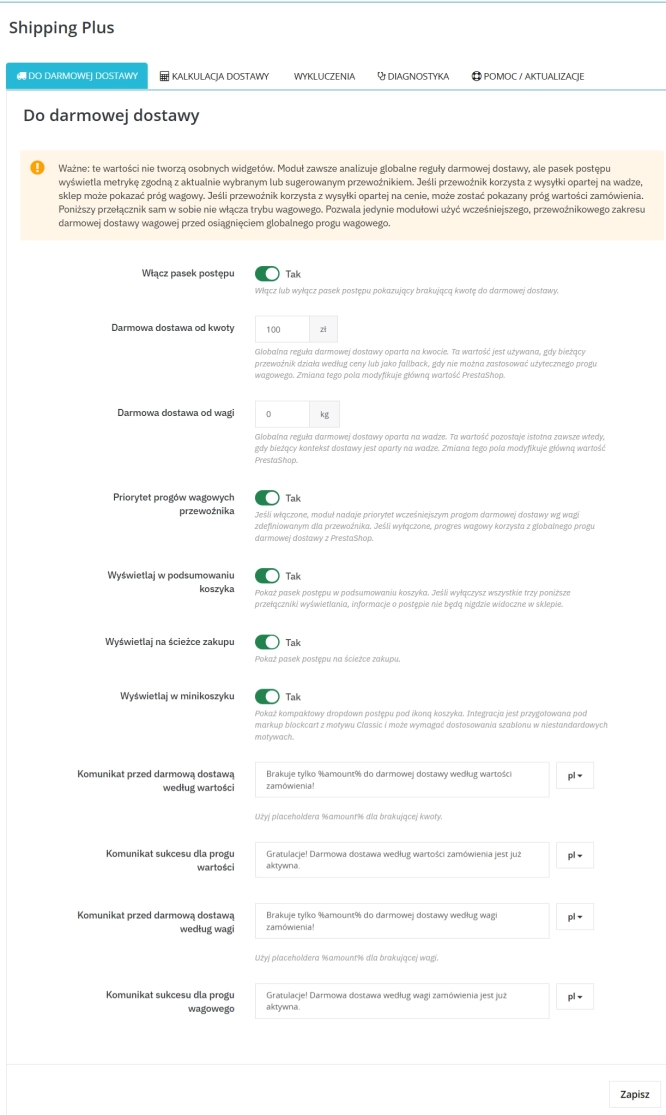
Free Shipping Progress Bar & Delivery Cost Estimate for PrestaShop
Encourage customers to spend more by showing them exactly how much is left until free shipping . The module also displays an estimated delivery cost on the product page ,...

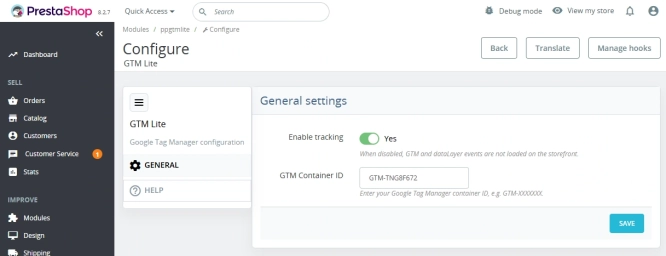
GTM Lite – Free Google Tag Manager & GA4 e-Commerce Module for PrestaShop
100% FREE (LITE Version) GA4 e-Commerce Standard GTM Lite is a lightweight, free module connecting your PrestaShop store with Google Tag Manager. It automatically...
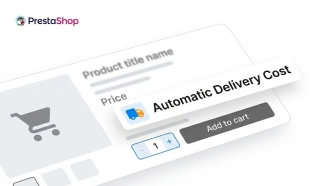
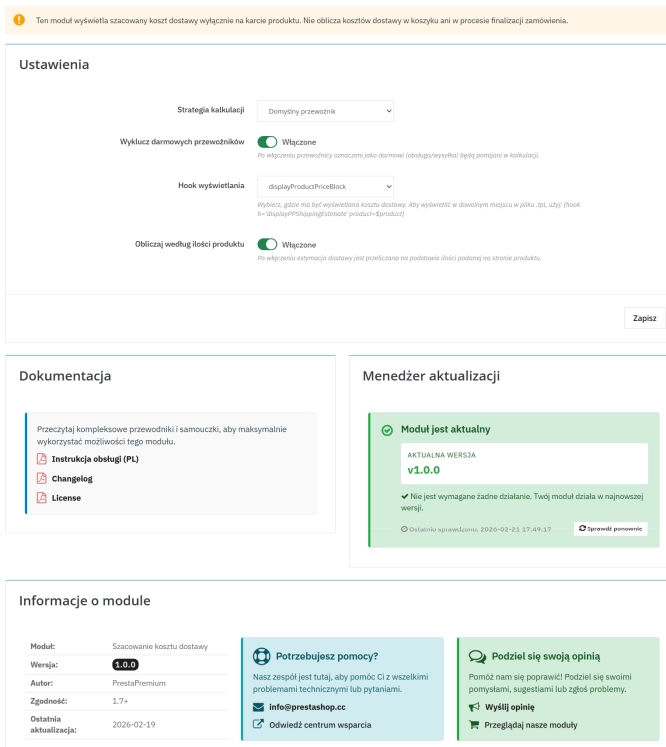
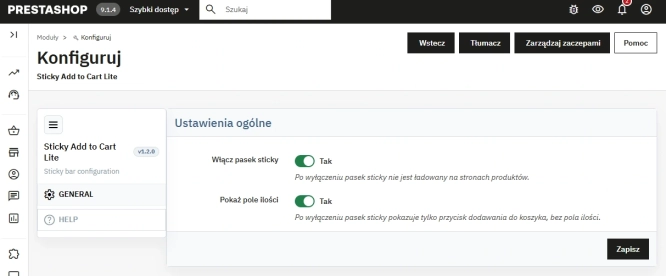
Automatic delivery cost on the product card
PP Shipping Estimate is an advanced module for PrestaShop that enables automatic calculation of delivery costs on the product page . The customer does not need to...

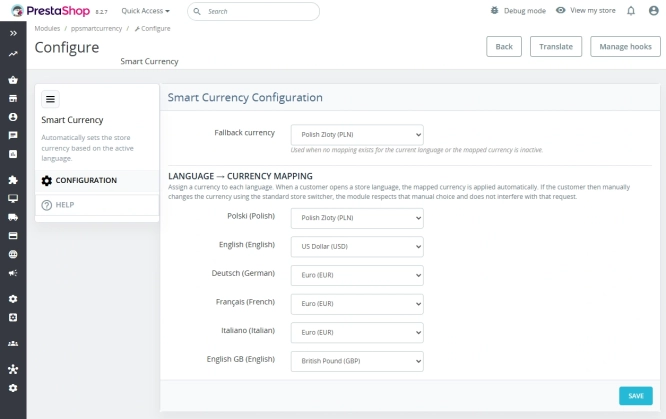
Automatic currency matching by shop language in PrestaShop
PP Smart Currency automatically matches the currency to the language a customer is using in your PrestaShop store. Visitors immediately see the right currency, while the...

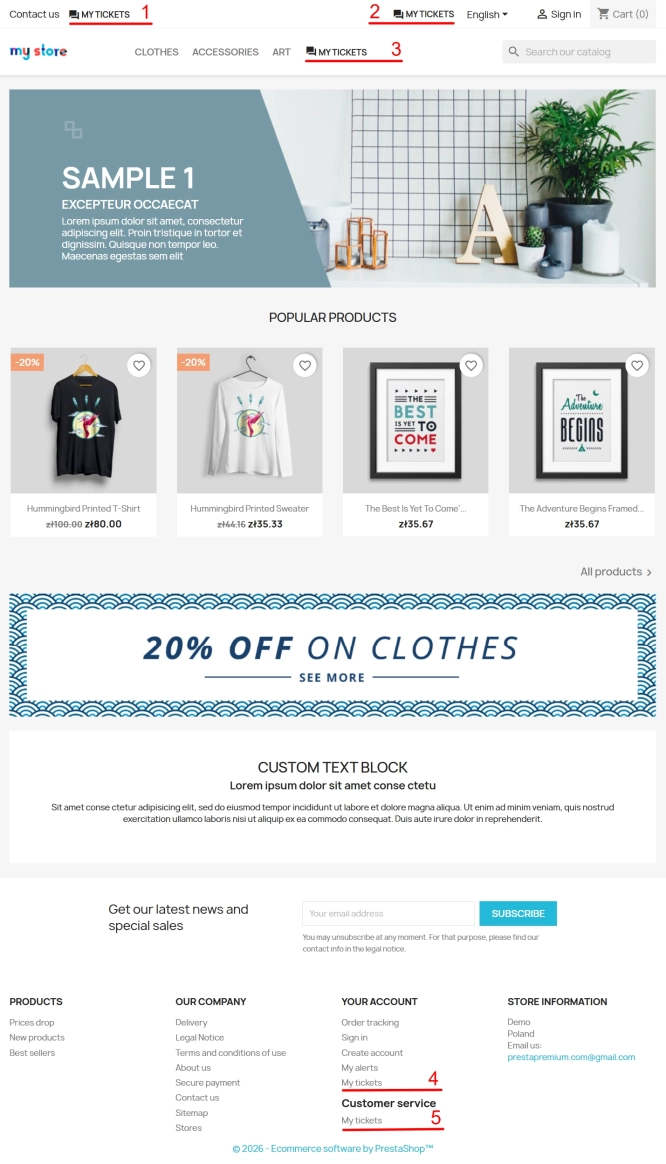
Helpdesk — professional ticketing and customer support system for PrestaShop
PP Helpdesk is a module that turns chaotic email exchanges into a clear, organised ticketing system directly within your PrestaShop store. Customers can comfortably create...
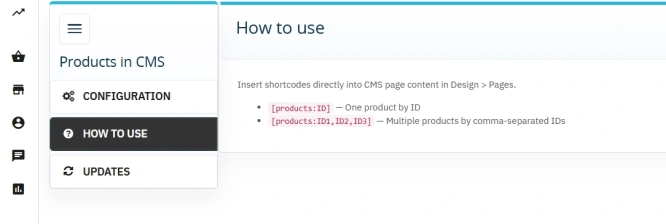
Products on CMS Pages for PrestaShop — Shortcode (Free)
PP CMS Products (Free) is a free PrestaShop module for displaying products on CMS pages. Insert a shortcode in your page content, e.g. [products:12] — the module...

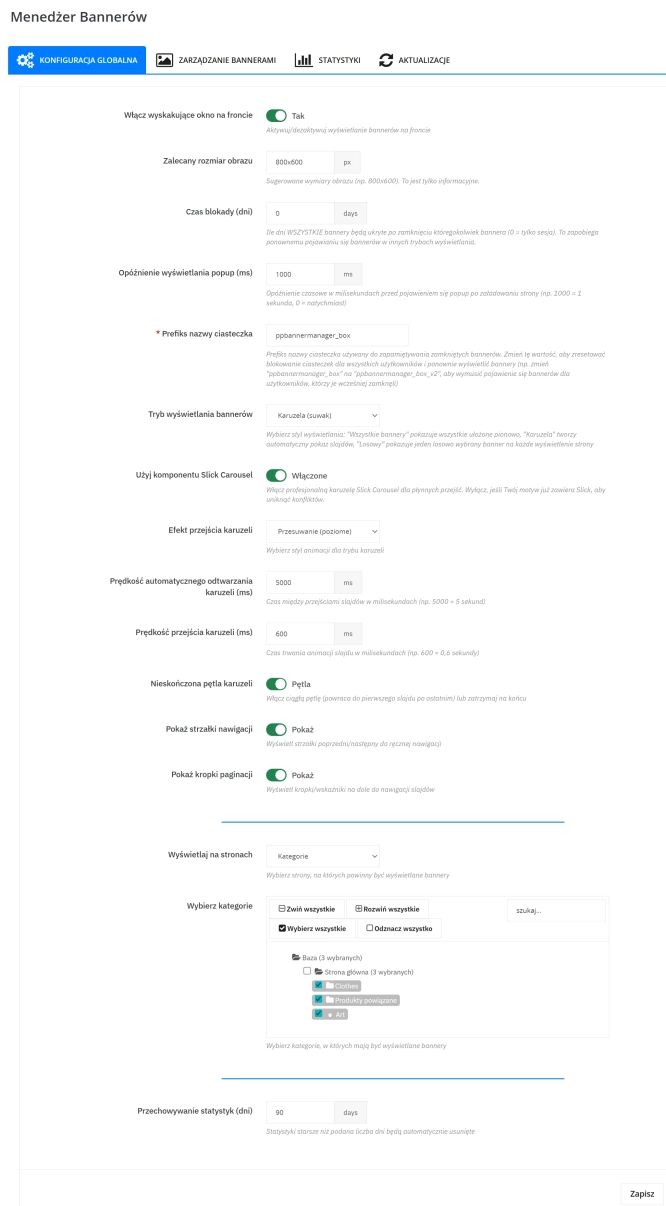
Banner Manager – Highlight promotions, new arrivals and important messages precisely when the customer is most engaged in shopping. Instead of hiding your message in page...
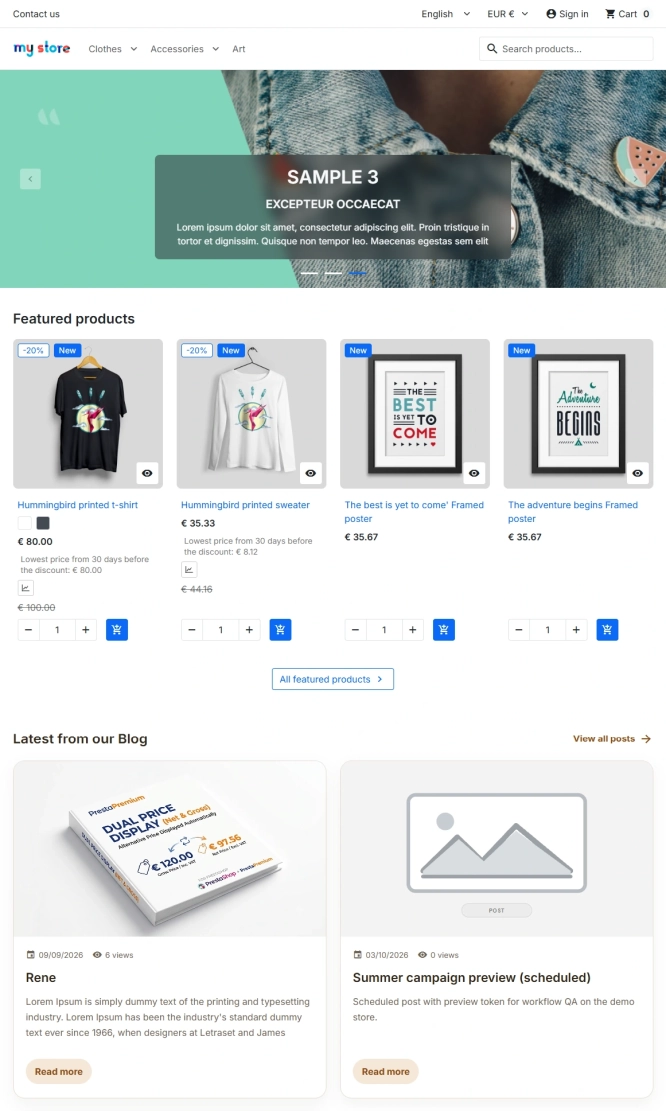
PrestaShop blog module with SEO, post-linked FAQ, FAQPage JSON-LD, editorial workflow and comments
A blog for PrestaShop built for real organic visibility, content commerce and better coverage of question-style search queries. The module gives full control over SEO...
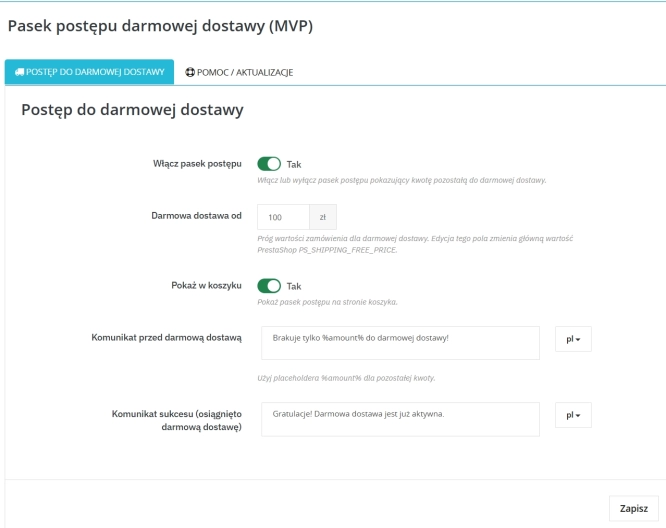
Free Shipping Progress Bar for PrestaShop (Free Version)
Encourage customers to spend more by clearly showing how much is left until they unlock free shipping . This is the free, simplified edition of the module, focused on one...

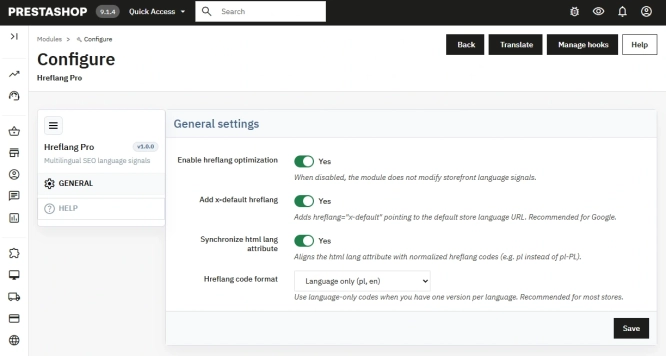
Hreflang and X-Default Normalisation for PrestaShop
Hreflang Pro solves the issue of directing shoppers to the wrong language version of your store (for instance, when a local customer lands on a foreign-language page from...

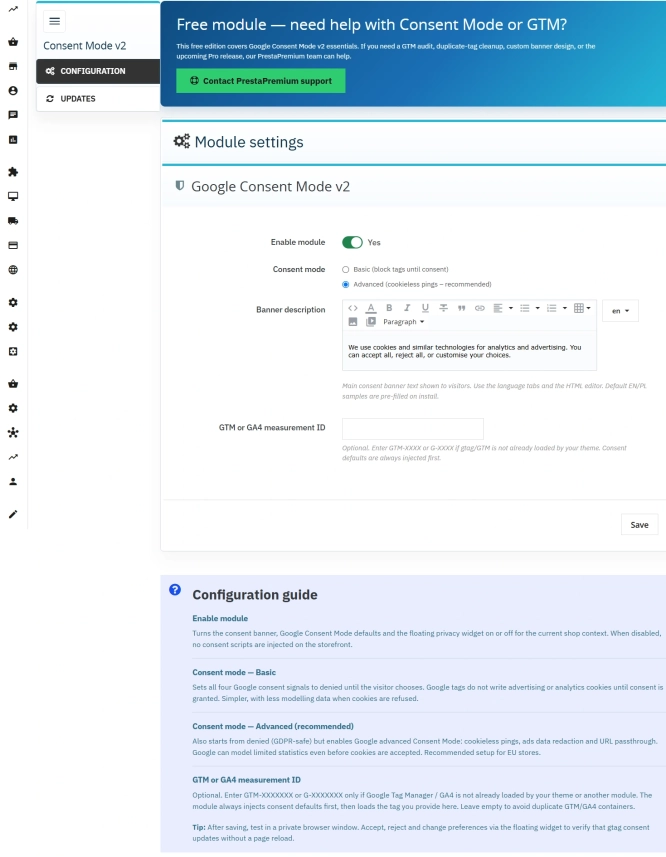
Cookie Banner and Google Consent Mode v2 for PrestaShop (Free)
PrestaPremium Consent Mode v2 (Free) is a reliable, free PrestaShop module that implements a fully GDPR-compliant cookie banner and handles Google Consent Mode v2 for...
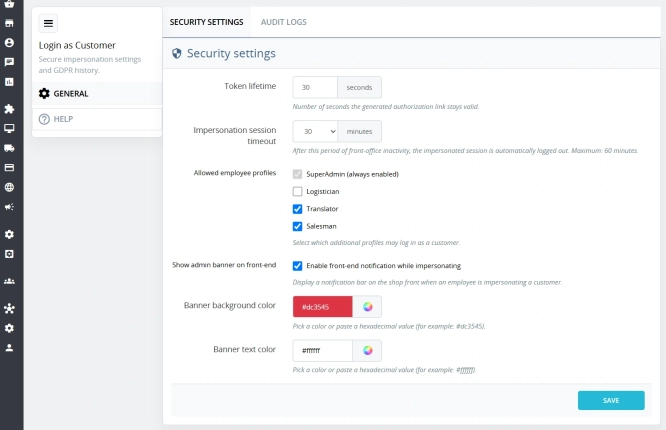
Login as Customer – Log into user accounts from PrestaShop Back Office
This module enables instant access to any customer account directly from the PrestaShop administration panel. It allows quick verification of issues reported by buyers...
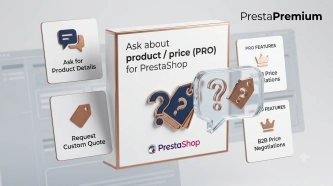
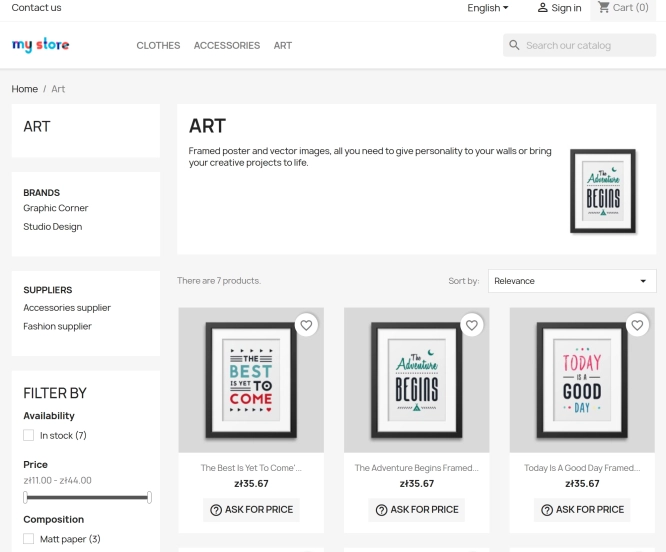
Ask about product / price (PRO)
Ask about product / price (PRO) is an advanced PrestaShop module that adds an enquiry form on the product page and directly on the product list (categories, homepage,...

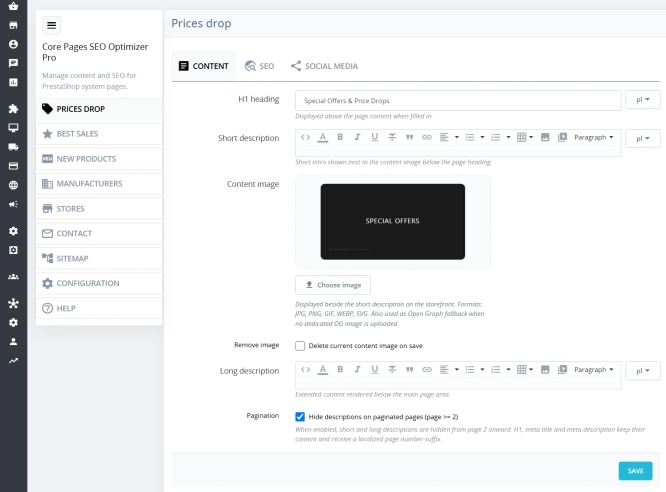
Custom HTML Descriptions and SEO Optimisation for PrestaShop Promo, Best Sellers and New...
The default PrestaShop configuration does not allow entering custom texts or graphics on key subpages that generate organic search traffic. The ppcorepagesseo module is a...

WhatsApp, Telegram and Phone in one - Increase conversions with Quick Contact
A customer has a question? Don't let them wait for an email. The PP Quick Contact module is your sales hotline. Add an elegant, floating button to your store that, with one...
Do you need additional features or custom solutions?
- Module customisation tailored to your specific requirements.
- Extending functionality to enhance your store's capabilities.
- Developing bespoke modules designed to meet your unique needs.
- Integrating external systems and additional tools.
- Optimisation and improvements for better performance and user experience.
Do you have ideas on how to improve this software? Share your suggestions for optimisation, new features, or bug reports – we’ll be happy to review them!