Automatic currency matching by shop language in PrestaShop
- 8.x | 9.x
- EN, FR, IT, DE, PL
- 1.1.0
- 2026-08-10
PP Smart Currency automatically matches the currency to the language a customer is using in your PrestaShop store. Visitors immediately see the right currency, while the shop maintains consistent pricing and more favourable selling conditions.

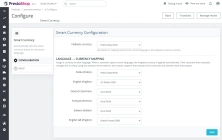
Information Parameters:
- 1.1.0
-
Store Version PHP Version8.x 8.1 – 8.39.x 8.1 – 8.5
- 2026-08-10
- EN, FR, IT, DE, PL
- ✅
- ✅
- ✅
- ✅
Key benefits
- Automatic currency selection by language shortens the path to the right purchasing context as soon as the customer enters a language version of the shop.
- Fallback currency support protects sales when no mapping exists or when the selected currency is inactive.
- Full Multistore compatibility allows separate settings for different shops without mixing configurations.
- Respect for manual currency changes protects the user experience because the module does not override a deliberate choice made through the standard switcher.
- No core modifications makes maintenance, upgrades and technical audits easier for administrators and developers.
Module use cases
Multilingual B2C shops
If the Polish version of the shop should sell in PLN, while the English or German version should sell in EUR, the module automatically enforces the correct assignment without requiring any manual action from the customer.
Cross-border sales and marketplace-ready operations
In international sales models, it helps maintain a consistent language-to-commerce flow, reducing the risk of customers landing in the wrong pricing context.
B2B shops and catalogues with different currency price lists
It helps direct business partners to the correct operating currency from the very first interaction with the shop and reduces questions about price differences.
Multistore environments
Each shop can maintain its own language mapping and fallback currency, which matters when different markets, pricing policies and organisational structures are involved.
Features - Back Office
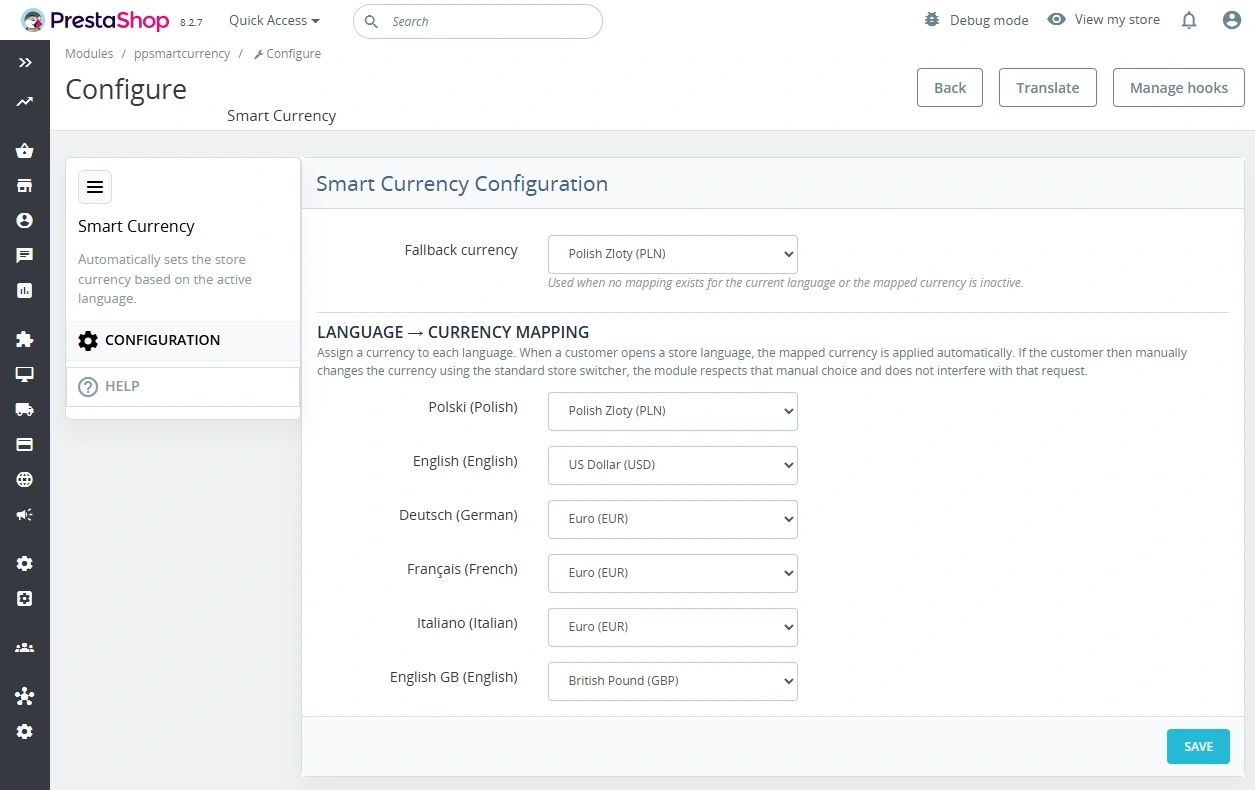
1. Language -> currency mapping
The administrator assigns a currency to each active shop language in a single configuration form.
- Per-language configuration simplifies sales management across multiple markets.
- Active languages only reduces the risk of incorrect configuration entries.
- Clear administration shortens implementation time and later adjustments.
2. Fallback currency
The module allows you to define a fallback currency used whenever the mapping cannot be applied.
- A safety scenario protects the shop from an empty or inconsistent currency context.
- Checkout stability reduces the risk of issues when a currency has been disabled.
- Administrative control allows you to define the reserve rule deliberately.
3. Currency validation for the current shop
The configuration shows only currencies that are active and assigned to the current shop.
- Multistore-safe configuration reduces cross-shop mistakes.
- Fewer operational errors when multiple administrators are working on the platform.
- Better data quality in production settings.
4. Works without core changes
The module uses PrestaShop hooks and context instead of direct changes to system files.
- Easier maintenance during shop and module upgrades.
- Lower risk of regressions when the platform changes.
- A better implementation standard for development teams.
5. Integration with the admin back office
The module has its own BO configuration page and an update information component.
- Quick access to settings makes post-deployment support easier.
- A consistent workflow for administrators and technical support teams.
- Lower maintenance cost across repeated implementations.
Features - Front Office
1. Automatic currency selection when entering a language version
The customer sees the currency that matches the active language without any extra click.
- A better first impression from the very first page view.
- Less friction in the UX before entering the basket and checkout.
- Offer consistency between the language version and price presentation.
2. Respect for manual currency changes
If the customer changes the currency using the standard PrestaShop mechanism, the module does not block that decision within the current request.
- UX-compliant behaviour without fighting the user's preference.
- Lower frustration risk when comparing prices.
- Safe automation instead of aggressive context overrides.
3. Operates through cookie and shop context
The currency logic works within the standard PrestaShop context and cookie, rather than through separate technical URLs.
- No extra endpoints keeps the solution architecture simpler.
- Predictable behaviour for custom themes and integrations.
- Lower SEO conflict risk caused by module-level parameters.
4. Currency updated before the rest of the sales logic
The module sets the target currency early enough for the rest of the basket and sales context to remain consistent.
- Consistent basket data reduces operational issues.
- More stable price flow throughout checkout processes.
- Better implementation predictability for developers.
Impact on sales and SEO
The module reduces the number of situations in which a customer lands on the correct language version but still sees the wrong currency. In practice, this means fewer incorrect basket entries, fewer abandoned purchases caused by unclear price presentation, and fewer support questions about currency differences.
From an SEO perspective, the key point is that the module does not add its own technical URL parameters and does not create separate routes. The logic works through shop context, cookie and standard PrestaShop mechanisms, so it does not unnecessarily expand the indexable structure of the site.
For multilingual shops, this creates a more coherent business signal: language, currency and offer all work together. For SEO and development teams, it is a simpler model to audit than manual theme workarounds or custom front-end scripts used to control currency.
Important
Before installation and deployment on a live shop, create a full backup of files and database. In a Multistore environment, always configure the module in the correct shop context. After changing the settings, clear the PrestaShop cache and test the key scenarios: language change, fallback currency and manual currency change through the standard switcher.
## [1.1.0] - 2026-08-10

### Changed
- Minor Back Office polish: cleaner Help panel heading and spacing.

## [1.0.0] - 2026-02-17

### Added

- Initial release of the module.
You might also like
FAQs
-
Are the modules compatible with my version of PrestaShop?
Each module in our store contains information about compatibility with specific PrestaShop versions. Please check this information carefully before purchasing. If you are not sure, contact us.
-
How does automatic currency selection work?
The module assigns a currency to the currently selected store language. When visitors enter a particular language version, they receive the appropriate currency context without an additional click. Administrators configure the language-to-currency mapping in a single configuration form.
-
What happens when there is no active mapping for a language?
You can configure a fallback currency. The module uses it when no language mapping exists or the mapped currency is inactive. This fallback rule preserves a consistent currency context instead of leaving the store without a defined currency.
-
Is a customer’s manual currency change respected?
Yes. If a customer deliberately changes the currency using the standard PrestaShop switcher, the module does not override that choice for the current request. The automation is intended to simplify the initial context selection, not prevent customer preferences while using the store.
-
Can settings be separated between multistore shops?
Yes. The module supports multistore, so every store in one installation can maintain its own language mappings and fallback currency. The configuration takes into account only currencies that are active and assigned to the current store context.
-
Does the module require changes to PrestaShop core files?
No. The solution uses hooks and the standard PrestaShop context instead of modifying core files directly. Its logic operates within the cookie and store context and does not create its own technical URLs or additional endpoints.
16 other products in the same category:
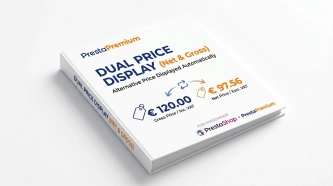
Dual Price Display (Net & Gross) — Alternative Price Displayed Automatically
Dual Price Display (Net & Gross) does the heavy lifting for you: it automatically checks which price is currently active in your shop and instantly displays the other...
- New
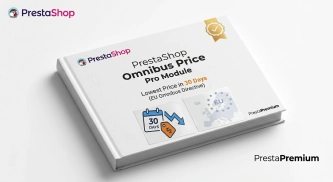
PrestaShop Omnibus Price Pro Module – Lowest Price in 30 Days (EU Omnibus Directive)
Omnibus Price Pro is an advanced PrestaShop module designed to automate the display of the lowest price prior to a discount (default 30 days). Ensure full compliance...

Helpdesk — professional ticketing and customer support system for PrestaShop
PP Helpdesk is a module that turns chaotic email exchanges into a clear, organised ticketing system directly within your PrestaShop store. Customers can comfortably create...
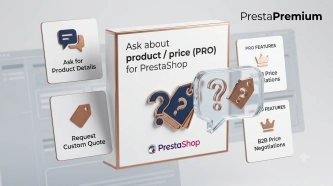
Ask about product / price (PRO)
Ask about product / price (PRO) is an advanced PrestaShop module that adds an enquiry form on the product page and directly on the product list (categories, homepage,...

WhatsApp, Telegram and Phone in one - Increase conversions with Quick Contact
A customer has a question? Don't let them wait for an email. The PP Quick Contact module is your sales hotline. Add an elegant, floating button to your store that, with one...

Custom HTML Descriptions and SEO Optimisation for PrestaShop Promo, Best Sellers and New...
The default PrestaShop configuration does not allow entering custom texts or graphics on key subpages that generate organic search traffic. The ppcorepagesseo module is a...
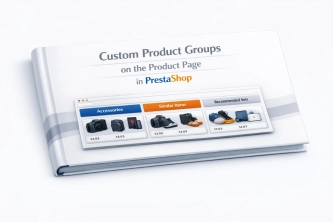
Custom Product Groups on the Product Page in PrestaShop
With Product Accessories Plus , you can create any product groups you need , set their order, and display them directly on the product page in your PrestaShop shop. You...
- Discount
Price available only until: 30.09.2026
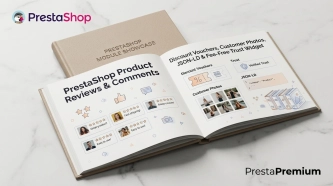
PrestaShop Product Reviews & Comments – Discount Vouchers, Customer Photos, JSON-LD & Fee-Free...
This module serves as a complete alternative to paid SaaS review platforms (such as Trustpilot, Opineo, or Trusted Shops) and allows you to bypass complex Google...

- Discount
Price available only until: 11.10.2026
Product recommendation module for PrestaShop
A recommendations module for PrestaShop that displays tailored product suggestions in two key points of the buying journey: the product page and the cart. It reduces...
Banner Manager – Highlight promotions, new arrivals and important messages precisely when the customer is most engaged in shopping. Instead of hiding your message in page...

Google Maps Reviews Module for PrestaShop – Automatic Import and Display of Customer Ratings
This module serves to increase trust in your shop by displaying authentic reviews from Google Maps. Thanks to the automatic generation of JSON-LD structured data, star...
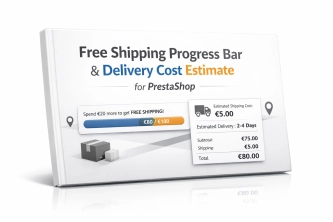
Free Shipping Progress Bar & Delivery Cost Estimate for PrestaShop
Encourage customers to spend more by showing them exactly how much is left until free shipping . The module also displays an estimated delivery cost on the product page ,...
Products on CMS Pages for PrestaShop — Shortcode (Free)
PP CMS Products (Free) is a free PrestaShop module for displaying products on CMS pages. Insert a shortcode in your page content, e.g. [products:12] — the module...
Login as Customer – Log into user accounts from PrestaShop Back Office
This module enables instant access to any customer account directly from the PrestaShop administration panel. It allows quick verification of issues reported by buyers...
Dynamic Product Labels and Stickers for PrestaShop
The PP Product Stickers module is designed for automated product labelling in your store using graphic and text stickers. The tool allows you to implement clear sales...
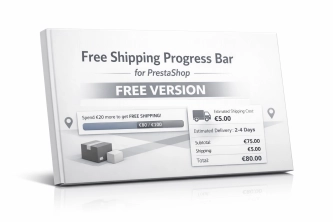
Free Shipping Progress Bar for PrestaShop (Free Version)
Encourage customers to spend more by clearly showing how much is left until they unlock free shipping . This is the free, simplified edition of the module, focused on one...
Do you need additional features or custom solutions?
- Module customisation tailored to your specific requirements.
- Extending functionality to enhance your store's capabilities.
- Developing bespoke modules designed to meet your unique needs.
- Integrating external systems and additional tools.
- Optimisation and improvements for better performance and user experience.
Do you have ideas on how to improve this software? Share your suggestions for optimisation, new features, or bug reports – we’ll be happy to review them!