WhatsApp, Telegram and Phone in one - Increase conversions with Quick Contact
PP-M019F
- 1.7.5 + | 8.x | 9.x
- FR, PL, IT, DE, EN
- 1.0.0
- 2026-02-17
A customer has a question? Don't let them wait for an email. The PP Quick Contact module is your sales hotline. Add an elegant, floating button to your store that, with one click, takes the customer straight to a conversation on WhatsApp, Telegram, or connects them by phone.
It's the easiest way to build trust and rescue abandoned carts. Full Multistore support, works perfectly on smartphones, and setup in 2 minutes.


0.00 €
Tax excluded
Information Parameters:
- 1.0.0
-
Store Version PHP Version1.7.5 + 7.1 – 7.48.x 8.1 – 8.39.x 8.1 – 8.5
- 2026-02-17
- FR, PL, IT, DE, EN
- ✅
- ✅
- ✅
- ✅
- ❌
Why does your store need this?
- Catch the customer "in the moment" – doubts about size or delivery time? One click and the customer asks on WhatsApp instead of closing the browser tab.
- Favorite communication channels – email is a thing of the past for many customers. Give them what they know and love: WhatsApp, Telegram, or a quick phone call.
- Mobile First – most purchases happen on their phone. Our widget uses native apps on the customer's smartphone, ensuring an ultra-smooth experience.
- Fewer abandoned carts – fast interaction = faster purchasing decisions. It's simple math.
- Ready for the world (Multistore & Multilang) – Do you run multiple stores? Do you sell internationally? The module will handle various numbers and greeting languages without hesitation.
The perfect solution for:
- B2B and service industries – where quick contact with an advisor is key to closing the deal.
- Technical stores – parts, electronics, construction – where customers always have "just one quick question."
- International sales – WhatsApp reigns supreme in Europe, Telegram in the East. Be available where your customers feel safe.
- Anyone who values minimalism – instead of heavy, expensive Live Chat, you get a lightweight and effective tool.
What can your new command center do? (Back Office)
Complete freedom of choice
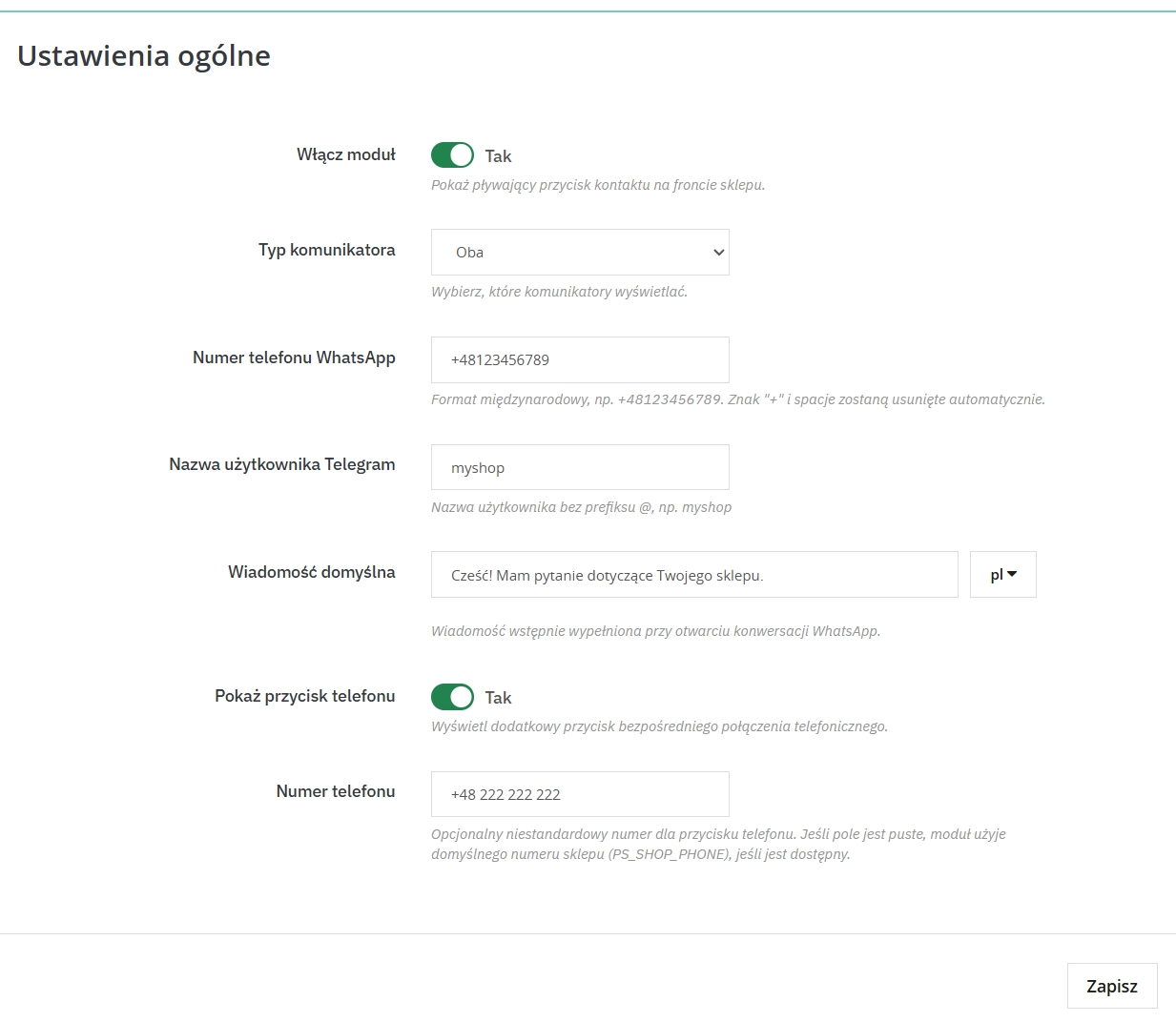
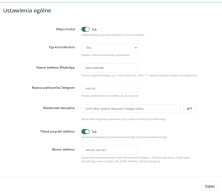
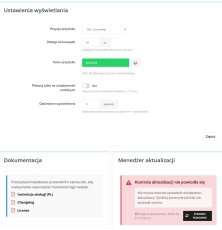
You're in charge. Choose your primary messenger (WhatsApp or Telegram) and decide whether you want to additionally display a phone icon. Click through everything in a simple panel.
Multistore Master
Do you have several stores in one Presta? No problem. Set a different number for wholesalers, retailers, and outlets. The module knows where it's located.
Design for your brand
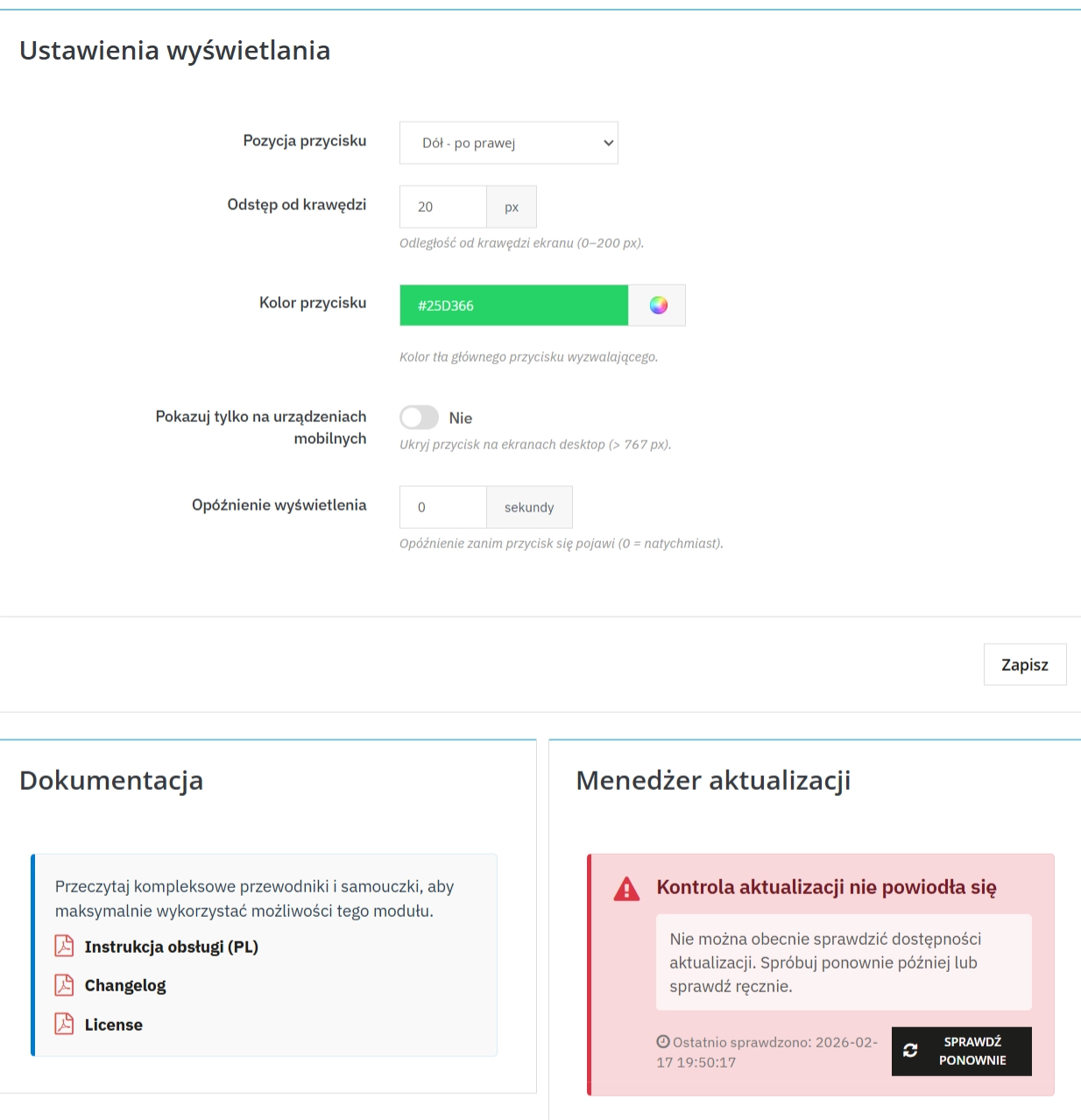
Don't let the widget clash with your template. Choose a background color from the Hex palette, set the position (left/right) and margins so as not to cover, for example, the cookie bar.
Speak your customer's language
Define ready-made starter messages (pre-fill). A German customer will see "Guten Tag...", and a Polish customer will see "Good morning, I have a question about the product...". This makes it easy to start a conversation.
What does your customer see? (Front Office)
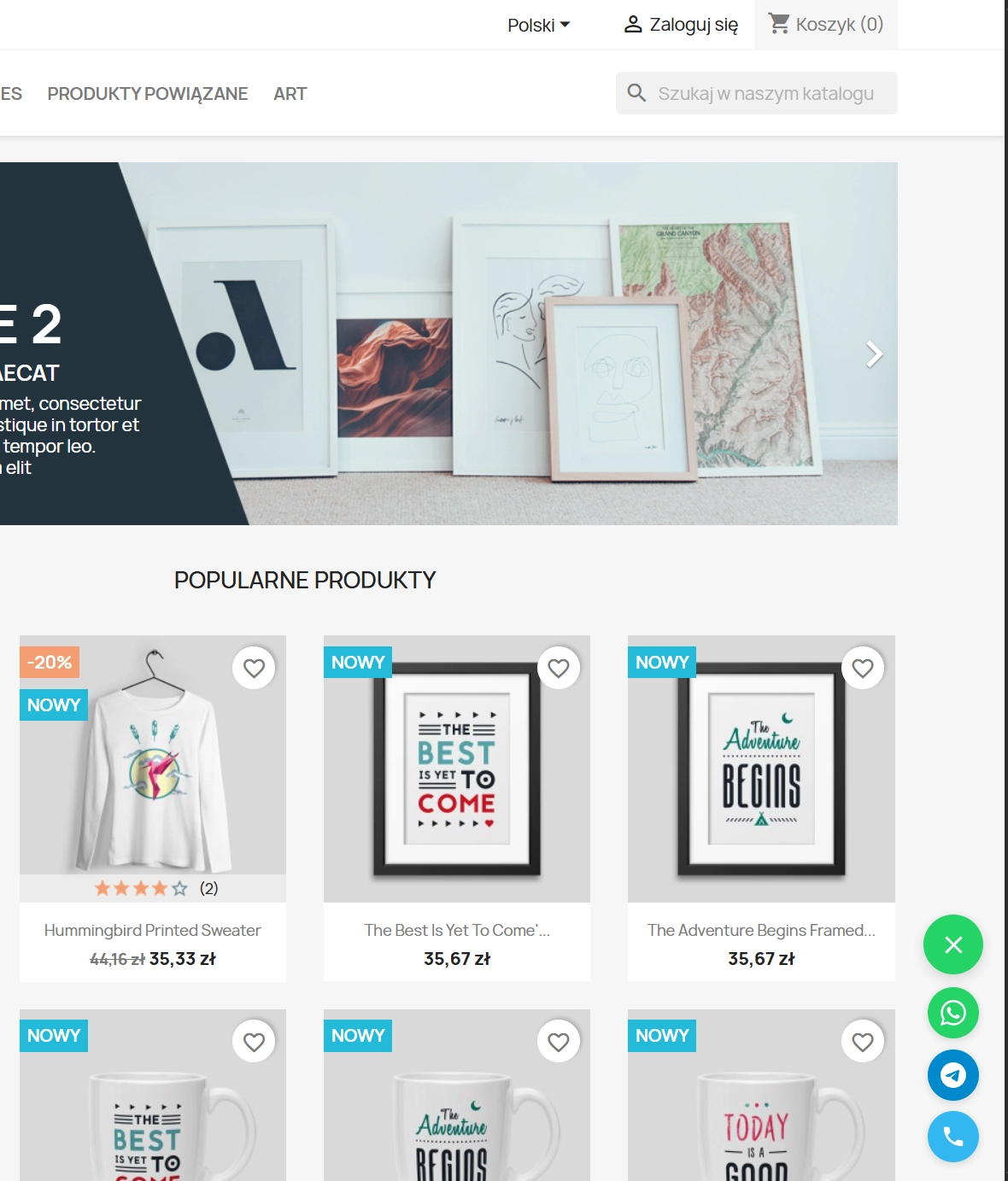
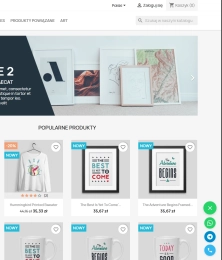
Always at hand (Floating Button)
The button "floats" discreetly above the content. It's always available as the customer scrolls the page, but isn't obtrusive. You can even set a delay before it appears.
Intelligent Operation
On a computer, it opens WhatsApp Web, on a phone – the app. Zero errors, zero frustration. It just works.
Intelligent Fallback
Forgot to enter your number in the module? Don't worry, the system will automatically pull your store's main number from the PrestaShop settings so you don't lose any connections.
Speed and SEO – your store will remain lightweight
Afraid another module will slow down your store? Not here. PP Quick Contact is not some LiveChat-like mare that loads megabytes of scripts. Our module is lightweight, doesn't burden the DOM, and doesn't affect Google PageSpeed Insights (Core Web Vitals). You gain functionality without sacrificing SEO performance.
Important Tip
Remember to provide phone numbers in international format (e.g., 48123456789), but without the "+" sign. This ensures that WhatsApp and Telegram interpret the link correctly. And don't forget about updates – you can access them through our convenient PP Updater!
## [1.0.0] - 2026-02-17

### Added

- Initial release of the module.
- Support for WhatsApp and Telegram messengers.
- "Call us" phone button feature with custom phone number input.
- Floating button positioning (Left/Right) and bottom offset customization.
- Custom button color configuration with default fallback checks.
- Mobile-only display option.
- Display delay configuration.
- Multilingual default messages for pre-filling chats.
- Multistore support (All Shops / Group / Specific Shop contexts).
- Built-in update notification system (Integral Component).
You might also like
FAQs
-
Are the modules compatible with my version of PrestaShop?
Each module in our store contains information about compatibility with specific PrestaShop versions. Please check this information carefully before purchasing. If you are not sure, contact us.
-
How does a customer start a conversation through the module?
The module adds a floating contact button to the shop. When clicked, it can direct the customer to WhatsApp, Telegram or a phone call, depending on the selected configuration. The button remains available while the page is scrolled, keeping contact visible without leaving the current content.
-
How does the button work on desktop and mobile?
On desktop, the module can open WhatsApp Web, while on a mobile device it can direct the customer to the appropriate app. The product description indicates that the solution was designed with smartphone use in mind. Users can open the selected contact channel with one click from the shop.
-
What aspects of the widget appearance can be configured?
In the panel, you can choose the main messenger—WhatsApp or Telegram—and decide whether to show a phone icon. Configuration also includes background colour, left or right position and margins. You can also set a delay before the button appears on the page.
-
Can I set different details for shops and languages?
Yes. The module supports MultiStore and multiple languages. It lets you assign separate contact numbers to different shops in one PrestaShop installation and prepare welcome messages for individual languages. This allows communication to be tailored to a particular shop version and customer language.
-
What are pre-filled welcome messages?
Pre-filled welcome messages are texts prepared in advance in the module configuration. When a customer moves to the messenger, they can make it easier to start a conversation, for example by displaying an initial question about a product. Their content can be tailored separately for each shop language.
10 other products in the same category:
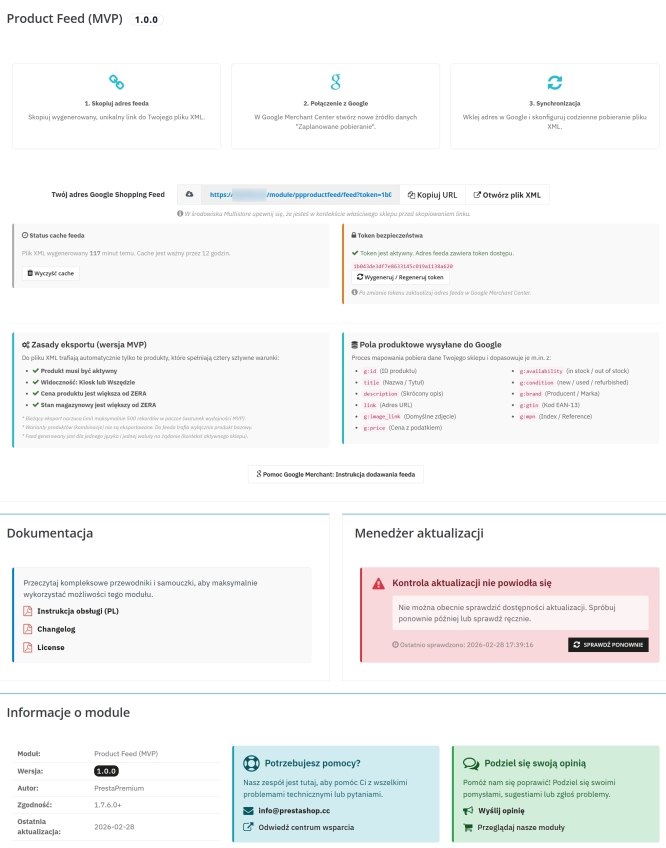
PrestaShop Integration with Google Merchant Centre (Free Version)
PrestaShop integration with Google Merchant Centre via a standards-compliant XML feed. A lightweight, secure and production-ready free edition, optimised for performance and...
0.00 €
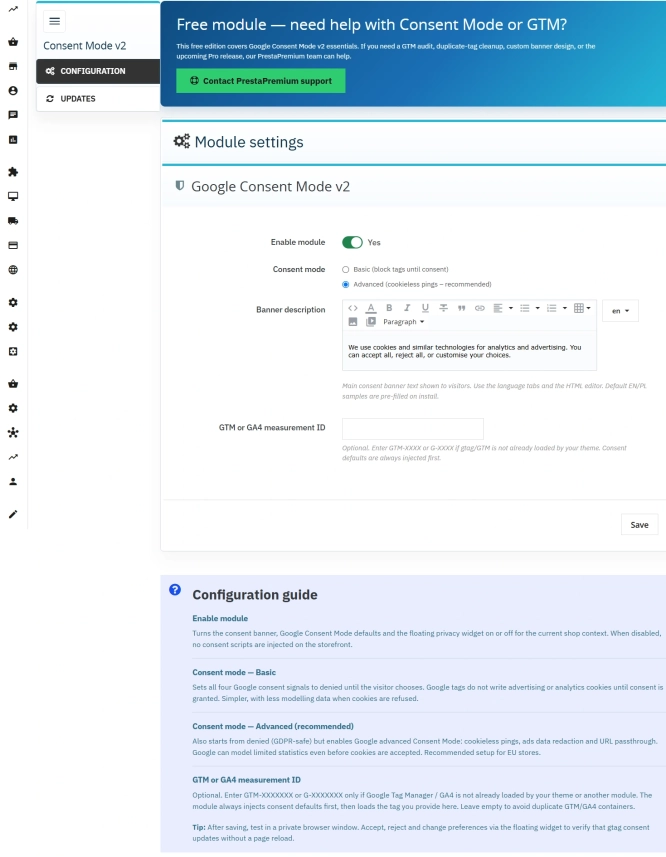
Cookie Banner and Google Consent Mode v2 for PrestaShop (Free)
PrestaPremium Consent Mode v2 (Free) is a reliable, free PrestaShop module that implements a fully GDPR-compliant cookie banner and handles Google Consent Mode v2 for...
0.00 €
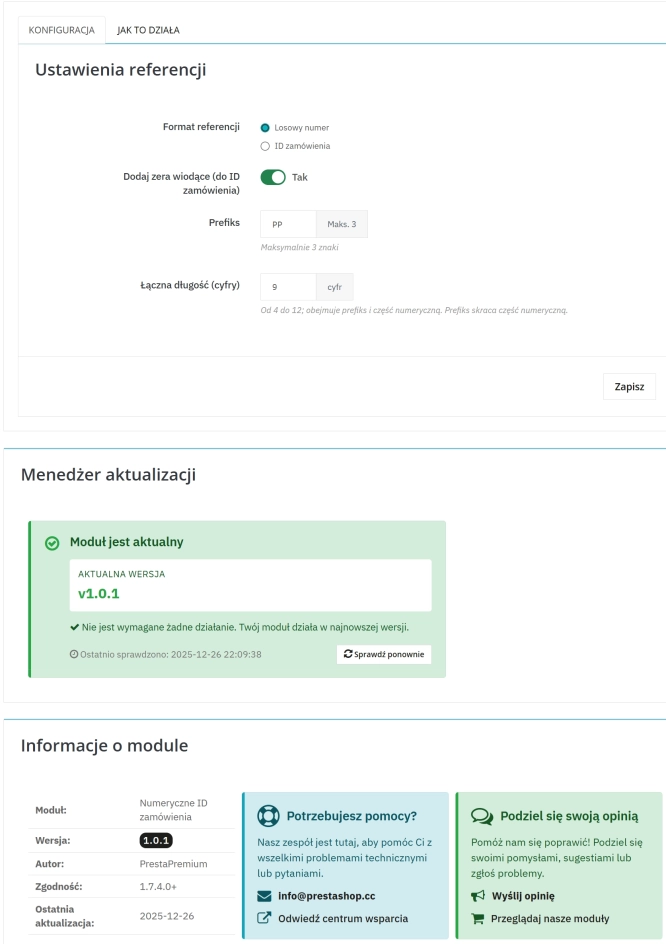
Replace order reference with a numeric reference in PrestaShop
The module organises order identification by replacing the default reference with a numeric one (random or based on the order ID ). It makes customer communication easier,...
23.10 €
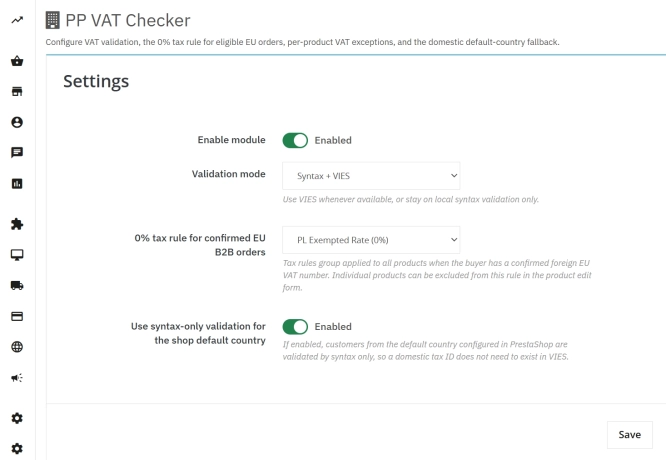
VAT and VIES Validation for B2B in PrestaShop
PP VAT Checker is a reliable PrestaShop module that automates VAT number verification for your business customers. With direct integration with the VIES database, it...
26.70 €

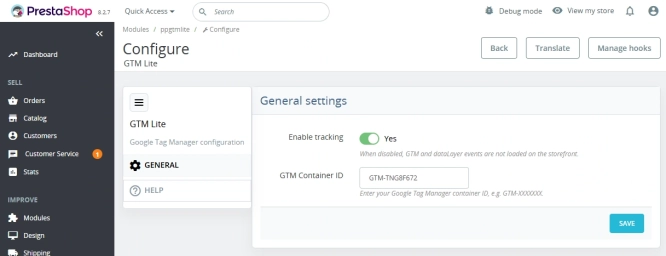
GTM Lite – Free Google Tag Manager & GA4 e-Commerce Module for PrestaShop
100% FREE (LITE Version) GA4 e-Commerce Standard GTM Lite is a lightweight, free module connecting your PrestaShop store with Google Tag Manager. It automatically...
0.00 €
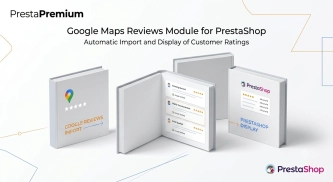
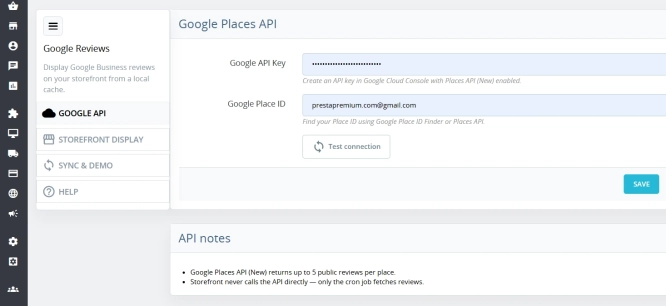
Google Maps Reviews Module for PrestaShop – Automatic Import and Display of Customer Ratings
This module serves to increase trust in your shop by displaying authentic reviews from Google Maps. Thanks to the automatic generation of JSON-LD structured data, star...
29.70 €
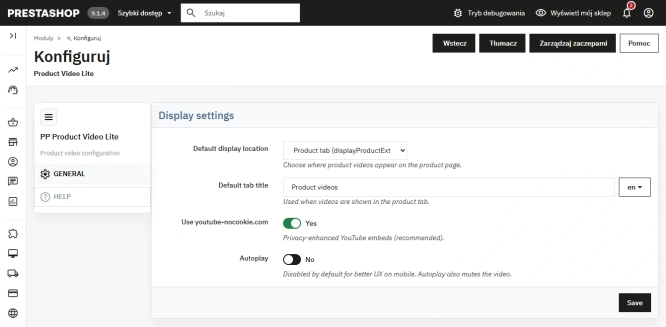
Free PrestaShop Video Module (YouTube & Vimeo)
Product Video Lite is a free and exceptionally lightweight module that allows you to assign an unlimited number of YouTube and Vimeo videos to your products. Instantly...
0.00 €
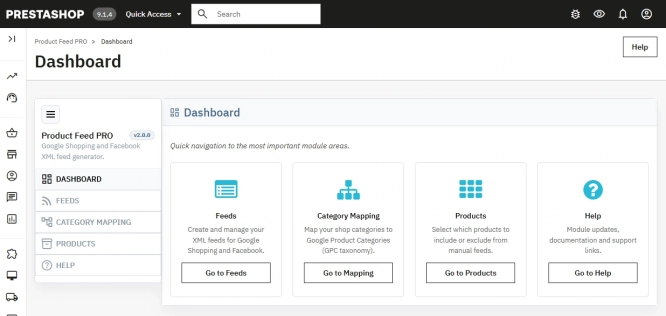
PrestaShop Integration with Google Merchant Centre (Version Pro)
Product Feed PRO streamlines catalogue publishing between your store and advertising platforms. It is practical for e-commerce teams that need faster time-to-market for new...
89.10 €
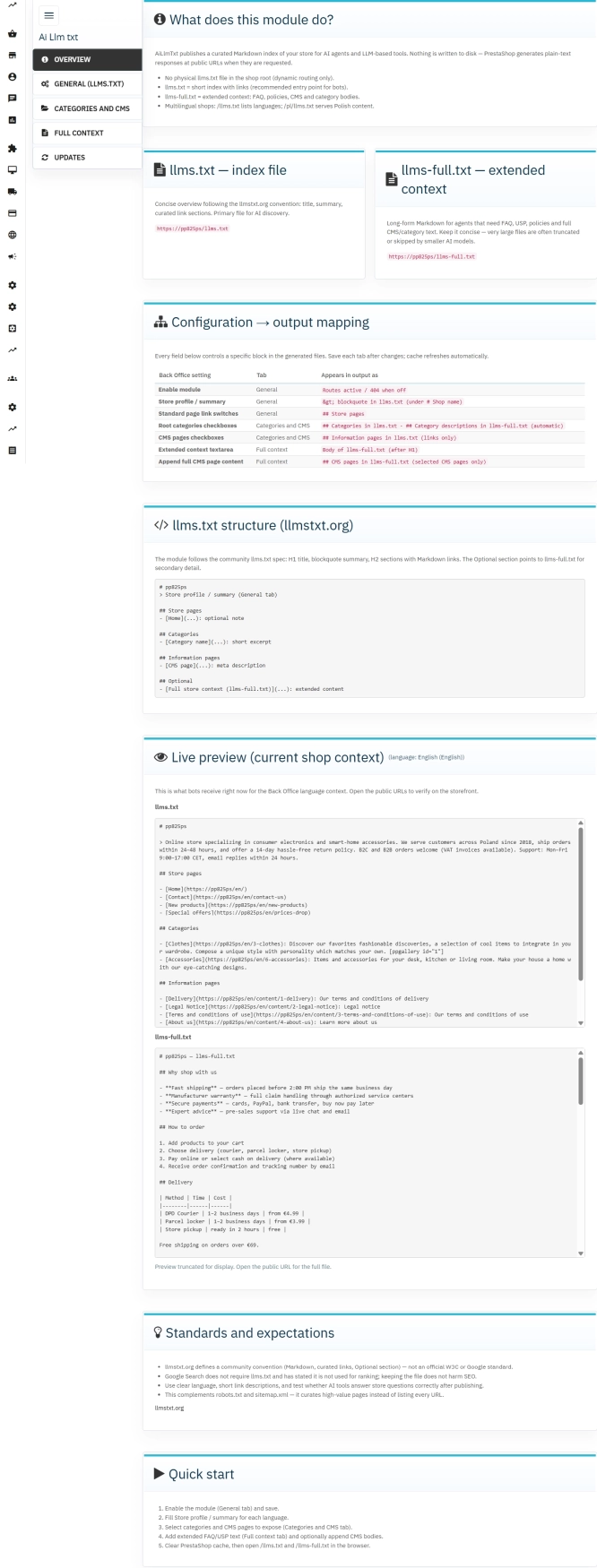
llms.txt for PrestaShop — Dynamic Store Index for AI Bots
AiLlmTxt publishes llms.txt and llms-full.txt files on the fly, without physical file generation on the disk — PrestaShop generates them dynamically under public URLs....
29.70 €
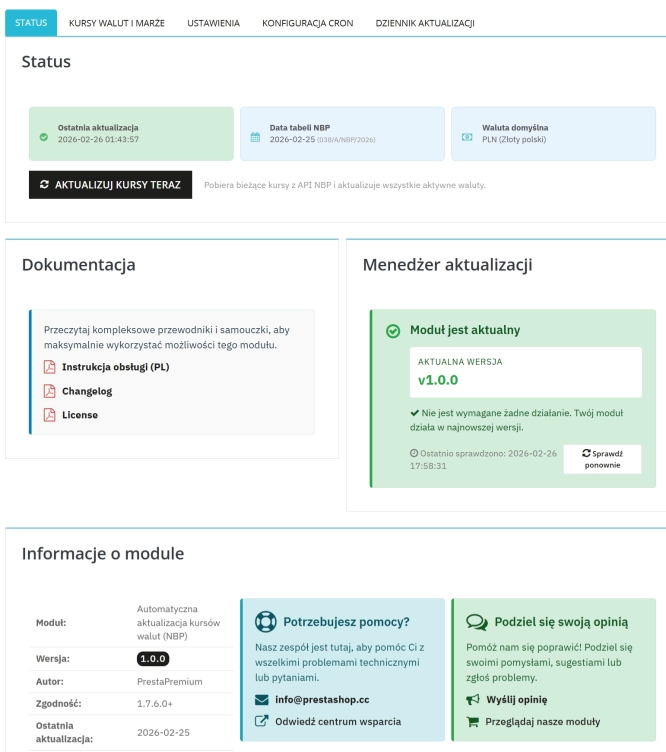
Automatic update of NBP exchange rates with margin
Automatic currency rate updates is a PrestaShop module that automates a critical area of e-commerce: updating exchange rates based on the NBP API and your own margin rules....
52.20 €
Do you need additional features or custom solutions?
- Module customisation tailored to your specific requirements.
- Extending functionality to enhance your store's capabilities.
- Developing bespoke modules designed to meet your unique needs.
- Integrating external systems and additional tools.
- Optimisation and improvements for better performance and user experience.
Do you have ideas on how to improve this software? Share your suggestions for optimisation, new features, or bug reports – we’ll be happy to review them!