Replace order reference with a numeric reference in PrestaShop

PP-M011
  • 1.7.5 + | 8.x | 9.x
  • EN, FR, IT, DE, PL
  • 1.0.1
  • 2025-12-26

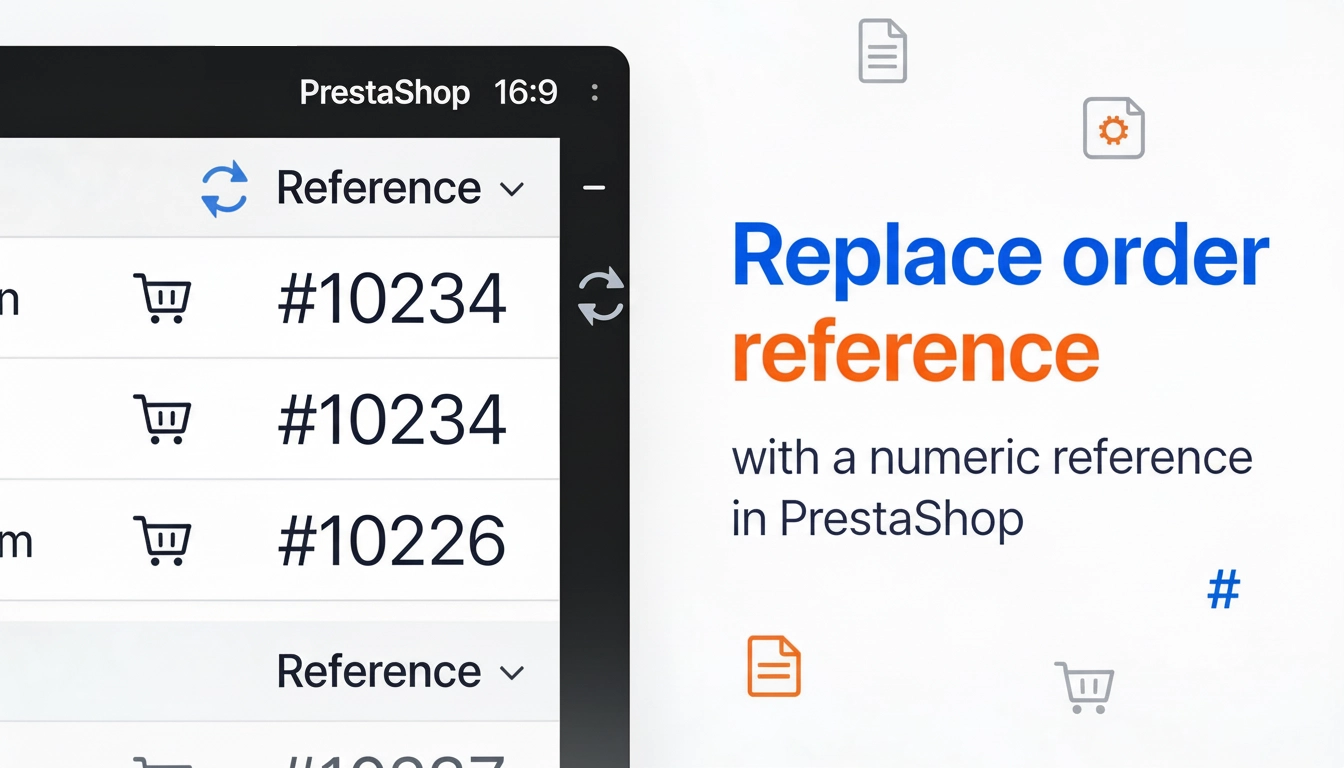
The module organises order identification by replacing the default reference with a numeric one (random or based on the order ID ). It makes customer communication easier, streamlines day-to-day support work, and improves consistency across documents.

For commerce, administration and implementations: simple configuration, a predictable format, and compatibility with B2B processes and integrations.

23.10 € Tax excluded

Store Administration Back office demo

Information Parameters:

  • 1.0.1
  • Store Version PHP Version
    1.7.5 + 7.1 – 7.4
    8.x 8.1 – 8.3
    9.x 8.1 – 8.5
  • 2025-12-26
  • EN, FR, IT, DE, PL
  • demo.admin.shop

Problems the module solves

  • Unclear references in customer communication: it used to be a “random string”, now it’s a readable numeric reference that makes conversations and ticket handling easier.
  • Numbering mismatch across documents and systems: it used to be “hard to map the reference”, now there is one predictable format (prefix + number) for payments, shipping and returns.
  • Manual errors when copying characters: it used to be easy to confuse letters/digits, now the format is digit-based, optionally with leading zeros .
  • Company requirement for a specific number format: it used to be “no control”, now you can set a prefix and length to match B2B processes.

Key benefits

  • Consistent order identification – one reference format for everyday support work and documents.
  • Fewer mistakes – a numeric format is faster to read out and less error-prone than alphanumeric strings.
  • Better operational integration – easier mapping in shipping, payment and helpdesk systems.
  • Format control – prefix + leading zeros + length let you match your company’s standards.
  • Safe behaviour in case of conflicts – if your environment already has other reference changes, you can disable the module without affecting historical data.

Use cases

  • B2B shops where the order number is referenced in correspondence, contracts, settlements and approval processes.
  • Multi-channel shops (marketplace, ERP, WMS) where unambiguous order mapping across systems is critical.
  • High-volume order processing where speed of identification and minimising communication errors matters.
  • Companies that require a prefix (e.g. channel, department, project) and a fixed number length.

Features – Back Office

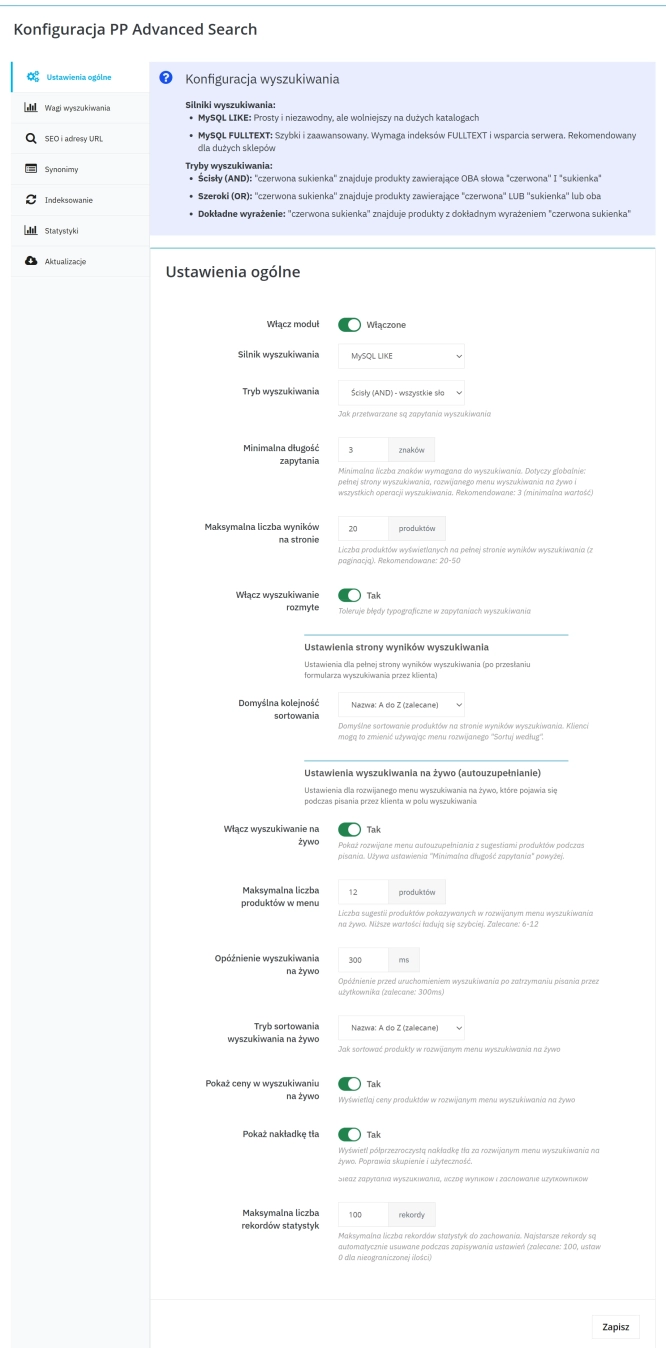
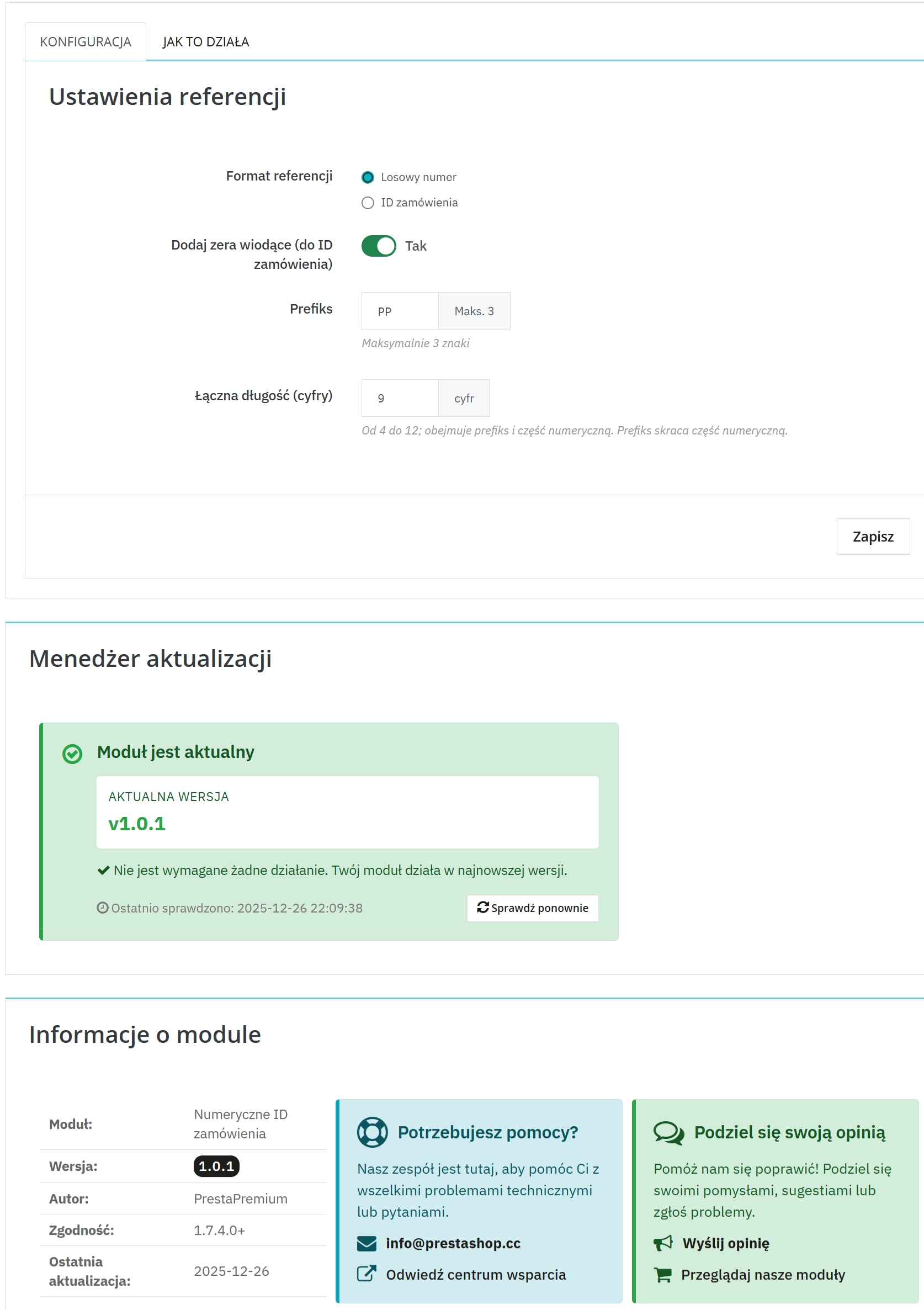
1. Choose the reference format

You decide whether the number should be random or based on the order ID – depending on operational needs and company requirements.

  • Random number – prioritises uniqueness and independence from numbering.
  • Order ID – prioritises predictability and easy mapping in processes.

2. Leading zeros and readability

You can enable leading zeros for the ID-based mode, which helps when working with fixed-length numbers.

  • Fixed width – convenient in reports and systems that require a specific format.
  • Quick recognition – less prone to mistakes when copying.

3. Prefix and reference length

You can add a short prefix and define the total reference length to match your company’s standards.

  • Prefix – identifies the channel, department or project.
  • Length 4–12 – format control across different order volumes.

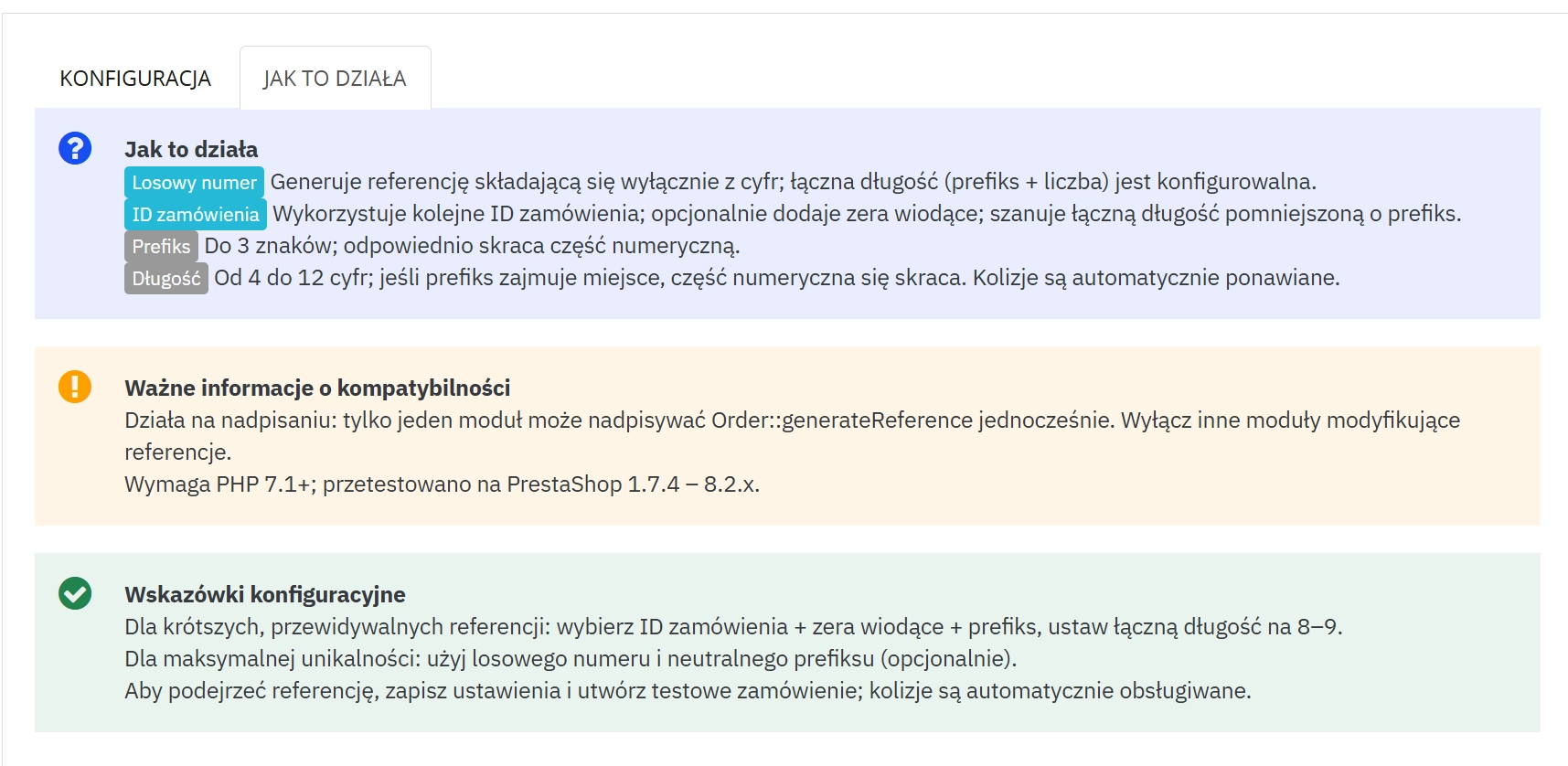
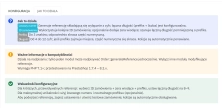
4. “How it works” tab and compatibility warnings

The help tab includes clear rules, limitations, and configuration guidance.

  • Reference-change conflict – indicates that only one solution can modify reference generation at the same time.
  • Environment requirements – information about PHP version and PrestaShop compatibility.

Features – Front Office

1. Consistent reference in customer communication

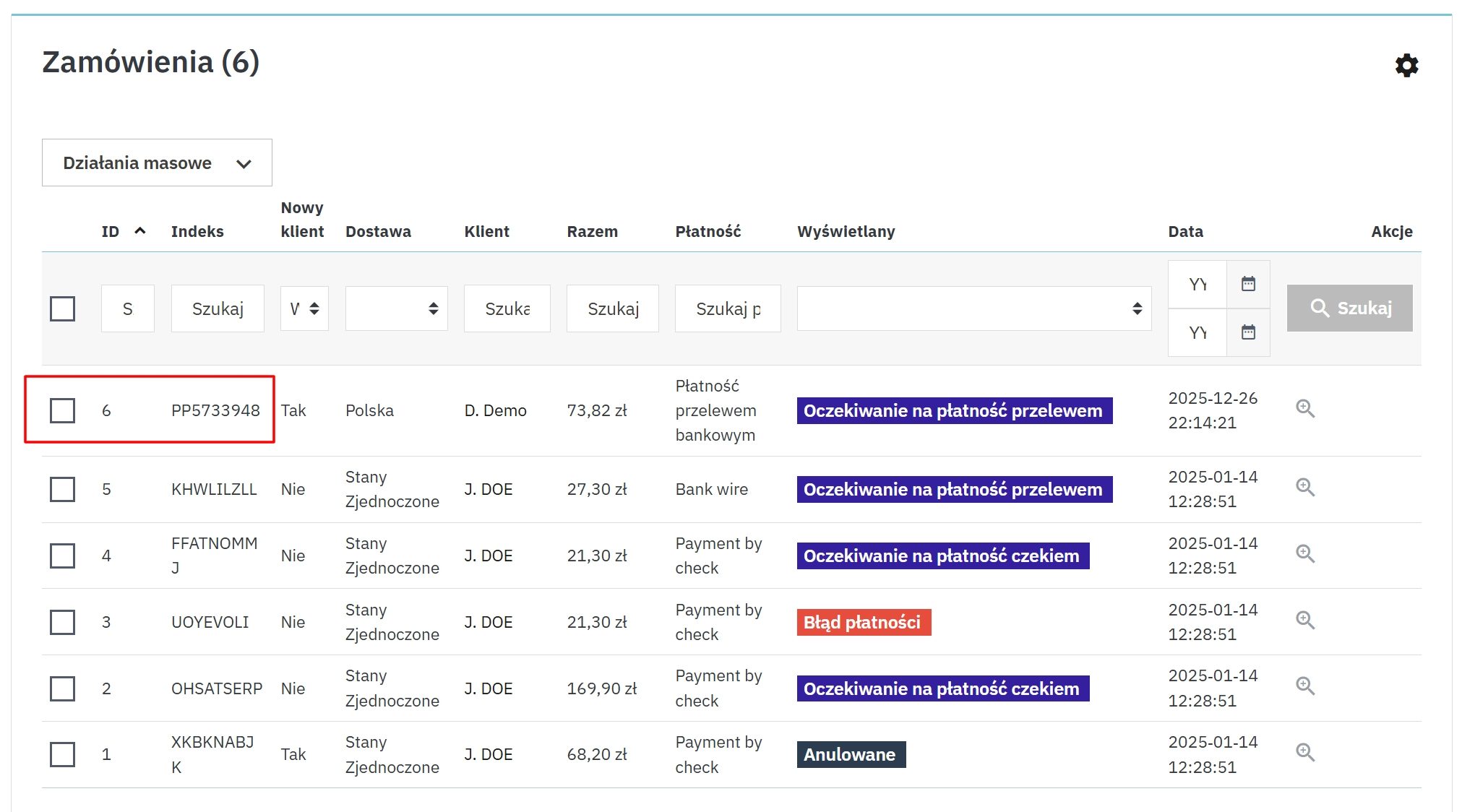
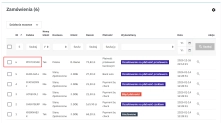
After an order is created, the customer sees the same readable reference wherever PrestaShop uses it (e.g. order history, emails, documents).

  • Fewer misunderstandings – easier to provide the number when contacting support.
  • Better usability – a numeric format is easier to copy.

Impact on sales and SEO

  • Faster after-sales support – quicker order identification in tickets (fewer mistakes, fewer follow-up questions).
  • Fewer integration errors – a numeric, predictable format reduces issues in systems that require fixed-width fields or digit validation.
  • Lower operational cost – less manual verification in B2B processes (verification, returns, complaints).
  • SEO – the module does not change public product content; SEO impact is neutral, while improving identifier consistency in reports and analytics integrations.

Note!

Before installation, make a backup of files and the database (especially if the shop uses other modules that modify the order reference).
The module uses the override mechanism – only one solution that changes reference generation can be active at the same time.
After installation, clear the PrestaShop cache to ensure the changes are active in the Back Office and Front Office.

Download:


PrestaShop module installation (625.83KB)

Universal documentation describing the module installation process for PrestaShop.

[1.0.1] - 2025-12-26
Added
Reference length control: added PPNUMREF_LENGTH (4–12) and ensured prefix is trimmed to fit the total length.
Updater translations: added component translations for de.php, fr.php, it.php in the updater toolkit.

[1.0.0] - 2025-12-20
Added
Initial release: numeric order reference generation via override (random numeric or based on order ID).
Back Office UI: configuration screen with tabs and a “How it works” help panel (compatibility notes / override warnings).
Updater integration: included PP updater component for Back Office update notifications.

FAQs

  • Are the modules compatible with my version of PrestaShop?

    Each module in our store contains information about compatibility with specific PrestaShop versions. Please check this information carefully before purchasing. If you are not sure, contact us.

  • How does the module change order identification?

    The module replaces the standard order reference with a number. It can generate that number randomly or derive it from the order ID. This creates a predictable numeric identifier that can be easier to use in day-to-day operations and on documents.

  • Can I customise the order number format?

    Yes. The configuration lets you add a short prefix and set the total number length between 4 and 12 characters. This makes it possible to align the reference format with your company, sales channel, department or project standards.

  • What are leading zeros used for in the number?

    When using the order-ID-based mode, you can enable leading zeros. They keep all numbers the same width, making them easier to read in reports and systems that require a specific field format. This setting affects only the readability of the number.

  • Where will customers see the updated order reference?

    Once an order has been created, customers see the same numeric reference wherever PrestaShop displays the order identifier, including their order history, email messages and documents. This helps keep communication consistent for both customers and staff.

  • What happens to historical data when the module is disabled?

    The product description states that the module can be disabled without affecting historical data. Before deployment, however, check that the shop is not already using another solution that changes reference generation, as only one such solution can operate at a time.

Do you need additional features or custom solutions?

  • Module customisation tailored to your specific requirements.
  • Extending functionality to enhance your store's capabilities.
  • Developing bespoke modules designed to meet your unique needs.
  • Integrating external systems and additional tools.
  • Optimisation and improvements for better performance and user experience.

Do you have ideas on how to improve this software? Share your suggestions for optimisation, new features, or bug reports – we’ll be happy to review them!