PrestaShop Integration with Google Merchant Centre (Version Pro)
- 1.7.5 + | 8.x | 9.x
- FR, PL, IT, DE, EN
- 2.0.3
- 2026-10-04
Product Feed PRO streamlines catalogue publishing between your store and advertising platforms. It is practical for e-commerce teams that need faster time-to-market for new products while reducing data errors.
Admins gain operational control, developers get stable integration logic, and SEO specialists receive a cleaner, structured product-data layer for paid channels.


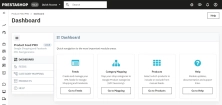
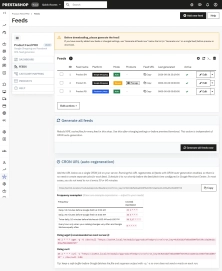
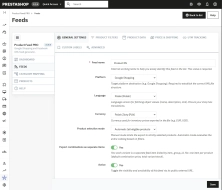
Information Parameters:
- 2.0.3
-
Store Version PHP Version1.7.5 + 7.1 – 7.48.x 8.1 – 8.39.x 8.1 – 8.5
- 2026-10-04
- FR, PL, IT, DE, EN
- ✅
- ✅
- ✅
- ✅
- ❌
- demo.admin.shop
Najważniejsze korzyści
- Szybsza publikacja oferty w kanałach reklamowych — jeden moduł zasila Google Merchant Center i Meta Catalog bez osobnych procesów eksportu.
- Lepsza kontrola asortymentu — tryby AUTO i MANUAL pozwalają decydować, czy eksport obejmuje całość oferty, czy wybrane SKU.
- Wyższa jakość danych produktowych — mapowanie kategorii Google i konfiguracja identyfikatorów ograniczają ryzyko odrzuceń feedu.
- Mniejszy koszt operacyjny zespołu — harmonogram CRON i cache feedu redukują liczbę ręcznych interwencji administracyjnych.
- Gotowość do skalowania sprzedaży — wiele feedów per rynek, język i walutę wspiera ekspansję cross-border.
Zastosowania modułu
Sklep jednorynkowy z kampaniami PLA
Jeden feed dla Google Shopping, regularna regeneracja przez CRON i szybkie odświeżanie po zmianach cen.
Sklep multistore lub cross-border
Osobne feedy dla języków i walut (np. PL-PLN, DE-EUR), z niezależnymi filtrami kategorii i producentów.
Asortyment sezonowy lub selektywna sprzedaż
Tryb MANUAL umożliwia eksport tylko produktów promowanych, a tryb AUTO utrzymuje pełną synchronizację katalogu.
Sklepy z dużą liczbą wariantów
Eksport kombinacji jako osobnych pozycji poprawia reprezentację rozmiarów i kolorów w kanałach reklamowych.
Funkcjonalności – Back Office
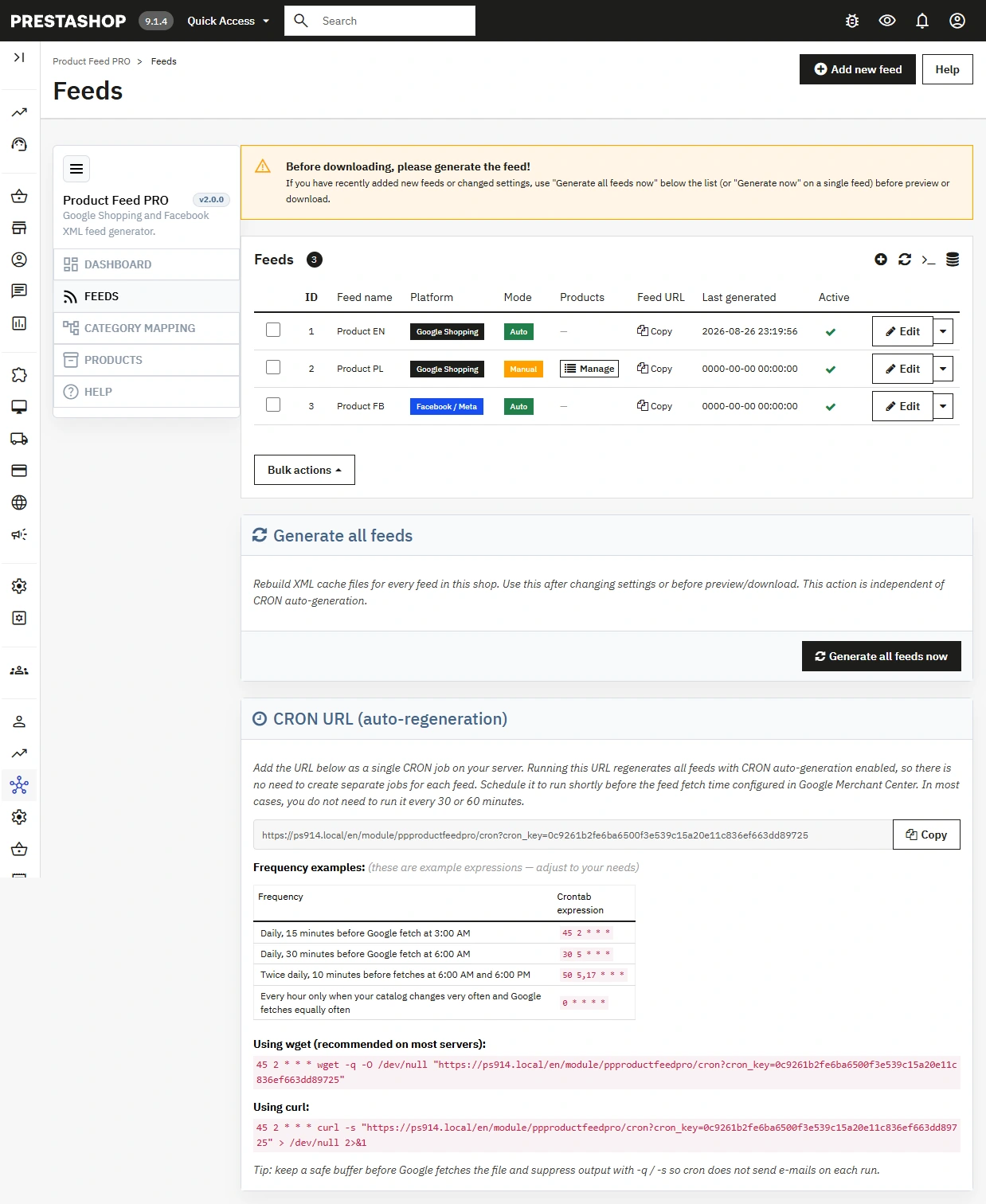
1. Zarządzanie wieloma feedami
Tworzysz niezależne feedy dla różnych platform i rynków, bez konfliktu ustawień.
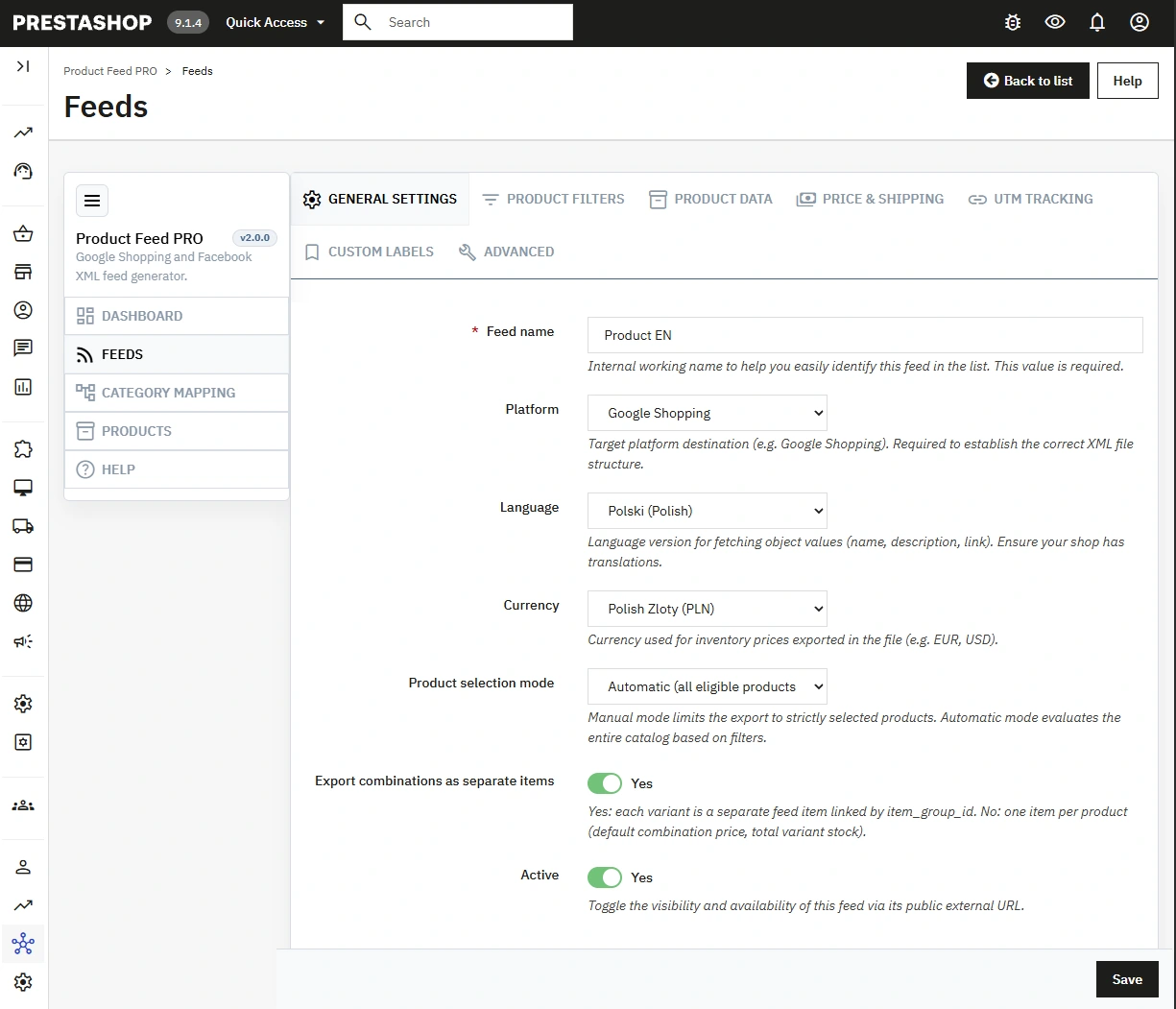
- Platforma feedu — Google Shopping lub Facebook/Meta Catalog.
- Język i waluta — dedykowana konfiguracja dla konkretnego rynku.
- Status aktywności — szybkie włączanie i wyłączanie feedów.
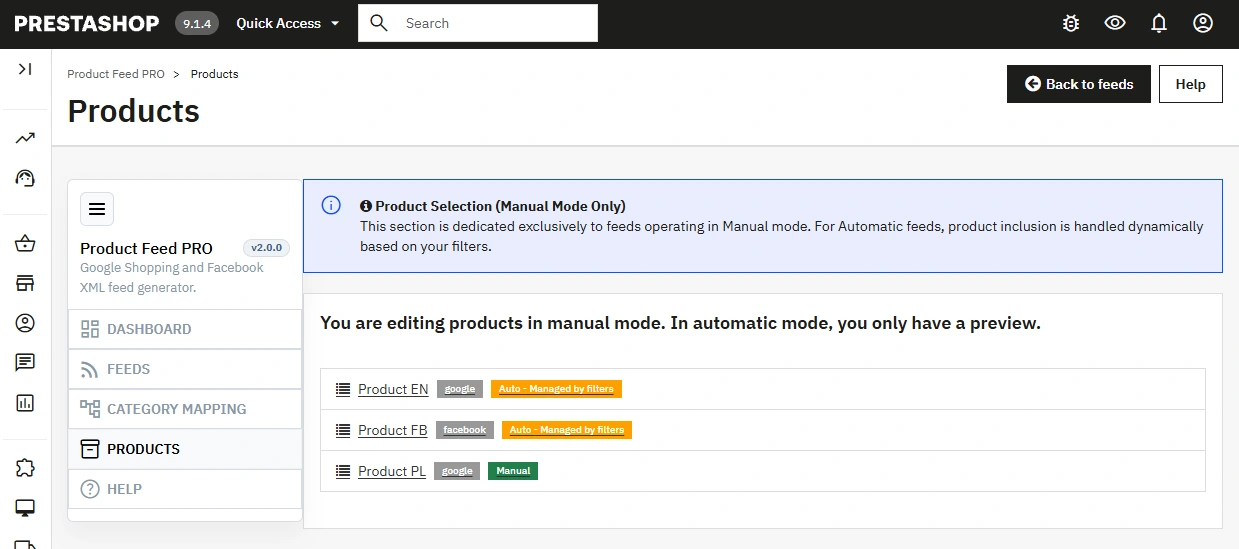
2. Tryb AUTO/MANUAL i selekcja produktów
Decydujesz, czy eksport ma być automatyczny czy kontrolowany ręcznie.
- Tryb automatyczny — moduł eksportuje produkty zgodnie z konfiguracją feedu i ustawionymi filtrami.
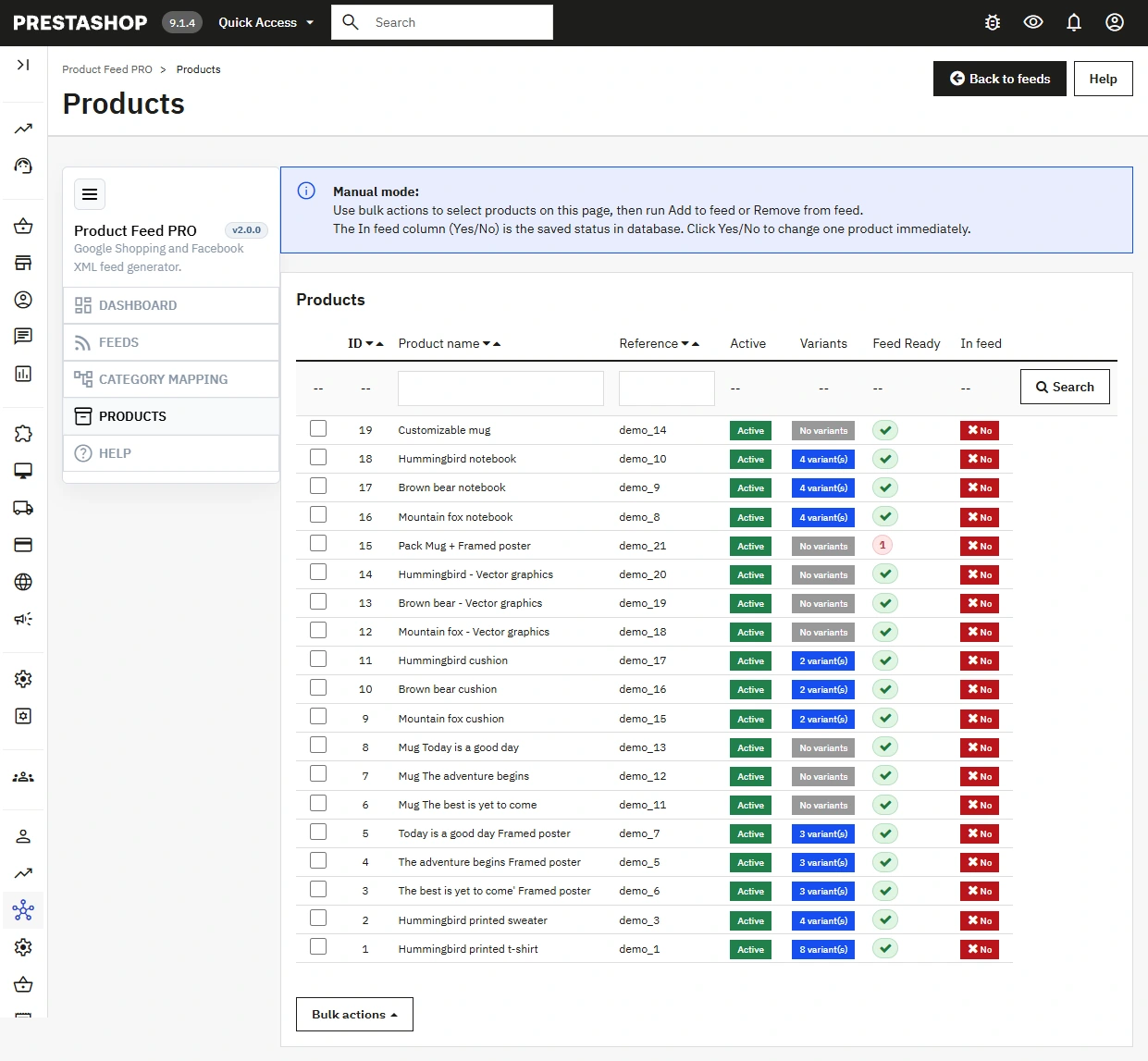
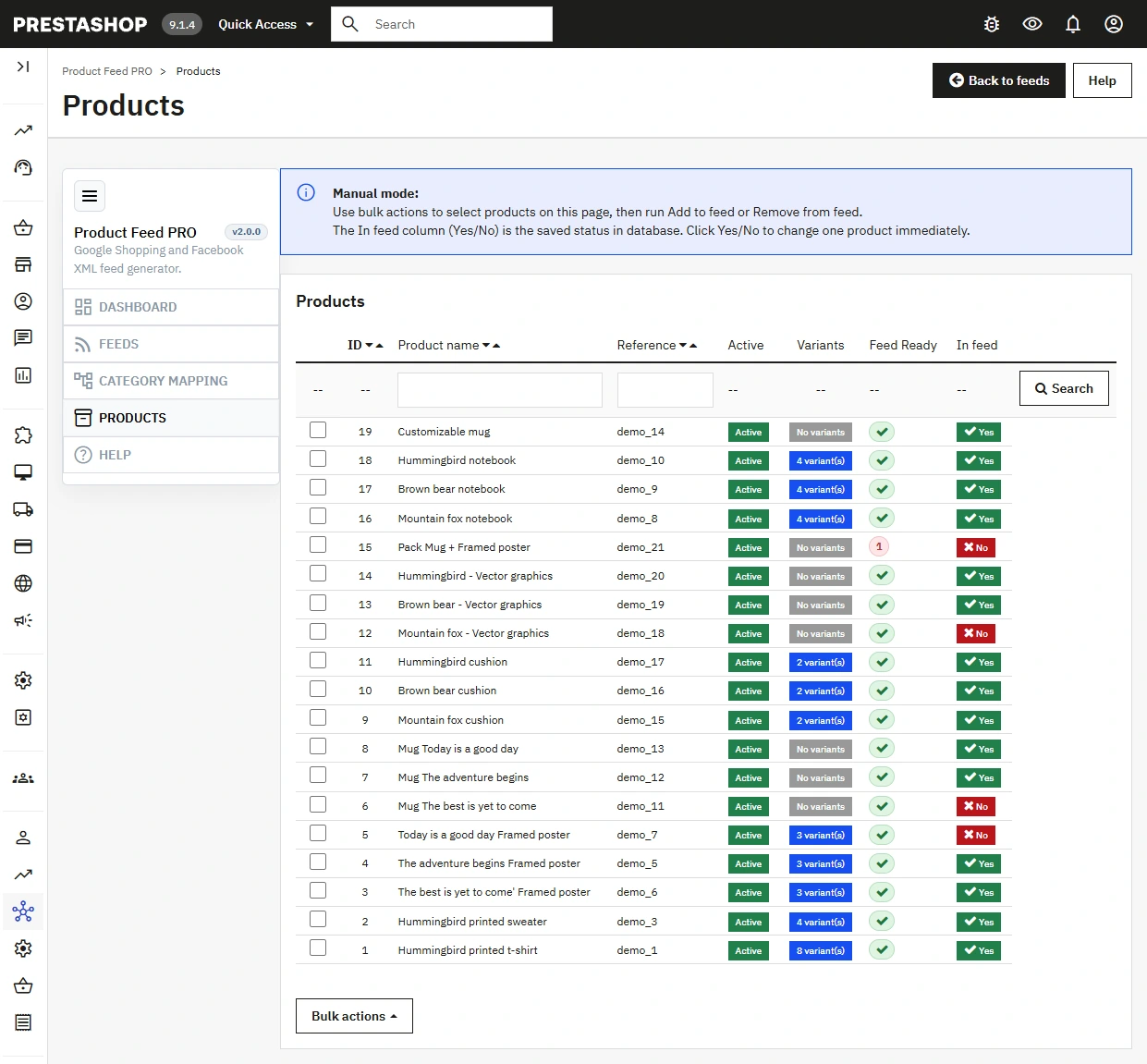
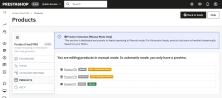
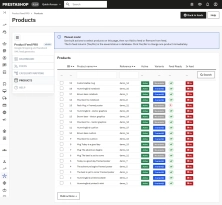
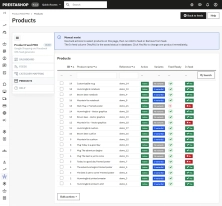
- Tryb ręczny — wybierasz, które produkty mają zostać dopisane do konkretnego feedu w zakładce Produkty.
- Filtry eksportu — kategorie, producenci, zakres cen, dostępność i identyfikatory pomagają ograniczyć feed do właściwego asortymentu.
- Ocena gotowości produktu do feedu — lista produktów pokazuje, czy pozycja spełnia podstawowe warunki jakościowe potrzebne do poprawnego eksportu.
- Wygodniejsze działania ręczne — szybkie przełączanie statusu i akcje zbiorcze ułatwiają aktywację eksportu dla wielu produktów jednocześnie.
3. Jakość danych produktowych i dopasowanie
Konfigurujesz elementy wpływające na akceptację feedu i jakość ruchu produktowego.
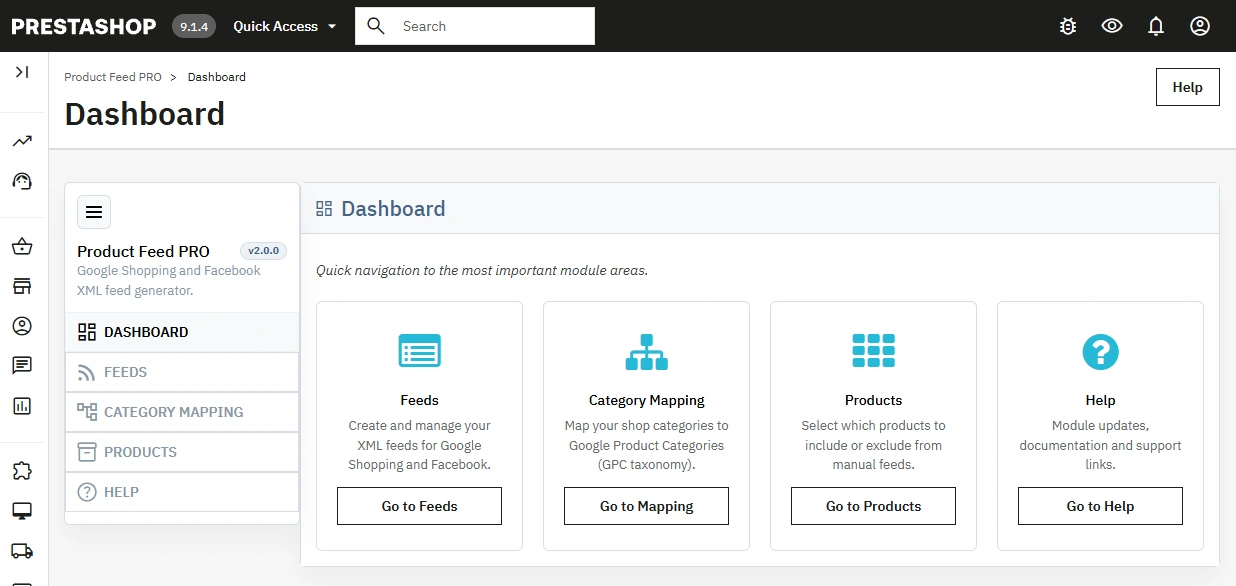
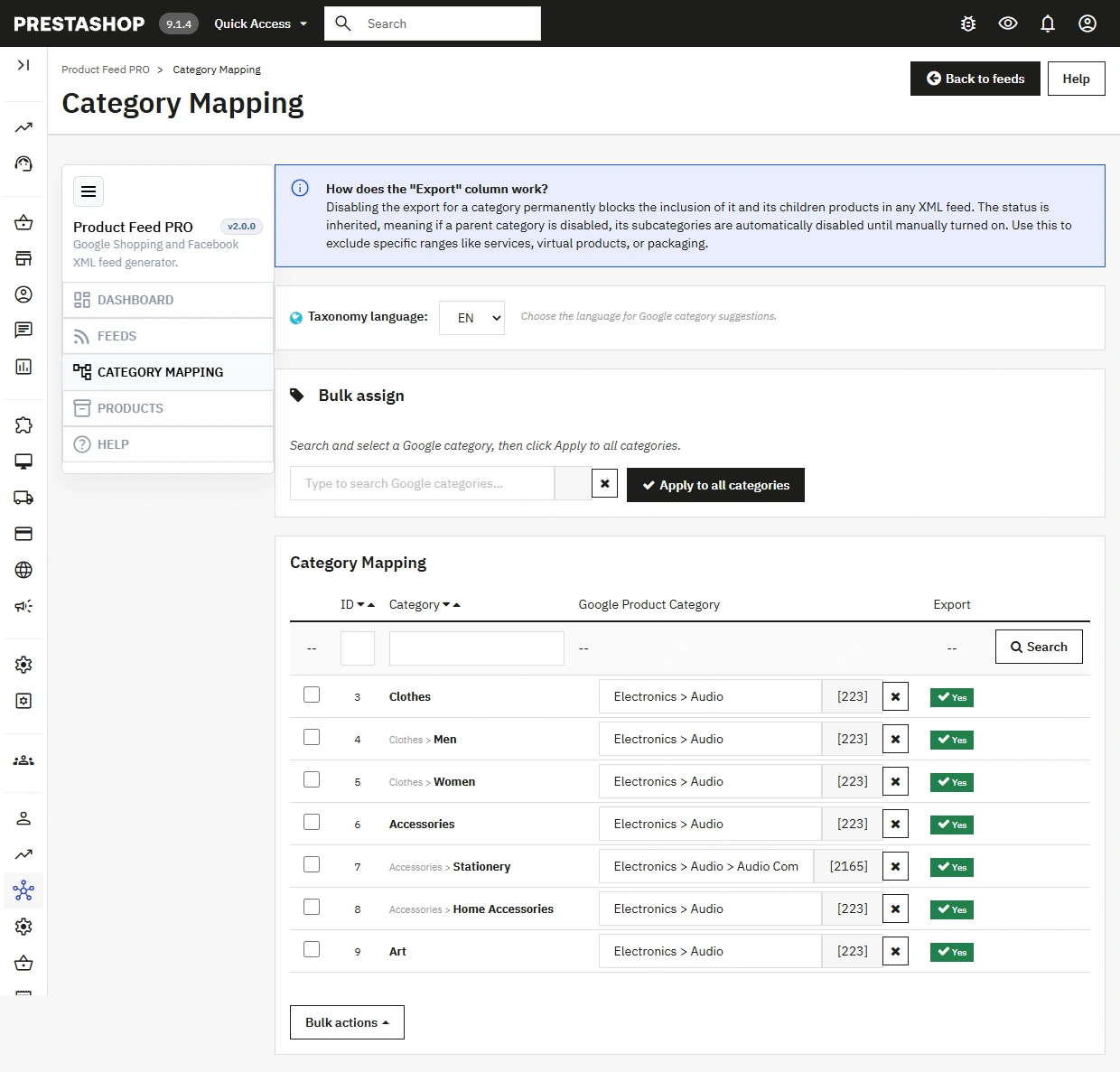
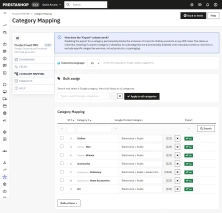
- Category Mapping — mapowanie kategorii sklepu do Google Product Category.
- Szybkie przypisanie do wszystkich kategorii — jedno działanie pozwala nadać tę samą kategorię Google całej strukturze sklepu, co przyspiesza start wdrożenia i porządkowanie dużych katalogów.
- Identyfikatory — kontrola źródła GTIN (EAN, UPC, ISBN, SKU) i MPN.
- Cena i promocja — wybór netto/brutto, wymuszanie waluty oraz eksport ceny promocyjnej.
- Nazwy produktów — formatowanie (np. wielkie litery, prefix marki) i niestandardowa struktura z placeholderami.
4. Optymalizacja kampanii (PMax / Shopping)
Moduł posiada wbudowane narzędzia dla marketerów zarządzających kampaniami reklamowymi.
- Custom labels — dynamiczne etykiety własne z obsługą zmiennych i presetami (np. dla segmentacji PMax).
- Tagi UTM — zintegrowane śledzenie parametrów kampanii i wymuszania atrybutów wysyłki.
- Zaawansowane — eksport statusu adult, nadpisywanie stanów magazynowych oraz obsługa Local Inventory Ads.
5. Utrzymanie i automatyzacja
Administracja feedem jest przewidywalna nawet przy częstych zmianach oferty.
- Generate now — natychmiastowa regeneracja feedu.
- Flush cache — szybkie usuwanie nieaktualnych danych.
- CRON enabled + cron_key — bezpieczna regeneracja feedu po stronie serwera, którą można dopasować do harmonogramu scheduled fetch ustawionego w Google Merchant Center.
Funkcjonalności – Front Office
1. Publiczny endpoint feedu XML (tokenized URL)
Moduł udostępnia feed przez dedykowany URL z tokenem i identyfikatorem feedu.
- Kontrola dostępu — walidacja tokenu i statusu aktywności feedu.
- Bezpieczeństwo indeksacji — nagłówek X-Robots-Tag noindex, nofollow.
- Brak ingerencji w UI sklepu — moduł nie renderuje widgetów na karcie produktu ani w koszyku.
2. Wydajność serwowania danych
Feed jest buforowany i serwowany jako gotowy XML, co ogranicza koszt generacji przy częstych pobraniach.
- Cache TTL — redukcja obciążenia przy cyklicznych fetchach platform reklamowych.
- Atomic write — zapis do pliku tymczasowego i bezpieczna podmiana cache.
- Spójność danych — timestamp ostatniej generacji zapisany dla feedu.
Wpływ na sprzedaż i SEO
W praktyce wdrożeniowej najlepszy efekt daje ustawienie CRON tuż przed godziną scheduled fetch w Google Merchant Center, już po zakończeniu aktualizacji danych w sklepie. Dzięki temu Google pobiera świeży plik bez potrzeby uruchamiania regeneracji co 30 lub 60 minut.
Tryb MANUAL poprawia kontrolę marży w kampaniach, bo do emisji trafiają wyłącznie produkty zgodne z aktualną strategią handlową, bez przypadkowego nadmiaru SKU.
Category Mapping, szybkie przypisanie jednej kategorii Google do całego drzewa oraz poprawne identyfikatory GTIN/MPN zwiększają kompletność danych produktowych, co zwykle przekłada się na mniejszą liczbę odrzuceń i stabilniejsze delivery kampanii produktowych.
Dzięki dynamicznym Custom Labels kampanie Google Performance Max można skalować i dzielić z poziomu sklepu na podstawie rentowności, marki czy stoku, bez ingerencji w ręczne reguły w Google Merchant.
Dla SEO i content governance moduł porządkuje strukturę danych produktowych między PrestaShop a kanałami zewnętrznymi, a dodatkowa walidacja produktów w trybie ręcznym pomaga utrzymać spójność opisów, cen i gotowości eksportu w ekosystemie e-commerce.
Uwaga!
- Przed pierwszą konfiguracją i aktualizacją modułu wykonaj pełną kopię bezpieczeństwa plików oraz bazy danych.
- Po zmianach mapowania, filtrów lub logiki cen uruchom Flush cache i Generate now, a następnie zweryfikuj Preview XML. Dla pracy automatycznej ustaw CRON z niewielkim wyprzedzeniem przed scheduled fetch w Google.
- Przed zgłoszeniem feedu do Google porównaj wygenerowany plik z oficjalną specyfikacją danych produktów Google Merchant Center. Google nie udostępnia publicznego walidatora URL jak W3C, dlatego końcową weryfikację wykonasz po dodaniu źródła danych w Merchant Center i sprawdzeniu diagnostyki.
- Utrzymuj poufność parametrów token i cron_key; ich ujawnienie może umożliwić nieautoryzowany dostęp do feedu lub wywołań CRON.
## [2.0.3] - 2026-10-04

### Fixed

- multistore feeds now include products assigned to the selected shop, including shared stock and shop-specific active status and categories
- the product list no longer hides products whose creation shop differs from the current shop

## [2.0.2] - 2026-10-04

### Changed

- multistore: a feed is created and edited only after one shop is selected; All stores and a shop group can list, preview and generate existing feeds
- in All stores the feed list shows the shop name as a badge next to the feed name

## [2.0.1] - 2026-09-15

### Fixed

- Google Shopping feeds now export regular and promotional prices separately, so Google Merchant Center can detect active sales

### Changed

- feed upgrade clears generated XML cache so existing feeds are rebuilt with the corrected price structure

## [2.0.0] - 2026-08-27

### Changed

- redesigned Back Office admin panel (ppadminps sidebar layout, feed form with consolidated horizontal tabs, updated navigation and assets)
- distribution split into three PrestaShop-specific packages: PS 1.7 (`ps17`), PS 8 (`ps8`), and PS 9 (`ps9`); install only the ZIP matching your shop version

## [1.0.7] - 2026-06-09

### Fixed

- Facebook / Meta catalog feeds now export `quantity_to_sell_on_facebook` with the real stock level (Google Shopping feeds are unchanged and do not receive this field)
- Facebook variant titles no longer append combination attributes (size, color, etc.), so `item_group_id` groups display a consistent base product name in Meta Catalog
- when "Export combinations" is disabled, products with attributes are exported as a single parent item (default combination price/GTIN, total variant stock) instead of being omitted from the feed

### Changed

- feed upgrade clears generated XML cache so Facebook feeds are rebuilt with quantity and corrected variant titles

## [1.0.6] - 2026-06-09

### Fixed

- feed price filters now take priority over hardcoded zero-price exclusions: products with price `0` are exported when `Minimum price` is set to `0` (no limit)
- removed the hardcoded `price > 0` SQL condition for product combinations; price range is controlled only by feed filters
- feed mapper now applies `filter_price_min` / `filter_price_max` instead of always rejecting items with zero price

### Changed

- feed upgrade clears generated XML cache so existing feeds are rebuilt with the corrected price filtering

## [1.0.5] - 2026-05-25

- Code cleanup


## [1.0.4] - 2026-04-12

### Changed

- refined availability field output for better feed compatibility
- refined shipping export for virtual products to improve feed compatibility

## [1.0.3] - 2026-03-19

### Changed

- virtual products now remain in the feed and export `g:shipping` with `0.00` cost instead of inheriting the manual fixed shipping price
- feed upgrade now clears generated XML cache so existing feeds are rebuilt with the corrected virtual-product shipping output

## [1.0.2] - 2026-03-11

### Changed

- shipping `auto` now exports a conservative Google-oriented estimate instead of blindly selecting the cheapest carrier
- free or zero-base carriers are ignored when paid shipping options exist
- module and external carriers are skipped in `auto` mode when the feed cannot estimate them safely
- shipping descriptions in feed configuration now explain the real behavior and recommend Merchant Center for complex rules

### Added

- documentation for the Google-safe shipping strategy in `docs/spec_google_safe_shipping_pl.md`

## [1.0.0] - 2026-03-01

### Added

- Initial release
You might also like

FAQs
-
Are the modules compatible with my version of PrestaShop?
Each module in our store contains information about compatibility with specific PrestaShop versions. Please check this information carefully before purchasing. If you are not sure, contact us.
-
Which platforms can the Pro feed support?
The Pro edition can create independent feeds for Google Shopping and Facebook or Meta Catalog. Each feed has its own platform, language, currency, and active-status configuration. This lets you prepare separate data sources for different advertising channels without conflicts between their settings.
-
What is the difference between AUTO and MANUAL mode?
AUTO mode exports products according to the feed configuration and selected filters. In MANUAL mode, the administrator chooses the products to add to a particular feed in the Products tab. Both approaches let you adapt the export scope to the current campaign strategy and product range.
-
How can I limit the products exported to a feed?
The module provides filters for categories, manufacturers, price ranges, availability, and identifiers. They let a feed include only the appropriate portion of the catalogue. The product list also displays each item’s export-readiness assessment, making it easier to identify data that must be completed before publishing and launching a campaign.
-
How does the module help improve data quality for advertising channels?
The configuration includes mapping store categories to Google Product Category and selecting the source of identifiers such as GTIN, EAN, UPC, ISBN, SKU, and MPN. You can also set how prices and promotions are exported. These tools help organise data and reduce the risk of feed rejection.
-
How can I keep a product feed up to date?
You can regenerate a feed immediately with the Generate now function or automatically through CRON using the cron_key. A Flush cache option is also available to remove outdated data before regenerating the file. The description recommends running CRON shortly before the advertising platform is scheduled to retrieve the feed.
10 other products in the same category:

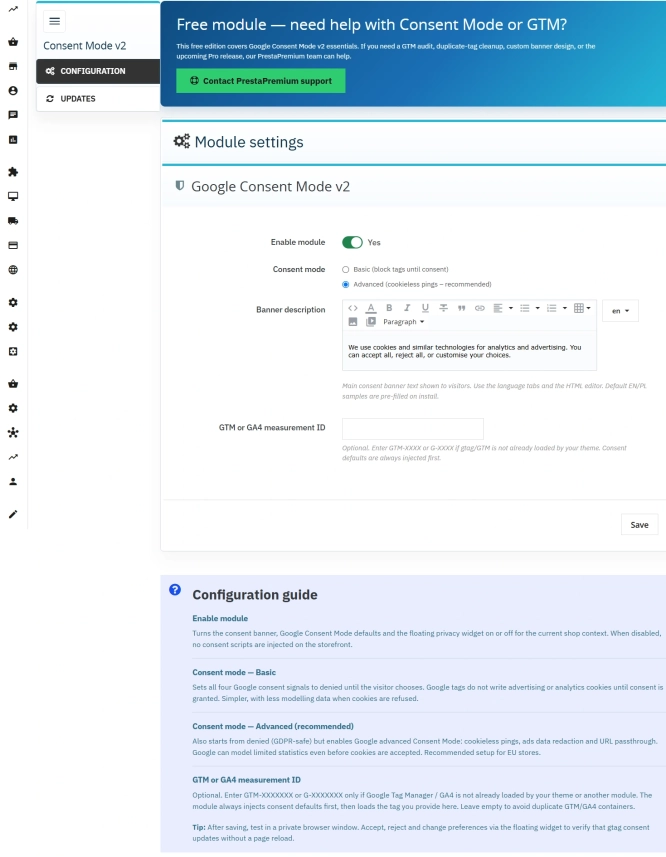
Cookie Banner and Google Consent Mode v2 for PrestaShop (Free)
PrestaPremium Consent Mode v2 (Free) is a reliable, free PrestaShop module that implements a fully GDPR-compliant cookie banner and handles Google Consent Mode v2 for...
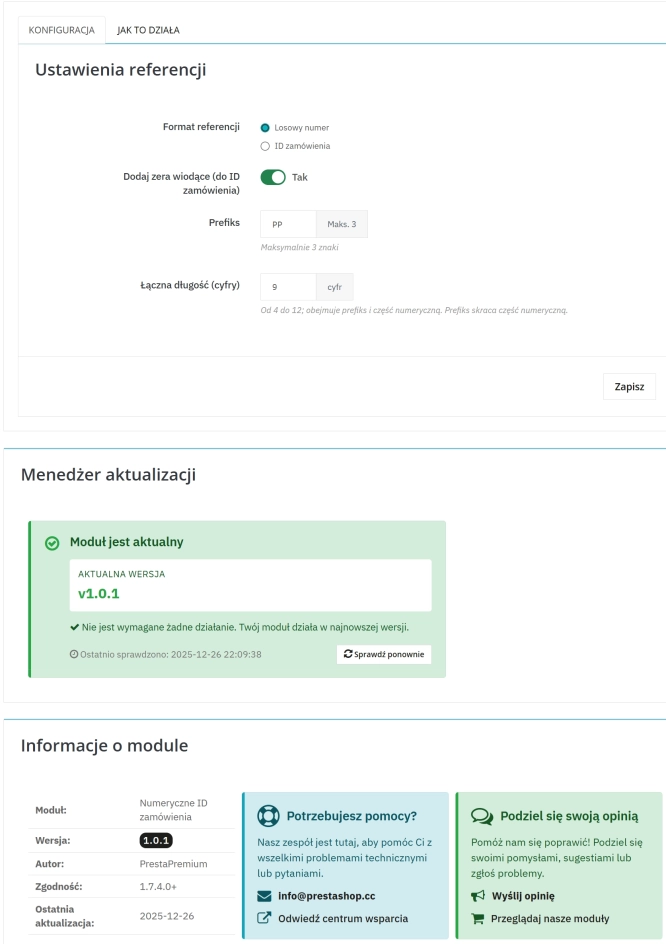
Replace order reference with a numeric reference in PrestaShop
The module organises order identification by replacing the default reference with a numeric one (random or based on the order ID ). It makes customer communication easier,...

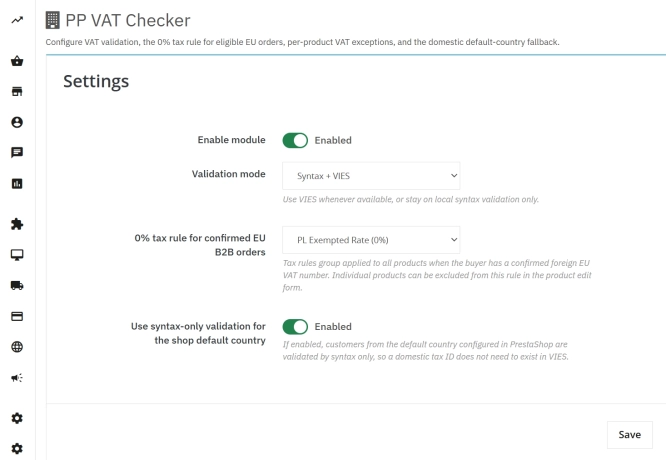
VAT and VIES Validation for B2B in PrestaShop
PP VAT Checker is a reliable PrestaShop module that automates VAT number verification for your business customers. With direct integration with the VIES database, it...

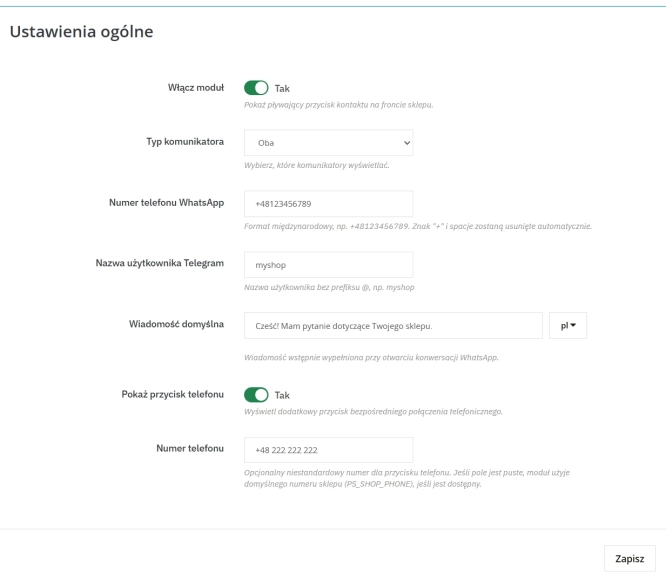
WhatsApp, Telegram and Phone in one - Increase conversions with Quick Contact
A customer has a question? Don't let them wait for an email. The PP Quick Contact module is your sales hotline. Add an elegant, floating button to your store that, with one...

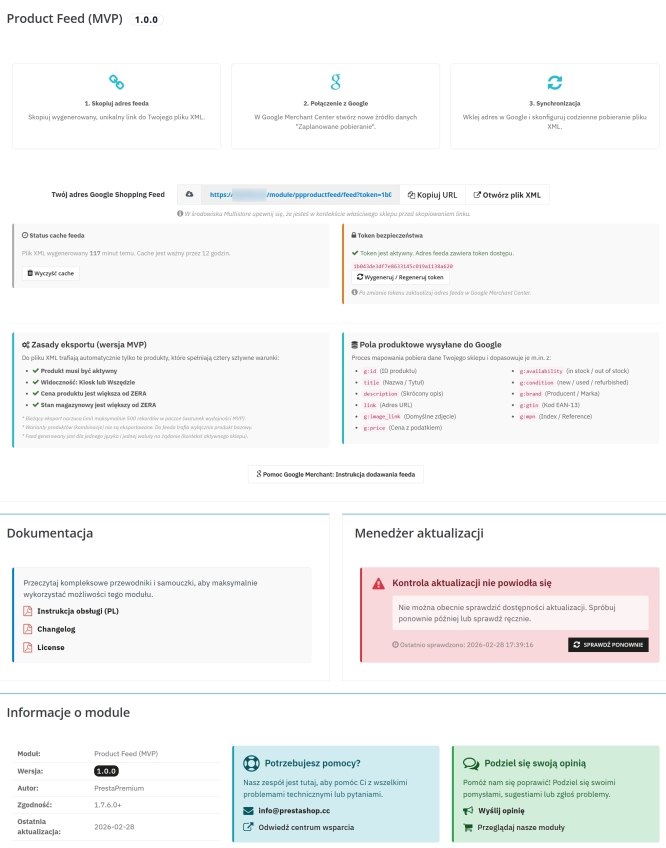
PrestaShop Integration with Google Merchant Centre (Free Version)
PrestaShop integration with Google Merchant Centre via a standards-compliant XML feed. A lightweight, secure and production-ready free edition, optimised for performance and...

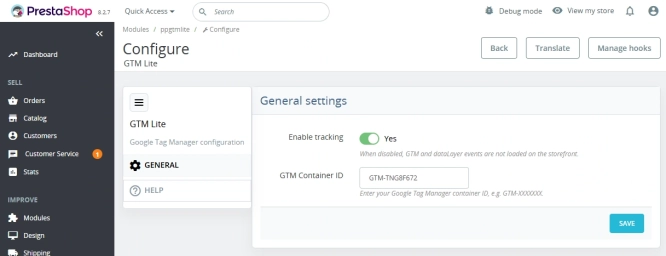
GTM Lite – Free Google Tag Manager & GA4 e-Commerce Module for PrestaShop
100% FREE (LITE Version) GA4 e-Commerce Standard GTM Lite is a lightweight, free module connecting your PrestaShop store with Google Tag Manager. It automatically...
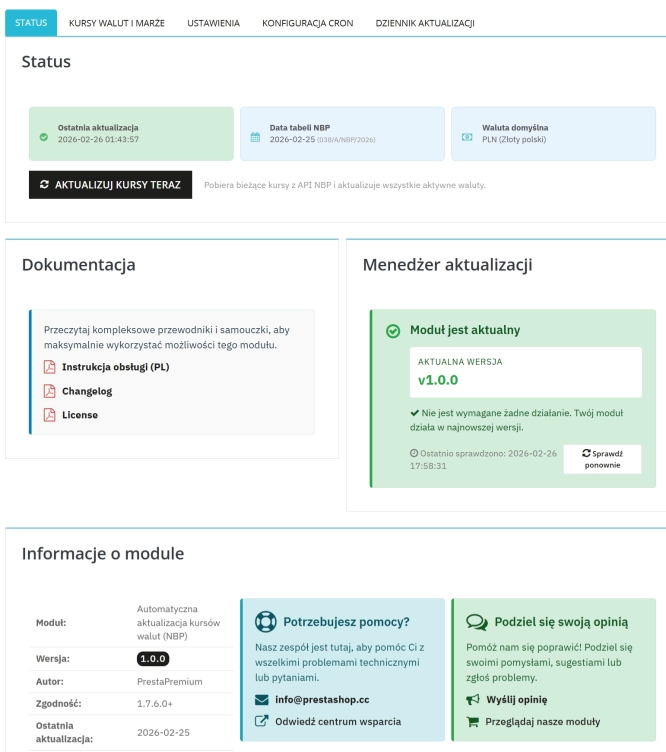
Automatic update of NBP exchange rates with margin
Automatic currency rate updates is a PrestaShop module that automates a critical area of e-commerce: updating exchange rates based on the NBP API and your own margin rules....

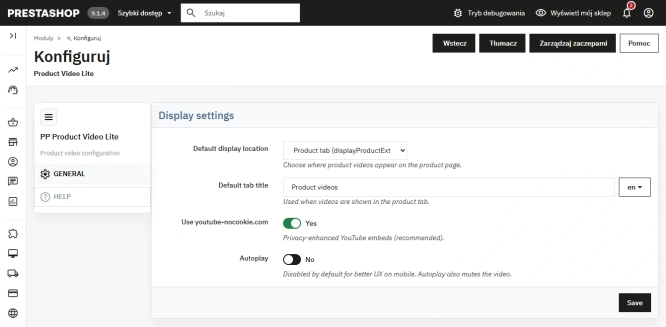
Free PrestaShop Video Module (YouTube & Vimeo)
Product Video Lite is a free and exceptionally lightweight module that allows you to assign an unlimited number of YouTube and Vimeo videos to your products. Instantly...

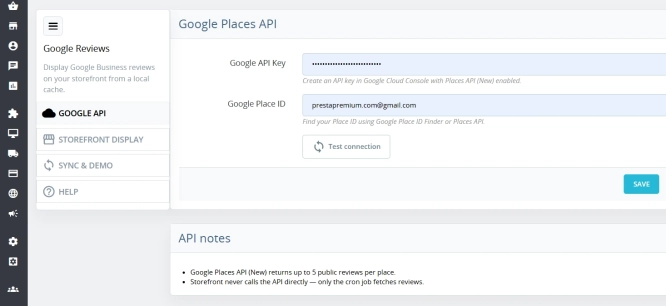
Google Maps Reviews Module for PrestaShop – Automatic Import and Display of Customer Ratings
This module serves to increase trust in your shop by displaying authentic reviews from Google Maps. Thanks to the automatic generation of JSON-LD structured data, star...

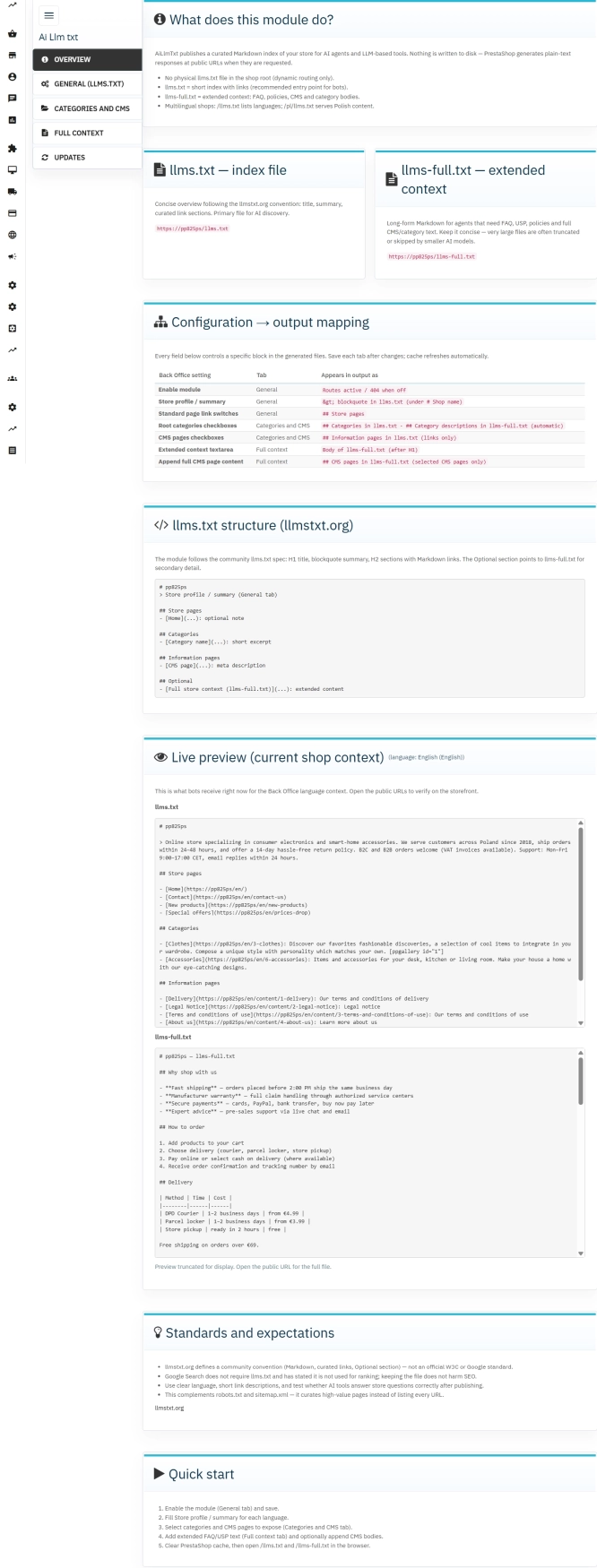
llms.txt for PrestaShop — Dynamic Store Index for AI Bots
AiLlmTxt publishes llms.txt and llms-full.txt files on the fly, without physical file generation on the disk — PrestaShop generates them dynamically under public URLs....
Do you need additional features or custom solutions?
- Module customisation tailored to your specific requirements.
- Extending functionality to enhance your store's capabilities.
- Developing bespoke modules designed to meet your unique needs.
- Integrating external systems and additional tools.
- Optimisation and improvements for better performance and user experience.
Do you have ideas on how to improve this software? Share your suggestions for optimisation, new features, or bug reports – we’ll be happy to review them!