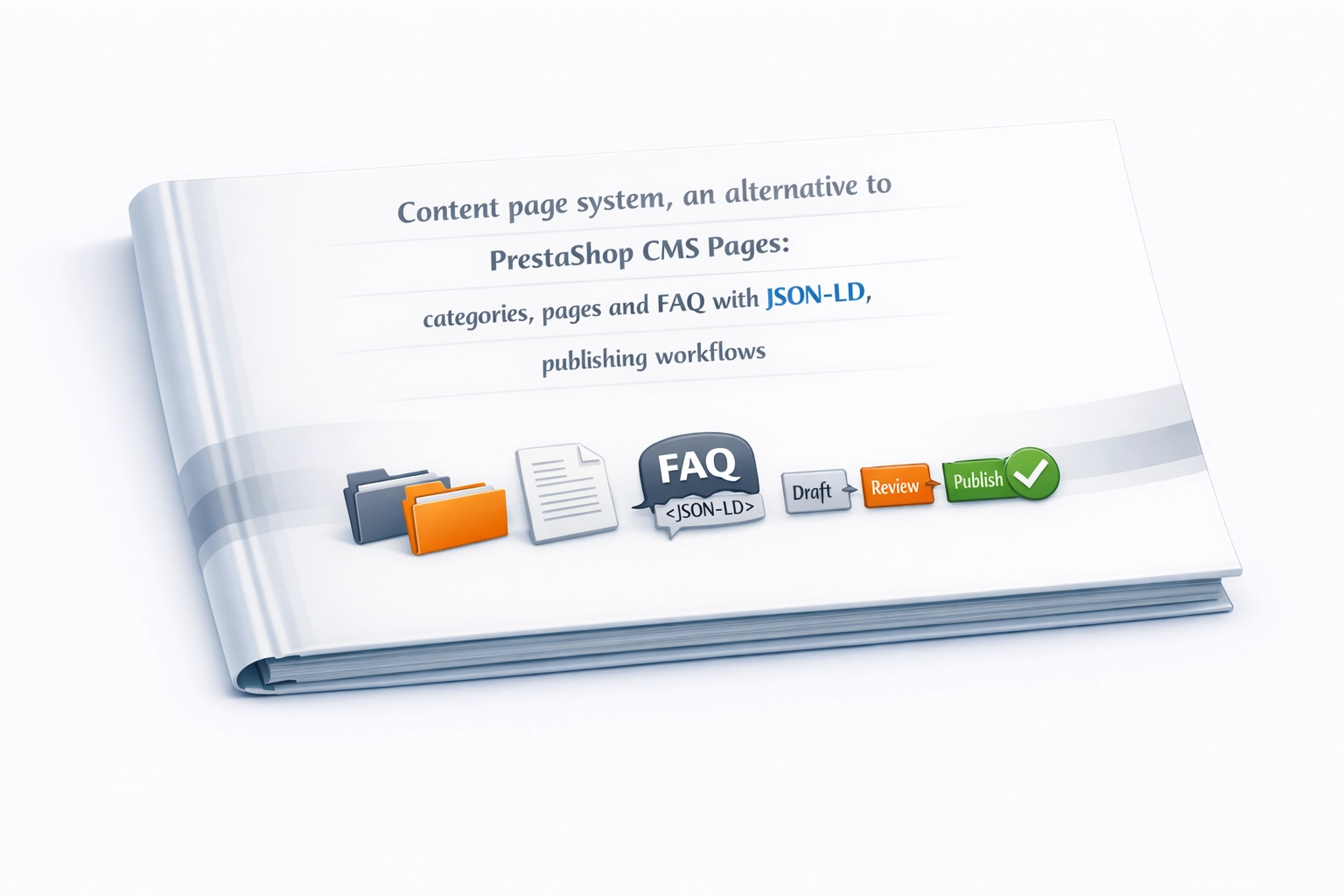
Content page system, an alternative to PrestaShop CMS Pages: categories, pages and FAQ with JSON-LD, publishing workflow
- 1.7.5 + | 8.x | 9.x
- FR, ES, PL, IT, DE, EN
- 2.0.0
- 2026-09-21
Frustrated by the limited capabilities of PrestaShop's native CMS? PP Page is a powerful alternative that transforms your shop into a fully-fledged publishing platform. Say goodbye to flat structures and irritating ID numbers in your URLs. PP Page gives you multi-level categories, thumbnails for pages and categories (missing from native CMS Pages), crystal-clear links ready to rank highly on Google, and the modern TinyMCE 8 editor. The module works for you – automatically generating JSON-LD structured data (WebPage, FAQ, CollectionPage) so your content stands out in search results from day one.

Information Parameters:
- 2.0.0
-
Store Version PHP Version1.7.5 + 7.1 – 7.48.x 8.1 – 8.39.x 8.1 – 8.5
- 2026-09-21
- FR, ES, PL, IT, DE, EN
- ✅
- ✅
- ✅
- ✅
- ❌
- demo.admin.shop
- demo.front.shop
Why PP Page is a genuine alternative to CMS Pages
- Clean URLs without IDs – Native PrestaShop CMS forces numeric IDs into page addresses (for example
/content/1-about-us). PP Page removes this problem and lets you build short, readable URLs based on page content (for example/en/how-to-grow-tomatoes), which improves information architecture and supports SEO. - Automatic JSON-LD for pages, FAQ and categories – The module generates the correct schema.org markup for each view:
WebPagefor articles,FAQPagewhen a page contains FAQ, andCollectionPagefor listings and categories. This keeps search engine data structured without extra implementation work. - Complete freedom without touching the core – PP Page works entirely at module level, without modifying any PrestaShop engine files. That means no extra upgrade risk for the shop.
- Multilingual support without manual workarounds – Each language has its own independently translated URL segments and automatically generated hreflang tags. This makes it easier to manage content across language versions without duplication or ad hoc fixes.
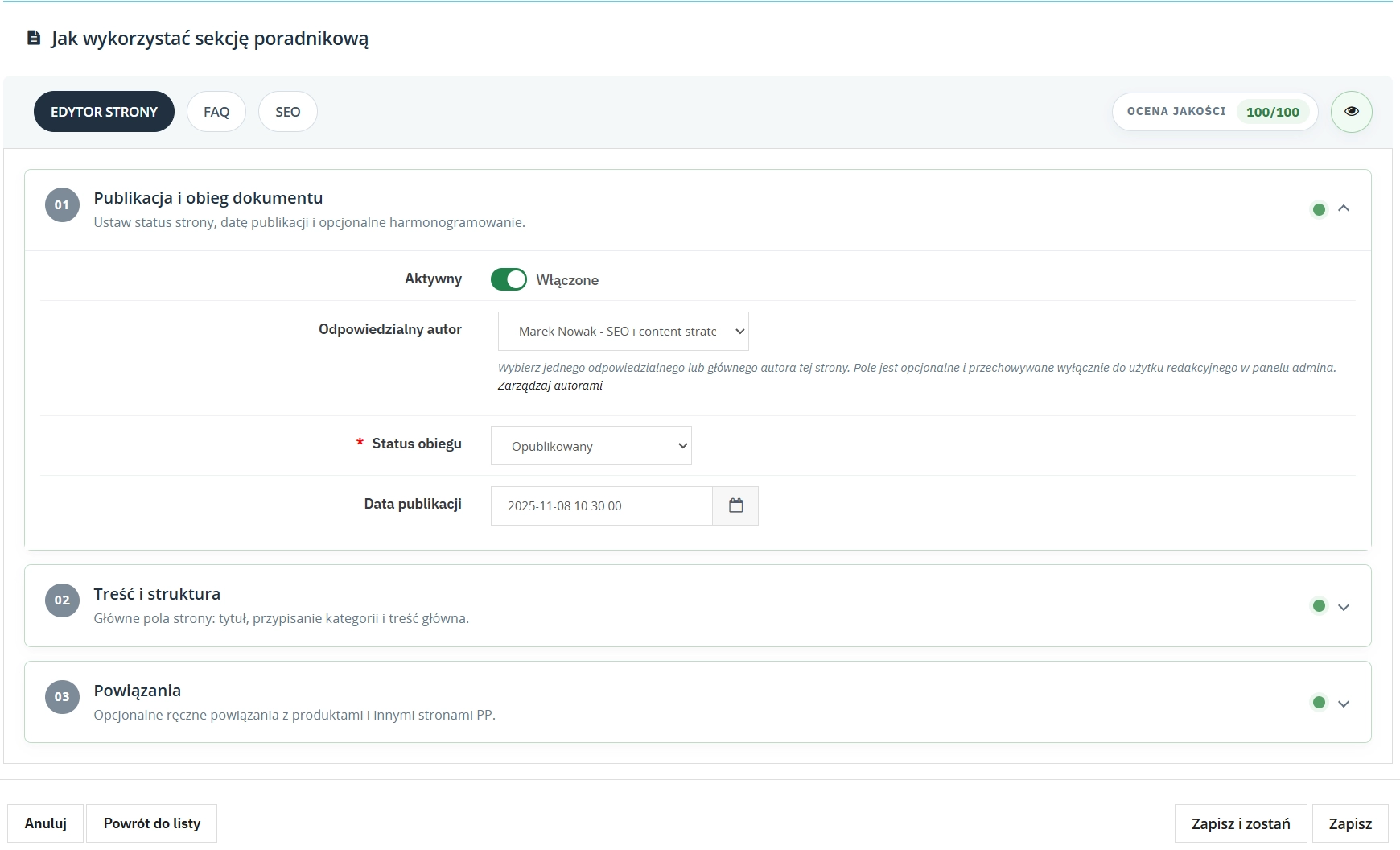
- Control over publishing with a publisher-style workflow – Draft content, send it for review, generate secure preview tokens for copywriters, and schedule publication dates in advance. Five statuses are available: draft, pending review, scheduled, published and archived.
Use Cases
- Shops with demanding product ranges (DIY, gardening) – Build a substantial knowledge base. Link advisory articles directly to products in the shop. Capture long-tail SEO traffic and smoothly convert readers into buyers.
- Beauty and cosmetics shops – Create product reviews enriched with an FAQ section covering ingredients, contraindications and usage. The accordion improves navigation, and Google can process the data as rich-result-ready FAQ markup.
- B2B platforms and wholesalers – Build a clear hierarchy of pages for terms and conditions, integration guides and cooperation rules, all managed by the editorial team without involving developers.
What's Under the Hood? – Back Office
Analytics Dashboard
A quick overview of the whole content area, including status counters, the publication schedule and a quality checklist highlighting SEO gaps across the page base.
- 6 KPI tiles: all pages, published, scheduled, drafts and pending review, archived, categories
- Table of recently modified pages with name, status and last update date
- Table of pages scheduled for publication with publication date
- Quality checklist: grouped counters for pages that need attention, such as missing meta, missing meta description and missing translations
- Shortcuts to page management, categories and module settings
Content editor (TinyMCE 8)
Integrated, self-hosted TinyMCE 8 with no CDN dependency, giving full editorial control within your own installation.
- Full-screen “studio” mode, where the editor takes over the whole screen without BO distractions
- Embedded full-screen mode inside PrestaShop Back Office for quicker layout preview
- Multilingual content, with a separate editor tab for each shop language
- Automatic content validation before saving the page
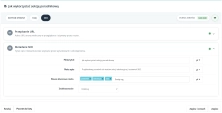
- FAQ markers directly inside the content, with the FAQ builder inserting question blocks into the selected position
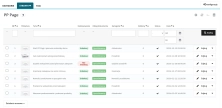
Page management — fields and organisation
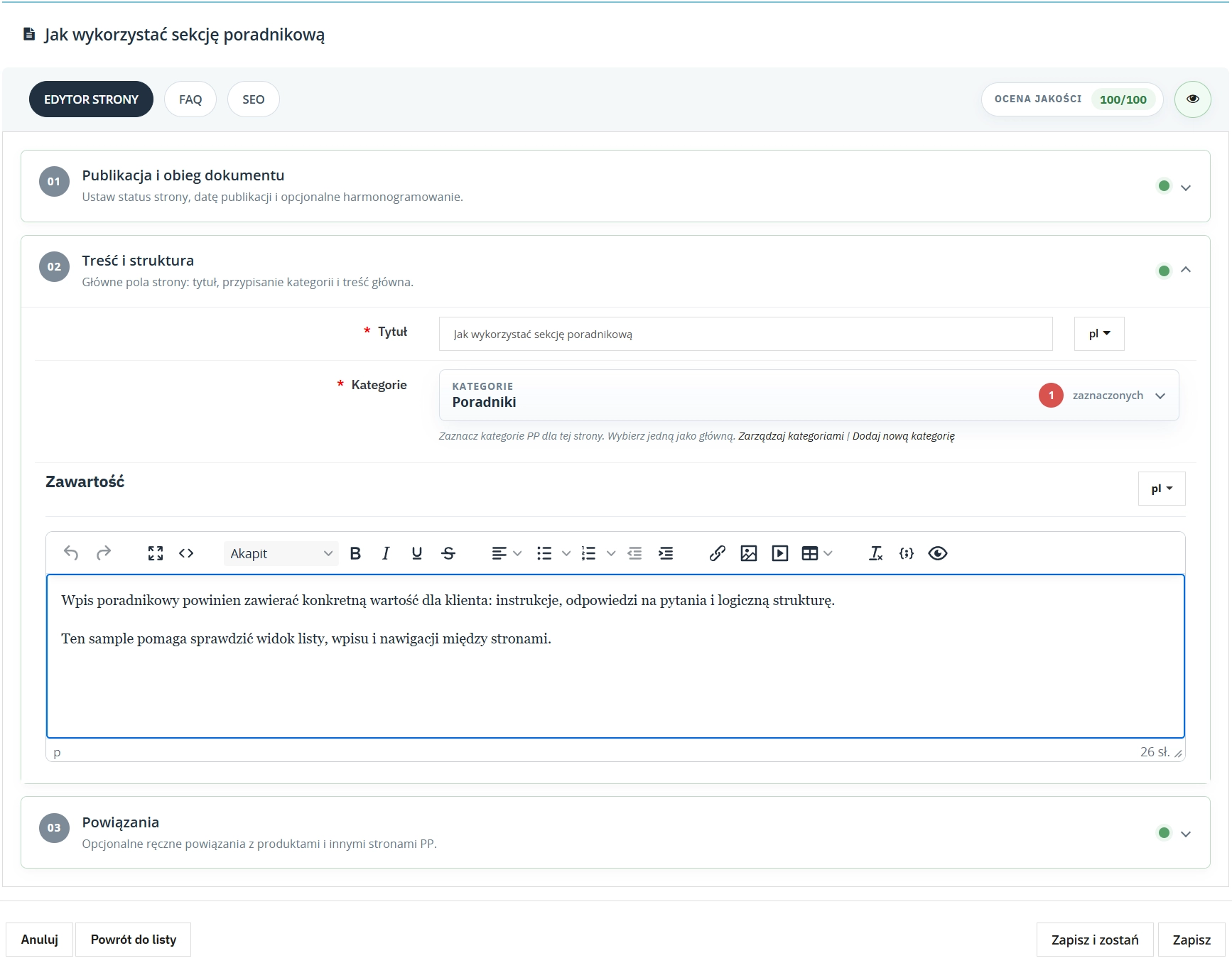
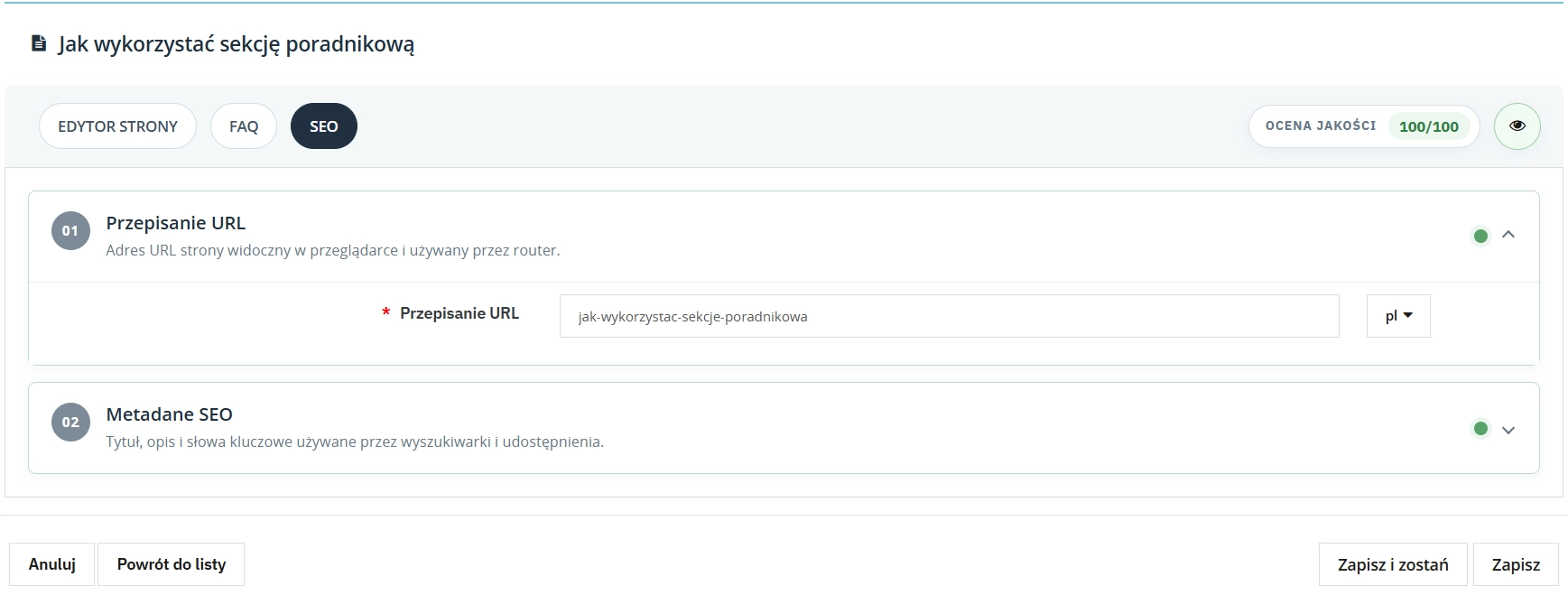
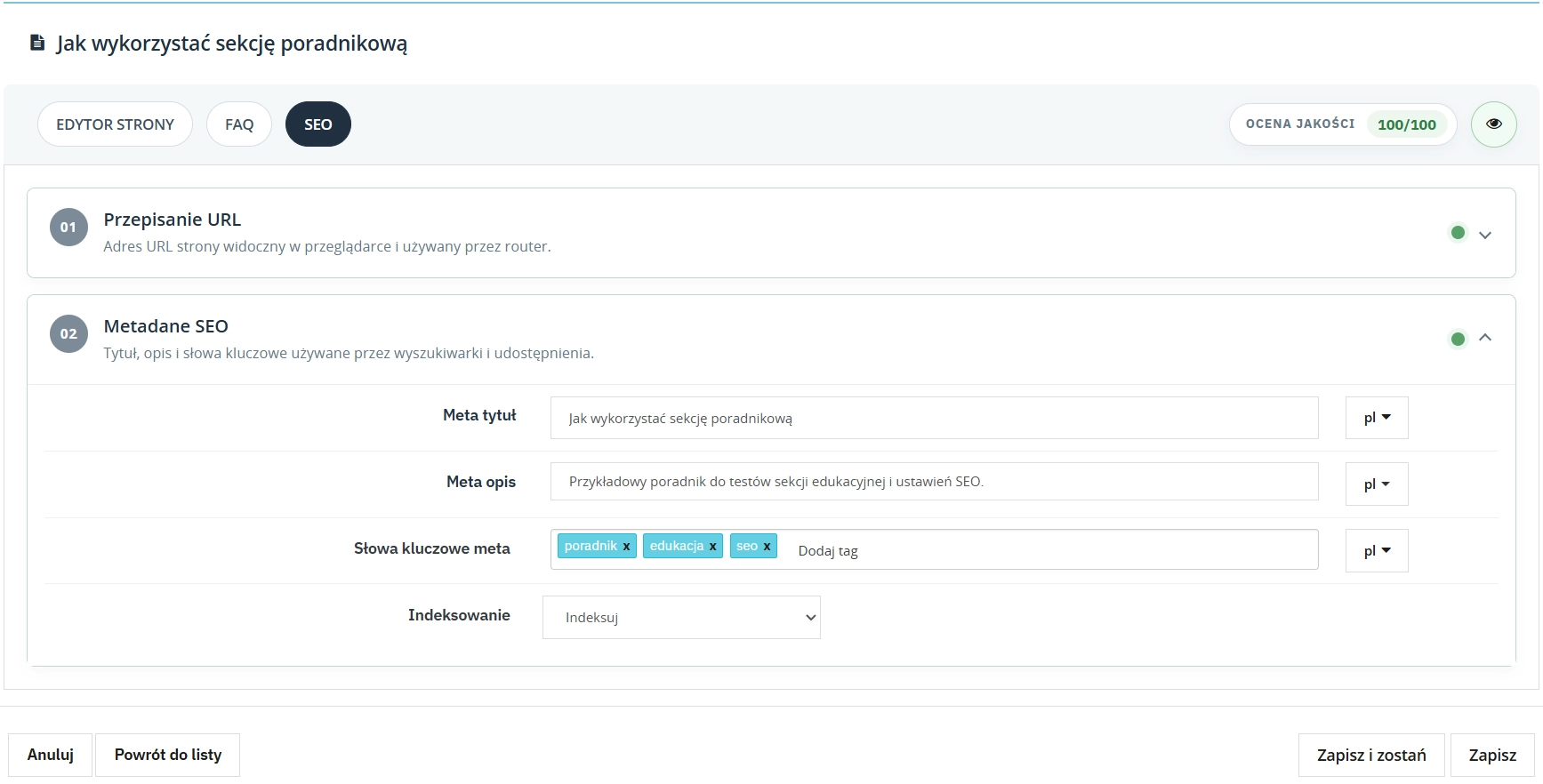
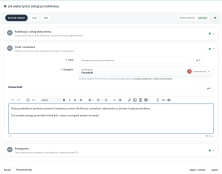
The page form is divided into editor, FAQ and SEO tabs, keeping key content fields together in one workspace.
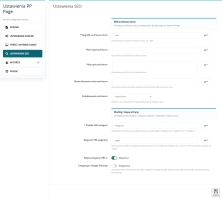
- Multilingual fields: title, content, slug, meta title, meta description and meta keywords (tags), each in a dedicated language tab
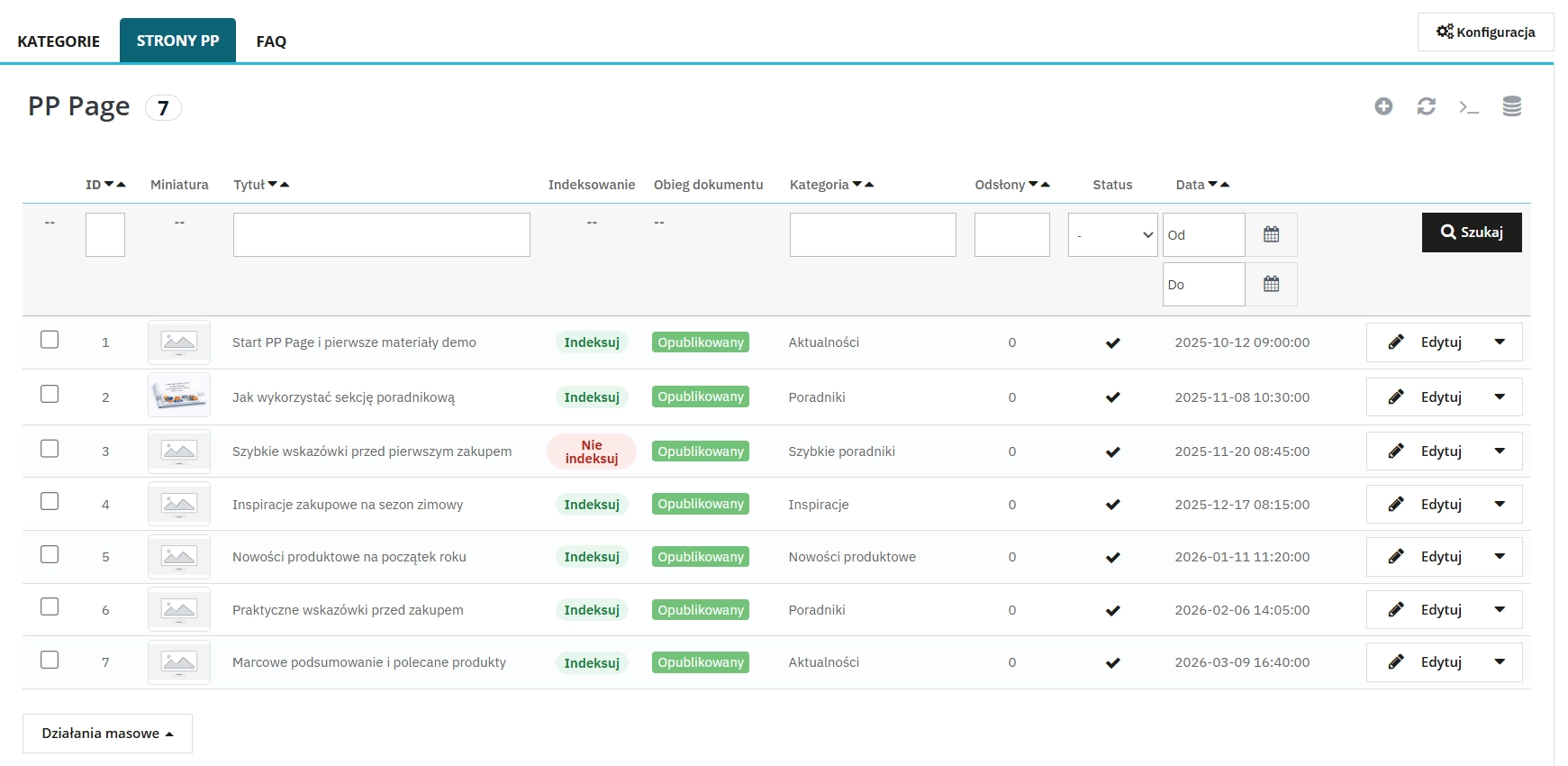
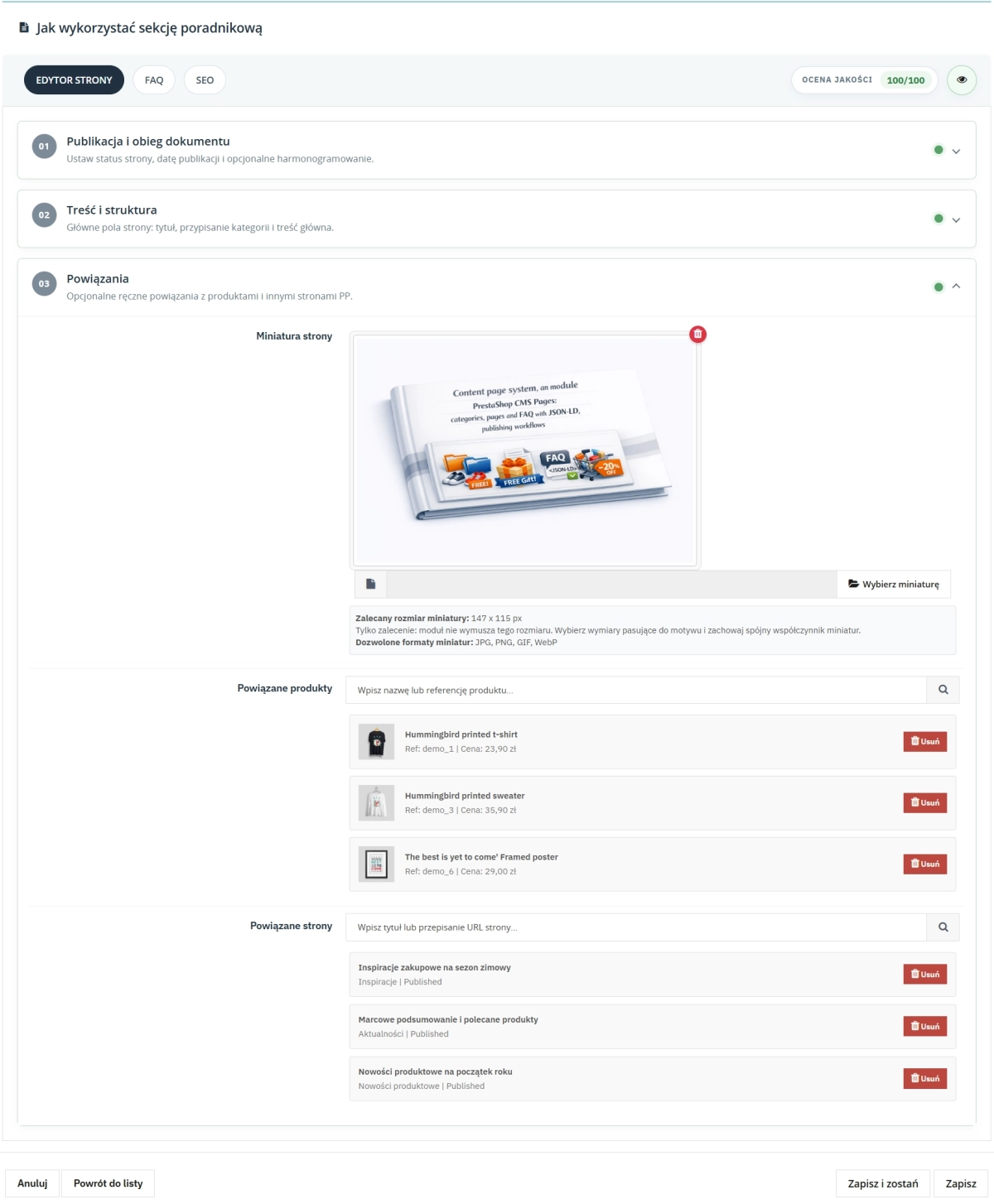
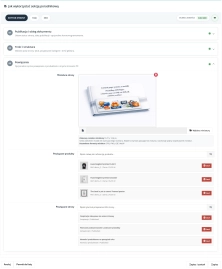
- Page thumbnail with recommended size guidance, configured independently per page and missing from native PS CMS Pages
- Assignment to multiple categories at once, with one primary category determining the breadcrumb path
- Per-page indexing policy:
index,follow,noindex,followornoindex,nofollow - Page view counter visible directly in the Back Office page list
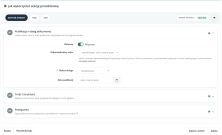
Workflow and publication scheduling
A five-stage workflow with scheduling and preview tokens gives full control over the content lifecycle without involving developers.
- Five statuses: draft, pending review, scheduled, published, archived
- Publication date and time scheduling, so the page can switch to published automatically at the selected moment
- Independent active switch acting as a master visibility toggle regardless of workflow status
- Unique preview token per page that can be copied and sent to copywriters, including for drafts and scheduled pages
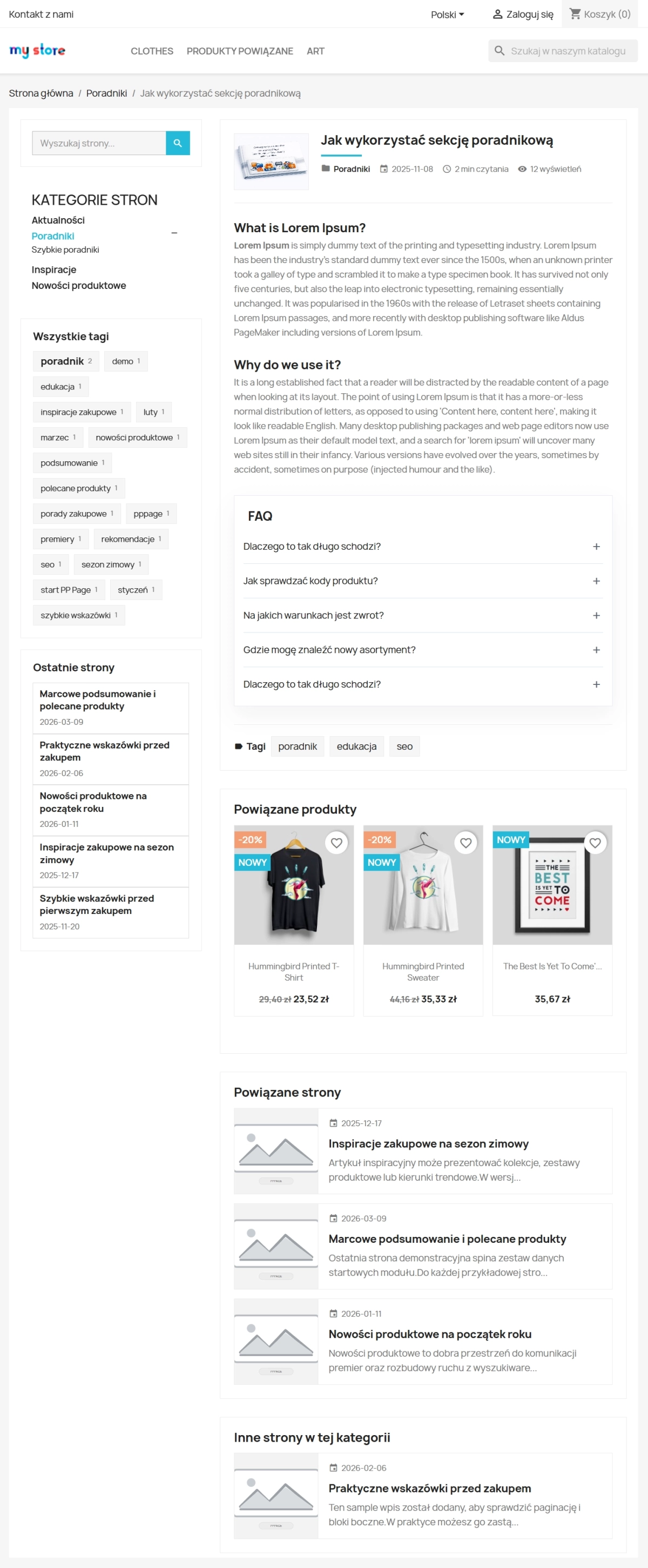
Related products and pages
Each page can include manually attached shop products and related PP Page entries, helping build a content network that leads naturally towards purchase.
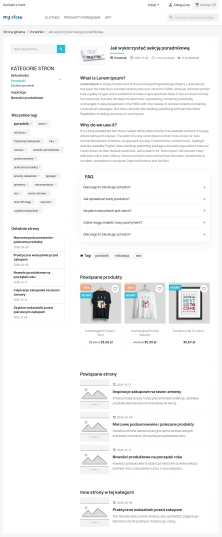
- Related products — search by product name or reference, with results shown directly beneath the article on the storefront as product thumbnails
- Related pages — manual links between articles that help readers move through connected topics and support internal linking
- An “Other pages from this category” section on the storefront, generated automatically from the current category context
Authors
The author base lets you manage the editorial team and assign a responsible person to each page in Back Office.
- Author profile fields: first name, last name, display name, role, email, profile URL and biography
- Default author designation, automatically suggested for new pages
- Per-page author assignment stored as editorial information in Back Office only
- Author data helps organise ownership and accountability across the editorial workflow
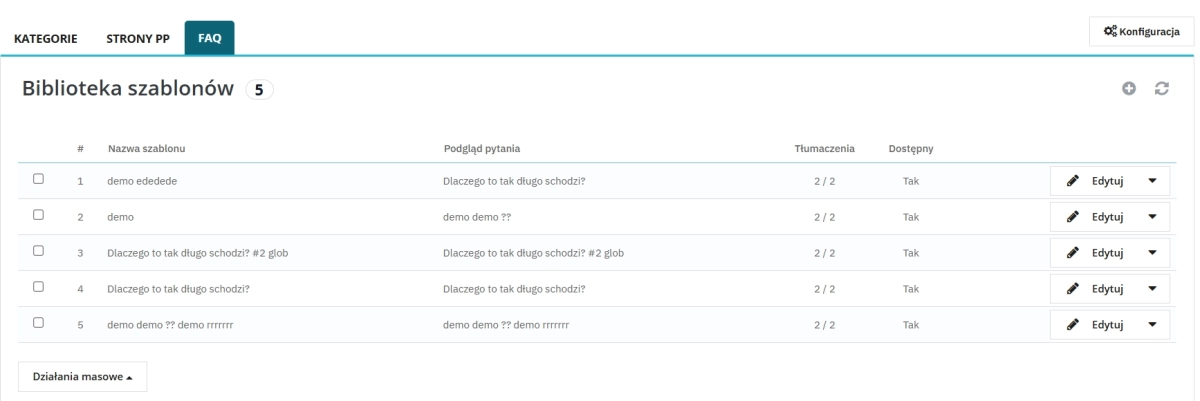
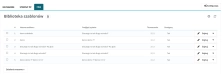
Central FAQ library with presets
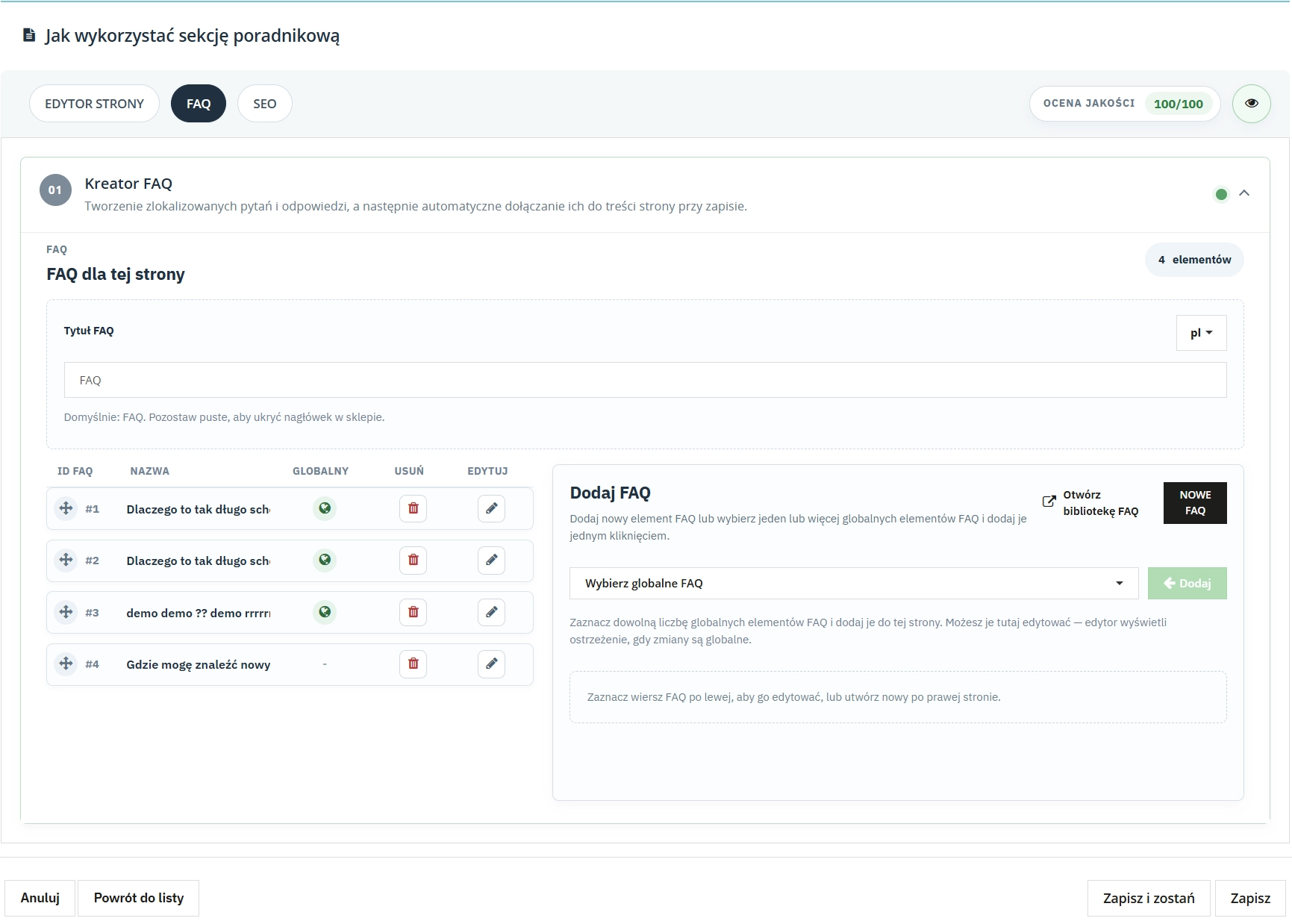
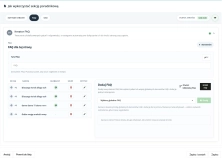
Create multilingual question-and-answer presets and reuse them across multiple pages with a single click.
- FAQ preset = a language-specific Q&A set that can be assigned to any number of pages
- FAQ inserted either through the page FAQ tab or directly inside the editor content via markers
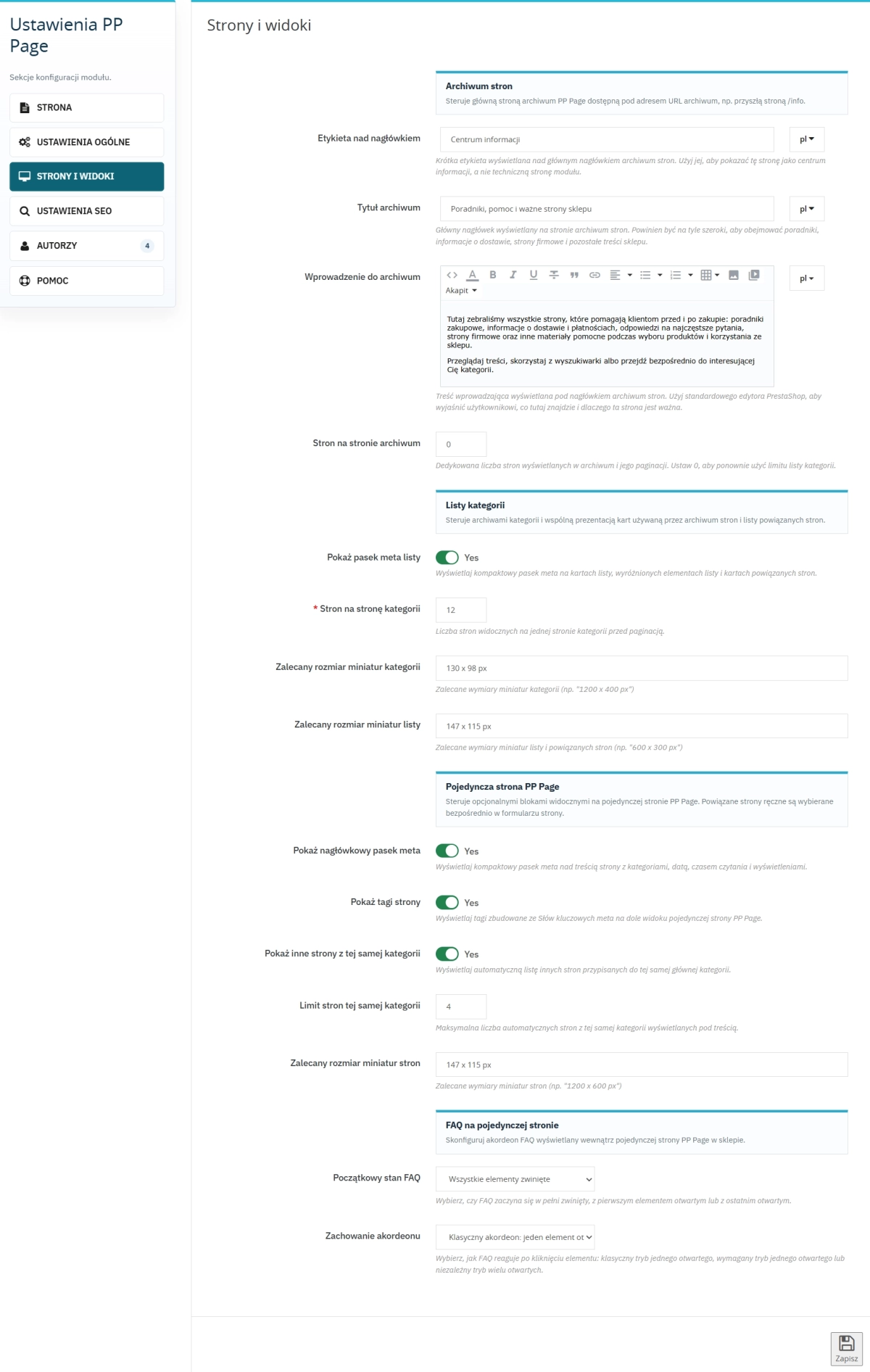
- Configurable accordion behaviour, including initial state and single-open or multiple-open interaction
- Automatic
FAQPageJSON-LD markup, eligible for rich-result presentation without additional setup
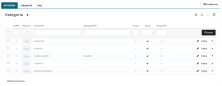
Advanced category management
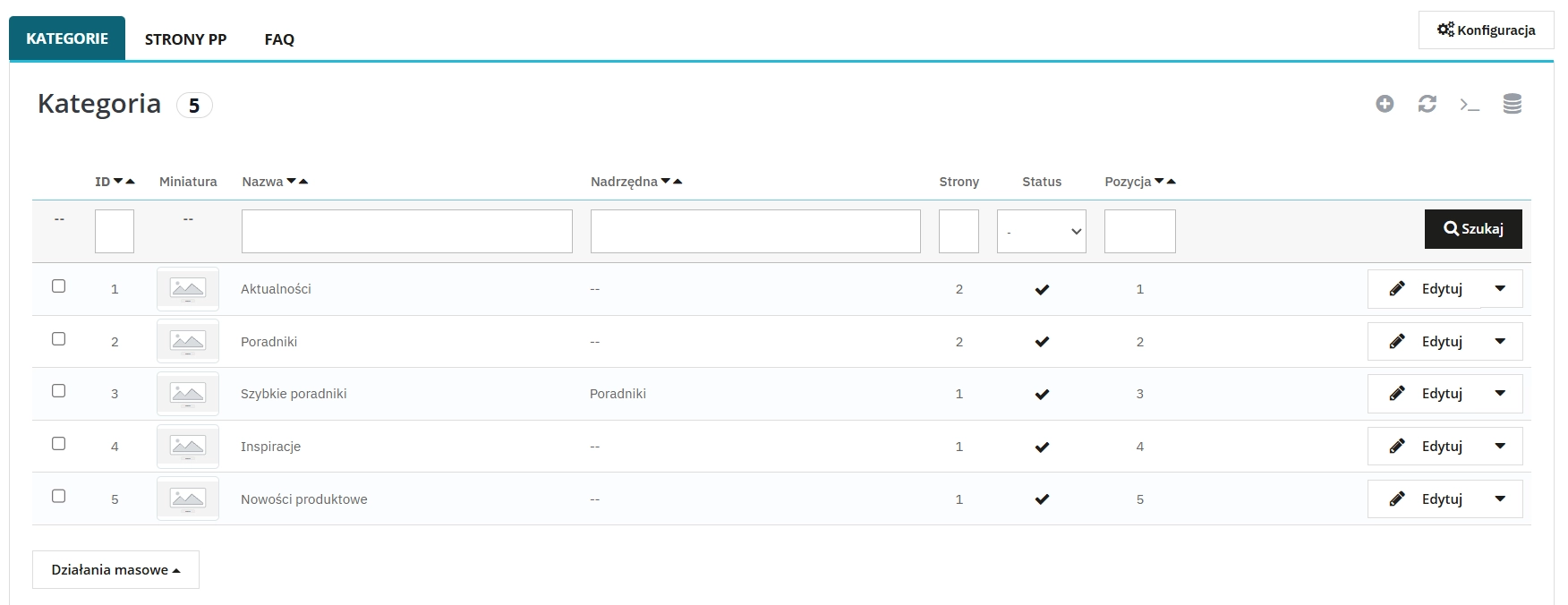
A hierarchical category tree with independent SEO, category thumbnail and multishop support, well beyond native CMS Pages capabilities.
- Parent-child structure with no limit on hierarchy depth
- Meta title, meta description, meta keywords and friendly URL configured independently per category and language
- Category thumbnail with recommended size guidance in configuration, not available in native PS CMS Pages
- Multishop support through category assignment to selected shops
Routing and clean URLs without identifiers
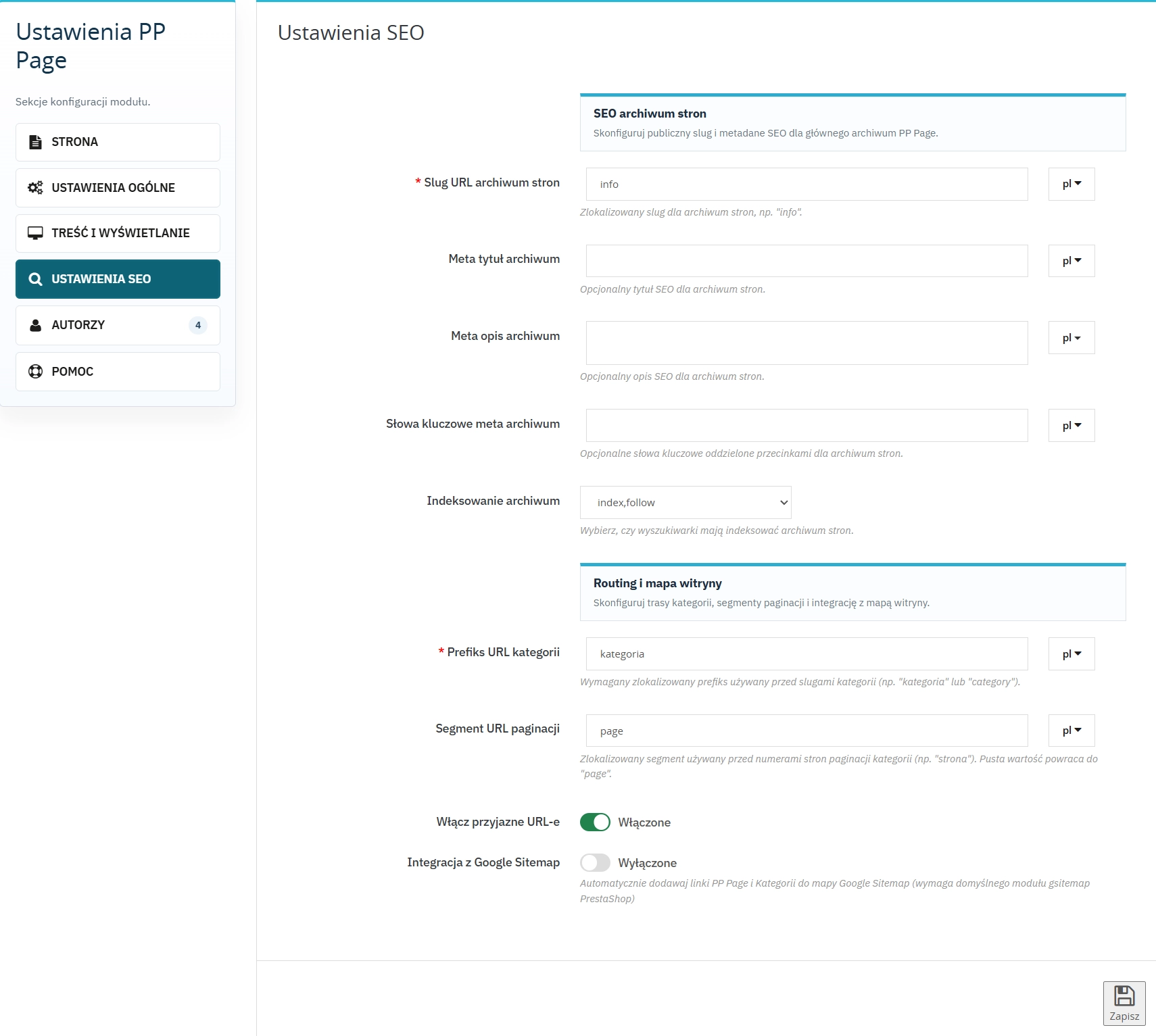
PP Page URLs follow the /{lang}/{slug} format, with the slug placed directly after the language ISO code, without numeric IDs or module prefix.
- Page format:
/en/how-to-grow-tomatoesinstead of/en/content/1-how-to-grow-tomatoesfrom native PS CMS Pages - Three segments per language: listing (for example
articles), category (for examplecategory) and pagination (for examplepage) - Automatic 301 redirects from old addresses to the new friendly URLs
- The language switcher leads to correct translated page and category addresses
SEO settings and sitemap
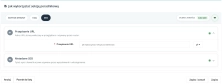
Granular control of indexation and metadata for each view, without relying on additional SEO add-ons.
robotspolicy configured independently for listing, category and search-result views, plus a separate policy per page- Automatic hreflang tags for all active shop languages
- Export of pages (priority 0.9) and categories (priority 0.5) to the Google sitemap through integration with the default
gsitemapmodule - Global listing meta title and meta description configurable per language
What's Under the Hood? – Front Office
Sidebars with character
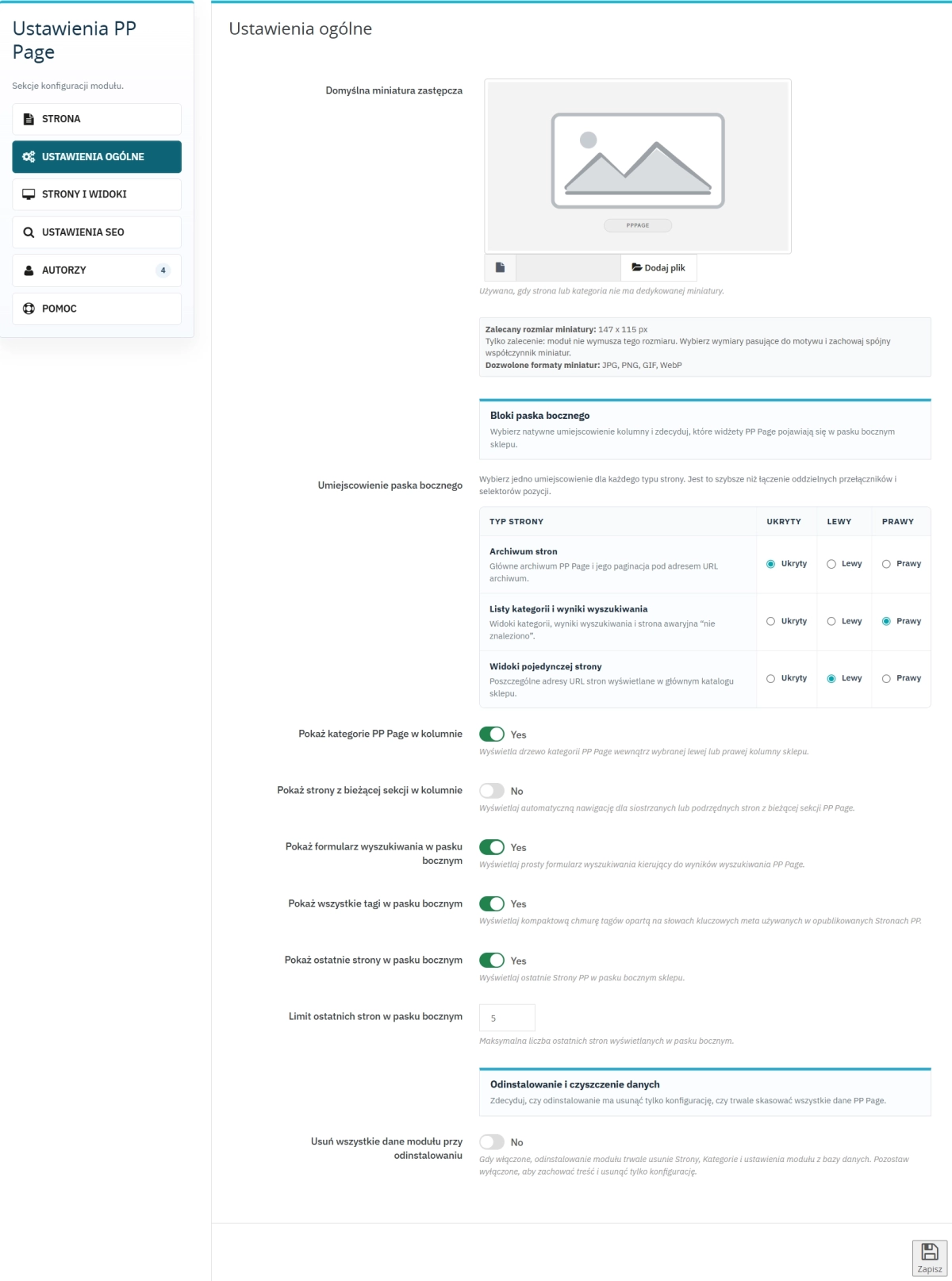
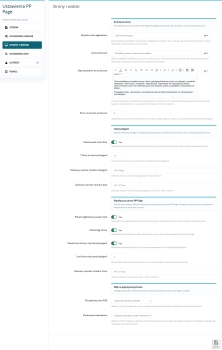
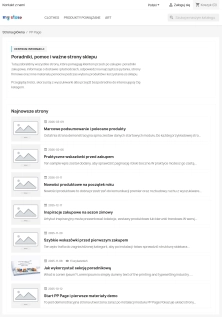
Forget a single global sidebar for the whole site. In PP Page, each view can have its own side panel: one for the page listing, another for category listings, and another for individual pages. Set it left, right, or switch it off entirely, independently for each view.
- Recent posts — a list of the latest pages with a configurable item limit
- Search — a quick search field within PP Page content
- Categories — category tree used as side navigation
- Tags — tag list for topic-based navigation
- Section pages — articles from the same category as the page currently being viewed
- Every widget can be enabled or disabled independently, so the sidebar can be built to match the shop's needs
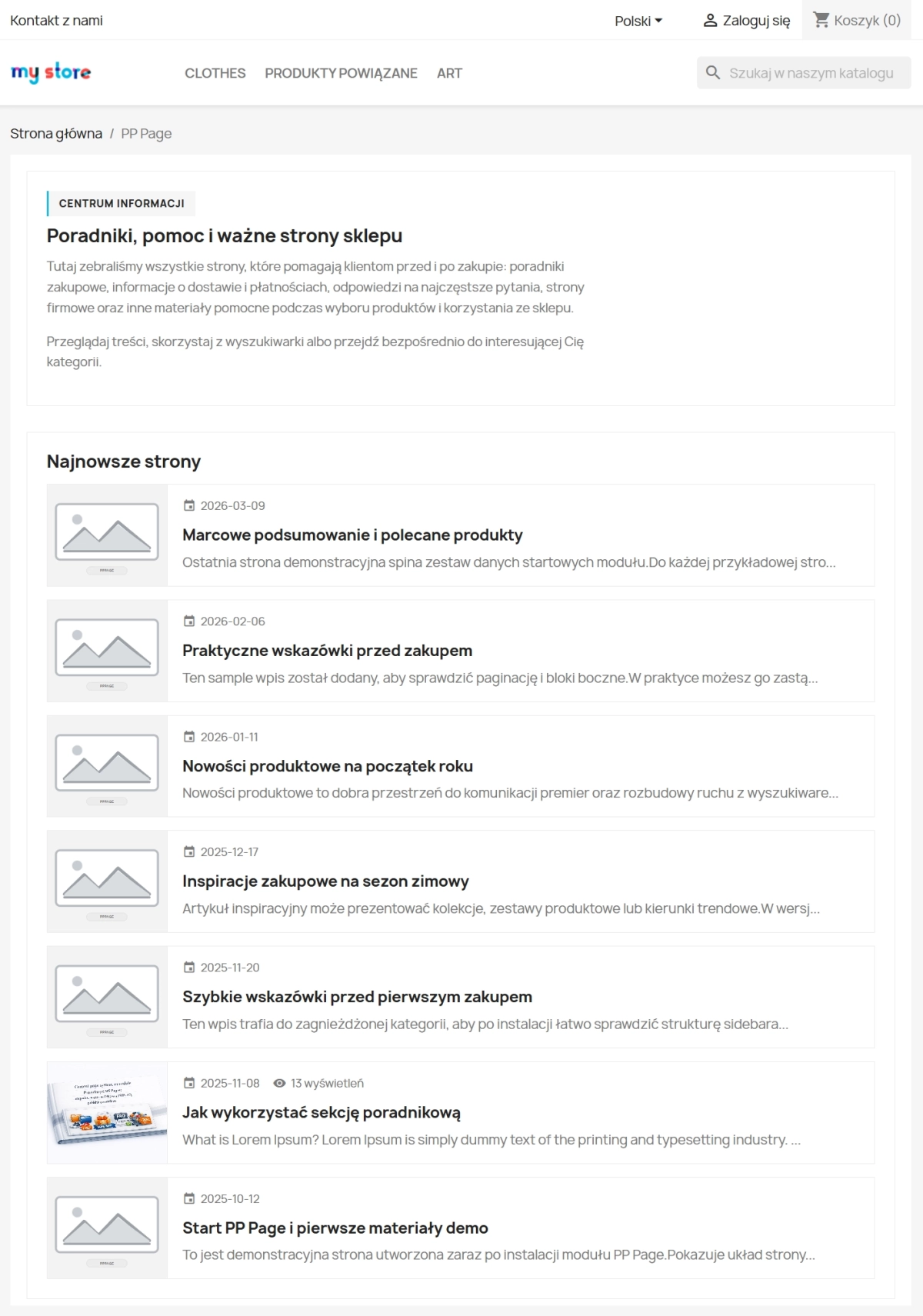
Homepage Exposure
A dedicated block of latest posts that can be enabled on the homepage, helping direct traffic towards content that supports sales and extends user sessions.
- Configurable page limit in the block (default: 3)
- Enable or disable it without modifying the theme template
Full-text content search
A dedicated search system for PP Page content, helping customers find the information they need inside the shop's knowledge base.
- Search results protected with a
noindex,followtag to keep Google's index clean SearchActionJSON-LD markup for the listing view- Optional placement of the search field in the sidebar
How PP Page supports sales and SEO
- Shorter path to purchase — related products embedded inside a useful article create one of the shortest routes from “I need information” to “add to basket”.
- Better visibility of content in Google — implementing FAQ with
FAQPageJSON-LD helps structure content for Rich Results and increases the chance of a more expanded presentation in search results. - Content continuity without manual effort — the scheduling workflow lets the team prepare content in advance and distribute publication over time without day-to-day manual release work.
- Clean URLs per language strengthen relevance — keywords directly in the address, without IDs or prefixes, combined with automatic hreflang support, strengthen local search relevance for each language version of the shop.
- Consistent publisher context in JSON-LD — organisation data used in the
authorandpublisherfields helps maintain a consistent publisher signal across the structured data of the site's pages.
Important
- Before installing the module, create a backup of the database.
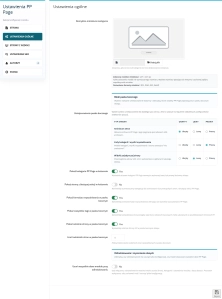
- If you want all module data removed during uninstall, enable the "Delete data on uninstall" option in General Settings before uninstalling. It is disabled by default.
# Changelog

## [2.0.0] - 2026-09-21

### Added

- Separate install packages for **PrestaShop 1.7**, **8**, and **9** with the same feature set.
- Back Office configuration rebuilt on the shared admin layout (tabs: Content, General, Pages & Display, SEO, Authors, Import / Export, Help).
- JSON import and export using the `pppage-exchange` format.
- All Pages landing: tag filtering, SEO and breadcrumbs for `?tag=` views.
- SEO tab: per-language preview of the All Pages landing URL slug (where supported in BO).

### Changed

- Module codebase split per PrestaShop line (`ps17` / `ps8` / `ps9` builds); storefront and BO behaviour aligned across versions.
- Page editor, categories, FAQ, authors, multistore and multilingual rules updated for 2.0 workflows.

### Removed

- Unused bundled components (e.g. legacy UI/carousel/font bundles on PS 1.7; **pprecaptcha** on all lines).

---

## [1.0.0] - 2026-02-17

### Added

- Initial release of the module.
FAQs
-
Does PP Page create URLs without a numeric ID?
Yes. Pages can use clean slug-based URLs, for example /pl/jak-sadzic-pomidory, without an ID or module prefix.
-
Are the modules compatible with my version of PrestaShop?
Each module in our store contains information about compatibility with specific PrestaShop versions. Please check this information carefully before purchasing. If you are not sure, contact us.
-
Which structured data does the module generate?
The module generates WebPage JSON-LD for articles, FAQPage for pages with FAQs, and CollectionPage for listings and categories.
-
How does the publishing workflow work?
Content can move through five stages: draft, pending review, scheduled, published, and archived, with the option to schedule a publication date.
-
Does each language version have its own URL?
Yes. Each language has independently translated URL segments, and the module automatically generates the appropriate hreflang tags.
-
Can I link products and other articles to a page?
Yes. The module lets you manually link products and other pages, building a logical content network that leads to the cart.
16 other products in the same category:
Automatic currency matching by shop language in PrestaShop
PP Smart Currency automatically matches the currency to the language a customer is using in your PrestaShop store. Visitors immediately see the right currency, while the...
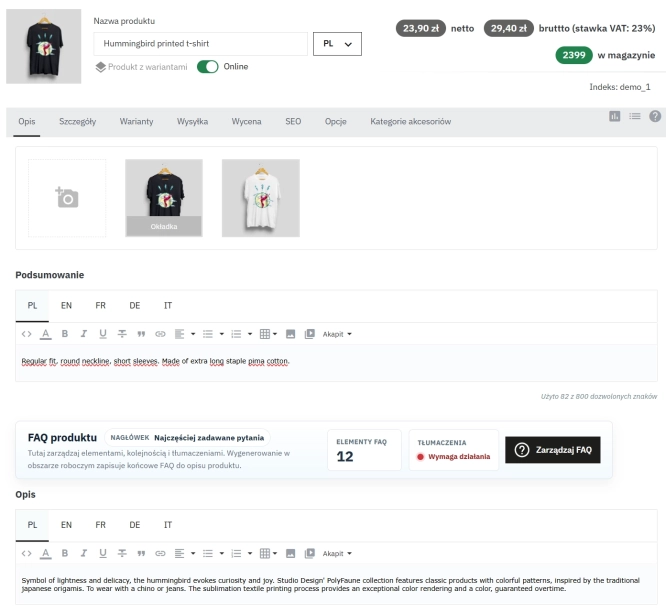
Take SEO and conversion further: a PrestaShop FAQ module with a built-in editor and FAQPage JSON-LD
The FAQ Builder module makes it easy to add question and answer (FAQ) sections directly to your PrestaShop product descriptions. The management interface sits just above the...
- New
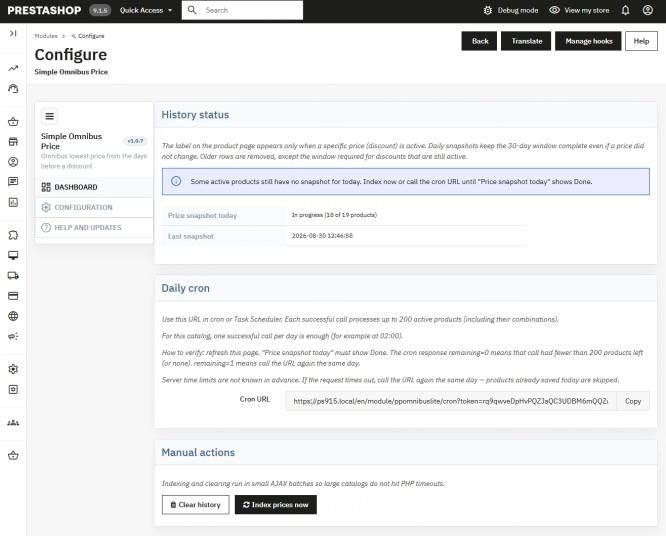
Free Simple Omnibus Price Module – Omnibus Directive for PrestaShop
Simple Omnibus Price is a completely free PrestaShop module that automates displaying the lowest price from the 30 days prior to a price reduction. Protect your store...
Product recommendation module for PrestaShop
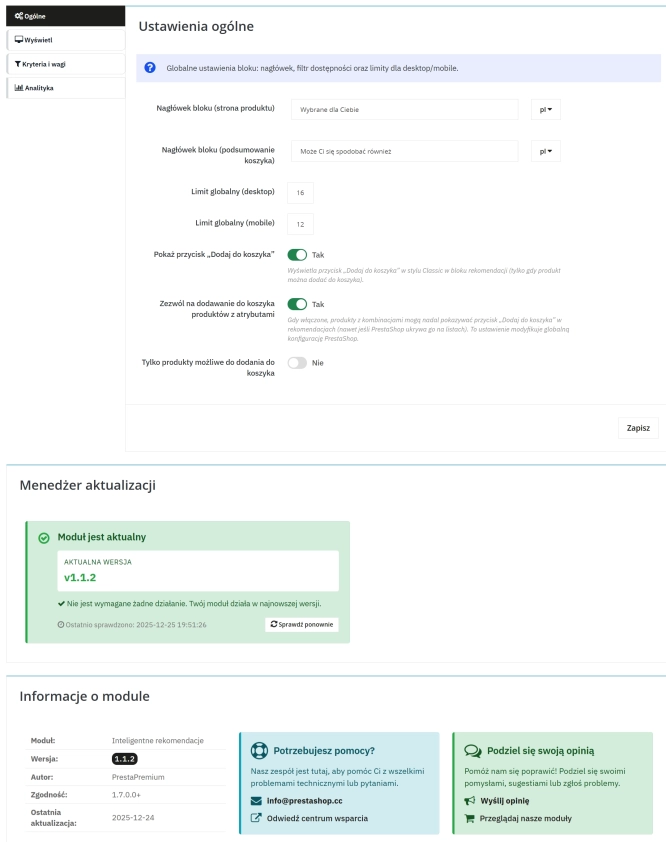
A recommendations module for PrestaShop that displays tailored product suggestions in two key points of the buying journey: the product page and the cart. It reduces...
Advanced Search for PrestaShop
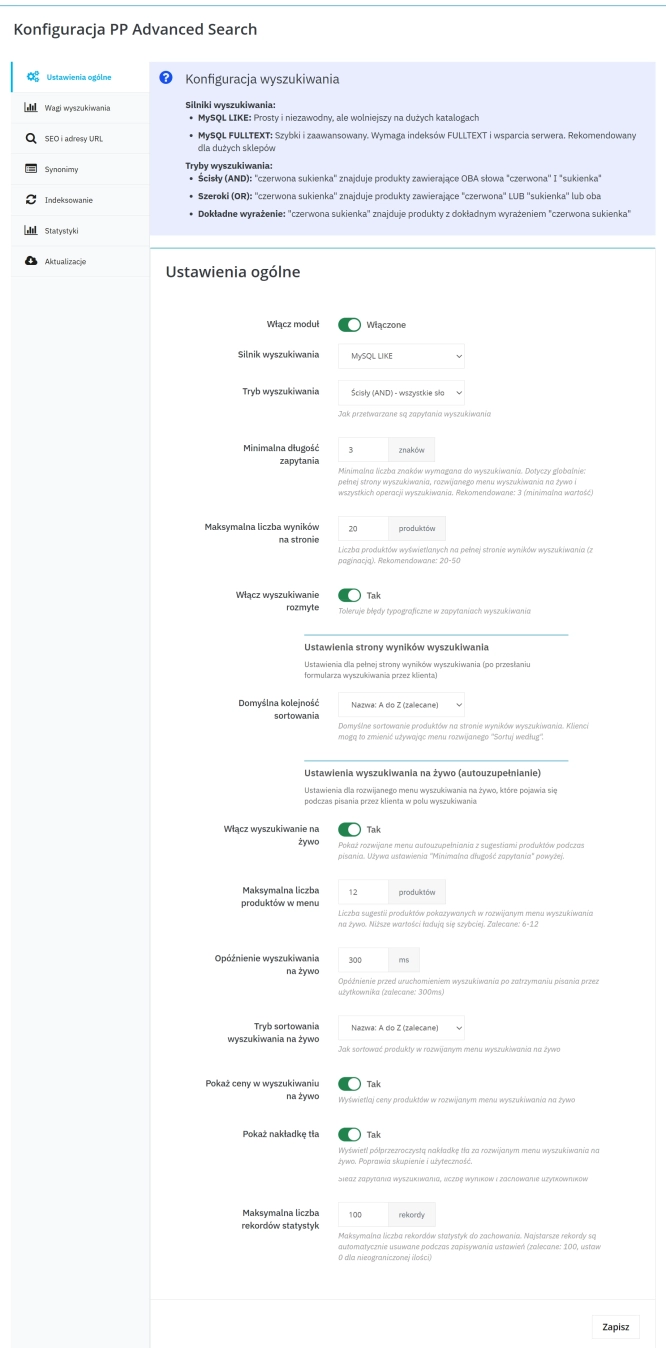
Advanced product search for PrestaShop that helps customers find the right products faster and makes it easier to complete purchases in your PrestaShop store . The module...
Extra Product Tabs – Tab Creator, CSV Import and SEO
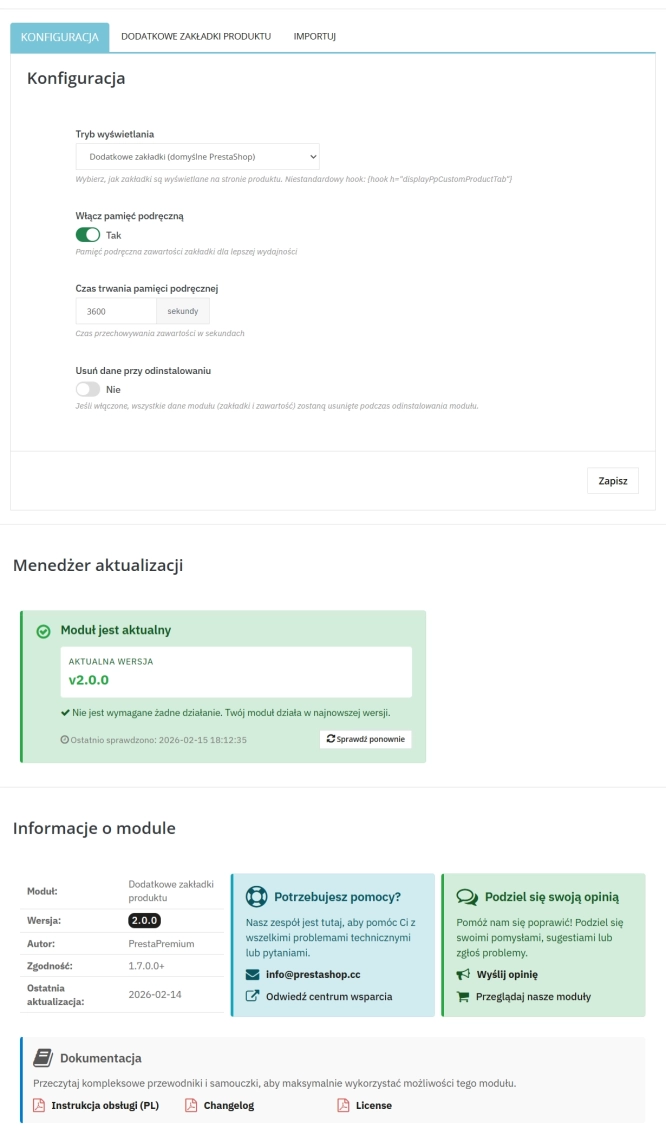
Transform chaotic descriptions into a professional offer that sells! The Extra Product Tabs module allows you to instantly add unlimited tabs (e.g. Size Guide, Video,...
Free PrestaShop Video Module (YouTube & Vimeo)
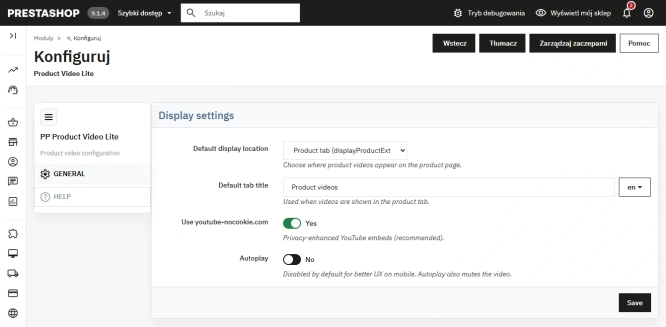
Product Video Lite is a free and exceptionally lightweight module that allows you to assign an unlimited number of YouTube and Vimeo videos to your products. Instantly...

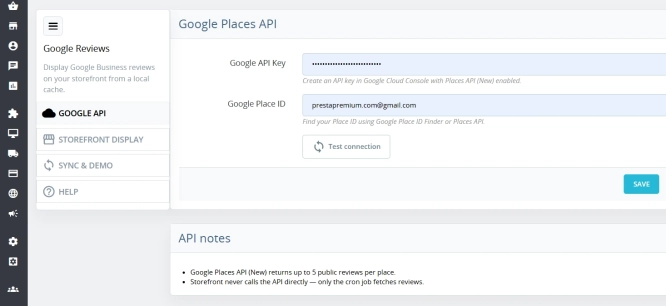
Google Maps Reviews Module for PrestaShop – Automatic Import and Display of Customer Ratings
This module serves to increase trust in your shop by displaying authentic reviews from Google Maps. Thanks to the automatic generation of JSON-LD structured data, star...
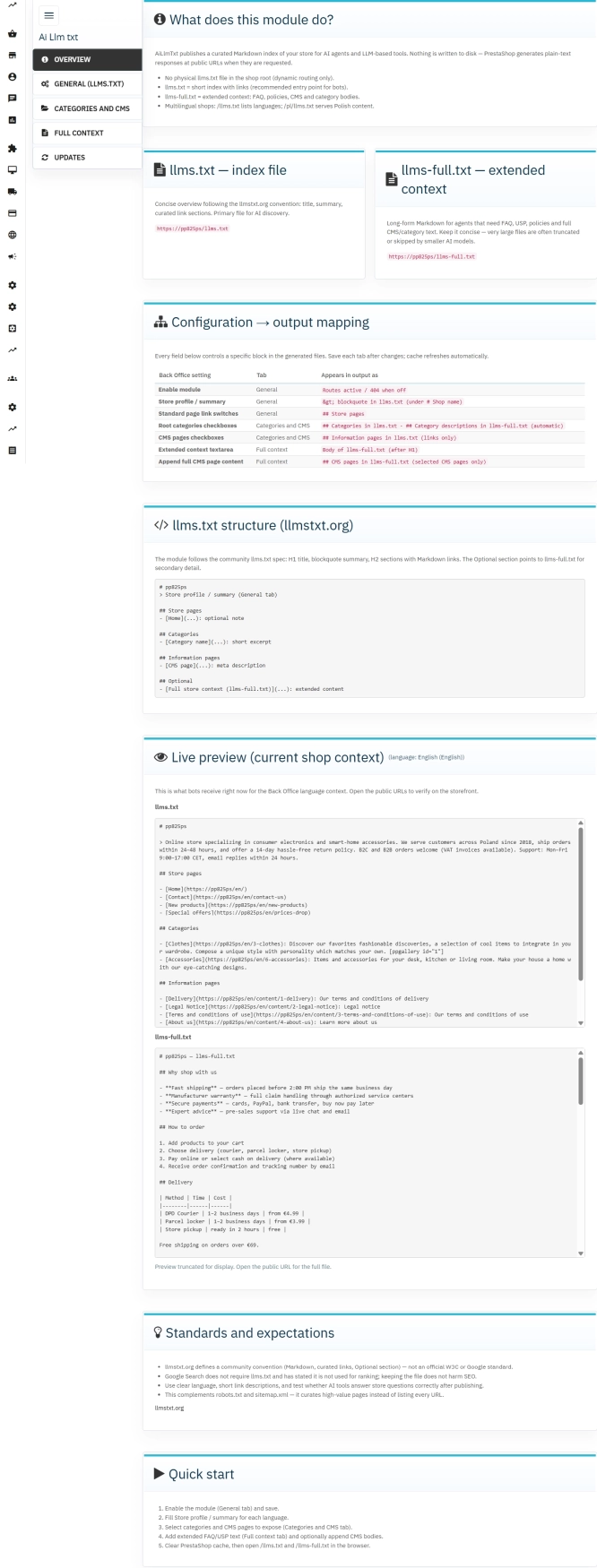
llms.txt for PrestaShop — Dynamic Store Index for AI Bots
AiLlmTxt publishes llms.txt and llms-full.txt files on the fly, without physical file generation on the disk — PrestaShop generates them dynamically under public URLs....
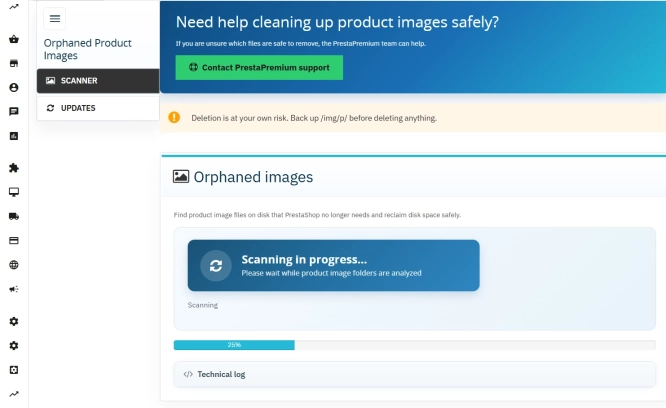
Unused Product Images — Free Server Cleanup for PrestaShop
Unused Product Images (Free) is a free PrestaShop module designed to optimize disk space and file limits (Inodes) on your hosting. The tool automatically locates and...
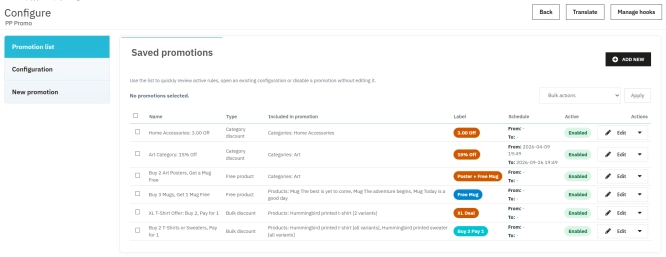
PrestaShop Promotion Module: Free Gifts, Quantity Discounts, Buy X Get Y and Category Offers
The PP Promo module for PrestaShop makes it easy to create and automate popular sales campaigns, from "Buy 2, Pay for 1" offers and free gifts to discounts on selected...
PrestaShop Product Reviews & Comments – Discount Vouchers, Customer Photos, JSON-LD & Fee-Free...
This module serves as a complete alternative to paid SaaS review platforms (such as Trustpilot, Opineo, or Trusted Shops) and allows you to bypass complex Google...
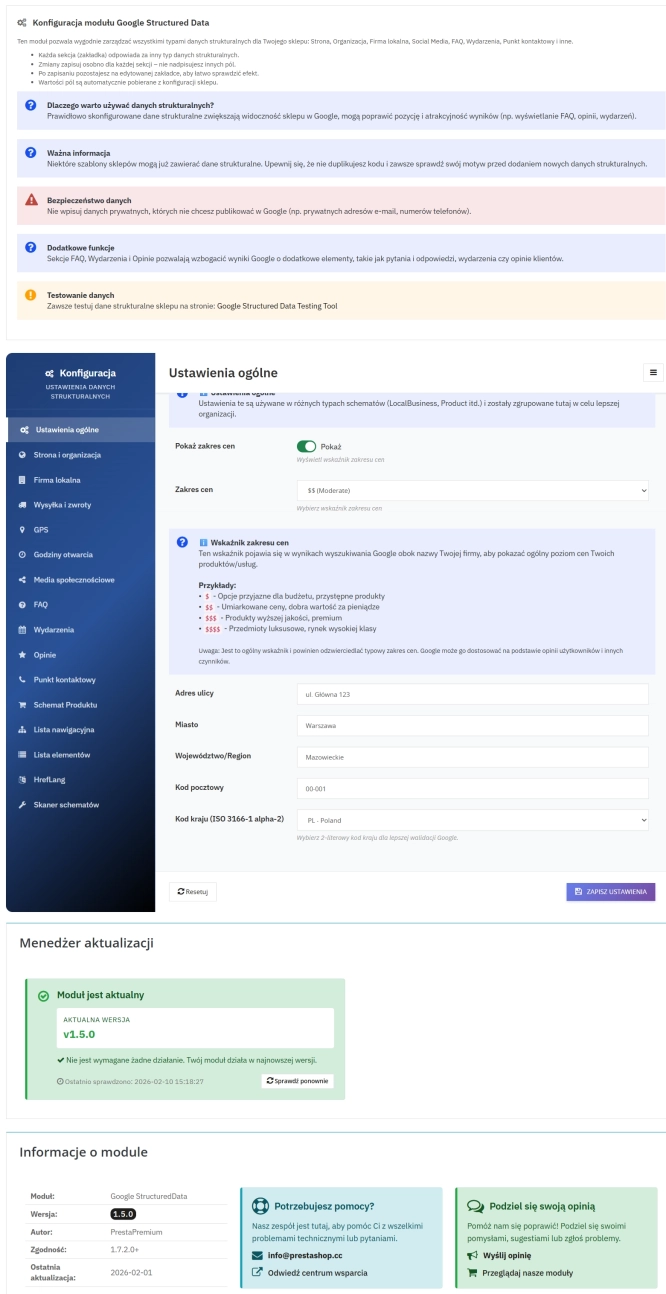
PrestaShop Schema Pro - Rich Snippets & SEO Booster
Rich Results + AI = dominate search results and increase sales in PrestaShop! Automatic JSON-LD generator with full support for more than 15 Schema.org types, including...
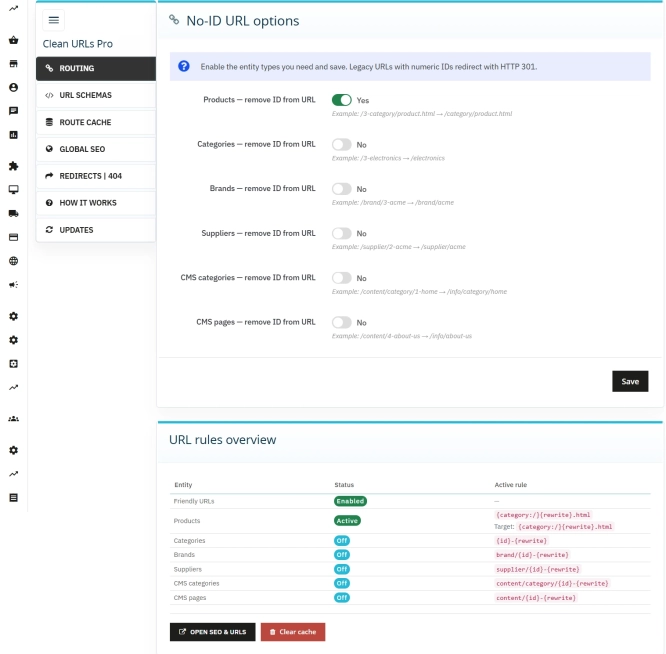
Clean URLs Pro – remove IDs from PrestaShop URLs
Clean URLs Pro removes numerical IDs from product, category, CMS category, CMS page, brand, and supplier URLs — without core modifications and with zero overrides. Simply...
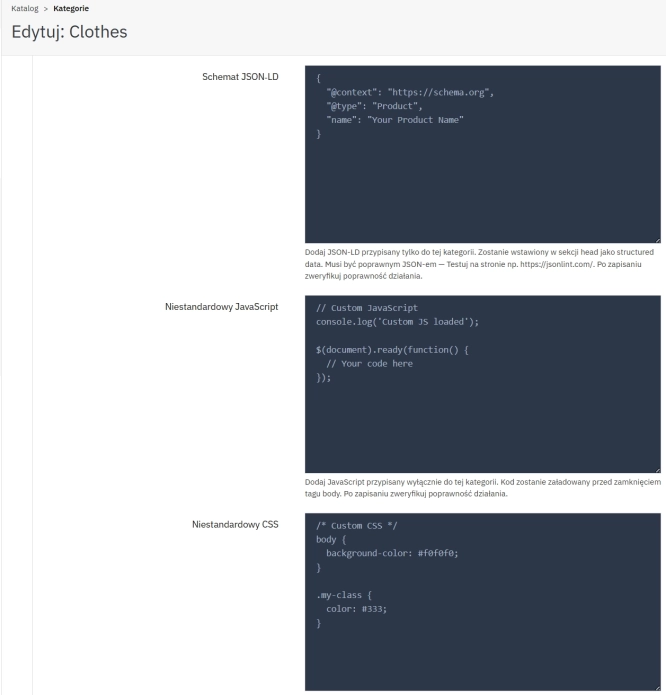
SEO Custom Code Manager for PrestaShop Products Categories and CMS
A module for PrestaShop that allows adding custom JSON-LD , JavaScript, and CSS resources individually to each product, category and CMS . Increase search engine...
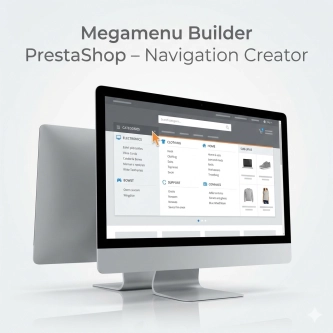
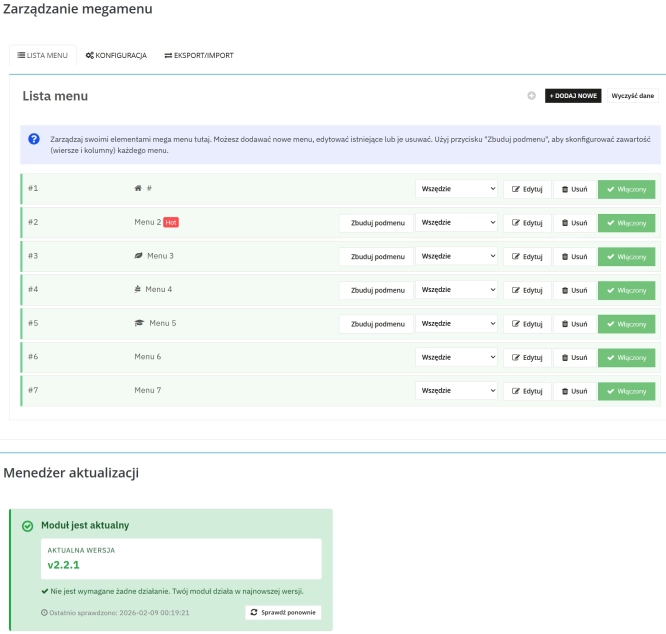
Megamenu Builder PrestaShop – Navigation Creator (Atomic Cache Technology)
Change the way customers navigate your store. PP Megamenu is an advanced navigation builder that combines Premium design with uncompromising performance. Thanks to our...
Do you need additional features or custom solutions?
- Module customisation tailored to your specific requirements.
- Extending functionality to enhance your store's capabilities.
- Developing bespoke modules designed to meet your unique needs.
- Integrating external systems and additional tools.
- Optimisation and improvements for better performance and user experience.
Do you have ideas on how to improve this software? Share your suggestions for optimisation, new features, or bug reports – we’ll be happy to review them!