Extra Product Tabs – Tab Creator, CSV Import and SEO
PP-M018
- 1.7.7 + | 8.x | 9.x
- EN, FR, IT, DE, PL
- 2.0.0
- 2026-02-14
Transform chaotic descriptions into a professional offer that sells!
The Extra Product Tabs module allows you to instantly add unlimited tabs (e.g. Size Guide, Video, Delivery, Returns) to the product page. Save hours of work with bulk CSV import, assign content to entire categories and improve your store's SEO thanks to structured data. An essential tool for PrestaShop.

74.10 €
Tax excluded
Lowest price within 30 days before promotion:
74.10 €
Information Parameters:
- 2.0.0
-
Store Version PHP Version1.7.7 + 7.1 – 7.48.x 8.1 – 8.39.x 8.1 – 8.5
- 2026-02-14
- EN, FR, IT, DE, PL
- ✅
- ✅
- ✅
- ❌
- demo.admin.shop
- demo.front.shop
No more clutter on the product page
Did you know that customers abandon purchases when they cannot quickly find information about size, composition or shipping? A 'wall of text' in the description effectively drives them away.
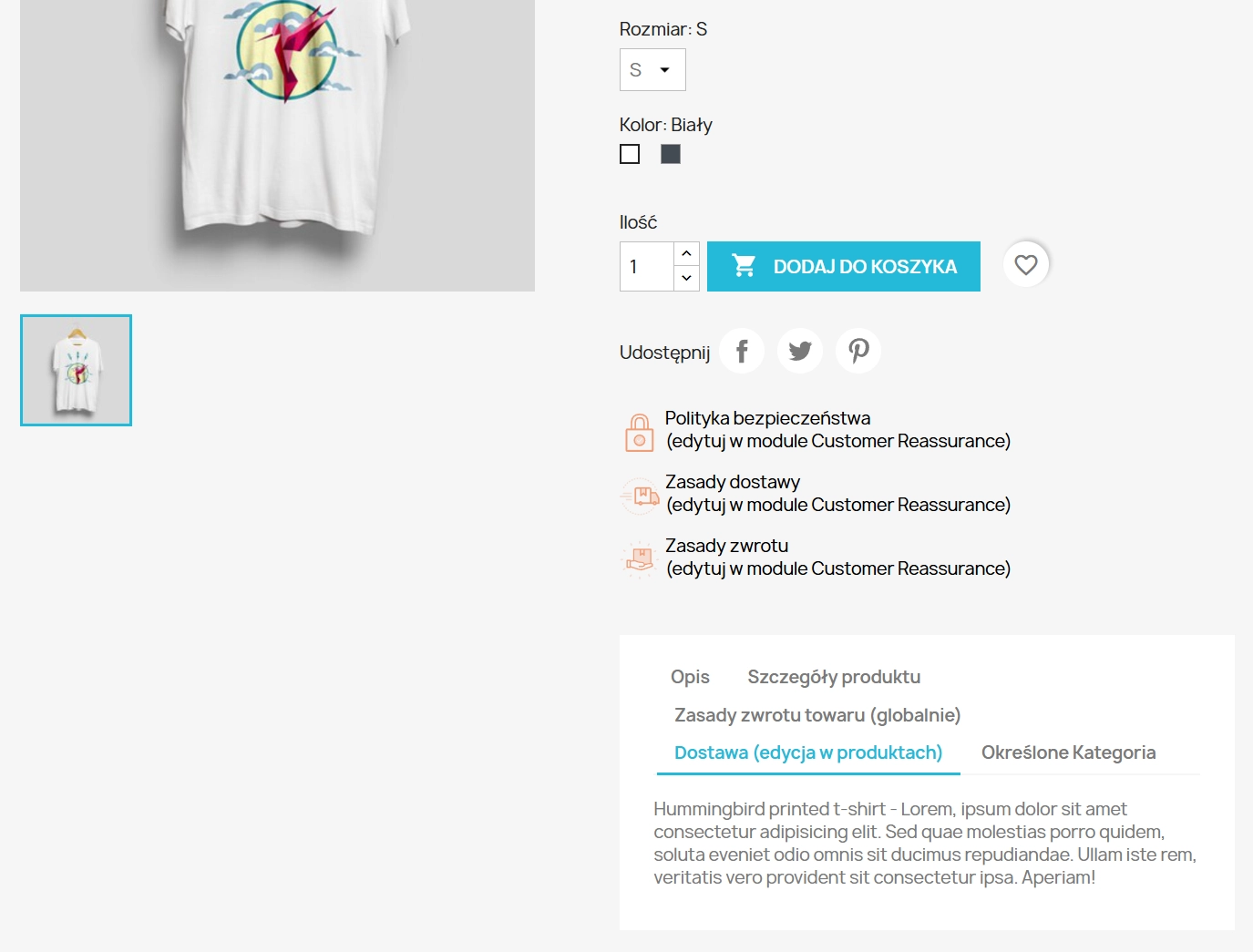
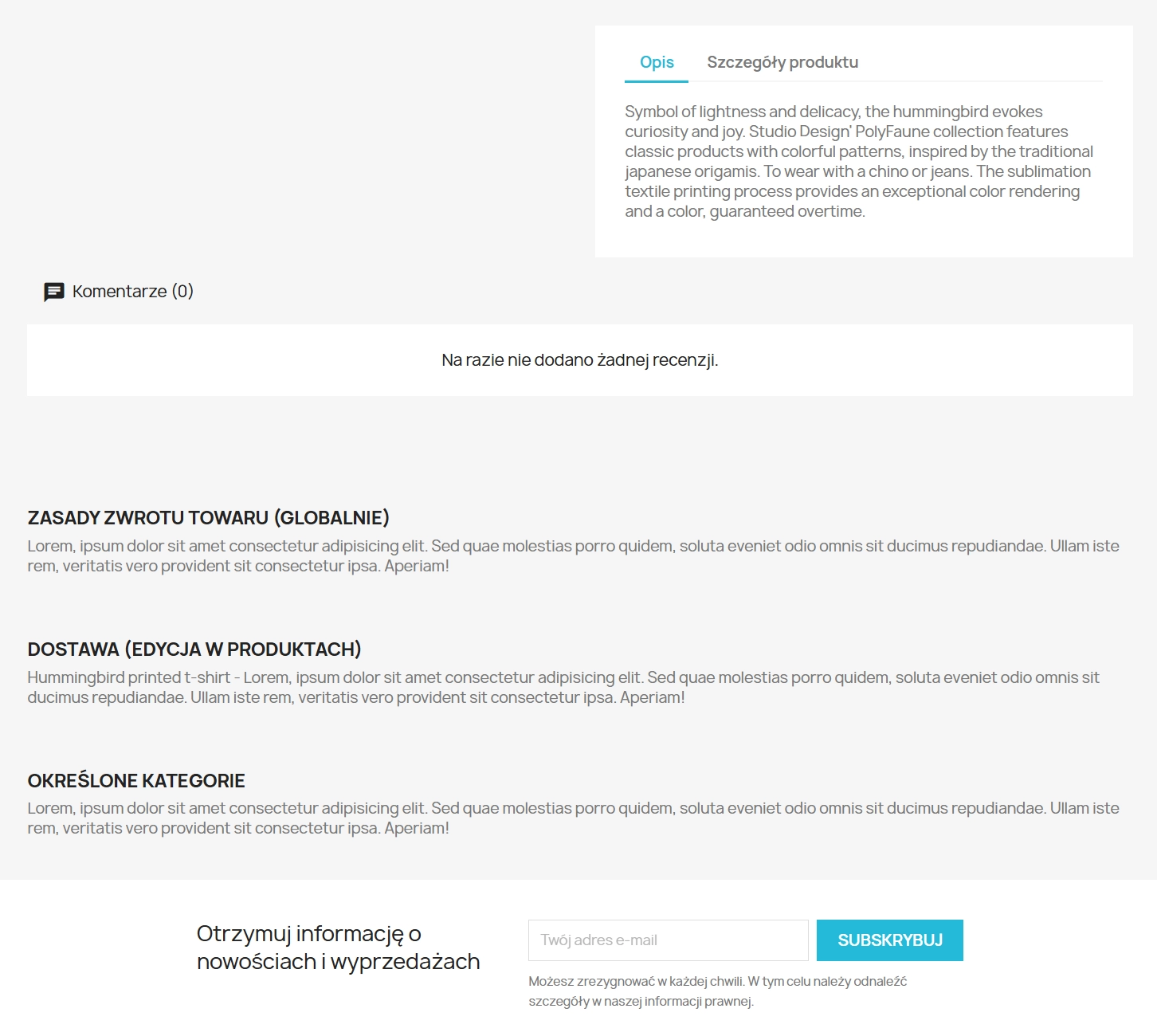
Our Extra Product Tabs module solves this problem. It allows you to divide extensive information into elegant, readable tabs. Thanks to this, your store gains the look of premium brands, and customers make purchasing decisions faster. It is not just aesthetics – it is a tool for optimising conversion and workflow.
Why choose this module?
🚀 Time Saving (CSV Import)
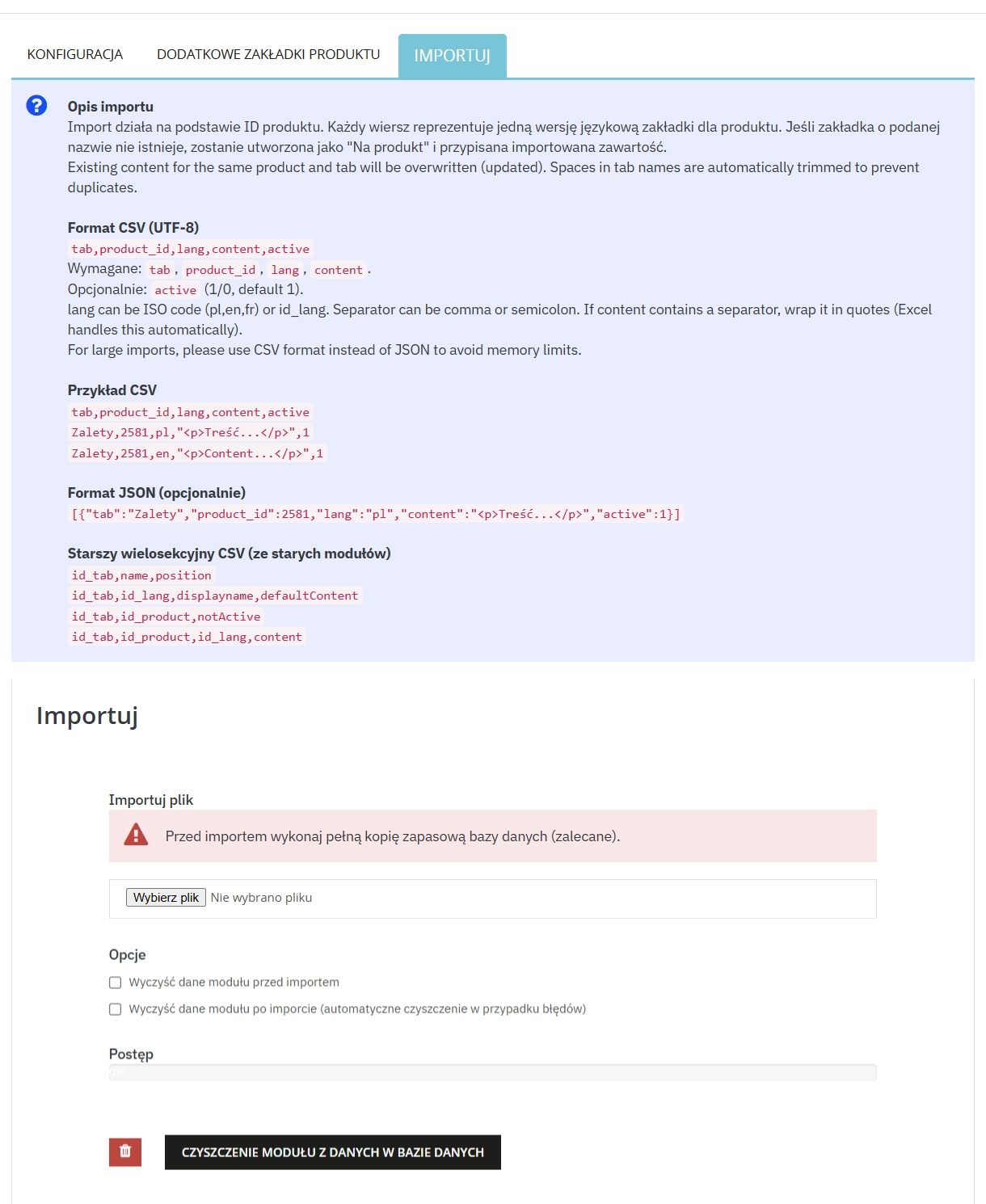
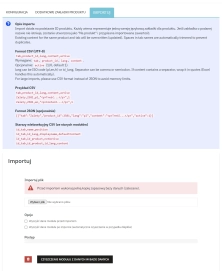
Do you have thousands of products? You don't have to click manually! Import tab content in bulk from a CSV file. The module will automatically assign the appropriate tables or instructions to products.
🎯 Precise Targeting
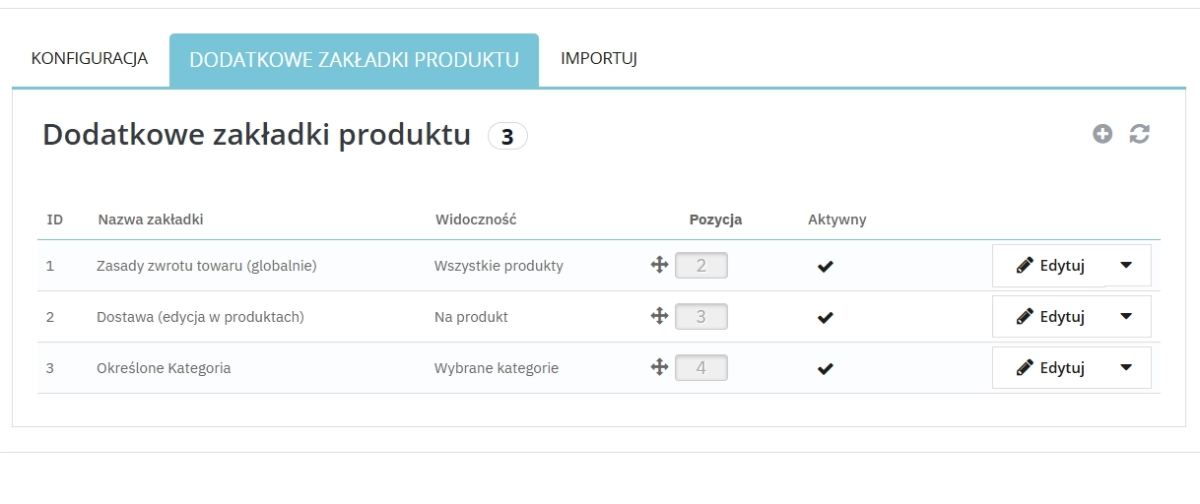
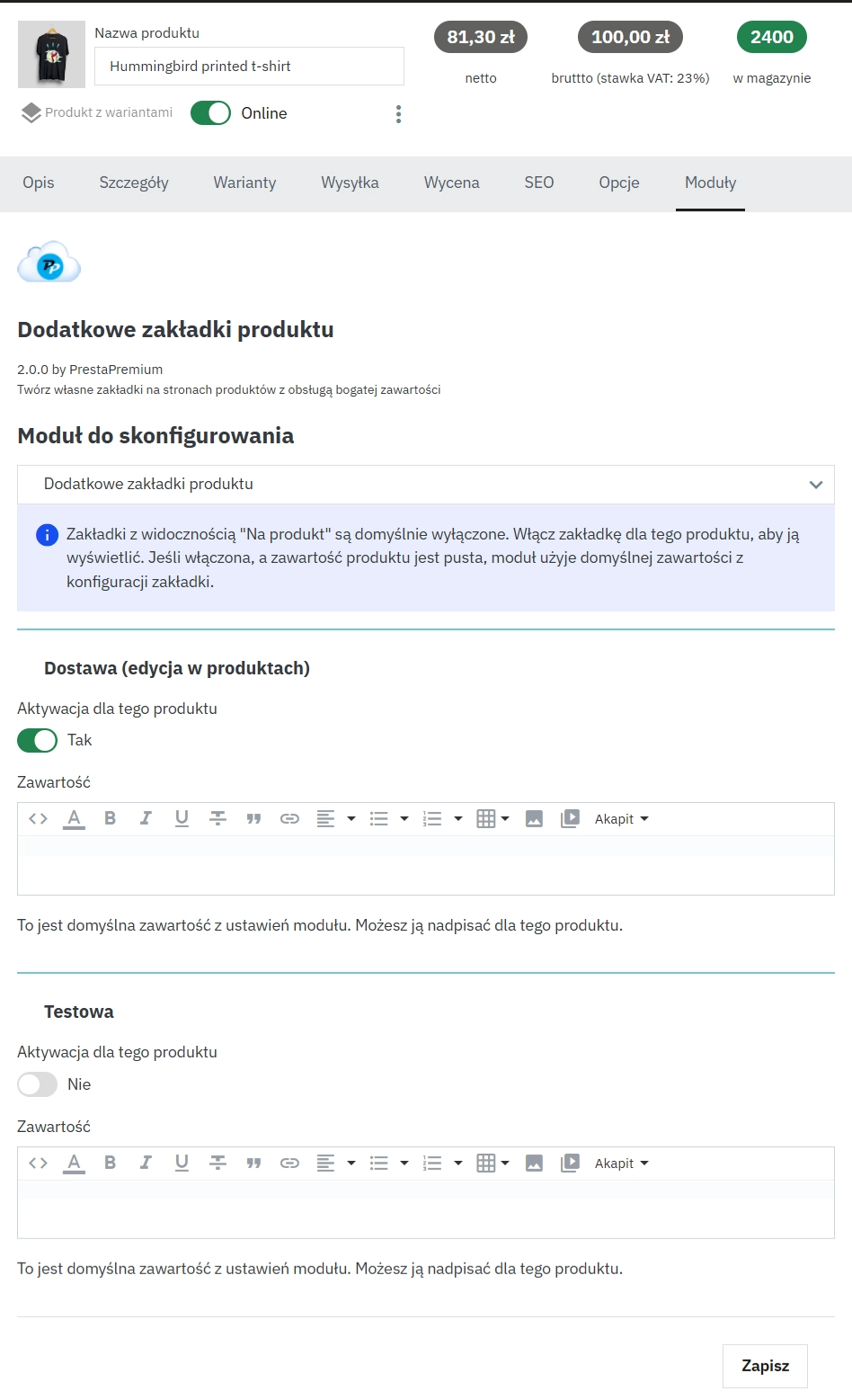
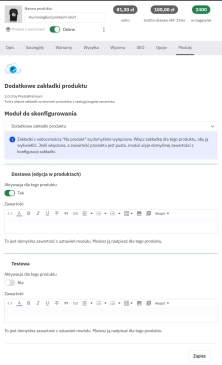
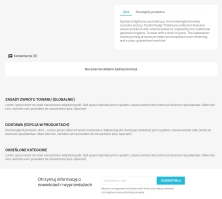
Full flexibility: create a tab visible globally (e.g. "Returns"), only for a selected category (e.g. "Shoe Size Chart") or unique to a single product.
📈 Better SEO (Google)
Separating content helps Google robots index the page better. Additional tabs are the perfect place for keywords (Long Tail), which do not disrupt the main marketing description.
🎥 Multimedia and HTML
The WYSIWYG editor in tabs allows for everything: inserting photos, tables, formatting text, and even embedding videos from YouTube/Vimeo or PDF files.
🌍 Multistore and Multilingual
Do you sell abroad? The module fully supports translations of tab names and content. It also supports the Multistore function for complex e-commerce ecosystems.
✨ Intuitive Drag & Drop
Management is incredibly simple. Set the display order of tabs using the "drag and drop" method so that the most important information is always in the first place.
Examples of use in your store
See how organising content will affect the readability of your offer:
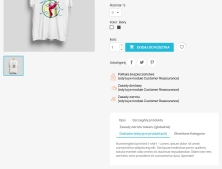
- Clothing Industry: Create a "Size Guide" tab and assign it automatically only to the "Clothes" category. You don't have to edit every product individually!
- Electronics / Home Appliances: Separate the "Technical Specification" section and "Downloads" (PDF manuals) so that the main description remains light and sales-oriented.
- Cosmetics: Add an "Ingredients (INCI)" tab and "How to use" – customers look for this data, and it often gets lost in the standard description.
⚙️ Technical specification
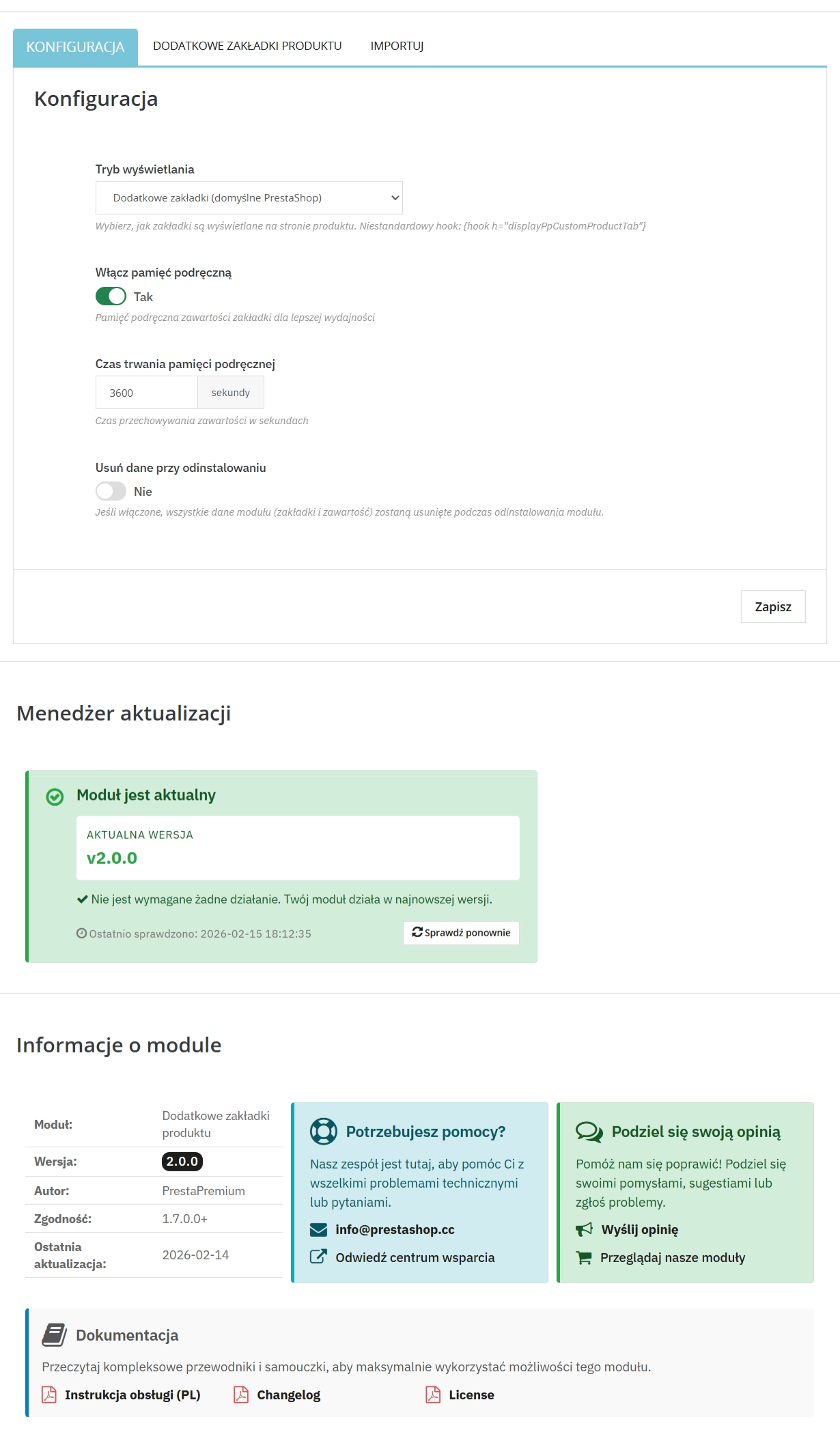
The module uses native PrestaShop solutions (Hooks), which guarantees stability and compatibility with most templates. It has a built-in Cache system, so the additional content does not slow down the store's loading time.
Note!
Before starting the bulk data import from CSV files, we recommend performing a full database backup. The import operation is irreversible and overwrites existing content for Product-Tab pairs.
## [2.0.0] - 2026-02-14

### Added

- Complete rewrite of the module with new architecture, abandoning the old v1 codebase. This version introduces improved performance, better user interface, and enhanced
import/export functionality.
You might also like
FAQs
-
Are the modules compatible with my version of PrestaShop?
Each module in our store contains information about compatibility with specific PrestaShop versions. Please check this information carefully before purchasing. If you are not sure, contact us.
-
What is the Extra Product Tabs module used for?
The module lets you divide extensive product-page information into clear, additional tabs. They can contain instructions, tables, videos or documents, among other content. This organisation separates detailed information from the main product description and makes it easier to present.
-
Can tabs be assigned to multiple products?
Yes. A tab can be shown globally, assigned to a selected category or created exclusively for one product. This allows the same content to be reused in multiple catalogue locations while keeping product-specific information in separate, individual tabs.
-
How does bulk import of tab content work?
The module allows tab content to be imported from a CSV file. This is intended to speed up assigning recurring information, such as tables or instructions, to a larger number of products. The product description states that import can overwrite existing content for a product–tab pair, so creating a database backup first is advisable.
-
What materials can be placed in tabs?
The built-in WYSIWYG editor lets you create formatted HTML content. Tabs can include text, images, tables and embedded YouTube or Vimeo content. The description also mentions the use of PDF files. This makes it possible to present supplementary materials without expanding the main product description.
-
How does the module help organise content for SEO?
Additional tabs create separate areas for structured content and more specific phrases. The module description identifies them as space for long-tail keywords without overloading the main marketing description. This structure helps separate topical information and keep the product page more readable.
16 other products in the same category:
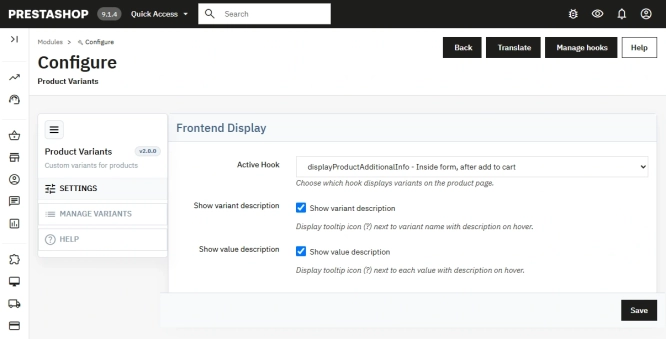
Additional Product Fields and Options – Attributes without Combinations (Custom Fields)
This module enables the creation of additional product options without using native PrestaShop combinations. Each option can have a price impact (positive or negative) but...
113.10 €
- New
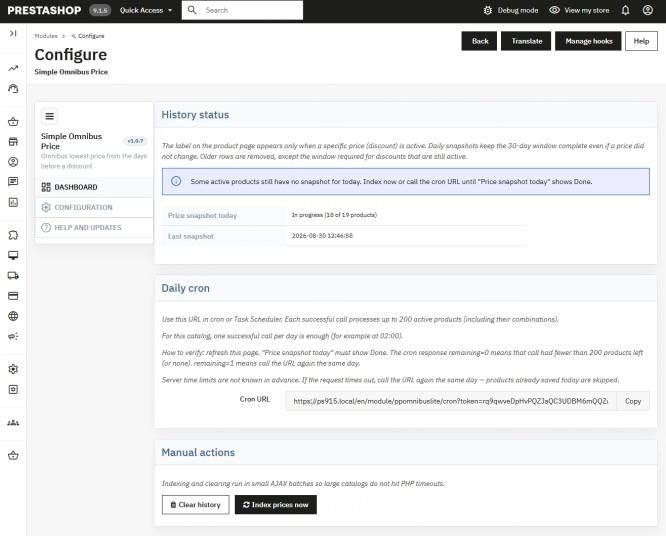
Free Simple Omnibus Price Module – Omnibus Directive for PrestaShop
Simple Omnibus Price is a completely free PrestaShop module that automates displaying the lowest price from the 30 days prior to a price reduction. Protect your store...
0.00 €
- New
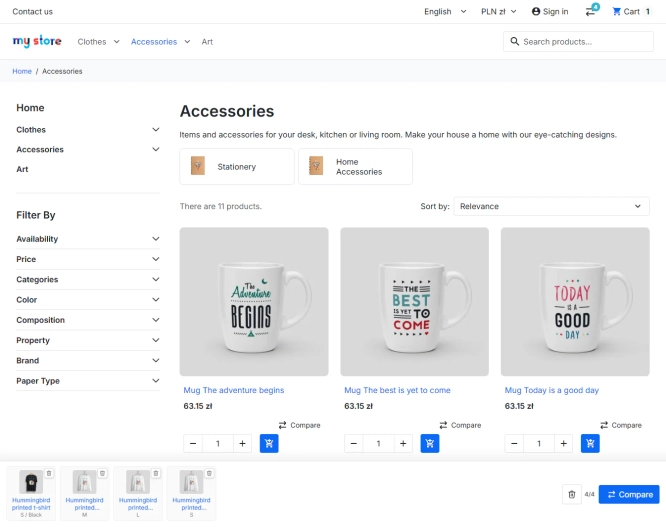
PrestaShop Product Comparison Module
Product Compare for PrestaShop lets customers compare products and their combinations in one clear table. It supports informed choices in catalogues where specifications,...
53.10 €

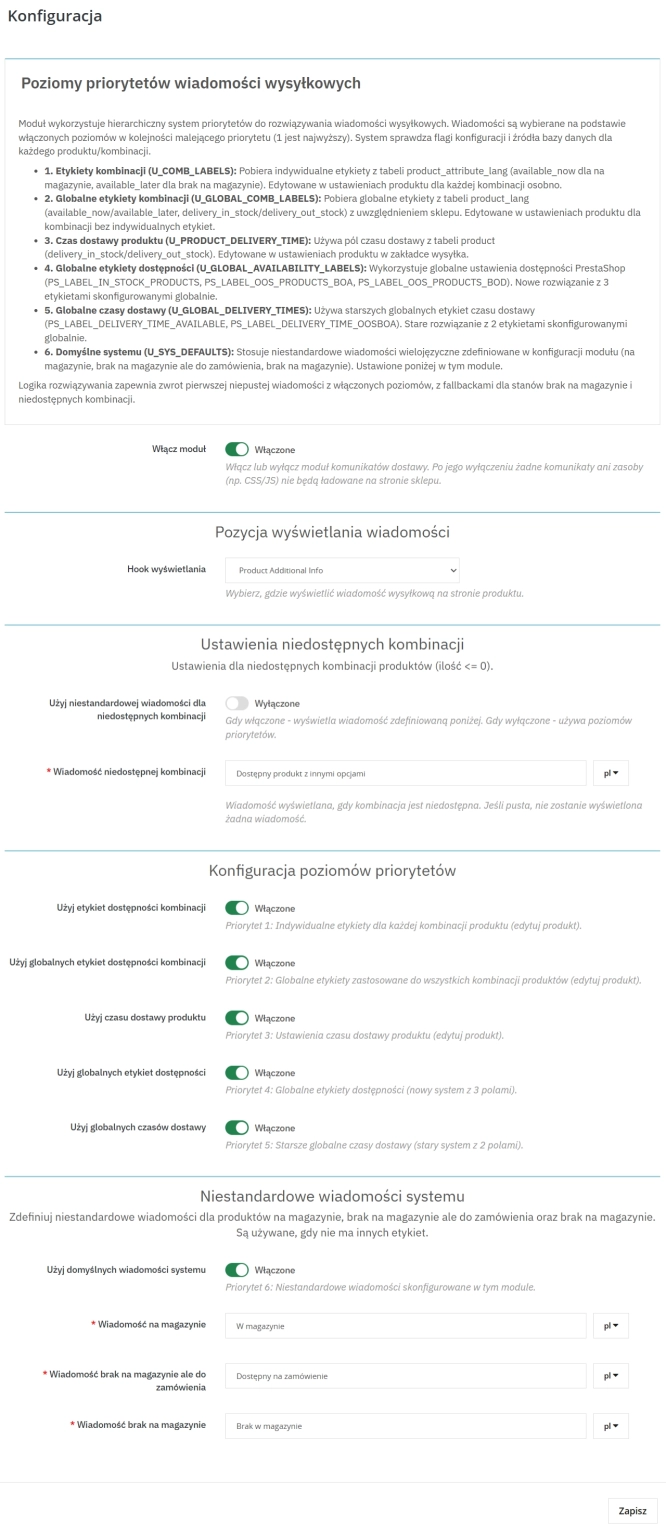
Product Availability Labels for Products and Combinations in PrestaShop
A PrestaShop module for advanced management of product and combination availability labels . It supports multiple rule levels (global, product, combination), allows message...
57.00 €

- New
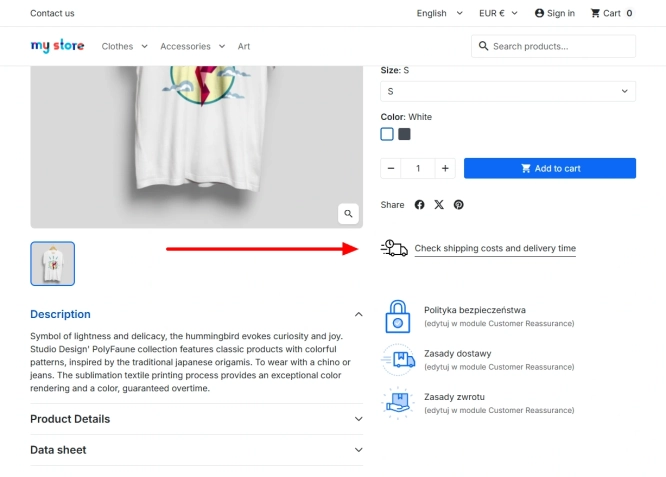
Shipping Costs and Delivery Time on Product Page (Popup)
A free PrestaShop module that adds a convenient shipping information button directly to the product page . When clicked, customers instantly view a popup with rates and...
0.00 €
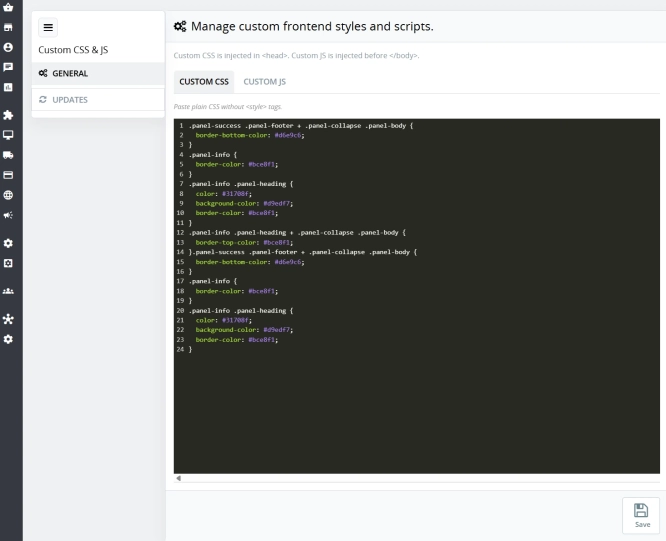
Custom CSS & JS – Free code editor in the PrestaShop panel
PP Custom CSS & JS is a free and highly practical module for every PrestaShop administrator. It allows you to instantly add your own CSS styles and JavaScript scripts...
0.00 €
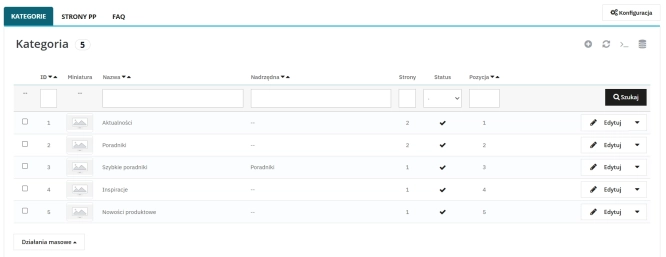
Content page system, an alternative to PrestaShop CMS Pages: categories, pages and FAQ with...
Frustrated by the limited capabilities of PrestaShop's native CMS? PP Page is a powerful alternative that transforms your shop into a fully-fledged publishing platform....
113.10 €
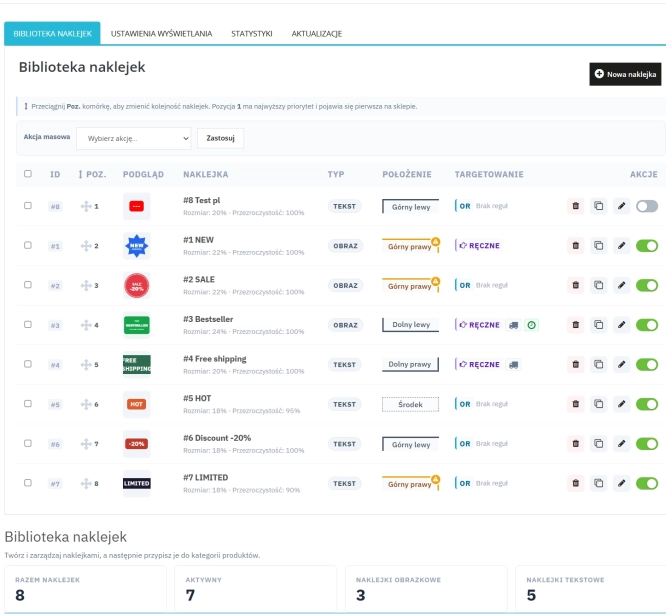
Dynamic Product Labels and Stickers for PrestaShop
The PP Product Stickers module is designed for automated product labelling in your store using graphic and text stickers. The tool allows you to implement clear sales...
99.90 €
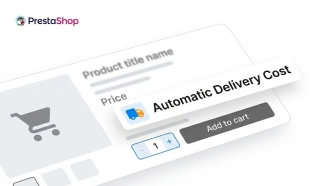
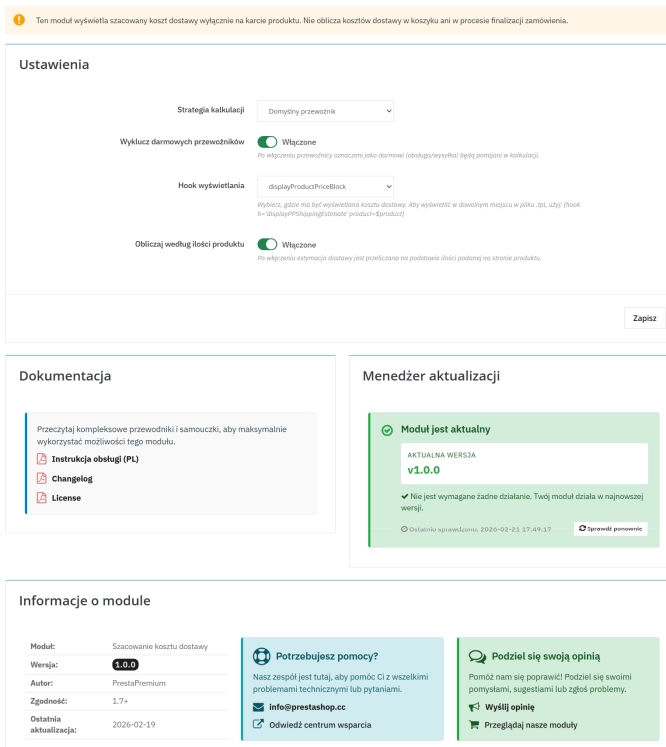
Automatic delivery cost on the product card
PP Shipping Estimate is an advanced module for PrestaShop that enables automatic calculation of delivery costs on the product page . The customer does not need to...
29.70 €
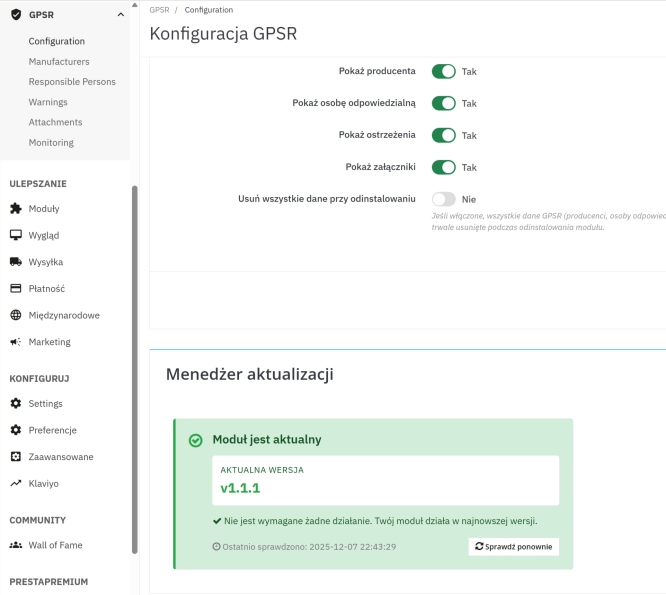
GPSR — Compliance Module for PrestaShop
GPSR Module for PrestaShop enables quick and compliant management of information required by the GPSR regulation. Automate obligations and increase your shop's security.
50.70 €
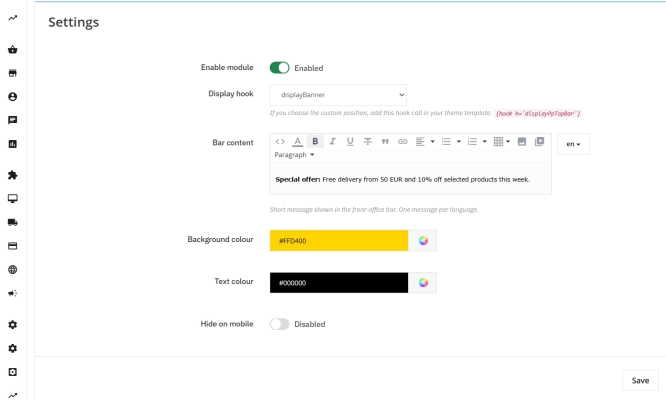
Information and Announcement Bar for PrestaShop (Free Edition)
PP Top Bar is a lightweight and intuitive module that lets you add an eye-catching information bar to the top of your shop in just a few seconds. Inform your customers...
0.00 €
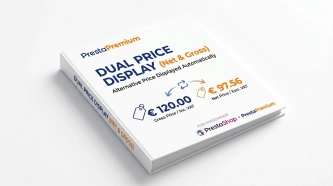
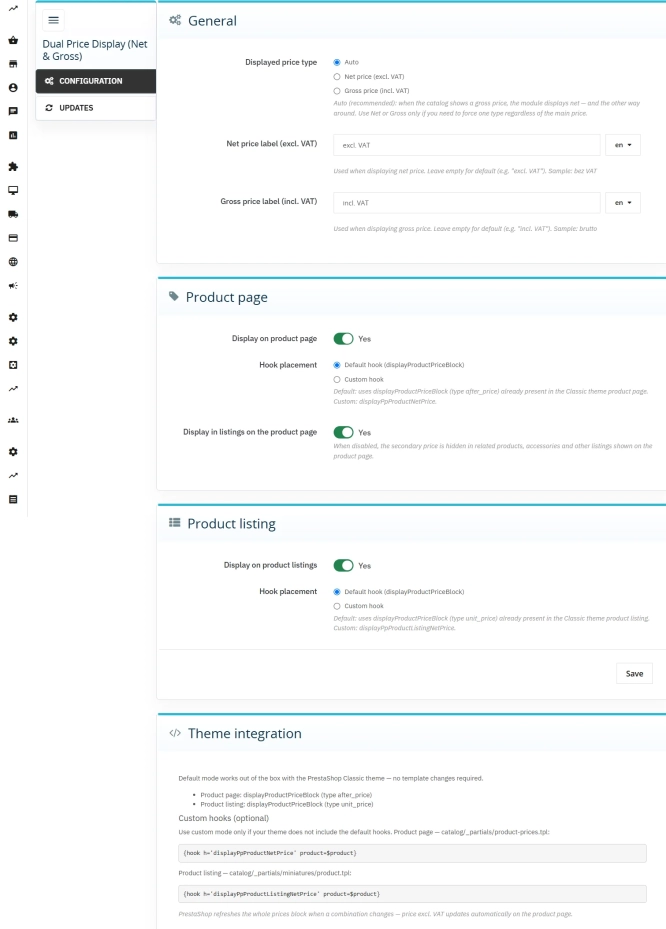
Dual Price Display (Net & Gross) — Alternative Price Displayed Automatically
Dual Price Display (Net & Gross) does the heavy lifting for you: it automatically checks which price is currently active in your shop and instantly displays the other...
39.90 €
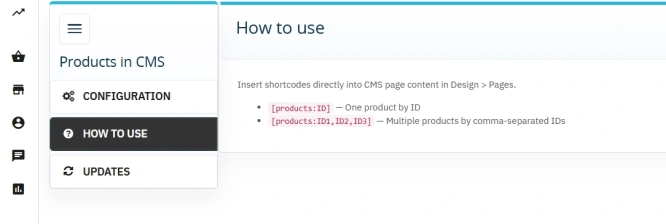
Products on CMS Pages for PrestaShop — Shortcode (Free)
PP CMS Products (Free) is a free PrestaShop module for displaying products on CMS pages. Insert a shortcode in your page content, e.g. [products:12] — the module...
0.00 €
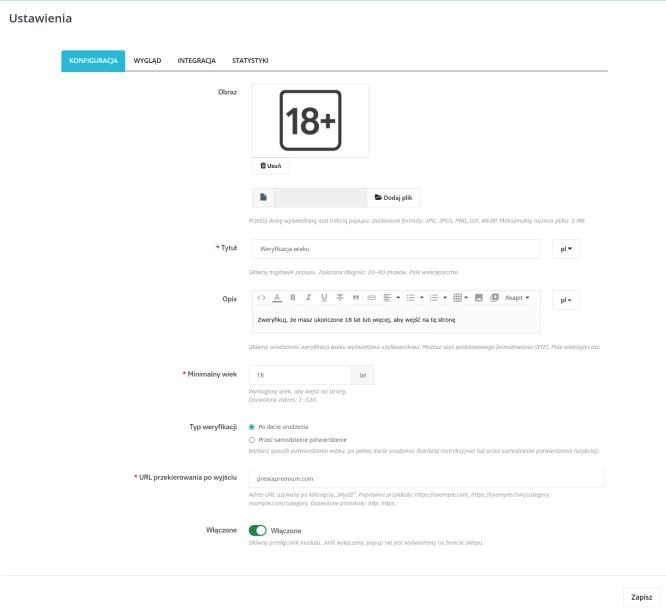
PrestaShop Age Verification Module (Age Gate 18+) – Standard Edition
Protect your shop quickly and effectively with the Standard edition of the Age Gate module for PrestaShop . This lightweight, easy-to-configure tool provides everything you...
26.40 €
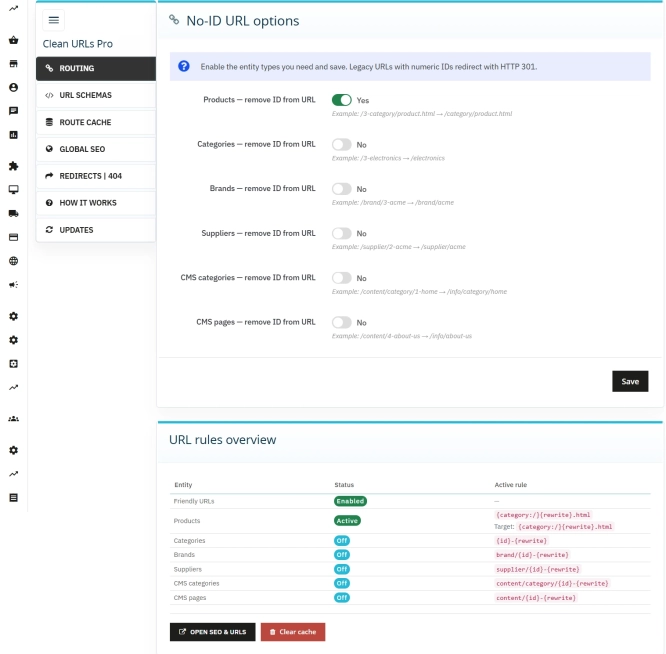
Clean URLs Pro – remove IDs from PrestaShop URLs
Clean URLs Pro removes numerical IDs from product, category, CMS category, CMS page, brand, and supplier URLs — without core modifications and with zero overrides. Simply...
89.70 €
Do you need additional features or custom solutions?
- Module customisation tailored to your specific requirements.
- Extending functionality to enhance your store's capabilities.
- Developing bespoke modules designed to meet your unique needs.
- Integrating external systems and additional tools.
- Optimisation and improvements for better performance and user experience.
Do you have ideas on how to improve this software? Share your suggestions for optimisation, new features, or bug reports – we’ll be happy to review them!