Product Availability Labels for Products and Combinations in PrestaShop
PP-M014
- 1.7.7 + | 8.x | 9.x
- EN, FR, IT, DE, PL
- 1.1.0
- 2026-01-27
A PrestaShop module for advanced management of product and combination availability labels. It supports multiple rule levels (global, product, combination), allows message overrides, and automatically displays availability and order fulfilment times. Full control over availability messaging across your shop.

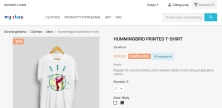
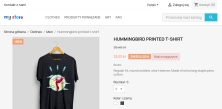
57.00 €
Tax excluded
Information Parameters:
- 1.1.0
-
Store Version PHP Version1.7.7 + 7.1 – 7.48.x 8.1 – 8.39.x 8.1 – 8.5
- 2026-01-27
- EN, FR, IT, DE, PL
- ✅
- ✅
- ✅
- ✅
- ❌
- demo.admin.shop
- demo.front.shop
Note: Messages generated by this module are displayed exclusively on the product page. The module does not render these messages in product listing pages, the shopping cart, or other storefront views — messaging is executed in the context of the product via product hooks.
Main benefits
- Variant-level precision — unique delivery times and availability notices per attribute combination.
- Automated prioritisation — the six-step priority engine selects the most specific available message automatically.
- State clarity — clear separation of in-stock, orderable (backorder) and unavailable states.
- Multi‑Shop scalability — configuration is shop-specific within a single PrestaShop instance.
- Responsive UI — client-side updates on variant change (JavaScript) minimise server load and latency.
Use cases
The module fits stores where delivery time depends on the selected variant. Examples:
- Apparel and footwear: size S dispatch 24h, size XL fulfilled from external warehouse (3 days).
- B2B and dropshipping: mixed fulfilment models with differing lead times.
- Electronics: colour or configuration variants with differing market availability.
Back Office features
Six-step priority hierarchy
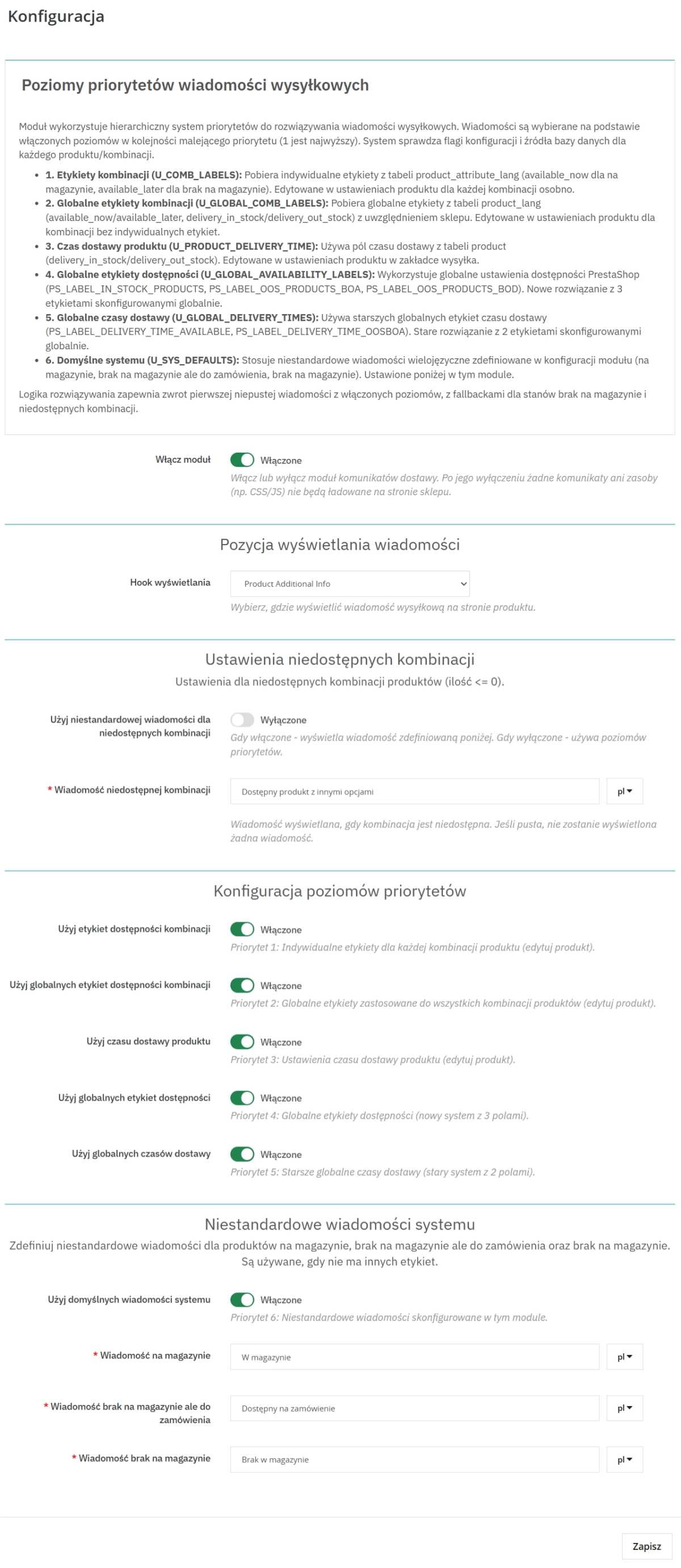
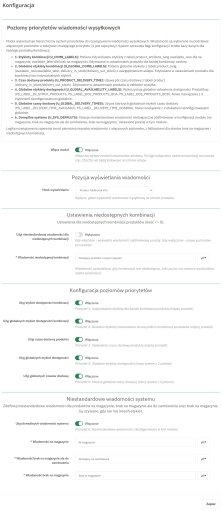
The engine evaluates message sources in order: combination label > global combination label > product delivery time > global availability labels > legacy global delivery times > system defaults. This permits precise overrides of general rules.
Stock-state management
Configure separate messages for four key scenarios: In Stock; Out of Stock but orderable; Out of Stock not orderable; Unavailable combination.
Display flexibility (hooks)
Choose where the message is rendered without code changes. Options include:
- Price block
- After product thumbnails
- Additional information section
- Custom hook (displayPPDeliveryMessages)
Unavailable-combination configuration
The dedicated "Unavailable combination" option allows a specific message for combinations with quantity <= 0, independent of global product settings.
Front Office features
Client-side updates (AJAX/JS)
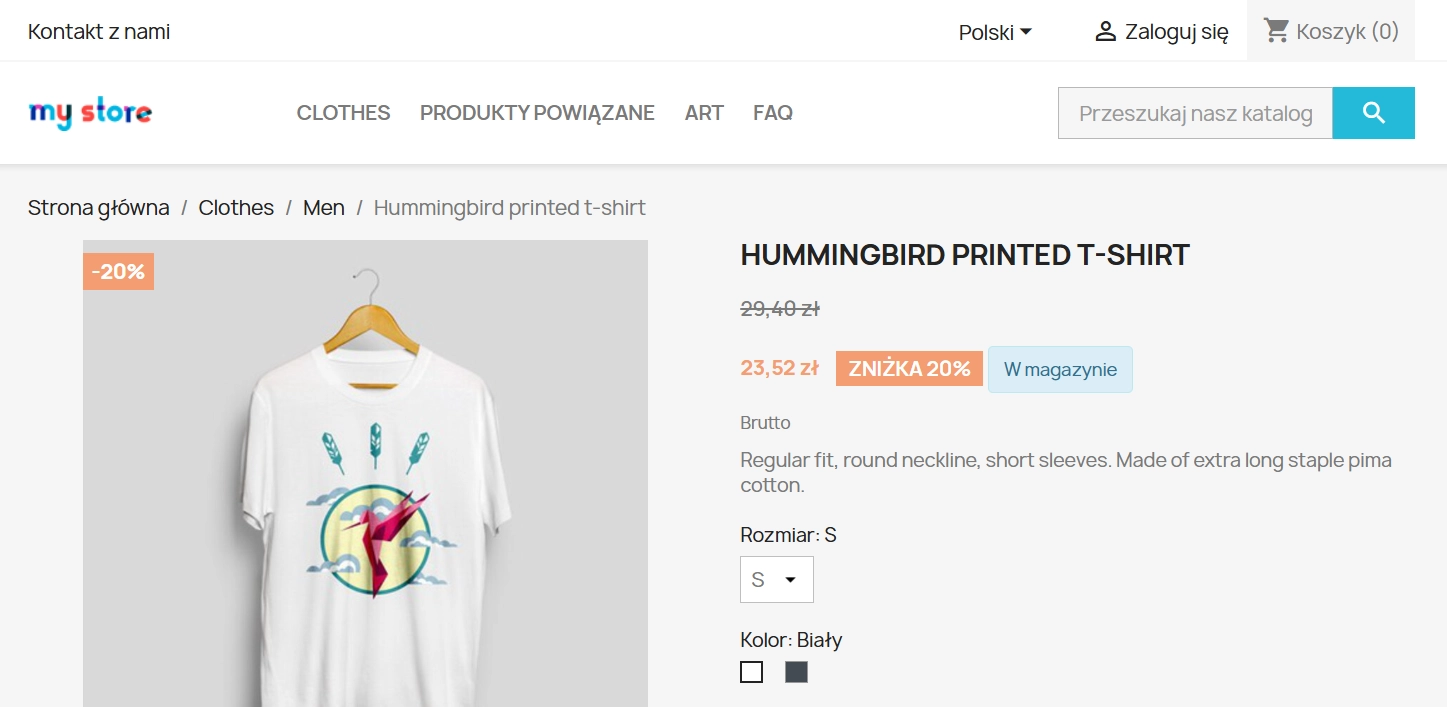
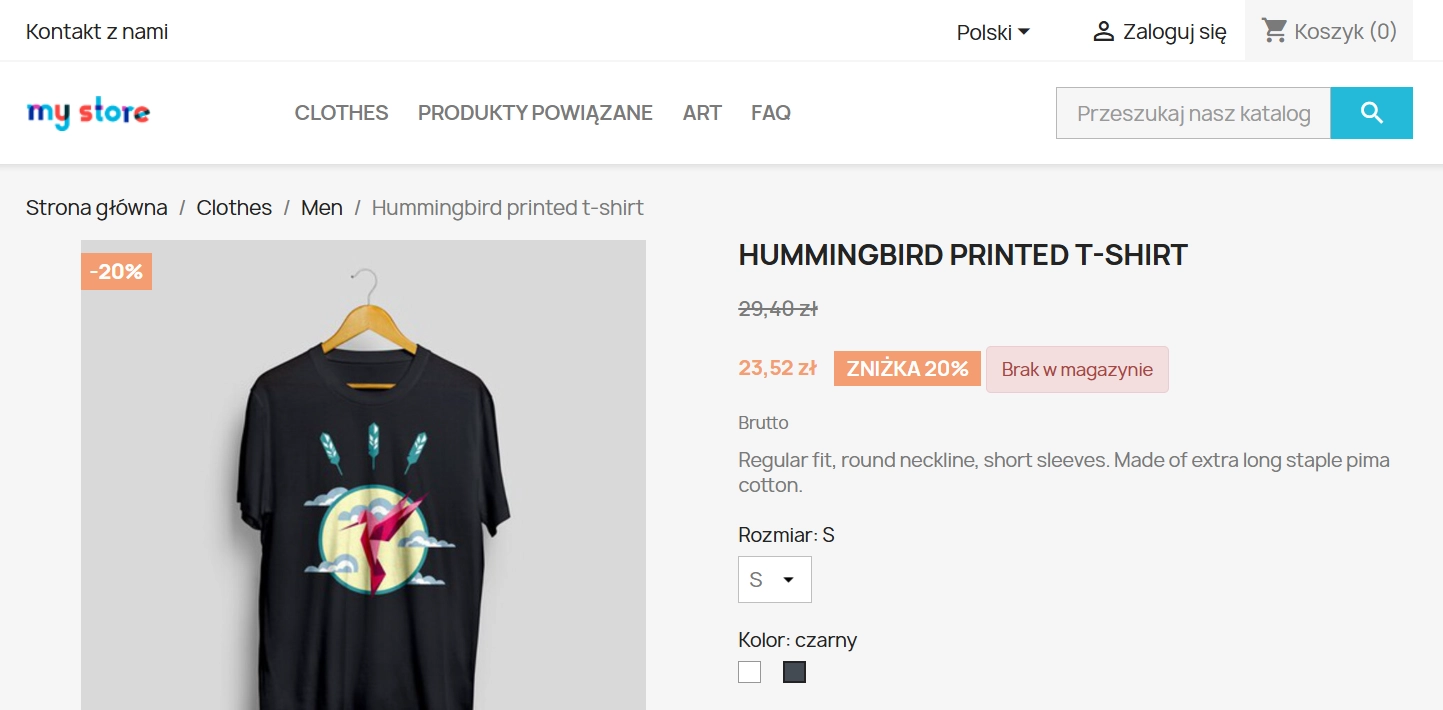
A front-end script monitors product-form changes. When a customer selects a variant, the message text and alert styling update in real time.
Visual status coding
Bootstrap-style classes (alert-info, alert-warning, alert-danger) provide immediate colour-coded feedback on purchase availability.
Multilingual support
Full translation support for front-end messages, essential for international sales.
Impact on sales and SEO
Accurate availability information is a significant purchase factor. The module reduces cart abandonment by presenting delivery expectations earlier in the purchase flow. For SEO, concise availability snippets (for example "Dispatch within 24 hours") enrich product page content and aid indexing.
Important
Back up your shop before installation. The module overrides default availability rendering in selected hooks and may require minor CSS adjustments for custom themes.
## [1.1.0] - 2026-01-27

### Added
You might also like


Product recommendation module for PrestaShop
133.20 €
-23%
102.56 €
Lowest price within 30 days before promotion:
199.80 €

FAQs
-
Are the modules compatible with my version of PrestaShop?
Each module in our store contains information about compatibility with specific PrestaShop versions. Please check this information carefully before purchasing. If you are not sure, contact us.
-
Where are the module messages displayed?
Module messages are rendered only on the product page. They are not shown on product listings, in the cart or in other shop views. The content works in the product-page context and is triggered through its dedicated product hook.
-
How does the module select the appropriate availability message?
The module uses a six-level priority hierarchy. It first selects the most specific available information, then falls back to broader and system-level settings. This allows exceptions to be applied without replacing the entire message configuration.
-
Which stock situations can be communicated separately?
The configuration lets you define separate messages for an available product, an unavailable but orderable product, an unavailable and non-orderable product, and an unavailable option on the product page. This ensures that communication reflects the actual status presented to the customer.
-
Can I choose where the message is displayed?
Yes. The message can be displayed in the price block, below product thumbnails, in the “Additional information” section, or through a custom hook. This lets you adapt its placement to the active theme layout without modifying the theme code.
-
Do message settings work independently in MultiShop?
Yes. The product description confirms that messages and logic can be configured independently for each shop in a MultiShop installation. The module also supports front-office message translations, allowing content to be prepared separately for each language used by the shop.
16 other products in the same category:
- Discount
Price available only until: 11.10.2026
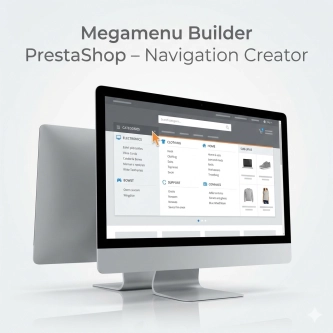
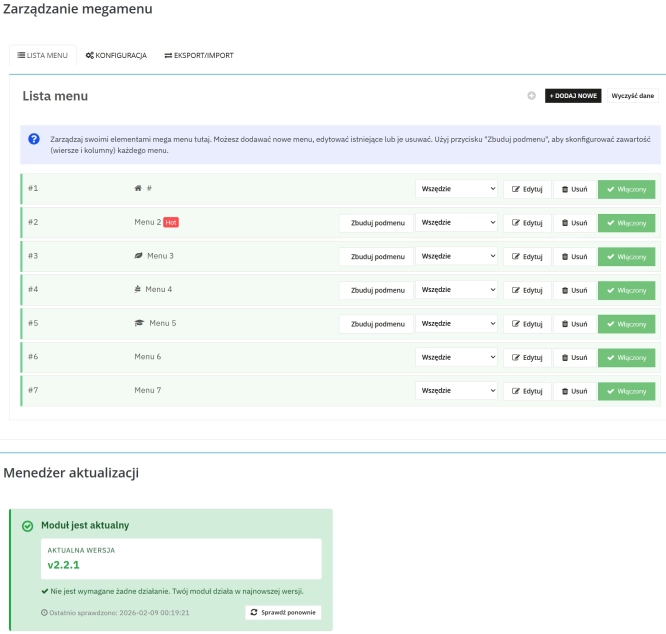
Megamenu Builder PrestaShop – Navigation Creator (Atomic Cache Technology)
Change the way customers navigate your store. PP Megamenu is an advanced navigation builder that combines Premium design with uncompromising performance. Thanks to our...
119.70 €
-23%
92.17 €
Lowest price within 30 days before promotion:
92.17 €
Ask about product / price (PRO)
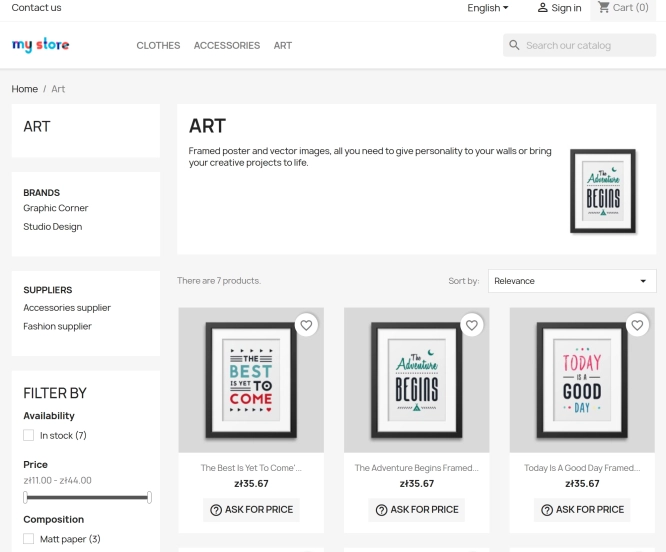
Ask about product / price (PRO) is an advanced PrestaShop module that adds an enquiry form on the product page and directly on the product list (categories, homepage,...
74.70 €

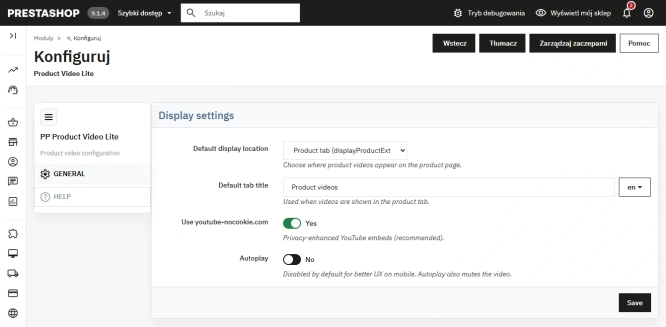
Free PrestaShop Video Module (YouTube & Vimeo)
Product Video Lite is a free and exceptionally lightweight module that allows you to assign an unlimited number of YouTube and Vimeo videos to your products. Instantly...
0.00 €

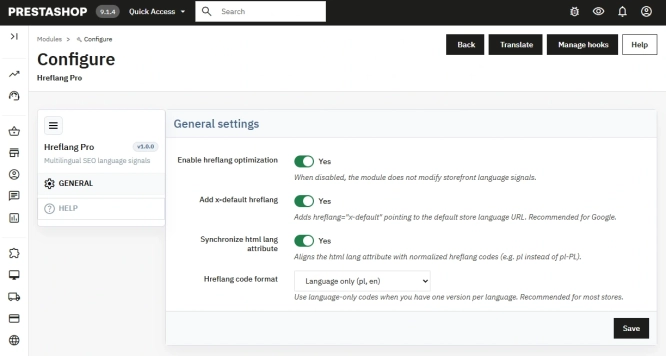
Hreflang and X-Default Normalisation for PrestaShop
Hreflang Pro solves the issue of directing shoppers to the wrong language version of your store (for instance, when a local customer lands on a foreign-language page from...
29.70 €

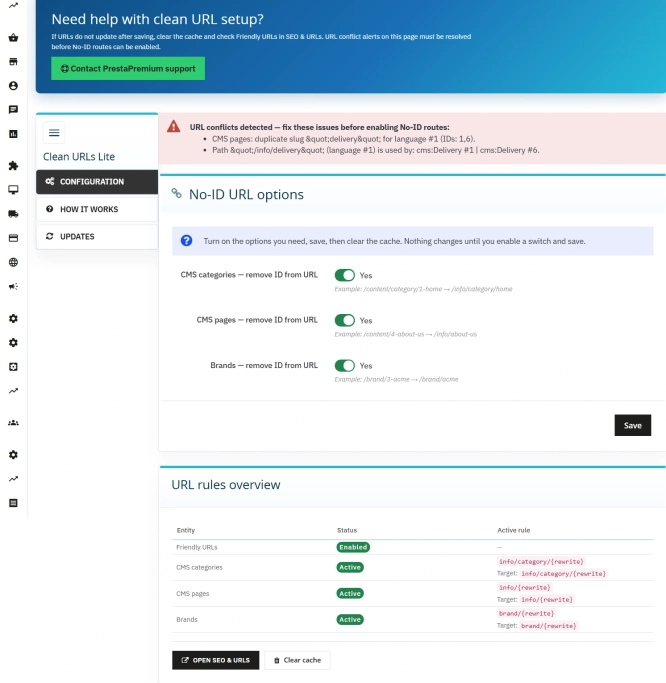
Remove ID from URLs (CMS, Brands) PrestaShop [Free]
The free Clean URLs Lite module modifies native PrestaShop routing by removing numeric identifiers (IDs) from CMS page, CMS category, and brand (manufacturer) URLs. It...
0.00 €
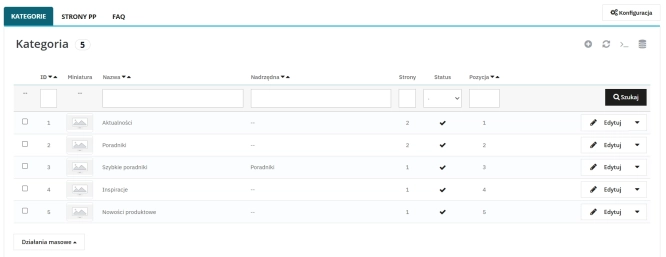
Content page system, an alternative to PrestaShop CMS Pages: categories, pages and FAQ with...
Frustrated by the limited capabilities of PrestaShop's native CMS? PP Page is a powerful alternative that transforms your shop into a fully-fledged publishing platform....
113.10 €
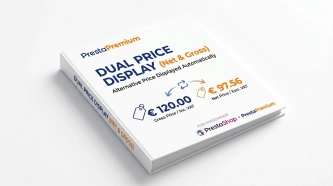
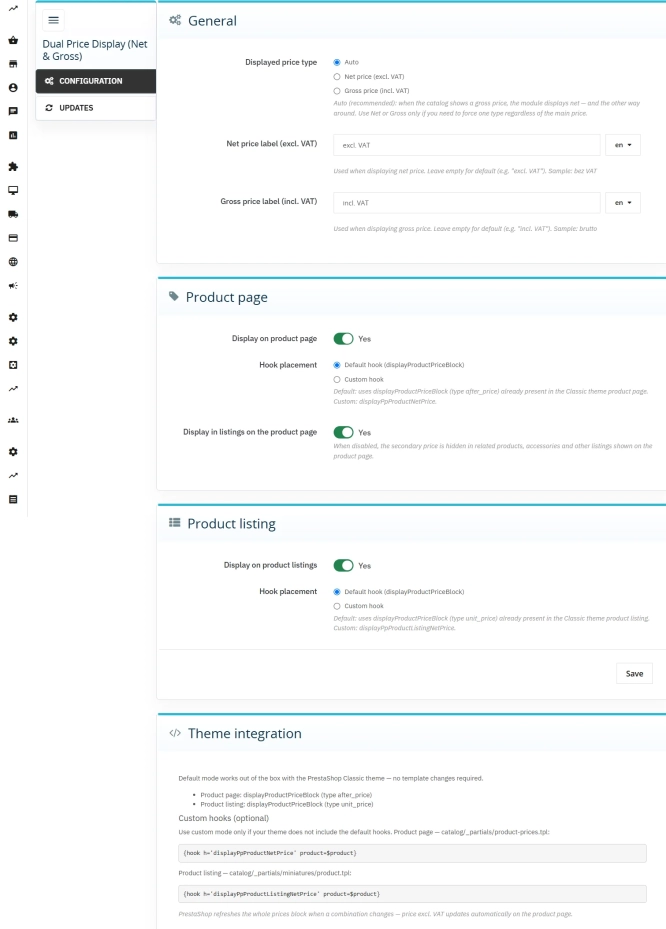
Dual Price Display (Net & Gross) — Alternative Price Displayed Automatically
Dual Price Display (Net & Gross) does the heavy lifting for you: it automatically checks which price is currently active in your shop and instantly displays the other...
39.90 €
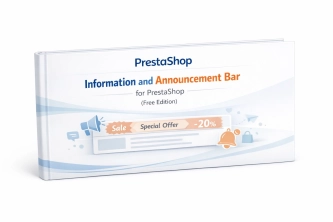
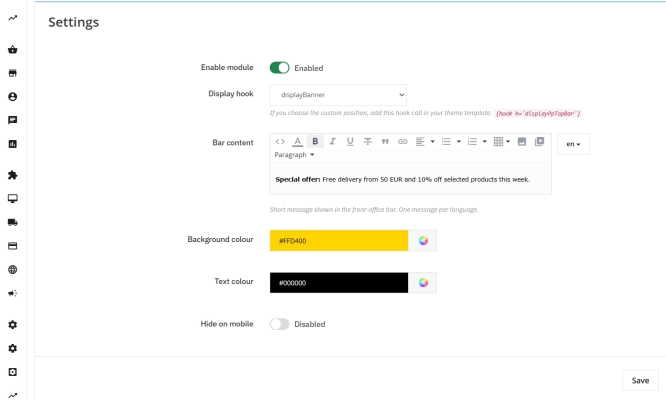
Information and Announcement Bar for PrestaShop (Free Edition)
PP Top Bar is a lightweight and intuitive module that lets you add an eye-catching information bar to the top of your shop in just a few seconds. Inform your customers...
0.00 €
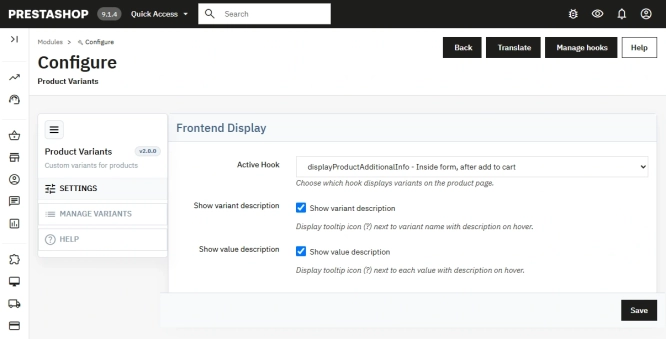
Additional Product Fields and Options – Attributes without Combinations (Custom Fields)
This module enables the creation of additional product options without using native PrestaShop combinations. Each option can have a price impact (positive or negative) but...
113.10 €
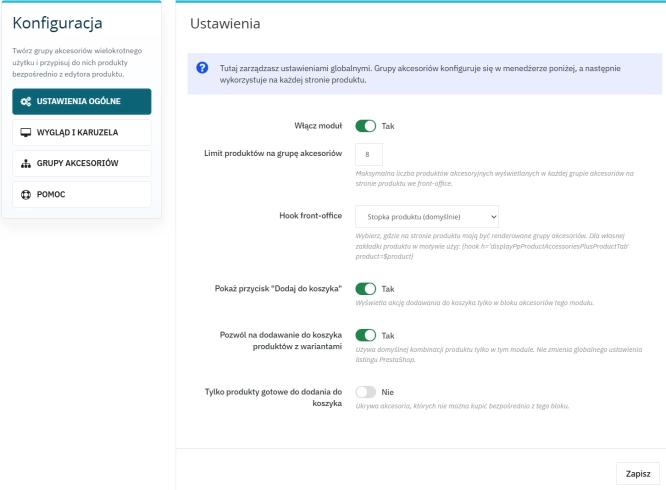
Custom Product Groups on the Product Page in PrestaShop
With Product Accessories Plus , you can create any product groups you need , set their order, and display them directly on the product page in your PrestaShop shop. You...
74.70 €

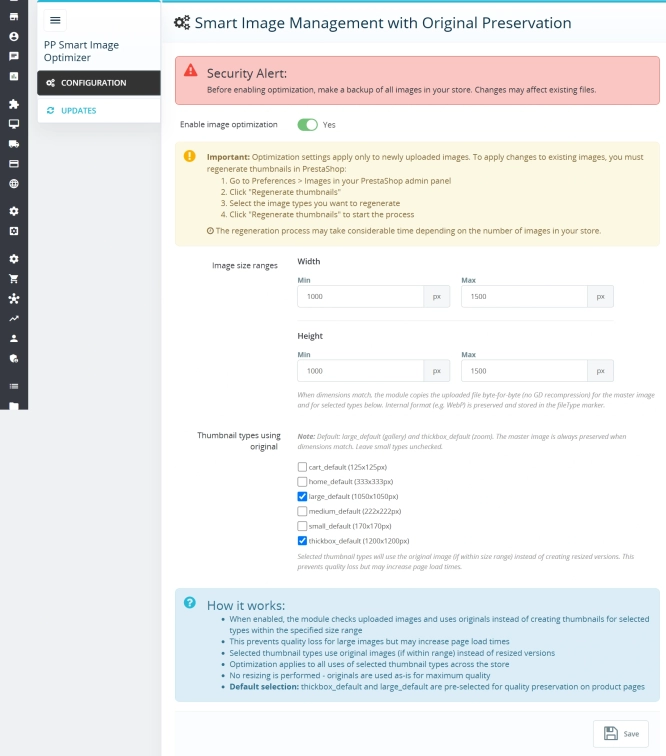
Smart Image Optimiser — Lossless Quality and Perfect PrestaShop Product Images
Smart Image Optimizer is an advanced tool that effectively eliminates the problem of automatic, lossy recompression of graphics files by PrestaShop's engines (GD/Imagick)....
83.10 €
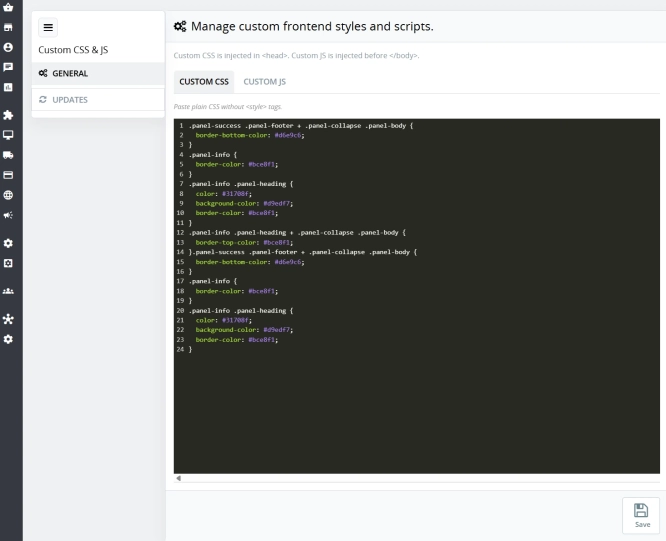
Custom CSS & JS – Free code editor in the PrestaShop panel
PP Custom CSS & JS is a free and highly practical module for every PrestaShop administrator. It allows you to instantly add your own CSS styles and JavaScript scripts...
0.00 €

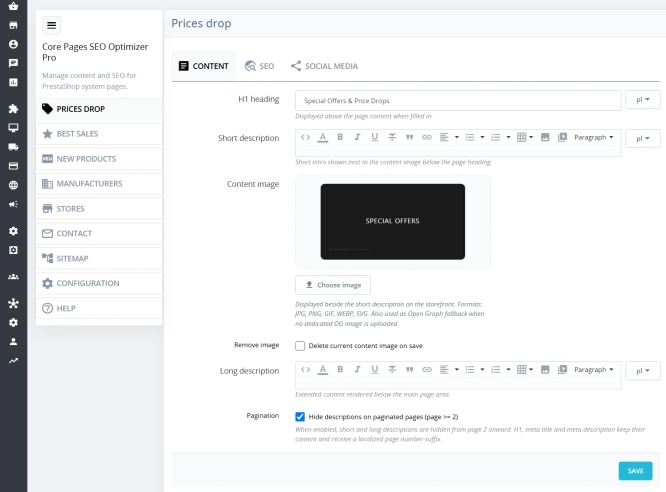
Custom HTML Descriptions and SEO Optimisation for PrestaShop Promo, Best Sellers and New...
The default PrestaShop configuration does not allow entering custom texts or graphics on key subpages that generate organic search traffic. The ppcorepagesseo module is a...
59.10 €

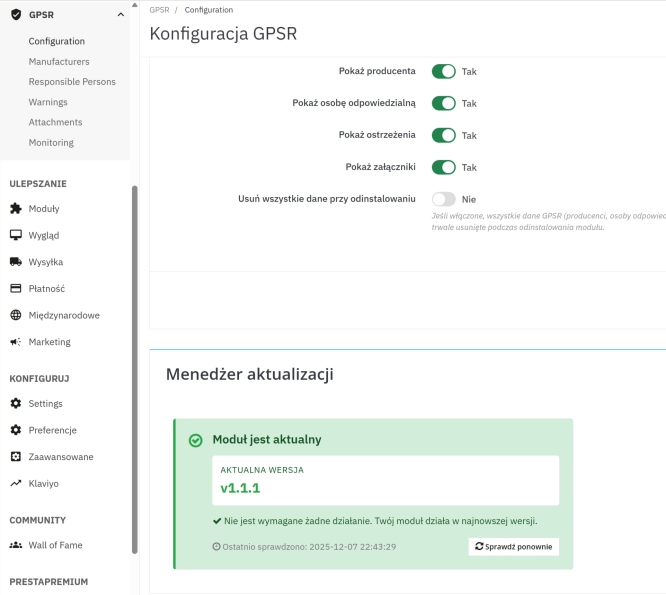
GPSR — Compliance Module for PrestaShop
GPSR Module for PrestaShop enables quick and compliant management of information required by the GPSR regulation. Automate obligations and increase your shop's security.
50.70 €
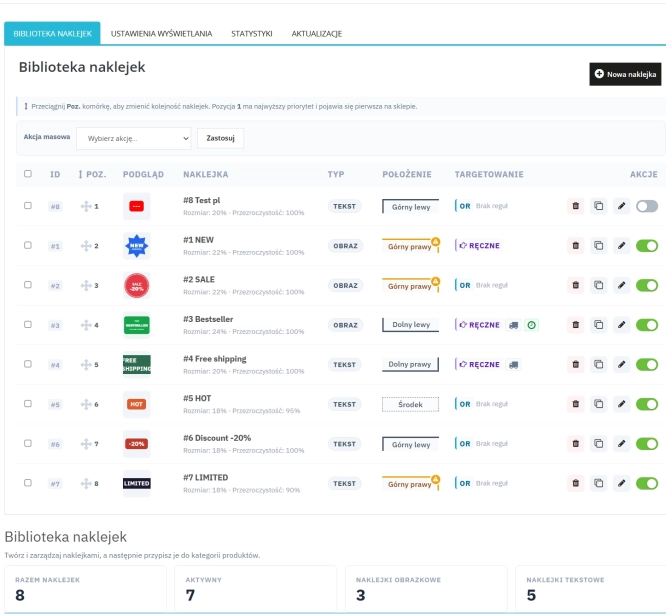
Dynamic Product Labels and Stickers for PrestaShop
The PP Product Stickers module is designed for automated product labelling in your store using graphic and text stickers. The tool allows you to implement clear sales...
99.90 €

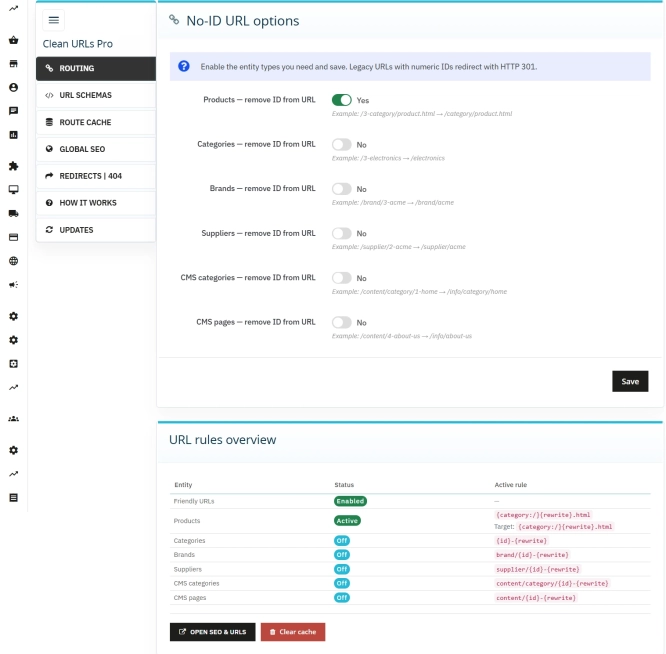
Clean URLs Pro – remove IDs from PrestaShop URLs
Clean URLs Pro removes numerical IDs from product, category, CMS category, CMS page, brand, and supplier URLs — without core modifications and with zero overrides. Simply...
89.70 €
Do you need additional features or custom solutions?
- Module customisation tailored to your specific requirements.
- Extending functionality to enhance your store's capabilities.
- Developing bespoke modules designed to meet your unique needs.
- Integrating external systems and additional tools.
- Optimisation and improvements for better performance and user experience.
Do you have ideas on how to improve this software? Share your suggestions for optimisation, new features, or bug reports – we’ll be happy to review them!