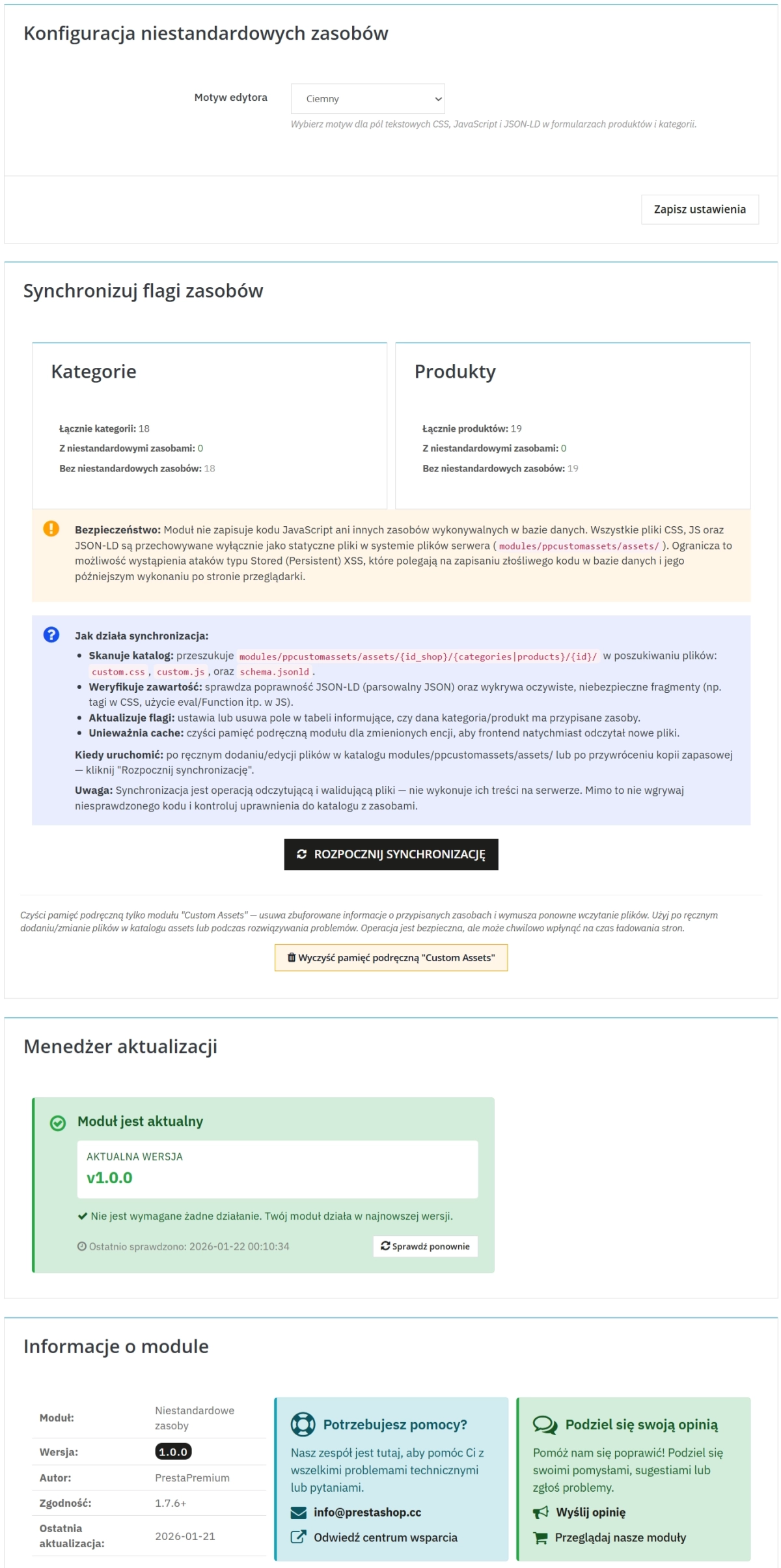
SEO Custom Code Manager for PrestaShop Products Categories and CMS
- 1.7.5 + | 8.x | 9.x
- EN, FR, IT, DE, PL
- 1.1.2
- 2026-05-10
A module for PrestaShop that allows adding custom JSON-LD, JavaScript, and CSS resources individually to each product, category and CMS. Increase search engine visibility with structured data, improve UX through custom styles and scripts, and ensure security — resources are stored on the server disk, avoiding XSS attacks. Key features: automatic JSON-LD validation, asset synchronisation, cache for performance, multi-language support, and responsive interface. Ideal for shops wanting to optimise SEO without risk.


Information Parameters:
- 1.1.2
-
Store Version PHP Version1.7.5 + 7.1 – 7.48.x 8.1 – 8.39.x 8.1 – 8.5
- 2026-05-10
- EN, FR, IT, DE, PL
- ✅
- ✅
- ✅
- ✅
- ❌
Module Applications
The module is ideal for e-commerce where individual products require special presentations, such as:
- Electronics shops – adding interactive product demos using JavaScript.
- Clothing shops – custom CSS for unique category photo galleries.
- Supplement shops – JSON-LD for rich snippets with reviews and ingredients.
- Marketplace platforms – optimising category pages for better navigation.
- B2B businesses – hiding prices or adding contact forms via JS.
Features – Back Office
Editing resources in forms
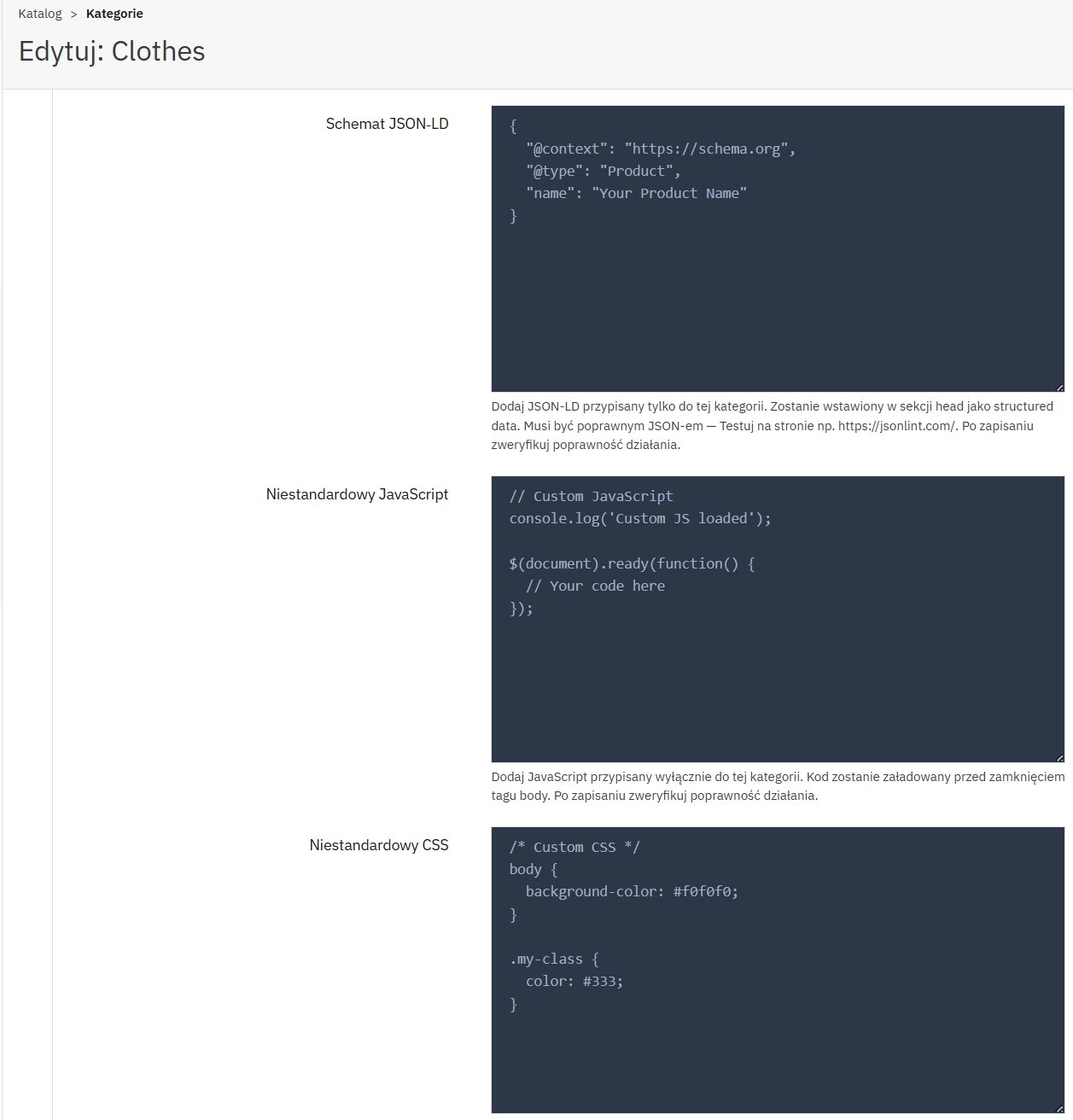
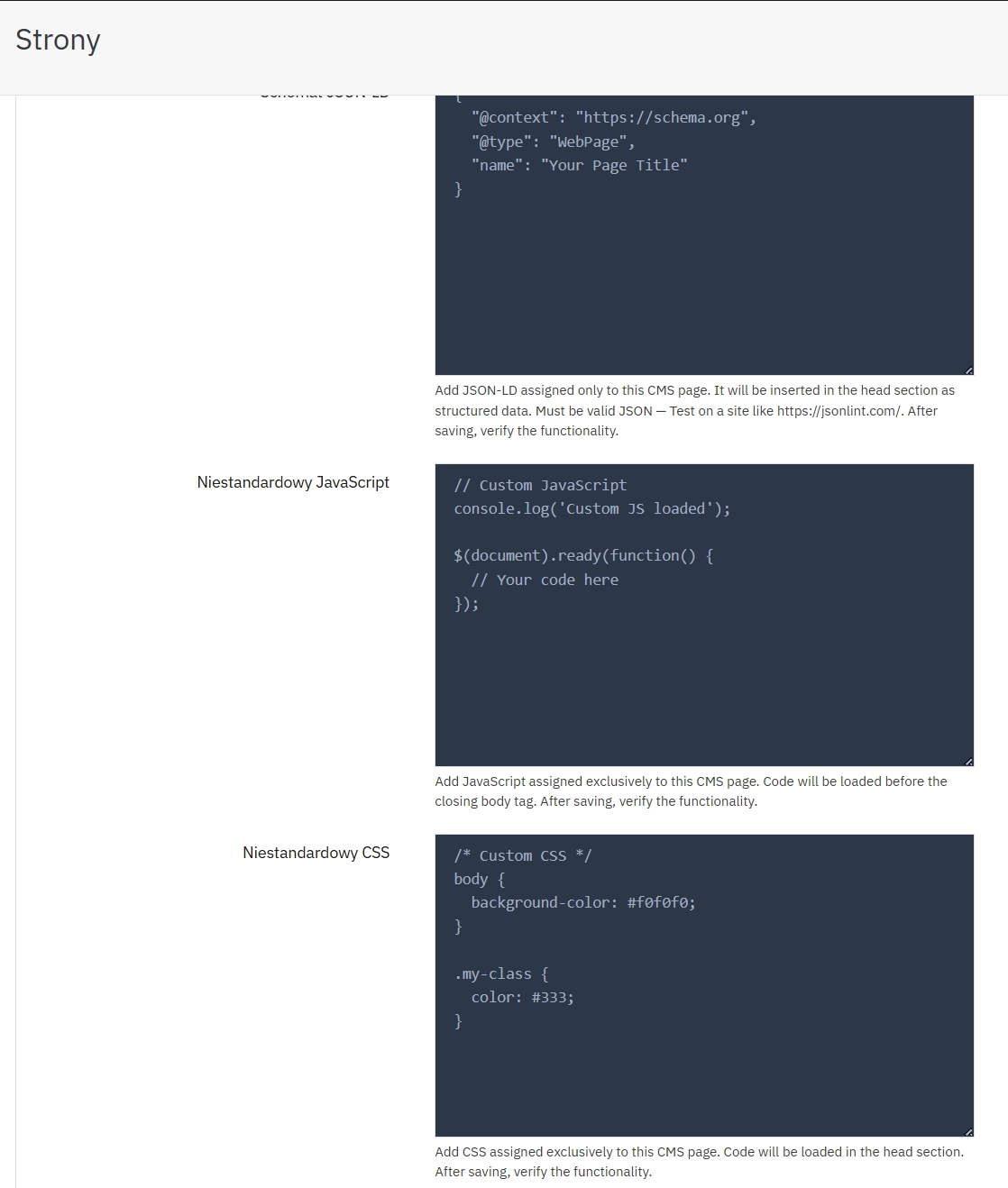
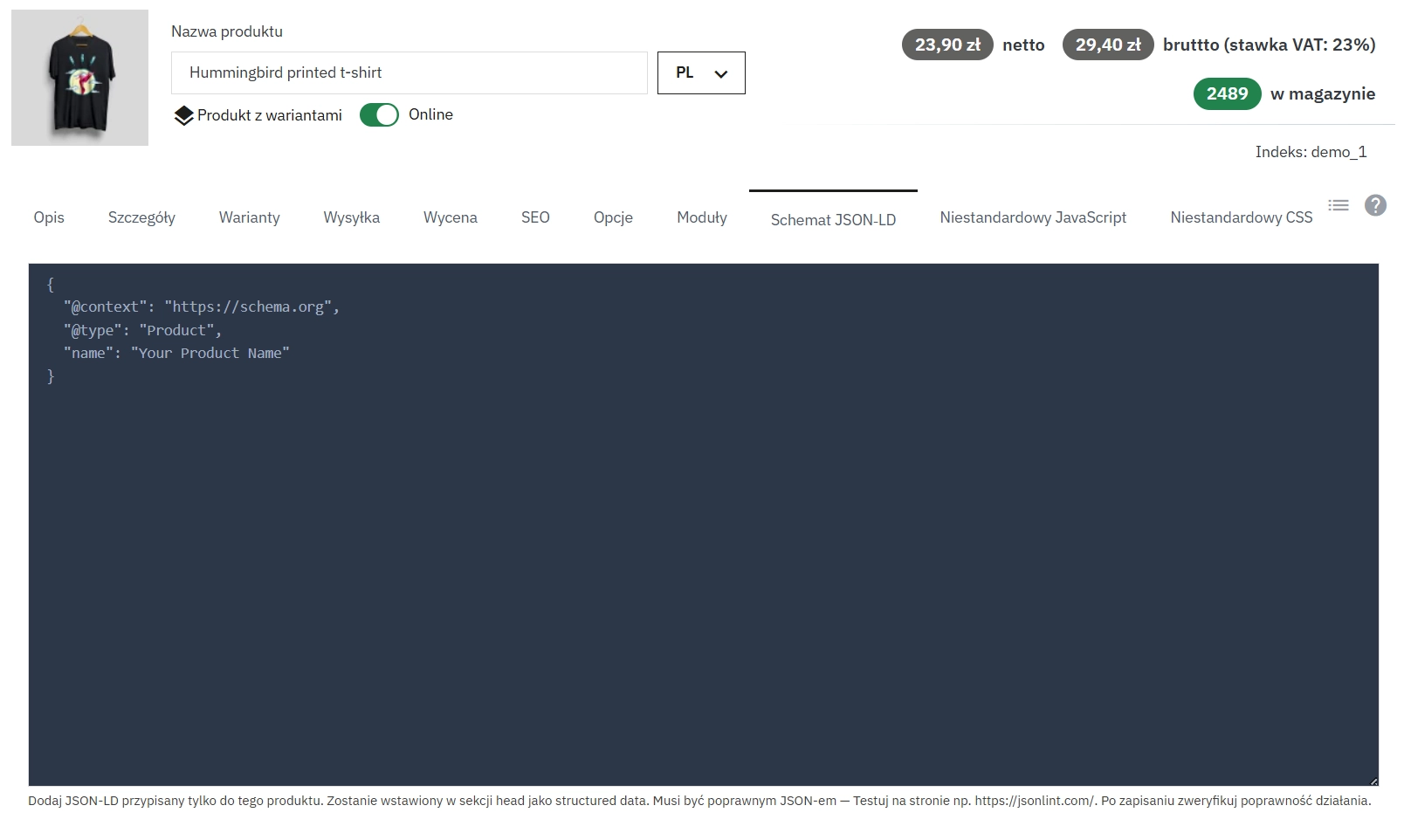
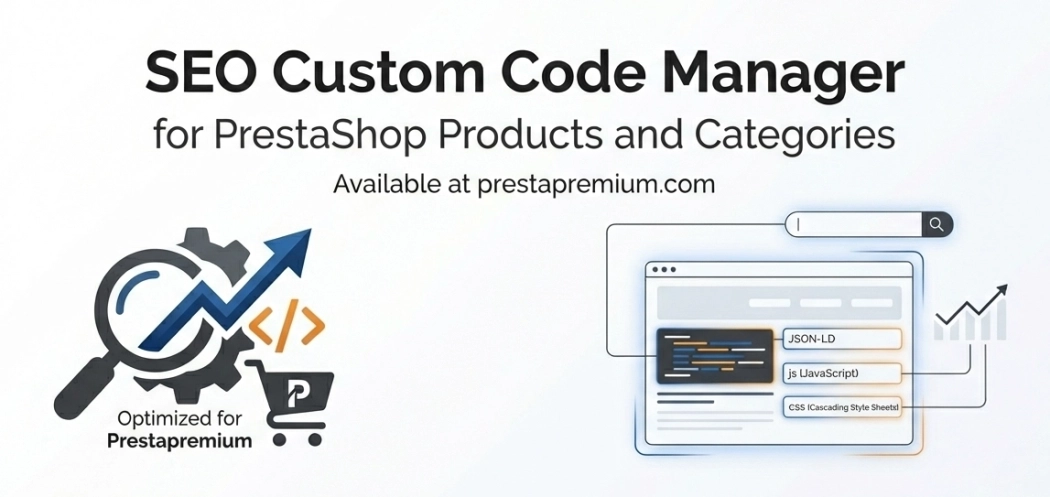
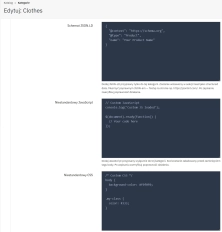
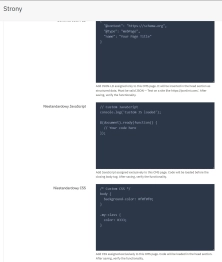
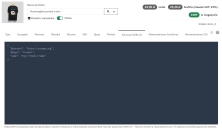
Adding CSS, JS, and JSON-LD individually for each product, category and CMS - directly in the panels, with preliminary validation and preview.
Security and validation
Preliminary code control for threats, with blocking of dangerous constructs. Resources stored exclusively on the server disk, avoiding database writes and reducing the risk of Stored (Persistent) XSS attacks.
Asset synchronisation
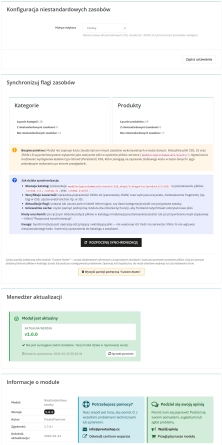
Automatic scanning and updating of asset flags, with status reports.
Cache management
Built-in tools for clearing cache for immediate changes.
Features – Front Office
Structured data in head
JSON-LD injected as script type="application/ld+json" for better SEO, enabling implementation of schemas for FAQ, reviews and other solutions.
JavaScript before body
Scripts loaded before closing body, ideal for interactions without blocking rendering.
Dynamic CSS loading
Styles loaded in the head section, enabling immediate changes to page appearance.
Note!
Before installation, make a backup of the database and shop files. The module saves resources on disk — ensure the assets directory has appropriate permissions. Do not upload unverified code to avoid security issues. In case of errors, use the synchronisation function.
## [1.1.2] - 2026-02-20
### Changed

- Internal adjustments for wider PrestaShop compatibility and version bump support.
## [1.1.1] - 2026-02-10
### Changed
- **Architecture Refactoring: Extracted Back Office UI rendering logic (configuration form, sync dashboard, product tabs) into a dedicated PPAdminUI class.
- **Code Optimization: Significantly reduced the main module file size by removing dead code and redundant HTML generation methods.

### Fixed
Syntax Errors: Corrected parsing errors (unexpected tokens and artifacts) in the main module file.

## [1.0.0] - 2026-01-21

### Added
You might also like

FAQs
-
Are the modules compatible with my version of PrestaShop?
Each module in our store contains information about compatibility with specific PrestaShop versions. Please check this information carefully before purchasing. If you are not sure, contact us.
-
Which pages can have custom assets assigned?
The module lets you assign individual CSS, JavaScript and JSON-LD assets to products, categories and CMS pages. Editing takes place directly in the relevant Back Office forms, so code can be tailored to a specific page without affecting other shop areas.
-
Does the module validate JSON-LD?
Yes. JSON-LD undergoes preliminary validation while assets are being edited. This lets you prepare structured data for specific pages, including FAQ and review schemas, before it is embedded in the page head section.
-
Where are the added assets stored?
Added assets are stored on the server disk rather than in the database. According to the product description, this approach reduces the risk of persistent XSS, while the module also performs preliminary code checks and blocks unsafe constructs.
-
Where on the page are CSS, JavaScript and JSON-LD loaded?
CSS styles are loaded in the head section, while JSON-LD is added as an application/ld+json script. JavaScript files are placed before the closing body tag. This separation follows the module’s organisation of the different asset types.
-
How can I refresh data after changing assets?
The module includes cache-management tools so changes can be applied immediately. It also provides a synchronisation mechanism that scans assets, updates their flags and reports the status of detected files.
16 other products in the same category:
Remove ID from URLs (CMS, Brands) PrestaShop [Free]
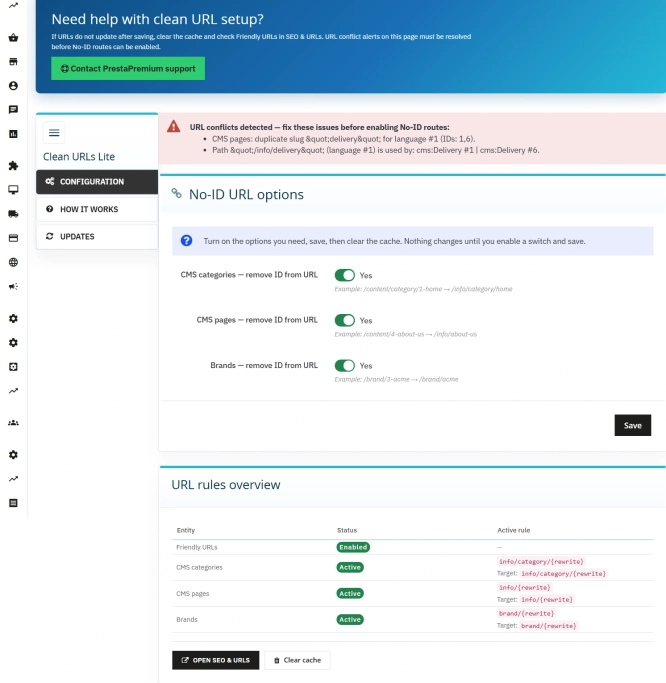
The free Clean URLs Lite module modifies native PrestaShop routing by removing numeric identifiers (IDs) from CMS page, CMS category, and brand (manufacturer) URLs. It...

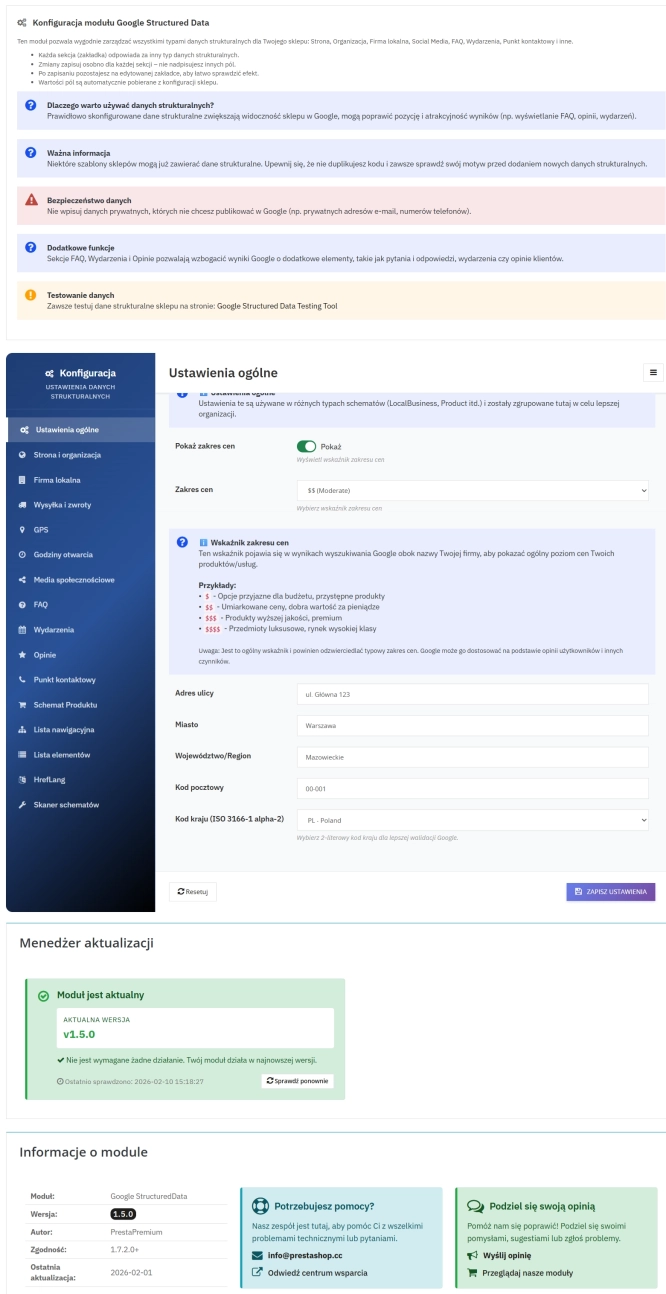
PrestaShop Schema Pro - Rich Snippets & SEO Booster
Rich Results + AI = dominate search results and increase sales in PrestaShop! Automatic JSON-LD generator with full support for more than 15 Schema.org types, including...
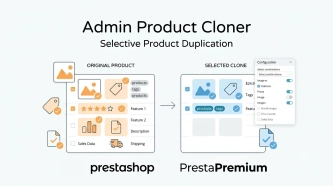
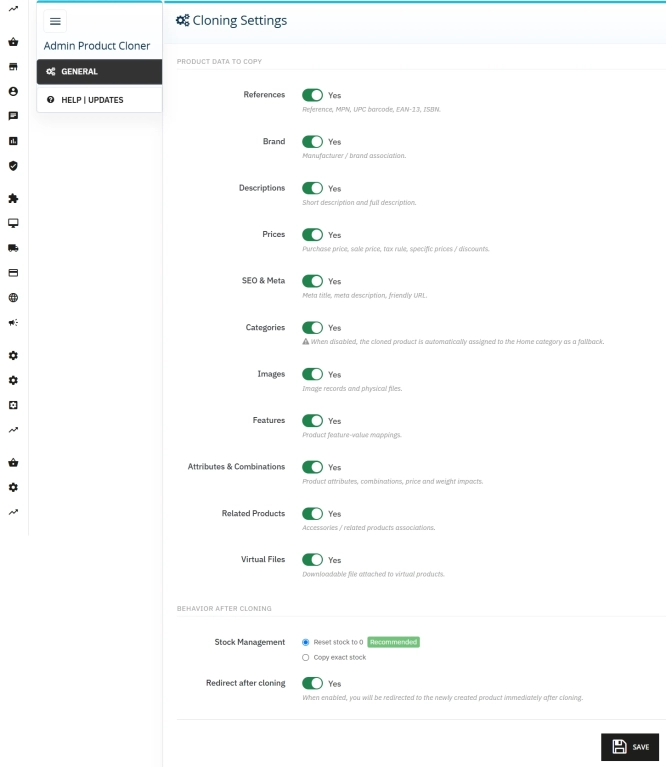
Admin Product Cloner – Selective Product Duplication
Admin Product Cloner is a simple, handy tool for PrestaShop administrators, designed to streamline daily catalogue management. The module replaces the standard, full...

- Discount
Price available only until: 11.10.2026
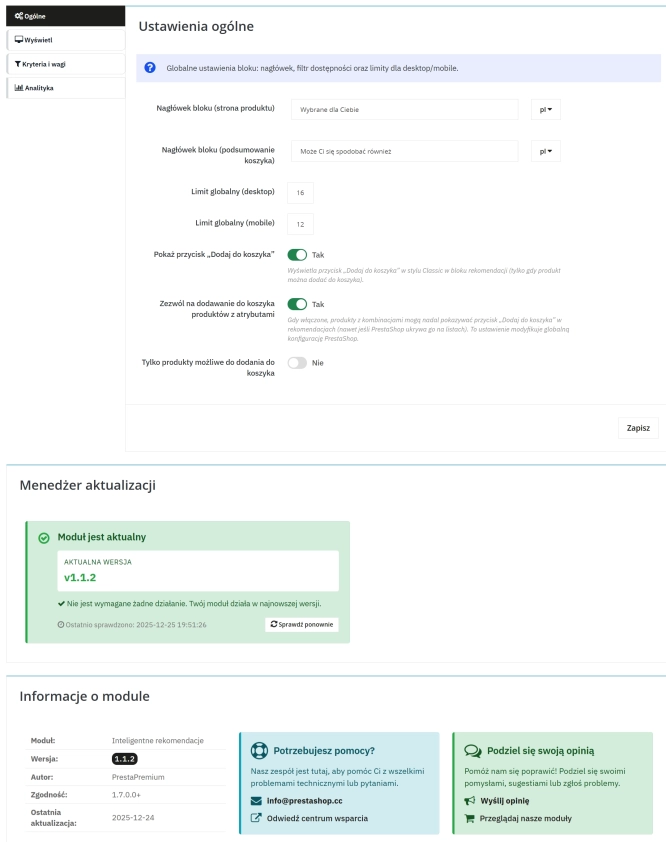
Product recommendation module for PrestaShop
A recommendations module for PrestaShop that displays tailored product suggestions in two key points of the buying journey: the product page and the cart. It reduces...
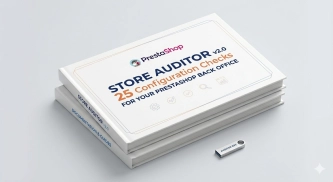
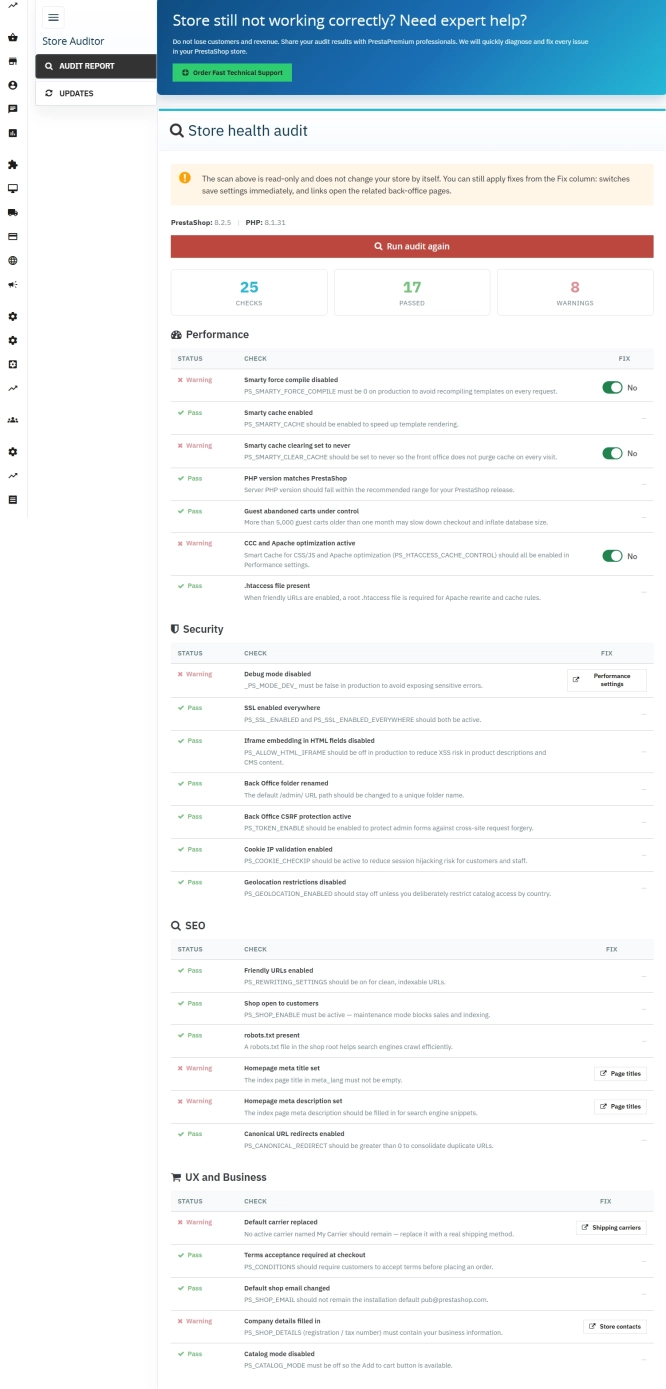
Store Auditor — 25 Configuration Checks for Your PrestaShop Back Office
Store Auditor is a completely free PrestaShop module that checks 25 core settings of your store with a single click. It instantly lets you know if your website is...
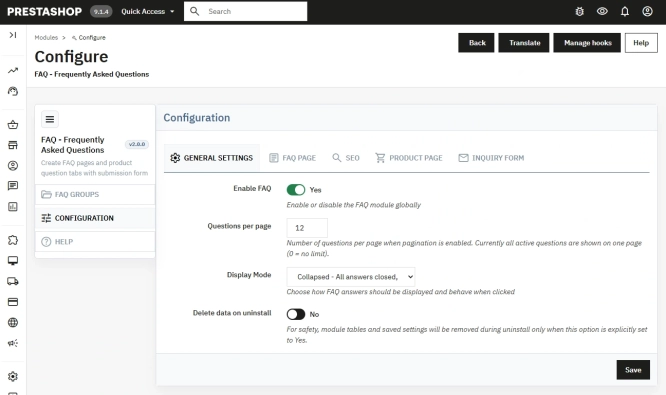
PrestaShop FAQ module that boosts conversion | JSON-LD
ppfaq is a module that organises store communication: it publishes FAQ in a single, easy-to-read place and helps customers find answers faster without contacting...
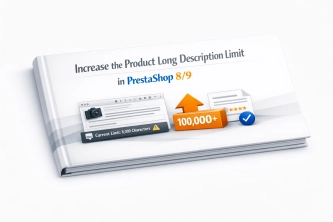
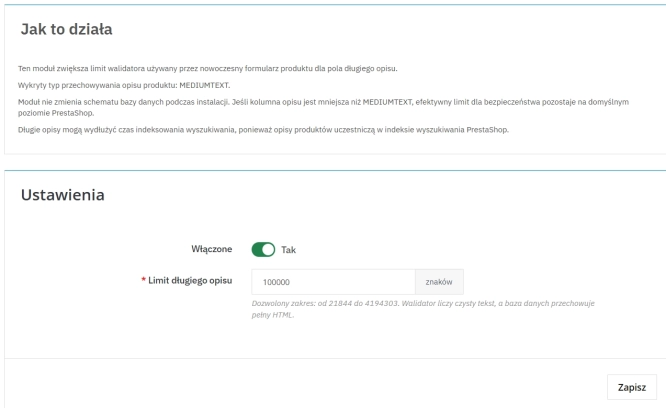
Increase the long product description and image ALT text limit in PrestaShop 8/9
PP Limit Manager removes the length restriction applied to the long product description and product image ALT text in the new PrestaShop 8 and 9 product form. The module...
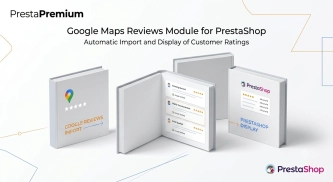
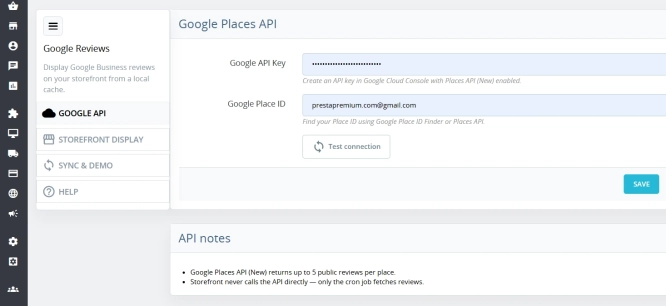
Google Maps Reviews Module for PrestaShop – Automatic Import and Display of Customer Ratings
This module serves to increase trust in your shop by displaying authentic reviews from Google Maps. Thanks to the automatic generation of JSON-LD structured data, star...

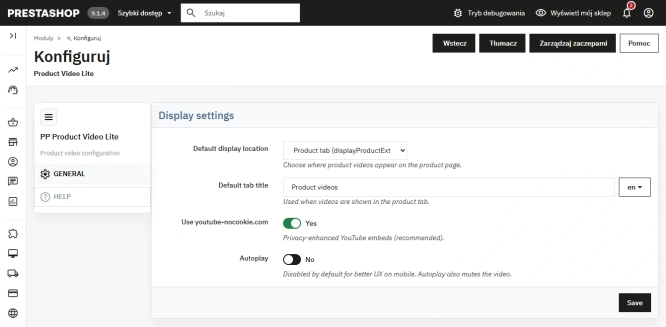
Free PrestaShop Video Module (YouTube & Vimeo)
Product Video Lite is a free and exceptionally lightweight module that allows you to assign an unlimited number of YouTube and Vimeo videos to your products. Instantly...
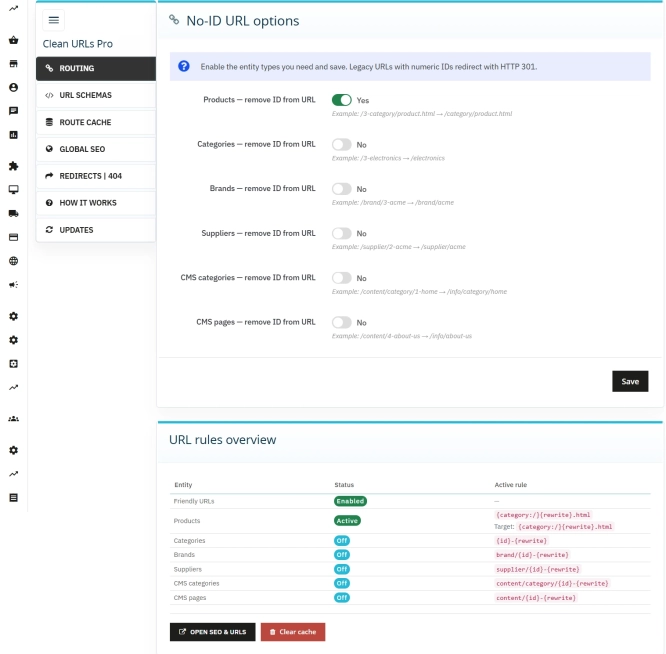
Clean URLs Pro – remove IDs from PrestaShop URLs
Clean URLs Pro removes numerical IDs from product, category, CMS category, CMS page, brand, and supplier URLs — without core modifications and with zero overrides. Simply...
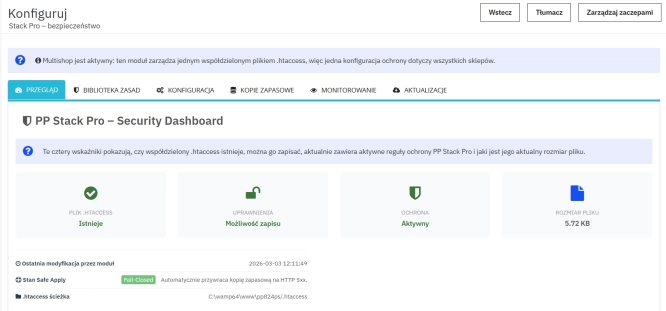
Advanced PrestaShop traffic and performance optimization generator (htaccess)
Stack Pro is a protective module for PrestaShop that restricts artificial and automated traffic at the server level through controlled modification of the .htaccess file....

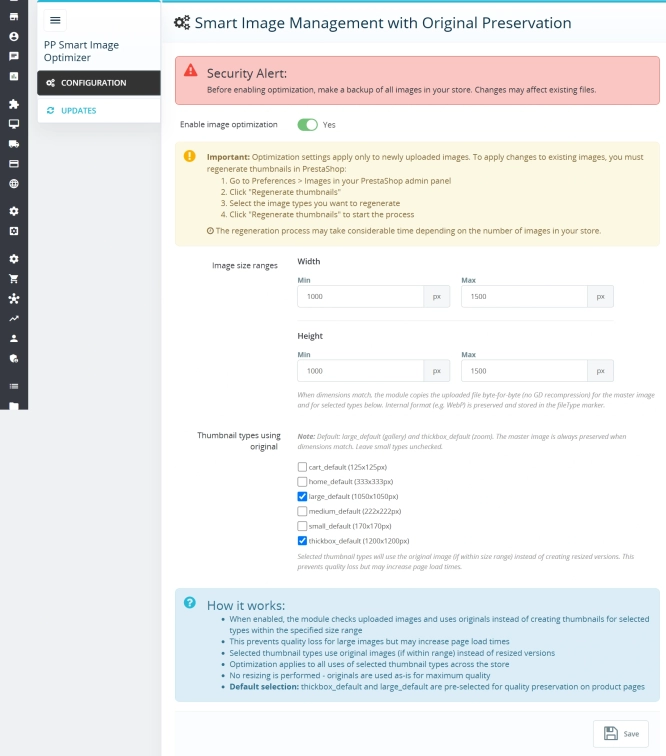
Smart Image Optimiser — Lossless Quality and Perfect PrestaShop Product Images
Smart Image Optimizer is an advanced tool that effectively eliminates the problem of automatic, lossy recompression of graphics files by PrestaShop's engines (GD/Imagick)....
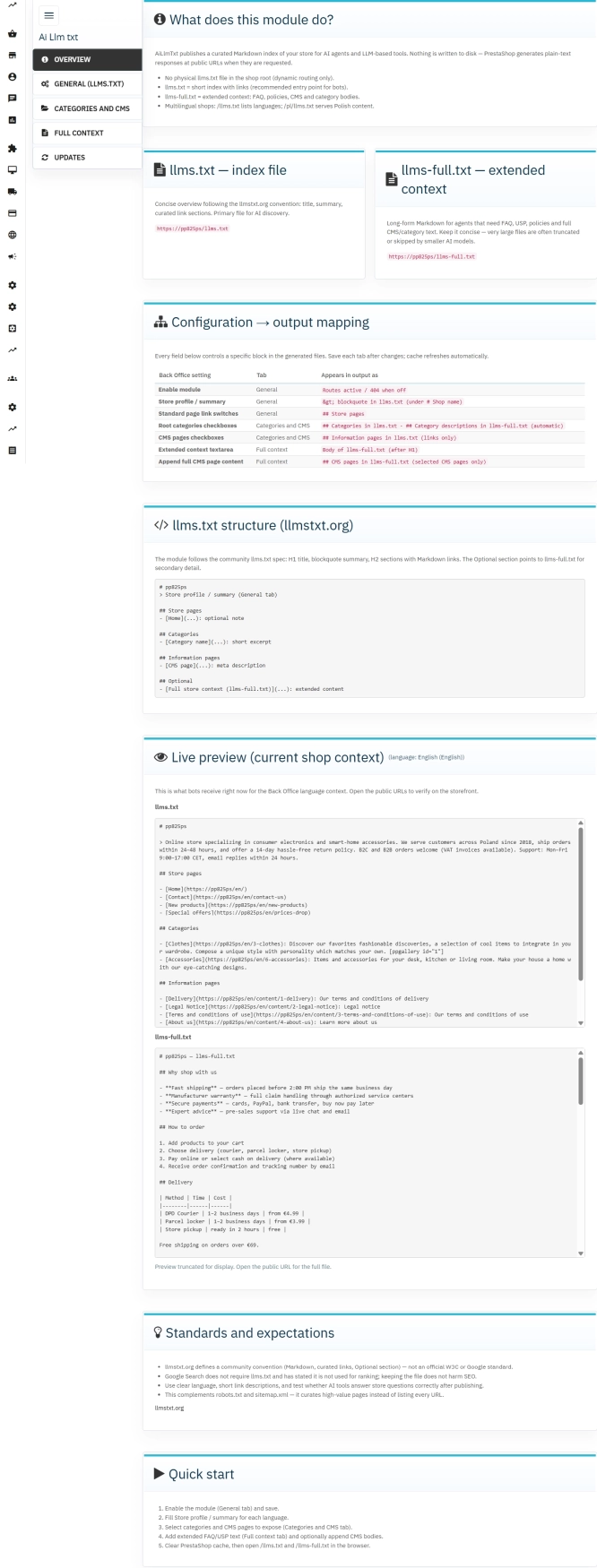
llms.txt for PrestaShop — Dynamic Store Index for AI Bots
AiLlmTxt publishes llms.txt and llms-full.txt files on the fly, without physical file generation on the disk — PrestaShop generates them dynamically under public URLs....
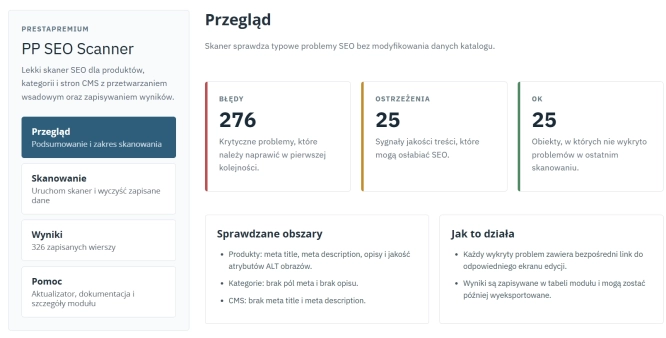
SEO Scanner - fast SEO auditing for products, categories and CMS pages in PrestaShop
PP SEO Scanner is an efficient diagnostic tool for PrestaShop, designed to automate on-site SEO auditing. The module analyses products, categories and CMS pages for...

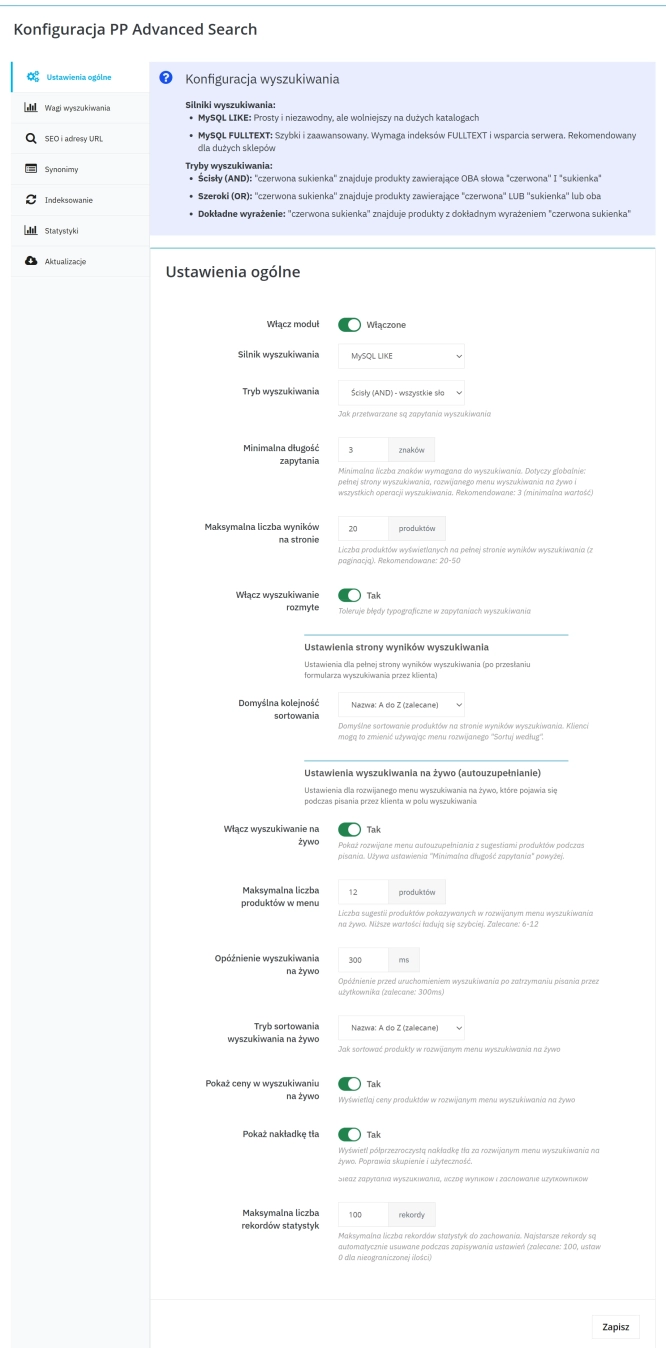
Advanced Search for PrestaShop
Advanced product search for PrestaShop that helps customers find the right products faster and makes it easier to complete purchases in your PrestaShop store . The module...

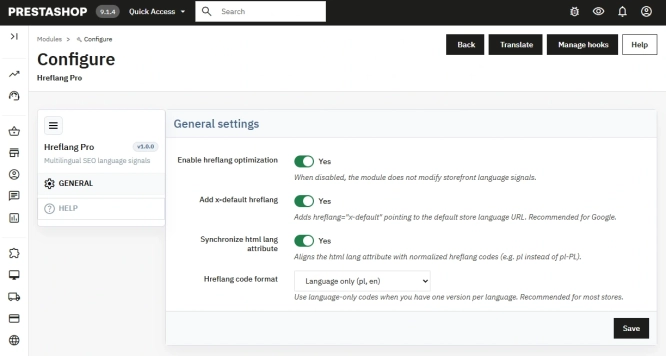
Hreflang and X-Default Normalisation for PrestaShop
Hreflang Pro solves the issue of directing shoppers to the wrong language version of your store (for instance, when a local customer lands on a foreign-language page from...
Do you need additional features or custom solutions?
- Module customisation tailored to your specific requirements.
- Extending functionality to enhance your store's capabilities.
- Developing bespoke modules designed to meet your unique needs.
- Integrating external systems and additional tools.
- Optimisation and improvements for better performance and user experience.
Do you have ideas on how to improve this software? Share your suggestions for optimisation, new features, or bug reports – we’ll be happy to review them!