
Shipping Costs and Delivery Time on Product Page (Popup)
PP-M069F
- 1.7.5 + | 8.x | 9.x
- FR, ES, PL, IT, DE, EN
- 1.1.0
- 2026-09-11
A free PrestaShop module that adds a convenient shipping information button directly to the product page. When clicked, customers instantly view a popup with rates and delivery times without leaving the product page.
This eliminates the need for shoppers to search for hidden delivery pages, making their purchasing decision faster and easier. Popup content is managed via a standard CMS page in your store back office—update your rates in one place, and changes apply automatically across all products. Installation and setup take just a few minutes.


0.00 €
Tax excluded
Information Parameters:
- 1.1.0
-
Store Version PHP Version1.7.5 + 7.1 – 7.48.x 8.1 – 8.39.x 8.1 – 8.5
- 2026-09-11
- FR, ES, PL, IT, DE, EN
- ✅
- ✅
- ✅
- ✅
- ❌
Key Benefits for Your Store
- Centralized Content Management – Edit delivery rates as a standard CMS page. No new editor or custom syntax to learn.
- Frictionless UX – The modal opens and closes instantly (via close button, background click, or ESC key) without reloading the page, keeping shoppers focused on buying.
- Multilingual Support – Set custom button labels (e.g., "Shipping Costs", "Delivery Info") separately for every active language in your store.
- Multistore Compatible – Assign different CMS pages per shop if you run multiple stores with distinct shipping policies.
- Flexible Placement – Select from built-in display positions in the back office to best fit your theme's product layout.
Under the Hood – Performance & Architecture
Designed for maximum efficiency with zero negative impact on page load speeds or Core Web Vitals:
- Zero AJAX Overhead (0 ms delay) – Modal content is server-side rendered (SSR) directly into the product template HTML. The popup opens instantly upon clicking.
- Pure Vanilla JS – Built with clean Vanilla JS. No jQuery, Bootstrap, or external libraries required, eliminating script conflicts with custom themes.
- Conditional Asset Loading – CSS and JS files load exclusively on the
productcontroller and only when a valid CMS page is configured. - Native PrestaShop Engine – Uses native CMS architecture instead of creating duplicate database tables or unnecessary clutter.
- SEO Friendly – Shipping information resides at a single CMS page URL. The product popup acts solely as a contextual view without creating duplicate indexable URLs.
- Full Cache Compatibility – Server-side rendering ensures seamless compatibility with Full Page Cache solutions (LiteSpeed Cache, Varnish, PrestaShop HTML Cache).
Back Office Features (Admin Panel)
CMS Page Selector
The dropdown menu populates only active CMS pages assigned to the current store context, preventing misconfigurations on the front office.
Predefined Display Hooks
Attach the button with a single click to standard PrestaShop hooks: displayProductAdditionalInformation, displayReassurance, or displayFooterProduct.
Built-in Version Checker
A dedicated info tab checks for module updates directly from your admin panel.
Custom Theme Integration (Custom Hook)
If predefined locations do not fit your custom theme layout, use the included custom hook. Insert the following code anywhere into your product.tpl (or product.html.twig) template file:
{hook h='displayPPcustomShippingPopup' product=$product}Important Before Installation
Before configuring the module, ensure you have an active shipping information page created under Design -> Pages (CMS). The button will not display on the product page until a valid CMS page is selected in the module settings. After completing configuration, clearing the PrestaShop cache is recommended.
## [1.1.0] - 2026-09-11
### Added
- New feature
You might also like

PrestaShop Omnibus Price Pro Module – Lowest Price in 30 Days (EU Omnibus Directive)
39.00 €
-30%
27.30 €
FAQs
-
Are the modules compatible with my version of PrestaShop?
Each module in our store contains information about compatibility with specific PrestaShop versions. Please check this information carefully before purchasing. If you are not sure, contact us.
-
What does the shipping popup show on the product page?
A button on the product page opens a window with shipping rates and delivery time. Shoppers do not have to hunt for a separate page or leave the product, so the buying decision is easier.
-
Where does the popup content come from?
You edit the content as a standard PrestaShop CMS page. One rate update applies to every product — no extra editor and no duplicated copy on each product.
-
Does the popup slow down the product page?
No. The content is rendered into the HTML with the product view, so opening the window does not fire an AJAX request. The script is plain Vanilla JS (no jQuery or Bootstrap), and CSS/JS load only on the product page and only when a CMS page is selected.
-
Does it work with multiple languages and Multistore?
Yes. The button label is set per language, and in Multistore you can assign a different CMS page to each shop when shipping policies differ.
-
Does the popup create extra URLs for SEO?
No. Shipping information lives on a single CMS URL. The product window is only a contextual view and does not add indexable pages. Server-side rendering stays compatible with full-page cache (LiteSpeed, Varnish, PrestaShop HTML cache).
-
How long does setup take?
Setup takes a few minutes: pick the CMS page, the button label and one of the built-in positions on the product page. The module does not create its own tables — it uses the native PrestaShop CMS.
8 other products in the same category:
- Discount
Price available only until: 30.11.2026
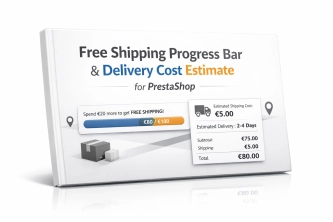
Free Shipping Progress Bar & Delivery Cost Estimate for PrestaShop
Encourage customers to spend more by showing them exactly how much is left until free shipping . The module also displays an estimated delivery cost on the product page ,...
39.00 €
-30%
27.30 €
- Discount
Price available only until: 30.11.2026
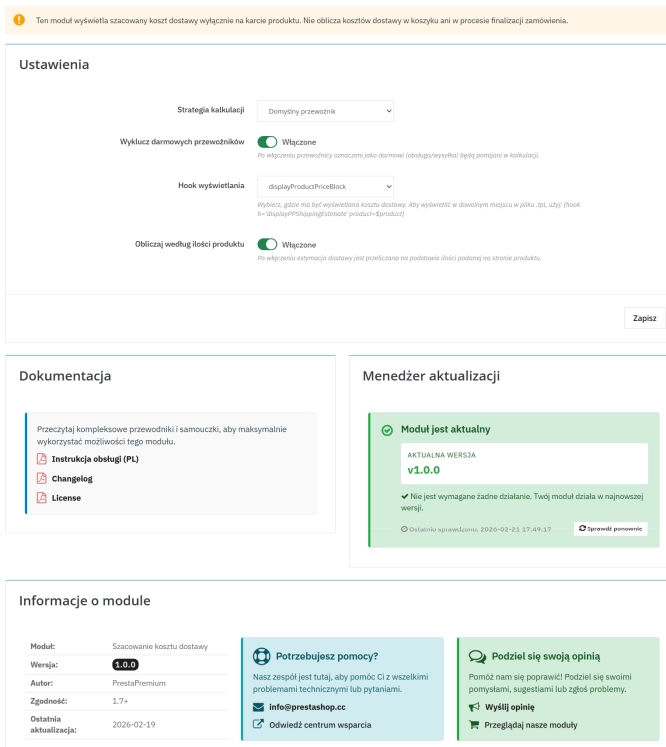
Automatic delivery cost on the product card
PP Shipping Estimate is an advanced module for PrestaShop that enables automatic calculation of delivery costs on the product page . The customer does not need to...
32.70 €
-30%
22.89 €
- Discount
Price available only until: 30.11.2026
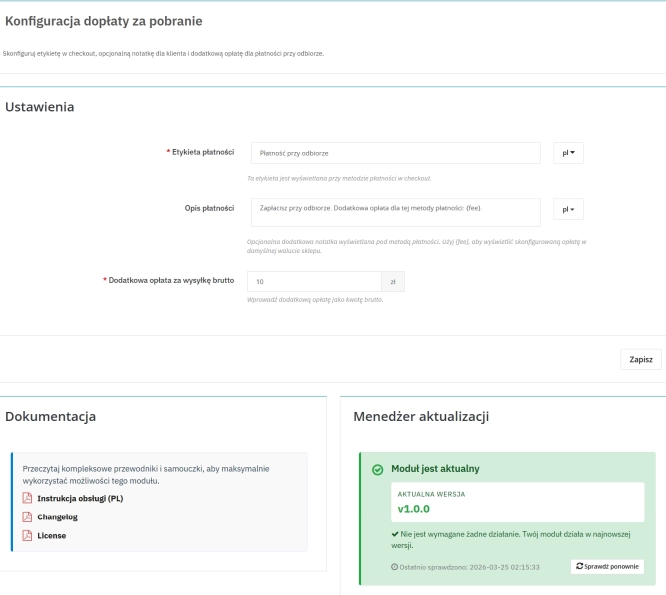
Cash on Delivery (COD) with an Additional Fee for PrestaShop
A cash on delivery module for PrestaShop with the option to apply an additional fee . The fee is added to the order automatically and displayed as a separate line in the...
32.70 €
-30%
22.89 €

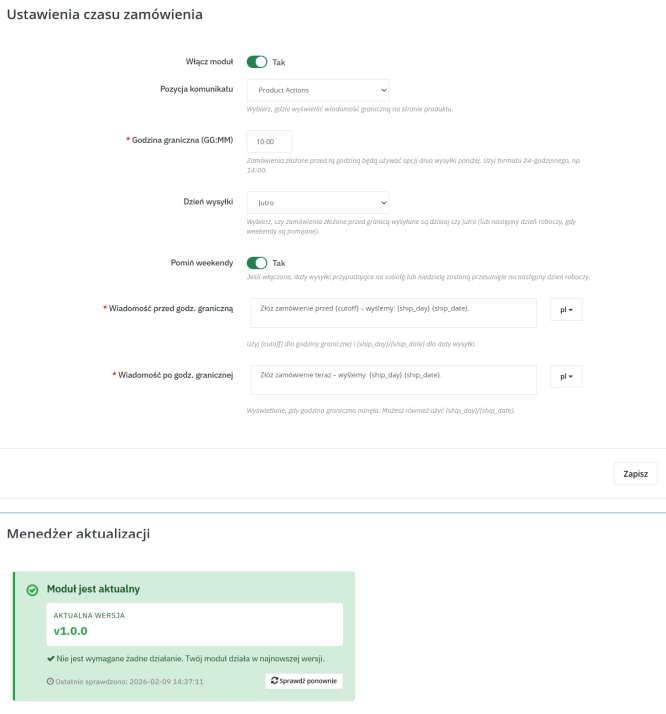
Order Cutoff Time Module – Dynamic Shipping Time (Basic Version)
Optimise logistical communication in your shop with a lightweight Entry-Level solution. The Order Cutoff Time module for PrestaShop (1.7–8.x–9.x) is a tool that automates...
0.00 €

- Discount
Price available only until: 30.11.2026
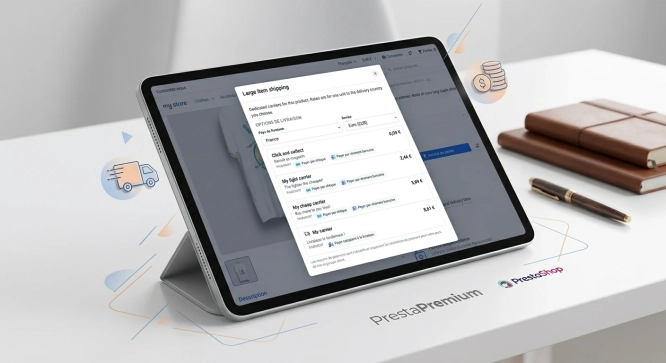
Live Shipping Rates and Available Payment Methods on PrestaShop Product Pages
Show shoppers the available carriers, delivery price and estimated delivery time directly on the product page. PP Shipping Costs Pro reads eligible options from PrestaShop...
52.50 €
-30%
36.75 €
Lowest price within 30 days before promotion:
74.10 €
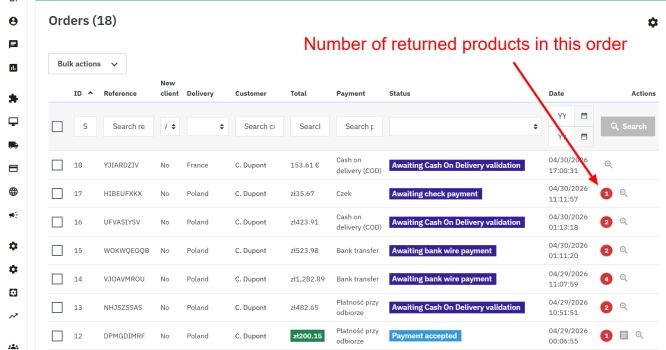
PrestaShop withdrawal module for whole orders and selected products
Bring order to the withdrawal process in your PrestaShop store. The module moves scattered email exchanges into a clear customer-side panel (Front Office) and a structured...
89.70 €
Lowest price within 30 days before promotion:
69.07 €
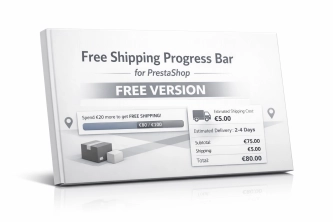
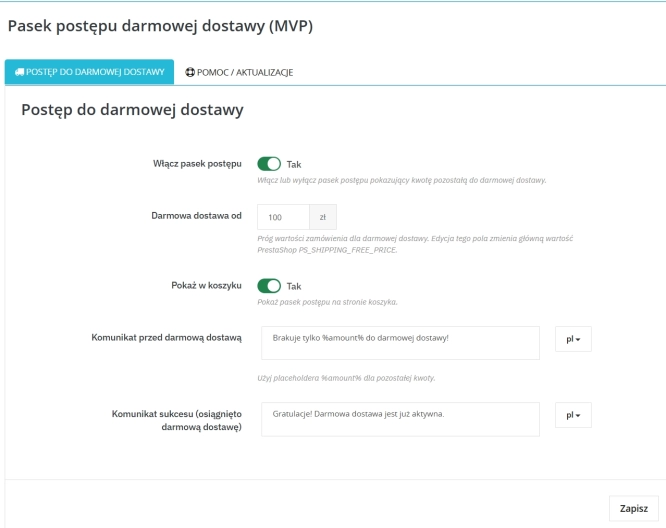
Free Shipping Progress Bar for PrestaShop (Free Version)
Encourage customers to spend more by clearly showing how much is left until they unlock free shipping . This is the free, simplified edition of the module, focused on one...
0.00 €
- Discount
Price available only until: 30.11.2026
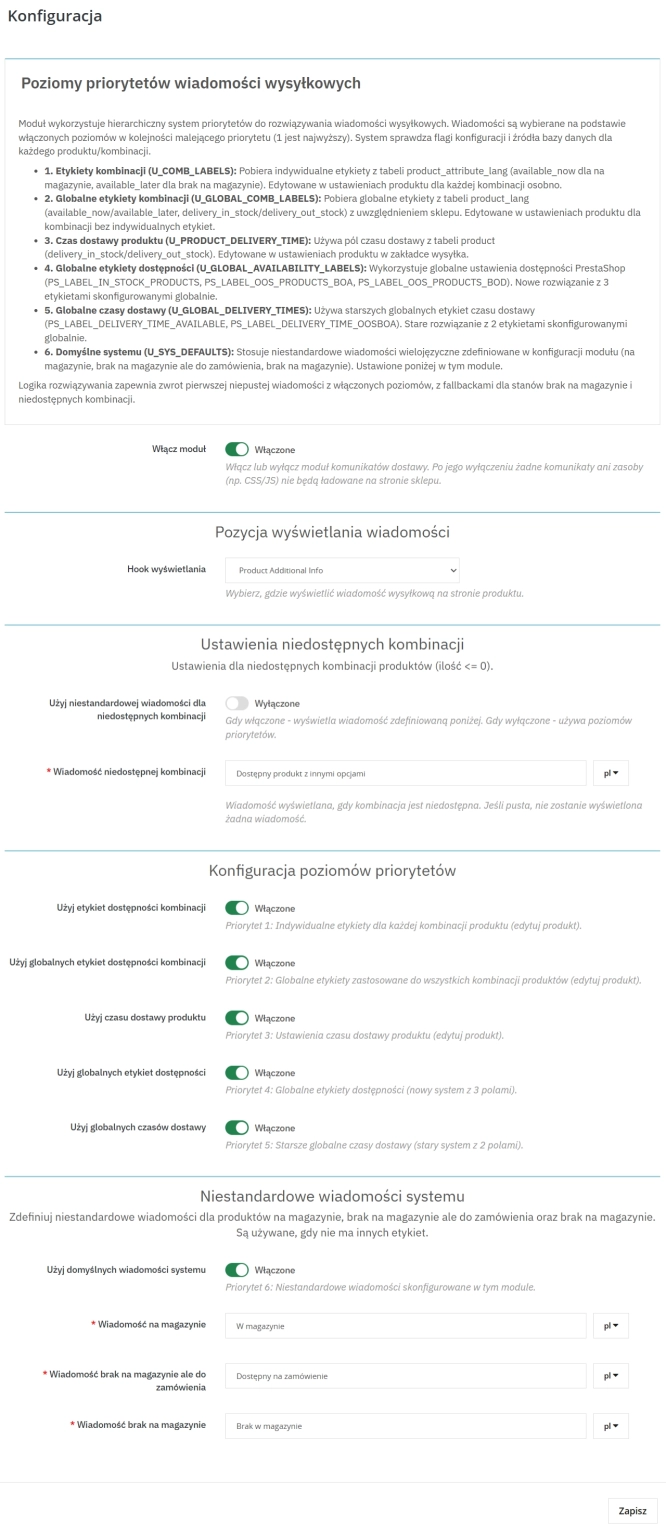
Product Availability Labels for Products and Combinations in PrestaShop
A PrestaShop module for advanced management of product and combination availability labels . It supports multiple rule levels (global, product, combination), allows message...
45.90 €
-30%
32.13 €
Do you need additional features or custom solutions?
- Module customisation tailored to your specific requirements.
- Extending functionality to enhance your store's capabilities.
- Developing bespoke modules designed to meet your unique needs.
- Integrating external systems and additional tools.
- Optimisation and improvements for better performance and user experience.
Do you have ideas on how to improve this software? Share your suggestions for optimisation, new features, or bug reports – we’ll be happy to review them!


