

Product recommendation module for PrestaShop
Order Cutoff Time Module – Dynamic Shipping Time (Basic Version)
- 1.7.5 + | 8.x | 9.x
- EN, FR, IT, DE, PL
- 1.0.0
- 2026-02-09
Optimise logistical communication in your shop with a lightweight Entry-Level solution.
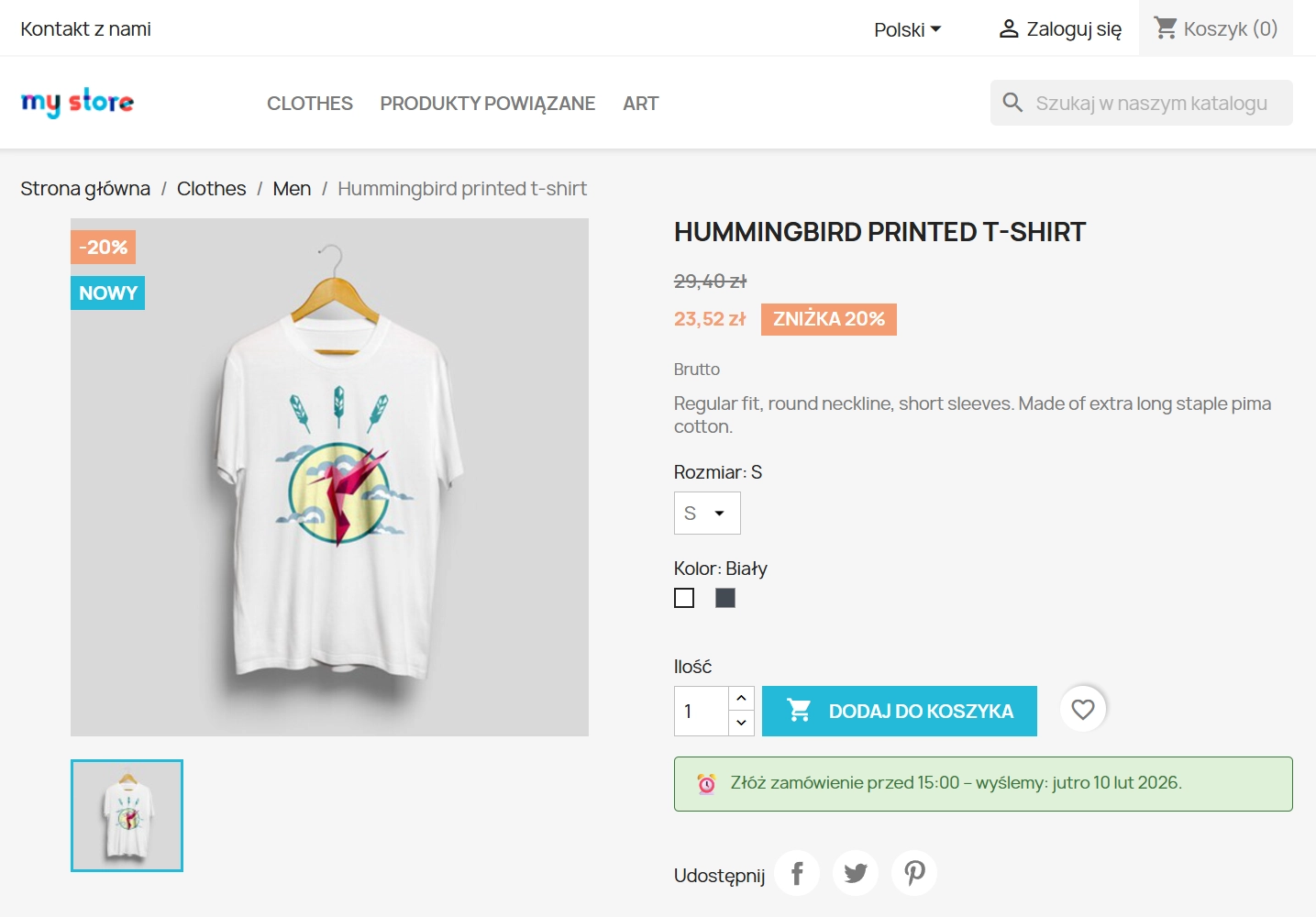
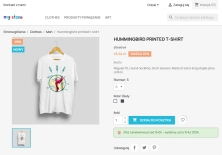
The Order Cutoff Time module for PrestaShop (1.7–8.x–9.x) is a tool that automates the display of order fulfilment time messages. Thanks to precise calculations based on server time, the system informs the customer how much time they have to finalise their purchase so that the parcel is shipped today (e.g. "Order by 14:00 and we will ship today!" ).
The presented free version (Standard) provides a solid foundation for shops wanting to test the impact of "Same-Day Shipping" logistics on conversion, offering key business logic without unnecessary code burden.
Information Parameters:
- 1.0.0
-
Store Version PHP Version1.7.5 + 7.1 – 7.48.x 8.1 – 8.39.x 8.1 – 8.5
- 2026-02-09
- EN, FR, IT, DE, PL
- ✅
- ✅
- ✅
- ✅
Why implement Order Cutoff Time in the Free version?
In modern eCommerce, transparency is key to closing sales. The module eliminates customer uncertainty by providing them with hard logistical data at the product card level.
- Sales psychology (FOMO): Subtle time pressure motivates faster purchase decisions.
- Customer Service optimisation: Significant reduction in queries about status and shipping time.
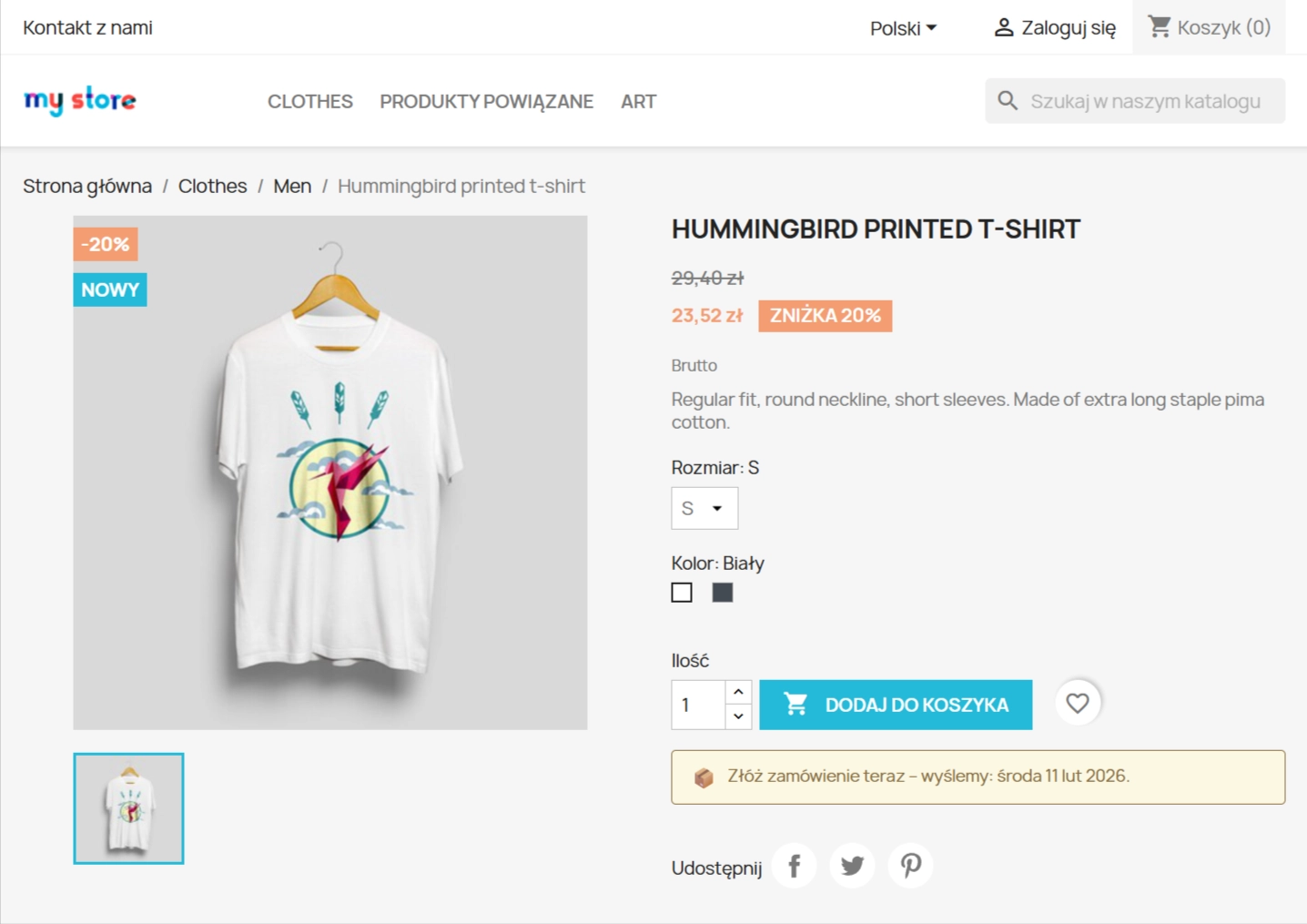
- Operational logic: The system takes into account working days and automatically shifts the declared shipping date for weekend orders (Skip Weekends).
- Safety and performance: Architecture based on native Hooks, guaranteeing stability during PrestaShop updates.
Key features (Admin Panel)
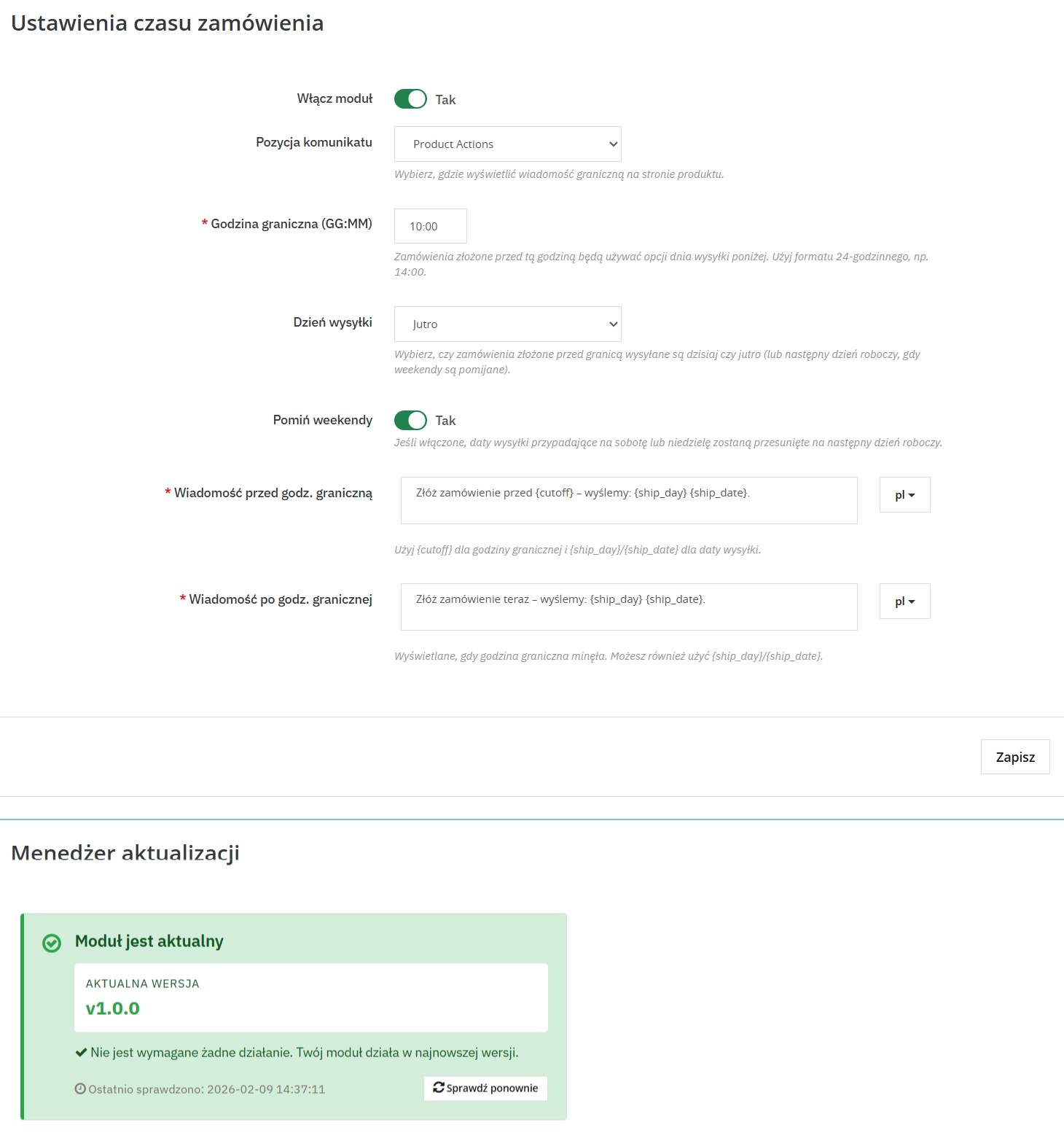
1. Intelligent cutoff logic (Cutoff Logic)
Configure shipping parameters according to your courier agreement:
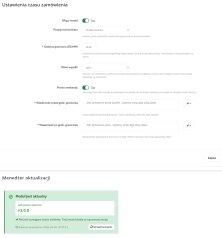
- Cutoff Hour: Precise time specification (HH:MM), after which orders move to the next working day.
- Shipping Mode (Ship Mode): Choice between declaring shipping today or shipping tomorrow.
- Weekend handling: Automatic detection of Saturdays and Sundays – the module intelligently shifts the deadline to Monday/next working day.
2. Personalisation and Internationalisation
- Dynamic variables: Use tags
{cutoff},{ship_day}and{ship_date}to create naturally sounding messages. - Multilingual support: Full translation handling (each language in the shop can have a unique content format).
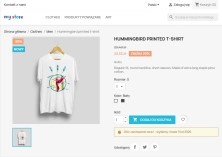
- Conditional logic: Different content for customers before and after the cutoff hour.
Technical Specification and UX
The module has been designed with Core Web Vitals in mind. Message rendering takes place in a way that is optimal for browsers, ensuring:
- Zero CLS (Cumulative Layout Shift): No annoying content jumps during page loading.
- MultiStore support: Independent configuration for different shops within one installation.
- Smarty Integration: Use of template engine for easy appearance editing.
Customise the solution to your needs
The presented module in the Standard (Free) version offers full basic functionality, ideal for most medium-sized shops.
Need more? As software authors, we offer:
- Implementation of public holiday and statutory day off handling.
- Expansion with visual counter (Countdown Timer) counting down seconds.
- Integration with specific carriers (InPost, DPD, DHL).
- Individual design customisation (Custom CSS/JS).
Contact us to extend this module with dedicated features tailored to your business model.
Warning! The free version of the module does not include automatic handling of movable calendar holidays. Before production deployment, we recommend verifying message display in a test environment.
## [1.0.0] - 2026-02-09 ### Added
You might also like
FAQs
-
Are the modules compatible with my version of PrestaShop?
Each module in our store contains information about compatibility with specific PrestaShop versions. Please check this information carefully before purchasing. If you are not sure, contact us.
-
How does the Order Cutoff Time module work?
The module automatically displays a message on the product page based on server time. It tells customers how much time remains until a set cut-off time and, once that time has passed, can show the message intended for the next working day. It follows configured time logic without requiring manual content updates.
-
How do I set the cut-off time in the module?
In the Back Office, you can define the cut-off time in HH:MM format. This is the point after which the module applies different message logic. The configuration also lets you choose whether the statement concerns the current or next day, so storefront messaging matches the shop’s workflow.
-
Does the module take working days into account?
Yes. The Skip Weekends feature accounts for Saturdays and Sundays in its calculations. If the selected date falls on a weekend, the module automatically moves it to the next working day. This keeps customer-facing messages aligned with the shop’s working schedule.
-
Can I change the content of dynamic messages?
Yes. Message content can be built with the
{cutoff},{ship_day}and{ship_date}variables. They insert the current cut-off time, day name or calculated date into the text. You can also prepare different messages for before and after the configured time. -
Can messages be tailored to multiple shops and languages?
The module supports multiple languages and MultiStore. You can prepare a custom message format for each language, and configuration can be independent for individual shops within one PrestaShop installation. This makes it easier to adapt content to different language versions and shop structures.
7 other products in the same category:
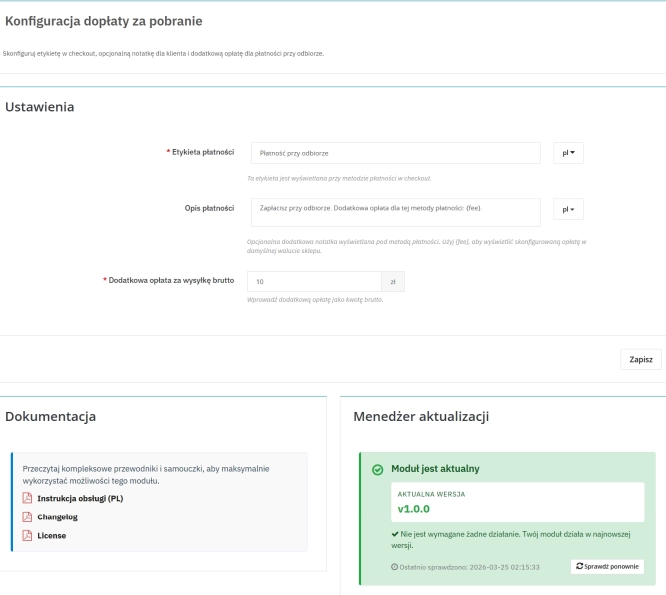
Cash on Delivery (COD) with an Additional Fee for PrestaShop
A cash on delivery module for PrestaShop with the option to apply an additional fee . The fee is added to the order automatically and displayed as a separate line in the...
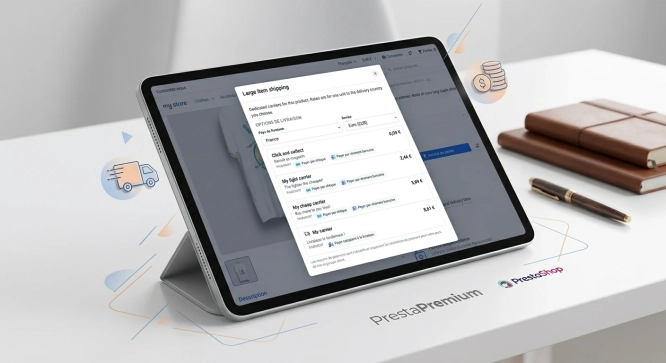
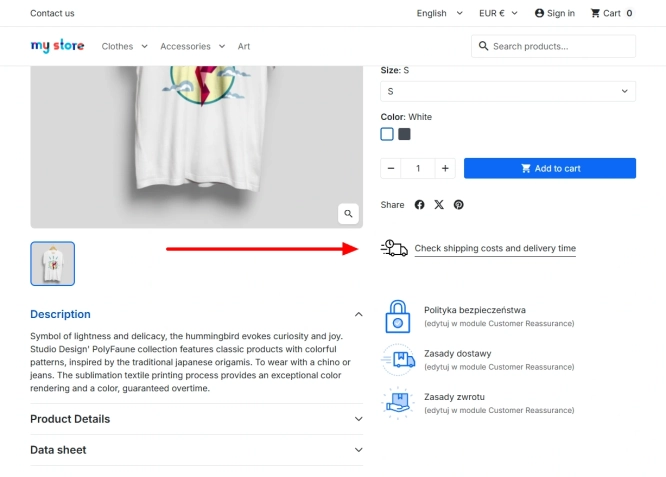
Shipping Costs and Delivery Time on Product Page (Popup)
A free PrestaShop module that adds a convenient shipping information button directly to the product page . When clicked, customers instantly view a popup with rates and...
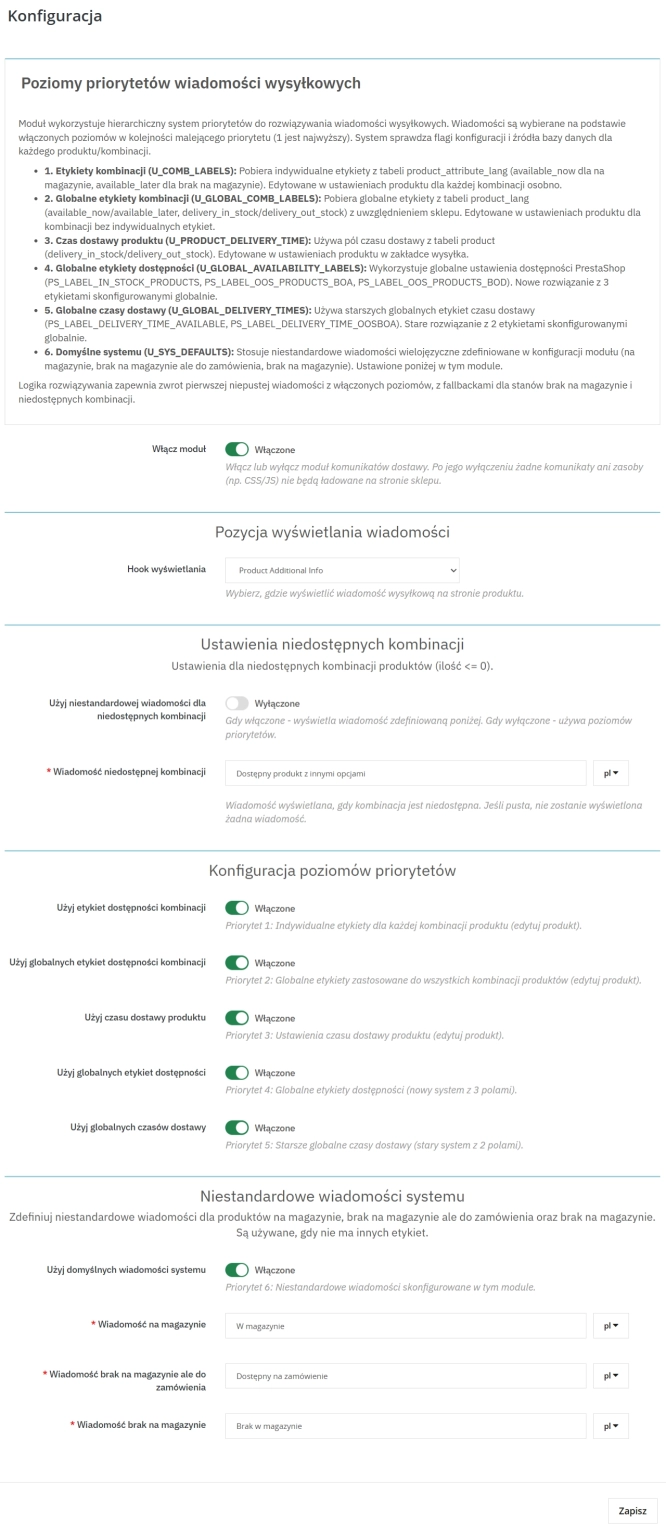
Product Availability Labels for Products and Combinations in PrestaShop
A PrestaShop module for advanced management of product and combination availability labels . It supports multiple rule levels (global, product, combination), allows message...
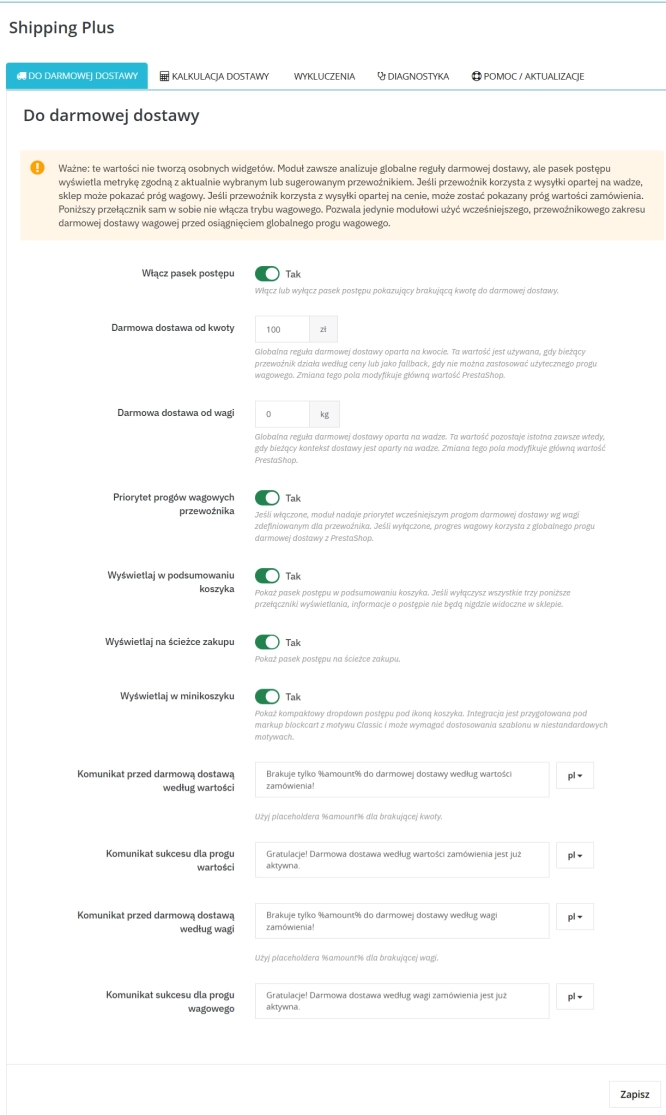
Free Shipping Progress Bar & Delivery Cost Estimate for PrestaShop
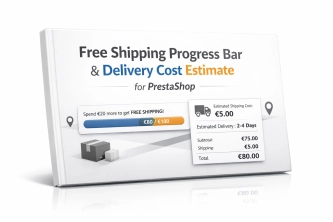
Encourage customers to spend more by showing them exactly how much is left until free shipping . The module also displays an estimated delivery cost on the product page ,...
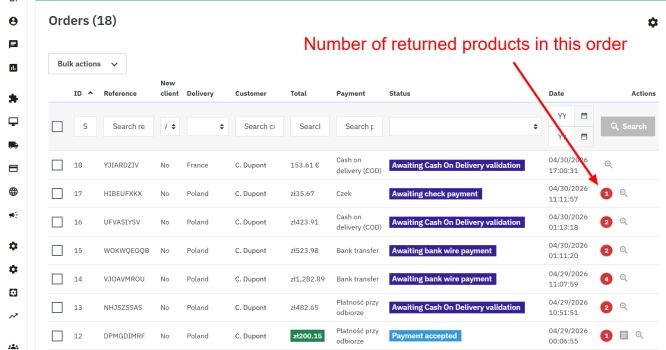
PrestaShop withdrawal module for whole orders and selected products
Bring order to the withdrawal process in your PrestaShop store. The module moves scattered email exchanges into a clear customer-side panel (Front Office) and a structured...
Free Shipping Progress Bar for PrestaShop (Free Version)
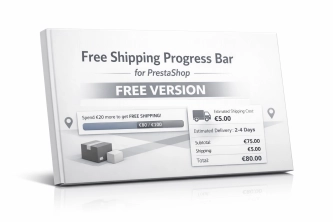
Encourage customers to spend more by clearly showing how much is left until they unlock free shipping . This is the free, simplified edition of the module, focused on one...
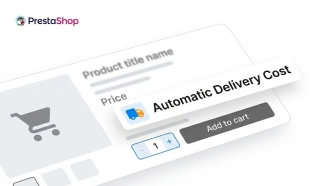
Automatic delivery cost on the product card
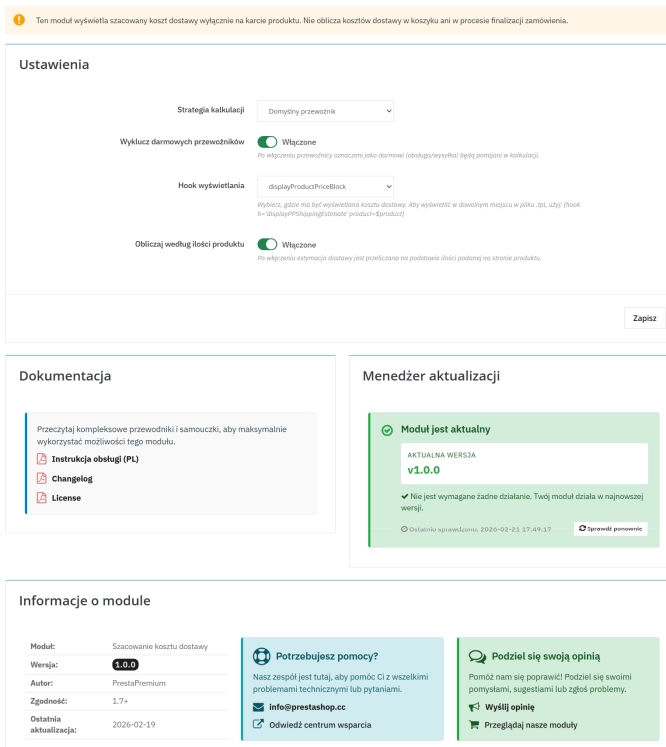
PP Shipping Estimate is an advanced module for PrestaShop that enables automatic calculation of delivery costs on the product page . The customer does not need to...
Do you need additional features or custom solutions?
- Module customisation tailored to your specific requirements.
- Extending functionality to enhance your store's capabilities.
- Developing bespoke modules designed to meet your unique needs.
- Integrating external systems and additional tools.
- Optimisation and improvements for better performance and user experience.
Do you have ideas on how to improve this software? Share your suggestions for optimisation, new features, or bug reports – we’ll be happy to review them!