Additional Product Fields and Options – Attributes without Combinations (Custom Fields)
PP-M012
- 8.x | 9.x
- FR, PL, IT, DE, EN
- 2.0.0
- 2026-08-19
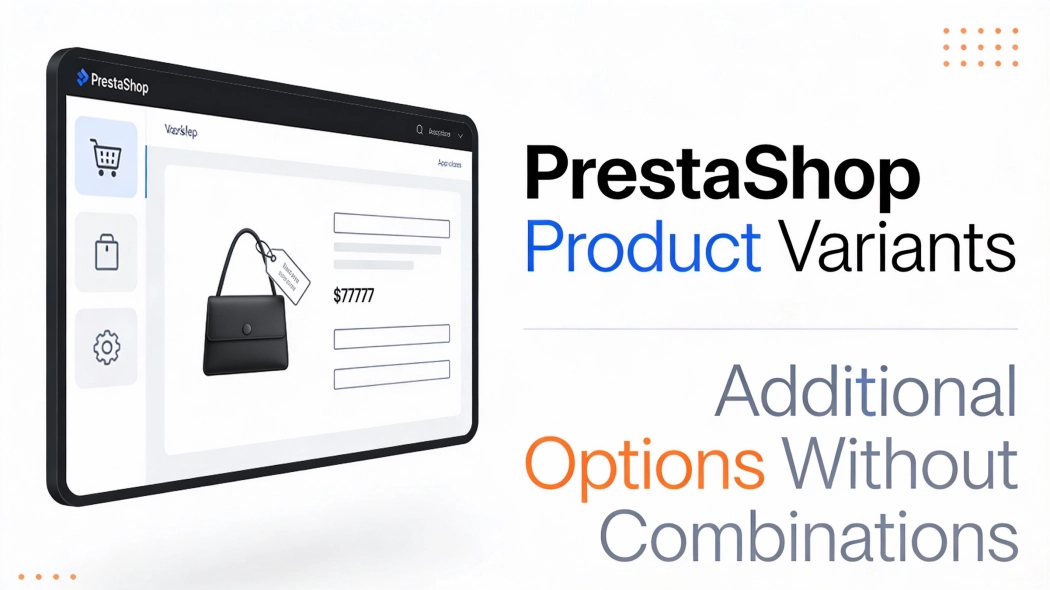
This module enables the creation of additional product options without using native PrestaShop combinations. Each option can have a price impact (positive or negative) but does not affect stock levels.
An ideal solution for virtual products , additional services, extended warranties, or gift wrapping. Variant surcharges are calculated after discounts – promotions do not apply to option costs.

113.10 €
Tax excluded
Information Parameters:
- 2.0.0
-
Store Version PHP Version8.x 8.1 – 8.39.x 8.1 – 8.5
- 2026-08-19
- FR, PL, IT, DE, EN
- ✅
- ✅
- ✅
- ❌
- demo.admin.shop
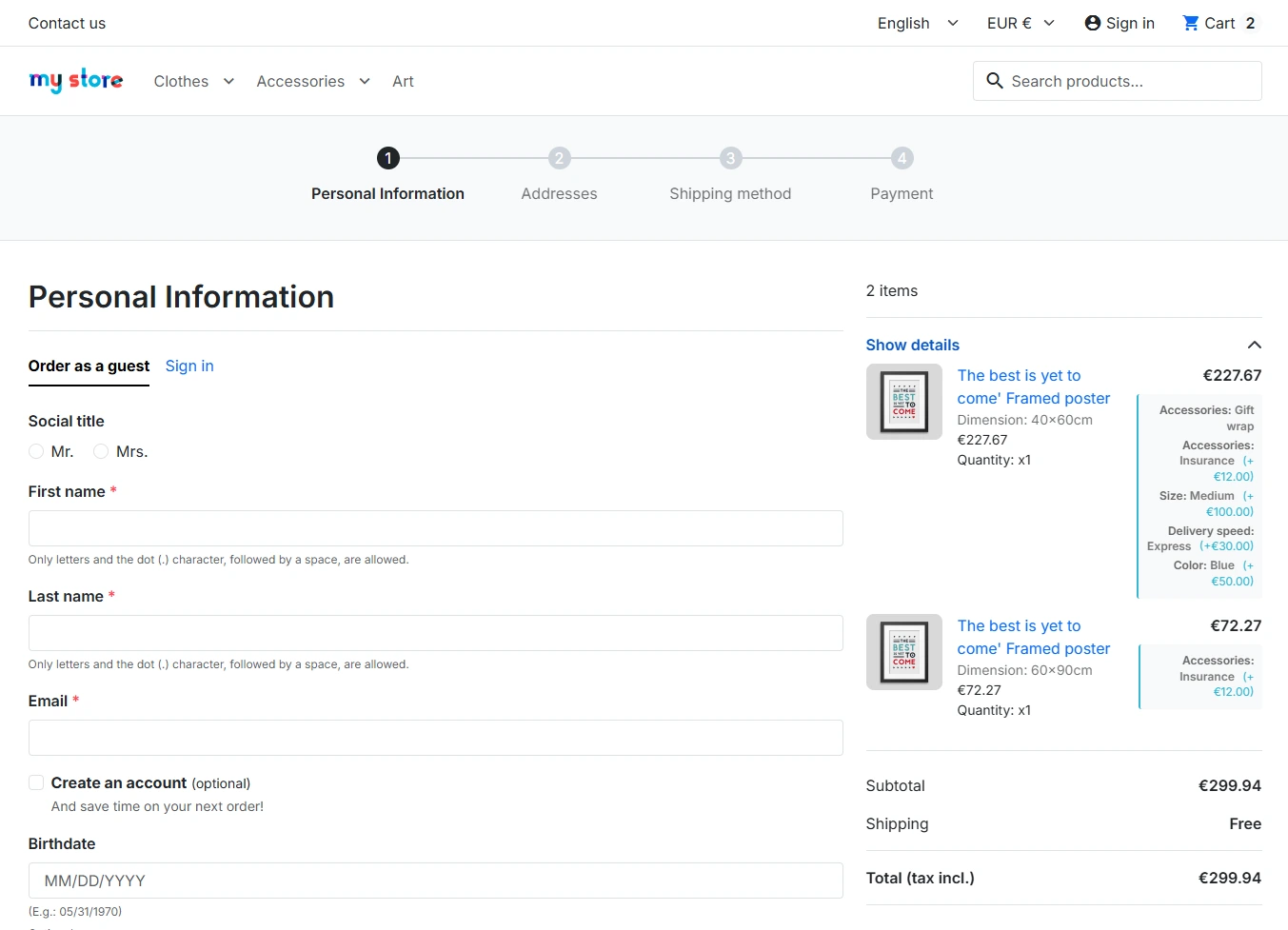
- demo.front.shop
Problems This Module Solves
Combinations Require Stock Levels
In PrestaShop, each attribute combination requires a separate stock level. For options such as "gift wrapping" or "extended warranty", this makes no business sense.
Solution: Module variants operate independently of stock – define an option once and assign it to any number of products.
Virtual Products Do Not Support Attributes
Virtual products (e-books, licences, courses) in PrestaShop have limited support for combinations. Adding price variants requires workarounds or code modifications.
Solution: The module works with every product type – physical, virtual, and downloadable.
Discounts Apply to Service Surcharges
With a 20% product discount, the gift wrapping surcharge is also reduced. This generates losses on additional services.
Solution: Variant surcharges are calculated after discounts are applied – promotions only affect the base product price.
Quick Options Require Multiple Clicks
A customer wishing to add a warranty or insurance often has to navigate through separate pages or complex forms.
Solution: Variants are displayed directly on the product page – one click and the option is added to the basket.
No Validation for Required Options
Standard customisation fields do not block adding to basket. The customer can skip a mandatory selection.
Solution: Variants marked as required block the "Add to basket" button until a selection is made.
Key Benefits
- Stock Independence – variants do not create combinations and do not require defining stock levels.
- Service Margin Protection – variant surcharges are not subject to discounts or promotions on the base product.
- Quick Configuration – a single variant can be assigned to multiple products with different prices per product.
- 4 Display Types – dropdown, radio, checkbox (multiple selection), and image/colour swatches.
- Full Integration – variants are saved in orders with names and prices, visible in the admin panel and customer account.
Module Use Cases
Additional Services
- Gift wrapping
- Personalisation (engraving, printing)
- Assembly or installation
- Express processing
Warranty and Support
- Extended warranty (12/24/36 months)
- Shipping insurance
- Priority technical support
- Service package
Virtual Products
- Software licences (Basic/Pro/Enterprise)
- Online courses (30/90/365 days access)
- E-books with extras
- Subscriptions with varying scope
Delivery Options
- Standard / express delivery
- Weekend delivery
- Timed delivery
- Click and collect with assembly
Features – Back Office
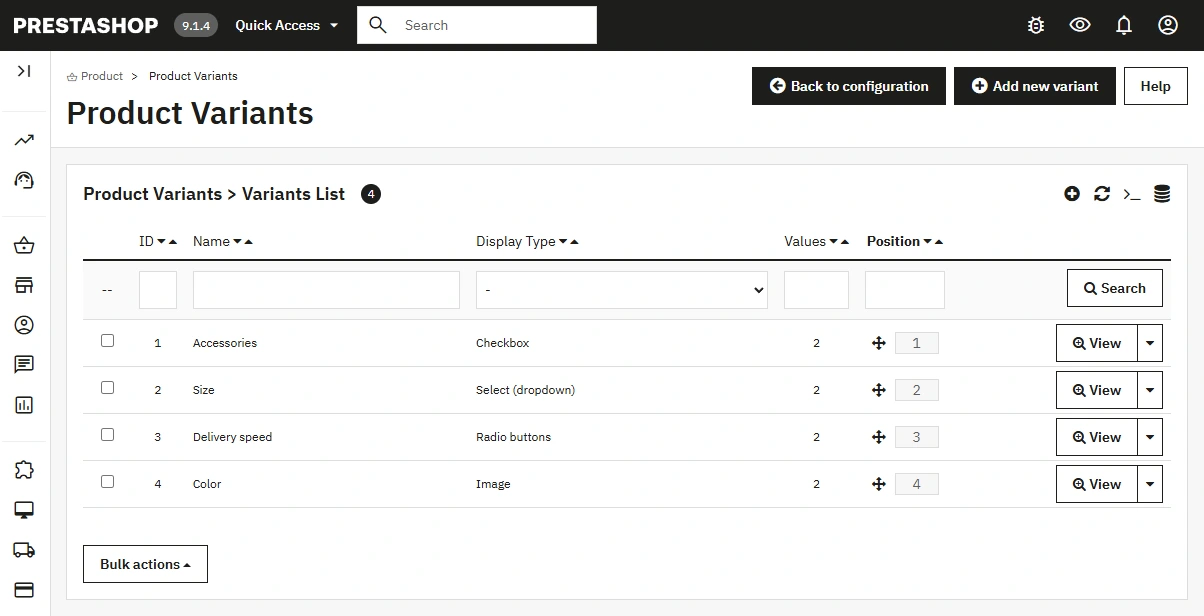
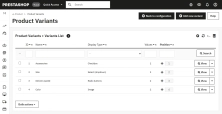
1. Variant Management
Central list of all variants with drag & drop sorting.
- 4 display types: dropdown, radio, checkbox, images/colours.
- HTML descriptions: each variant can have a rich description with formatting, displayed as a tooltip on the front end.
- Multilingual: variant names and descriptions translated per shop language.
- Multistore: variants assigned per shop.
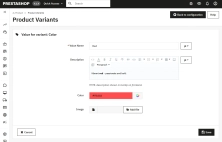
2. Variant Values
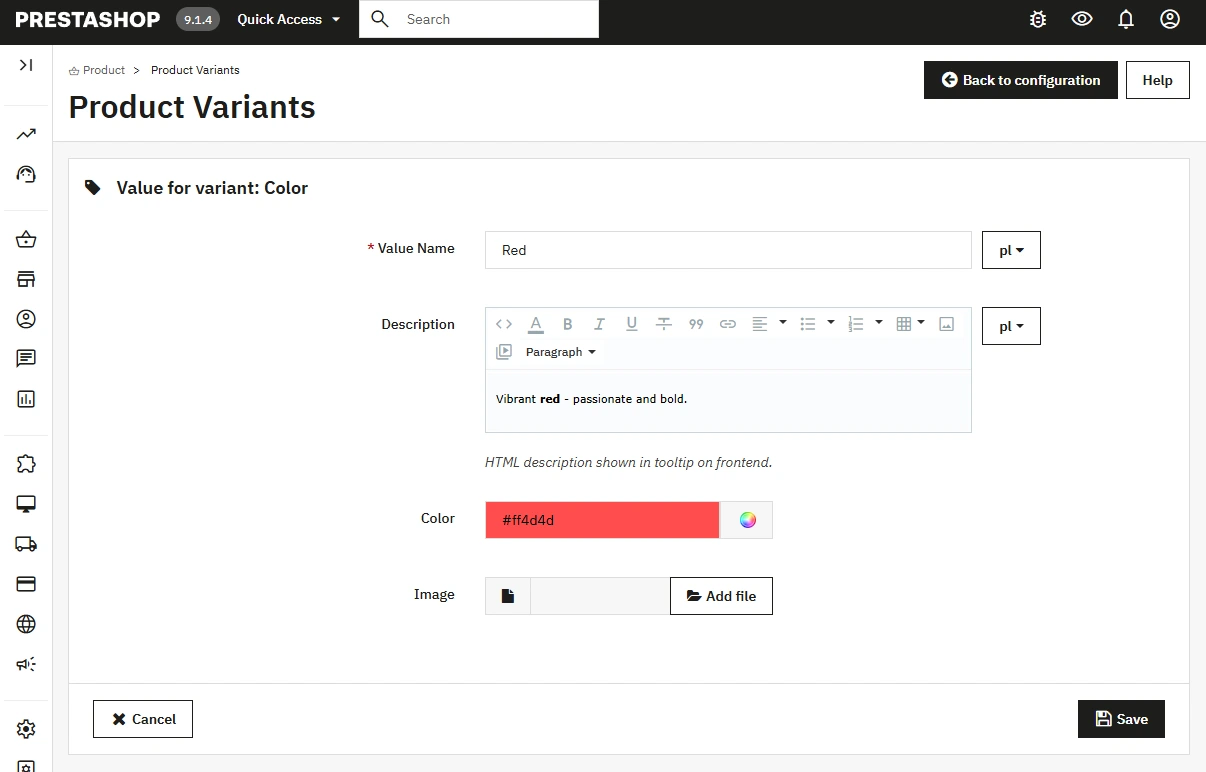
Each variant can have any number of values to choose from.
- HTML descriptions: each variant value has its own description field with HTML formatting support.
- Visualisation: HEX colour or image for the "image" type.
- Multilingual: value names and descriptions translated per shop language.
- Positioning: value order set via drag & drop.
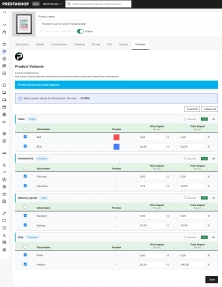
3. Per-Product Configuration
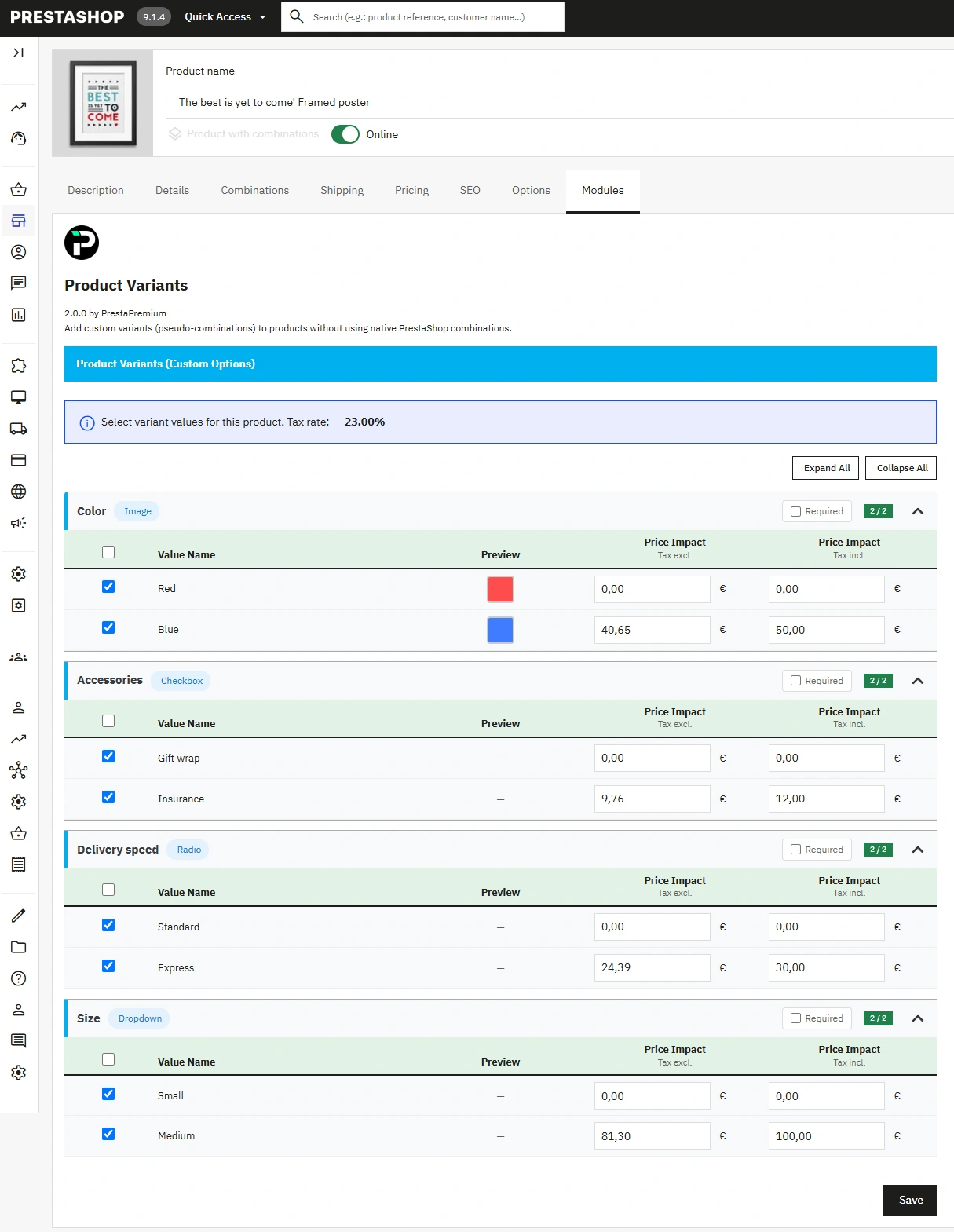
A panel in the product tab allows you to assign variants and set prices.
- Price impact: net and gross prices with automatic conversion.
- Negative prices: ability to grant a discount for a selected option.
- Required flag: "Required" checkbox blocks adding to basket without selection.
4. Order View
Selected variants visible in order details.
- Data snapshot: name and price saved at the time of order.
- Per order line: variants assigned to a specific product.
- History: changing the variant name does not affect historical orders.
5. Display Configuration
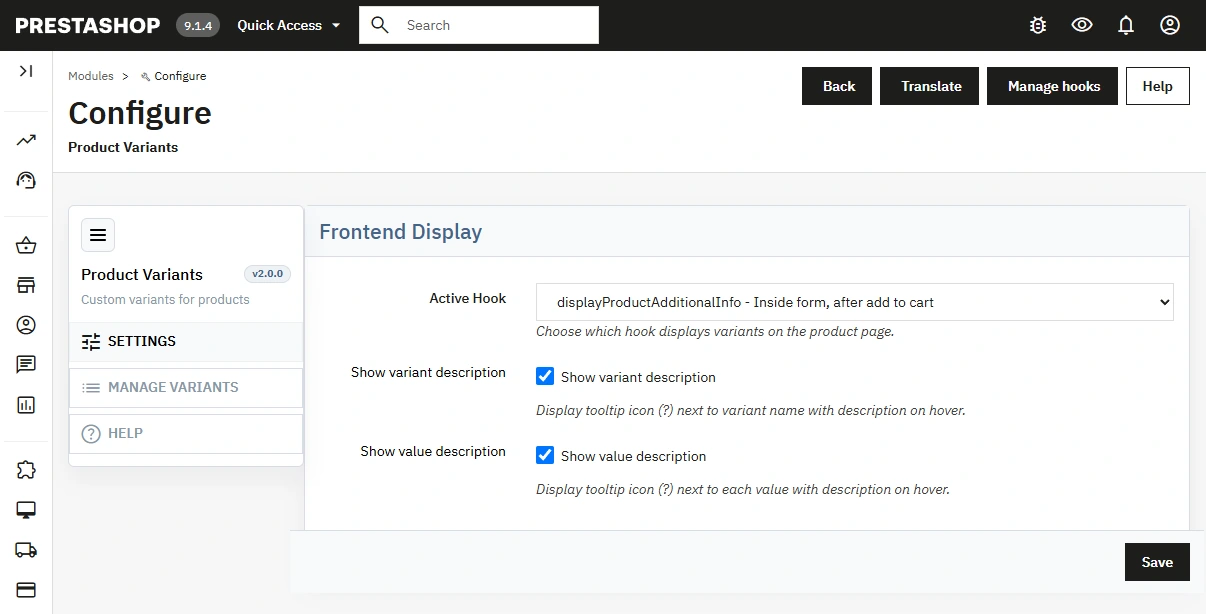
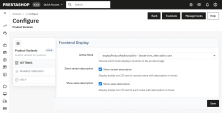
The configuration panel allows you to specify the position and behaviour of the module on the front end.
- Position selection (hook):
displayProductActions(inside form, after quantity),displayProductAdditionalInfo(inside form, after add to basket button). - Custom hook:
displayPPVariants– option for developers to manually place in any template location. - Enable/disable descriptions: separate toggles for variant tooltips and value tooltips – you can disable tooltips for the entire shop or enable only one type.
Features – Front Office
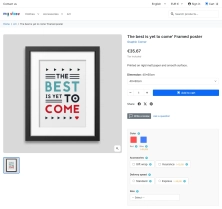
1. Product Page Display
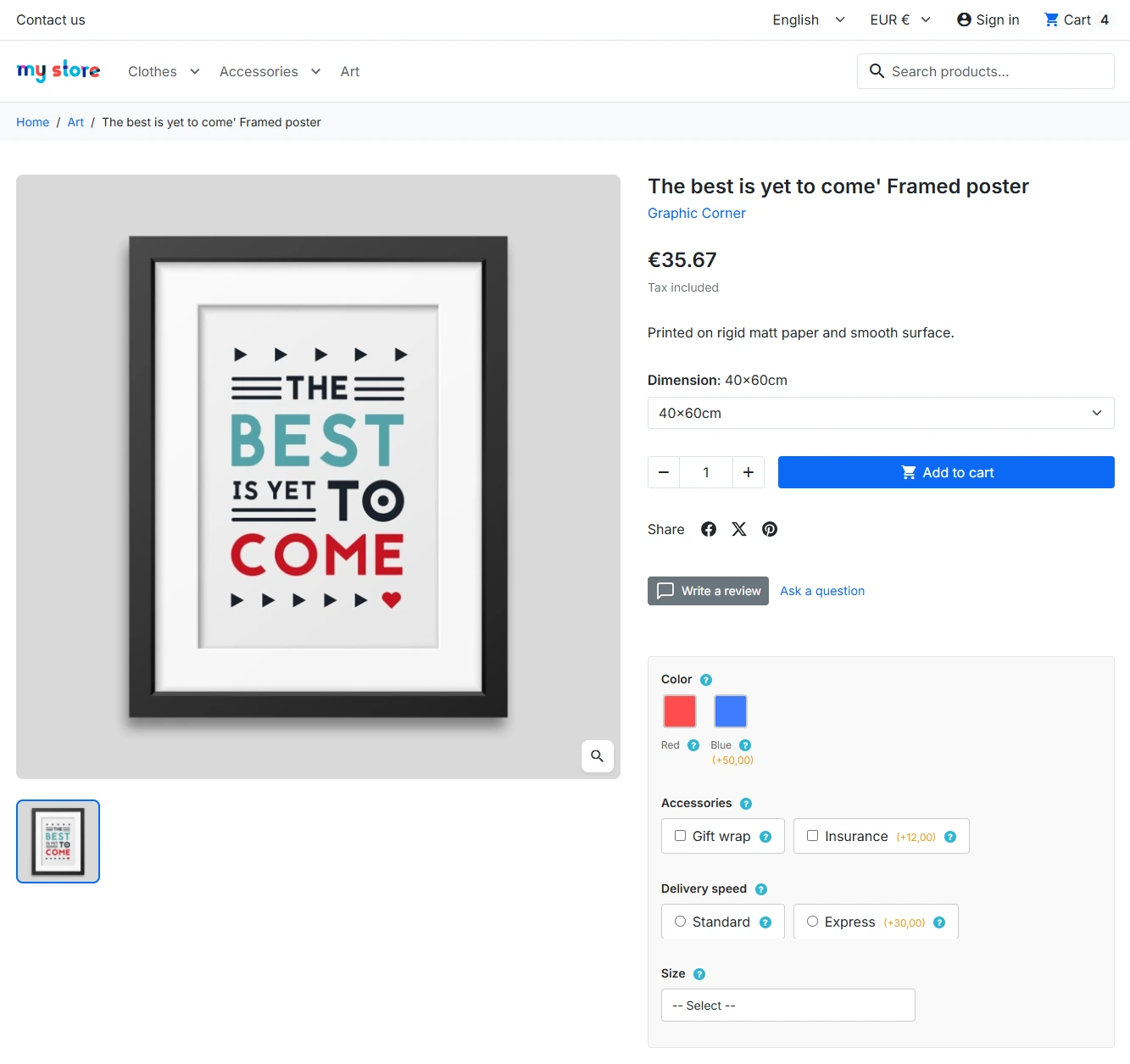
Variants rendered in the selected hook – inside the add-to-basket form.
- Dynamic pricing: changing selected options updates the price in real time.
- Variant tooltips: (?) icon next to the variant name displays the HTML description defined in the Back Office.
- Value tooltips: (?) icon next to each value shows its individual HTML description.
- Responsiveness: image swatches and checkboxes adapted for mobile.
2. Required Variant Validation
Variants marked as required block the form until a selection is made.
- Asterisk (*): visual indication of required fields.
- Modal message: notification about missing selection.
- No page reload: JavaScript validation without form submission.
3. Basket Integration
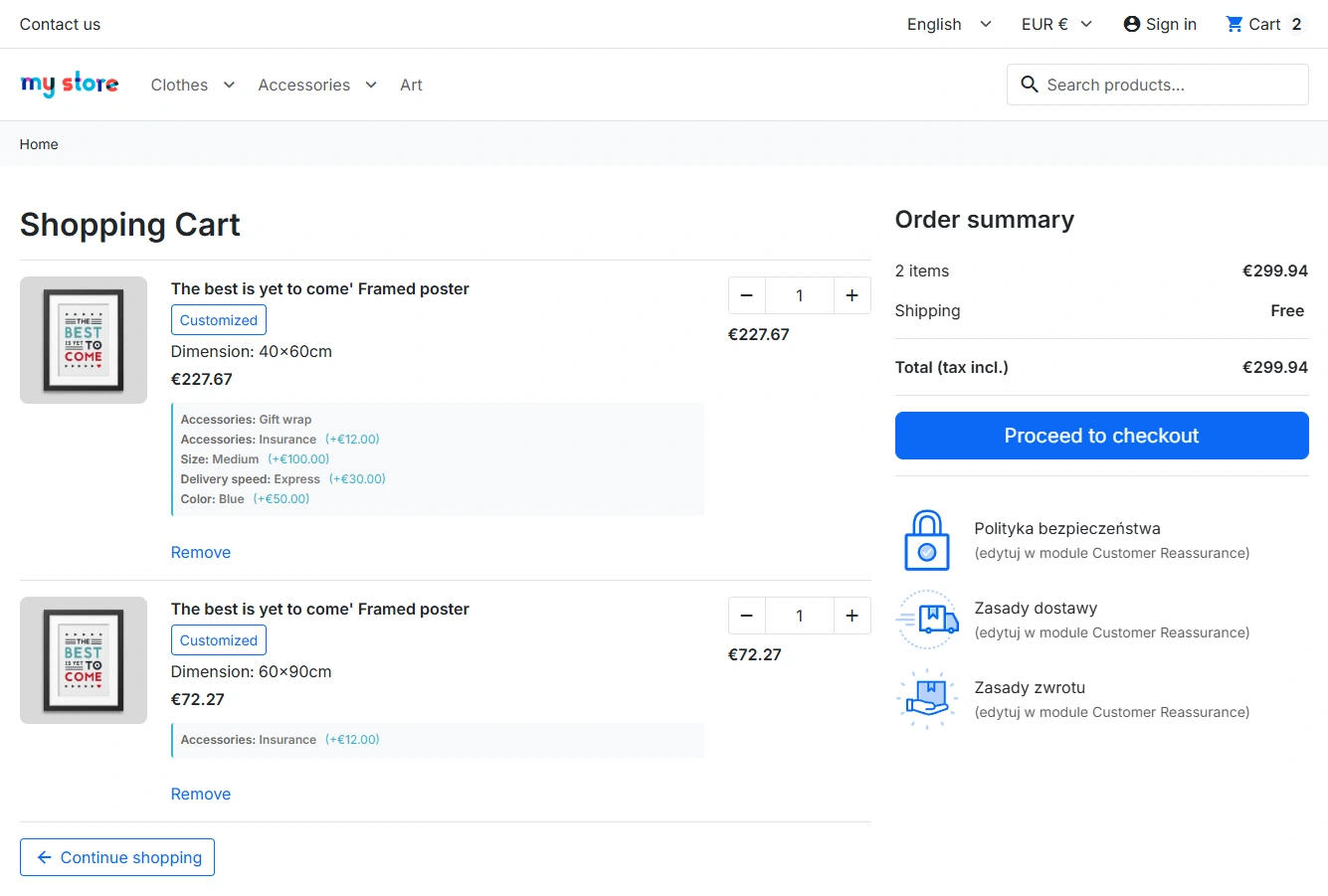
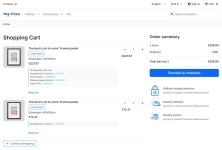
Selected variants visible in every basket presentation.
- Product line: variant displayed below the product name.
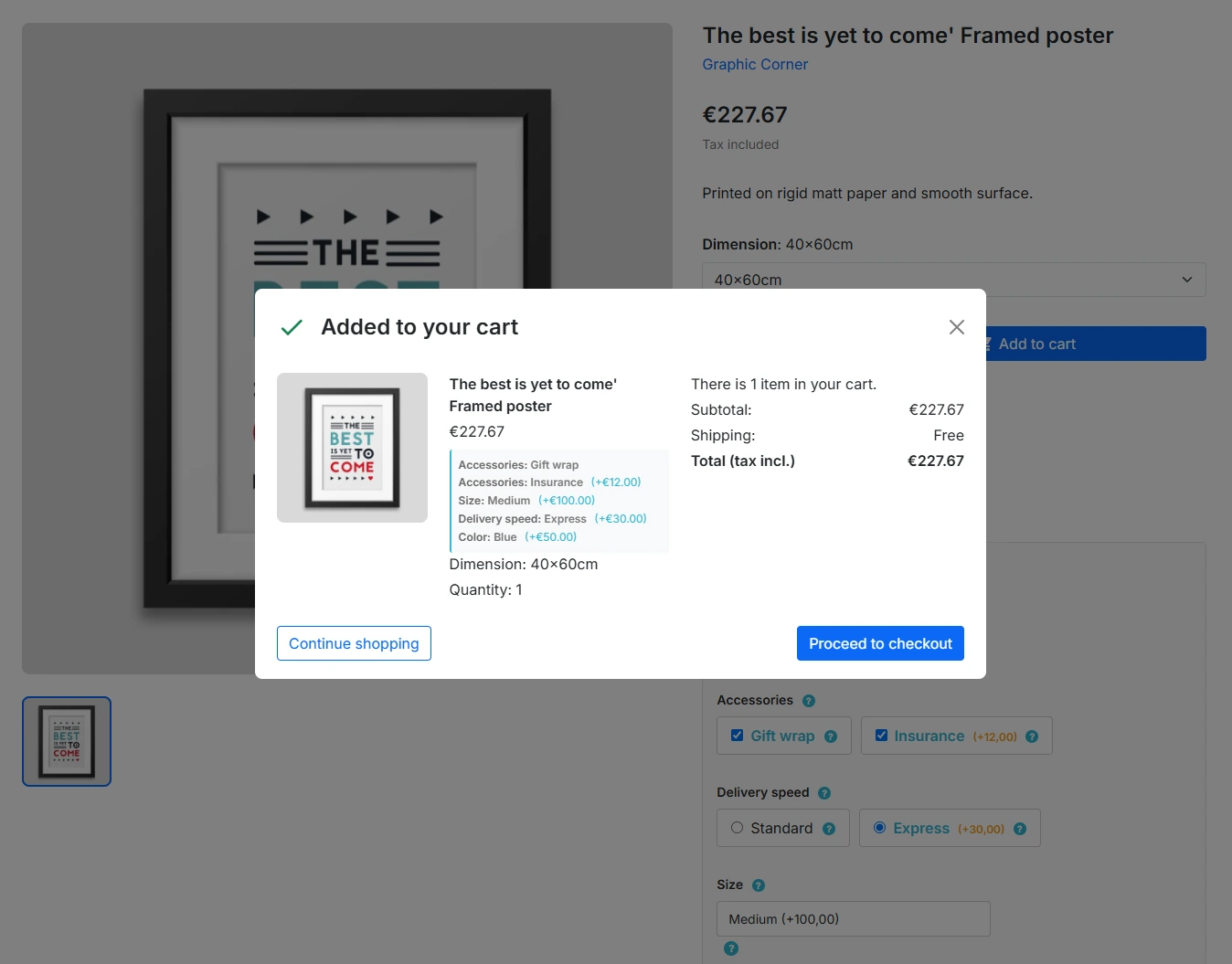
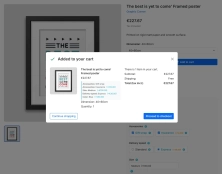
- Basket modal: visible after adding a product.
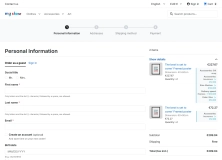
- Summary: full list of options at checkout.
4. Customer Order Details
The "My orders" section displays selected variants with prices.
- Format: Variant name: Selected value (+£XX.XX).
- Historical data: data from the time the order was placed.
Impact on Sales and SEO
Increased Basket Value
Additional services such as warranty, wrapping, or express delivery increase average order value. Options visible directly on the product page have a higher conversion rate than separate pages.
Margin Protection
Variant surcharges are not subject to discounts. With a "-30% on everything" promotion, the gift wrapping cost remains fixed – you do not lose on additional services.
Catalogue Simplification
Instead of creating separate products for each warranty version (product + 12m warranty, product + 24m warranty), you handle everything with one product and variants.
SEO Structure
One product URL instead of multiple variants. No content duplication, SEO power consolidated on the main product page. No issues with combination indexing.
Developer Information
Module Architecture
- ObjectModel: PPVariant, PPVariantValue, PPProductVariant classes compliant with PrestaShop standards.
- Multilang/Multishop: full support for multiple languages and shops via native PS mechanisms.
Template Integration
- Custom hook:
{hook h='displayPPVariants' product=$product}– place anywhere in the product template. - Ready-to-use hooks: the module works with
displayProductActionsanddisplayProductAdditionalInfowithout template modification. - CSS classes: all elements use
pp-variant-*andpp-*prefixes – no conflicts with theme styles.
Extensibility
- Customization API: variants use the native PS customisation system – compatibility with other modules.
- Price hooks:
actionProduct...– surcharges added after discounts. - No hard dependencies: the module does not require other modules or external JS/CSS libraries.
Database
- 8 tables: variants, values, product assignments, basket, orders + _lang and _shop tables.
- Indexes: query optimisation via keys on id_product, id_shop, id_pp.
- Order snapshots: names and prices saved at order time – independent of subsequent changes.
Important!
Before installation: Create a full backup of your shop (files + database).
Overrides: The module installs overrides for Cart.php and Customization.php classes. If you have other modules modifying these classes, check compatibility before deployment.
Cache: After installation, clear the PrestaShop cache (Advanced → Performance → Clear cache).
## [2.0.0] - 2026-08-19

### Added

- Introduced a redesigned Back Office configuration and variant management experience.
- Expanded product option handling and Front Office integration for a more consistent customer flow.

## [1.0.1] - 2025-12-29

### Added

- **Tooltip configuration**: Added separate toggles for variant and value tooltips in module settings.
- **Hook position options**: Introduced `displayPPVariants` custom hook for flexible template placement.

### Changed

- **Validation improvements**: Enhanced required variant validation with better error messaging.
- **Performance optimization**: Improved JavaScript loading for faster page rendering.

## [1.0.0] - 2025-12-01

### Added

- **Initial release**: Core variant functionality with 4 display types (dropdown, radio, checkbox, image).
- **Back Office management**: Variant and value creation with HTML descriptions and multilingual support.
- **Front Office integration**: Dynamic pricing, tooltips, and basket/order integration.
- **Database structure**: 8 tables with multilang/multishop support.
- **Basic configuration**: Hook selection and required variant flags.
You might also like
FAQs
-
Are the modules compatible with my version of PrestaShop?
Each module in our store contains information about compatibility with specific PrestaShop versions. Please check this information carefully before purchasing. If you are not sure, contact us.
-
Do extra fields require stock quantities to be defined?
No. The product description states that extra fields work independently of stock quantities and do not require them to be defined. They can therefore be used for additional services, personalisation, virtual products or other information assigned to a product.
-
Which display types are available for extra fields?
The module provides four display types: a dropdown list, radio buttons, checkboxes for multiple selections, and image or colour swatches. Settings are managed centrally, and item order can be arranged with drag and drop.
-
Can extra fields include HTML descriptions?
Yes. Both an extra field and its items can have their own HTML descriptions. On the product page, a description can appear as a tooltip next to the field name or a specific item, allowing you to provide further information without expanding the main product description.
-
Does the module support multiple languages and shops?
Yes. Extra-field names and descriptions are translated separately for each shop language. The module also supports MultiShop configuration, so assignments can be managed independently for individual shops in the same PrestaShop installation.
-
Can an extra field be made mandatory?
Yes. A field marked as required prevents the product from being added to the cart until a selection is made. The requirement is indicated visually on the product page; if no selection is made, a validation message appears without submitting the form or reloading the page.
16 other products in the same category:

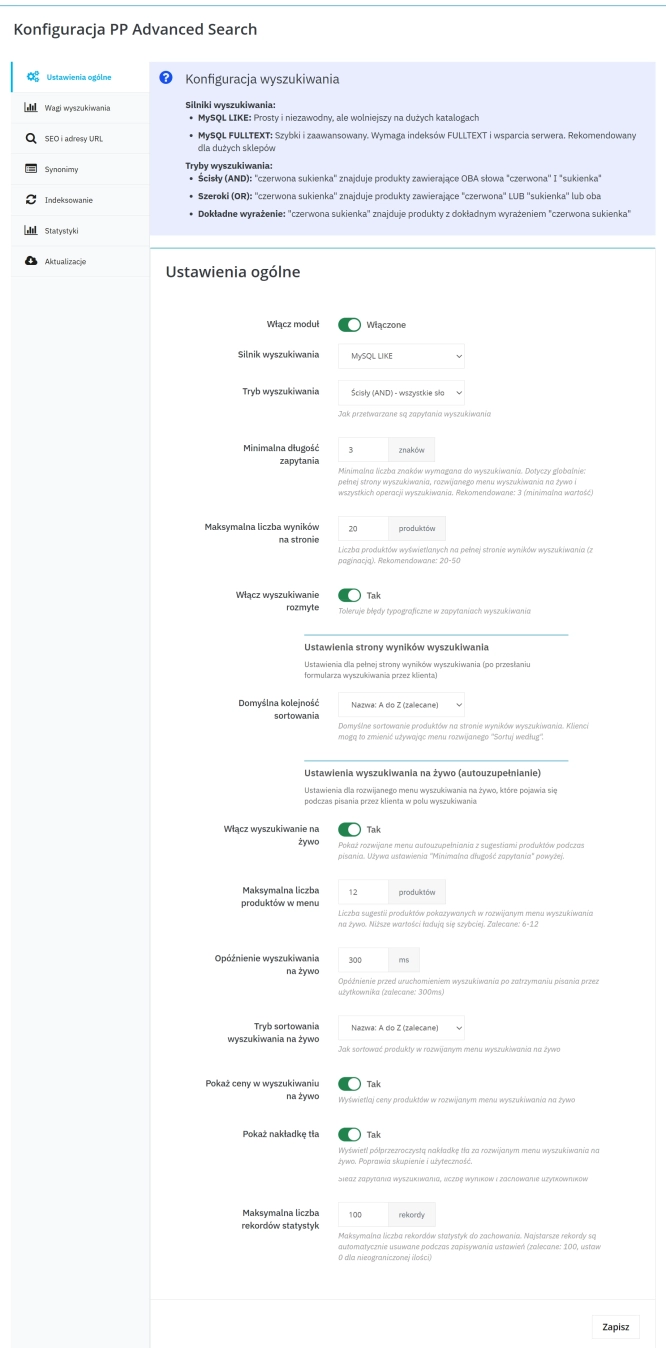
Advanced Search for PrestaShop
Advanced product search for PrestaShop that helps customers find the right products faster and makes it easier to complete purchases in your PrestaShop store . The module...
89.10 €
- New
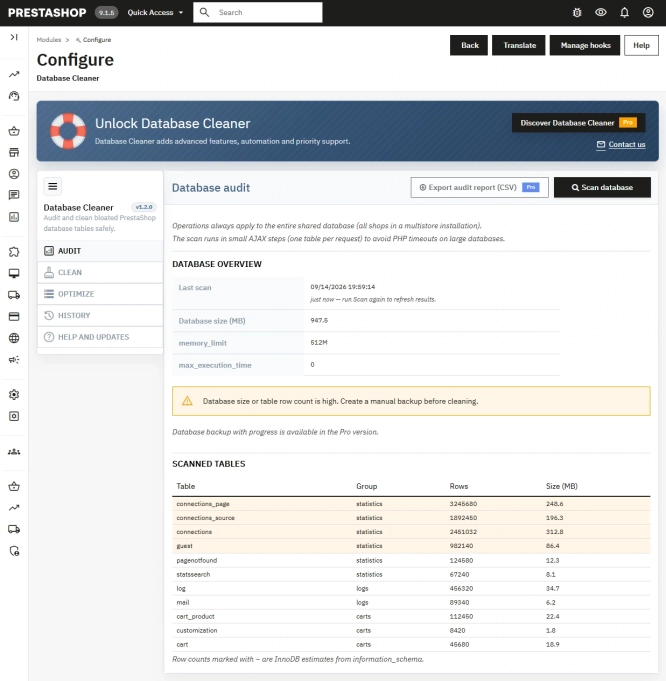
Free PrestaShop Database Audit & Controlled Cleanup
Database Cleaner Lite is a free PrestaShop module designed for auditing and safely deleting statistical data and system logs. It helps administrators quickly assess...
0.00 €
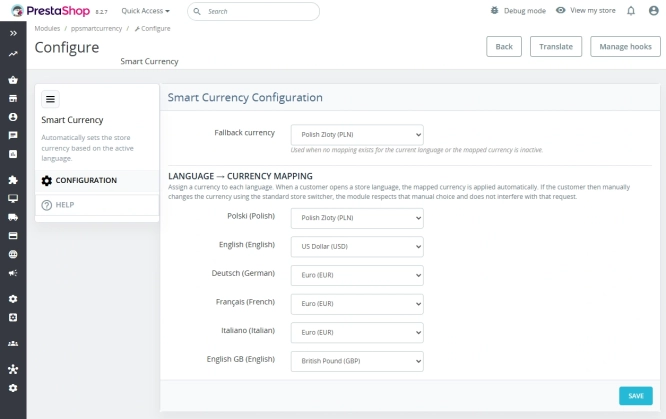
Automatic currency matching by shop language in PrestaShop
PP Smart Currency automatically matches the currency to the language a customer is using in your PrestaShop store. Visitors immediately see the right currency, while the...
29.10 €
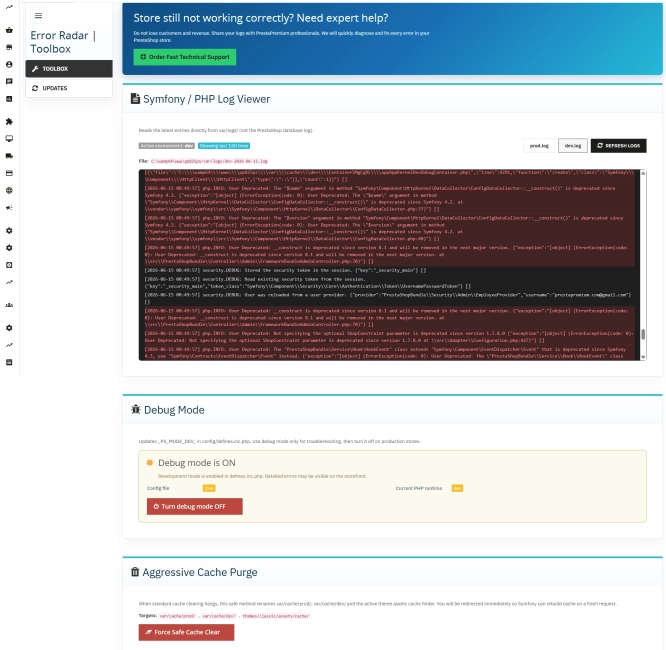
Error Radar & Toolbox — PrestaShop Error Diagnosis & Server Utilities
Error Radar & Toolbox is a powerful, free administrative module for PrestaShop that allows you to instantly diagnose technical store issues directly from your Back...
0.00 €

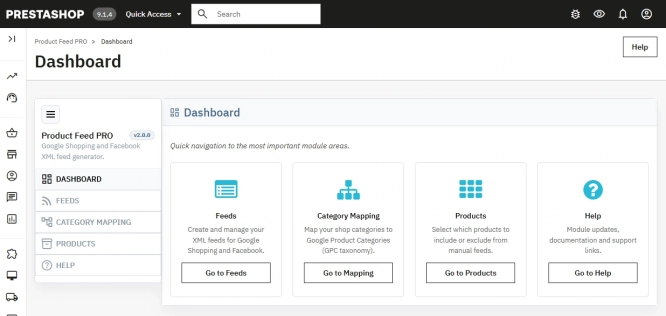
PrestaShop Integration with Google Merchant Centre (Version Pro)
Product Feed PRO streamlines catalogue publishing between your store and advertising platforms. It is practical for e-commerce teams that need faster time-to-market for new...
89.10 €
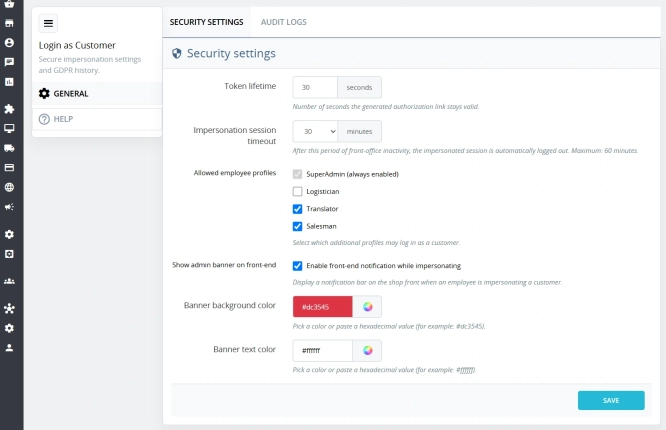
Login as Customer – Log into user accounts from PrestaShop Back Office
This module enables instant access to any customer account directly from the PrestaShop administration panel. It allows quick verification of issues reported by buyers...
33.30 €
Lowest price within 30 days before promotion:
33.30 €
- New
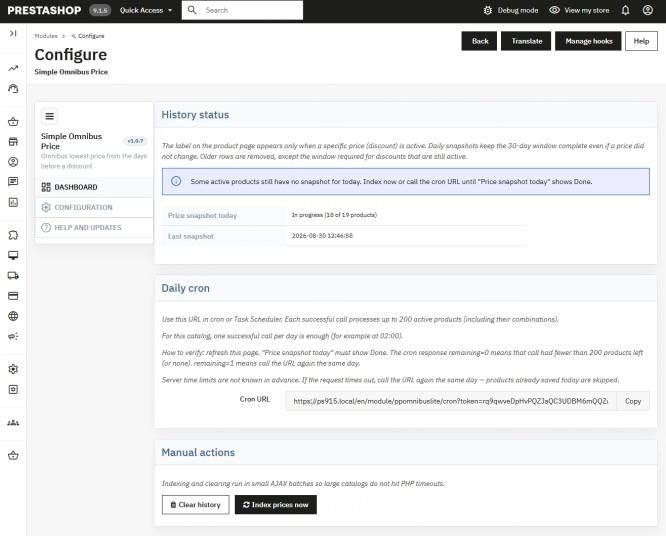
Free Simple Omnibus Price Module – Omnibus Directive for PrestaShop
Simple Omnibus Price is a completely free PrestaShop module that automates displaying the lowest price from the 30 days prior to a price reduction. Protect your store...
0.00 €
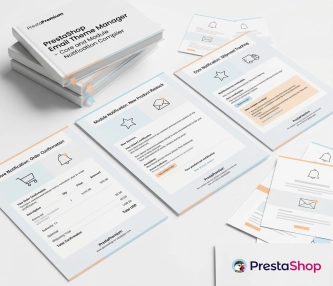
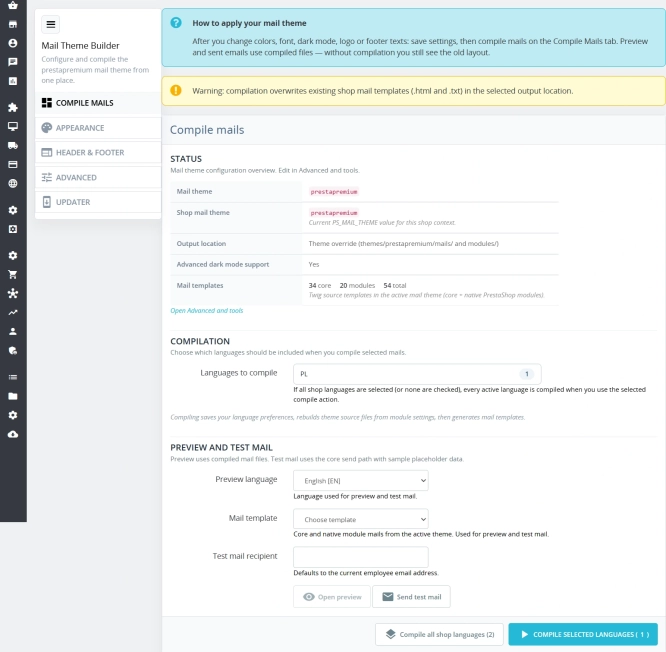
New email templates for PrestaShop with appearance configuration
The module allows you to refresh default PrestaShop emails and give them a new look . You receive ready-made email templates with a choice of different visual variants,...
67.20 €
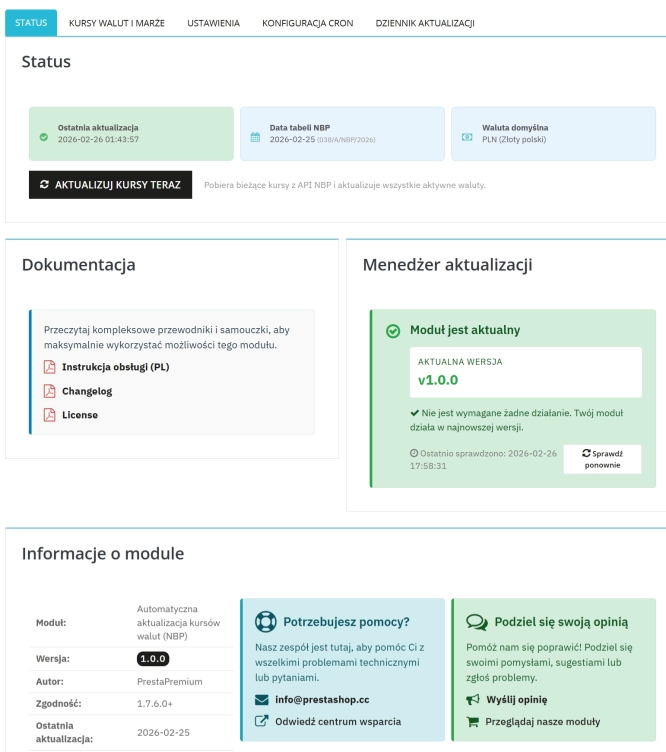
Automatic update of NBP exchange rates with margin
Automatic currency rate updates is a PrestaShop module that automates a critical area of e-commerce: updating exchange rates based on the NBP API and your own margin rules....
52.20 €
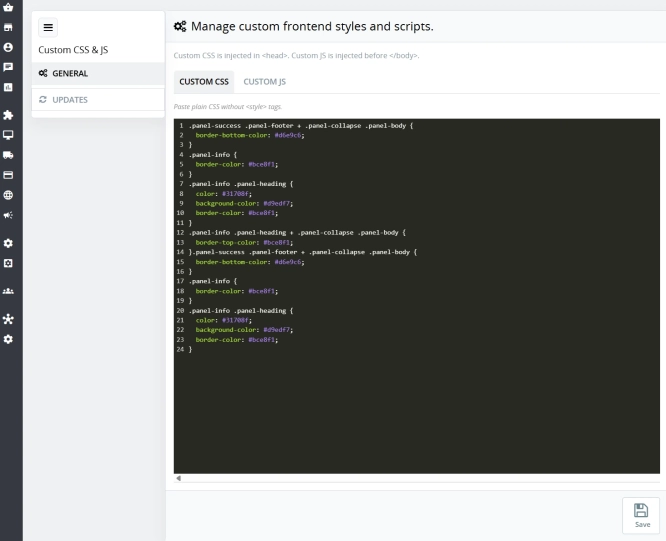
Custom CSS & JS – Free code editor in the PrestaShop panel
PP Custom CSS & JS is a free and highly practical module for every PrestaShop administrator. It allows you to instantly add your own CSS styles and JavaScript scripts...
0.00 €
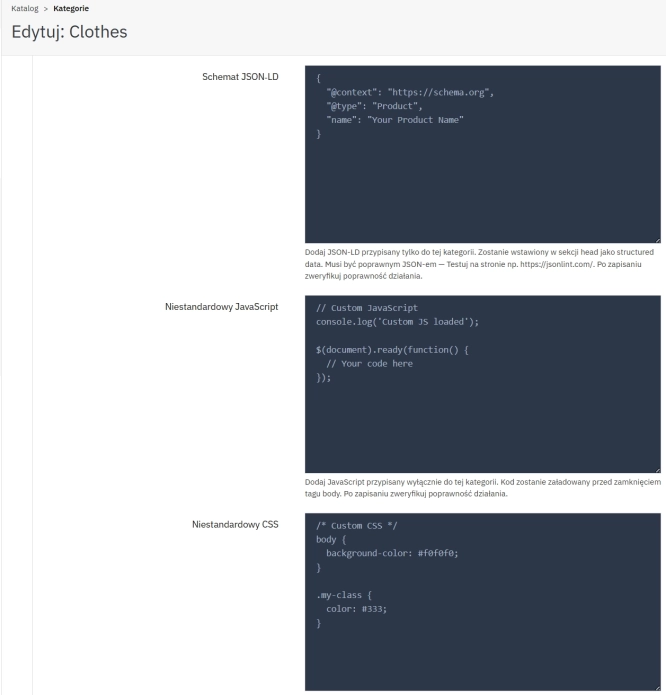
SEO Custom Code Manager for PrestaShop Products Categories and CMS
A module for PrestaShop that allows adding custom JSON-LD , JavaScript, and CSS resources individually to each product, category and CMS . Increase search engine...
57.00 €

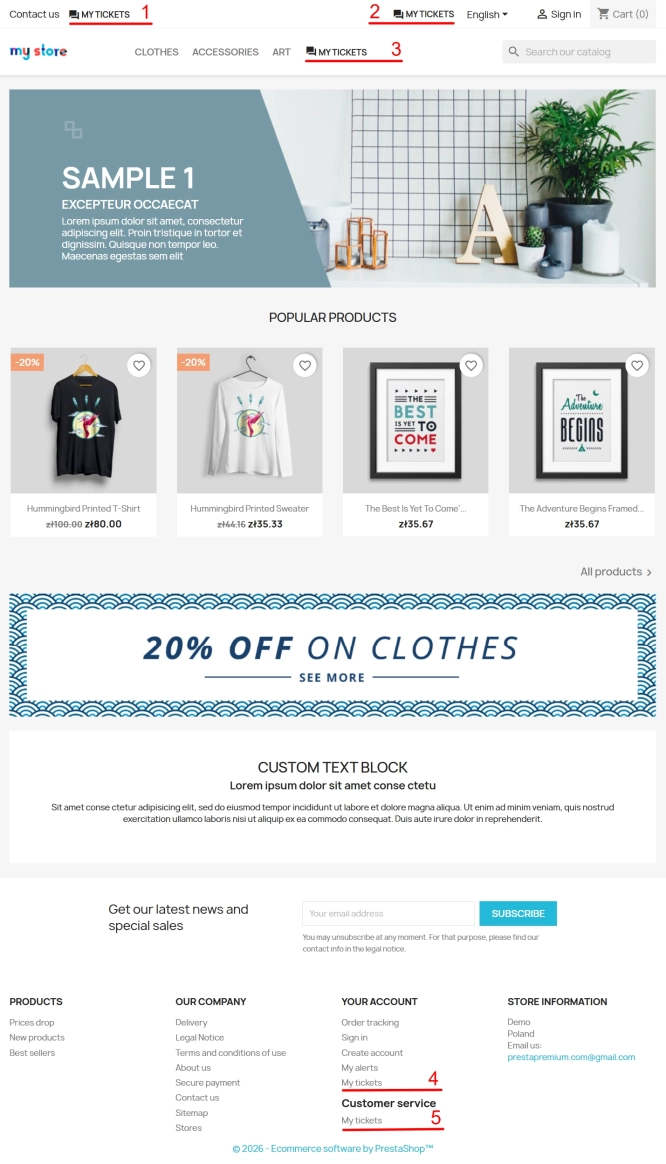
Helpdesk — professional ticketing and customer support system for PrestaShop
PP Helpdesk is a module that turns chaotic email exchanges into a clear, organised ticketing system directly within your PrestaShop store. Customers can comfortably create...
89.10 €
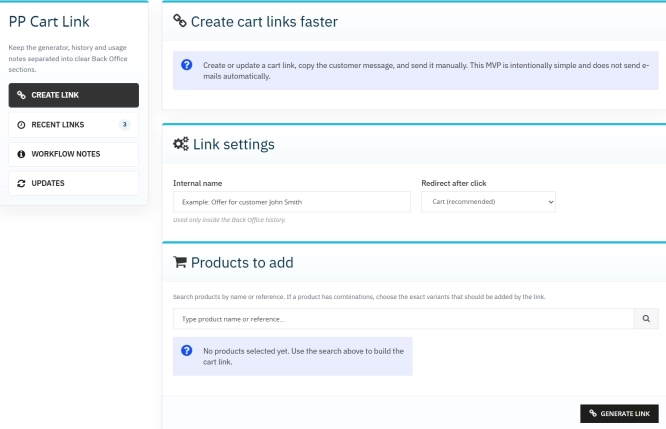
Ready-made cart link for PrestaShop (free version)
How does it work? The administrator creates a ready-made cart link -> sends it to the customer -> the customer opens it and lands in a prepared cart. PP Cart...
0.00 €
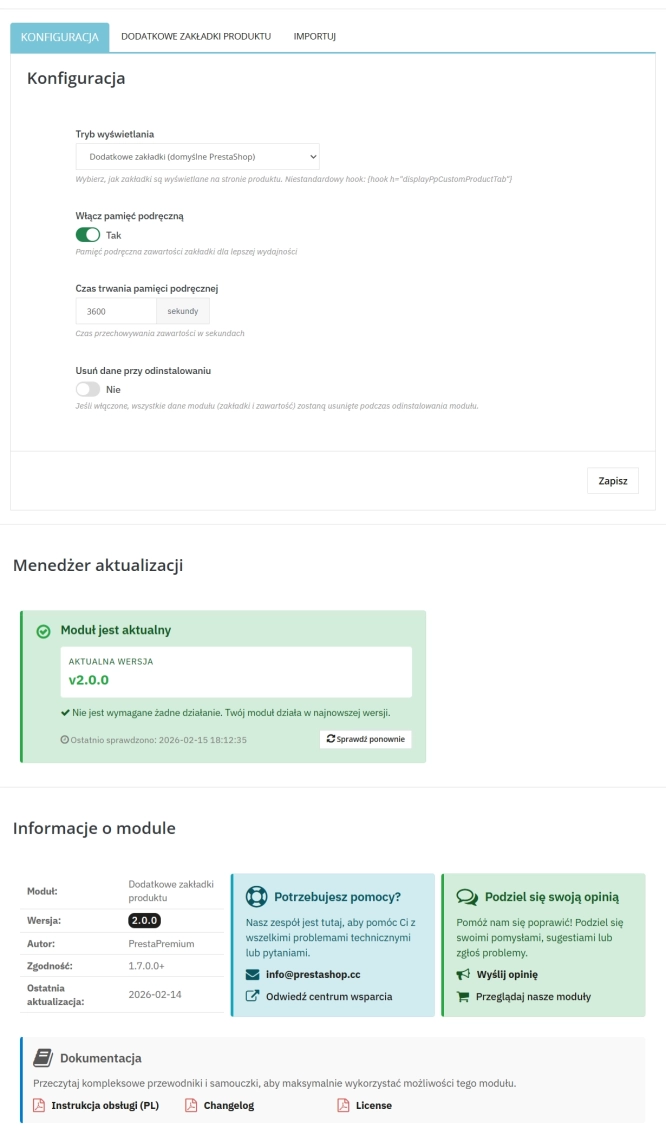
Extra Product Tabs – Tab Creator, CSV Import and SEO
Transform chaotic descriptions into a professional offer that sells! The Extra Product Tabs module allows you to instantly add unlimited tabs (e.g. Size Guide, Video,...
74.10 €
Lowest price within 30 days before promotion:
74.10 €
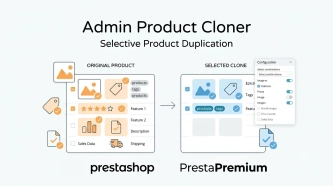
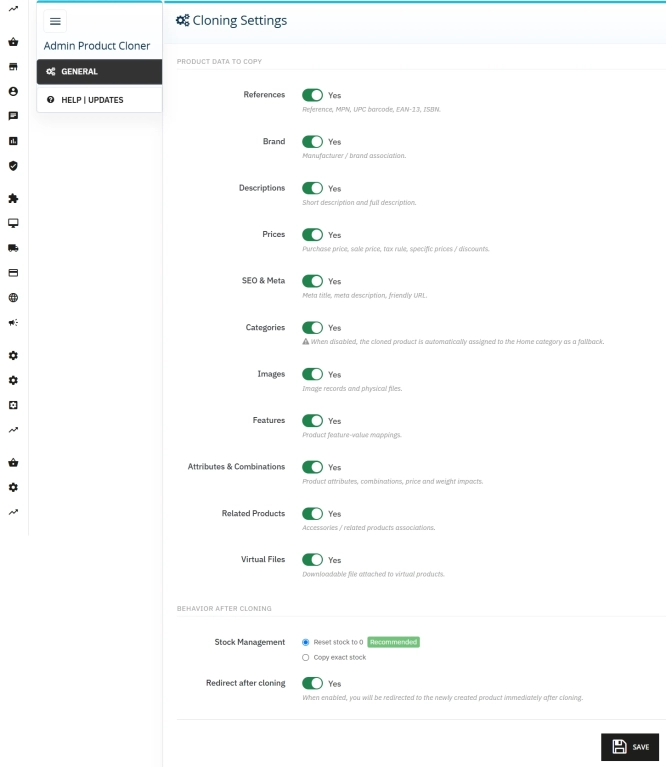
Admin Product Cloner – Selective Product Duplication
Admin Product Cloner is a simple, handy tool for PrestaShop administrators, designed to streamline daily catalogue management. The module replaces the standard, full...
26.70 €

- New
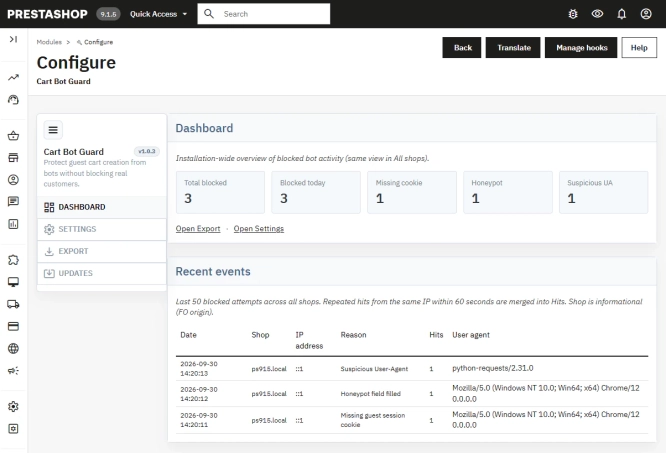
PrestaShop Anti-Bot Cart – Fake Cart Protection
A lightweight, non-invasive solution for PrestaShop that eliminates the mass creation of fake carts by bots and HTTP scripts. The module neutralizes automated traffic...
29.70 €
Do you need additional features or custom solutions?
- Module customisation tailored to your specific requirements.
- Extending functionality to enhance your store's capabilities.
- Developing bespoke modules designed to meet your unique needs.
- Integrating external systems and additional tools.
- Optimisation and improvements for better performance and user experience.
Do you have ideas on how to improve this software? Share your suggestions for optimisation, new features, or bug reports – we’ll be happy to review them!