Custom Product Groups on the Product Page in PrestaShop
With Product Accessories Plus , you can create any product groups you need , set their order, and display them directly on the product page in your PrestaShop shop. You...
How does it work? The administrator creates a ready-made cart link -> sends it to the customer -> the customer opens it and lands in a prepared cart.
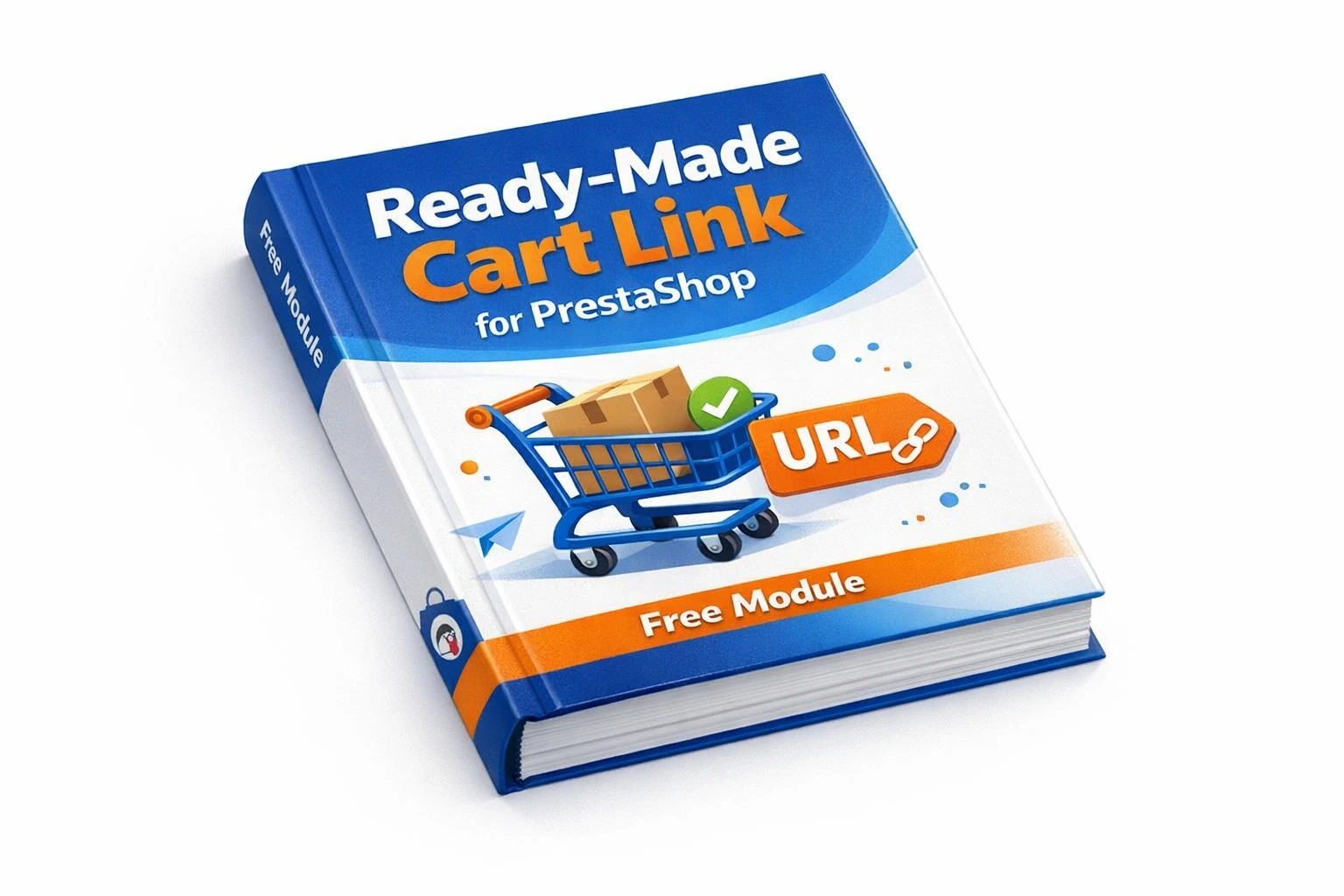
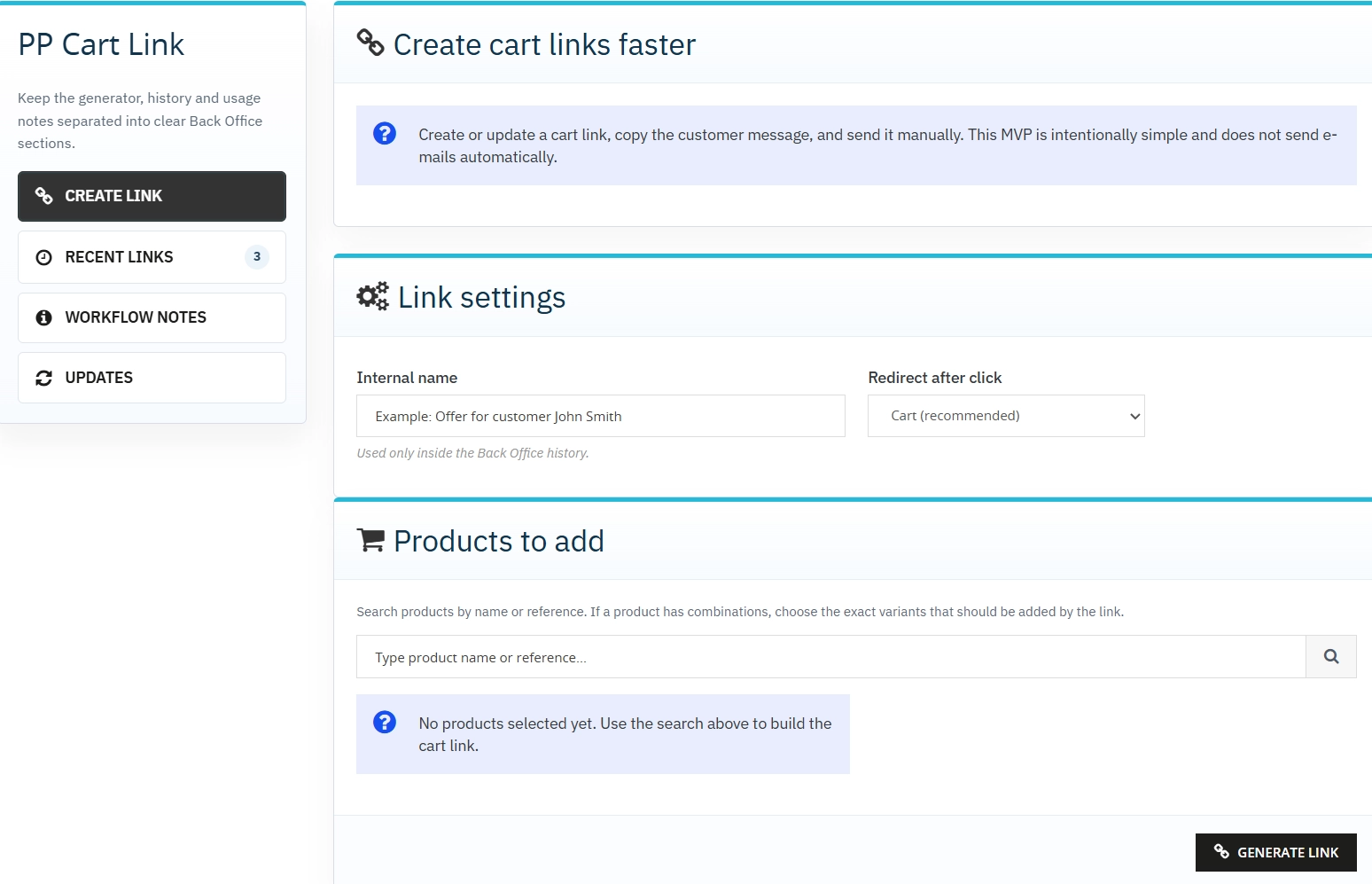
PP Cart Link lets you send the customer a ready-made cart link with products, variants and quantities already selected.
Instead of explaining what to click and what to look for, you send a direct path to the cart or checkout. It is a practical tool for assisted sales, support teams and quick follow-up after customer contact. The free edition covers the core workflow and can serve as an entry point to the Pro version.
Information Parameters:
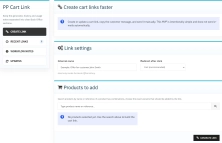
The administrator creates a saved link with an internal name and chooses the destination page.
The module searches products by name or reference and lets the user choose exact combinations and quantities.
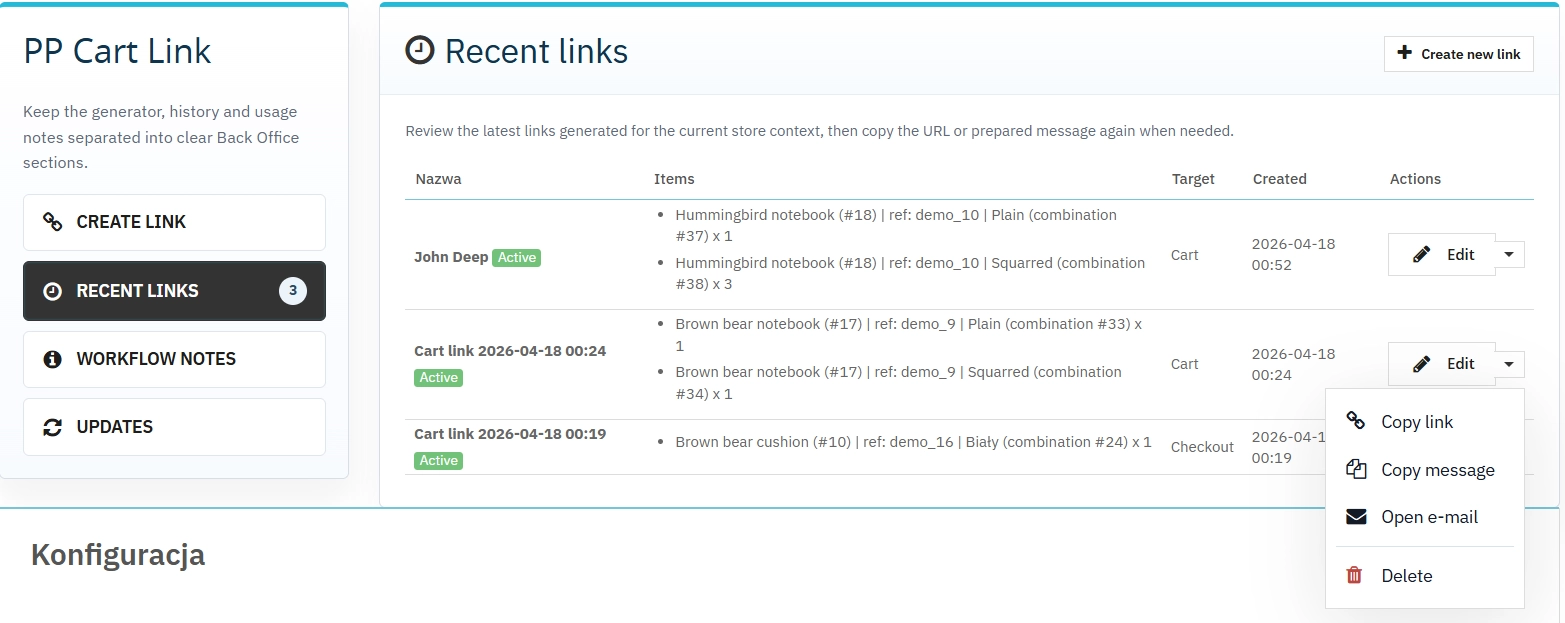
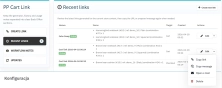
The Back Office keeps recent links for the current shop and allows the team to return to them.
The module prepares a neutral message and a mailto link for further manual contact.
When the customer clicks the link, they land on the cart or checkout with the selected products already added.
If the link is invalid or some items cannot be added, the customer sees a controlled status page.
PP Cart Link is not an SEO module in the classic sense, but it supports sales by shortening the buying journey and improving conversion.
By using direct cart links, the shop makes better use of traffic coming from quote requests, emails, campaigns and assisted sales activity.
More advanced automation scenarios are available in the Pro version.
Note!
Before installation or update, it is recommended to create a backup of the shop and database. This is a free edition of the module focused on a core manual workflow. If the shop needs a broader solution set and a more advanced working process, the Pro version may be worth considering.
## [1.0.0] - 2026-04-17 ### Added
16 other products in the same category:
Custom Product Groups on the Product Page in PrestaShop
With Product Accessories Plus , you can create any product groups you need , set their order, and display them directly on the product page in your PrestaShop shop. You...
PrestaShop Integration with Google Merchant Centre (Version Pro)
Product Feed PRO streamlines catalogue publishing between your store and advertising platforms. It is practical for e-commerce teams that need faster time-to-market for new...
Automatic currency matching by shop language in PrestaShop
PP Smart Currency automatically matches the currency to the language a customer is using in your PrestaShop store. Visitors immediately see the right currency, while the...
Advanced PrestaShop traffic and performance optimization generator (htaccess)
Stack Pro is a protective module for PrestaShop that restricts artificial and automated traffic at the server level through controlled modification of the .htaccess file....
SEO Scanner - fast SEO auditing for products, categories and CMS pages in PrestaShop
PP SEO Scanner is an efficient diagnostic tool for PrestaShop, designed to automate on-site SEO auditing. The module analyses products, categories and CMS pages for...
Google reCAPTCHA (v2 + v3) – Stop Bots, Yes to Customers
Tired of deleting spam from your inbox and fake accounts from your store panel? This module is your digital guardian that lets only real people into your store. Install...
Cash on Delivery (COD) with an Additional Fee for PrestaShop
A cash on delivery module for PrestaShop with the option to apply an additional fee . The fee is added to the order automatically and displayed as a separate line in the...
Replace order reference with a numeric reference in PrestaShop
The module organises order identification by replacing the default reference with a numeric one (random or based on the order ID ). It makes customer communication easier,...
Content page system, an alternative to PrestaShop CMS Pages: categories, pages and FAQ with...
Frustrated by the limited capabilities of PrestaShop's native CMS? PP Page is a powerful alternative that transforms your shop into a fully-fledged publishing platform....
PrestaShop Promotion Module: Free Gifts, Quantity Discounts, Buy X Get Y and Category Offers
The PP Promo module for PrestaShop makes it easy to create and automate popular sales campaigns, from "Buy 2, Pay for 1" offers and free gifts to discounts on selected...
Advanced Search for PrestaShop
Advanced product search for PrestaShop that helps customers find the right products faster and makes it easier to complete purchases in your PrestaShop store . The module...
Increase the Product Long Description Limit in PrestaShop 8/9
PP Long Description Limit removes the length restriction from the product long description field in the new PrestaShop 8 and 9 form. The module allows you to enter...
Take SEO and conversion further: a PrestaShop FAQ module with a built-in editor and FAQPage JSON-LD
The FAQ Builder module makes it easy to add question and answer (FAQ) sections directly to your PrestaShop product descriptions. The management interface sits just above the...
SEO Custom Code Manager for PrestaShop Products Categories and CMS
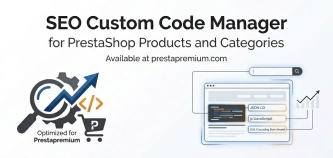
A module for PrestaShop that allows adding custom JSON-LD , JavaScript, and CSS resources individually to each product, category and CMS . Increase search engine...
Backup Manager – Security and Automatic Database Backups
PP Backup Manager is a module for PrestaShop , which organises the process of performing database backups : manually in the administration or automatically when called...
Automatic update of NBP exchange rates with margin
Automatic currency rate updates is a PrestaShop module that automates a critical area of e-commerce: updating exchange rates based on the NBP API and your own margin rules....
We accept payments by credit/debit card, bank transfer and online payment systems such as Przelewy24, PayPal. Details can be found on the payment page.
We do not provide modules for testing on individual PrestaShop instances. If a given module has a demo version, it is available on our test store, where you can familiarize yourself with its functionality. On the product page you will also find a detailed description, screenshots and instructional materials. In case of questions, please contact us - we will be happy to provide additional information.
Each module in our store contains information about compatibility with specific PrestaShop versions. Please check this information carefully before purchasing. If you are not sure, contact us.
After you pay for your order and the payment is posted, the link to download the module will appear in your account in the "Order History and Details" tab ("Details" button). Additionally, we will send you an email with a download link.
Yes, we offer installation and setup service as an additional option. You can add it to your cart when purchasing the product or order it separately.
We design our modules with GDPR compliance in mind. If a module processes personal data, you will find detailed information on compliance with the regulations in its description. We make every effort to ensure that our solutions meet current data protection standards.
Yes, we offer a store audit service to help you choose the right modules and identify areas for improvement. Contact us for more information.
Yes, for our regular customers we offer a loyalty program with attractive discounts. Check the details in your customer panel. If you do not see such an option, contact us - we will be happy to help!
If the product does not meet your expectations, please contact our customer service department. Any returns are considered individually, in accordance with our regulations.
Yes, you can modify purchased products for your own needs, but you cannot resell them or share them with third parties. Details can be found in the license terms and conditions.
Purchased modules are licensed for a single store. The exception is the use of the multi-shop feature within a single PrestaShop installation. In this case, you can use the module on multiple stores, even with different domains, provided that:
Our modules are designed to be as compatible as possible with other popular PrestaShop extensions. If you have any doubts, contact us and send us a list of your modules - we will help verify it.
Most of our modules are available in several languages, including Polish and English. Information about available languages can be found in the module description.
The order is fulfilled automatically after the payment is posted. The product can then be downloaded immediately after the order has been paid for.
Check if your PrestaShop version is compatible with the module and if you have the right permissions for installation. If the problem persists, contact our technical support - we will help you solve the problem.
Yes, we do custom module creation. Contact us for details and pricing.
Extension of support and updates:
No available extension option:
Purchased products are available for use without time limits. However, access to updates and technical support is usually limited to 6 or 12 months from the date of purchase, depending on the product. (details on updates/support are always included on the respective product card)
Yes, we provide technical support within the support period assigned to a given product. You can contact us via the contact form or e-mail.
Yes, you can download new versions of the product for free during the support and update period. After that time, you can renew your update subscription.
Yes, we offer a module personalization service. Describe your needs and we will prepare an individual quote.
If you have trouble downloading the module, please make sure your payment has been processed. If you still have trouble, please contact us and we will manually provide you with the module.
Yes, we can help you optimize your store so that your modules run at full efficiency. Ask about our technical support service.
If the module requires an update, you can download the latest version from your client panel. We recommend backing up your store before updating.
Yes, if you want to transfer the module to another domain, please contact us to discuss the details and conditions of the license transfer.
If your store encounters problems after installing the module, please contact our technical support immediately. We will help diagnose and resolve the issue.
Of course! Contact us and we will advise you which module best suits your needs.
Do you have ideas on how to improve this software? Share your suggestions for optimisation, new features, or bug reports – we’ll be happy to review them!
Write your review