Free PrestaShop Database Audit & Controlled Cleanup
PP-M070F
- 1.7.5 + | 8.x | 9.x
- FR, ES, PL, IT, DE, EN
- 1.2.0
- 2026-09-14
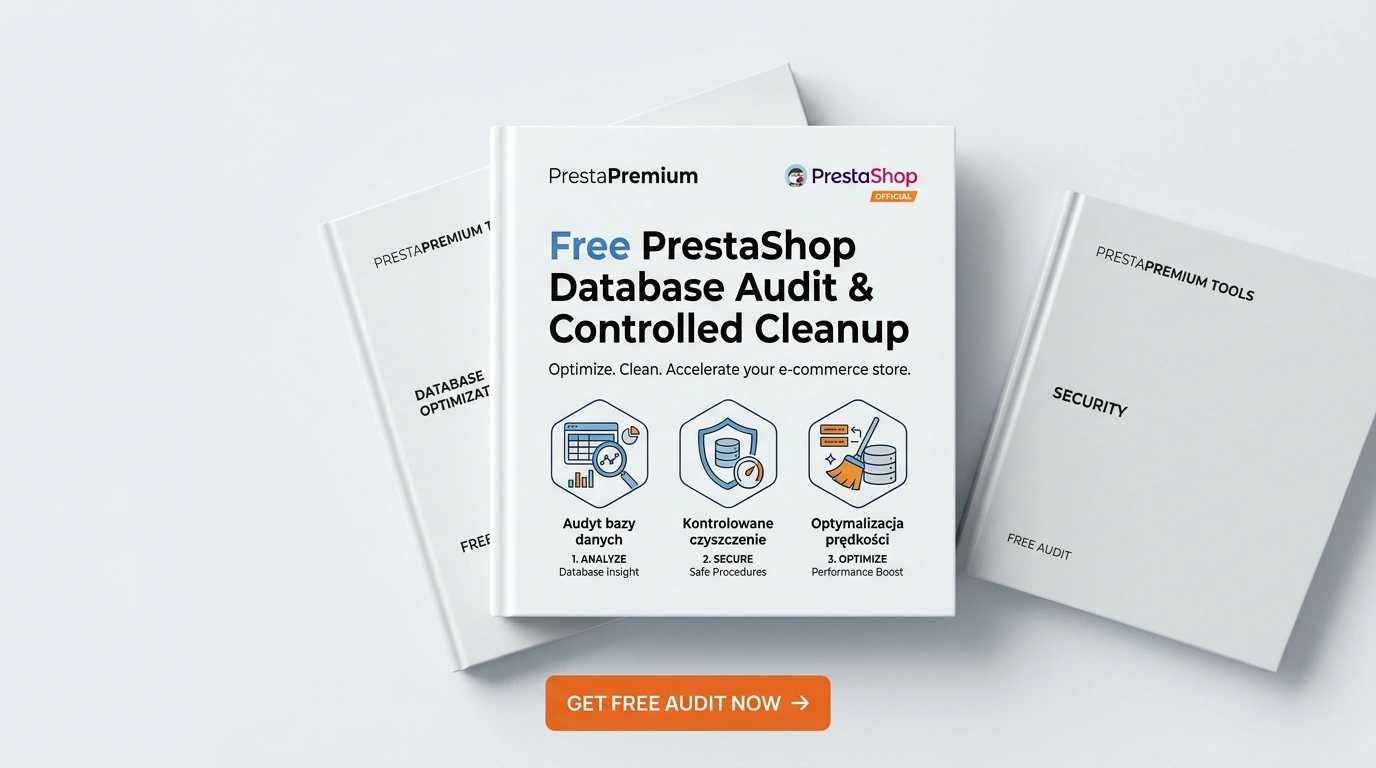
Database Cleaner Lite is a free PrestaShop module designed for auditing and safely deleting statistical data and system logs. It helps administrators quickly assess database size before performing maintenance routines.
Operating exclusively in the Back Office, the module handles large databases via AJAX batch processing without executing automatic tasks in the background. It is tailored for stores looking to safely control unnecessary database growth.

0.00 €
Tax excluded
Information Parameters:
- 1.2.0
-
Store Version PHP Version1.7.5 + 7.1 – 7.48.x 8.1 – 8.39.x 8.1 – 8.5
- 2026-09-14
- FR, ES, PL, IT, DE, EN
- ✅
- ✅
- ✅
- ✅
- ❌
Key Benefits
- Free Lite Functionality – Complete database auditing and cleanup of statistics, traffic, logs, and email history are fully available without purchasing a Pro license.
- Quick Database Assessment – Displays total database size, row counts, and individual table metrics prior to executing any cleanup.
- Large Database Compatibility – Scans run table-by-table on demand, while cleanup executes in 5,000-record AJAX batches to prevent PHP timeout errors.
- Controlled Data Deletion – Administrators select table groups and manually confirm execution; no background tasks run automatically.
- Core Data Protection – Built-in SQL logic prevents the deletion of records linked to active customer accounts and orders.
- Multistore Support – Clear interface indicators inform users that operations affect the shared database across the entire installation.
Use Cases
Database Cleaner Lite is ideal for stores accumulating high volumes of traffic and statistical data, as well as environments requiring periodic inspection of tables such as connections, guest, pagenotfound, statssearch, log, and mail.
The module is particularly useful prior to server optimization, store migrations, backup creation, or routine administrative maintenance. In Multistore setups, it allows evaluating the shared database before executing agreed-upon cleanups.
Back Office Features
Audit
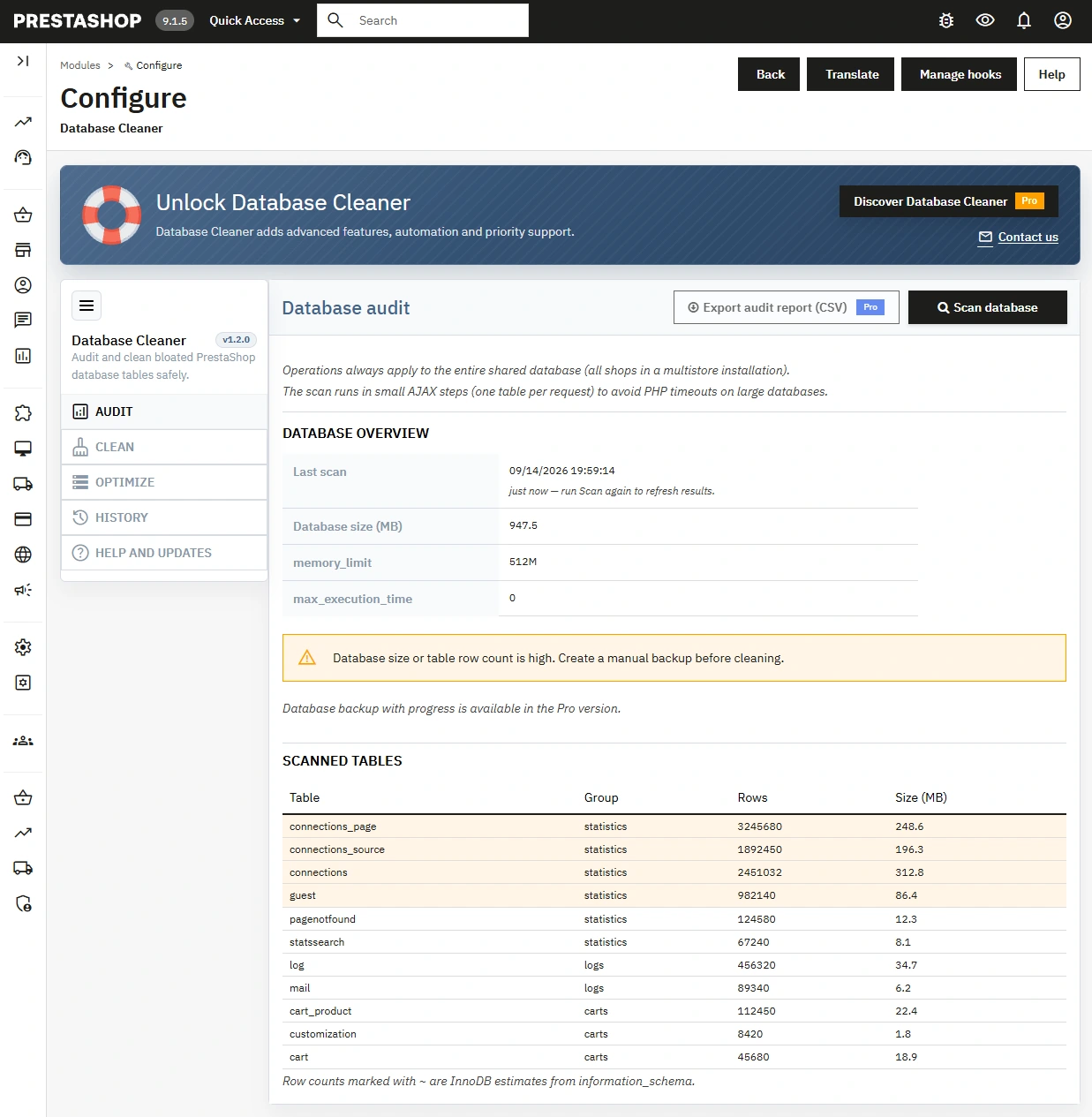
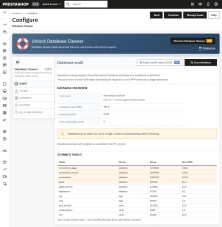
Scans the database and displays its total size, PHP limits, and a list of tables with row counts and size in MB.
- Table-by-table AJAX scan – Allows smooth analysis of large databases without triggering long single requests.
Clean
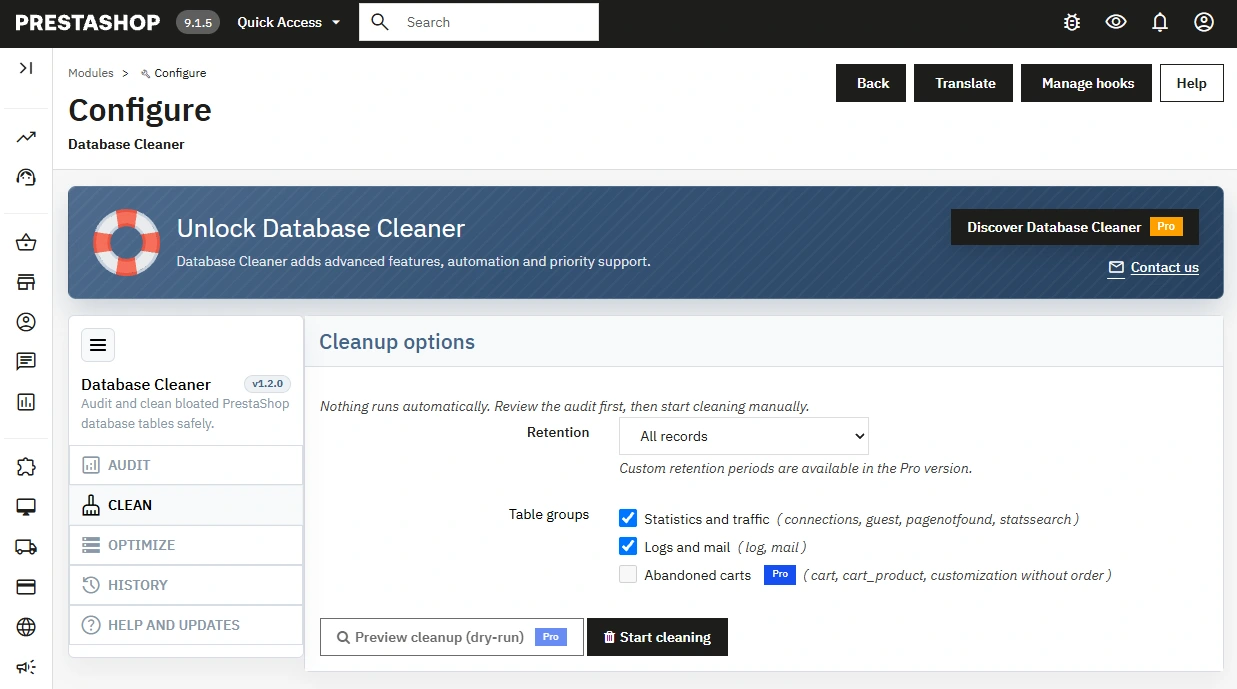
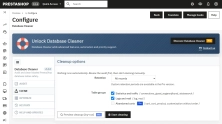
Select data from groups such as Statistics and traffic or Logs and mail to initiate cleanup.
- Manual execution & progress tracking – Select the scope, confirm the operation, and monitor real-time progress in the panel.
Batch Processing
Data cleanup runs via sequential AJAX requests, displaying a summary of deleted records upon completion.
- 5,000-record batches – Reduces single PHP request load when processing large volumes of data.
Pre-cleanup Data Verification
Audit results are cached, allowing administrators to review data structure without triggering a re-scan.
- Large database warnings – Prompts the administrator to perform a manual backup when high row counts or file sizes are detected.
Help and Updates
Displays release information and allows checking for newer module versions.
- Independent core features – Lack of connection to the update service never blocks audit or cleanup operations.
Pro Features Preview
Sections like Optimize, History, CSV export, dry-run mode, and time retention settings are clearly labeled as Pro features.
- Clear scope separation – Restricted features are secured on both interface and server levels.
Impact on Sales and SEO
The module does not interact with the Front Office, store design, URL structure, or SEO metadata. Its impact is indirect: regular maintenance of statistics and log data simplifies database administration and backup routines. It does not guarantee SEO ranking improvements, conversion increases, or fixed performance gains – actual results depend on server configuration, database engine, and store state.
Important Notice
Always perform a full database backup before installation and initial cleanup on a production store. Cleanup operations affect the shared database in Multistore environments, and deleted records cannot be restored via the module. The Lite version applies an "All records" retention rule for selected groups, so verify your selection carefully before starting.
# Changelog

## [1.2.0] - 2026-09-14

### Added

- Lite edition: database audit, clean (statistics/logs), AJAX batching, admin tab, support panel with GA UTM tracking.

## [1.0.0] - 2026-02-17

### Added

- Initial scaffold (superseded by 1.2.0 rewrite).
You might also like


PrestaShop Omnibus Price Pro Module – Lowest Price in 30 Days (EU Omnibus Directive)
39.00 €
-30%
27.30 €
FAQs
-
Are the modules compatible with my version of PrestaShop?
Each module in our store contains information about compatibility with specific PrestaShop versions. Please check this information carefully before purchasing. If you are not sure, contact us.
-
What is Database Cleaner Lite for?
It is a free module for auditing a PrestaShop database and deleting statistics and logs under your control. It shows database size, row counts and table sizes before anything is removed, and it runs only in the back office.
-
Can cleanup delete orders or customer accounts?
No. The SQL logic protects records linked to orders, carts and customer accounts. The Lite edition cleans groups such as traffic and statistics (connections, guest and similar tables) plus logs and mail history — not sales data.
-
How does it handle a very large database?
The scan runs table by table, and deletion uses AJAX batches of 5,000 rows. That avoids PHP timeouts and 500/504 errors, and it does not load RAM with one huge query. The audit result is cached, so you can review it without scanning again.
-
Does cleanup run on its own?
No. There are no background jobs. You choose the table group, confirm the operation and watch the progress. Every run stays under manual control.
-
When should I run an audit?
Before a migration, a backup, server tuning, or when the back office slows down because tables such as connections, pagenotfound, statssearch, log or mail keep growing. A smaller database shortens backups and lightens the admin.
-
How does it behave in Multistore?
In Multistore the database is shared. The interface states that an operation affects the whole installation, so you clean data only after reviewing that shared database. The module supports PrestaShop 1.7, 8 and 9.
16 other products in the same category:
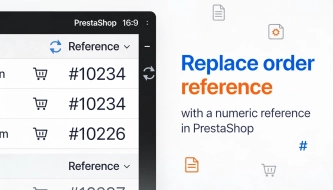
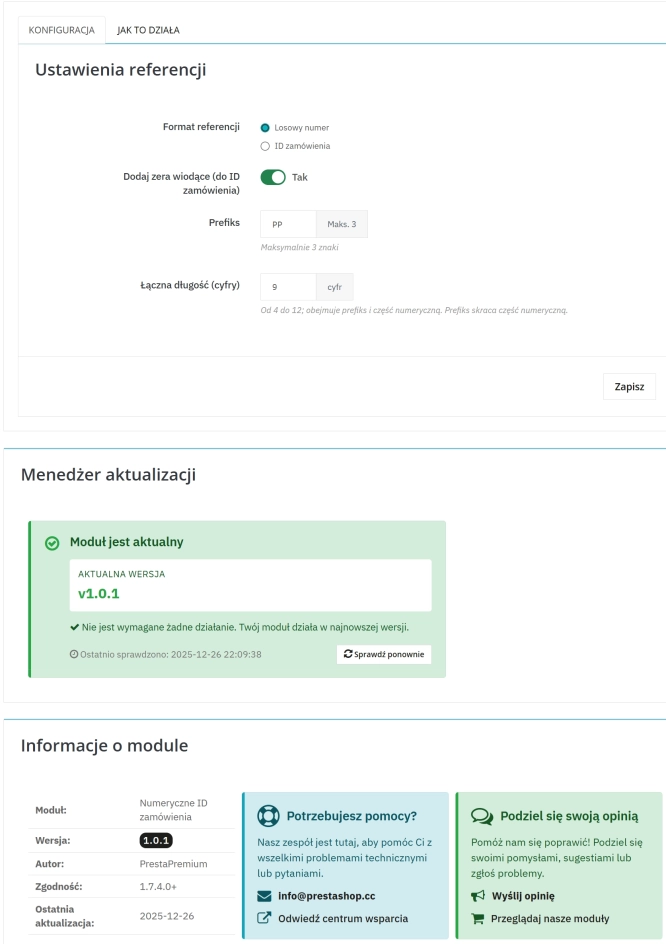
Replace order reference with a numeric reference in PrestaShop
The module organises order identification by replacing the default reference with a numeric one (random or based on the order ID ). It makes customer communication easier,...
23.10 €

- New
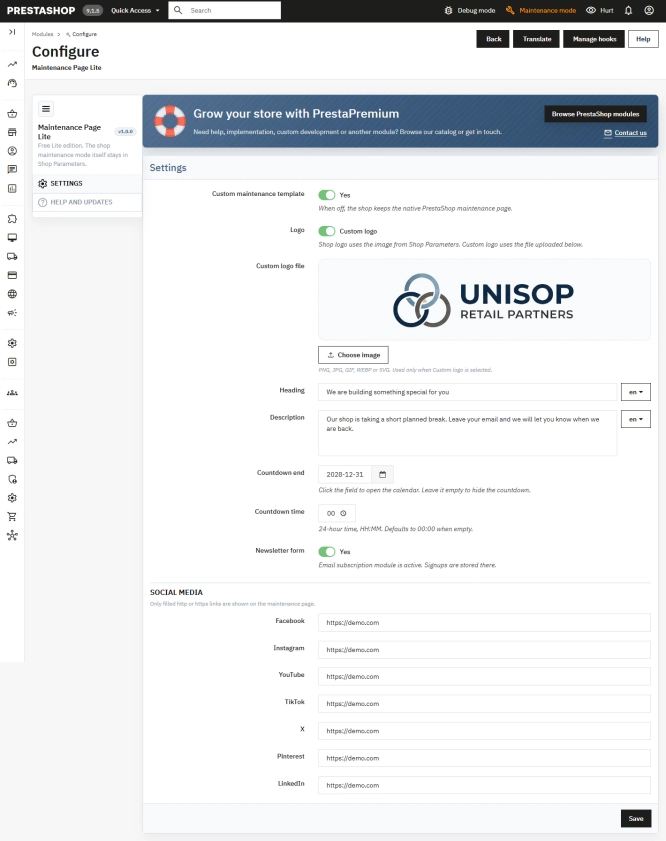
Maintenance Page & Coming Soon for PrestaShop
Showcase your store's maintenance mode in a professional and striking way. A free solution that replaces the raw PrestaShop unavailability screen with a modern Coming Soon...
0.00 €
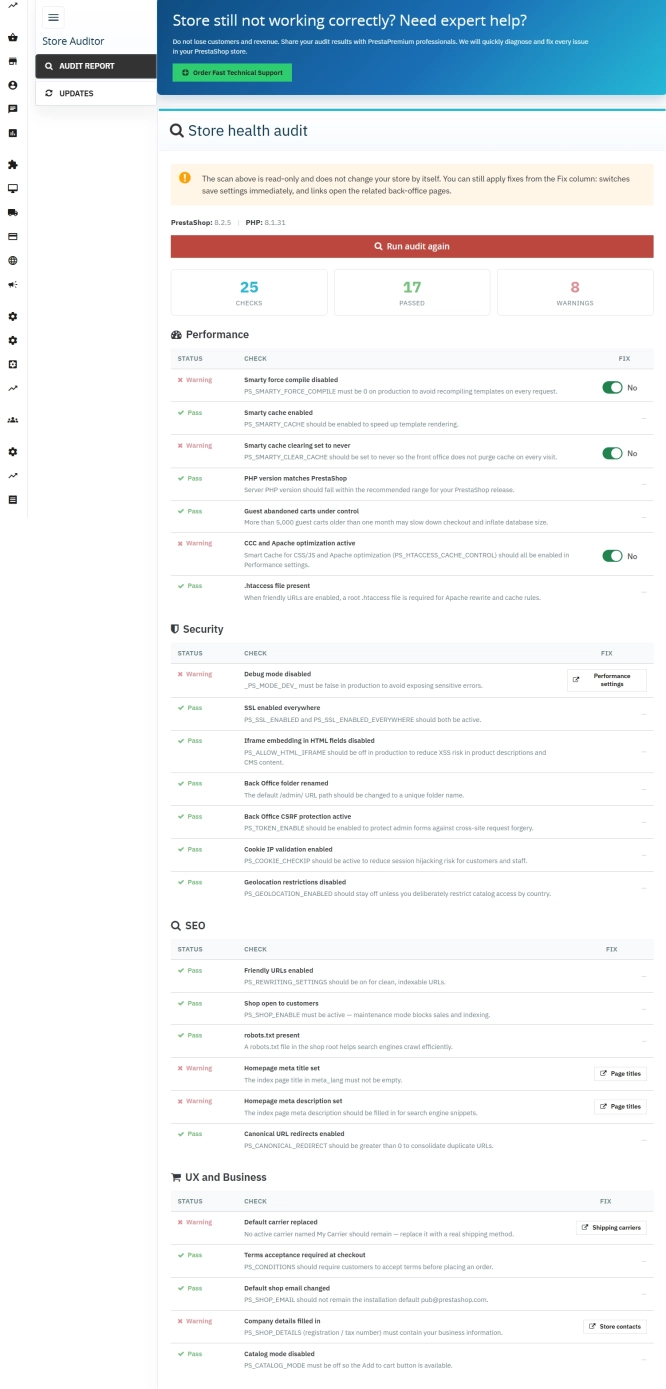
Store Auditor — 25 Configuration Checks for Your PrestaShop Back Office
Store Auditor is a completely free PrestaShop module that checks 25 core settings of your store with a single click. It instantly lets you know if your website is...
0.00 €

- Discount
Price available only until: 30.11.2026
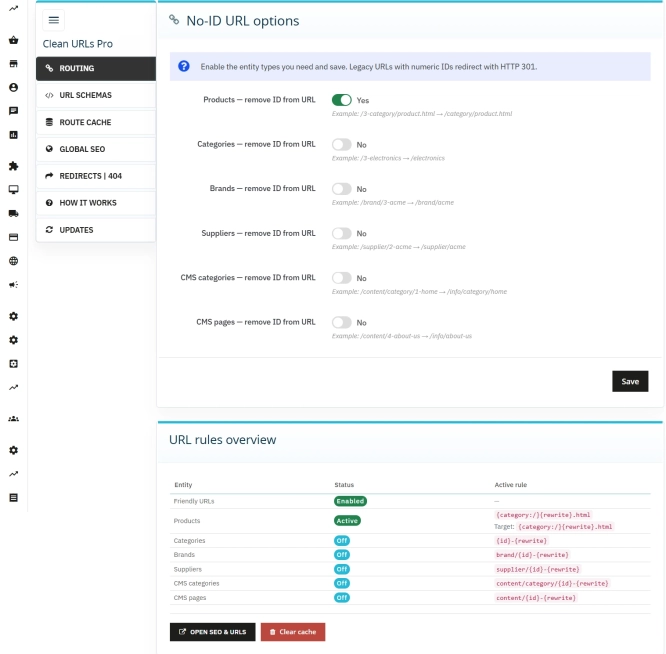
Clean URLs Pro – remove IDs from PrestaShop URLs
Clean URLs Pro removes numerical IDs from product, category, CMS category, CMS page, brand, and supplier URLs — without core modifications and with zero overrides. Simply...
65.40 €
-30%
45.78 €
- Discount
Price available only until: 30.11.2026
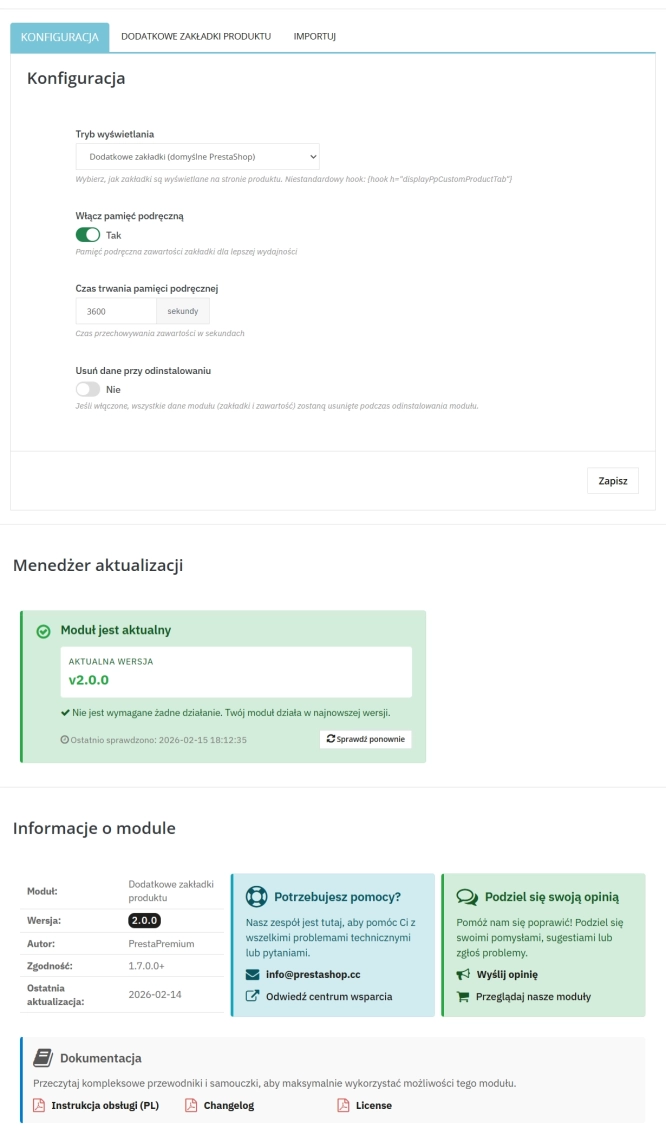
Extra Product Tabs – Tab Creator, CSV Import and SEO
Transform chaotic descriptions into a professional offer that sells! The Extra Product Tabs module allows you to instantly add unlimited tabs (e.g. Size Guide, Video,...
44.40 €
-30%
31.08 €
Lowest price within 30 days before promotion:
74.10 €
- Discount
Price available only until: 30.11.2026
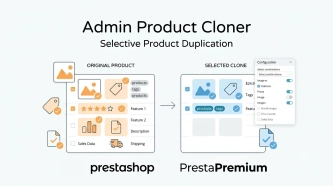
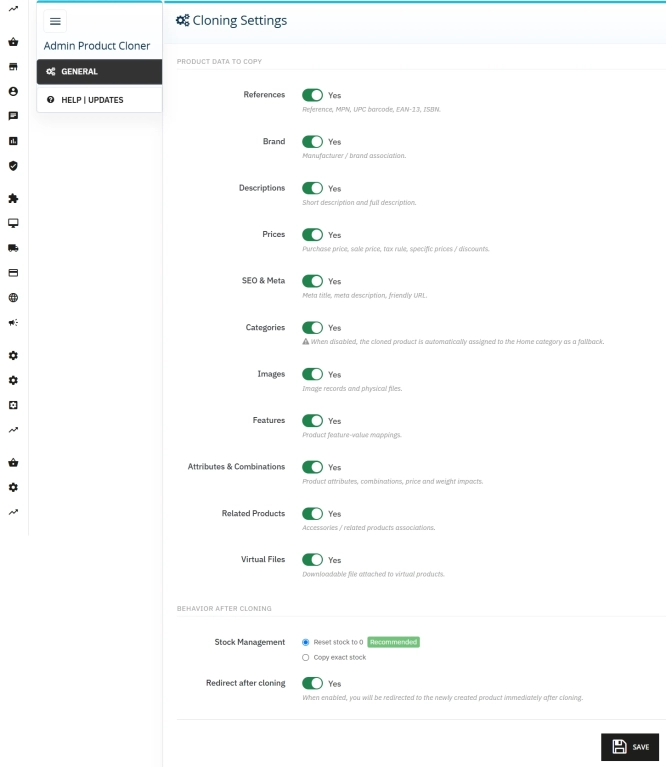
Admin Product Cloner – Selective Product Duplication
Admin Product Cloner is a simple, handy tool for PrestaShop administrators, designed to streamline daily catalogue management. The module replaces the standard, full...
39.00 €
-30%
27.30 €

- Discount
Price available only until: 30.11.2026
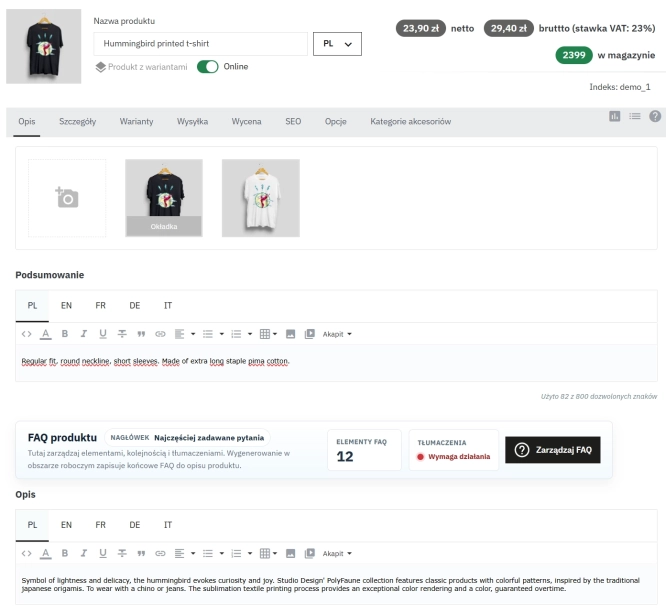
Take SEO and conversion further: a PrestaShop FAQ module with a built-in editor and FAQPage JSON-LD
The FAQ Builder module makes it easy to add question and answer (FAQ) sections directly to your PrestaShop product descriptions. The management interface sits just above the...
52.50 €
-30%
36.75 €

- Discount
Price available only until: 31.12.2026
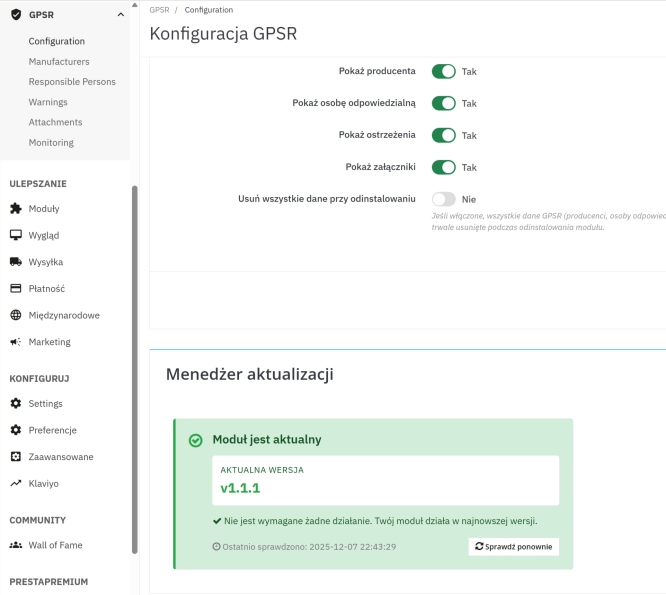
GPSR — Compliance Module for PrestaShop
GPSR Module for PrestaShop enables quick and compliant management of information required by the GPSR regulation. Automate obligations and increase your shop's security.
50.70 €
-30%
35.49 €
Lowest price within 30 days before promotion:
39.04 €
- Discount
Price available only until: 30.11.2026
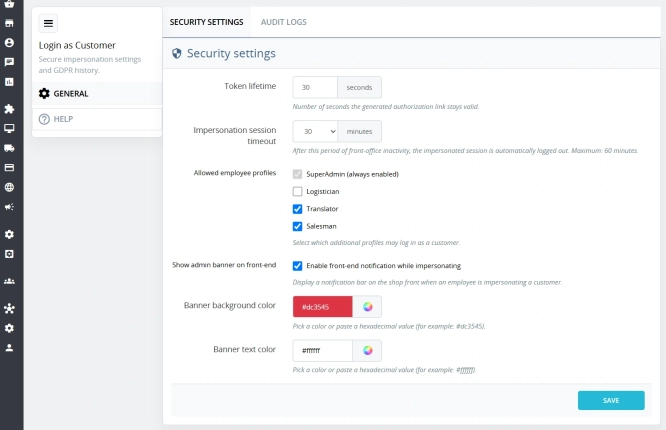
Login as Customer – Log into user accounts from PrestaShop Back Office
This module enables instant access to any customer account directly from the PrestaShop administration panel. It allows quick verification of issues reported by buyers...
32.70 €
-30%
22.89 €
Lowest price within 30 days before promotion:
33.30 €

Automatic currency matching by shop language in PrestaShop
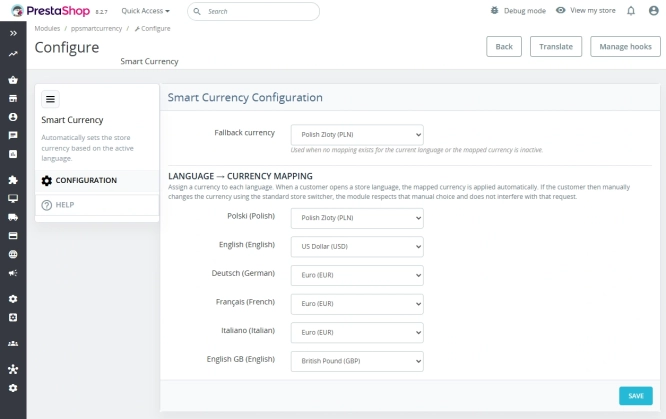
PP Smart Currency automatically matches the currency to the language a customer is using in your PrestaShop store. Visitors immediately see the right currency, while the...
29.10 €
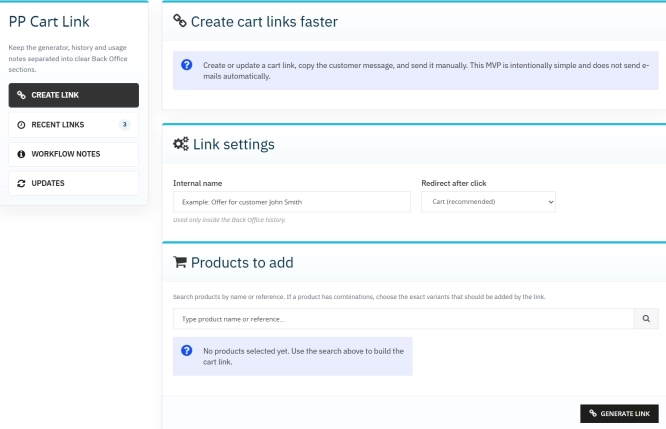
Ready-made cart link for PrestaShop (free version)
How does it work? The administrator creates a ready-made cart link -> sends it to the customer -> the customer opens it and lands in a prepared cart. PP Cart...
0.00 €
- New
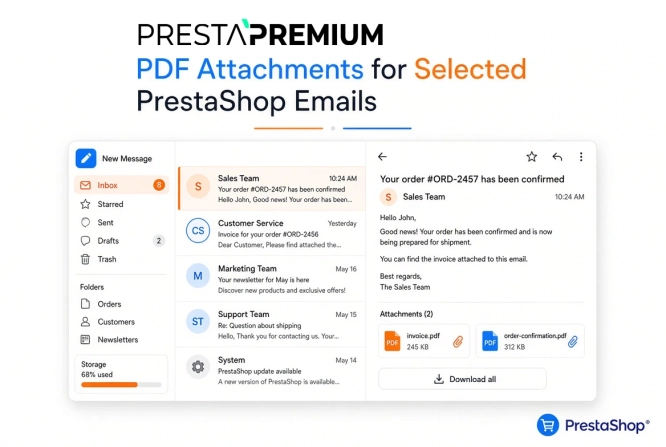
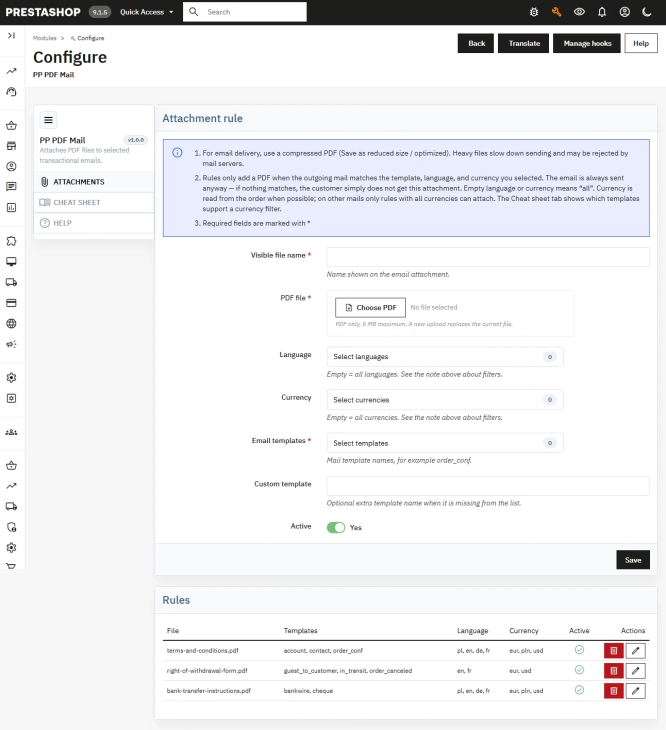
PDF Attachments for Selected PrestaShop Emails
Automatically attach dedicated PDF files (terms & conditions, manuals, warranty terms) to system emails in PrestaShop. Precise Rules: Match attachments by email...
50.10 €
Custom CSS & JS – Free code editor in the PrestaShop panel
PP Custom CSS & JS is a free and highly practical module for every PrestaShop administrator. It allows you to instantly add your own CSS styles and JavaScript scripts...
0.00 €

Advanced PrestaShop traffic and performance optimization generator (htaccess)
Stack Pro is a protective module for PrestaShop that restricts artificial and automated traffic at the server level through controlled modification of the .htaccess file....
89.70 €
- Discount
Price available only until: 30.11.2026
VAT and VIES Validation for B2B in PrestaShop
PP VAT Checker is a reliable PrestaShop module that automates VAT number verification for your business customers. With direct integration with the VIES database, it...
39.00 €
-30%
27.30 €
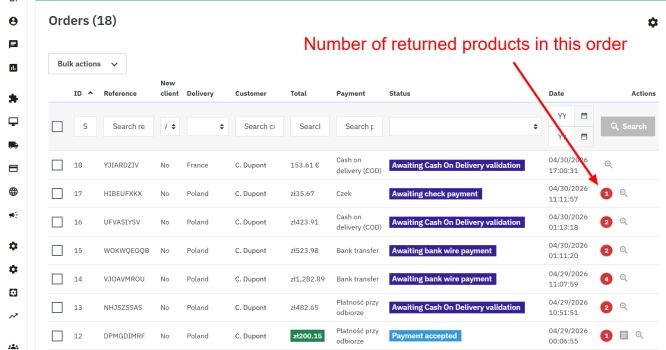
PrestaShop withdrawal module for whole orders and selected products
Bring order to the withdrawal process in your PrestaShop store. The module moves scattered email exchanges into a clear customer-side panel (Front Office) and a structured...
89.70 €
Lowest price within 30 days before promotion:
69.07 €
Do you need additional features or custom solutions?
- Module customisation tailored to your specific requirements.
- Extending functionality to enhance your store's capabilities.
- Developing bespoke modules designed to meet your unique needs.
- Integrating external systems and additional tools.
- Optimisation and improvements for better performance and user experience.
Do you have ideas on how to improve this software? Share your suggestions for optimisation, new features, or bug reports – we’ll be happy to review them!