Live Shipping Rates and Available Payment Methods on PrestaShop Product Pages
- 1.7.5 + | 8.x | 9.x
- FR, ES, PL, IT, DE, EN
- 1.1.0
- 2026-10-12
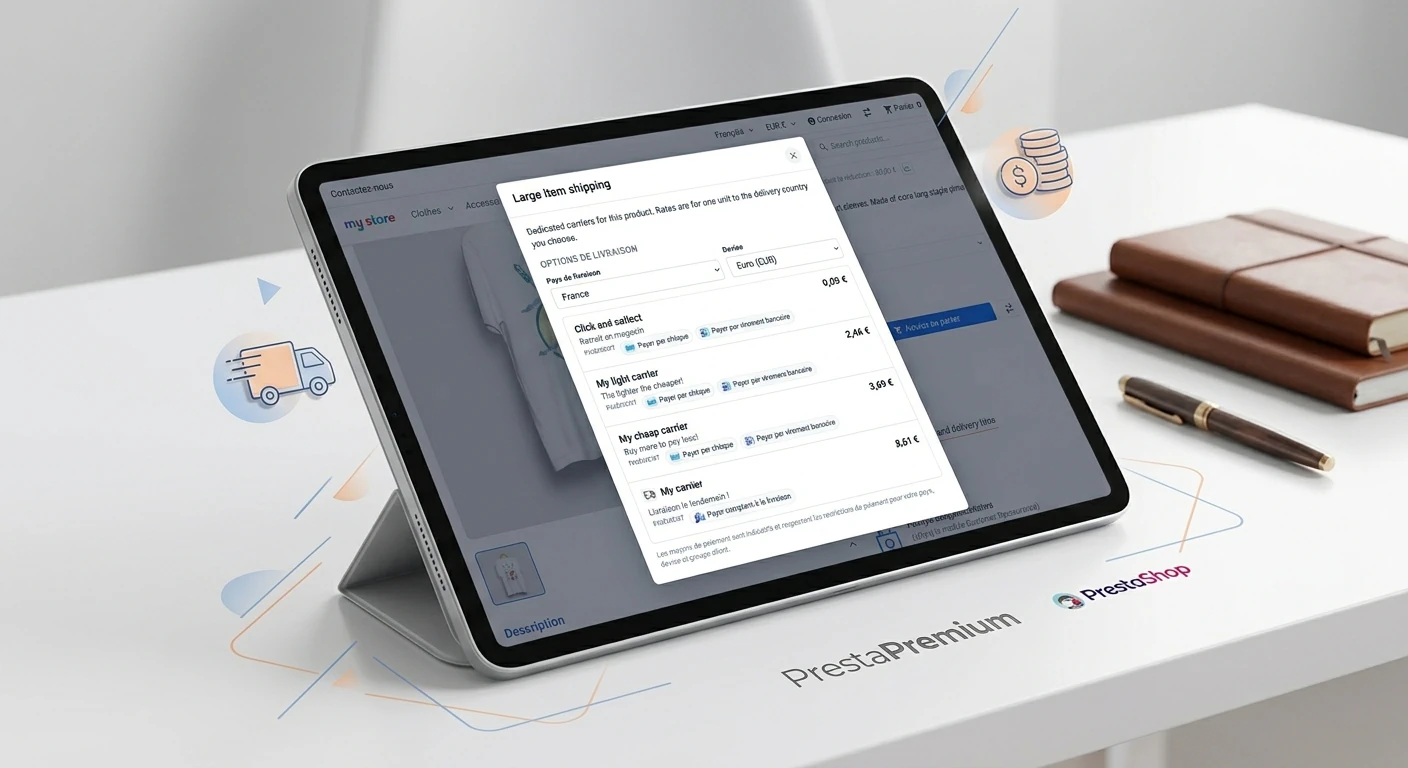
Show shoppers the available carriers, delivery price and estimated delivery time directly on the product page. PP Shipping Costs Pro reads eligible options from PrestaShop for the product, delivery country, currency and customer group.
Shoppers compare live shipping rates before reaching the cart, change country and currency, and can see eligible payment methods when enabled. Rules let you tailor delivery content to products, categories and customer segments.

- Discount
- New


Price available only until: 14.11.2026
Information Parameters:
- 1.1.0
-
Store Version PHP Version1.7.5 + 7.1 – 7.48.x 8.1 – 8.39.x 8.1 – 8.5
- 2026-10-12
- FR, ES, PL, IT, DE, EN
- ✅
- ✅
- ✅
- ✅
- ❌
Live Shipping Rates and Available Payment Methods on PrestaShop Product Pages
Show shoppers the available carriers, delivery price and estimated delivery time directly on the product page. PP Shipping Costs Pro reads eligible options from PrestaShop for the product, delivery country, currency and customer group.
Shoppers compare live shipping rates before reaching the cart, change country and currency, and can see eligible payment methods when enabled. Rules let you tailor delivery content to products, categories and customer segments.
Key benefits
- Answer delivery questions before the cart – shoppers see available delivery options on the product page instead of interrupting their journey to search for a price list or open the cart.
- Rates based on store configuration – quotes use the active carriers, zones, price or weight ranges and customer groups configured in PrestaShop.
- Information relevant to the product – rules let you display different content and popup modes for a product, category, customer group or the entire catalogue.
- Country and currency in one place – shoppers can check delivery for another market and currency, selecting only countries where the product can be delivered.
- Controlled Front Office load – CSS and JavaScript load only on product pages, while delivery rates are calculated only when the popup is opened.
Module use cases
- Cross-border and export stores – provide a quick view of delivery costs for the destination country directly from the product page.
- Catalogues with different delivery policies – show distinct messages for selected categories or products, such as bulky goods, prepayment requirements or extended dispatch times.
- B2B and customer groups – present different content or delivery information to guest visitors and logged-in trade customers.
- Stores with multiple carriers – compare carrier names, delivery prices and delivery times in one popup without entering the cart.
- Multistore environments – align rules and display settings with the current shop context and rule-to-shop assignments.
Back Office features
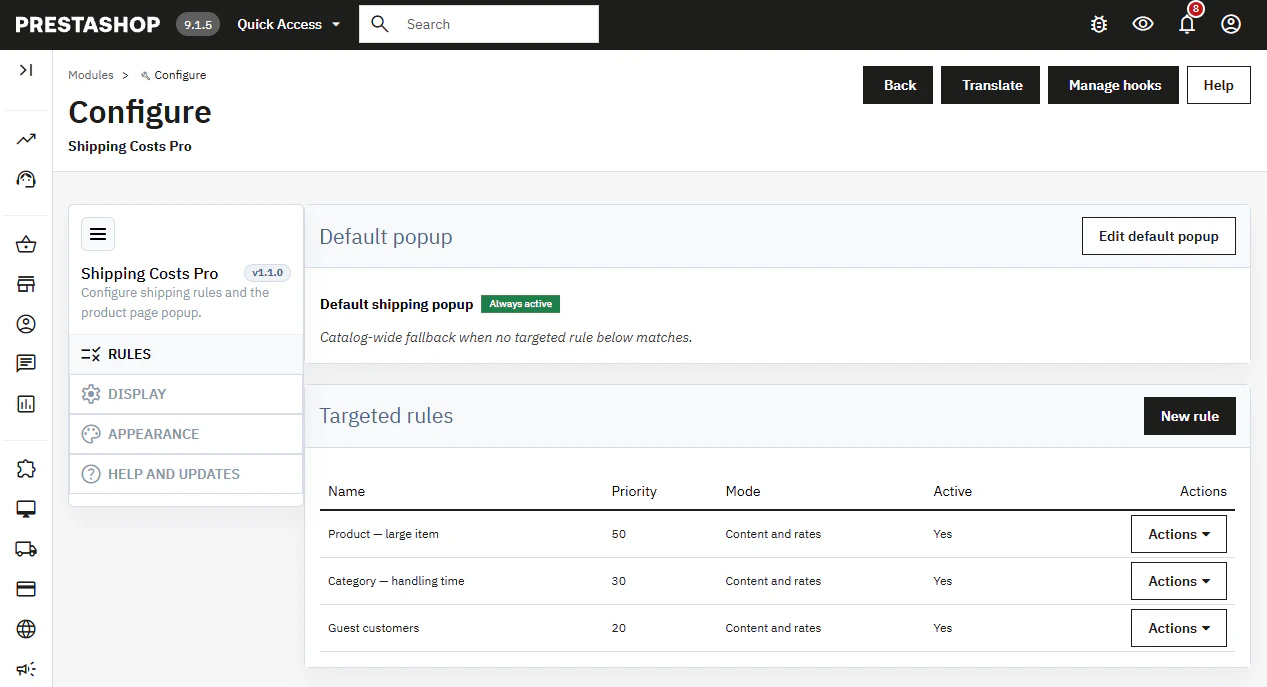
Rules and default popup
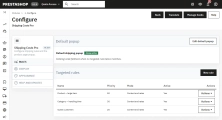
Manage targeted rules alongside an always-active fallback popup for the catalogue.
- Matching logic – product rules take precedence over category and customer-group rules; a higher priority resolves ties.
Content and rate modes
Each rule can display content and rates, content only, or rates only.
- Flexible presentation – show a delivery message without carriers, or carrier options without an additional content block.
Multilingual WYSIWYG content
Set the popup title and HTML content per language directly in a rule, without using a CMS page as the content source.
- Content control – the rule content is rendered in the shopper’s current language.
Rule conditions
Restrict a rule by shop in Multistore, language, customer group, category and individual product.
- Empty means all – leaving a condition empty removes that filter from the rule.
Product-page placement
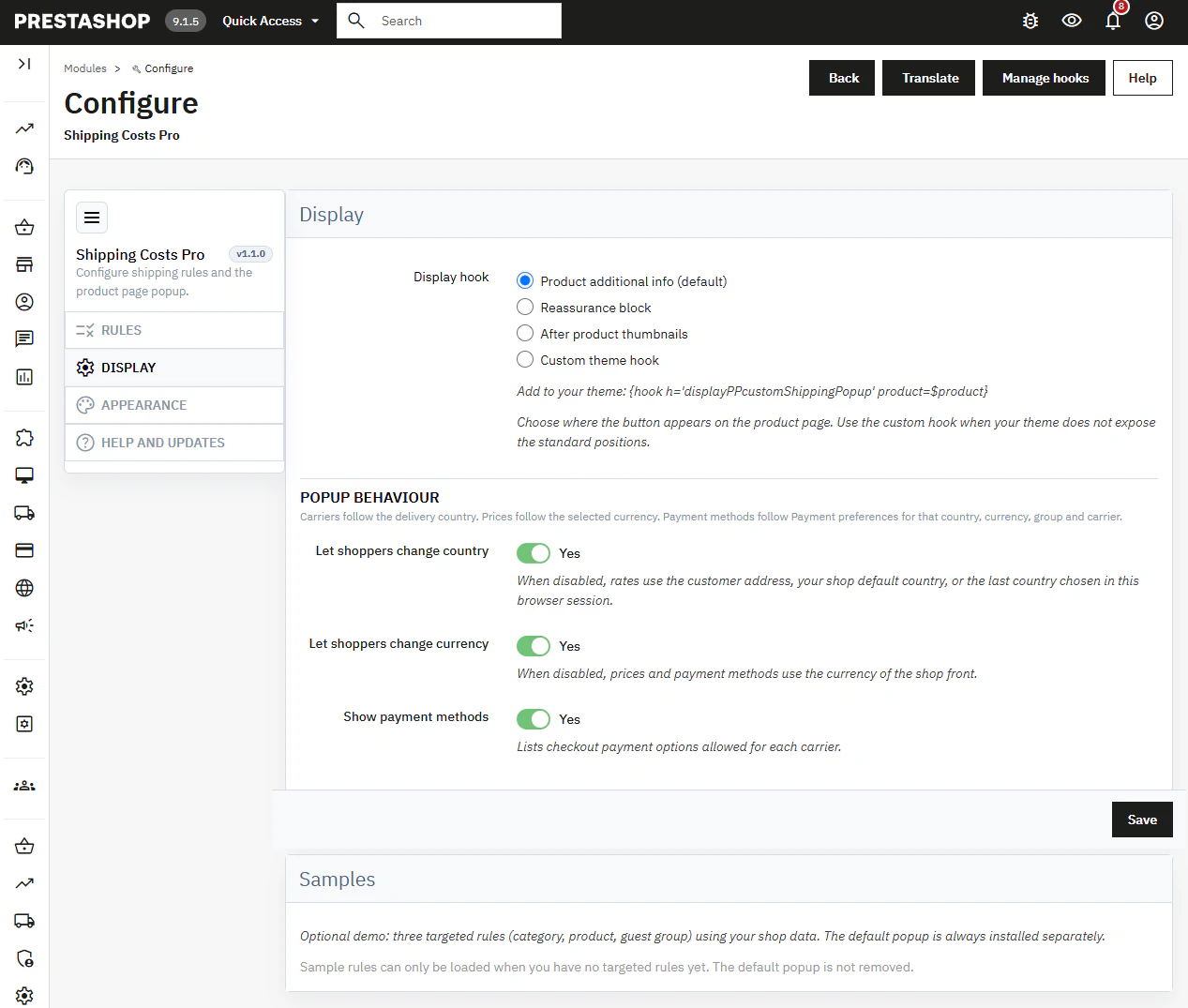
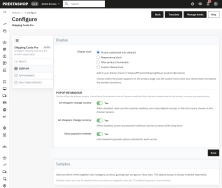
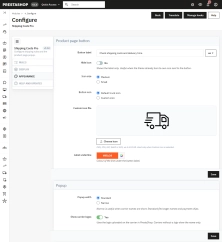
Select one built-in hook: additional product information, reassurance block, after thumbnails, or a custom theme hook.
- Custom hook – place
{hook h='displayPPcustomShippingPopup' product=$product}in the product template.
Country, currency and payments
Enable or disable country and currency switching, plus optional payment methods for each carrier.
- Checkout-aware – payment options respect PrestaShop restrictions for country, currency, group and carrier.
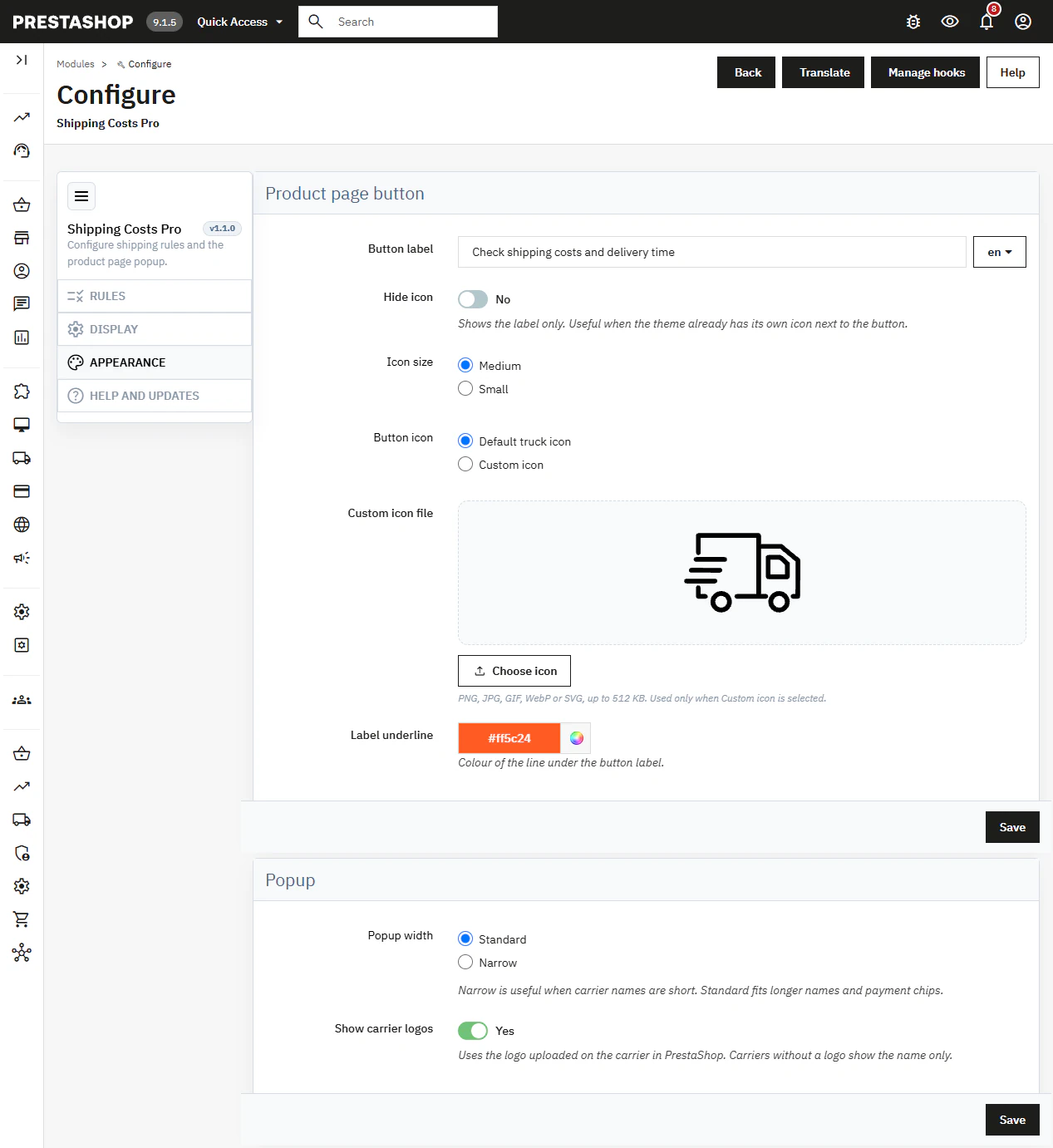
Button and popup appearance
Configure the multilingual label, default or custom icon, icon size, underline colour, popup width and carrier logos.
- Theme fit – keep the trigger visually lightweight without rebuilding the product page.
Examples and updates
Load example rules when the targeted rule list is empty and check module updates from the help section.
- Update Manager – view version information, update availability and PrestaPremium support contact details.
Front Office features
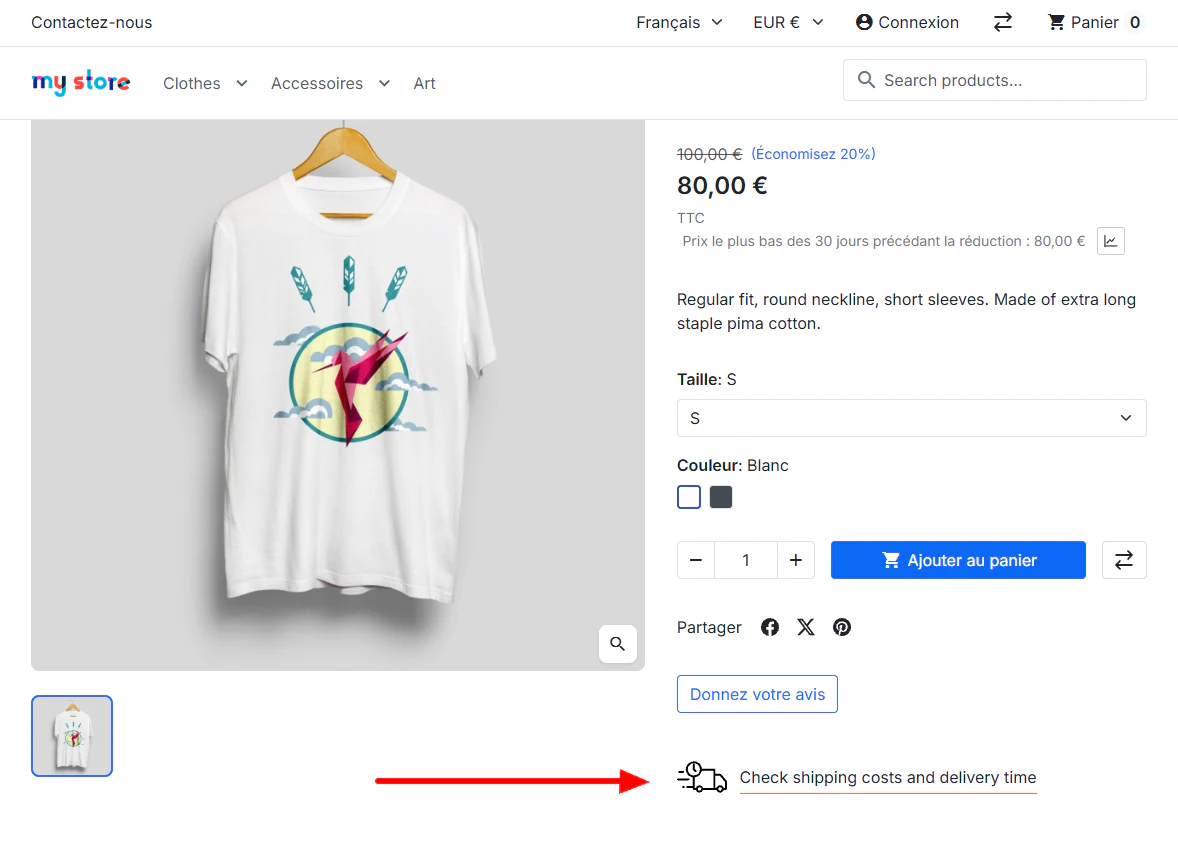
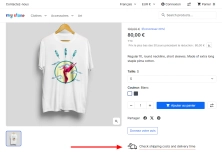
Product-page trigger
The button is displayed only on product pages when an active rule matches the current context.
- Selective assets – CSS and JavaScript are not loaded on product listings or in the cart.
Popup with rule content
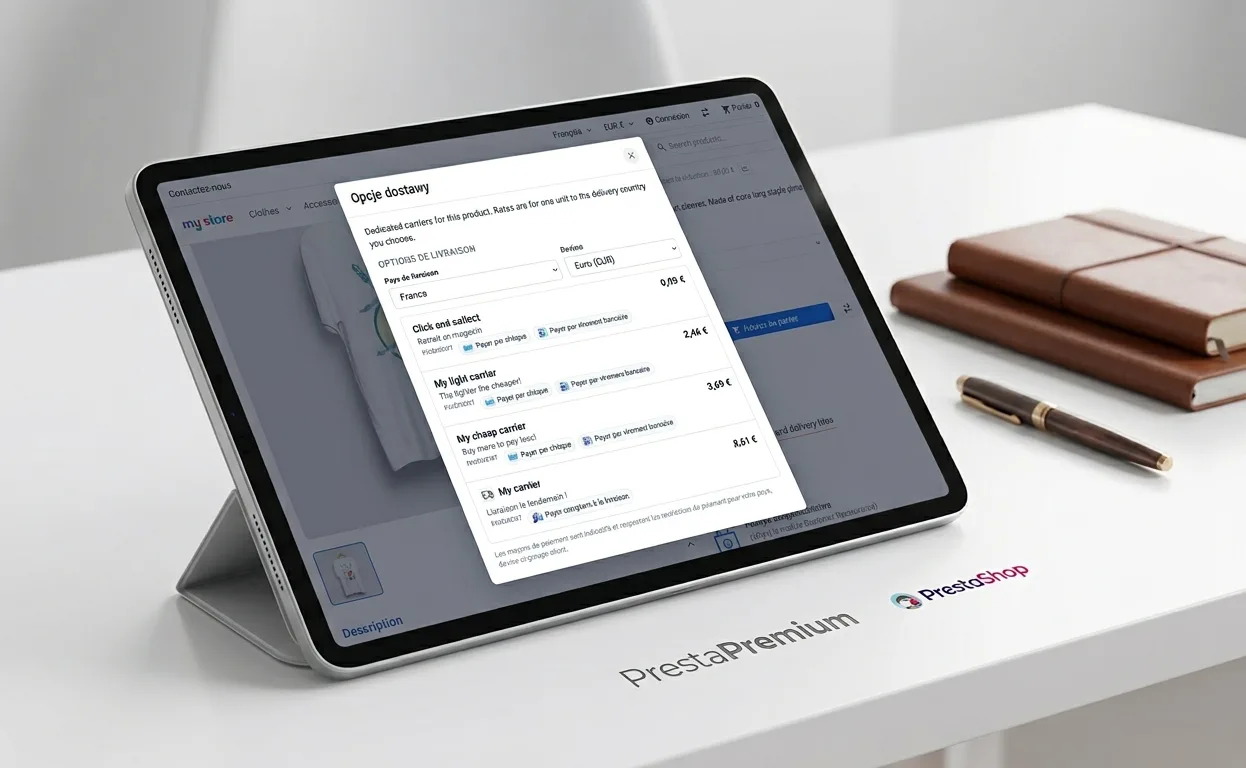
Clicking the trigger opens a popup with the rule title and HTML content when the selected mode includes content.
- Accessible closing – close with the button, overlay click or the Escape key.
Live carrier rates
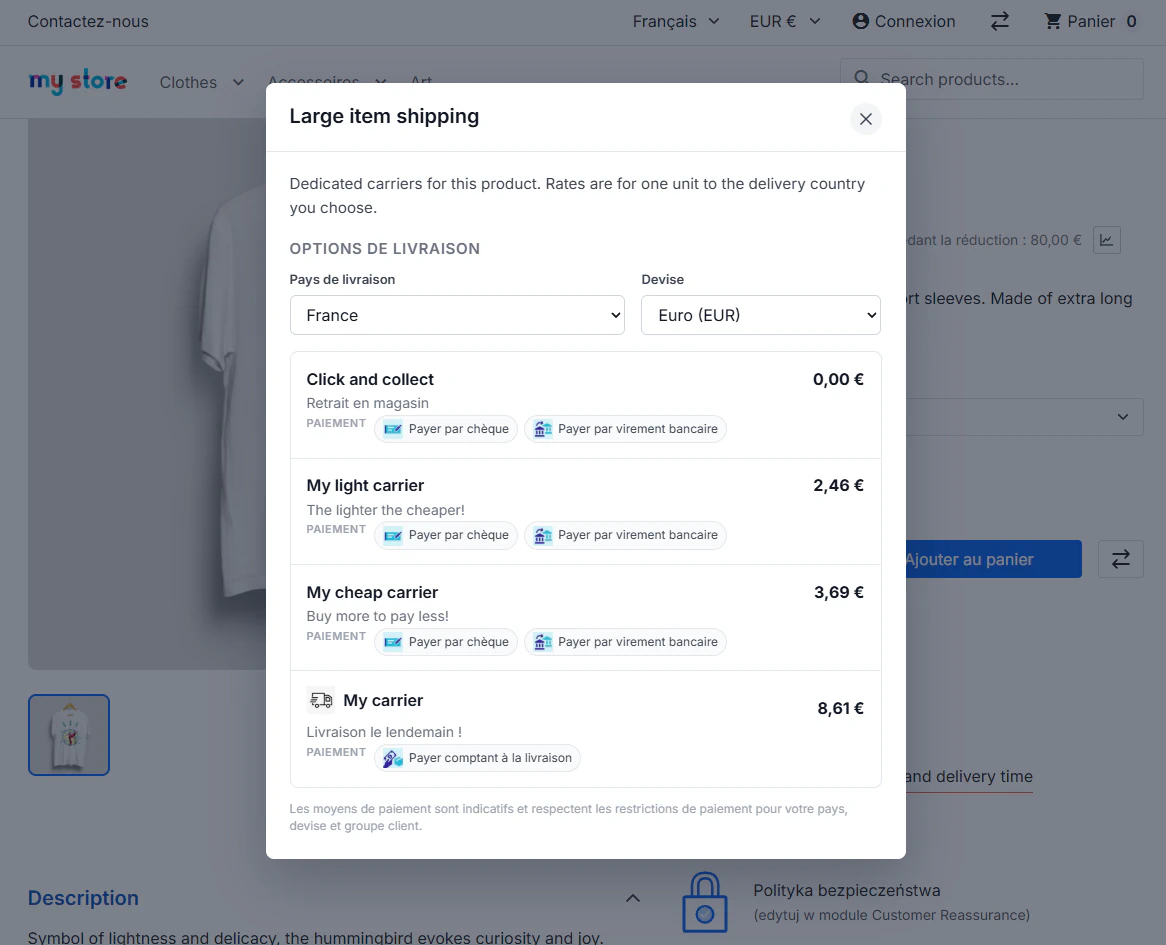
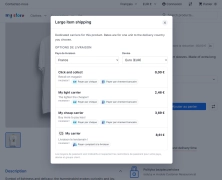
When the popup opens, the store quotes one unit of the product and returns available carriers with name, price and delivery time.
- On demand – the first request runs on opening; changing country or currency refreshes the list.
Deliverable countries only
The country selector contains only destinations where the product has at least one available delivery option for the shopper context.
- Clearer choices – shoppers cannot select a destination with no eligible carrier.
Optional payment methods
Payment chips can appear below a carrier when payment-method display is enabled in the module configuration.
- Informational preview – this is guidance only; the final payment selection remains in checkout.
Free-shipping threshold message
When a free-shipping threshold is configured in PrestaShop, the popup can show the remaining amount for one product unit.
- Earlier purchase context – shoppers see the threshold before adding the product to the cart.
Impact on sales and SEO
- Fewer unknowns before adding to cart – shoppers receive delivery price, timing and availability at the point where they decide about a product.
- More credible delivery communication – the store presents carriers derived from the current configuration and shopper context instead of a static generic price list.
- Precise commercial messaging – product, category and customer-group rules distinguish scenarios such as bulky delivery, B2B terms and standard shipping.
- SEO without additional URLs – the popup does not create separate indexable pages; it operates within the existing product-page context.
- No theme override required – administrators select a built-in hook, while developers can place the dedicated hook in the required product-template location.
Important
Create a full backup of store files and the database before installation. The popup presents a delivery preview for one product unit, so the final cart amount may differ for other quantities, vouchers or multiple products. To populate destinations and carriers, configure active carriers, zones and delivery prices in PrestaShop. Clear the store cache after installation.
Slug: shipping-costs-pro-prestashop Meta Title: Product Page Shipping Calculator – Shipping Costs Pro PrestaShop Meta Description: Let customers check shipping and payment costs directly on the product page. Easily change country and currency without adding items to the cart!
## [1.1.0] - 2026-10-12
### Added
- New feature
You might also like


FAQs
-
Are the modules compatible with my version of PrestaShop?
Each module in our store contains information about compatibility with specific PrestaShop versions. Please check this information carefully before purchasing. If you are not sure, contact us.
8 other products in the same category:
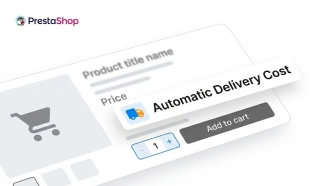
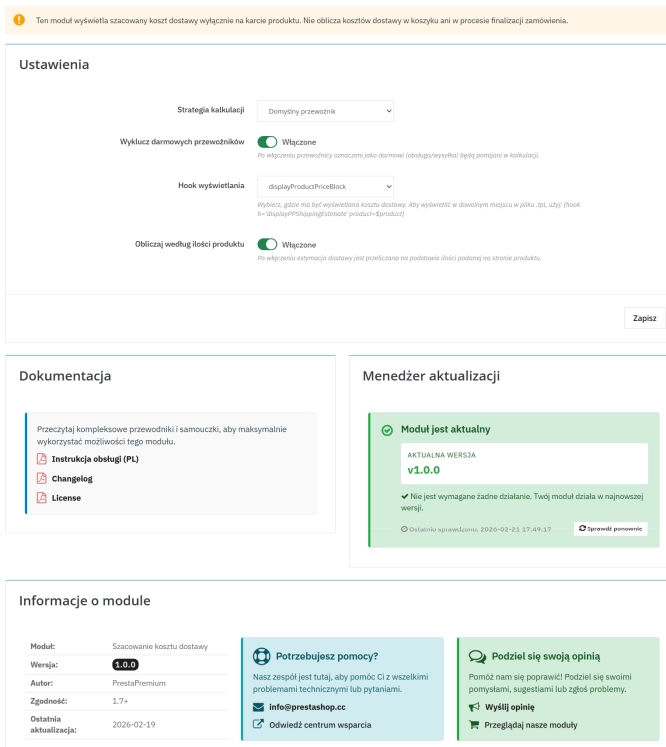
Automatic delivery cost on the product card
PP Shipping Estimate is an advanced module for PrestaShop that enables automatic calculation of delivery costs on the product page . The customer does not need to...
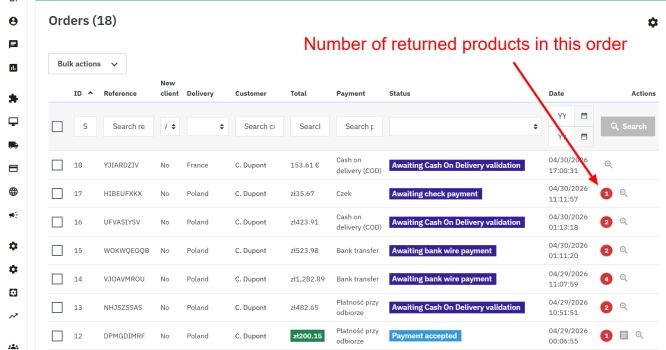
PrestaShop withdrawal module for whole orders and selected products
Bring order to the withdrawal process in your PrestaShop store. The module moves scattered email exchanges into a clear customer-side panel (Front Office) and a structured...
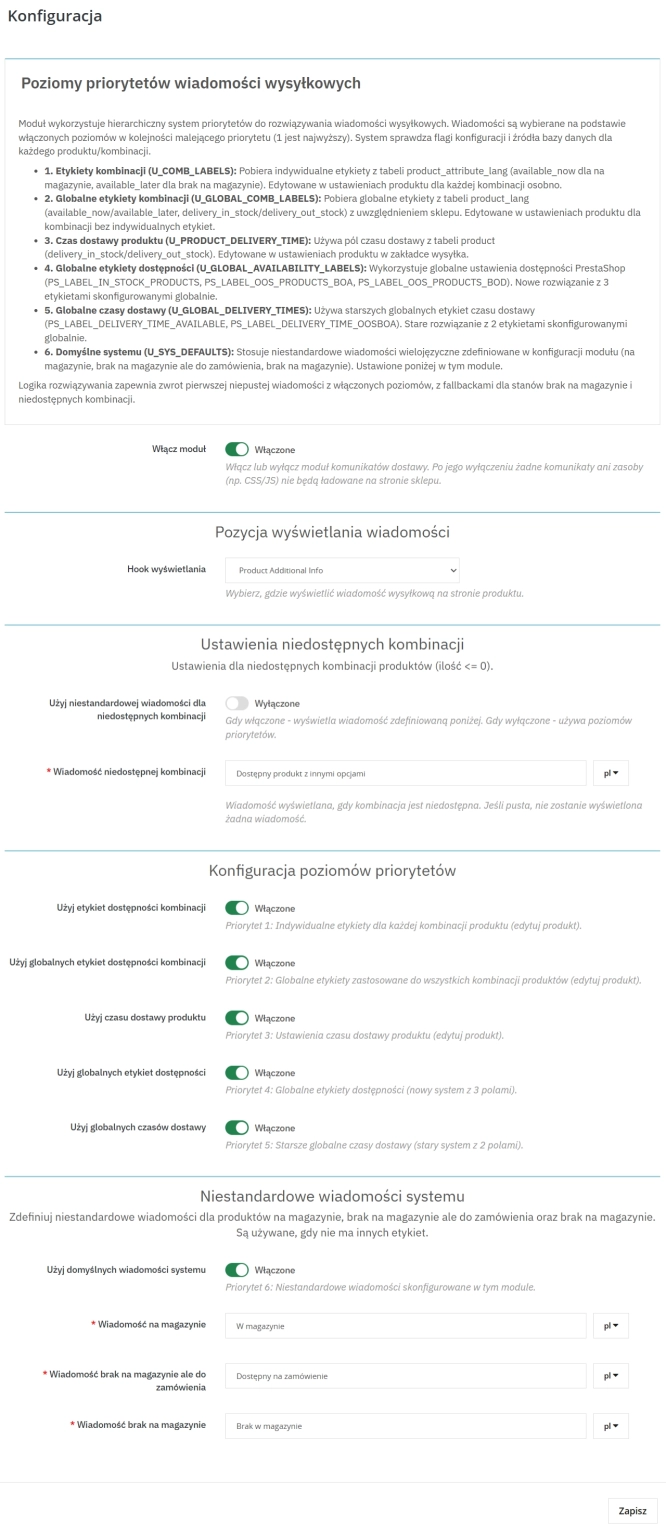
Product Availability Labels for Products and Combinations in PrestaShop
A PrestaShop module for advanced management of product and combination availability labels . It supports multiple rule levels (global, product, combination), allows message...
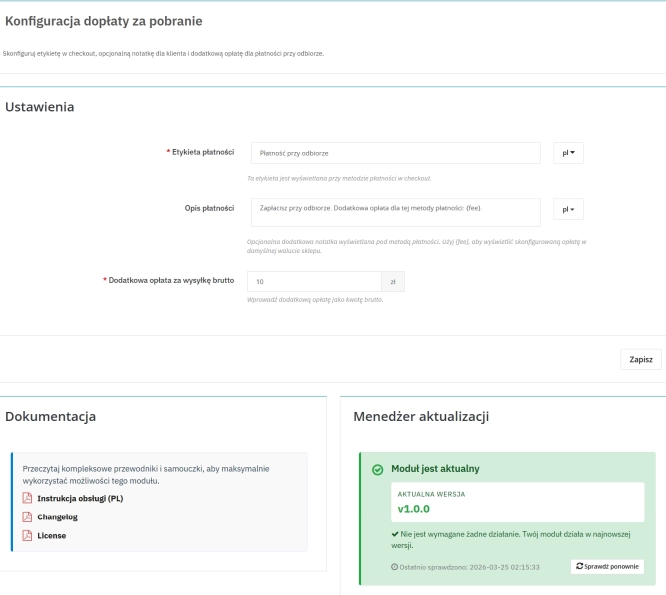
Cash on Delivery (COD) with an Additional Fee for PrestaShop
A cash on delivery module for PrestaShop with the option to apply an additional fee . The fee is added to the order automatically and displayed as a separate line in the...
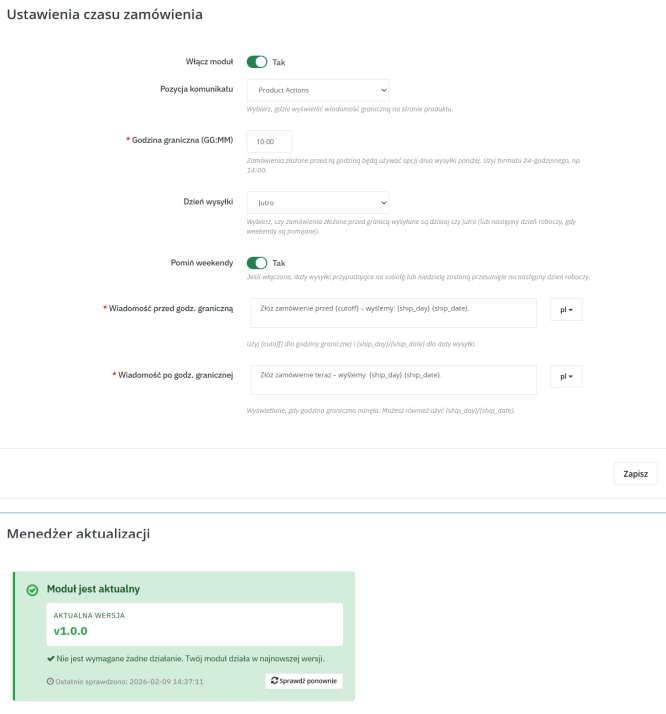
Order Cutoff Time Module – Dynamic Shipping Time (Basic Version)
Optimise logistical communication in your shop with a lightweight Entry-Level solution. The Order Cutoff Time module for PrestaShop (1.7–8.x–9.x) is a tool that automates...
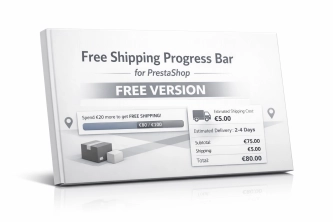
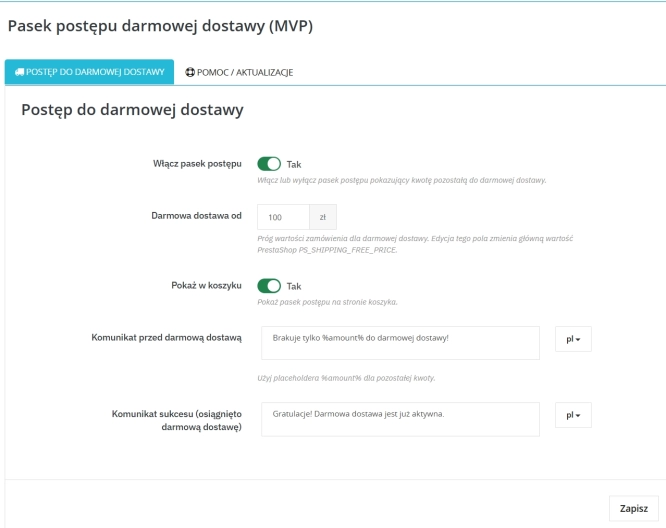
Free Shipping Progress Bar for PrestaShop (Free Version)
Encourage customers to spend more by clearly showing how much is left until they unlock free shipping . This is the free, simplified edition of the module, focused on one...
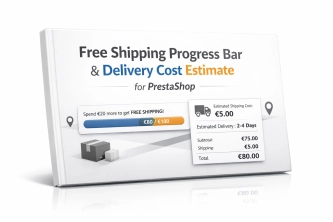
Free Shipping Progress Bar & Delivery Cost Estimate for PrestaShop
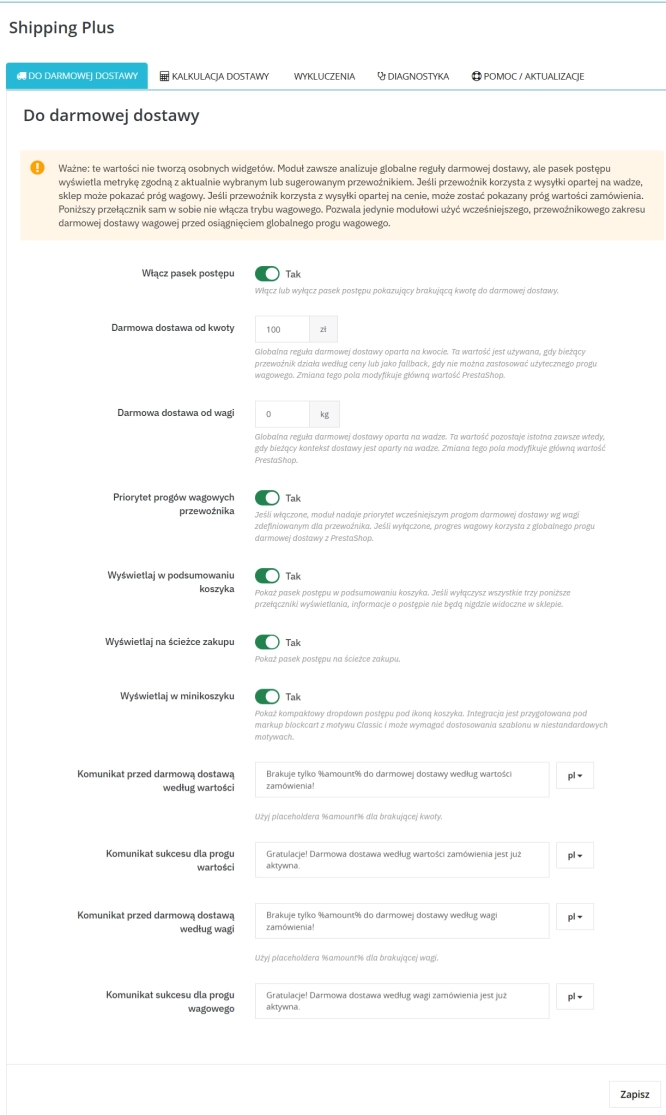
Encourage customers to spend more by showing them exactly how much is left until free shipping . The module also displays an estimated delivery cost on the product page ,...

- New
Shipping Costs and Delivery Time on Product Page (Popup)
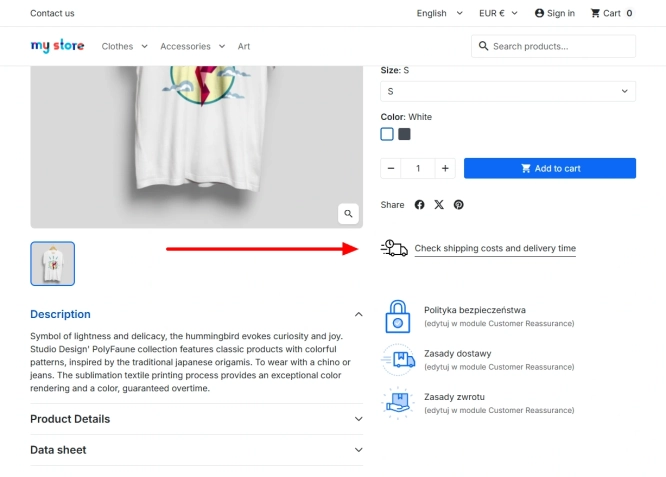
A free PrestaShop module that adds a convenient shipping information button directly to the product page . When clicked, customers instantly view a popup with rates and...
Do you need additional features or custom solutions?
- Module customisation tailored to your specific requirements.
- Extending functionality to enhance your store's capabilities.
- Developing bespoke modules designed to meet your unique needs.
- Integrating external systems and additional tools.
- Optimisation and improvements for better performance and user experience.
Do you have ideas on how to improve this software? Share your suggestions for optimisation, new features, or bug reports – we’ll be happy to review them!