Module use cases
The module is well suited to shops that still offer cash on delivery and want to move the cost of that service directly into checkout. This includes electronics shops, parts stores, seasonal products, first-order-only assortments, local shops, and B2C implementations where COD can still be an important factor in closing a sale.
The solution is also useful in shops maintained by a software house or freelancer, where clear COD business logic, easy maintenance, and fewer manual corrections in orders matter. In multistore environments it helps keep the same logic in place across different languages and shop configurations.
Features – Back Office
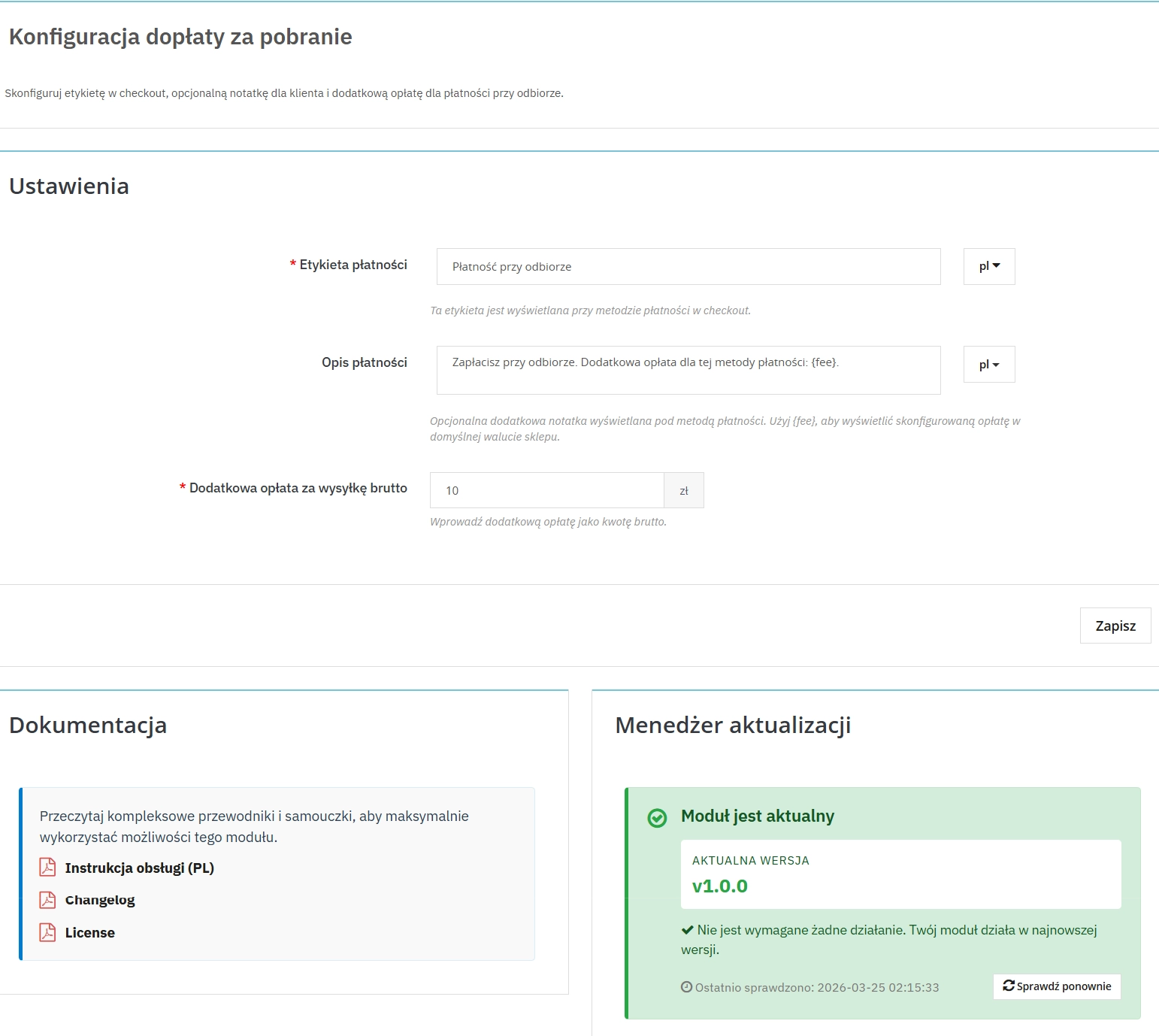
1. Configurable payment label
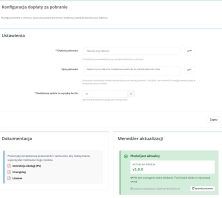
The administrator sets the payment method label shown in checkout without editing templates.
- Multilingual field for every active shop language.
- Consistent checkout copy aligned with the shop’s sales policy.
- Better commercial clarity because the payment wording matches the shop’s communication and order flow.
2. Customer note with fee placeholder
The module can display a custom message below the payment option with a dynamic fee value.
- {fee} placeholder inserts the current surcharge automatically.
- Fallback logic uses the default message when the field is left empty.
- Fewer support questions because the customer sees COD conditions before placing the order.
3. Gross fee in the shop’s base currency
The fee amount is entered in Back Office as a tax-inclusive value, which simplifies day-to-day configuration.
- One reference amount for the shop operator.
- Automatic currency conversion into the customer’s basket currency.
- Fewer mistakes when maintaining multi-currency shops.
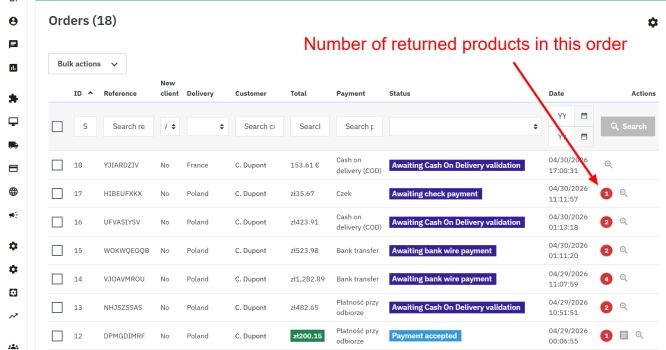
4. Dedicated order status for COD
Module installation creates a dedicated order status for handling cash on delivery payments.
- Better process separation for sales and order handling teams.
- Clearer operational queue for orders awaiting COD fulfilment.
- Workflow consistency without mixing COD with other payment methods.
5. Safer surcharge storage
The current version stores the fee with a persistent idempotency state and transactional logic.
- Persistent record stores the applied surcharge for the order.
- Atomic update path reduces the risk of a partial write between order, carrier and invoice.
- Better maintenance foundation for developers and technical administrators.
Features – Front Office
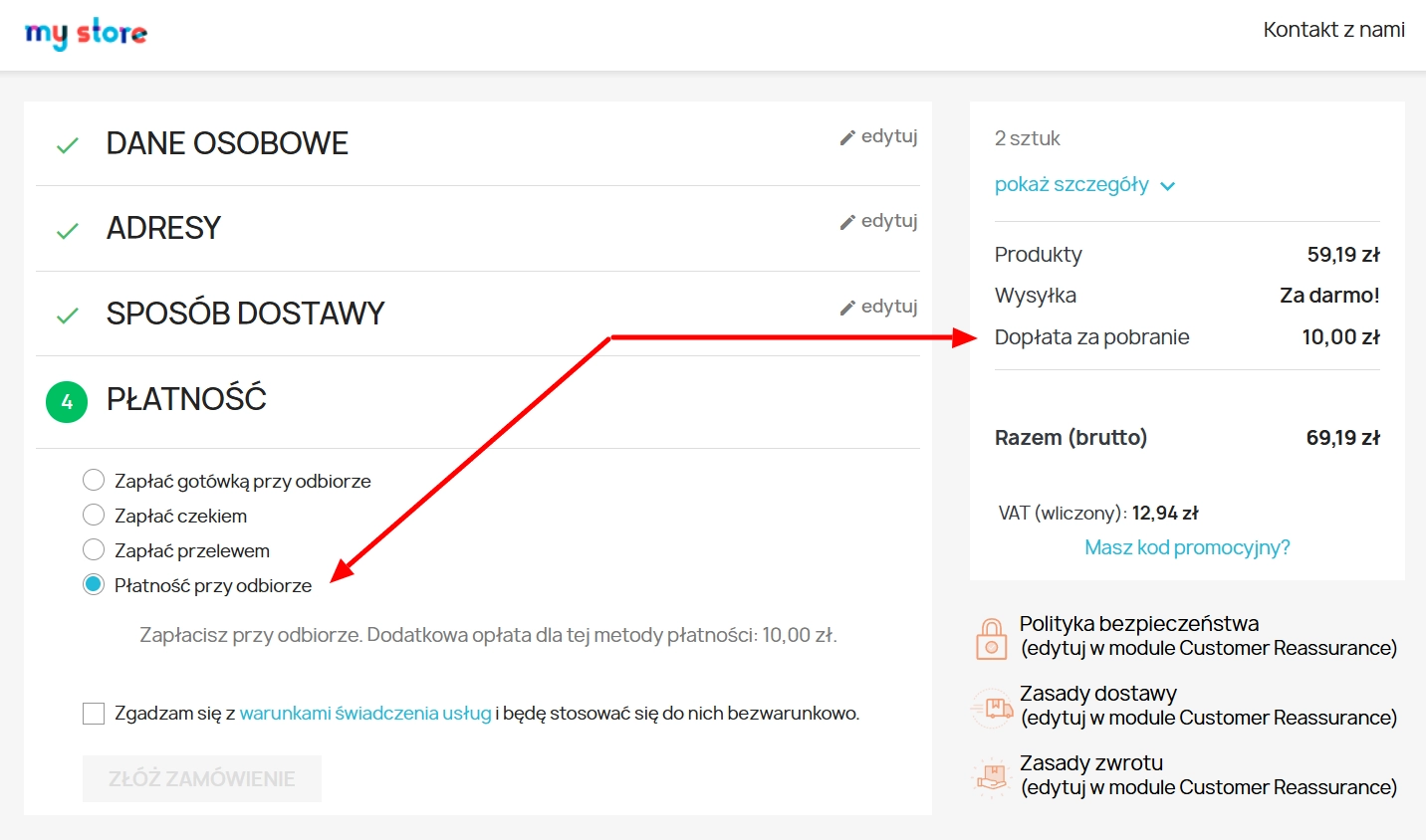
1. Cash on delivery in the standard checkout
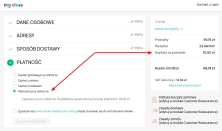
The customer selects COD without leaving the native PrestaShop flow.
- Standard checkout integration with no separate or custom payment step.
- Lower UX friction risk for shops using the classic checkout.
- Clear choice with the payment name and note shown directly with the COD option.
2. Dynamic summary refresh
After COD is selected, the module refreshes the key summary fragments without a full checkout reload.
- Faster feedback because the customer sees the updated total immediately.
- Separate fee line displayed alongside other subtotals.
- Better cost visibility which helps reduce checkout abandonment at the payment stage.
3. Fee confirmation after order placement
The customer can see a confirmation message about the applied COD surcharge on the order confirmation page.
- Consistent communication between checkout and order confirmation.
- Less ambiguity when the customer contacts support after purchase.
- Clearer cost documentation from the end user’s perspective.
Important
Before installing or updating the module, create a backup of both files and database. In a production shop, it is advisable to test checkout, multistore, currency and invoice scenarios on a staging environment. If the shop uses a custom checkout or additional payment-related modifications, compatibility should be verified before deployment.