Product Promotions Preview on the Product List in PrestaShop BO
- 1.7.7 + | 8.x | 9.x
- FR, ES, PL, IT, DE, EN
- 1.0.2
- 2026-10-16
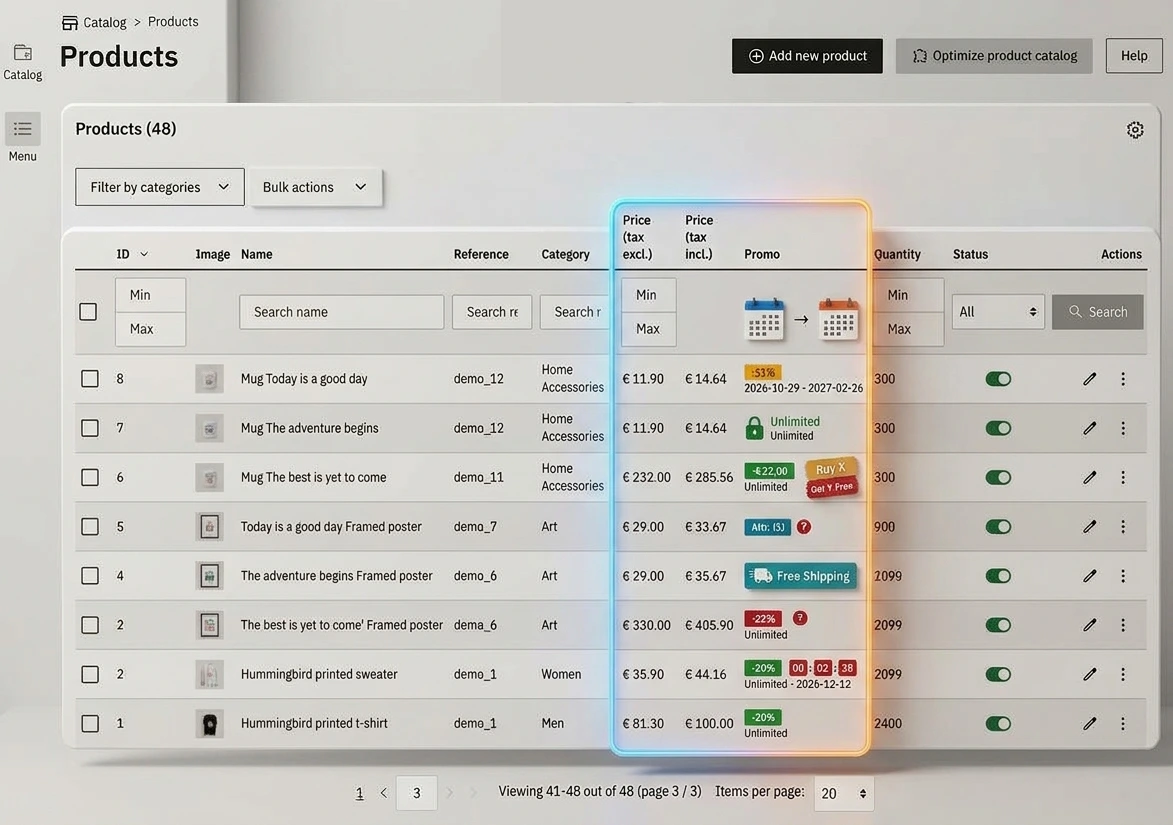
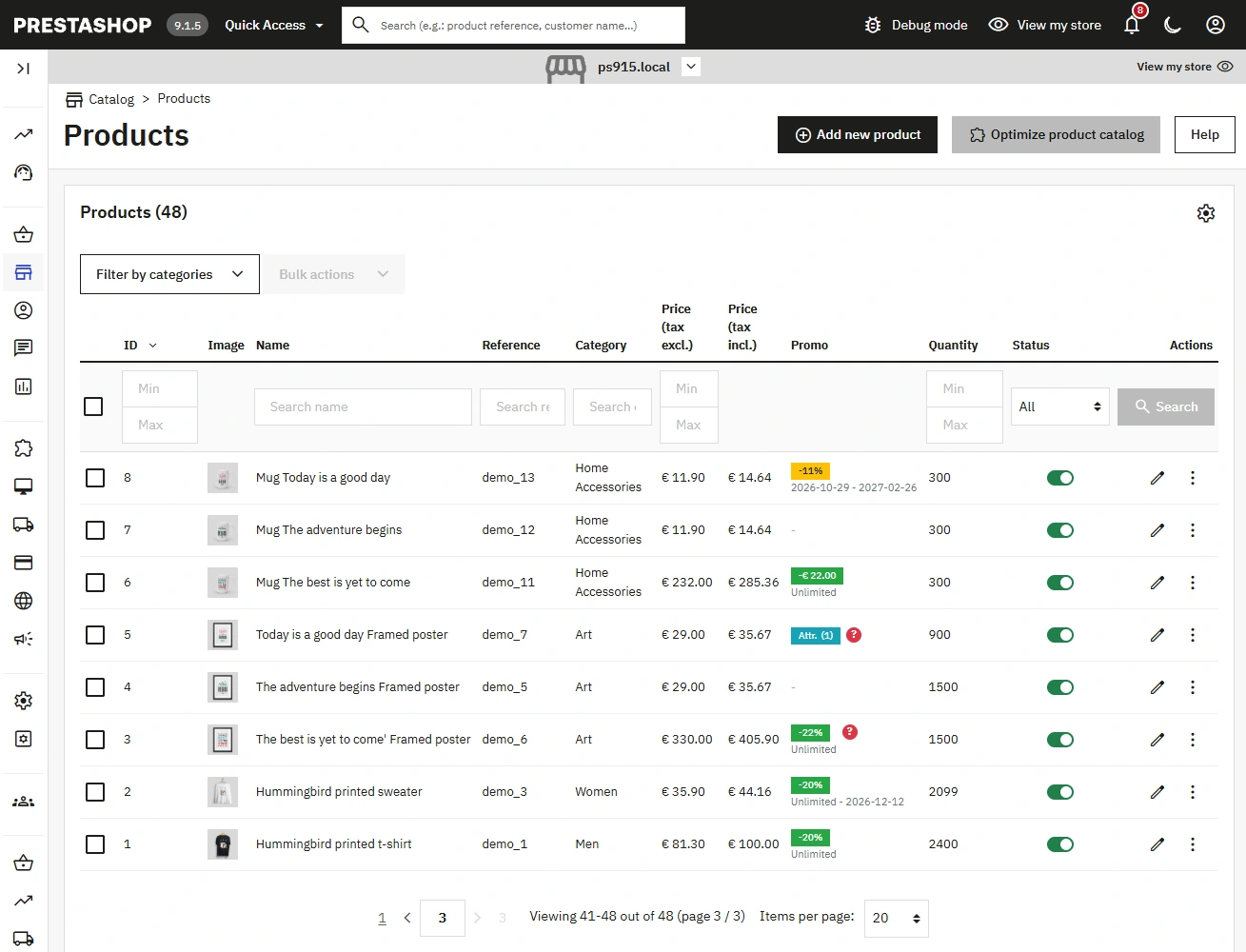
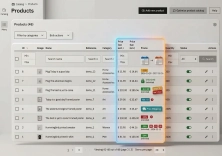
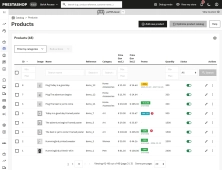
Do you have many products in your store and want to quickly check which ones have promotions set? An additional column on the product list in the PrestaShop administration panel shows assigned discounts, start and end dates of promotions, and information on whether product combinations have their own promotions.
All this information is at your fingertips, without having to open each product card. This is a more convenient way to continuously control promotions in the store catalog.

- New
Information Parameters:
- 1.0.2
-
Store Version PHP Version1.7.7 + 7.1 – 7.48.x 8.1 – 8.39.x 8.1 – 8.5
- 2026-10-16
- FR, ES, PL, IT, DE, EN
- ✅
- ✅
- ✅
- ✅
- ❌
Key Benefits
- Faster promotion control – discounts and special price terms are available directly on the product list.
- Fewer product card visits – the administrative team detects active, scheduled, and expired rules faster.
- Combination transparency – the module indicates that the promotion applies exclusively to product attributes.
- Multistore support – data is read for the currently selected store context.
- No Front Office interference – the module does not change product presentation or the price calculation mechanism for customers.
Module Applications
The module works well in stores with frequent promotional campaigns, seasonal discounts, and a large number of products. It is useful for catalog administrators, sales staff preparing campaigns, and people verifying the correctness of special price schedules.
In stores with product variants, the column makes it easy to distinguish between a promotion set for the entire product and rules assigned exclusively to specific combinations. In a multistore environment, it allows you to control promotions separately for the currently selected store.
Features – Back Office
Promo Column on the Product List
Adds a column after the gross price in the catalog list and presents information from PrestaShop special prices.
- Visibility without entering edit mode – the administrator checks promotions for multiple products in a single view.
Discount Value or Special Price
The cell can present a percentage discount, a fixed amount discount, or the price set in the specific price rule.
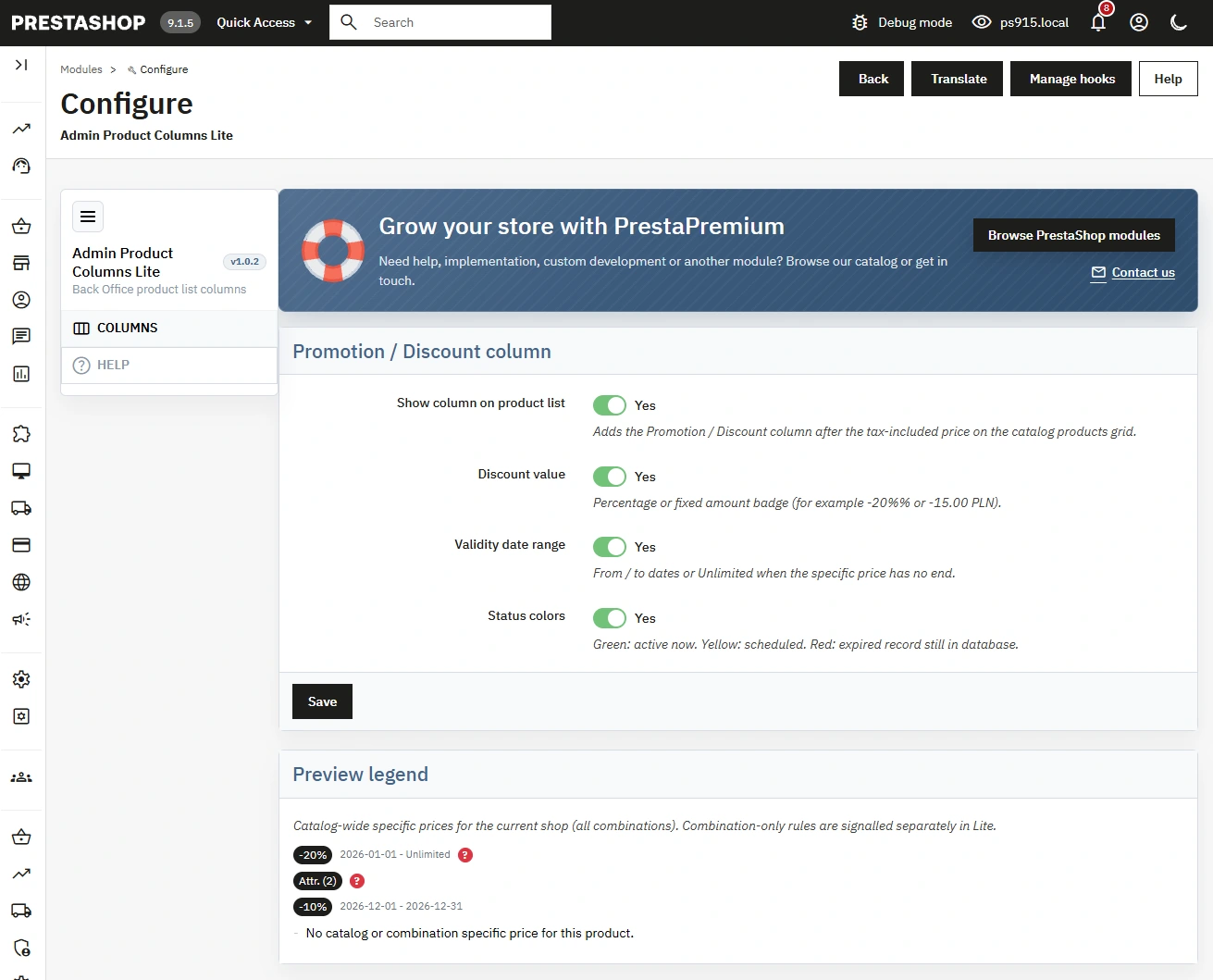
- Readable badge – values are visible in a compact form, e.g., -20% or -15.00 PLN.
Validity Period
The module shows the start and end date of the rule, and uses the "Unlimited" designation for rules without time limits.
- Schedule control – easier detection of promotions that are about to start or need to be removed after completion.
Color Statuses
Promotions can be color-coded depending on whether they are active, scheduled, or expired.
- Visual verification – green indicates an active rule, yellow a scheduled one, and red an expired one remaining in the database.
Combination Promotion Signaling
When rules apply exclusively to product variants, the module displays the "Attr." designation with the number of combinations.
- Lite information – the administrator sees the presence of promotions on attributes without expanding the full table of variant discounts.
Presentation Configuration
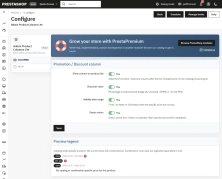
In the settings, you can independently enable the column, discount value, date range, and status colors.
- View adjustment – configuration allows limiting the presentation to information needed by a given team.
Impact on Sales and SEO
The module does not change the content, indexing, or structure of the Front Office, so it has no direct impact on SEO. It indirectly supports sales through more efficient control of special prices: the team can faster catch unlaunched, expired, or incorrectly set promotions before they affect campaign execution.
Note!
Before installation, make a backup of your files and database. The module presents catalog specific price rules in the current store context; it does not replace the verification of cart rules, customers, customer groups, or countries. After installation or update, clear the PrestaShop cache and refresh the product list.
# Changelog

## [1.0.2] - 2026-10-15

### Added

- Promotion column on the Back Office product grid with Lite configuration (display toggles).
- Combination-specific promotion signalling (`Attr.` badge and hint).
- Module translations (pl, de, fr, es, it).

## [1.0.0] - 2026-02-17

### Added

- Initial release of the module.
You might also like

FAQs
-
Are the modules compatible with my version of PrestaShop?
Each module in our store contains information about compatibility with specific PrestaShop versions. Please check this information carefully before purchasing. If you are not sure, contact us.
16 other products in the same category:
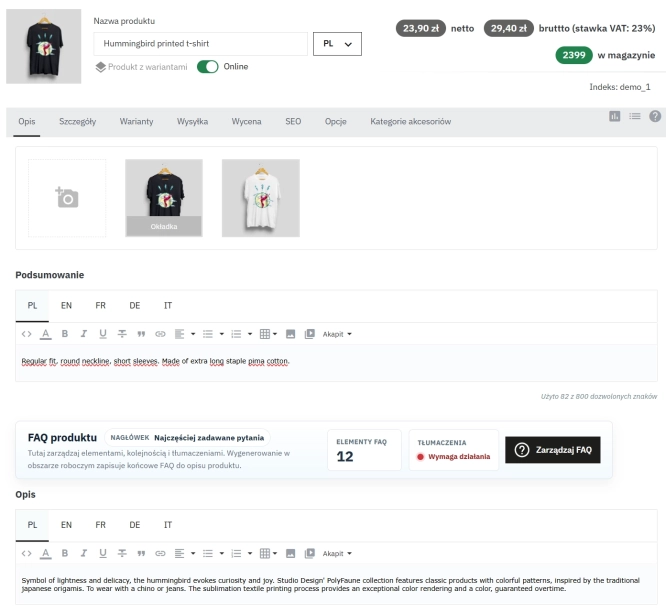
Take SEO and conversion further: a PrestaShop FAQ module with a built-in editor and FAQPage JSON-LD
The FAQ Builder module makes it easy to add question and answer (FAQ) sections directly to your PrestaShop product descriptions. The management interface sits just above the...
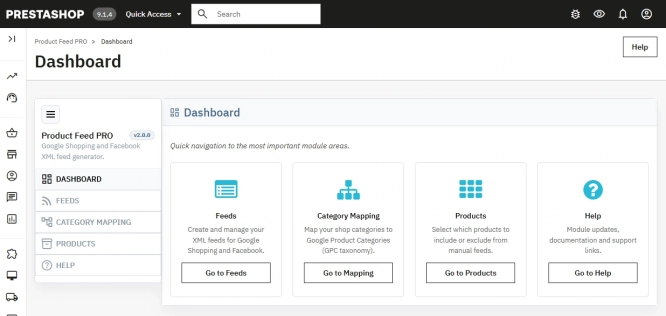
PrestaShop Integration with Google Merchant Centre (Version Pro)
Product Feed PRO streamlines catalogue publishing between your store and advertising platforms. It is practical for e-commerce teams that need faster time-to-market for new...
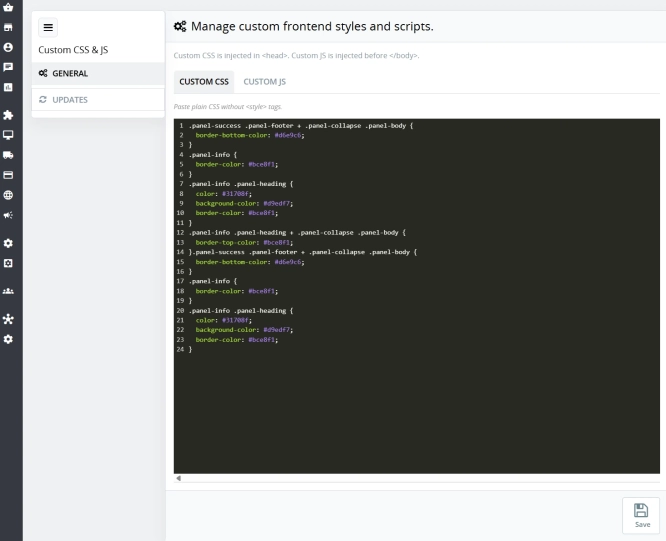
Custom CSS & JS – Free code editor in the PrestaShop panel
PP Custom CSS & JS is a free and highly practical module for every PrestaShop administrator. It allows you to instantly add your own CSS styles and JavaScript scripts...

- New
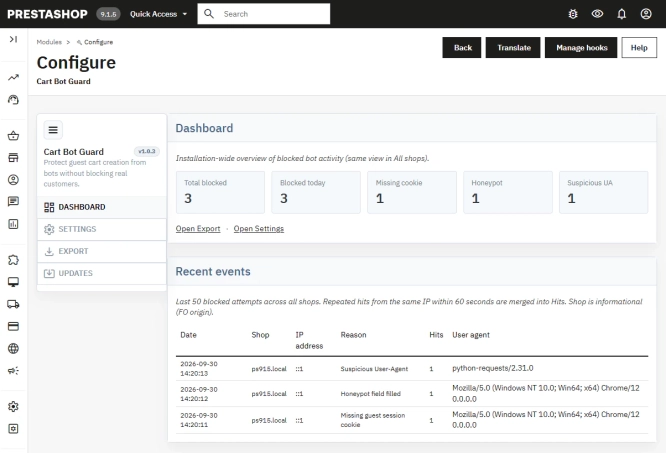
PrestaShop Anti-Bot Cart – Fake Cart Protection
A lightweight, non-invasive solution for PrestaShop that eliminates the mass creation of fake carts by bots and HTTP scripts. The module neutralizes automated traffic...
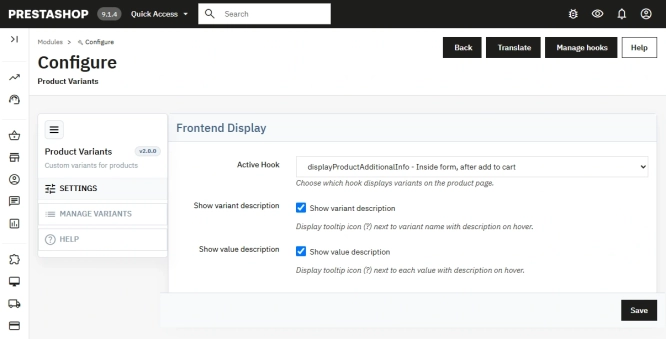
Additional Product Fields and Options – Attributes without Combinations (Custom Fields)
This module enables the creation of additional product options without using native PrestaShop combinations. Each option can have a price impact (positive or negative) but...
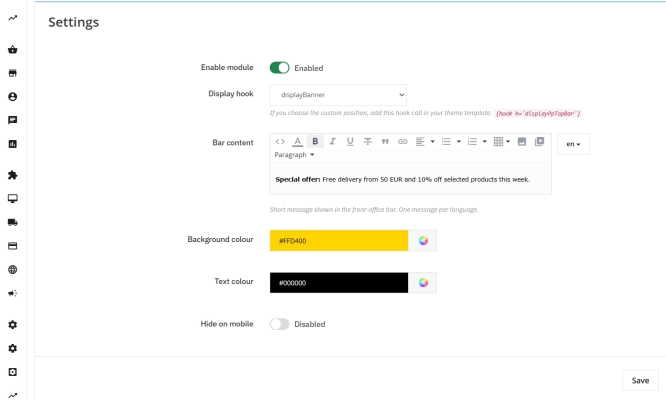
Information and Announcement Bar for PrestaShop (Free Edition)
PP Top Bar is a lightweight and intuitive module that lets you add an eye-catching information bar to the top of your shop in just a few seconds. Inform your customers...

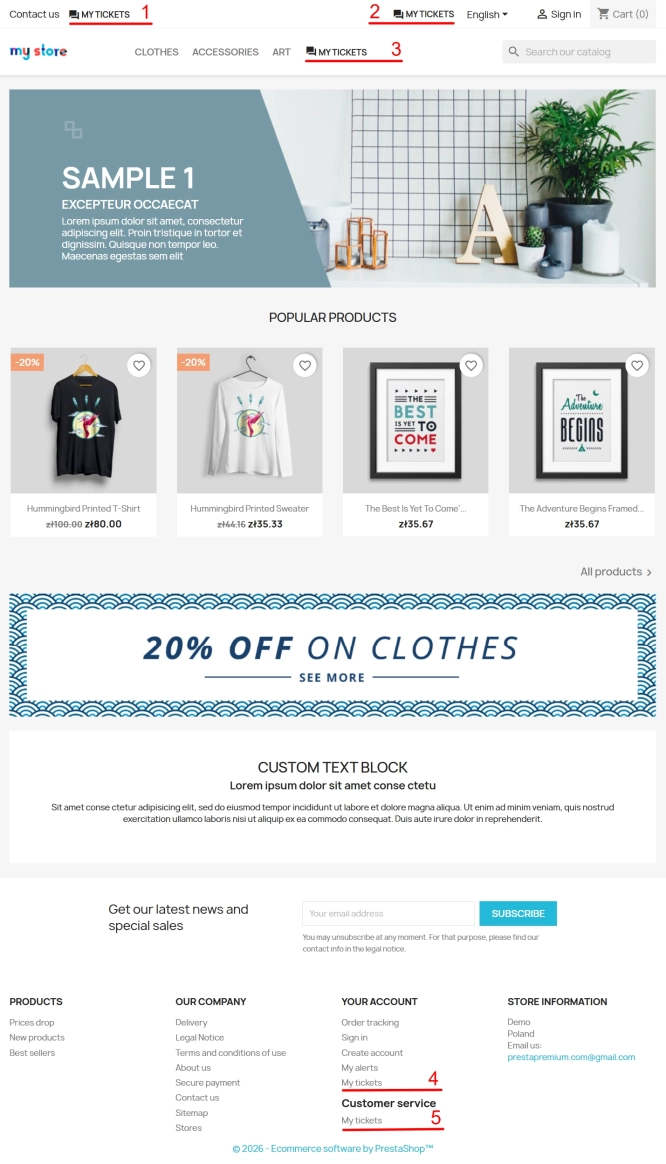
Helpdesk — professional ticketing and customer support system for PrestaShop
PP Helpdesk is a module that turns chaotic email exchanges into a clear, organised ticketing system directly within your PrestaShop store. Customers can comfortably create...
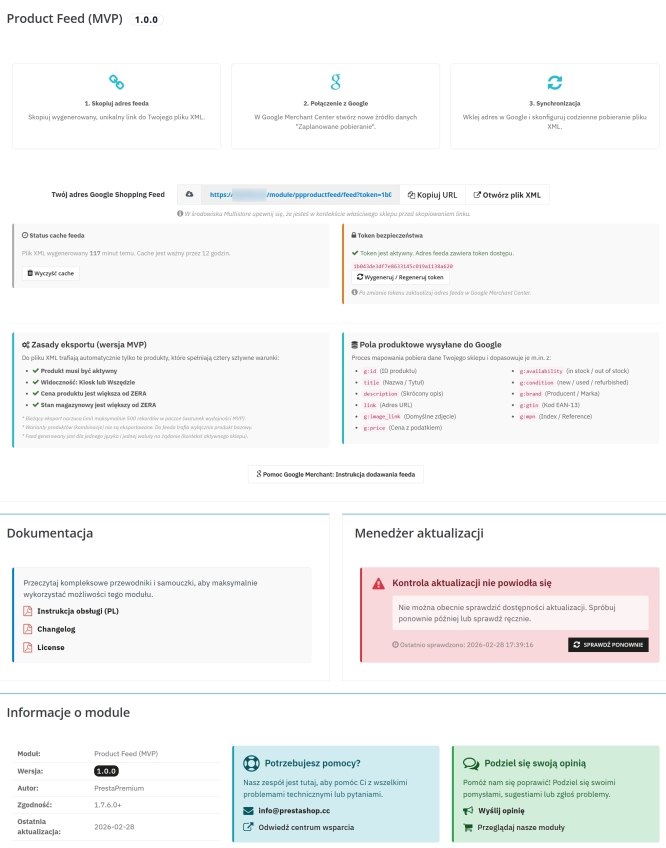
PrestaShop Integration with Google Merchant Centre (Free Version)
PrestaShop integration with Google Merchant Centre via a standards-compliant XML feed. A lightweight, secure and production-ready free edition, optimised for performance and...

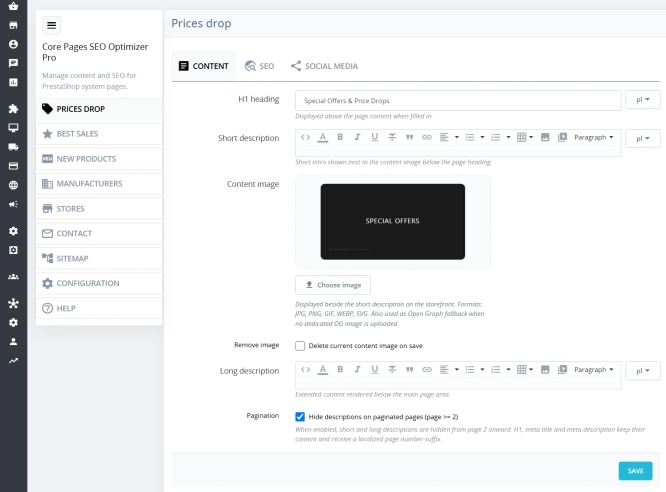
Custom HTML Descriptions and SEO Optimisation for PrestaShop Promo, Best Sellers and New...
The default PrestaShop configuration does not allow entering custom texts or graphics on key subpages that generate organic search traffic. The ppcorepagesseo module is a...
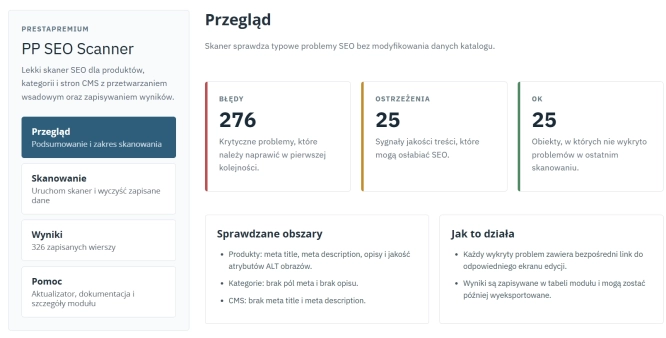
SEO Scanner - fast SEO auditing for products, categories and CMS pages in PrestaShop
PP SEO Scanner is an efficient diagnostic tool for PrestaShop, designed to automate on-site SEO auditing. The module analyses products, categories and CMS pages for...
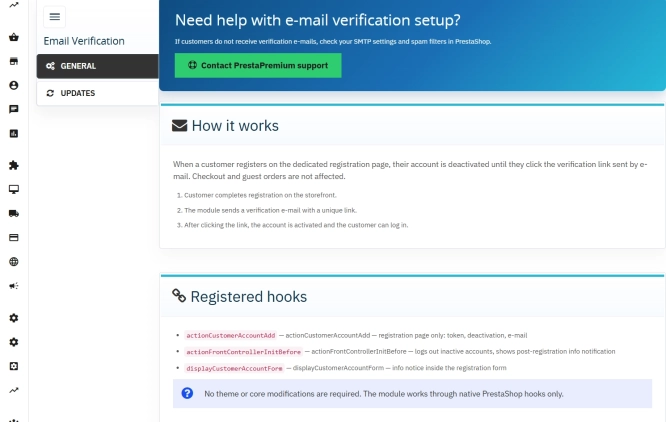
Customer Email Verification after Registration in PrestaShop
Tired of fake accounts and typos in customer email addresses? Meet Email Verification – a simple and completely free PrestaShop module designed to keep your database...
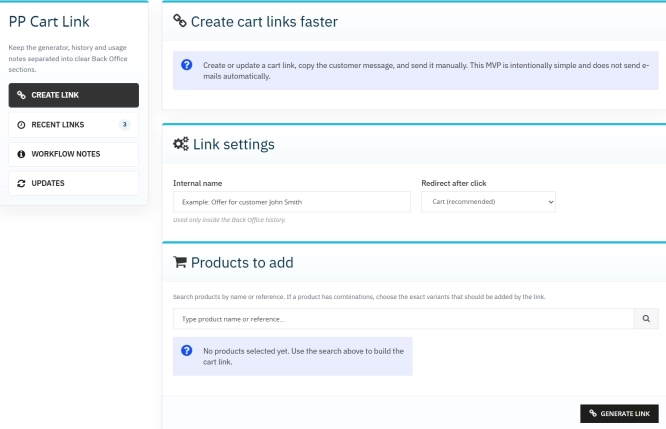
Ready-made cart link for PrestaShop (free version)
How does it work? The administrator creates a ready-made cart link -> sends it to the customer -> the customer opens it and lands in a prepared cart. PP Cart...
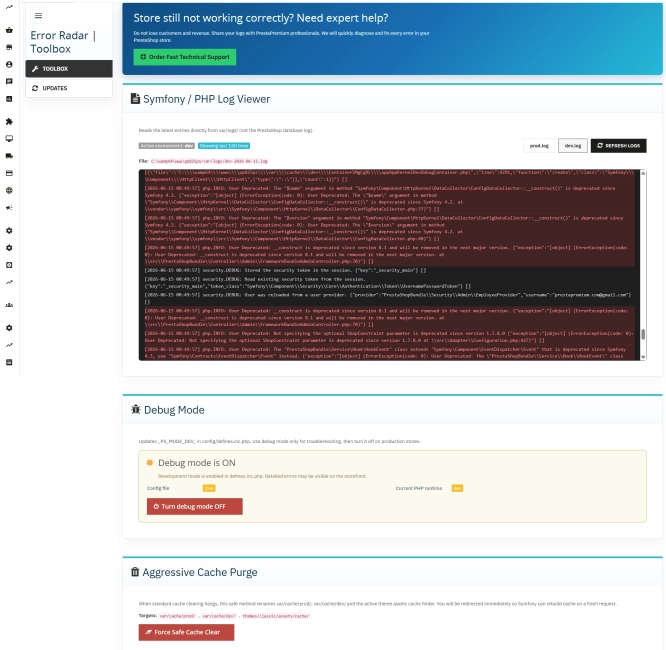
Error Radar & Toolbox — PrestaShop Error Diagnosis & Server Utilities
Error Radar & Toolbox is a powerful, free administrative module for PrestaShop that allows you to instantly diagnose technical store issues directly from your Back...
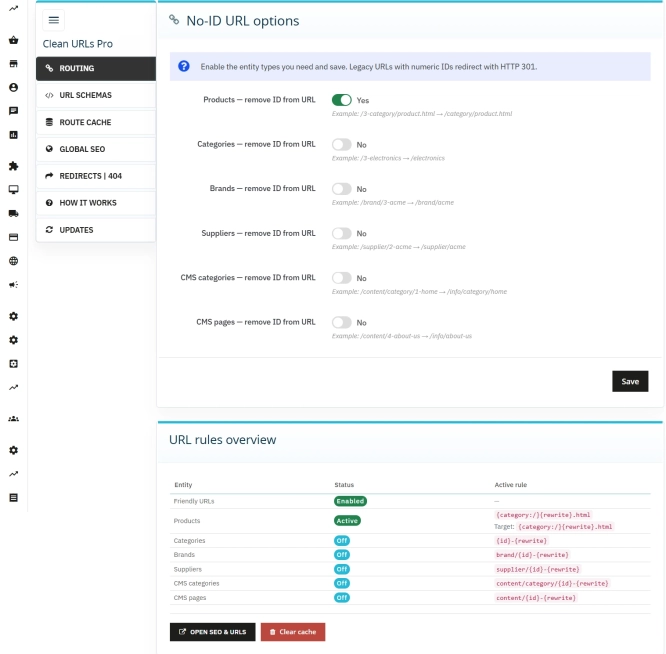
Clean URLs Pro – remove IDs from PrestaShop URLs
Clean URLs Pro removes numerical IDs from product, category, CMS category, CMS page, brand, and supplier URLs — without core modifications and with zero overrides. Simply...
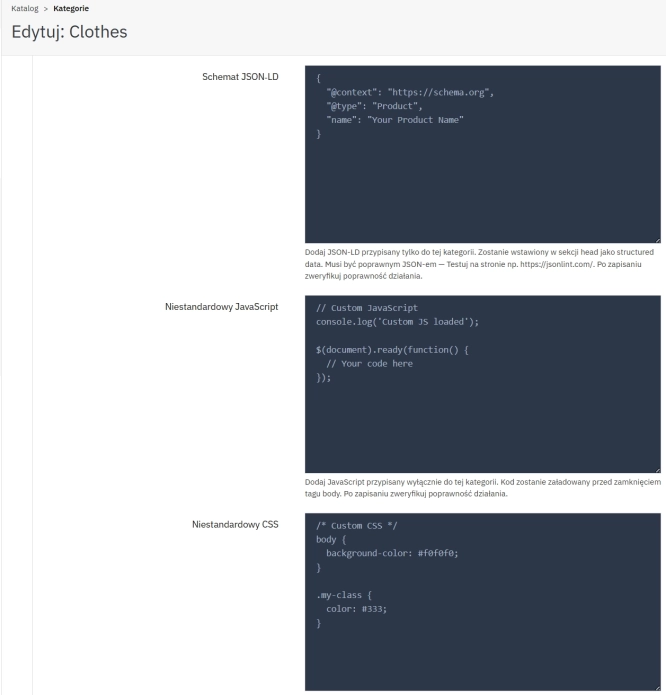
SEO Custom Code Manager for PrestaShop Products Categories and CMS
A module for PrestaShop that allows adding custom JSON-LD , JavaScript, and CSS resources individually to each product, category and CMS . Increase search engine...
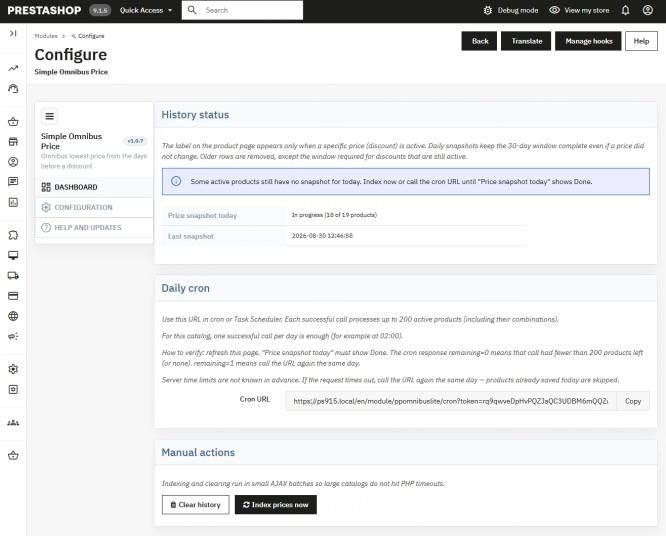
Free Simple Omnibus Price Module – Omnibus Directive for PrestaShop
Simple Omnibus Price is a completely free PrestaShop module that automates displaying the lowest price from the 30 days prior to a price reduction. Protect your store...
Do you need additional features or custom solutions?
- Module customisation tailored to your specific requirements.
- Extending functionality to enhance your store's capabilities.
- Developing bespoke modules designed to meet your unique needs.
- Integrating external systems and additional tools.
- Optimisation and improvements for better performance and user experience.
Do you have ideas on how to improve this software? Share your suggestions for optimisation, new features, or bug reports – we’ll be happy to review them!