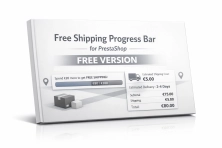
Free Shipping Progress Bar for PrestaShop (Free Version)

PP-M028F
Sales & Marketing
1.7.6.x + | 8.x | 9.x
EN, FR, IT, DE, PL
  • 1.0.0
  • 2026-03-15
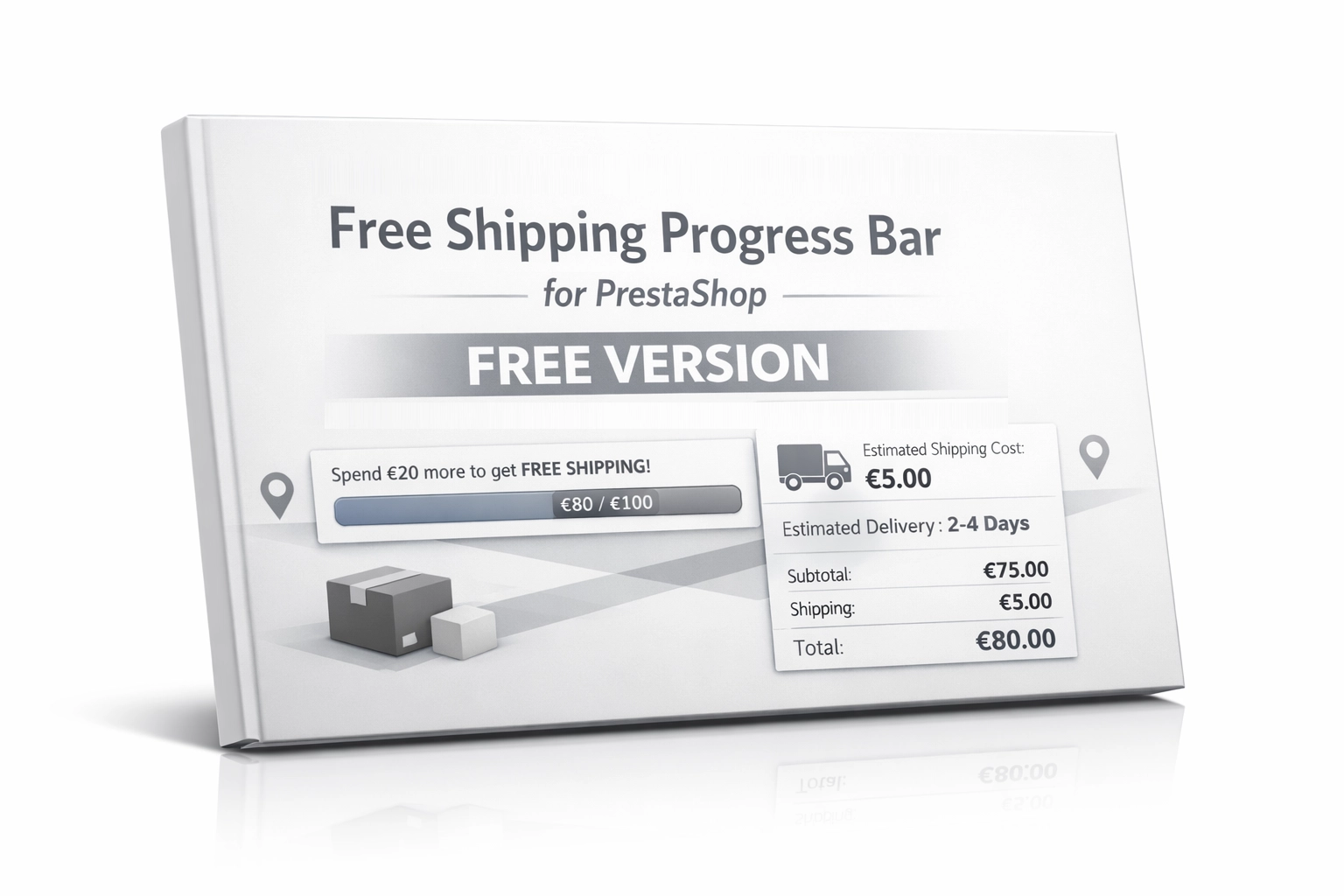
  • Encourage customers to spend more by clearly showing how much is left until they unlock free shipping. This is the free, simplified edition of the module, focused on one high-impact sales feature: a dynamic free shipping progress bar displayed only in the cart. If you need more advanced logistics and marketing features, the full version of the module is available here: see the full version.

    0.00 € Tax excluded

    Additional services:

    Installation +29.10 €
    Theme Compatibility Support +44.70 €

    • Free module shared with the PrestaShop community
    • Possibility to report suggestions and bugs - corrections according to availability
    • No warranty or support as standard (no SLA)
    • Need modifications or support? ask about the service

    Information Parameters:

    • 1.0.0
    • 2026-03-15
    • 1.7.6.x + | 8.x | 9.x
    • EN, FR, IT, DE, PL

    Start with the free version, upgrade when you need more

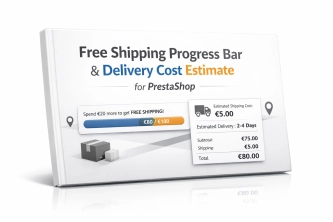
    This edition of Free Shipping Progress Bar has been intentionally simplified to give you a fast implementation effect without unnecessary configuration. You get a lightweight module focused on increasing cart value by clearly communicating the free shipping threshold directly on the cart page. If your store requires more advanced logic and a broader impact on customer purchase decisions, you can move to the premium version: Free Shipping Bar & Cost Estimator for PrestaShop.

    • The free version focuses on the free shipping progress bar and a simple sales-driven message.
    • The full version is designed for stores that need more advanced features and broader control over how delivery costs and shipping logic are presented.

    Key benefits

    • Higher average order value (AOV) – customers are more willing to add extra products when they can see on an interactive bar how little is left to qualify for free shipping.
    • Reduced cart abandonment – a clear financial goal already on the cart page turns hesitation into a stronger intent to complete the purchase.
    • Lightweight and optimised – the module loads scripts only where they are needed, without slowing down the entire store.
    • Better user experience (UX) – a clear progress bar and focused message in the cart help shoppers make faster decisions without unnecessary friction.

    Where this module works best

    This is a classic, proven “must-have” mechanism that fits the vast majority of e-commerce stores using free shipping thresholds based on order value.

    • Stores struggling with low cart values and looking to support cross-selling with low-cost complementary products.
    • Shoppers respond strongly to purpose and gamification – the bar creates a clear reward effect for adding just a little more to the cart.
    • Stores using the Classic theme or layouts closely based on it. Other themes may require a small front-end adjustment.

    Features – Back Office

    Fast configuration

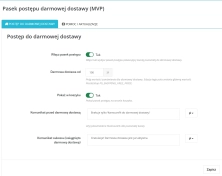
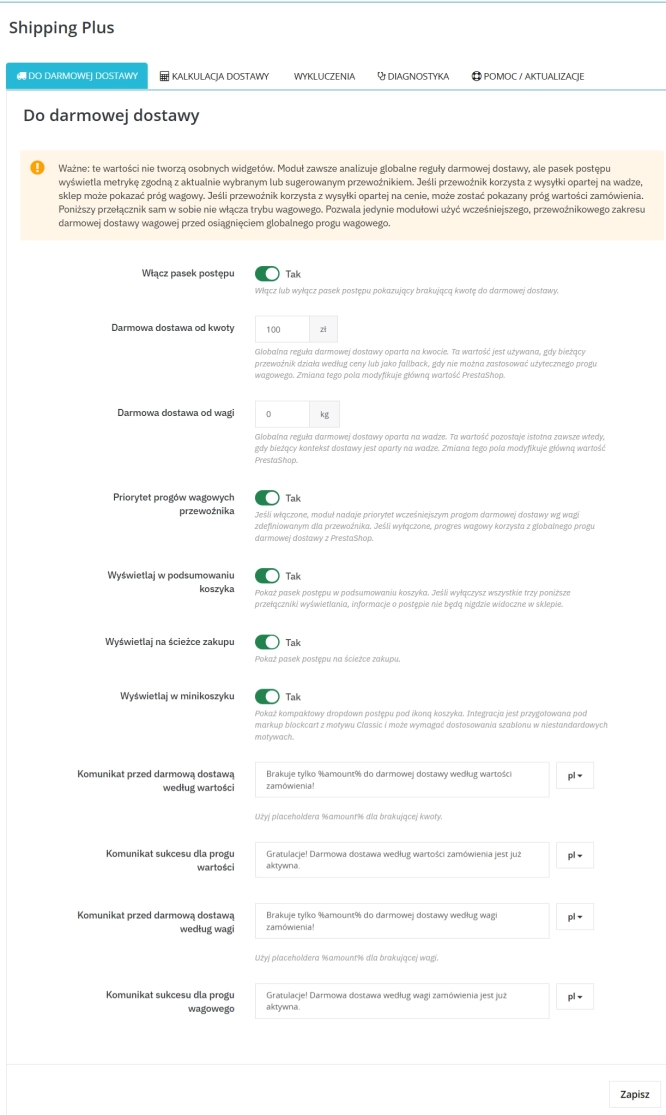
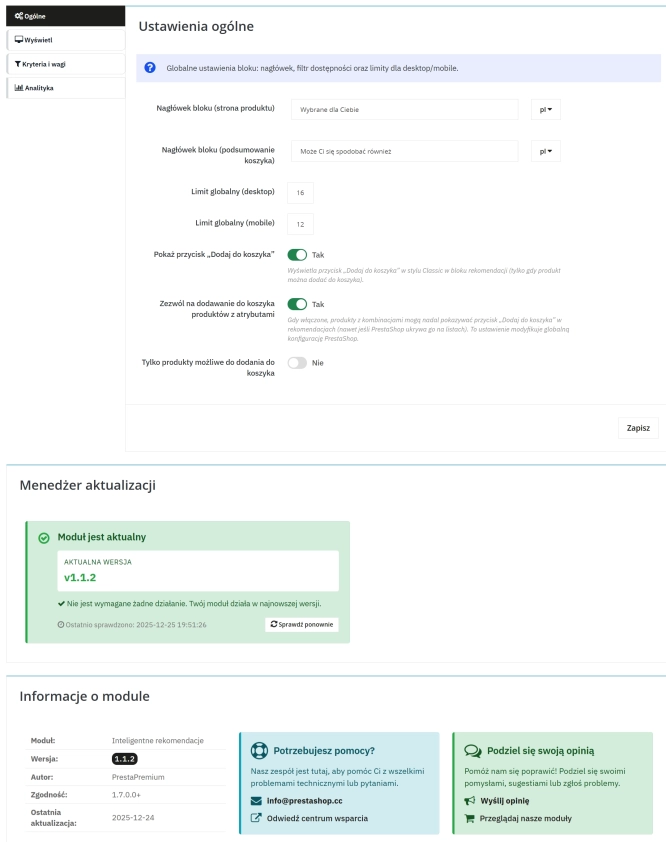
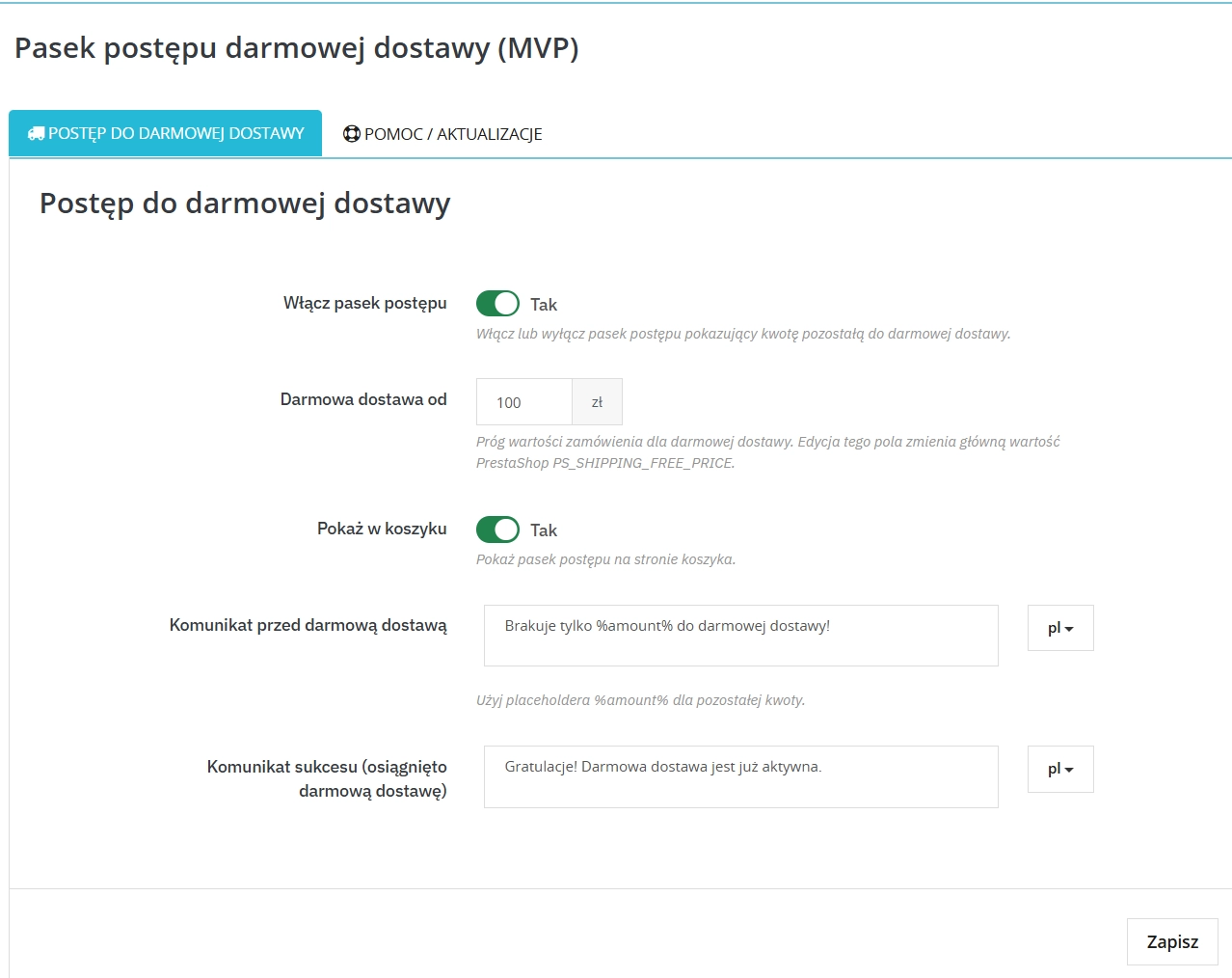
    Management is centred around one simple visibility switch plus configuration of the free shipping threshold and the cart messages.

    Native price threshold

    The module is tightly integrated with the PrestaShop core — changing the free shipping threshold inside the module automatically updates the standard store variable without breaking internal logic.

    Message editor

    Create persuasive, personalised messages encouraging customers to cross the delivery threshold using smart placeholders such as %amount%.

    Features – Front Office

    Progress bar and messages

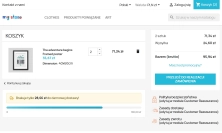
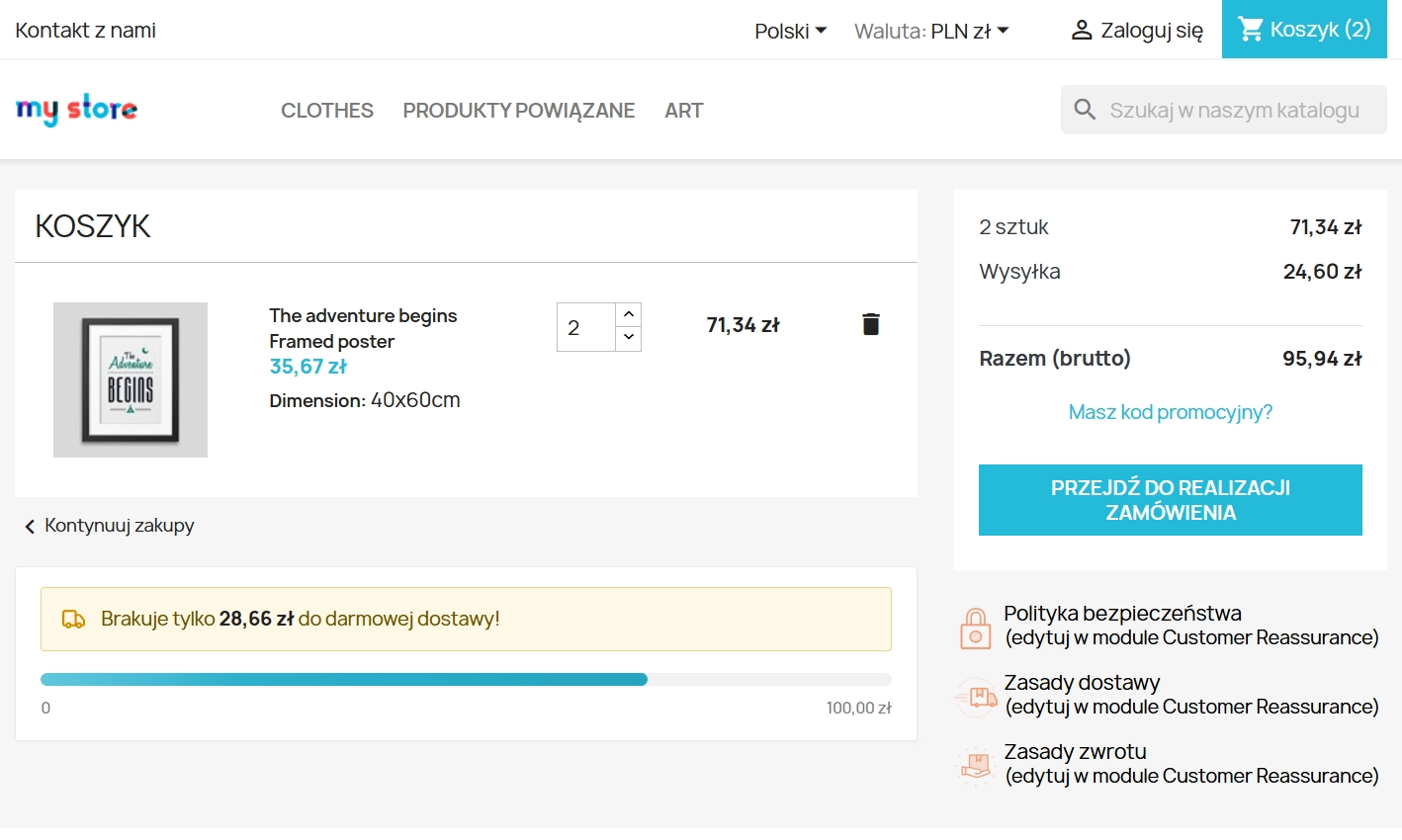
    A visual bar rendered on the cart page. It quickly shows how little is left before the customer qualifies for free shipping.

    AJAX communication

    The front-end app is connected to native JavaScript events. When product quantities change or cart rows are removed, the cart bar refreshes its data in a fraction of a second without reloading the page.

    Classic theme friendly

    The default layout and hook placement were prepared for the Classic theme. If you use a custom or heavily modified theme, a small HTML or CSS adjustment may be required.

    Impact on sales and SEO

    Deploying Free Shipping Progress Bar supports a clear business goal: naturally encouraging both returning and new customers to add more products without relying on intrusive promotional tactics. Because it avoids heavy processing loops, your store and database stay responsive, helping preserve Core Web Vitals performance and protecting your organic visibility in Google.

    If, after deploying the free version, you see that customers respond well to the free shipping message, the natural next step may be to extend this mechanism with more advanced features available in the premium edition. You can find the full module here: see the advanced version.

    Important implementation notes

    Before installing the module, it is recommended to create a full backup of your store database and files. Keep in mind that the plugin acts as a visual and computational layer for the native PrestaShop engine. For the progress bar calculations to remain accurate, your logistics configuration in the main store panel must be correctly set up — make sure your carriers, delivery zones, price ranges, and direct shipping costs are properly defined. Also note that this free edition is prepared for the standard cart structure of the Classic theme. If your store uses a custom theme, some front-end integration adjustments may be needed.

    ## [1.0.0] - 2026-03-15
    ### Added

    FAQs

    • 1. What payment methods do you accept?

      We accept payments by credit/debit card, bank transfer and online payment systems such as Przelewy24, PayPal. Details can be found on the payment page.

    • 2. Can I test the module before purchasing?

      We do not provide modules for testing on individual PrestaShop instances. If a given module has a demo version, it is available on our test store, where you can familiarize yourself with its functionality. On the product page you will also find a detailed description, screenshots and instructional materials. In case of questions, please contact us - we will be happy to provide additional information.

    • 3. Are the modules compatible with my version of PrestaShop?

      Each module in our store contains information about compatibility with specific PrestaShop versions. Please check this information carefully before purchasing. If you are not sure, contact us.

    • 4. How can I download a purchased module?

      After you pay for your order and the payment is posted, the link to download the module will appear in your account in the "Order History and Details" tab ("Details" button). Additionally, we will send you an email with a download link.

    • 5. Can I get help installing a module or template?

      Yes, we offer installation and setup service as an additional option. You can add it to your cart when purchasing the product or order it separately.

    • 6. Are the modules compliant with GDPR regulations?

      We design our modules with GDPR compliance in mind. If a module processes personal data, you will find detailed information on compliance with the regulations in its description. We make every effort to ensure that our solutions meet current data protection standards.

    • 7. Can I have my store audited before purchasing a module?

      Yes, we offer a store audit service to help you choose the right modules and identify areas for improvement. Contact us for more information.

    • 8. Can I get a discount as a regular customer?

      Yes, for our regular customers we offer a loyalty program with attractive discounts. Check the details in your customer panel. If you do not see such an option, contact us - we will be happy to help!

    • 9. What should I do if the product does not meet my expectations?

      If the product does not meet your expectations, please contact our customer service department. Any returns are considered individually, in accordance with our regulations.

    • 10. Can I modify a purchased module or template?

      Yes, you can modify purchased products for your own needs, but you cannot resell them or share them with third parties. Details can be found in the license terms and conditions.

    • 11. Can I use the purchased module in multiple stores?

      Purchased modules are licensed for a single store. The exception is the use of the multi-shop feature within a single PrestaShop installation. In this case, you can use the module on multiple stores, even with different domains, provided that:

      • all stores run on the same PrestaShop installation,
      • the module is compatible with the multi-shop feature.
    • 12. How can I check if a module will work with my other installed modules?

      Our modules are designed to be as compatible as possible with other popular PrestaShop extensions. If you have any doubts, contact us and send us a list of your modules - we will help verify it.

    • 13. Are the modules translated into different languages?

      Most of our modules are available in several languages, including Polish and English. Information about available languages ​​can be found in the module description.

    • 14. How long does it take to process an order?

      The order is fulfilled automatically after the payment is posted. The product can then be downloaded immediately after the order has been paid for.

    • 15. What to do if module installation ends with an error?

      Check if your PrestaShop version is compatible with the module and if you have the right permissions for installation. If the problem persists, contact our technical support - we will help you solve the problem.

    • 16. Can I order a module that is not available in your offer?

      Yes, we do custom module creation. Contact us for details and pricing.

    • 17. How can I extend technical support or access to updates?
      • Extension of support and updates:

        • If the option to extend support and updates is available, you can order it directly from our store.
        • Simply add the appropriate option to your cart and complete the purchase.
      • No available extension option:

        • If support and update extensions are not offered, purchasing the module again will be required.
    • 18. How long can I use the module after purchase?
      Purchased products are available for use without time limits. However, access to updates and technical support is usually limited to 6 or 12 months from the date of purchase, depending on the product. (details on updates/support are always included on the respective product card)

    • 19. Do you offer technical support for products?

      Yes, we provide technical support within the support period assigned to a given product. You can contact us via the contact form or e-mail.

    • 20. Can I update the module to a newer version?

      Yes, you can download new versions of the product for free during the support and update period. After that time, you can renew your update subscription.

    • 21. Can I ask you to adapt the module to my needs?

      Yes, we offer a module personalization service. Describe your needs and we will prepare an individual quote.

    • 22. What should I do if I have problems downloading the module?

      If you have trouble downloading the module, please make sure your payment has been processed. If you still have trouble, please contact us and we will manually provide you with the module.

    • 23. Do you offer help with store optimization after installing the modules?

      Yes, we can help you optimize your store so that your modules run at full efficiency. Ask about our technical support service.

    • 24. What does the module update process look like?

      If the module requires an update, you can download the latest version from your client panel. We recommend backing up your store before updating.

    • 25. Can I change the domain on which the module runs?

      Yes, if you want to transfer the module to another domain, please contact us to discuss the details and conditions of the license transfer.

    • 26. What should I do if my store stops working after installing the module?

      If your store encounters problems after installing the module, please contact our technical support immediately. We will help diagnose and resolve the issue.

    • 27. Can I ask for advice in choosing a module?

      Of course! Contact us and we will advise you which module best suits your needs.

    Do you need additional features or custom solutions?

    • Module customisation tailored to your specific requirements.
    • Extending functionality to enhance your store's capabilities.
    • Developing bespoke modules designed to meet your unique needs.
    • Integrating external systems and additional tools.
    • Optimisation and improvements for better performance and user experience.

    Do you have ideas on how to improve this software? Share your suggestions for optimisation, new features, or bug reports – we’ll be happy to review them!