Key Benefits
- A clearer product page – add-ons are split into logical groups instead of getting lost in one chaotic block.
- Complete freedom in cross-selling – a single product page can show several different groups, tailored precisely to your sales strategy.
- Faster catalogue management – assign products directly in the editor, without manually digging through descriptions or template code.
- Create once, reuse again and again – a finished group can easily be linked to multiple products and used across different shops in a multistore setup.
- Full control over visibility – manage order, product limits, carousel display, and the Add to Basket button to maximise conversions.
When Is It Worth Using?
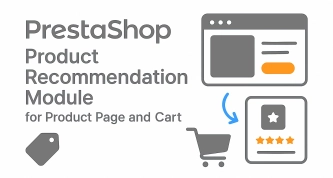
This module is an excellent fit wherever you want to offer customers several different options alongside one main product. It works brilliantly in consumer electronics, home appliances, motoring, home furnishings, cosmetics, hobby shops, tool retail, and B2B projects.
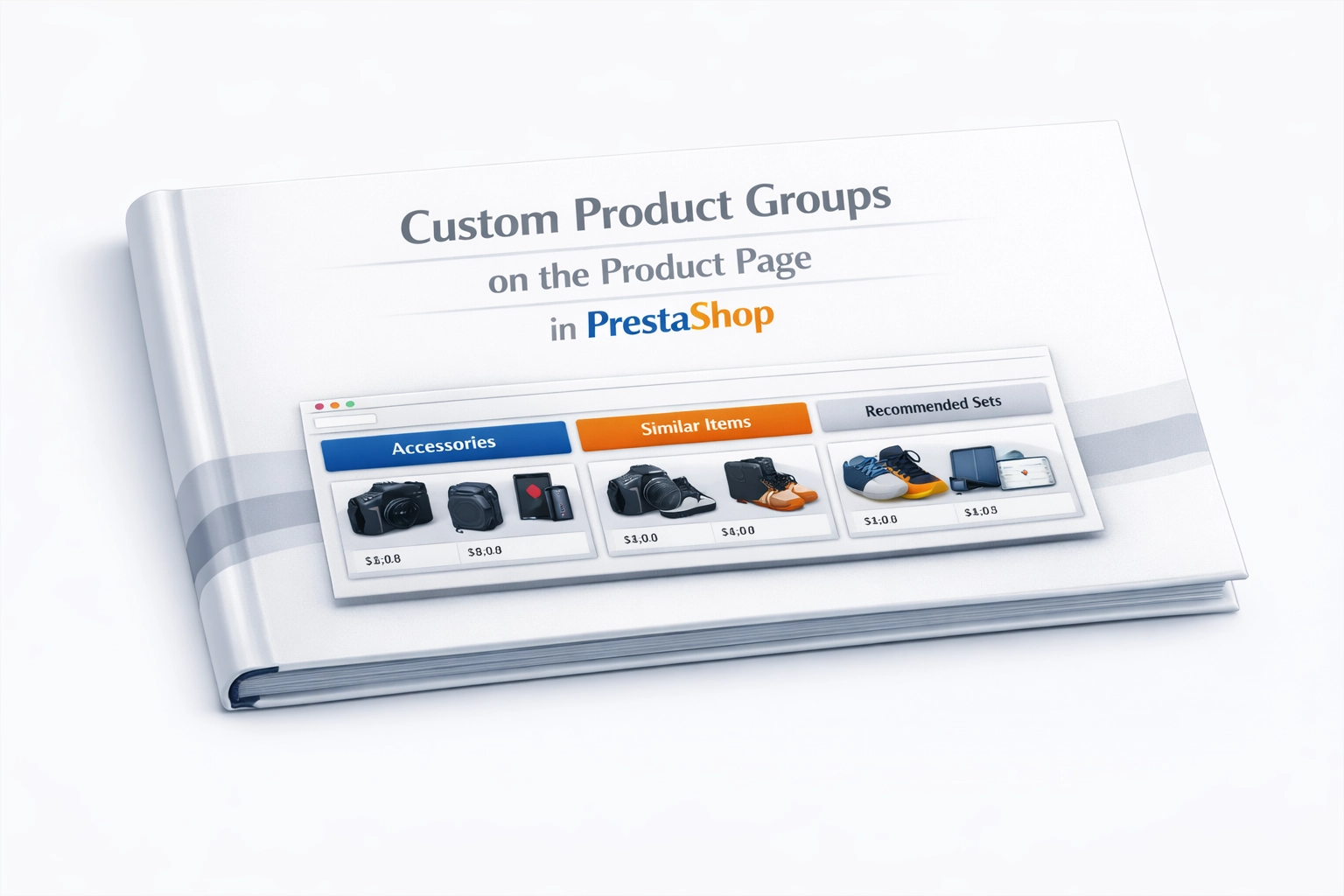
In practice, you create dedicated sections such as “Essential for Installation”, “Expand Your Equipment”, or “Other Customers Also Bought”. That way, you design the customer journey yourself instead of relying on the standard related-products mechanism.
Features – Admin Panel (Back Office)
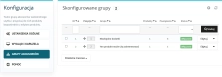
1. Ready-Made Product Groups
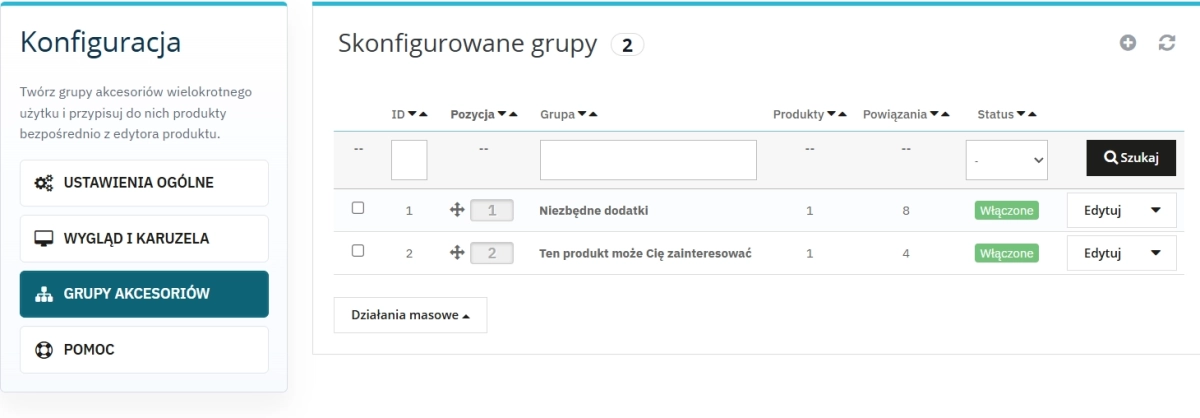
Create your own collections that can easily be reused across multiple product pages.
- Multilingual names supporting every language enabled in your shop.
- Status and position per shop for full control in a multistore environment.
- One group definition working across the entire catalogue.
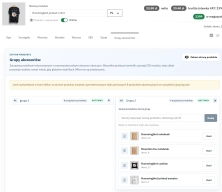
2. A Convenient Panel in the Product Editor
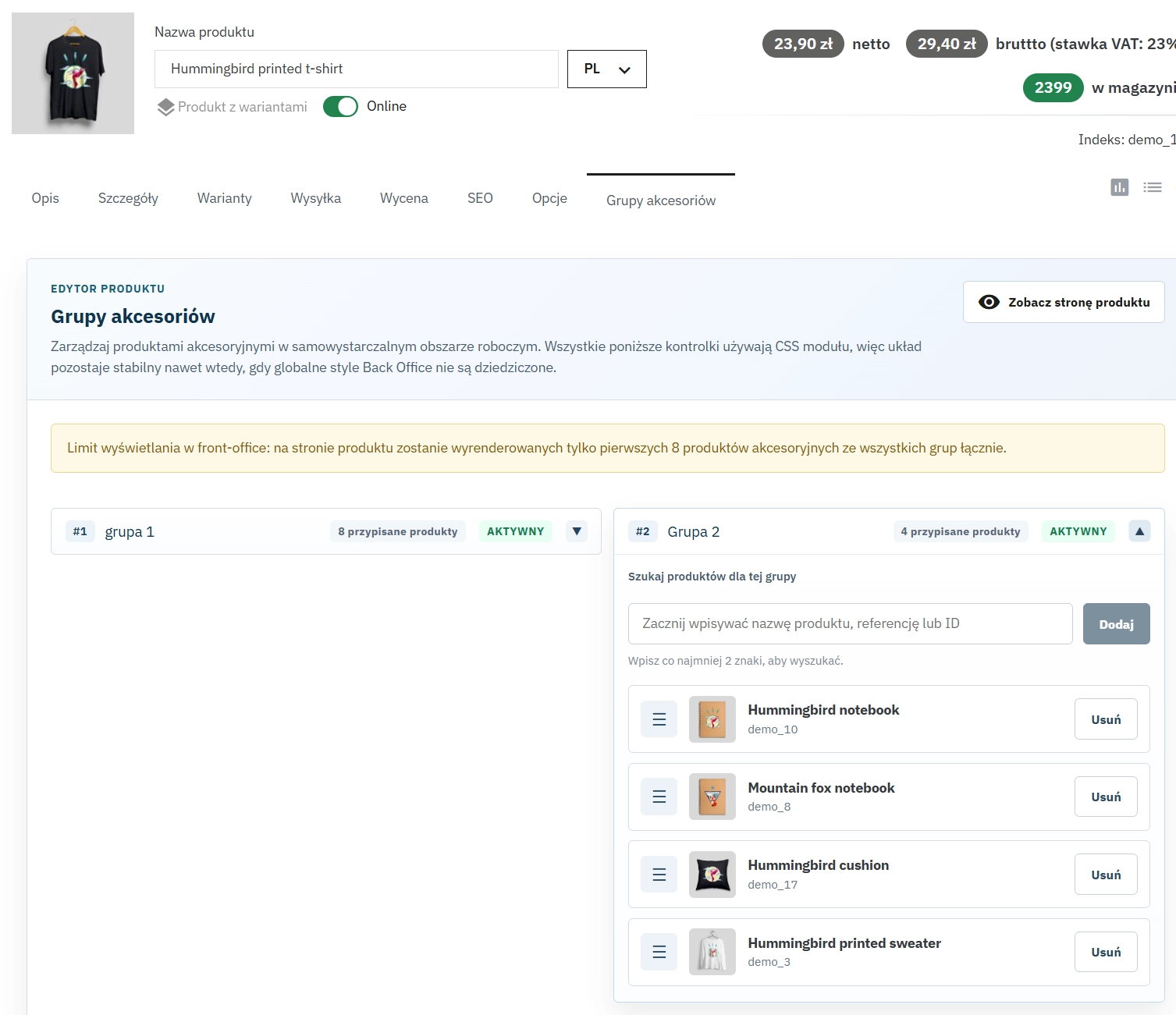
The module integrates directly with the product form in the Back Office, so everything is right at hand.
- Manage everything from the product page, without jumping between tabs.
- A quick preview link lets you check the effect on the front end straight away.
- Safe to use – the module does not interfere with the main product description or your theme files.
3. Fast Search and Assignment
Search for products by name, reference, or ID and add them to groups in bulk.
- Fast filtering removes the need to scroll through long product lists.
- Duplicate protection automatically blocks the same accessory from being added twice.
- Main product exclusion prevents absurd situations where a product is assigned to itself.
4. Easy Position Management
Arrange both the groups and the products inside them exactly the way you want.
- Drag & Drop makes reorganising everything a matter of seconds.
- Independent ordering – each group on the product page has its own unique layout.
- Highlight what matters most, such as your highest-margin products, without needing a developer.
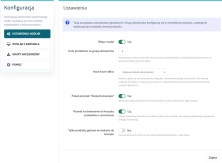
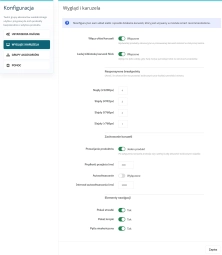
5. Full Display Configuration
Decide exactly how the accessories section should appear to your customers.
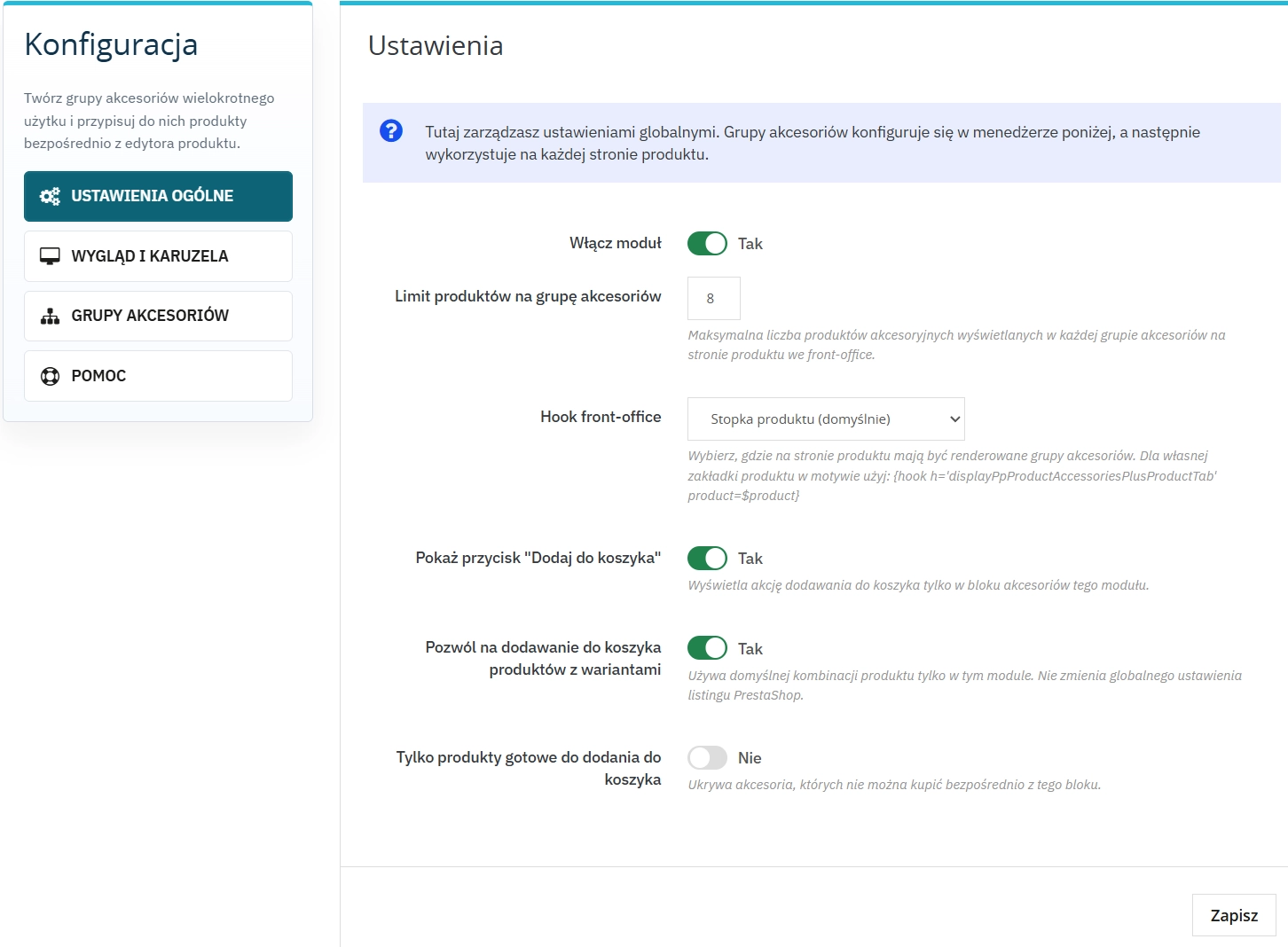
- Hook selection lets you fit the module perfectly into your current theme.
- Product limits and basket options give you control over the size and behaviour of the section.
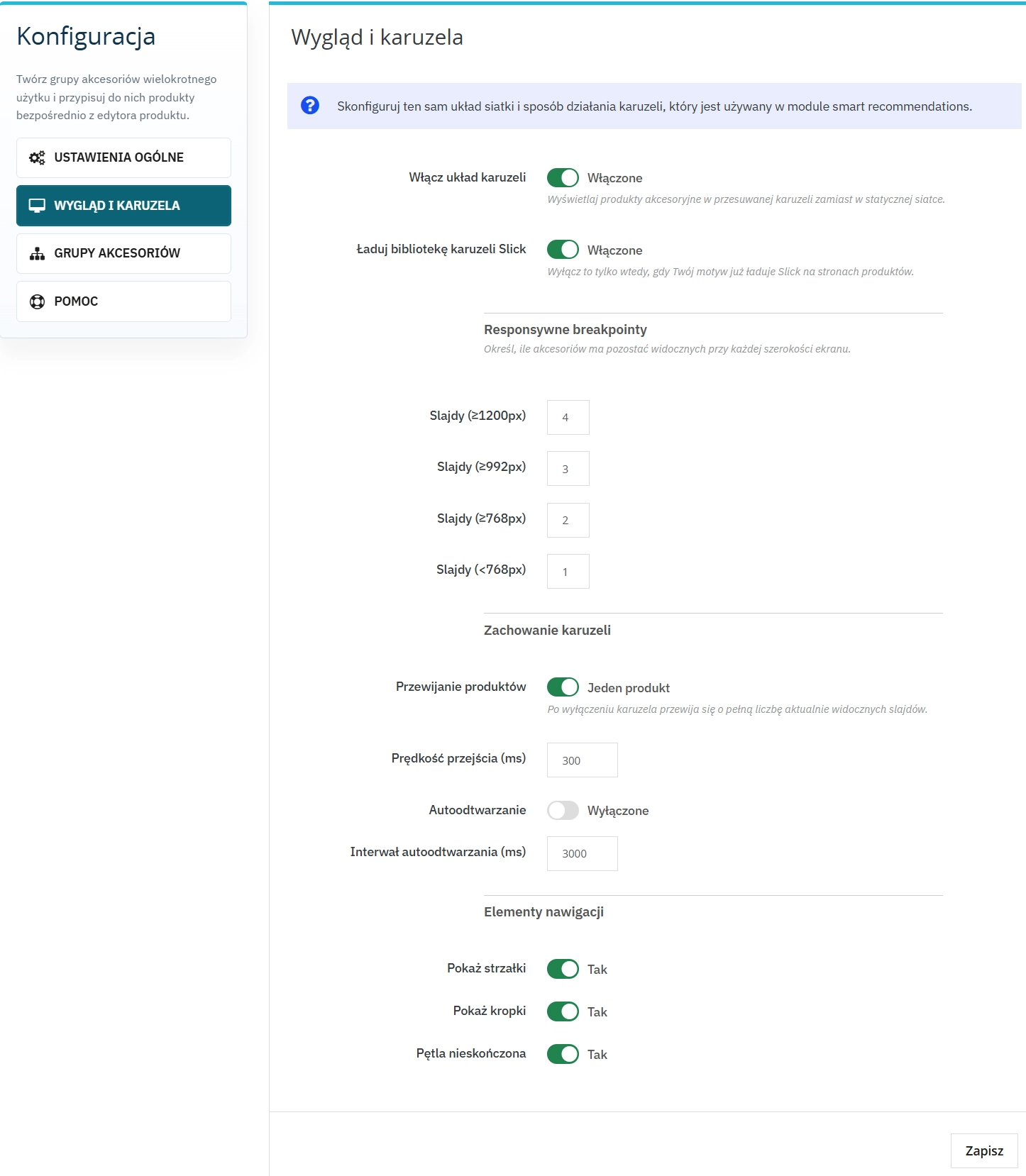
- Slick carousel configuration ensures an excellent appearance on both desktops and mobiles.
Features – Front Office (Shop Front)
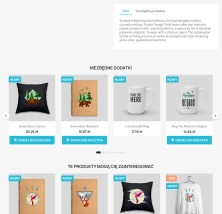
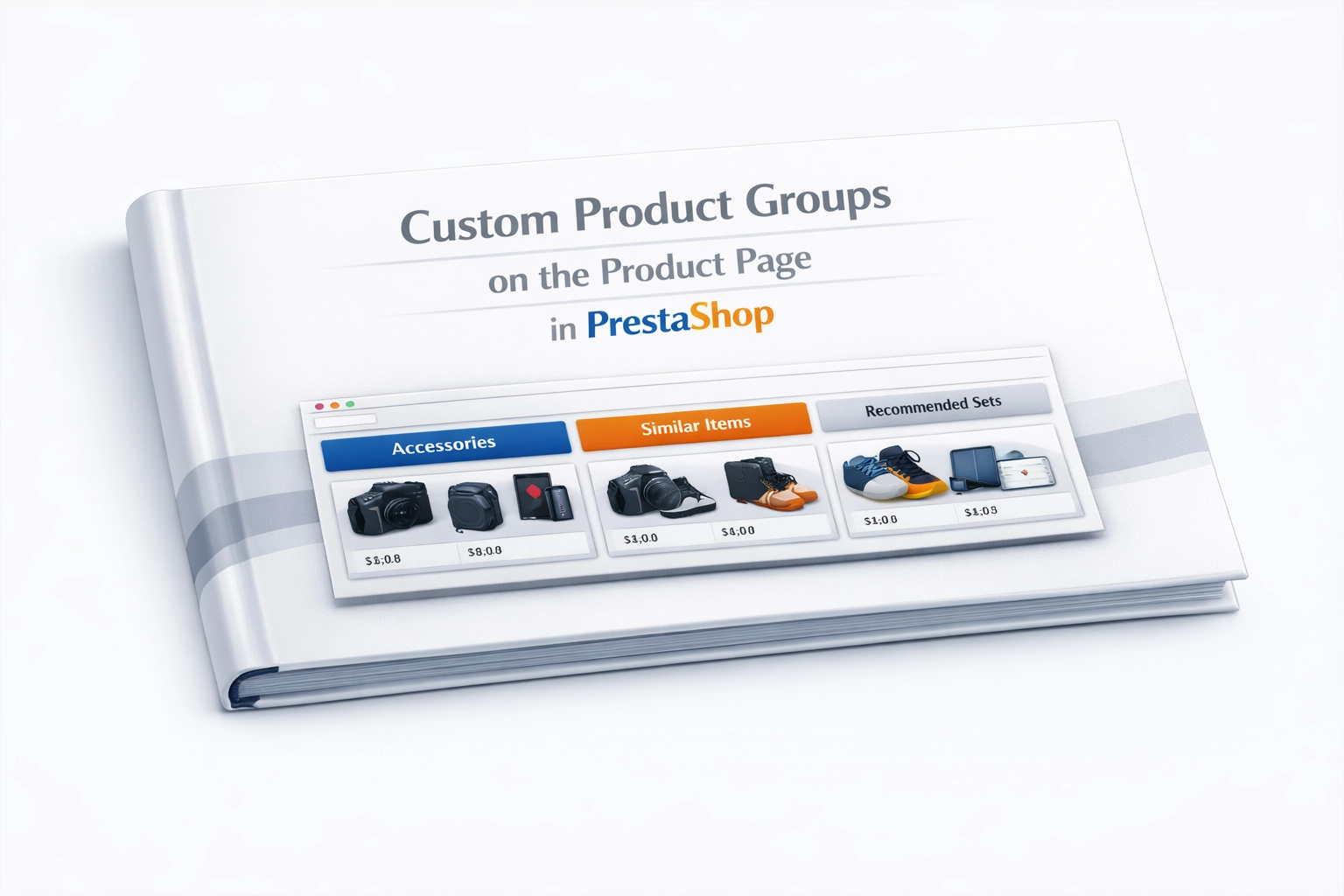
1. Multiple Sections on One Page
Customers no longer see a wall of random products. Instead, they see named, logical sections that make choosing easier.
- Display several groups at once within a single product page.
- A clear structure for essential, optional, or recommended extras.
- Guaranteed display in the order you set earlier.
2. Easy Theme Integration
The module works smoothly with standard PrestaShop hooks and can also be integrated into custom product tabs.
- Support for hooks such as displayProductAdditionalInfo and displayFooterProduct.
- A dedicated product hook for advanced theme customisation.
- Less need for file overrides, which helps improve shop stability.
3. Fast Loading and a Consistent Look
Accessories load dynamically and automatically match the thumbnail style used by your theme.
- Lazy loading improves the performance of the product page.
- Support for default thumbnails protects the display even if your theme does not provide dedicated views.
- 100% visual consistency without writing additional CSS.
4. Carousel and Instant Purchases
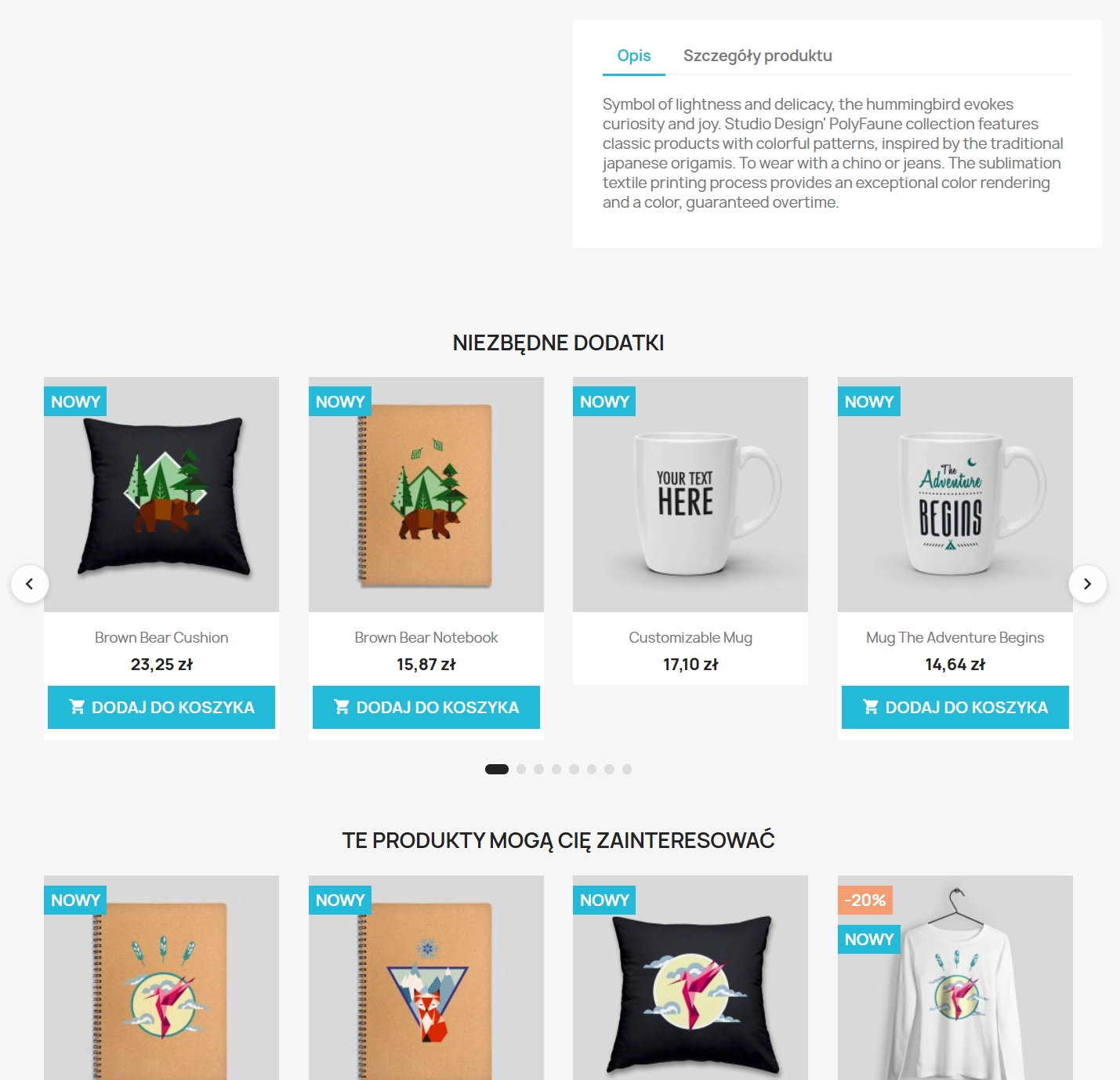
Present add-ons as a grid or a sliding carousel, with the option to add products to the basket straight from the module block.
- A responsive carousel automatically adapts to mobile screens.
- An Add to Basket button directly in the block shortens the buying journey as much as possible.
- Availability filtering hides unavailable products and removes empty clicks.
Real Impact on Sales and SEO
This module is not just a nice extra. It is a tool that directly improves key shop KPIs: recommendation block CTR, the share of accessories added to baskets, and average order value. Well-organised product groups give you real space to test and optimise your offer.
- Faster buying decisions – customers can add the main product and matching accessories with almost one click, without wandering around the shop.
- Stronger internal linking – related product groups create a natural and valuable SEO-friendly network of links across your site.
- More effective visibility – test different group names and limits to see what drives the most additional sales.
- Fewer abandoned baskets – a clean, logical layout reduces information overload and makes it easier for customers to complete their purchase.
Important Before Installation
For maximum safety, always make a backup of your files and database before installing or updating the module. Before making the new functionality available to customers, test the hook placement, carousel, and Add to Basket button on a staging environment, especially if you use multistore. If your theme has a heavily customised product page or already loads its own Slick library, we recommend checking compatibility first.






Write your review