Why does your store need PP Megamenu?
- Speed that sells (Zero SQL) – A slow menu means abandoned carts. Our module serves the structure from static JSON files, drastically reducing server response time (TTFB) and improving scores in Google PageSpeed Insights.
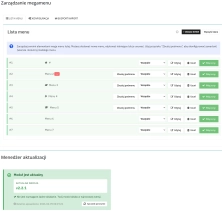
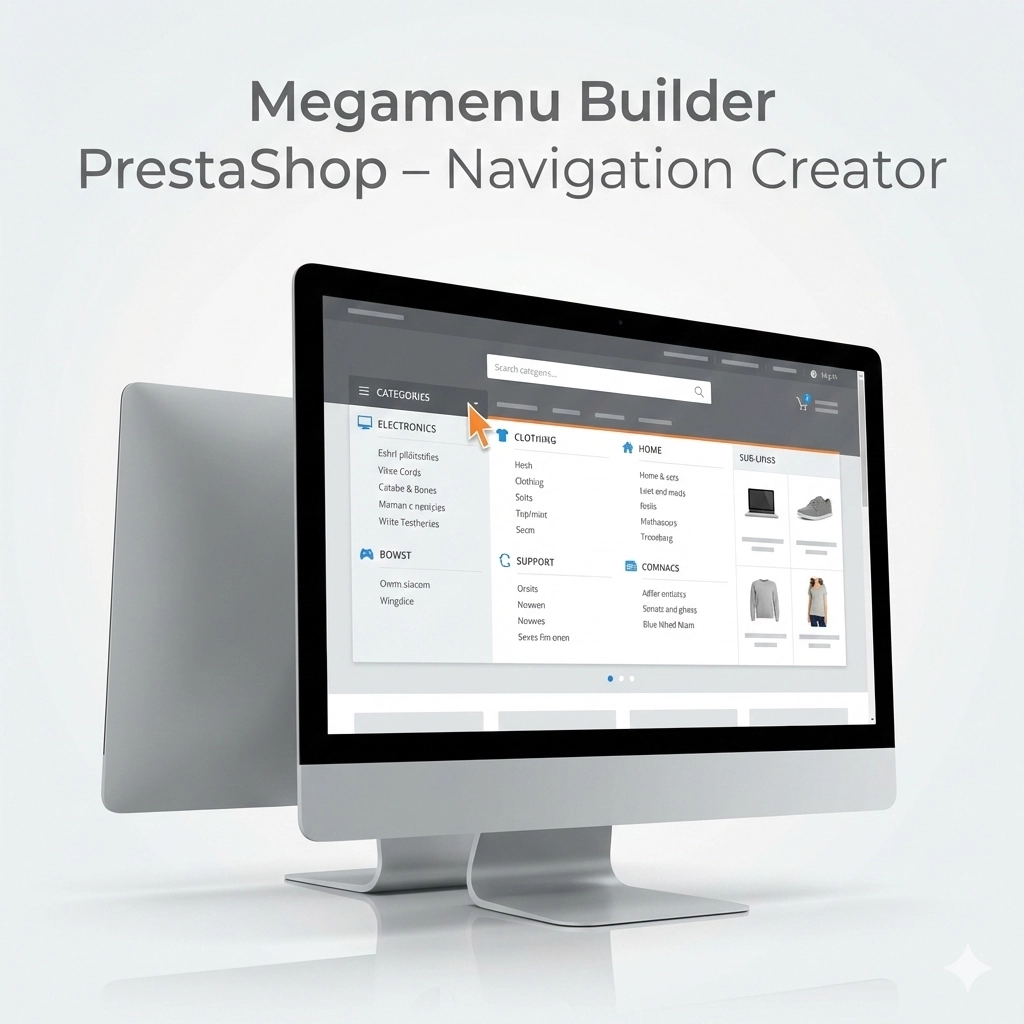
- Full control without a developer (No-Code) – Build complex layouts in minutes. The Drag & Drop builder allows you to combine categories, products, banners, and custom links into one cohesive menu.
- Perfect UX on smartphones – 70% of traffic is mobile. PP Megamenu allows you to create separate row layouts for desktops and phones (Visibility Control), ensuring readability on every screen.
- Powerful tool for B2B – Thanks to intelligent caching, the module correctly handles Specific Prices for customer groups, always displaying current discounts without slowing down the store.
- Support for SEO and Marketing – Promote bestsellers directly in the menu and build a logical internal linking structure that Google robots love.
Who is this module for?
- E-commerce with a large assortment – You will handle category trees with thousands of items without slowing down the homepage thanks to Atomic Cache technology.
- B2B Sales Platforms – The module respects native PrestaShop category permissions, ensuring that customers see only the assortment they have access to.
- Agencies and Developers – You will save hours of work thanks to the Import/Export (JSON) system and developer mode with custom CSS classes.
- Anyone fighting for Core Web Vitals – Eliminating SQL queries from the menu is the simplest way to improve loading speed (LCP/FID).
Features – Administration Panel (Back Office)
1. Grid System & Drag&Drop
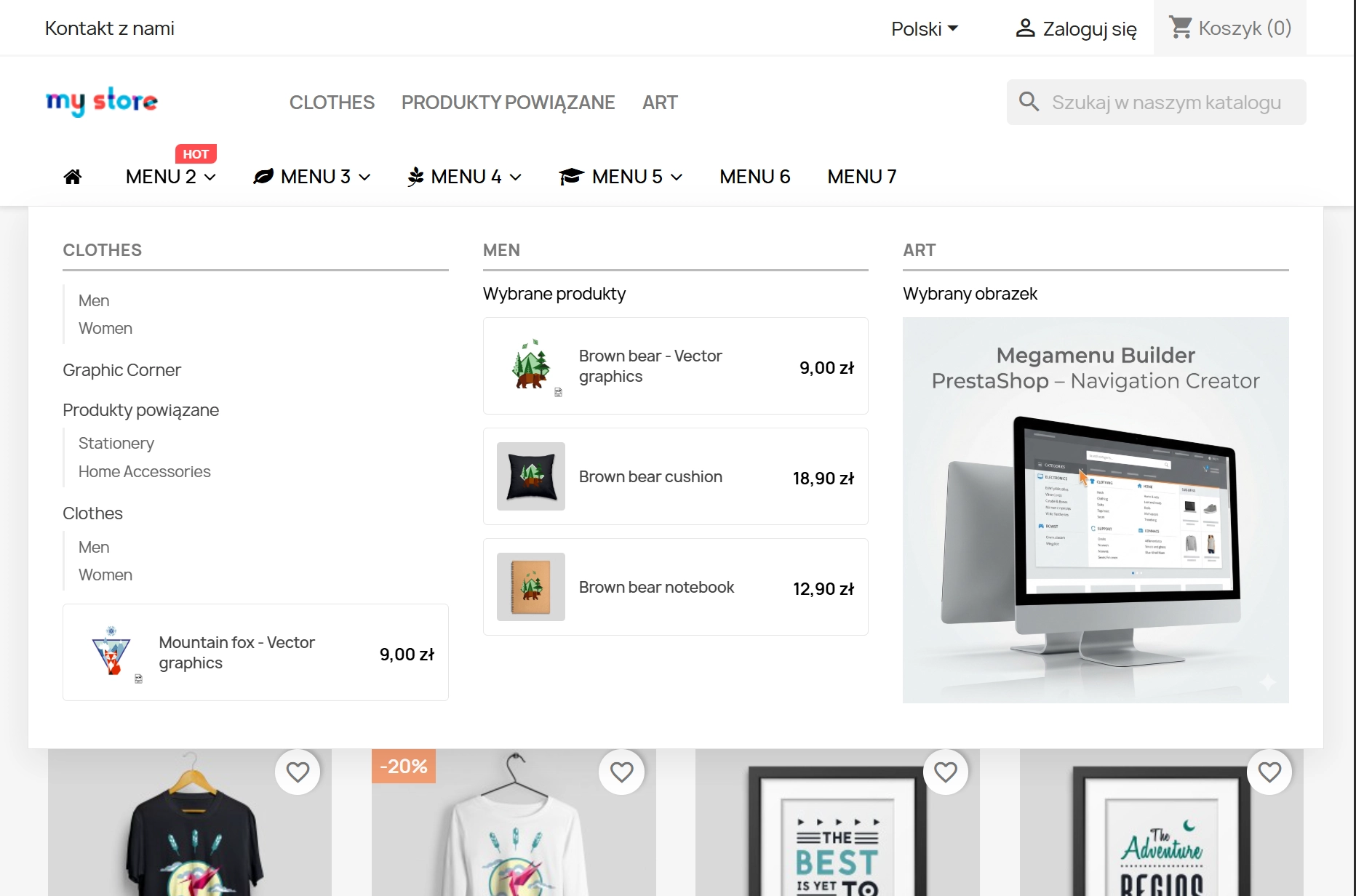
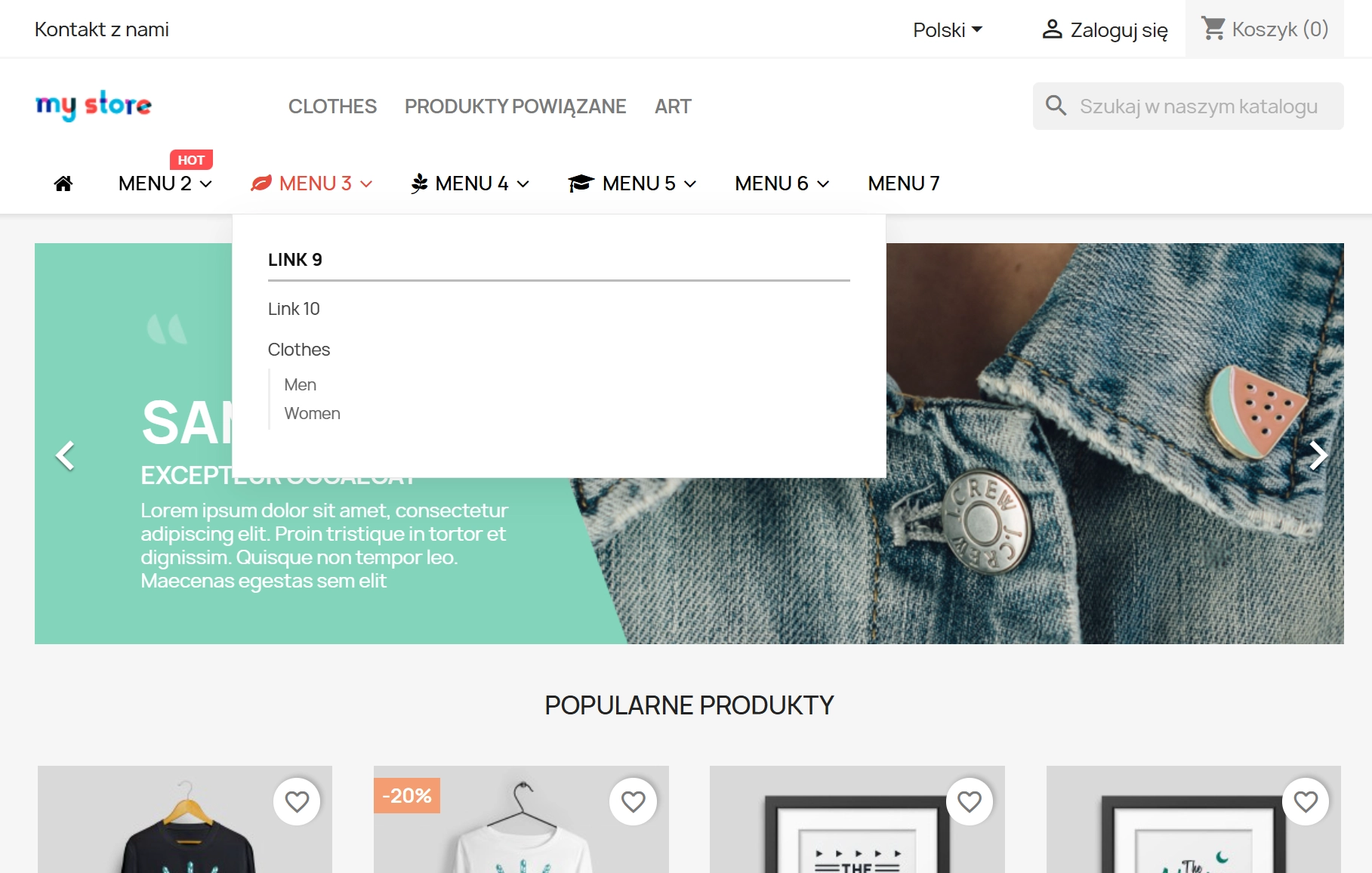
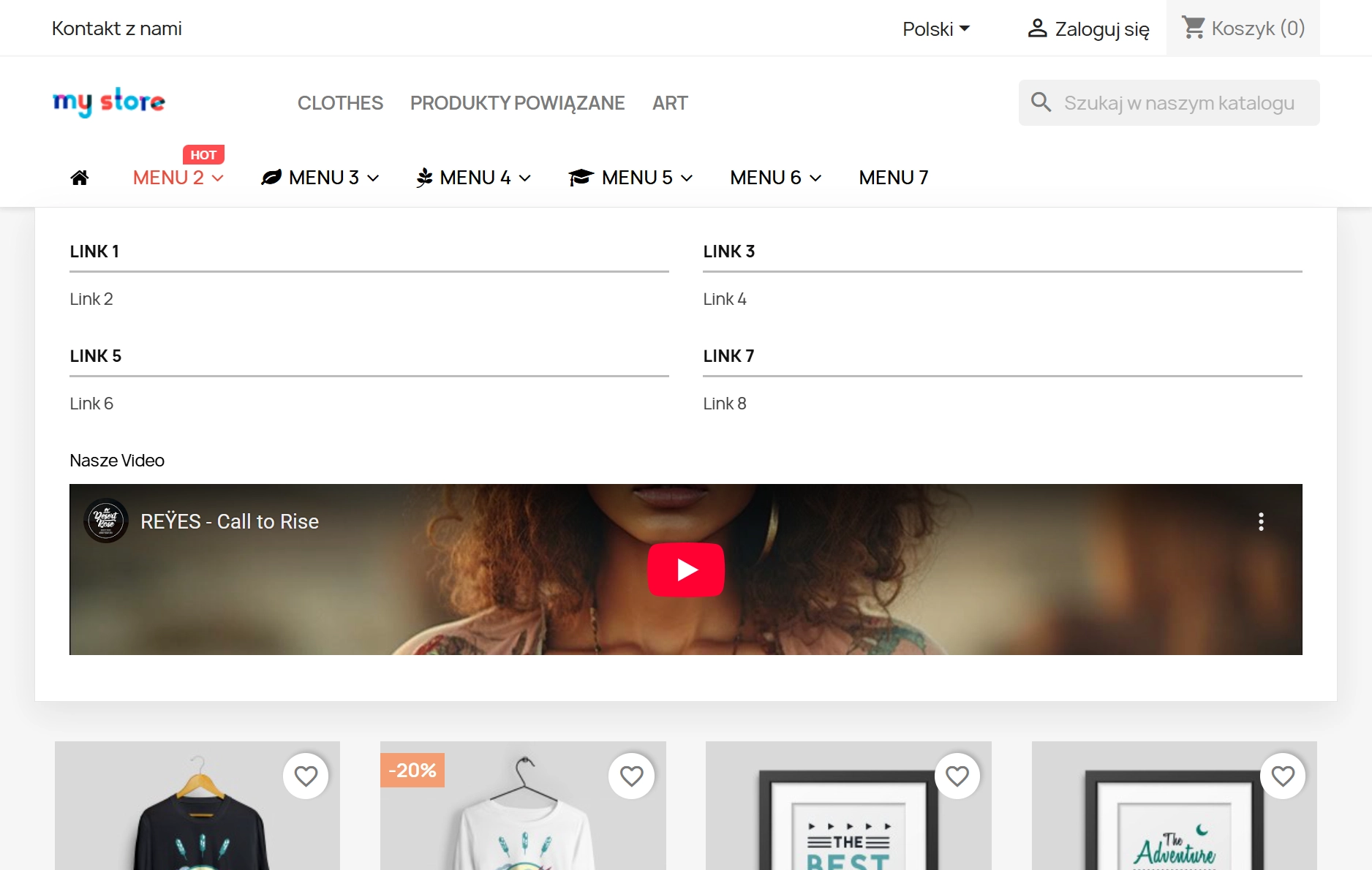
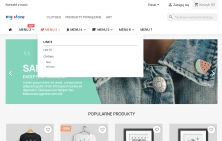
Design like a professional. Use the Bootstrap grid (12 columns) to create multi-level, responsive layouts. Drag and drop elements to change the navigation look in seconds.
2. Sales Widgets
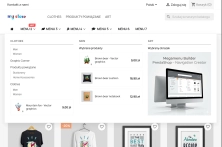
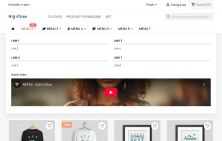
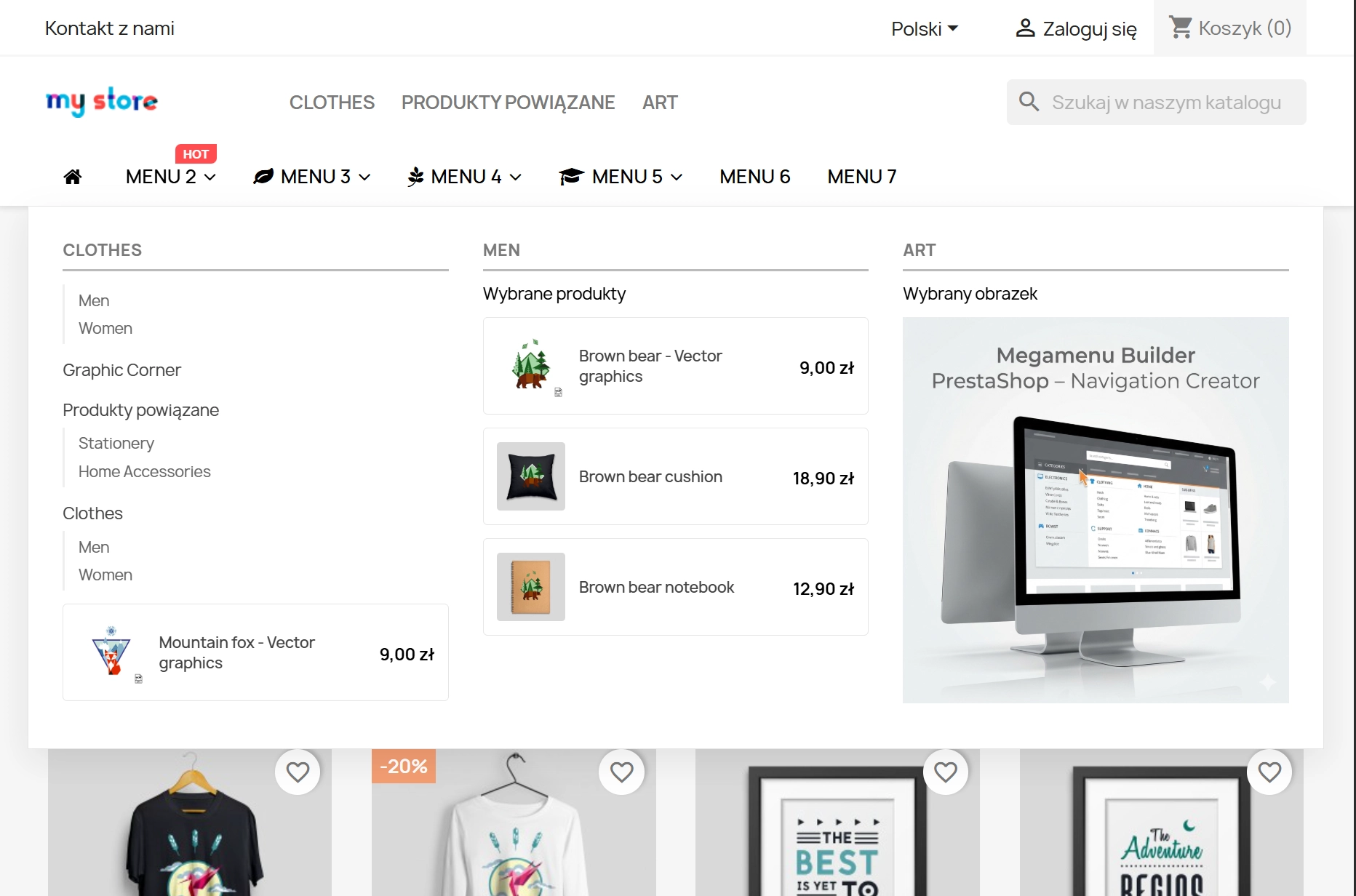
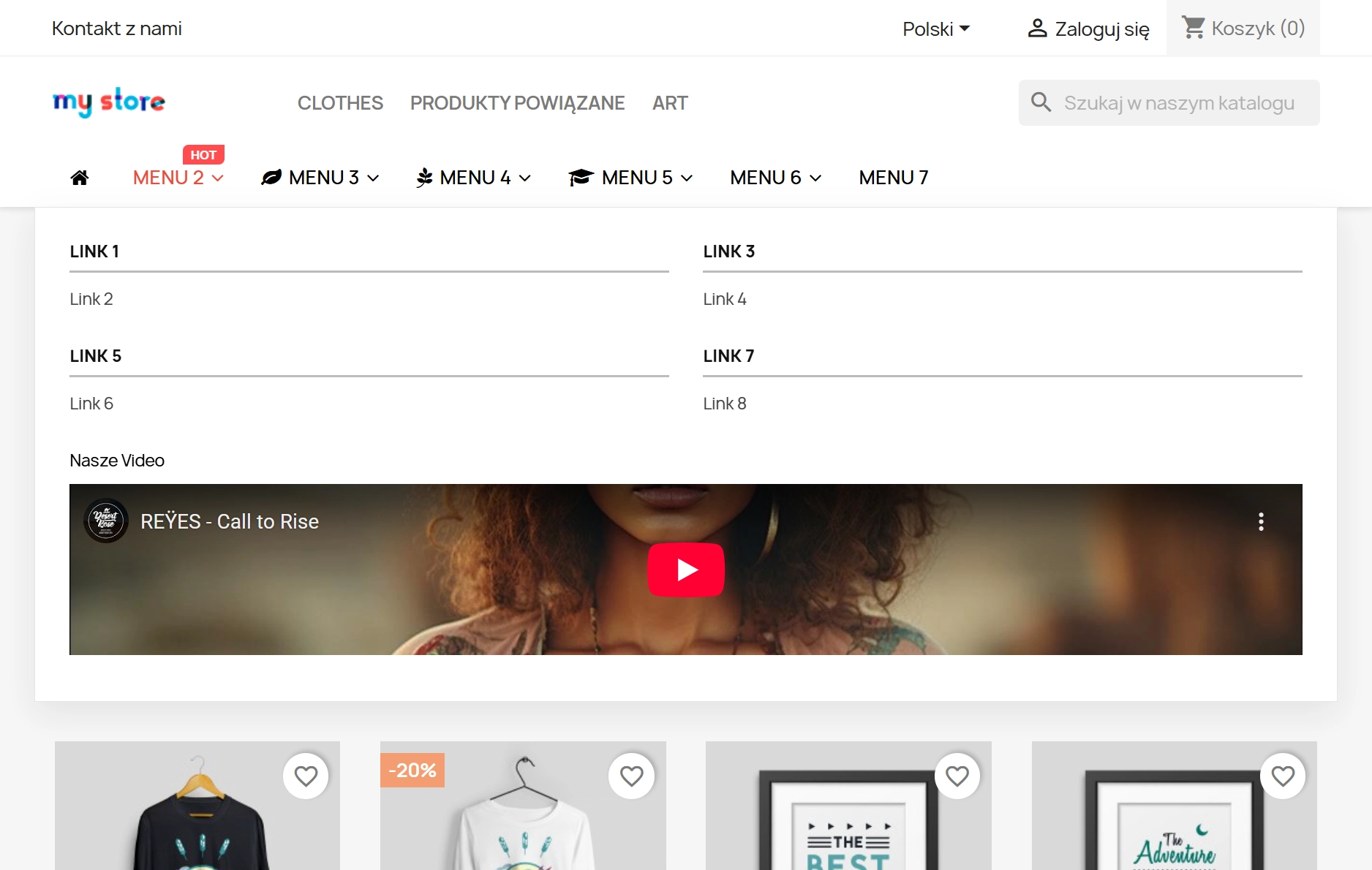
The menu is not just links – it is a place for promotion. Insert product boxes (search by EAN13/Name), HTML banners, YouTube videos, or CMS links to increase customer engagement.
3. Precise Visibility Control (RWD)
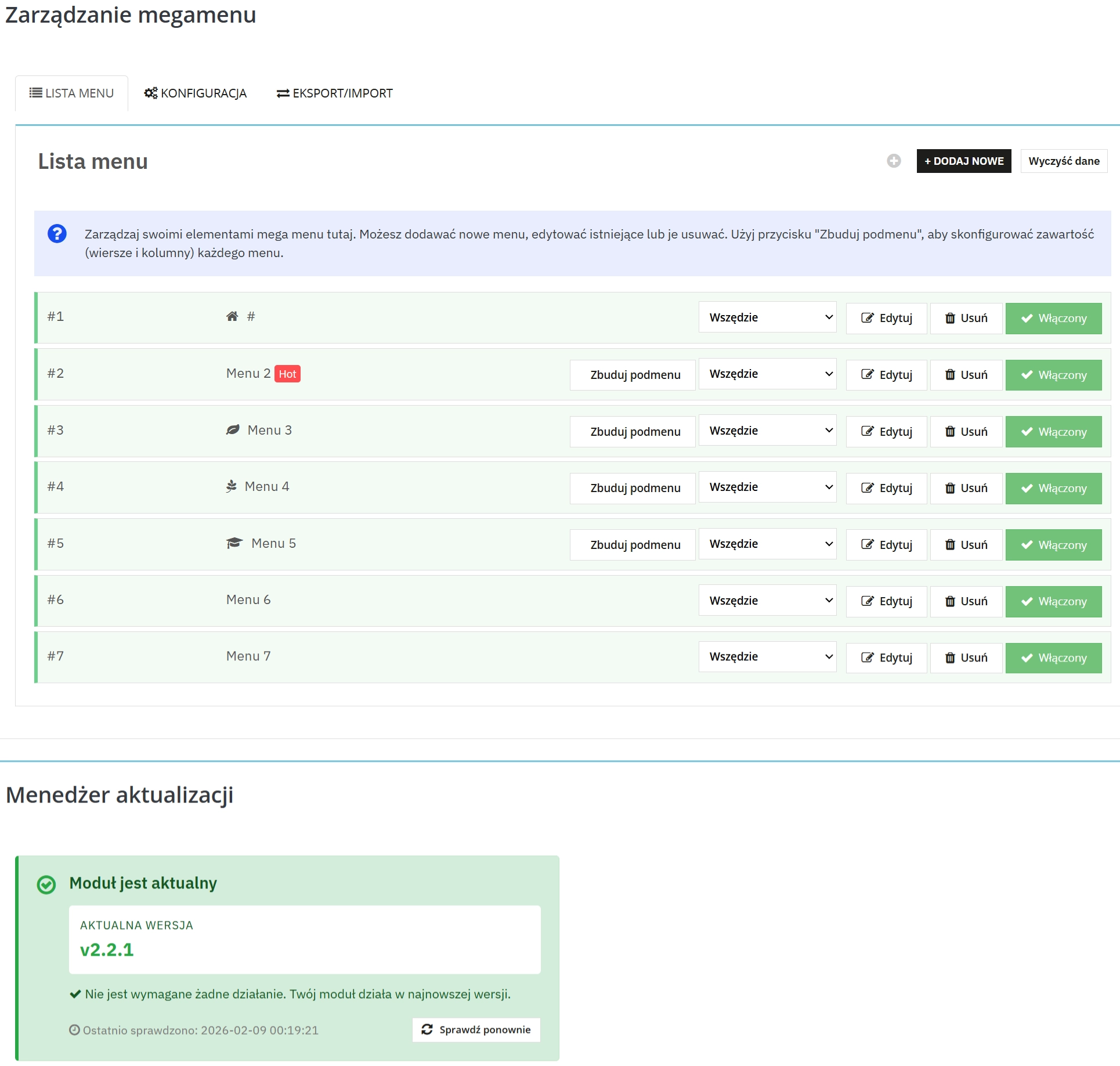
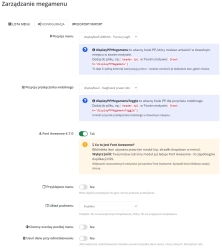
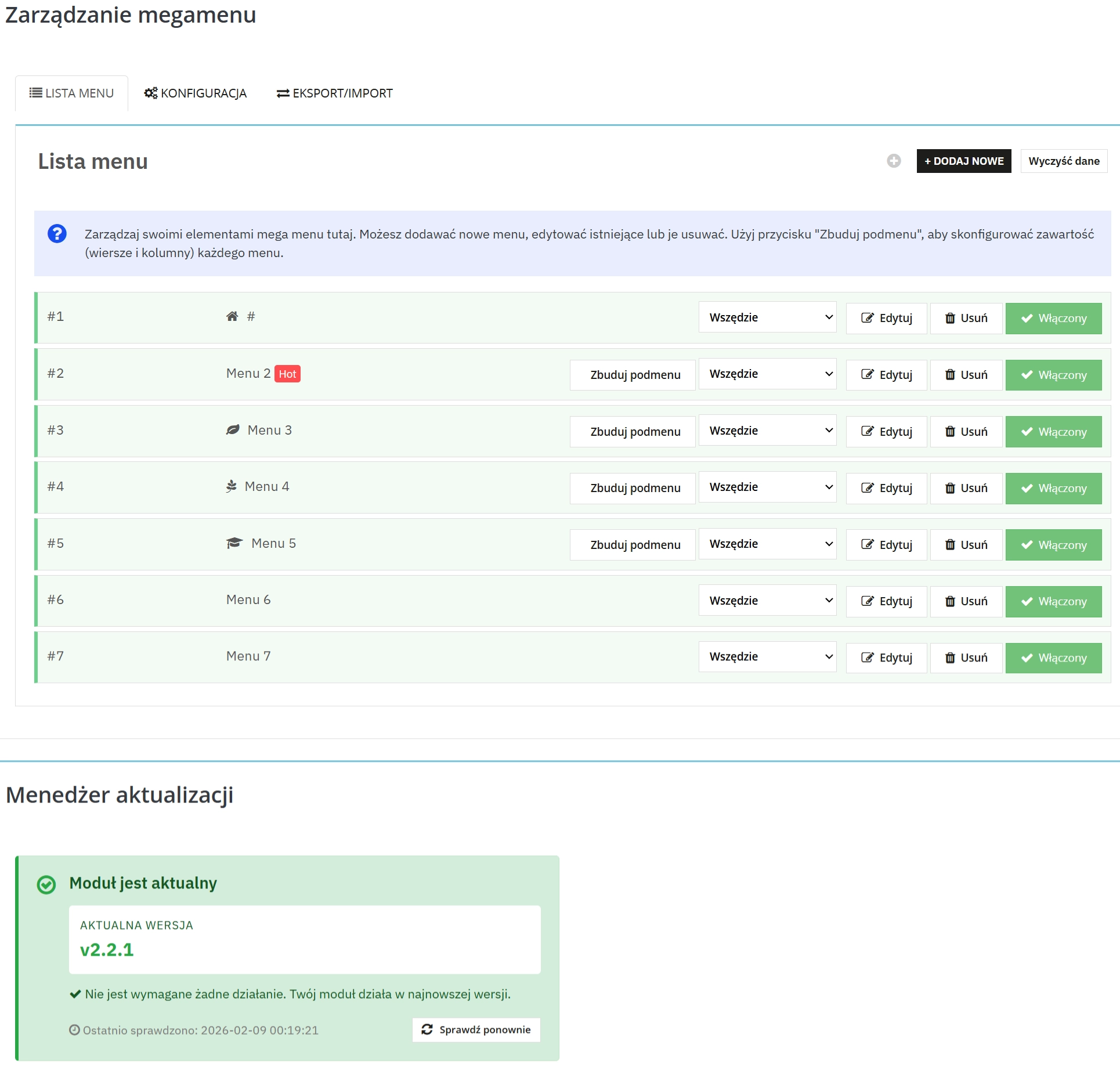
No more compromises. Each menu row has a setting: Everywhere, Desktop Only, Mobile Only. This allows you to create a lightweight menu for phones and a content-rich menu for computers.
4. Multi-Store & Icon Support
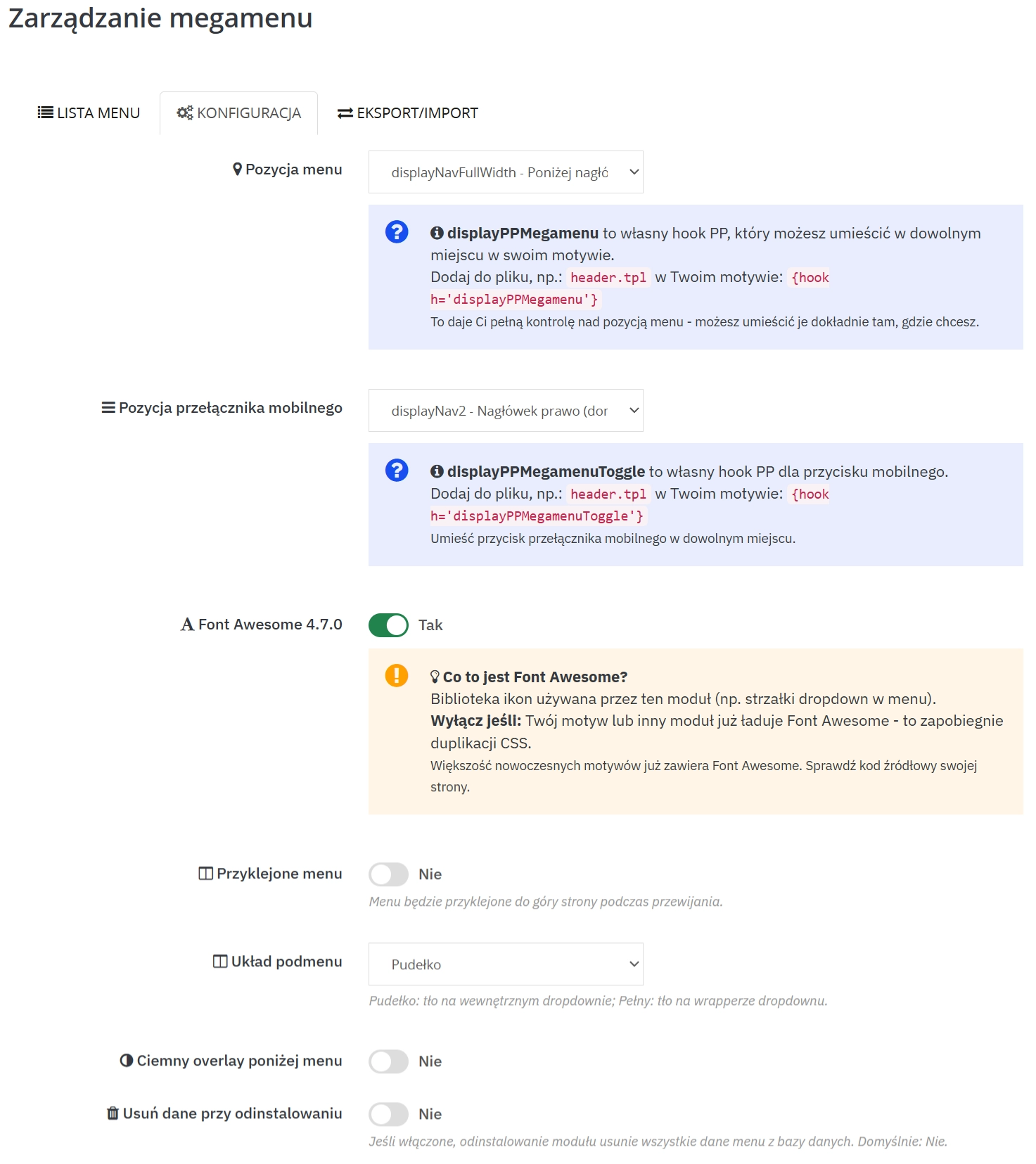
Full compatibility with Multi-Store (independent configuration for each shop). Automatic detection of the FontAwesome library in the template prevents resource duplication.
5. Cache Management & Security
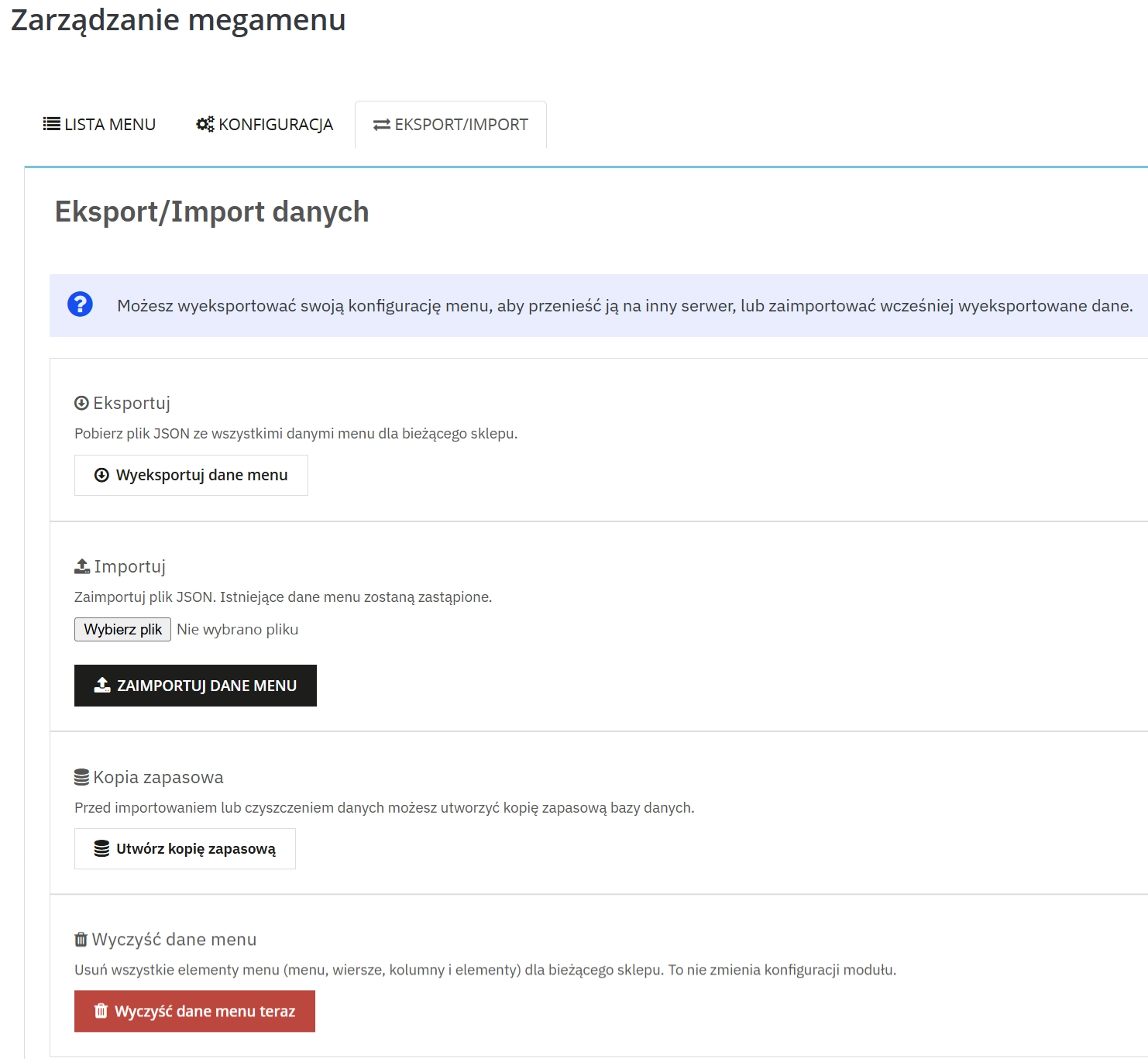
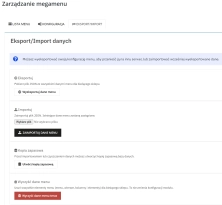
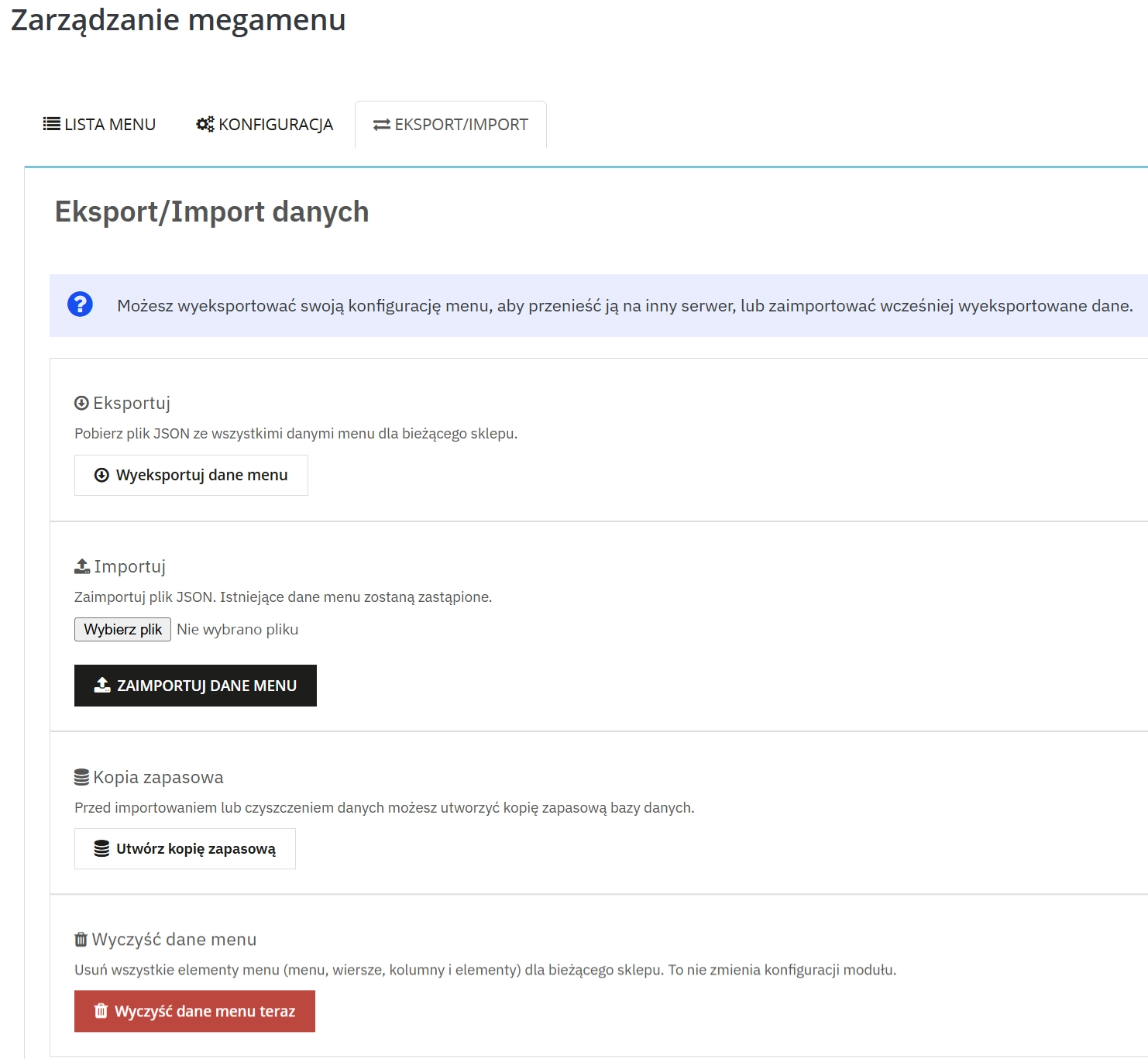
"Atomic Save" technology and file locking (flock) guarantee stability during saving. The Import/Export (JSON) mechanism allows you to safely migrate configurations between environments (Dev/Stage/Prod).
6. Product Search by EAN13
Crucial for large catalogues. Quickly add specific products to the promotional menu by typing their barcode or reference in the search widget.
User Experience (Front Office)
1. Sticky Menu & Dark Overlay
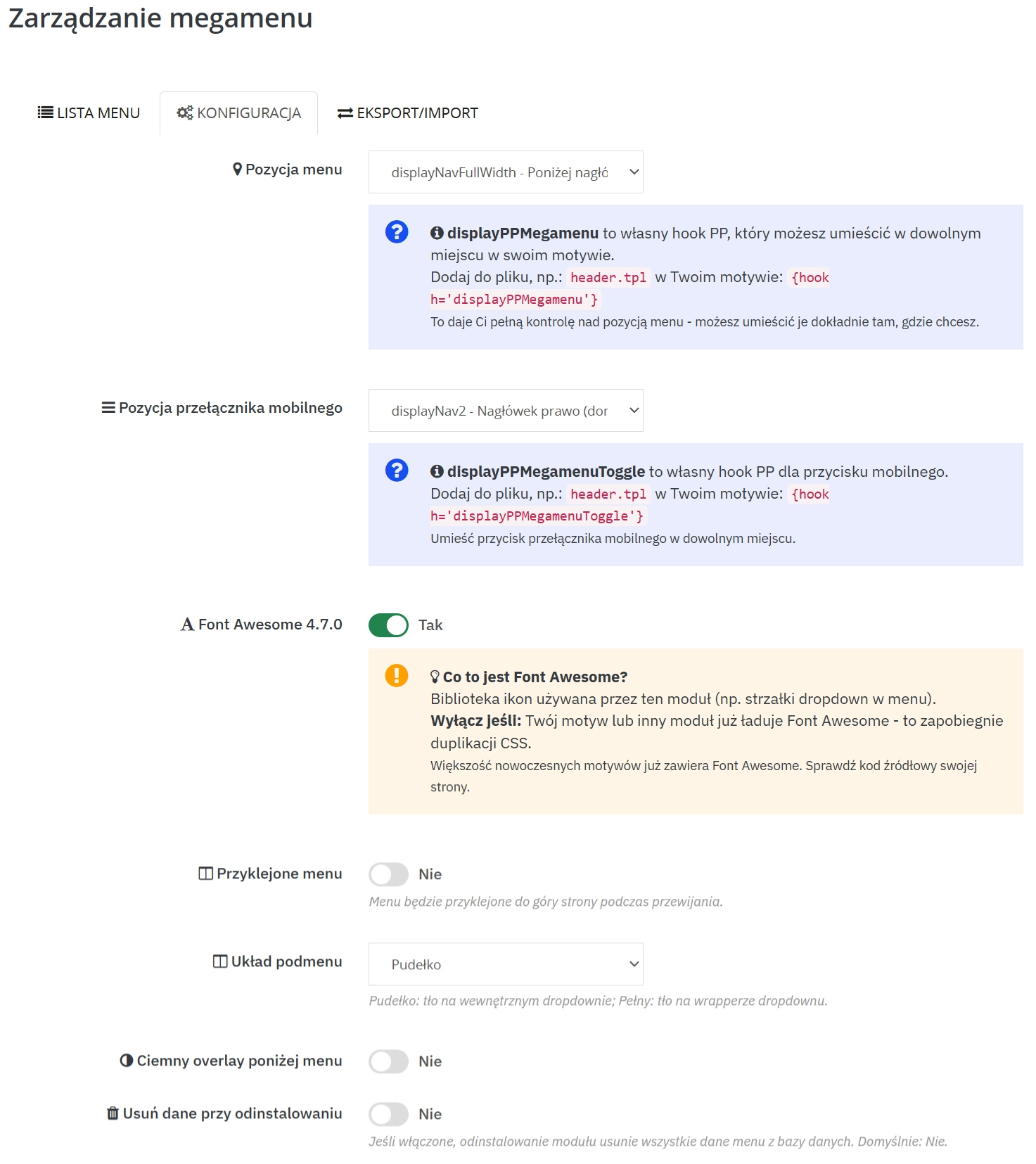
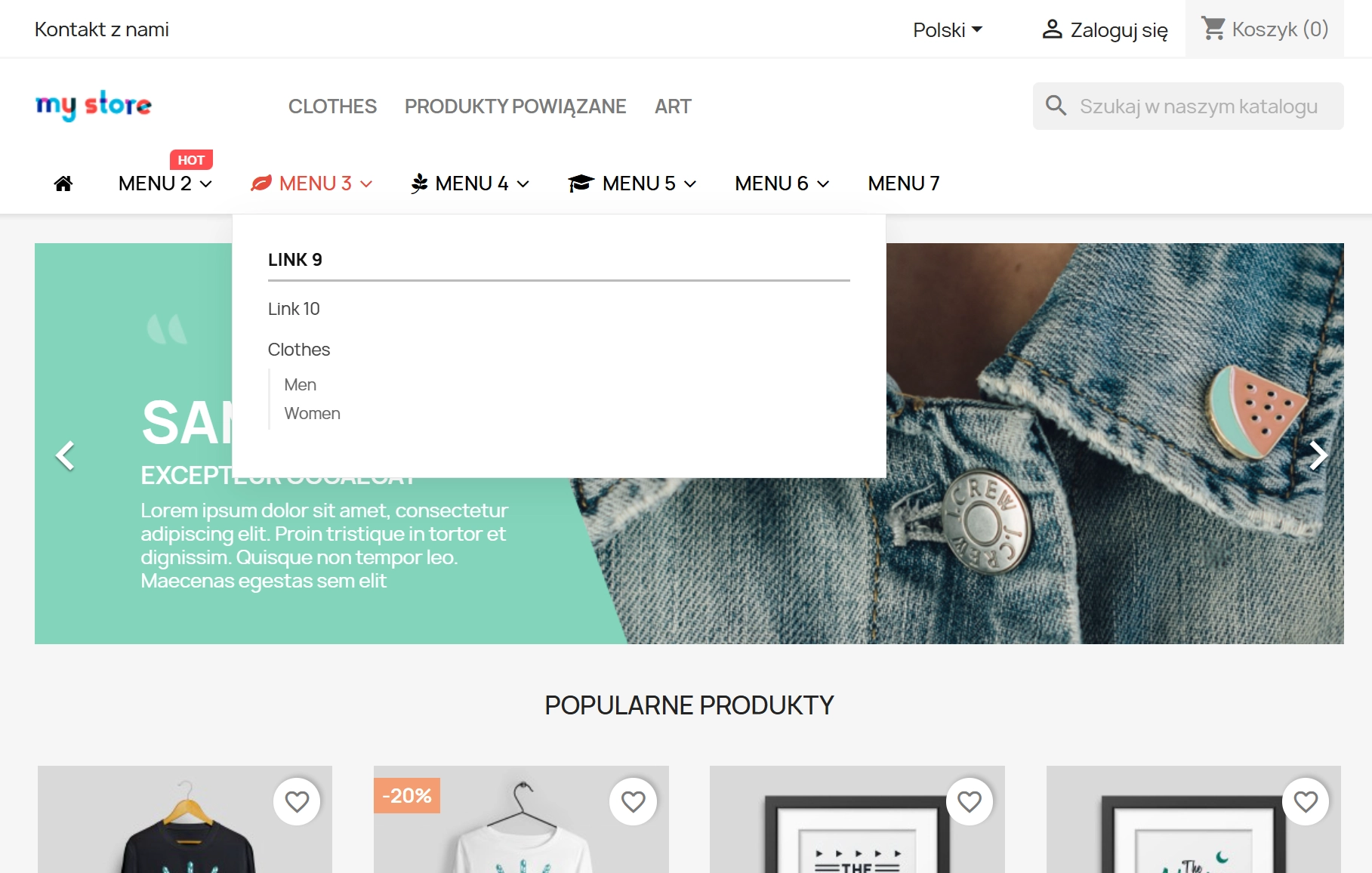
Increase usability with a "sticky" menu that follows scrolling. The optional background dimming effect (Dark Overlay) focuses the customer's eyes solely on your offer.
2. Speed and Responsiveness
The menu supports "Boxed" and "Full Width" layouts. On mobile, it acts as a lightweight, native interface that can be hooked into any element (Hook) in the store header.
Real Impact on Your Business
- Better Google rankings (SEO) – Loading speed and semantic HTML5 code are the foundations of modern positioning.
- Lower Bounce Rate – Intuitive navigation ensures customers find what they are looking for faster and leave the store less often.
- Server resource savings – Fewer database queries mean your hosting can withstand heavier traffic (e.g., during Black Friday) without paying for a higher package.
Tip for Administrators
Pro Tip: Before introducing major changes to the navigation structure, use the JSON Export function. This is your "backup" which you can restore with one click. Also, remember to refresh the cache after changing customer group permissions.
## [2.2.1] - 2026-02-09

### Fixed

- **Subcategories visibility**: Fixed an issue where the "Subcategories" toggle for PrestaShop-type links (Category links) was ignored in the frontend render. It now correctly recursively fetches and displays children categories when enabled.
- **New item positioning**: Fixed `Active Record` issue where newly added submenu items were placed randomly or in the middle of the list.

## [2.2.0] - 2026-01-15

### Added

- **Multi-product selector**: Added ability to select multiple products (comma separated EAN/IDs) for a single menu item block.
- **Link formatting service**: Introduced `PPLinkFormatterService` for unified URL generation across multi-store contexts.

### Changed

- **Admin UI**: Minor improvements to the Drag & Drop styling in Back Office.

## [2.1.0] - 2025-11-20

### Added

- **FontAwesome Auto-detection**: The module now detects if FontAwesome is already loaded by the theme to prevent double-loading assets.

## [2.0.0] - 2025-10-01

**MAJOR RELEASE: COMPLETE REWRITE (PROJECT "ATOMIC")**

This version marks a complete departure from the 1.x architecture. The module has been rebuilt from the ground up using modern PHP standards, strict typing, and a "Zero SQL" frontend philosophy.

### Added

- **Atomic JSON Cache**: The entire menu structure is now pre-compiled into static JSON files using atomic write operations. Frontend rendering requires **Zero SQL queries**, drastically reducing TTFB compared to v1.x.
- **Bootstrap Grid Builder**: New "No-Code" admin builder allowing `span-1` to `span-12` layouts with drag & drop support.
- **Dark Overlay Mode**: Native support for dimming the background when a submenu is open.
- **Mobile First Approach**: Dedicated visibility controls per row (Desktop only / Mobile only / All).

### Changed

- **Database Schema**: Optimized table structure for multi-store support (`*_shop`, `*_lang` separation).
- **Template Engine**: Switched to fully Smarty-based rendering with minimal logic in TPL files (all logic moved to ViewModels).

### Removed

- **Legacy hook support**: Removed deprecated PrestaShop 1.6 hooks. This version strictly requires PrestaShop 1.7.4+ or 8.x. 9.x




Write your review